AI Agent Turns Scripts into Story Videos
Start with a simple idea or full script. Media.io Script to Video helps organize scenes and generate story videos with visuals, voiceover, and optional music and subtitles.
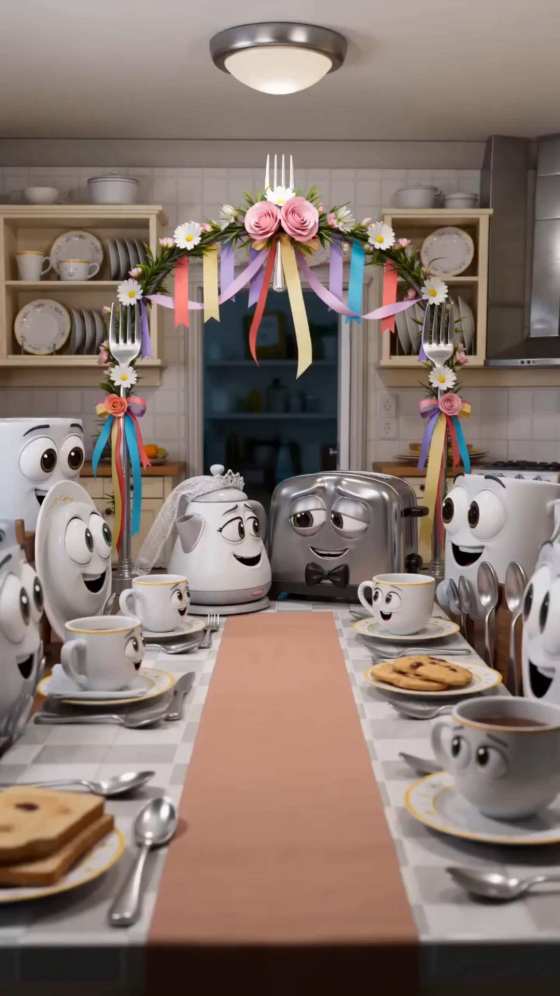
Turn fruits and vegetables into dramatic characters with AI. Generate hilarious memes or emotional AI fruit story videos where apples, bananas, and strawberries act out mini-dramas, revenge plots, or sad love stories. Just enter a prompt or upload a character image — AI generates a short viral video ready for TikTok, Shorts, or Reels.
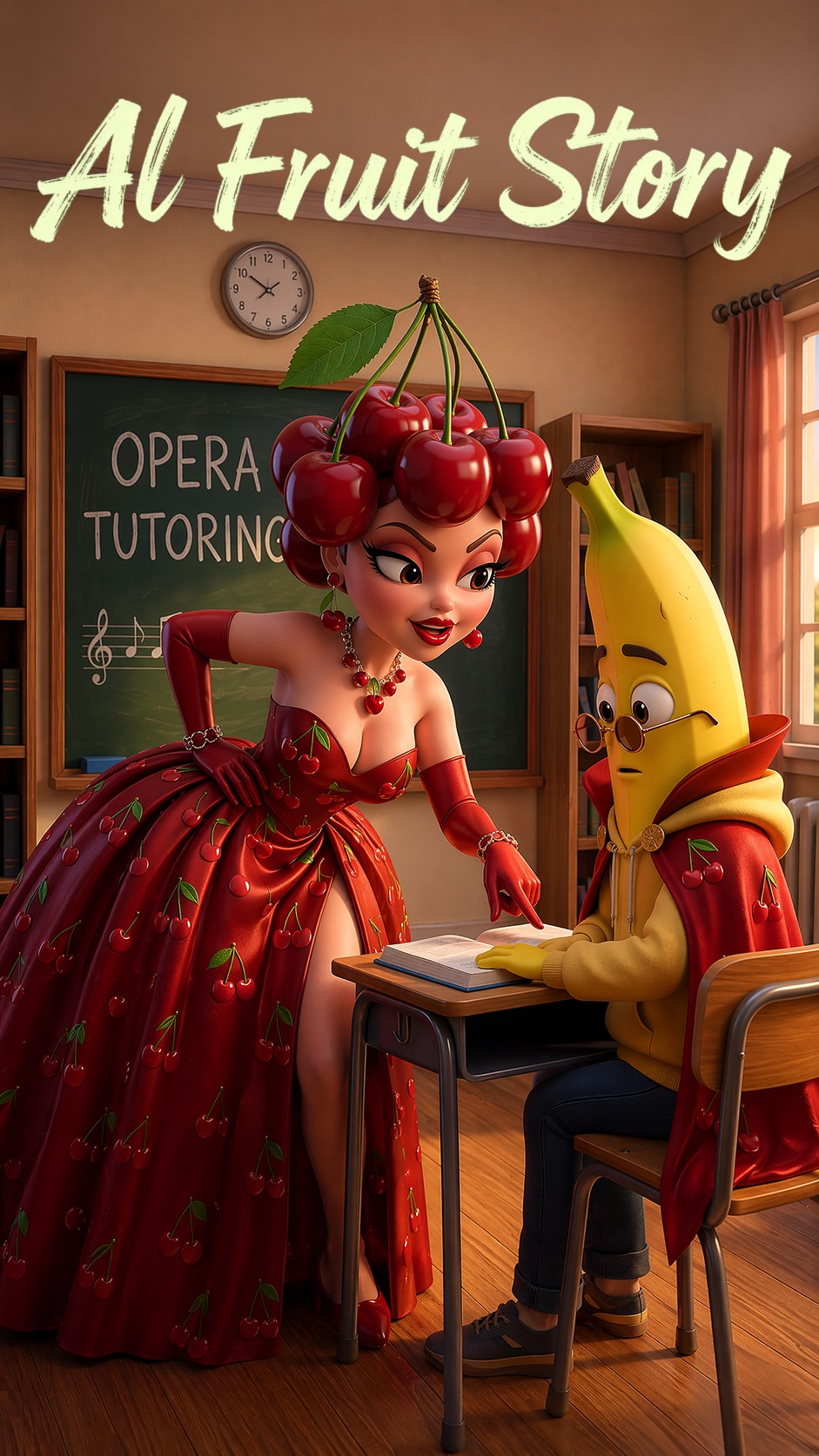
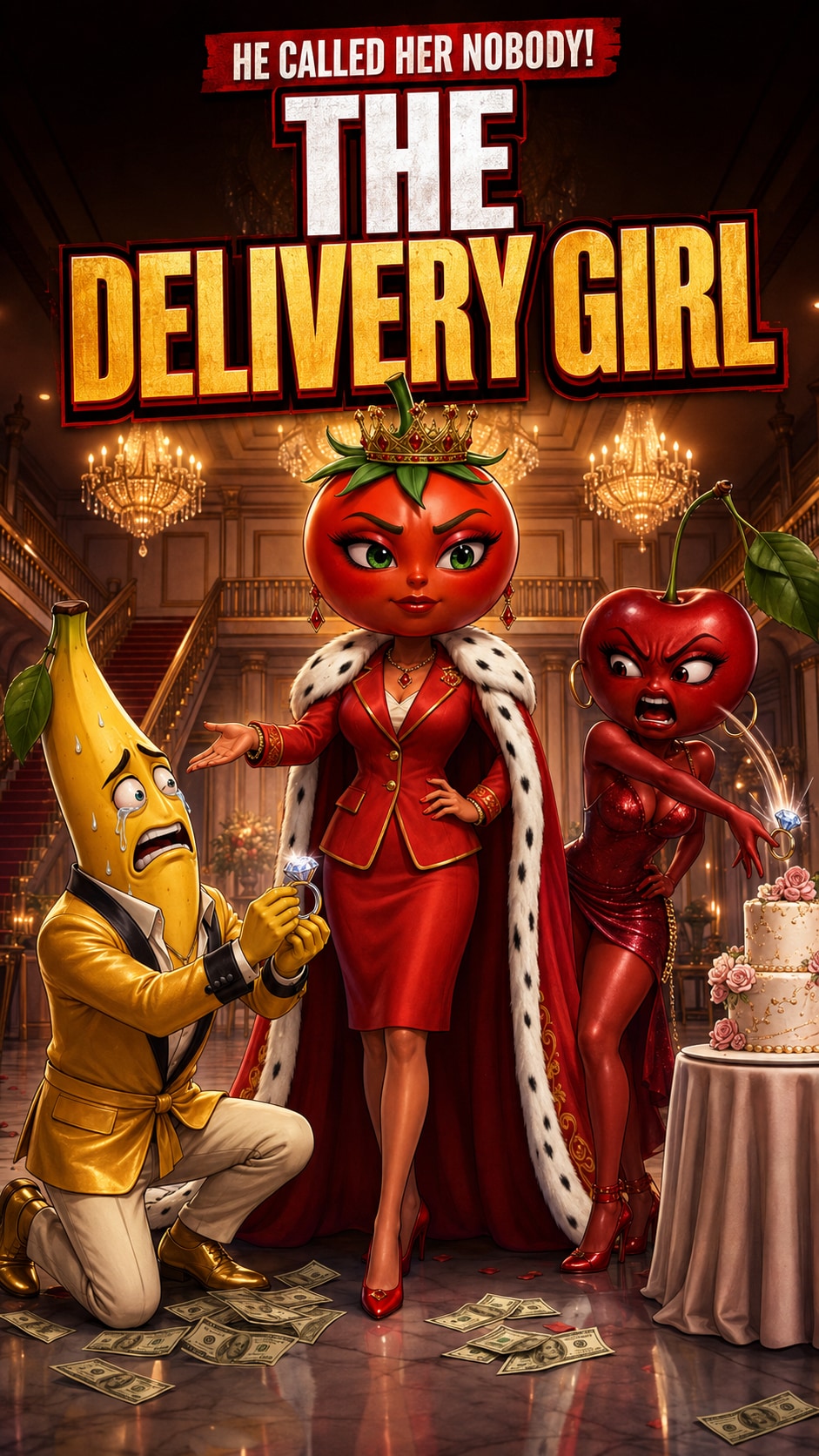
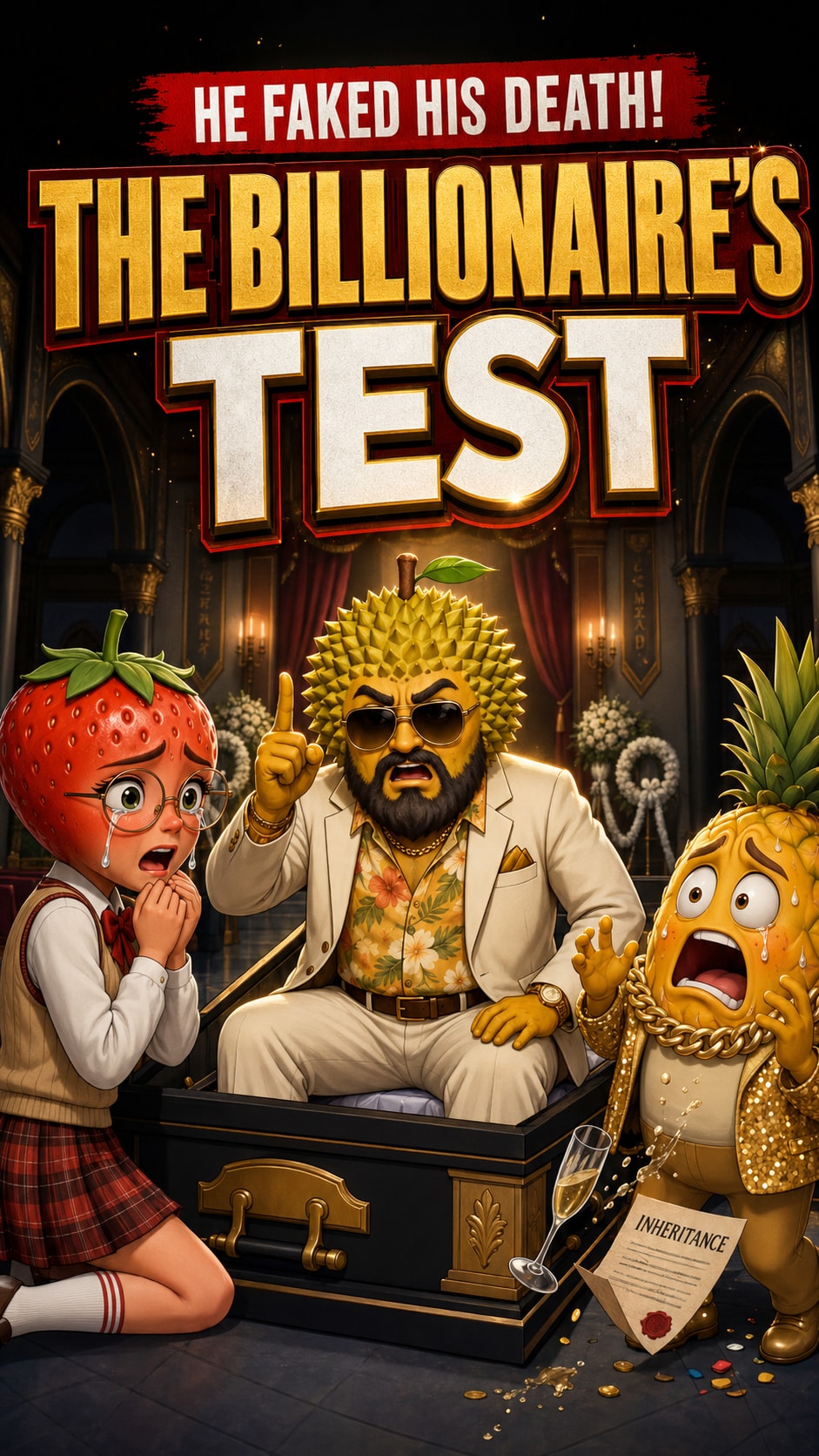
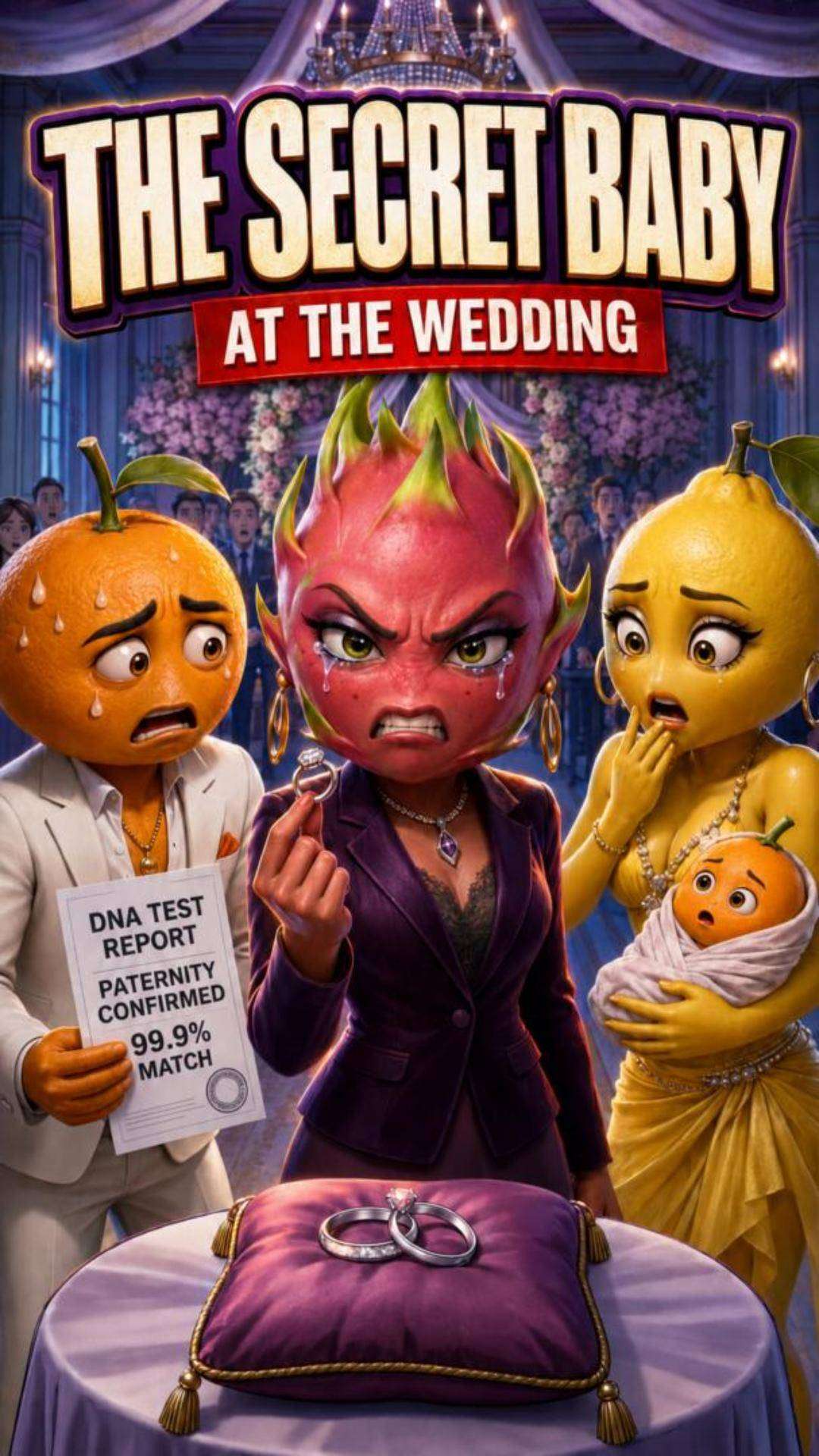


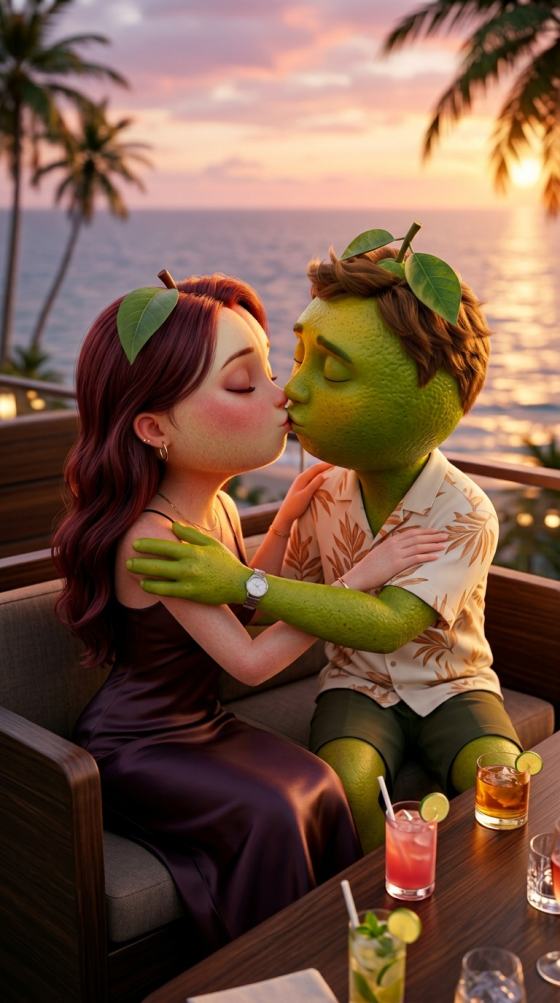

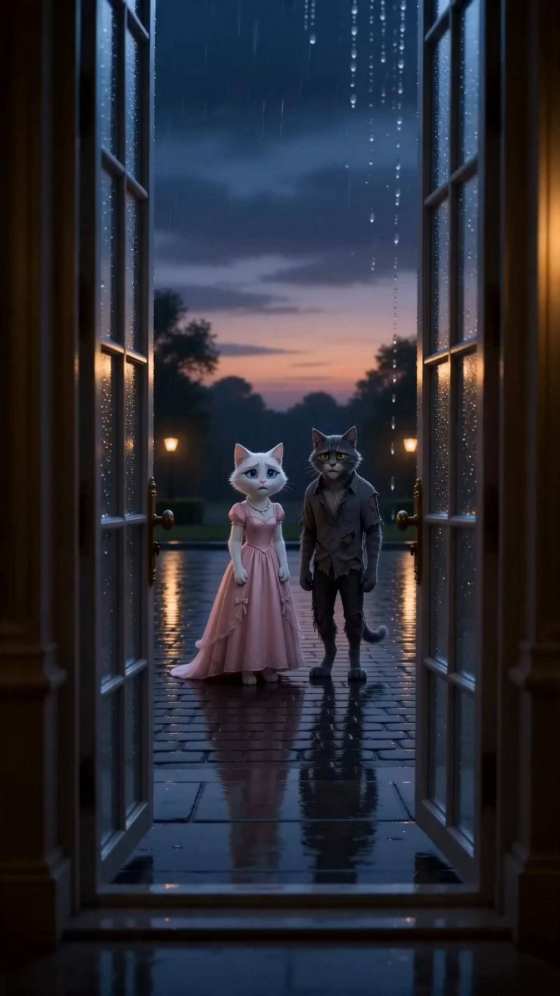
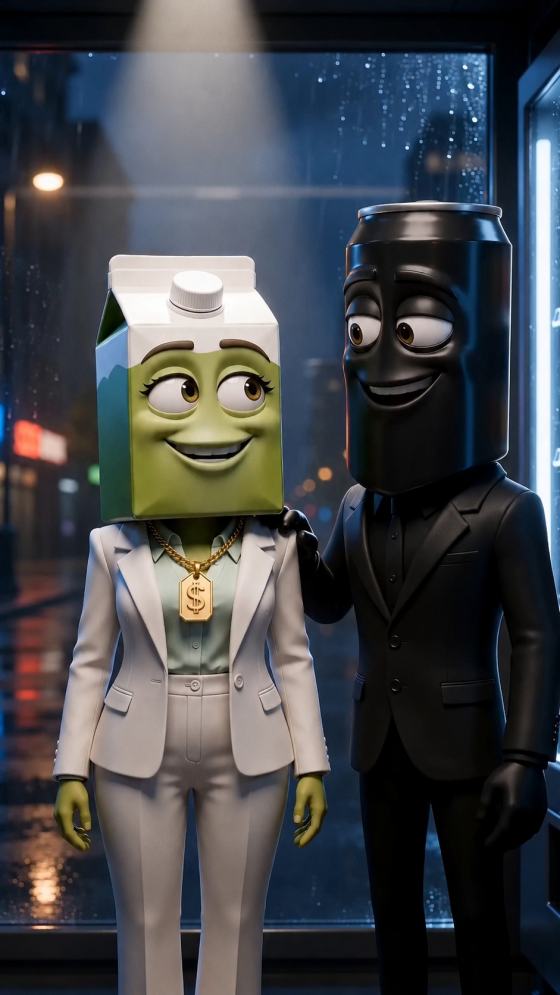
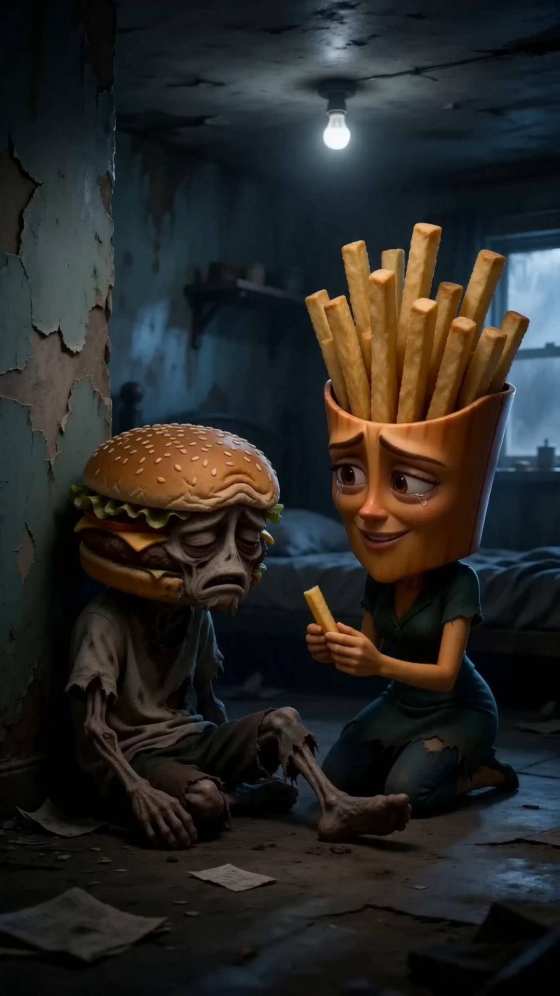

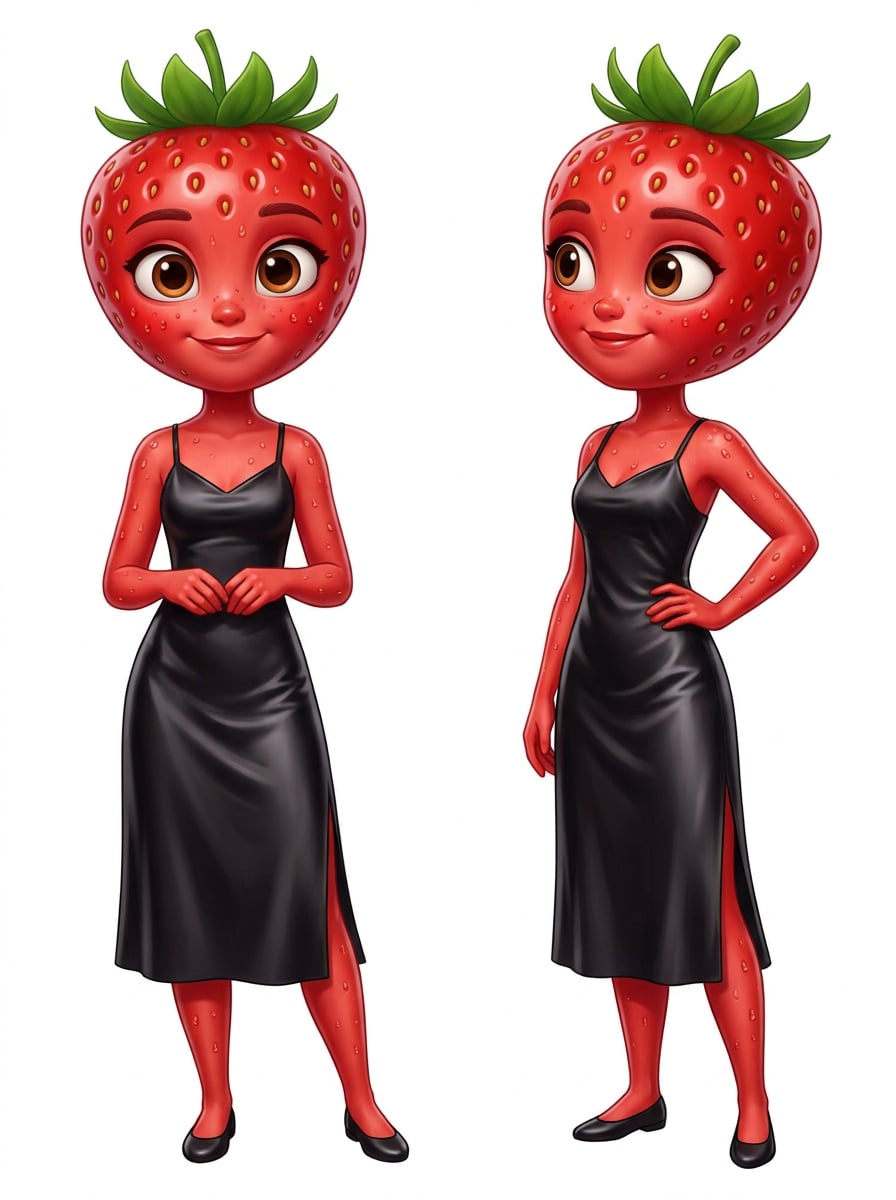
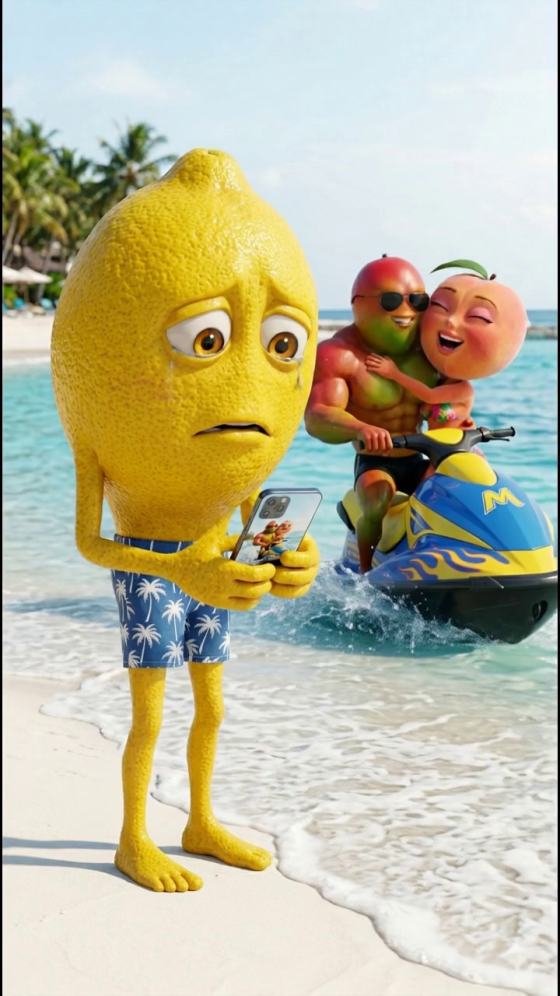


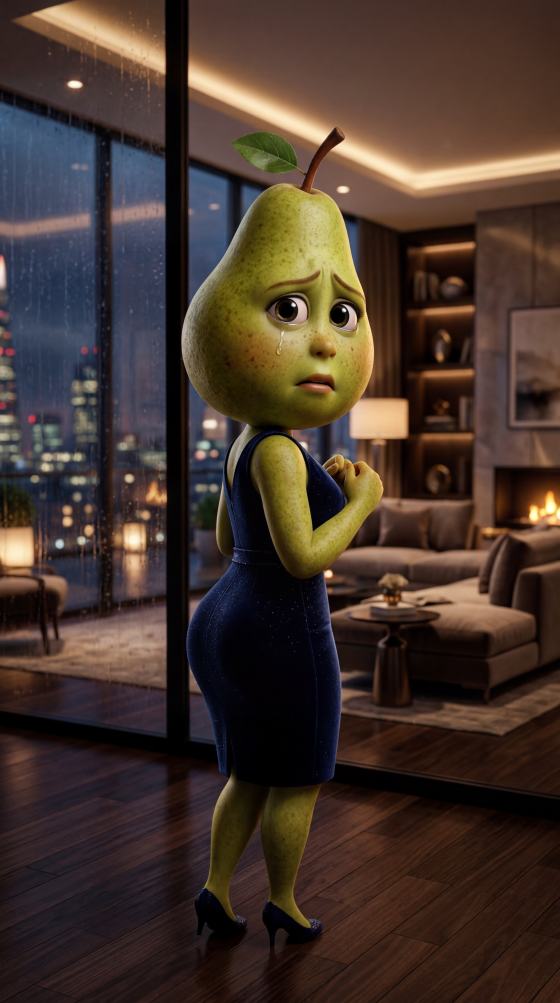
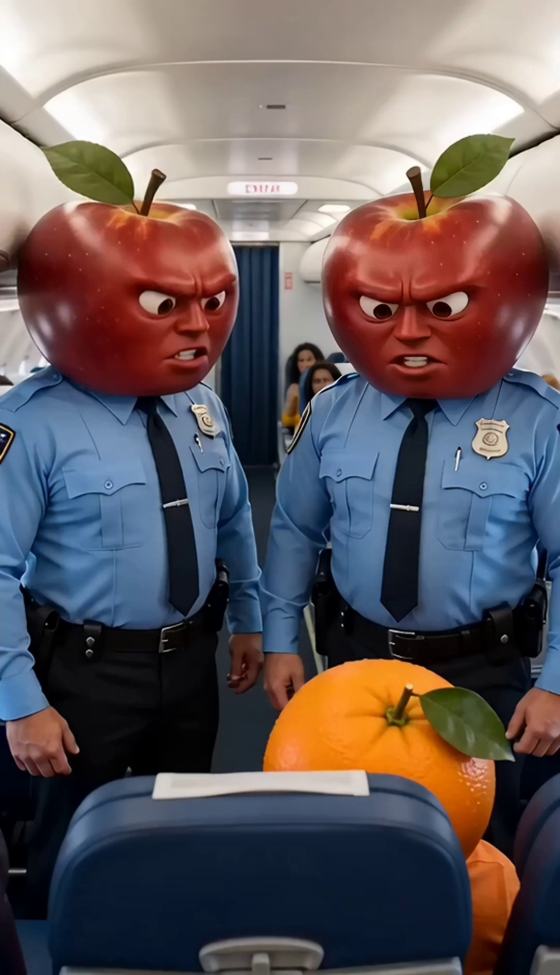
Looking for a TrendStory AI alternative? Turn scripts and ideas into AI story videos with characters, scenes, voiceovers, music, and subtitles using Media.io Script to Video. Or explore viral videos now for trending TikTok effects and creative video ideas.
Use Agent Mode for streamlined story generation or Structured Mode for scene planning. Output quality, character continuity, and available features depend on your project settings.
Start with a simple idea or full script. Media.io Script to Video helps organize scenes and generate story videos with visuals, voiceover, and optional music and subtitles.
Create AI characters or upload reference images, then reuse saved character assets across related projects. Review scenes to improve visual continuity.
Plan characters, narrative structure, and storyboard scenes before generation. Experiment with anime, realistic, and other visual directions.
Not every idea needs a full screenplay. Browse viral TikTok trends, meme formats, transformations, and popular AI video effects to find your next creative concept.
Describe a short drama, animation, or story concept. Choose Agent Mode for an automated workflow or Structured Mode for greater planning control.
Set up characters, add reference images, and review your storyboard. Choose visual styles and configure voiceover, music, or subtitles as available.
Generate your AI story video, preview the scenes, and refine your project as needed. Export for TikTok, Instagram Reels, or YouTube Shorts.
Media.io is an option for AI-assisted story videos. Its Script to Video workflow offers Agent Mode, Structured Mode, character creation, storyboarding, and audio options. Choose based on the workflow and creative control you need.
Yes. Enter a script or story idea in Media.io Script to Video. Agent Mode helps automate production, while Structured Mode lets you review characters and storyboard scenes. Results depend on the project and generation settings.
Media.io supports character creation, reference images, and reusable character assets in its structured workflow. These features can improve continuity, but identical appearance in every generated scene is not guaranteed.
Visit the Viral TikTok Trends collection, browse available effects and video ideas, and select a suitable creation workflow. Customize your input and review the output before sharing. A trending style does not guarantee engagement.
Media.io offers online AI video creation, but free credits, feature availability, export options, and pricing vary by workflow and model. Check current product terms before generating.
See what creators are making on TikTok, Reels & Shorts — watch the effects and try your next viral idea.