AI Lockscreen Wallpaper Editing Prompts | Media.io

Copy free AI lockscreen wallpaper editing prompts for iPhone, Samsung, and iOS. Upload a photo and create a personalized phone background online.
All Submissions

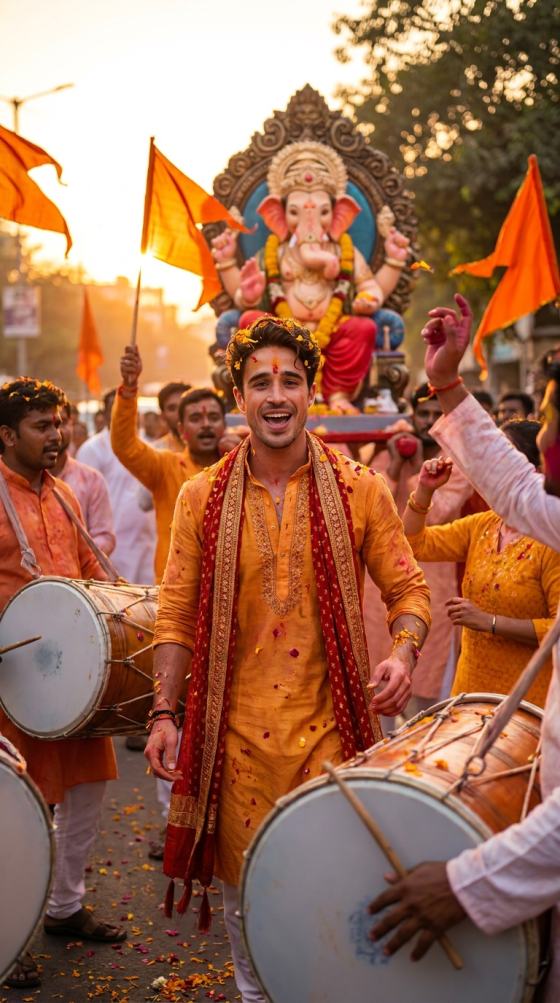
ChatGPT Ganesh Chaturthi AI Photo Editing Prompt

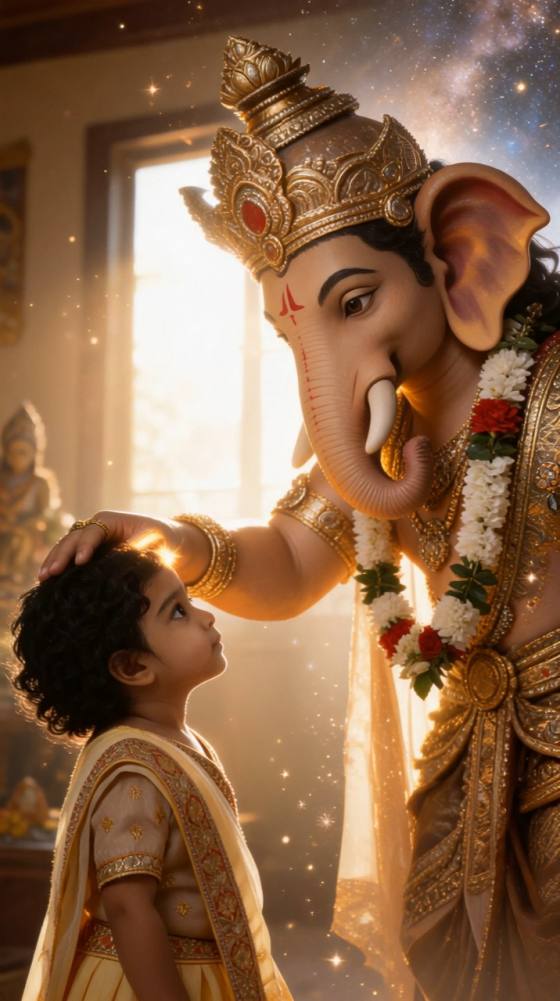
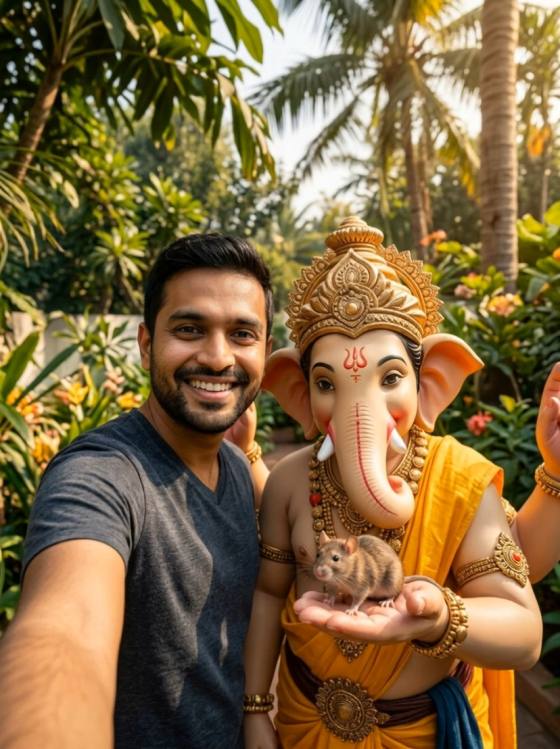
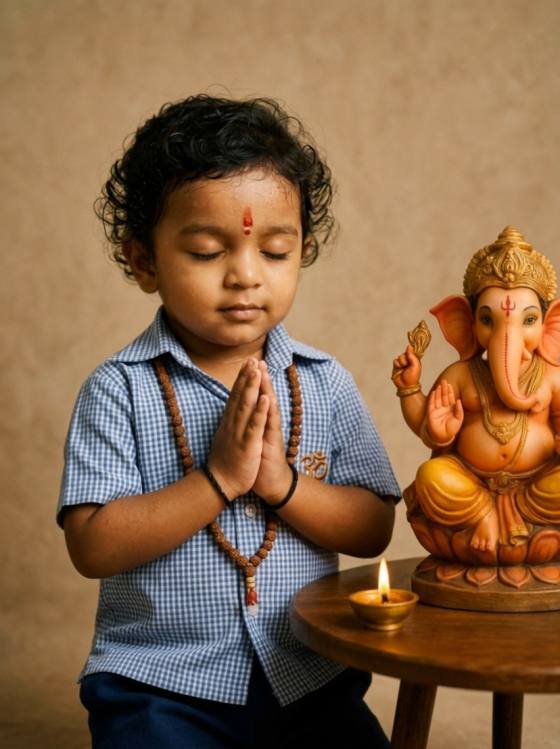
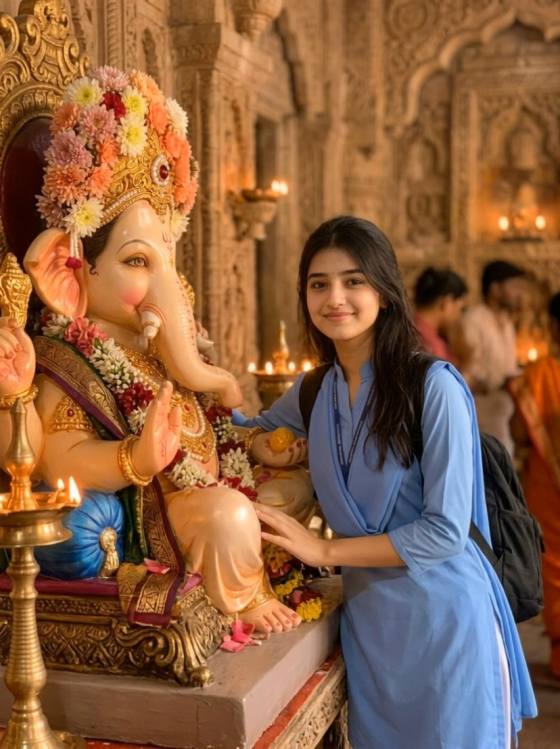
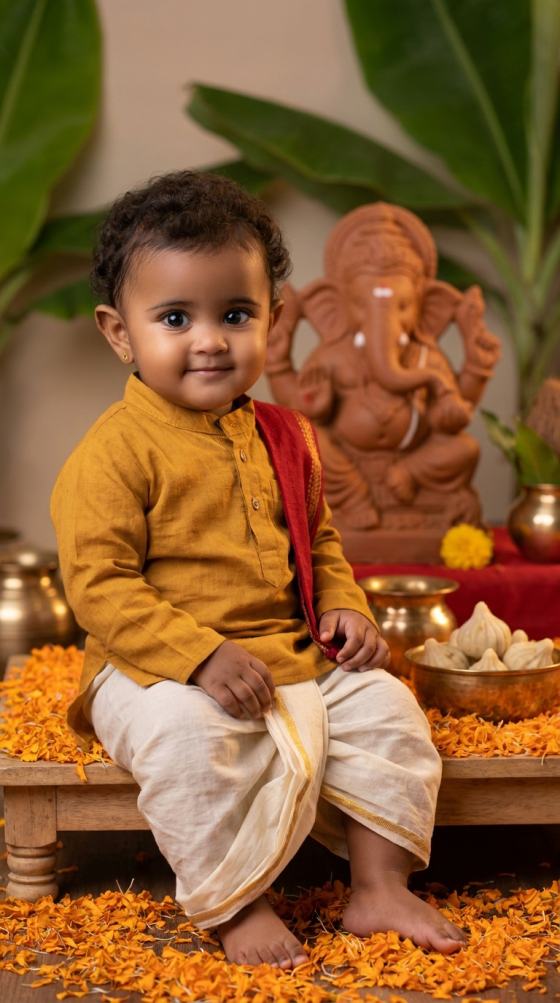
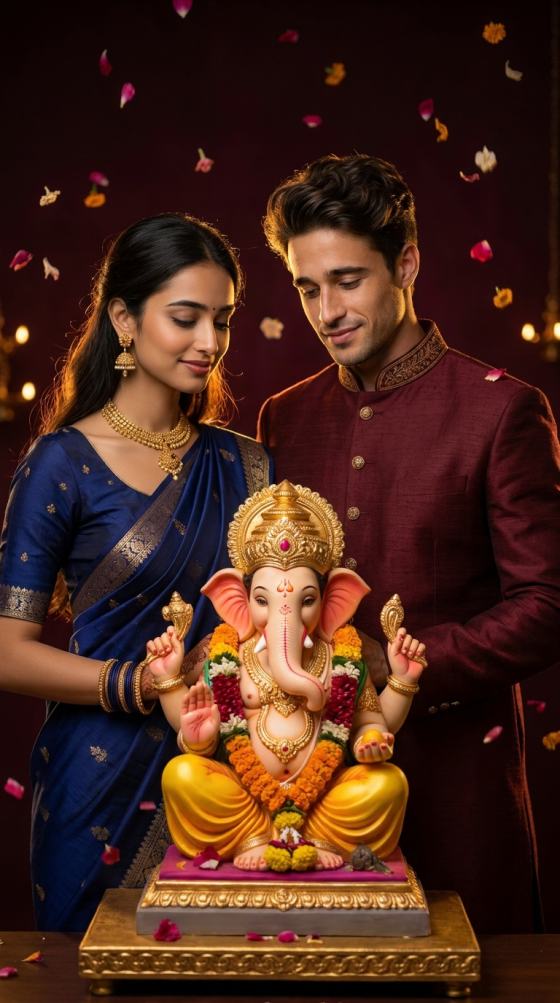
Turn an everyday portrait into a festive Ganesh Chaturthi AI photo with realistic face matching, devotional settings, and cinematic detail. Copy a ready-to-use Ganesh Chaturthi ChatGPT prompt, upload your photo, and create social-ready Lord Ganesha edits online.

Create Ganesh Chaturthi AI Photo

Free credits on signup.

Why Use Media.io for ChatGPT Ganesh Chaturthi AI Photo Editing Prompts

Face-Match Portrait Editing

Keep the uploaded person recognizable while changing clothing, background, lighting, and Ganesh Chaturthi styling. It is ideal for creators looking for ChatGPT photo editing prompts face match instead of a totally new AI character.

Lord Ganesha Festival Scenes

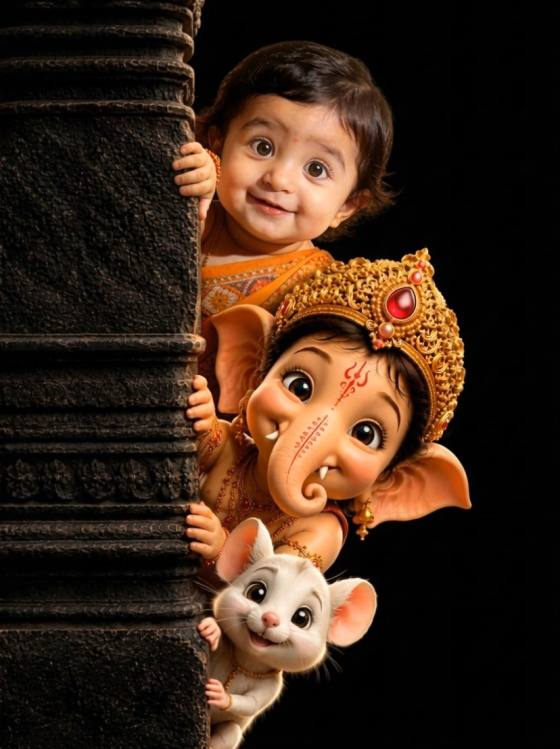
Use a detailed Lord Ganesha AI prompt for idol portraits, aarti moments, marigold decorations, temple-inspired settings, and warm home puja scenes with more natural subject-to-background integration.

Instagram-Ready Photo Styles

Turn ChatGPT photo editing prompts for Instagram into 4:5 portraits, warm orange-gold edits, devotional DPs, reel covers, and premium poster compositions with clean visual hierarchy.

Easy Prompt Customization

Start from a copy-paste Ganesh Chaturthi ChatGPT prompt and quickly adjust gender, outfit, pose, idol scale, camera angle, lighting, or poster style for cleaner and more realistic results.

Popular Ganesh Chaturthi AI Photo Editing Ideas

Ganesh Chaturthi Instagram Portraits

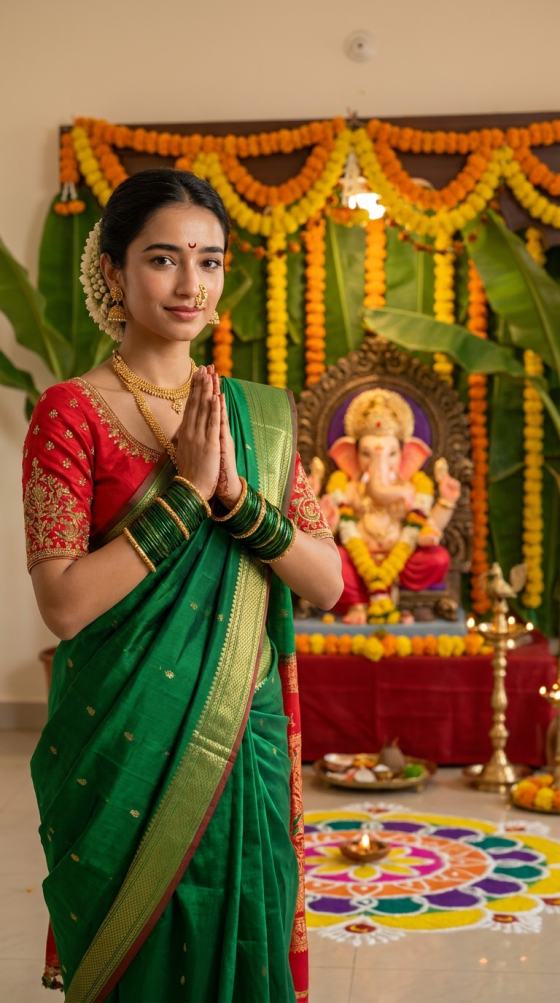
Create polished festive portraits with traditional kurtas, sarees, jewelry, warm diya lighting, marigold decor, and a respectfully framed Ganesh idol for Instagram posts, stories, and profile photos.

Devotional Lord Ganesha Photo Edits

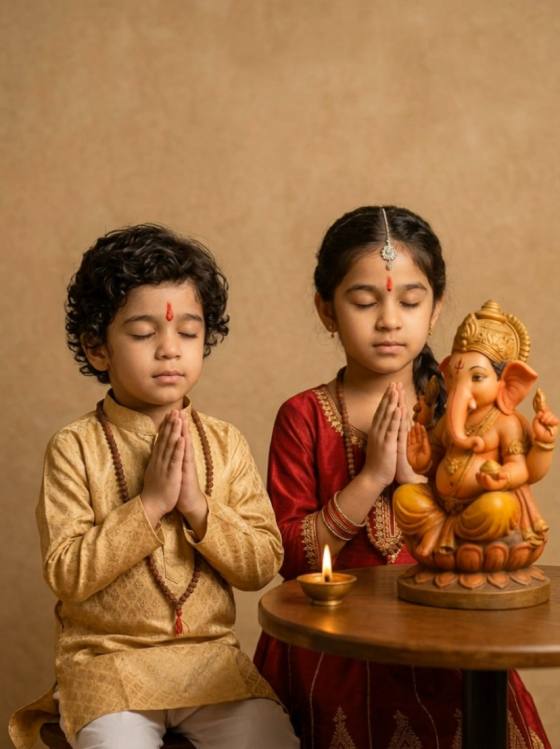
Generate calm devotional scenes such as offering flowers, holding an aarti thali, sitting beside Ganpati, or posing in a temple-inspired setting with natural body language and realistic face preservation.

Viral Ganesh AI Posters & Reel Covers

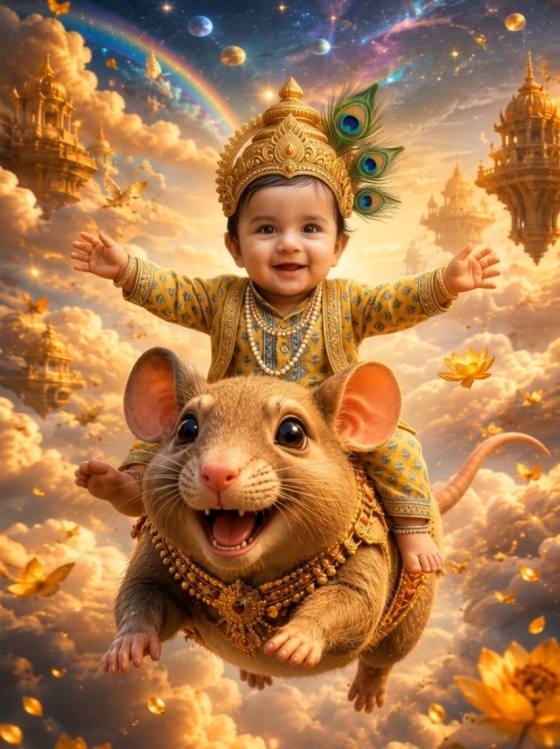
Use ChatGPT viral photo editing prompts to create cinematic festival posters, thumbnails, reel covers, and greeting visuals with bold orange-gold lighting, depth, and clean headline space.

How to Use a Ganesh Chaturthi ChatGPT Prompt for Photo Editing

01

Step 1: Upload a Clear Portrait

Choose a front-facing or three-quarter portrait with a clearly visible face, natural lighting, and minimal blur. A clean source image gives the AI more facial detail to preserve.

02

Step 2: Copy a Ganesh Chaturthi Prompt

Pick a prompt for a temple portrait, Lord Ganesha idol scene, aarti moment, traditional outfit, cinematic poster, or Instagram edit. Add explicit face-preservation instructions and your preferred aspect ratio.

03

Step 3: Generate, Refine & Download

Generate the edit, compare variations, and refine only the details that need improvement. Export the best result for Instagram, WhatsApp, festival greetings, thumbnails, or profile photos.

What Creators Say About Ganesh Chaturthi AI Photo Editing

user
Aarav Mehta

Instagram Creator

“Face match stayed natural” I wanted a Ganesh Chaturthi post that still looked like my real portrait. Adding explicit face-preservation instructions made the result much more usable, while the warm temple lighting and marigold background kept it festive.

user
Priya Nair

Lifestyle Creator

“Beautiful festive portrait style” The prompt gave me a clear way to control the saree, jewelry, Ganpati placement, and lighting. Using a 4:5 composition made the final image feel ready for Instagram with almost no extra cropping.

user
Rohan Patel

Social Media Designer

“Easy prompts to customize” I could take one base Ganesh Chaturthi ChatGPT prompt and quickly make versions for aarti, temple portraits, and cinematic posters. Changing only the pose, outfit, and background kept the workflow fast.

FAQs About ChatGPT Ganesh Chaturthi AI Photo Editing Prompts

1. What is a ChatGPT Ganesh Chaturthi AI photo editing prompt?

A ChatGPT Ganesh Chaturthi AI photo editing prompt is a detailed instruction used to transform or generate a portrait with Ganesh Chaturthi styling. A strong prompt usually describes the uploaded person, facial identity preservation, traditional clothing, Lord Ganesha placement, temple or home decorations, marigold flowers, diyas, lighting, camera framing, and image style. For image-to-image editing, explicitly ask the model to preserve the exact facial identity, skin tone, hairstyle, and key facial features of the uploaded person.

2. How do I get a better face match with ChatGPT photo editing prompts?

For stronger ChatGPT photo editing prompts face match, start with a clear portrait where the eyes, nose, mouth, jawline, and hairstyle are easy to see. Ask the model to preserve the person’s exact facial identity, age, skin tone, hairstyle, and natural proportions. Avoid changing too many identity-related details at once. If the first result drifts, add: “Do not beautify, reshape, or replace the face. Keep the uploaded person immediately recognizable.”

3. Can I use these ChatGPT photo editing prompts for Instagram?

Yes. ChatGPT photo editing prompts for Instagram can be adapted for posts, reel covers, stories, profile photos, and festive greetings. For feed posts, request a vertical 4:5 composition with the face in the upper-middle area. For stories or reels covers, use 9:16 and keep important faces away from the extreme top and bottom. If you plan to add a greeting later, ask the AI to leave clean headline space instead of generating text inside the image.

4. What should I include in a Lord Ganesha AI prompt for realistic photo editing?

A useful Lord Ganesha AI prompt should define the person, Ganpati setting, interaction, visual style, and technical composition. For example: a young man in a cream kurta, seated beside a decorated Lord Ganesha idol, gently holding flowers, warm diya lighting, realistic photography, shallow depth of field, and a 4:5 portrait crop. For image-to-image editing, add face-preservation language plus requests for anatomically natural hands, respectful devotional body language, realistic fabric texture, and balanced scale between the person and the idol.
5. Where can I download or copy a ChatGPT Ganesh Chaturthi AI photo editing prompt?

If you are searching for a ChatGPT Ganesh Chaturthi AI photo editing prompt download, you can copy a ready-to-use prompt directly from this page and paste it into an image-capable workflow such as Media.io or ChatGPT. Replace outfit colors, pose, gender, background, camera angle, or poster style before generating. Upload your reference photo, create a version, then refine the prompt based on the result rather than rewriting everything from scratch.

Media.io Online AI Tools Quality Rating:
vote4.7 (162,357 Votes)