
Generador de fotos con IA realista y gratuito
Crea retratos realistas, imágenes de productos y escenas de estilo de vida con iluminación, textura y detalle fotográficos a partir de prompts sencillos.
 ToMoviee Lite
Usa el generador de fotos con IA gratuito de Media.io para generar fotos con IA gratis en línea en segundos. Crea retratos, tomas de producto, elementos visuales para redes sociales y escenas realistas con un generador de fotos con IA realista y gratuito para creadores, marketers y usuarios cotidianos.
Generador de fotos con IA gratis online para retratos realistas, productos y contenido visual para redes sociales.
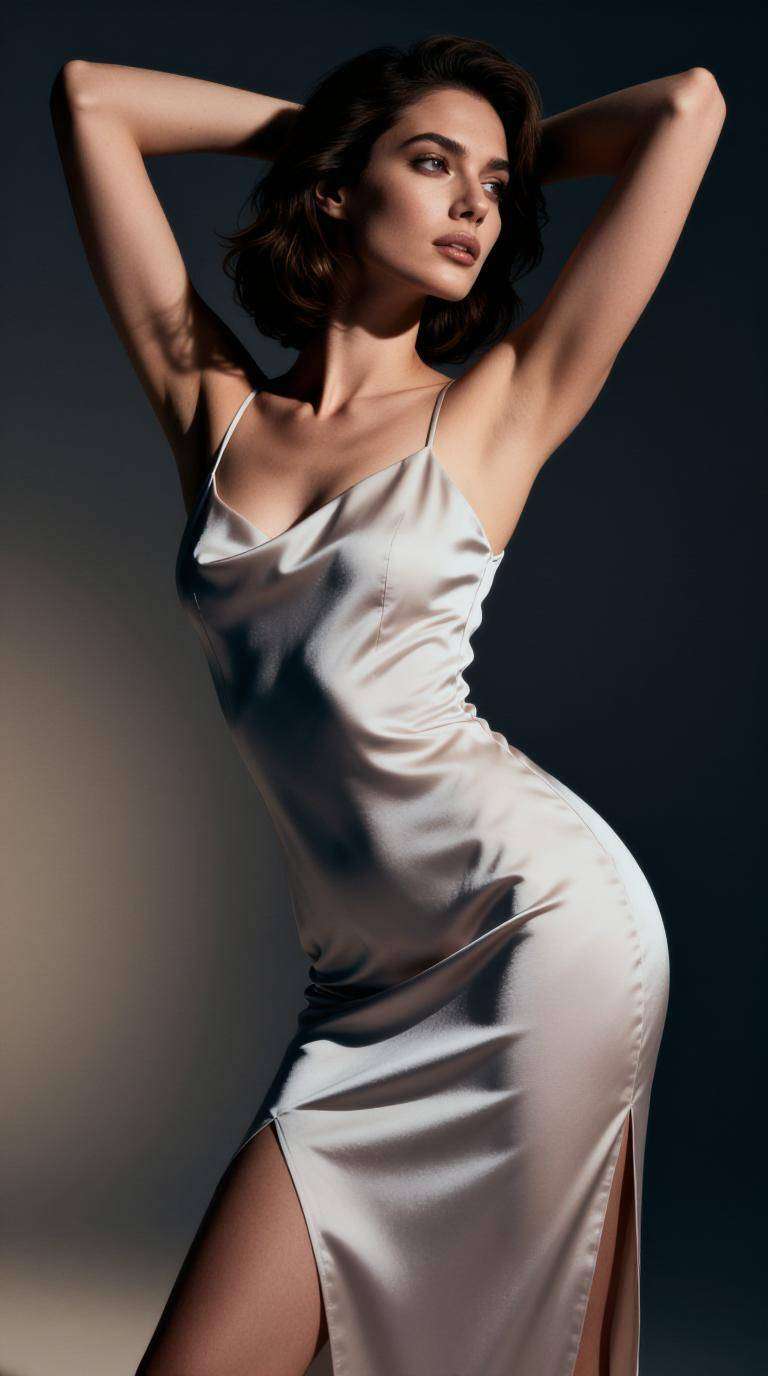
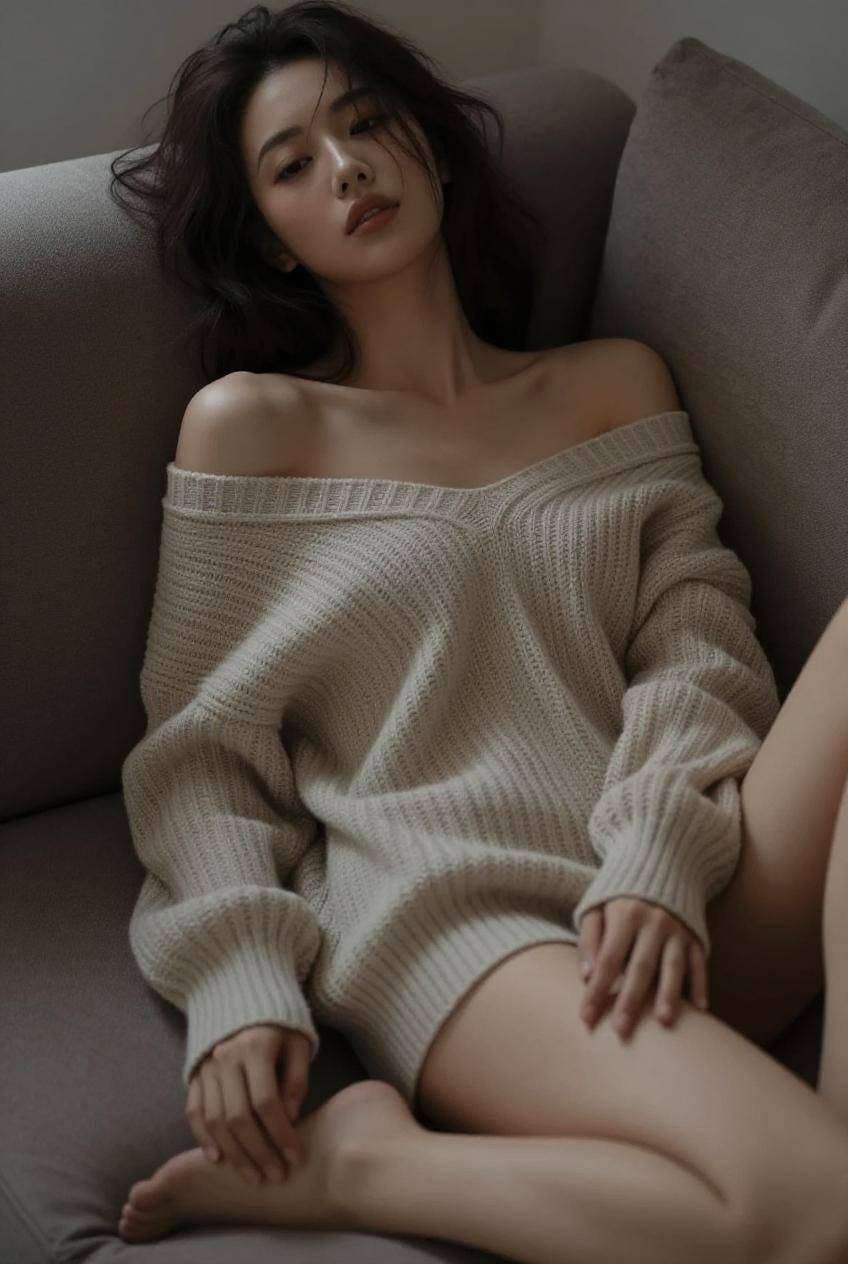
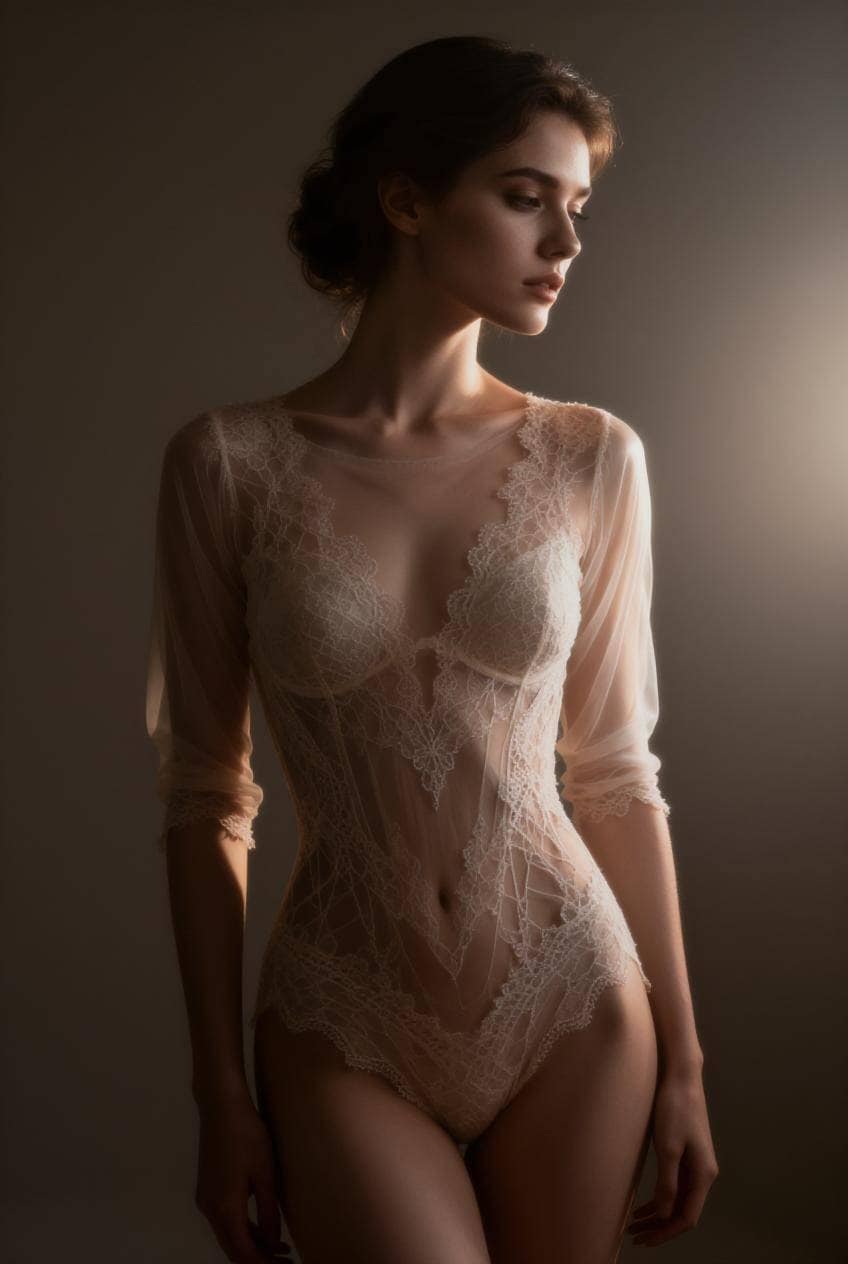
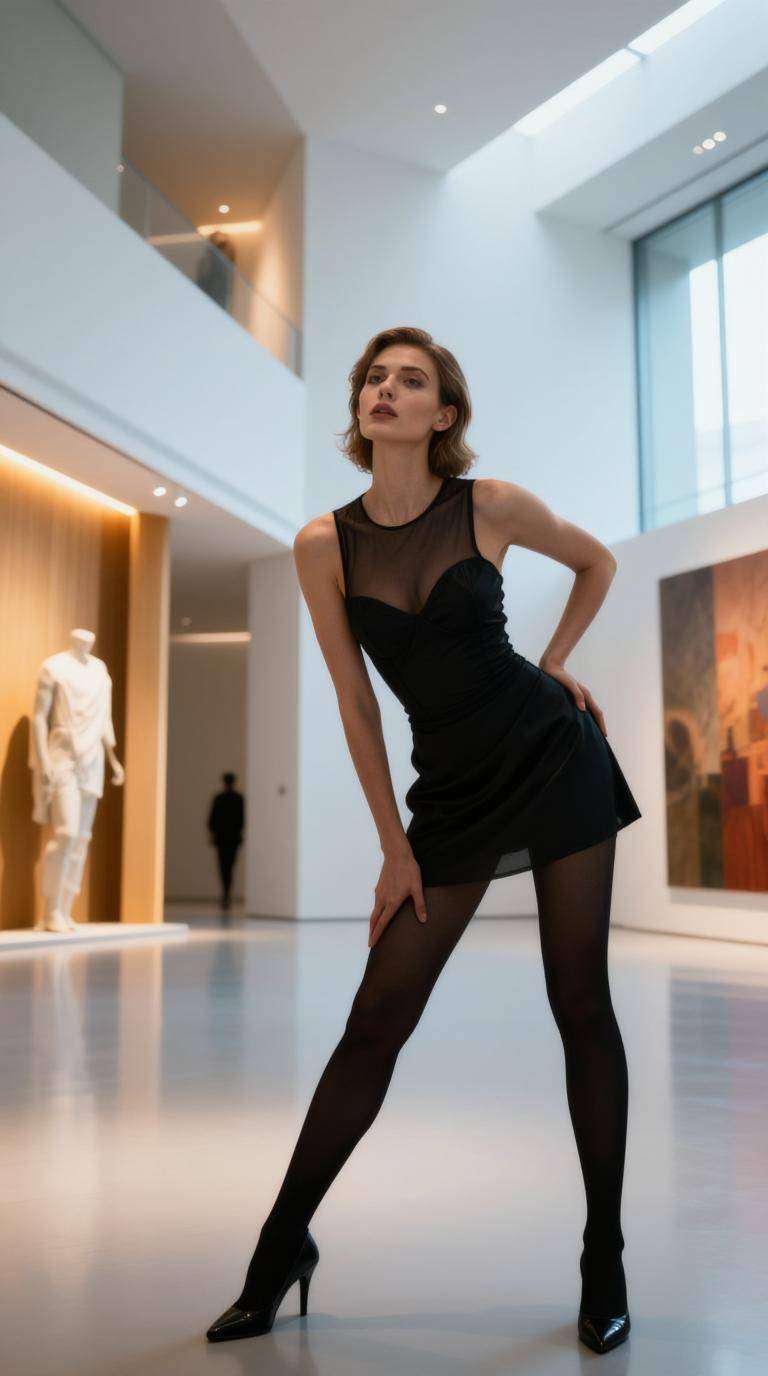
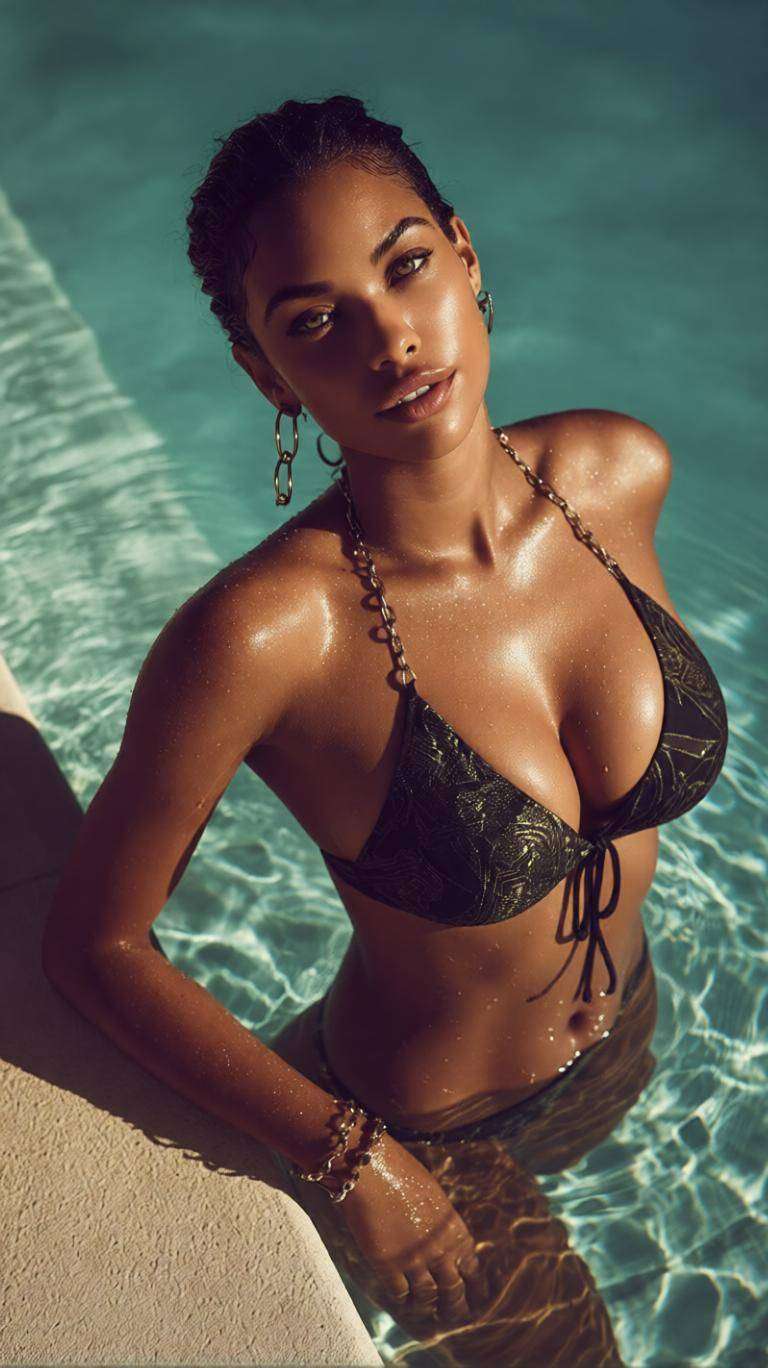
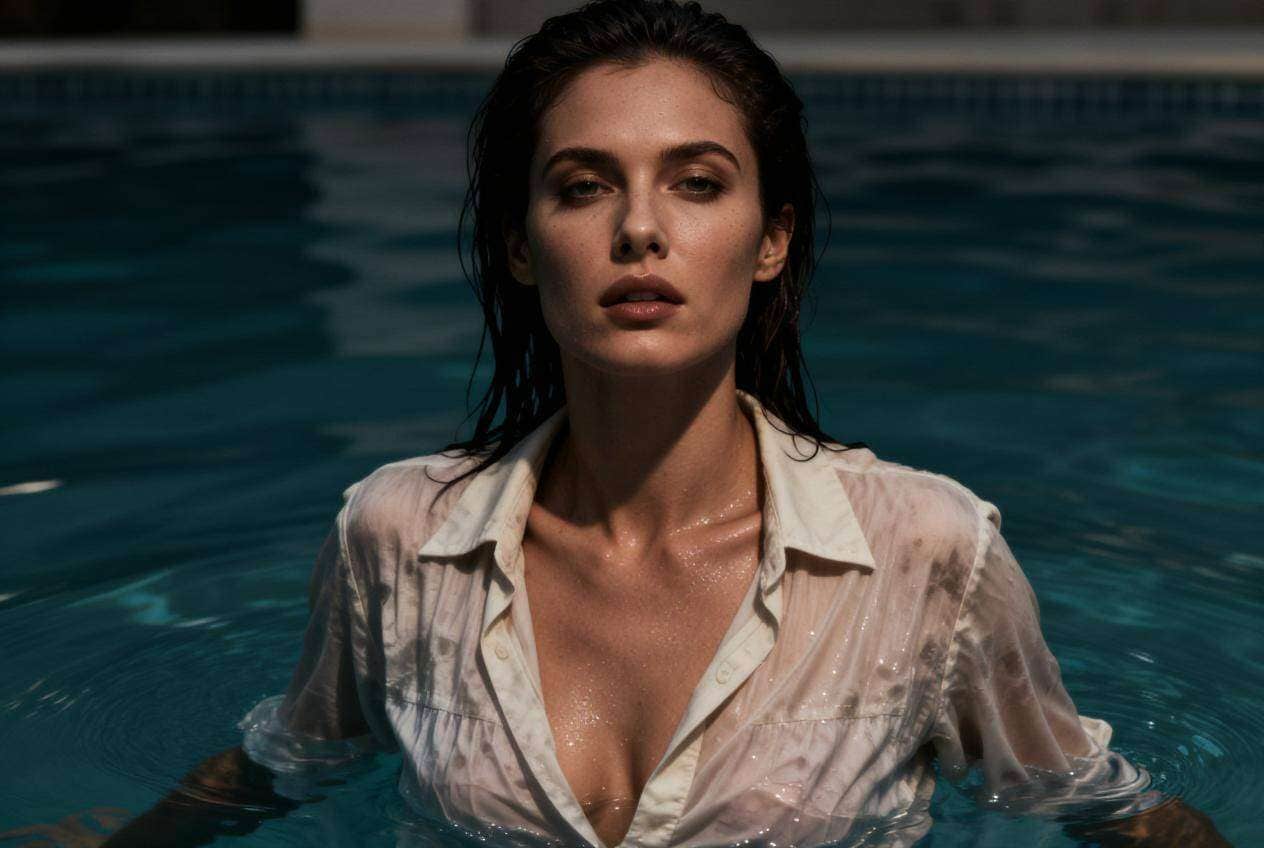
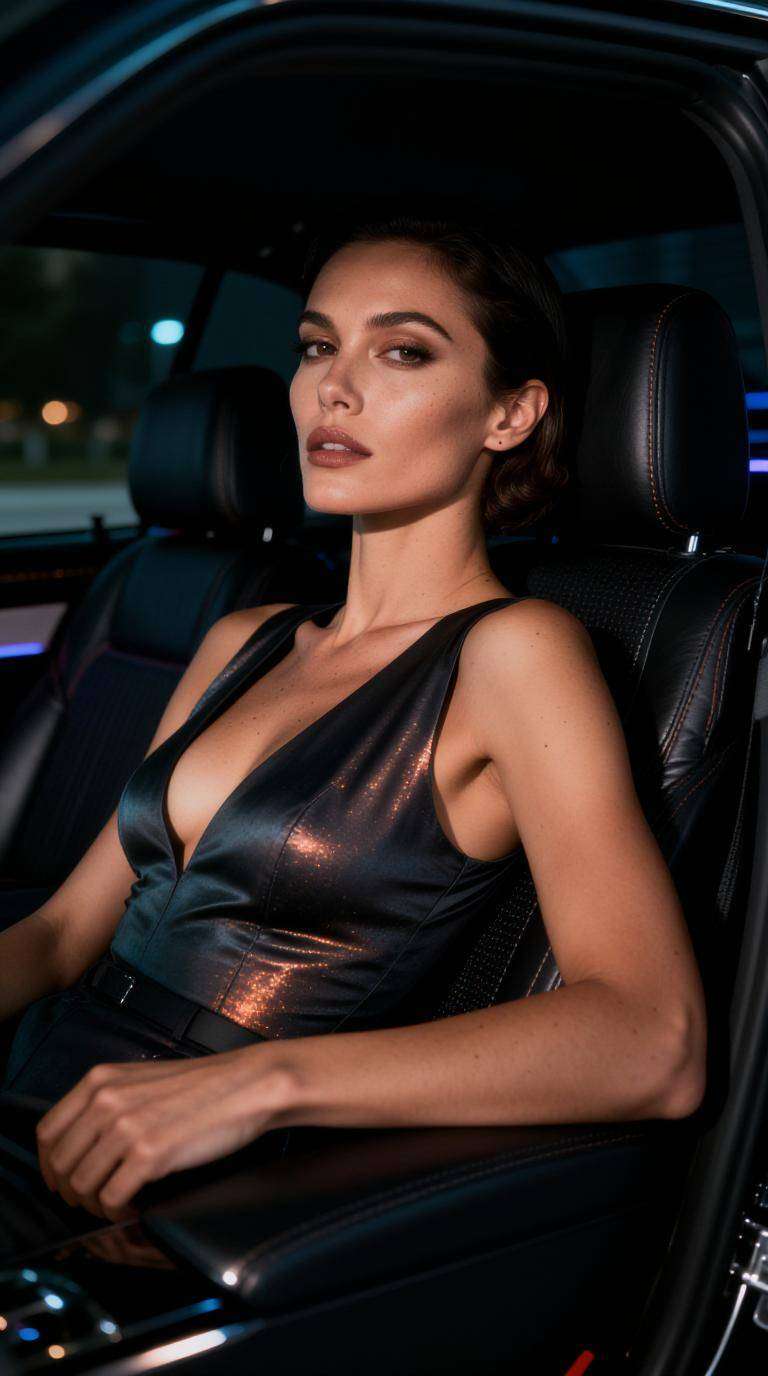
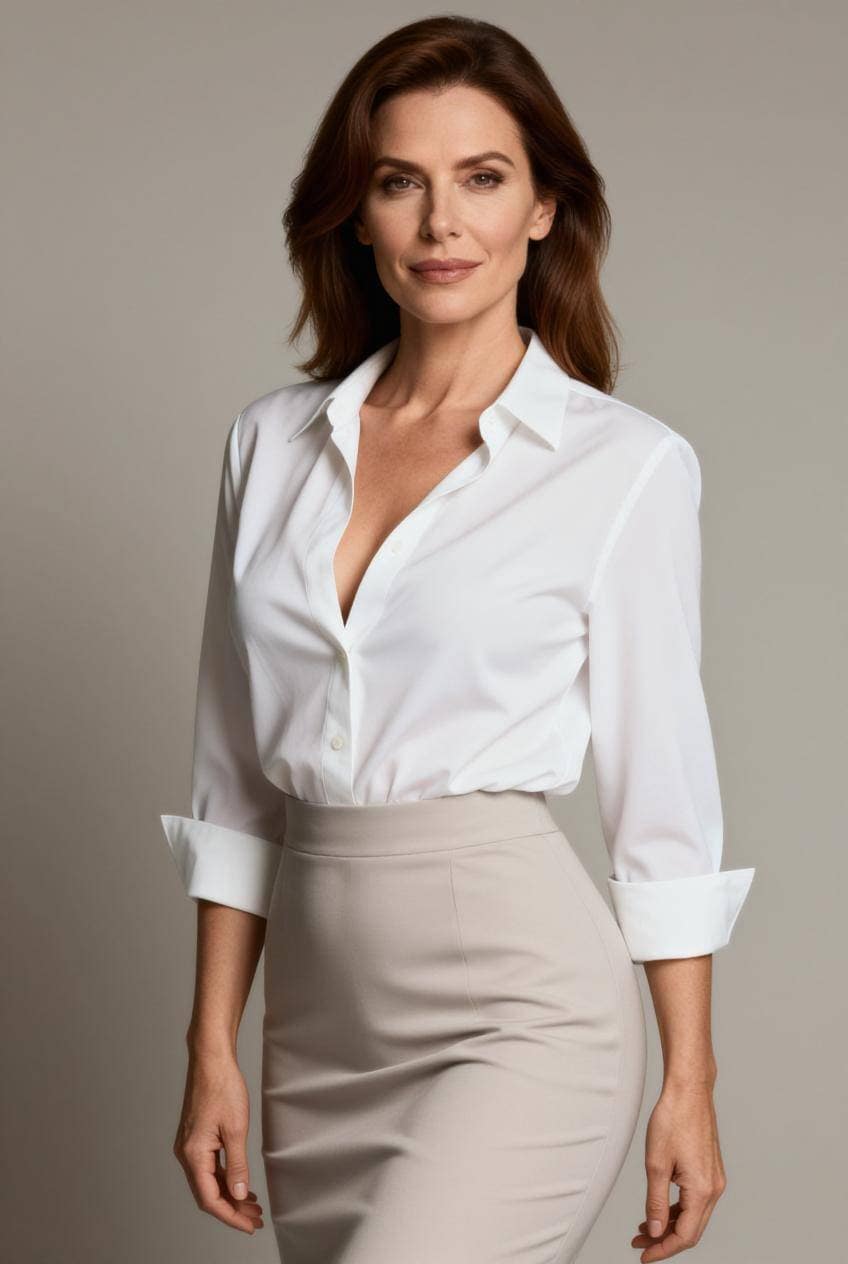
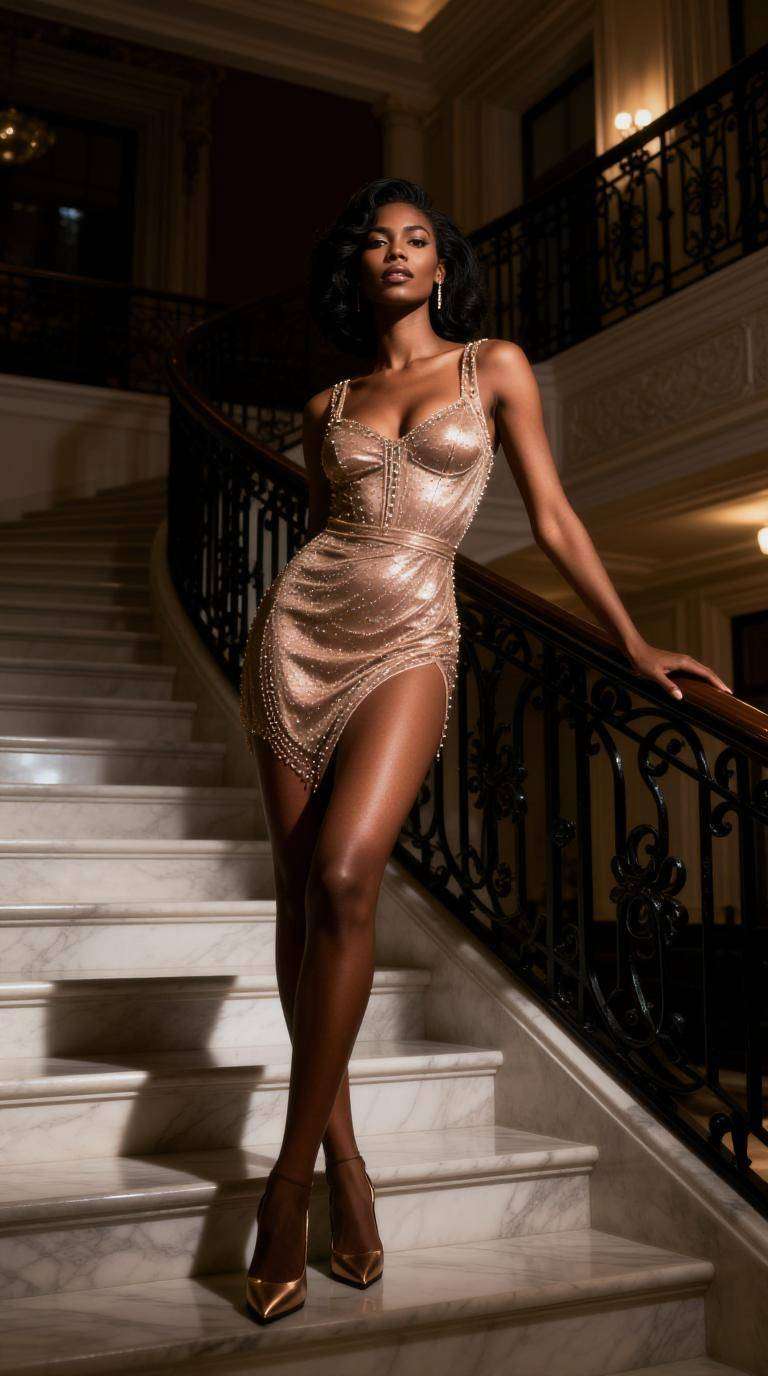
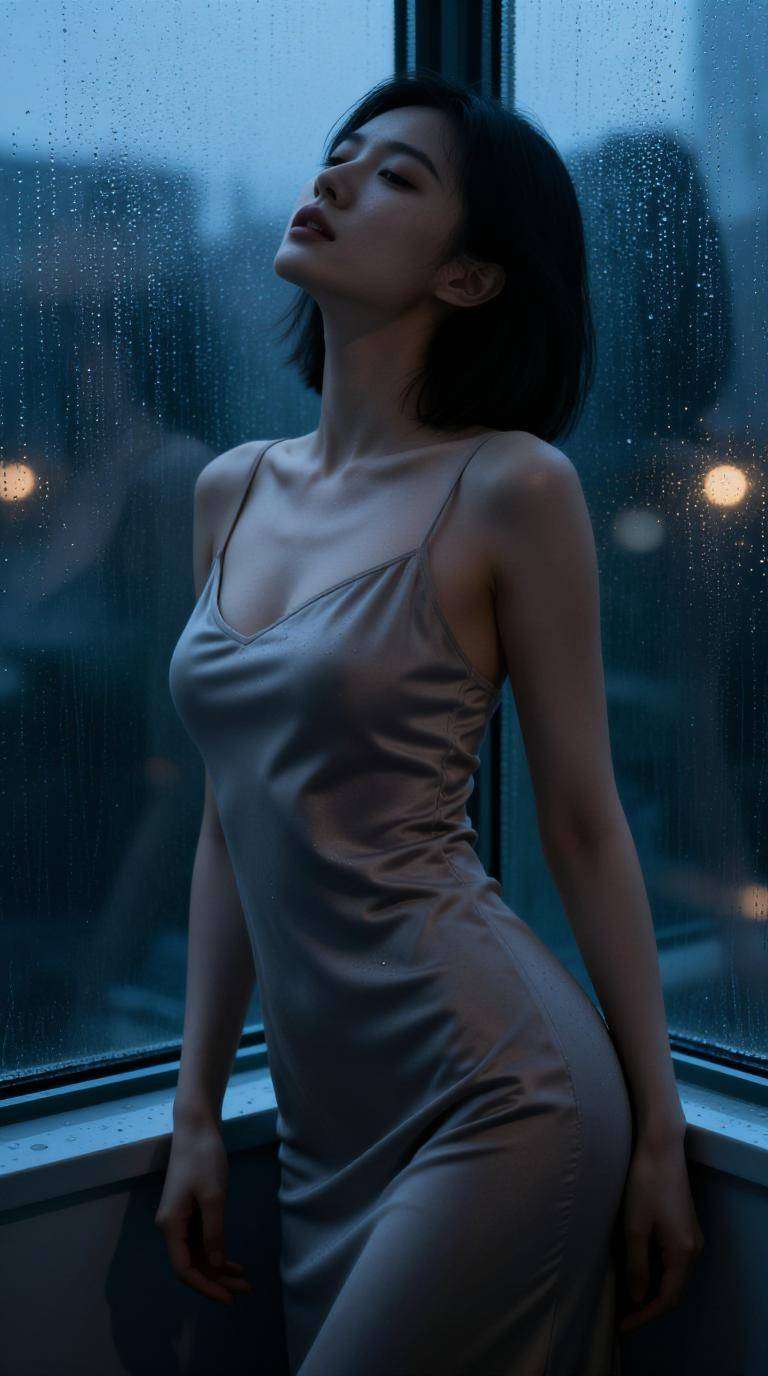
Inspiración de fotos con IA: Genera fotos con IA realistas gratis online para retratos, productos, contenido visual de campañas y conceptos creativos.
Crea retratos realistas, imágenes de productos y escenas de estilo de vida con iluminación, textura y detalle fotográficos a partir de prompts sencillos.
Convierte indicaciones breves en elementos visuales utilizables en segundos para redes sociales, campañas, tableros de conceptos y proyectos creativos.
Genera retratos, fotos de productos, tomas editoriales, escenas de estilo de vida y contenido visual de marca con un solo flujo de trabajo basado en prompts.
No necesitas equipo fotográfico ni experiencia en diseño. Solo describe tu idea y genera fotos con IA gratis con facilidad.
Describe el sujeto, el estilo fotográfico, la iluminación, el escenario, el ángulo y el ambiente visual. Cuanto más específico sea el prompt, más preciso será el resultado.
Opta por retrato realista, fotografía de producto, escena de estilo de vida, foto cinematográfica o estilo visual de marca según tu objetivo.
Haz clic en generar, revisa los resultados y descarga la foto con IA que mejor se adapte a tu proyecto, campaña o plan de contenido.

Profesional del marketing

"Ideas rápidas de fotos para campañas" Usé Media.io para generar fotos con IA gratis online para pruebas de anuncios, y me ayudó a pasar de borradores a conceptos creativos utilizables mucho más rápido que buscando imágenes de stock.
Vendedor de comercio electrónico
"Útil para elementos visuales de producto" Necesitaba imágenes de estilo lifestyle para productos antes de una sesión fotográfica real. El flujo de trabajo del generador de fotos con IA realista y gratuito me proporcionó maquetas visuales sólidas para probar ángulos y presentación.
Creador de contenido
"Resultados fáciles y realistas" Quería imágenes llamativas sin herramientas complejas. Media.io hizo que fuera sencillo generar fotos con IA gratis que lucían lo suficientemente pulidas para publicaciones, portadas y proyectos creativos.
Un generador de fotos con IA gratis online es una herramienta que crea imágenes con estilo fotográfico a partir de prompts escritos. En lugar de tomar una foto real, describes el sujeto, la escena, la iluminación y el ambiente, y la IA genera una imagen que coincide con tu idea.
En muchos casos, sí, especialmente para maquetas de marketing, creación de contenido, elementos visuales de producto, publicaciones en redes sociales y conceptos de campaña. Aun así, debes seguir los términos de uso de la plataforma para el despliegue comercial final. La página de texto a imagen de Media.io indica explícitamente que el uso comercial está permitido según sus términos.
Un generador de fotos con IA realista y gratuito se enfoca más en la iluminación fotográfica, las texturas, el detalle facial, los entornos naturales y la composición con estilo de cámara real. Es más adecuado para retratos, imágenes de productos y contenido de marca que los generadores puramente ilustrativos.
Puedes crear retratos, conceptos de fotografía de producto, imágenes de campañas, fotos de estilo de moda, contenido para redes sociales, escenas creativas, imágenes de estilo editorial y maquetas de marca. Las principales páginas de la competencia destacan explícitamente fotos de productos, retratos, imágenes de campañas, recursos para juegos y diseño de personajes como categorías principales.
Usa prompts específicos. Incluye el sujeto, el fondo, el ambiente, el ángulo de cámara, la iluminación, el tono de color y el estilo fotográfico. Por ejemplo, en lugar de escribir "mujer en un café", prueba "retrato editorial realista de una mujer en un café parisino iluminado por el sol, Profundidad de campo reducida, luz cálida de la mañana, expresión espontánea".


