Seleccione / @ carácter, describa la escena que desea generar.
0/2000
9:16
1K
1
Modo Ilimitado Banana Pro
Creaciones
Centro de Ideas
Cómo funciona
Todo
Funciones populares
Ver todo
Desafío creativo de Halloween
Ver todo
Historia de Frutas con IA
Ver todo
Video de Historia de IA
Ver todo
Videos Virales Hoy
Ver todo
Videos de Productos de IA
Ver todo
Personaje de IA
Ver todo
Tendencias de Baile
Ver todo
GPT Image 2
Ver todo
Seedance 2.0
Ver todo
Emparejamiento de Celebridades con IA
Ver todo
Indicaciones de Poses para Parejas
Ver todo
Prompts de Poses de Chica AI Estética
Ver todo
Sugerencias de Pose Elegante para Chicos AI
Ver todo
Lista de generación
Tus creaciones solo se guardan durante 7 días. Los recursos creados después de actualizar a Membresía se almacenarán de forma permanente.
¡Desbloquea tu potencial creativo y experimenta la magia de Media AI ahora mismo!
Identificador de rocas y minerales para análisis rápido de piedras basado en fotos
Sube una foto clara de una piedra y usa Media.io como identificador de rocas y minerales para crear imágenes de análisis visual más limpias y legibles. Ayuda con la comparación de minerales, visuales de geología etiquetados y pantallas de resultados pulidas para identificación de minerales en línea, compartir entre coleccionistas o referencia educativa. También es una opción práctica como herramienta de identificación de minerales.
Escribe tu idea -> La IA la diseña. Prueba gratis.
Revisa estas instrucciones de ejemplo y luego adapta los detalles del prompt para obtener mejores resultados con este identificador de rocas y minerales y flujo de trabajo de identificador de minerales en línea en Media.io. Los creadores lo usan frecuentemente para gráficos de identificación de minerales con imágenes.
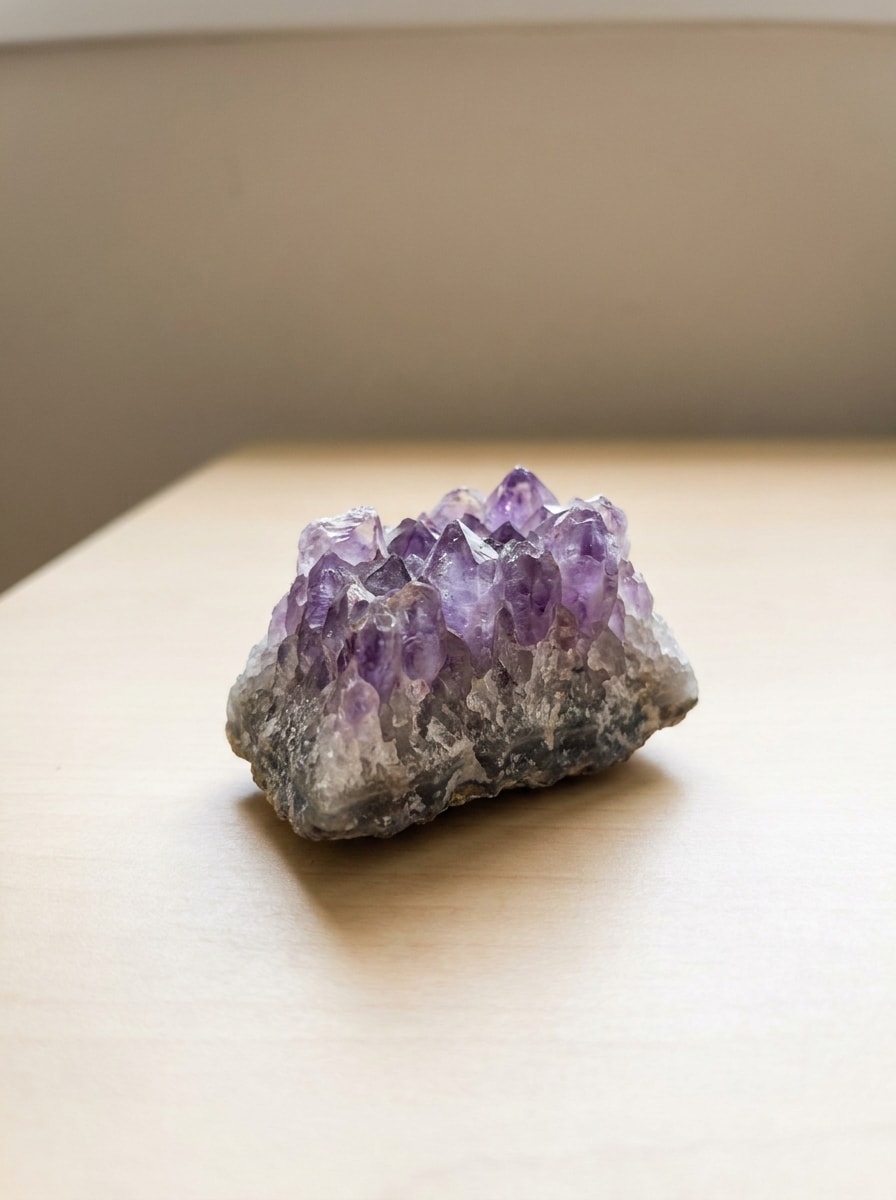
Espécimen de mano con luz natural
Usa la imagen subida como sujeto y transfórmala en un visual de identificación realista con estilo de guía de campo. Mantén la forma del espécimen reconocible, Mejora el grano, las líneas de fractura y la textura de la superficie, añade luz natural del día Suave, Desenfoque de fondo terroso al aire libre, y un ambiente de aplicación de geología confiable con detalle educativo nítido.
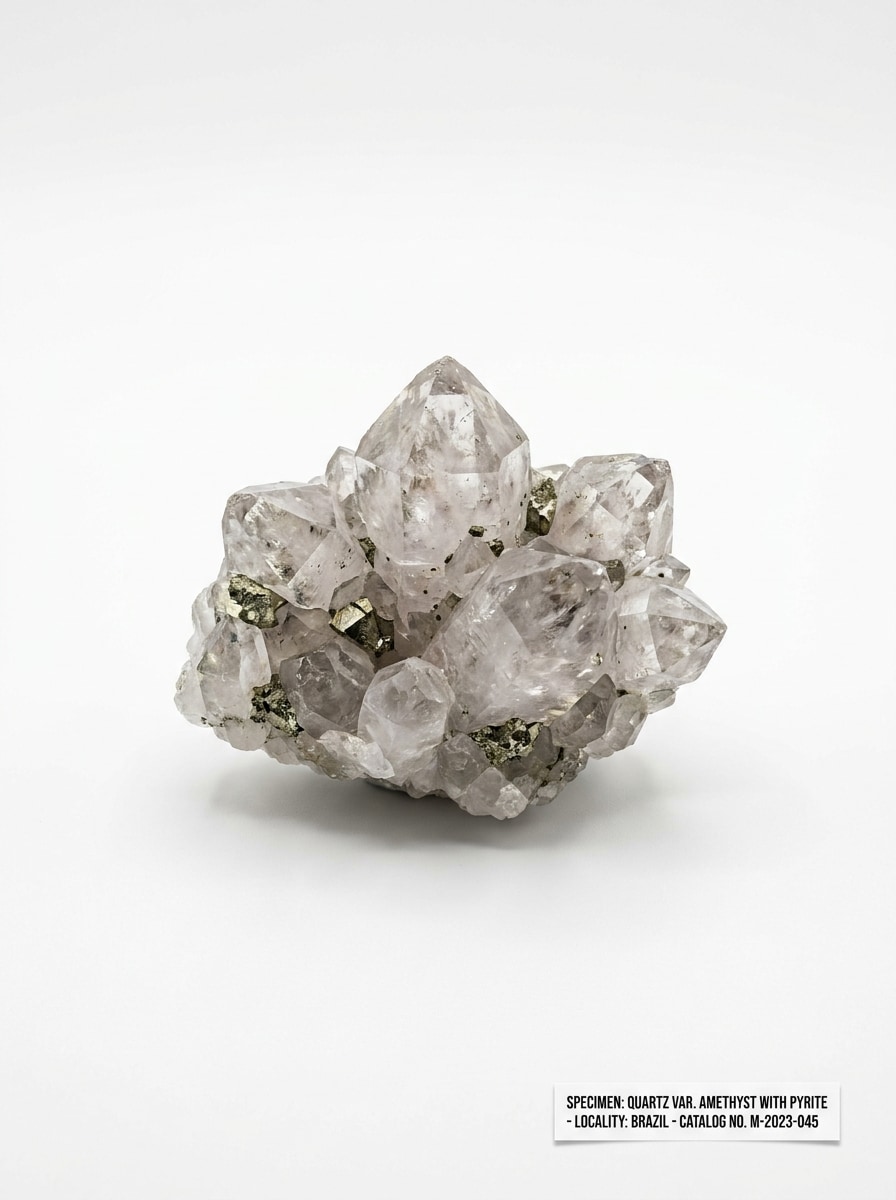
Foto de catálogo con fondo blanco
Usa la foto de la piedra subida como referencia y rediseñala como una imagen limpia de catálogo de especímenes. Conserva los contornos principales, mejora la claridad de los bordes, revela la textura y el brillo, colócala sobre un fondo blanco puro y crea un aspecto de referencia de museo con iluminación equilibrada y Presentación científica precisa.
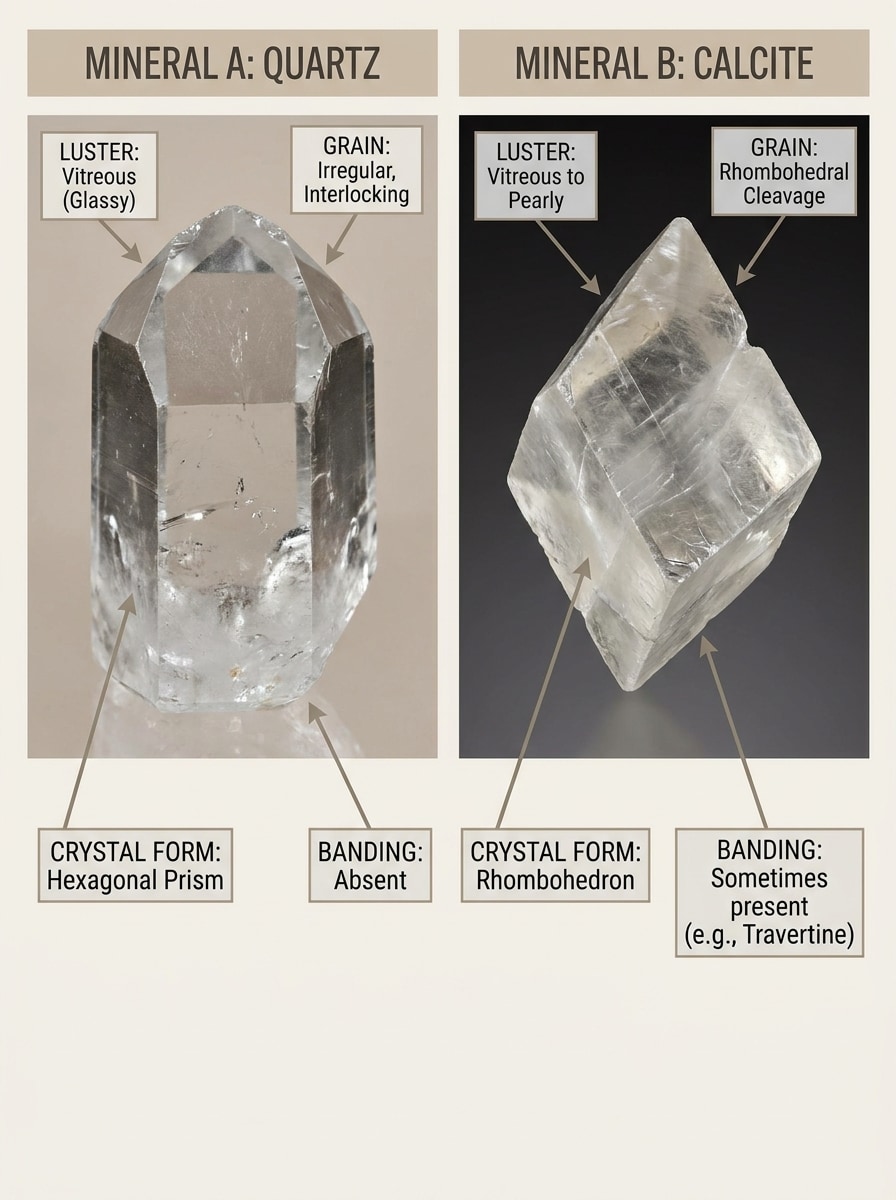
Comparación lado a lado de similares
Usa la imagen de roca subida como espécimen principal y conviértela en un gráfico de comparación educativa. Coloca la piedra de referencia junto a una coincidencia visualmente similar, resalta las diferencias en color, bandas, clivaje, brillo y grano, y crea un Diseño de infografía pulido para una comparación visual rápida.
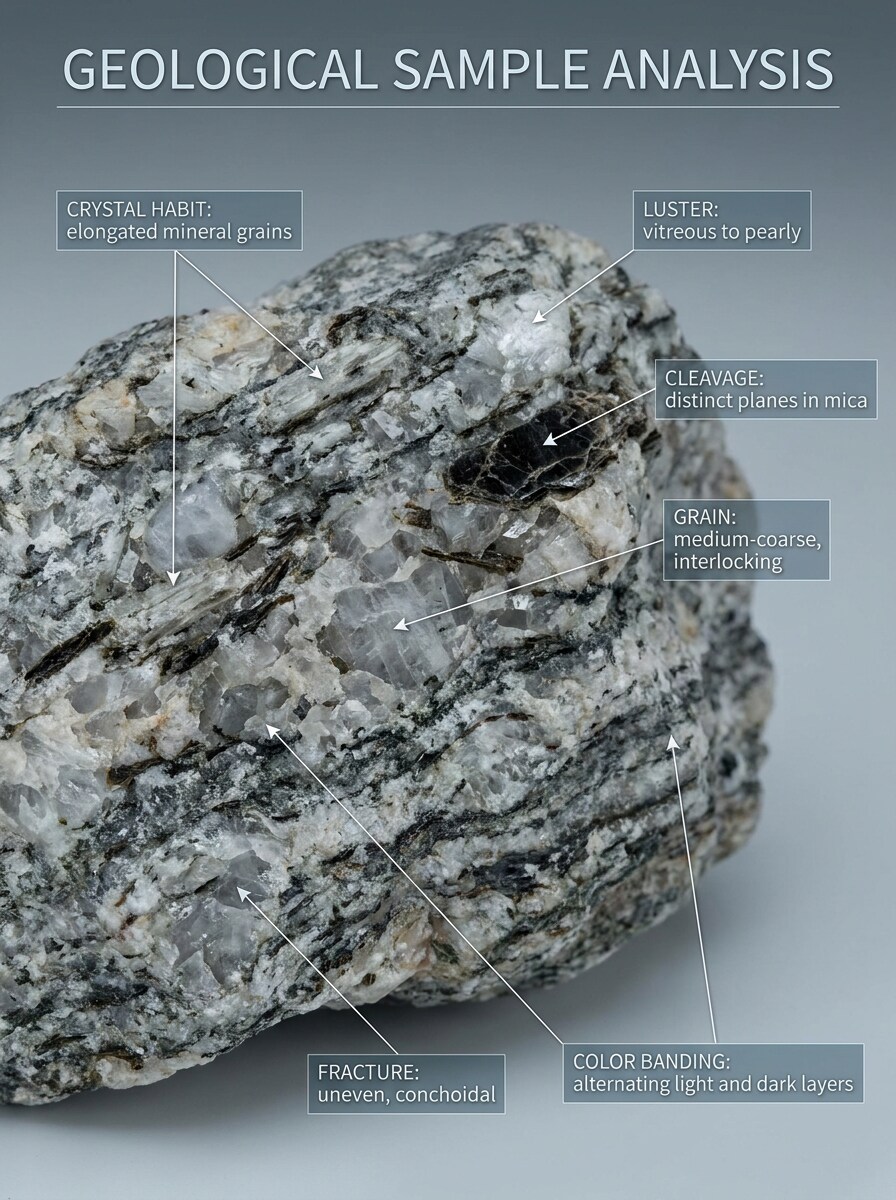
Características diagnósticas anotadas
Usa la foto del espécimen subida y conviértela en una imagen de análisis educativo en primer plano. Mantén la roca reconocible mientras añades Anotaciones sutiles para hábito cristalino, brillo, clivaje, bandas de color, tamaño de grano y destellos, con una superposición moderna de guía de campo y una jerarquía visual científica limpia.
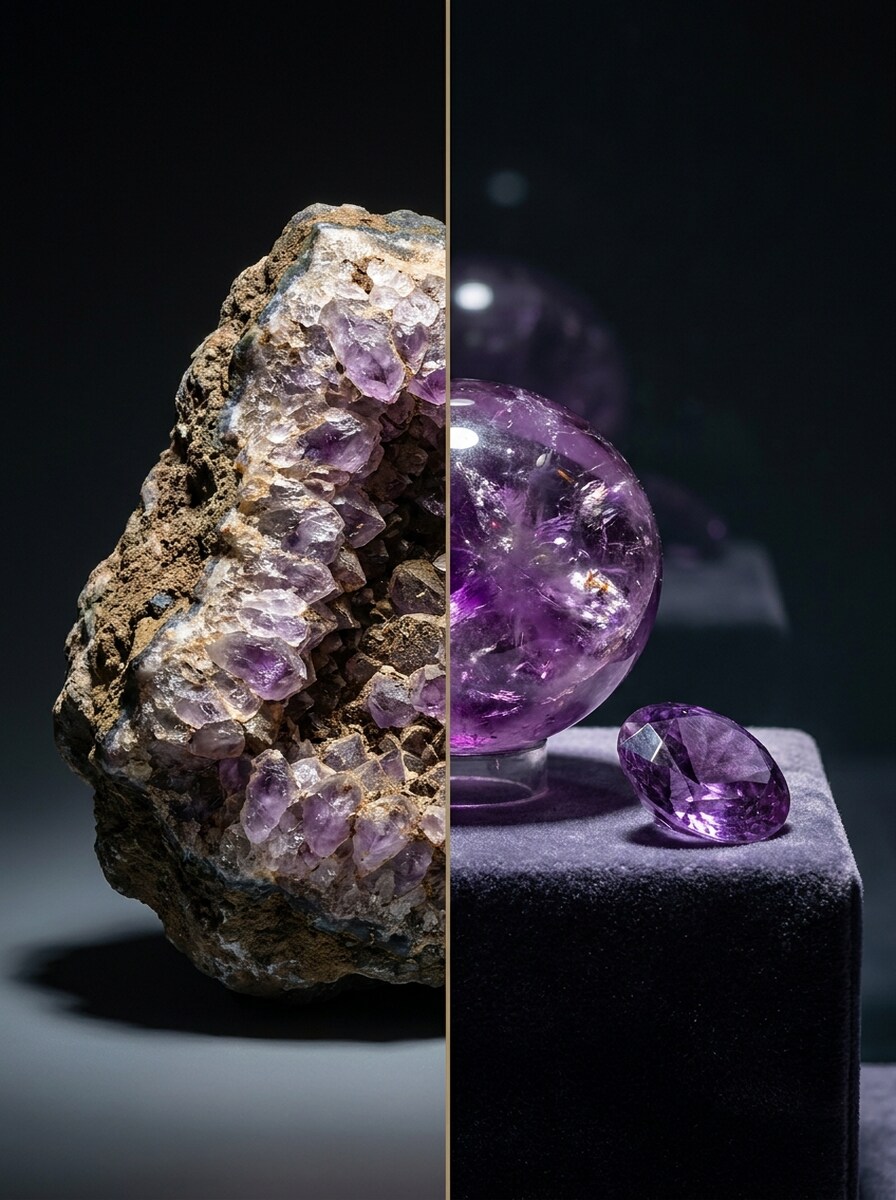
Transformación de bruto a pulido
Usa la piedra en bruto subida como sujeto y crea una imagen de transformación en marco dividido. Muestra el espécimen original en bruto en un lado y una versión pulida estilo coleccionista en el otro, con iluminación dramática pero realista, rico contraste de texturas y una revelación Premium de antes y después.
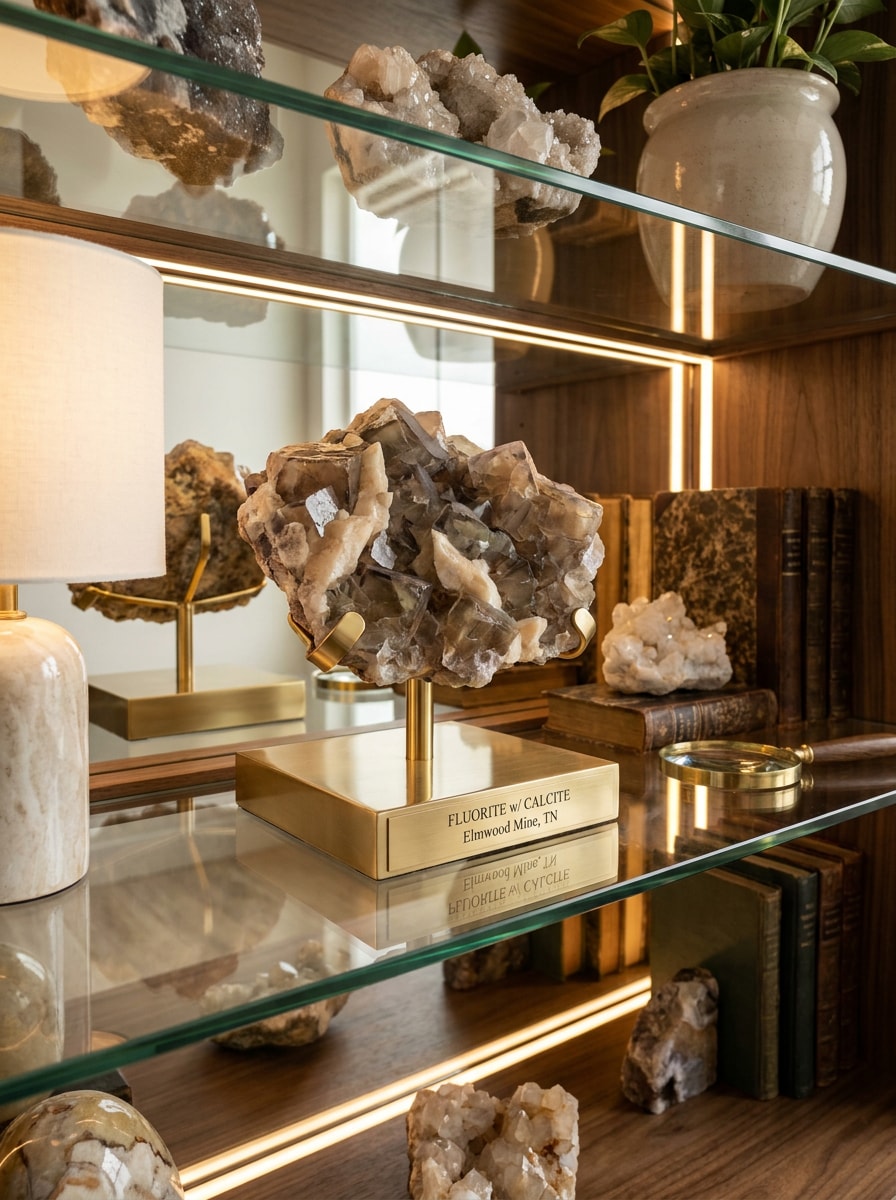
Exhibición de cristales en estante
Usa la foto del mineral subida como referencia y rediseñala como una escena Premium de exhibición de coleccionista. Conserva la identidad del espécimen, mejora los destellos y la definición de bordes, colócalo en una elegante configuración de estante con iluminación cálida, sombras naturales y un ambiente refinado de foto de exhibición.
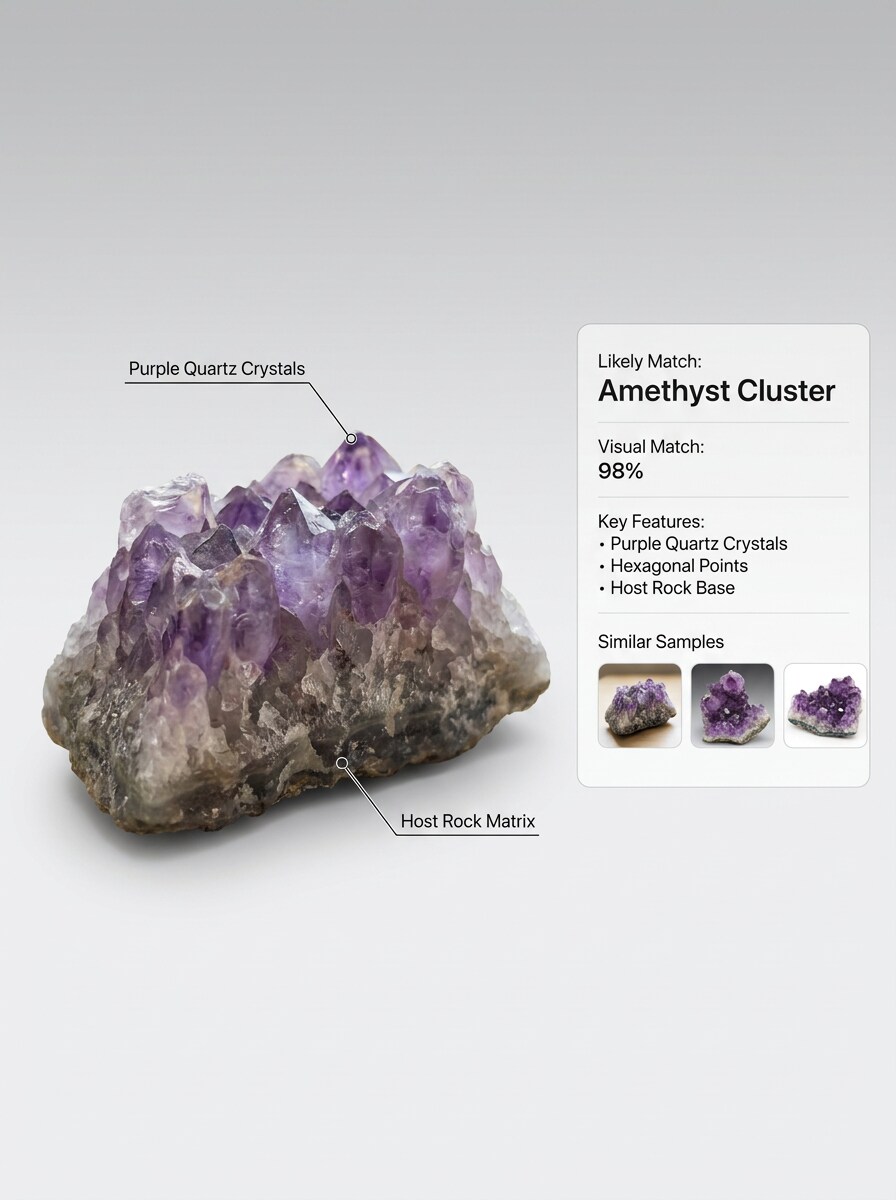
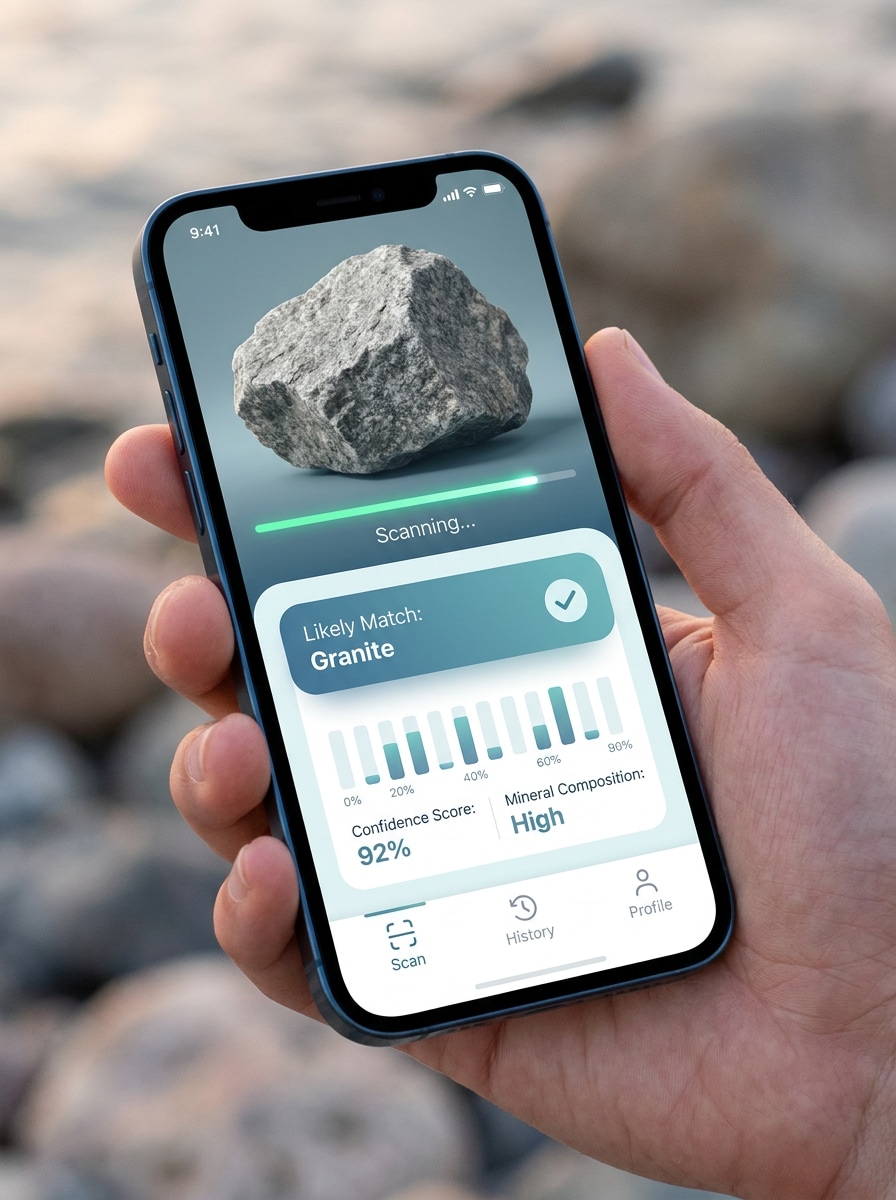
De la carga a la pantalla de resultados
Usa la imagen de la piedra subida y transfórmala en una pantalla moderna de resultado de identificación móvil. Muestra la foto original, el progreso del escaneo, la tarjeta de coincidencia probable y elementos de interfaz limpios con estilo de confianza, manteniendo el espécimen visible y el Diseño confiable, minimalista y fácil de entender.
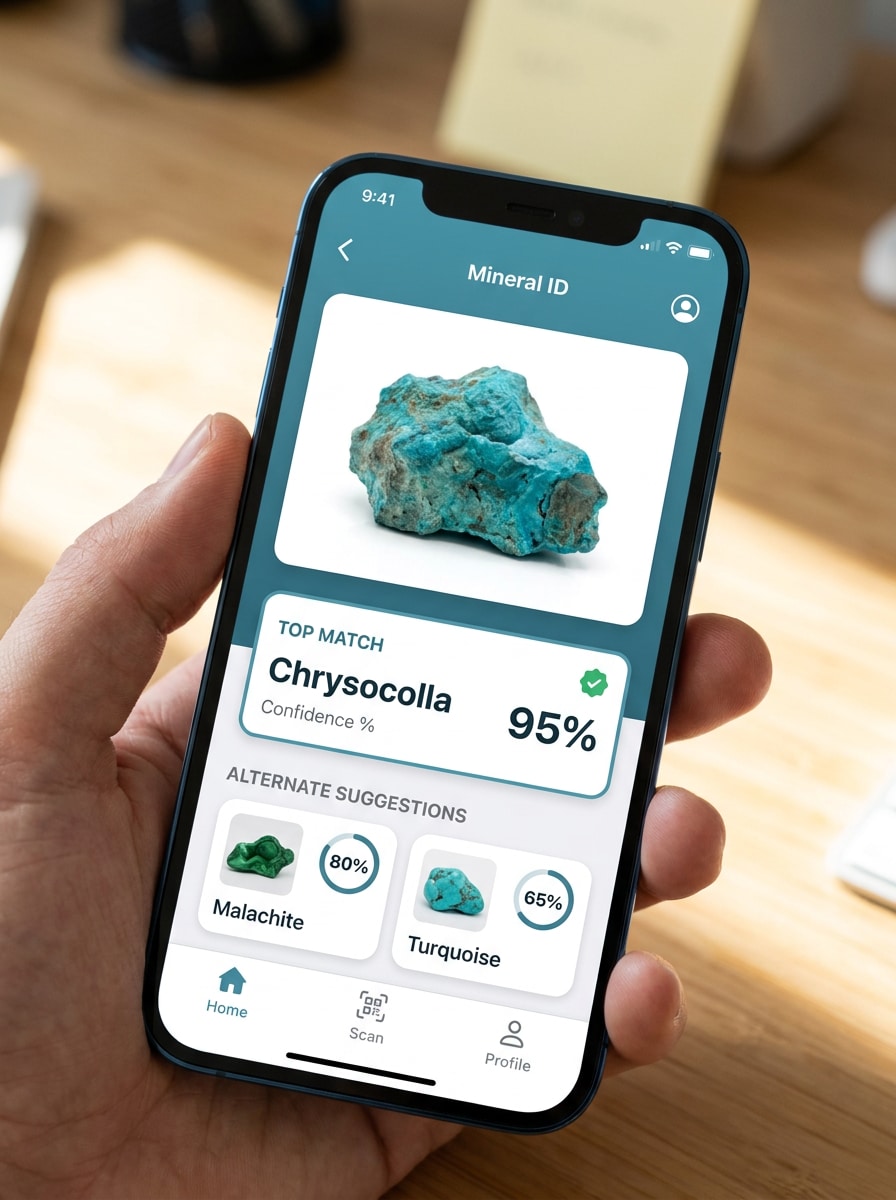
superponer de puntuación de confianza
Usa la foto del mineral subida como sujeto y crea una imagen de resultado con posibles coincidencias. Mantén la piedra reconocible mientras añades una superposición limpia para la coincidencia principal, opciones alternativas y pistas visuales como destellos, brillo metálico o bandas, en un estilo de interfaz azul-verde calmado.
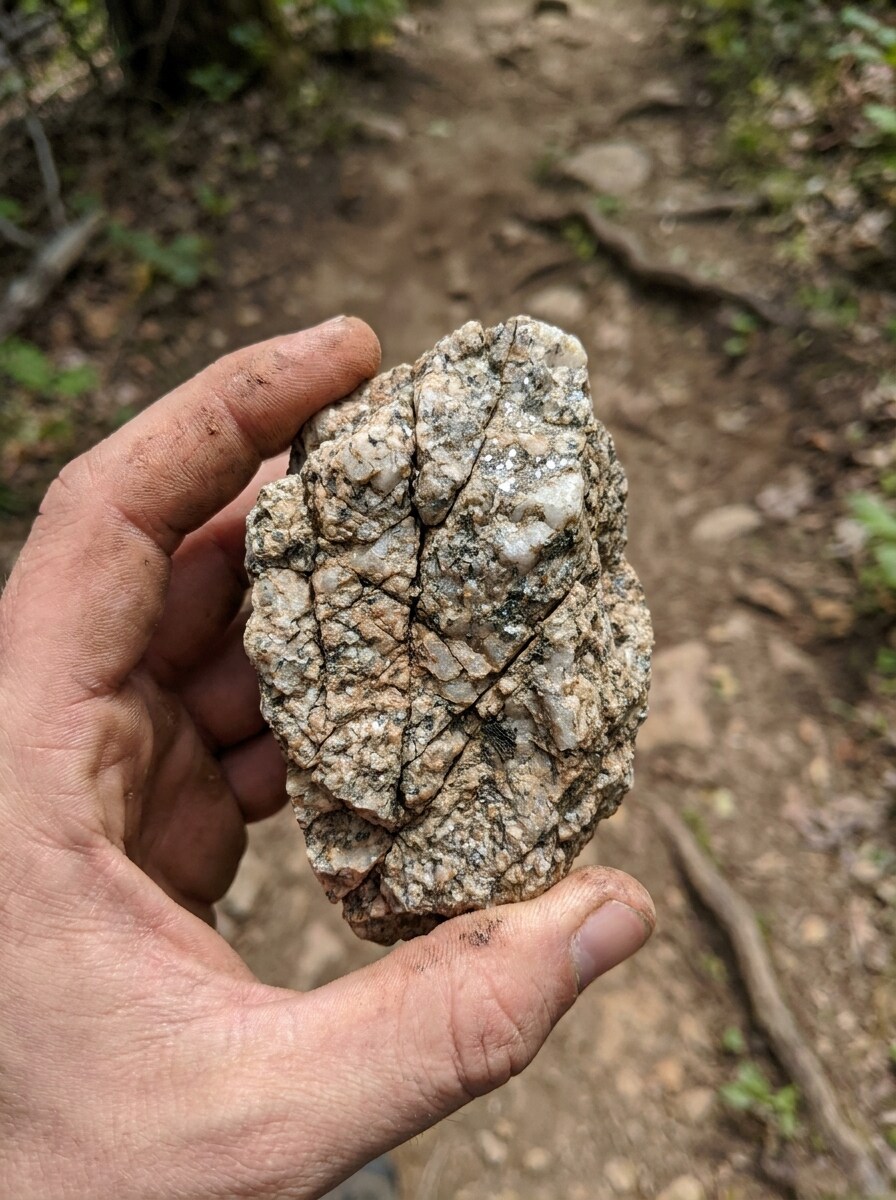
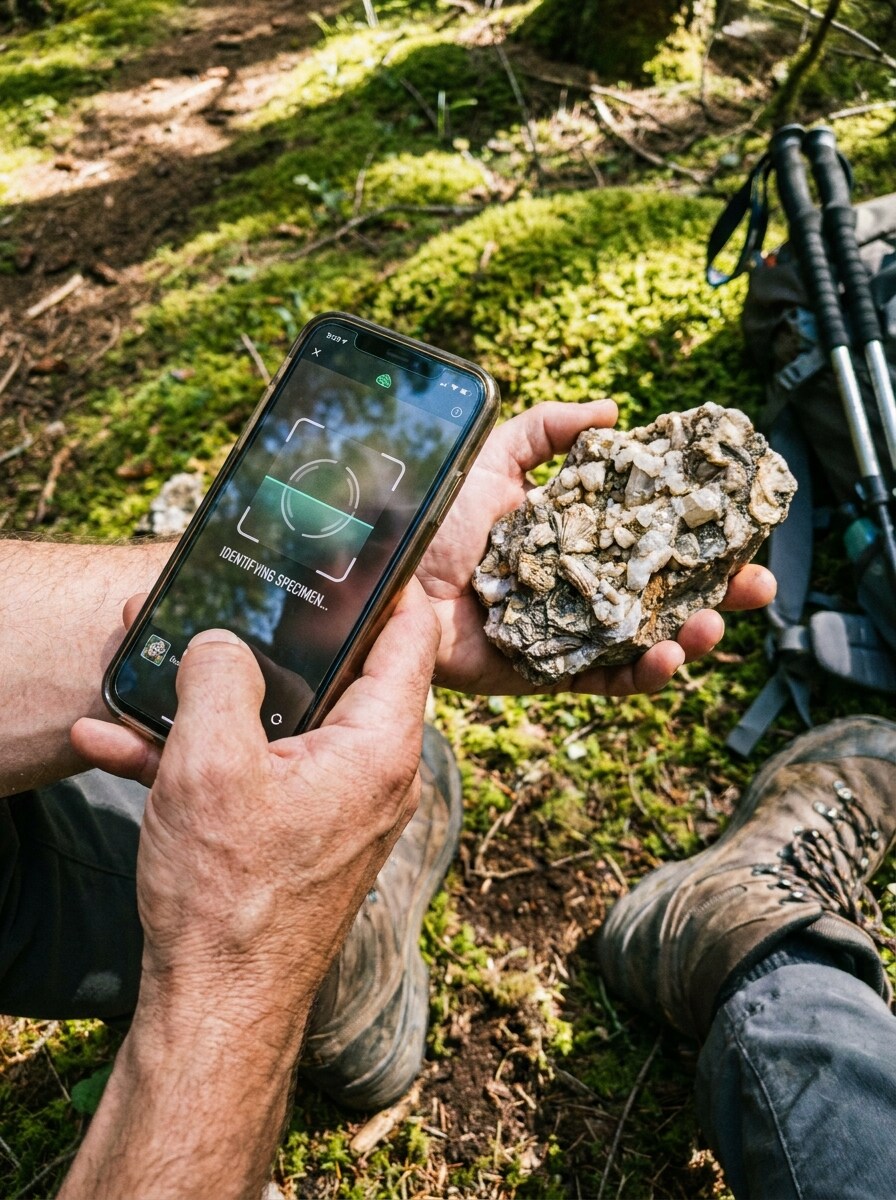
Escena de descubrimiento en senderismo
Usa la roca subida como el espécimen descubierto en una imagen narrativa al aire libre. Muéstrala siendo escaneada por un Teléfono durante una caminata, conserva su color y forma, añade terreno natural, luz del día y un ambiente aventurero de aprendizaje geológico que se sienta auténtico, informativo y listo para redes sociales.
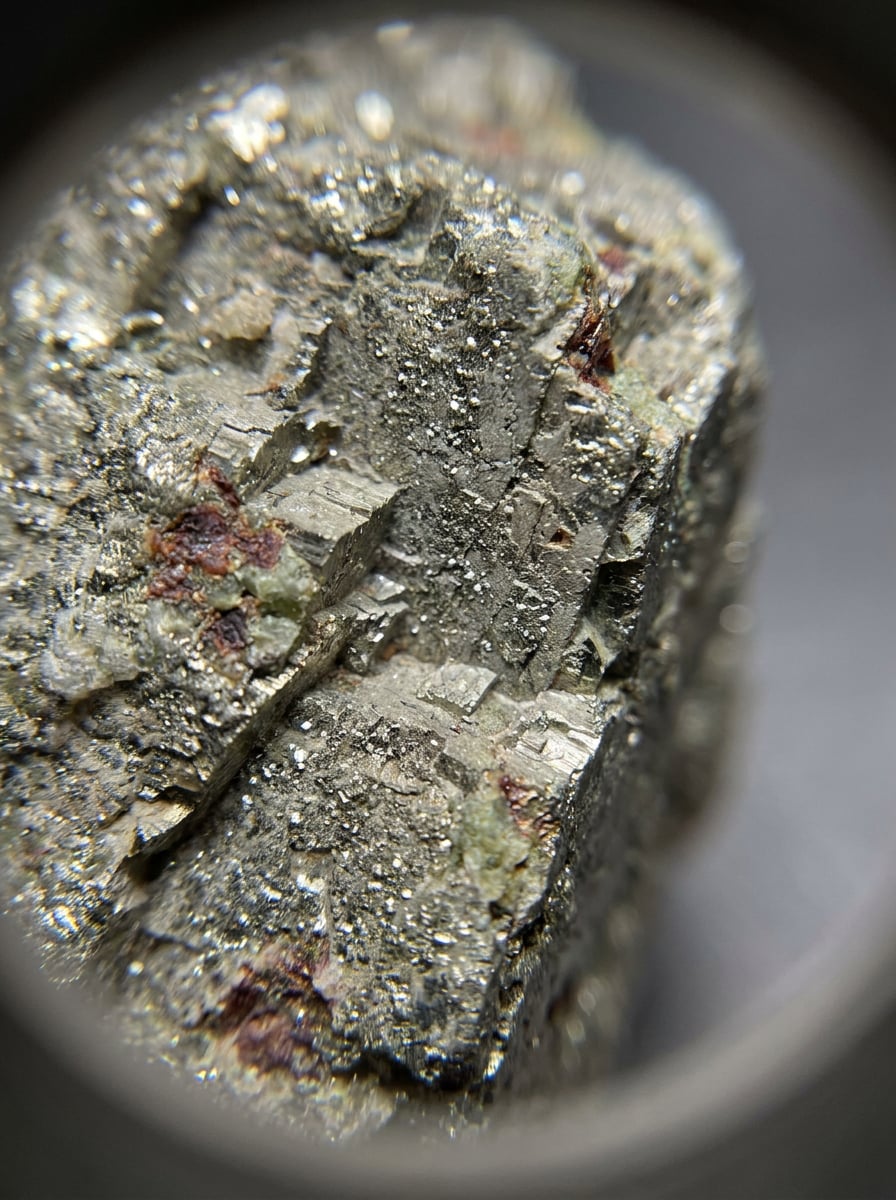
Estudio de textura macro
Usa la imagen del espécimen subida y transfórmala en un estudio macro extremo para una inspección más detallada. Amplía los destellos, el clivaje, el grano, los bordes cristalinos y las inclusiones de color mientras mantienes el mineral creíble, con iluminación científica, detalle extremadamente nítido y un ambiente analítico enfocado para una comparación más cercana.
Por qué usar Media.io para flujos de trabajo con fotos de rocas y minerales
Mantén el sujeto reconocible en nuevos estilos
Media.io te permite subir una foto real de una roca o cristal y rediseñarla como un visual de guía de campo, tarjeta de comparación o escena de coleccionista, manteniendo el espécimen reconocible.
Reelabora un sujeto en múltiples estilos
Cuando un resultado necesita mantenerse vinculado al sujeto original, Media.io ayuda a preservar las características reconocibles mientras adapta el estilo visual general del identificador de rocas y minerales para uso en redes sociales, branding o maquetas.
Genera resultados más limpios hasta 4K
Cuando un visual de identificador de rocas y minerales se destina a un uso de publicación real, Media.io te ofrece una salida más nítida de hasta 4K, lo que ayuda a que la imagen se mantenga clara en Presentaciones, fondos y recursos reutilizados.
Trabaja desde cualquier navegador durante investigación de campo o escritorio
Ya sea que estés explorando visuales del identificador de rocas y minerales en un portátil o revisando borradores desde tu Teléfono, Media.io mantiene todo basado en el navegador para que puedas retomar el mismo flujo de trabajo en distintos dispositivos con mayor facilidad.
Cómo usar este identificador de rocas y minerales
Convierte tus palabras en visuales impresionantes en tres simples pasos y luego continúa refinando el resultado si deseas llevarlo más lejos.
Paso 1
Sube tu imagen de referencia
Sube una foto clara de tu roca, cristal, mineral o piedra en formato JPG, PNG o JPEG. Una imagen centrada con textura, destellos, fracturas, bandas o brillo metálico visibles le da a Media.io una base más sólida para el análisis visual estilo geología.
Paso 2
Describe el cambio y configura las opciones
Dile a Media.io qué quieres crear, como una foto de catálogo, una comparación anotada, un estudio de textura macro o una pantalla de resultados estilo app. Luego elige el modelo y ajusta la Relación de aspecto, calidad, Resolución y número de variaciones según tu flujo de trabajo.
Paso 3
Genera, descarga y sigue mejorando
Genera múltiples versiones, compara cuál visual explica mejor el espécimen y descarga la que quieras conservar. Puedes refinar el prompt, probar otro estilo o crear gráficos de seguimiento para comparaciones de similares y uso educativo compartido.
Desbloquea el potencial de la identificación de minerales
Descubre cómo los creadores usan este identificador de rocas y minerales para contenido, marketing y proyectos personales, y luego adapta cada idea a tu necesidad.
Compara hallazgos similares antes de asignar una etiqueta
Convierte una foto subida en visuales lado a lado que te ayuden a revisar posibles coincidencias como cuarzo, calcita, pirita, obsidiana, jaspe o superficies de geodas. Esto es especialmente útil para aficionados que desean un punto de partida más limpio antes de usar una guía de identificación de minerales manual, verificar la identificación de piedras de jaspe o confirmar la identificación de rocas geodas con pruebas de campo.
Crea visuales de geología compartibles para clases, clubes o publicaciones en redes
Crea imágenes anotadas de especímenes, maquetas de pantallas de resultados y comparaciones pulidas de bruto versus acabado que expliquen el brillo, las bandas, el grano y la forma cristalina de un vistazo. Media.io funciona bien para explicaciones de identificación de rocas geológicas, comunidades de coleccionistas, contenido educativo y casos de identificación de rocas brillantes donde la claridad visual importa.
Mejora fotos difíciles de leer tomadas en senderos, jardines o colecciones antiguas
Si tu imagen original es oscura, desordenada o con iluminación desigual, Media.io puede rediseñarla en un visual más limpio para investigación de identificación de rocas metálicas, identificación de mineral de cuarzo, identificación de rocas geodas o identificación de mineral de oro. El resultado es más fácil de revisar, comparar y presentar, ya sea que necesites identificar mineral de oro, verificar la identificación de roca plateada brillante metálica o estudiar superficies de rocas metálicas.
Lo que dicen los usuarios
Alyssa M.
Aficionada a la búsqueda de rocas
"Genial para visuales de especímenes más claros" Lo usé después de una caminata de fin de semana para convertir fotos desordenadas del Teléfono en imágenes de comparación más limpias. Los Diseños en paralelo hicieron mucho más fácil revisar las posibles coincidencias de minerales antes de consultar mi libro de campo.
Darren P.
Profesor de Ciencias de la Tierra
"Útil para gráficos de geología en el aula" Los estilos anotados son útiles para mostrar a los estudiantes qué buscar en brillo, grano y hábito cristalino. Me gusta que puedo generar diferentes versiones para diapositivas, folletos y preguntas rápidas de discusión.
Mina R.
Vendedora y coleccionista de cristales
"Hace que las piedras en bruto sean más fáciles de entender" Subo piezas en bruto y creo visuales estilo catálogo pulido para publicaciones y posts de coleccionistas. Me ayuda a presentar la textura y el brillo mucho mejor que las fotos originales del carrete de la cámara.
Jason T.
Coleccionista principiante de minerales
"Forma sencilla de organizar fotos de piedras" Todavía estoy aprendiendo lo básico, así que convertir mis hallazgos en imágenes etiquetadas o de estilo comparativo realmente ayuda. Se siente más accesible que intentar descifrar todo de memoria.
Explora los efectos de video e imagen con IA más populares
Preguntas frecuentes sobre el identificador de rocas y minerales
1. ¿Cómo funciona un identificador de rocas y minerales con IA a partir de una foto?
Un identificador de rocas y minerales con IA funciona analizando la imagen subida y utilizando señales visuales como color, textura, brillo, grano, bandas y forma general para generar una imagen de resultado más clara o una salida de estilo comparativo. Con Media.io, subes una foto de piedra y creas visuales mejorados como primeros planos anotados, tomas de catálogo o pantallas de coincidencia probable que apoyan la revisión geológica basada en fotos. Funciona mejor como ayuda visual para la identificación de minerales en línea, especialmente cuando la erosión, la iluminación o los materiales similares dificultan la identificación exacta a partir de una sola imagen.
2. ¿Puedo identificar una roca o mineral en línea de forma gratuita?
Media.io ofrece créditos gratuitos, por lo que puedes probar un flujo de trabajo basado en navegador para la identificación de minerales en línea sin comenzar con un plan de pago. Si necesitas más uso o descargas en alta resolución sin marca de agua, puedes consultar la página de precios para ver las opciones de suscripción.
3. ¿Qué tan preciso es un identificador de rocas a partir de una sola imagen?
Una sola imagen puede ser útil para la coincidencia visual, pero la precisión depende en gran medida de la calidad de la foto y de si el espécimen tiene características distintivas. Media.io puede ayudarte a crear vistas más claras para la revisión de identificación de minerales, aunque algunos casos, como la identificación de rocas metálicas plateadas brillantes, la identificación de rocas negras brillantes con destellos de hematita, o superficies erosionadas, pueden necesitar contexto adicional más allá de una foto. En geología, la dureza, la raya, la fractura y el lugar donde se encontró la muestra pueden importar cuando dos materiales se ven similares.
4. ¿Qué tipo de foto da el mejor resultado de identificación de minerales?
Los mejores resultados suelen obtenerse con una foto nítida y bien iluminada, con la piedra centrada sobre un fondo simple. La luz natural del día o incluso una iluminación Suave ayuda a revelar el brillo, las bandas, los bordes cristalinos y el lustre metálico, lo cual es útil para tareas como la verificación de identificación de mineral de oro, la identificación de geodas o la identificación de minerales de cuarzo. Intenta evitar sombras fuertes, Filtros intensos, desenfoque por movimiento o fondos recargados que oculten la muestra.
5. ¿Puede esta herramienta diferenciar entre una roca, un mineral, un cristal y una piedra preciosa?
Media.io puede ayudarte a crear visuales que faciliten la comparación de esas categorías, porque las rocas, los minerales, los cristales y las piedras preciosas a menudo muestran diferentes texturas, estructuras y detalles de Presentación en las fotos. Por ejemplo, una roca mixta en bruto puede verse diferente de un espécimen de un solo mineral, mientras que una gema pulida o una imagen de identificación de piedra gomed original puede necesitar una vista de estilo de exhibición más limpia. Media.io es más fuerte para la comparación y Presentación basada en imágenes, no como sustituto de todas las pruebas de laboratorio o de campo.
6. ¿Funciona un identificador de rocas y minerales en iPhone, Android y escritorio?
Media.io está basado en la web, por lo que funciona en iPhone, Android, tabletas, Windows y Mac siempre que tengas un navegador. Eso lo hace práctico para subidas rápidas en el campo y para una revisión posterior de identificación geológica de rocas en una pantalla de escritorio más grande.
Más allá del identificador de rocas y minerales en línea con IA