Seleccione / @ carácter, describa la escena que desea generar.
0/2000
9:16
1K
1
Modo Ilimitado Banana Pro
Creaciones
Centro de Ideas
Cómo funciona
Todo
Funciones populares
Ver todo
Desafío creativo de Halloween
Ver todo
Historia de Frutas con IA
Ver todo
Video de Historia de IA
Ver todo
Videos Virales Hoy
Ver todo
Videos de Productos de IA
Ver todo
Personaje de IA
Ver todo
Tendencias de Baile
Ver todo
GPT Image 2
Ver todo
Seedance 2.0
Ver todo
Emparejamiento de Celebridades con IA
Ver todo
Indicaciones de Poses para Parejas
Ver todo
Prompts de Poses de Chica AI Estética
Ver todo
Sugerencias de Pose Elegante para Chicos AI
Ver todo
Lista de generación
Tus creaciones solo se guardan durante 7 días. Los recursos creados después de actualizar a Membresía se almacenarán de forma permanente.
¡Desbloquea tu potencial creativo y experimenta la magia de Media AI ahora mismo!
Identificador de cristales por foto para un reconocimiento de piedras más rápido y claro
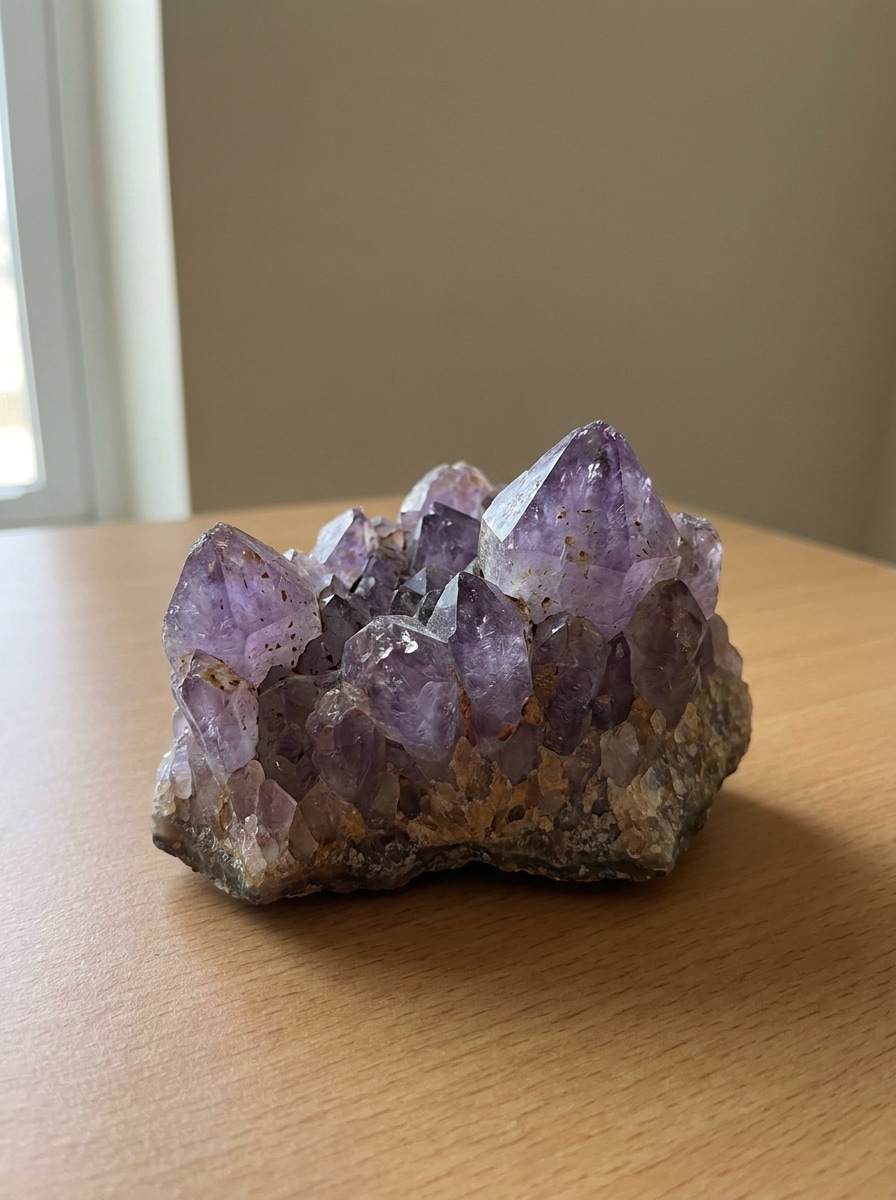
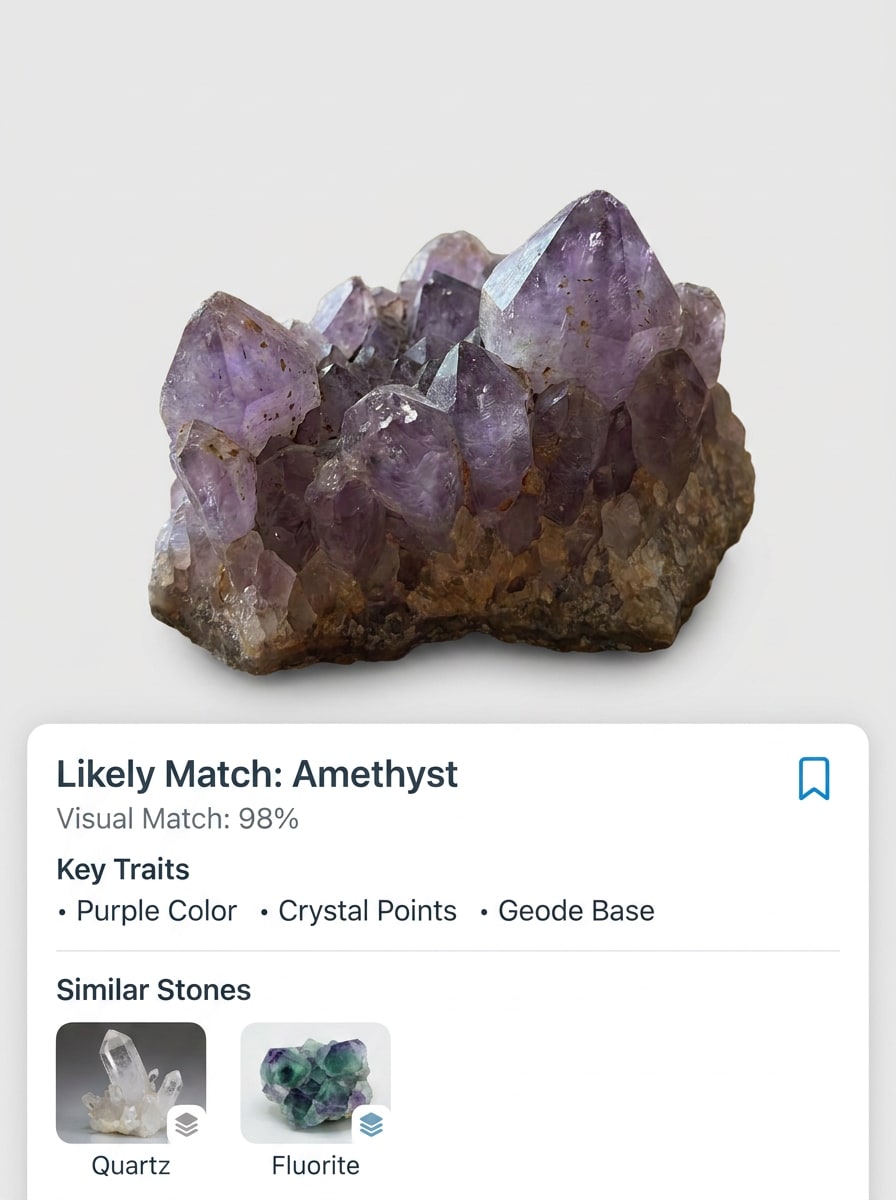
Sube una foto de un cristal para identificar piedras con el identificador de cristales basado en navegador de Media.io. Media.io ayuda a limpiar imágenes borrosas o con exceso de brillo, comparar rasgos visuales y responder preguntas como qué cristal es este o identificar cristal a partir de foto en escritorio o móvil. También puede ayudar con el buscador de cristales por foto.
Escribe tu idea -> La IA la diseña. Pruébalo gratis.
Revisa estas indicaciones de ejemplo y luego ajusta los detalles para obtener mejores resultados con el identificador de cristales de Media.io y el flujo de trabajo del escáner de cristales en línea.
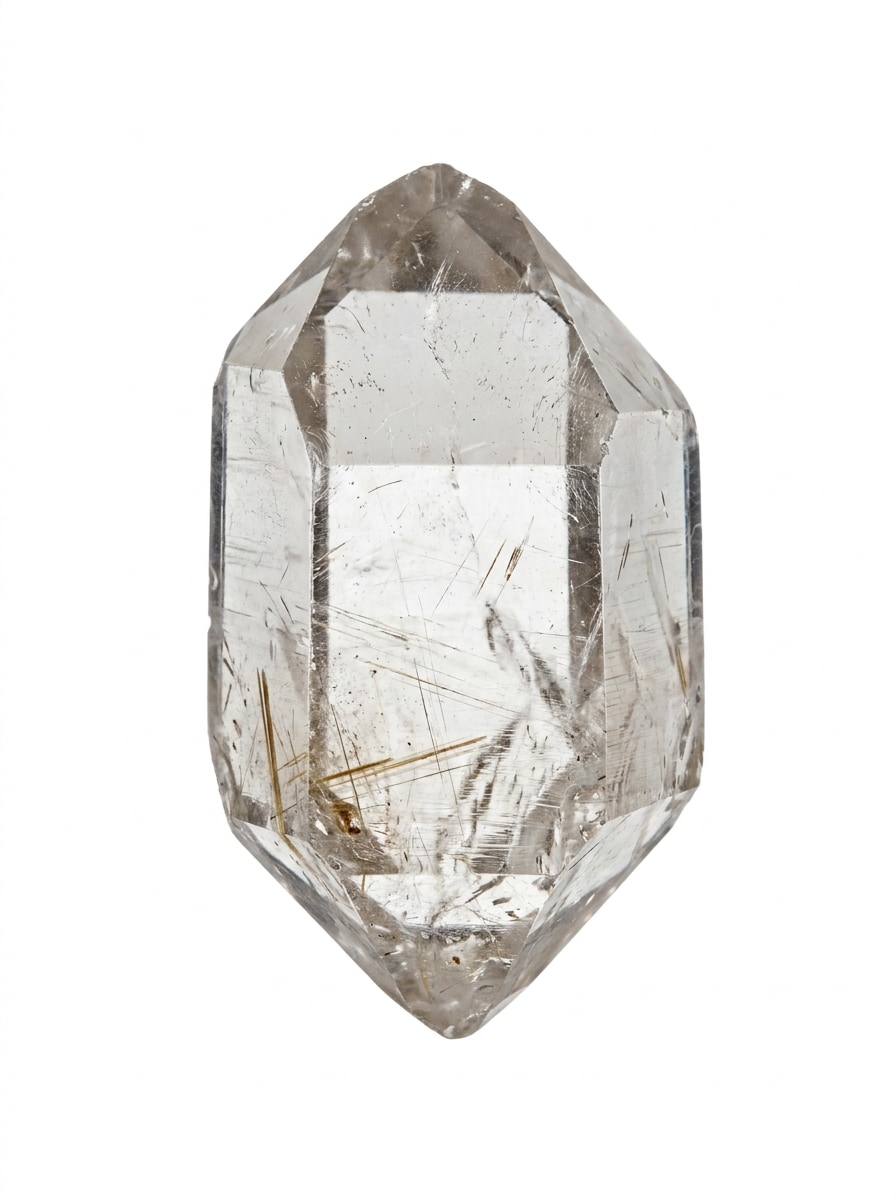
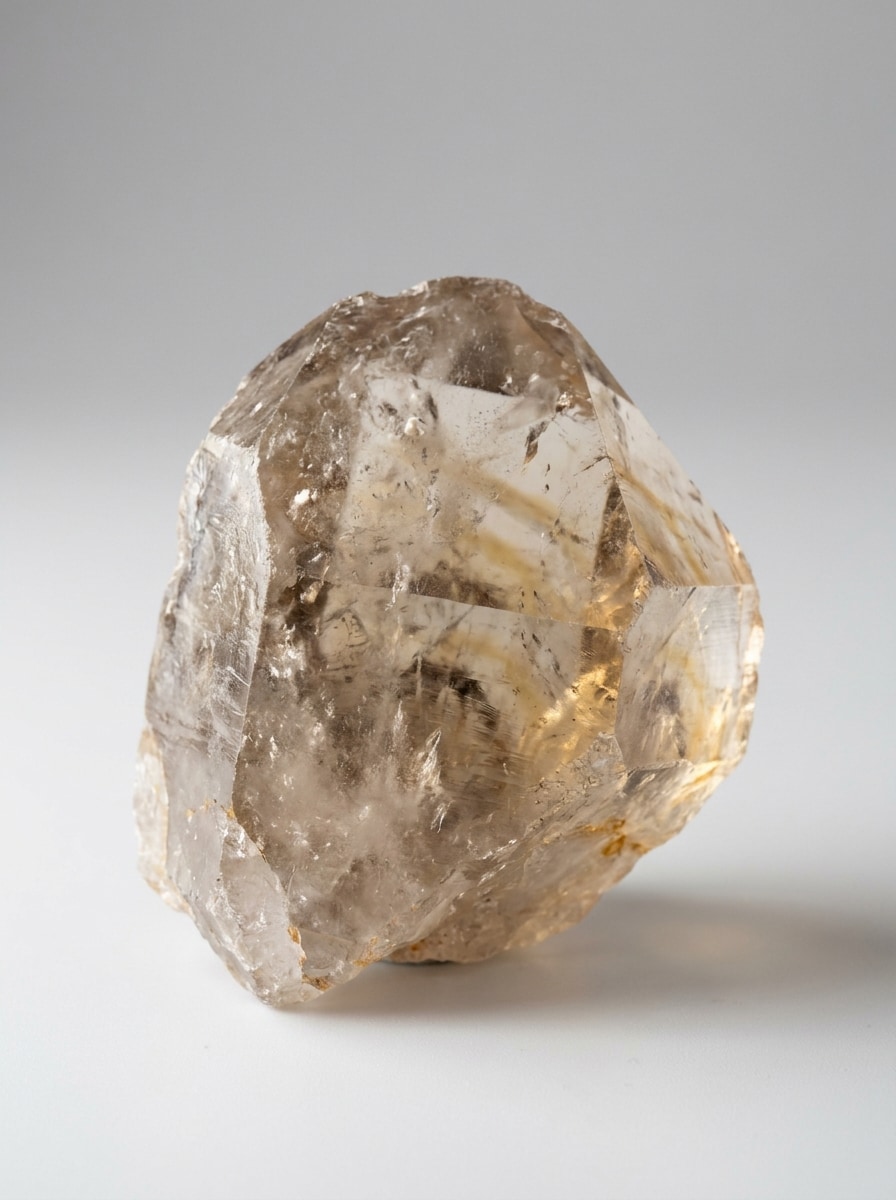
Macro con fondo blanco
Usa la imagen subida como el sujeto de cristal y transfórmala en una foto de identificación macro limpia sobre un fondo blanco puro. Mejora la nitidez, reduce el brillo, preserva el color mineral real, revela inclusiones y bordes, y mantén un aspecto realista de espécimen científico con luz natural equilibrada y alta claridad.
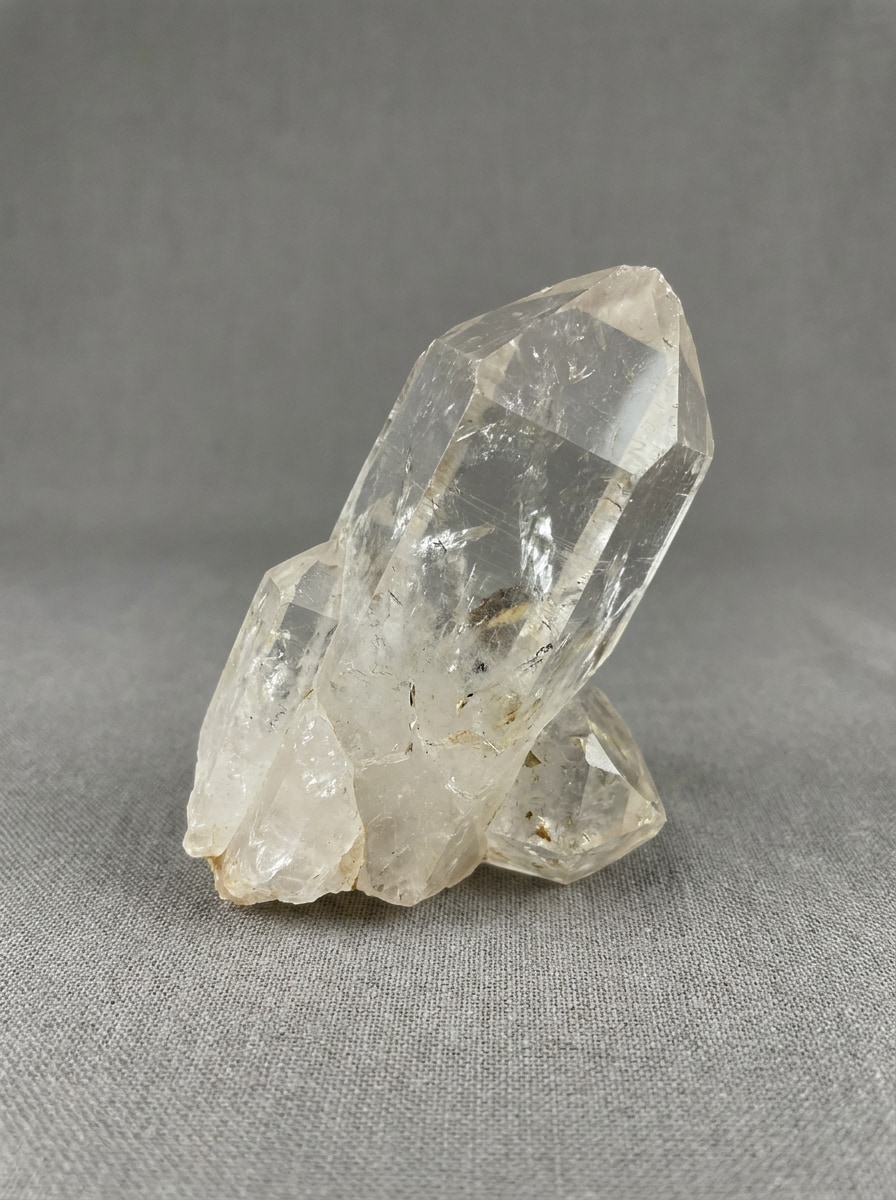
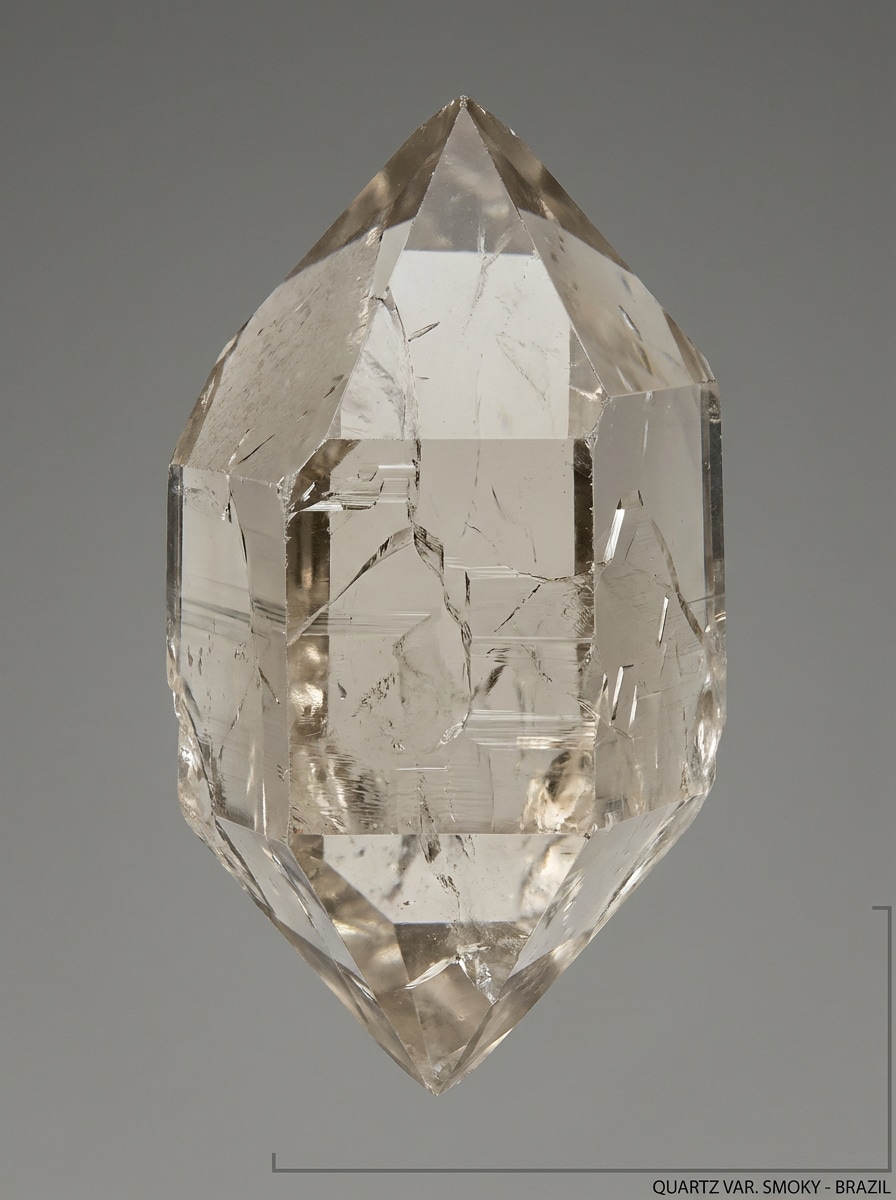
Espécimen con fondo neutro
Usa la foto del cristal subida como sujeto principal y rediseñala como una imagen de espécimen neutra con un fondo gris Suave. Corrige la exposición, elimina reflejos distractores, mantén un color fiel a la realidad y resalta el contorno del cristal, las fracturas y el brillo para facilitar la comparación visual y la identificación.
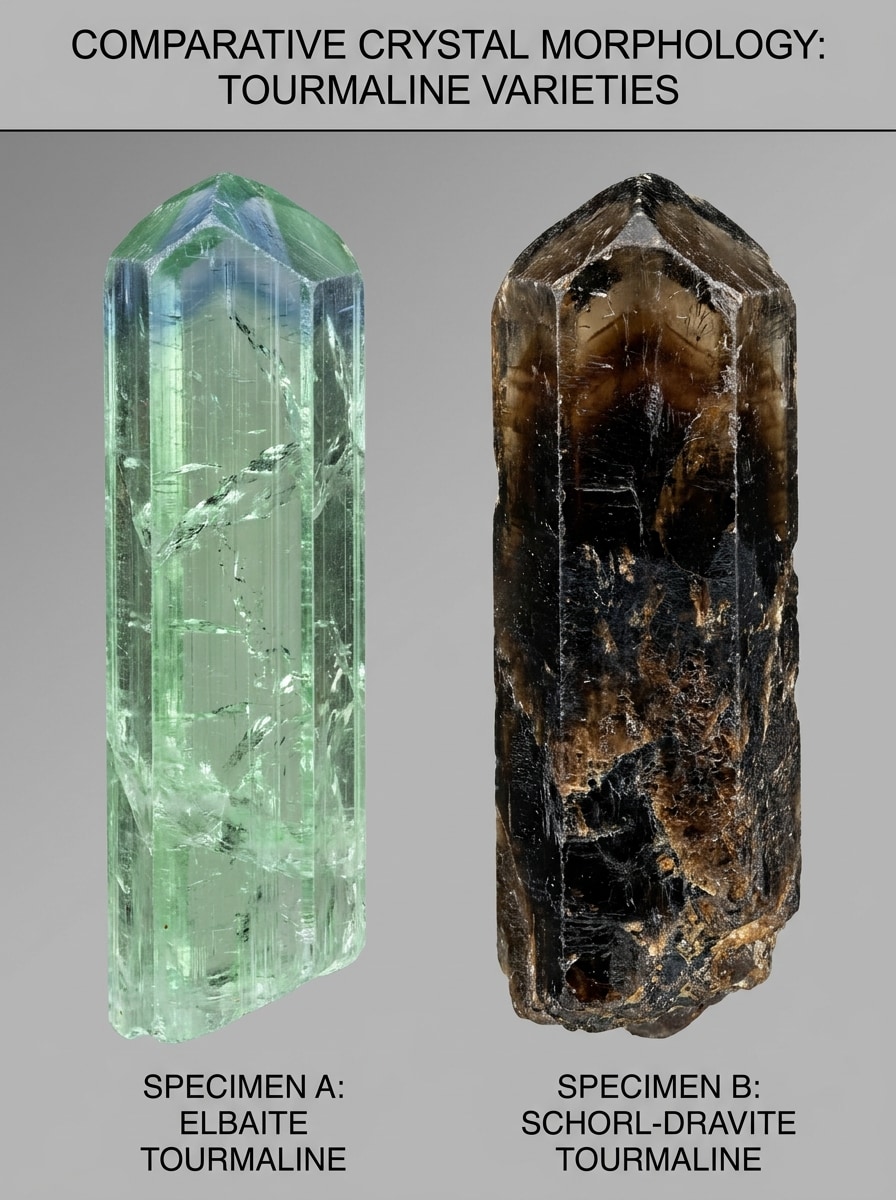
Comparación lado a lado de similares
Usa la imagen subida como el cristal principal y crea una comparación educativa lado a lado con una piedra visualmente similar. Mantén ambos especímenes bajo la misma iluminación y ángulo, resalta la transparencia, la zonación de color y las diferencias de textura, y presenta el Diseño como una tarjeta de referencia limpia para coleccionistas.
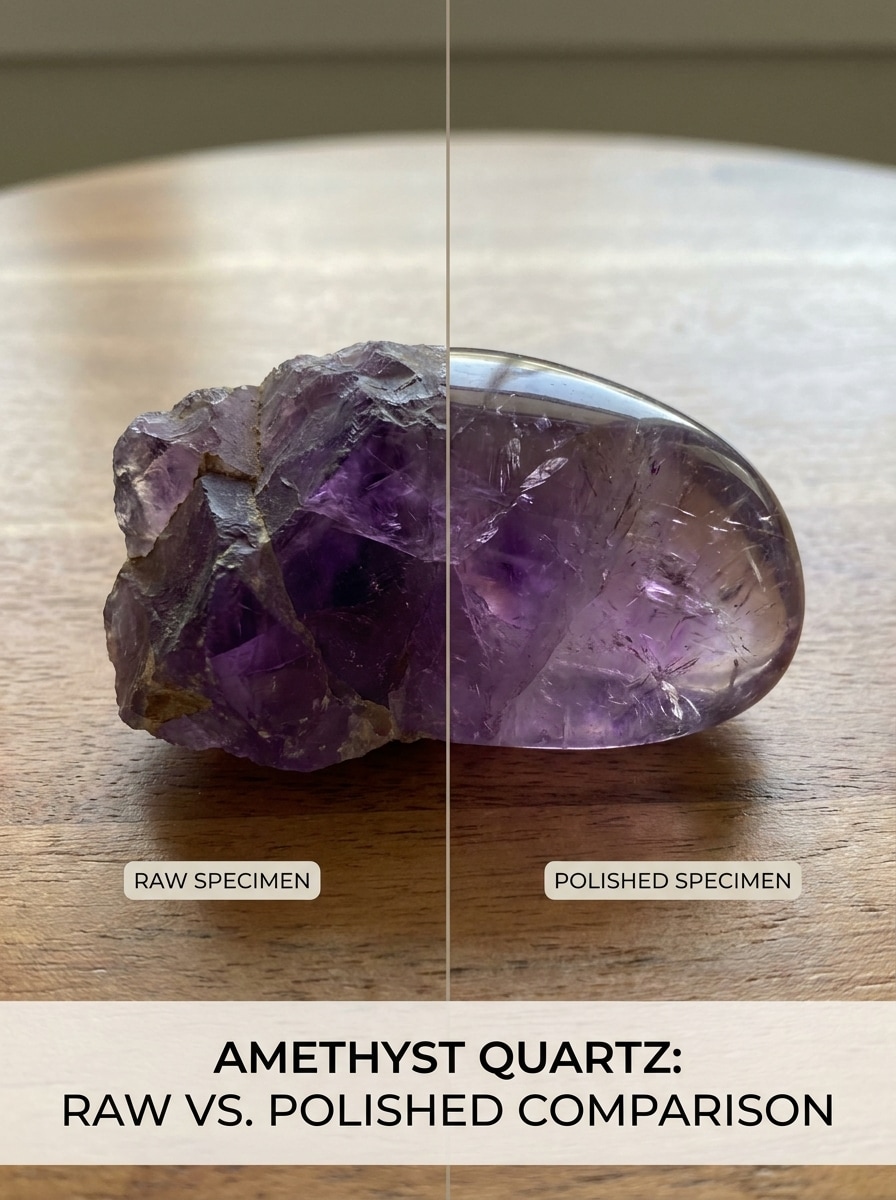
Comparación en bruto vs pulido
Usa la piedra subida como referencia y transfórmala en una comparación de vista dividida que muestre las versiones en bruto y pulida del mismo cristal. Preserva la familia de formas y el tono principal mientras enfatizas la textura rugosa en un lado y el acabado reflectante suave en el otro con iluminación natural.
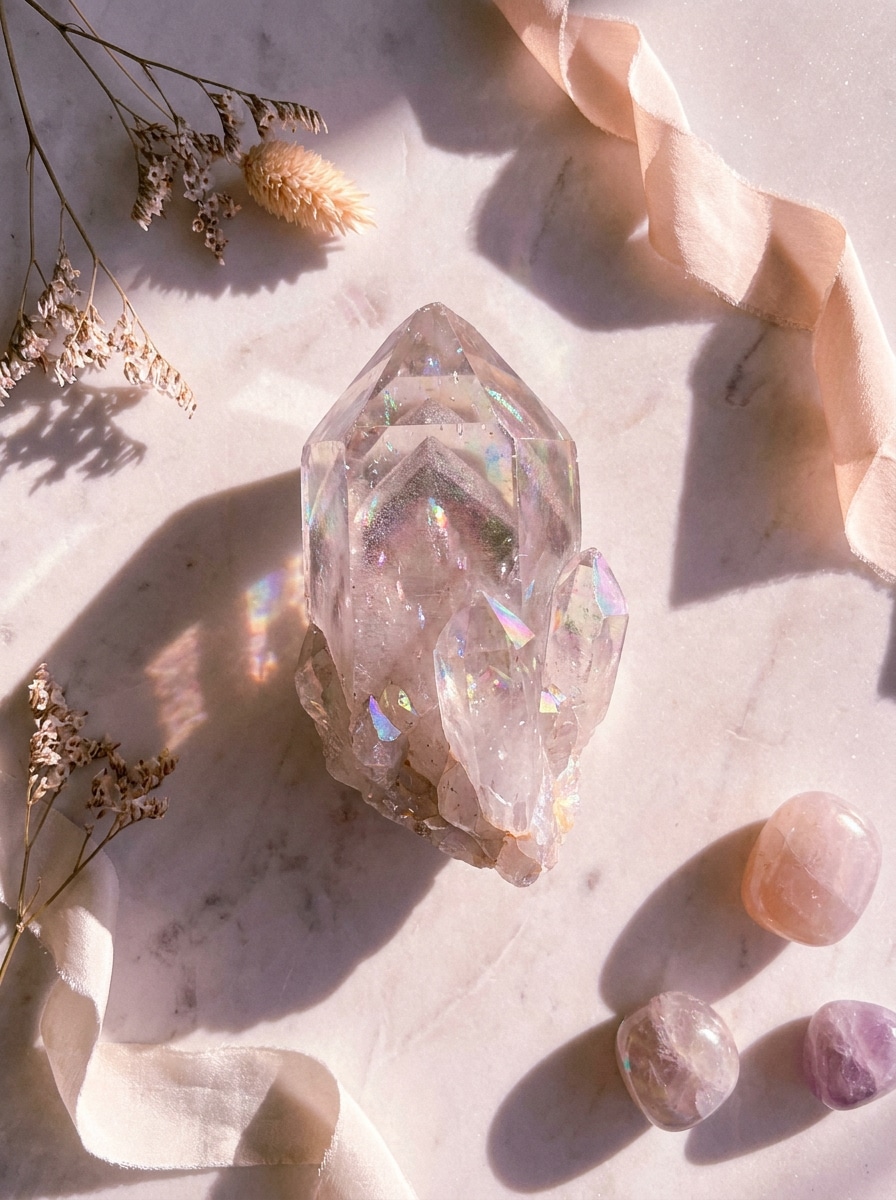
Flat lay con brillo místico
Usa el cristal subido como sujeto destacado en un flat lay estético manteniendo su color y forma identificables con precisión. Añade iluminación mística Suave, sombras pastel delicadas, acentos sutiles de brillo y una disposición editorial limpia que se sienta lista para redes sociales sin ocultar detalles importantes del espécimen.
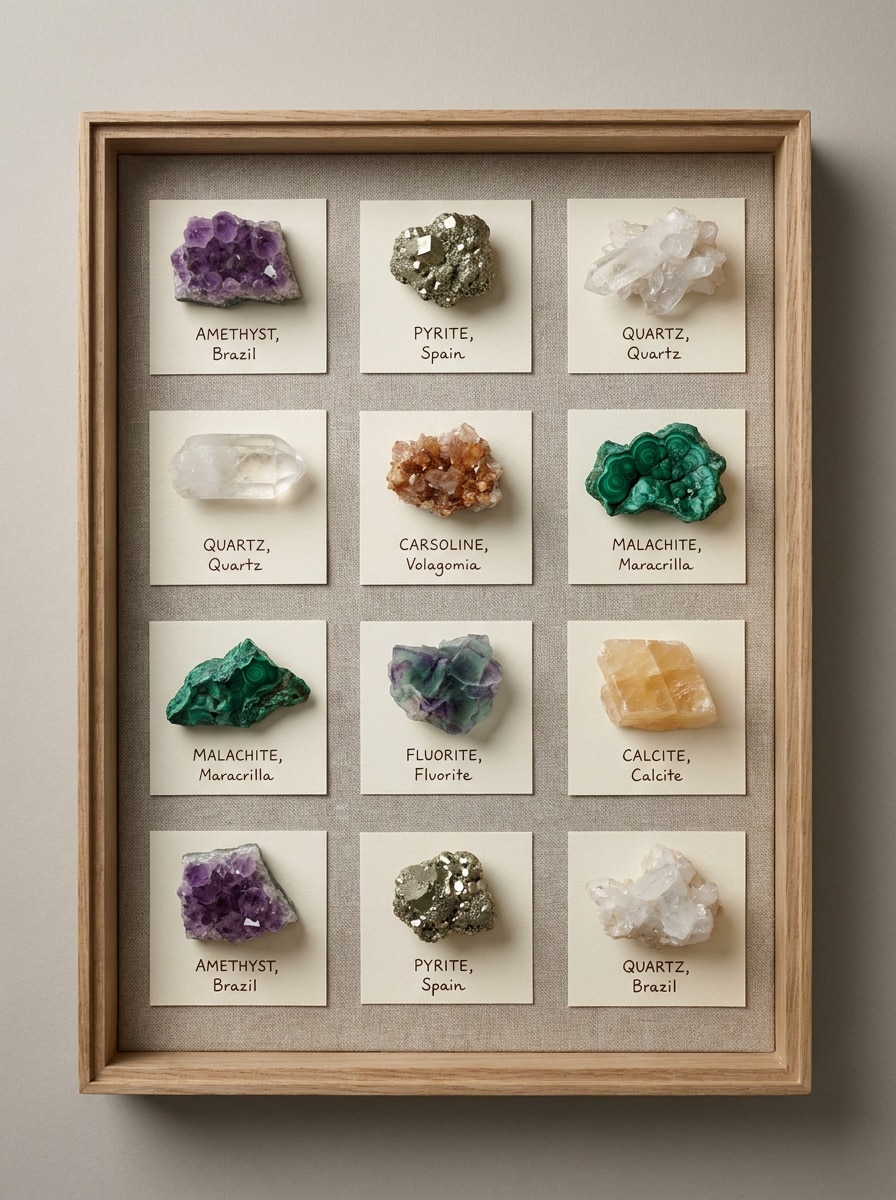
Diseño de cuadrícula para coleccionistas
Usa la imagen del cristal subida como espécimen principal y organízala en una cuadrícula estilo coleccionista con ángulos coincidentes o variaciones cercanas. Mantén tonos neutros, espaciado uniforme y estética de tarjeta de etiqueta mientras conservas el color preciso, la definición de bordes y un ambiente ordenado de catálogo de museo visto desde arriba.
Resaltado de translucidez
Usa el cristal subido y mejora su translucidez para facilitar la inspección. Revela inclusiones internas, zonificación sutil de color y la luz que pasa a través de los bordes más delgados, evitando la sobresaturación. Mantén la imagen realista, limpia y brillante con reflejos controlados y detalle preciso de la textura mineral.
Detalle de facetas y puntas
Usa la imagen del cristal subida y mejora la nitidez de las terminaciones, facetas, líneas de fractura y brillo superficial para la identificación. Controla el resplandor, mantén el color mineral natural y crea un primer plano realista con fuerte claridad de bordes, texturas precisas y un fondo neutro y tranquilo para la inspección.
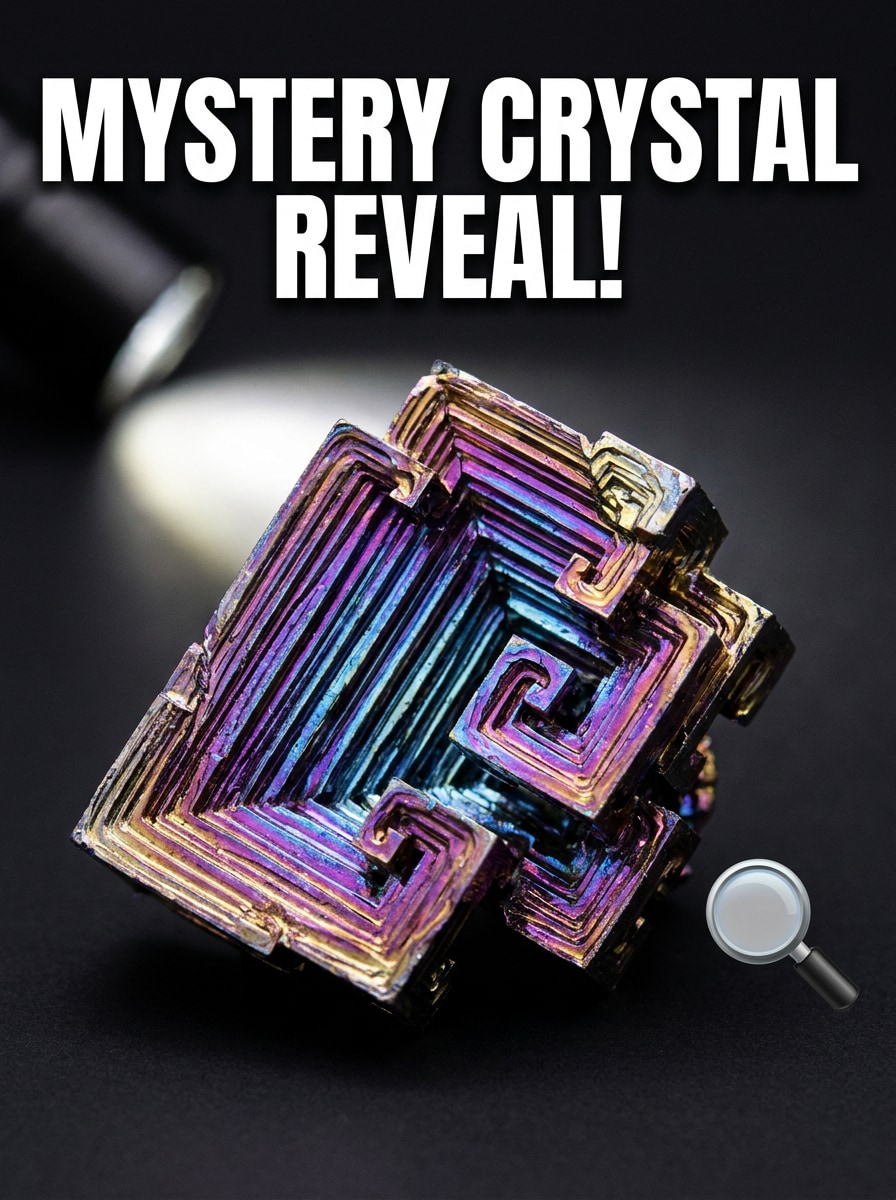
Revelación de qué cristal es este
Usa la piedra subida como sujeto misterioso y crea una miniatura estilo revelación dramática. Mantén el cristal grande en el encuadre con un fondo limpio de contraste, color vívido pero preciso, fuerte énfasis en la textura y un ambiente de video educativo para redes sociales que invite a los espectadores a preguntar qué cristal es.
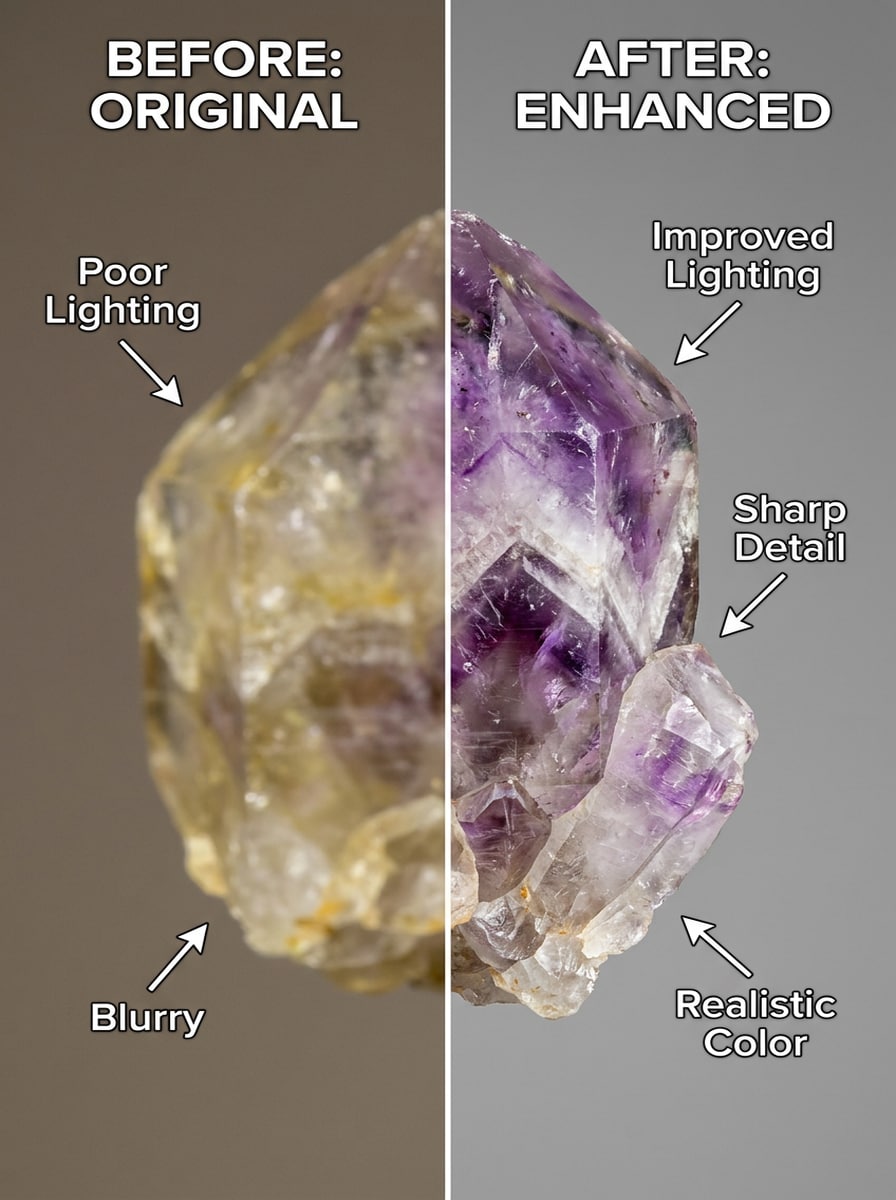
Mejora de antes y después
Usa la foto del cristal subida y crea un diseño de mejora de antes y después. Muestra el original en un lado y una versión más clara en el otro con mejor iluminación, menor desenfoque, balance de blancos corregido y mayor detalle del espécimen, manteniendo el cristal realista y fácil de comparar.
Por qué usar Media.io para la identificación de cristales por foto
Sube una foto de un cristal y refínala en un solo flujo
Si el sujeto aún necesita parecerse a sí mismo después de la transformación, Media.io ayuda a conservar las señales de identidad principales mientras actualiza el estilo visual final del identificador de cristales para un resultado más limpio.
Elige el estilo adecuado para cada versión
Cuando el estilo es parte de la toma de decisiones, Media.io te ayuda a comparar múltiples direcciones desde la misma base visual del identificador de cristales, lo que hace la selección creativa más eficiente.
Mejor detalle para verificaciones difíciles de color y textura
La calidad de vista previa no siempre es suficiente para proyectos reales. Media.io ayuda a crear visuales más limpios del identificador de cristales con salida de hasta 4K, para que las imágenes se mantengan mejor en fondos de pantalla, presentaciones, maquetas y otros materiales pulidos.
Funciona en Teléfono o escritorio sin instalar una aplicación
Algunos conceptos visuales del identificador de cristales se esbozan sobre la marcha y se terminan después en un escritorio. Media.io mantiene ese proceso en línea, para que puedas volver al mismo flujo de trabajo sin instalaciones ni configuraciones adicionales.
Cómo usar este identificador de cristales con IA
Convierte tus palabras en imágenes impresionantes en tres simples pasos y luego continúa refinando el resultado si deseas llevarlo más lejos.
Paso 1
Sube tu imagen de referencia
Añade una foto clara del cristal en formato JPG, PNG o JPEG. Para el mejor resultado, sube una imagen nítida de la piedra sobre un fondo simple, ya sea que necesites ayuda con piezas en bruto, piedras pulidas o una verificación rápida del identificador de cristales curativos.
Paso 2
Describe el cambio y configura las opciones
Indica a Media.io cómo mejorar o rediseñar la imagen para inspección, como iluminación más limpia, detalle macro, comparación lado a lado o mejor translucidez. Luego elige tu modelo y ajusta la Relación de aspecto, calidad o cantidad de imágenes según tu flujo de trabajo.
Paso 3
Genera, descarga y sigue mejorando
Crea variaciones mejoradas, compara los resultados y descarga la versión más clara para revisión. Si es necesario, refina tu indicación, prueba otro ángulo o genera un nuevo Diseño de comparación para responder mejor preguntas como qué tipo de cristal es este.
Desbloquea el potencial de qué tipo de cristal es este
Descubre cómo los creadores usan el identificador de cristales de Media.io para contenido, marketing y proyectos personales, y luego adapta cada idea a tu necesidad.
Limpia piedras misteriosas antes de compararlas
Si estás clasificando un lote mixto de cristales o verificando un hallazgo del mercado, Media.io ayuda a mejorar la iluminación, la nitidez y la visibilidad de la textura primero. Eso facilita juzgar la forma, las inclusiones y el color antes de preguntar qué tipo de cristal es este, usando un identificador de cristales con IA u otro flujo de trabajo de revisión.
Crea referencias visuales para identificación basada en color
Los coleccionistas a menudo necesitan vistas separadas para piedras que se parecen a simple vista. Usa Media.io para preparar fotos más claras para identificación de cristales verdes, verificaciones del identificador de cristales verdes, identificación de cristales naranjas, identificación de cristales azules, comparaciones del identificador de cristales azules, identificación de cristales grises o identificación de cristales amarillos con menos reflejos distractores.
Crea tarjetas de comparación educativas para publicaciones en redes o estudio
Convierte un espécimen subido en visuales de bruto versus pulido, diapositivas de comparación de similares o cuadrículas etiquetadas para Notas de estudio y videos cortos. Media.io es especialmente útil para la identificación de patrones de cristales de diamante, referencias del identificador de cristales curativos o para explicar por qué dos piedras similares no son el mismo mineral.
Lo que dicen los usuarios
Maya L.
Propietaria de tienda de cristales
"Útil para fotos de producto e identificación más limpias" Uso Media.io para limpiar las fotos de piedras enviadas por clientes antes de verificarlas. Los estilos de fondo blanco y macro hacen que los colores y las inclusiones sean mucho más fáciles de ver.
Jordan P.
Coleccionista aficionado
"Fácil de usar en mi Teléfono" Quería un flujo de trabajo de identificador de cristales con IA sin instalar otra aplicación. Poder subir desde el navegador de mi Teléfono y mejorar la imagen primero es sorprendentemente útil.
Elena R.
Creadora de contenido metafísico
"Genial para contenido de revelación antes y después" Los Diseños de comparación son perfectos para videos cortos y publicaciones educativas. Puedo hacer una revelación de piedra misteriosa, mostrar la versión más clara y explicar los rasgos visibles en una sola sesión.
Sam T.
Vendedor de gemas y minerales en mercados
"Útil para distinguir piedras similares" Algunas piedras pulidas son difíciles de identificar a partir de una foto oscura. Media.io me ayuda a Iluminar las imágenes y hacer comparaciones lado a lado antes de decidir qué estoy viendo.
Explora los efectos de video e imagen con IA más populares
Preguntas frecuentes sobre el identificador de cristales
1. ¿Existe un identificador de cristales en línea gratuito?
Media.io ofrece créditos gratuitos, por lo que puedes probar un flujo de trabajo de fotos de cristales basado en navegador sin pagar por adelantado. El uso gratuito puede incluir marcas de agua, mientras que los planes de pago desbloquean más uso y descargas en alta resolución sin marcas de agua. Puedes comparar las opciones en la página de precios.
2. ¿Cómo puedo identificar un cristal a partir de una imagen?
Comienza subiendo una foto clara de la piedra en Media.io, luego mejora la imagen para que el color, la textura, las facetas y las inclusiones sean más fáciles de inspeccionar. Esto es útil si deseas identificar un cristal a partir de una foto, verificar una piedra pulida o preguntar qué cristal es este después de Mejorar el brillo y el enfoque.
3. ¿Qué tan preciso es un identificador de cristales con IA?
La precisión depende en gran medida de la calidad de la imagen y de cuán visibles sean las características de la piedra. Media.io mejora la iluminación, la nitidez y las vistas de comparación, lo que hace que un identificador de cristales con IA sea más útil para revisar el color, la textura de la superficie, la translucidez y los rasgos comunes de apariencia similar.
4. ¿Qué tipo de foto de cristal funciona mejor para la identificación?
La mejor foto es nítida, bien iluminada y tomada sobre un fondo simple con un brillo mínimo. Las imágenes de primer plano que muestran bordes, inclusiones, patrones y el color real funcionan mejor para tareas como la identificación de cristales verdes, la verificación de identificadores de cristales azules o las comparaciones entre piedras pulidas y en bruto.
5. ¿Puedo usar un identificador de cristales en iPhone o Android?
Media.io está basado en la web, por lo que funciona en un navegador en iPhone, Android, Mac y Windows. Eso hace que Media.io sea conveniente para subir rápidamente un hallazgo del mercado, revisar una colección en casa o realizar una sesión de escáner de cristales en línea lejos de tu escritorio.
6. ¿Puede la IA identificar cristales en bruto, pulidos y rodados?
Puede ayudar con los tres tipos, especialmente cuando la foto muestra claramente la forma, el brillo, los patrones de fractura y el color. Media.io te permite Mejorar superficies en bruto, reflejos pulidos o pequeñas piedras rodadas primero, y luego crear imágenes de comparación más claras antes de revisar las coincidencias más probables.
Más allá del identificador de cristales en línea con IA