Seleccione / @ carácter, describa la escena que desea generar.
0/2000
9:16
1K
1
Modo Ilimitado Banana Pro
Creaciones
Centro de Ideas
Cómo funciona
Todo
Funciones populares
Ver todo
Desafío creativo de Halloween
Ver todo
Historia de Frutas con IA
Ver todo
Video de Historia de IA
Ver todo
Videos Virales Hoy
Ver todo
Videos de Productos de IA
Ver todo
Personaje de IA
Ver todo
Tendencias de Baile
Ver todo
GPT Image 2
Ver todo
Seedance 2.0
Ver todo
Emparejamiento de Celebridades con IA
Ver todo
Indicaciones de Poses para Parejas
Ver todo
Prompts de Poses de Chica AI Estética
Ver todo
Sugerencias de Pose Elegante para Chicos AI
Ver todo
Lista de generación
Tus creaciones solo se guardan durante 7 días. Los recursos creados después de actualizar a Membresía se almacenarán de forma permanente.
¡Desbloquea tu potencial creativo y experimenta la magia de Media AI ahora mismo!
Prompt de Fondo de Pantalla IA Presionado Contra el Cristal
Convierte cualquier foto de retrato en un lindo fondo de pantalla IA presionado contra el cristal para una pantalla de bloqueo de iPhone 9:16. Media.io te ayuda a crear divertidos prompts de fondo de pantalla IA presionado contra el cristal con mejillas aplastadas, palmas sobre el cristal, preservación realista del rostro, ilustración suave semi-realista y una estética cálida de fondo de pantalla móvil usando prompts listos para copiar y generación de Imagen a Imagen.
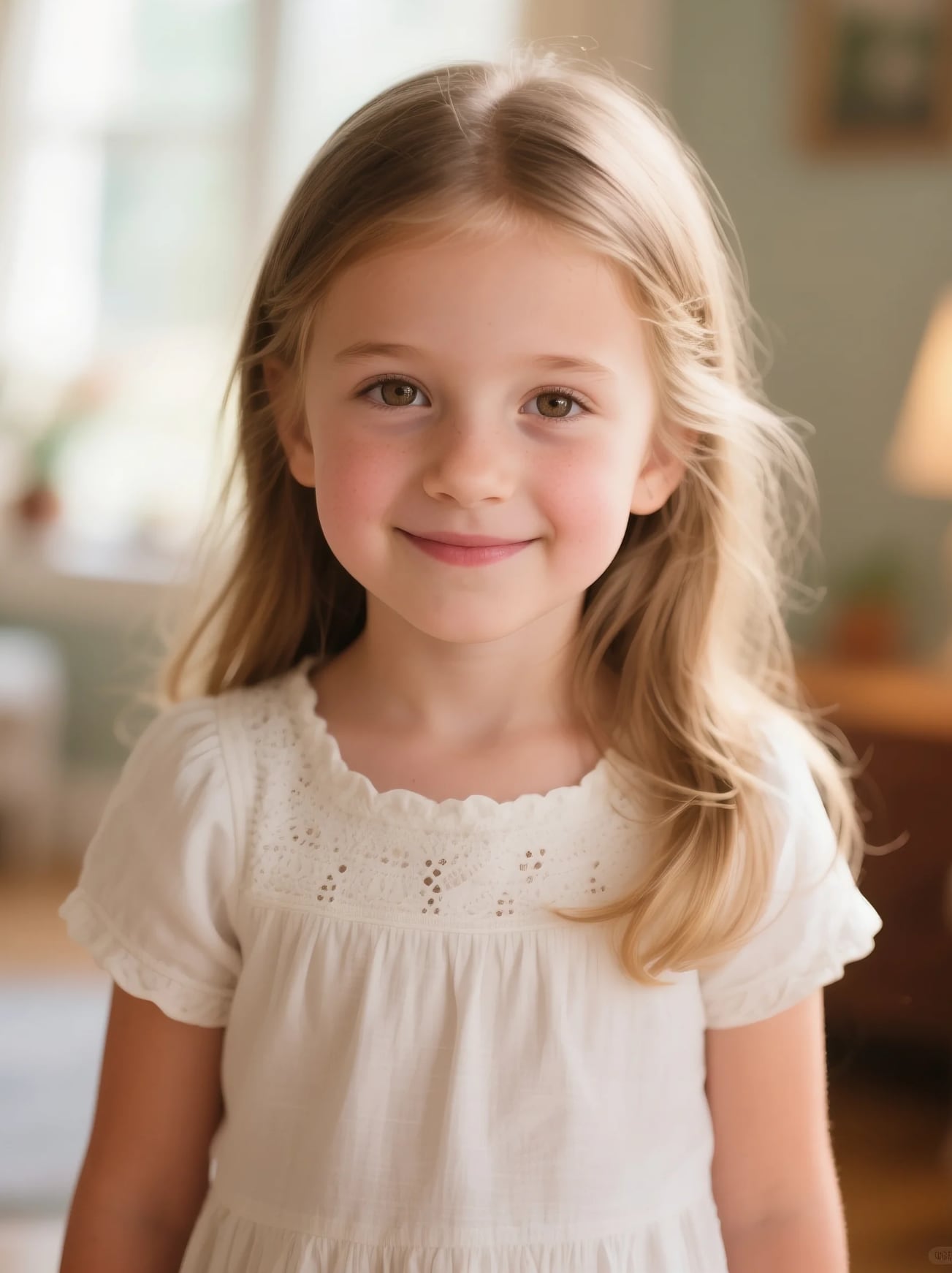
Sube una foto de retrato y conviértela en un lindo fondo de pantalla de iPhone con efecto de cristal con un solo prompt.
Antes
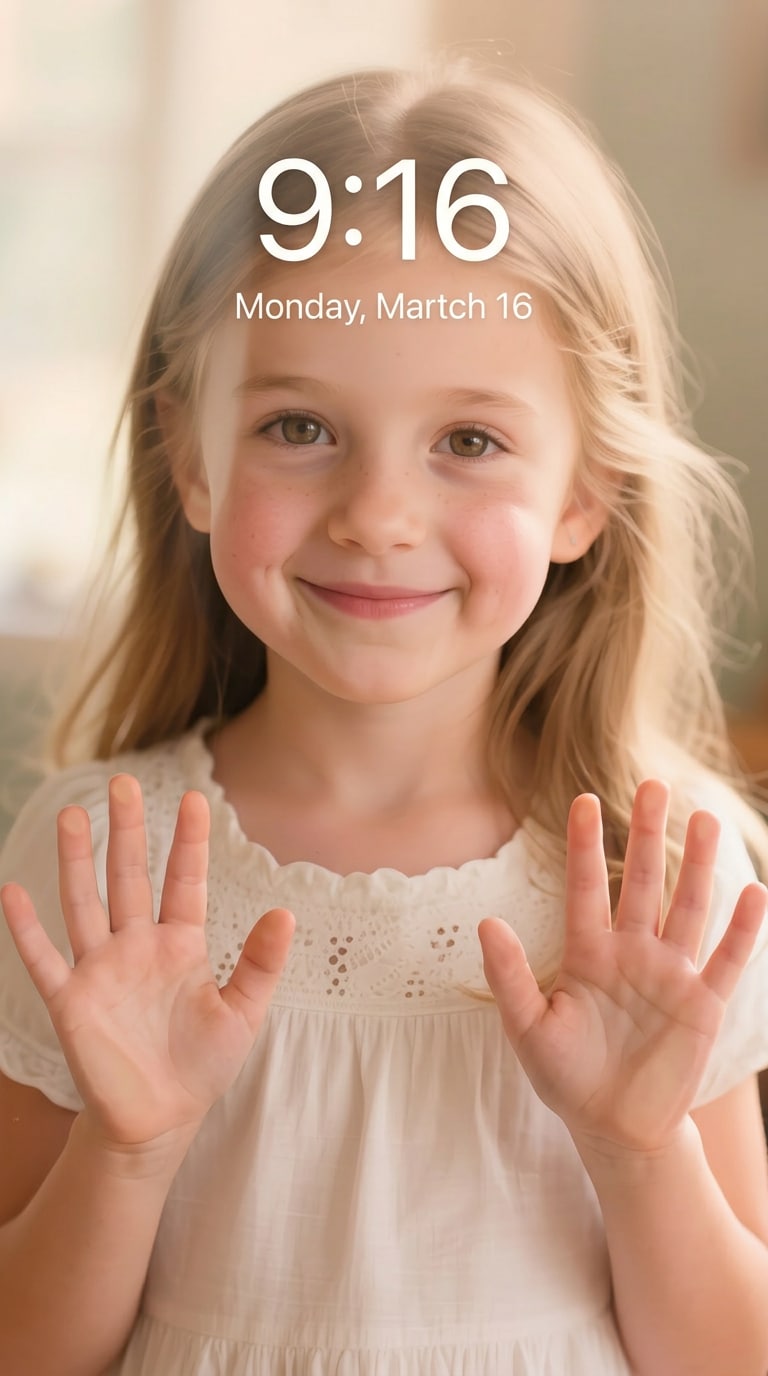
Fondo de Pantalla Presionado Contra el Cristal
Antes
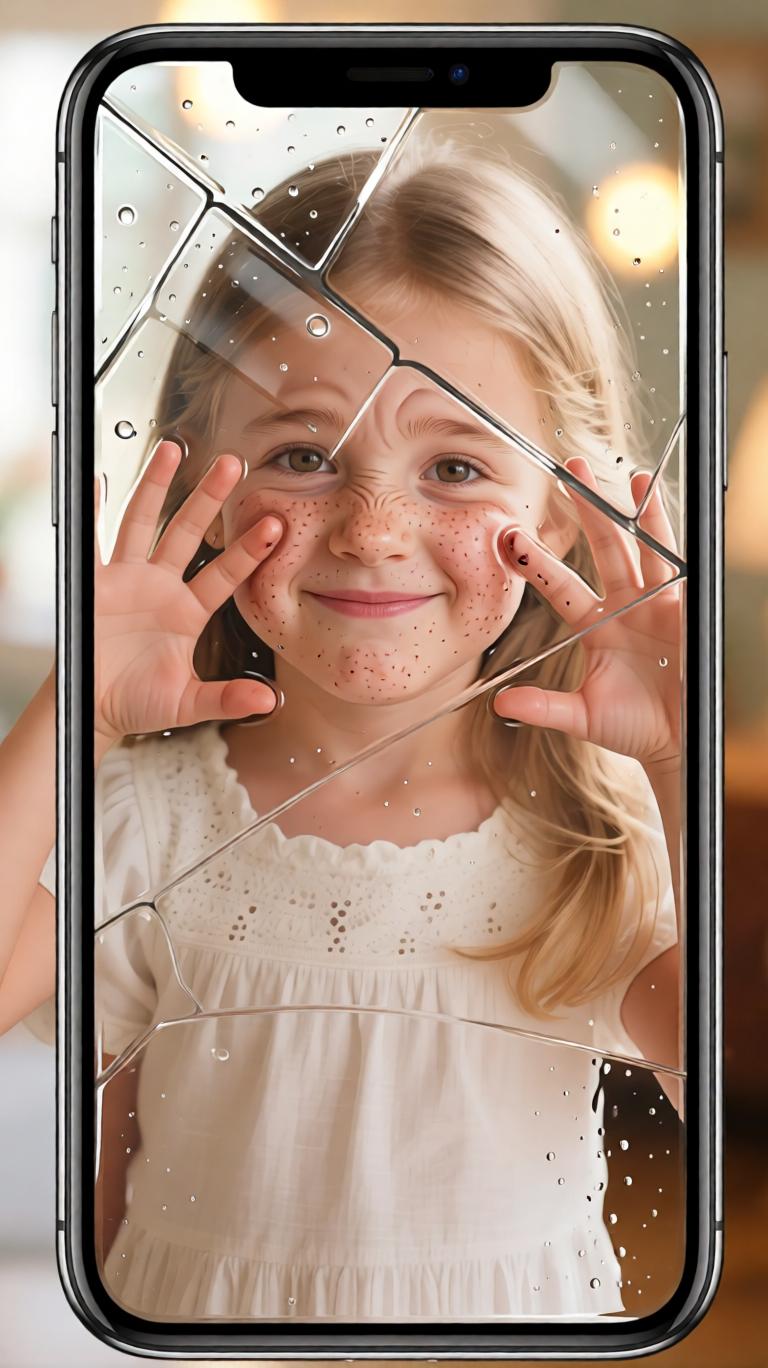
Prompt de Pantalla de Bloqueo Lindo
Las 10 Mejores Ideas de Prompts de Fondo de Pantalla IA Presionado Contra el Cristal
Fondo de Pantalla Clásico Presionado Contra el Cristal
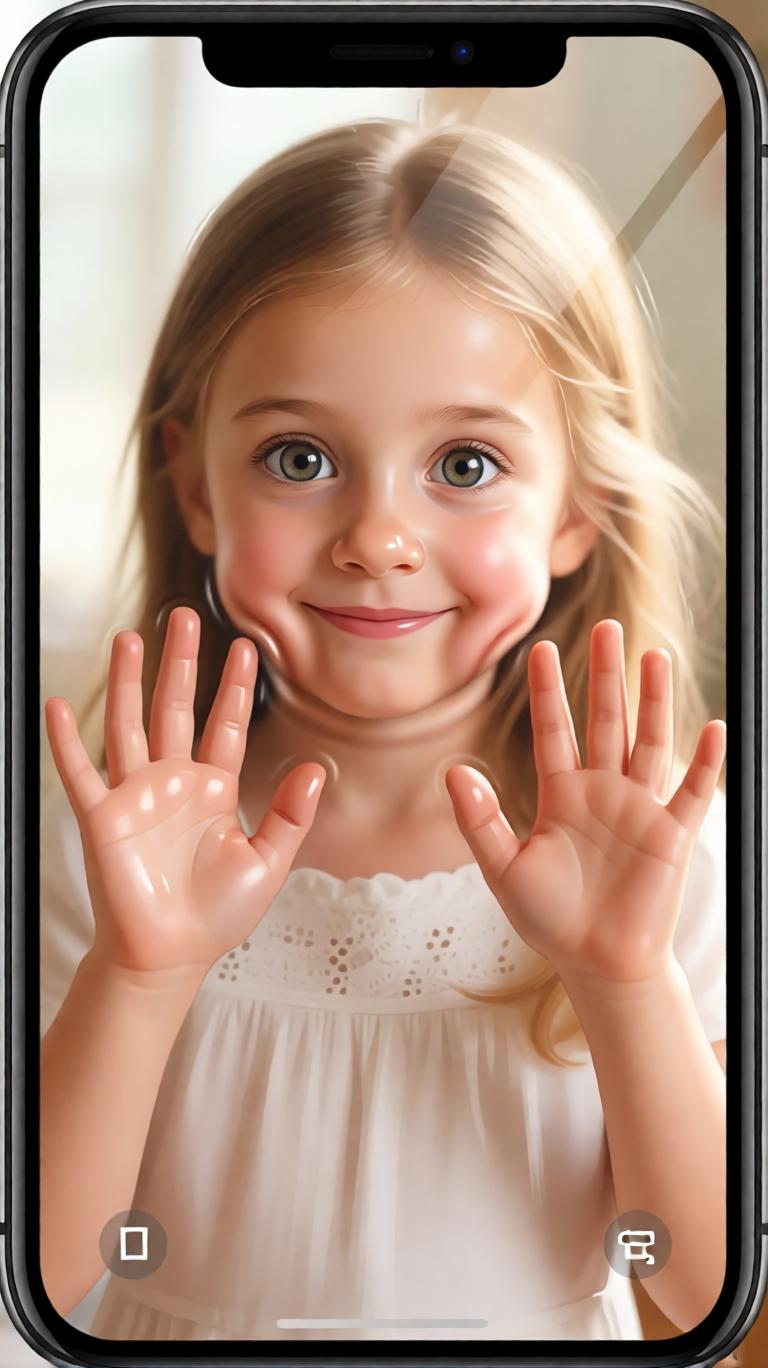
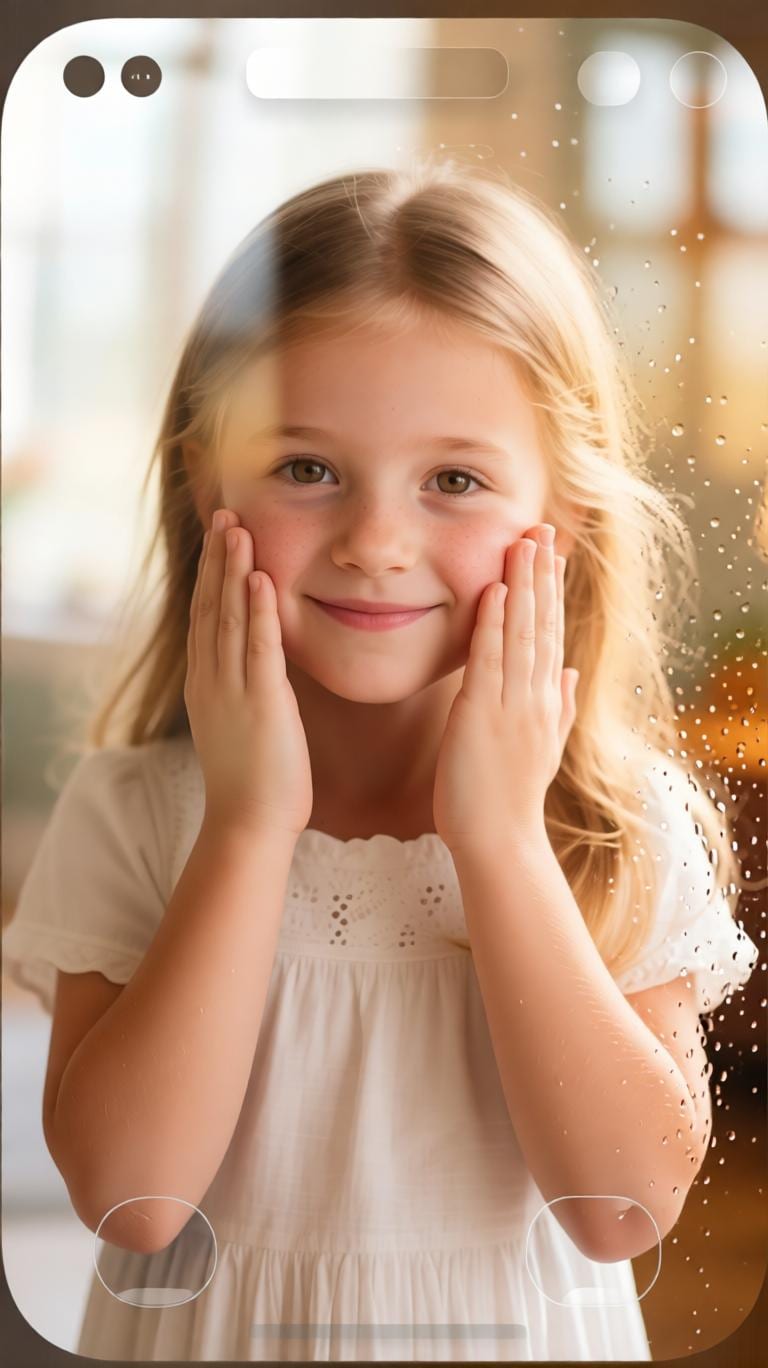
Crea un lindo fondo de pantalla vertical 9:16 para pantalla de bloqueo de iPhone usando la foto de retrato subida como referencia. Mantén las características faciales de la persona reconocibles y naturales. Haz que la persona parezca estar dentro de la pantalla del teléfono, asomándose juguetonamente desde los bordes y presionando sus mejillas y palmas contra el cristal. Agrega detalles suaves y realistas de presión sobre el cristal: mejillas ligeramente aplanadas, palmas presionadas sobre la pantalla, compresión sutil de la piel, presión natural de las manos y ojos brillantes y expresivos. Usa un estilo de ilustración semi-realista cálido, piel suave y tersa, iluminación acogedora, composición limpia de fondo de pantalla móvil y una estética divertida de fondo de pantalla IA presionado contra el cristal.
Pantalla de Bloqueo con Mejillas Aplastadas
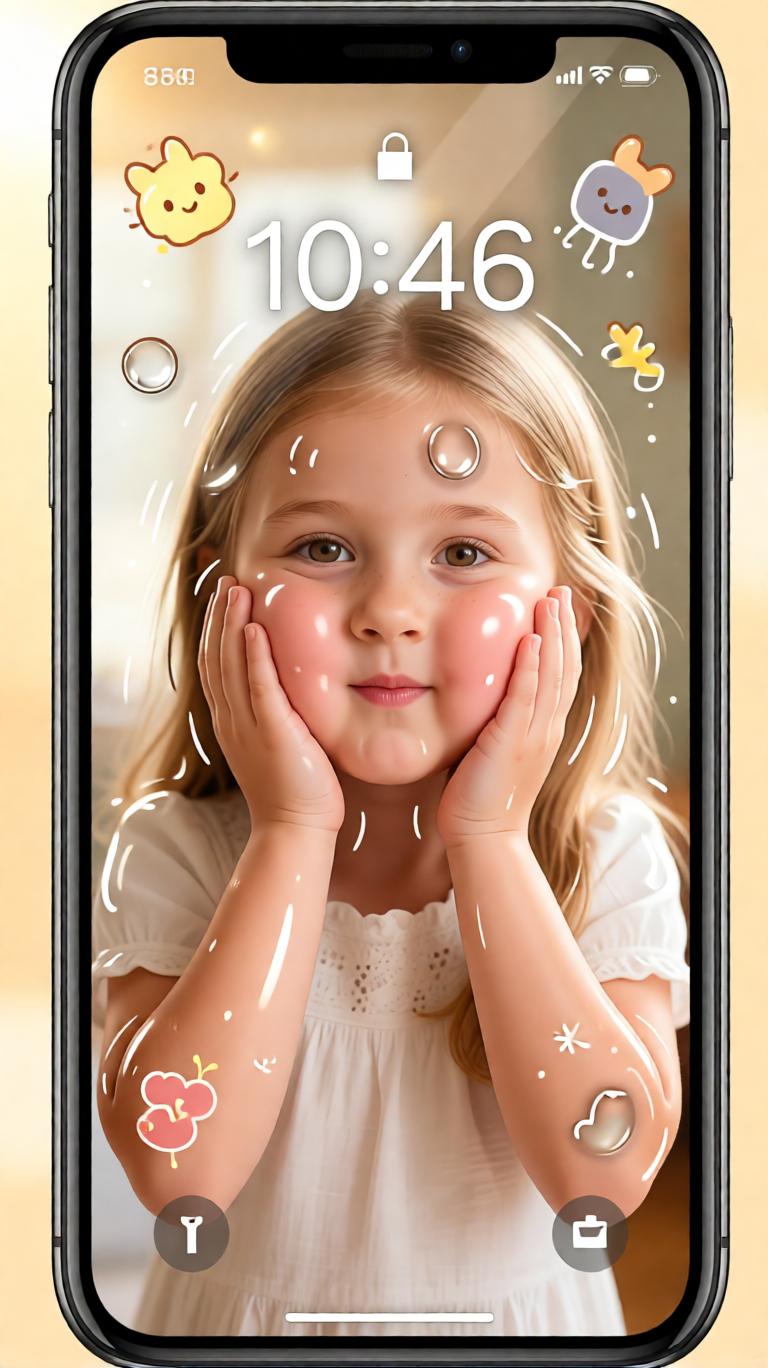
Convierte el retrato subido en un lindo fondo de pantalla de pantalla de bloqueo IA en formato vertical 9:16. Preserva el rostro original de la persona, peinado, tono de piel y expresión reconocible mientras agregas un adorable efecto de presionado contra el cristal. Las mejillas deben verse suaves, esponjosas y suavemente aplastadas contra el cristal del teléfono, con aplanamiento visible pero natural y elasticidad sutil de la piel. Agrega pequeñas palmas presionando sobre la pantalla, reflejos suaves sobre el cristal, iluminación cálida pastel, espacio negativo limpio para la hora de la pantalla de bloqueo y un estilo de fondo de pantalla semi-realista juguetón que se sienta lindo, brillante y natural.
Asomándose desde los Bordes del Teléfono
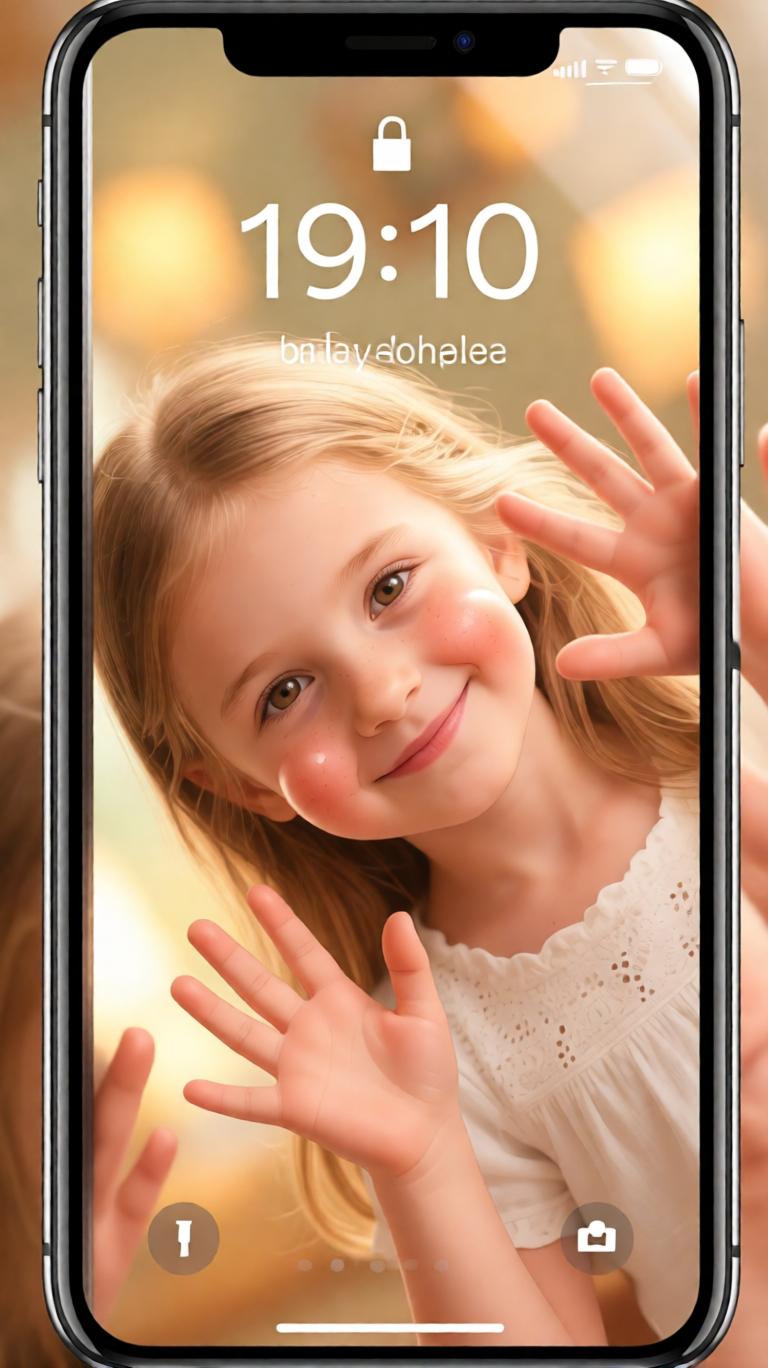
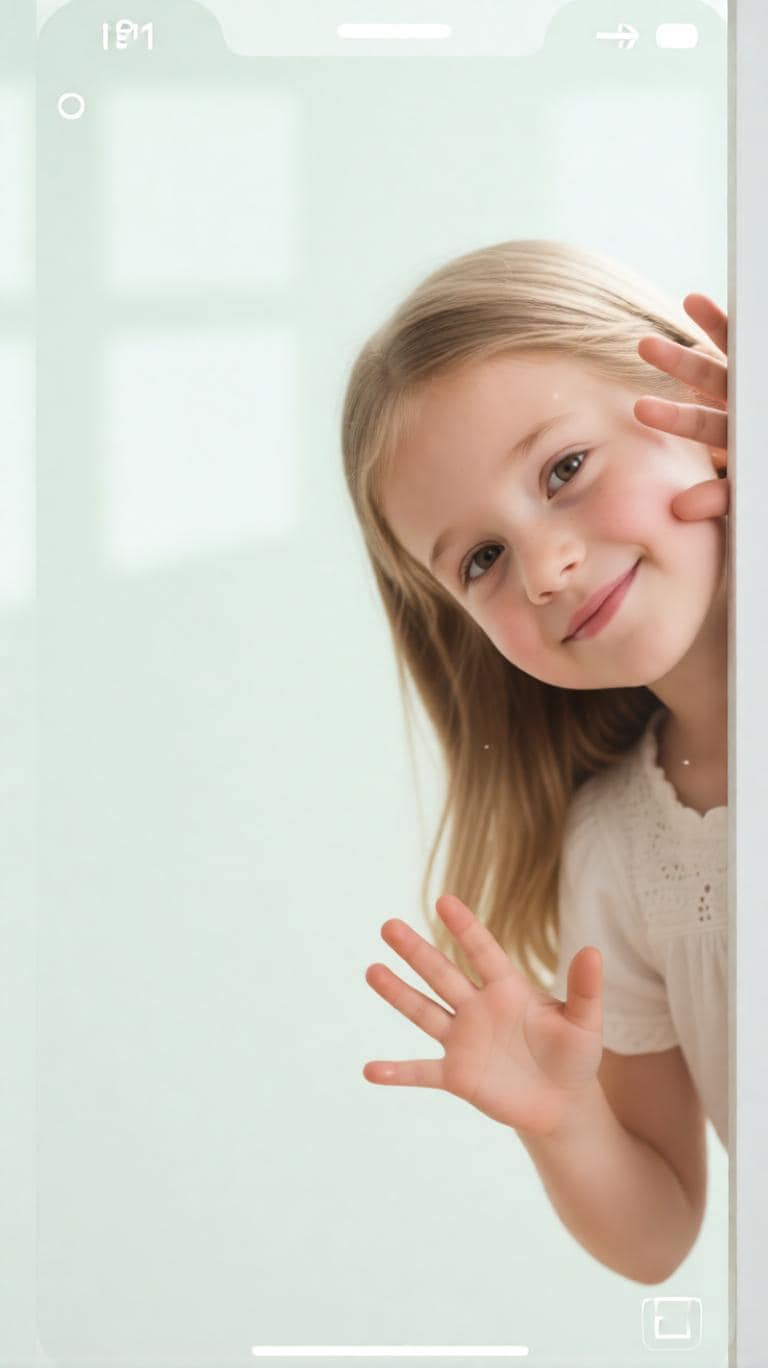
Transforma la foto de retrato subida en un divertido fondo de pantalla IA presionado contra el cristal para una pantalla de bloqueo de iPhone. La persona debe aparecer dentro del teléfono, asomándose desde la parte superior, lateral o esquina de la pantalla mientras empuja su rostro y manos contra el cristal. Preserva la apariencia original y la identidad facial tanto como sea posible. Agrega presión realista de las palmas, mejillas suavemente comprimidas, detalles diminutos de las manos, reflejos del cristal y una expresión linda y traviesa. Mantén el fondo brillante, limpio, cálido y adecuado para un fondo de pantalla móvil 9:16 de alta resolución.
Retrato Semi-Realista Presionado Contra el Cristal
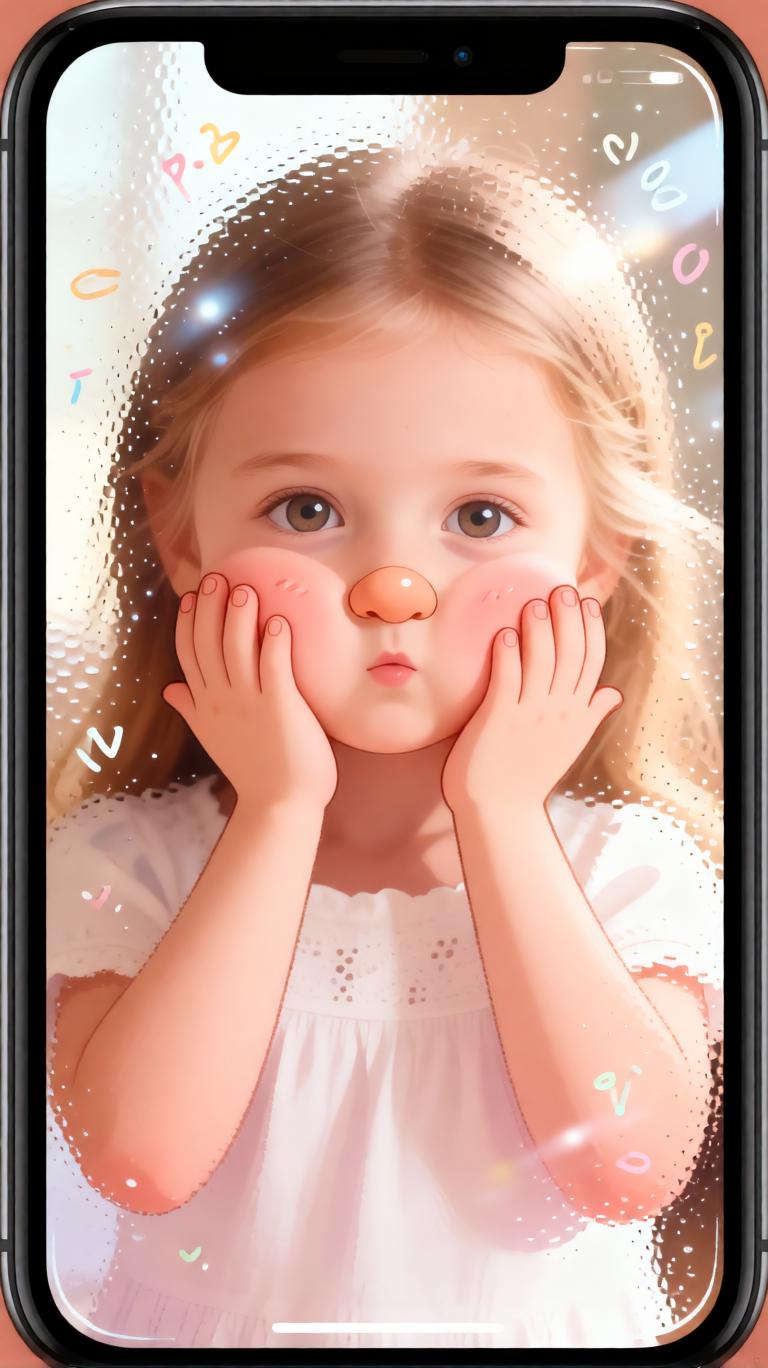
Crea un fondo de pantalla semi-realista presionado contra el cristal a partir del retrato subido. Mantén el rostro de la persona reconocible, natural y cercano a la foto original mientras le das a la imagen un acabado ilustrado suave. Muestra el rostro y las palmas presionadas contra un cristal invisible del teléfono, con aplanamiento suave de las mejillas, compresión sutil de la piel, presión realista alrededor de la nariz y los dedos, y reflejos suaves de reflexión. Usa ojos grandes y expresivos, piel tersa, luz cálida, encuadre limpio 9:16 de fondo de pantalla de iPhone y un estilo adorable de prompt IA de presión sobre cristal sin hacer el rostro distorsionado o excesivamente caricaturesco.
Dentro de la Pantalla del Teléfono
Usa la foto de retrato subida para crear un lindo fondo de pantalla móvil 9:16 donde la persona parezca atrapada dentro de la pantalla del teléfono de manera juguetona. Preserva sus características faciales originales, peinado e identidad. Haz que presionen ambas mejillas y palmas contra el cristal como si intentaran mirar hacia el espectador. Agrega compresión natural de la piel, mejillas redondeadas y aplastadas, manos suaves, reflejos brillantes del cristal, encanto cálido inspirado en garabatos y una composición brillante de pantalla de bloqueo. La imagen final debe sentirse como un lindo fondo de pantalla IA presionado contra el cristal, acogedor y divertido pero aún realista.
Pantalla de Bloqueo Cálida y Juguetona
Convierte la foto subida en un resultado de prompt de fondo de pantalla IA de iPhone cálido y juguetón. Crea una pantalla de bloqueo vertical 9:16 con la persona asomándose desde el borde del marco y presionando su rostro y manos contra el cristal. Preserva la identidad facial y la expresión natural mientras agregas lindas mejillas aplastadas, presión suave de las manos, deformación suave de la piel, reflejos brillantes de la pantalla y una paleta de colores brillante y acogedora. Deja espacio limpio cerca del centro superior para la hora de la pantalla de bloqueo y haz que el fondo de pantalla se sienta pulido, adorable y de alta resolución.
Fondo de Pantalla de Pareja Presionado Contra el Cristal
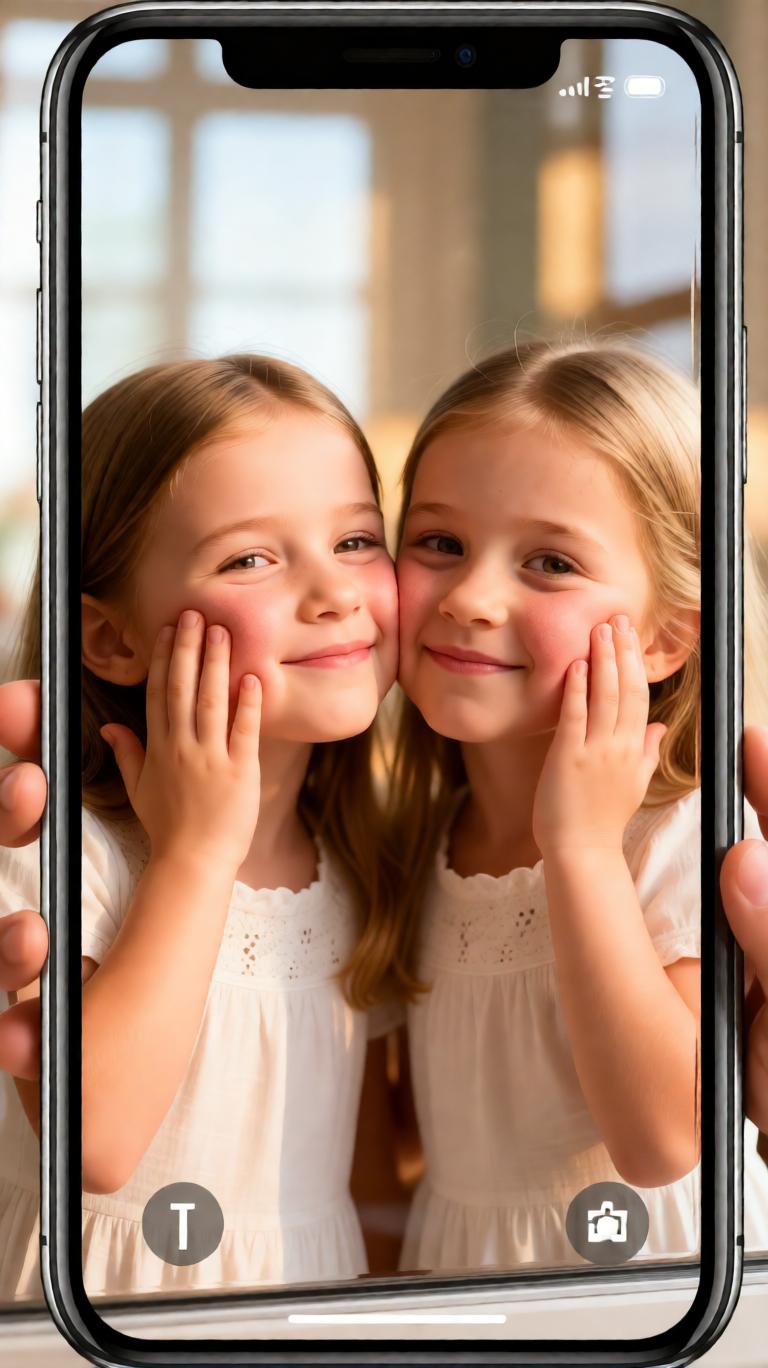
Crea un lindo fondo de pantalla IA presionado contra el cristal usando la foto de pareja subida como referencia. Mantén las características faciales de ambas personas, peinados, ambiente de la ropa y pose de la relación reconocibles. Haz que aparezcan dentro de la pantalla del teléfono, presionando juguetonamente sus mejillas y manos contra el cristal desde diferentes bordes del marco. Agrega compresión suave de mejillas aplastadas, presión realista de las palmas, reflejos sutiles del cristal, iluminación cálida, expresiones juguetonas y un diseño limpio 9:16 de pantalla de bloqueo de iPhone. El resultado debe sentirse romántico, divertido, adorable y adecuado como fondo de pantalla de pareja.
Fondo de Pantalla Lindo Minimalista de Cristal
Transforma el retrato subido en un fondo de pantalla minimalista lindo presionado contra el cristal. Usa un formato vertical 9:16 limpio con colores de fondo suaves, espaciado simple de pantalla de bloqueo y la persona asomándose desde un lado de la pantalla. Preserva el rostro original y la identidad natural mientras agregas detalles sutiles de presión sobre cristal: mejillas ligeramente aplanadas, yemas de los dedos y palmas sobre la pantalla, pequeños reflejos, sombras suaves y elasticidad suave de la piel. Haz que el estilo sea semi-realista, brillante, terso y encantador, sin distorsión de dibujos animados pesada y sin fondo desordenado.
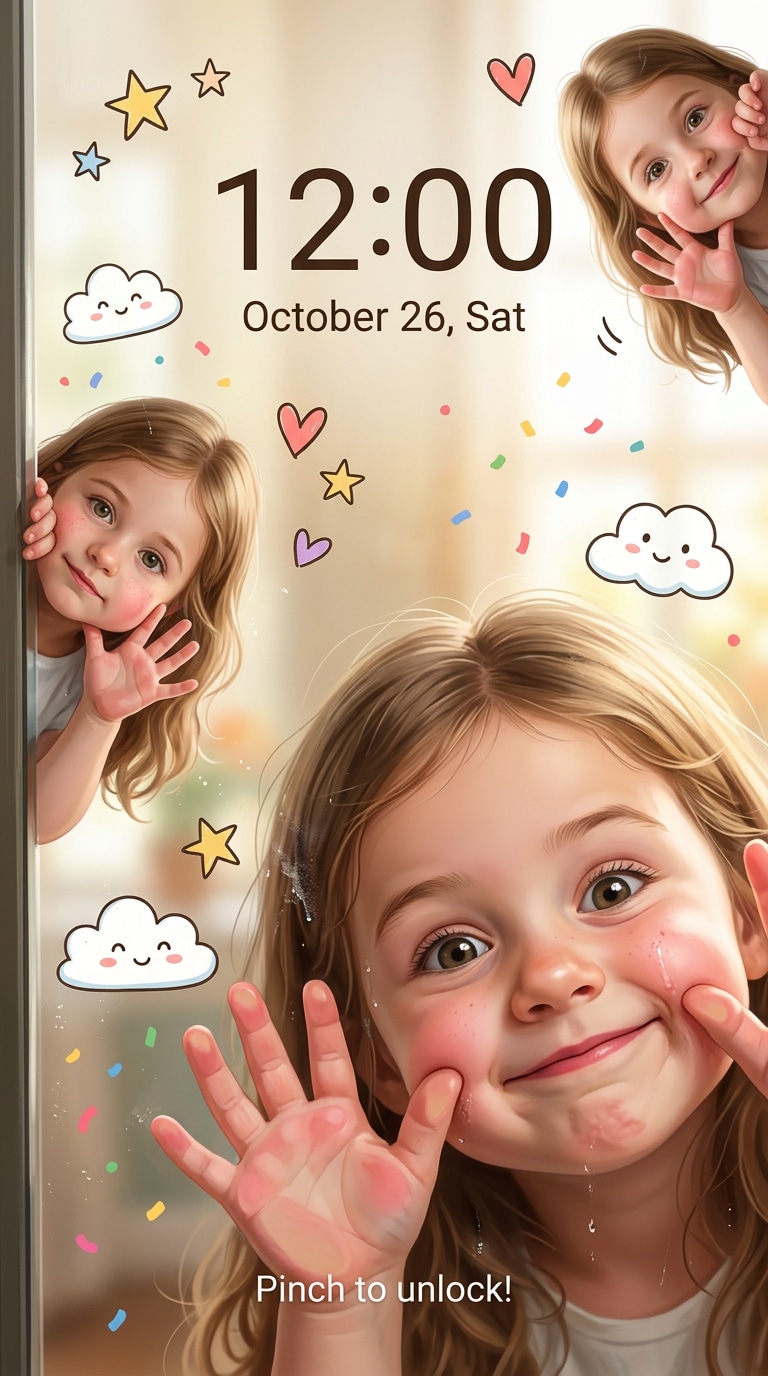
Fondo de Pantalla Lindo Inspirado en Garabatos
Crea un fondo de pantalla IA presionado contra el cristal inspirado en garabatos a partir de la foto de retrato subida. Mantén las características faciales clave de la persona realistas y reconocibles, pero agrega un acabado suave ilustrado de fondo de pantalla móvil. El personaje debe presionar sus mejillas, nariz y palmas contra el cristal con linda presión aplastada, mejillas redondeadas, detalles diminutos de las manos y ojos brillantes y curiosos. Agrega pequeños acentos de garabatos, brillo suave del cristal, tonos cálidos pastel y una composición limpia de pantalla de bloqueo de iPhone 9:16 de alta resolución. El ambiente debe ser sanador, juguetón, ligeramente tonto y muy lindo.
Fondo de Pantalla de iPhone de Alta Resolución
Convierte la foto de retrato subida en un fondo de pantalla de pantalla de bloqueo de iPhone 9:16 de alta resolución usando un prompt de fondo de pantalla IA presionado contra el cristal. Preserva la identidad facial de la persona, tono de piel, peinado y expresión natural. Coloca a la persona detrás del cristal de la pantalla, asomándose hacia el espectador con mejillas y palmas presionadas suavemente contra la superficie. Agrega contacto realista con el cristal, compresión suave de las mejillas, presión visible de las palmas, reflejos brillantes, renderizado semi-realista terso, iluminación cálida brillante y espaciado limpio de fondo de pantalla. Evita características faciales distorsionadas, dedos extra, deformación áspera, detalles borrosos y una apariencia excesivamente generada por IA.
¿Por Qué Usar Media.io para Fondos de Pantalla IA Presionados Contra el Cristal?
Convierte Fotos de Retrato en Lindas Pantallas de Bloqueo
Transforma selfies, retratos, fotos de parejas y fotos de perfil en un divertido fondo de pantalla IA presionado contra el cristal con mejillas aplastadas, palmas sobre el cristal, reflejos suaves y un diseño pulido de pantalla de bloqueo móvil 9:16.
Perfecto para Tendencias de Fondos de Pantalla IA Lindos
Usa prompts de fondo de pantalla IA presionado contra el cristal para pantallas de bloqueo de iPhone, tendencias de TikTok, historias de Instagram, ediciones de perfil lindas, fondos de pantalla de parejas, ediciones de cumpleaños, retratos estilo fan y visuales divertidos para redes sociales.
Crea Efectos Realistas de Presión Sobre Cristal
Media.io te ayuda a generar detalles de fondo de pantalla IA de presión sobre cristal como mejillas suavemente aplanadas, presión visible de las palmas, compresión suave de la piel, reflejos brillantes de la pantalla, ojos expresivos y textura semi-realista natural.
Flujo de Trabajo Simple de Foto a Fondo de Pantalla
No se necesita experiencia en diseño. Sube una foto de retrato, pega un prompt de fondo de pantalla IA, elige un estilo lindo de presión sobre cristal, luego genera un fondo de pantalla de pantalla de bloqueo de alta resolución directamente en tu navegador.
Cómo Crear Fondos de Pantalla IA Presionados Contra el Cristal
01
Paso 1 - Sube Tu Foto de Retrato
Elige un selfie claro, retrato, foto de pareja o foto de perfil con características faciales visibles. Las fotos frontales con buena iluminación generalmente funcionan mejor para crear un fondo de pantalla IA presionado contra el cristal reconocible.
02
Paso 2 - Copia un Prompt de Presión Sobre Cristal
Elige un estilo de prompt a continuación, como pantalla de bloqueo con mejillas aplastadas, asomándose desde los bordes del teléfono, retrato semi-realista presionado contra el cristal, fondo de pantalla de pareja o fondo de pantalla lindo inspirado en garabatos.
03
Paso 3 - Genera y Guarda
Genera tu fondo de pantalla IA presionado contra el cristal, luego descárgalo como una linda pantalla de bloqueo de iPhone 9:16, historia de redes sociales, edición de perfil, fondo de pantalla de pareja o imagen de retrato juguetona.
Casos de Uso Principales para Prompts de Fondo de Pantalla IA Presionado Contra el Cristal
Lindos Fondos de Pantalla de Pantalla de Bloqueo de iPhone
Convierte selfies y retratos en adorables diseños de fondo de pantalla de pantalla de bloqueo IA con mejillas aplastadas, palmas sobre el cristal, expresiones suaves y encuadre limpio 9:16 para pantallas de iPhone y Android.
Tendencias de Redes Sociales y Ediciones de Perfil
Crea divertidos efectos de prompt presionado contra el cristal para TikTok, historias de Instagram, pines de Pinterest, actualizaciones de avatar, ediciones de fans, publicaciones de cumpleaños y contenido de imagen lindo de antes y después.
Fondos de Pantalla de Parejas, Amigos y Personales
Genera fondos de pantalla acogedores para parejas, amigos, retratos familiares, ediciones de fotos personales y pantallas de bloqueo divertidas mientras mantienes a la persona original reconocible y agregas una estética suave de presión sobre cristal.
Lo Que los Usuarios Dicen Sobre los Prompts de Fondo de Pantalla IA Presionado Contra el Cristal
Olivia M.
Creadora de Fondos de Pantalla
"Hizo que mi selfie pareciera un lindo personaje de pantalla de bloqueo." Subí un retrato y obtuve un fondo de pantalla juguetón presionado contra el cristal con mejillas aplastadas, manos suaves y una apariencia cálida de fondo de pantalla de iPhone.
Noah T.
Editor de Redes Sociales
"Genial para tendencias de fondos de pantalla IA lindos." El prompt mantuvo el rostro reconocible mientras agregaba el efecto de presión sobre cristal, palmas sobre la pantalla y el estilo semi-realista suave que quería para una publicación social.
Chloe R.
Usuaria de Prompts IA
"Prompts fáciles, resultados adorables y muy compartibles." Copié un prompt de fondo de pantalla IA presionado contra el cristal, subí un retrato y creé un lindo fondo de pantalla de pantalla de bloqueo en minutos.
Explora los efectos de video e imagen con IA más populares
Preguntas Frecuentes sobre Prompts de Fondo de Pantalla IA Presionado Contra el Cristal
1. ¿Qué es un prompt de fondo de pantalla IA presionado contra el cristal?
Un prompt de fondo de pantalla IA presionado contra el cristal es una instrucción de generación de imágenes IA que convierte una foto de retrato en un lindo fondo de pantalla de teléfono donde la persona aparece dentro de la pantalla, presionando sus mejillas y manos contra el cristal con compresión suave y aplastada, presión realista de las palmas y un estilo juguetón de pantalla de bloqueo.
2. ¿Puedo convertir mi propio retrato en un fondo de pantalla presionado contra el cristal en línea?
Sí. Media.io te permite subir tu propia foto de retrato, pegar un prompt de fondo de pantalla IA presionado contra el cristal y generar una linda imagen de pantalla de bloqueo 9:16 directamente en tu navegador. Funciona para selfies, retratos, fotos de parejas, fotos de perfil y ediciones de fondos de pantalla personales divertidas.
3. ¿Qué tipo de foto funciona mejor para un efecto de fondo de pantalla de presión sobre cristal?
Los retratos frontales claros con buena iluminación y características faciales visibles generalmente funcionan mejor. Las fotos con fondos simples, ojos expresivos y manos visibles pueden ayudar a la IA a crear mejor compresión de mejillas aplastadas, presión de las palmas, reflejos del cristal y preservación reconocible del rostro.
4. ¿Para qué puedo usar fondos de pantalla IA presionados contra el cristal?
Estos fondos de pantalla IA son geniales para pantallas de bloqueo de iPhone, fondos de pantalla de Android, tendencias de TikTok, historias de Instagram, publicaciones de Pinterest, ediciones de perfil, fondos de pantalla de parejas, visuales de cumpleaños, imágenes de reacción lindas y contenido divertido para redes sociales.
5. ¿Puedo personalizar el estilo del rostro, la presión del cristal y el diseño del fondo de pantalla?
Sí. Puedes personalizar la intensidad de la presión sobre cristal, compresión de mejillas, colocación de las manos, ángulo de asomo, color de fondo, nivel de realismo, acentos de garabatos, espaciado de pantalla de bloqueo y el ambiente general del fondo de pantalla lindo mientras pides a la IA que preserve las características faciales originales de la persona.
Crea Más Fondos de Pantalla IA Lindos y Ediciones de Retratos