

Generador de anuncios con IA GPT Image 2.5
Crea creatividades publicitarias irresistibles con GPT Image 2.5. Convierte referencias de producto y marca en anuncios para redes sociales de pago, promociones de ecommerce, visuales de lanzamiento, pósteres y variantes de campaña, manteniendo los detalles clave del producto y el mensaje bajo control.
Sin configuración · Créditos gratuitos al registrarte
10 creatividades publicitarias con GPT Image 2.5 para probar
Desde anuncios de lanzamiento de productos y promociones de comercio electrónico hasta campañas en redes sociales, creatividades con texto exacto, variantes de temporada y diseños listos para localización, estos ejemplos se corresponden con la intención de creatividad publicitaria que aparece en los resultados de búsqueda actuales. Pasa el cursor sobre un resultado y copia el prompt para adaptarlo con tu propio producto, oferta y dirección de marca.
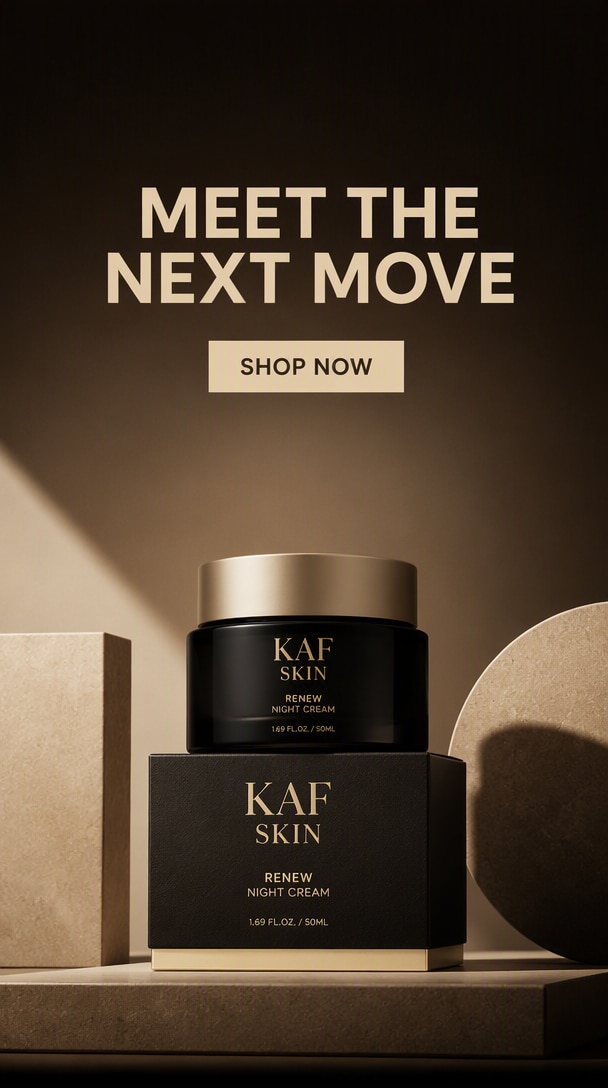
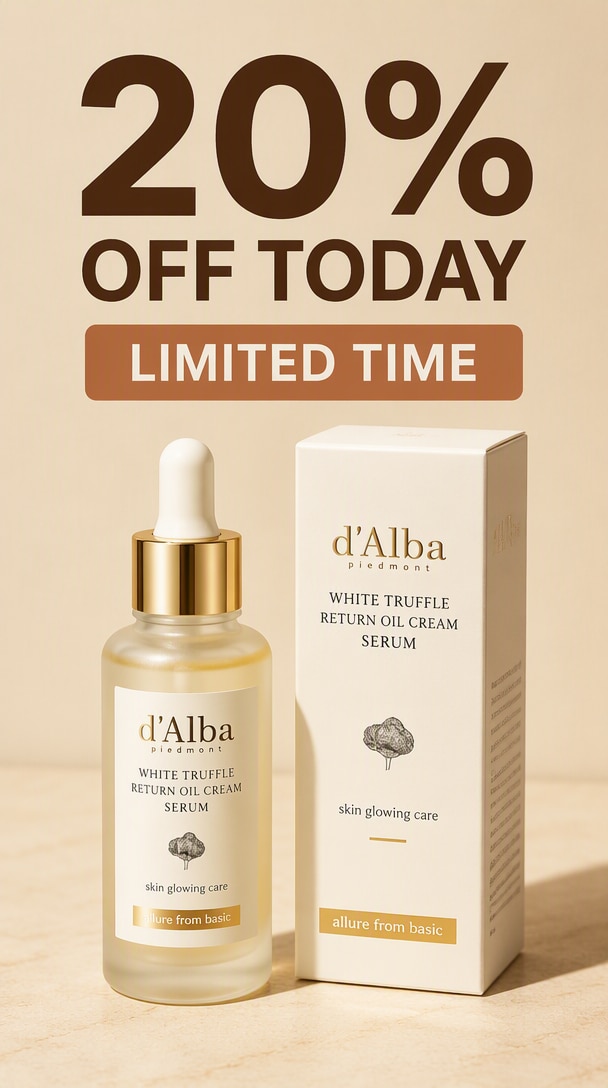
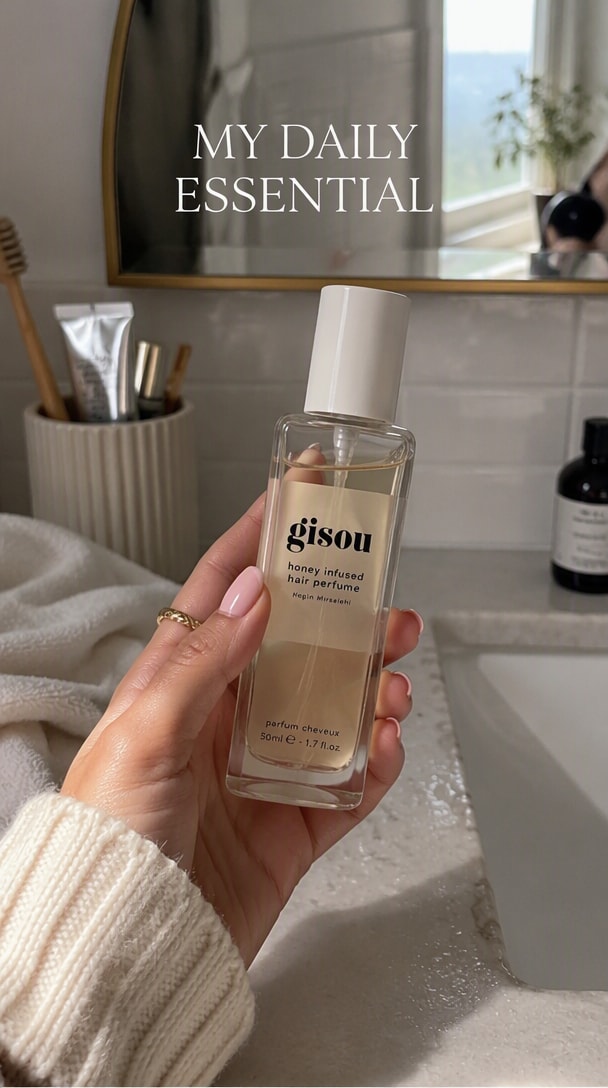
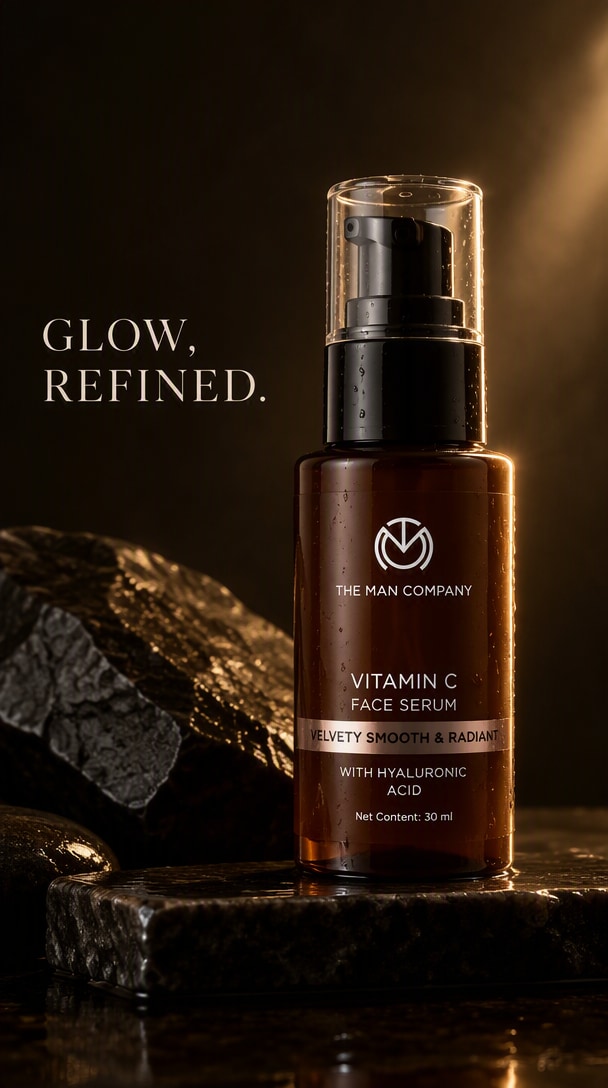
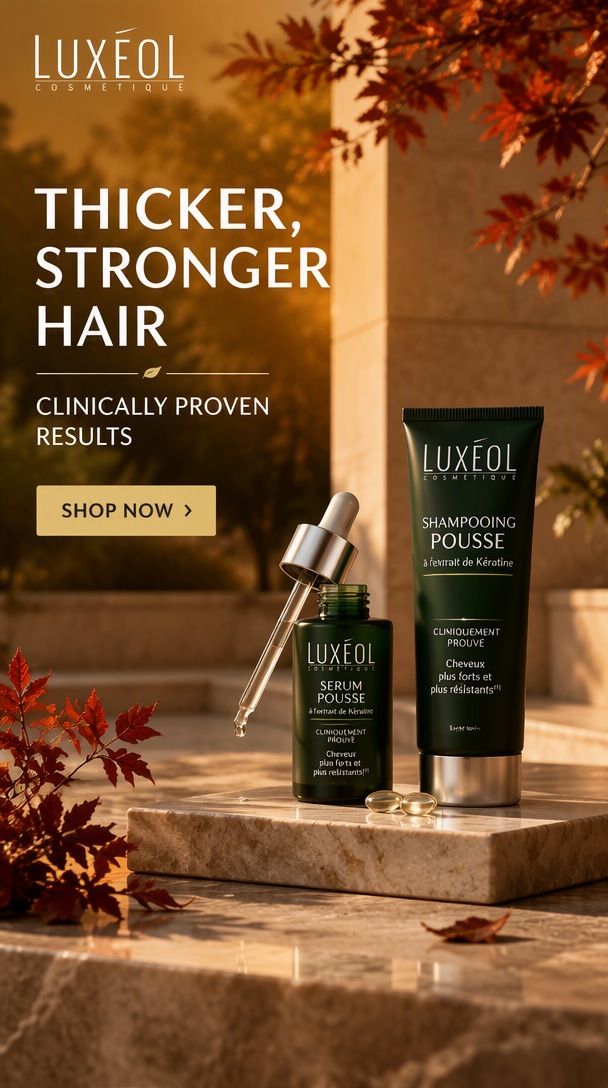
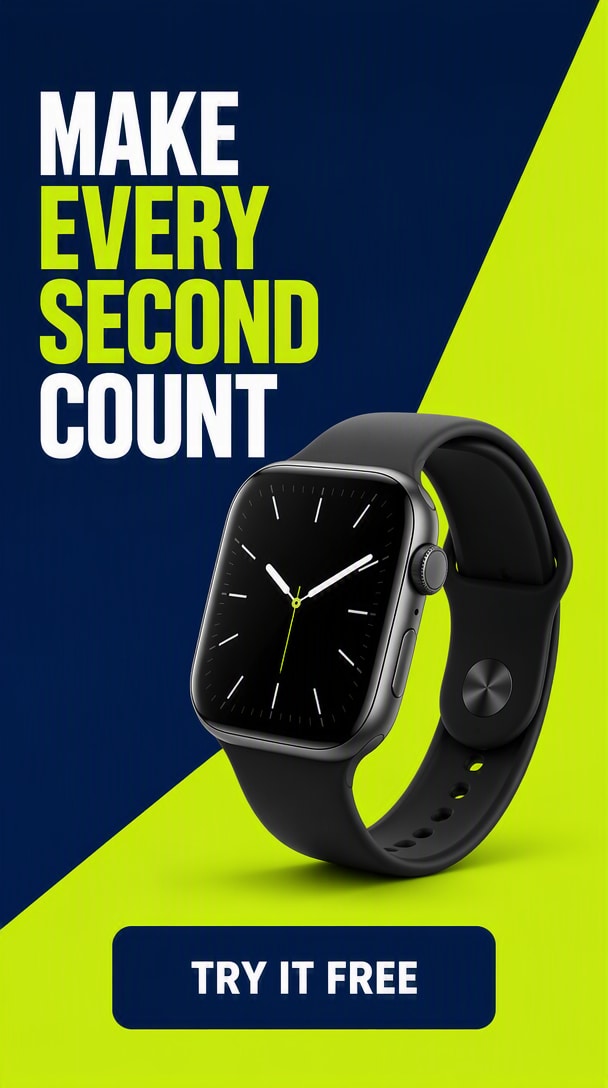
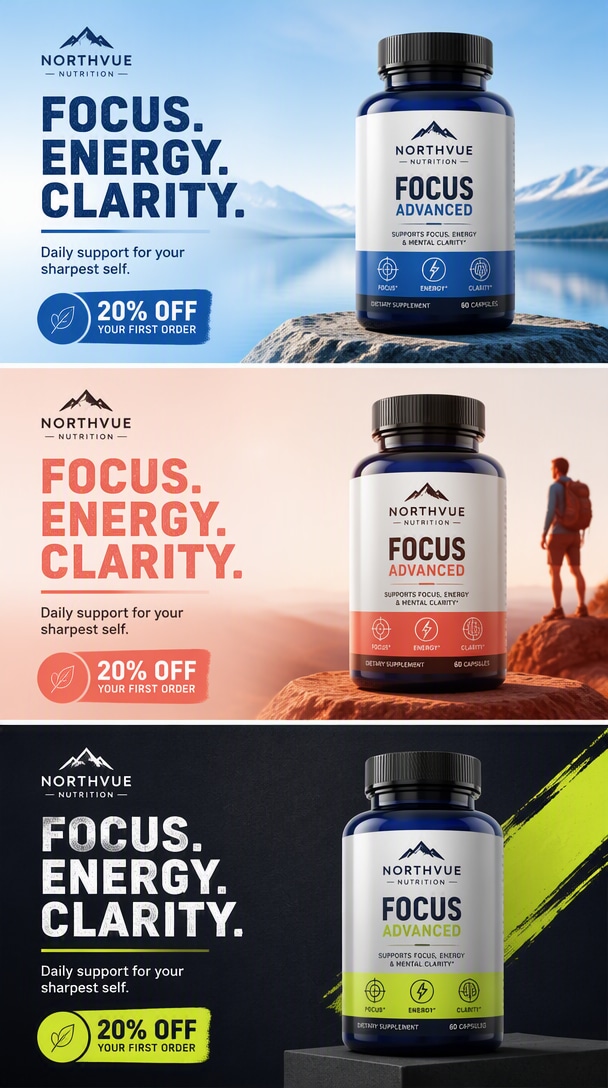

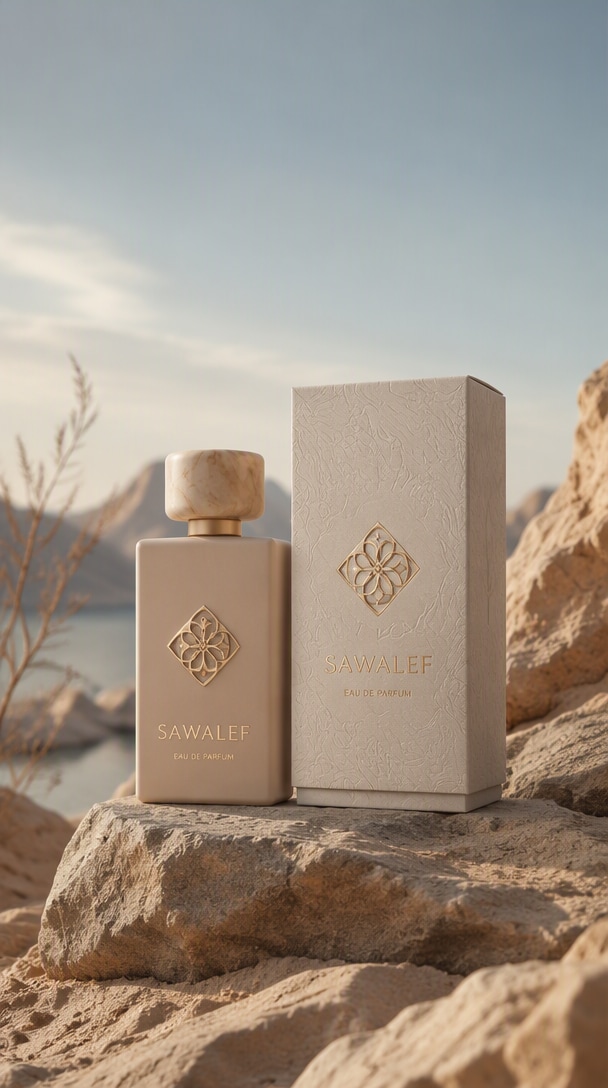
Por qué GPT Image 2.5 funciona para creatividades publicitarias con IA
Mantén los productos y las señales de marca estables
La generación basada en referencias es útil cuando un anuncio debe mantener el mismo producto, ubicación del logotipo, empaque o identidad visual aprobada mientras se cambia el tratamiento de la campaña.
Crea diseños listos para cada canal
Crea una jerarquía visual más clara para redes sociales de pago, ecommerce, páginas de destino, pósteres y activos de campaña con una colocación deliberada del producto, áreas seguras para texto y mensajes legibles.
Controla el texto y la dirección creativa
Describe la audiencia, la oferta, el canal, el rol del producto, el titular, el CTA, la dirección visual y las restricciones en lenguaje natural en lugar de crear cada anuncio manualmente desde cero.
Crea variantes creativas diferenciadas
Mantén el producto principal y el mensaje fijos mientras varías un ángulo creativo significativo a la vez —paleta, entorno, gancho visual, diseño o tema de campaña— para crear un conjunto de anuncios comprobable.
Refina sin empezar de cero
La Edición multiturn ayuda a los equipos a continuar desde un anuncio aprobado, ajustar un elemento, localizar el texto o crear extensiones de campaña sin reconstruir toda la creatividad.
Fidelidad de referencia · Ediciones enfocadas · Consistencia multiturn
5 flujos de trabajo de anuncios con GPT Image 2.5 de alta intención
Pasa de un producto aprobado o referencia de marca al formato de anuncio que tu campaña realmente necesita: redes sociales de pago, promoción de ecommerce, creatividad de lanzamiento, localización o una familia de variantes testeables.
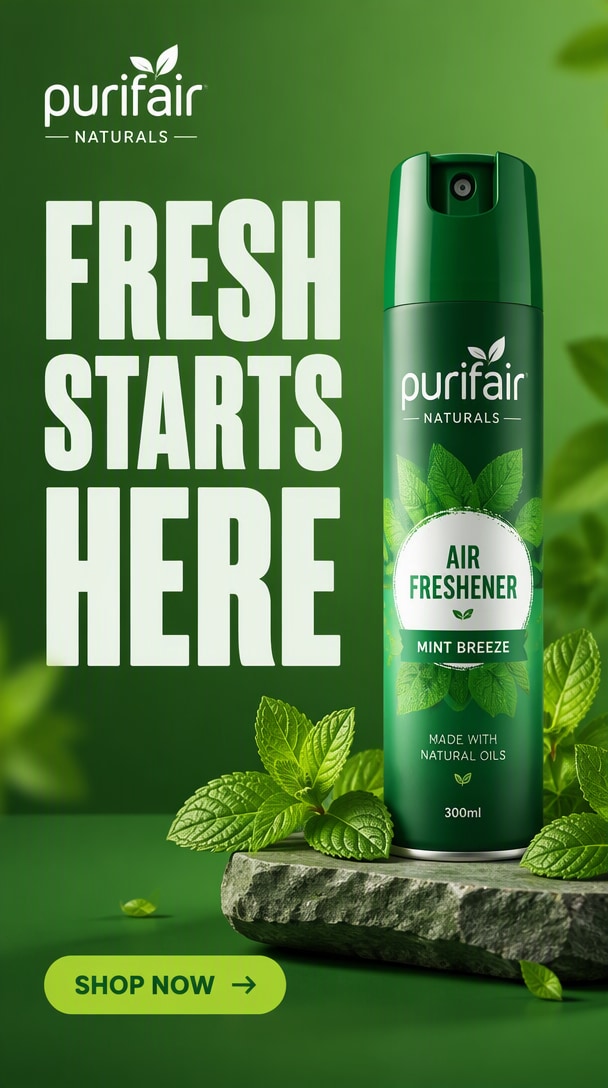
Crea anuncios sociales que detengan el scroll
Convierte una referencia de producto en una creatividad clara y mobile-first con un gancho potente, titular legible, jerarquía simple y dirección visual segura para la marca en feeds de redes sociales.
Crear anuncio social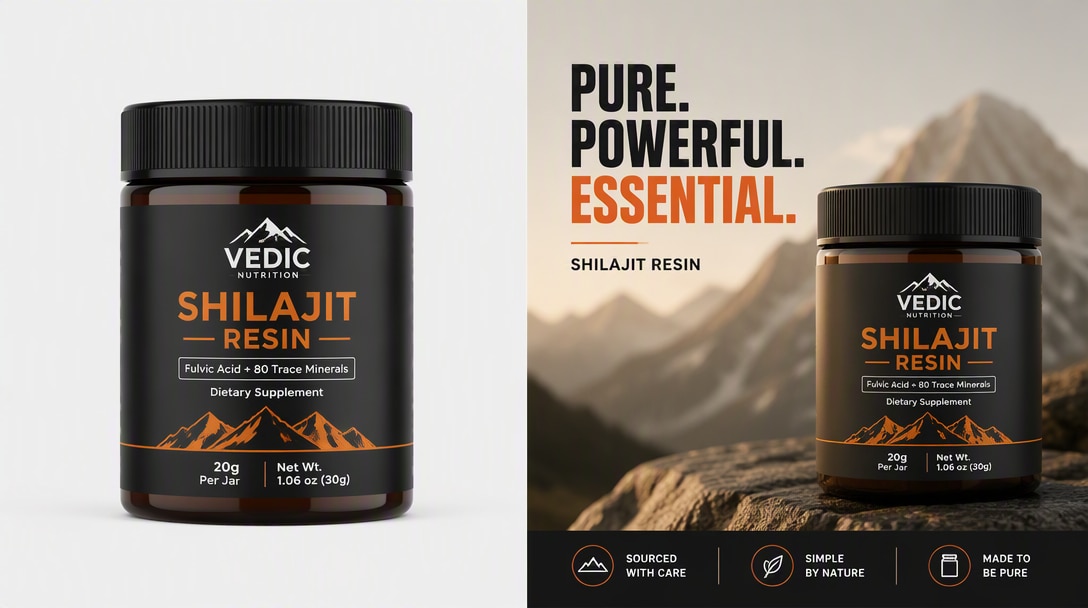
Convierte fotos de producto en creatividades de oferta
Mantén el producto reconocible mientras añades un Diseño promocional, jerarquía de oferta, fondo limpio y texto enfocado en la conversión para campañas de ecommerce y marketplaces.
Crear anuncio de ecommerce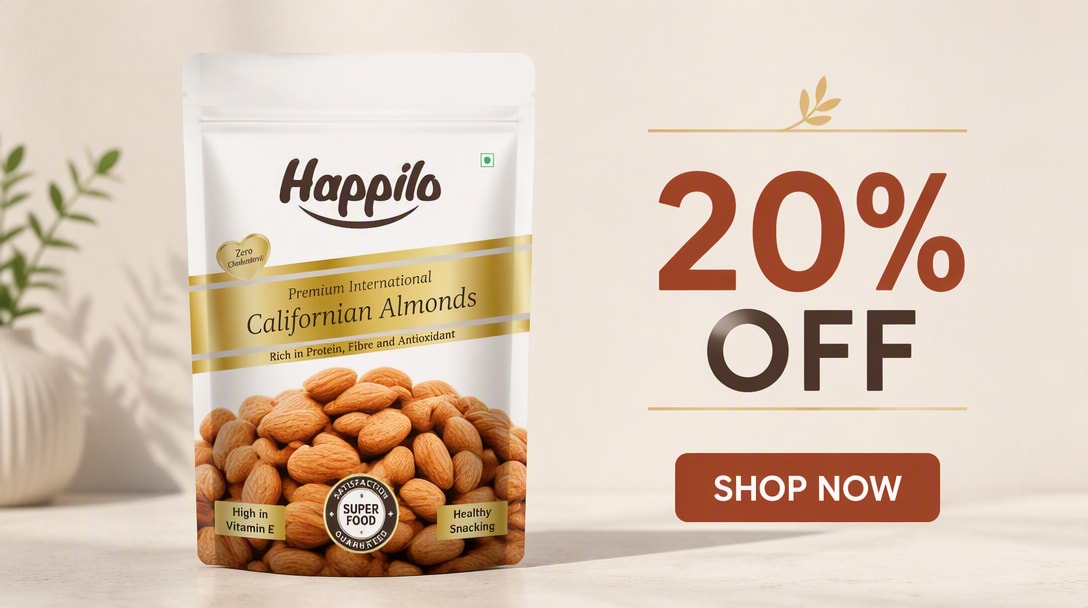
Crea un visual clave de campaña
Crea un activo maestro Premium con detalles de producto aprobados, sistema de color de campaña, espacio seguro para titulares y una composición que pueda adaptarse después a redes sociales de pago, web y ubicaciones de lanzamiento.
Crear visual de lanzamiento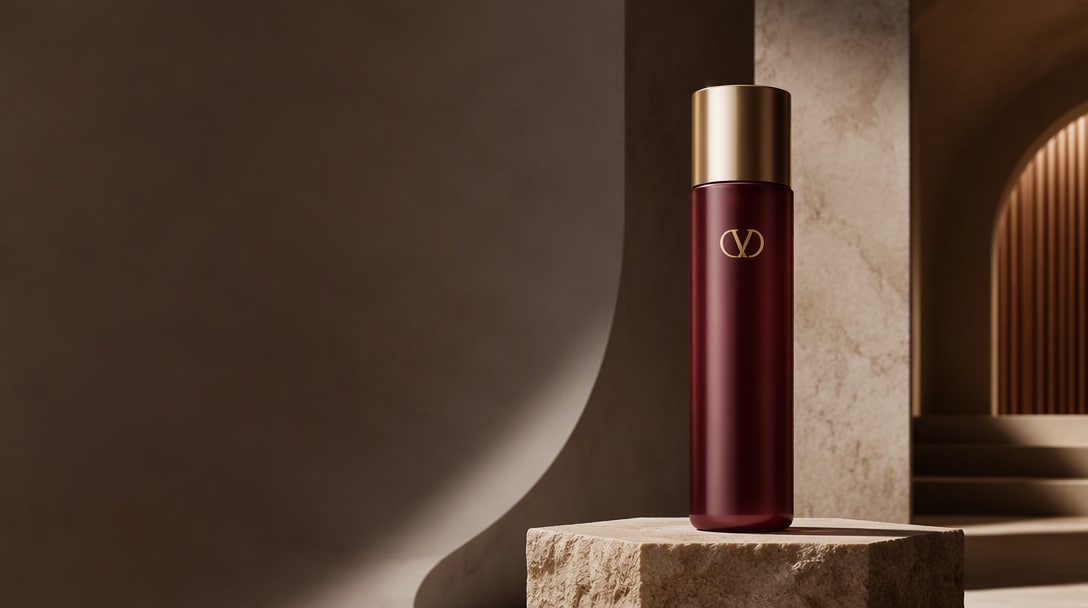
Cambia el texto, mantén la creatividad
Parte de un anuncio aprobado y reemplaza únicamente el titular, el CTA o el mensaje localizado, conservando la ubicación del producto, la jerarquía visual, el espaciado, la paleta y la identidad de la campaña.
Localizar un anuncio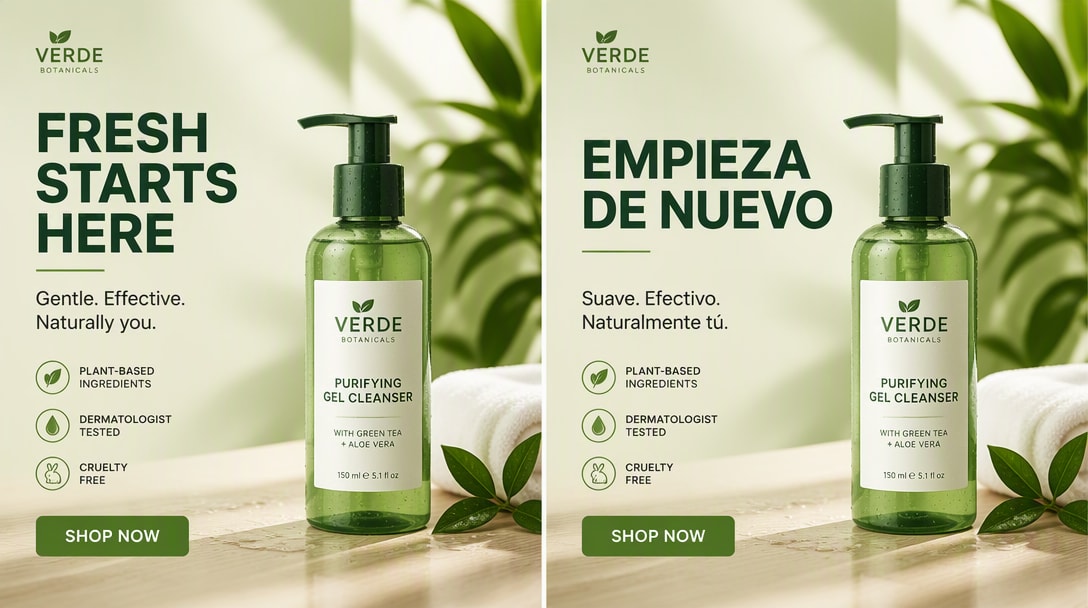
Genera variantes diferenciadas a partir de un master
Mantén el producto y el mensaje principal fijos mientras pruebas diferentes ganchos visuales, paletas, entornos y diseños para que cada variante explore un ángulo creativo significativamente diferente.
Explorar prompts de anuncios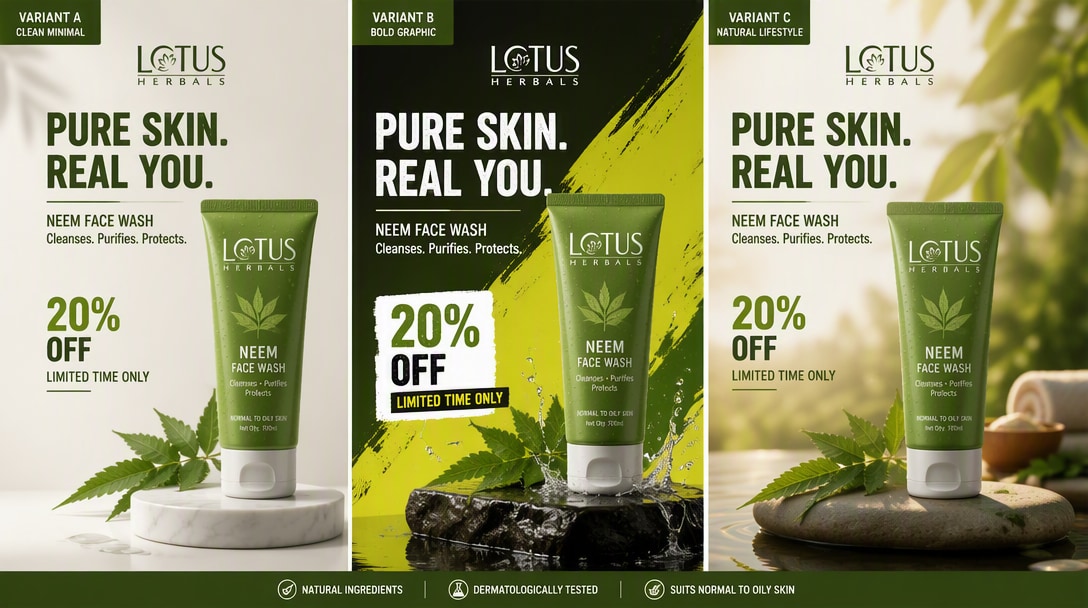
Crea un mejor brief de creatividad publicitaria con GPT Image 2.5
Las páginas de creatividades publicitarias y los flujos de trabajo de marketing actuales se benefician consistentemente de las mismas variables de producción: define la oferta, la audiencia, el canal, el rol del producto, la jerarquía del mensaje, la dirección visual y las restricciones antes de generar variantes.
Entregable
Define el activo publicitario exacto: imagen para redes sociales de pago, promoción de ecommerce, visual clave de lanzamiento, hero de sitio web, póster o variante localizada.
Anclas de producto y marca
Enumera lo que debe permanecer fijo: geometría del producto, empaque, ubicación del logotipo, colores aprobados, identidad visual y mensaje central.
Audiencia y canal
Indica a quién va dirigido el anuncio y dónde se publicará para que la composición, la densidad y el mensaje se ajusten a la ubicación.
Jerarquía del mensaje
Especifica el titular, el texto de apoyo, el CTA, la oferta y qué elementos deben dominar a primera vista.
Dirección visual
Describe el entorno, la iluminación, la paleta, los materiales, la composición y el gancho creativo que debe hacer que esta variante sea única.
Restricciones
Indica lo que no debe inventarse ni cambiarse: sin afirmaciones falsas, logotipos adicionales, etiquetas alteradas, objetos duplicados ni texto no aprobado.
Plantilla de brief reutilizable
DELIVERABLE: [paid social / ecommerce promo / launch key visual / website hero / poster].
PRODUCT & BRAND ANCHORS: [what must stay exact].
AUDIENCE & CHANNEL: [who this is for / where it will run].
MESSAGE HIERARCHY: [headline / offer / CTA / supporting copy].
VISUAL DIRECTION: [scene / palette / lighting / layout / creative hook].
CONSTRAINTS: [claims, logos, product details, or extra text that must not change or appear].
Cómo crear anuncios con IA usando GPT Image 2.5
Paso 1: Sube una referencia de producto o marca
Describe el sujeto, el estilo, el fondo, la iluminación, el ambiente, el ángulo de cámara y la composición. GPT Image 2.5 funciona mejor cuando le das una dirección visual clara.
Paso 2: Escribe el brief del anuncio
Usa GPT Image 2.5 para la Creación de imágenes nuevas o para refinar un visual existente. Esta es una de las razones por las que el modelo está ganando tracción entre creadores y desarrolladores.
Paso 3: Genera variantes diferenciadas
Ajusta la redacción, la dirección de estilo o las notas de composición para mejorar la imagen final. La iteración es clave si quieres obtener los mejores resultados de GPT Image 2.5 para uso en producción.
Dónde los equipos de marketing usan anuncios con GPT Image 2.5

Creatividad para redes sociales de pago

"Un producto, múltiples ganchos testeables." He probado muchos modelos de imagen, y GPT Image 2.5 se siente especialmente bueno cuando quieres visuales pulidos, orientados al cliente, con iluminación creíble, textura y un acabado general más Premium.

Lanzamiento y ecommerce
"Mismo producto, nuevo ángulo de campaña." Los resultados se sienten más listos para campaña que muchas herramientas rápidas de Imagen de IA. Para retratos, pósteres y visuales de creador-marca, te da algo que ya se parece más a un activo terminado.

Localización de campañas
"Cambia el mensaje, mantén el sistema." No se trata solo de hacer imágenes geniales por diversión. Si estás construyendo flujos de trabajo para Edición, creatividades publicitarias o mockups de producto, GPT Image 2.5 se siente como algo que los equipos realmente pueden integrar en sus herramientas.
Explora más herramientas de Creación de Imagen de IA y vídeo



Preguntas frecuentes sobre GPT Image 2.5
Encuentra respuestas sobre anuncios en redes sociales de pago, promociones de comercio electrónico, visuales de lanzamiento de productos, variantes de campaña, creatividades con texto exacto, consistencia de marca, localización y estructura de prompts para anuncios con GPT Image 2.5.
1. ¿Puede GPT Image 2.5 crear anuncios?
Sí. GPT Image 2.5 se puede usar para crear imágenes para redes sociales de pago, creatividades de lanzamiento de productos, promociones de comercio electrónico, pósteres de campaña, anuncios hero para sitios web y variantes de marca. Los prompts claros deben definir el producto, la audiencia, el canal, la jerarquía del mensaje, la dirección visual y las restricciones.
2. ¿Puede GPT Image 2.5 mantener los productos y la marca consistentes en todos los anuncios?
Sí. Usa la imagen del producto o del empaque como referencia autorizada e indica explícitamente qué detalles deben permanecer sin cambios, como la geometría, la ubicación del logotipo, el texto de la etiqueta, el color del producto, el material y las proporciones.
3. ¿Qué debo incluir en un prompt de anuncio con GPT Image 2.5?
Incluye el entregable, el producto o servicio, la audiencia, el canal, la oferta o mensaje principal, el titular exacto o CTA cuando sea necesario, la ubicación del producto, la jerarquía visual, la dirección creativa y las restricciones. Para trabajos de marca, también indica qué no debe cambiarse ni inventarse.
4. ¿Puedo crear múltiples variaciones de anuncios a partir de una sola imagen de producto?
Sí. Mantén el mismo producto, mensaje central y sistema de Diseño mientras varías la escena, la paleta, la iluminación, el gancho visual o el tema de la campaña. Las variantes diferenciadas son más útiles para pruebas creativas que las imágenes casi duplicadas.
5. ¿Qué formatos de anuncios puedo crear con GPT Image 2.5?
Los resultados más comunes incluyen anuncios para redes sociales de pago, promociones de comercio electrónico, visuales de lanzamiento de productos, anuncios hero para sitios web, pósteres con texto exacto, campañas estacionales, anuncios de productos estilo UGC, tarjetas de oferta y variantes de campaña localizadas.
6. ¿Es útil GPT Image 2.5 para anuncios de comercio electrónico y DTC?
Sí. Los equipos de comercio electrónico y DTC pueden usar una referencia limpia del producto para crear creatividades de promoción, visuales de lanzamiento, anuncios de estilo de vida, imágenes sociales enfocadas en ofertas y variantes específicas por canal, mientras protegen los detalles importantes del empaque y del producto.
7. ¿Cómo reduzco los cambios no deseados en el producto o la marca?
Usa una referencia autorizada y clara del producto y enumera explícitamente los detalles protegidos: forma, empaque, logotipo, etiqueta, color, materiales, proporciones y texto aprobado. También indica exclusiones como: sin texto adicional, sin afirmaciones inventadas, sin productos duplicados y sin rediseño del empaque.
8. ¿Puedo localizar o revisar un anuncio existente sin reconstruirlo?
Sí. Parte del anuncio aprobado como pieza creativa maestra, indica exactamente qué texto o elemento de campaña debe cambiar, y enumera el Diseño, producto, colores, espaciado, ubicación del logotipo y otras decisiones que deben permanecer fijos.