Seleccione / @ carácter, describa la escena que desea generar.
0/2000
9:16
1K
1
Modo Ilimitado Banana Pro
Creaciones
Centro de Ideas
Cómo funciona
Todo
Funciones populares
Ver todo
Desafío creativo de Halloween
Ver todo
Historia de Frutas con IA
Ver todo
Video de Historia de IA
Ver todo
Videos Virales Hoy
Ver todo
Videos de Productos de IA
Ver todo
Personaje de IA
Ver todo
Tendencias de Baile
Ver todo
GPT Image 2
Ver todo
Seedance 2.0
Ver todo
Emparejamiento de Celebridades con IA
Ver todo
Indicaciones de Poses para Parejas
Ver todo
Prompts de Poses de Chica AI Estética
Ver todo
Sugerencias de Pose Elegante para Chicos AI
Ver todo
Lista de generación
Tus creaciones solo se guardan durante 7 días. Los recursos creados después de actualizar a Membresía se almacenarán de forma permanente.
¡Desbloquea tu potencial creativo y experimenta la magia de Media AI ahora mismo!
Identificador de logotipos que encuentra coincidencias de marcas a partir de imágenes subidas rápidamente
Usa este identificador de logotipos para subir una captura de pantalla, foto o marca recortada y detectar posibles coincidencias de marcas en segundos. Media.io te ofrece un flujo de trabajo sencillo en el navegador para la identificación de logotipos, ya sea que necesites un buscador de logotipos por imagen, una respuesta rápida a "qué logotipo es este" o un identificador de logotipos con IA en línea para verificar qué logotipo de marca es este.
Escribe tu idea -> La IA la diseña. Pruébalo gratis.
Revisa estas instrucciones de ejemplo y luego adapta los detalles del prompt para obtener mejores resultados con este identificador de logotipos de Media.io y un flujo de trabajo de identificador de logotipos en línea más útil.
Pantalla dividida de carga a resultado
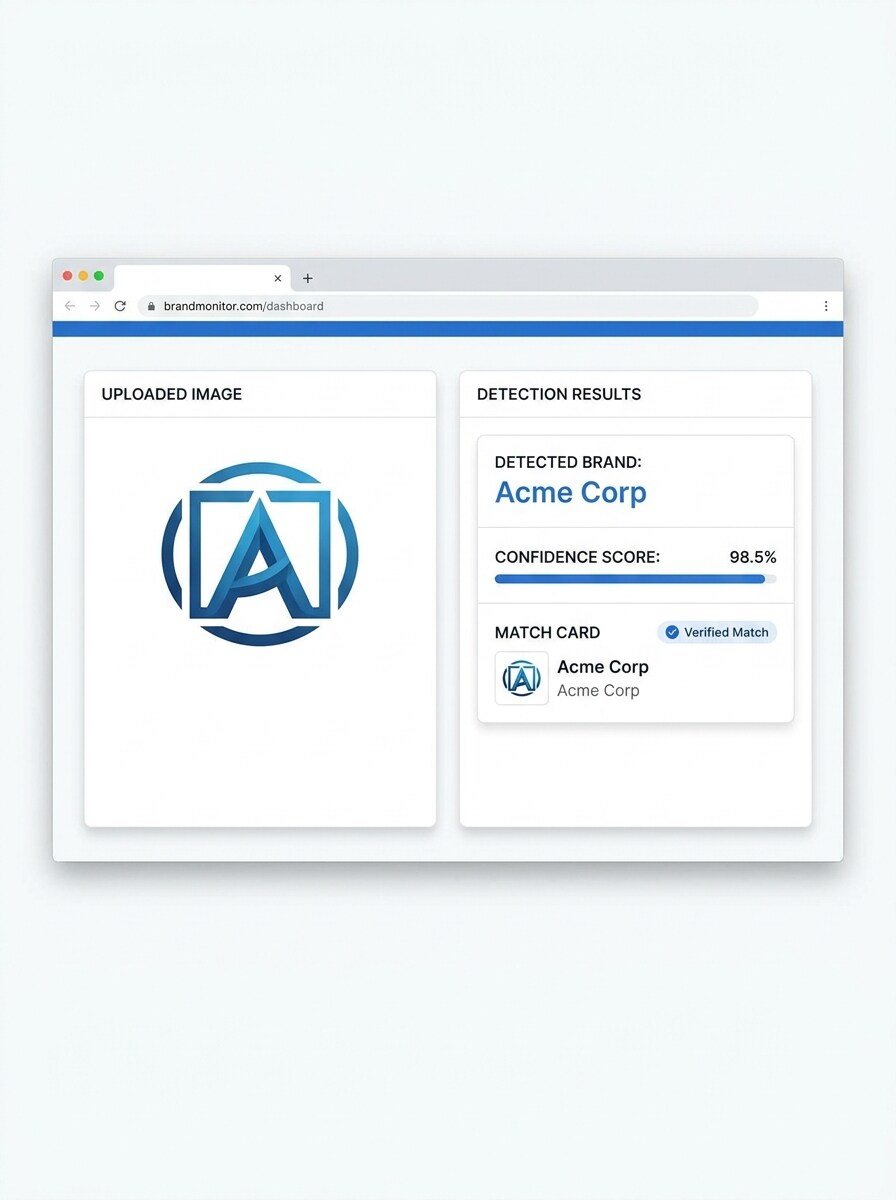
Usa la imagen cargada como sujeto y transfórmala en una demostración de producto limpia con Pantalla dividida. Muestra la foto original del logotipo a la izquierda y un panel pulido con el resultado de coincidencia de marca a la derecha, con el nombre de la empresa detectado, puntuación de confianza, acentos azules sutiles, tipografía nítida, interfaz blanca y un estilo realista de panel de control en navegador.
Panel de reconocimiento con puntuación de confianza
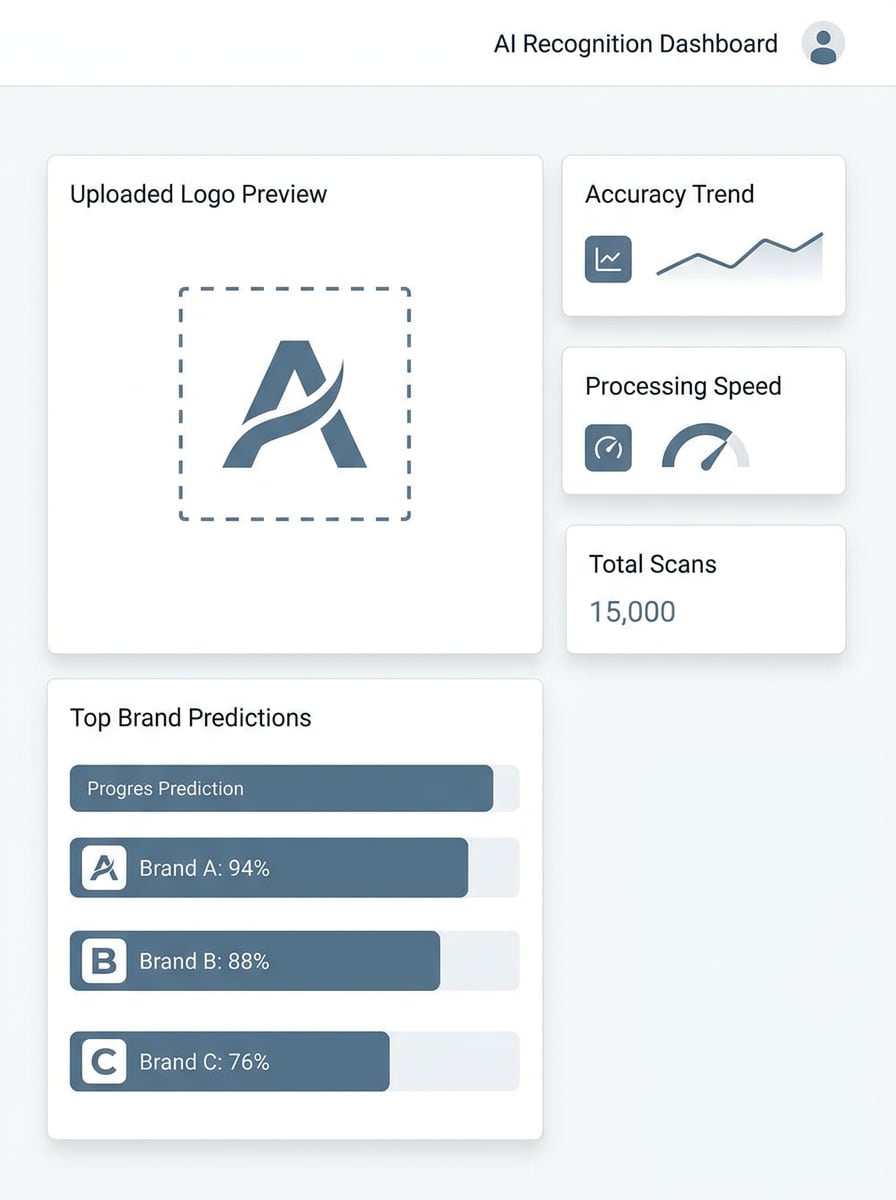
Usa la imagen subida como sujeto y conviértela en un panel de reconocimiento que destaque las principales coincidencias de marcas. Incluye la vista previa del logotipo subido, tres resultados clasificados con barras de confianza, tarjetas de análisis compactas, interfaz blanca minimalista, etiquetas sans-serif nítidas, paleta de azul frío y gris, y una estética moderna y confiable de utilidad de IA.
Escaneo de marca con cámara del Teléfono
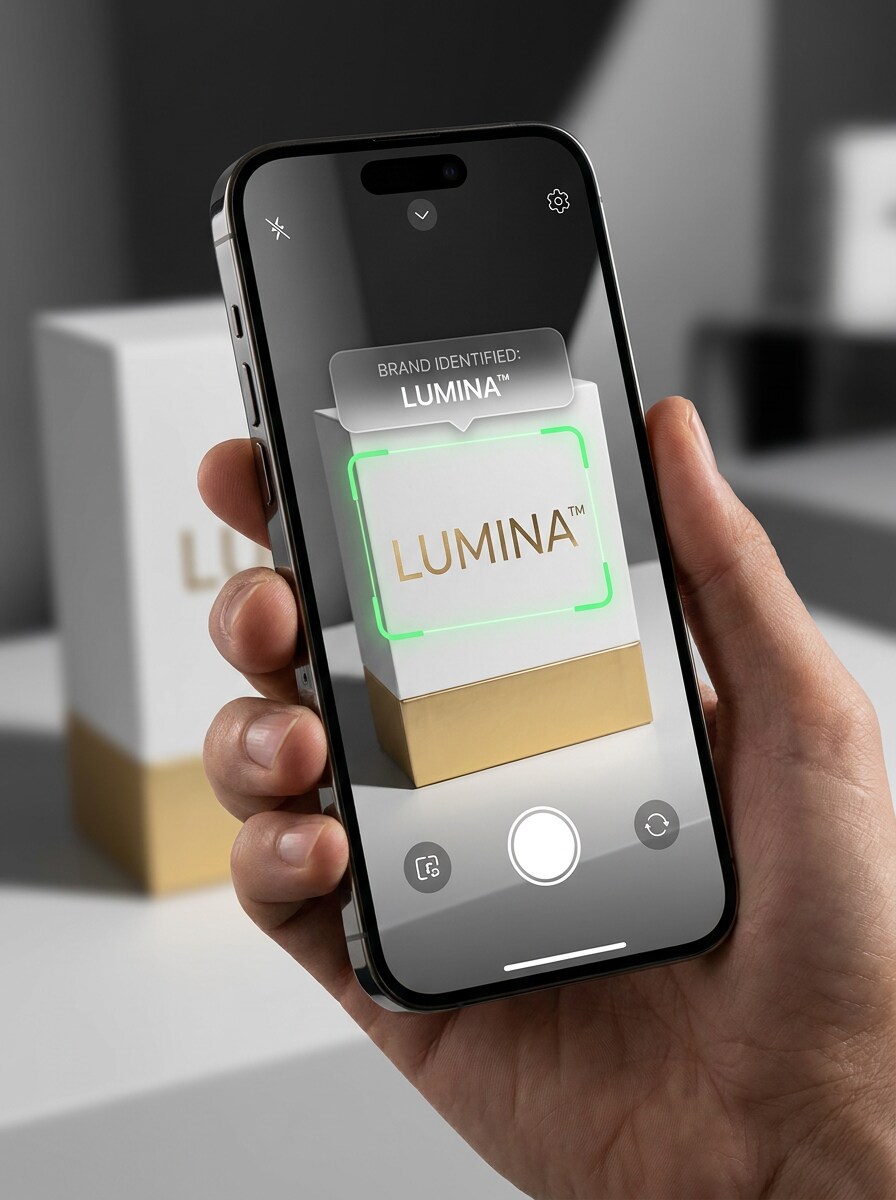
Usa la imagen subida como sujeto y reenmárcala como una experiencia de escaneo móvil. Muestra la vista de la cámara de un smartphone detectando el logotipo en un empaque con un cuadro de superponer, etiqueta de marca identificada, indicadores de escaneo en vivo, maqueta de dispositivo brillante, reflejos Suaves y una iluminación elegante estilo aplicación para un ambiente de reconocimiento rápido en tiempo real.
Tarjeta de resultado de la aplicación
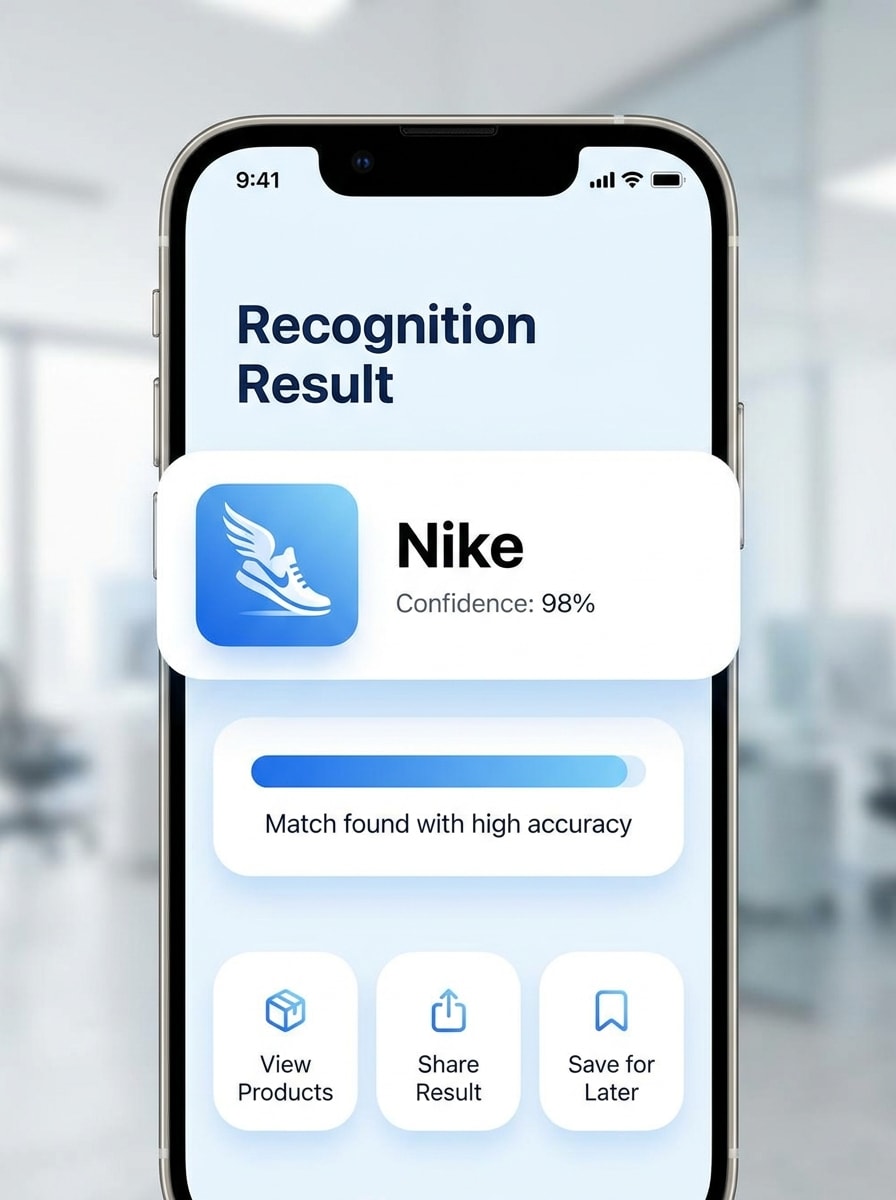
Usa la imagen cargada como sujeto y transfórmala en una pantalla de resultados de aplicación que revele un logotipo reconocido tras el escaneo. Incluye la miniatura del logotipo, el nombre de la marca, el porcentaje de confianza, tarjetas redondeadas, degradados Suaves, Diseño minimalista y detalles de interfaz limpia orientada a dispositivos móviles con un estilo visual pulido, amigable y orientado a la utilidad.
Demostración de recuperación de logotipo borroso
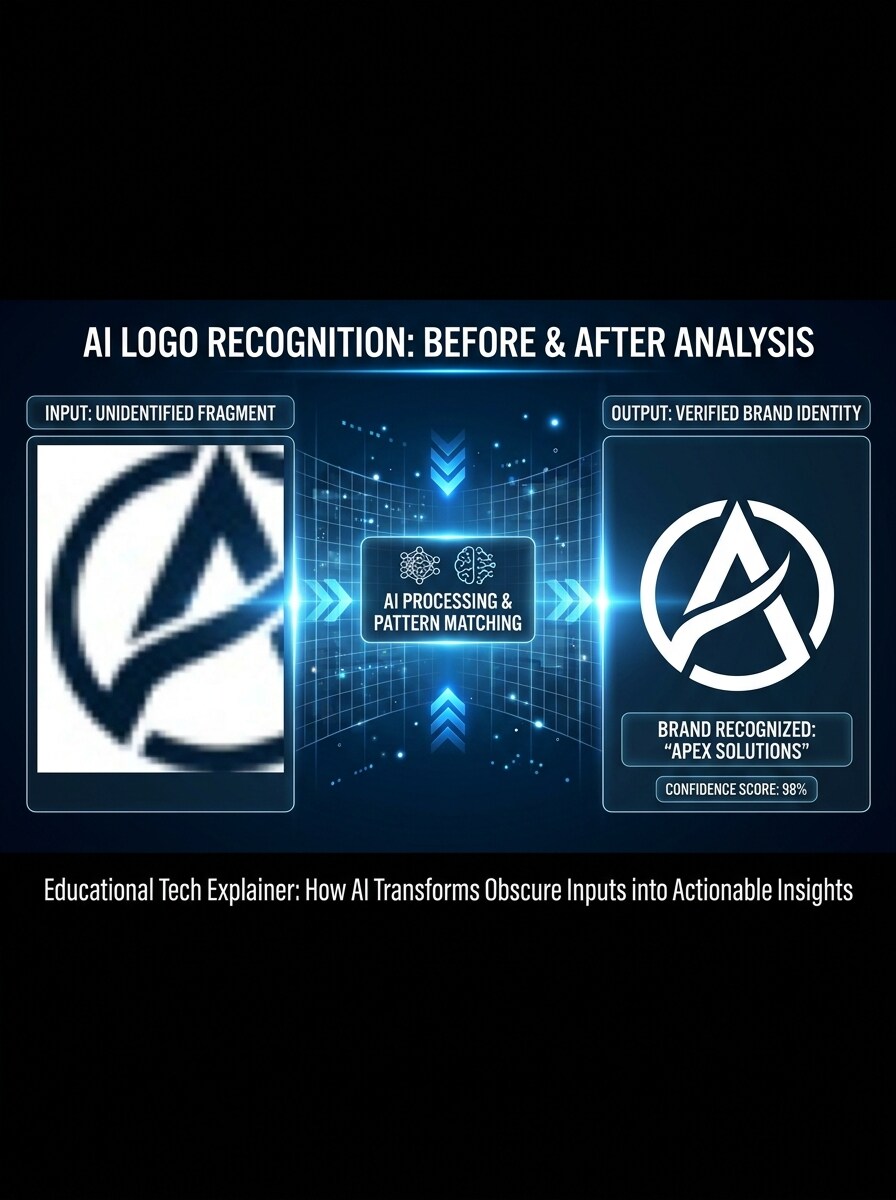
Usa la imagen cargada como sujeto y conviértela en un gráfico educativo de detección antes y después. Muestra el recorte del logotipo borroso o parcial a la izquierda, flechas de Análisis de IA en el centro y un resultado limpio de marca reconocida a la derecha, con alto contraste, estilo explicativo y una narrativa visual clara.
Coincidencia de empaque parcial
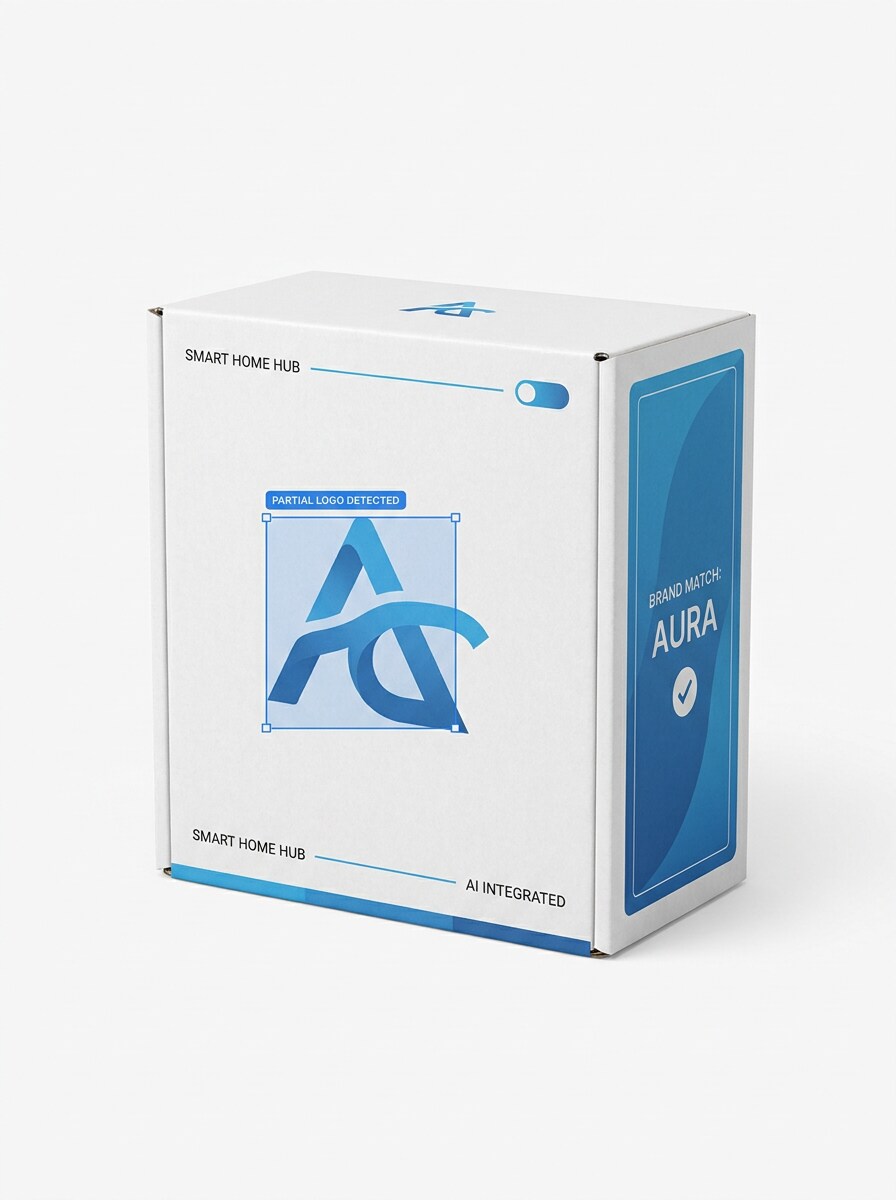
Usa la imagen subida como sujeto y rediseñala como una demostración de reconocimiento de marca para empaque parcial. Muestra solo parte del logotipo visible en un paquete de consumo, añade un cuadro delimitador de IA y un panel lateral de coincidencia, manteniendo el Diseño limpio, compatible con comercio electrónico y fácil de entender de un vistazo.
Tarjeta de tipos de archivo compatibles
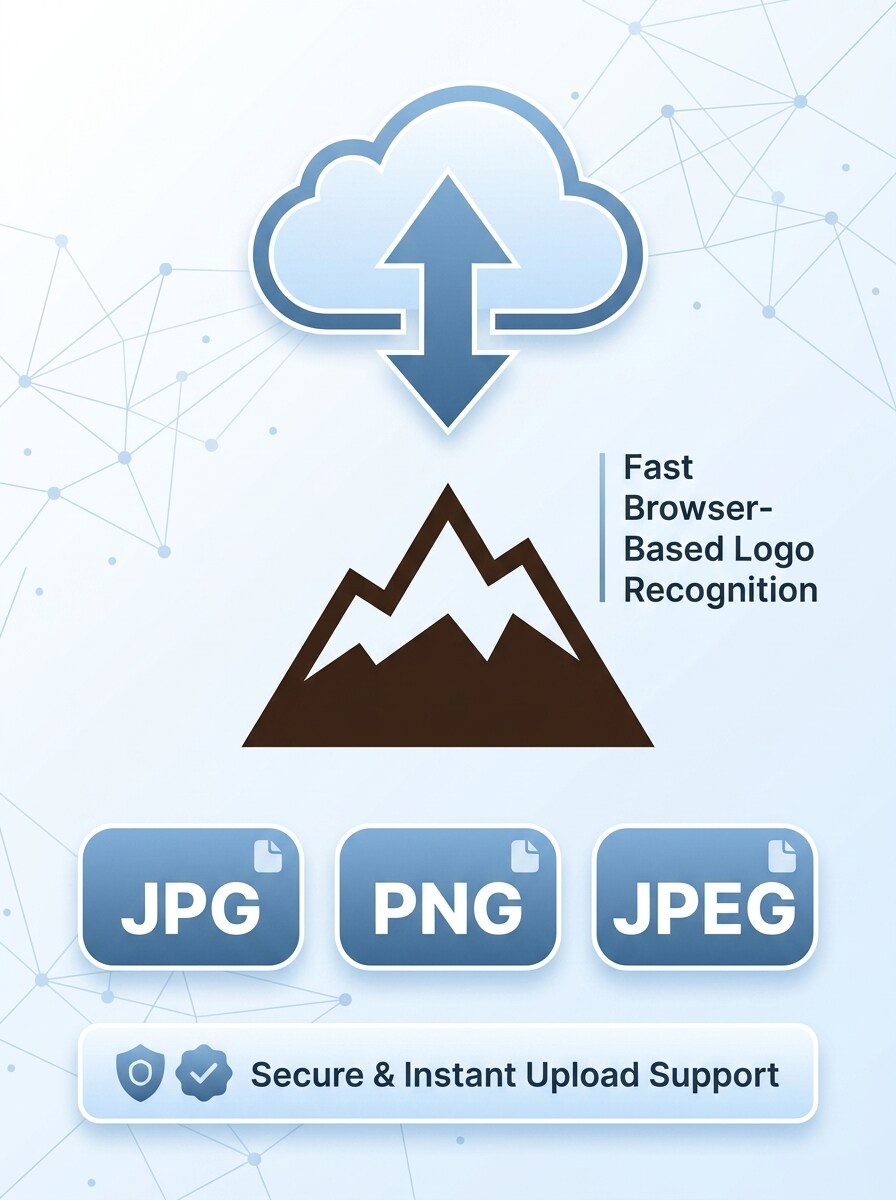
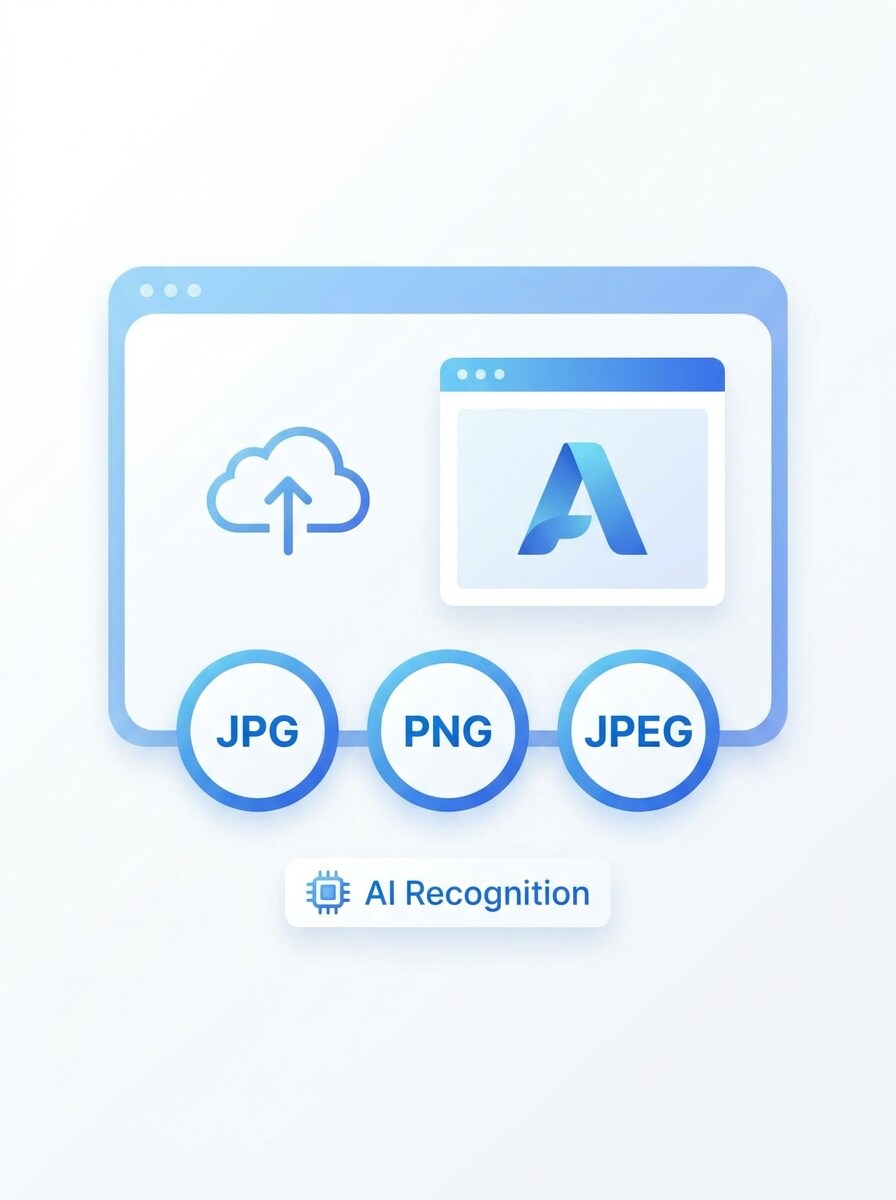
Usa la imagen subida como sujeto y conviértela en un gráfico de características que enfatice la compatibilidad de carga. Combina la imagen del logotipo con insignias grandes de JPG, PNG y JPEG, un icono de carga, espaciado ordenado, estilo de ilustración SaaS moderno y un diseño limpio que genere confianza y sugiera reconocimiento rápido de logotipos desde el navegador.
Flujo de trabajo de reconocimiento rápido
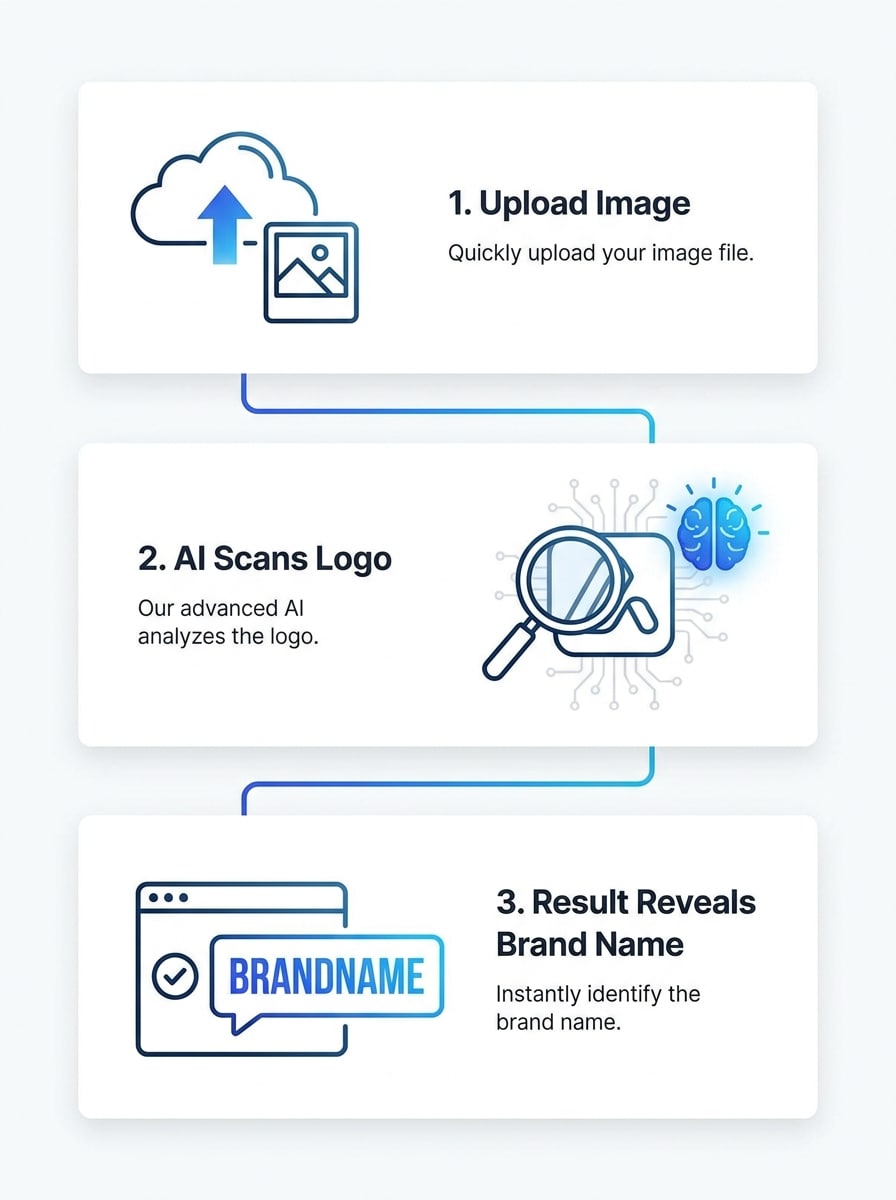
Usa la imagen cargada como sujeto y transfórmala en un visual de flujo de trabajo en tres pasos. Presenta las etapas de carga, análisis con IA y resultado de marca en una secuencia lineal con iconos, etiquetas cortas, Diseño blanco minimalista, acentos de degradado azul y un diseño explicativo limpio adecuado para una sección de confianza en una página de destino.
Desafío: adivina la marca
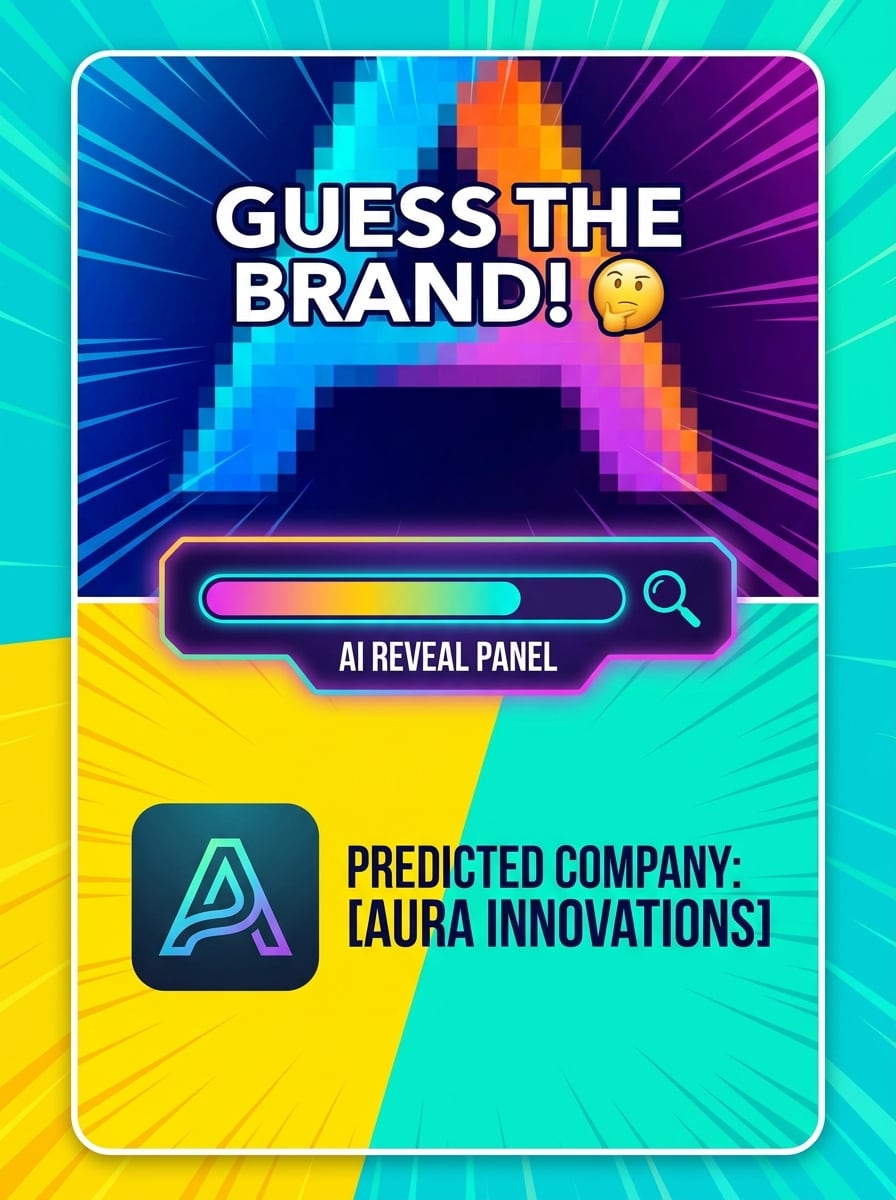
Usa la imagen subida como sujeto y rediseñala como una tarjeta de desafío social. Oculta parte del logotipo, añade texto llamativo estilo quiz y luego revela la marca predicha en un panel inferior con colores divertidos pero pulidos, contraste fuerte, composición vertical y una estética viral de utilidad que detenga el scroll.
Detección en fachadas de tiendas reales
Usa la imagen cargada como sujeto y transfórmala en una demostración de reconocimiento en fachada de tienda. Coloca el logotipo visible en un letrero de tienda dentro de una escena callejera realista, añade un marco de detección de IA y una etiqueta de marca para superponer, con iluminación urbana pulida, perspectiva natural y un flujo de trabajo convincente de identificación en el mundo real.
Por qué usar Media.io para el reconocimiento de logotipos a partir de imágenes
Resultados basados en la referencia del logotipo exacto que subes
Para verificaciones basadas en carga, Media.io mantiene el sujeto de referencia visualmente consistente mientras refina la dirección del identificador de logotipos, por lo que es más fácil identificar detalles de logotipos de marcas a partir de capturas de pantalla, empaques o marcas recortadas con mayor confianza.
Encuentra el estilo adecuado para cada versión
Diferentes tareas de reconocimiento requieren diferentes tratamientos visuales. Media.io te ayuda a explorar variaciones del mismo concepto de identificador de logotipos, lo cual es útil para el trabajo de identificador de logotipos de marcas e identificación de logotipos de empresas cuando necesitas una coincidencia más clara y rápida.
Fácil de adaptar los visuales de reconocimiento para informes y contenido social
Compartir hallazgos es más fácil cuando el resultado se ve pulido. Media.io puede convertir verificaciones de logotipos en visuales limpios para tarjetas, maquetas, publicaciones en redes sociales o diapositivas internas, ayudándote a presentar ejemplos de identificación de logotipos de empresas de forma más clara a un equipo, cliente o audiencia.
Ajustes de calidad flexibles para marcas pequeñas o difíciles de leer
Algunos resultados necesitan hacer más que verse bien en una vista previa. Media.io ayuda a generar un identificador de logotipos más limpio con salida de hasta 4K para que la imagen final se mantenga bien en fondos de pantalla, presentaciones y maquetas.
Cómo usar este identificador de logotipos en línea
Convierte tus palabras en visuales impresionantes en tres sencillos pasos y luego continúa refinando el resultado si deseas llevarlo más lejos.
Paso 1
Sube tu imagen de referencia
Añade una captura de pantalla clara, foto de producto, recorte de fachada de tienda o marca parcial que quieras verificar. Esto funciona bien para personas que preguntan qué logotipo de marca es este, cuál es este logotipo de marca o de qué empresa es este logotipo a partir de una imagen real.
Paso 2
Describe el cambio y configura las opciones
Ingresa un prompt para el tipo de demostración de reconocimiento o vista de resultado que deseas, luego elige tu modelo y ajusta la proporción de imagen o los ajustes de calidad. Esto es útil para un flujo de trabajo de identificador de logotipos por imagen, demostraciones de buscador de logotipos por foto o visuales de búsqueda de logotipos de empresas.
Paso 3
Genera, descarga y sigue mejorando
Crea el resultado, compara variaciones y descarga la versión que mejor te ayude a identificar detalles del logotipo de marca. Si es necesario, refina la indicación, vuelve a cargar un recorte más limpio o prueba otro Diseño para una identificación más rápida del logotipo de la empresa.
Descubre cómo los creadores usan este identificador de logotipos de Media.io para contenido, marketing y proyectos personales, y luego adapta cada idea a tu necesidad.
Verifica marcas desconocidas en empaques o productos
Si necesitas encontrar el logotipo de una empresa a partir de una etiqueta, caja, vaso o bolsa, sube la foto a Media.io y crea una vista de reconocimiento más clara. Es una forma práctica de manejar tareas de buscador de logotipos desde imagen cuando la marca es pequeña, está recortada o parcialmente oculta, especialmente si te preguntas qué logotipo de empresa es este.
Revisa pistas de fachadas y letreros más rápido
Un letrero de tienda o una foto callejera pueden ser difíciles de leer a simple vista, por lo que Media.io te ayuda a crear un visual de análisis más limpio, comparar múltiples recortes y acelerar la búsqueda de logotipos por imagen. Este flujo de trabajo es útil cuando quieres verificar cuál es este logotipo de marca en una escena del mundo real o realizar una búsqueda rápida de logotipos de empresas.
Crea demostraciones para soporte, educación o contenido social
Equipos, creadores y educadores pueden convertir ejemplos de reconocimiento en tarjetas pulidas, escaneos móviles o explicaciones lado a lado con Media.io. Eso facilita mostrar cómo funciona un flujo de trabajo de identificador de logotipos, responder "qué logotipo es este" o explicar qué logotipo de marca es este con un ejemplo visual más claro.
Lo que dicen los usuarios sobre este flujo de trabajo de escáner de logotipos
Marcus Lee
Especialista en operaciones de marketplace
"
Priya Nair
Estratega de contenido
"Visuales limpios para explicaciones" La herramienta me ayudó a crear gráficos educativos sobre búsquedas de qué logotipo de empresa es este. Me gustó poder subir una foto real y convertirla en una demostración de reconocimiento más clara.
Daniel Ortiz
Investigador de tendencias del comercio minorista
"Útil con muestras borrosas" Probé con letreros parciales de escaparates y fotos de empaques con enfoque Suave. Me dio un punto de partida sólido para la identificación de logotipos de empresas y se veía mucho más pulido que una simple captura de pantalla.
Emily Chen
Productor de archivos multiArchivos multimedia para redes sociales
"Ideal para maquetas de estilo móvil" Necesitaba un visual de tipo aplicación de "qué logotipo de marca es este" para un video corto. Los diseños de escaneo de Teléfono eran nítidos, fáciles de personalizar y funcionaban bien en formatos verticales.
Explora los efectos de video e imagen con IA más populares
Preguntas frecuentes sobre el identificador de logotipos
1. ¿Qué es un identificador de logotipos y cómo funciona?
Un identificador de logotipos es una herramienta que te ayuda a analizar una imagen subida y a asociar la marca visible con una empresa o marca probable. Con Media.io, subes una imagen de referencia como una captura de pantalla, foto de empaque o letrero, y luego usas funciones de procesamiento de imágenes con IA para crear un resultado más claro de estilo reconocimiento en tu navegador.
2. ¿Puedo identificar el logotipo de una marca a partir de una imagen en línea de forma gratuita?
Sí, Media.io ofrece créditos gratuitos, por lo que puedes probar un identificador de logotipos en línea y probar un flujo de trabajo de buscador de logotipos por imagen sin pagar por adelantado. Si necesitas más uso, puedes consultar la página de precios para opciones de suscripción y obtener más créditos además de descargas en alta resolución sin marca de agua.
3. ¿Qué tan preciso es un identificador de logotipos con IA en logotipos borrosos o parciales?
La precisión depende de lo claros que sean los detalles visibles del logotipo en la imagen cargada. Media.io funciona mejor con un recorte legible, pero puede mejorar los casos difíciles subiendo una foto más nítida, probando otro Recortar o utilizando ajustes de mayor resolución para facilitar la revisión de marcas borrosas o parciales.
4. ¿Qué formatos de imagen puedo subir a una herramienta de reconocimiento de logotipos?
Media.io admite cargas en JPG, PNG y JPEG para su flujo de trabajo de imagen a imagen. Esto lo hace práctico para casos de uso de identificador de logotipos por imagen, ya sea que estés trabajando desde una captura de pantalla guardada, una foto de producto o una imagen para búsqueda de logotipos de empresas.
5. ¿Puedo usar un escáner de logotipos en dispositivos móviles además de en escritorio?
Media.io está basado en la web, por lo que puedes usarlo en cualquier dispositivo con un navegador, incluyendo Windows, Mac, iOS y Android. Ya sea que desees un flujo de trabajo de buscador de logotipos por imagen compatible con dispositivos móviles o una configuración de identificador de logotipos de empresas en escritorio, Media.io te permite usar la misma herramienta sin instalar una aplicación.
6. ¿Qué tan rápido devuelve resultados la detección de logotipos con IA?
Media.io está diseñado para un flujo de trabajo rápido en el navegador, por lo que los resultados generalmente se devuelven rápidamente después de subir tu imagen y generar el visual. La velocidad exacta puede variar según tu imagen, la configuración seleccionada y la demanda actual, pero el proceso está diseñado para ayudarte a pasar de la carga a la revisión en una sesión breve.
Más allá del identificador de logotipos en línea con IA