Tus creaciones solo se guardan durante 7 días. Los recursos creados después de actualizar a Membresía se almacenarán de forma permanente.
¡Desbloquea tu potencial creativo y experimenta la magia de Media AI ahora mismo!
Animal Crossing Filter for Cute Villager-Style Photo Transformations
Use Media.io to create animal crossing filter results from selfies, pet photos, and portraits in minutes. Upload an image, choose a cozy game-inspired look, and turn photo into animal crossing style art with soft colors, rounded features, and share-ready results online.
Review these example directions, then tailor the prompt details to get stronger results with this Animal Crossing Filter, whether you want an animal crossing avatar filter or a more specific character-style makeover.
Classic Villager Portrait
Use the uploaded image as the main subject and transform it into a cute Animal Crossing inspired villager portrait. Keep the face recognizable while adding rounded features, large expressive eyes, a tiny nose, rosy cheeks, soft cel shading, pastel colors, clean outlines, cozy clothing, and a wholesome game-art mood.
Resident Passport Photo
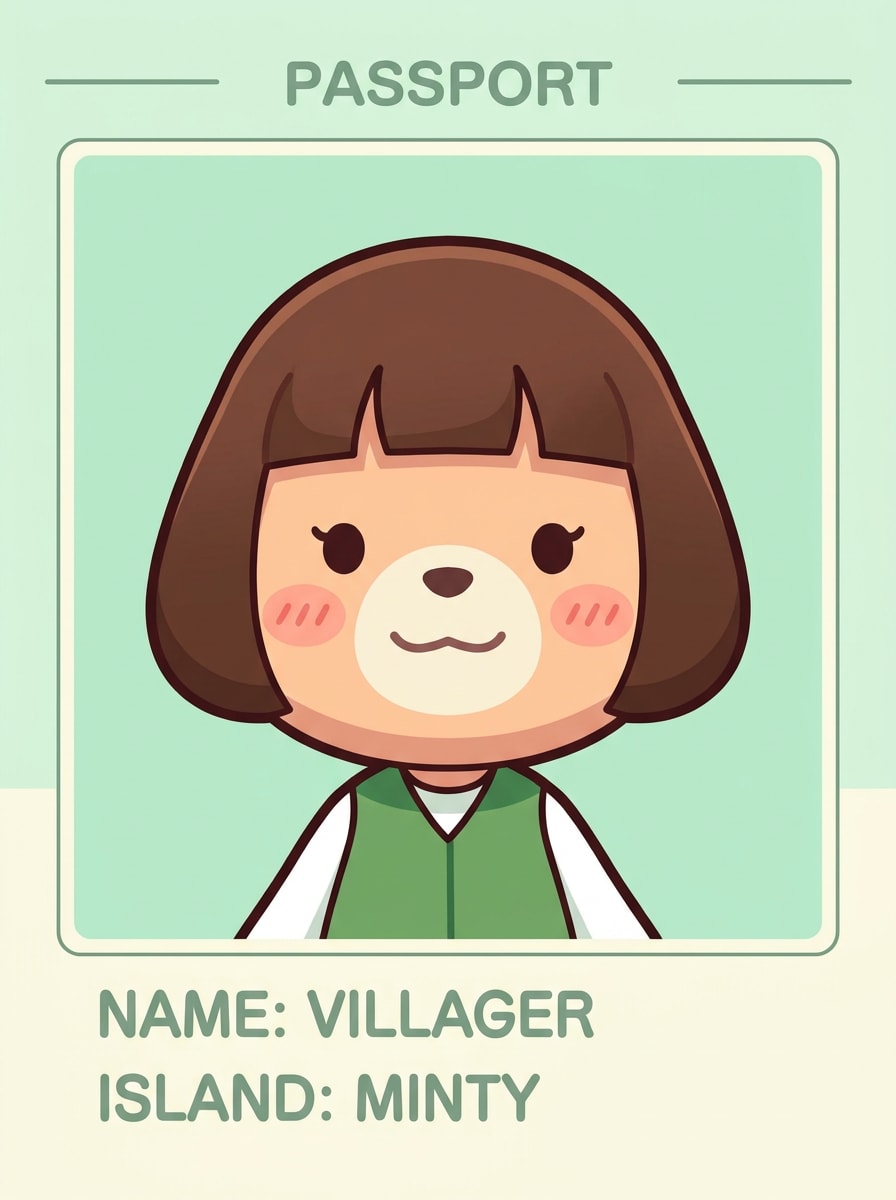
Use the uploaded image as the subject and remake it as an Animal Crossing inspired resident passport portrait. Preserve the hairstyle and expression, then simplify the features with soft blush, minimal shading, neat outlines, a flat pastel background, centered composition, and a clean cute avatar look suitable for profile images.
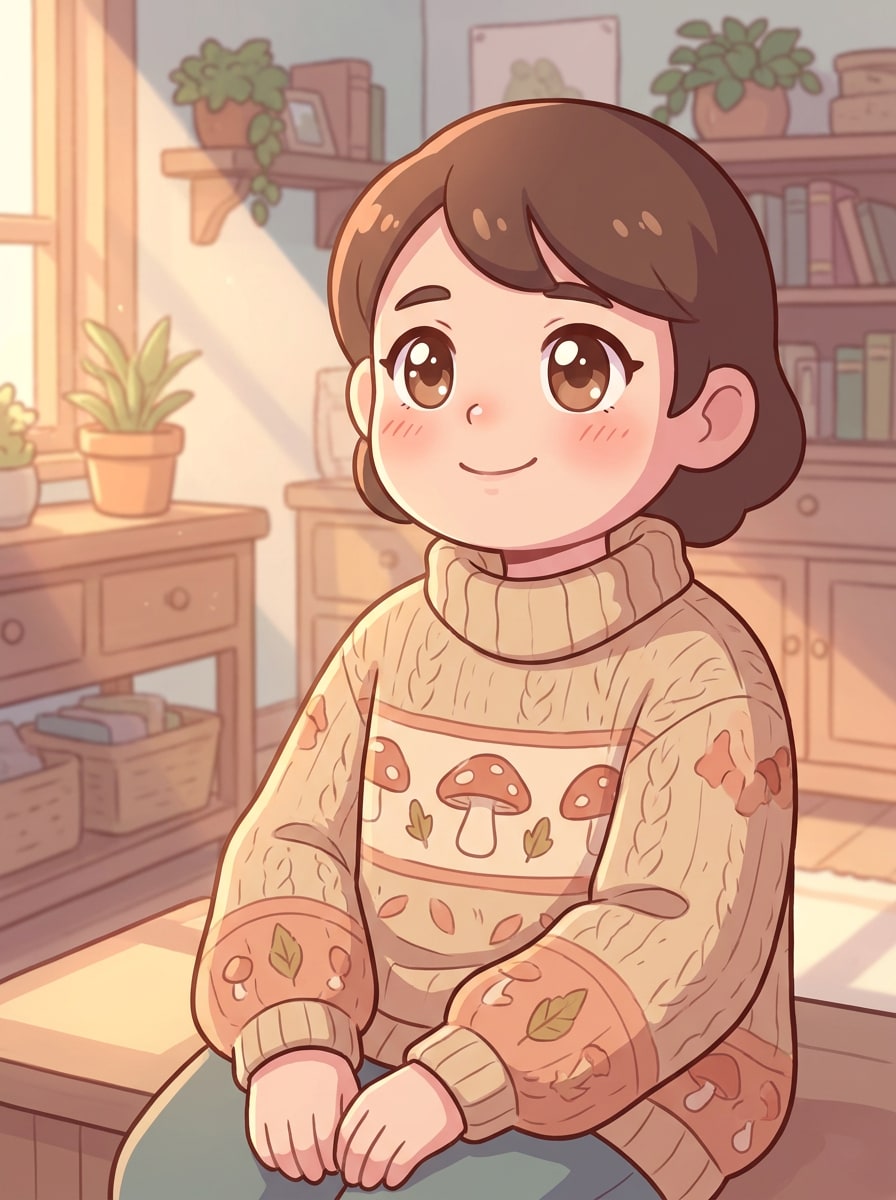
Cozy Sweater Avatar
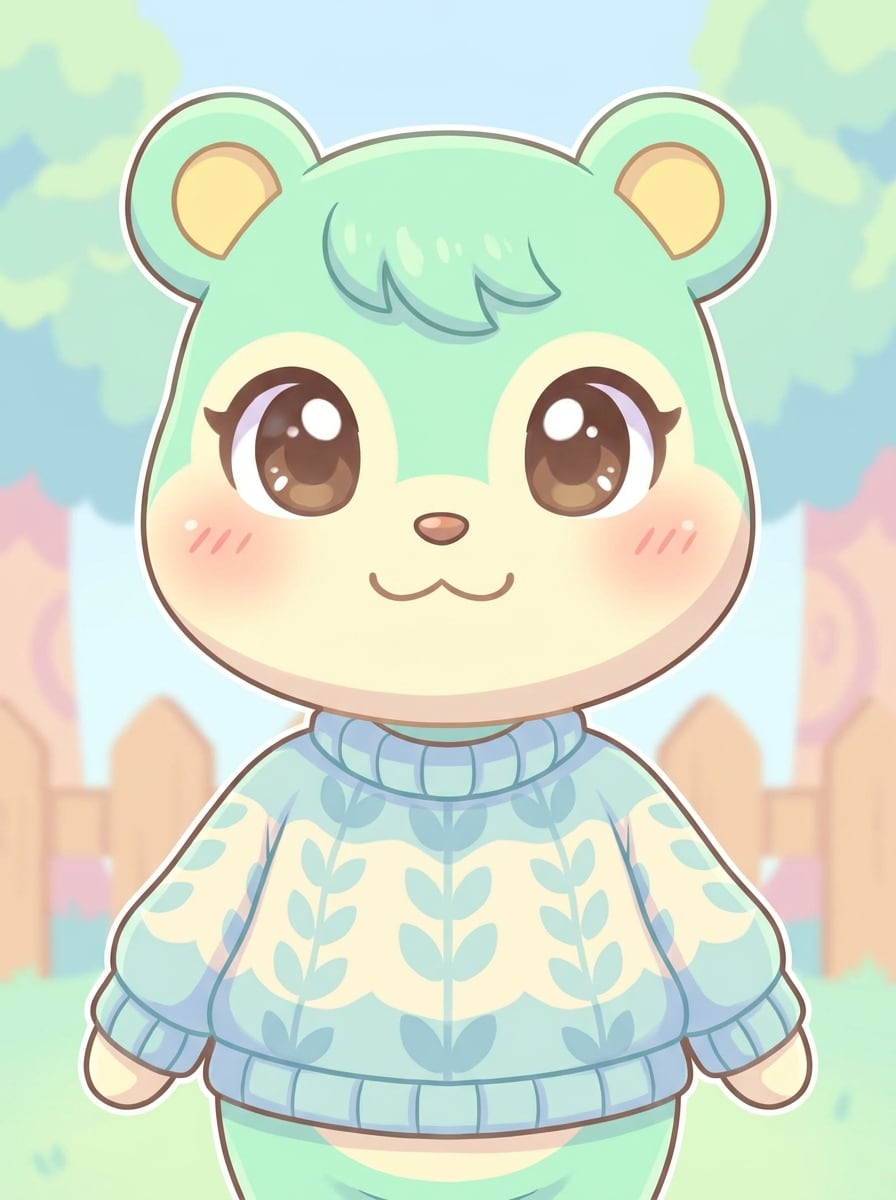
Use the uploaded portrait and turn it into a cozy Animal Crossing inspired character wearing an oversized knit sweater. Keep recognizable facial cues, but add rounded proportions, rosy cheeks, warm lighting, soft pastel tones, gentle cel shading, cute simplified details, and a calm cottagecore mood with a polished illustrated finish.
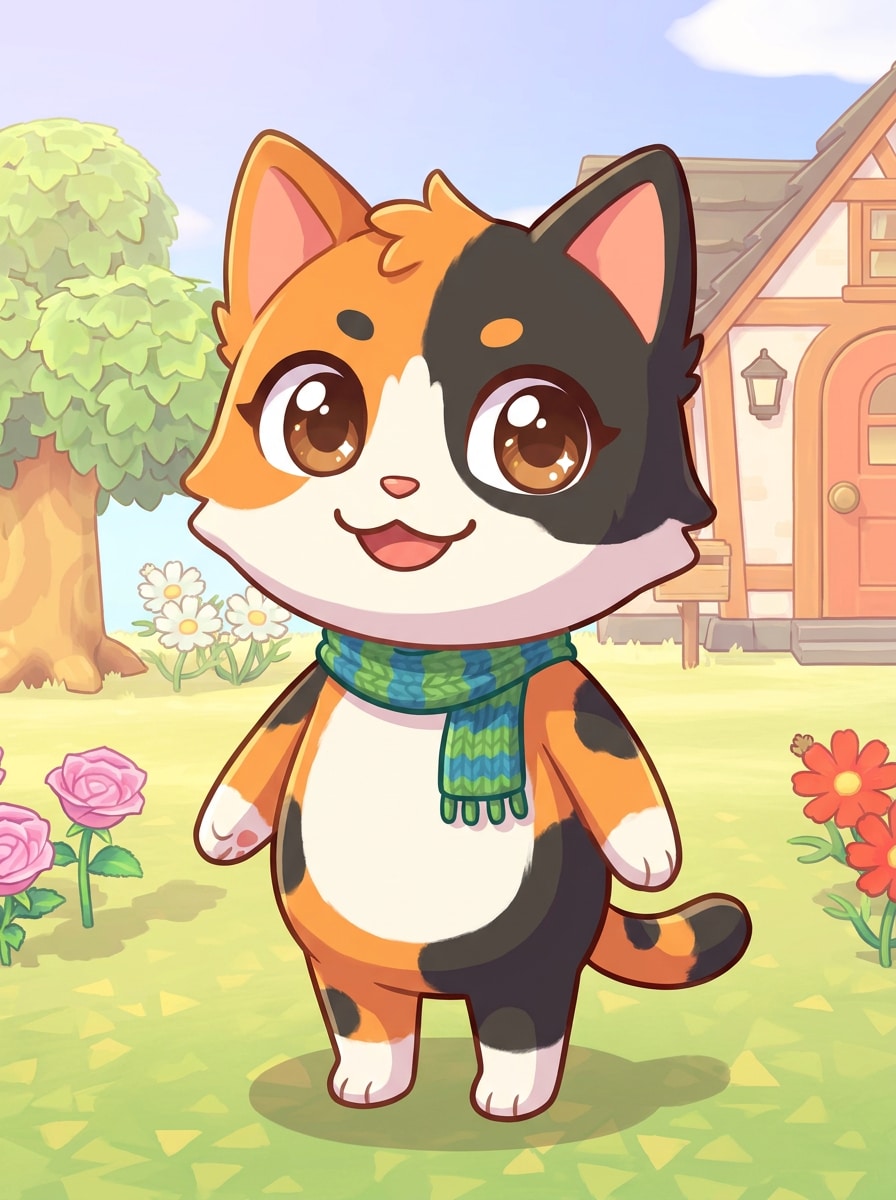
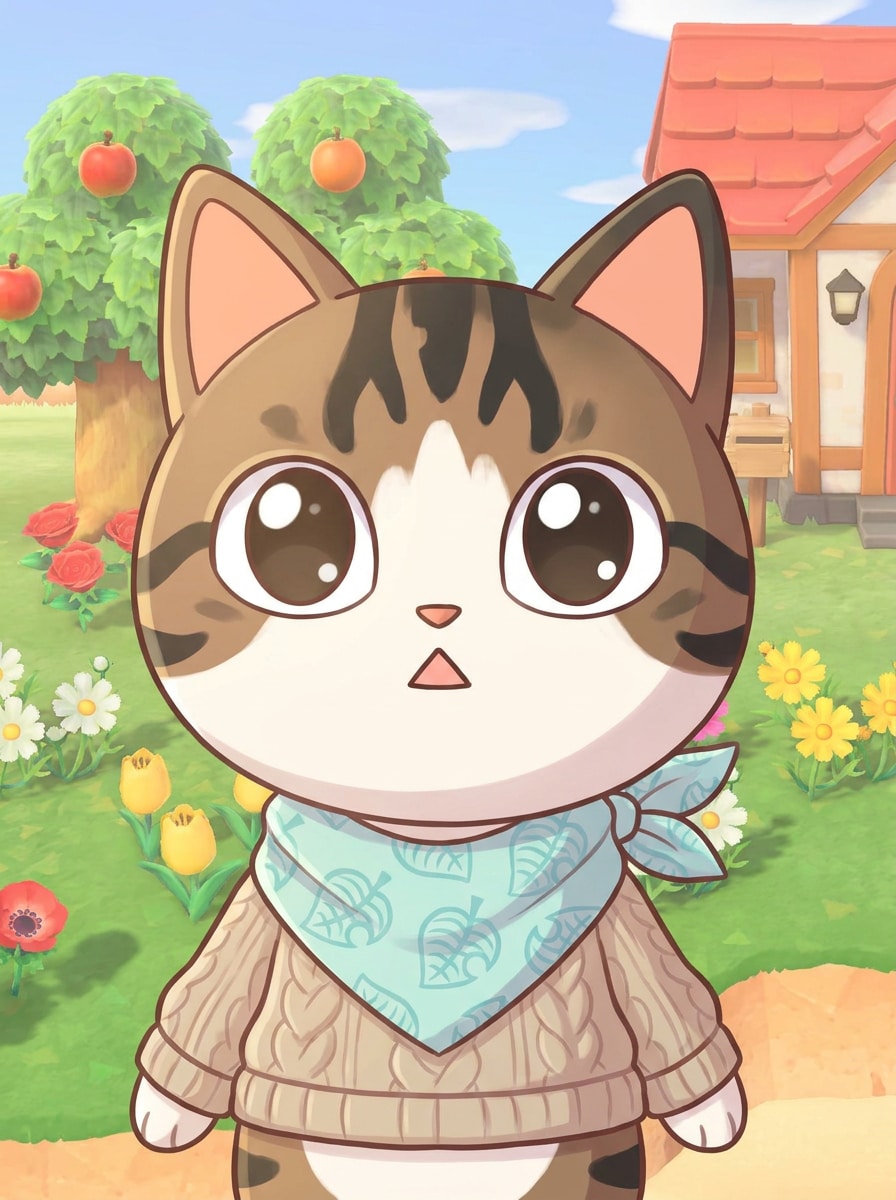
Pet Villager Makeover
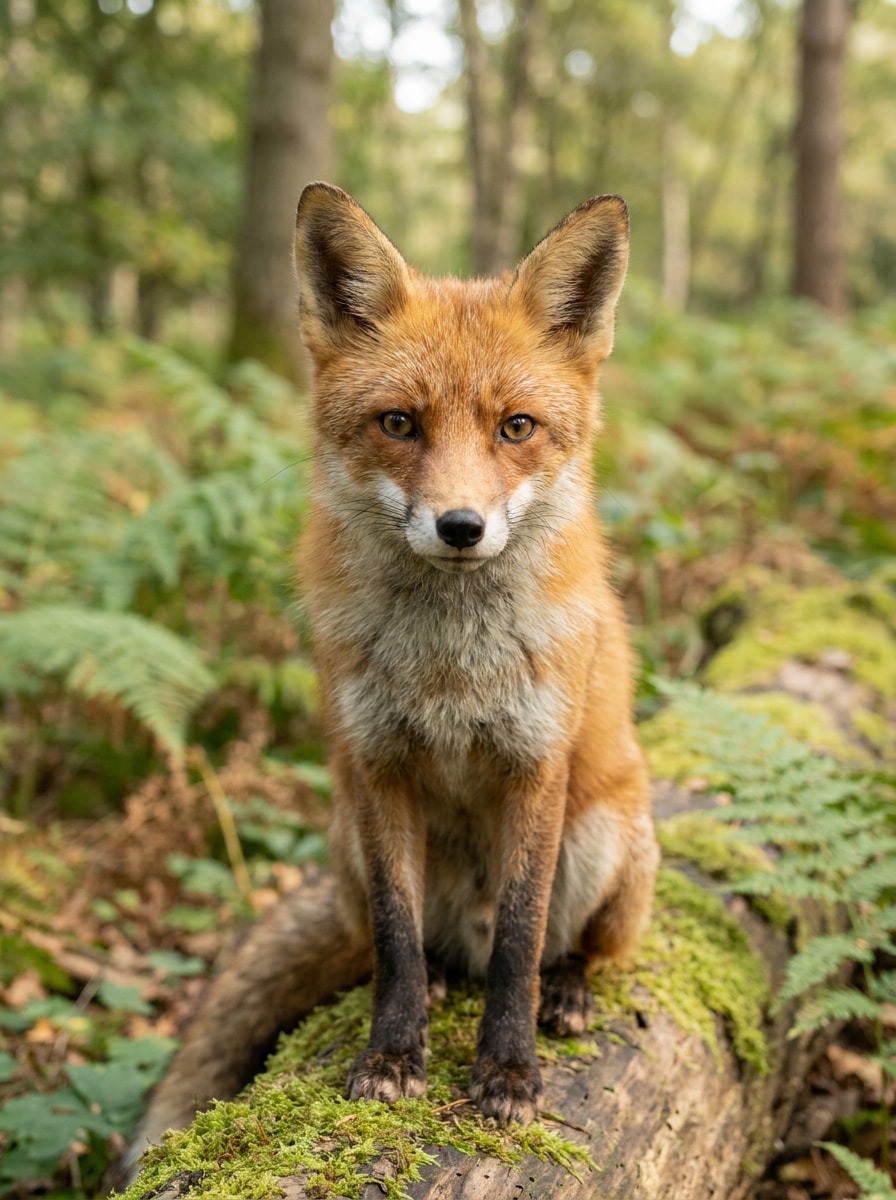
Use the uploaded pet photo as the subject and transform it into a lovable Animal Crossing inspired villager. Keep the pet's fur pattern and expression recognizable while simplifying textures, adding big friendly eyes, tiny clothing details, pastel tones, soft cel shading, clean outlines, and a playful cozy game atmosphere.
Cat Island Resident
Use the uploaded cat photo as the subject and convert it into an Animal Crossing inspired island resident. Preserve the cat's markings and pose, then add rounded facial styling, adorable expression, cozy accessories, simple color blocking, warm pastel tones, and a cute illustrated finish that feels playful and collectible.
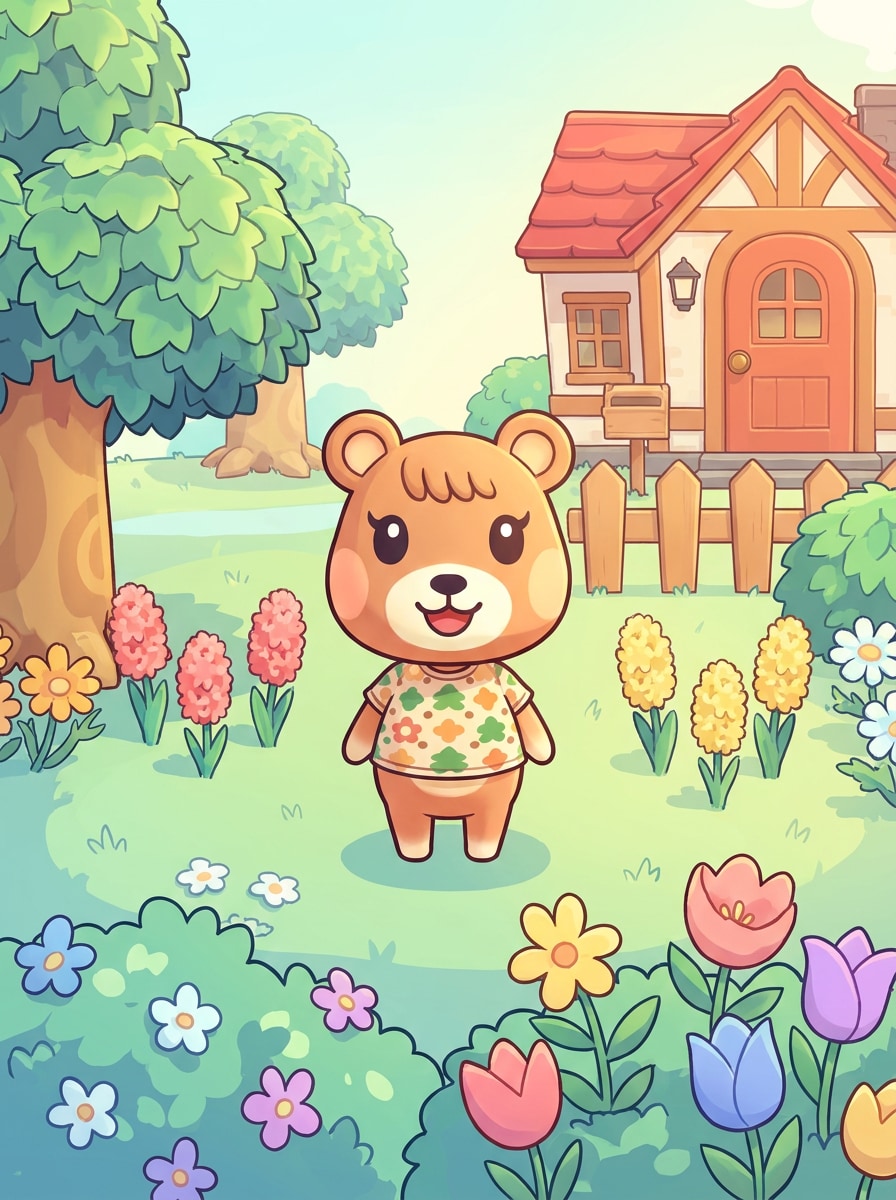
Island Scene Portrait
Use the uploaded image as the character reference and place the subject inside a bright Animal Crossing inspired island scene. Keep the person recognizable while transforming them with rounded features, clean cel shading, pastel scenery, flowers, trees, a small house, sunny lighting, and a cheerful outdoor game-world mood.
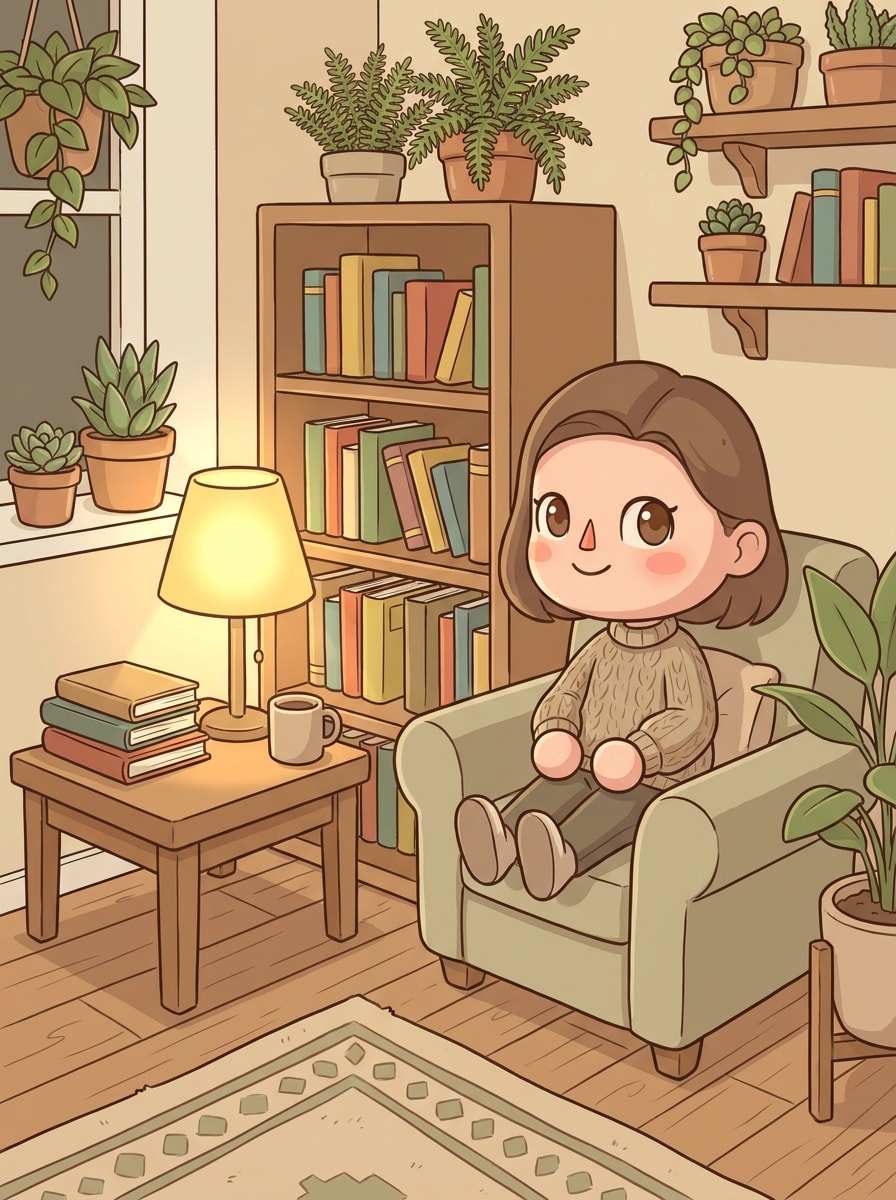
Cozy Room Portrait
Use the uploaded portrait and transform it into an Animal Crossing inspired character inside a cozy decorated room. Keep the face and hairstyle recognizable, then add wooden furniture, plants, warm ambient light, soft textures, cute decor, pastel tones, and simplified game-style rendering for a charming indoor scene.
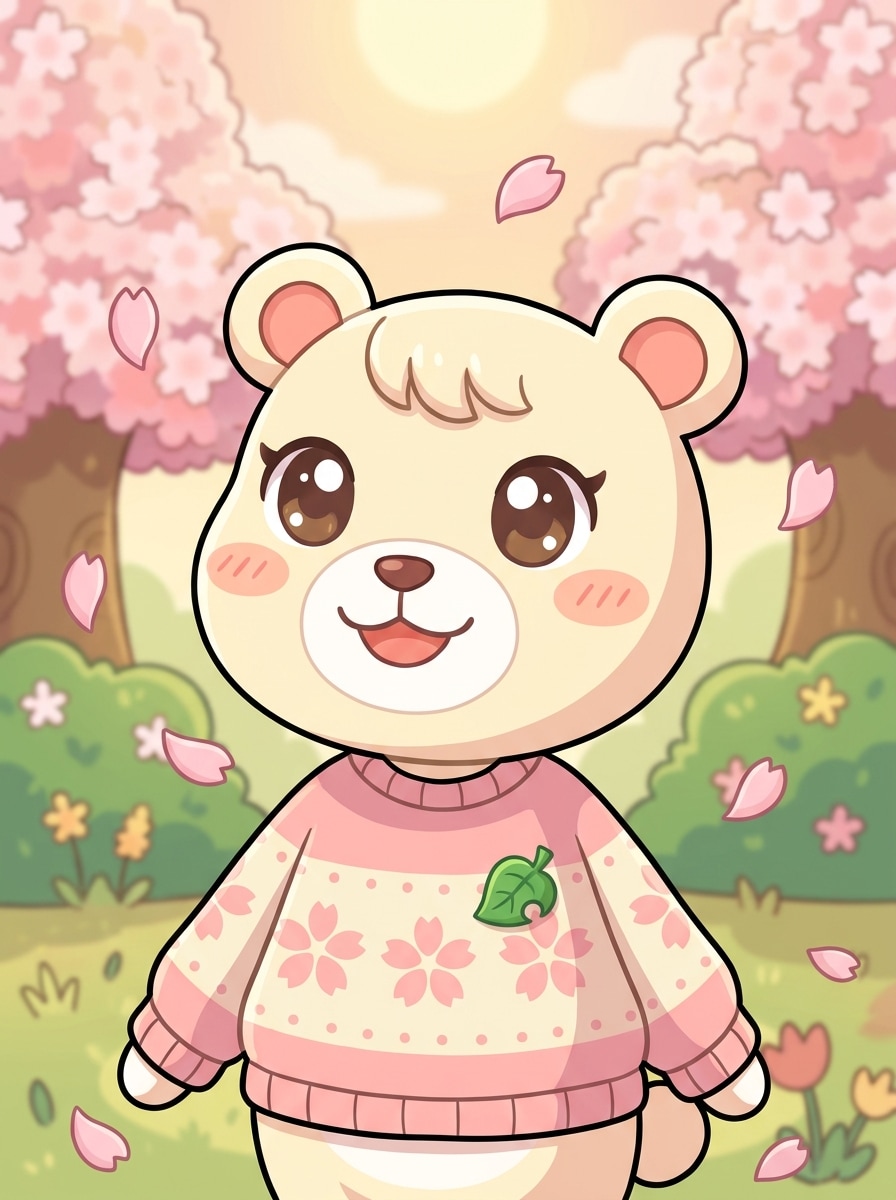
Cherry Blossom Spring Look
Use the uploaded image as the subject and restyle it into an Animal Crossing inspired spring portrait with cherry blossoms. Preserve the identity while adding rounded features, pink pastel accents, soft sunlight, gentle cel shading, breezy seasonal details, and a delicate cheerful mood with clean polished illustration quality.
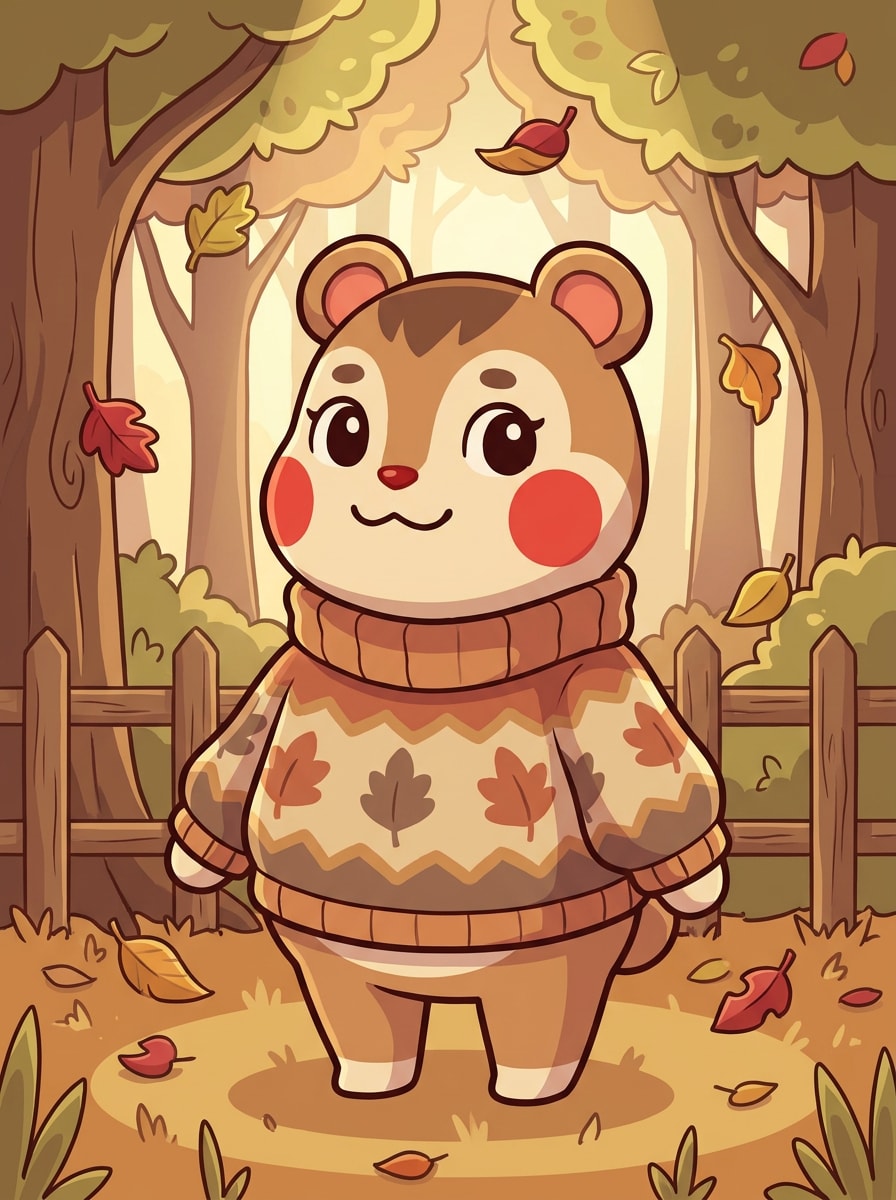
Autumn Sweater Villager
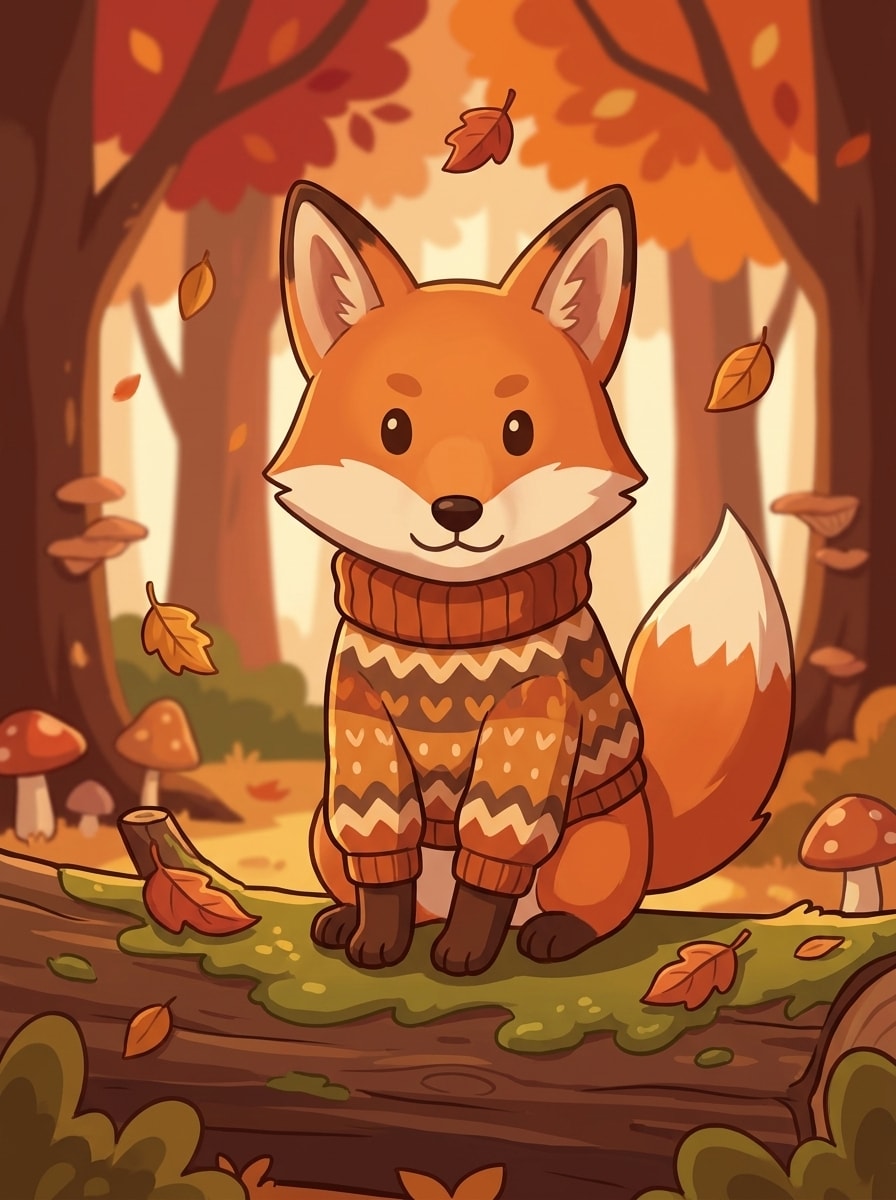
Use the uploaded photo as the reference and transform it into an Animal Crossing inspired fall villager portrait. Keep the subject recognizable while adding a cozy sweater, warm orange and brown palette, falling leaves, rounded facial styling, soft cel shading, and a snug seasonal mood with cute game-like charm.
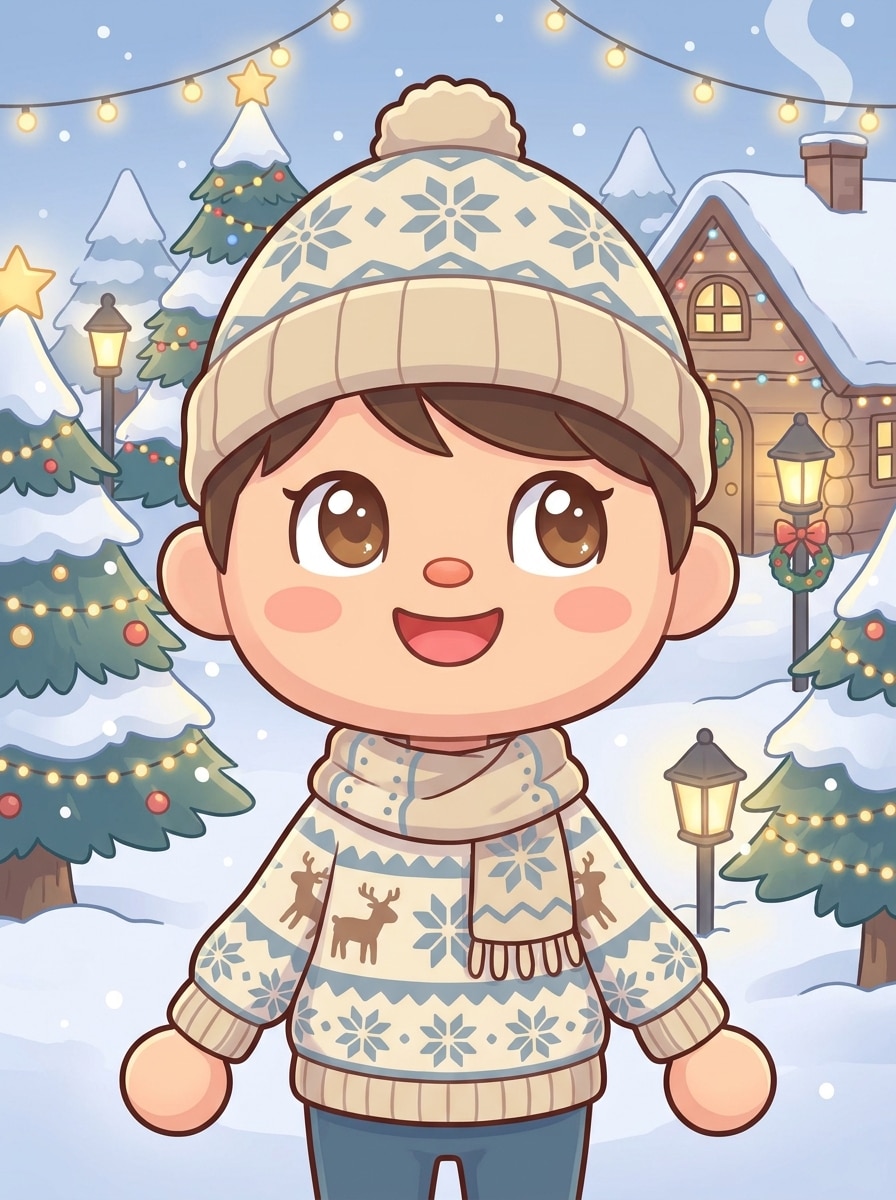
Winter Holiday Resident
Use the uploaded image as the subject and create an Animal Crossing inspired winter holiday avatar. Preserve key facial features while adding rounded proportions, festive clothing, snowy background details, pastel highlights, soft cel shading, bright cozy lighting, and a cheerful seasonal style made for sharing or profile pictures.
Why Use Media.io for Animal Crossing-Style Photo Edits
Upload a Photo and Get a Recognizable Villager Look
Reference-based edits need more than a generic style swap. Media.io helps preserve recognizable facial features, pet traits, and portrait details while applying an animal crossing filter or animal crossing character filter look, so the final image still feels personal.
Match the Right Style for Every Version
Different outputs call for different aesthetics. Media.io helps you explore varied treatments of the same animal crossing filter visual concept so the final visual lands in the right tone faster.
Create High-Resolution Images for Real Use
Some visuals need to work beyond a quick preview. Media.io helps create cleaner animal crossing filter results with output up to 4K, making the artwork more useful for wallpapers, decks, mockups, and other polished content.
Edit Anywhere in a Simple Browser Workflow
Ideas often start on a phone and get refined later on a computer. Media.io keeps the animal crossing filter workflow online, so you can move between devices, revisit the same project, and continue editing without extra installs or setup.
How to Create an Animal Crossing-Style Portrait Online
Turn your words into stunning visuals in three simple steps, then continue refining the result if you want to take it further.
Step 1
Upload Your Reference Image
Start with a clear selfie, pet picture, or couple photo in JPG, PNG, or JPEG. Front-facing images with clean lighting usually work best when you want soft villager features and a recognizable game-inspired makeover.
Step 2
Describe the Change and Set Options
Enter the style you want, such as cozy sweater portrait, island resident, or pastel passport avatar. Then choose your model and adjust aspect ratio, quality, resolution, or image count to fit your post, profile, or print idea.
Step 3
Generate, Download, and Keep Improving
Create several versions, compare the best expressions and backgrounds, and download the one you like most. If needed, refine the prompt, try another layout, or generate new variations until the character style feels right.
Unlock the Potential of Animal Crossing Avatar Filter
See how creators use this Animal Crossing Filter for content, marketing, and personal projects, then adapt each idea to fit the brief.
Make Standout Profile Pictures for Social Platforms
Give your selfies a soft game-inspired makeover for TikTok, Instagram, Discord, or messaging apps. Media.io can turn a portrait into an animal crossing avatar filter look that feels personal, recognizable, and more playful than a standard cartoon profile image.
Turn Pet Photos into Shareable Character Art
Pet owners can transform a favorite dog or cat picture into cozy illustrated resident art for posts, prints, or digital keepsakes. Media.io makes it easy to turn photo into animal crossing-inspired pet art, which works especially well for seasonal themes, pet fan pages, and gift-style content.
Create Cute Couple and Friend Portraits
Use matching references to design adorable duo images for birthdays, wallpapers, and fandom-inspired cards. Media.io helps create charming pair portraits with an animal crossing character filter feel, so you can make character-style memories without drawing from scratch.
What Users Say
Mia R.
Lifestyle Creator
"Exactly the cozy look I wanted" I uploaded a simple selfie and got a soft villager-style portrait that actually still looked like me. The colors, blush, and rounded features felt spot on for the aesthetic I wanted.
Jordan T.
Pet Account Owner
"My dog's makeover was adorable" I tried it on my corgi and the result was incredibly cute. Media.io kept the fur pattern recognizable while giving the image that wholesome game-art vibe people immediately commented on.
Elena P.
Student Designer
"Easy to test multiple styles" What I liked most was being able to try a passport portrait, a room scene, and a spring version from the same upload. It saved a lot of time compared with editing manually.
Chris W.
Casual Gamer
"Good for quick browser-based edits" I used it on my phone without installing anything. The workflow was simple, and the final image was good enough to use as a profile picture and share with friends right away.
An Animal Crossing filter is an image-to-image style effect that transforms a real photo into cute, cozy game-inspired character art. With Media.io, you upload a reference image and use AI to create a villager-like portrait with soft colors, rounded features, and a playful illustrated look.
2. How do I turn a photo into Animal Crossing style art?
Upload a clear JPG, PNG, or JPEG photo to Media.io, then describe the style you want, such as a passport portrait, island resident, or pastel makeover. After that, choose your preferred model and image settings, generate the result, and refine the prompt if you want a different mood, layout, or animal crossing character filter style.
3. Can I use this Animal Crossing filter for free?
Free users can try Media.io with free credits. If you need more generations or want extra benefits such as watermark-free high-resolution downloads, you can compare plans on the pricing page.
4. Does it work with selfies, pet photos, and couple pictures?
Yes. Media.io is designed for reference-based transformations, so selfies, pet portraits, and couple photos can all work well. Clear images with visible faces, balanced lighting, and simple backgrounds usually produce more recognizable results if you want an animal crossing photo filter effect.
5. How long does the Animal Crossing image conversion take?
The process is typically fast because Media.io runs online and generates your edited image after you upload a reference and set the style. Exact speed can vary based on the model and settings you choose, but Media.io is built for quick testing and easy re-generation.
6. Will my generated image be high resolution enough to download and share?
Media.io supports 1K, 2K, and 4K resolution options, so you can create results suitable for sharing, profile pictures, and many content uses. Free users may have watermarks.