Tus creaciones solo se guardan durante 7 días. Los recursos creados después de actualizar a Membresía se almacenarán de forma permanente.
¡Desbloquea tu potencial creativo y experimenta la magia de Media AI ahora mismo!
Filtro de AI para gamers para transformaciones rápidas y avatares sociales
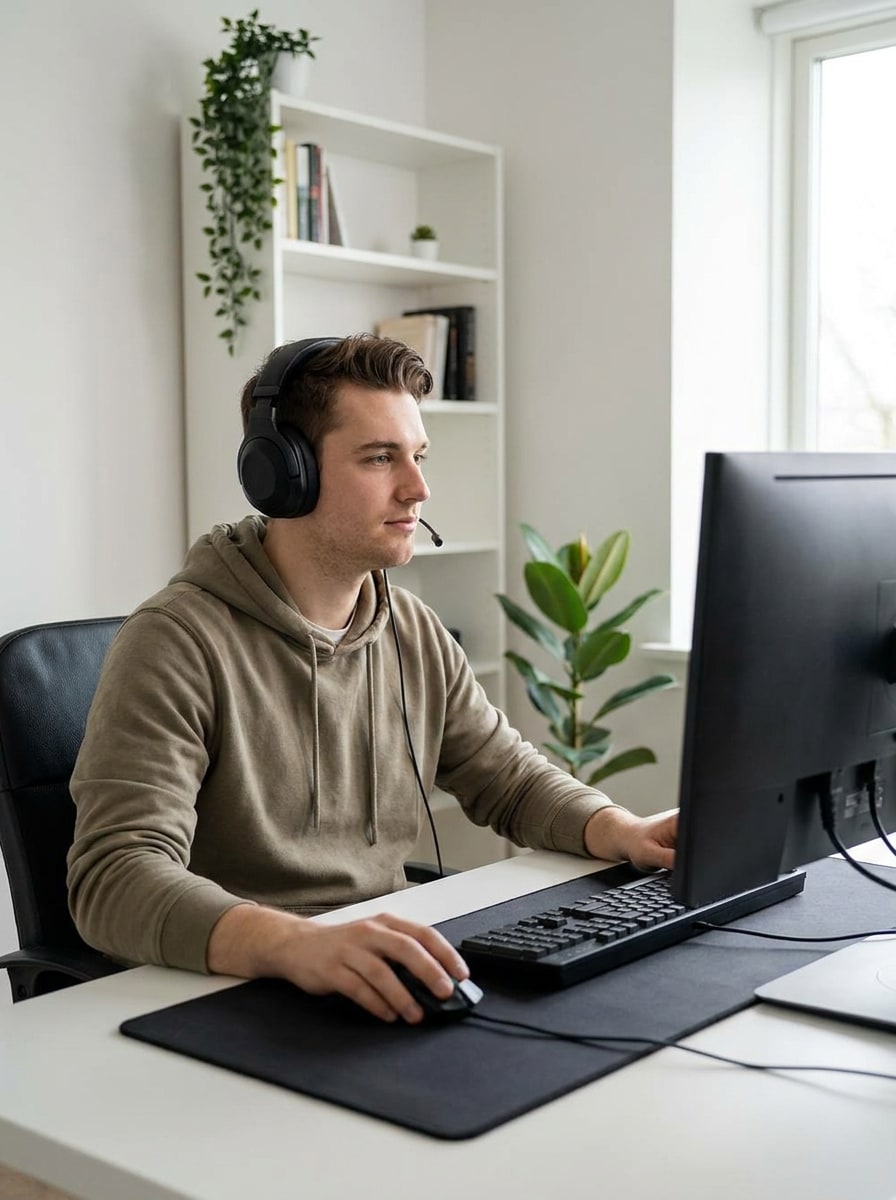
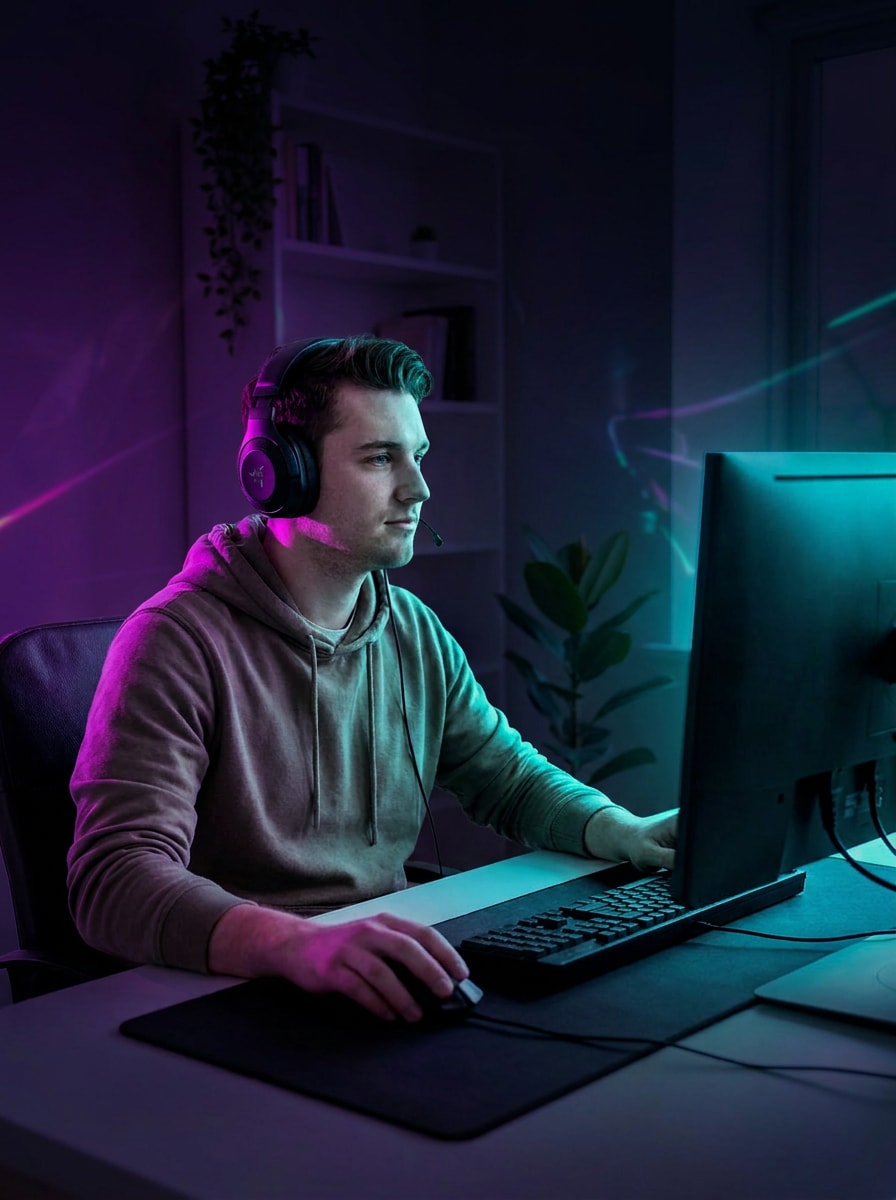
Crea avatares de gaming audaces, retratos de esports y fotos de perfil estilo streamer a partir de una sola imagen subida.Filtro de AI para gamers en Media.io convierte tu selfie en un look de creador neón, anime, cyberpunk o realista con estilos flexibles para un filtro de retrato gamer flujo de trabajo. También puede ayudar con un filtro gamer para streamers.
Escribe tu idea -> La IA la diseña. Prueba gratuita.
Revisa estas instrucciones de ejemplo y después personaliza los detalles del prompt para obtener mejores resultados con el Filtro de AI para gamers en Media.io.
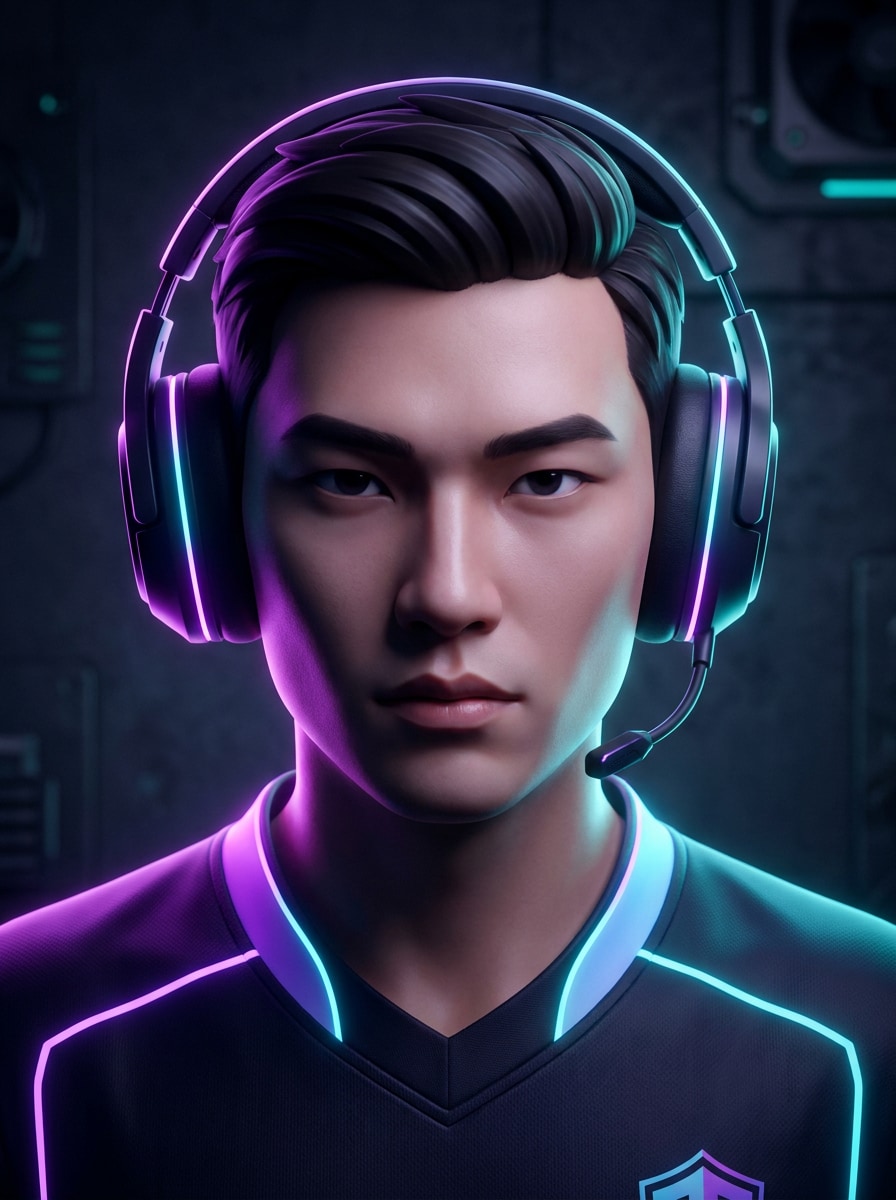
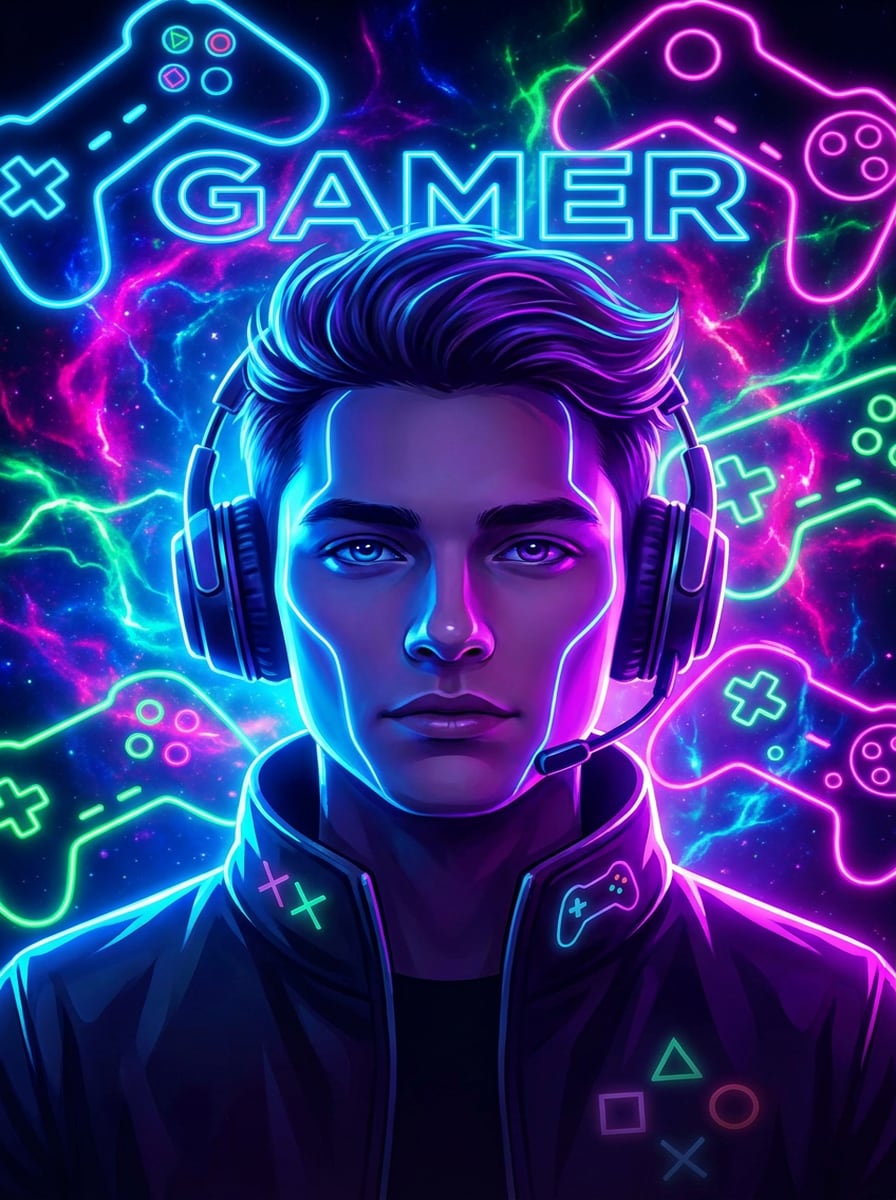
Neón RGB Esports
Usa la imagen subida como referencia y transfórmala en un retrato gamer de esports pulido, con iluminación neón morada y cyan RGB, fondo de estudio oscuro, enfoque facial nítido, detalles sutiles en los auriculares, sombras cinematográficas, reflejos brillantes y una composición social de alto contraste.
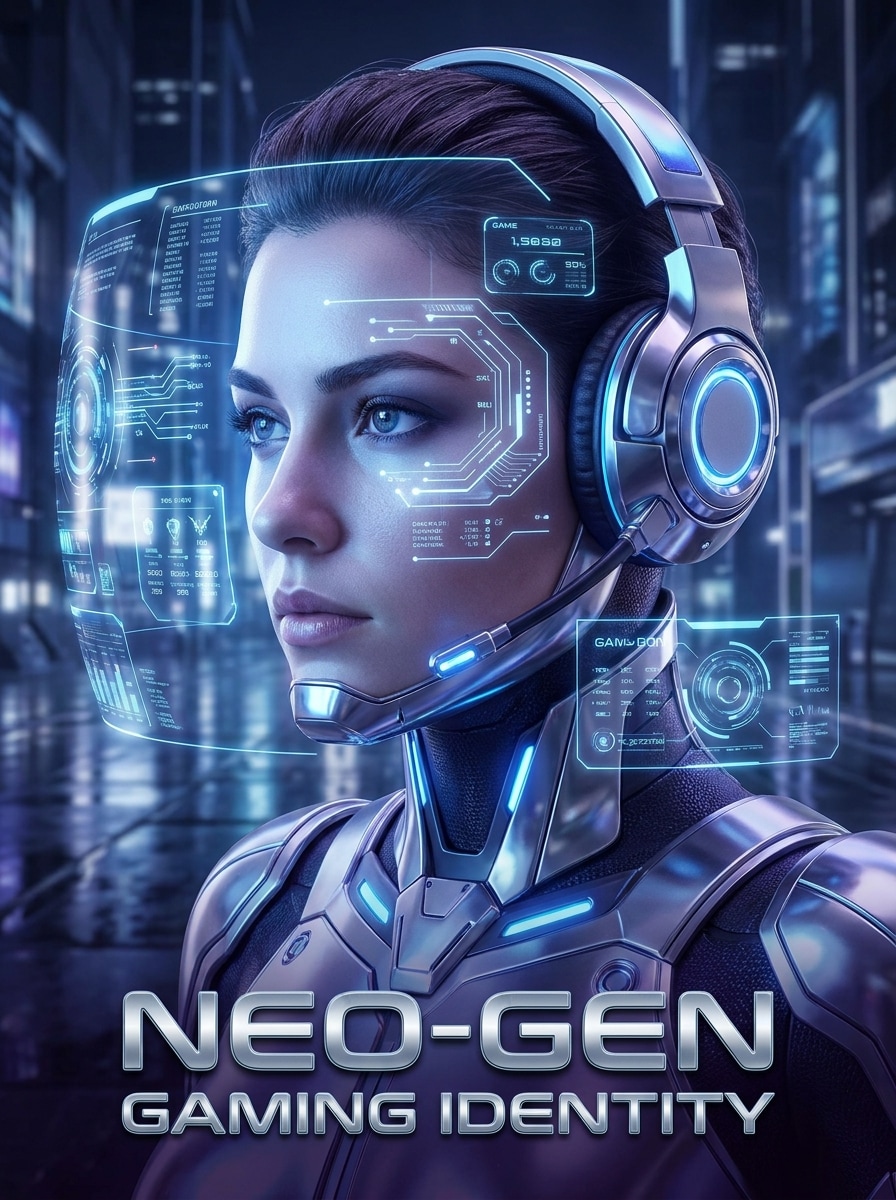
Gamer futurista HUD
Usa la imagen subida como referencia y restílala en un retrato gamer futurista con overlays holográficos HUD, iluminación azul fresca, reflejos metálicos, partículas digitales sutiles, ambiente elegante de sala gamer, detalle facial nítido y un estilo premium de ciencia ficción para arte avatar compartible.
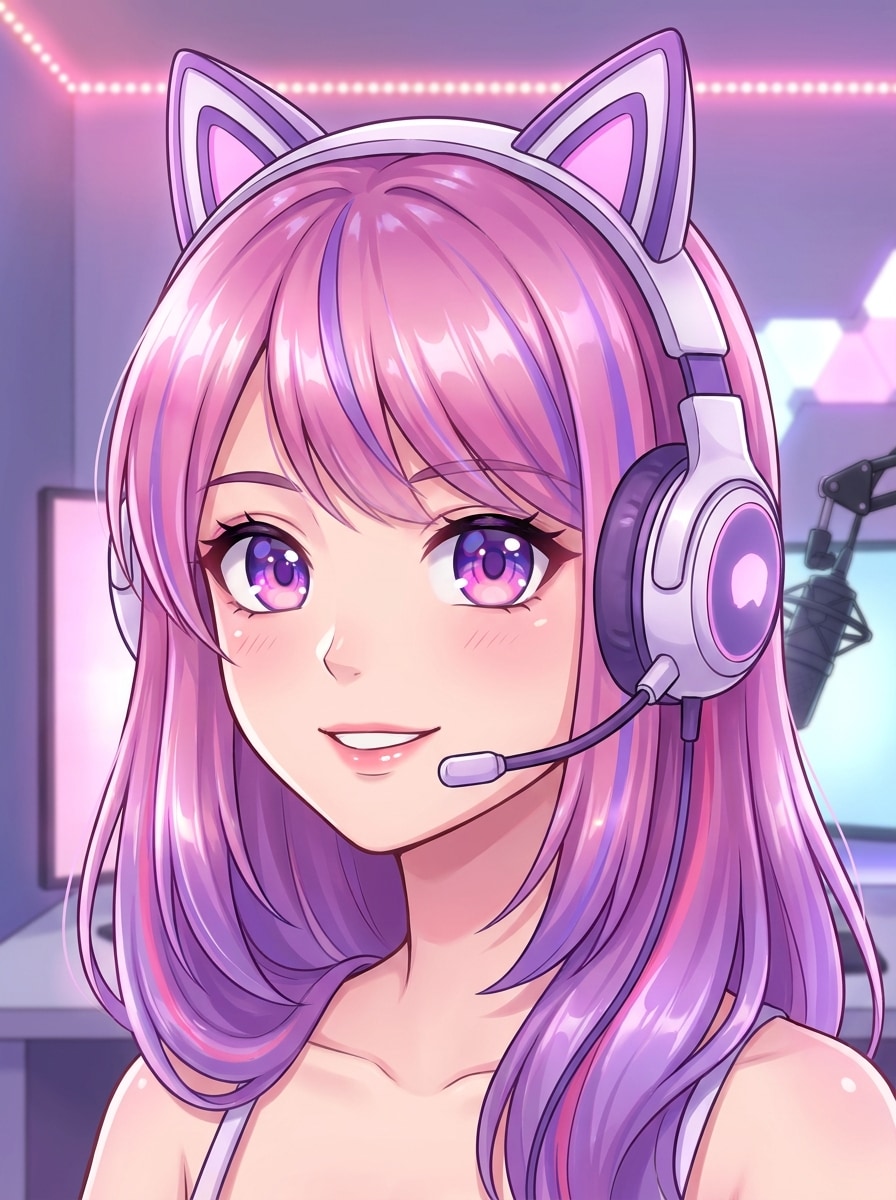
Avatar streamer anime
Usa la imagen subida como referencia y conviértela en un avatar streamer anime pulido con ojos expresivos, sombreado cel limpio, auriculares gamer estilizados, tonos vibrantes rosas y morados, brillo suave de sala, trazos fluidos y una composición amigable orientada a creadores para plataformas sociales.
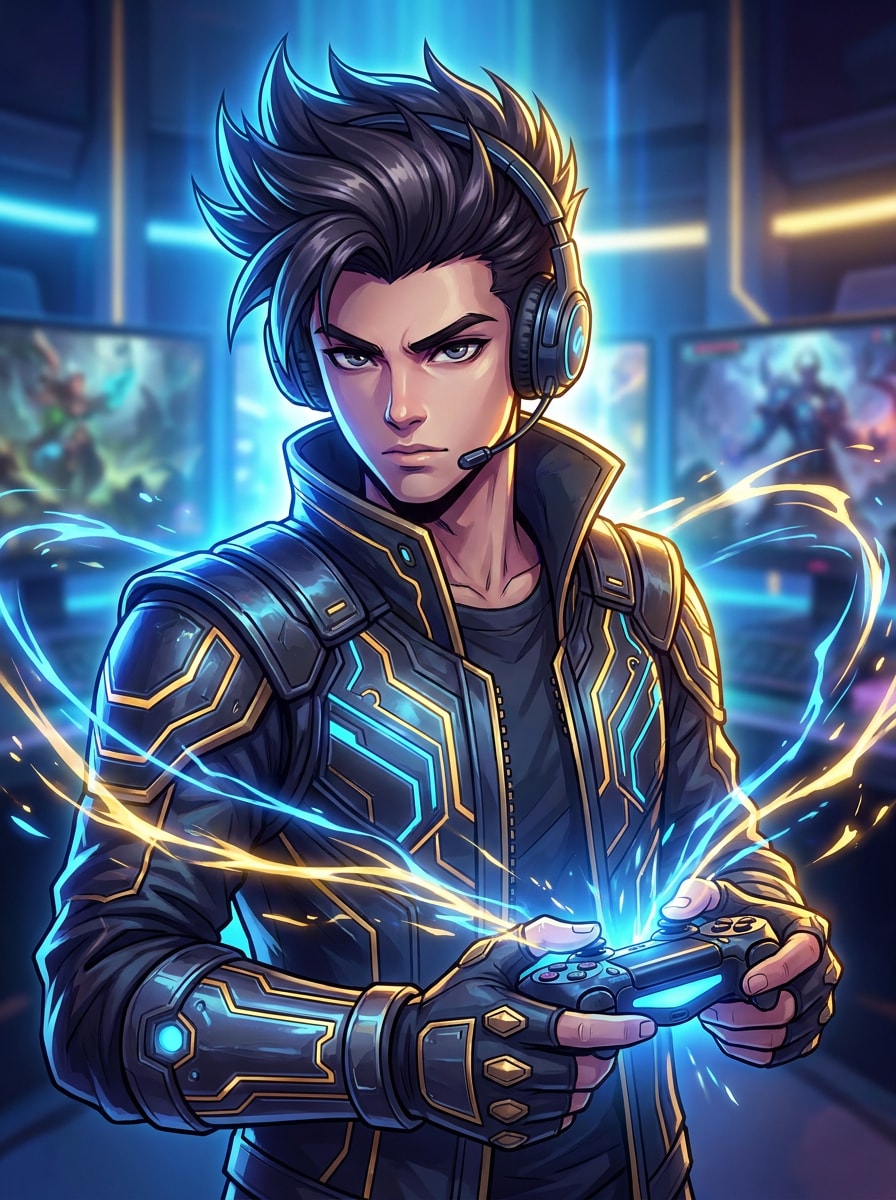
Retrato gamer RPG de acción
Usa la imagen subida como referencia y transfórmala en un retrato heroico gamer de RPG inspirado en anime, con iluminación dinámica, detalles dramáticos de cabello, efectos de energía resplandeciente, acentos de vestuario fantasía-tecnología, alto contraste y acabado avatar ilustrado que resulta aventurero y coleccionable.
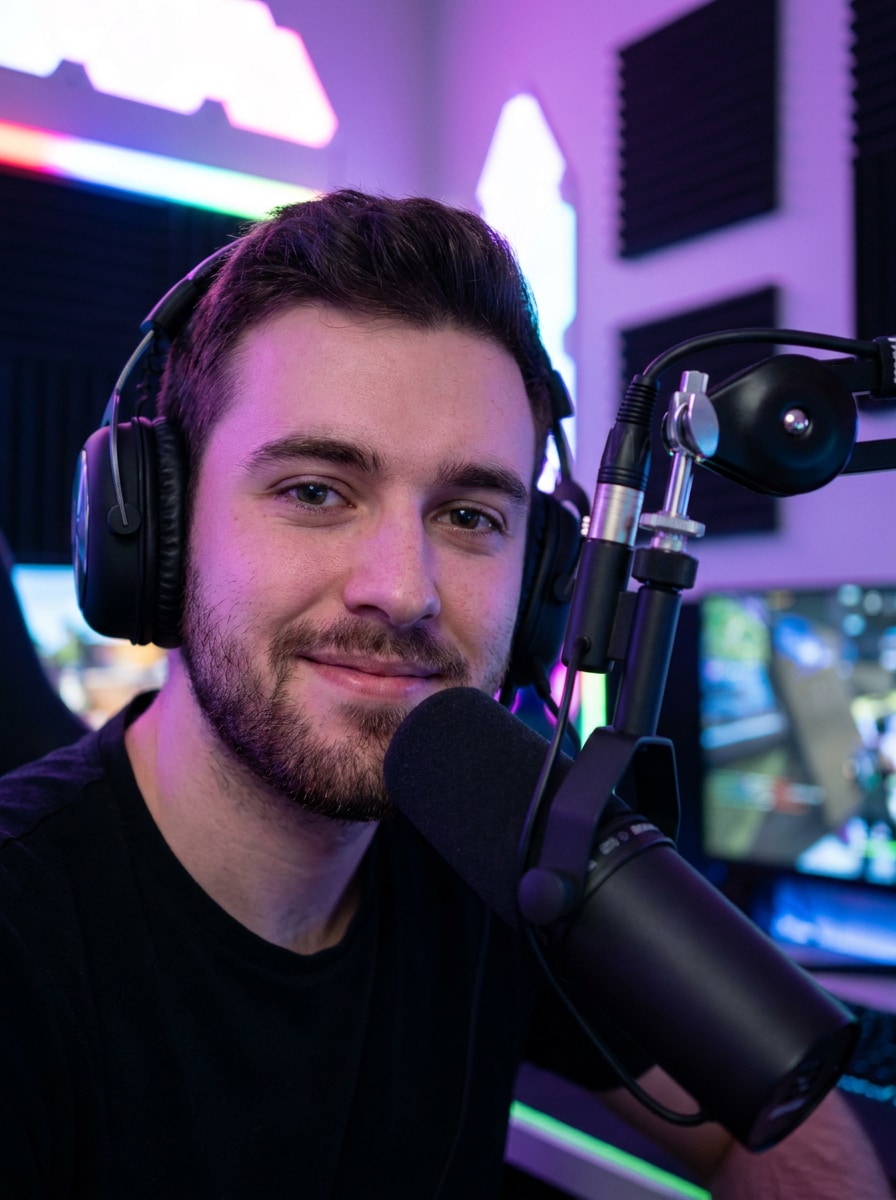
Estudio pro streamer
Usa la imagen subida como referencia y restílalo en un retrato realista de setup streamer profesional con luz clave cinematográfica, fondo de sala gamer RGB desenfocado, detalles premium de micrófono y auriculares, detalle de piel realista, composición de marca limpia y una vibra profesional de creador nítida.
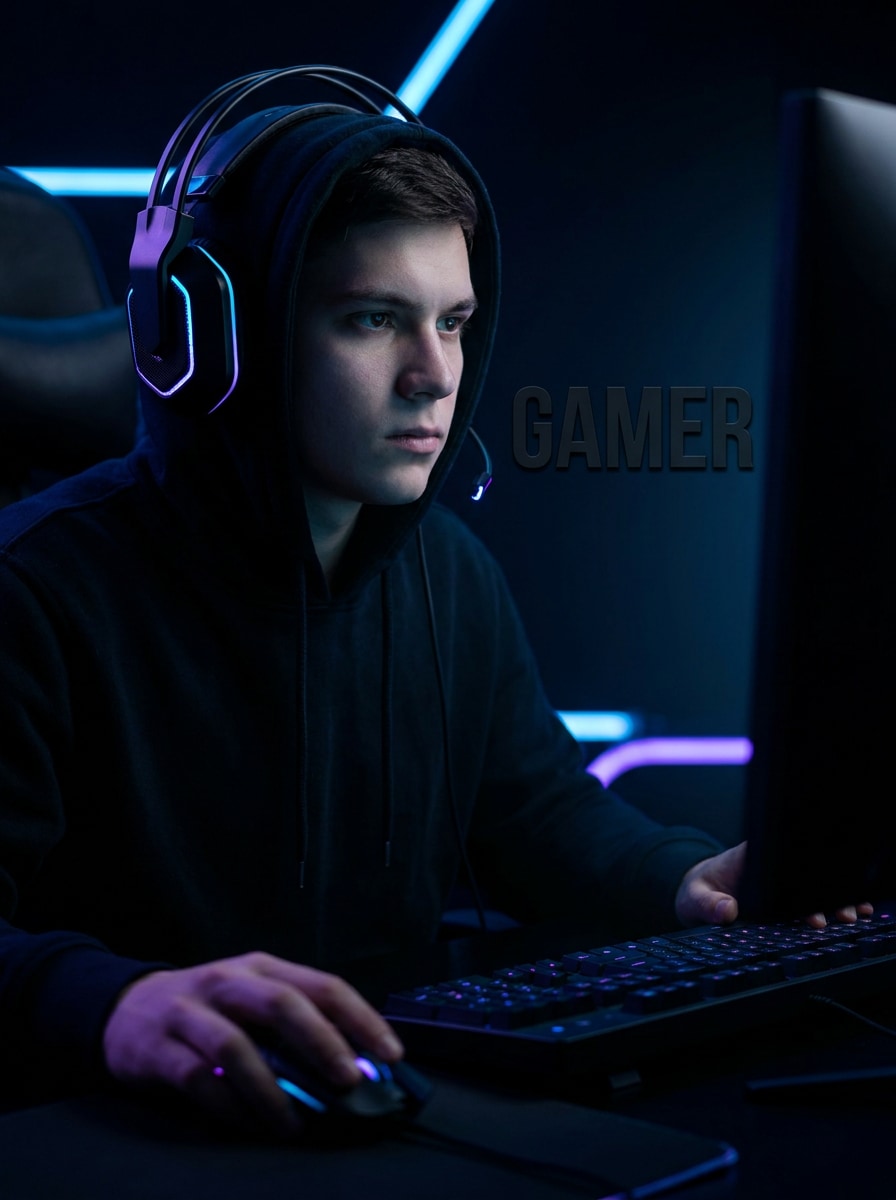
Edición gamer modo oscuro
Usa la imagen subida como referencia y dale una estética gamer oscura y dramática con fondo negro, reflejos neón selectivos, brillo sutil de monitor, sombra nítida en la mandíbula, contraste fuerte, gradación de tonos fríos y un retrato moderno estilo influencer para publicaciones sociales llamativas.
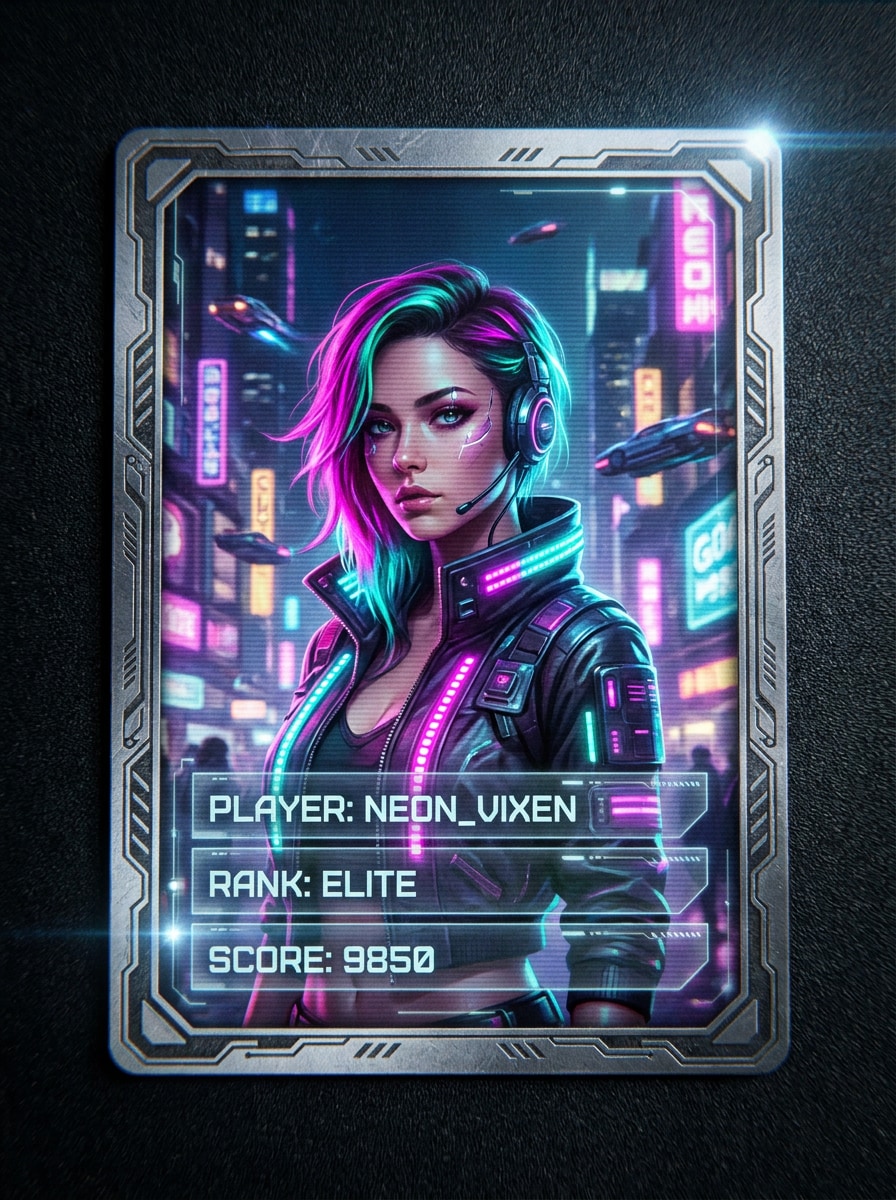
Tarjeta Cyberpunk jugador
Usa la imagen subida como referencia y transfórmala en un retrato gamer cyberpunk tipo tarjeta de jugador con brillo citadino magenta y teal, texturas digitales en capas, iluminación de borde audaz, acentos futuristas de vestimenta, marco coleccionable y estética sofisticada de alta energía para branding destacado.
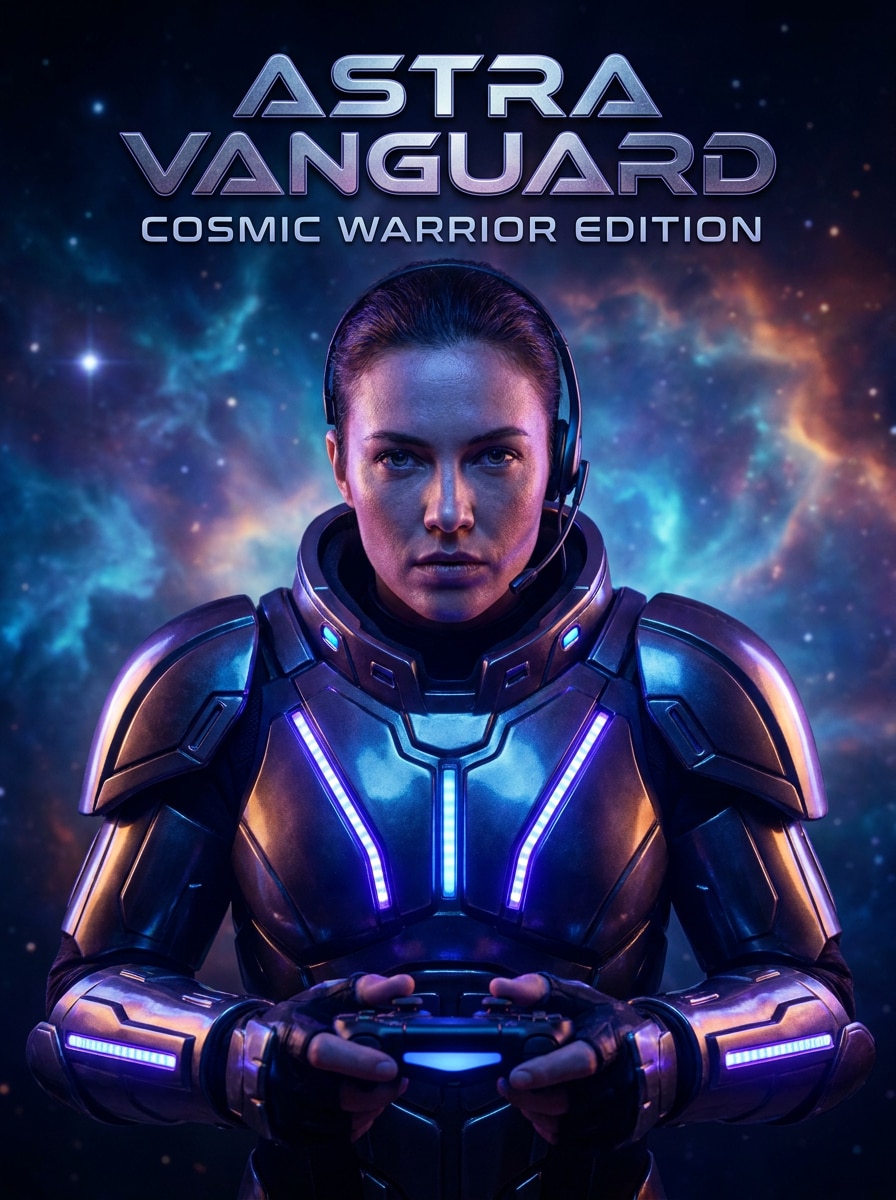
Guerrero espacial gamer
Usa la imagen subida como referencia y restílala en un retrato heroico gamer de ciencia ficción con detalles luminosos inspirados en armadura, bruma cósmica, brillo de energía azul-violeta, realismo facial definido, iluminación épica cinematográfica y composición de portada de juego que transmite un futuro poderoso.
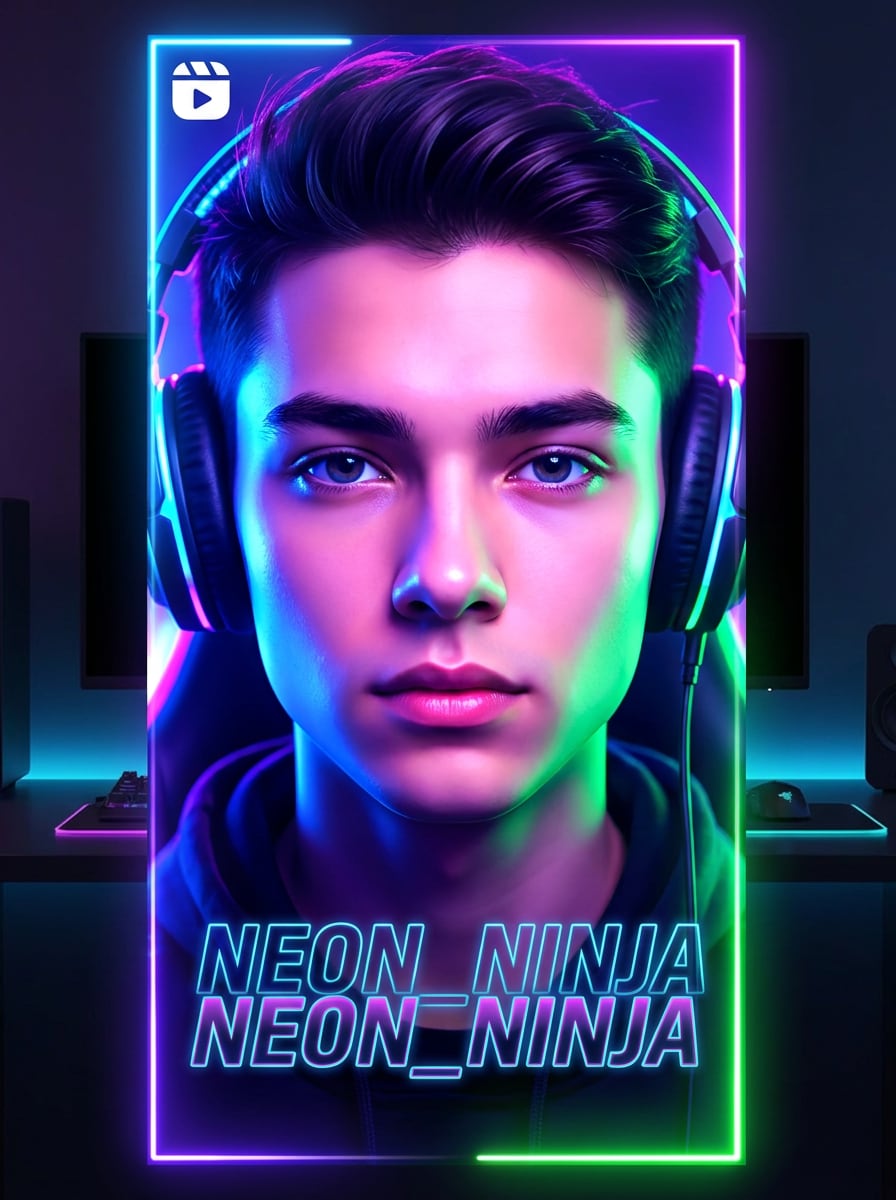
Filtro AI Glow de TikTok
Usa la imagen subida como referencia y aplica un tratamiento de brillo gamer viral con luz de borde luminosa, claridad facial mejorada, gradación de color RGB vívida, contraste ideal para miniaturas, reflejos suaves, fondo oscuro y acabado moderno pensado para contenido corto.
Icono de foto perfil gamer
Usa la imagen subida como referencia y conviértela en una imagen de perfil gamer centrada, con recorte facial limpio, fondo neón vivo, pistas sutiles de auriculares o gaming, legibilidad fuerte en tamaños pequeños, acabado pulido suave y un estilo avatar audaz para Twitch o Discord.
Por qué usar Media.io para editar avatares gamer
Personaliza resultados en torno a una referencia
Para fotos de perfil, branding de creador o un filtro de foto pro gamer resultado, Media.io usa tu imagen para mantener la edición final cerca de tu identidad facial y lograr una estética gamer más fuerte.
Combina diferentes estilos gamer en un solo flujo
Cada resultado pide una estética diferente. Media.io te ayuda a explorar tratamientos variados del mismo concepto visual de Gamer Filter, para que el resultado visual llegue al tono ideal más rápido.
Genera imágenes limpias hasta 4K
Algunas imágenes deben funcionar más allá del preview. Media.io ayuda a generar visuales de Gamer Filter más limpios con salida hasta 4K, para que la imagen final sirva en fondos de pantalla, presentaciones y mockups.
Crea en cualquier lugar sin instalar software extra
Para creadores que alternan entre móvil y escritorio, Media.io mantiene la creación visual de Gamer Filter en el navegador, así el flujo de trabajo es práctico donde sea que trabajes.
Cómo usar el Filtro AI para gamers
Convierte tus palabras en imágenes impactantes en tres pasos sencillos, y sigue refinando el resultado si quieres mejorarlo más.
Paso 1
Sube tu imagen de referencia
Comienza con un selfie o retrato claro en formato JPG, PNG o JPEG. Una foto frontal bien iluminada ayuda a Media.io a mantener tus rasgos nítidos al convertirla en un avatar gamer o imagen de perfil estilo creador.
Paso 2
Describe el cambio y ajusta opciones
Escribe el estilo que quieres, como esports neón, avatar anime, tarjeta cyberpunk o edición realista streamer. Elige el modelo y ajusta el ratio de aspecto, calidad de salida y el número de variantes de imagen que deseas generar.
Paso 3
Genera, descarga y sigue mejorando
Crea tus retratos gamer, compara los resultados y descarga la versión que más te guste. Si lo necesitas, afina el prompt, prueba otra dirección de estilo o genera más variantes hasta que el avatar refleje tu identidad gamer.
Ve cómo crean los usuarios con el Filtro AI Gamer para contenido, marketing y proyectos personales, y adapta cada idea según tus necesidades.
Mejora perfiles de Twitch, Discord y YouTube
Convierte un selfie cotidiano en una identidad gamer sofisticada para avatares de canal, iconos de Discord y bios de creador. Media.io facilita crear un retrato gamer memorable sin recurrir a diseñadores en cada actualización de perfil.
Crea ediciones sociales virales para Reels y TikTok
Genera retratos neón dramáticos, imágenes de creador con mucho brillo o ediciones futuristas que sobresalen en feeds cortos. Con Media.io, un look gaming estilizado puede hacer que posts de antes y después, teasers y renovaciones de perfil sean más llamativos y actuales.
Construye branding consistente para equipos de esports o streamers
Usa un solo flujo para crear retratos de jugador, tarjetas de creador y visuales de equipo con diferentes estilos gamer. Media.io es útil para grupos de esports pequeños, comunidades gamer y streamers que buscan branding coordinado en plataformas.
Opiniones de usuarios sobre esta herramienta de avatar gamer
Jordan M.
Streamer de Twitch
"Ideal para renovar perfiles de streamer"Subí un retrato sencillo y obtuve un avatar gamer neón pulcro en minutos. Los resultados fueron mucho mejores que filtros móviles básicos y me gustó probar distintos estilos para mis perfiles de Twitch y Discord.
Aaliyah R.
Creadora de contenido de gaming
"Variaciones anime y cyberpunk fáciles"Quería un look más estilizado sin perder mi rostro. Media.io me dio versiones anime y cyberpunk que aún se parecían a mí, útil para publicaciones sociales y branding de creadora.
Marcus T.
Manager de comunidad esports
"Útil para visuales de equipo"Lo probamos para retratos de jugadores y gráficos sociales, y el flujo era suficientemente simple para quienes no diseñan. Las opciones de ratio de aspecto nos ayudaron a adaptar imágenes para iconos de perfil y layouts promocionales.
Sofia L.
Propietaria de servidor Discord
"Buena calidad y flujo claro"La herramienta era sencilla: subir, describir el estilo y generar. La usé para hacer un avatar gamer oscuro con luz RGB, y el resultado quedó nítido tanto para perfil como para compartir en redes.
Explora los efectos de video e imagen con IA más populares
Un Filtro AI Gamer es una herramienta de imagen a imagen que transforma un retrato cargado en un avatar gamer o foto de perfil editada con temática gaming. Con Media.io, puedes restilar tu imagen en looks de esports, anime, cyberpunk, neón RGB o inspiración streamer usando tu foto original como referencia.
2. ¿Cómo convierto una foto en avatar gamer con IA?
Sube un retrato JPG, PNG o JPEG claro a Media.io, luego describe el estilo que buscas, como avatar gamer, foto de perfil esports o retrato neón de creador. Después elige el modelo y configuración de salida, genera la imagen y descarga el resultado que más te guste.
3. ¿Puedo usar el filtro gamer de IA gratis?
Los usuarios gratuitos pueden probar Media.io con créditos gratis. Si necesitas generar más imágenes o quieres descargas de mayor calidad sin marcas de agua, compara planes en la página de precios y actualiza para obtener más créditos y exportaciones en alta resolución.
4. ¿Qué estilos gamer puedo crear, como anime, esports o cyberpunk?
Media.io soporta una amplia gama de estilos gaming mediante transformación con prompts. Puedes crear avatares inspirados en anime, retratos de esports neón, looks futuristas HUD, ediciones gamer oscuras, estilos cyberpunk tipo tarjeta y branding streamer realista, todo usando la misma foto cargada.
5. ¿Mi foto gamer AI mantendrá mi rostro reconocible?
Sí, especialmente si usas una imagen de referencia clara y prompts enfocados en estilo en vez de cambiar la identidad. Media.io está pensado para edición imagen a imagen, así tu retrato guía la transformación y suele mantener tu cara más reconocible que un flujo solo de texto.
6. ¿Qué tamaño y calidad de imagen exporta el filtro gamer?
Media.io ofrece configuraciones flexibles de exportación para retratos gamer, incluyendo opciones de resolución 1K, 2K y 4K. También puedes elegir ratios de aspecto como 1:1, 9:16, 16:9, 4:3 y 3:4, lo que facilita preparar imágenes para perfiles, publicaciones y otros activos sociales. Los usuarios gratuitos pueden tener marcas de agua.