Tus creaciones solo se guardan durante 7 días. Los recursos creados después de actualizar a Membresía se almacenarán de forma permanente.
¡Desbloquea tu potencial creativo y experimenta la magia de Media AI ahora mismo!
Filtro LEGO para convertir retratos y fotos en arte lúdico de ladrillos
Sube un selfie, una foto de tu mascota o una escena y crea arte estilo LEGO en segundos. Media.io te ayuda a convertir fotos en LEGO con texturas plásticas brillantes, apariencia de Mosaico e incluso un estilo de filtro de minifigura LEGO fácil de descargar, compartir y perfeccionar en línea.
Escribe tu idea -> La IA la diseña. Pruébalo gratis.
Revisa estas instrucciones de ejemplo y luego ajusta los detalles del prompt para obtener mejores resultados con este filtro LEGO o un aspecto más centrado en personajes con el filtro de retrato LEGO.
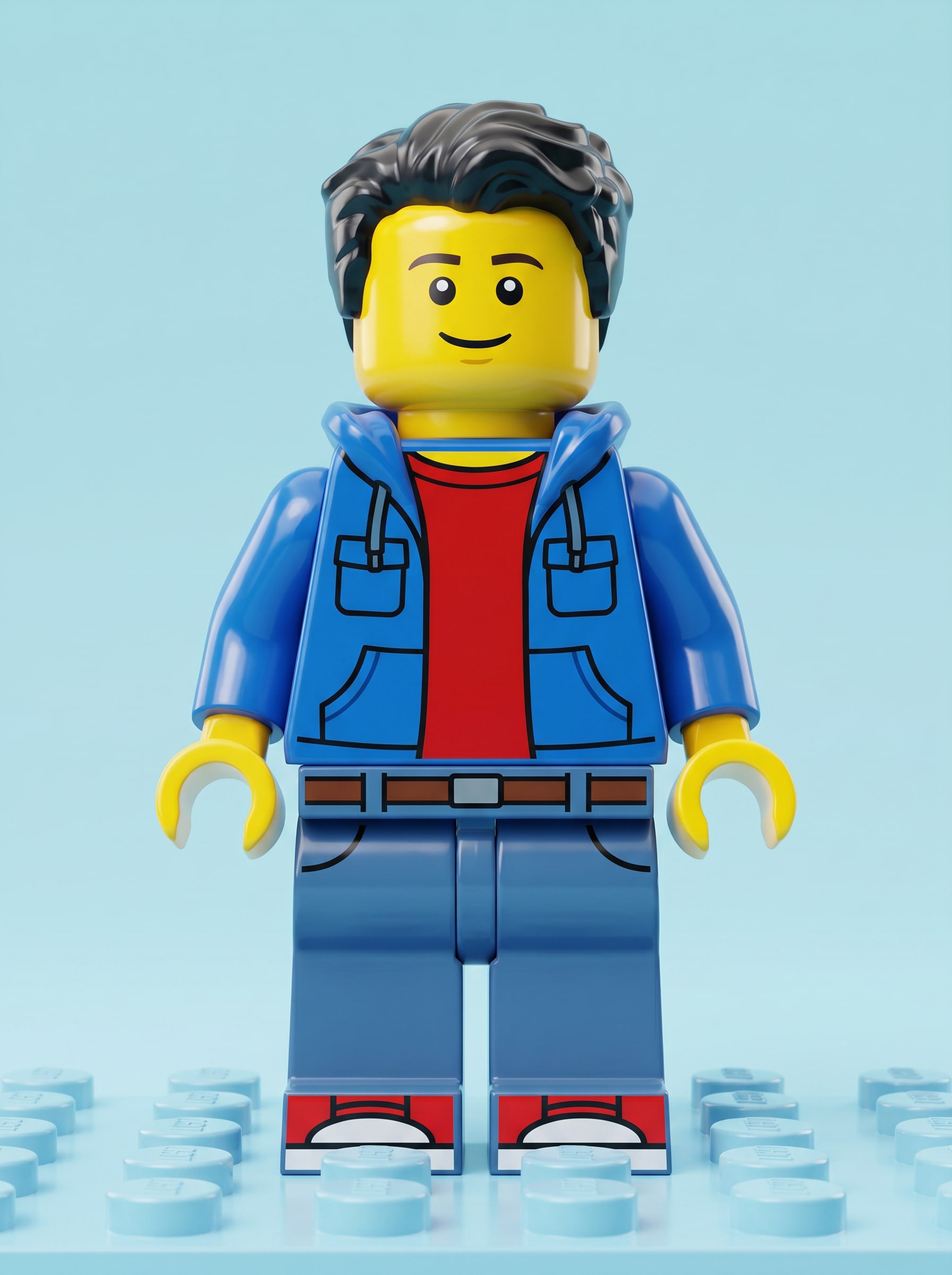
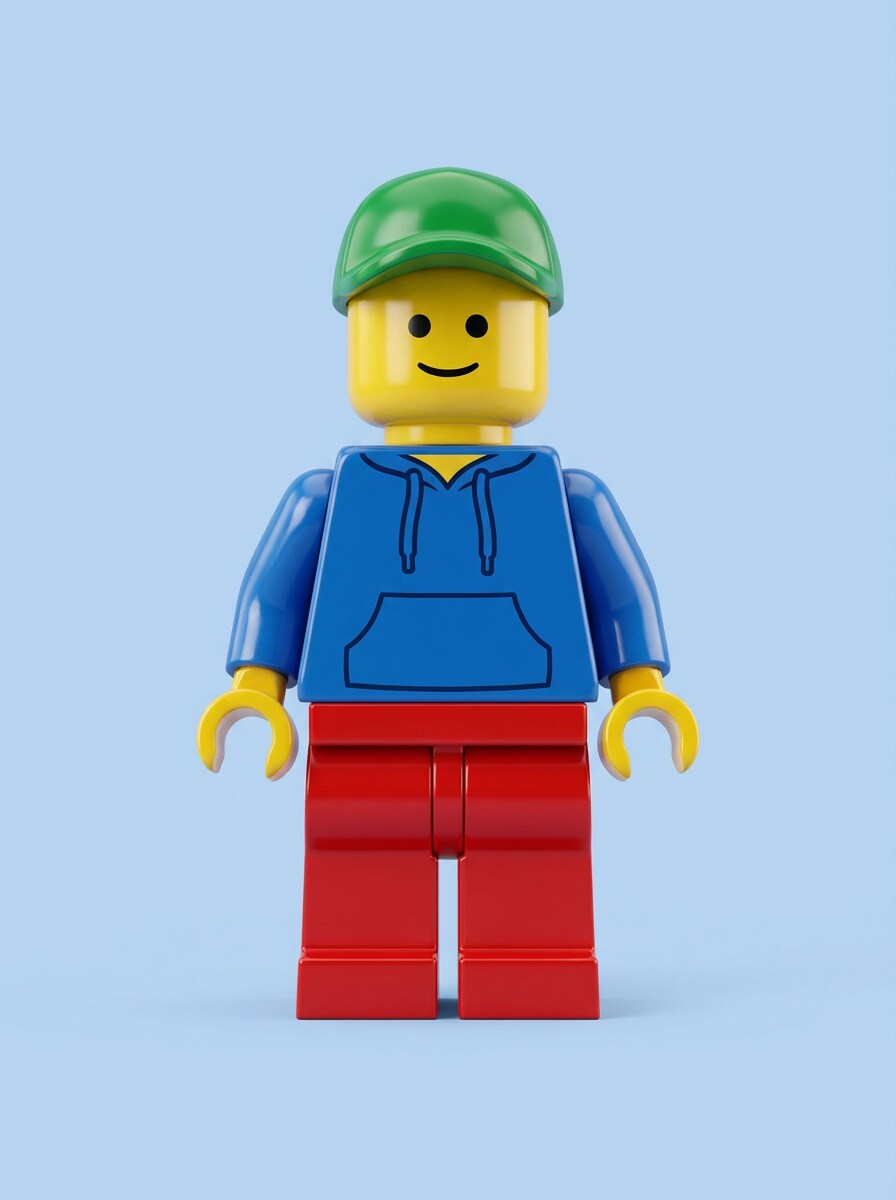
Avatar clásico de minifigura LEGO
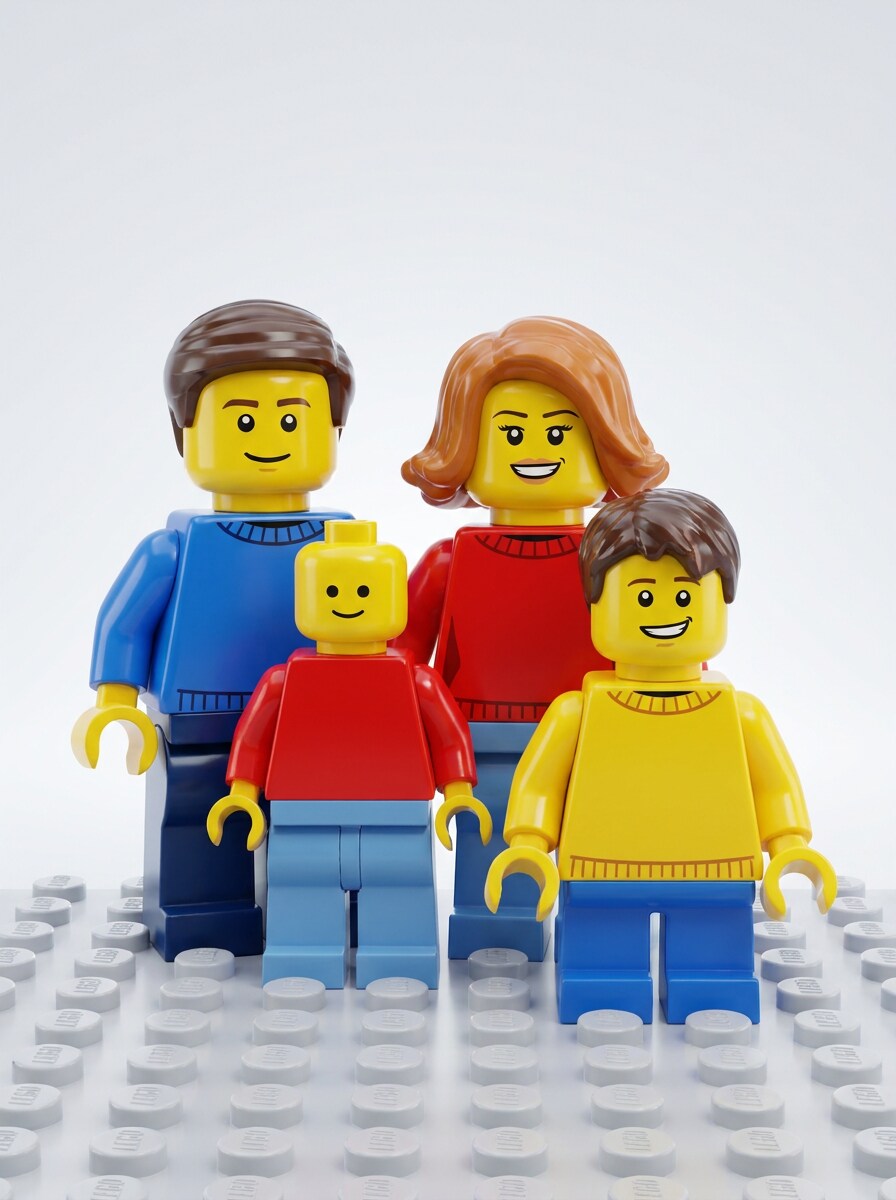
Usa el retrato subido como sujeto y transfórmalo en un aspecto de filtro de minifigura lego clásico con piel amarilla de juguete, rasgos faciales simplificados, textura de plástico brillante, proporciones cuadradas, vestimenta casual colorida, composición centrada, iluminación de estudio Suave, fondo pastel limpio, detalles nítidos inspirados en studs y un renderizado pulido de alta calidad.
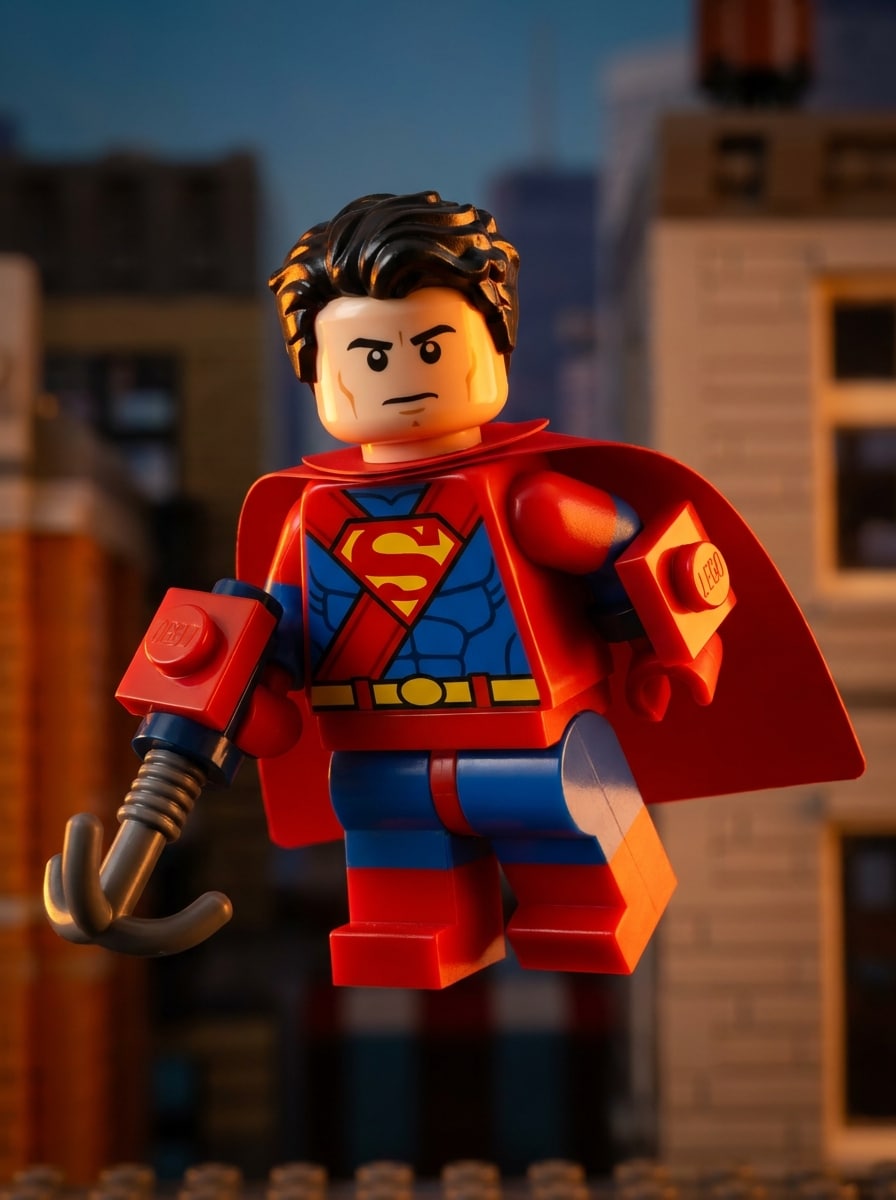
Personaje de superhéroe LEGO
Usa la imagen subida como sujeto y transfórmala en una figura de superhéroe inspirada en LEGO con un traje llamativo rojo y azul, brillo de plástico de juguete, cara de minifigura simplificada, pose heroica dinámica, iluminación de borde dramática, sombras cinematográficas, detalles de accesorios construidos con bloques, colores primarios saturados y un estilo pulido de póster de película de acción.
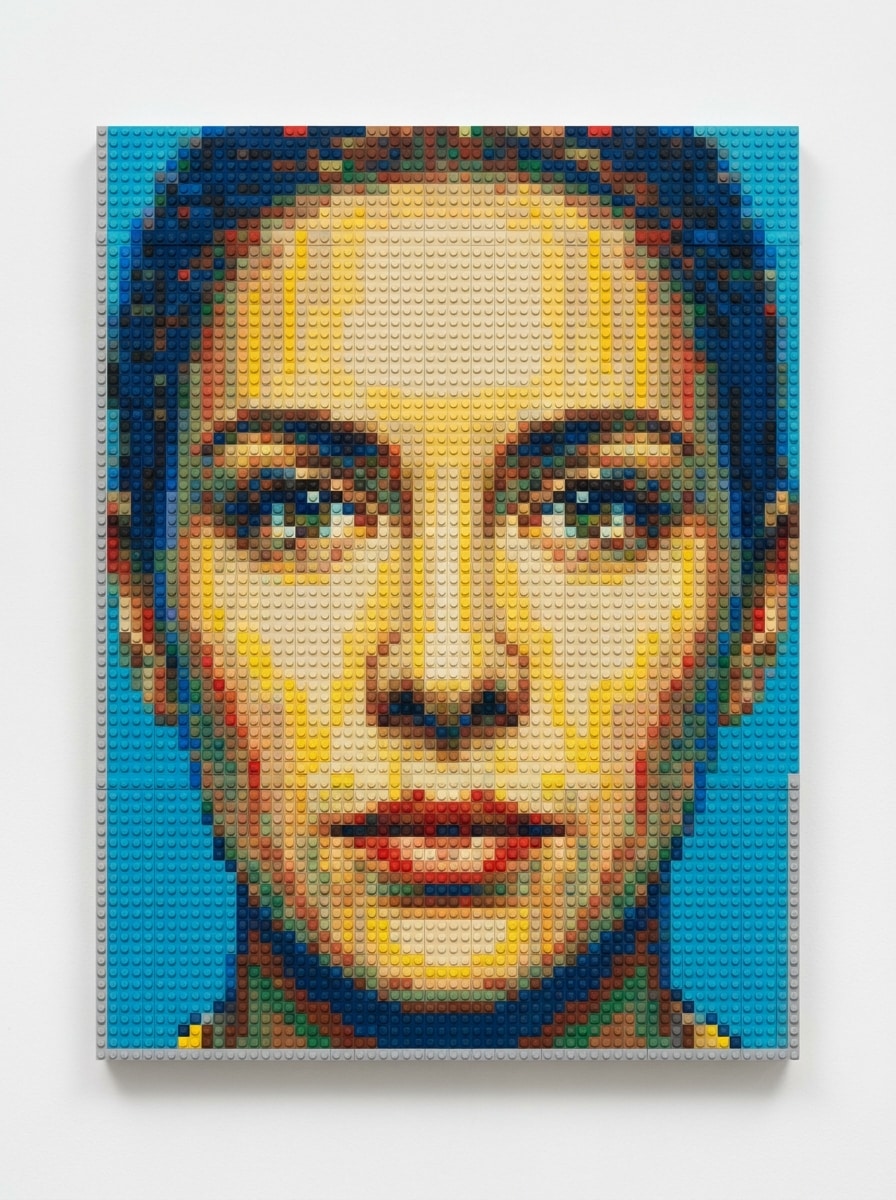
De foto a Mosaico LEGO
Usa el retrato subido y recréalo como un Mosaico LEGO detallado hecho con pequeños ladrillos de colores, composición cenital, studs circulares visibles, formas faciales cuidadosamente mapeadas, paleta vibrante pero equilibrada, estructura de cuadrícula ordenada, textura de plástico realista, Presentación estilo galería y un acabado limpio de alta resolución.
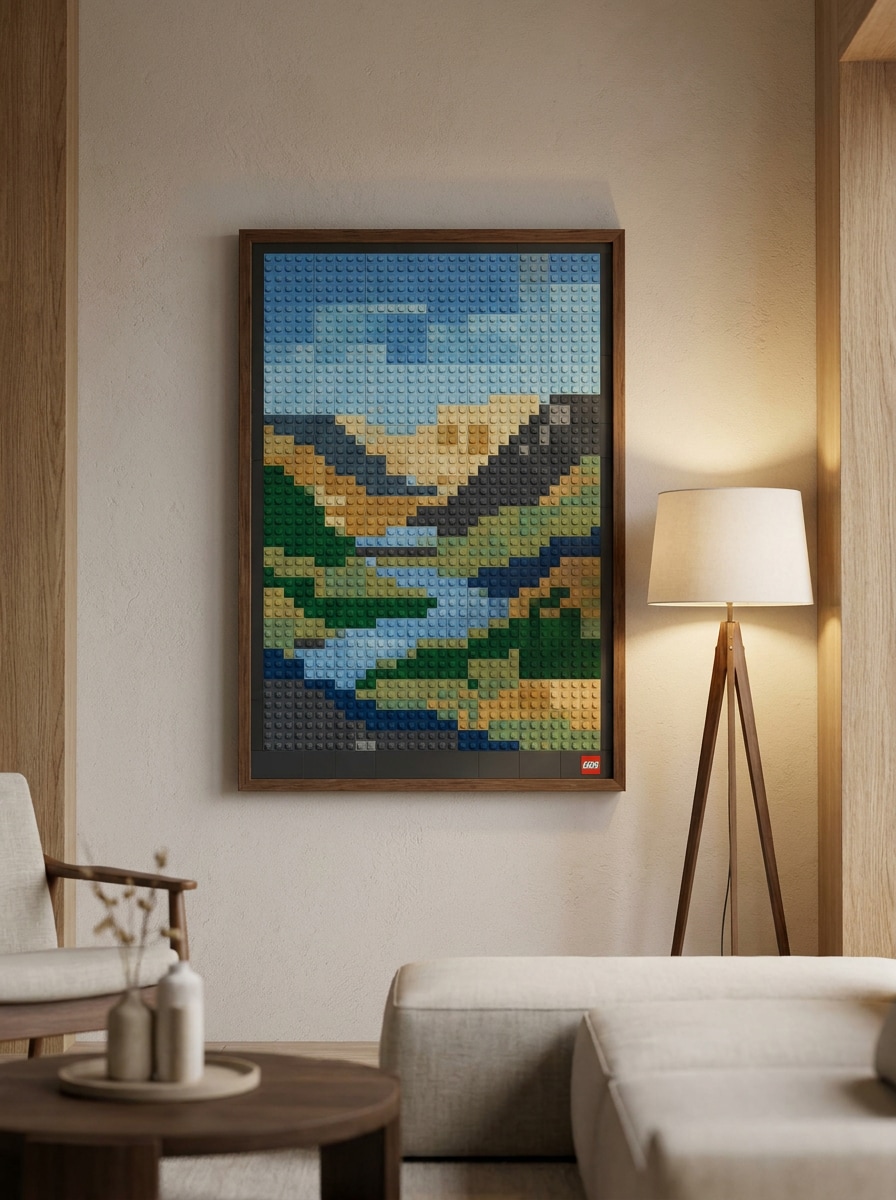
Póster de arte mural de ladrillos
Usa la imagen subida como sujeto principal y transfórmala en arte decorativo de pared estilo LEGO con Diseño de Mosaico de bloques, composición de póster enmarcado, textura de studs visible, paleta de colores moderna y equilibrada, iluminación interior Suave, bordes limpios, estilo de decoración de habitación elegante y un acabado visual Premium listo para impresión.
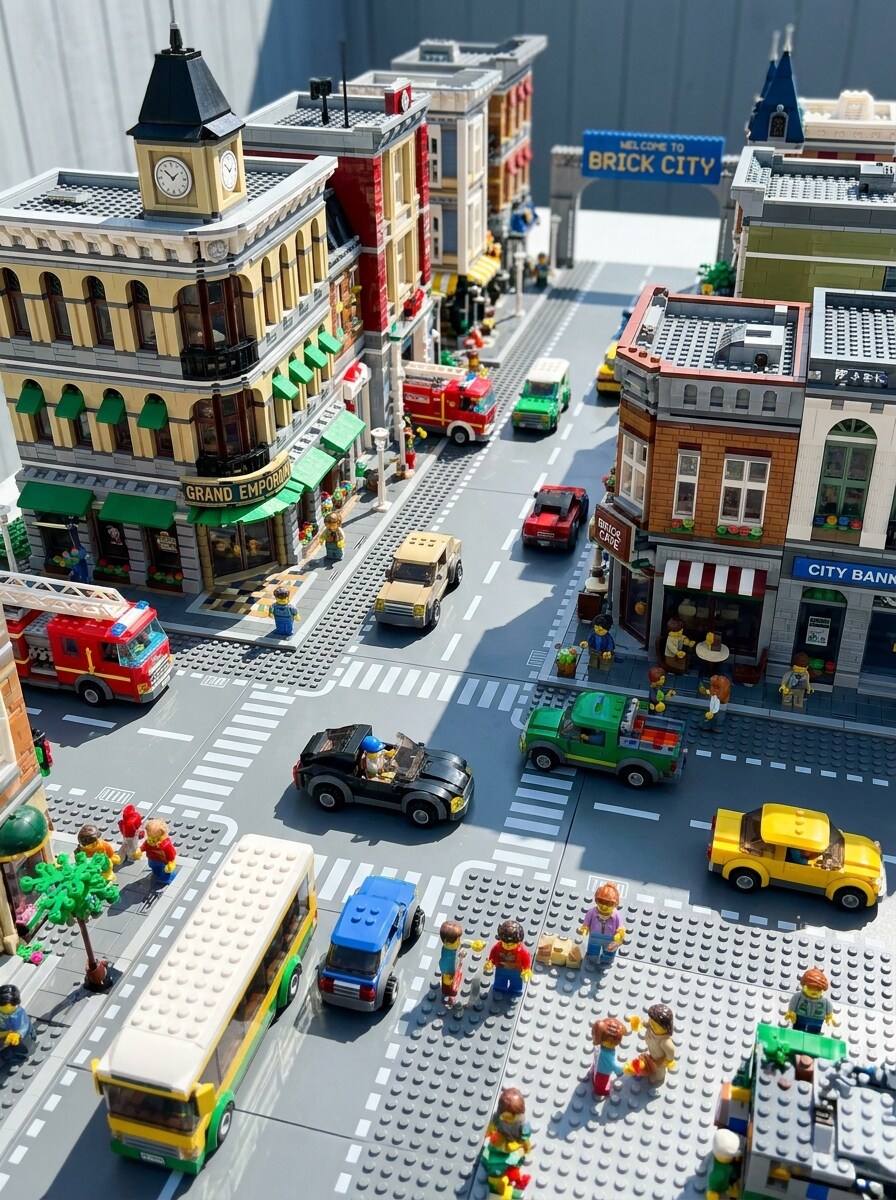
Escena de ciudad LEGO
Usa la foto callejera o de viaje subida como base y transfórmala en un vibrante mundo de ciudad LEGO con edificios construidos con bloques, coches de juguete, studs visibles, escala lúdica, luz del día brillante, sombras nítidas, detalles coloridos de escaparates, superficies de plástico pulido y un ambiente animado y familiar con gran profundidad.
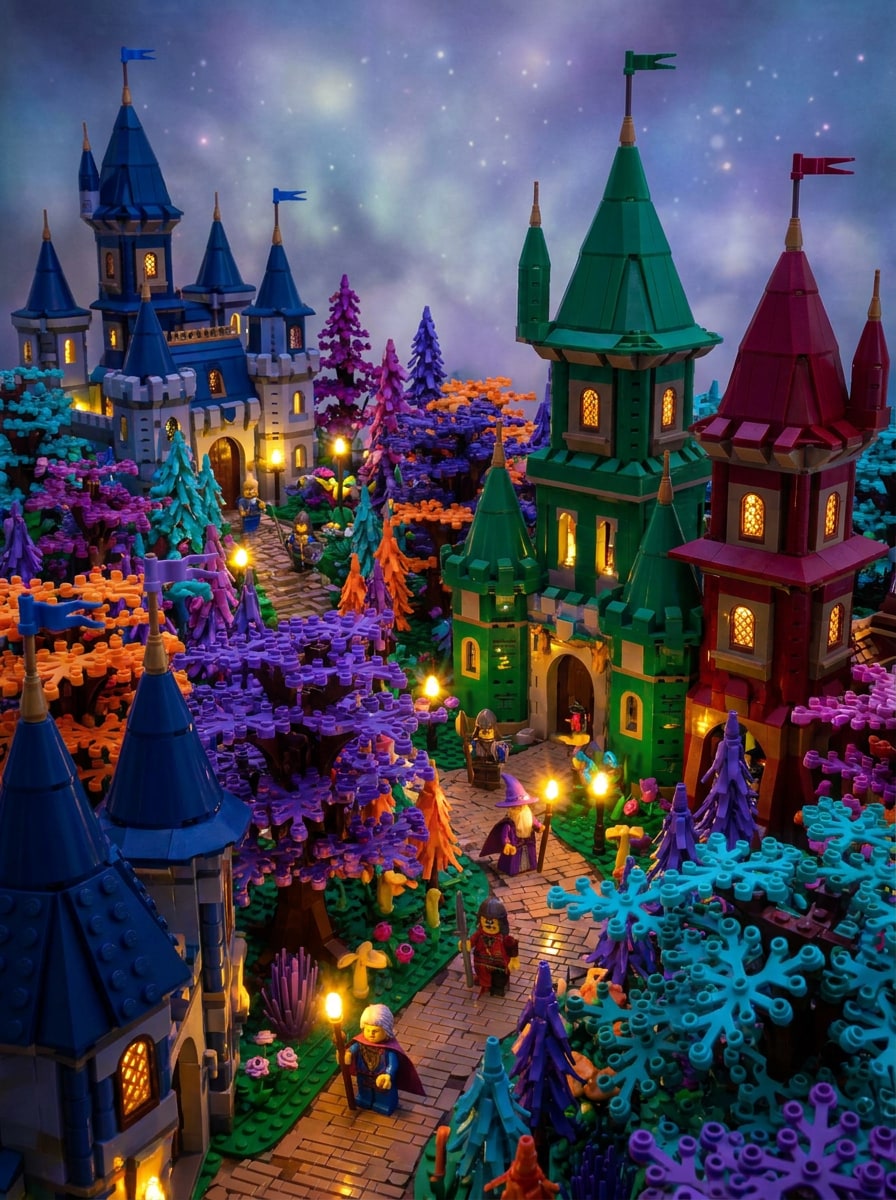
Mundo de fantasía LEGO
Usa la imagen subida como base y conviértela en una escena de fantasía LEGO caprichosa con castillos o bosques construidos con ladrillos, reflejos luminosos, iluminación cinematográfica dramática, colores saturados en tonos joya, materiales de juguete, profundidad en capas, atmósfera mágica, geometría de bloques visible y detalles refinados con calidad de libro de cuentos.
Retrato de mascota LEGO
Usa la foto de mascota subida como sujeto y transfórmala en un lindo retrato de mascota estilo LEGO con ojos expresivos, patrones de pelaje simplificados construidos con bloques, acabado brillante de juguete, fondo colorido, iluminación Suave y alegre, detalles de studs visibles, composición centrada, personalidad lúdica y calidad de imagen pulida lista para redes sociales.
Retrato familiar LEGO
Usa la foto familiar subida y convierte a todos en alegres personajes estilo LEGO con caras inspiradas en minifiguras, vestimenta coordinada, colores primarios brillantes, superficies de plástico brillante, composición grupal equilibrada, iluminación Suave estilo estudio, fondo limpio, ambiente alegre y estética detallada de juguete que mantiene a cada persona reconocible.
Póster cinematográfico LEGO
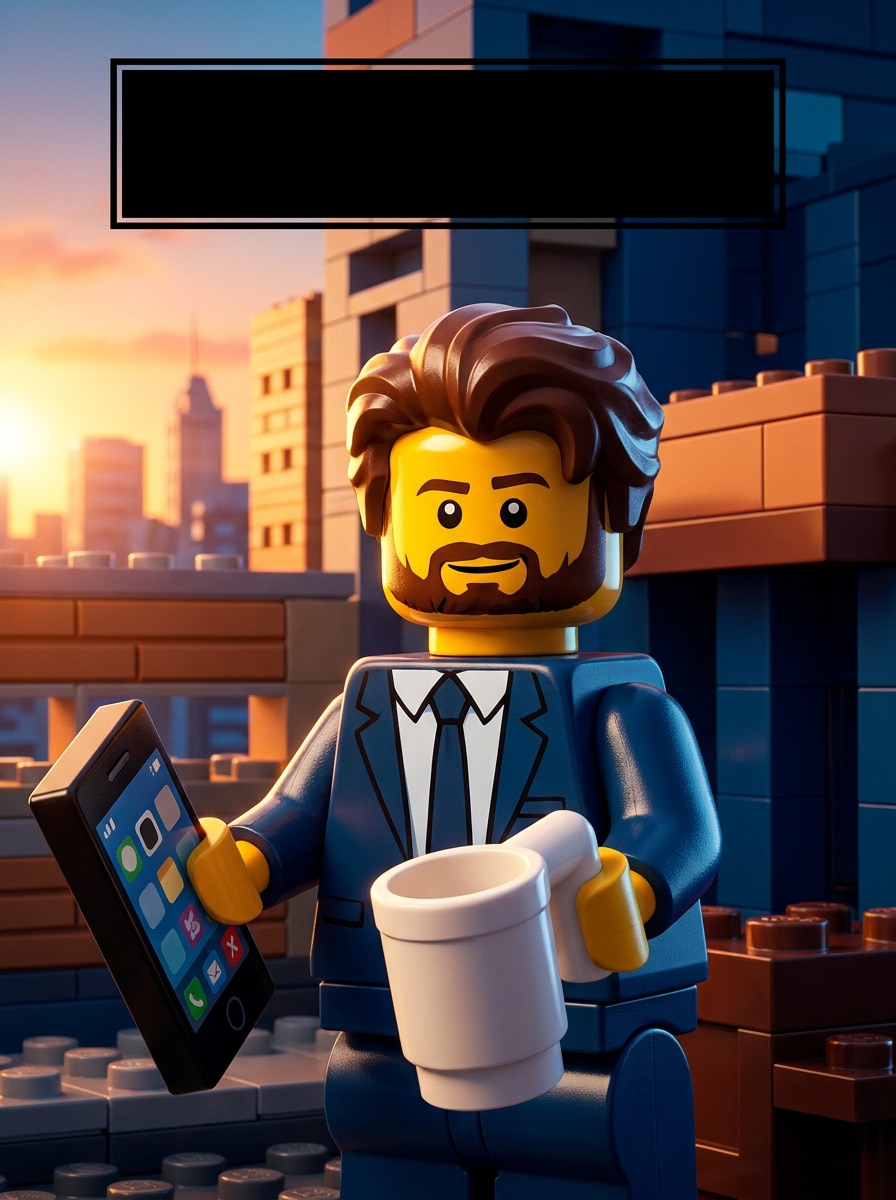
Usa la imagen subida como sujeto principal y crea un póster cinematográfico inspirado en LEGO con iluminación clave dramática, contraste profundo, texturas de ladrillos de juguete, espacio para título llamativo, composición dinámica, colores saturados de superproducción, materiales de plástico pulido, elementos de fondo en capas y calidad de arte promocional Premium.
Edición de selfie con bloques adorables
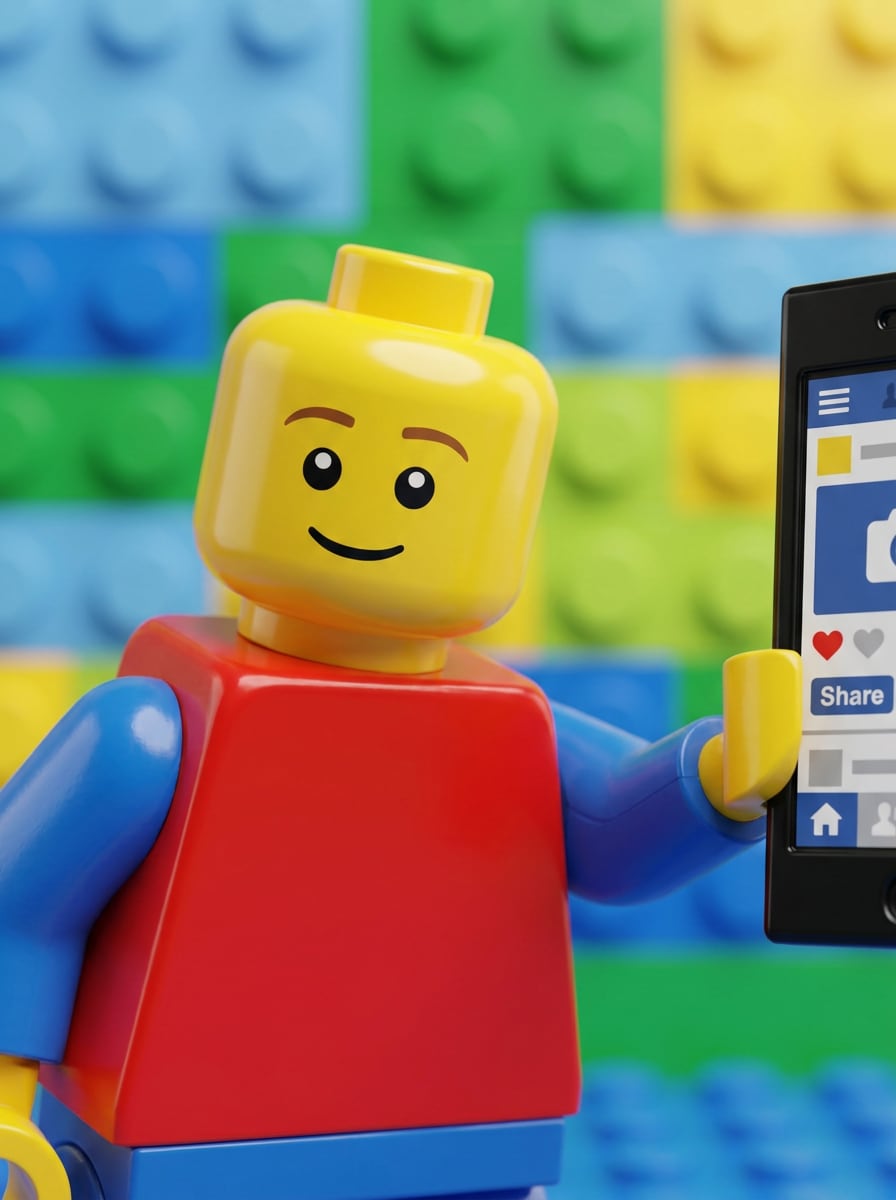
Usa el selfie subido y aplica un estilo lúdico de filtro de retrato LEGO con simplicidad redondeada de minifigura, acabado brillante de juguete, colores alegres y brillantes, luz Suave y favorecedora, fondo limpio y despejado, expresión adorable, textura de plástico nítida, encuadre ideal para redes sociales y un ambiente pulido y divertido.
¿Por qué usar Media.io para un efecto de filtro LEGO?
Sube una foto real y mantén a la persona reconocible
El trabajo basado en referencias necesita más que un cambio de estilo superficial. Media.io ayuda a mantener los detalles clave de identidad reconocibles mientras reelabora el aspecto visual del filtro LEGO, para que el resultado se sienta personal en lugar de genérico.
Explora diferentes estilos sin perder el rumbo
Las imágenes de vista previa no siempre son suficientes para uso real en proyectos. Media.io ayuda a generar visuales estilo LEGO más limpios con una resolución de hasta 4K, para que el resultado de tu filtro LEGO se mantenga nítido en fondos de pantalla, presentaciones de Tono y maquetas.
Mantén los visuales finales nítidos para proyectos reales
Cuando un visual con filtro lego está destinado a publicación real, Media.io te ofrece una salida más nítida de hasta 4K, lo que ayuda a que la imagen se mantenga clara en Presentaciones, fondos y recursos reutilizados.
Edita en cualquier lugar sin instalar software adicional
Algunos conceptos visuales de filtro LEGO se esbozan sobre la marcha y se terminan después en un escritorio. Media.io mantiene ese proceso en línea, para que puedas volver al mismo flujo de trabajo sin instalaciones ni configuraciones adicionales.
Cómo usar el filtro LEGO en línea
Convierte tus palabras en visuales impresionantes en tres sencillos pasos y luego continúa perfeccionando el resultado si deseas llevarlo más lejos.
Paso 1
Sube tu imagen de referencia
Comienza con un selfie claro, retrato, foto de mascota, foto familiar o escena en formato JPG, PNG o JPEG. Un sujeto limpio, rostro visible y fondo simple suelen darle a la IA detalles más sólidos para la transformación estilo LEGO.
Paso 2
Describe el cambio y configura las opciones
Indica a la IA si deseas un Avatar de minifigura, un Mosaico de ladrillos, un póster o una escena de mundo de juguetes. Luego elige el modelo y ajusta configuraciones como la Relación de aspecto, la cantidad de imágenes y la calidad de salida para adaptarse a tu uso final.
Paso 3
Genera, descarga y sigue mejorando
Crea varias variaciones, compara los resultados y descarga tu versión favorita. Si deseas un ambiente diferente o un detalle de bloques más preciso, edita el prompt, usa Regenerar y sigue refinando hasta que la imagen se sienta correcta.
Descubre cómo los creadores usan este filtro LEGO para contenido, marketing y proyectos personales, y luego adapta cada idea a tu proyecto.
Crea ediciones de Avatar compartibles para perfiles sociales
Convierte un selfie común en una imagen de perfil divertida con un aspecto de filtro de minifigura LEGO para TikTok, Instagram o apps de mensajería. Media.io facilita la creación de un retrato estilo personaje reconocible con texturas de juguete brillantes y una identidad en línea más memorable.
Crea conceptos de regalos y decoración estilo ladrillos
Convierte retratos de parejas, niños o mascotas en arte colorido inspirado en ladrillos para sorpresas de cumpleaños, impresiones enmarcadas o maquetas de habitaciones. Un filtro de retrato LEGO funciona especialmente bien cuando deseas un concepto visual divertido antes de encargar decoración personalizada o compartir un recuerdo digital.
Transformar fotos de viajes y calles en mundos de juguete
Dale a escenas urbanas, monumentos o instantáneas cotidianas un cambio de imagen con bloques para pósters, publicaciones en carrusel y Presentaciones creativas. Media.io ayuda a convertir fotos en arte inspirado en lego que añade estructura, color y originalidad manteniendo la composición original fácil de reconocer.
Lo que dicen los usuarios
Nina Torres
Creadora de contenido
"Perfecto para publicaciones virales de antes y después" Subí un selfie normal y obtuve una versión brillante estilo minifigura en minutos. El brillo plástico y los detalles cuadrados se veían geniales, y fue fácil Regenerar hasta que el rostro se sintiera perfecto.
Marcus Lee
Papá y diseñador aficionado
"Retratos familiares divertidos sin Edición complicada" Lo usé con una foto familiar y el resultado se veía divertido pero aún reconocible. También probamos una versión de Mosaico para una idea de impresión enmarcada, y la calidad de descarga fue lo suficientemente buena para compartir de inmediato.
Ava Patel
Social Archivos multimedia Manager
"Gran flexibilidad para diferentes Diseños" Lo que más me gustó fue poder cambiar las Relaciones de aspecto para Stories y publicaciones del feed. El flujo de trabajo en el navegador es sencillo, y las variaciones de póster estilo LEGO nos dieron varias opciones listas para campañas rápidamente.
Jordan Kim
Dueño de cuenta de mascotas
"Transformaciones de mascotas adorables que destacan" El retrato de mi perro se convirtió en un colorido personaje estilo ladrillo que realmente conservó su expresión. Se sintió mucho más pulido que un filtro genérico y funcionó muy bien para arte de perfil y publicaciones temáticas.
Explora los efectos de video e imagen con IA más populares
1. ¿Cómo convierto mi foto en una imagen estilo LEGO?
Sube una foto clara a Media.io, luego ingresa un prompt describiendo el estilo LEGO que deseas, como un retrato de minifigura, Mosaico de ladrillos o póster de juguete. Después, elige tu Relación de aspecto y la configuración de calidad, genera la imagen y descarga la versión que más te guste.
2. ¿Este filtro LEGO es gratuito para usar en línea?
Sí, Media.io ofrece créditos gratuitos para que puedas probar el efecto en línea antes de actualizar tu plan. Los usuarios gratuitos pueden ver marcas de agua, mientras que los planes de pago proporcionan más uso y descargas en alta resolución sin marcas de agua. Puedes comparar las opciones en la página de precios.
3. ¿Cómo funcionan los Filtros de Imagen de IA para los Efectos de foto a LEGO?
Un filtro de Imagen de IA utiliza tu foto subida como referencia y aplica un nuevo estilo visual basado en tu prompt. En Media.io, eso significa que el sistema puede reinterpretar rasgos faciales, ropa, mascotas o escenas con texturas de plástico de juguete, geometría de ladrillos y colores inspirados en LEGO, mientras sigue la composición original.
4. ¿Qué tipos de fotos funcionan mejor con un filtro de foto LEGO?
Los mejores resultados generalmente provienen de fotos nítidas y bien iluminadas con un sujeto principal claro y un fondo sin mucho desorden. Los retratos, selfies, fotos de mascotas y escenas de viaje sencillas funcionan especialmente bien porque Media.io puede preservar más fácilmente las formas reconocibles mientras aplica el efecto estilizado de bloques.
5. ¿Puedo usar el filtro LEGO en iPhone, Android y escritorio?
Media.io está basado en la web, por lo que puedes usarlo en iPhone, Teléfonos Android, PCs con Windows y computadoras Mac siempre que tengas conexión a un navegador. Eso facilita comenzar una edición en el móvil y revisarla más tarde en una pantalla más grande.
6. ¿Cuánto tiempo tarda en generarse una foto estilo LEGO?
La generación suele ser rápida, y muchos usuarios pueden crear una versión estilo LEGO en segundos dependiendo de la configuración seleccionada y la demanda actual. Si deseas comparar diferentes variaciones de minifigura, Mosaico o retrato, Media.io te permite generar múltiples opciones y refinar desde ahí.