Tus creaciones solo se guardan durante 7 días. Los recursos creados después de actualizar a Membresía se almacenarán de forma permanente.
¡Desbloquea tu potencial creativo y experimenta la magia de Media AI ahora mismo!
Filtro DJ de IA que convierte tu foto en arte listo para el club
Crea un audaz filtro DJ de IA a partir de cualquier retrato en minutos. Sube una foto y convierte la foto en DJ arte con un visual de discoteca, toma de cabeza de festival, edición estilo póster o retrato de DJ de club con iluminación personalizable, efectos de cabina y encuadre listo para redes sociales.
Escribe tu idea -> La IA lo diseña. Prueba gratis.
Revisa estos ejemplos de indicaciones, luego adapta los detalles para obtener mejores resultados con este filtro de foto de DJ en Media.io.
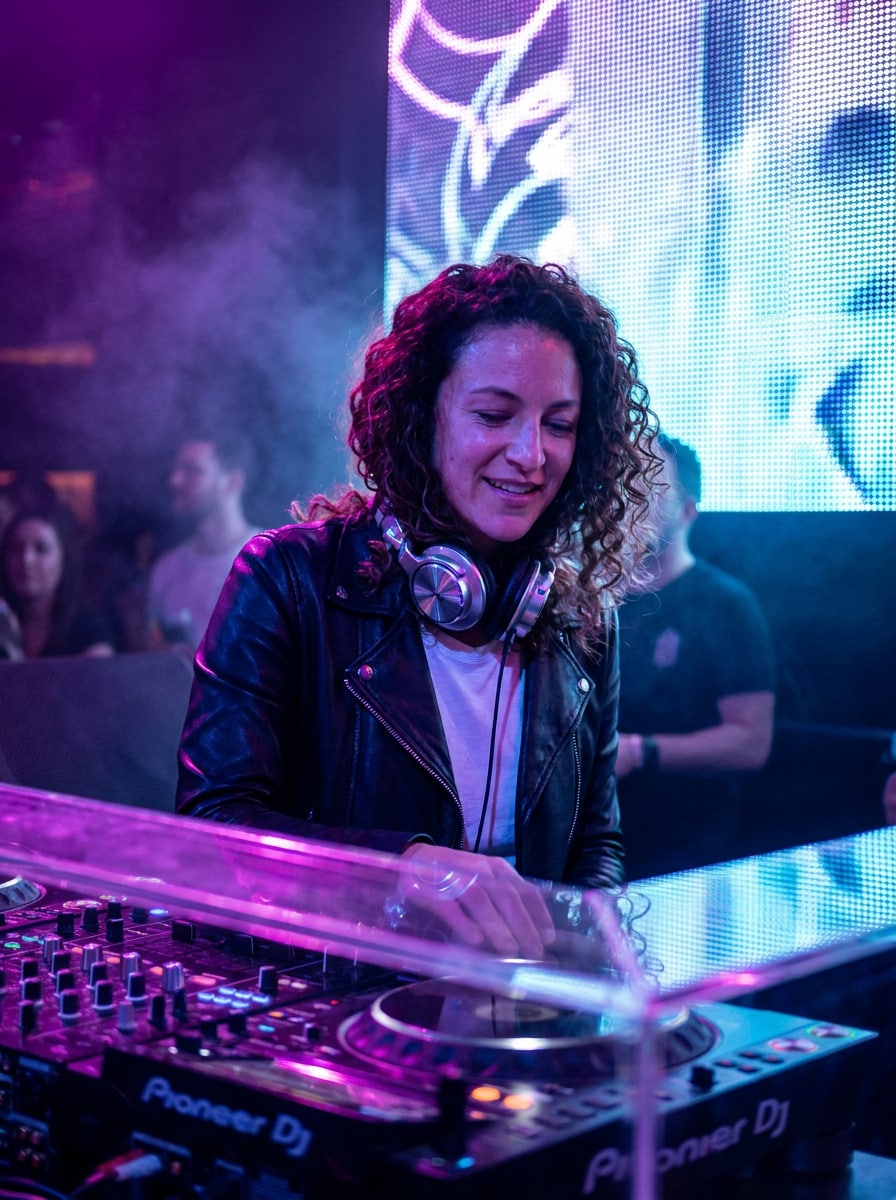
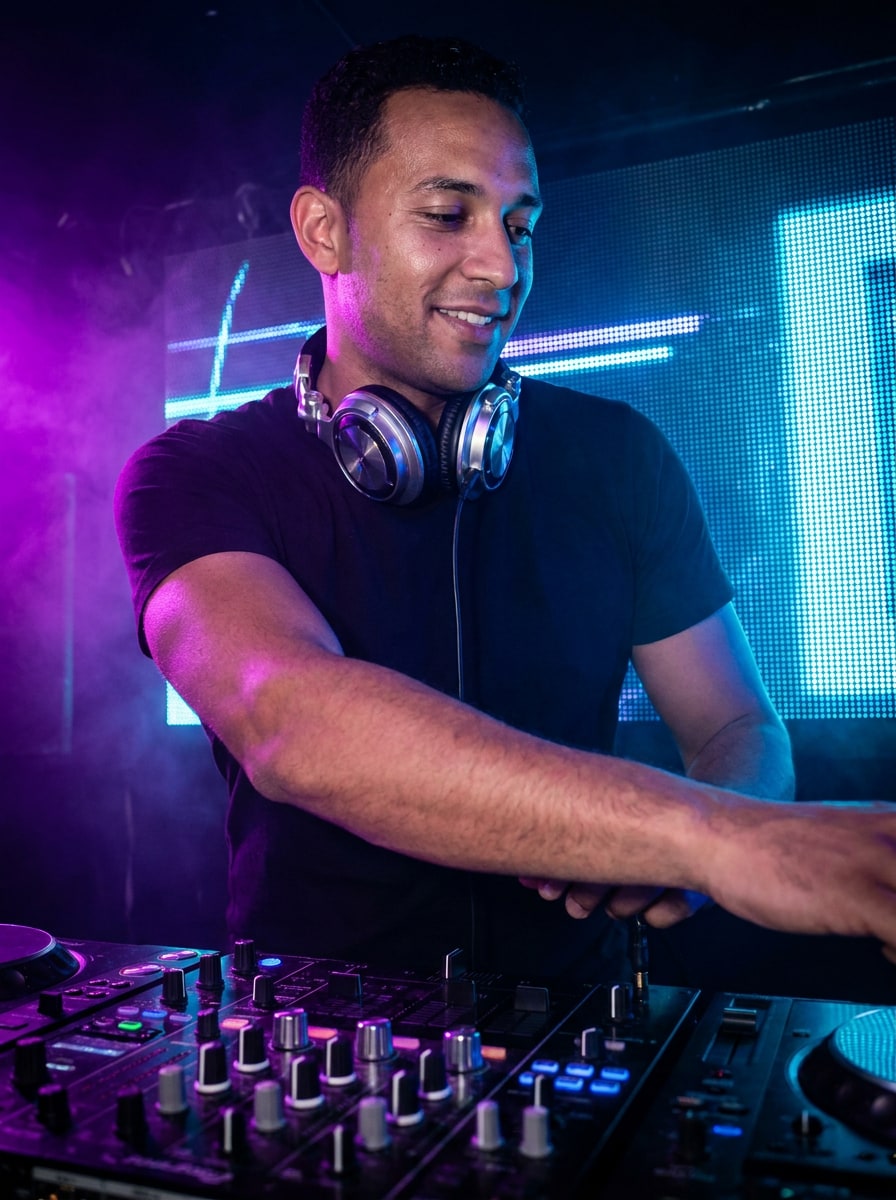
Retrato de DJ en Cabina Neón
Utiliza la imagen subida como sujeto y transfórmala en un retrato realista de DJ de discoteca tras una elegante cabina de mezclas, con iluminación neón morada y azul eléctrica, superficies brillantes, sutil humo difuso, brillo de paredes LED, auriculares cromados, contraste cinematográfico, detalle facial nítido y ambiente editorial pulido de vida nocturna.
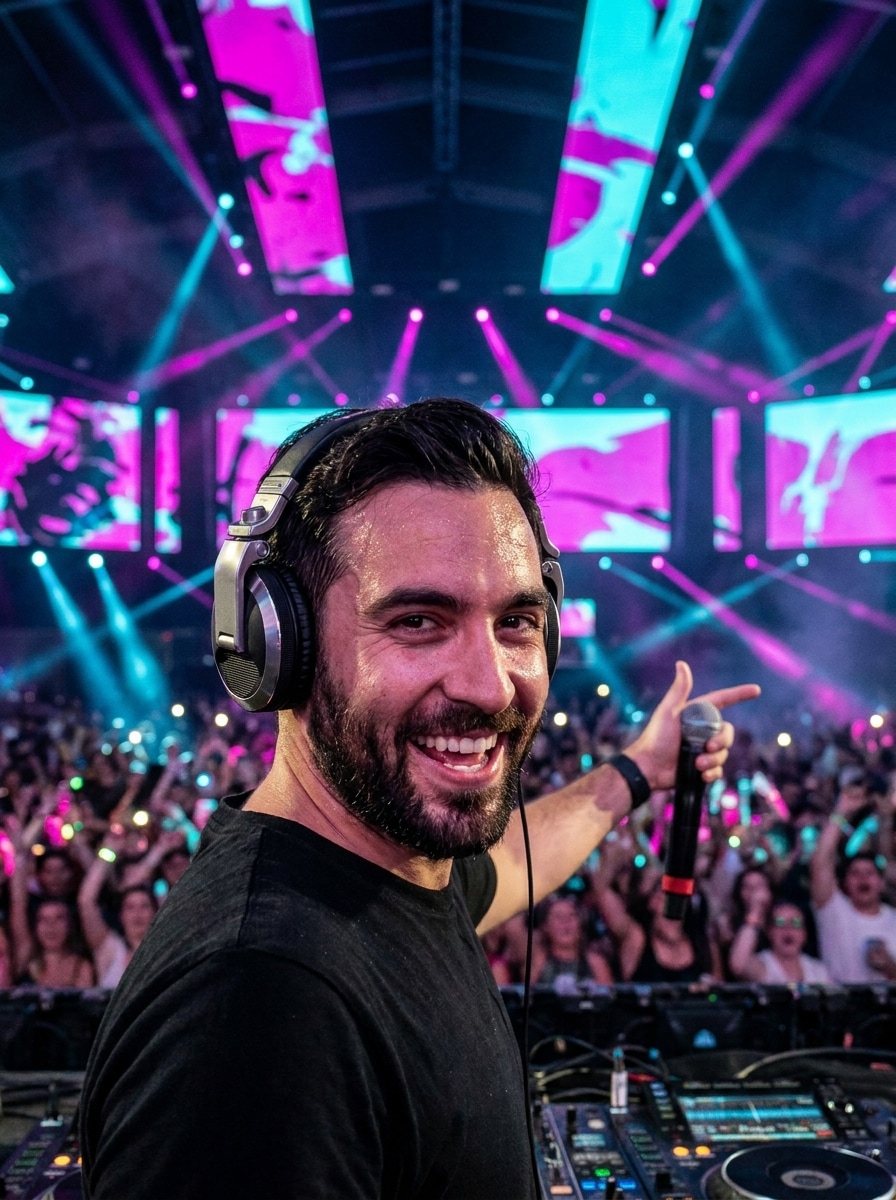
DJ Principal de Festival EDM
Utiliza la imagen subida como sujeto y transfórmala en una escena de actuación DJ de festival de alta energía con pantallas LED gigantes, iluminación magenta y cian de escenario, desenfoque de público, humo ambiental, pose elevada, auriculares metálicos, profundidad dinámica, detalle de piel realista y un ambiente épico de concierto nocturno.
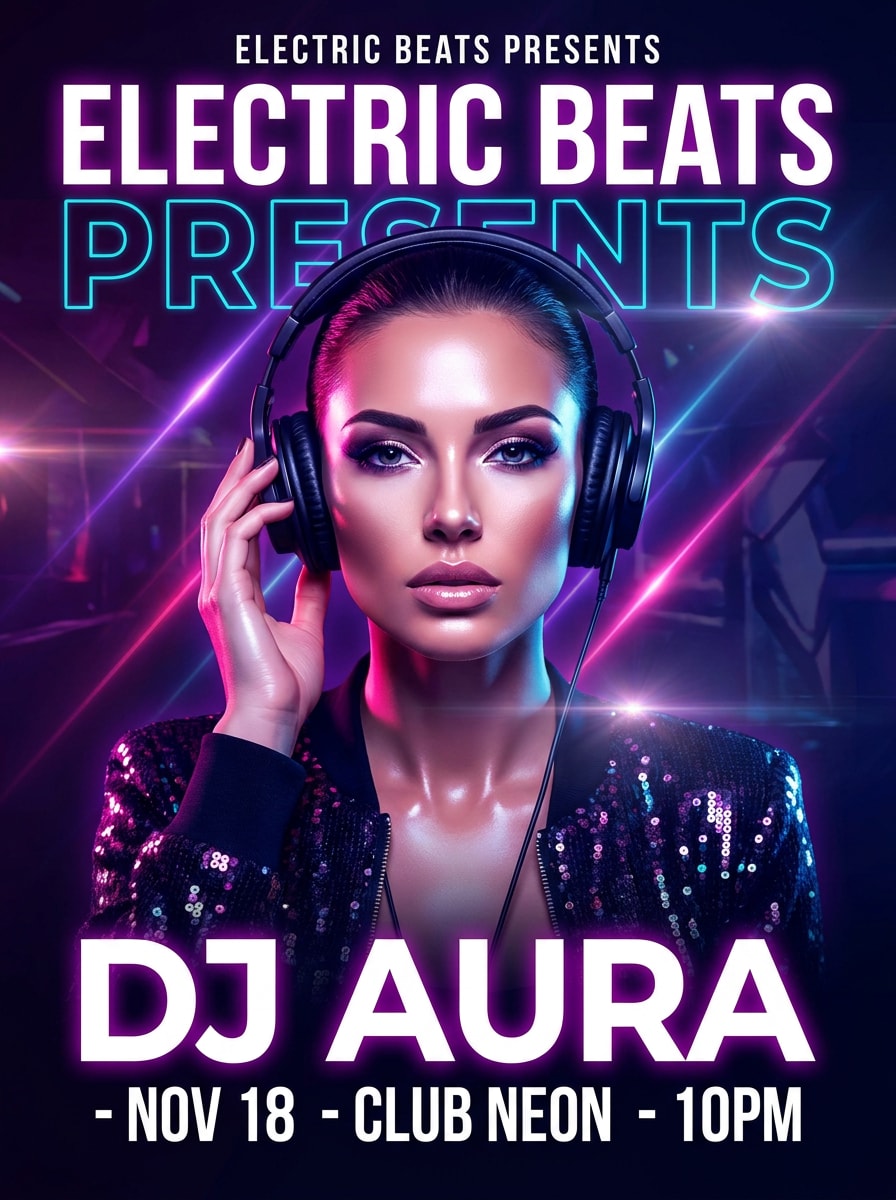
Póster Flyer de DJ
Utiliza la imagen subida como sujeto y rediseñala en un retrato de flyer para evento audaz, con retoque brillante, colores intensos de discoteca, destellos de lente, capas de rayos de luz, espacio limpio para titular, composición centrada, diseño de póster premium, expresión segura y un ambiente promocional de alto impacto.
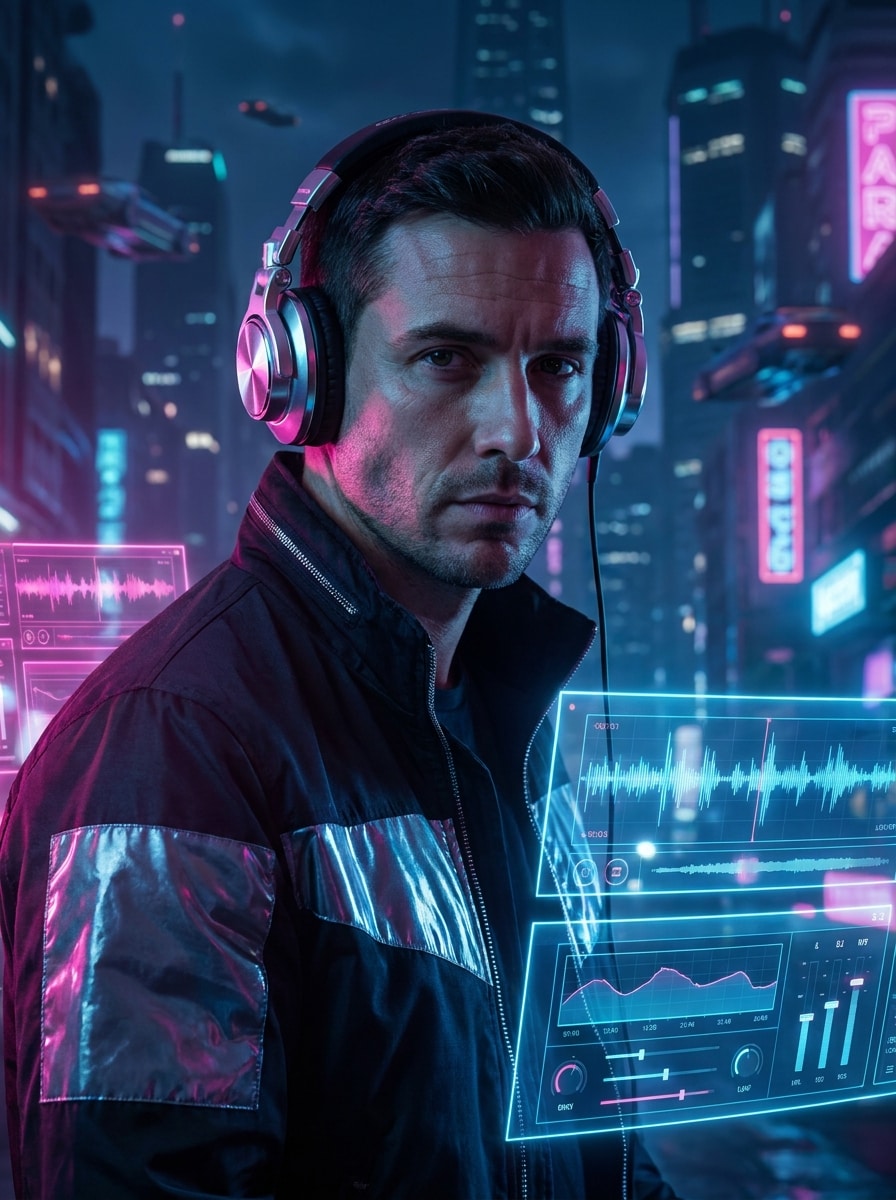
DJ de Club Cyberpunk
Utiliza la imagen subida como sujeto y transfórmala en un retrato de DJ cyberpunk futurista con auriculares cromados, superposiciones de interfaz holográfica, iluminación neón rosa y azul eléctrica de club, texturas brillantes, fondo urbano nocturno, detalle nítido de pómulos, sombras cinematográficas y un ambiente elegante y de alta tecnología.
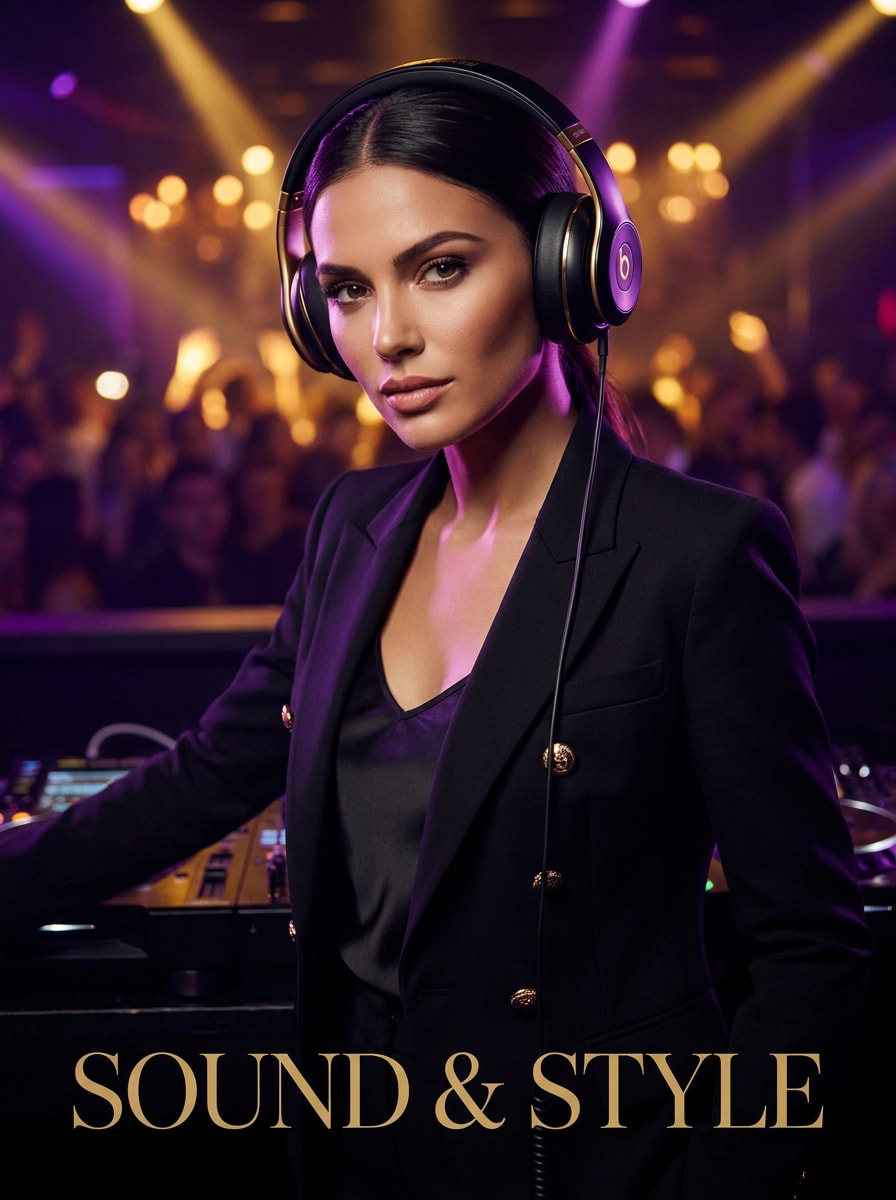
Editorial de DJ de Lujo
Utiliza la imagen subida como sujeto y transfórmala en una editorial de DJ de moda de lujo con auriculares elegantes, estilismo sofisticado, iluminación brillante de club, detalles en púrpura y dorado, retoque suave de piel, composición estilo revista, sombras refinadas y una atmósfera de portada de sesión exclusiva de vida nocturna.
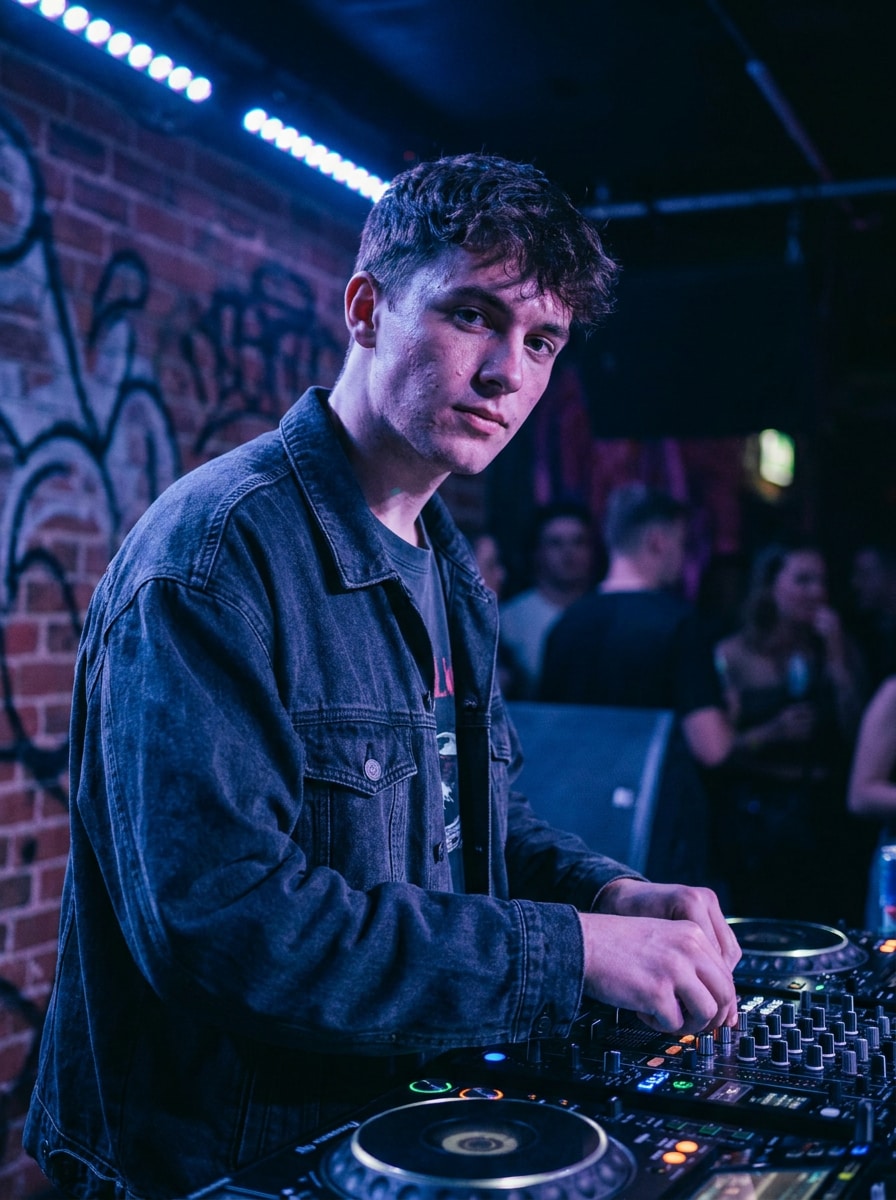
Foto Promocional DJ Streetwear
Utiliza la imagen subida como sujeto y crea un visual promocional moderno de DJ streetwear con chaqueta oversize, giradiscos visibles, iluminación ambiental de club, texturas urbanas, gradado frío azul-púrpura, textura de piel realista, poca profundidad de campo y un ambiente seguro para branding.
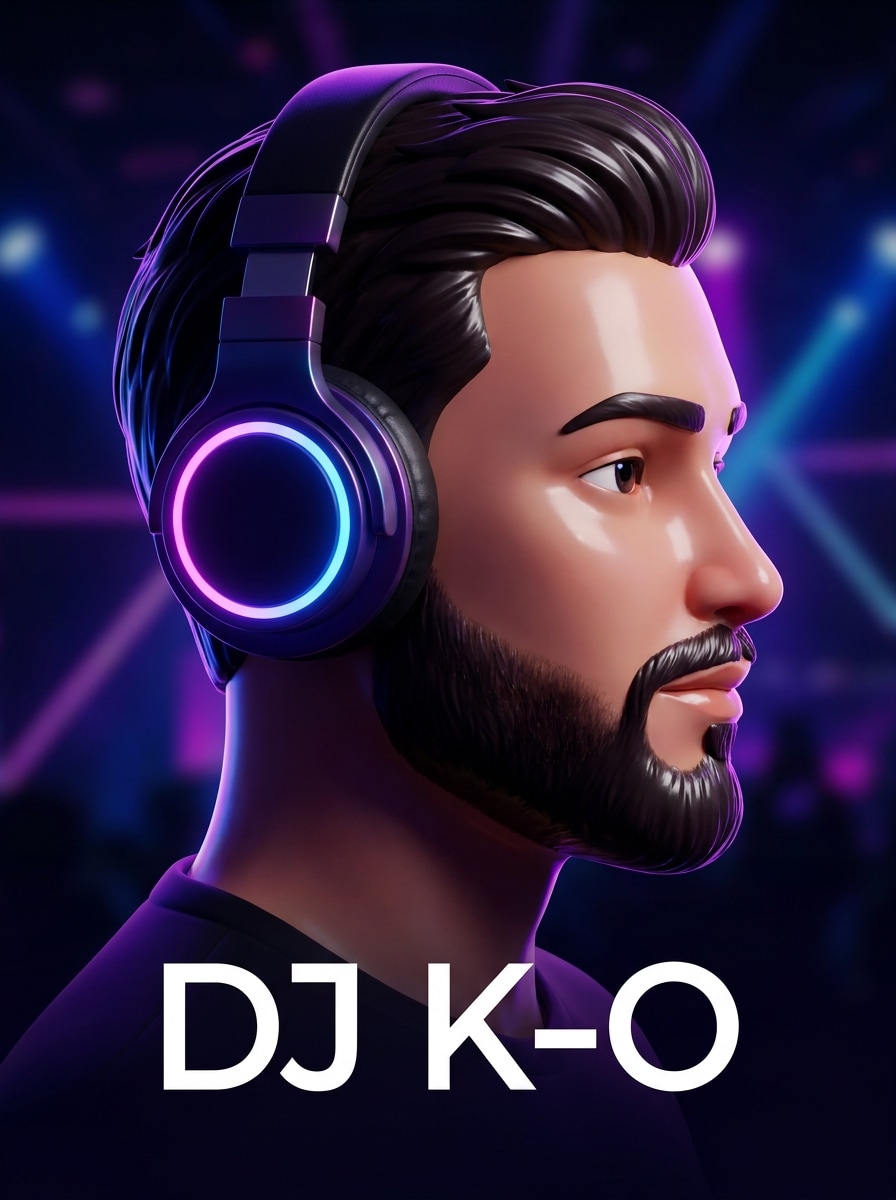
Avatar DJ 3D
Utiliza la imagen subida como sujeto y conviértela en un avatar 3D pulido con auriculares brillantes, facciones estilizadas suaves, fondo limpio inspirado en club, luces vivas púrpura-azul, materiales brillantes, encuadre amigable de perfil de creador y un acabado moderno listo para redes sociales.
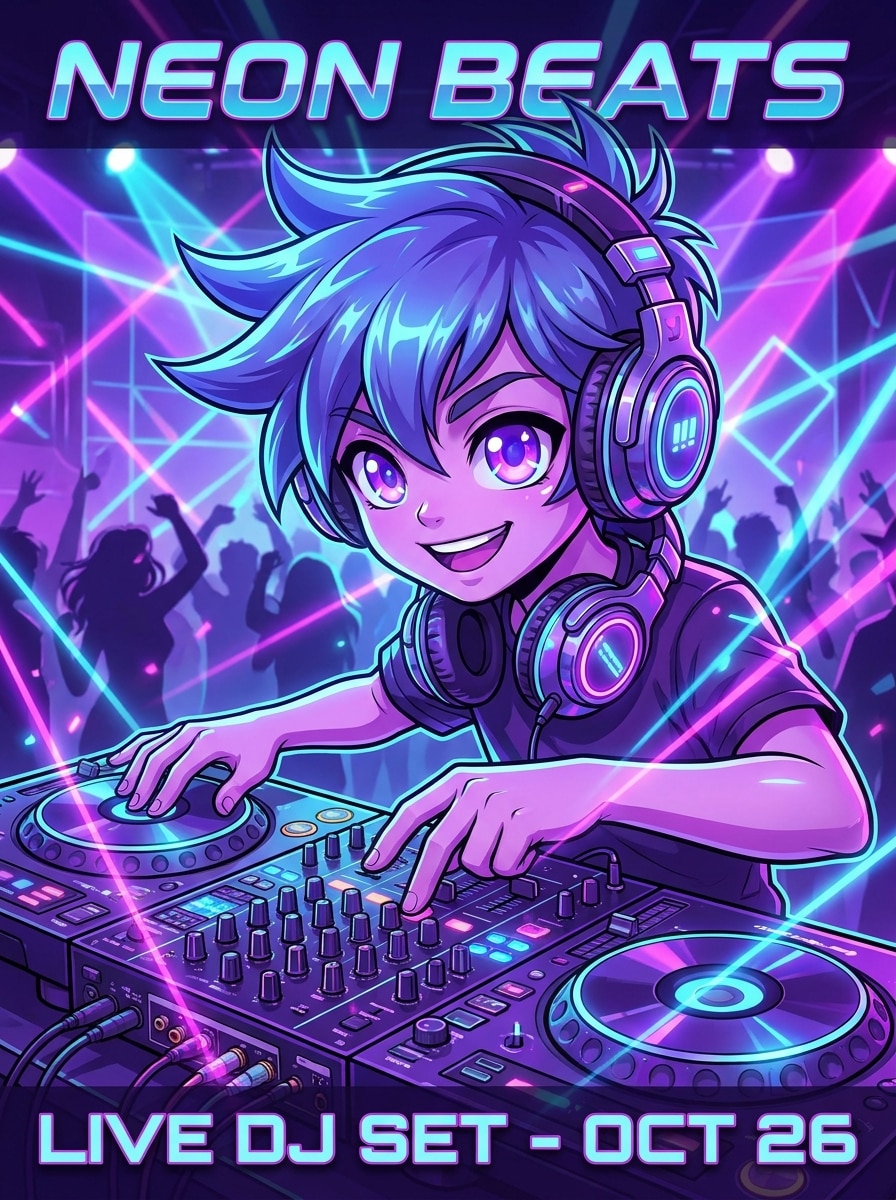
Filtro DJ Anime
Utiliza la imagen subida como sujeto y transfórmala en un personaje DJ inspirado en anime, con ojos expresivos, auriculares detallados, luces coloridas de discoteca, mesa de mezclas, saturación viva, línea limpia, encuadre dinámico, ambiente enérgico de EDM y un acabado pulido estilo póster.
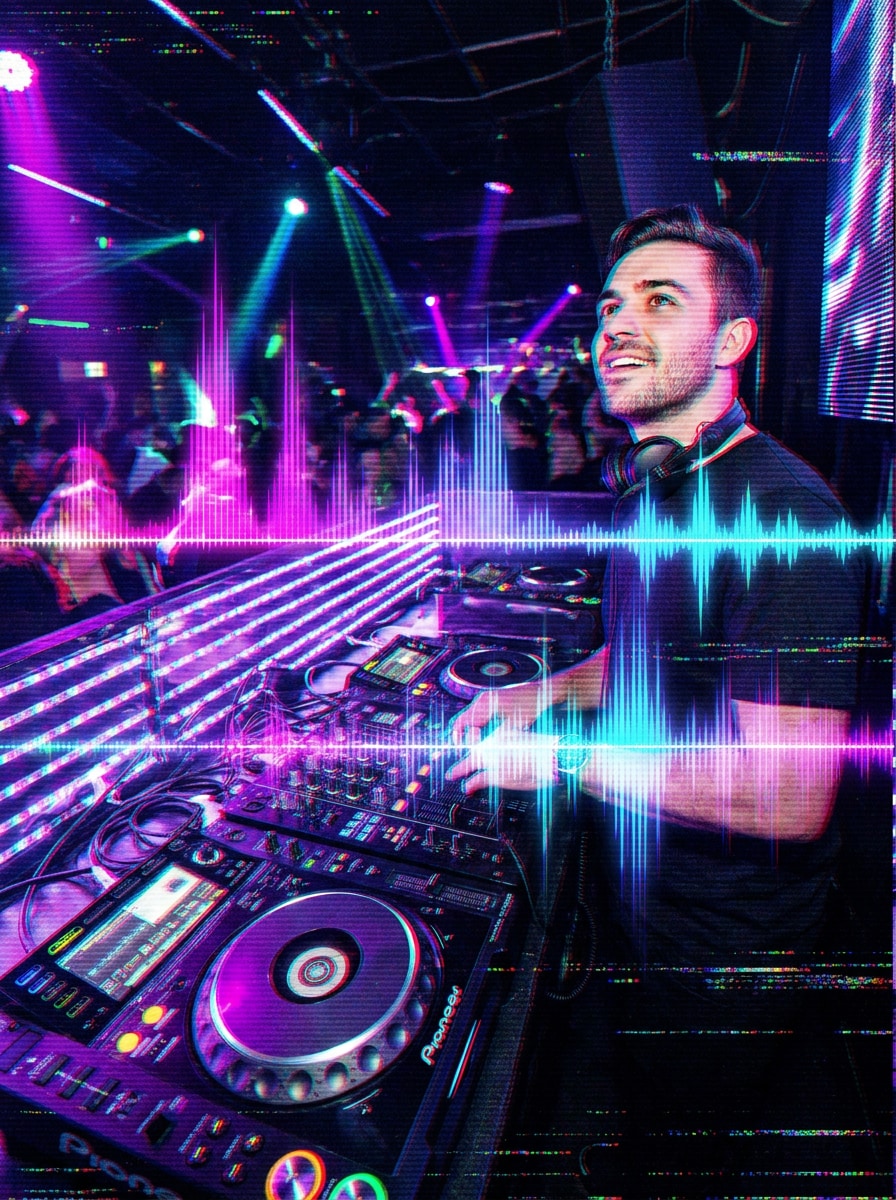
Visual DJ Glitch
Utiliza la imagen subida como sujeto y aplica una transformación DJ dramática basada en glitch con efectos de separación RGB, superposiciones de onda de audio, rayos de luz LED, atmósfera oscura de club, contraste fuerte, superficies reflectantes, separación intensa de colores y un toque futurista de branding musical electrónico.
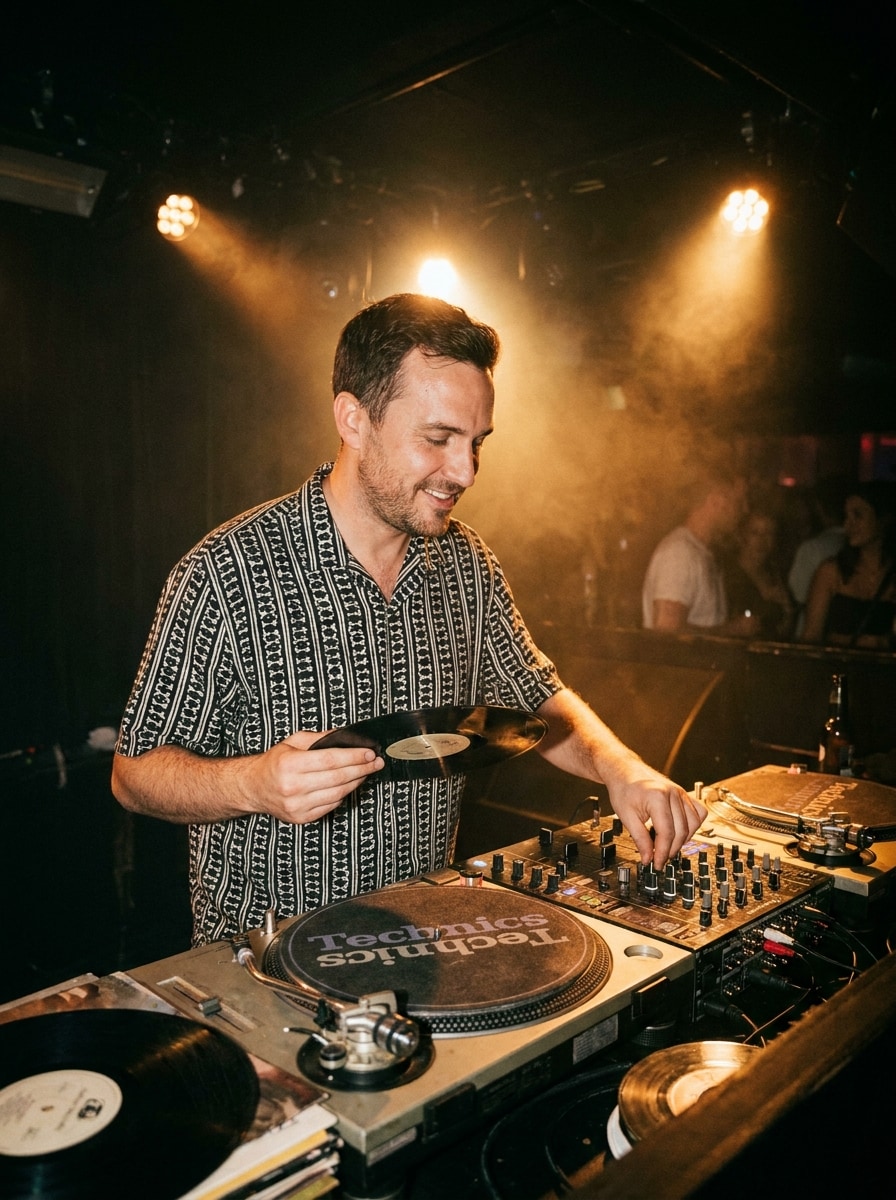
DJ Clásico de Vinilo y Giradiscos
Utiliza la imagen subida como sujeto y recestílala en una escena clásica de DJ de vinilo con giradiscos analógicos, focos ámbar cálidos de club, sutil humo difuso, superficies texturizadas de mixer, ambiente retro nocturno, detalle realista del retrato, composición equilibrada y un acabado fotográfico atemporal de música.
¿Por qué usar Media.io para transformar fotos en DJ con IA?
Cambia fácilmente entre retratos de club y formato póster
El trabajo basado en referencia necesita algo más que un cambio de estilo. Media.io ayuda a mantener los detalles clave de identidad reconocibles al actualizar el visual del filtro DJ, haciendo que el resultado sea personal en vez de genérico.
Ajusta estilo, resolución y calidad de salida
Una sola idea a menudo necesita más de un look. Media.io ayuda a reinterpretar el filtro DJ en distintos estilos para que cada versión encaje mejor en tu proyecto.
Mantén los visuales finales nítidos para proyectos reales
Para imágenes que requieran calidad más allá del borrador, Media.io crea fotos tipo DJ con salida hasta 4K, logrando que iluminación, facciones y estilismo se vean limpios al presentar, recortar o reutilizar el archivo final.
Crea en cualquier dispositivo sin software extra
Las ideas no siempre se terminan en una sola sesión. Media.io mantiene el flujo en línea, así puedes empezar en móvil, seguir en escritorio y continuar refinando el concepto sin instalaciones ni configuraciones adicionales.
Cómo crear una imagen de DJ con IA a partir de tu foto
Convierte tus palabras en visuales increíbles en tres pasos simples y sigue mejorando el resultado si quieres llevarlo más lejos.
Paso 1
Sube tu imagen de referencia
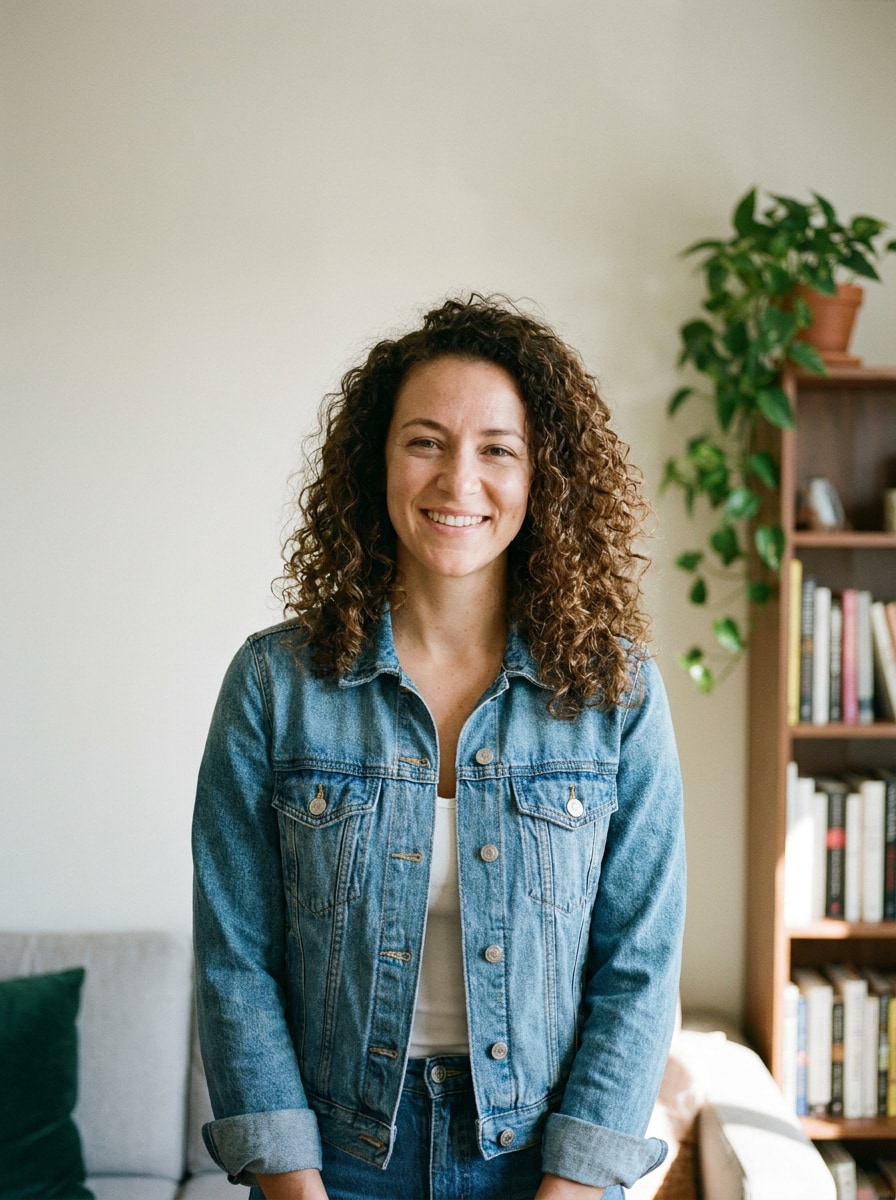
Comienza con un retrato, selfie o foto de perfil claro en JPG, PNG o JPEG. Imágenes frontales y bien iluminadas funcionan mejor si buscas un look realista de club, una edición lista para póster o una transformación de estilo reconocible de creador.
Paso 2
Describe el cambio y ajusta opciones
Indica el estilo de DJ que quieres, como luces neón de cabina, visual de festival, arte de personaje anime o un póster promocional elegante. Luego elige modelo y ajusta relación de aspecto, resolución o cantidad de imágenes para tu uso final.
Paso 3
Genera, descarga y sigue mejorando
Crea varias variantes, compara resultados y descarga tu versión favorita. Si es necesario, refina la indicación, prueba otro estilo o genera un look nuevo para avatares, portadas, pósters o miniaturas de contenido.
Descubre cómo los creadores usan este efecto para contenido, marketing y proyectos personales, y adapta cada idea a tu necesidad.
Crea una imagen de perfil de creador destacada
Convierte un simple selfie en una personalidad nocturna pulida para YouTube, TikTok, Instagram o streaming. Media.io crea retratos de DJ estilizados que dan a artistas, fans de la música y creadores una identidad de marca fuerte sin necesidad de una sesión de fotos profesional.
Diseña arte promocional rápido para eventos y mixes
Crea imágenes tipo flyer, portadas y miniaturas desde un solo retrato, en lugar de crear cada diseño desde cero. Media.io puede añadir iluminación intensa y un efecto foto de cabina DJ, ideal para anuncios de eventos, lanzamientos demo y teasers en redes sociales.
Experimenta con looks de club, festival y avatar
Una sola subida puede transformarse en una escena realista de cabina, póster futurista o imagen de personaje estilizado. Media.io facilita probar un retrato DJ, visual cyber o avatar de creador antes de publicar o imprimir.
¿Qué opinan los usuarios de este efecto DJ?
Marcus T.
Creador de contenido musical
"Genial para visuales promos rápidos" Subí un retrato sencillo y obtuve una imagen estilo club que lucía bien para la miniatura de mi mix. La iluminación de cabina y los auriculares se veían convincentes y me gustó que mi rostro seguía reconocible.
Jade R.
Promotora de Eventos
"Útil para conceptos de flyers" Esto me ayudó a crear ideas para pósters de DJ mucho más rápido que editando todo a mano. Probé varios looks de discoteca y festival desde la misma foto y encontré uno perfecto para promoción en redes.
Owen P.
Streamer
"Fácil en móvil y escritorio" Lo probé primero en mi móvil y luego perfeccioné la imagen en el laptop. El flujo fue simple y el resultado mucho más limpio que otros filtros que solo añaden efectos aleatorios.
Lina C.
Estudiante de diseño gráfico
"Buena variedad de estilos en una sola subida" Me gustó poder pasar de un retrato DJ realista a una versión anime sin requerir otra foto de origen. Fue útil para exploración de conceptos y paneles de inspiración.
Explora los efectos de video e imagen con IA más populares
Un filtro DJ de IA para fotos es un efecto imagen a imagen que transforma un retrato subido en un visual temático de DJ. Con Media.io puedes añadir luces de club, auriculares, escenas de cabina, puestas en festival o estética tipo póster usando tu foto original como referencia.
2. ¿Cómo convierto una foto en una imagen estilo DJ en línea?
Sube tu foto JPG, PNG o JPEG a Media.io, luego describe el look que deseas, como retrato de cabina neón, escena de DJ en festival o edición tipo flyer. Después elige tu modelo y configuraciones de salida, genera variantes y descarga la versión que mejor se adapte a tu proyecto.
3. ¿Hay un filtro DJ de IA gratis para probar?
Media.io ofrece créditos gratis para que pruebes la transformación DJ con IA antes de actualizar. El uso gratuito puede incluir marca de agua, mientras que los planes de pago desbloquean más créditos y descargas sin marca de agua en alta resolución. Puedes comparar las opciones en la página de precios.
4. ¿Un filtro DJ de foto con IA mantiene mi rostro reconocible?
Sí. Media.io usa tu imagen de referencia para guiar la transformación, así la identidad facial principal se mantiene reconocible mientras la herramienta agrega elementos DJ como luces, vestuario, cabina y ambiente escénico.
5. ¿Qué estilos DJ puedo crear a partir de una imagen?
Puedes crear retratos realistas de discoteca, escenas de DJ principal en festival, arte promocional tipo póster, ediciones cyberpunk, looks tipo avatar, versiones inspiradas en anime y puestas retro de vinilo.
6. ¿El efecto DJ de IA funciona en móvil y ordenador?
Media.io es web, así que funciona en móviles, tablets y ordenadores mediante navegador. Eso facilita empezar la edición DJ con IA en iPhone o Android y seguir refinando después en Mac o Windows.