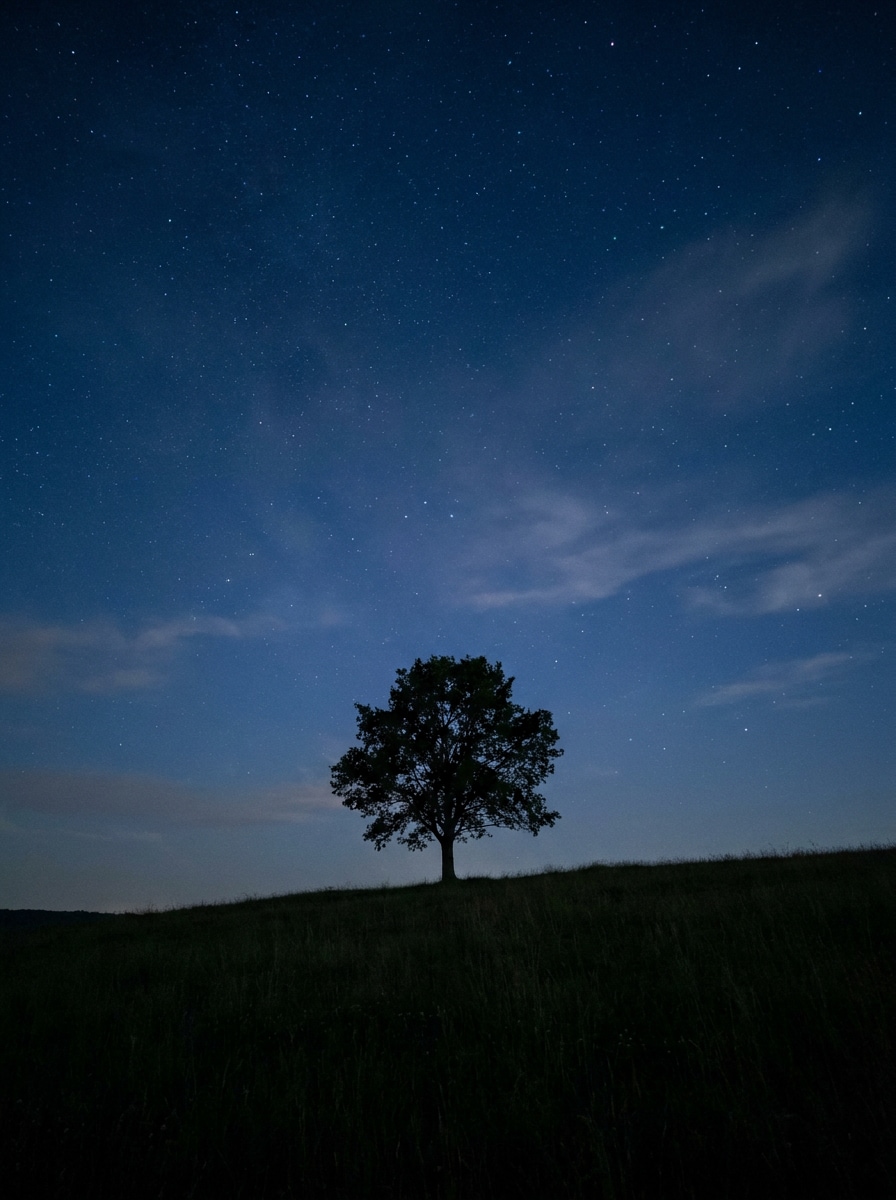
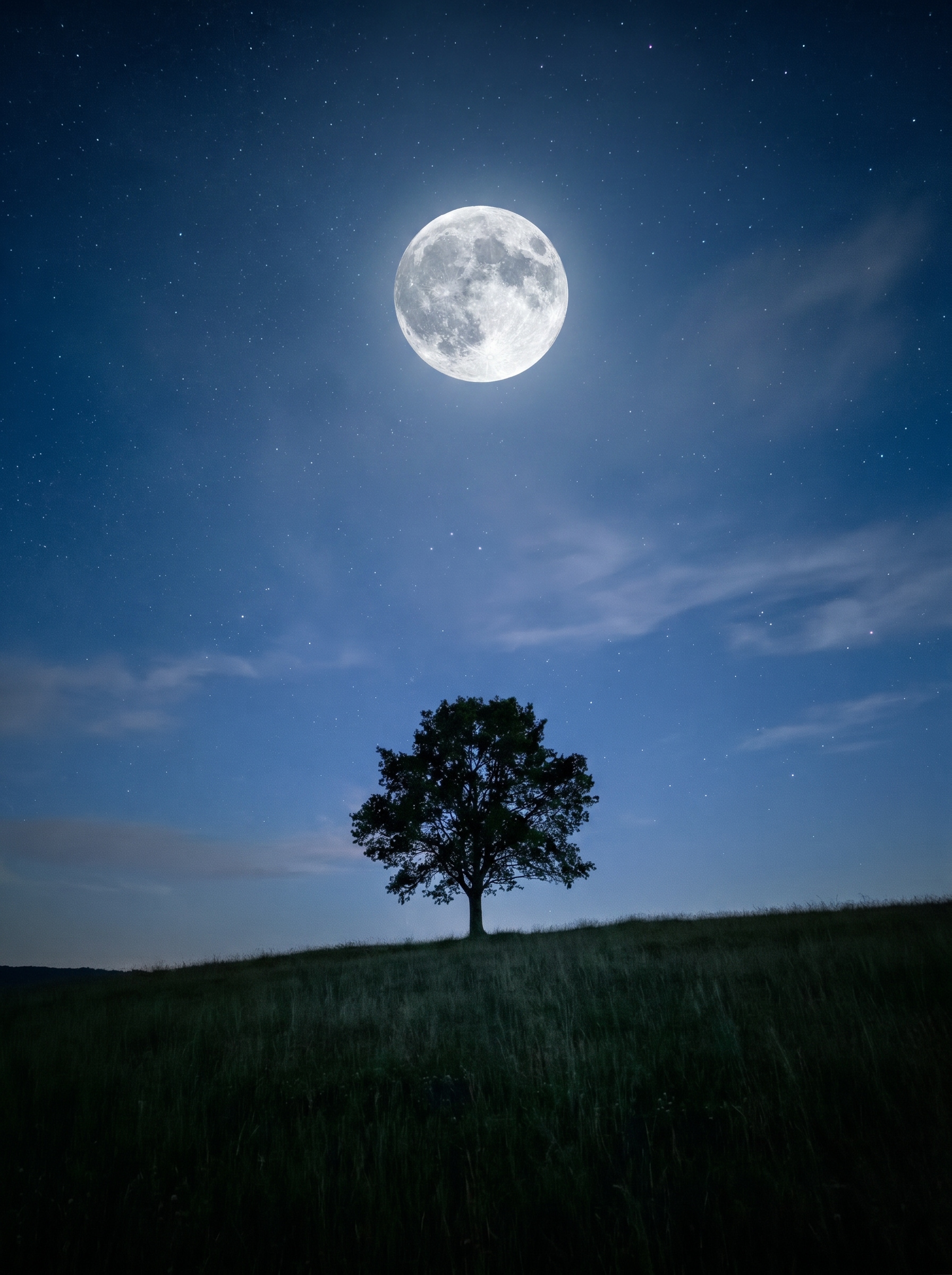
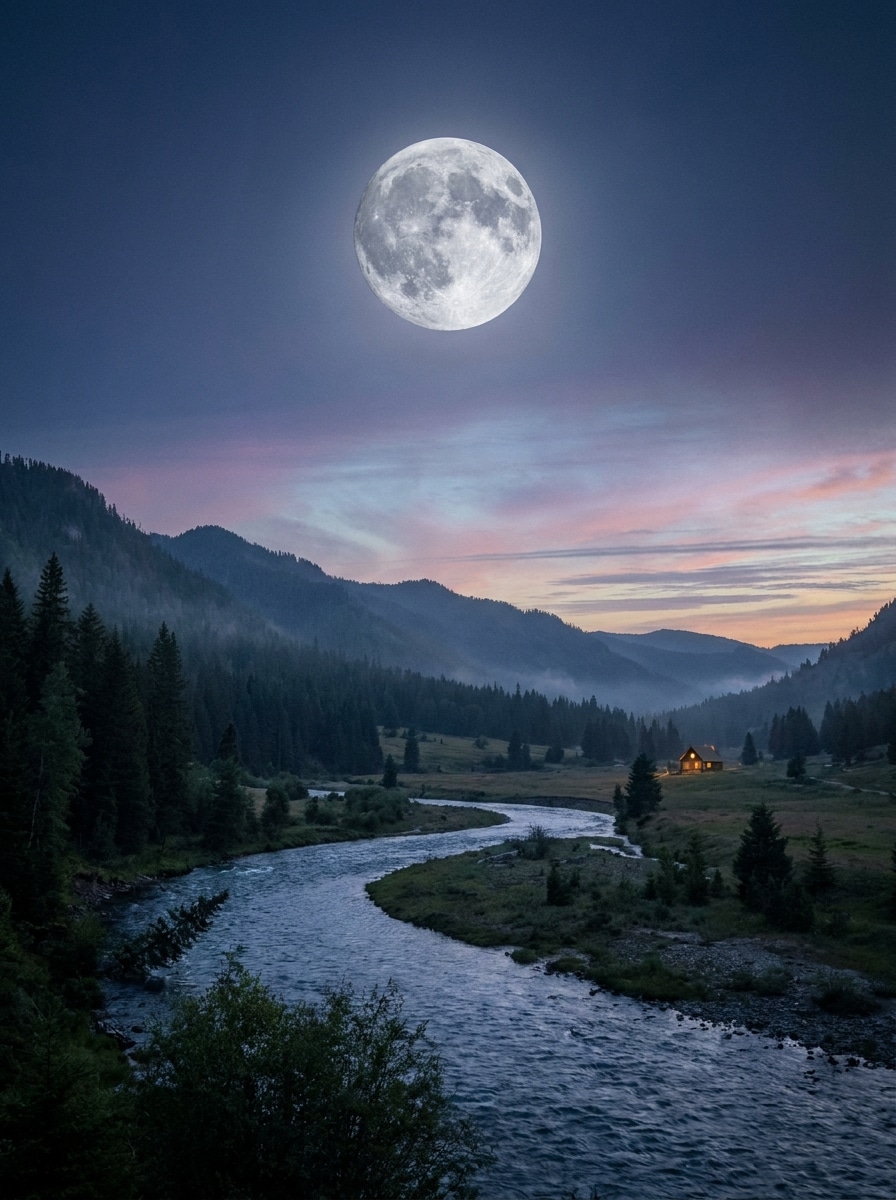
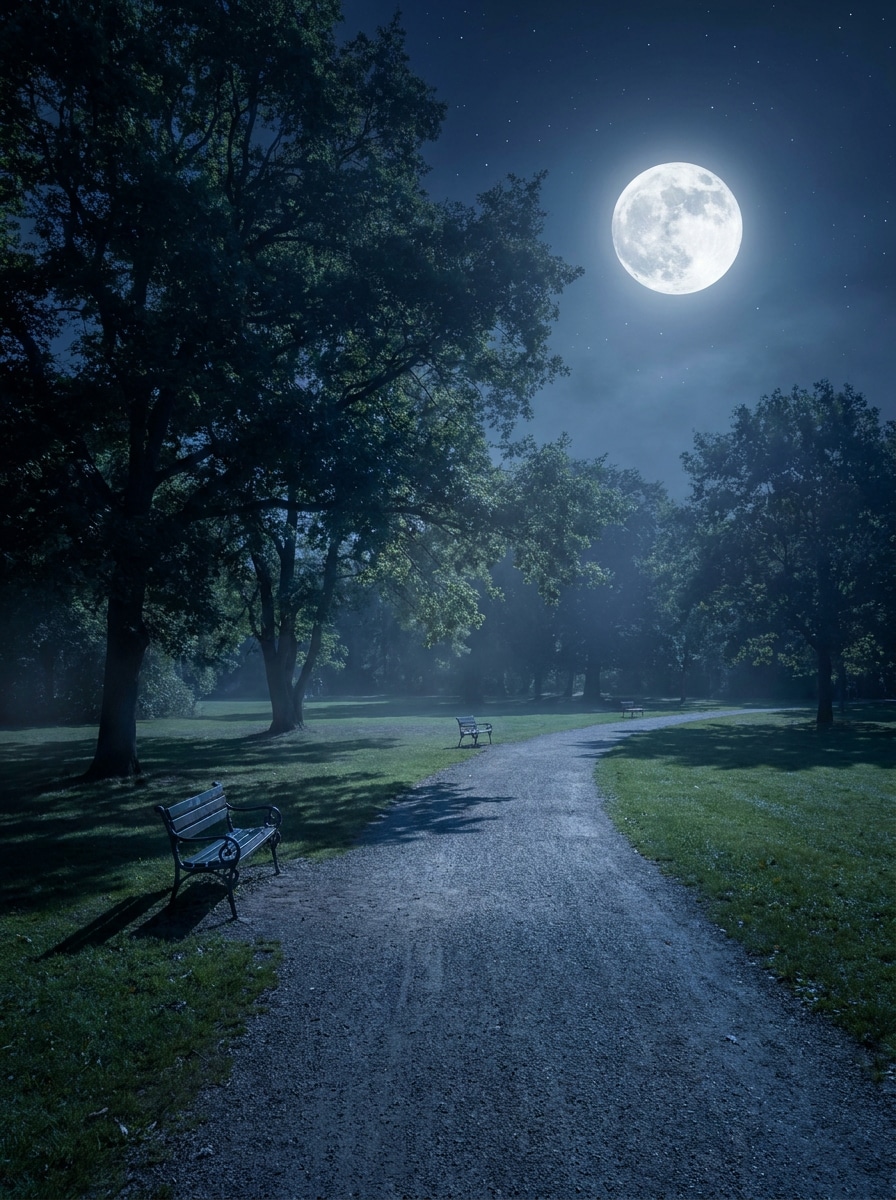
Tus creaciones solo se guardan durante 7 días. Los recursos creados después de actualizar a Membresía se almacenarán de forma permanente.
¡Desbloquea tu potencial creativo y experimenta la magia de Media AI ahora mismo!
Añade luna a una foto con IA para ediciones realistas de cielo nocturno
Crea retratos, paisajes y ediciones de horizonte con luz de luna creíbles en segundos. Sube cualquier imagen, coloca una luna realista y ajusta el cielo, el brillo y la atmósfera con IA. Este editor de fotos con luna hace que la edición de fotos con luna sea sencilla sin Photoshop. Los creadores suelen usarlo para editar fotos con luna.
Escribe tu idea -> La IA la diseña. Pruébalo gratis.
Revisa estas instrucciones de ejemplo y luego ajusta los detalles del prompt para obtener mejores resultados cuando añadas luna a una foto con Media.io. Esta configuración funciona bien para editar fotos con luna.
Composición natural de luna llena
Usa la imagen subida como escena base y añade una luna llena realista en lo alto del cielo. Ajusta la perspectiva original, la iluminación de Ambiente, la neblina atmosférica y la densidad de nubes para que la luna se integre de forma natural en la foto con tonos nocturnos creíbles y un detalle fotorrealista limpio.
Edición de luna de día a noche
Usa la imagen diurna subida como referencia y transfórmala en una escena nocturna cinematográfica con una luna brillante. Oscurece el cielo de forma natural, añade sombras azules frías, estrellas suaves, un brillo lunar sutil y luz de luna de Ambiente realista que coincida con la profundidad y dirección de la escena.
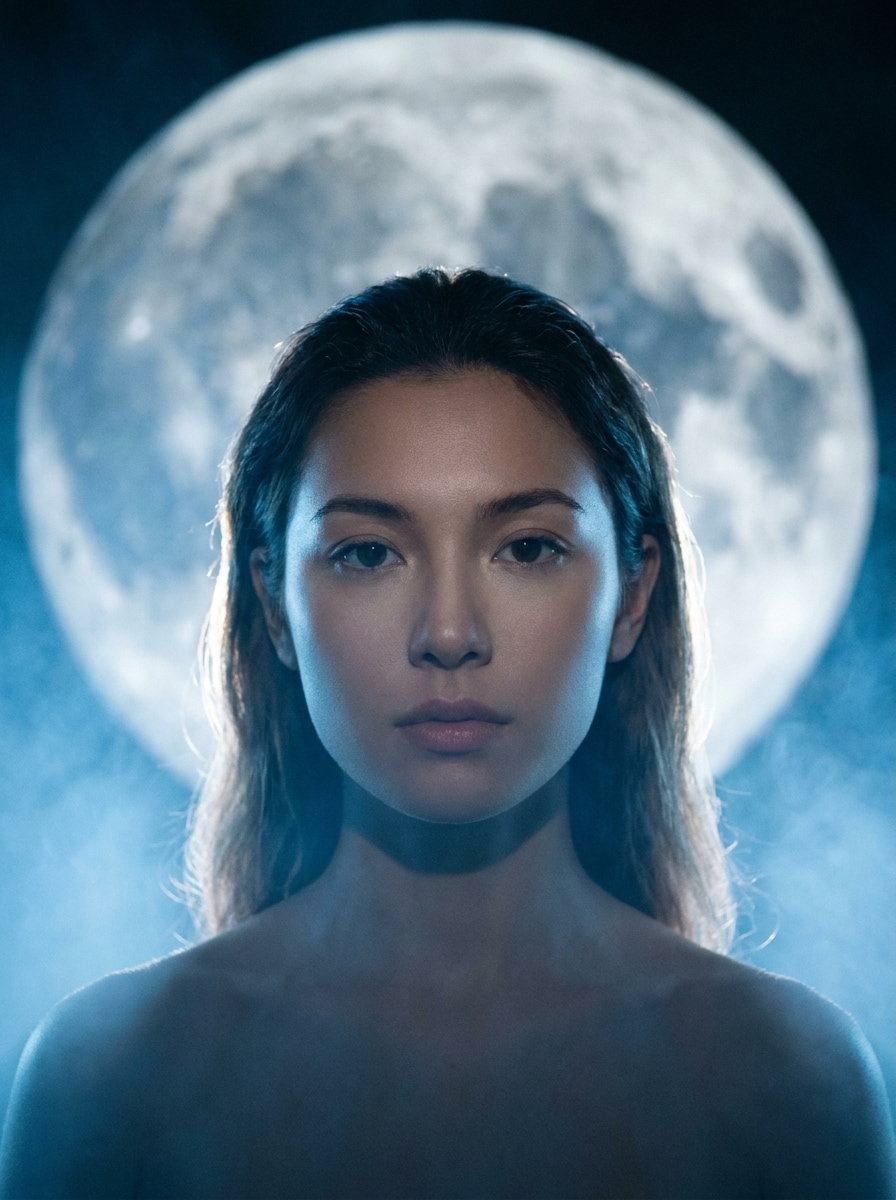
Brillo de retrato con luz de luna
Usa el retrato subido como sujeto y coloca una luna grande y Suave detrás. Crea un brillo de luz de luna soñador, una delicada iluminación de contorno en el cabello y los hombros, neblina tenue, tonos azules fríos, detalle de piel suave y un ambiente editorial elegante con un equilibrio de iluminación refinado.
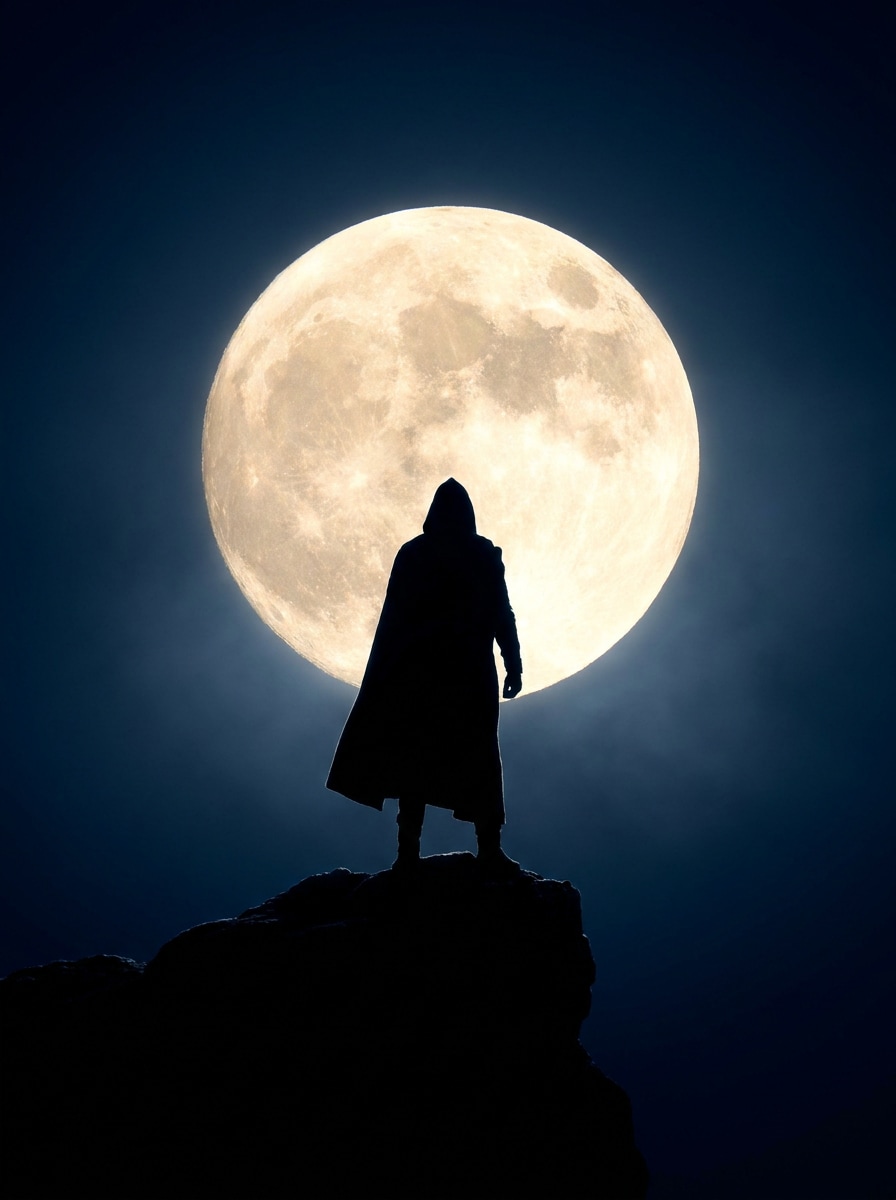
Fondo de luna con silueta
Usa la imagen subida como base y convierte al sujeto en una silueta dramática contra una luna grande. Mantén los bordes limpios, aumenta el contraste, añade un degradado de cielo oscuro suave y crea una composición cinematográfica impactante con brillo controlado y profundidad espacial realista.
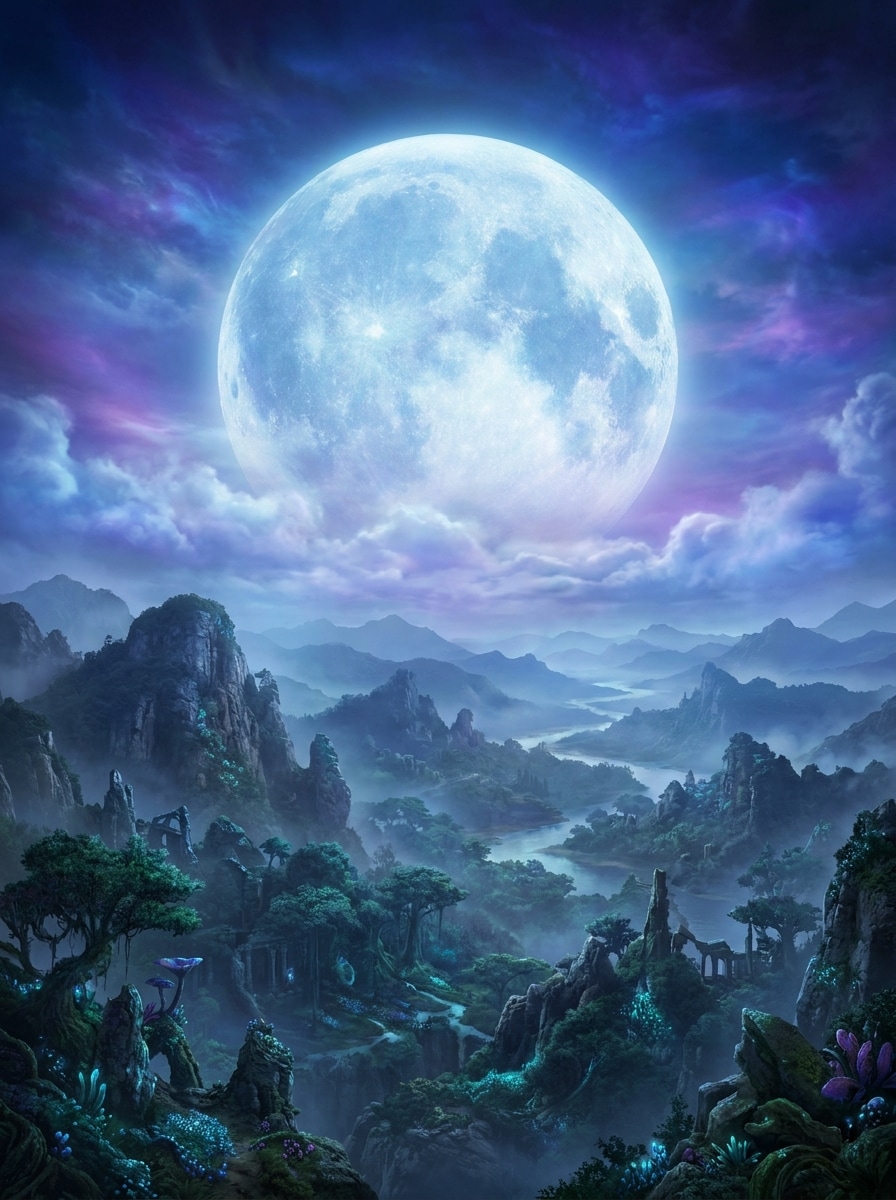
Luna de fantasía sobredimensionada
Usa el paisaje subido como escena y añade una luna de fantasía sobredimensionada para un resultado surrealista pero pulido. Mezcla una atmósfera brillante, tonos de cielo azules y púrpuras intensos, nubes finas, escala dramática y profundidad cinematográfica para que la edición se sienta inmersiva en lugar de parecer una pegatina plana.
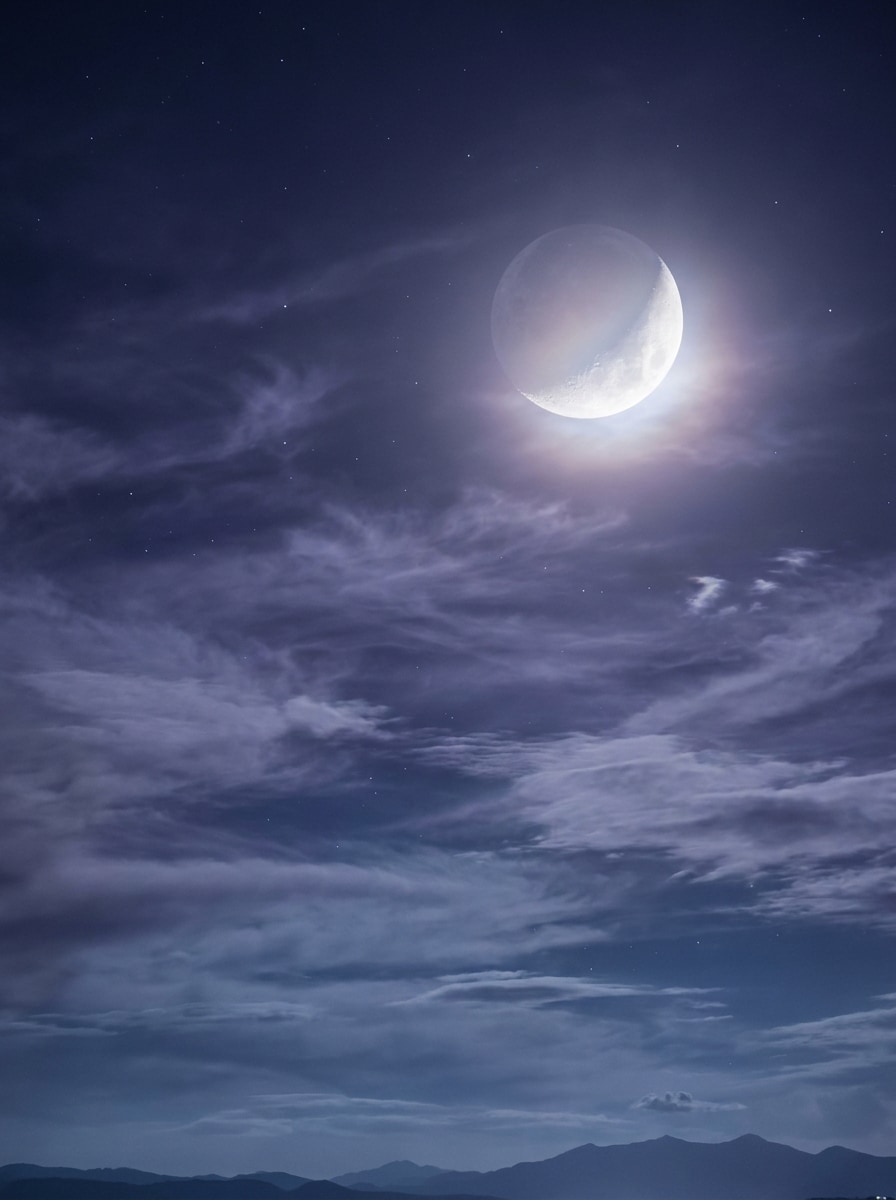
Luna con nubes y estrellas
Usa la foto subida como referencia y añade una luna brillante con nubes en capas y estrellas visibles. Aplica un brillo Suave, profundidad realista entre los elementos del cielo, Gradación de color nocturna cohesiva y una mezcla natural para que toda la atmósfera se sienta tranquila, luminosa y creíble.
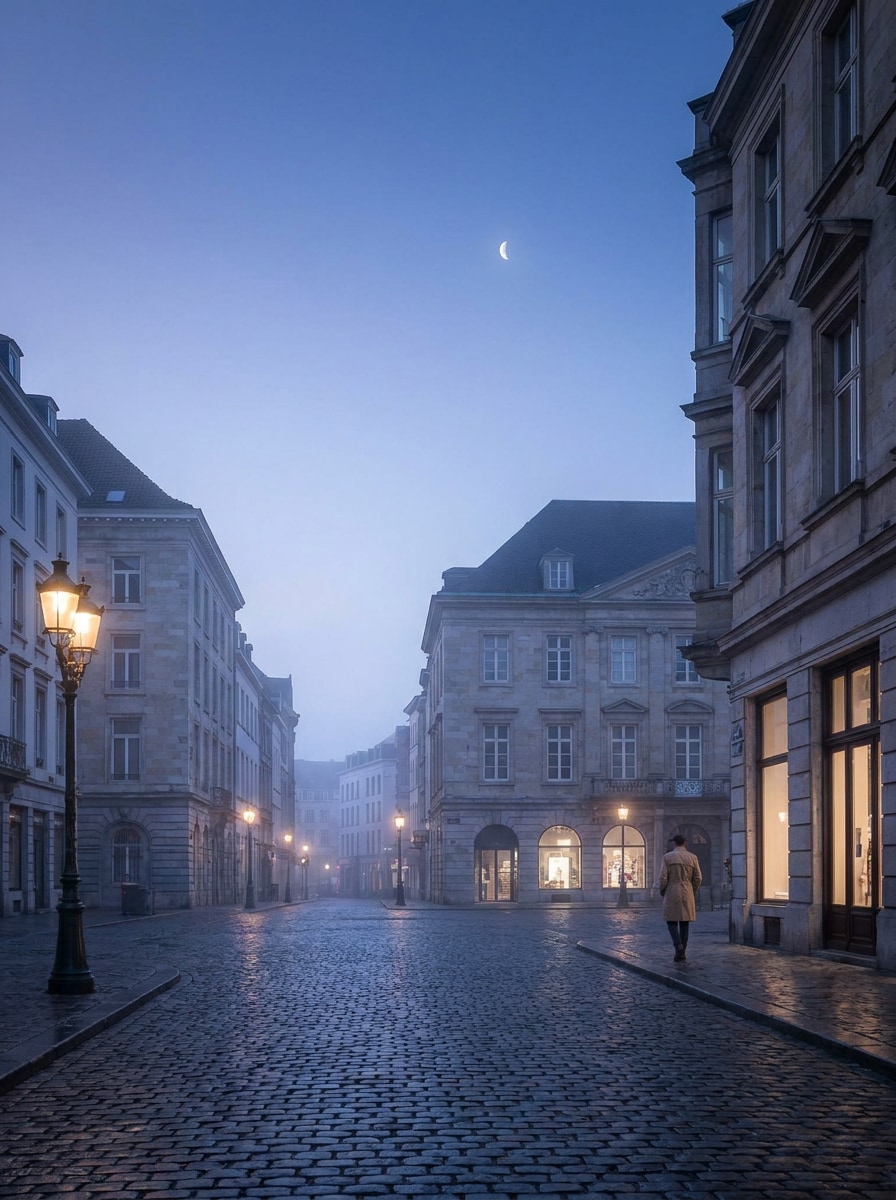
Estética de hora azul
Usa la imagen subida como base y dale una estética de hora azul con una luna sutil. Mantén la luna pequeña y elegante, introduce tonos fríos Suaves, contraste moderado, iluminación editorial limpia y un acabado pulido que se sienta elegante, tranquilo y naturalmente equilibrado.
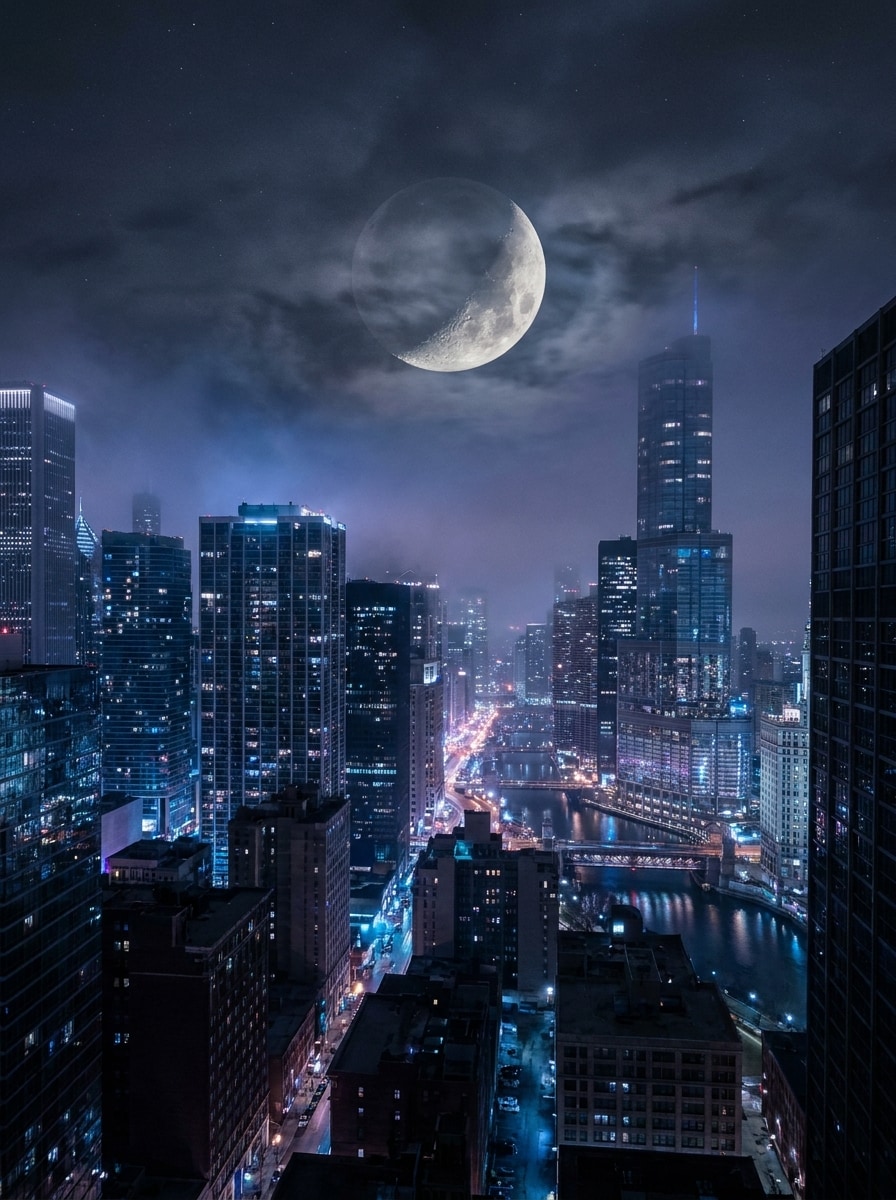
Escena nocturna urbana con atmósfera
Usa la foto de ciudad subida como referencia y añade una luna realista sobre el horizonte. Profundiza las sombras, añade reflejos fríos en los edificios, mantén la atmósfera evocadora y cinematográfica, y mezcla la luna de forma natural con la contaminación lumínica urbana y la textura del cielo.
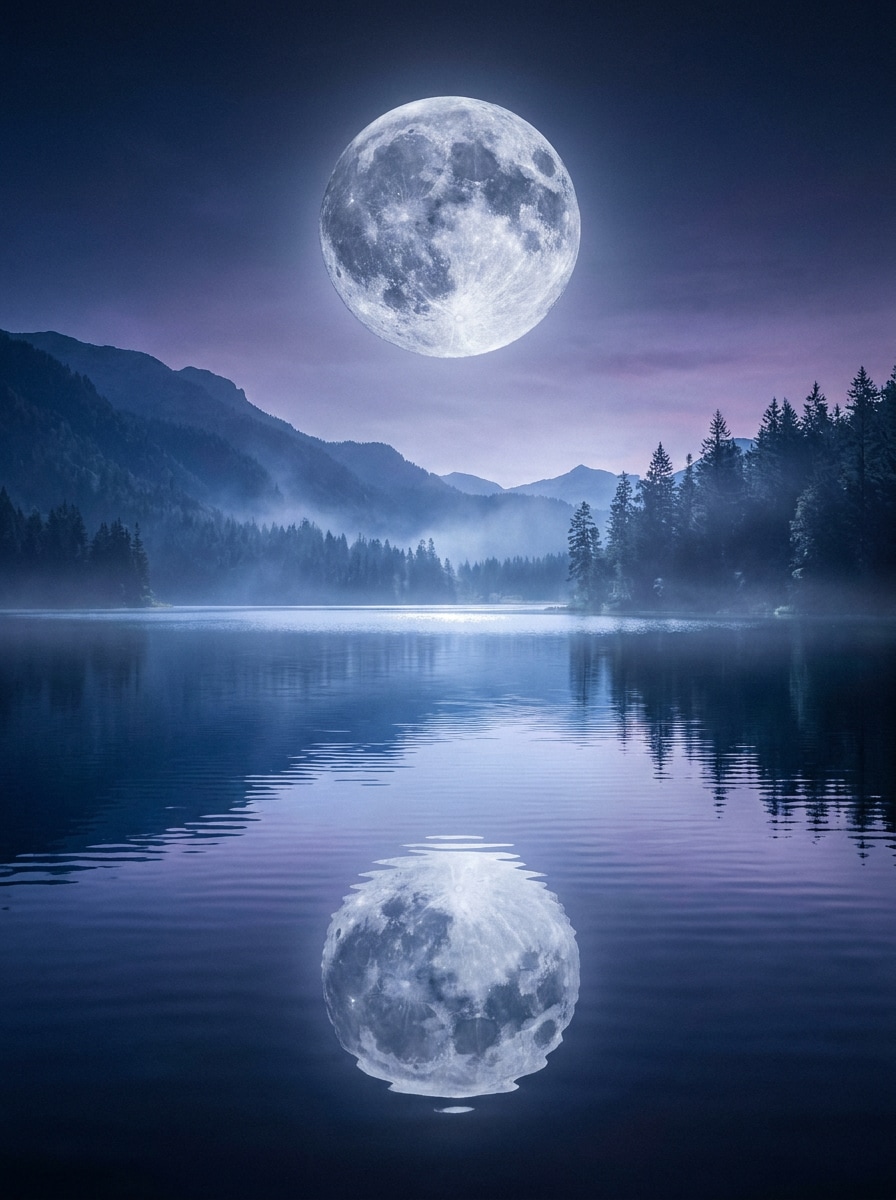
Reflejo de luna en el lago
Usa la foto de lago o ribera subida como base y añade una luna realista en el cielo con un reflejo correspondiente en el agua. Equilibra la caída de luz, la textura de las ondas y la Gradación de color nocturna para que el reflejo se sienta físicamente consistente y naturalmente integrado.
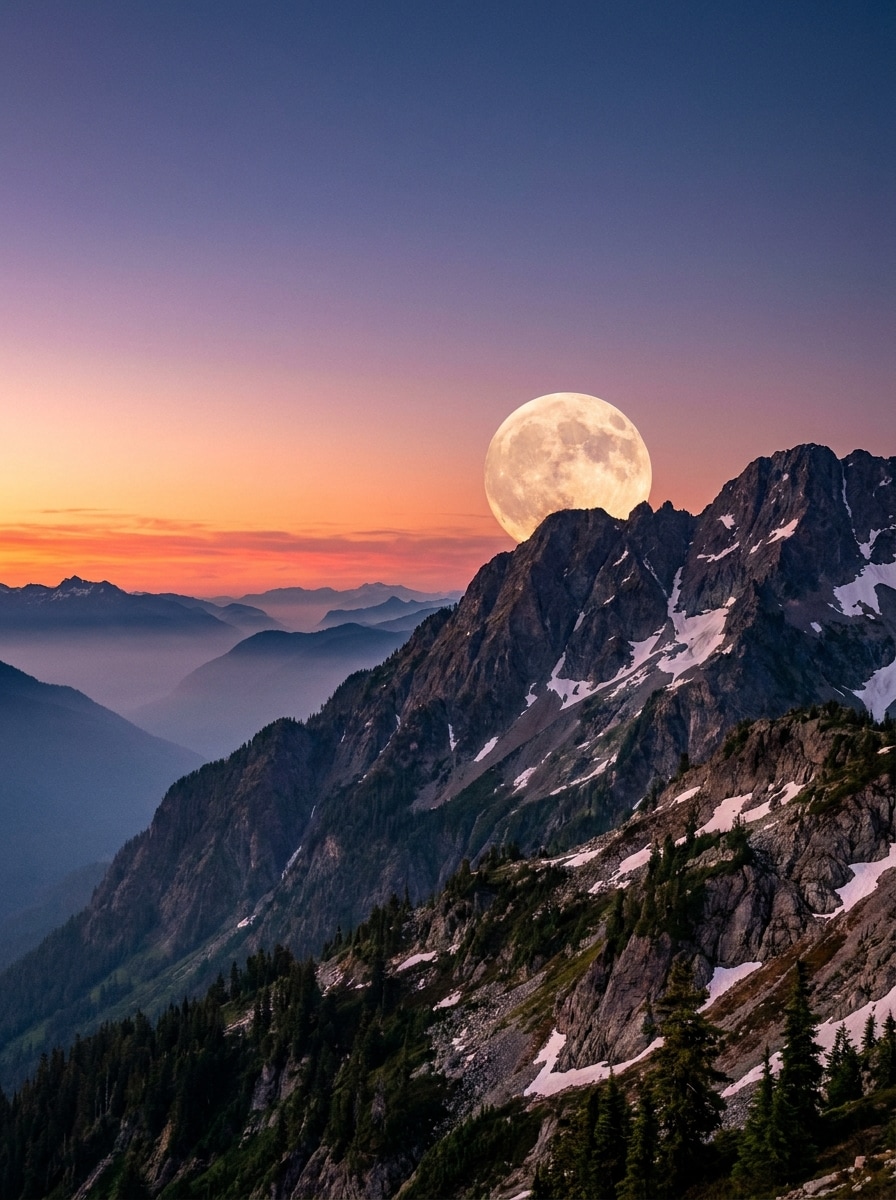
Salida de luna en la montaña
Usa la escena de montaña subida como referencia y crea una salida de luna sobre la cresta. Mezcla el crepúsculo cálido con tonos nocturnos fríos, mantén la escala de la luna realista, añade profundidad atmosférica y conserva una transición de horizonte limpia para una edición de paisaje dramática pero creíble.
Por qué usar Media.io para añadir luna a tus fotos
Usa tu propia foto como ancla creativa
El trabajo basado en referencias necesita más que un cambio de estilo superficial. Media.io ayuda a mantener los detalles de identidad clave reconocibles mientras se reelabora el aspecto de añadir luna a la foto, para que el resultado se sienta personal en lugar de genérico. También es compatible con fondo de foto con luna con IA.
Transforma un sujeto en múltiples estilos
Si el sujeto aún necesita parecerse a sí mismo después de la transformación, Media.io ayuda a conservar las señales de identidad esenciales mientras se actualiza el estilo final de añadir luna a la foto para un resultado más limpio y acabado.
Ajusta el tamaño, el encuadre y la calidad de salida
Cuando una foto con luna añadida se destina a un uso editorial real, Media.io te ofrece una salida más nítida de hasta 4K, lo que ayuda a que la imagen se mantenga clara en presentaciones, fondos y recursos reutilizados.
Mantén el flujo de trabajo en movimiento entre dispositivos
Algunos conceptos de añadir luna a la foto se esbozan sobre la marcha y se terminan después en un escritorio. Media.io mantiene ese proceso en línea, para que puedas volver al mismo flujo de trabajo sin instalaciones ni configuraciones adicionales.
Cómo añadir luna a tu foto en línea
Convierte tus palabras en imágenes impresionantes en tres sencillos pasos y luego sigue refinando el resultado si quieres llevarlo más lejos.
Paso 1
Sube tu imagen de referencia
Sube un retrato, paisaje, horizonte o foto de viaje nítida en JPG, PNG o JPEG. Elige una imagen con cielo visible o espacio de fondo para que la IA pueda colocar la luna de forma natural y mantener la escena equilibrada.
Paso 2
Describe el cambio y configura las opciones
Dile a la IA lo que deseas, como añadir luna llena a la foto, crear un brillo de luz de luna o convertir el día en noche. Luego elige tu modelo preferido y ajusta la Relación de aspecto, la Resolución y la cantidad de imágenes para el resultado que necesitas.
Paso 3
Genera, descarga y sigue mejorando
Genera múltiples versiones, compara cómo se integra la luna con tu escena y descarga la mejor. Si es necesario, refina el prompt para cambiar el tamaño de la luna, la ubicación, las nubes, el brillo o el ambiente cinematográfico general.
Descubre cómo los creadores usan Media.io para añadir efectos de luna en contenido, marketing y proyectos personales, y adapta cada idea a tu proyecto.
Convierte retratos sencillos en escenas nocturnas soñadoras
Añade luz de luna Suave detrás de un sujeto, crea un fondo luminoso y dale a los retratos casuales un toque editorial más emotivo. Este enfoque funciona bien para publicaciones en redes sociales, imágenes de perfil y sesiones creativas cuando deseas una transformación de cielo nocturno pulida sin retoques manuales complejos.
Mejora fotos de viajes y paisajes con atmósfera
Mejora lagos, montañas, playas o escenas de cielo abierto añadiendo una salida de luna, un reflejo o un brillo crepuscular creíble. Un buen editor de fotos con luna ayuda a que las imágenes de exteriores se sientan más cinematográficas, preservando la profundidad natural y el carácter de la toma original.
Crea contenido dramático de antes y después para redes sociales
Los creadores de contenido corto pueden convertir rápidamente imágenes diurnas brillantes en visuales nocturnos con atmósfera para reels, miniaturas y publicaciones estéticas. Si quieres añadir luna llena a escenas fotográficas para una narración visual más impactante, la IA hace que la experimentación sea más rápida y consistente en múltiples estilos.
Lo que dicen los usuarios
Lena Ortiz
Creadora de estilo de vida
"Ediciones de luna rápidas y realistas" La usé para añadir una luna detrás de un retrato para Instagram, y la integración se veía mucho más natural que las apps basadas en pegatinas. El brillo y el tono nocturno coincidían sorprendentemente bien con la imagen.
Marcus Bell
Fotógrafo de viajes
"Genial para paisajes" Los resultados de reflejo en el lago y salida de luna fueron los más útiles para mis fotos de viaje. Me gustó poder generar variaciones y seguir ajustando el prompt hasta que el cielo se sintiera creíble.
Priya Nair
Diseñadora para pequeñas empresas
"Fácil sin Photoshop" Quería una imagen de portada con atmósfera y luna llena, y no quería abrir un software de edición de escritorio. Media.io hizo que el flujo de trabajo fuera lo suficientemente sencillo como para terminarlo en un navegador en pocos minutos.
Ethan Cole
Creador de videos de formato corto
"Útil para transformaciones de día a noche" Creo contenido de antes y después, así que convertir fotos diurnas en escenas con luz de luna es perfecto para mis publicaciones. El control de indicaciones me ayuda a conseguir resultados realistas o más dramáticos y cinematográficos.
Explora los efectos de video e imagen con IA más populares
1. ¿Cómo puedo añadir una luna realista a una foto en línea?
Sube tu imagen a Media.io, introduce un prompt describiendo el efecto de luna que deseas y genera la edición en el navegador. Para un resultado realista, menciona el tamaño de la luna, la ubicación, el tono del cielo, la neblina y el resplandor para que Media.io pueda crear una composición más natural para tu escena.
2. ¿Puedo poner una luna llena en una foto gratis?
Los usuarios gratuitos pueden probar Media.io con créditos gratuitos, lo cual es útil si deseas probar una idea de añadir luna llena a una foto antes de actualizar tu plan. Las exportaciones gratuitas pueden incluir una marca de agua, mientras que los planes de pago permiten descargas en alta resolución sin marca de agua. Para más información sobre el uso, puedes consultar la página de precios.
3. ¿La IA adaptará la luna a la iluminación y el cielo de mi foto?
Media.io está diseñado para la Edición de imágenes basada en referencias, por lo que puedes guiar el resultado con tu foto cargada y un prompt detallado. Si describes la dirección de la luz, el nivel de nubes, el color nocturno y el estilo de mezcla con claridad, Media.io puede producir ediciones de luna que se sienten más consistentes con el cielo y la atmósfera originales.
4. ¿Puedo añadir una luna a fotos de retrato y paisaje?
Media.io funciona bien para retratos, escenas urbanas y paisajes al aire libre porque partes de tu propia imagen de referencia y diriges la transformación con un prompt. Puedes crear un resplandor Suave de luz de luna en un retrato, una salida de luna sobre montañas o un efecto dramático de horizonte urbano en el mismo flujo de trabajo.
5. ¿Cómo hago que una foto diurna parezca de noche con luz de luna?
Normalmente puedes obtener un primer borrador rápidamente con Media.io y luego mejorarlo mediante pequeñas ediciones del prompt en lugar de reconstruir todo el diseño desde cero.
6. ¿Necesito Photoshop para añadir un efecto de luna a una imagen?
Media.io te ofrece una forma basada en navegador para cargar una foto, describir el efecto y generar variaciones sin Photoshop. Esto lo convierte en una opción práctica si deseas un flujo de trabajo sencillo de edición de fotos de luna en escritorio o móvil con menos Composición manual.
Más allá de añadir luna a una foto en línea con IA