Plantillas de Indicaciones para Movimiento Squish
Comienza con una fórmula de indicación de Efecto Squish de IA","f16">" clara para compresión suave, animación de aplastamiento y estiramiento, rebote gomoso y movimiento divertido no destructivo.
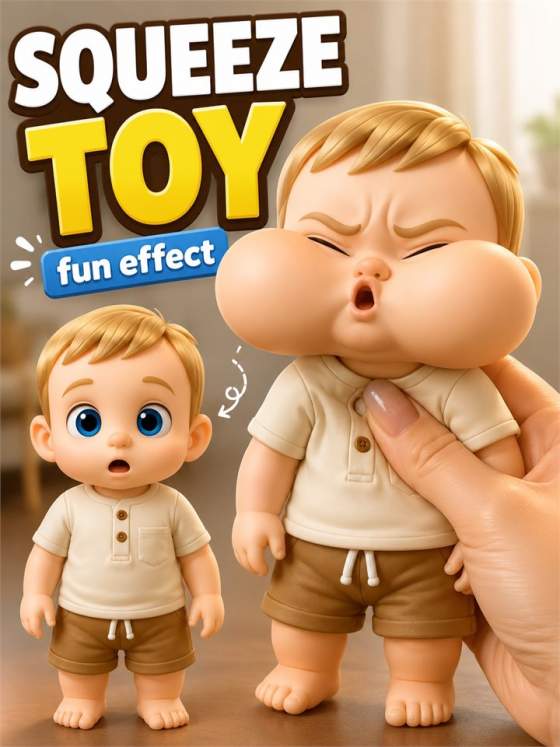
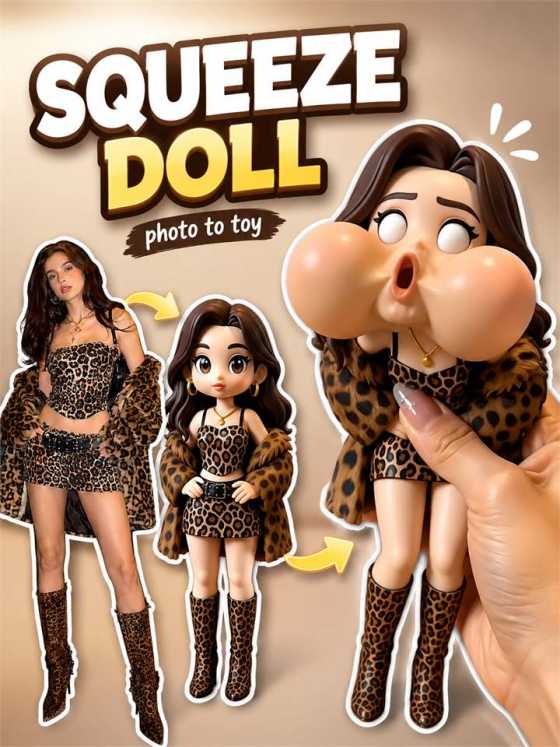
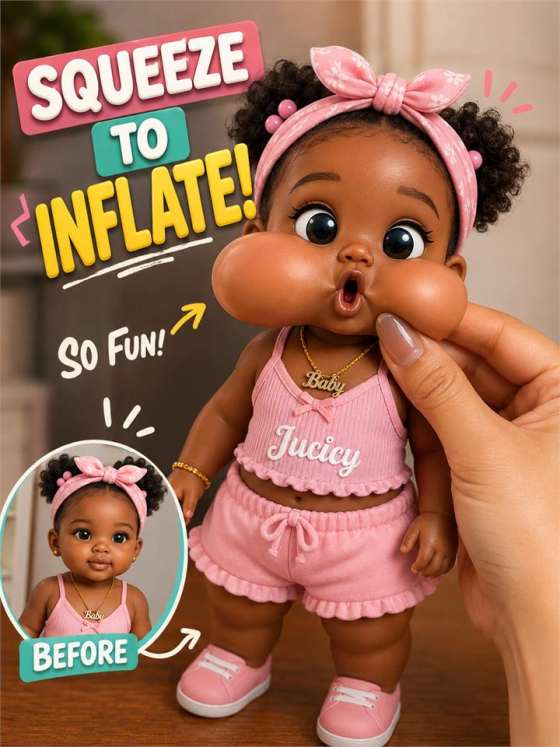
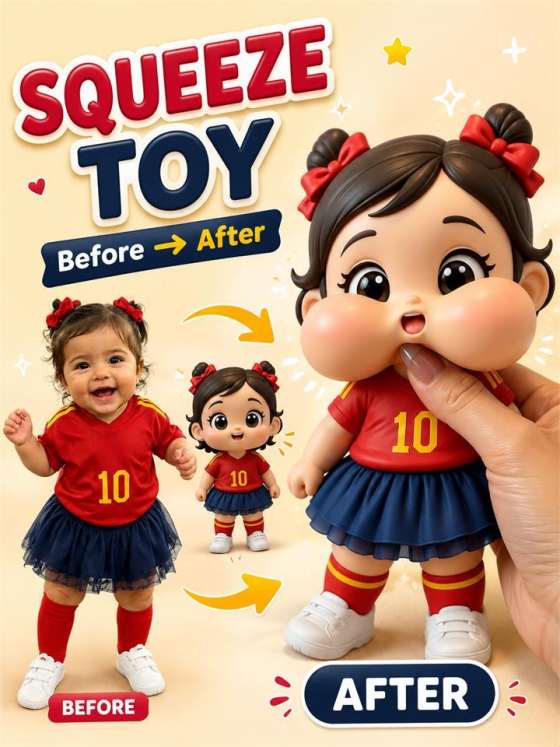
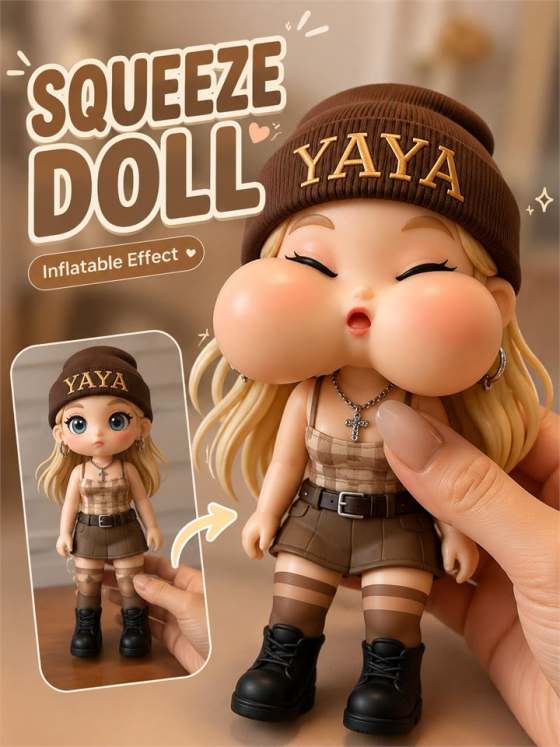
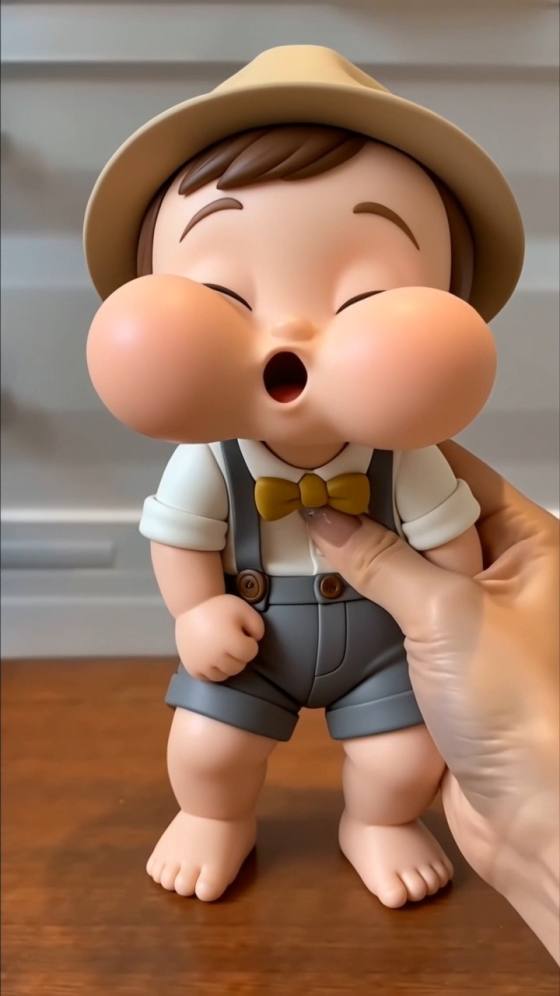
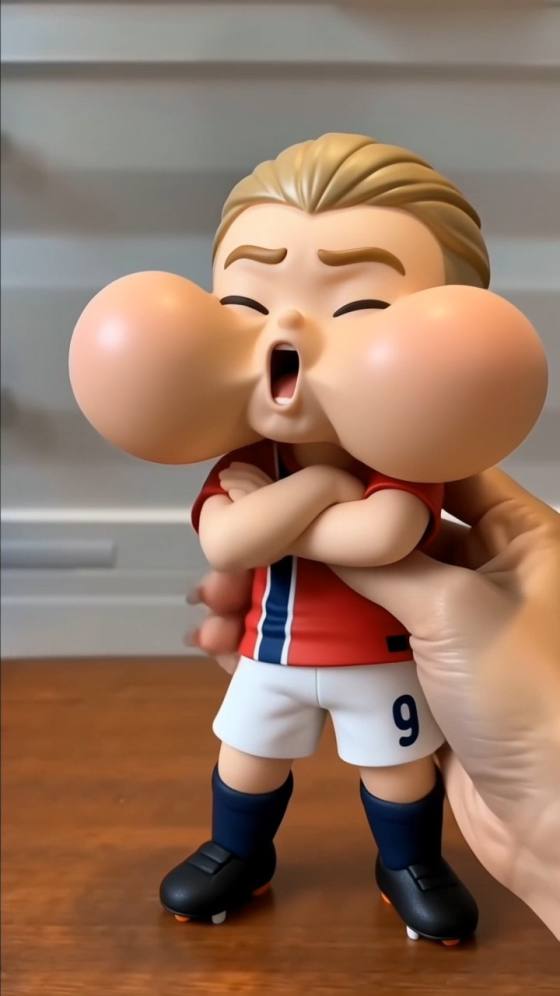
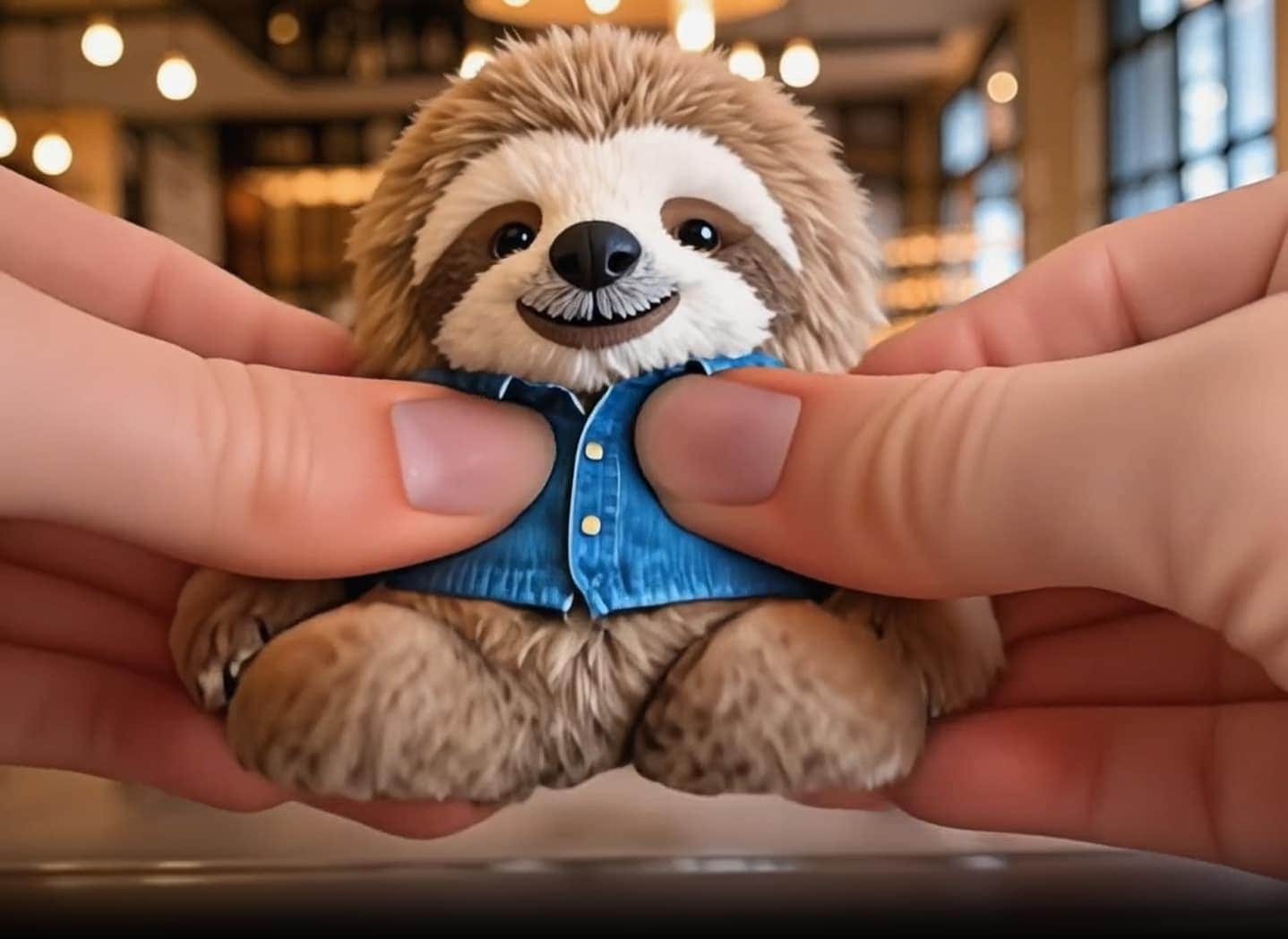
¿Buscas una indicación de Squish de IA, efecto de video squish, o una alternativa estilo Pika Squish It? Usa Media.io para convertir tu propio retrato, foto de mascota, imagen de objeto o imagen de personaje original en un clip squish divertido de foto a video","f7">" corto. Copia indicaciones juguetenas de Efectos Squish de IA que describan compresión suave, movimiento de rebote gomoso, movimientos de cámara en primer plano, encuadre vertical y tiempos listos para redes sociales sin copiar a una persona real, marca, personaje con derechos de autor o el efecto de otra plataforma.
Créditos gratis al registrarte.
Comienza con una fórmula de indicación de Efecto Squish de IA","f16">" clara para compresión suave, animación de aplastamiento y estiramiento, rebote gomoso y movimiento divertido no destructivo.
Describe cómo el sujeto se comprime, estira, oscila y vuelve a su forma con acercamientos de cámara, reacciones en mano, tiempos en bucle y encuadre vertical para videos cortos.
Escribe indicaciones de efecto squish de foto","f22">" para selfies, mascotas, juguetes, fotos de productos, avatares y personajes originales manteniendo el sujeto principal reconocible.
Ajusta la duración, el encuadre 9:16, el nivel de realismo, la exageración de dibujos animados, la velocidad de la cámara y el estilo de fondo antes de generar y descargar un clip listo para TikTok, Reels o Shorts.
Sube un retrato claro, imagen de mascota, foto de juguete, imagen de objeto, avatar o personaje ficticio. Para resultados más seguros, usa imágenes de tu propiedad o que tengas permiso para editar, y evita la suplantación de personas reales o personajes de marcas.
Añade dirección de squish, movimiento de compresión suave, tiempos de aplastamiento y estiramiento, rebote gomoso, movimiento de cámara, estado de ánimo juguetón y encuadre vertical para videos cortos. Mantén el efecto divertido, no destructivo y original.
Crea el video squish de IA, verifica la estabilidad del sujeto, la forma de compresión, el tiempo de rebote y el encuadre, luego refina la indicación si el movimiento necesita más oscilación, estiramiento más suave o un tiempo de bucle más limpio.

Creador de Contenido

"Me dio un punto de partida claro para un video squish divertido." La estructura de la indicación hizo que el movimiento se sintiera suave, elástico y juguetón en lugar de aleatorio.

Gerente de Redes Sociales
"Perfecto para pruebas rápidas de Reels y Shorts." Pude reutilizar una indicación base de Squish de IA y alternar entre videos de retratos, mascotas, productos y personajes sin reescribir todo.

Diseñador de Movimiento
"La redacción del movimiento hizo que el efecto pareciera intencional."","f44">" Mencionar la compresión suave, el tiempo de estiramiento y el acercamiento de cámara le dio al clip una sensación más fuerte de video meme.

Estratega Creativo
"Excelente para videos squish divertidos de mascotas y personajes."","f48">" La guía de indicaciones facilitó la creación de clips divertidos de imagen a video de IA a partir de fotos originales.
Efectos Squish de IA son instrucciones de texto que guían a una herramienta de IA de imagen a video para animar una foto fija con un efecto de squish, compresión, aplastamiento, oscilación o rebote juguetón. Una indicación sólida generalmente describe el sujeto, la dirección de compresión suave, el movimiento gomoso, el ángulo de cámara, el formato vertical, la iluminación y una nota para mantener el clip divertido, no destructivo y original.
Puedes usar una idea creativa similar escribiendo tu propia ","f54">" para Media.io, como un efecto de compresión gomosa suave, movimiento divertido de aplastamiento y estiramiento, y animación de rebote rápido. Media.io no está afiliado con Pika ni Pikaffects, y las indicaciones de esta página están diseñadas como indicación de Squish de IAideas originales de efecto squish de foto a video.
Usa una fórmula simple: sujeto + acción de squish + estilo de movimiento + movimiento de cámara + formato + nota de seguridad. Por ejemplo, "Anima al sujeto de la imagen en un efecto de video squish corto y divertido con compresión gomosa suave desde los lados, movimiento exagerado de aplastamiento y estiramiento, oscilación rápida, rebote suave a la forma original, acercamiento de cámara en primer plano, formato vertical 9:16, identidad estable del sujeto, sin logotipos, sin personajes con derechos de autor, estilo juguetón no destructivo."
Los retratos claros, fotos de mascotas, imágenes de juguetes, fotos de productos, avatares e imágenes de personajes originales funcionan mejor. Para un ","f61">" más limpio, usa una imagen nítida con un sujeto principal visible, fondo simple, buena iluminación y suficiente espacio alrededor del sujeto para la compresión, el estiramiento y el movimiento de rebote.indicaciones de efecto squish de foto","f22">" para selfies, mascotas, juguetes, fotos de productos, avatares y personajes originales manteniendo el sujeto principal reconocible.
No. Media.io es un recurso de video de IA independiente y no está afiliado con Pika, Squish It ni Pikaffects. Esta página ayuda a los usuarios a crear efectos de video squish de IA","f65">" originales y clips divertidos de imagen a video","f67">" a partir de sus propias fotos usando Media.io.
 4.7 (162,357 Votos)


