Haz clic o arrastra para subir, o elige de Mi HistorialHaga clic para cargarMi Historial
¿Sin ideas? Genera primero una imagen. >
Sube imágenes jpg, jpeg o png de hasta 50 MB, con un ancho/alto mínimo de 300 px.
See Yourself With a Low Ponytail Before Styling
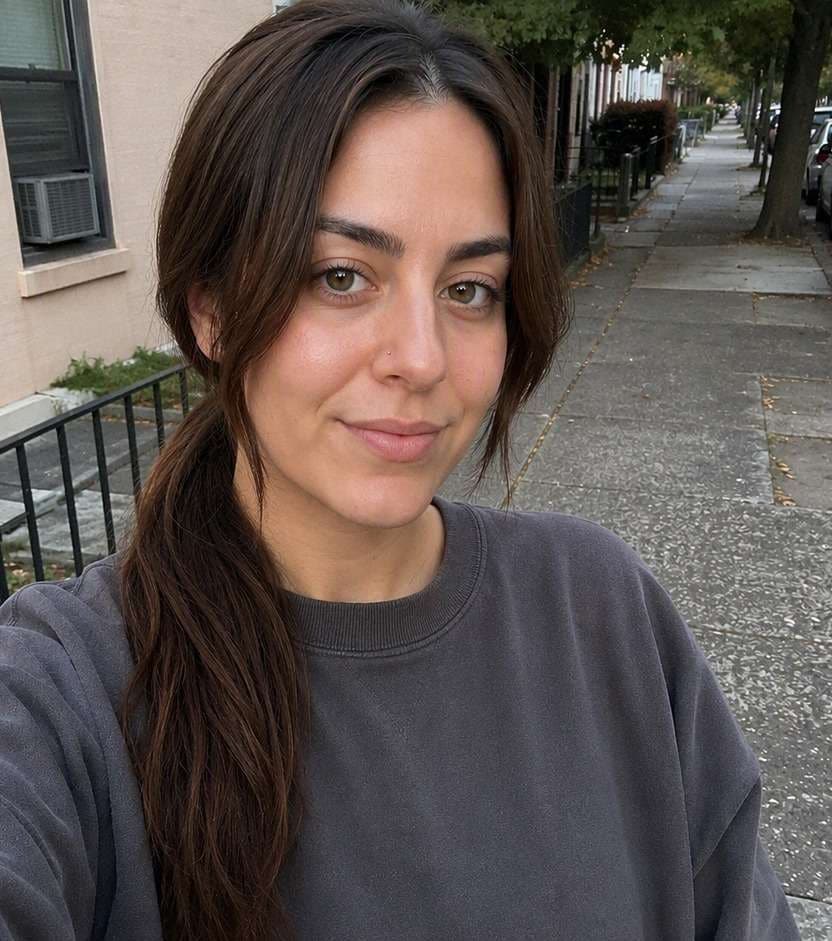
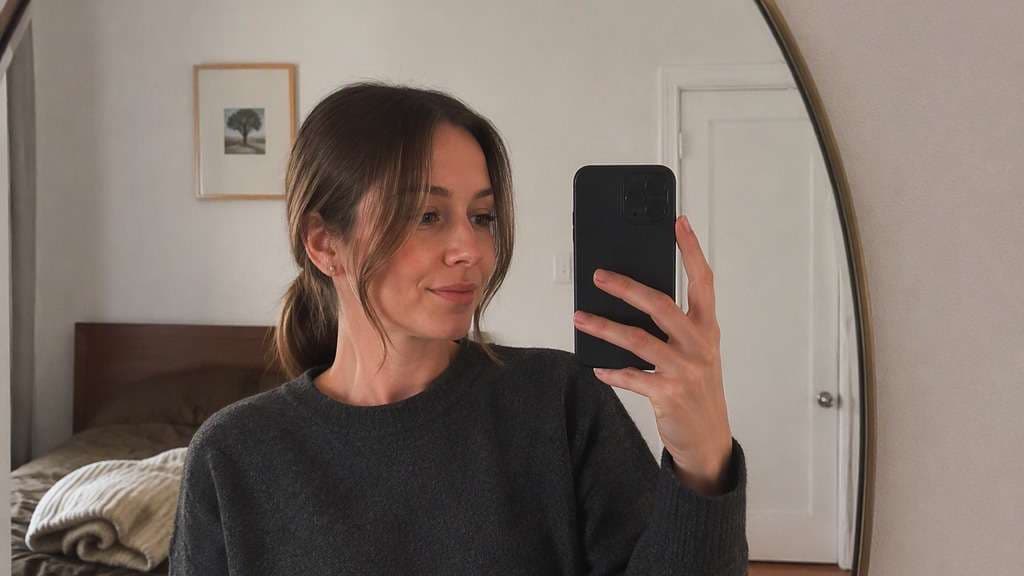
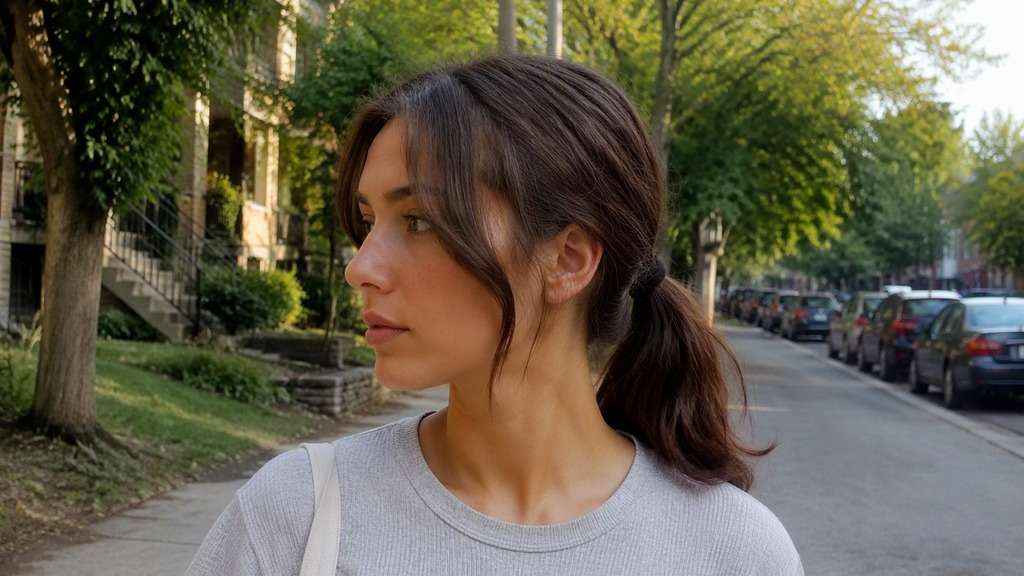
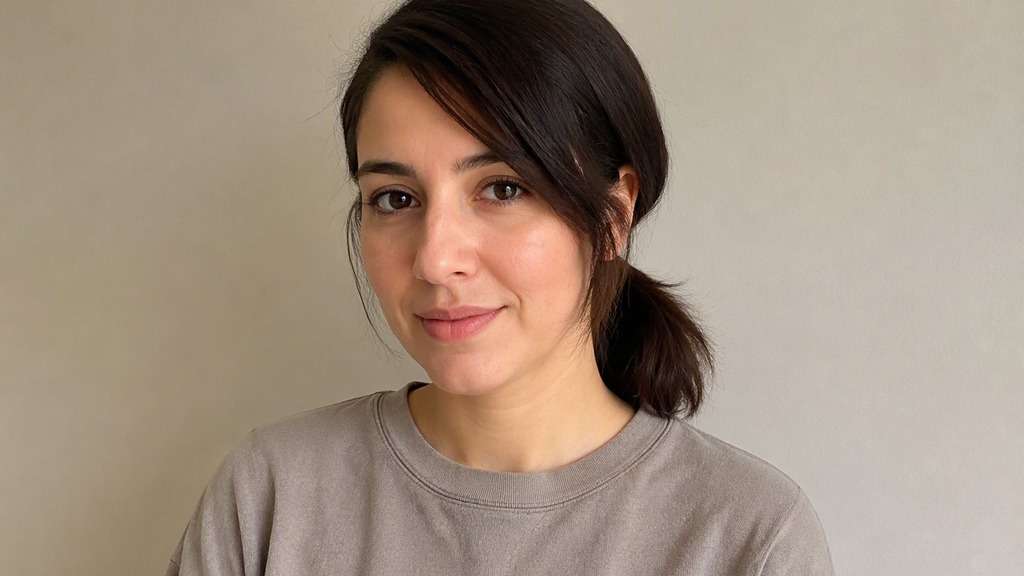
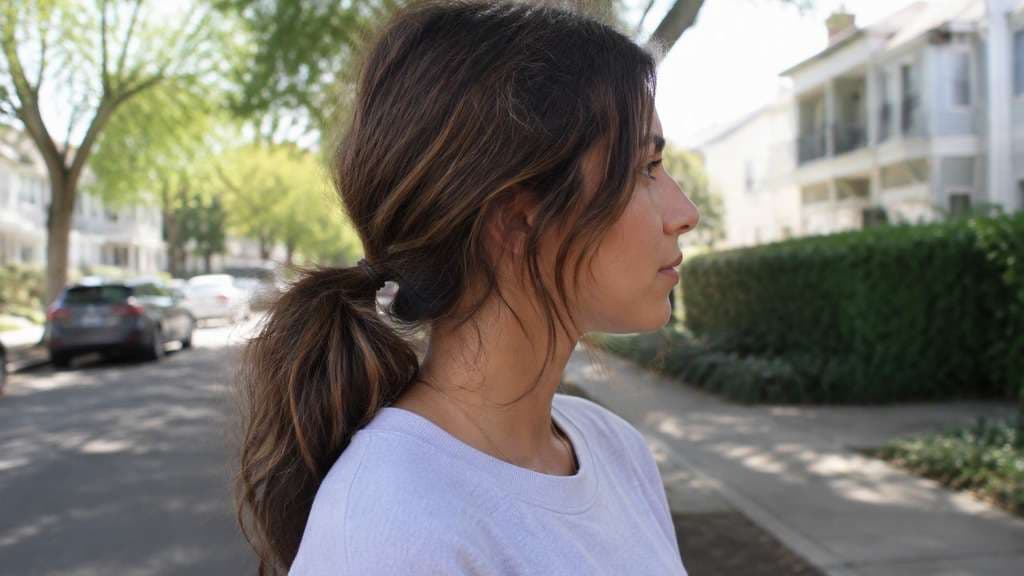
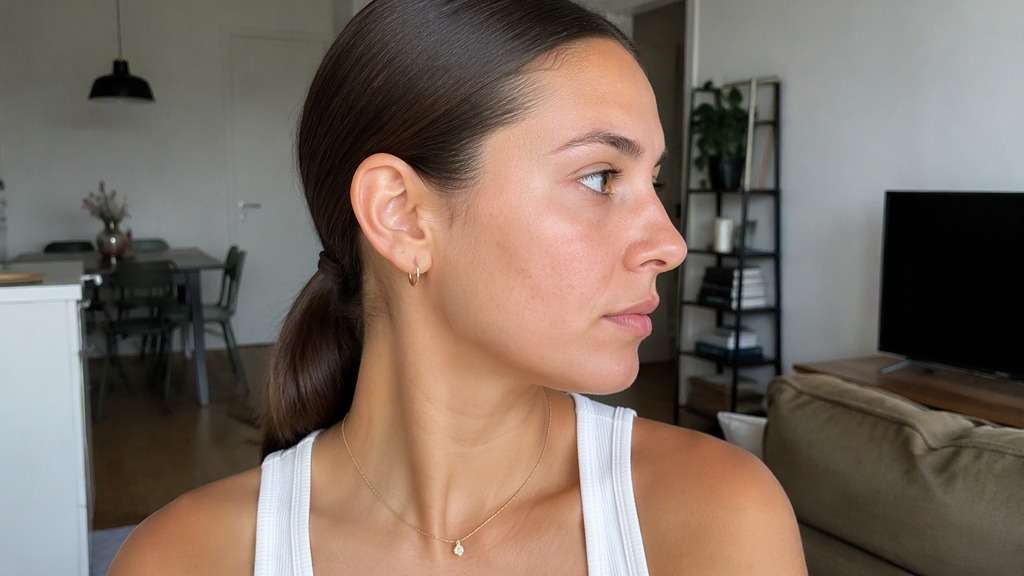
Thinking about changing your hair without committing first? A low ponytail can look understated or polished depending on where the elastic sits and how much hair is left around your face. Use a low ponytail hairstyle try on on your own portrait, compare classic nape ponytail with side part low ponytail, and keep the version that feels natural with your face, clothes and daily routine.
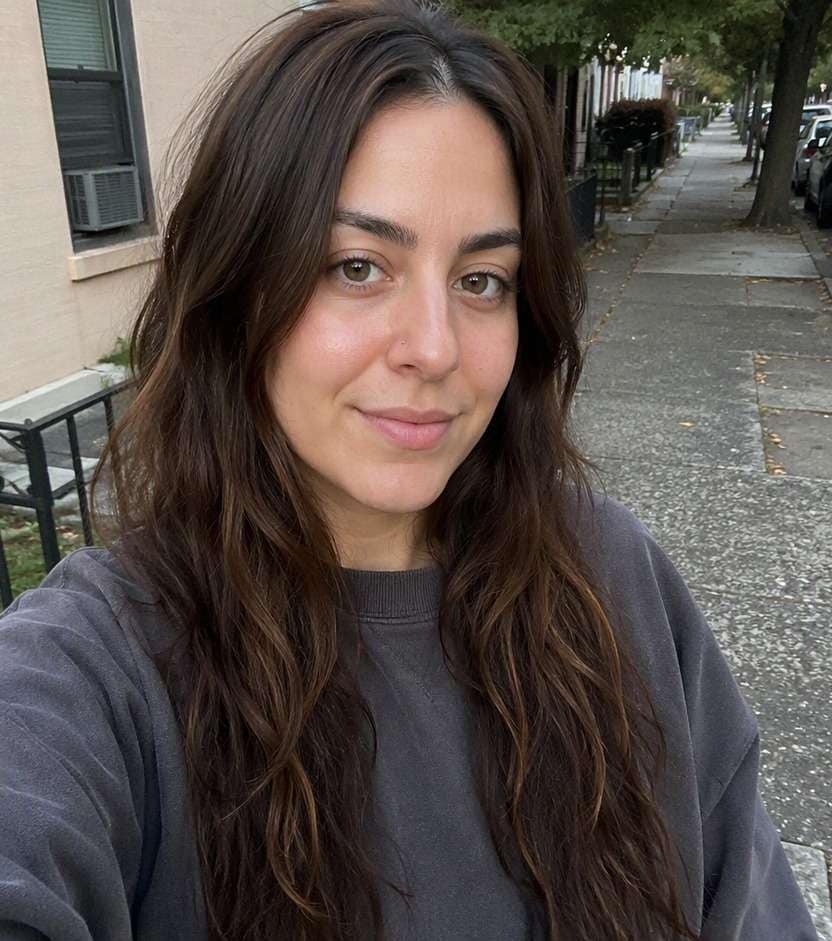
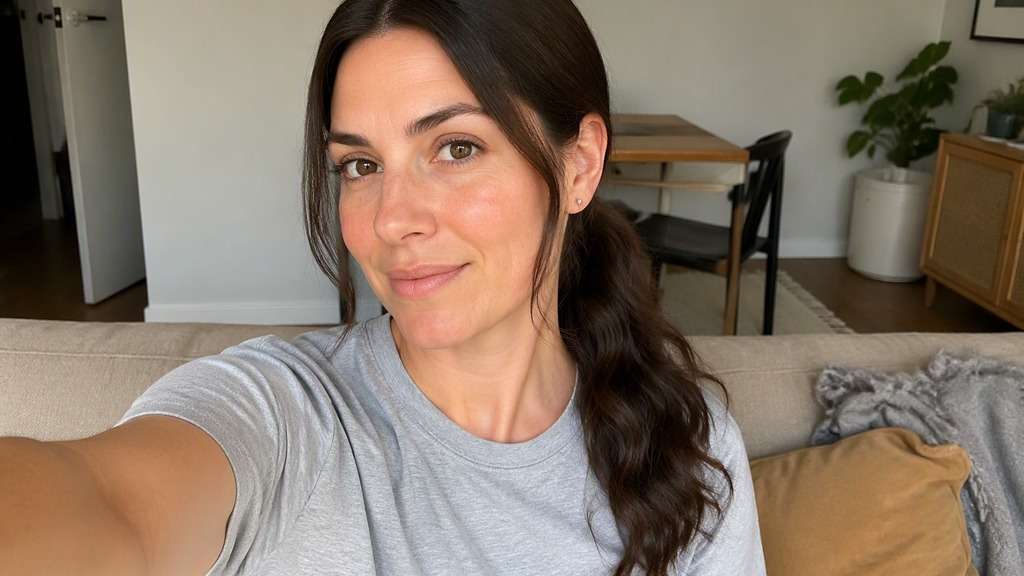
A clear everyday portrait makes the hairstyle change easier to compare.
Low Ponytail Hairstyle Try-On Prompts
Which detail should change first: low tie height, nape placement and loose front pieces? These ten prompts offer distinct starting points, from the simplest everyday option to a more dressed-up variation. Copy a prompt into the editor with your own portrait, then compare the shape while keeping the person, outfit and background the same.
Classic Nape Ponytail
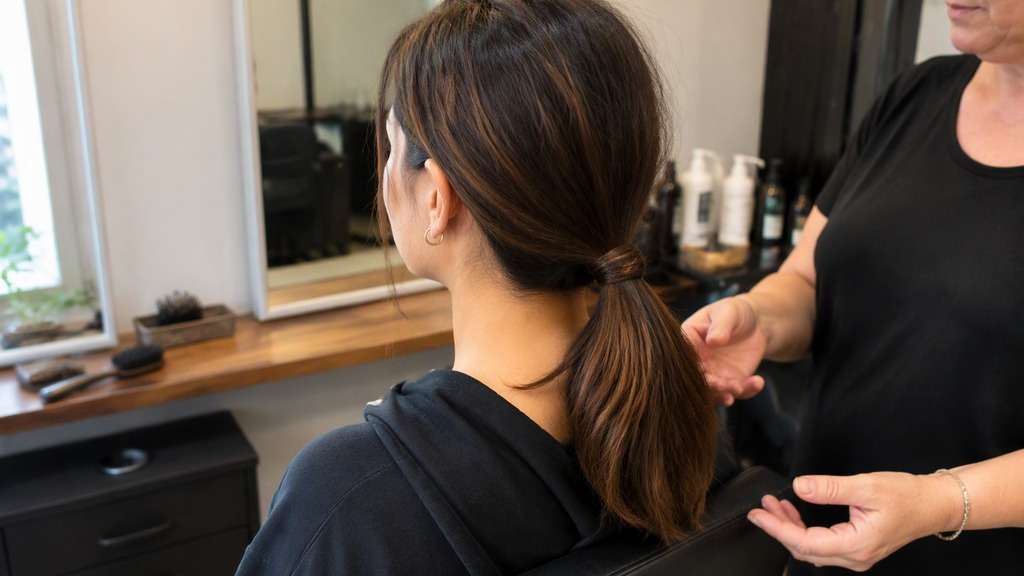
Edit the hairstyle in my uploaded portrait to show classic nape ponytail: elastic low at the nape and straight tail. Use this as a believable hair photo preview, with proportionate hair volume and a realistic hairline. Keep my original face, expression, skin tone, clothing, jewelry, lighting and room unchanged. Retain my natural hair color and realistic strand texture unless this option explicitly describes a color variation. Make the edit look like an ordinary unretouched photo, not a glossy salon advertisement. If a tie, braid or bun is at the back, use a slight three-quarter angle so the structure is visible while my face remains recognizable.
Soft Center Part Low Ponytail
Edit the hairstyle in my uploaded portrait to show soft center part low ponytail: even front pieces with softly tucked sides. Use this as a believable hair photo preview, with proportionate hair volume and a realistic hairline. Keep my original face, expression, skin tone, clothing, jewelry, lighting and room unchanged. Retain my natural hair color and realistic strand texture unless this option explicitly describes a color variation. Make the edit look like an ordinary unretouched photo, not a glossy salon advertisement. If a tie, braid or bun is at the back, use a slight three-quarter angle so the structure is visible while my face remains recognizable.
Low Ponytail With Curtain Pieces
Edit the hairstyle in my uploaded portrait to show low ponytail with curtain pieces: loose cheekbone framing sections. Use this as a believable hair photo preview, with proportionate hair volume and a realistic hairline. Keep my original face, expression, skin tone, clothing, jewelry, lighting and room unchanged. Retain my natural hair color and realistic strand texture unless this option explicitly describes a color variation. Make the edit look like an ordinary unretouched photo, not a glossy salon advertisement. If a tie, braid or bun is at the back, use a slight three-quarter angle so the structure is visible while my face remains recognizable.
Side Part Low Ponytail
Edit the hairstyle in my uploaded portrait to show side part low ponytail: deep part with hair swept to one side. Use this as a believable hair photo preview, with proportionate hair volume and a realistic hairline. Keep my original face, expression, skin tone, clothing, jewelry, lighting and room unchanged. Retain my natural hair color and realistic strand texture unless this option explicitly describes a color variation. Make the edit look like an ordinary unretouched photo, not a glossy salon advertisement. If a tie, braid or bun is at the back, use a slight three-quarter angle so the structure is visible while my face remains recognizable.
Loose Textured Low Ponytail
Edit the hairstyle in my uploaded portrait to show loose textured low ponytail: imperfect crown texture and casual tail. Use this as a believable hair photo preview, with proportionate hair volume and a realistic hairline. Keep my original face, expression, skin tone, clothing, jewelry, lighting and room unchanged. Retain my natural hair color and realistic strand texture unless this option explicitly describes a color variation. Make the edit look like an ordinary unretouched photo, not a glossy salon advertisement. If a tie, braid or bun is at the back, use a slight three-quarter angle so the structure is visible while my face remains recognizable.
Sleek Low Ponytail
Edit the hairstyle in my uploaded portrait to show sleek low ponytail: smoothed hair at the crown and compact tie. Use this as a believable hair photo preview, with proportionate hair volume and a realistic hairline. Keep my original face, expression, skin tone, clothing, jewelry, lighting and room unchanged. Retain my natural hair color and realistic strand texture unless this option explicitly describes a color variation. Make the edit look like an ordinary unretouched photo, not a glossy salon advertisement. If a tie, braid or bun is at the back, use a slight three-quarter angle so the structure is visible while my face remains recognizable.
Wavy Low Ponytail
Edit the hairstyle in my uploaded portrait to show wavy low ponytail: loose bends through the tail only. Use this as a believable hair photo preview, with proportionate hair volume and a realistic hairline. Keep my original face, expression, skin tone, clothing, jewelry, lighting and room unchanged. Retain my natural hair color and realistic strand texture unless this option explicitly describes a color variation. Make the edit look like an ordinary unretouched photo, not a glossy salon advertisement. If a tie, braid or bun is at the back, use a slight three-quarter angle so the structure is visible while my face remains recognizable.
Curly Low Ponytail
Edit the hairstyle in my uploaded portrait to show curly low ponytail: keep natural curl definition and nape position. Use this as a believable hair photo preview, with proportionate hair volume and a realistic hairline. Keep my original face, expression, skin tone, clothing, jewelry, lighting and room unchanged. Retain my natural hair color and realistic strand texture unless this option explicitly describes a color variation. Make the edit look like an ordinary unretouched photo, not a glossy salon advertisement. If a tie, braid or bun is at the back, use a slight three-quarter angle so the structure is visible while my face remains recognizable.
Wrapped Elastic Ponytail
Edit the hairstyle in my uploaded portrait to show wrapped elastic ponytail: small strand wrapped around the tie. Use this as a believable hair photo preview, with proportionate hair volume and a realistic hairline. Keep my original face, expression, skin tone, clothing, jewelry, lighting and room unchanged. Retain my natural hair color and realistic strand texture unless this option explicitly describes a color variation. Make the edit look like an ordinary unretouched photo, not a glossy salon advertisement. If a tie, braid or bun is at the back, use a slight three-quarter angle so the structure is visible while my face remains recognizable.
Low Ponytail With Volume
Edit the hairstyle in my uploaded portrait to show low ponytail with volume: gentle crown height and airy tail. Use this as a believable hair photo preview, with proportionate hair volume and a realistic hairline. Keep my original face, expression, skin tone, clothing, jewelry, lighting and room unchanged. Retain my natural hair color and realistic strand texture unless this option explicitly describes a color variation. Make the edit look like an ordinary unretouched photo, not a glossy salon advertisement. If a tie, braid or bun is at the back, use a slight three-quarter angle so the structure is visible while my face remains recognizable.
See What Actually Changes in This Hairstyle
Check the Nape Silhouette
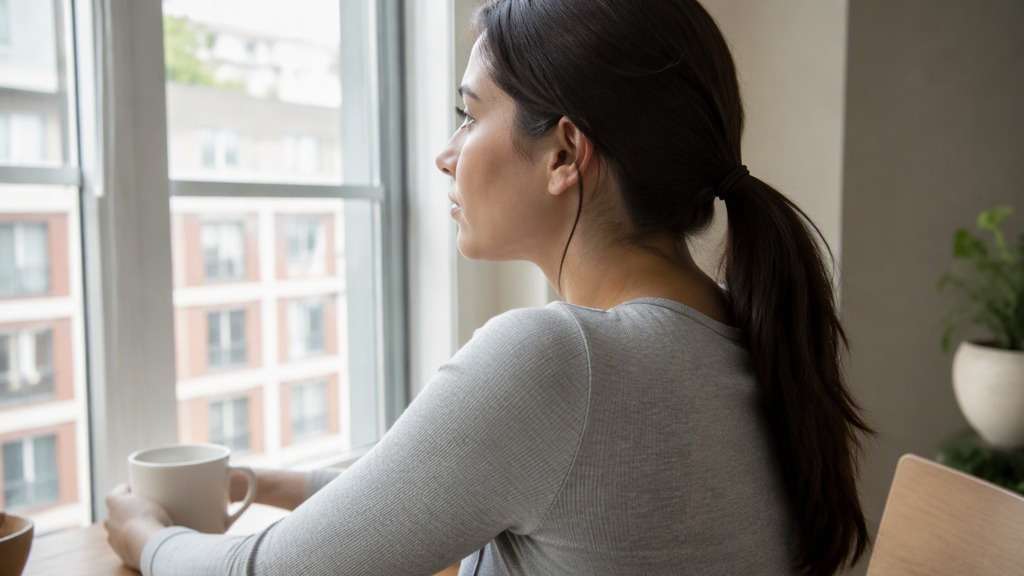
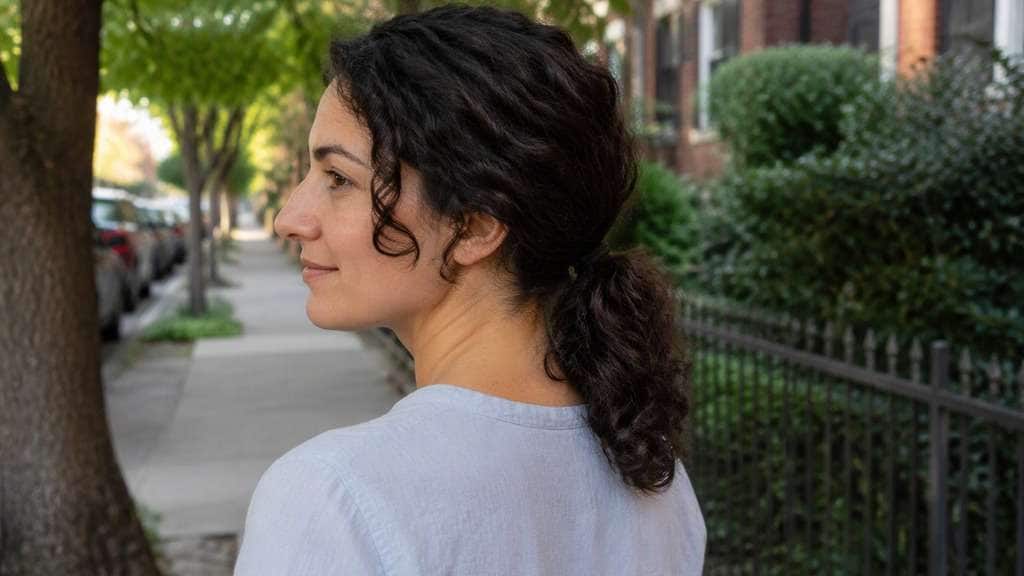
A low tie can disappear behind the shoulder in a front-facing photo. Keep the tail visible over one shoulder to judge the actual silhouette. Compare the same original photo with only this detail changed, so you can make a useful side-by-side decision instead of choosing between unrelated portraits.
Decide on Face Framing
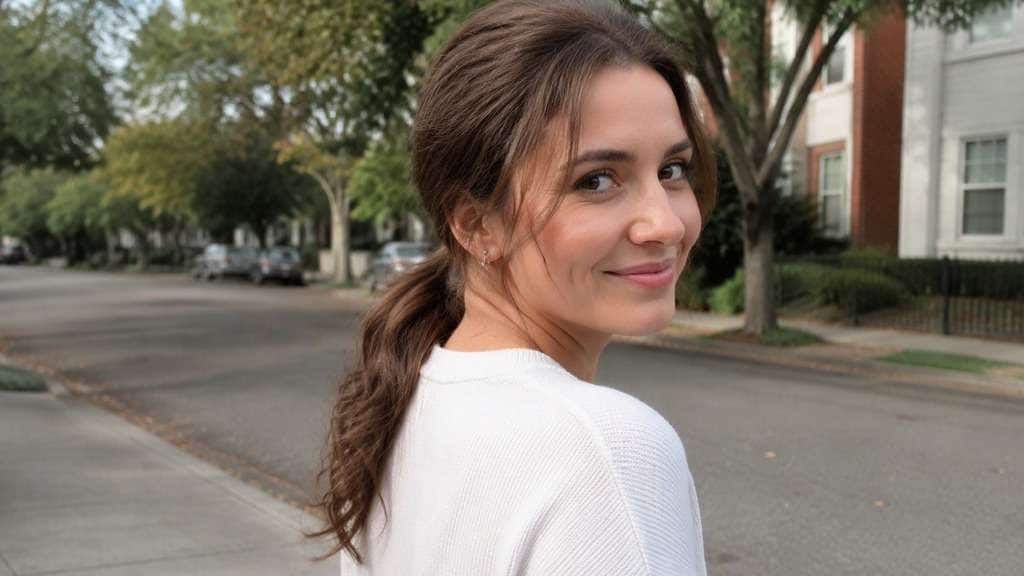
Loose pieces soften the temples; fully pulled-back hair exposes the forehead. See both before choosing an everyday look. Start with the natural version, then try a more polished option if you want to know how much styling effort the look suggests. For a sleek low ponytail try on, keep the nape tie level fixed while refining the smoothness of the crown.
Preserve Realistic Length
The tail cannot realistically hang longer than the starting hair permits. Start with enough length to gather below the ears. Look at the outline near your forehead, cheeks and shoulders, not just the most flattering camera angle, before choosing a favorite.
Compare Neat With Relaxed
A tight smooth crown reads formal; slightly lifted roots feel easier for a weekday. The tie height can stay the same. Use your current length and texture as the reference. The preview is an idea for styling or a consultation, not a guarantee of a physical result.
How to Preview the Look on Your Photo
Choose an everyday photo, describe the precise hairstyle change and compare the result before styling or cutting your hair.
Step 1
Upload Your Photo
Upload a well-lit portrait with your face, hairline and neck and shoulders visible. Keep the pose relaxed and avoid hats or heavy filters.
Step 2
Choose a Haircut Filter or Enter a Prompt
Choose a hairstyle preset or type a custom prompt describing classic nape ponytail. State which sections move, what remains loose and what should stay unchanged.
Step 3
Click Generate
Click Generate to create the hairstyle preview. Check whether the hairline, proportions and visible ends match your instructions; refine one detail at a time.
A useful hairstyle preview is one you can imagine wearing outside a professional shoot. Try different interpretations of classic nape ponytail and compare them in the kind of photo you normally take.
Choose a Workday Hairstyle
Preview a neat low tie that will suit meetings while keeping the look natural. Keep your own face, usual hair color and clothing so the choice feels personal rather than like a stock makeover image.
Plan a Wedding Guest Look
Compare wrapped elastics and soft waves without assuming an elaborate updo. Compare one small change at a time, then keep the most believable result as a practical reference for getting ready.
Test a Quick Weekend Style
Keep loose sections and natural texture so the result feels like a casual photo. Save the image with a second option beside it, so the difference in shape is visible even at a quick glance.
What Media.io Users Say About Bob Hairstyle Previews
Alyssa M.
Salon Client
"Much more useful than a social filter" I wanted to know if a bob would actually suit my face, not just get a funny effect. Media.io gave me previews that looked polished and realistic enough to show my stylist.
Jenna R.
Beauty Content Creator
"Easy to compare several bob styles" I tested blunt, wavy, and curtain-bang versions from one selfie. The ability to generate multiple looks made this feel more like a real makeover tool than a random app filter.
Priya S.
Frequent Mobile User
"Worked well on my phone" I used it in my mobile browser without downloading anything. The results were quick, and the hairstyle blending looked surprisingly natural around my jawline and forehead.
Monica T.
Hair Stylist Assistant
"Helpful for consultation prep" Clients often ask to try a bob hairstyle before cutting. This made it easier to show different lengths and bangs visually, which helped narrow down the best direction faster.
1. Can I try low ponytail hairstyle try on on my own photo?
Yes. Upload an everyday portrait and describe the visible hairstyle change you want, such as classic nape ponytail. AI previews are helpful for comparing shape, but may not exactly match what your hair can do in real life.
2. What should I compare between classic nape ponytail and soft center part low ponytail?
Look at low tie height, nape placement and loose front pieces rather than overall attractiveness of the result. A low tie can disappear behind the shoulder in a front-facing photo. Keep the tail visible over one shoulder to judge the actual silhouette. Use the same source portrait and change only that design decision.
3. How can I get a believable low ponytail ai filter result?
Start with natural daylight and a clear hairline. Describe low ponytail with curtain pieces precisely and ask the editor to preserve your expression, existing hair color, clothing and original photo background. Check for stray strands and improbable extra length.
4. Is a low ponytail photo editor preview suitable for a quick selfie?
A front-facing or slight three-quarter portrait is usually easier to judge than a heavily cropped beauty close-up. The tail cannot realistically hang longer than the starting hair permits. Start with enough length to gather below the ears. Make sure the picture includes enough hair to show the change.
5. Will the preview work with my real hair length and texture?
It can illustrate a direction, but hair density, curl shrinkage, length and growth pattern affect real styling. A tight smooth crown reads formal; slightly lifted roots feel easier for a weekday. The tie height can stay the same. Avoid treating the generated image as a reliable prediction of the finished hairstyle.
6. What if the hairstyle changes my face or outfit?
Regenerate with a narrower prompt: change only the hair into loose textured low ponytail, keep the original face, lighting, clothes and background. Compare results using the same photo to spot unintended edits.