Deine Werke werden nur 7 Tage lang gespeichert. Assets, die nach dem Upgrade auf einen Mitgliedschaftstarif erstellt werden, werden dauerhaft gespeichert.
Entfalten Sie Ihr kreatives Potenzial und erleben Sie jetzt die Magie der Media-KI!
macOS App Icon Generator für polierte Apple-Stil Symbole schnell
Erstellen Sie mit KI in wenigen Minuten polierte macOS-App-Symbole aus text. Media.io funktioniert als onlinemacos app icon generator, die Ihnen dabei hilft, von Apple inspirierte Symbolkonzepte in Glanzglas, minimalem Verlauf, dunklem Modus und Utility-Stilen zu erstellen und dann hochauflösende Bilder für schnelleres branding, prototyping und Designerkundung direkt in Ihrem browser auf Mac und anderen Geräten herunterzuladen.
Geben Sie Ihre Idee ein-> KI entwirft sie. Kostenlos zu versuchen.
Entdecken Sie unsere kuratierte Sammlung vonapp icon generator für macMaßgeschneiderte styles für macOS-inspirierte designs.
Flüssiges Glas macOS Symbol
Erstellen Sie ein Premium-macOS-App-Symbol für eine Produktivitäts-App mit einer abgerundeten quadratischen Komposition mit flüssigem Glasmaterial, durchscheinenden Schichtpaneelen, weicher Innentiefe, subtilen Reflexionen und eleganten highlights. Verwenden Sie eine kühle blaue und silberne palette, ein zentriertes symbol, einen klaren Hintergrund, einen Apfel-inspirierten Lack und klare Details in Retina-Qualität.
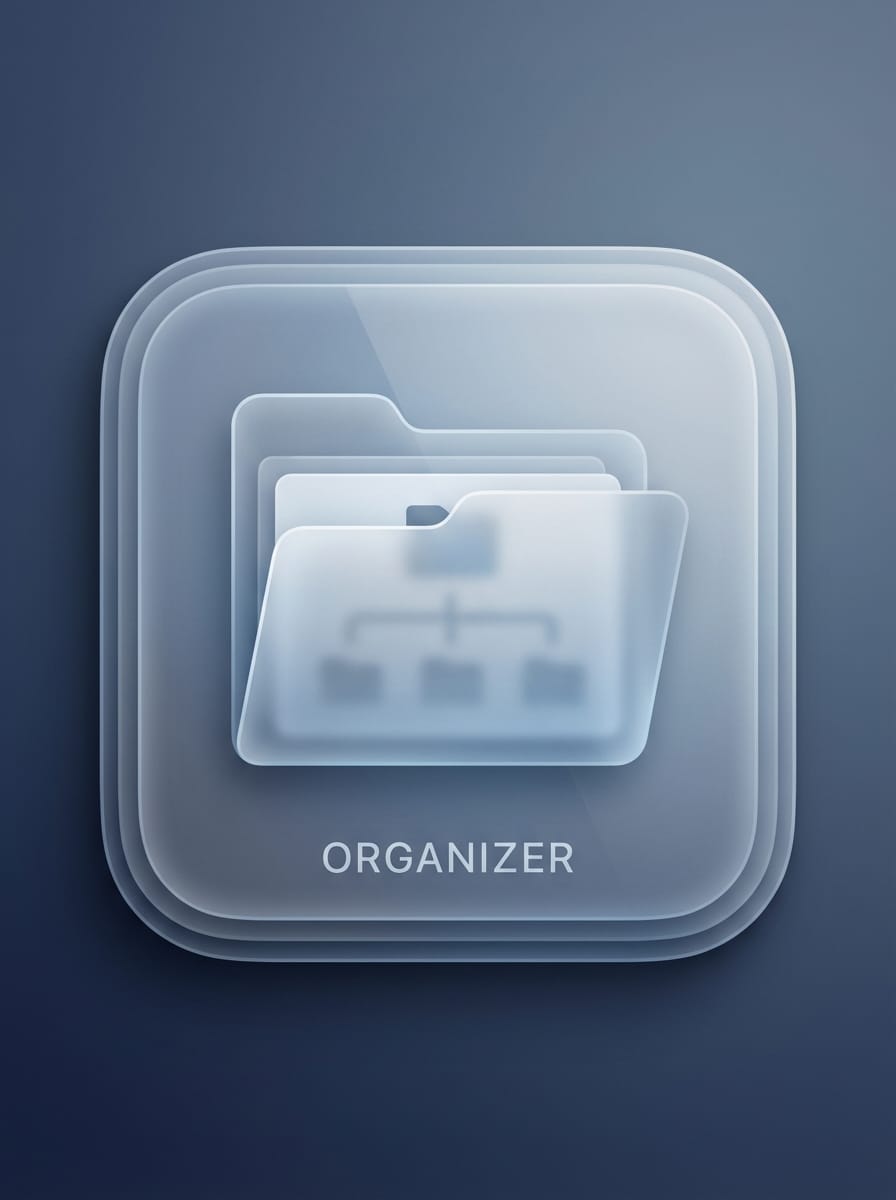
Gebrauchssymbol für mattiertes Glas
Generieren Sie ein macOS-App-Symbol aus mattiertem Glas für einen Dateiorganisator mit einem abgerundeten Quadrat mit durchscheinenden Oberflächen, sanfter Unschärfe, scharfen Kanten und einem zentralen symbol, das von einem sauberen Ordner inspiriert ist. Verwenden Sie kühle neutrale Farben, sanfte Ambientenbeleuchtung, raffinierte Schattentiefe, minimales branding für Desktop-Apps und eine erstklassige moderne Utility-Ästhetik.
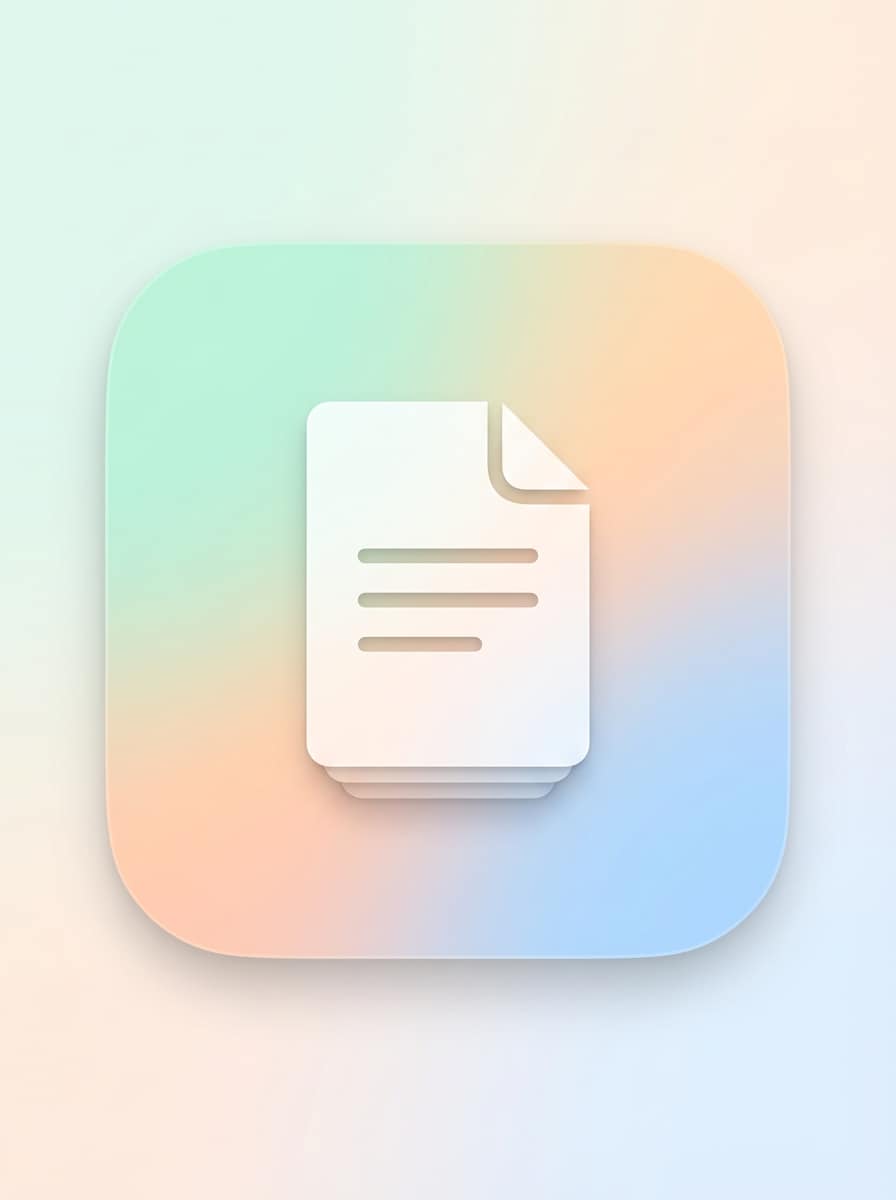
Soft Gradient Produktivität Symbol
Entwerfen Sie ein minimales macOS-App-Symbol für eine Notizen-Anwendung mit einem abgerundeten quadratischen layout, glatten Pastellverläufen, einem einfachen zentralen Notizsymbol und subtilen geschichteten Schatten. Halten Sie die Komposition sauber, elegant und ausgewogen, mit weichem Licht, sanften Farbübergängen, raffinierter Textur und hochauflösender Dock-bereiter Klarheit.
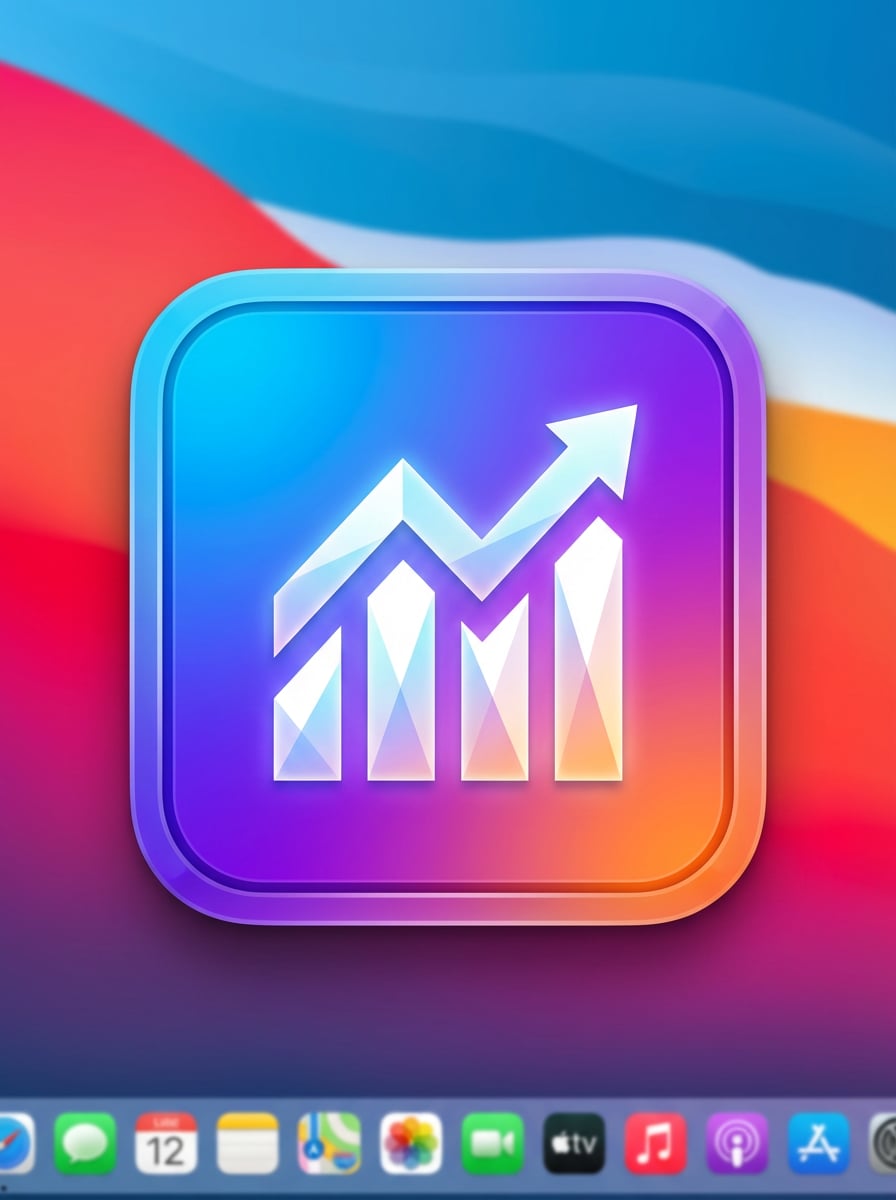
Fettes SaaS-Verlaufssymbol
Erstellen Sie ein fettes macOS-App-Symbol für ein Analyse-Tool mit einem abgerundeten quadratischen Rahmen, lebendigen blauen, violetten und orangefarbenen Verläufen und einem geometrischen Diagrammsymbol in der Mitte. Fügen Sie scharfen Kontrast, subtilen Glanz, klare Tiefe, Startup-Energie und eine polierte Mac-Desktop-Ästhetik mit scharfen, detaillierten rendering hinzu.
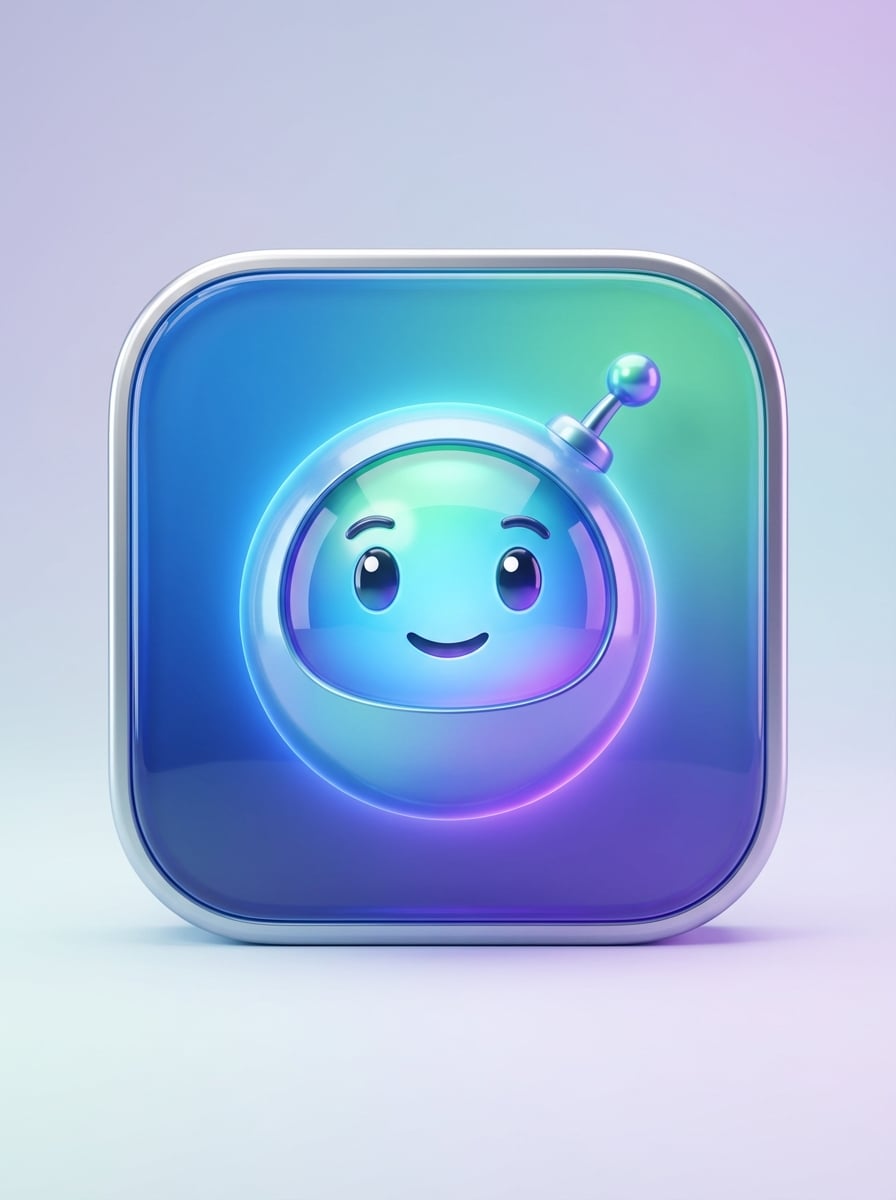
3D-freundliche Assistenten-Icon
Erstellen Sie ein 3D-macOS-App-Symbol mit einer freundlichen KI-Assistenten-Maskotte in einem abgerundeten quadratischen Behälter. Verwenden Sie glänzende Materialien, weiche Studiobeleuchtung, glatte Reflexionen und lebendige und doch professionelle Farben. Halten Sie das Motiv zentriert, ausdrucksstark und poliert, mit erstklassiger Desktop-Branding-Attraktivität und sauberem, hochwertigem rendering.
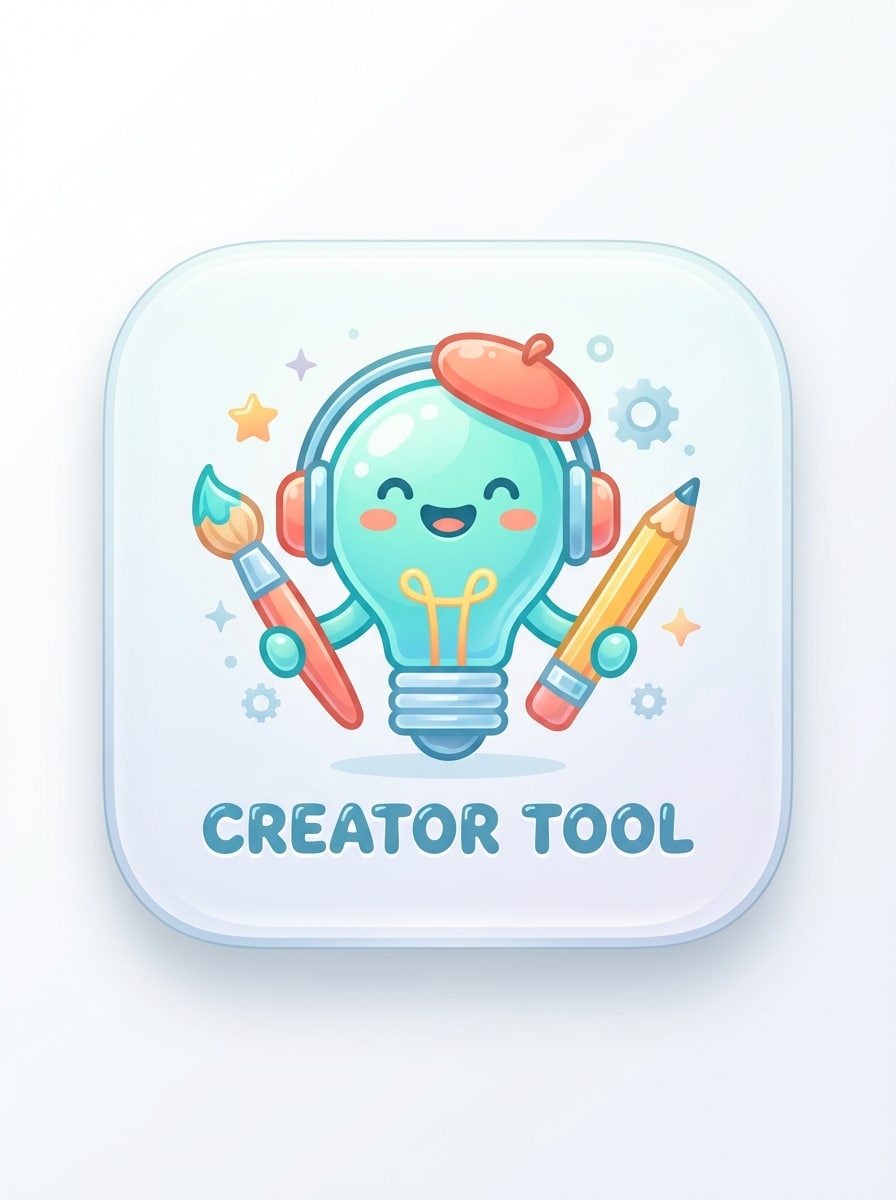
Verspielter Ersteller-Tool-Symbol
Generieren Sie ein spielerisches macOS-App-Symbol für ein Creator-Tool mit einer abgerundeten quadratischen Komposition, einem charmanten Maskotten-inspirierten element, glänzenden Oberflächen, weichen highlights und glatter Tiefe. Verwenden Sie eine helle, aber ausgewogene palette, sauberen negativen Raum und ein poliertes finish im App Store-Stil, das sich zugänglich, kreativ und professionell markiert anfühlt.
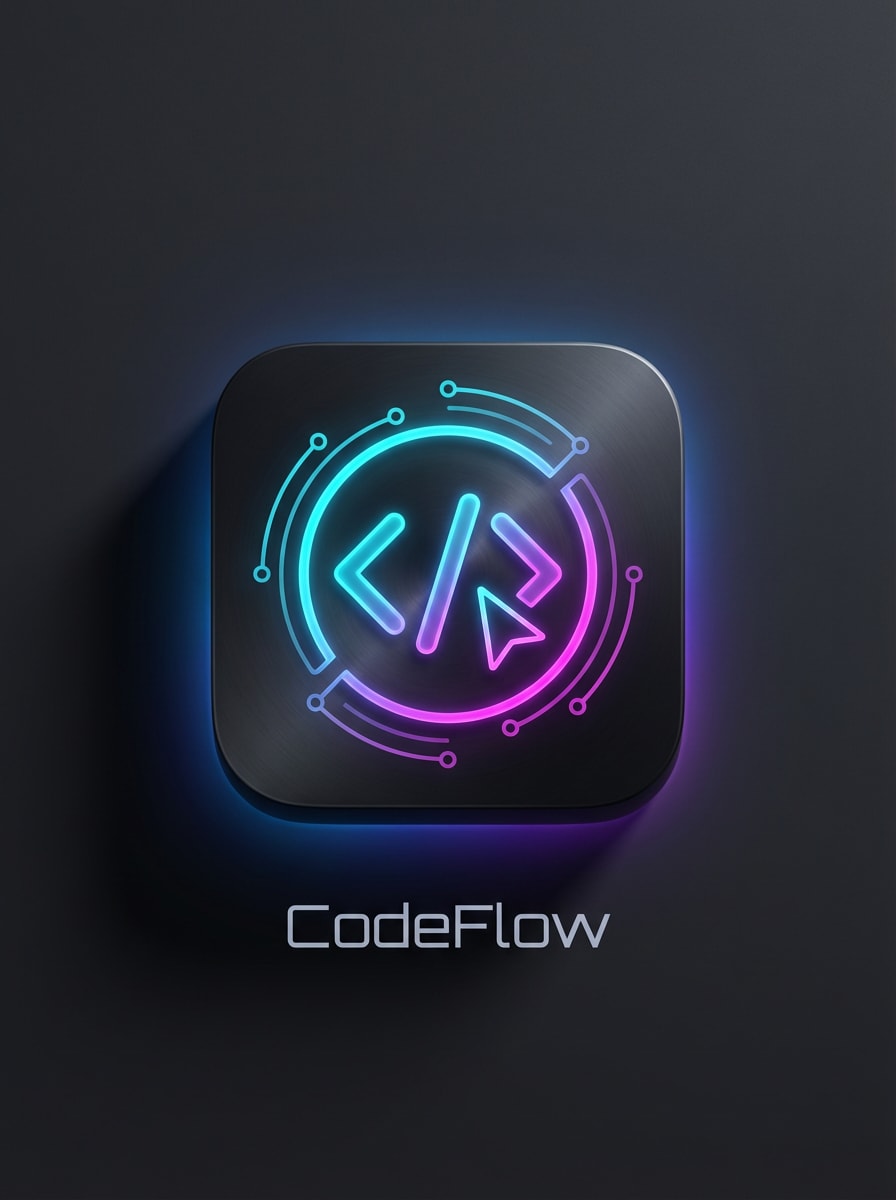
Cyberpunk Entwickler Icon
Erstellen Sie ein MacOS-App-Symbol im Dunklen-Modus für eine Programmierapp mit einer eleganten, abgerundeten Quadratform, neoncyan-und magenta-Akzenten, einem scharfen zentralen Entwicklerglyph und einem dramatischen Cyberpunk-Glow. Fügen Sie tiefe Schatten, futuristischen Kontrast, glatte Materialtextur und hochdetailliertes Premium-Tech-Branding hinzu, das für eine kühne Desktop-Präsenz geeignet ist.
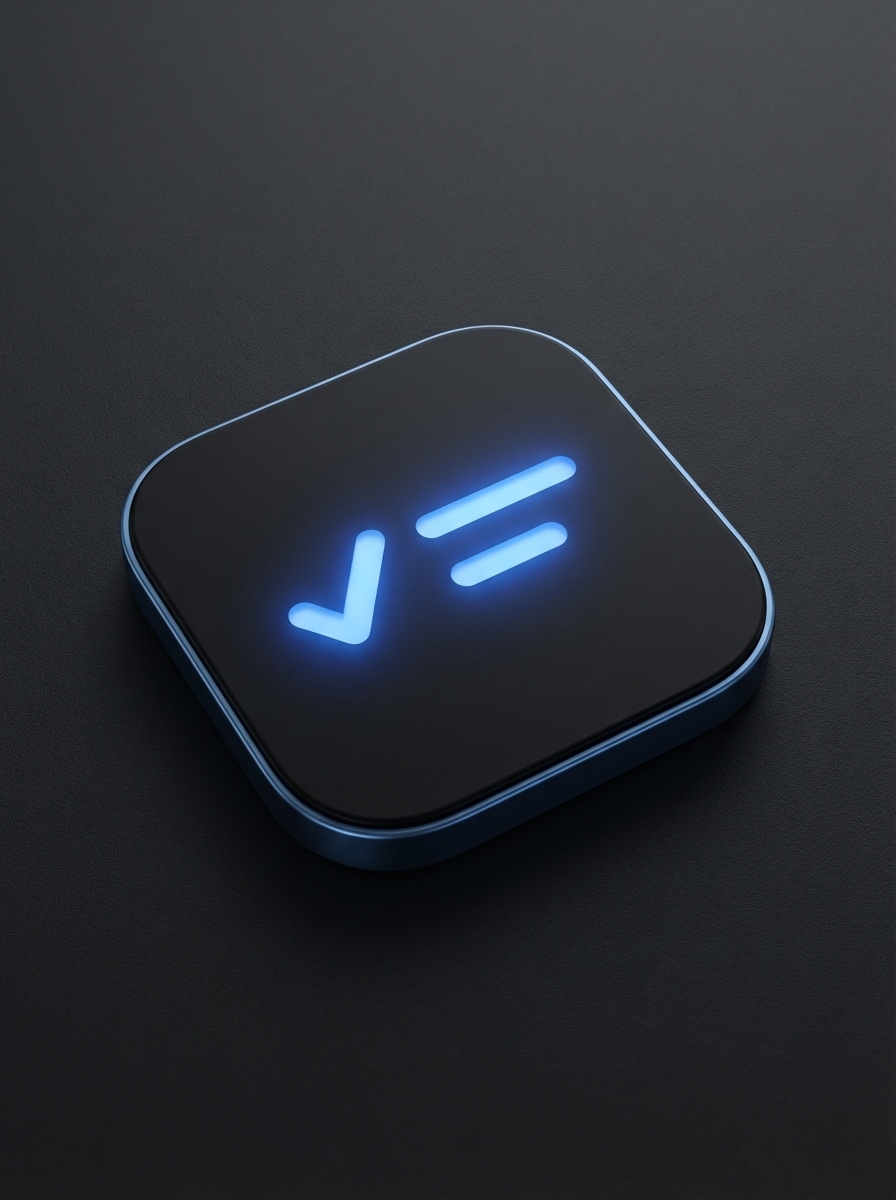
Dunkle Produktivität Symbol
Generieren Sie ein macOS-App-Symbol im Dunklen-Modus für einen task manager mit einer mattschwarzen abgerundeten quadratischen Basis, einem subtilen elektrisch blauen glow und einem minimalen Checklistesymbol. Halten Sie den Stil sauber und hochwertig mit weicher Kantenbeleuchtung, ausgewogenem negativen Raum, raffinierter Textur und retina-bereitem detail für ein modernes, nutzbares Gefühl.
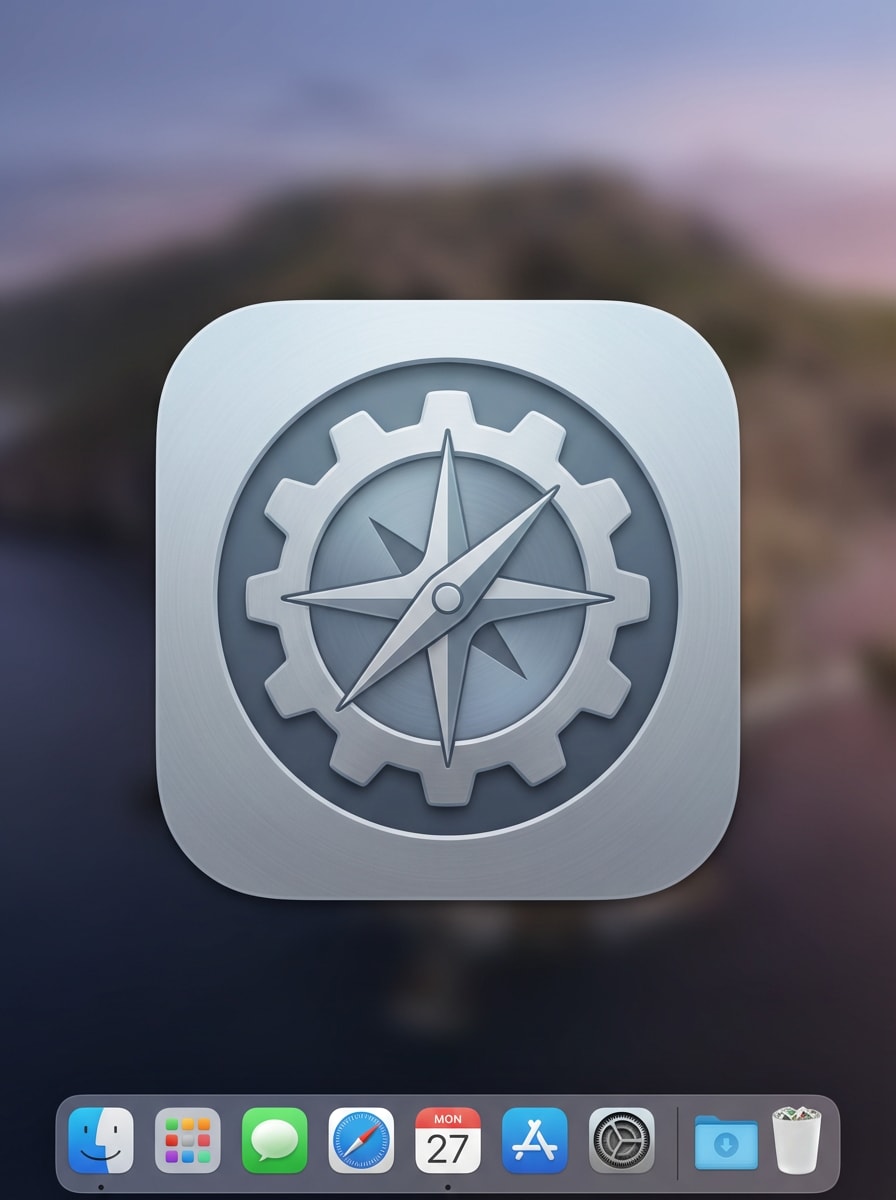
Finder-inspiriertes Utility-Symbol
Entwerfen Sie ein macOS-Dienstprogramm-App-Symbol mit einem sauberen, von Apple inspirierten Gefühl, mit polierter Geometrie, ausgewogenem negativen Raum, subtilen Verläufen und weichen, raffinierten Schatten. Verwenden Sie eine abgerundete quadratische silhouette, ein zentriertes Utility-Symbol, eine ruhige neutrale palette und ein elegantes systemfreundliches styling, das im Dock und im launcher klar aussieht.
Entwickler-Tool Blueprint-Symbol
Erstellen Sie ein professionelles macOS-App-Symbol für ein Entwickler-Tool mit einem von blueprint inspirierten zentralen symbol, metallischen Blau-und Graphittönen, präzisen geometrischen Linien und subtiler Dimensionstiefe. Verwenden Sie eine raffinierte abgerundete quadratische Komposition, klare Beleuchtung, technische Klarheit und eine polierte Desktop-Ästhetik mit hochauflösenden Details in Symbolqualität.
Generieren Sie klare App-Icon-Visuals in 1K, 2K oder 4K, sodass Sie detaillierte Mac-Icon-Konzepte einfacher testen können, bevor Sie endgültige Produktionsanlagen vorbereiten oder in tools wie einen xcode app icon Generator-Workflow exportieren.
Mehrere visuelle Stile für Mac Branding
Erkunden Sie glänzendes Glas, 3D-Rendering, cyberpunk, realistische und andere looks, um schnell eine Mac-App-Identität zu gestalten, die zu Ihrem Produkt und Ihrem Publikum passt, mit diesem flexiblen Mac-App-Symbolgenerator.
Browser-basiert auf jedem Gerät
Media.io läuft in Ihrem browser auf Mac, Windows, iPhone, iPad und Android, sodass Sie Symbolideen erstellen können, ohne Designsoftware oder einen dedizierten Xcode-Symbolgenerator auf Ihrem Computer zu installieren.
Fortgeschrittene KI-Modelle für bessere Prompt-Steuerung
Verwenden Sie Modelle wie Nano Banana Pro, Nano Banana 2, Seedream 5.0 Lite und Imagen 4, um polierte Symbolanweisungen aus detaillierten englischen Eingabeaufforderungen zu generieren und diese dann neben Ihrer vorhandenen Xcode-Designpipeline zu verfeinern.
So erstellen Sie Mac App-Symbole mit KI
1
2
3
1
Open Media.io AI Bildgenerator
gehe zuKI Text-zu-Bild-GeneratorUnd öffnen Sie den AI Image Generator unter AI-> AI Image Generator. Dieses Online-Tool läuft in Ihrem browser, sodass Sie mit der Erstellung einesmacos app icon generatorworkflow ohne zusätzliche software zu installieren.
2
Geben Sie eine Aufforderung ein
Geben Sie eine detaillierte Eingabeaufforderung ein, z. B. „Erstellen Sie ein abgerundetes quadratisches macOS-Produktivitäts-App-Symbol mit flüssigen Glasschichten, weichen blauen Verläufen, polierten Reflexionen und Tiefe im Apple-Stil. " Wählen Sie Ihr bevorzugtes Modell, Seitenverhältnis und visuellen Stil für das gewünschte Symbolkonzept aus.
3
Generieren, verfeinern & herunterladen
Klicken Sie auf Generieren, um Ihre Symbolkonzepte zu erstellen. Verfeinern Sie die Eingabeaufforderung für alternative Stile wie minimalen Verlauf, dunklen Modus oder 3D-Maskottenlooks und laden Sie dann das hochauflösende Bild für prototyping, branding oder Konvertierung in Ihre Mac-App-Asset-Pipeline herunter.
Freischalten Sie das Potenzial von Macos App Icon Generator
Entdecken Sie, wie Schöpfer und Fachleute unseren KI-gestützten macos app icon generator nutzen, um ihre kreativen workflows zu transformieren und einzigartige Ideen in verschiedenen Regionen und Plattformen zum Leben zu bringen.
Prototyp-Mac-App-Branding vor dem Endexport
Indie-Entwickler und Startup-Teams können Produktideen schnell in polierte Symbolrichtungen umwandeln. Verwenden Sie Media.io als Online-Mac-App-Symbolgenerator, um mehrere Dock-ready-Looks zu erkunden, bevor Sie das design an einen Entwickler übergeben oder assets für die Produktion verpacken.
Testen Sie schnell visuelle Anweisungen im Apple-Stil
Vergleichen Sie glänzendes Glas, minimalen Verlauf, dunklen Modus und native Utility-Ästhetik in einem workflow. Dies hilft teams, zu validieren, welchemac app icon generatorstyle passt am besten zu ihrer Produktpositionierung und dem macOS-Publikum.
Erstellen von Showcase-Symbolen für Pitches und Produktseiten
Gründer, Vermarkter und Maker können saubere Symbolvisuals für Landingpages, pitch decks, Wartelisten und App-Mockups erstellen. Es ist eine schnelle Möglichkeit, eine professionelle Mac-Produktidentität zu präsentieren, bevor ein vollständiges Designsystem abgeschlossen ist, selbst wenn Sie Ihr Xcode-Projekt noch einrichten.
Was die Benutzer sagen
Noah Bennett
Indie Mac Entwickler
"Schnelle Möglichkeit, Mac-Icon-Ideen zu visualisieren"Ich habe Media.io verwendet, um Symbolanweisungen für ein neues Desktop-Dienstprogramm zu erkunden. Die Aufforderungen gaben mir schnell polierte Ergebnisse, besonders für Glas und minimale Stile. Es hat mir viel frühe Designzeit gespart.
Sofia Ramirez
Produktdesigner
"Hilfreich für die Stilerkundung"was mir am meisten gefallen hat, war, wie schnell ich mehrere Ästhetiken für dasselbe App-Konzept testen konnte. Es funktionierte gut beim Vergleich von Apple-inspirierten looks, Dark-Mode-Branding und weicheren Verlauf-Symbolbehandlungen.
Ethan Cole
Startup-Gründer
"Großartig für Launch-Mockups"Wir brauchten ein professionell aussehendes Mac-Icon-Konzept für unsere landing page und investor deck. Media.io lieferte uns hochauflösende Bilder, die wir sofort verwenden konnten, während unsere endgültigen Markenassets noch in Bearbeitung waren.
Mia Turner
Frontend-Ingenieur
"Einfacher browserbasierter workflow"Ich wollte einen schnellenKI-App-Icon-Generatorohne zusätzliche software zu installieren. Der Browser-Workflow war einfach und die detaillierten Eingabeaufforderungen machten es einfach, sauberere Symbolkonzepte zu erhalten, als ich erwartet hatte.
Entdecken Sie die beliebtesten KI-Video- und Bildeffekte
1. Wie erstelle ich ein macOS App-Symbol aus text?
Öffnen Sie Media.io AI Image Generator in Ihrem browser und geben Sie dann eine klare Eingabeaufforderung ein, die den gewünschten Symbolstil, das symbol, die Farbpalette, die Beleuchtung und die gewünschte Stimmung beschreibt. Sie können beispielsweise ein abgerundetes quadratisches Produktivitätssymbol mit glänzenden Glasschichten oder ein Utility-Symbol mit minimalem Verlauf anfordern. Generieren Sie einige Variationen, verfeinern Sie die Eingabeaufforderung und laden Sie das hochauflösende Ergebnis herunter. Media.io ist ein webbasiertes tool, das auf jedem Gerät mit einem browser (Windows, Mac, iOS, Android) funktioniert, was es zu einem praktischen App-Icon-Generator macht, auf den Mac-Benutzer ohne zusätzliche Einrichtung zugreifen können.
2. Kann KI ein macOS-App-Symbol in Apple-Stil-Qualität generieren?
Ja, KI kann polierte Symbolkonzepte im Mac-Stil generieren, wenn Sie detaillierte Aufforderungen und die richtige visuelle Richtung verwenden. Media.io unterstützt mehrere Bildmodelle und-stile, sodass Sie Apple-inspirierte looks wie glasige Tiefe, weiche Verläufe, dunkle finishes oder saubere Utility-Ästhetik erstellen können. Die Ergebnisse sind am besten, wenn die Aufforderungen klar auf Englisch geschrieben sind. Kostenlose Benutzer haben möglicherweise Wasserzeichen, aber der kreative Prozess ähnelt dem Start von Konzepten, die Sie später in Xcode verfeinern können.
3. Welche Bildgröße funktioniert am besten für einen macOS app icon generator?
Für die Konzepterstellung bietet eine höhere Auflösung mehr Flexibilität. Media.io kann Bilder in 1K, 2K und 4K generieren, was nützlich ist, wenn Sie feine details überprüfen und Grafiken für spätere Änderungen in Mac-Icon-Assets vorbereiten möchten. Sie können auch Seitenverhältnisse wie 1:1 für quadratische Symbolkonzepte auswählen und diese dann exportieren oder anpassen, um sie mit Ihrer bevorzugten Xcode-Asset-Pipeline zu verwenden.
4. Exportiert ein macOS app icon generator ICNS-und IconSet-Dateien?
Media.io funktioniert in modernen Browsern auf desktop und Mobilgeräten, sodass Sie designs erstellen und überarbeiten können, ohne schwere software zu installieren oder einen separaten macos app icon generator lokal zu konfigurieren.
5. Kann ich App-Symbole für Mac in meinem browser erstellen, ohne software zu installieren?
Media.io ist ein webbasiertes tool, das direkt in Ihrem browser auf Mac, Windows, iOS und Android funktioniert. Das bedeutet, dass Sie Mac-App-Symbolkonzepte online erstellen und verfeinern können, ohne separate Designsoftware herunterzuladen oder zu installieren, und diese Konzepte dann bei Bedarf in Ihr lokales Xcode-Projekt verschieben können.
6. Gibt es einen kostenlosen macOS app icon generator, den ich ausprobieren kann?
Kostenlose Benutzer können Media.io mit verfügbaren kostenlosen credits ausprobieren. Wenn Sie mehr Generationen, eine höhere Nutzung oder wasserzeichenfreie downloads benötigen, können Sie die Preisseite für details zum plan überprüfen. Kostenlose Nutzer können kostenlose credits nutzen. Für mehr Nutzung können Benutzer einen plan auf der Preisseite abonnieren. Upgrade auf einen kostenpflichtigen plan auf derPreisseiteFür weitere credits und wasserzeichenfreie hochauflösende downloads, die für die spätere Verwendung in Mac-oder Xcode-Symbolworkflows geeignet sind.
Über den KI-gestützten Online-MacOS-App-Icon-Generator hinaus