Deine Werke werden nur 7 Tage lang gespeichert. Assets, die nach dem Upgrade auf einen Mitgliedschaftstarif erstellt werden, werden dauerhaft gespeichert.
Entfalten Sie Ihr kreatives Potenzial und erleben Sie jetzt die Magie der Media-KI!
AI Favicon Generator: Erstellen Sie benutzerdefinierte Website-Symbole aus Text
Beschreiben Sie Ihre Marke und verwandeln Sie sie in Sekunden in ein klares, favicon-fertiges Symbol. von Media.ioKI favicon generatorMit leistungsstarken Text-zu-Bild-Modellen erstellen Sie einfache Symbole mit hohem Kontrast, die in winzigen Größen scharf bleiben – perfekt für Browser-Registerkarten, Lesezeichen und App-Verknüpfungen.
Geben Sie Ihre Idee ein-> KI entwirft sie. Kostenlos zu versuchen.
Entdecken Sie unsere kuratierte Sammlung vonKI Favicon GeneratorStile.
Flaches Monogramm Icon
Minimales flaches Favicon-Logo, einzelne fette Buchstabe "M" zentriert in einem abgerundeten Quadrat, moderner Saas-Stil, dicke, klare Linien, hoher Kontrast, blau-blauer Verlaufshintergrund, weißer Buchstabe, kein text außer dem Buchstaben, Vektor-Stil, einfache Formen, optimiert, um lesbar zu sein in 16x16 Pixel, einfacher Hintergrund, keine zusätzlichen details.
Flaches Symbol Glyph
Flaches Vektor-Favicon-Symbol einer einfachen Wolkenform mit einem Pfeil, zentriert, dicke Umrisse, minimale Details, blauer Hintergrund mit subtilem Verlauf, weißes Symbol, viel Polsterung, kein text, hoher Kontrast, entworfen, um klar zu bleiben bei 16x16, flaches design, keine Schatten, keine Fotoelemente, sauberes und modernes Web-App-Gefühl.
Umriss Linie-Kunst Icon
Minimale Line-Art-Favicon-Icon, die Analysen darstellt: einfaches Balkendiagramm mit steigenden Pfeilen, einfarbige Umrisse, dunkle marineblaue Linien auf hellem Hintergrund, großzügige Polsterung, ultra sauber, keine Verläufe, kein text, optimiert für die Lesbarkeit in kleinen Größen wie 16x16 und 32x32, flacher 2D-Stil, professionelle Dashboard-Ästhetik.
Abgerundetes Abzeichen mit Initial
Abgerundeter Kreis-Favicon-Abzeichen, fett sans-serif-Buchstabe "P" zentriert, hellviolett bis rosa Verlaufshintergrund, weißer Buchstabe, subtiler innerer Schatten, großer klarer Buchstabe, keine zusätzlichen Formen, hoher Kontrast, App-Symbol-Stil, einfach genug zu lesen bei 16x16, klare Kanten, glatter Verlauf, moderner Produktivitäts-Markenlook.
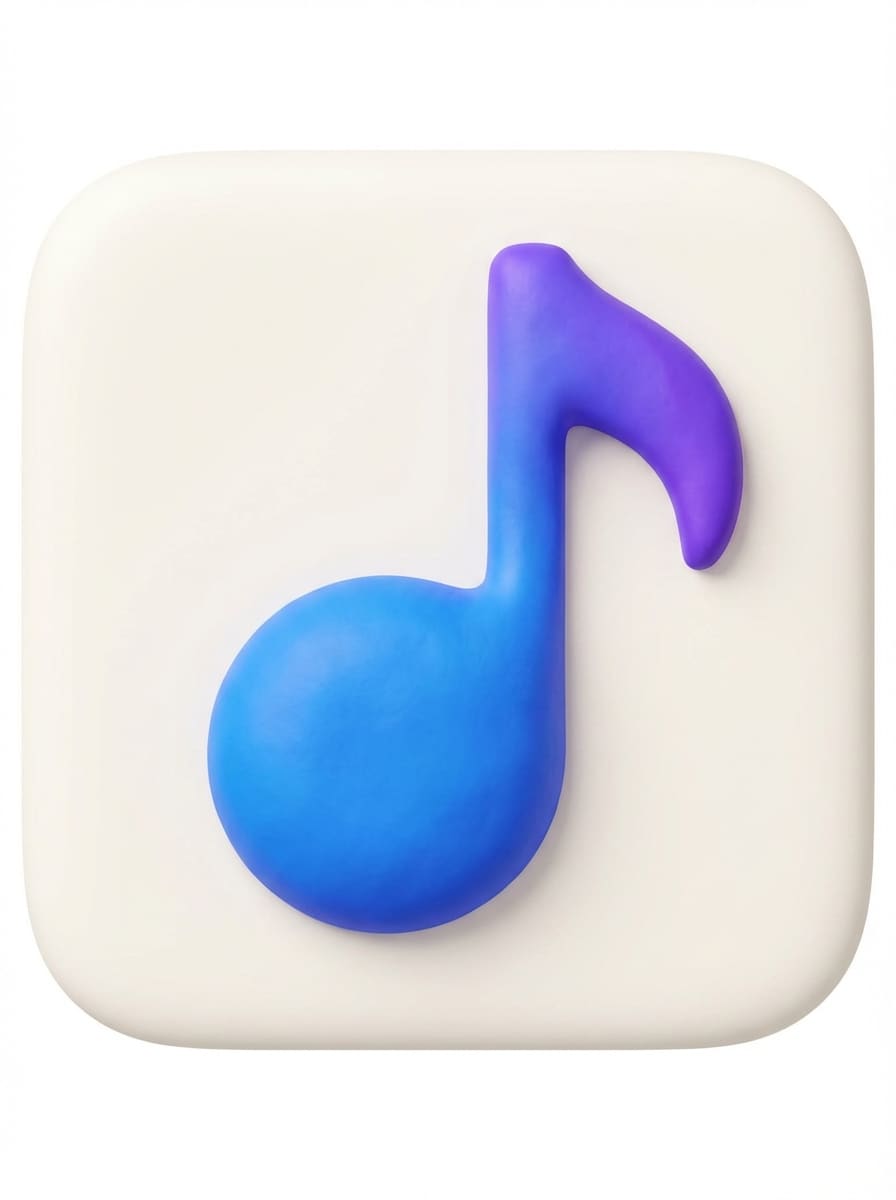
3D Clay App Symbol
Niedliches 3D-App-Symbol im Tonstil einer Musiknote auf einer abgerundeten quadratischen Fliese, weiche Beleuchtung, subtile Schatten, lebendige blaue und lila Farben, einfache Vorderansicht, kein text, minimale Details, starke silhouette, so konzipiert, dass sie bei kleinen Favicon-Größen erkennbar bleiben, glatte Kanten, hoher Kontrast zwischen Symbol und Hintergrund.
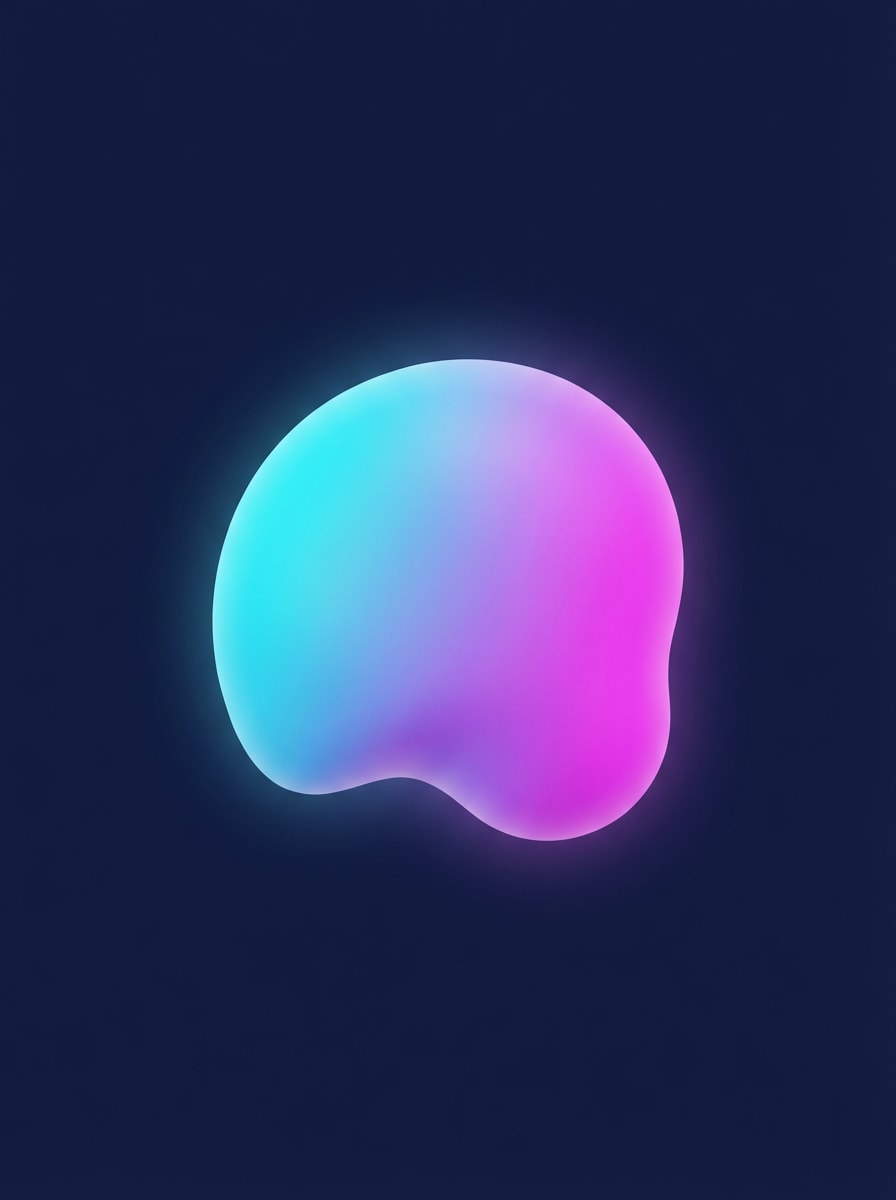
Weicher 3D-Verlaufsblatt
Abstraktes 3D-Blob-Favicon-Symbol mit glattem Verlauf von cyan bis magenta, subtilem Leuchten, abgerundeter organischer Form, zentriert in quadratischer Leinwand, kein text, kein Hintergrundmuster, hoher Kontrast gegen dunklen marineblauen Hintergrund, vereinfachte silhouette, optimiert, um sauber und unverwechselbar bei Favicon-Größen wie 16x16 auszusehen, moderne KI-Startup-Ästhetik.
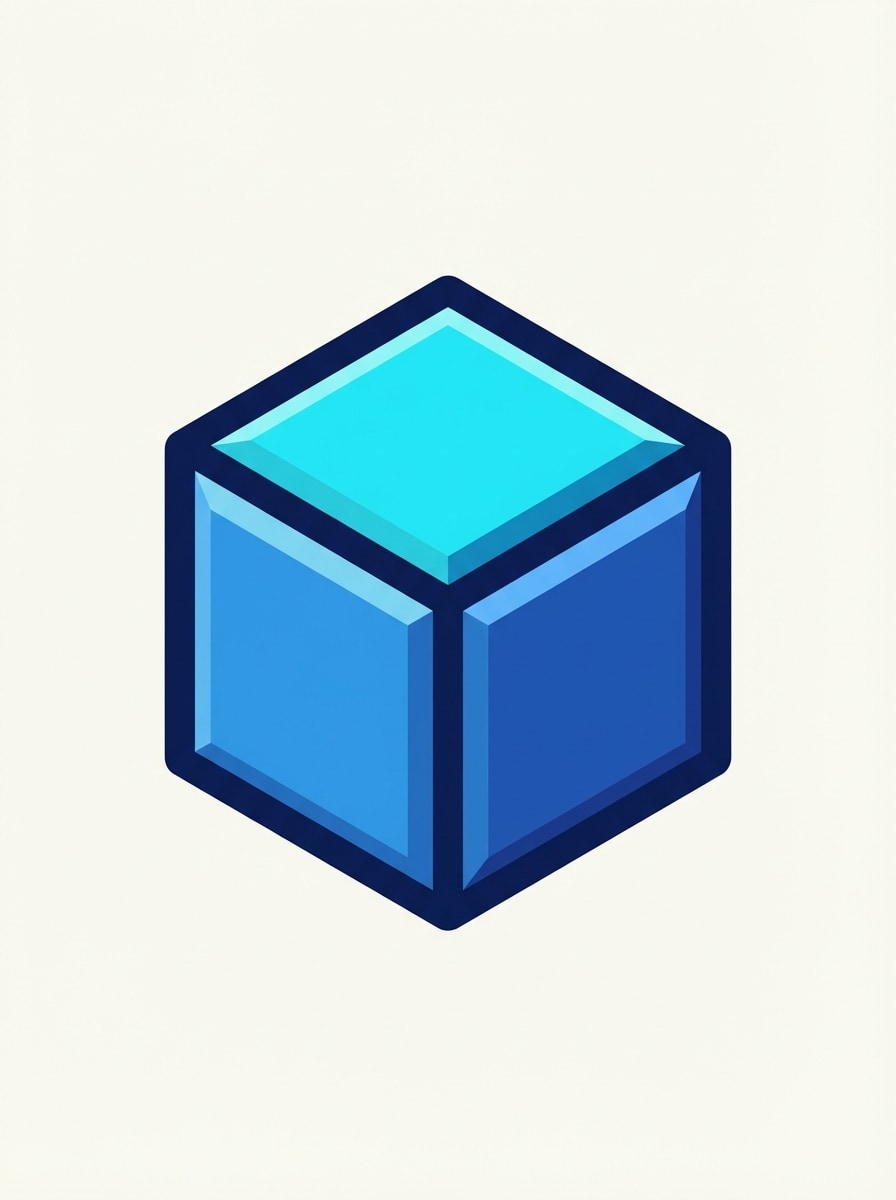
Isometrisches 3D-Symbol
Isometrisches 3D-Würfel-Favicon-Icon mit abgeschrägten Kanten, zweifarbigen Blau-und Cyan-Flächen, subtiler Beleuchtung, flacher Hintergrund, kein text, sehr einfache Geometrie, starke Farbtrennung für Klarheit, dicke Kanten, konzipiert, um scharf und lesbar als favicon bei 16x16 und 32x32 Pixeln zu bleiben, clean Tech-Markenstil.
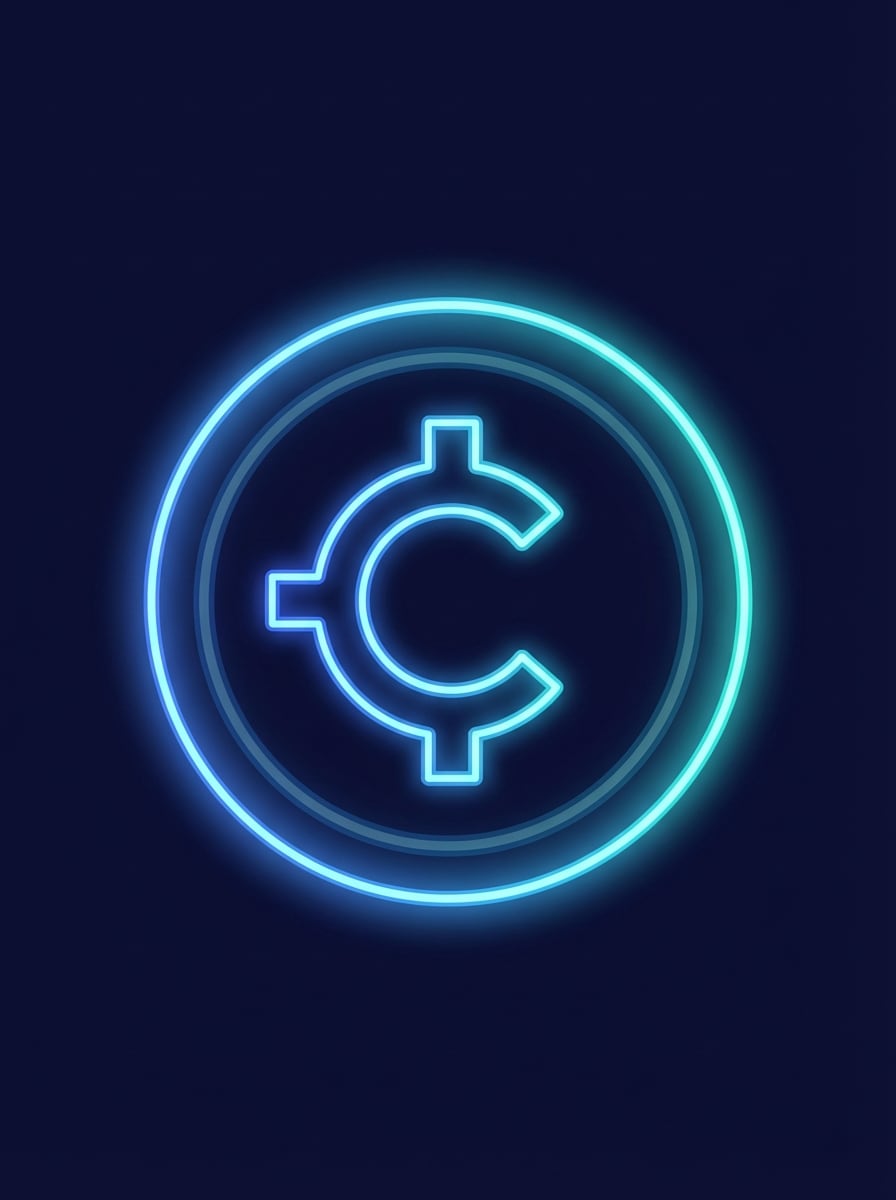
Neon Tech Glyph
Einfache Krypto-Münze-Symbol-Favicon-Symbol mit Neon-Umriss, zentriert auf dunkelblauem Hintergrund, elektrisches blaues und cyanes glow, flache 2D-Form, kein winziger text, keine komplizierten Muster, hoher Kontrast, kreisförmige Komposition, nur subtiles äußeres glow, entworfen, um scharf und lesbar in 16x16 Favicon-Größe und auf Dark-Mode-Benutzeroberflächen auszusehen.
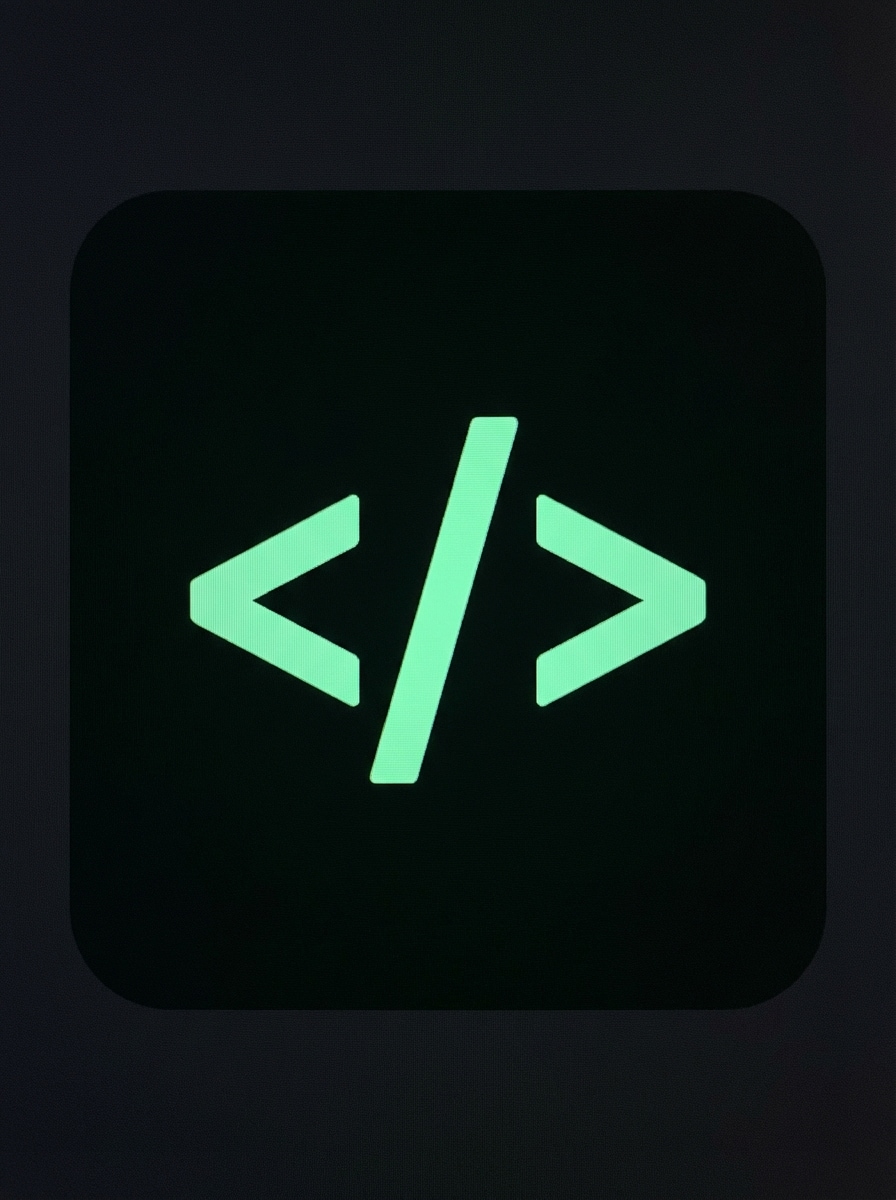
Dark-Mode Minimal Icon
Minimale code bracket favicon icon, ""symbol in heller Minzfarbe auf sehr dunkelgrauem abgerundetem quadratischem Hintergrund, flaches design, keine Verläufe, starker Kontrast, dicke Linien, kein text jenseits des Symbols, einfache Komposition mit viel Polsterung, auf Lesbarkeit abgestimmt in 16x16 und 32x32 favicon Größen, sauberer Entwicklermarkenlook.
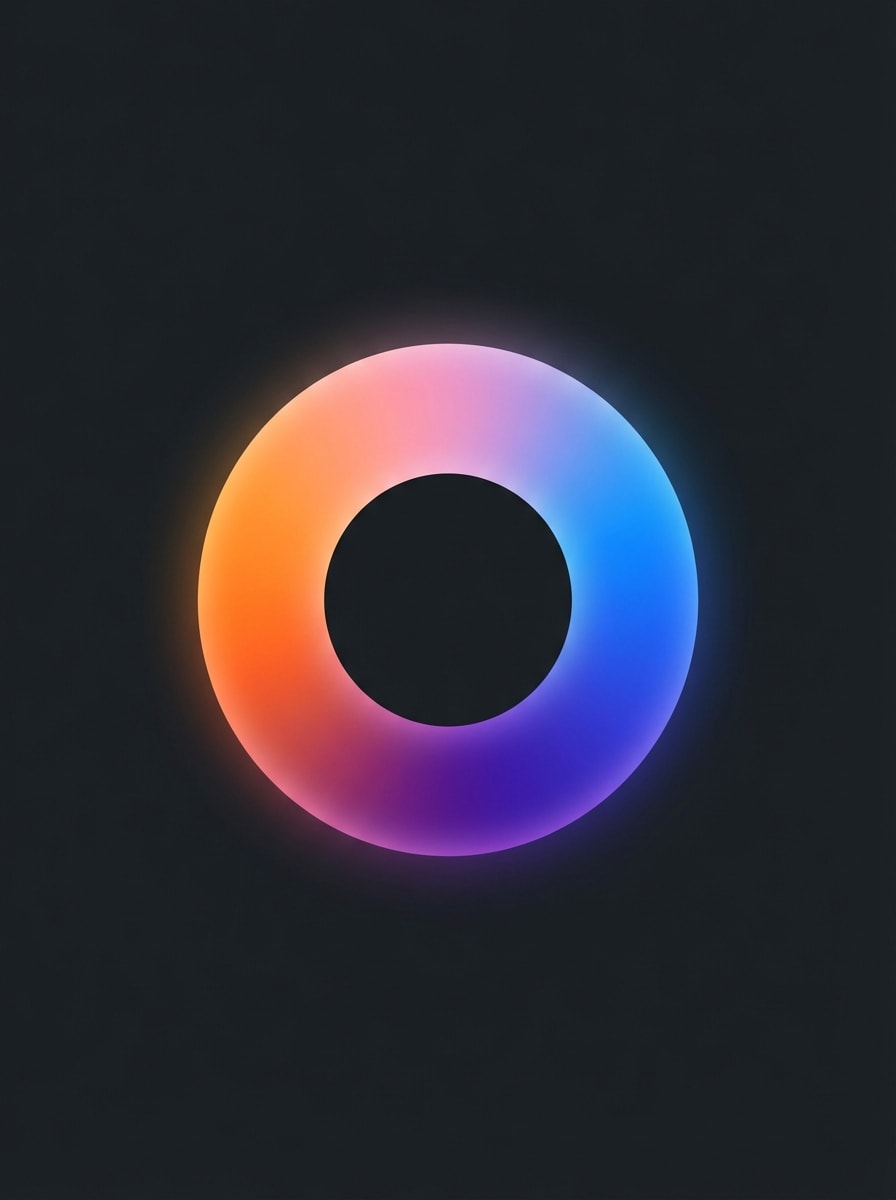
Verlaufsringsymbol
Kreisring-Favicon-Symbol mit glattem Mehrfarbverlauf (orange, rosa, lila, blau), Mittelloch, einfache Donut-Form, sauberer dunkler Hintergrund, keine inneren details, kein text, starker Kontrast, gleichmäßige Strichbreite, konzipiert, um leicht zu erkennen bei kleinen Favicon-Größen ohne Verlust der Farbtrennung, moderner Marketing-Analyse-Logo-Stil.
Warum Media.io für Ihren KI-Favicon-Generator verwenden?
Optimierte Text-zu-Bild-Modelle für kleine Symbole
von Media.iotext an faviconworkflow wird von Nano Banana Pro und Nano Banana 2 unterstützt, sodass Sie kurze Markenbeschreibungen in scharfe, einfache Favicon-Konzepte verwandeln können. Wechseln Sie zwischen Modellen, um Geschwindigkeit, Kreativität und Klarheit in kleinen Größen auszugleichen.
Hochauflösende, quadratische Leinwand für scharfe Favicons
Generieren Sie favicon-fertige Symbole in 1K, 2K oder 4K Auflösung mit einem Seitenverhältnis von 1:1. Durch die zusätzlichen Details können Sie Ihren favicon sicher auf 16x16, 32x32 oder 48x48 reduzieren, ohne Kantenschärfe oder Kontrast zu verlieren.
Mehrere Stile für jede Markenidentität
Von flachen Glyphen und Monogramm-Logos bis hin zu 3D-Rendering, Cyberpunk-Neon oder Ölgemäldeeffekten bietet Media.io verschiedene Stilvoreinstellungen. Sie können schnell verschiedene Favicon-Ästhetiken erkunden, bis Sie eine finden, die zu Ihrer website oder app passt.
Browserbasiert, privat und anfängerfreundlich
Media.io läuft in Ihrem browser unter Windows, Mac, iOS oder Android-keine Installationen erforderlich. Hochgeladene Bilder werden nach 7 Tagen automatisch gelöscht, und kostenlose Benutzer können mit täglichen Gutschriften beginnen, bevor sie für wasserzeichenfreie, hochauflösende downloads aktualisieren.
So verwenden Sie den Media.io AI Favicon Generator
1
2
3
1
Schritt 1: Öffnen Sie Media.io AI Favicon Generator
Gehen Sie zu media.io/ai und öffnen Sie den AI Favicon Generator unter AI-> Image. Dieses Online-Tool läuft in Ihrem browser auf dem desktop oder Mobilgerät, sodass Sie Website-Symbole erstellen können, ohne software zu installieren.
2
Schritt 2: Eingeben Sie eine Eingabeaufforderung oder hochladen
Geben Sie eine detaillierte Eingabeaufforderung ein (z. B. "Minimales flaches Favicon-Logo, einzelner fettfettem Buchstaben 'M', zentriert in einem abgerundeten Quadrat, blau-blauer Verlaufshintergrund, hoher Kontrast, optimiert für die Lesbarkeit bei 16x16 Pixeln") oder laden Sie ein Referenzfoto hoch. Stellen Sie Stil und Seitenverhältnis auf 1:1 an, um favicon-freundliche Ergebnisse zu erzielen.
3
Schritt 3: Generieren, verfeinern & herunterladen
Klicken Sie auf Generieren, um die KI Ihre Favicon-Konzepte erstellen zu lassen. Regenerieren oder anpassen Sie Ihre Eingabeaufforderung, bis das Symbol in kleinen Größen sauber aussieht, laden Sie dann das hochauflösende quadratische Bild herunter und ändern Sie seine Größe in Standardfavicon-Abmessungen für Ihre Website.
Was Nutzer über Media.io AI Favicon Generator sagen
Laura Chen
Indie Blogger & Webdesigner
"Perfekt für schnelle, saubere Blog-Favicons"Ich habe den AI-Favicon-Generator von Media.io verwendet, um favicons in vier WordPress-Blogs zu aktualisieren. Die Text-in-Bild-Eingabeaufforderungen erleichterten die Anpassung der Atmosphäre jeder Website, und die quadratischen 1:1-Ausgänge reduzieren perfekt auf 16x16, ohne sich in eine Unschärfe zu verwandeln.
Markus Rivera
SaaS-Gründer
"Toller Ausgangspunkt für Markenikonen"Wir hatten noch kein logo, also habe ich unser Produkt und unsere Farben beschrieben und dann Dutzende von Favicon-Konzepten in Media.io generiert. Es gab unserem designer eine klare Richtung und sparte viel Zeit im Vergleich zu einem leeren Leinwand.
Emily Hart
Frontend-Entwickler
"Schnelle KI-Symbole für Client-Websites"Für kleine Kundenprojekte, die ein einfaches Tab-Symbol benötigen, ist Media.io meine Wahl. Ich generiere ein 1K quadratisches favicon, exportiere es nach PNG und erstelle dann alle erforderlichen Größen. Die KI-Modelle bewältigen flache und dunkle Modusdesigns sehr gut.
Daniel Novak
Freiberuflicher Vermarkter
"Keine Designkenntnisse erforderlich"Ich bin kein designer, aber die KI-Favicon-Anweisungen sind leicht zu folgen. Ich geben nur Branche, Buchstaben und Farben an, und Media.io gibt mir gebrauchsfertige Symbole für Landingpages, microsites und Kampagnenhubs.
Entdecken Sie die beliebtesten KI-Video- und Bildeffekte
Öffnen Sie den KI-Bildgenerator von Media.io, wählen Sie ein quadratisches Seitenverhältnis von 1:1 und schreiben Sie eine klare Eingabeaufforderung, die Ihr ideales favicon beschreibt: Motiv, Buchstaben, Farben und Stil. Die Modelle Nano Banana Pro und Nano Banana 2 verwandeln diesen text in ein hochauflösendes Symbol, das auf Standardmaße wie 16x16 oder 32x32 Pixel geändert werden kann.
2. Was ist der beste kostenlose Favicon-Generator?
Wenn Sie einen KI-Favicon-Generator wünschen, der im browser unter Windows, Mac, iOS oder Android funktioniert, ist Media.io eine gute option. Kostenlose Nutzer erhalten 3 credits pro Tag, um Favicon-Ideen zu testen. Für höhere Grenzen und wasserzeichenfreie, hochauflösende downloads können Sie jederzeit unter https: / /www.media.io/pricing.html aktualisieren.
3. Kann ich ein favicon aus text generieren, anstatt ein logo hochzuladen?
Ja. Media.io basiert auf der Text-to-Image-Generierung, sodass Sie ein favicon komplett aus einer Beschreibung erstellen können. Zum Beispiel: "Fett weißer Buchstabe S in einem dunkelblauen Kreis, flaches Symbol, hoher Kontrast, lesbar in 16x16". Die KI erstellt Symbole im Favicon-Stil, die zu Ihrer Textaufforderung passen, ohne dass eine vorhandene Logodatei erforderlich ist.
4. Welche Größe sollte ein favicon für eine website sein?
Die gängigen Favicon-Größen sind 16x16, 32x32 und 48x48 Pixel, wobei viele Websites auch größere 128x128 oder 512x512 Symbole für moderne Geräte verwenden. Generieren Sie In Media.io ein quadratisches (1:1) Bild In 1K, 2K oder 4K Auflösung, exportieren und verkleinern Sie es dann auf die Favicon-Größen, die Ihre Website oder Ihr framework benötigt.
5. Wie konvertiere ich ein PNG-Logo in eine favicon ICO-Datei?
Mit Media.io kannst du dein Symbol zunächst als hochwertiges quadratisches PNG mithilfe der KI-Modelle erstellen oder verfeinern. Dann verwenden Sie Ihr bevorzugtes Favicon-oder Bildkonvertierungstool, um dieses PNG in eine. ico-Datei mit den Größen 16x16 und 32x32 umzuwandeln. Dieser workflow stellt sicher, dass Ihr ICO-Favicon von einem klaren, KI-generierten Quellbild ausgeht.
6. Kann ich mein vorhandenes logo als favicon verwenden?
Sie können Ihr favicon auf Ihrem vorhandenen logo basieren, aber es ist am besten, es für winzige Größen zu vereinfachen. In Media.io können Sie ein logo-inspiriertes symbol neu erstellen, indem Sie dessen Hauptbuchstaben, symbol und Markenfarben auf einer sauberen 1:1-Leinwand auffordern. Exportieren Sie dann das Bild und ändern Sie seine Größe in Favicon-Dimensionen für Ihre Website oder app.
Über den KI-gestützten Online-Favicon-Generator hinaus