Deine Werke werden nur 7 Tage lang gespeichert. Assets, die nach dem Upgrade auf einen Mitgliedschaftstarif erstellt werden, werden dauerhaft gespeichert.
Entfalten Sie Ihr kreatives Potenzial und erleben Sie jetzt die Magie der Media-KI!
Mug Mockup Generator für schnelle, realistische Produktvorschau Online
Erstellen Sie polierte Tassen Produkt mockups aus Ihrem Kunstwerk oder ein einfaches Tassen Foto in Minuten. DasBecher-Mockup-GeneratorHilft Ihnen, realistische E-Commerce-Grafiken mit natürlichen Schatten, keramischer Textur und klarem branding für Etsy, Amazon und Ihren Shop zu erstellen.
Geben Sie Ihre Idee ein-> KI entwirft sie. Kostenlos zu versuchen.
Überprüfen Sie diese Beispiel-Anweisungen und passen Sie dann die Eingabedetails an, um stärkere Ergebnisse mit diesem Becher-Mockup-Generator zu erzielen.
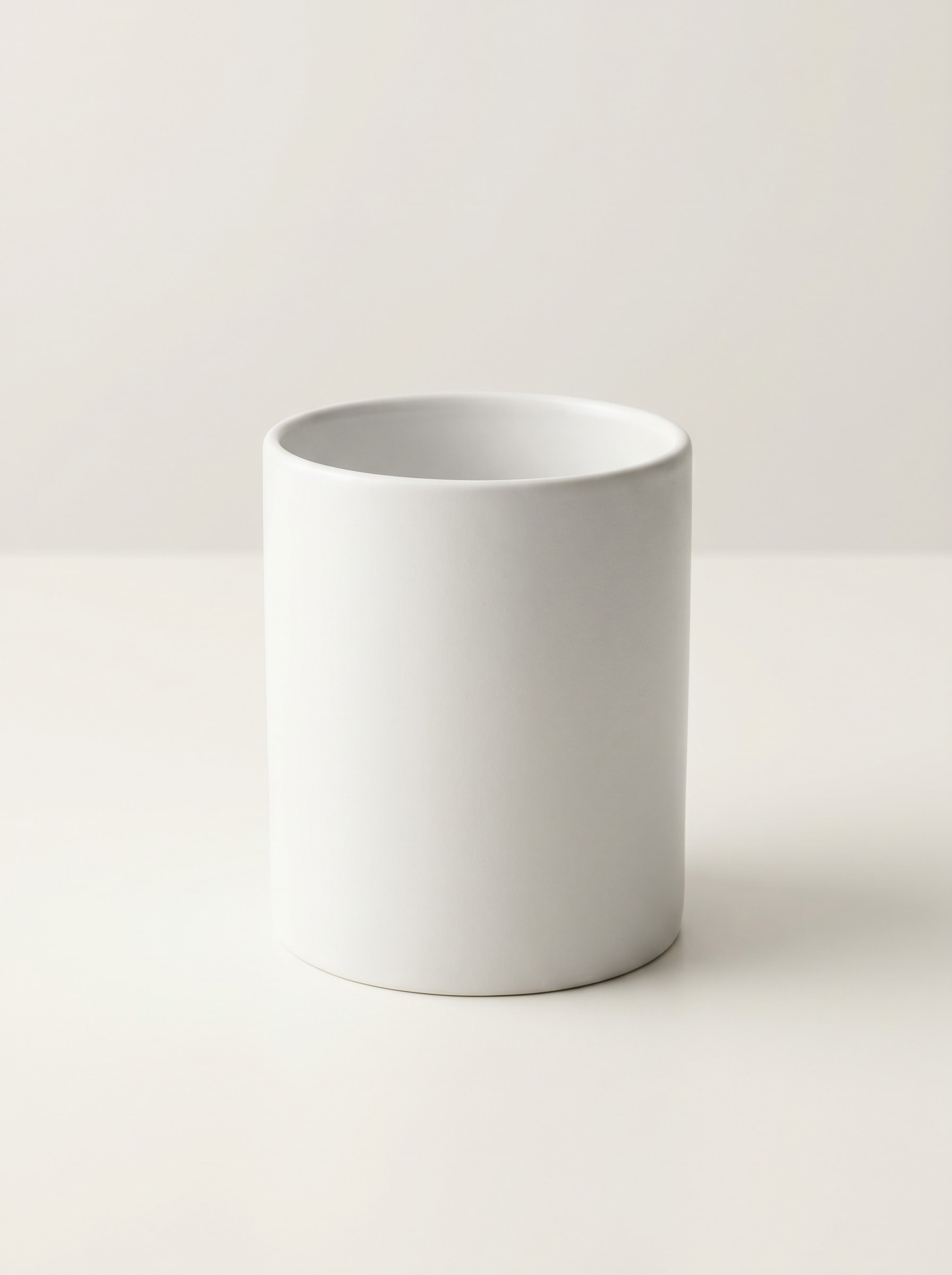
Saubere weiße Studio-Becher
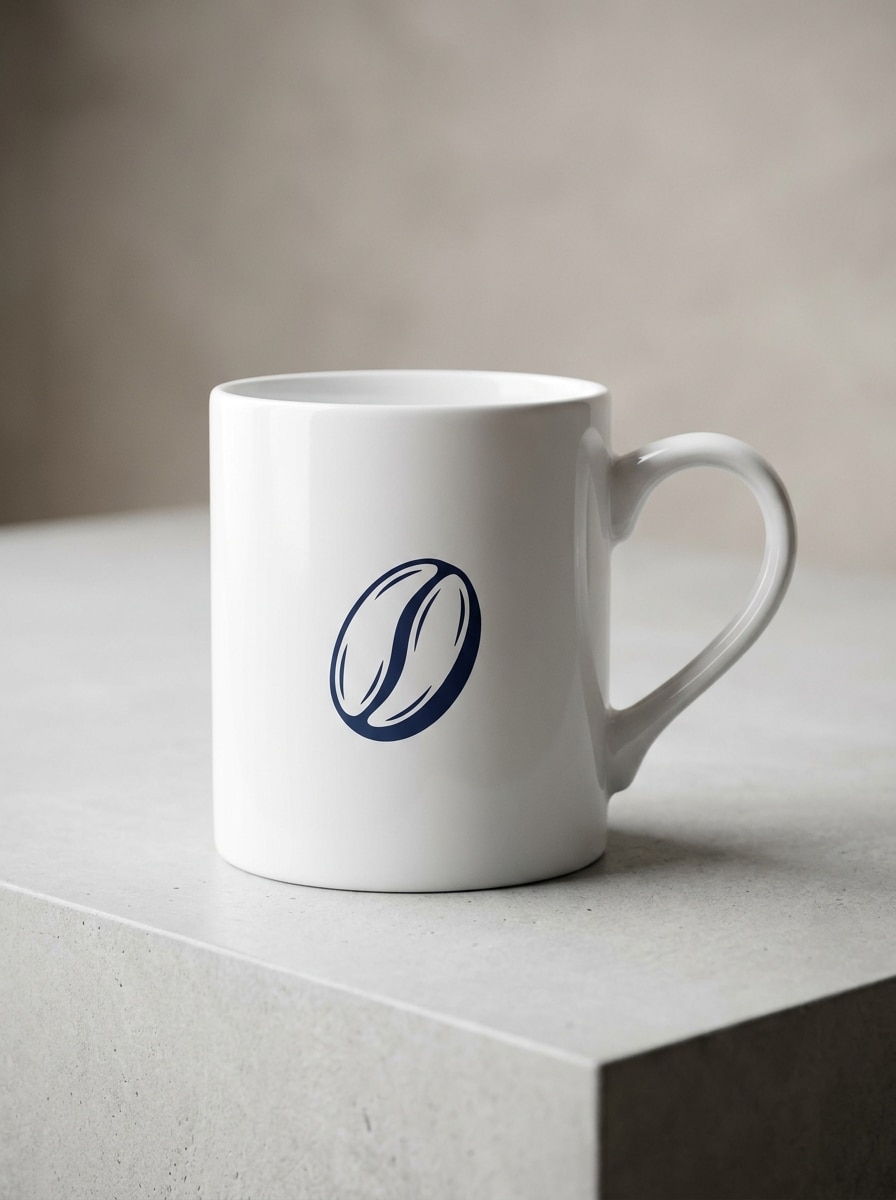
Verwenden Sie das hochgeladene Bild als Motiv und verwandeln Sie es in ein klares weißes Keramikbecher-Mockup für eine Online-Produktliste. Halten Sie den Becher in der Mitte mit einer geradlinigen Komposition, einem neutralen hellgrauen Hintergrund, einem weichen natürlichen Schatten, einem realistischen Keramikglanz, einer scharfen Druckplatzierung und scharfen Details, die für E-Commerce bereit sind.
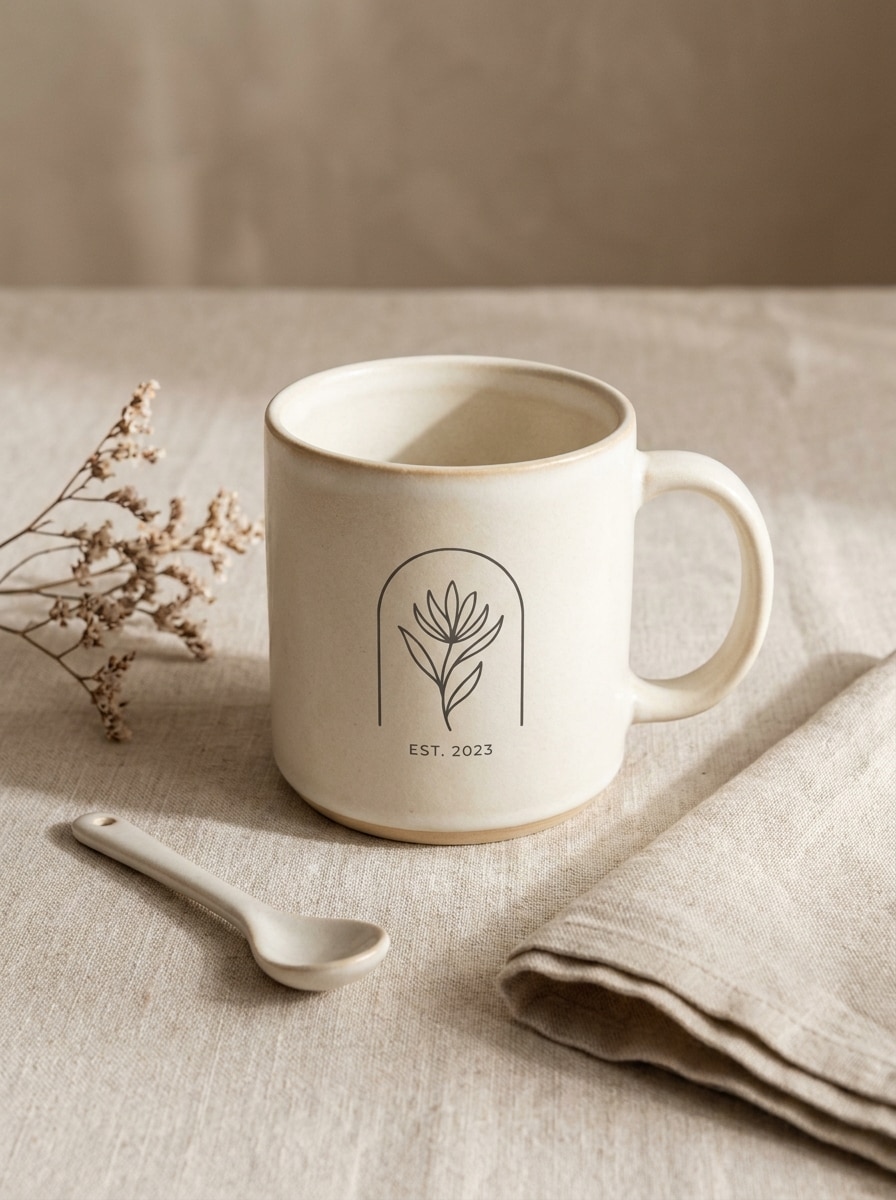
Beige Minimal Flat Lay
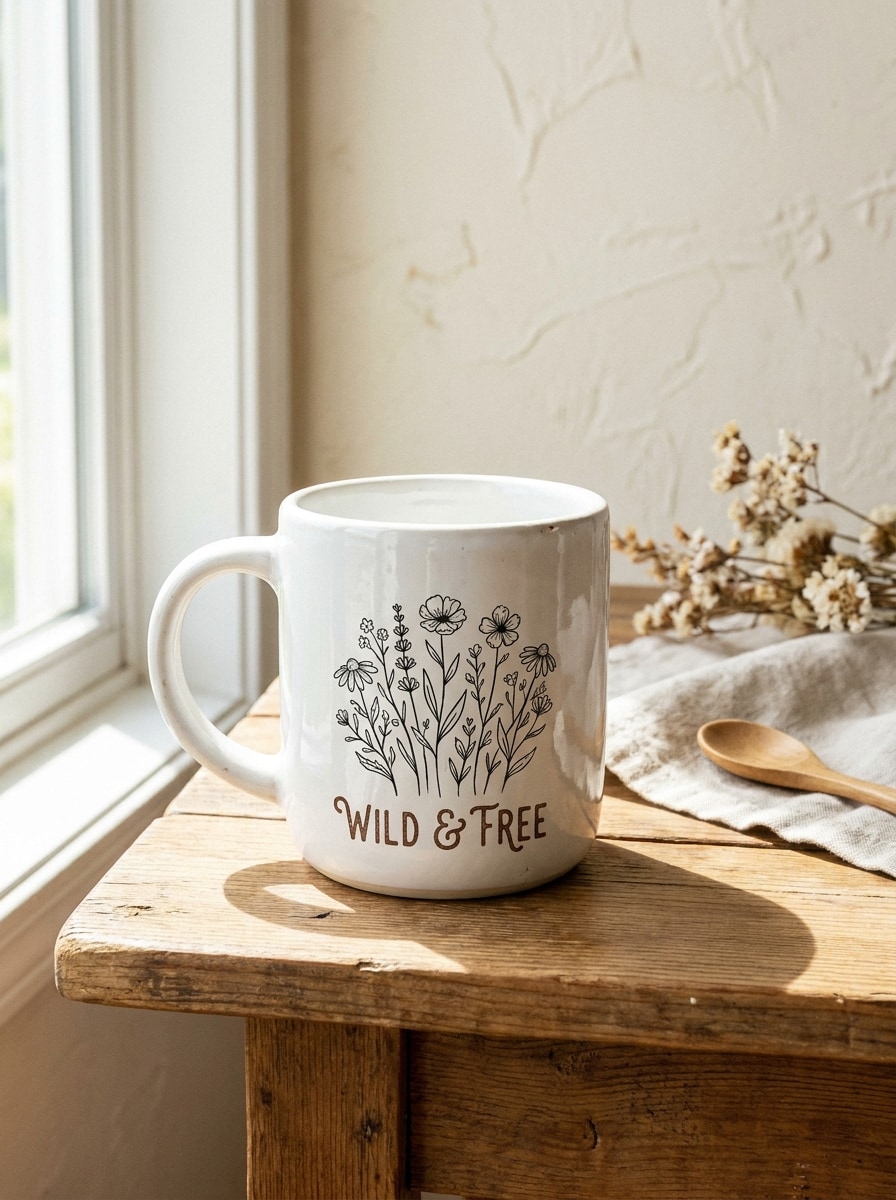
Verwenden Sie das hochgeladene Becherbild und restylen Sie es in eine beige minimale flache lay Szene mit warmen neutralen Tönen. Fügen Sie subtile Tischplattentextur, weiche Schatten, einfache Styling-Requisiten, eleganten negativen Raum, realistische Druckkrümmung und einen sauberen, modernen Produktliste-Look hinzu, der das design leicht lesbar macht.
Hand-Kaffeetasse
Verwenden Sie das hochgeladene Bild als Basis und verwandeln Sie es in eine Lifestyle-Szene mit einer person, die die Tasse natürlich hält. Halten Sie das bedruckte design sichtbar, fügen Sie weiches Tageslicht, geringe Schärfentiefe, gemütliche moderne Umgebung, realistische Handplatzierung, Keramikreflektionen und eine warme einladende Kaffeepause-Stimmung hinzu.
Schreibtisch Aufbau Becher Szene
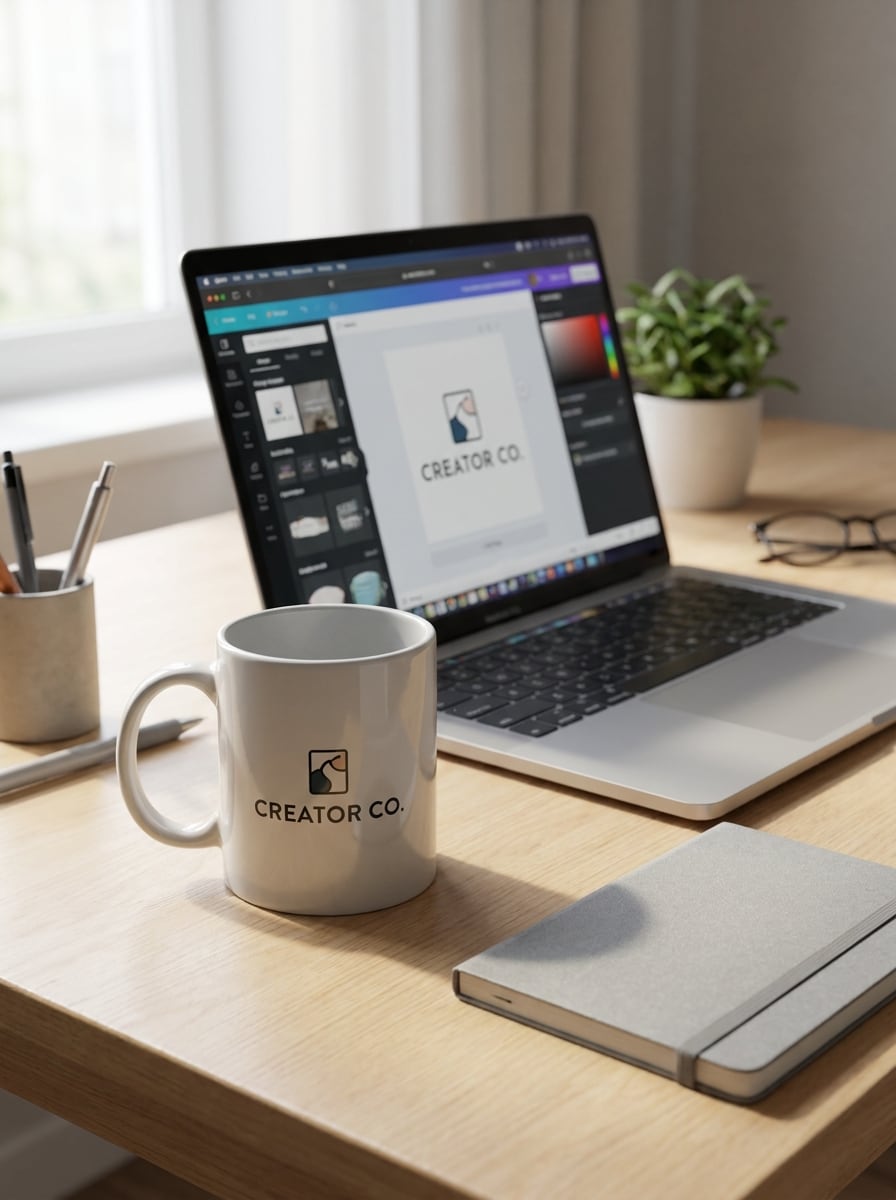
Verwenden Sie das hochgeladene Becherfoto und platzieren Sie es in einem modernen Schreibtisch mit einem laptop, einem notebook und minimalen Schreibwaren. Behalten Sie den Becher als Brennpunkt mit weichem Tageslicht, realistischen Desktop-Reflexionen, sauberer Komposition, sanften Schatten, lesbarem branding und einer kreativen Arbeitsatmosphäre für kleine Unternehmen.
Etsy Produkt Hero Becher
Verwenden Sie das hochgeladene Becherbild und konvertieren Sie es in einen bright Hero-Produktaufnahme für eine Etsy-oder Print-on-Demand-Auflistung. Halten Sie die Szene einfach und umwandlungsorientiert mit sauberer Beleuchtung, hellem Hintergrund, klarer Kunstplatzierung, realistischen Keramikdetails, weichen Schatten und einer professionellen handgefertigten Shop-Präsentation.
Mehrwinkel-Listing-Set
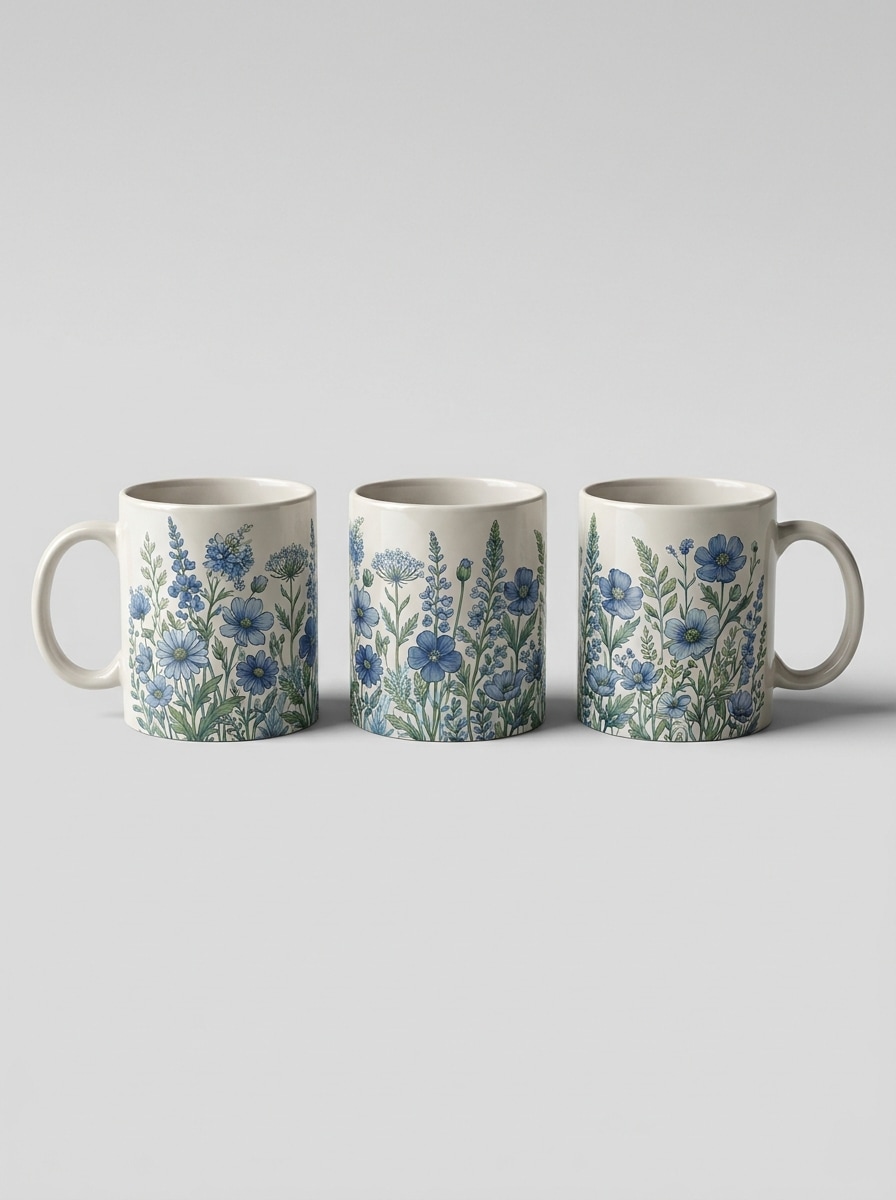
Verwenden Sie den hochgeladenen Becher als Referenz und erstellen Sie einen koordinierten Mockup-Satz, der front-, Winkel-und Seitenansichten zeigt. Beibehalten Sie eine konsistente Beleuchtung, realistische Keramikstruktur, präzise Kunstwerke, klare neutrale Hintergründe und einen professionellen Katalogstil, der zum Vergleich von Designplatzierungen über Winkel hinweg geeignet ist.
Weihnachtsgeschenk becher Szene
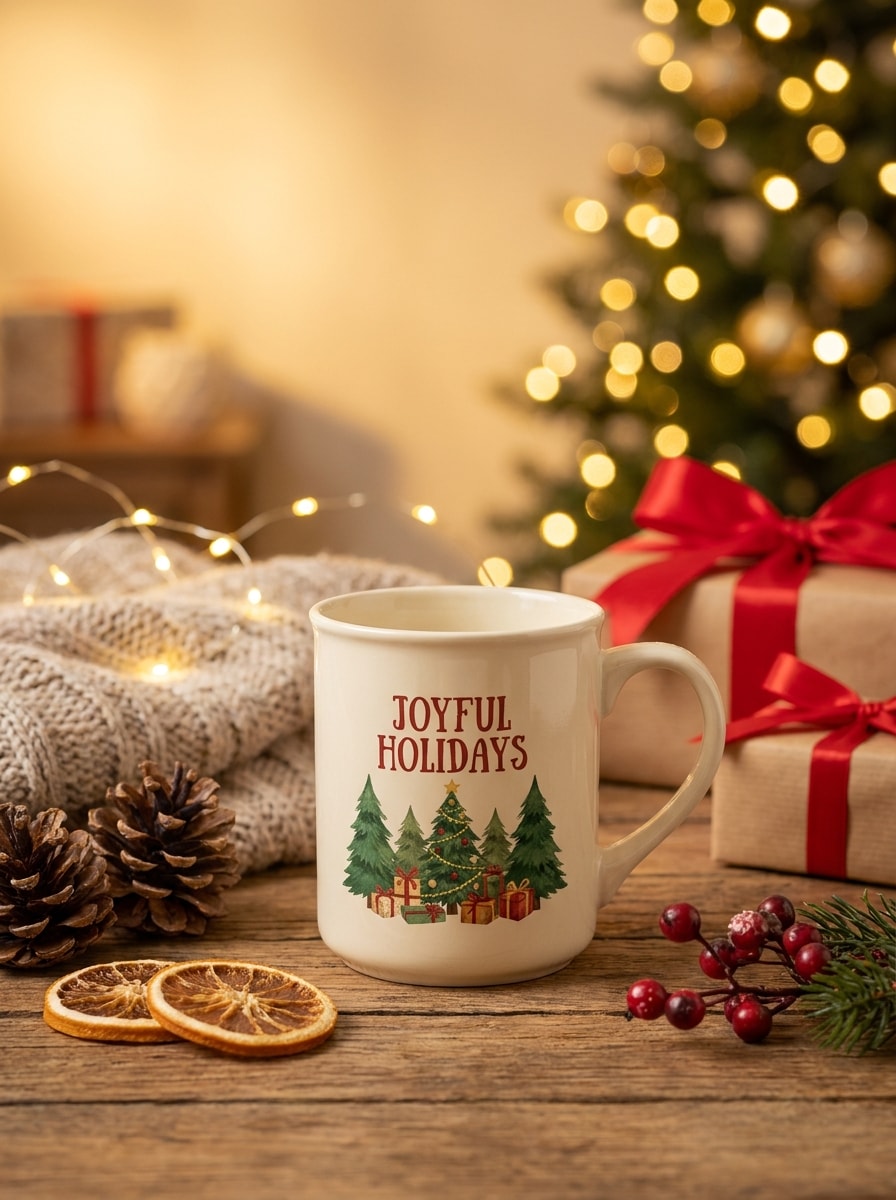
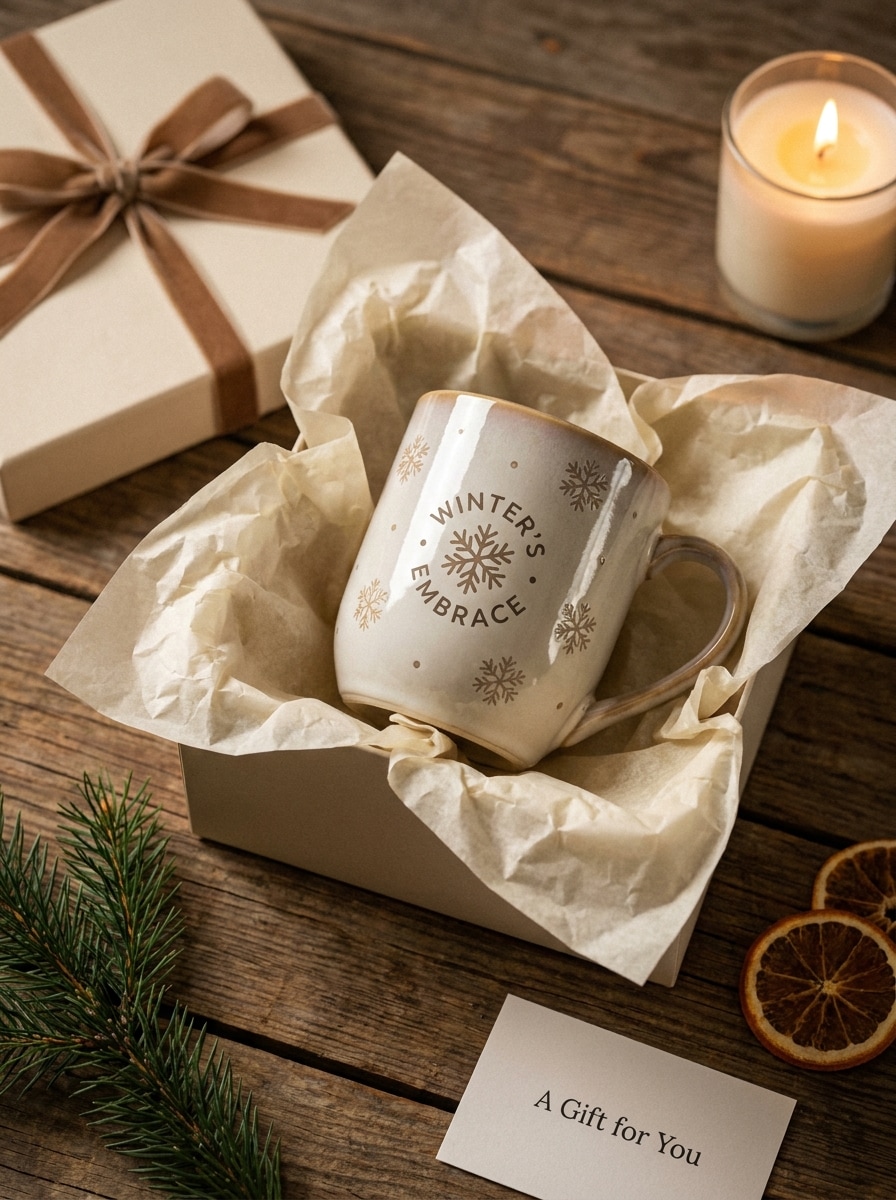
Verwenden Sie das hochgeladene Becher Foto und verwandeln Sie es in eine festliche Weihnachtsgeschenk Szene. Fügen Sie gemütliche saisonale Requisiten, warme Ambientenbeleuchtung, geschmackvolle Dekoration, weiche bokeh, reiche rote und grüne Akzente, realistische Keramikreflektionen und klare Sichtbarkeit von Kunstwerken hinzu, während das Produkt für geschenkorientierte E-Commerce-Werbeaktionen geeignet bleibt.
Geschenkbox Setup becher
Verwenden Sie das hochgeladene Becherbild und legen Sie es in ein geschenkfertiges setup mit Tischpapier, Band und raffiniertem Tischstyling. Halten Sie das design lesbar, die Beleuchtung weich und elegant, die Materialien realistisch und die Stimmung erstklassig und dennoch zugänglich für Werbeaktionen, Geschenkkampagnen und Boutique-Produkteinführungen.
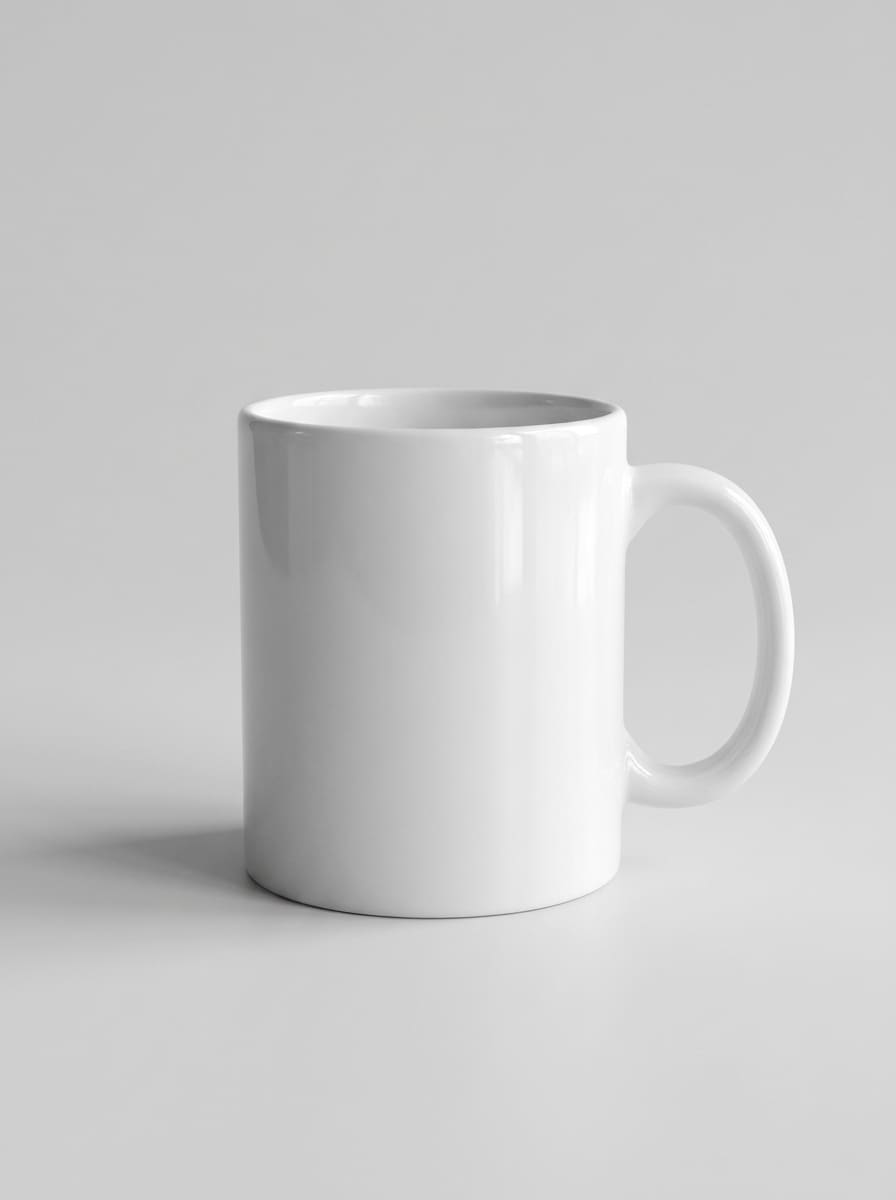
Foto zu Mockup-Upgrade
Verwenden Sie das hochgeladene plain mug Foto und verwandeln Sie es in ein poliertes kommerzielles Produkt mockup. Verbessern Sie die Beleuchtung, reinigen Sie den Hintergrund, fügen Sie realistische Drucküberlagerungen hinzu, verfeinern Sie Schatten, bewahren Sie die Becherform und erstellen Sie ein professionelles Vorher-und-Nachher-Ergebnis, das für Produktseiten und Anzeigen geeignet ist.
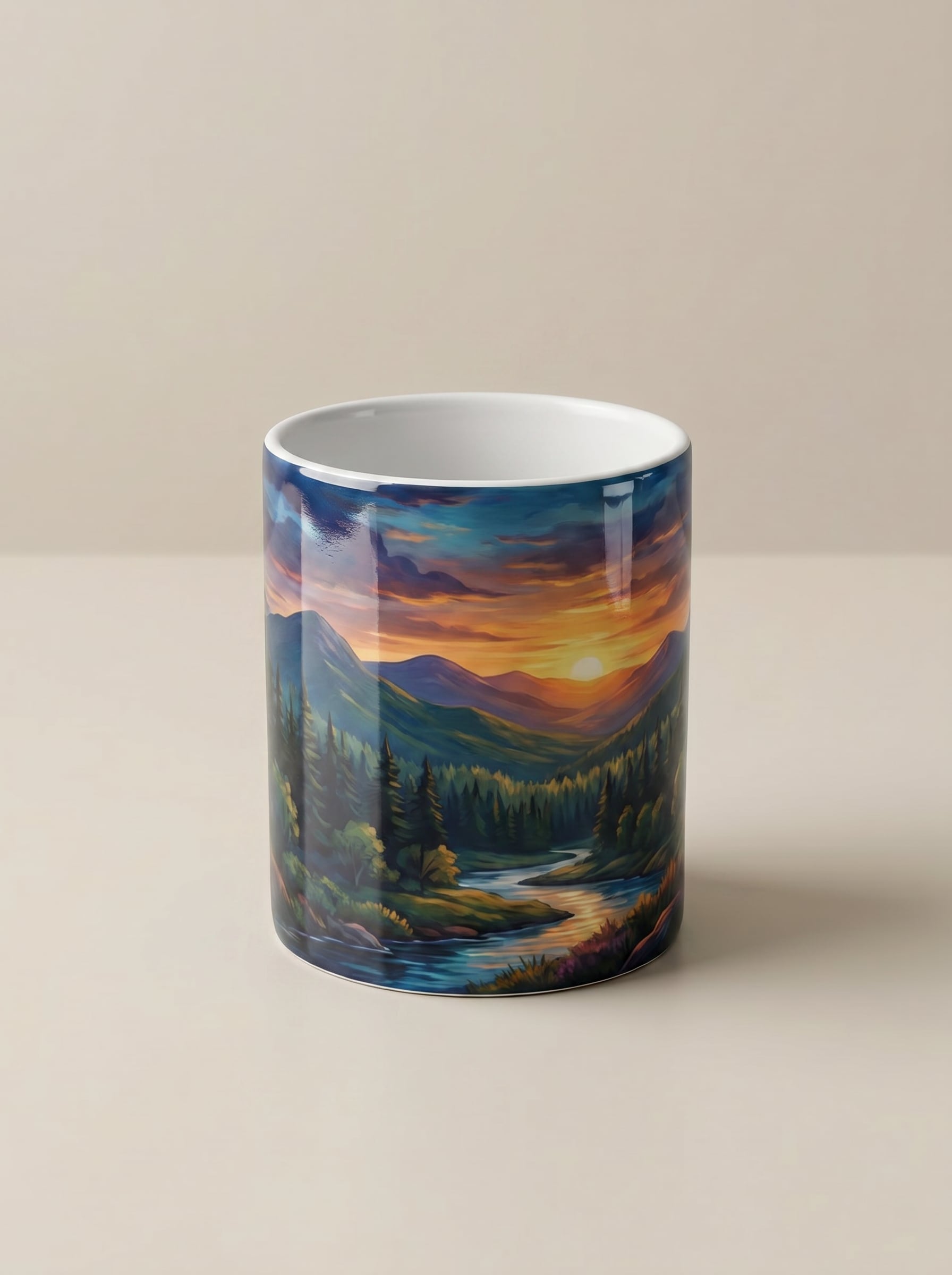
Kunstwerk zum realistischen Becher Vorschau
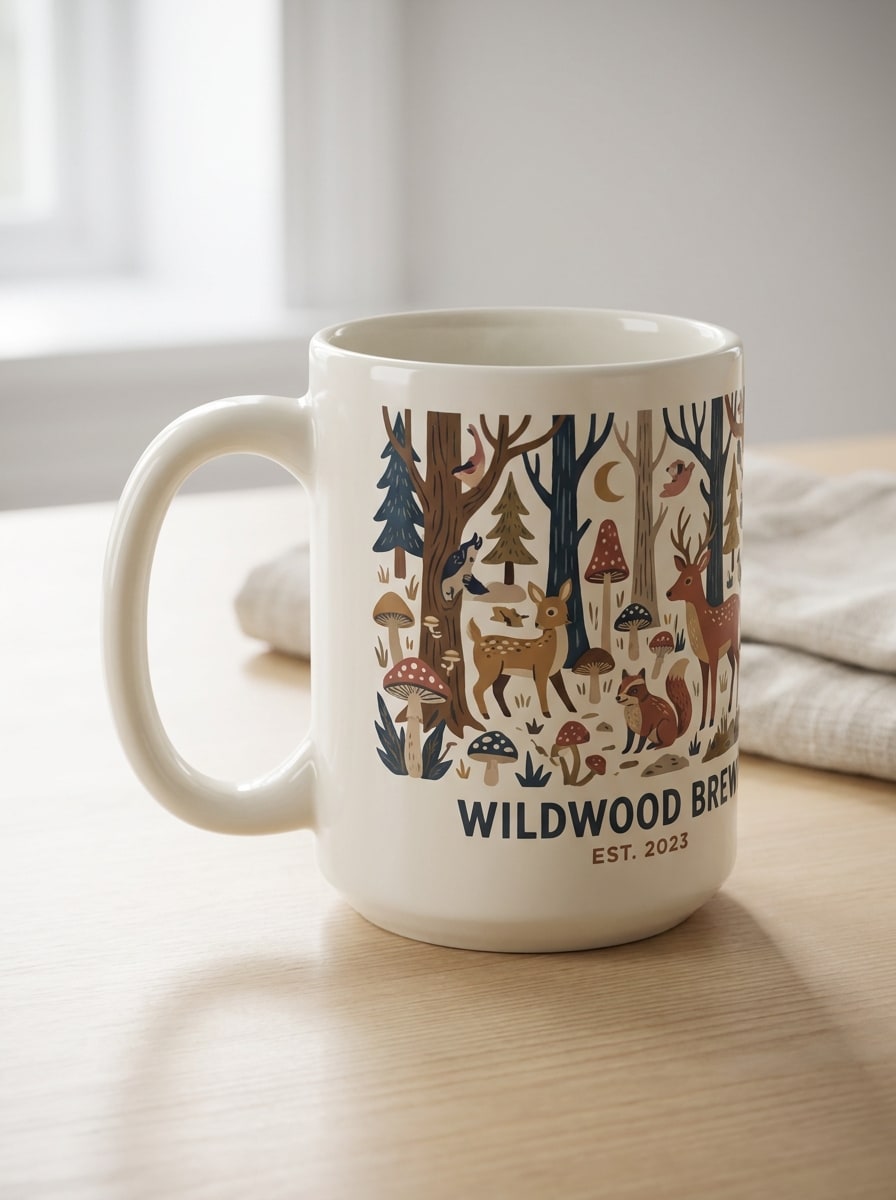
Verwenden Sie das hochgeladene Bild als Motiv und tragen Sie das Kunstwerk automatisch auf eine realistische Keramikbecherszene auf. Behalten Sie die richtige Krümmung, glaubwürdige Reflexionen, weiche Studio-Beleuchtung, ausgewogene Farben, lesbare Komposition und hochdetaillierten Produktrealismus, damit die endgültige Vorschau für den E-Commerce-Einsatz bereit aussieht.
Warum Media.io für die Erstellung von Tassenmockups verwenden?
Lade ein echtes Becher Foto hoch und verwandle es
Verwandeln Sie einen einfachen Tassenaufnahme oder ein Referenzbild in ein poliertes Markenmodell ohne komplizierte PSD-Bearbeitung. Laden Sie JPG-, PNG-oder JPEG-Dateien hoch und leiten Sie das Ergebnis mit Aufforderungen für eine schnellere Produktvisualisierung.
Realistische Krümmung, Schatten und Keramikdetails
Media.io hilft bei der Erstellung überzeugender Becherbilder mit natürlichen Reflexionen, präziser Artwork-Platzierung und Beleuchtung im Produkt-Foto-Stil. Es ist ideal, wenn Sie ein realistischeres3d Becher mockup generatorStil Ergebnis für Angebote und Werbeaktionen.
Hochauflösende Steuerung für Ladeneinträge
Exportieren Sie mockups in 1K, 2K oder 4K und wählen Sie Seitenverhältnisse wie 1:1, 4:3, 3:4, 16:9 und mehr. Diese Flexibilität hilft Ihnen, Bilder für Etsy, Amazon, Ihre website und soziale Kampagnen vorzubereiten.
Funktioniert in Ihrem Browser auf jedem Gerät
Verwenden Sie Media.io alsmockup Becher onlineworkflow auf Windows, Mac, iPhone, iPad oder Android. Es ist keine Softwareinstallation erforderlich, sodass Sie schnell Produktvorschauen erstellen können, wo immer Sie arbeiten.
Wie man einen Becher Mockup Online macht
1
2
3
1
Öffnen Sie Media.io Mug Mockup Generator
gehe zuKI Bild-zu-Bild-GeneratorUnd öffnen Sie den Mug Mockup Generator unter AI-> Bild zu Bild. Dieses Online-Tool läuft in Ihrem browser, sodass Sie realistische Becher-Vorschauen ohne Photoshop oder Vorlagen-starke Bearbeitung erstellen können.
2
Laden Sie ein Becher Foto oder Kunstwerk Referenz
Laden Sie ein Referenzfoto in JPG, PNG oder JPEG hoch und geben Sie dann eine detaillierte Eingabeaufforderung wie „Verwandeln Sie diese schlichte weiße Tasse in ein helles, Etsy-fertiges Produktmodell mit weichen natürlichen Schatten und realistischer Logoplatzierung. " Passen Sie die Stil-, Seitenverhältnis-und Auflösungseinstellungen an Ihre Anforderungen an.
3
Generieren, verfeinern & herunterladen
Klicken Sie auf Generieren. Passen Sie die Eingabeaufforderung oder die Einstellungen bei Bedarf an und laden Sie dann Ihr hochauflösendes Becherbild herunter. Sie können sauberere E-Commerce-Bilder, Lifestyle-Szenen oder mehrere Listing-Winkel für Ihren store erstellen.
Freischalten Sie das Potenzial von Free Mug Mockup Generator
Erfahren Sie, wie Schöpfer diesen Mockup-Generator für Inhalte, marketing und persönliche Projekte verwenden, und passen Sie dann jede Idee an das brief an.
Starten Sie bessere Etsy-und Pod-Einträge
Erstellen Sie saubere Produktbilder für Handwerksgeschäfte und Print-on-Demand-Kataloge, ohne ein Fotoshooting zu buchen. Eine polierte Bechervorschau hilft Verkäufern, Kunstwerke zu testen, Szenen zu vergleichen und mit weniger Aufwand klickbarere Auflistungsbilder zu erstellen.
Verwandeln Sie einfache Produktfotos in Markenvisuals
Wenn Sie bereits ein einfaches Becherfoto haben, kann Media.io Ihnen helfen, es in ein realistisches Produktmodell mit verbesserter Beleuchtung, lesbarer Druckplatzierung und klareren Hintergründen zu verbessern. Dies ist besonders nützlich für teams, die KI-Mockups mit manueller PSD-Bearbeitung vergleichen.
Erstellen Sie schnelle Store-Assets in verschiedenen Winkeln und Größen
Verwenden Sie einen workflow, um front-, Seite-und Lifestyle-Szenen für 11 oz oder 15 oz Produkte, Website-Banner und Werbekreative zu erstellen. Auch wenn man mit einemKostenlose Becher mockup generatorBedarf, können Sie von schnellen tests zu qualitativ hochwertigen Markenanlagen umsteigen, wenn Ihr Geschäft wächst.
Was Nutzer über Media.io sagen
Alyssa M.
Etsy Verkäufer
"Großartig für schnelle Produktvorschau"Ich habe Media.io verwendet, um ein einfaches Tassenfoto in nur wenigen Minuten in ein sauberes Listingbild zu verwandeln. Die Beleuchtung und Druckplatzierung sahen viel realistischer aus, als ich bei einem browserbasierten tool erwartet hatte.
Jordan T.
Print-on-Demand-Designer
"Hilfreich zum Testen mehrerer Szenen"Es machte es einfach, dasselbe Kunstwerk in studio-, Lifestyle-und Geschenkszenen vorzusehen, ohne alles manuell neu zu erstellen. Das hat meinen product launch workflow stark beschleunigt.
Priya R.
Kleinunternehmer
"Einfach auf Mobilgeräten und Desktops zu bedienen"Ich habe ein mockup auf meinem laptop gestartet und später eine andere version auf meinem Telefon überprüft. Der Prozess war einfach und mir gefiel es, Auflösungsoptionen für meine website und Marktplatzeinträge zu haben.
Markus L.
Freiberuflicher Markendesigner
"Gute alternative zur Vorlagenbearbeitung"Für schnelle Client-Vorschauen ist dies viel schneller als das Öffnen von layered Mockup-Dateien. Das Hochladen eines Referenzbildes und die Anleitung des Ergebnisses mit Aufforderungen fühlt sich für die Konzeptarbeit flexibler an.
Entdecken Sie die beliebtesten KI-Video- und Bildeffekte
1. Was ist ein mug mockup generator und wie funktioniert es?
Ein mug mockup generator ist ein tool, mit dem Sie eine Vorschau von Kunstwerken, logos oder branding auf einer Tasse vor der Produktion anzeigen können. Mit Media.io können Sie ein Referenzbild in JPG, PNG oder JPEG hochladen, die gewünschte Szene beschreiben und ein raffinierteres mockup im Produktstil mit realistischer Beleuchtung, Reflexionen und Druckplatzierung erstellen.
2. Kann ich ein mockup kostenlos online erstellen?
Media.io bietet kostenlose Gutschriften an, damit Sie einen kostenlosen workflow für mockup generator online testen können, bevor Sie das Upgrade aktualisieren. Die kostenlose Nutzung kann Wasserzeichen beinhalten, während bezahlte Pläne mehr Nutzung und wasserzeichenfreie hochauflösende downloads bieten. Sie können die Optionen auf der Preisseite vergleichen. Kostenlose Nutzer können kostenlose credits nutzen. Für mehr Nutzung können Benutzer einen plan auf der Preisseite abonnieren. Upgrade auf einen kostenpflichtigen plan auf derPreisseiteFür weitere credits und Wasserzeichen-kostenlose hochauflösende downloads.
3. Wie setze ich mein logo oder Kunstwerk auf einen Becher-Mockup?
Öffnen Sie das tool, laden Sie ein Becherfoto oder ein Referenzbild hoch und beschreiben Sie, wie Sie das logo oder das artwork anwenden möchten. Media.io verwendet Ihr hochgeladenes Bild und Ihre Eingabeaufforderung, um eine Markenbecher-Vorschau mit mehr natürlicher Krümmung, Schatten und keramischer Textur als eine flache statische Überlagerung zu erstellen.
4. Kann ich ein echtes Becherfoto in ein Produkt-Mockup verwandeln?
Dieser Bild-zu-Bild-Workflow ist für diesen Anwendungsfall konzipiert. Sie können ein echtes Becherfoto hochladen und es in eine sauberere Vorschau im kommerziellen Stil mit verbesserter Beleuchtung, verfeinertem Hintergrund und präsentationsbereiteren Ergebnissen für Produktseiten oder Anzeigen verwandeln.
5. Welche Bechergrößen und Winkel kann ich vorschauen, wie 11 oz oder 15 oz?
Sie können verschiedene visuelle Einstellungen für gängige Becherstile generieren, einschließlich Vorderansichten, Winkelansichten, Seitenansichten und Lifestyle-Szenen. Während das tool Ihnen hilft, realistische Vorschauen für Formate wie 11 oz oder 15 oz Listen zu erstellen, können Sie das Ausgabeaussehen steuern, indem Sie das Referenzbild, die Eingabedetails und das Seitenverhältnis auswählen.
6. Wird mein Tassenmockup hochauflösend für Etsy, Amazon oder meine website sein?
Media.io unterstützt 1K-, 2K-und 4K-Ausgabeoptionen, was hilfreich ist, wenn Sie klarere Bilder für E-Commerce-Plattformen und Markenschaufenster benötigen. Sie können auch Seitenverhältnisse wie 1:1, 4:3, 3:4, 16:9 und mehr wählen, um unterschiedlichen Listings-und Banneranforderungen gerecht zu werden. Kostenlose Benutzer können Wasserzeichen haben.
Über KI-gestützten Online-Tassenmockup-Generator hinaus