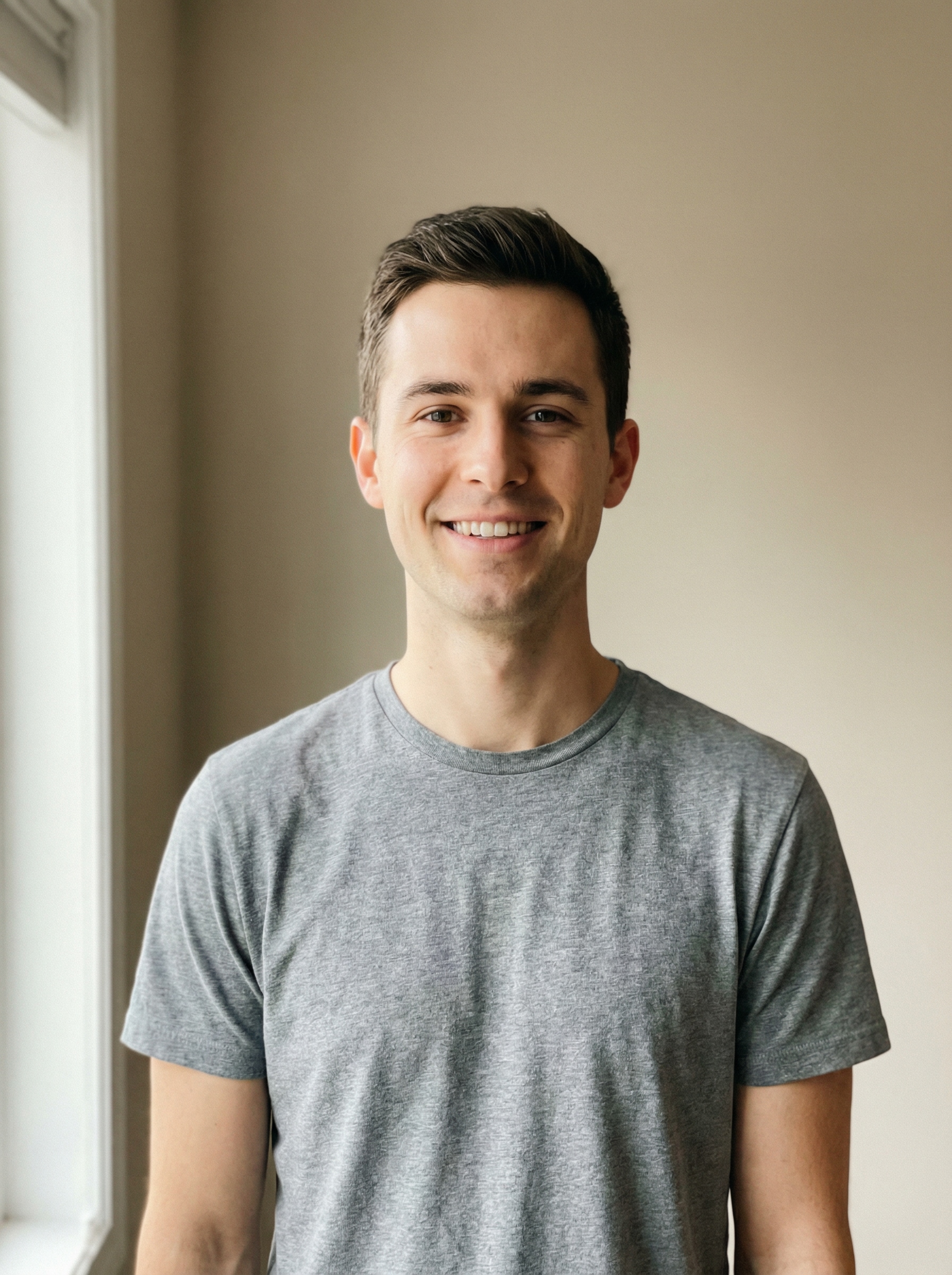
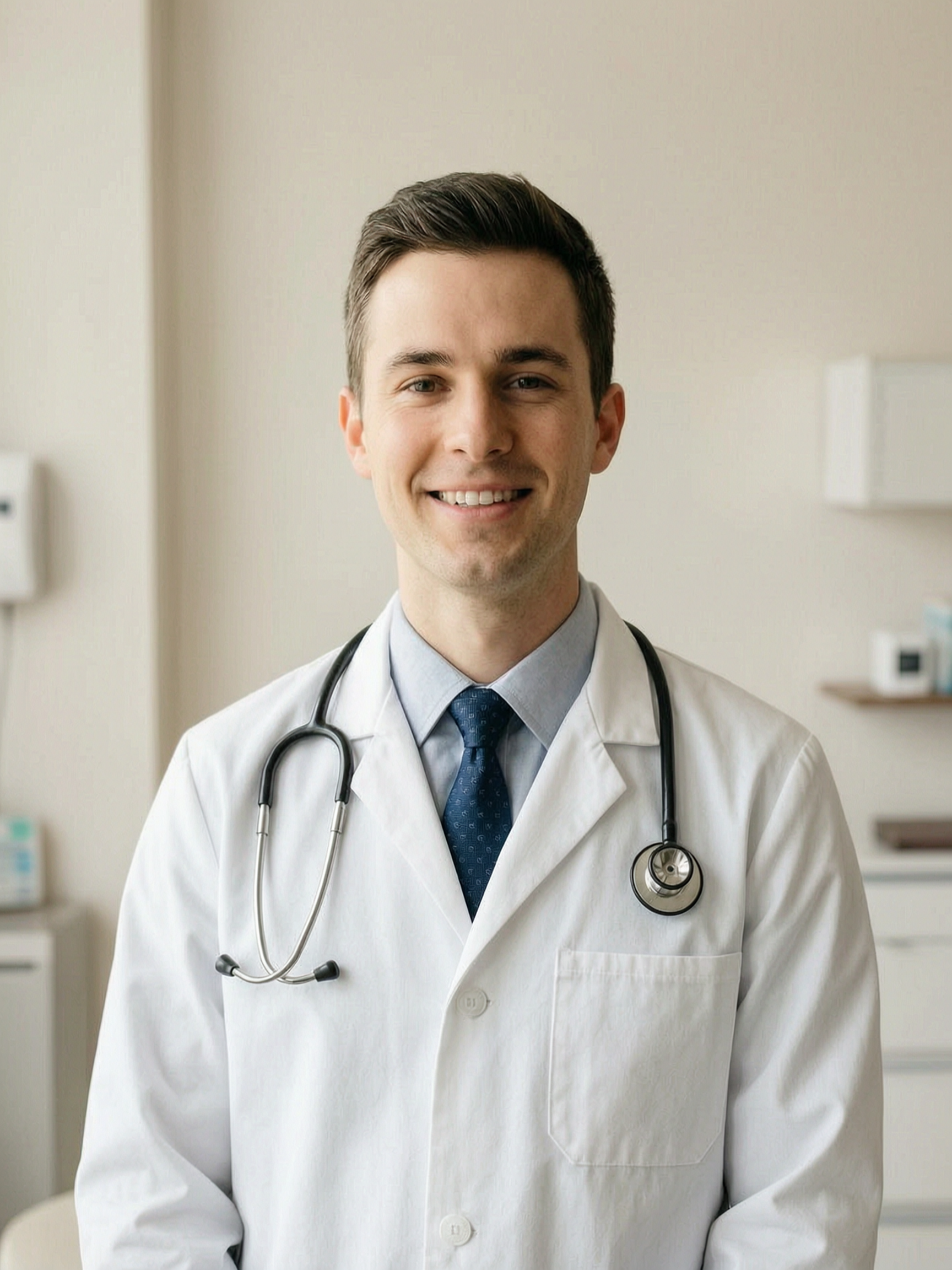
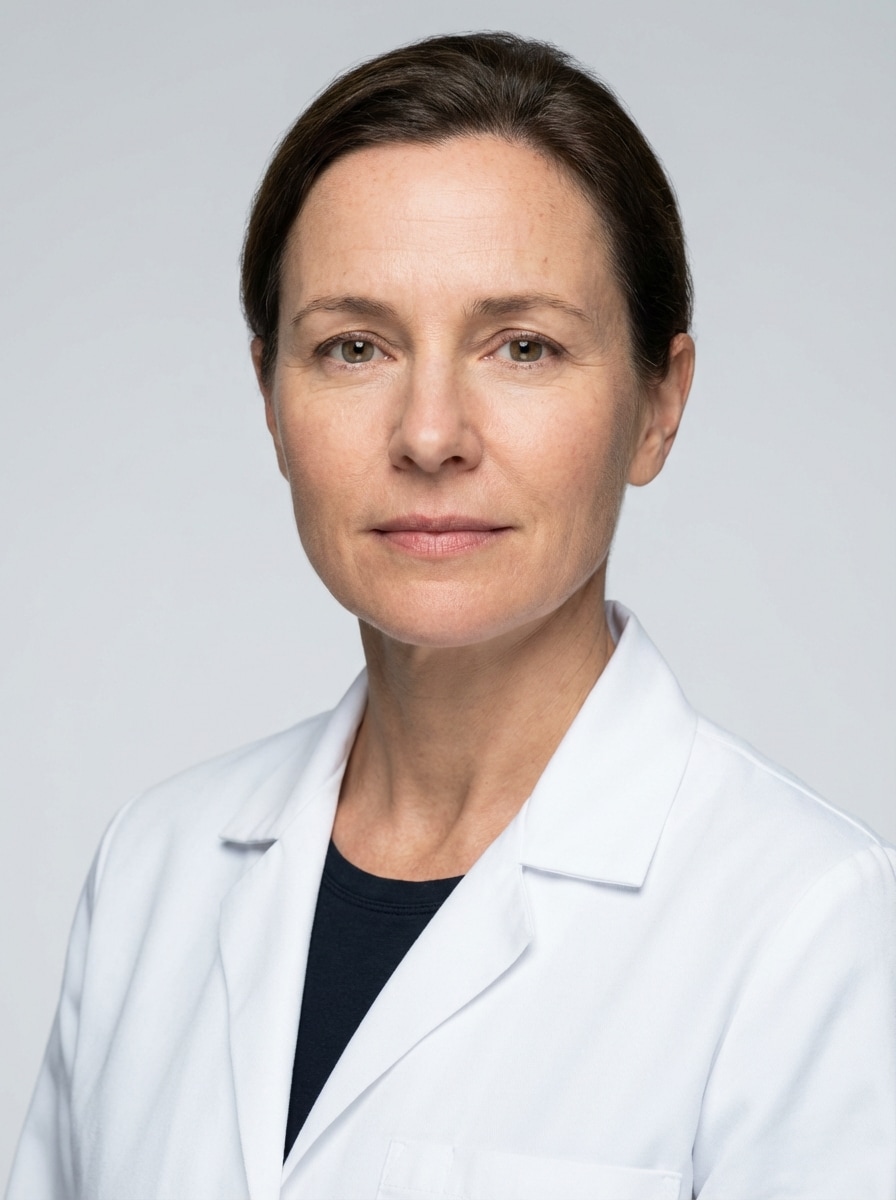
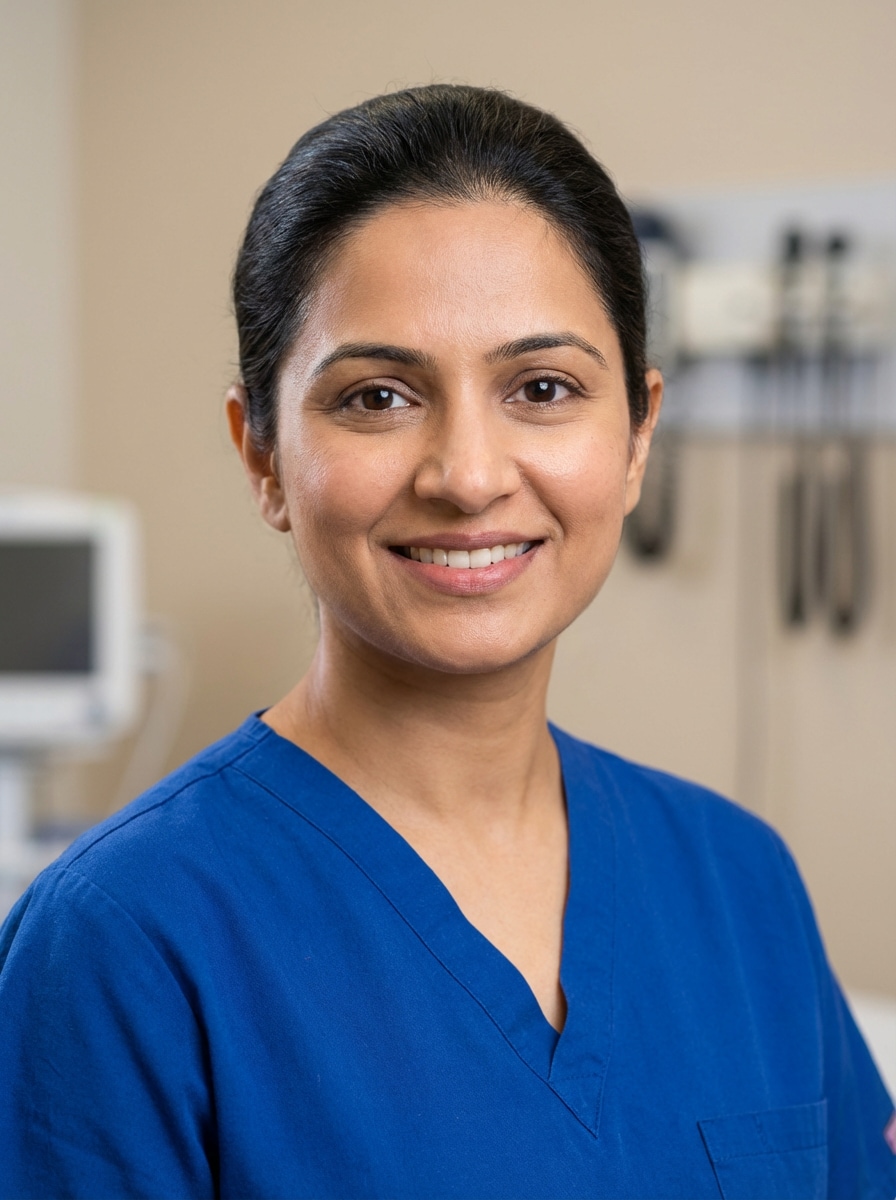
Deine Werke werden nur 7 Tage lang gespeichert. Assets, die nach dem Upgrade auf einen Mitgliedschaftstarif erstellt werden, werden dauerhaft gespeichert.
Entfalten Sie Ihr kreatives Potenzial und erleben Sie jetzt die Magie der Media-KI!
Erstellen Sie einen professionellen Arzt Headshot aus jedem Foto
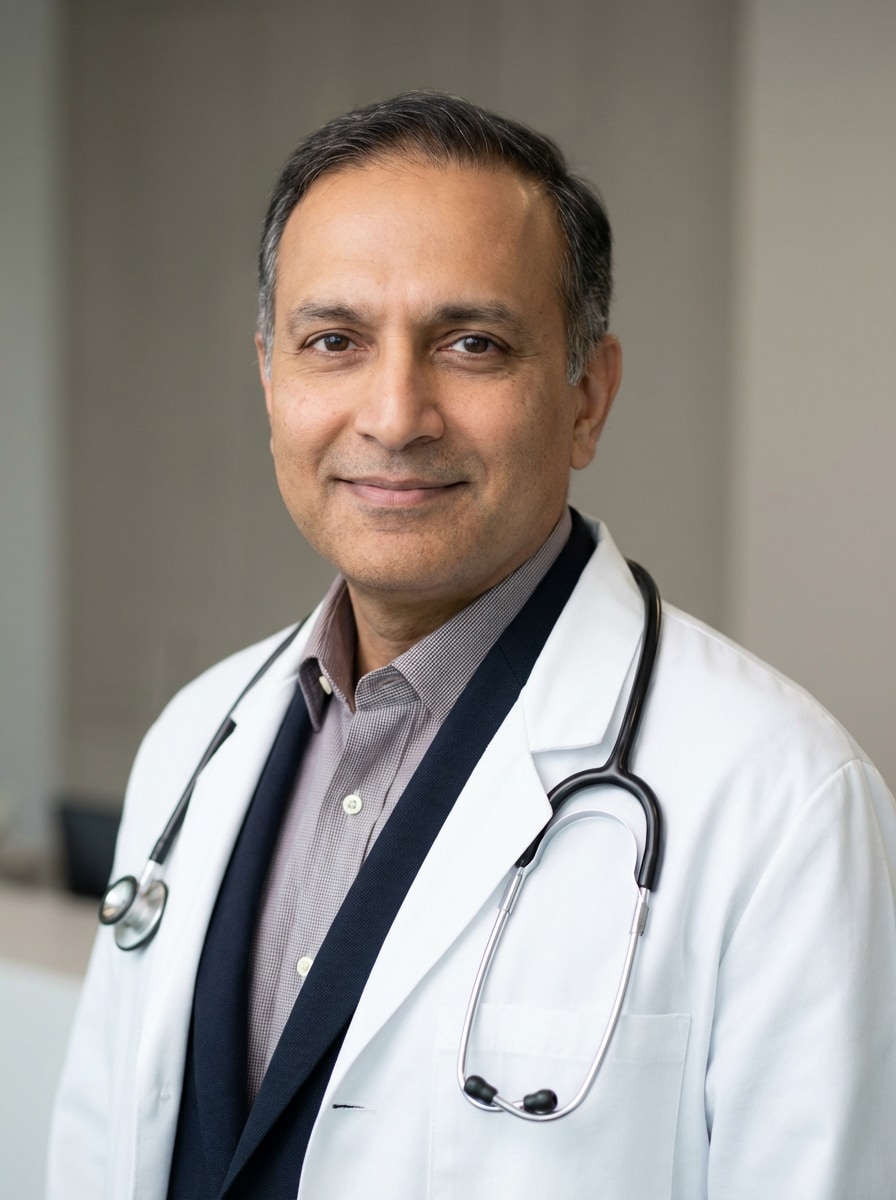
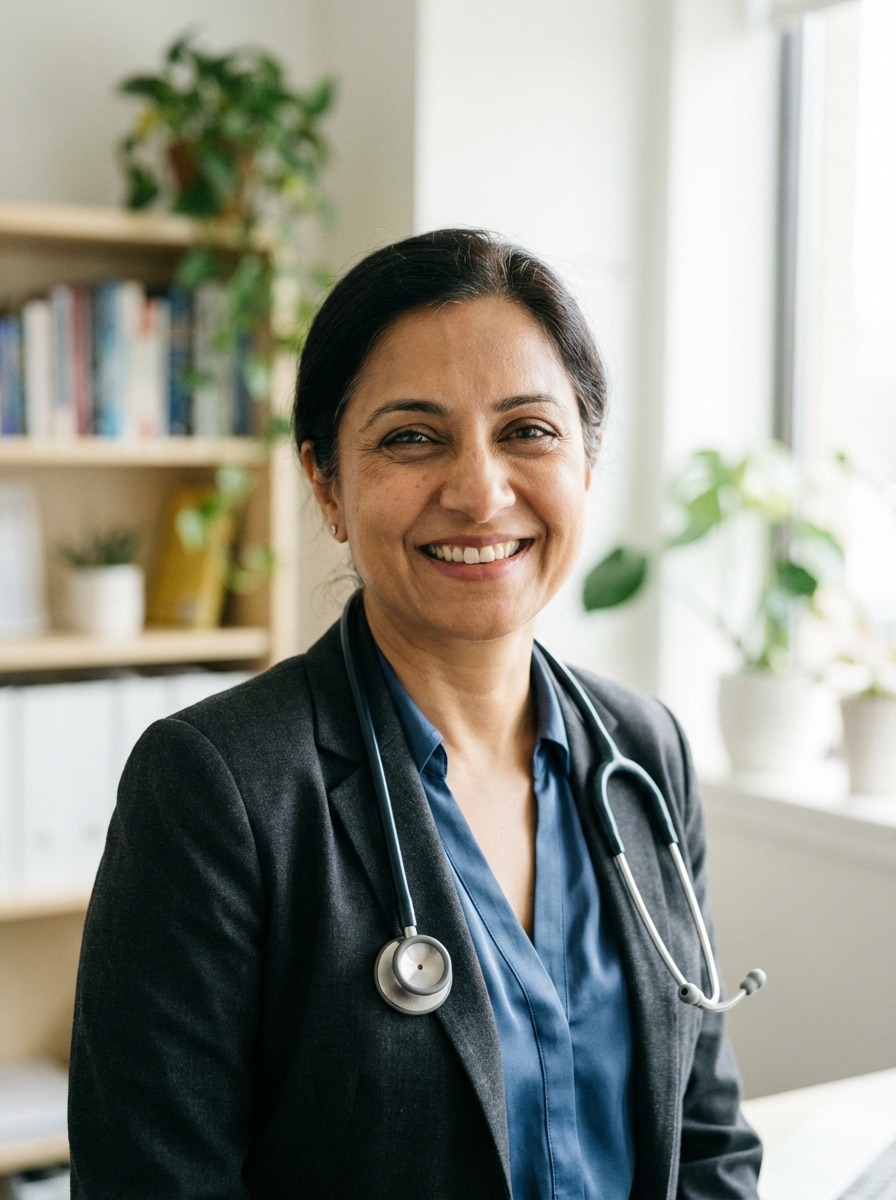
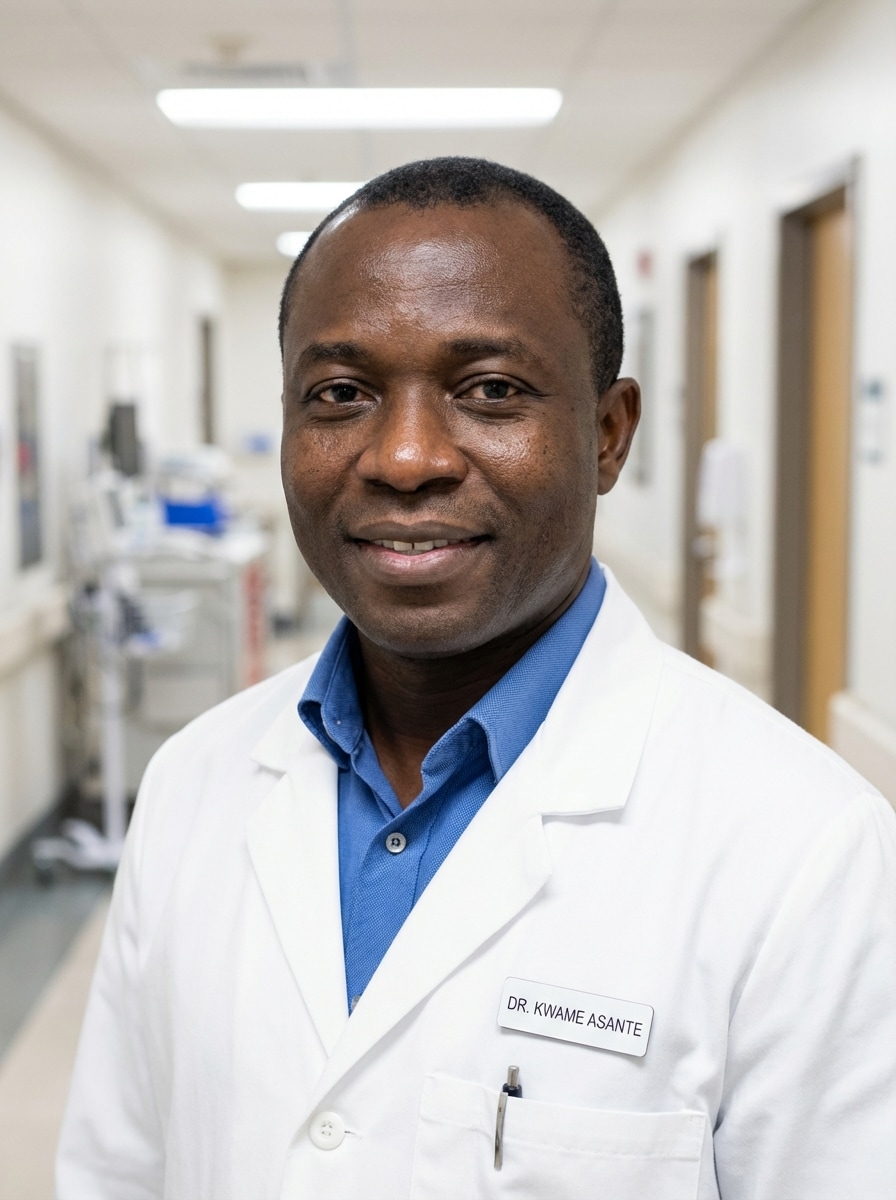
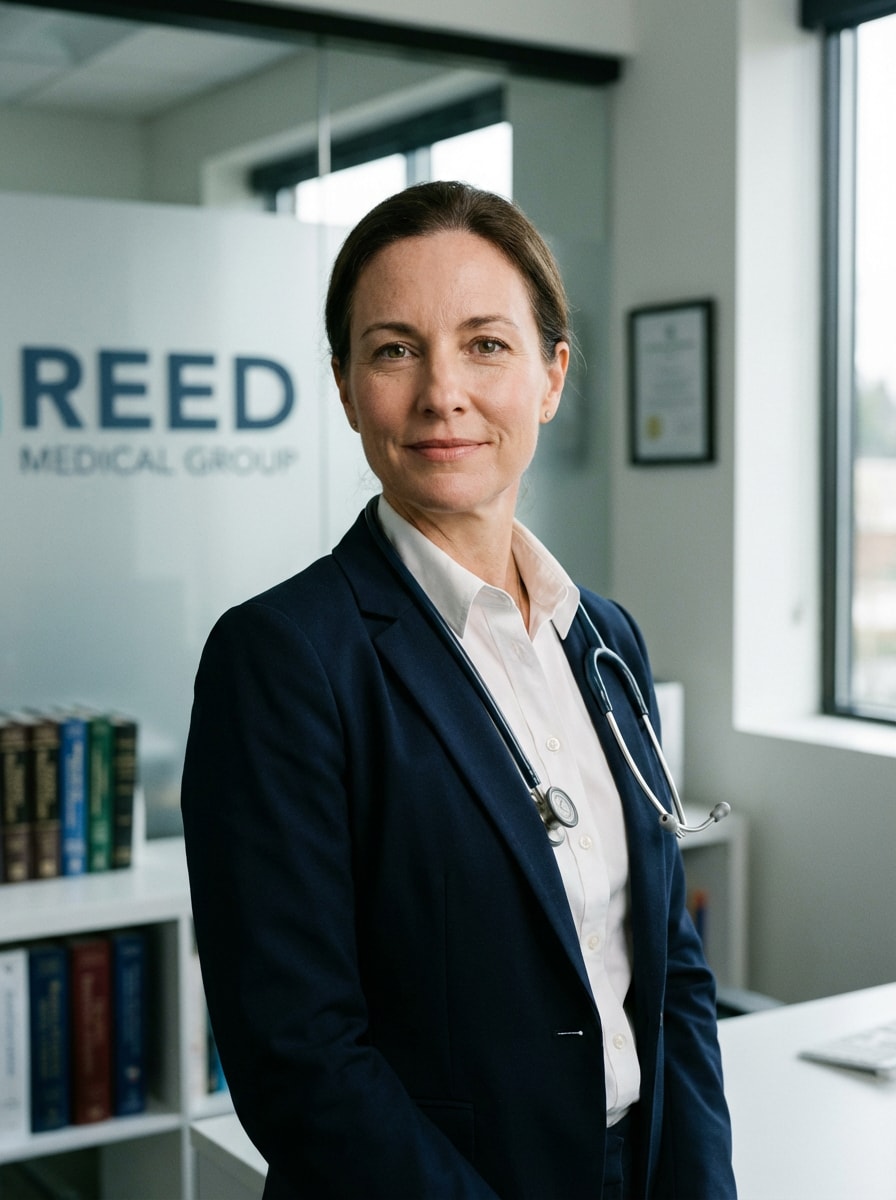
Verwandeln Sie ein selfie oder Porträt in ein poliertes PorträtArzt Kopfschussin Minuten. Media.io hilft Ihnen bei der Erstellung eines realistischenKI Arzt FotoMit weißen Mänteln, Peelings, Klinikhintergründen und LinkedIn-fähigem styling für Profile, websites und medizinische Verzeichnisse.
Geben Sie Ihre Idee ein-> KI entwirft sie. Kostenlos zu versuchen.
Überprüfen Sie diese Beispielanweisungen und passen Sie dann die Eingabedetails an, um mit diesem Arzt-Headshot stärkere Ergebnisse zu erzielen.
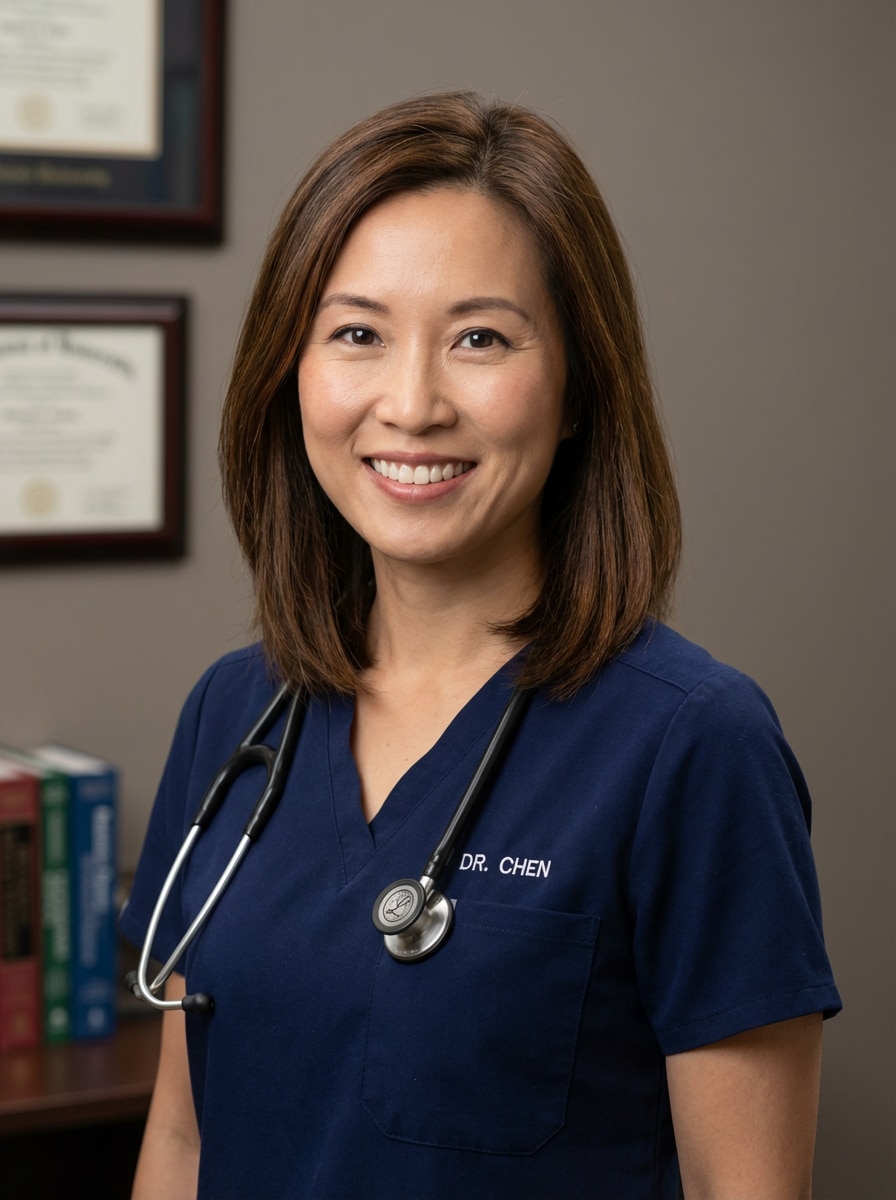
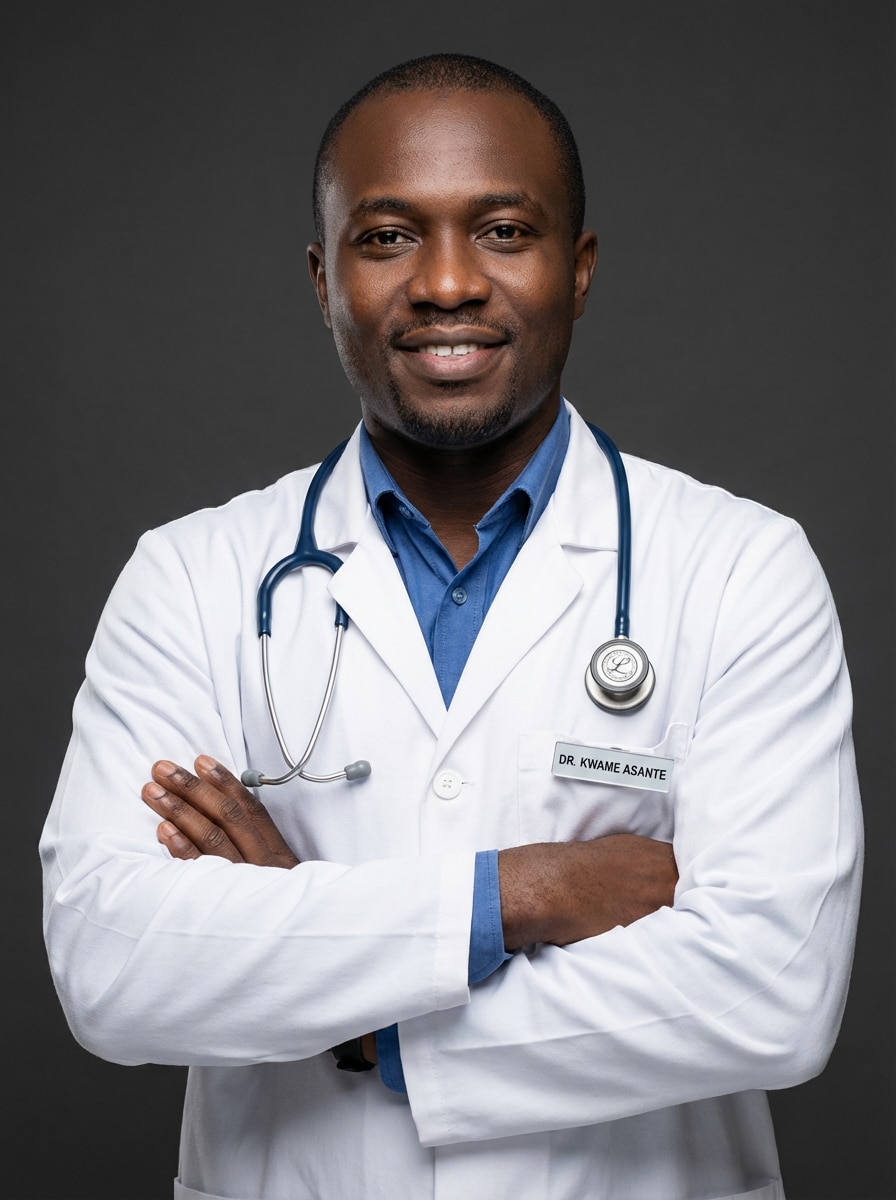
Weißer Mantel Studio Headshot
Verwenden Sie das hochgeladene Bild als Motiv und verwandeln Sie es in ein poliertes professionelles Arzt-Kopfbild mit einem frischen weißen medizinischen Mantel, weicher Studio-Beleuchtung, zentrierter Brust-up-Komposition, natürlicher Hautstruktur, ruhigem selbstbewussten Ausdruck, hellgrauem nahtlosem Hintergrund, sauberem Healthcare-Branding und realistischer High-End-Porträtqualität.
Scrubs Porträt
Verwenden Sie das hochgeladene Bild als Motiv und verwandeln Sie es in ein raffiniertes, klinikfertiges Arzt-Kopfbild in gepflegten medizinischen Peelings, mit schmeichelhafter Frontbeleuchtung, sanften catchlights, klaren blau-grünen Tönen, zugänglichem Ausdruck, ordentlicher Pflege, subtiler Retusche, sanft verschwommenem klinischen Hintergrund und realistischer professioneller Fotoqualität.
LinkedIn Arztprofil
Verwenden Sie das hochgeladene Bild als Motiv und verwandeln Sie es in ein professionelles Arzt-Kopfbild im LinkedIn-Stil mit ausgewogener Studiobeleuchtung, subtilem Lächeln, modernem neutralem Hintergrund, maßgeschneiderter Business-Kleidung oder weißem Mantel, scharfen Gesichtsdetails, vertrauenswürdiger Stimmung, sauberer Komposition und polierter, aber realistischer medizinischer Personal-Branding-Ästhetik.
Privatpraxis Website Portrait
Verwenden Sie das hochgeladene Bild als Motiv und erstellen Sie ein warmes, vertrauenswürdiges Arzt-Headshot für eine Privatpraxis-Website, mit erstklassiger Porträtbeleuchtung, weicher Hintergrundverschärfung, professioneller Kleidung, natürlichen Hautdetails, freundlichem Blickkontakt, einladender neutraler palette und einem ruhigen, zugänglichen Ton, der für das patientenorientierte branding geeignet ist.
Krankenhaus Korridor Hintergrund
Verwenden Sie das hochgeladene Bild als Motiv und verwandeln Sie es in ein realistisches Arzt-Headshot in einem sanft verschwommenen Krankenhauskorridor, mit heller redaktioneller Beleuchtung, klarem Fokus auf das Gesicht, weißem Mantel oder professioneller Kleidung, sauberer Komposition, kühlen neutralen Tönen, selbstbewusster Haltung und authentischer medizinisch-professioneller Glaubwürdigkeit.
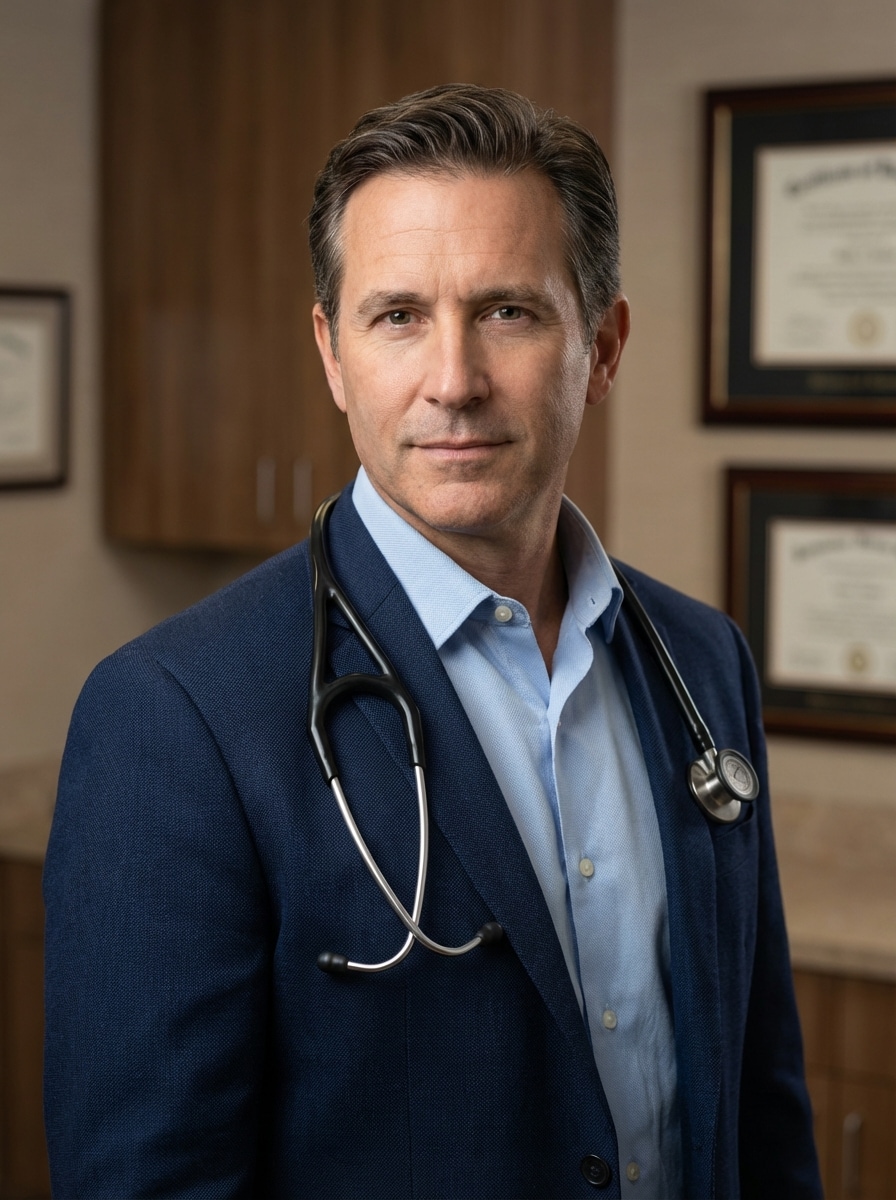
Klinik Büro Porträt
Verwenden Sie das hochgeladene Bild als Motiv und verwandeln Sie es in ein sauberes Klinikbüro-Headshot für eine Arzt-Bio-Seite, mit realistischen Hautdetails, ruhigem selbstbewussten Ausdruck, ausgewogenen Farben der medizinischen Marke, weicher Büro-Hintergrund-Unschärfe, scharfer Garderobe-Styling, schmeichelhafte Beleuchtung und hochauflösende redaktionelle Porträtqualität.
Selfie zum Arzt Headshot
Verwenden Sie das hochgeladene selfie als Motiv und verwandeln Sie es in ein realistisches Arzt-Headshot mit korrigierter Haltung, verbesserter Gesichtsbeleuchtung, medizinisch-professioneller Kleiderschrank, natürlicher Retusche, neutraler Hintergrundbereinigung, scharfen Details, freundlichem Selbstvertrauen und einem authentischen Ergebnis, das immer noch die erkennbare Identität der person bewahrt.
Lässiges Foto zum Arzt Porträt
Verwenden Sie das hochgeladene lässige Porträt als Motiv und verwandeln Sie es in ein Arztkopfbild in Studioqualität, bewahren Sie die Gesichtsidentität, verbessern Sie den Kleiderschrank auf einen medizinisch-professionellen Stil, verbessern Sie die Beleuchtung, reinigen Sie den Hintergrund, verfeinern Sie die Komposition und bewahren Sie den Gesamtlook natürlich, vertrauenswürdig und geeignet für Online-Profile.
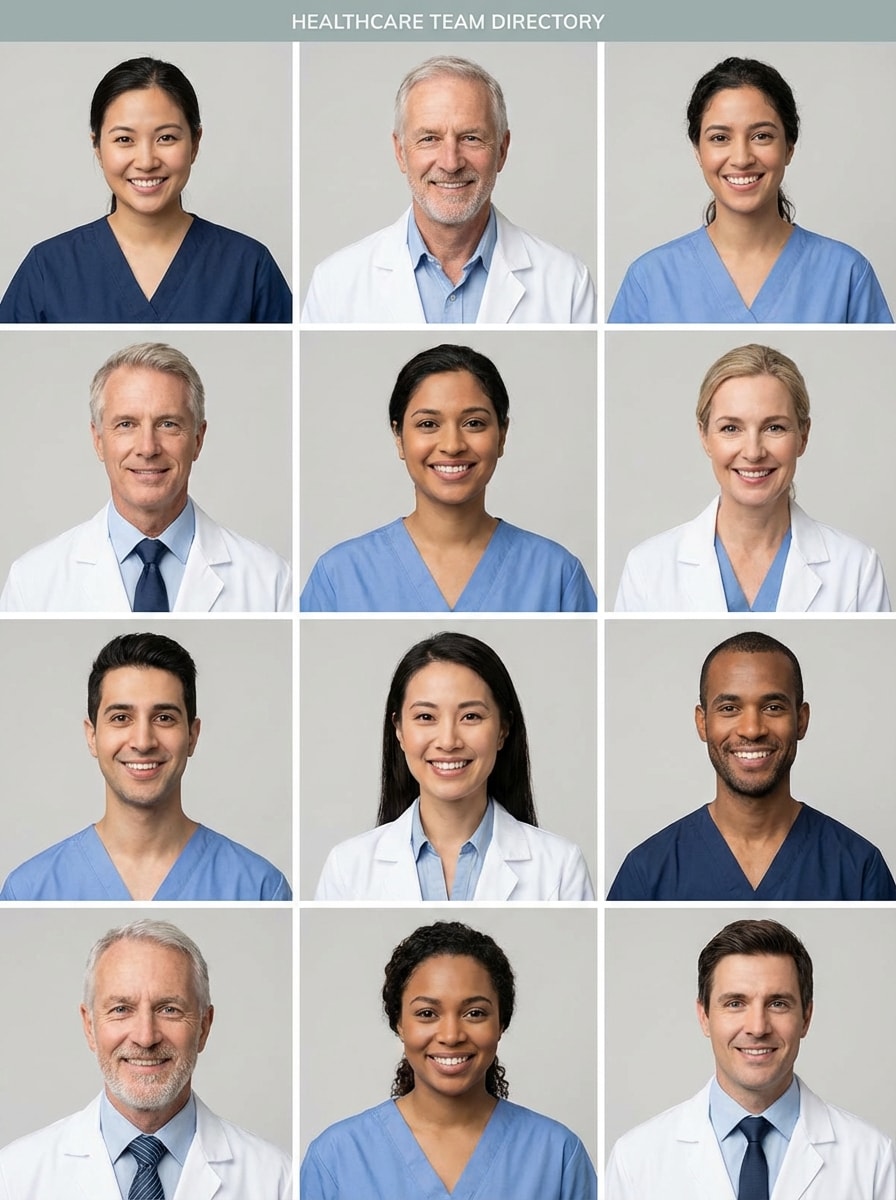
Teamverzeichnis Headshot
Verwenden Sie das hochgeladene Bild als Motiv und erstellen Sie ein standardisiertes clinic team directory Arzt headshot mit konsistentem Rahmen, neutralem Hintergrund, realistischer Beleuchtung, natürlichem Ausdruck, sauberer medizinisch-professioneller Kleiderschrank, scharfen Details und einem einheitlich polierten look, ideal für Personalbiografien, Gruppenbranding und Krankenhausaufzeichnungen.
Fachprofil Porträt
Verwenden Sie das hochgeladene Bild als Motiv und erstellen Sie ein poliertes Facharzt-Kopfbild mit erstklassiger Porträtbeleuchtung, raffinierter und doch natürlicher Retusche, professioneller medizinischer Garderobe, selbstbewusster Ausdruck, subtilem neutralem Hintergrund, klaren Gesichtsdetails und einem erhöhten redaktionellen finish, das sich immer noch realistisch und glaubwürdig anfühlt.
Warum Media.io für Arzt Headshots verwenden?
Erstellt für Photo-to-Headshot-Uploads
Laden Sie JPG-, PNG-oder JPEG-Bilder hoch und verwandeln Sie ein selfie, ein beiläufiges Porträt oder ein bestehendes Arzt-Headshot-Foto in ein poliertes medizinisches Profilbild mit Bild-zu-Bild-KI-Bearbeitung.
Realistische Identitätserhaltung
Mit Nano Banana Pro, Nano Banana 2 und Media 2.0 hilft Media.io dabei, die Gesichtsidentität konsistent zu halten und gleichzeitig Beleuchtung, Kleiderschrank und Hintergrund zu verbessern, um vertrauenswürdige Arztkopfaufnahmen zu ermöglichen.
Präzise Steuerung über die Leistung
Wählen Sie eine Auflösung von 1K, 2K oder 4K, passen Sie die Seitenverhältnisse wie 3:4 oder 1:1 an und generieren Sie 1 bis 4 Variationen gleichzeitig für konsistente Kopfaufnahmen für Ärzte auf allen Plattformen.
Funktioniert auf jedem Gerät, überall
Diese browser-basierteKI-Arzt-FotogeneratorFunktioniert auf Windows, Mac, iPhone, iPad und Android, sodass Sie eineKopfschuss ArztBild ohne software zu installieren.
Wie man einen KI-Arzt-Headshot Online macht
1
2
3
1
Öffnen Sie Media.io Doctor Headshot Tool
gehe zuKI Bild-zu-Bild-GeneratorUnd öffnen Sie das Doctor Headshot tool unter AI-> AI Image Generator. Dieses Online-Tool läuft in Ihrem browser, sodass Sie ein professionelles medizinisches Profilfoto auf dem desktop oder Mobiltelefon erstellen können, ohne irgendetwas zu installieren.
2
Laden Sie ein Foto hoch und beschreiben Sie den Look
Laden Sie ein klares JPG-, PNG-oder JPEG-Porträt hoch. Dann fügen Sie eine detaillierte Eingabeaufforderung hinzu, wie zum Beispiel: "Verwenden Sie das hochgeladene Bild als Motiv und verwandeln Sie es in ein realistisches Arzt-Kopfbild mit einem weißen Mantel, weicher Studiobeleuchtung und einem klaren grauen Hintergrund." Passen Sie das Seitenverhältnis, die Auflösung und den Stil nach Bedarf an.
3
Generieren, verfeinern & herunterladen
Klicken Sie auf Generieren, um Ihr neues Bild zu erstellen. Vergleichen Sie Versionen, verfeinern Sie die Eingabeaufforderung für Peelings, Klinikeinstellungen oder LinkedIn-fähige framing und laden Sie dann Ihr bevorzugtes hochauflösendes Ergebnis für websites, Profile oder Verzeichnisse herunter.
Freischalten Sie das Potenzial von AI Doctor Image
Schauen Sie sich an, wie Schöpfer diesen Arzt-Headshot für Inhalte, marketing und persönliche Projekte verwenden, und passen Sie dann jede Idee an das brief an.
LinkedIn und medizinische Profile schnell aktualisieren
Verwandeln Sie ein selfie oder ältere Porträt in ein poliertes PorträtKI Arzt BildFür LinkedIn, speaking bios und professionelles networking. Es ist eine schnelle option für Ärzte, die ein sauberes, glaubwürdiges Profilfoto wollen, ohne eine vollständige Studio-Sitzung zu planen.
Erstellen Sie konsistente Klinik-Website-Teamfotos
Generieren Sie passende Arzt-Headshot-Fotostile für Ärzte, Spezialisten und Personalseiten. Einheitliche Beleuchtung, Rahmen und Hintergrundbehandlung helfen privaten Praxen und Kliniken, eine kohärentere und vertrauenswürdigere Marke online zu präsentieren.
Krankenhausverzeichnis und Bio-Seiten aktualisieren
Verwenden Sie ein vorhandenes Porträt, um realistische Arzt-Headshot-Ergebnisse für Krankenhausverzeichnisse, Patientenportale und Bioseiten zu erstellen. Fügen Sie weiße Mäntel, Peelings oder Bürohintergründe hinzu, um Ihr KI-Arztfoto besser an die Erwartungen der Gesundheitsversorgung anzupassen.
Was die Benutzer sagen
Dr. Maya Chen
Hausarzt
"Schnelles upgrade von selfie auf klinikfertiges Foto"Ich benutzte ein einfaches Telefon-Selfie und machte ein poliertes Arzt-Kopfbild, das professionell genug für meine Praxis-Website aussah. Besonders hilfreich war das weiße Mantelstyling und die Lichtreinigung.
Ethan Brooks
Praxisleiter
"Hilfreich für konsistente Teamprofile"Wir benötigten passende Arzt-Headshots für mehrere Provider-Seiten. Media.io erleichterte die Standardisierung von framing und Hintergrund, sodass das gesamte Klinikverzeichnis einheitlicher aussah.
Dr. Sofia Ramirez
Dermatologe
"Natürlich aussehend und leicht zu verfeinern"Mir gefiel, dass das Ergebnis immer noch wie ich aussah. Ich habe Peelings, Business-Kleidung und einen neutralen Hintergrund getestet, bis ich eine version fand, die für LinkedIn und meine Bio-Seite funktionierte.
Noah Patel
medizinischer Bewohner
"Nützlich, wenn die Zeit begrenzt ist"Ich brauchte ein professionelles headshot doctor image fast für Anwendungen und Profile. Das Hochladen eines beiläufigen Portraits und die Verfeinerung der Eingabeaufforderung war viel schneller als die Anordnung eines Fotografen.
Entdecken Sie die beliebtesten KI-Video- und Bildeffekte
1. Wie kann ich ein selfie in einen professionellen Arzt-Kopfaufnahme verwandeln?
Öffnen Sie Media.io, laden Sie ein klares selfie im JPG-, PNG-oder JPEG-Format hoch und verwenden Sie eine Bild-zu-Bild-Eingabeaufforderung, die das gewünschte Ergebnis beschreibt, z. B. einen weißen Mantel, Peelings, Studio-Beleuchtung oder einen Klinikhintergrund. Das tool kann ein poliertes Porträt im medizinischen Stil erstellen, während Ihre Gesichtsidentität erhalten bleibt.
2. Kann ich ein realistisches Arzt-Headshot ohne ein Fotoshooting erstellen?
Mit Media.io können Sie ein bestehendes Foto hochladen und es mit KI in realistische medizinische Profilbilder umwandeln. Dies funktioniert gut, wenn Sie einen raffinierteren look für die Online-Nutzung wünschen, ohne einen Fotografen zu buchen, insbesondere für professionelle Biografien, soziale Profile oder Praxisseiten.
3. Wie viel kostet ein Arzt headshot im Vergleich zu einem Fotografen?
Im Vergleich zu einem herkömmlichen Fotografen kann dies eine flexiblere option für schnelle Profilaktualisierungen sein.
4. Welches Foto funktioniert am besten für einen AI doctor headshot generator?
Das beste Quellfoto ist klar, gut beleuchtet und nach vorne gerichtet, mit Ihrem Gesicht sichtbar und minimaler Unschärfe. Ein einfacher Hintergrund hilft, muss aber nicht perfekt sein. Ein selfie, ein beiläufiges Porträt oder ein älteres headshot kann gut funktionieren, wenn die Gesichtsmerkmale leicht zu sehen sind.
5. Kann ich weißen Mantel, Peelings oder Geschäftskleidung in meinem medizinischen headshot wählen?
In Ihrer Aufforderung können Sie weiße Mäntel, Peelings oder Business-Professional-Kleidung sowie Hintergrundoptionen wie ein neutrales studio, ein Klinikbüro oder einen Krankenhauskorridor anfordern. Der Bild-zu-Bild-Workflow von Media.io wurde entwickelt, um das styling durch Ihr hochgeladenes Foto und prompte Anweisungen zu leiten.
6. Sind KI-Arzt-Headshots gut genug für LinkedIn oder eine Klinik-Website?
Sie können für LinkedIn, Praxis-Websites und Mitarbeiter-Bio-Seiten geeignet sein, wenn das Ergebnis realistisch, professionell aussieht und Sie eindeutig repräsentiert. Media.io unterstützt 1K-, 2K-und 4K-Ausgabeoptionen, was hilft, wenn Sie ein schärferes Bild für digitale Profile oder Website-Nutzung benötigen. Media.io ist ein webbasiertes tool, das auf jedem Gerät mit einem browser (Windows, Mac, iOS, Android) funktioniert.