Deine Werke werden nur 7 Tage lang gespeichert. Assets, die nach dem Upgrade auf einen Mitgliedschaftstarif erstellt werden, werden dauerhaft gespeichert.
Entfalten Sie Ihr kreatives Potenzial und erleben Sie jetzt die Magie der Media-KI!
Comic Book Filter for Turning Photos Into Bold Comic Art
Turn portraits, selfies, and character shots into striking comic-style visuals with Media.io’s comic book filter. Create a comic book filter for photos look in superhero, pop art, manga, or graphic novel styles online, with fast browser-based editing that works smoothly on desktop or mobile. It is also a practical option for comic photo filter.
Review these example directions, then tailor the prompt details to get stronger results with this comic filter and create a clearer comic book effect photo from your own image. This workflow is especially useful for comic effect filter.
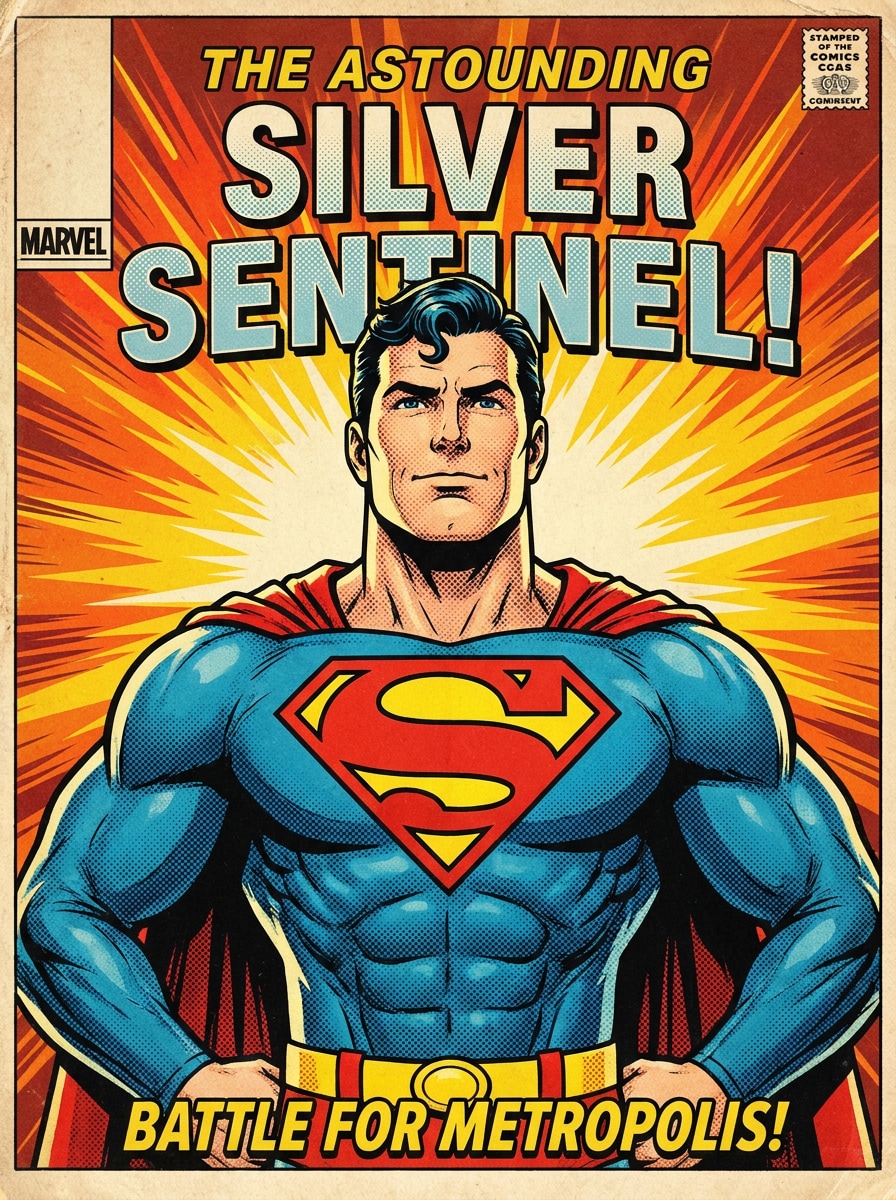
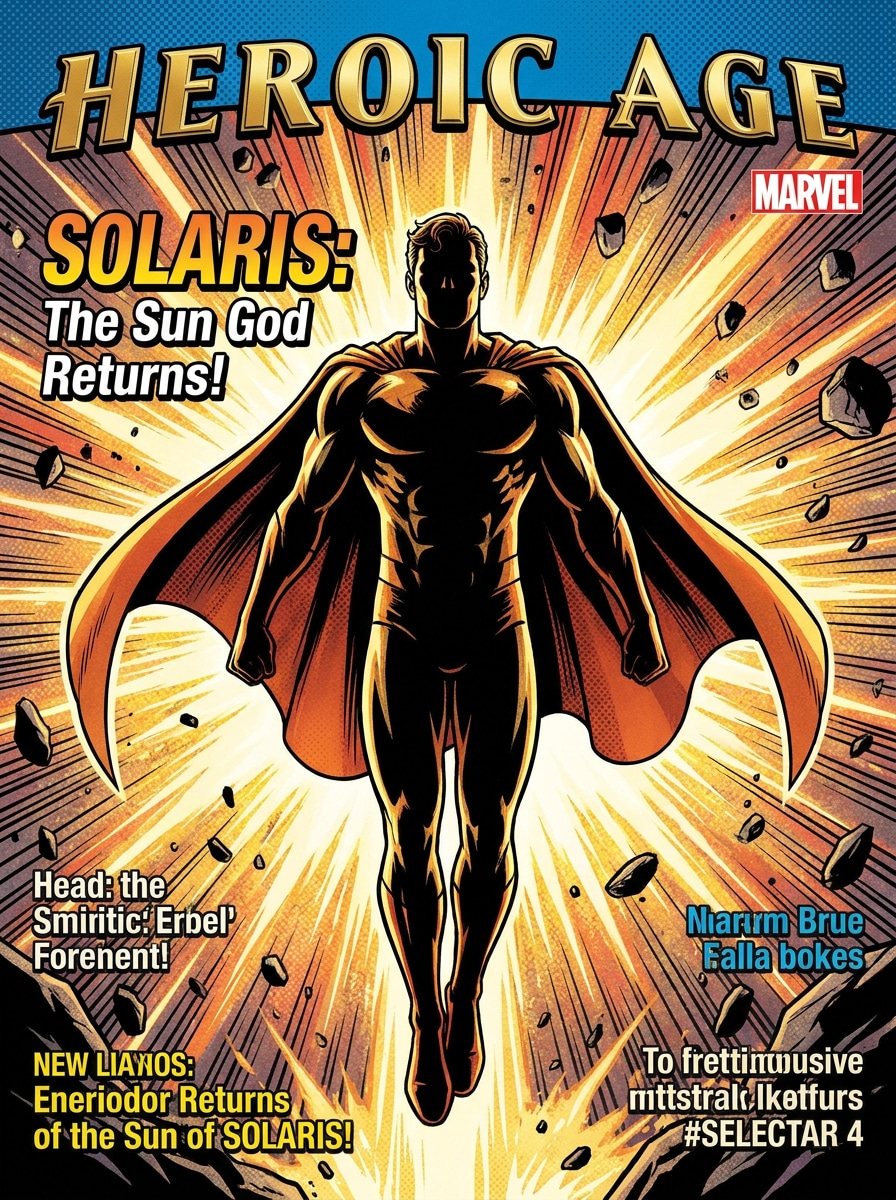
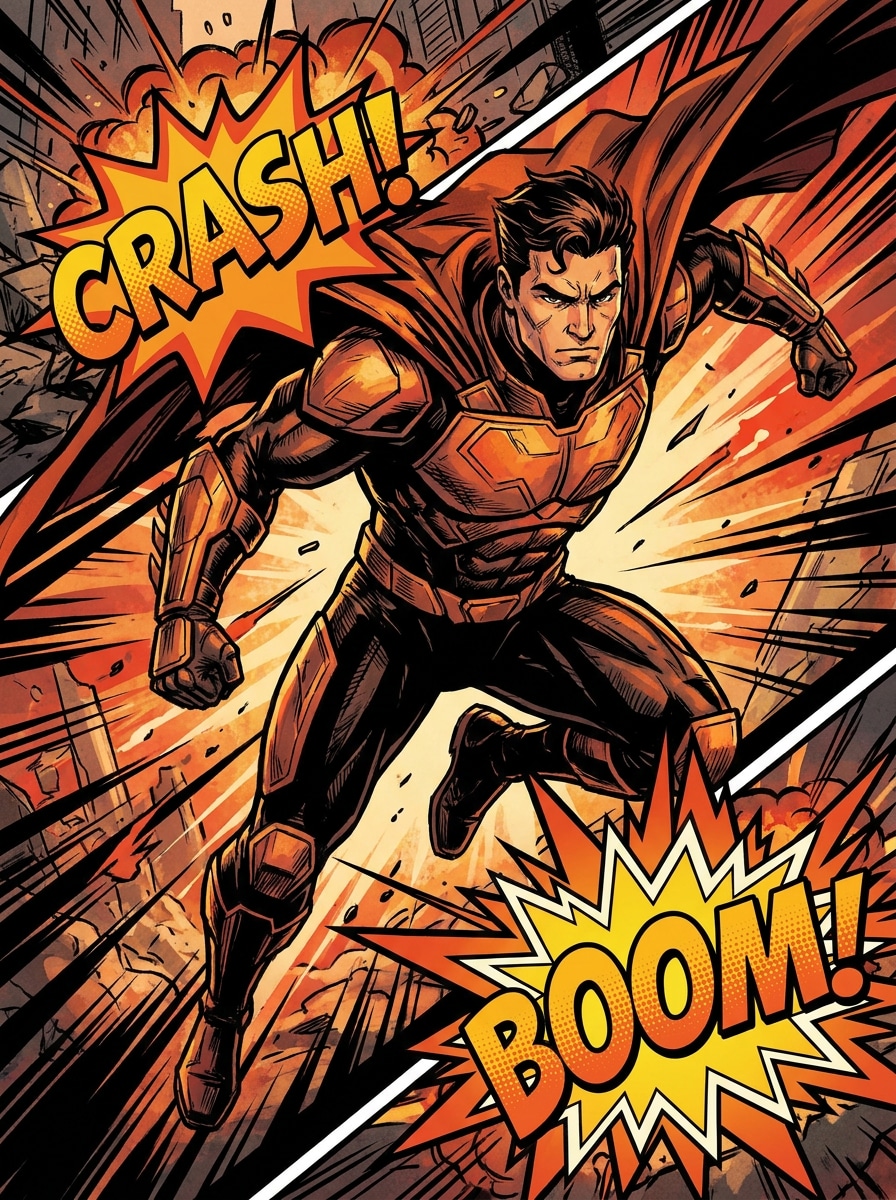
Silver Age Superhero
Use the uploaded image as the main subject and transform it into a classic Silver Age superhero cover portrait with bold black ink outlines, bright red blue yellow accents, halftone shading, heroic facial expression, dynamic action burst background, clean cel shading, vintage comic print texture, and sharp high-detail finish.
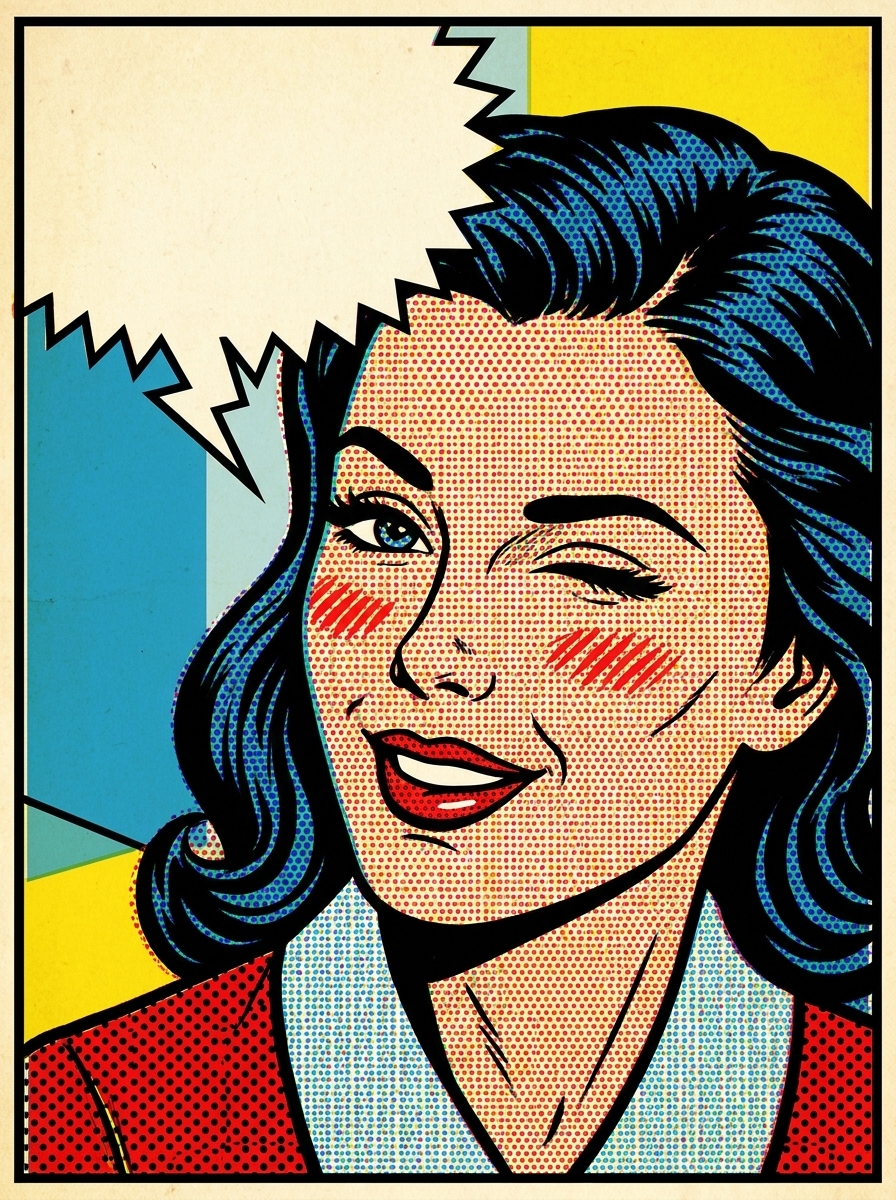
Vintage Pop Art
Use the uploaded photo as the subject and convert it into retro pop art comic panels with thick black contour lines, flat red yellow blue color blocking, Ben-Day dots, playful speech-bubble space, off-white aged paper texture, upbeat mood, crisp framing, and a polished editorial comic finish.
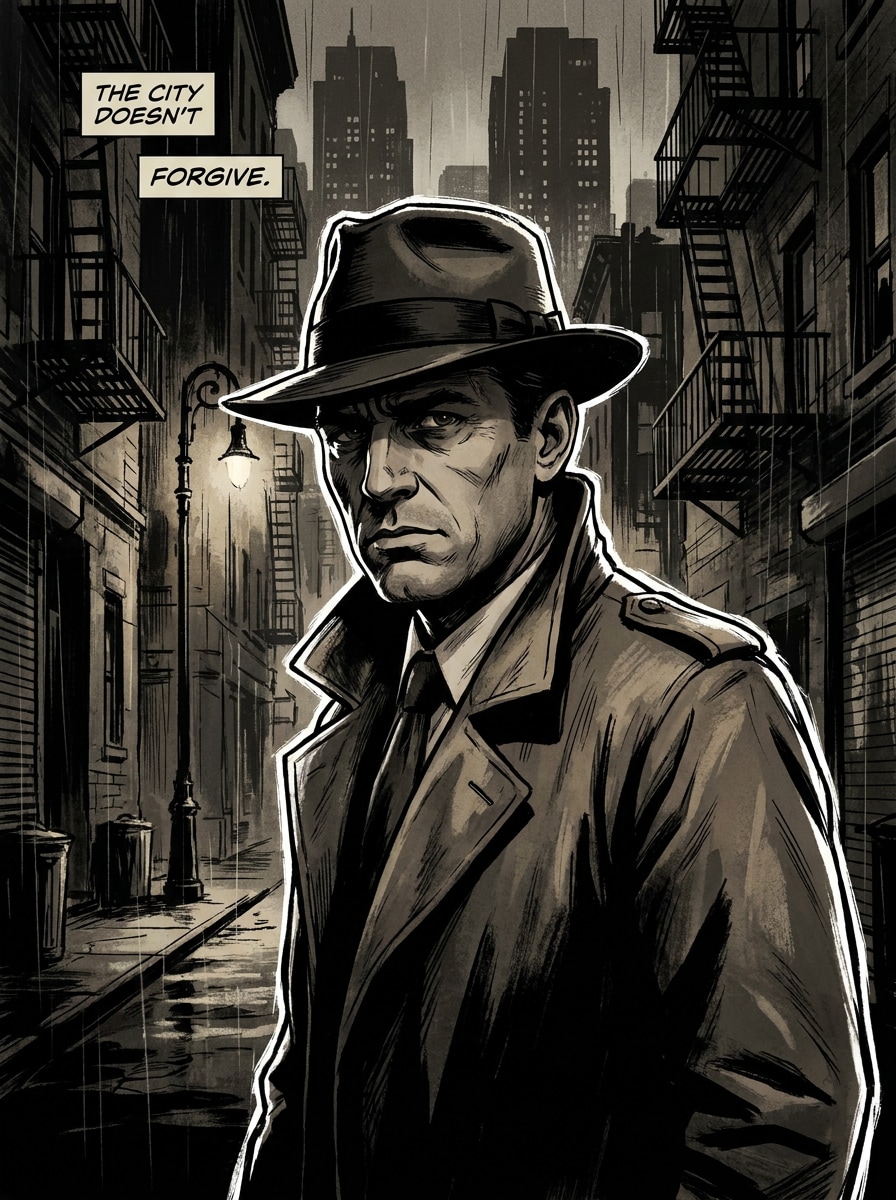
Cinematic Graphic Novel
Use the uploaded image as the base and restyle it into a dark cinematic graphic novel portrait with sharp ink work, moody side lighting, desaturated deep blues and charcoal tones, textured brush shading, dramatic facial contrast, storytelling composition, gritty atmosphere, and premium illustrated detail.
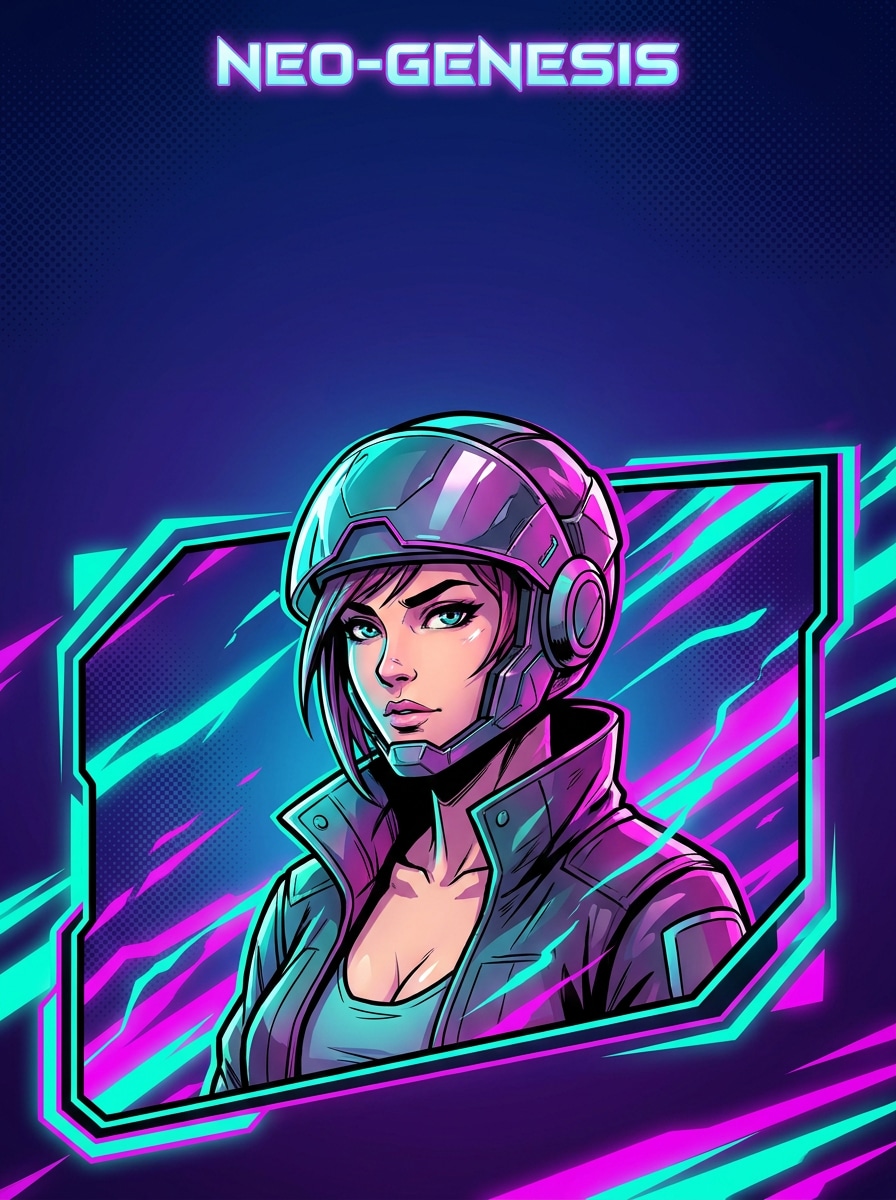
Neo Comic Poster
Use the uploaded image as the subject and transform it into a modern comic poster with crisp line art, bold contrast, stylized cel shading, vivid accent colors, clean negative space for headline placement, polished digital finish, poster-ready composition, and energetic contemporary comic mood.
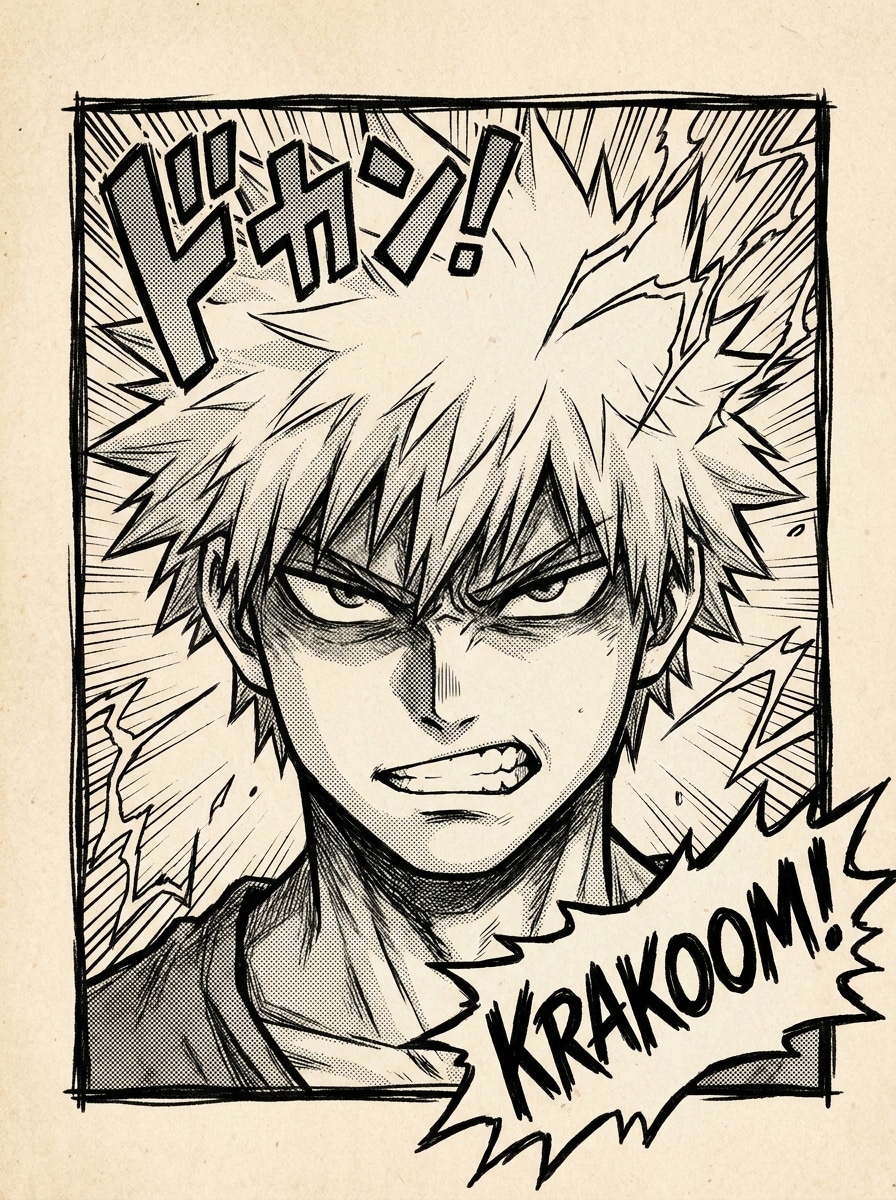
Shonen Manga Ink
Use the uploaded selfie as the subject and convert it into a shonen manga panel with expressive black ink lines, screentone texture, speed lines, dramatic framing, high-energy expression, monochrome palette, crisp contrast, and a clean action-panel composition that feels dynamic and authentic.
Anime Comic Fusion
Use the uploaded portrait as the base and apply an anime-comic hybrid effect with clean line art, vibrant cel shading, luminous highlights, energetic background effects, stylized facial features, balanced saturation, playful heroic mood, and a sleek polished finish suitable for profile images or posters.
Hero Cover Art
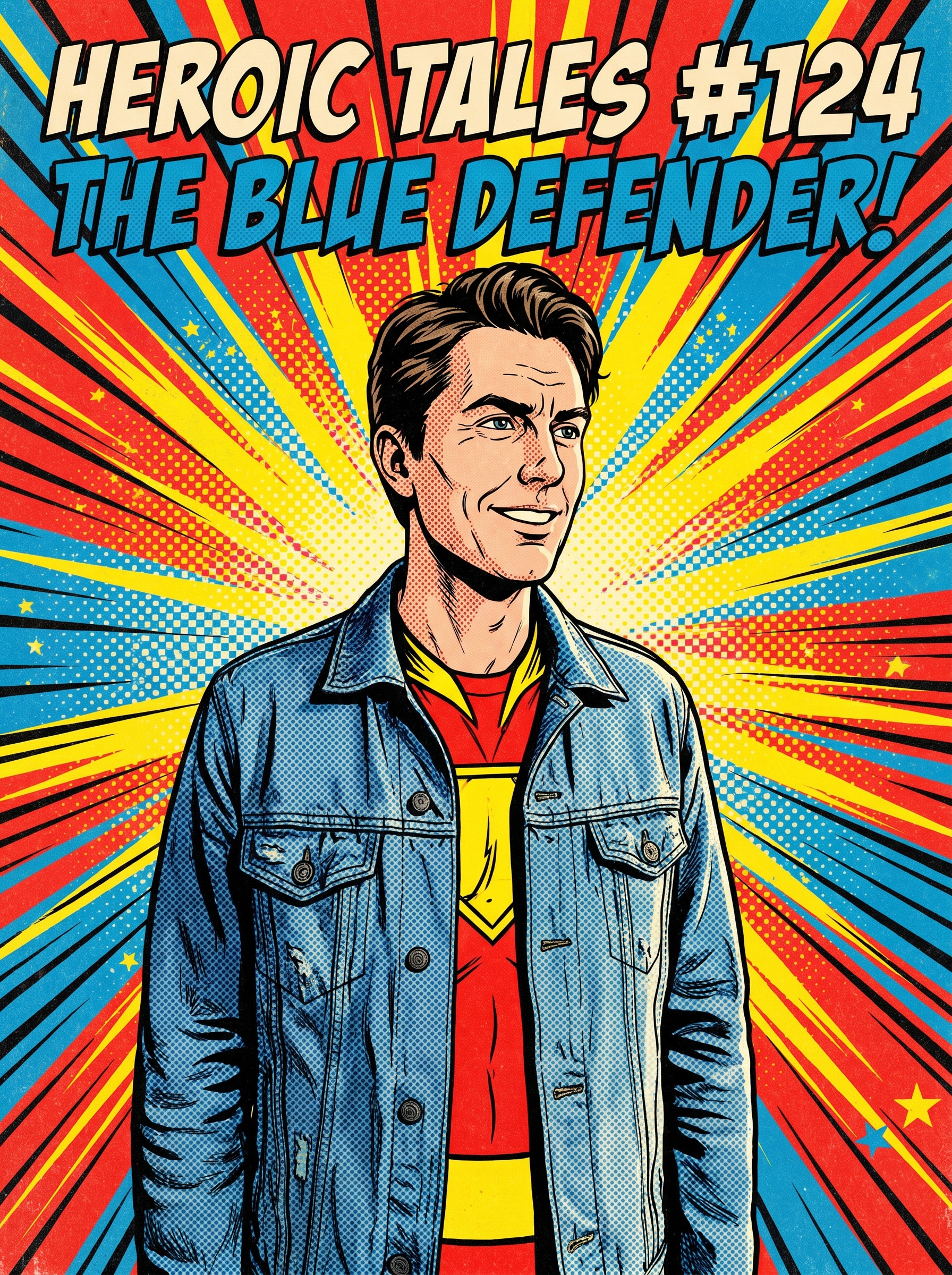
Use the uploaded image as the subject and make it look like a dramatic superhero comic cover with strong pose emphasis, low-angle perspective, explosive energy background, glossy print styling, bold ink outlines, title-safe top space, vivid contrast, and a fearless larger-than-life mood.
Comic Action Scene
Use the uploaded photo as the subject and stylize it into an action comic panel with motion lines, impact bursts, exaggerated contrast, dramatic directional lighting, comic sound-effect space, bold panel composition, textured ink shading, and an intense fast-moving atmosphere.
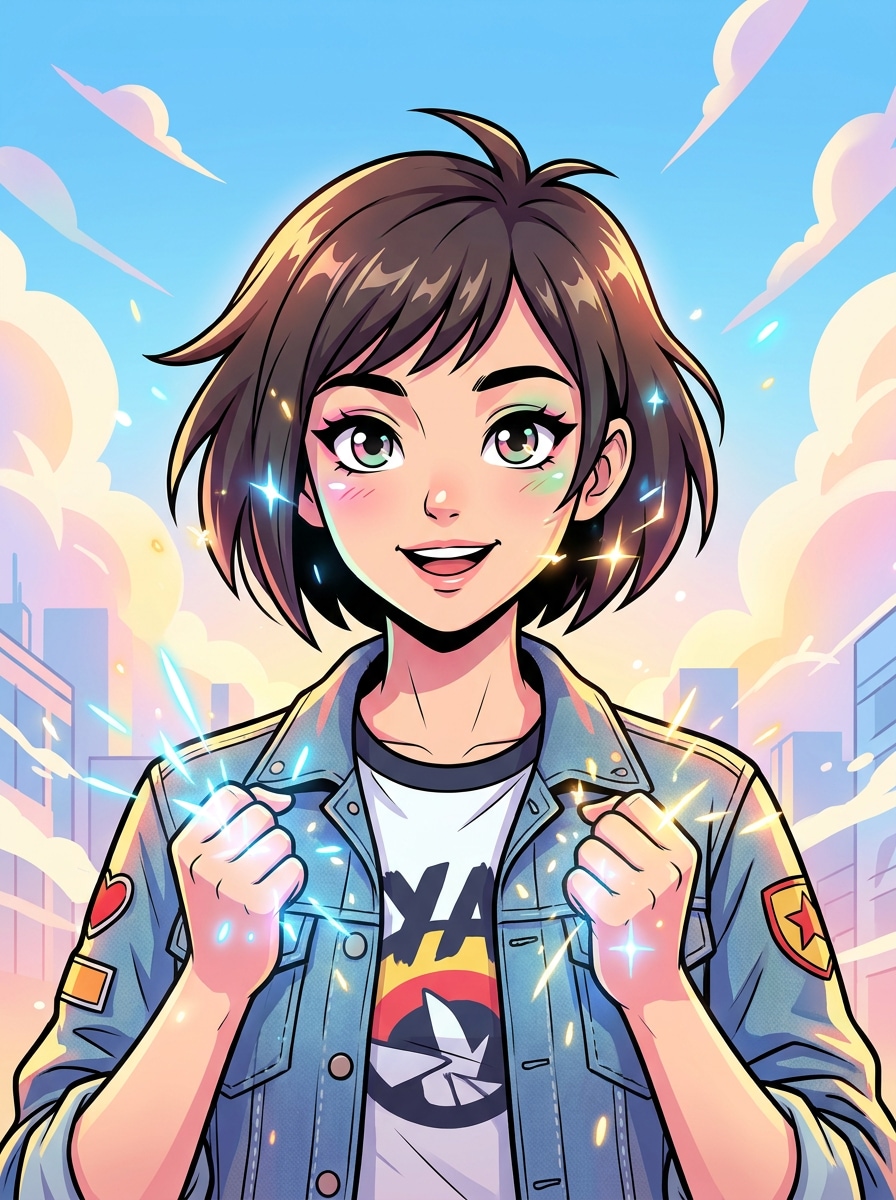
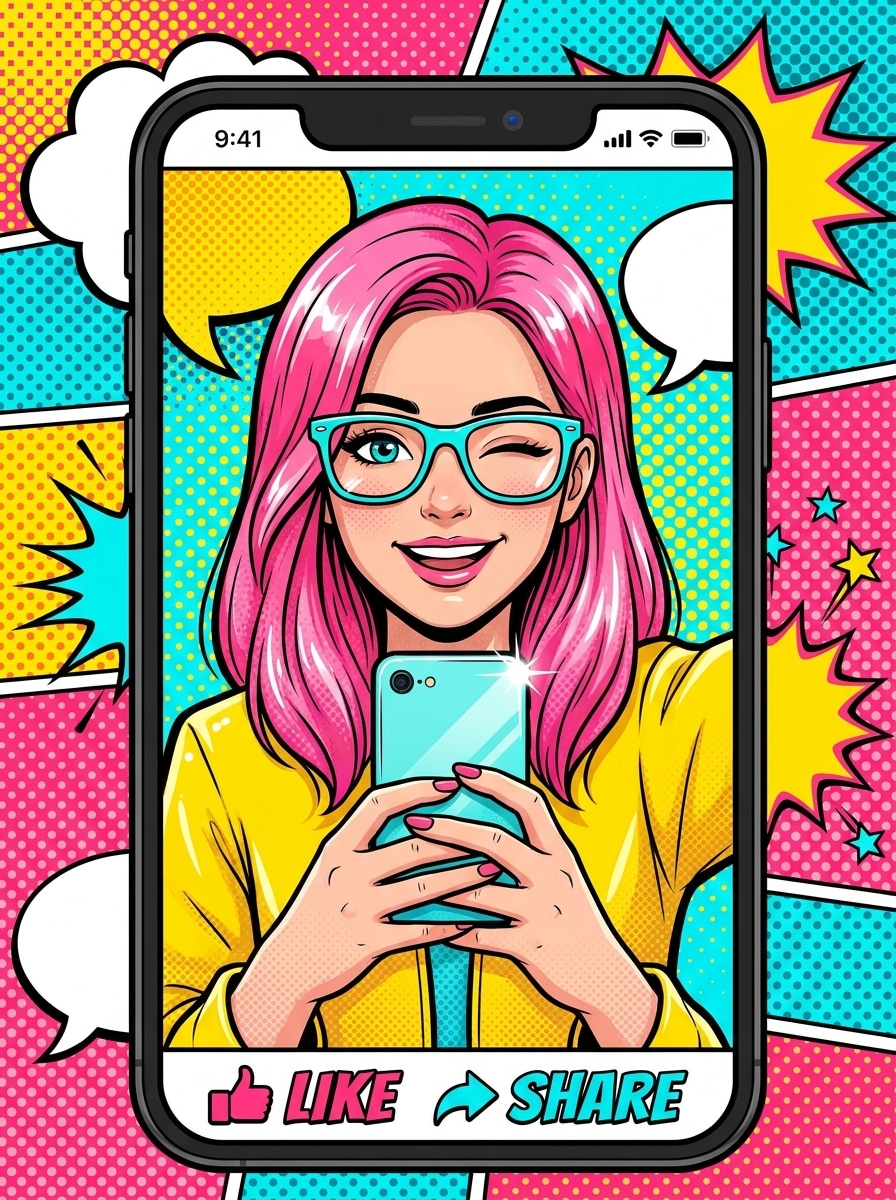
Pop Comic Selfie
Use the uploaded selfie as the subject and turn it into a colorful comic portrait with bold outlines, smooth cel shading, bright pop colors, subtle halftone texture, centered social-friendly framing, cheerful mood, soft glossy highlights, and a clean vibrant finish for quick sharing.
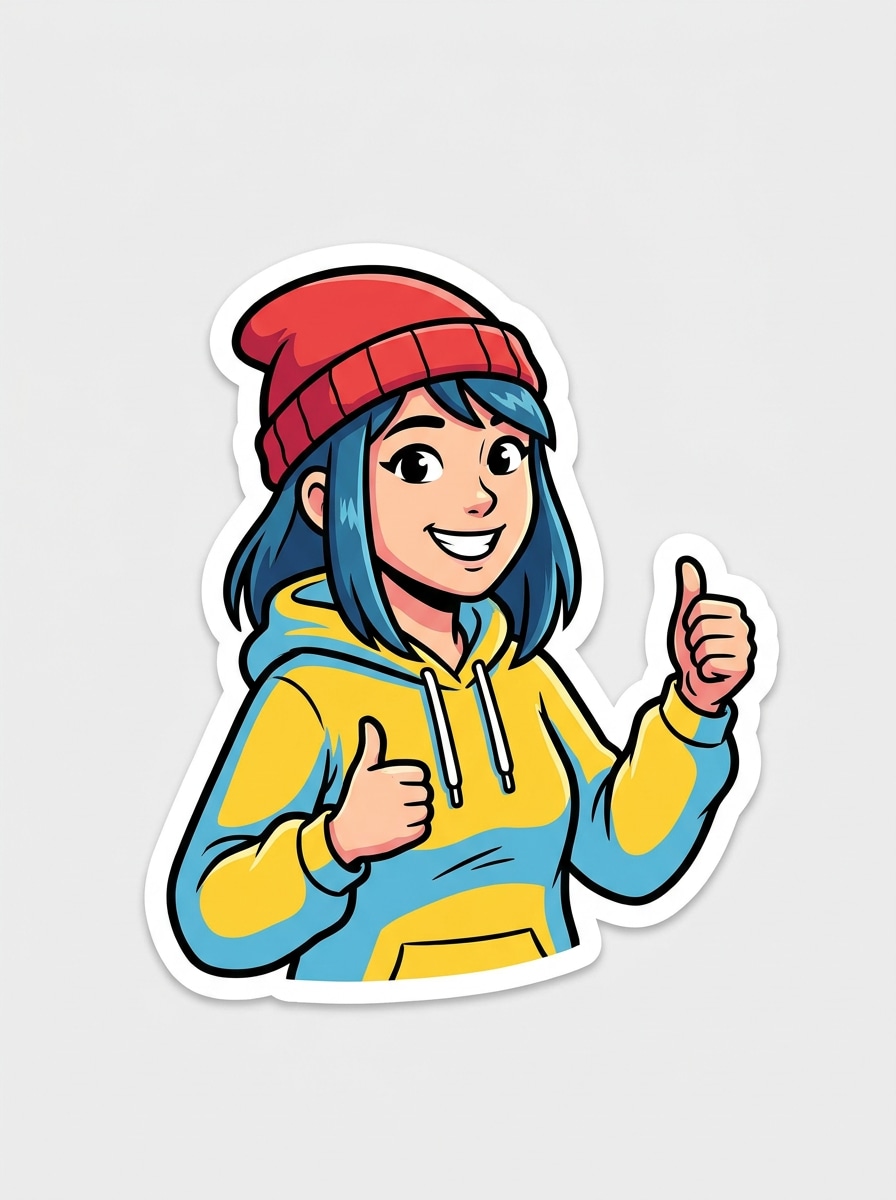
Sticker Comic Portrait
Use the uploaded portrait as the main subject and transform it into a comic sticker illustration with thick cutout outline, simplified comic shading, vibrant palette, playful expression, isolated clean background, crisp edges, collectible sticker feel, and high-detail finish that reads clearly at small sizes.
Why Use Media.io for Comic-Style Photo Transformations
Personalize Results Around a Reference Subject
For selfies, avatars, and character portraits, Media.io uses your uploaded image as a reference so the final comic portrait filter keeps key facial features and identity cues while turning a photo to comic filter result into a polished comic look. It can also help with superhero comic filter.
Switch Between Superhero, Pop Art, Manga, and Noir Looks
When the art direction is still open, Media.io lets you test multiple looks around the same comic book filter visual idea, making it easier to find the right style without rebuilding from zero.
Tune Layout, Size, and Quality for Sharing or Printing
A single comic book filter concept often needs to fit different placements, and Media.io helps adapt the output for social posts, presentations, and promo creatives while keeping the same core style instead of remaking the image each time.
Keep Final Visuals Sharp for Real Projects
For projects that need more than draft quality, Media.io helps produce comic book filter visuals with up to 4K output so details stay cleaner when you present, crop, or repurpose the final file.
How to Apply a Comic Book Filter Online
Turn your words into stunning visuals in three simple steps, then continue refining the result if you want to take it further.
Step 1
Upload Your Reference Image
Start with a clear portrait, selfie, or character photo in JPG, PNG, or JPEG format. A sharp source image gives the comic photo filter more detail to preserve facial structure, pose, and important visual features.
Step 2
Describe the Change and Set Options
Enter the comic style you want, such as superhero cover art, manga ink, graphic novel shading, or retro pop art. Then choose your model and adjust aspect ratio, resolution, and the number of image variations to match your project.
Step 3
Generate, Download, and Keep Improving
Create your comic variations, compare the results, and download your favorite version. If you want a stronger comic effect filter, refine the prompt, change the layout, or regenerate until the outline, color, and mood feel right.
See how creators use this comic book filter for content, marketing, and personal projects, then adapt each idea to fit the brief.
Upgrade Selfies Into Scroll-Stopping Profile Art
Turn everyday portraits into bold social visuals with halftone dots, inked outlines, and dramatic color blocking. This is ideal if you want a comic-style avatar, a standout reel cover, or a comic book photo filter result that feels more creative than a standard edit.
Create Character Covers for Posters and Fan Projects
Build eye-catching cover art from your own images for passion projects, event flyers, or themed prints. With Media.io, a simple portrait can become a comic book effect photo that feels like poster-ready hero artwork with clear attitude, depth, and visual impact.
Test Fun Mobile Edits Before You Post
If you want a quick comic filter iphone workflow or an easy iphone comic book filter alternative, Media.io lets you upload from mobile, try multiple looks, and generate shareable comic-style results without advanced editing skills.
What Users Say About This Comic Filter
Avery Collins
Content Creator
"My selfies finally look like real comic art." I wanted a comic filter for photos that didn’t make my face unrecognizable. Media.io kept my features clear and gave me bold outlines and color exactly like a modern comic poster.
Marcus Lee
Indie Designer
"Great for posters and character concepts." I used it to turn client portraits into cover-style artwork. The different looks, from pop art to darker graphic novel styles, made this comic book effect photo workflow much faster than editing by hand.
Sofia Ramirez
Social Media Manager
"Fast results on mobile and desktop." I tested it as a comic book filter iphone option first, then finished on desktop. It was easy to upload, tweak the prompt, and generate polished visuals for campaign posts in minutes.
Ethan Brooks
Student Creator
"Simple way to get a strong comic photo effect." I was looking for a comic book filter online free enough to test ideas before paying for anything. The free credits helped me experiment, and the final images looked clean enough for profile art and printable projects.
A comic book filter is an image effect that transforms a regular photo into artwork inspired by comic panels, covers, or graphic novels. With Media.io, you can upload a portrait or selfie and restyle it with bold outlines, halftone textures, cel shading, and dramatic color treatment for a comic-style result.
2. How can I turn a photo into a comic book style image online?
Upload your JPG, PNG, or JPEG image to Media.io, describe the look you want, and generate the result in your browser. You can create a comic filter, a darker graphic-novel look, or a bright pop-art panel, then adjust aspect ratio, resolution, and variations before downloading your final image.
3. Is there a free comic filter for pictures?
Media.io offers free credits so you can try a comic book filter online free before upgrading. Free users may see watermarks, while paid subscribers can download watermark-free high-resolution images. For more usage details, check the pricing page.
4. What types of comic styles can an AI comic book filter create?
Media.io can help you create several comic-inspired looks, including superhero cover art, retro pop art, manga-style ink, anime-comic blends, cinematic graphic novel shading, and modern poster-style visuals. That flexibility makes it useful whether you want a playful comic filter for photos or a more dramatic editorial effect.
5. Will the comic book effect keep my face and details recognizable?
In many cases, yes. Media.io uses your uploaded image as a visual reference, so the generated style can preserve important identity cues like face shape, hairstyle, pose, and clothing details while applying a stylized illustrated finish. Results can vary depending on the prompt and how heavily stylized you want the image to be.
6. Can I use a comic book filter on iPhone, Android, or desktop?
Media.io is web-based, so you can use it on iPhone, Android, Windows, or Mac through a browser. That makes it a practical option if you are searching for a comic book filter iphone tool, an iphone comic book filter workflow, or a desktop-friendly way to create a comic photo effect without installing software.