Deine Werke werden nur 7 Tage lang gespeichert. Assets, die nach dem Upgrade auf einen Mitgliedschaftstarif erstellt werden, werden dauerhaft gespeichert.
Entfalten Sie Ihr kreatives Potenzial und erleben Sie jetzt die Magie der Media-KI!
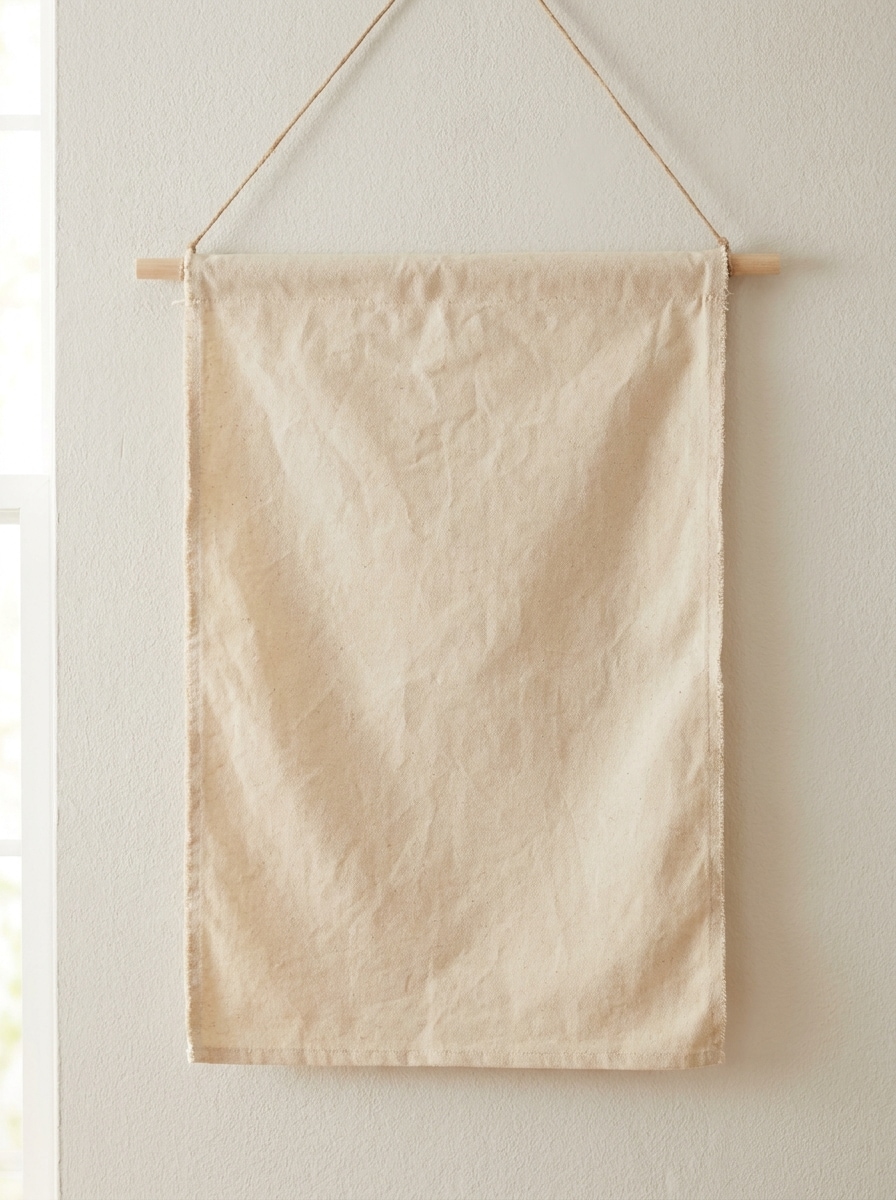
Erstellen Sie ein realistisches Banner-Mockup aus Ihrem Flat Design
Verwandeln Sie ein flaches Banner-Design mit Media.io in eine fotorealistische Präsentationsszene. Laden Sie Ihr Artwork hoch, beschreiben Sie die gewünschte Umgebung und erstellen Sie ein ausgefeiltes Banner-Mockup schnell für Roll-ups, Werbetafeln, Schaufensterdisplays, Eventvisuals, Pitches, Freigaben und Social Sharing. Dieses Setup eignet sich gut für Online-Banner-Mockup.
Geben Sie Ihre Idee ein -> KI gestaltet sie. Kostenlos testen.
Sehen Sie sich diese Beispielanweisungen an und passen Sie dann die Prompt-Details an, um bessere Ergebnisse mit diesem Banner-Mockup Tool in Media.io zu erzielen.
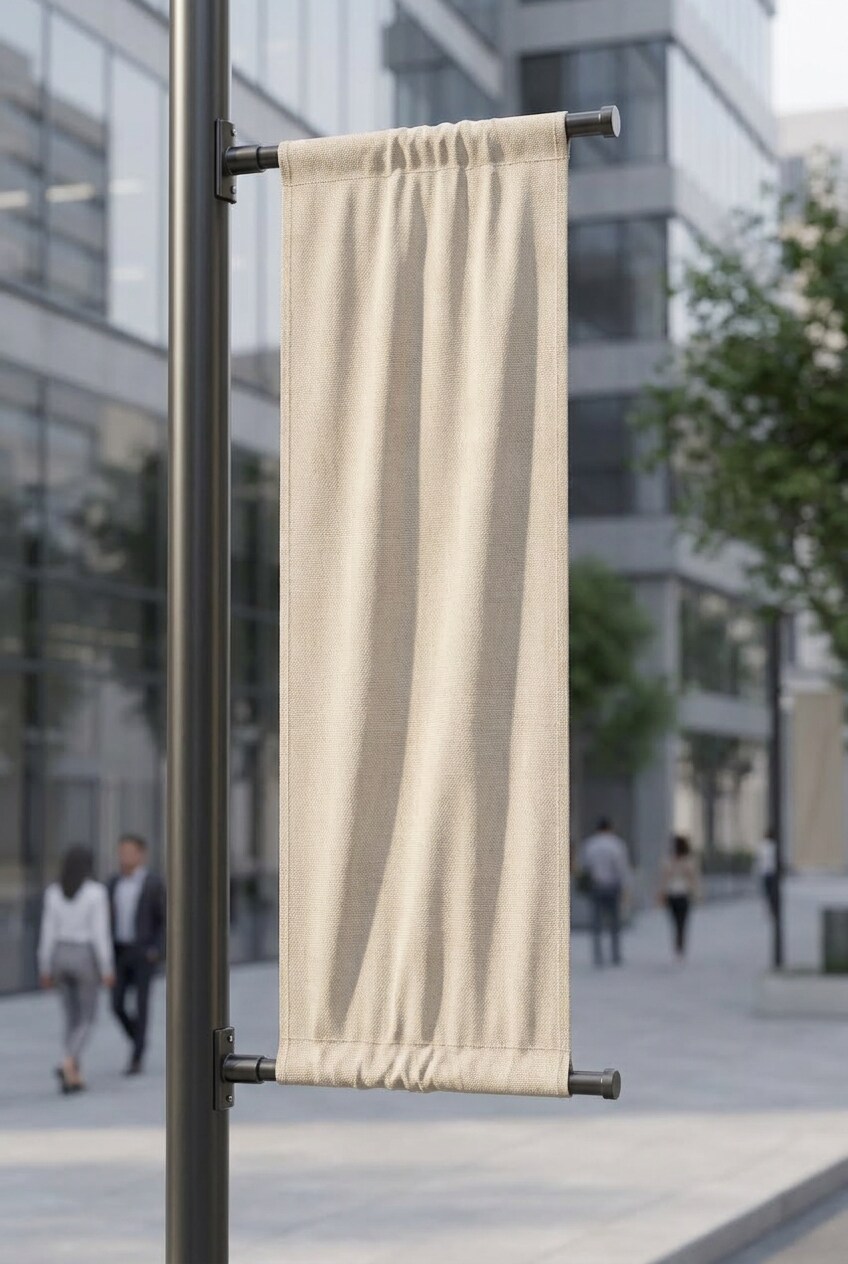
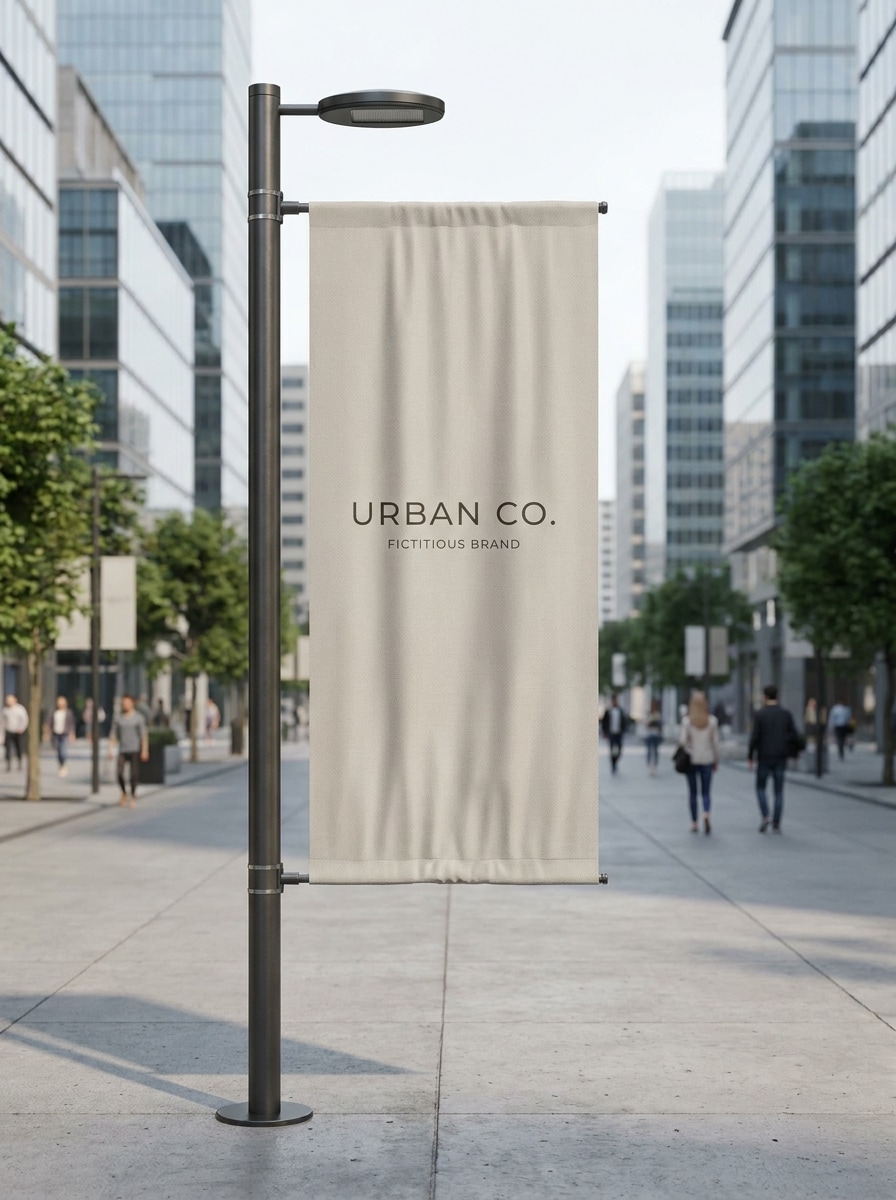
Straßenpfahl-Banner
Verwenden Sie das hochgeladene Bild als Banner-Artwork und verwandeln Sie es in ein fotorealistisches Straßenpfahl-Banner-Mockup in einer modernen, sauberen Stadt. Zeigen Sie ein hohes vertikales Stoffbanner, das an eleganten Laternenmasten befestigt ist, mit weichem Tageslicht, sanften Schatten, realistischen Falten, klaren Druckdetails, neutralen urbanen Tönen und einer hochwertigen kommerziellen Präsentation.
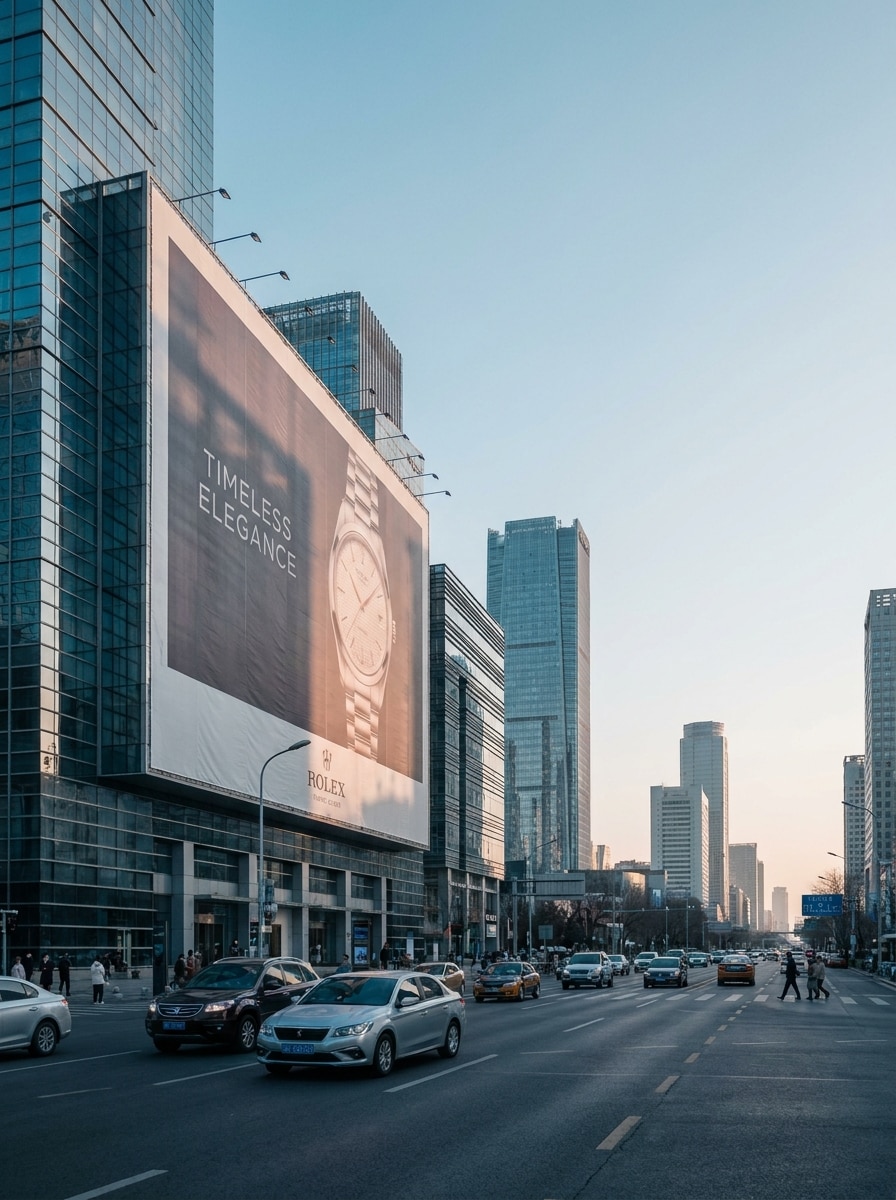
Billboard-Banner
Verwenden Sie das hochgeladene Bild als Banner-Design und platzieren Sie es auf einem großen Outdoor-Billboard-Mockup. Erstellen Sie eine Weitwinkel-Stadtwerbeszene mit realistischer Skalierung, weichem Nachmittagslicht, subtilen Strukturschatten, sichtbarer Drucktextur, sauberem Stadtbild und einer polierten Premium-Stimmung für Kundenpräsentationen.
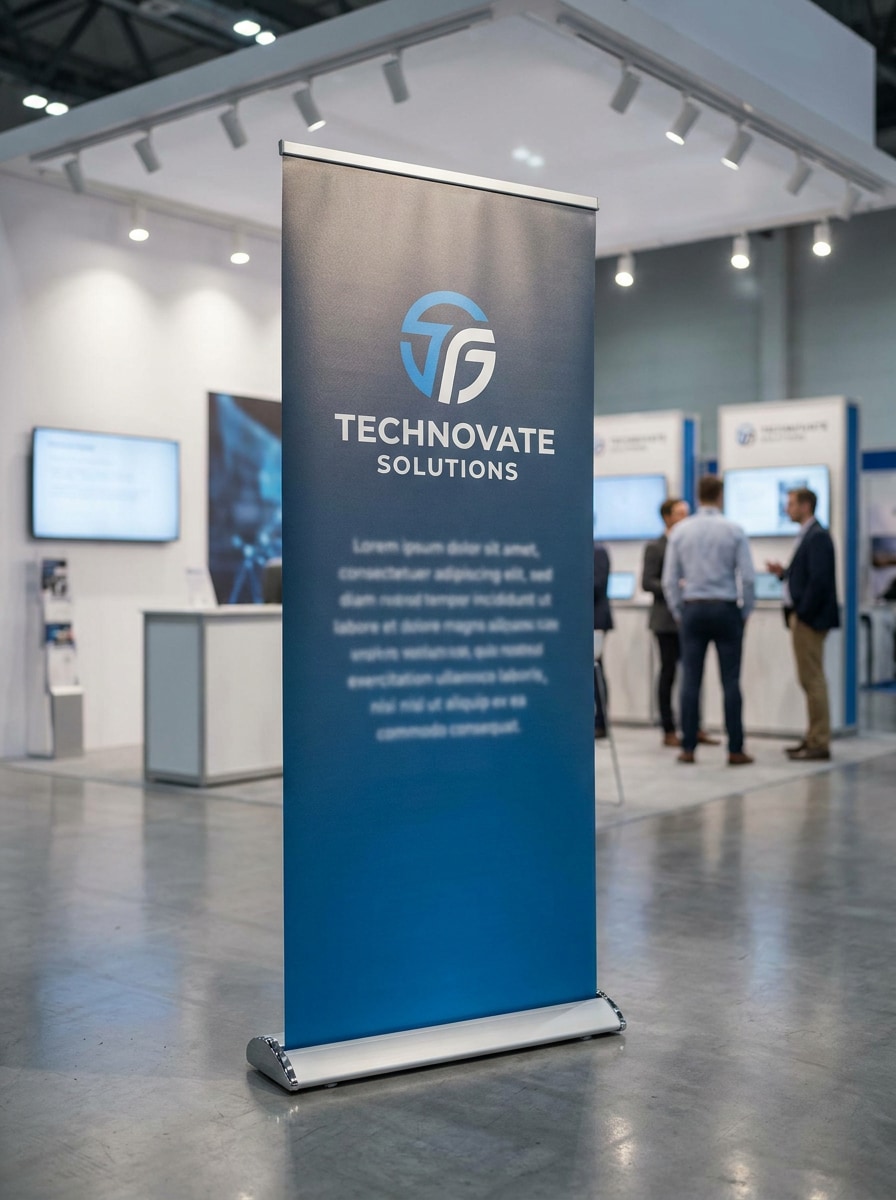
Roll-Up-Bannerständer
Verwenden Sie das hochgeladene Bild als gedrucktes Grafikelement und verwandeln Sie es in ein Roll-Up-Bannerständer-Mockup für einen Messestand. Zeigen Sie eine frontale Komposition, einen realistischen Aluminiumsockel, saubere Ausstellungshallenbeleuchtung, sanfte Reflexionen auf dem Boden, scharfes Branding und eine professionelle Veranstaltungsatmosphäre.
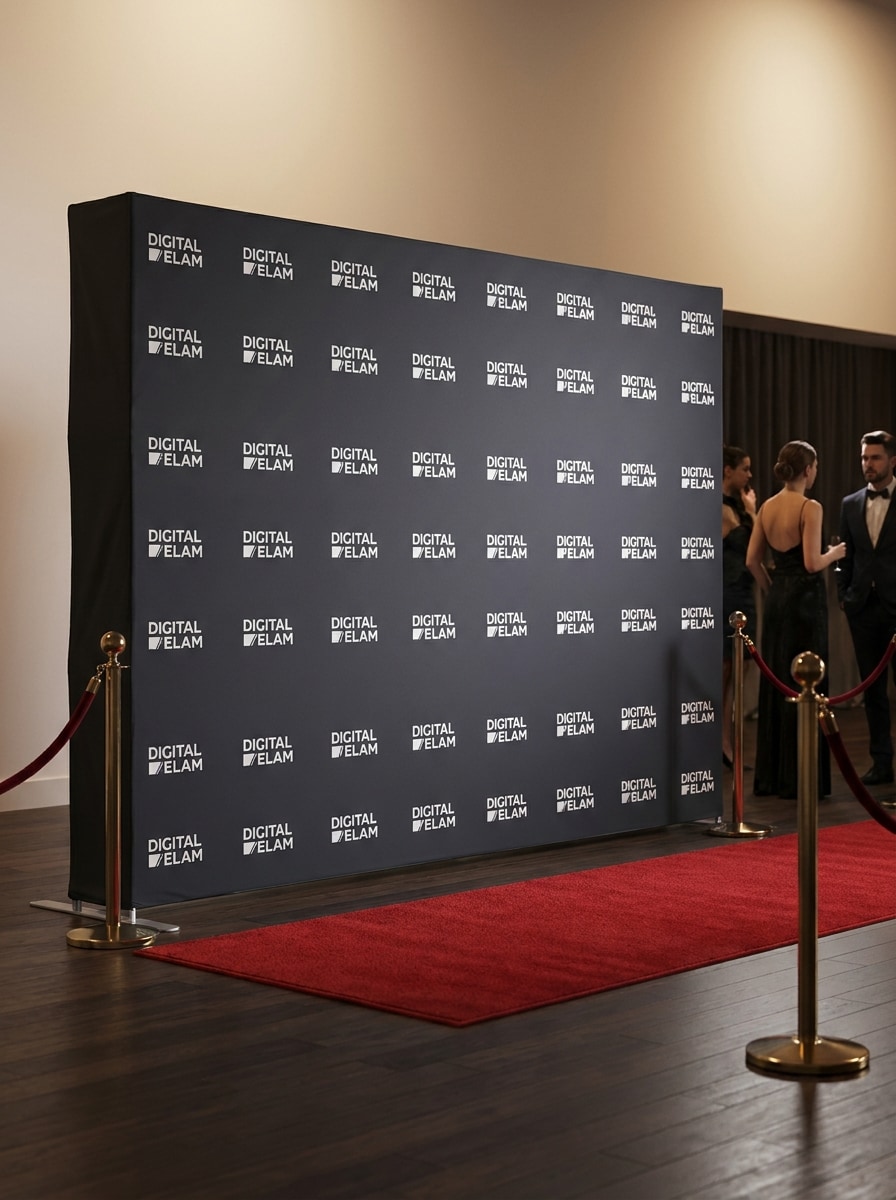
Step-and-Repeat-Hintergrund
Verwenden Sie das hochgeladene Bild als Event-Backdrop-Design und konvertieren Sie es in ein realistisches Step-and-Repeat-Banner-Mockup. Erstellen Sie eine elegante Veranstaltungseingangsszene mit weicher Studiobeleuchtung, gleichmäßiger Stoffspannung, ordentlichen Bodenschatten, elegantem Roter-Teppich-Ambiente und klarer Logo-Sichtbarkeit auf der gesamten Fläche.
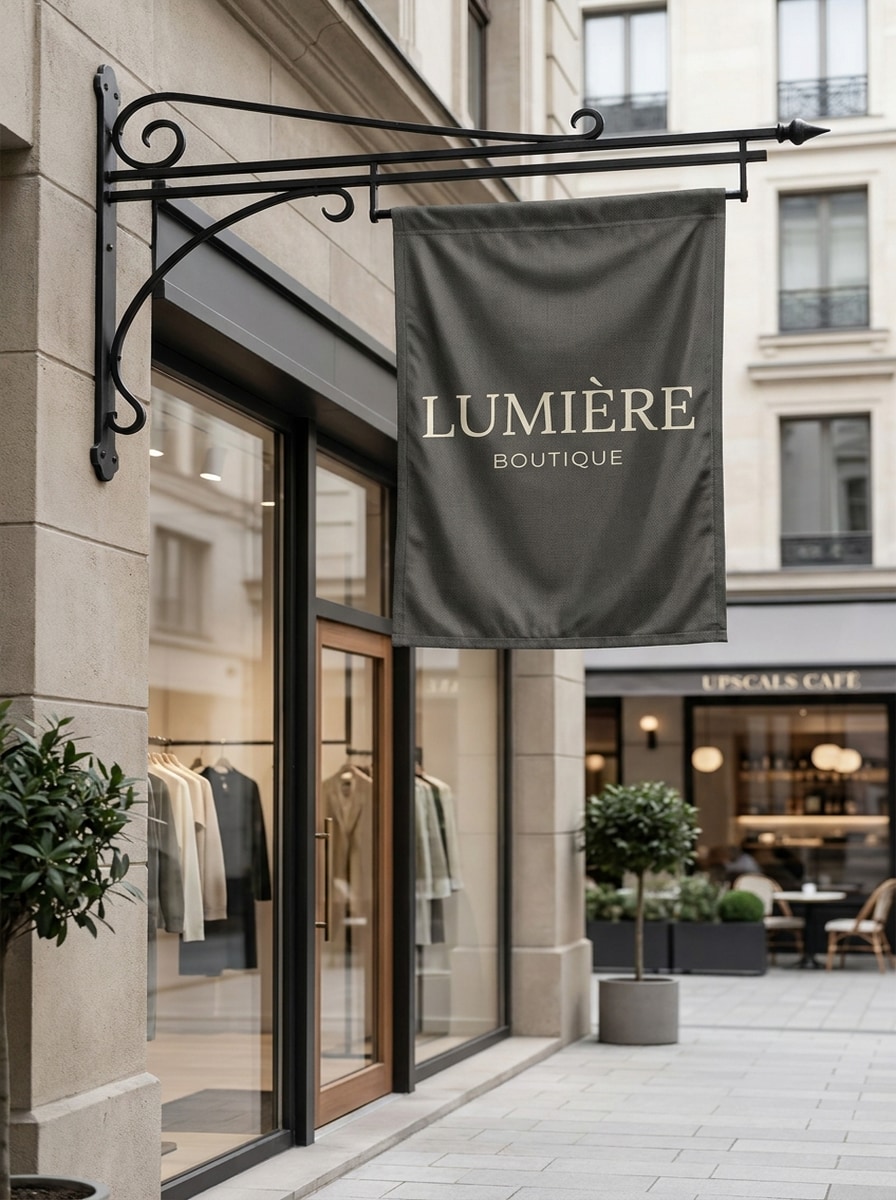
Hängendes Schaufensterbanner
Verwenden Sie das hochgeladene Bild als Banner-Artwork und visualisieren Sie es als hängendes Schaufensterschild-Mockup. Zeigen Sie ein Boutique-Exterieur mit einer eleganten Metallhalterung, weichem Tageslicht, realistischem Stofffall, gedämpften Architekturfarben, einladender Einzelhandelsstimmung und verfeinerten Premium-Branding-Details.
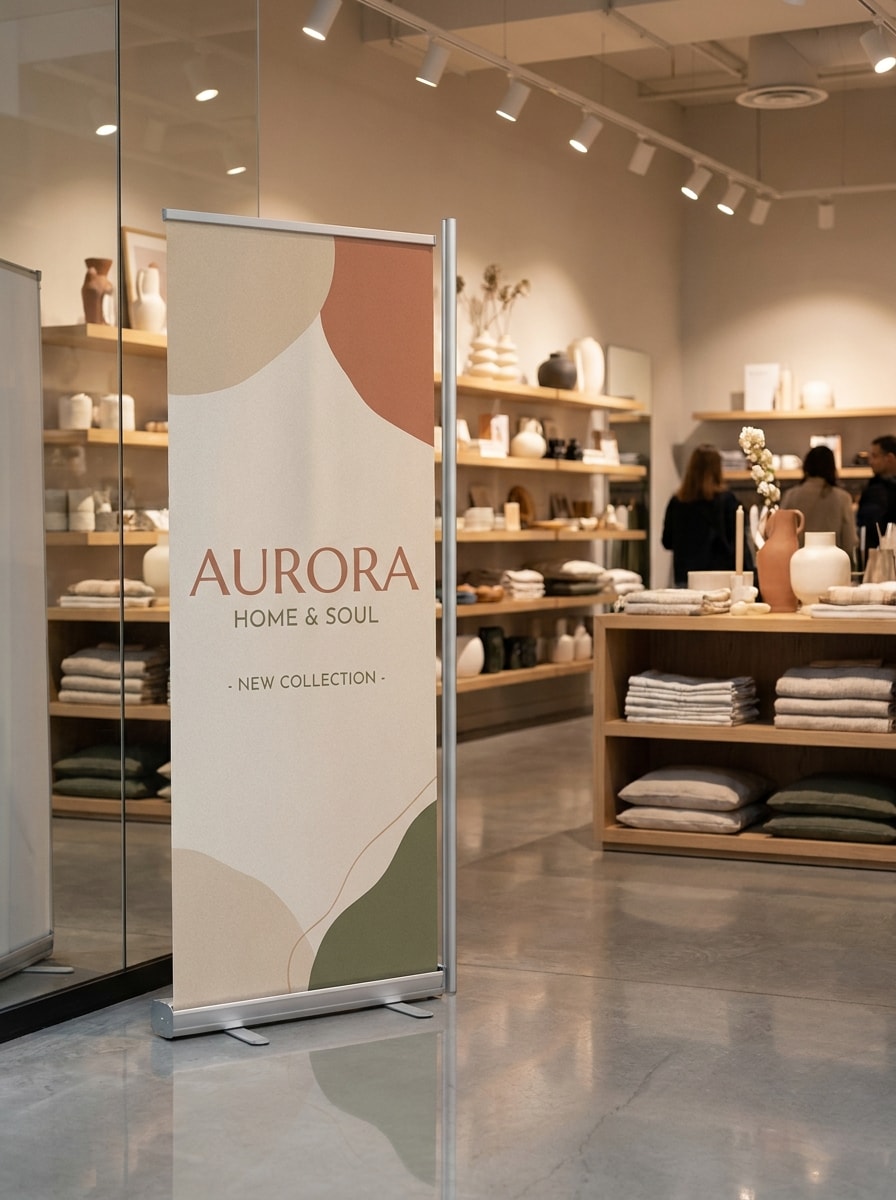
Indoor-Werbebanner
Verwenden Sie das hochgeladene Bild als Werbegrafik und platzieren Sie es in einem Indoor-Einzelhandels-Banner-Mockup. Erstellen Sie eine moderne Ladenumgebung mit polierten Bodenreflexionen, weicher Umgebungsbeleuchtung, realistischen Ständermaterialien, aufgeräumten Regalen und einem sauberen kommerziellen Look, der die gedruckte Botschaft lesbar hält.
Schwebendes Banner-Studio-Mockup
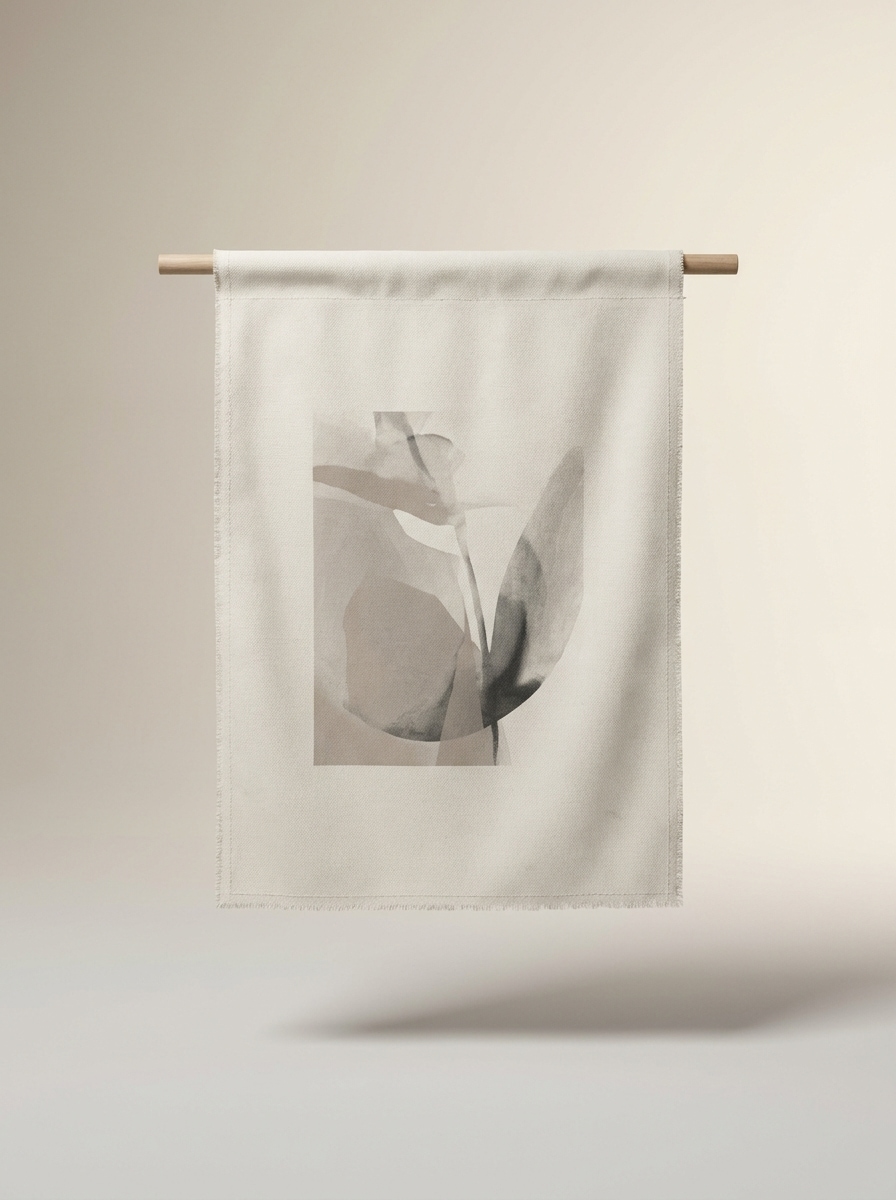
Verwenden Sie das hochgeladene Bild als Banner-Design und verwandeln Sie es in ein sauberes Studio-Mockup. Zeigen Sie ein zentriertes, isoliertes Banner-Display vor einem weichen Verlaufshintergrund, mit subtilen Schatten, realistischer Drucktextur, minimalem Styling, ruhiger Premium-Stimmung und einem klaren Layout, das sich ideal für Portfolio-Präsentationen eignet.
Stoff-Nahaufnahme-Mockup
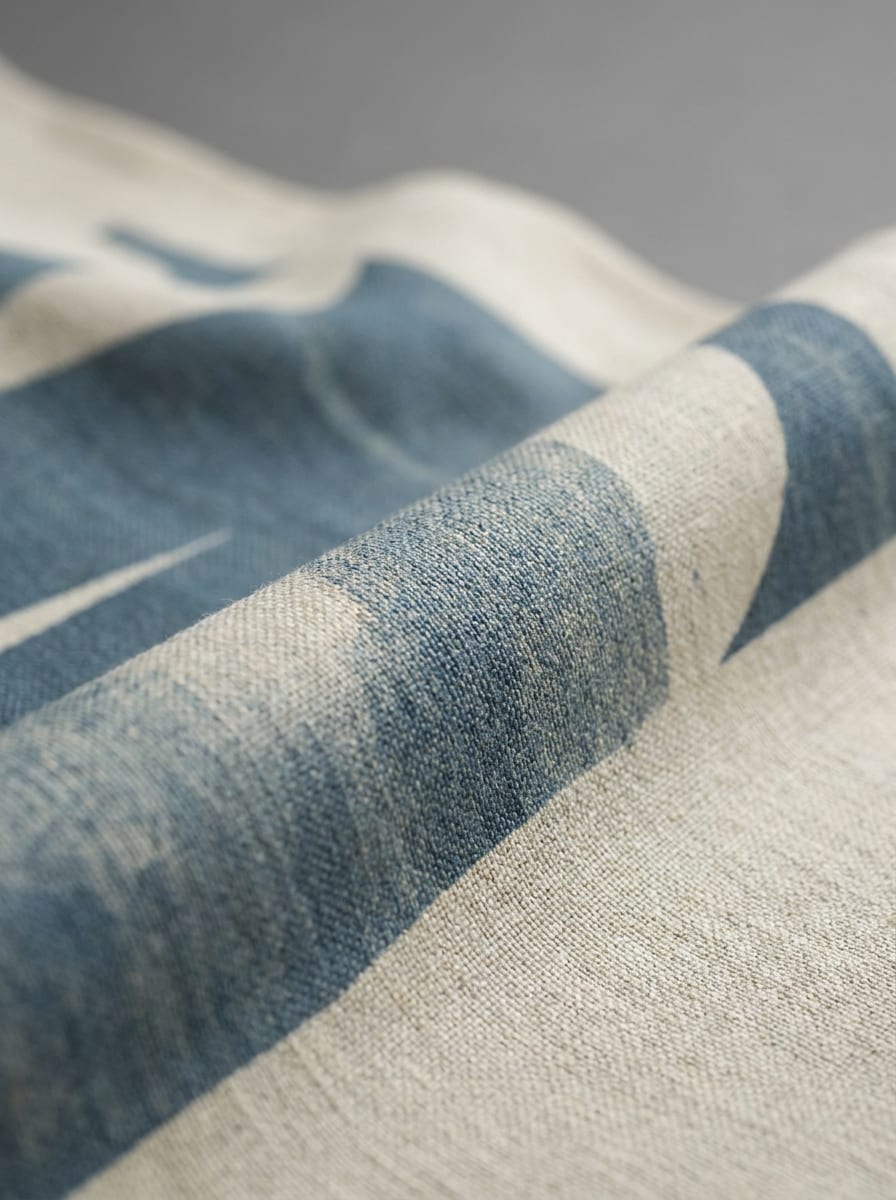
Verwenden Sie das hochgeladene Bild als gedrucktes Design und erstellen Sie ein Stoff-Banner-Nahaufnahme-Mockup, das die Textur hervorhebt. Konzentrieren Sie sich auf makroskopische Textildetails, genaue Farbwiedergabe, weiche Falten, kontrollierte Beleuchtung, Premium-Musterpräsentation und eine enge Komposition, die sich taktil und realistisch anfühlt.
Café-Gehweg-Banner
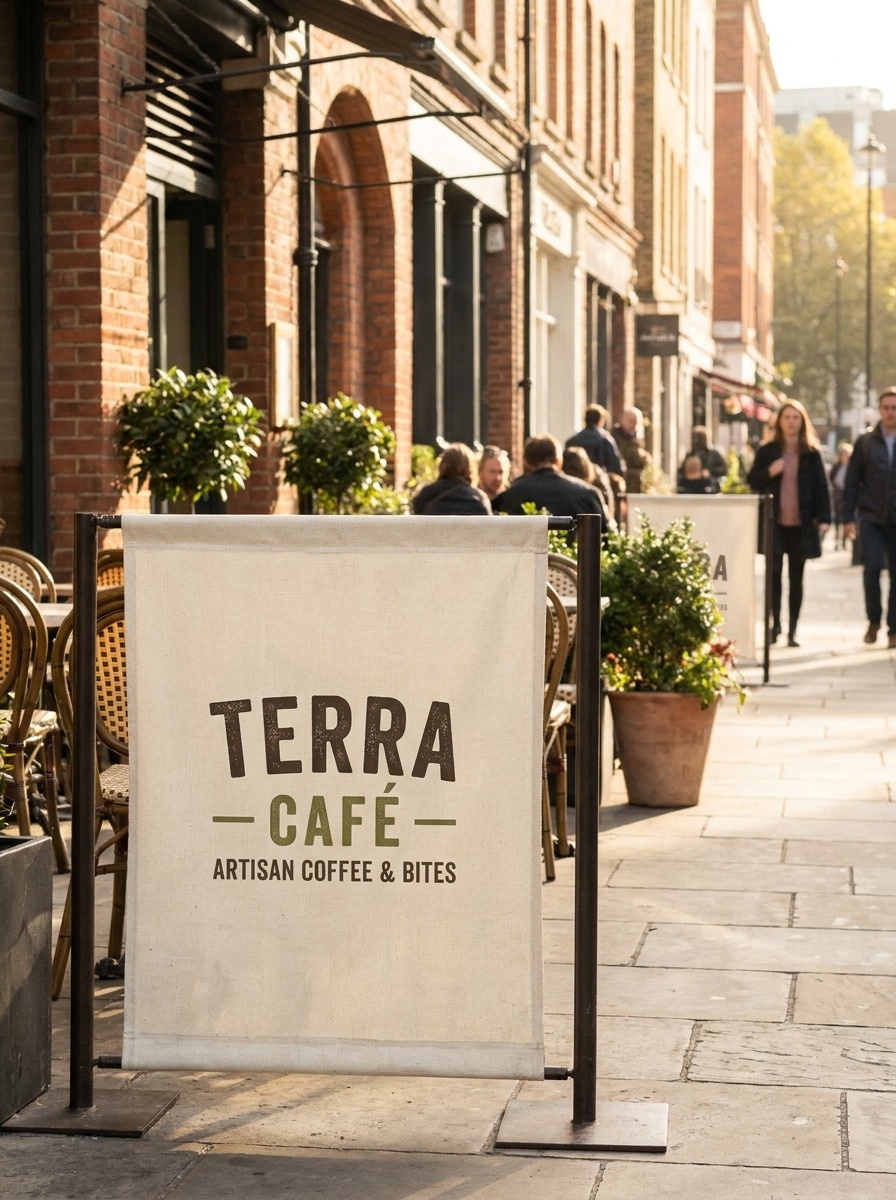
Verwenden Sie das hochgeladene Bild als Banner-Grafik und platzieren Sie es in einem stilvollen Café-Außenbereich-Mockup. Bauen Sie eine warme Lifestyle-Szene mit Gehwegbestuhlung, weichem natürlichem Licht, realistischem Bannermaterial, sanften Schatten, einladender Gastronomie-Stimmung und Premium-Branding auf, das sich für soziale Medien eignet.
Konferenz-Lobby-Banner
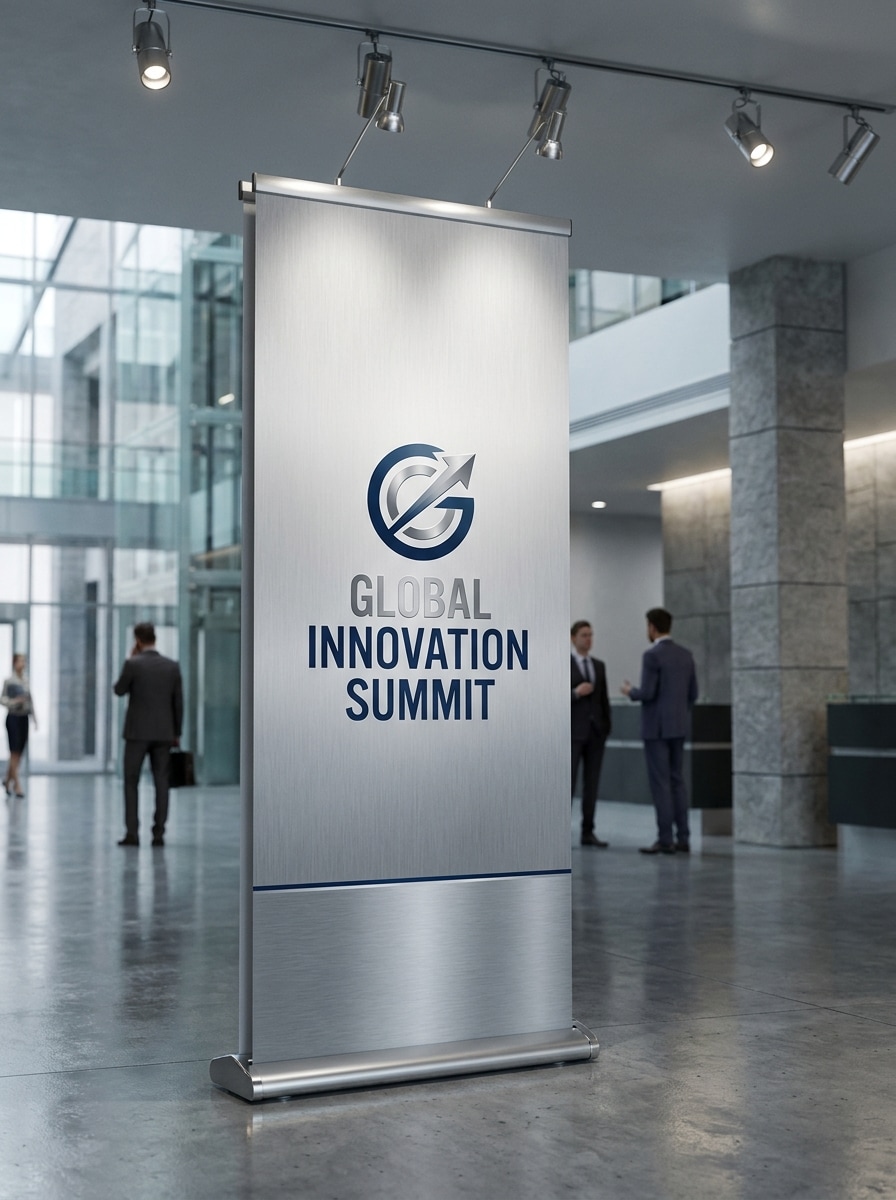
Verwenden Sie das hochgeladene Bild als Event-Design und verwandeln Sie es in ein Konferenz-Lobby-Banner-Mockup. Zeigen Sie ein modernes Interieur mit einem freistehenden Banner, polierter Beleuchtung, architektonischer Hintergrundunschärfe, realistischen Materialien, Corporate-Stimmung und einem hochwertigen Layout für interne Überprüfungen oder Kundenpräsentationen.
Warum Media.io für Banner-Mockups verwenden
Identität bewahren und gleichzeitig das Erscheinungsbild ändern
Wenn das Motiv nach der Transformation noch wie es selbst aussehen soll, hilft Media.io dabei, die wesentlichen Identitätsmerkmale beizubehalten und gleichzeitig den finalen Banner-Mockup-Stil für ein saubereres Endergebnis zu aktualisieren.
Verschiedene Looks erkunden, ohne die Richtung zu verlieren
Wenn die Art Direction noch offen ist, ermöglicht Media.io das Testen mehrerer Looks rund um dieselbe Banner-Mockup-Idee, was es einfacher macht, den richtigen Stil zu finden, ohne von vorne beginnen zu müssen.
Für verschiedene Formate präsentieren, ohne neu aufzubauen
Media.io hilft Designern, Visuals für Poster, Cover, Karten, Mockups, Social-Media-Assets und sogar ein Banner-Anzeigen-Mockup anzupassen, sodass ein Layout in mehrere Banner-Mockups erweitert werden kann.
Sauberere Ausgabe bis zu 4K generieren
Für Präsentationen, Freigaben oder Designarbeiten, die über eine kleine Vorschau hinausgehen, hilft Media.io dabei, schärfere Ergebnisse bis zu 4K zu erstellen. Ihr Banner-Mockup bleibt in echten Überprüfungsszenarien klarer und ist daher zuverlässiger für den praktischen Design- und Präsentationseinsatz.
So erstellen Sie ein Banner-Mockup Online
Verwandeln Sie Ihre Worte in drei einfachen Schritten in beeindruckende Visuals und verfeinern Sie das Ergebnis anschließend nach Bedarf.
Schritt 1
Referenzbild hochladen
Fügen Sie eine klare JPG-, PNG- oder JPEG-Datei Ihres flachen Banner-Artworks hinzu. Ein sauberes Quellbild mit lesbarem Text, starkem Kontrast und richtigen Proportionen hilft der KI dabei, eine überzeugendere Banner-Mockup-Szene zu erstellen.
Schritt 2
Änderung beschreiben und Optionen festlegen
Teilen Sie Media.io mit, wo und wie Ihr Design platziert werden soll, z. B. auf einem Roll-up-Ständer, einer Werbetafel, einem hängenden Schaufensterschild oder einem Konferenzdisplay. Wählen Sie dann Ihr Modell und passen Sie Seitenverhältnis, Auflösung und Bildanzahl nach Bedarf an.
Schritt 3
Generieren, herunterladen und weiter verbessern
Erstellen Sie mehrere Versionen, vergleichen Sie Beleuchtung und Platzierung und laden Sie das Ergebnis herunter, das am besten zu Ihrer Präsentation passt. Sie können den Prompt verfeinern, neue Winkel neu generieren oder dasselbe Design in ausgefeiltere Banner-Mockups umwandeln.
Sehen Sie, wie Ersteller dieses Banner-Mockup für Inhalte, Marketing und persönliche Projekte nutzen, und passen Sie jede Idee an Ihren Auftrag an.
Outdoor-Kampagnenkonzepte selbstbewusst pitchen
Verwandeln Sie flaches Werbematerial in Straßenpfahl-, Billboard- oder Gehwegvisuals, die sich real anfühlen. Dies hilft Agenturen und Freiberuflern, ein Banner-Mockup Konzept bei Kundenbewertungen und Freigaberunden überzeugender zu präsentieren.
Event-Grafiken vor der Produktion vorschauen
Zeigen Sie, wie Messe-Roll-ups, Lobby-Displays oder Step-and-Repeat-Hintergründe im Kontext aussehen werden, bevor Sie die Dateien zum Druck schicken. Media.io macht es praktisch, Layout-Wirkung, Lesbarkeit und Branding für Launches, Messen und Konferenzen zu testen.
Einzelhandels- und Nischenschilderpräsentationen schneller erstellen
Erstellen Sie hängende Schaufensterschilder, In-Store-Promotions oder sogar eine Bauzaunbanner-Mockup-Stil-Bauzaun-Präsentation, ohne nach PSD-Vorlagen suchen zu müssen. Teams können Platzierungen schnell visualisieren, Alternativen teilen und Überprüfungen vorantreiben.
Was Nutzer über Media.io Banner-Mockups sagen
Elena Morris
Freiberufliche Markendesignerin
„Schnelle Mockups ohne Vorlagensuche" Ich verschwende normalerweise Zeit mit der Suche nach der richtigen PSD, besonders wenn ein Kunde mehrere Platzierungen möchte. Media.io hat mir ermöglicht, ein Design hochzuladen und innerhalb von Minuten Schaufenster-, Roll-up- und Billboard-Szenen zu generieren. Es fühlt sich viel schneller für frühe Präsentationen an.
Darren Cole
Marketing-Manager
„Nützlich für Freigaben und Stakeholder-Präsentationen" Wir haben es verwendet, um Kampagnenbanner in einer Konferenzlobby und im Außenbereich vor der Produktion zu zeigen. Die Ergebnisse sahen für interne Präsentationen poliert genug aus, und die Prompt-Kontrolle machte es einfach, die gewünschte Stimmung zu treffen.
Sofia Nguyen
Druckerei-Beraterin
„Guter visueller Kontext vor dem Drucken" Kunden senden oft flaches Artwork und haben Schwierigkeiten, sich das endgültige Setup vorzustellen. Mit Media.io kann ich realistische Banner-Mockups erstellen, die ihnen helfen, Größe, Stil und Platzierung schneller zu genehmigen. Das reduziert Hin-und-Her, bevor wir mit dem Druck beginnen.
Marcus Reed
Kreativer Veranstaltungsproduzent
„Einfacher Browser-Workflow" Was mir am meisten gefällt, ist, dass ich das im Browser von meinem Laptop oder Telefon aus tun kann. Für schnelle Event-Vorschauen brauche ich kein Desktop-Design-Setup, um einen flachen Hintergrund in etwas Präsentationsreifes zu verwandeln.
Entdecken Sie die beliebtesten KI-Video- und Bildeffekte
1. Was ist ein Banner-Mockup und wie hilft es vor dem Drucken?
Ein Banner-Mockup ist eine realistische Vorschau, die zeigt, wie Ihr flaches Design in einer realen Umgebung aussehen könnte, z. B. in einem Schaufenster, auf einer Messe, einer Werbetafel oder einem Indoor-Display. Es hilft Designern, Vermarktern und Druckkunden, Platzierung, Maßstab und visuelle Wirkung vor der endgültigen Produktion zu überprüfen.
2. Kann ich ein Banner-Mockup kostenlos online erstellen?
Media.io bietet kostenlose Credits an, sodass Sie einen kostenlosen Banner-Mockup Workflow in Ihrem Browser ausprobieren können, bevor Sie ein Upgrade durchführen. Kostenlose Nutzer sehen möglicherweise Wasserzeichen, während kostenpflichtige Pläne wasserzeichenfreie hochauflösende Downloads bieten. Sie können die Optionen auf der Preisseite vergleichen.
3. Wie verwandle ich ein flaches Banner-Design mit KI in ein realistisches Mockup?
Laden Sie Ihre Banner-Datei im JPG-, PNG- oder JPEG-Format hoch und beschreiben Sie dann die gewünschte Umgebung, z. B. ein Roll-up-Display, ein hängendes Schild oder eine Billboard-Szene. Media.io verwendet Image-to-Image-KI-Modelle, um flaches Artwork basierend auf Ihrem Prompt, Layoutoptionen und Ausgabeeinstellungen in eine realistische Szene umzuwandeln.
4. Welche Banner-Typen kann ein KI-Banner-Mockup-Generator erstellen?
Sie können viele Stile erstellen, darunter Outdoor-Banner, hängende Schaufensterschilder, Roll-up-Displays, Event-Hintergründe, Indoor-Werbeständer und Billboard-Szenen. Das macht Media.io nützlich, egal ob Sie ein kostenloses Banner-Mockup, ein ausgefeiltes kundenorientiertes Konzept, verschiedene Banner-Mockups für unterschiedliche Platzierungen oder sogar einen kostenlosen Mockup-Banner-Test vor einem Upgrade benötigen.
5. Ist mein Banner-Mockup hochauflösend genug für Kundenpräsentationen?
Media.io unterstützt Auflösungsoptionen von 1K, 2K und 4K, die für Präsentationen, Freigabepakete und Marketing-Reviews geeignet sind. Kostenlose Nutzer haben möglicherweise Wasserzeichen.
6. Kann ich Banner-Mockups auf dem Mobilgerät erstellen, oder benötige ich einen Desktop?
Sie können Media.io auf jedem Gerät mit einem Browser verwenden, einschließlich Telefonen, Tablets und Desktops. Es funktioniert unter Windows, Mac, iOS und Android, sodass Sie ein Banner-Mockup erstellen oder generierte Szenen unterwegs, in Meetings oder an Ihrem Hauptarbeitsplatz überprüfen können.