Deine Werke werden nur 7 Tage lang gespeichert. Assets, die nach dem Upgrade auf einen Mitgliedschaftstarif erstellt werden, werden dauerhaft gespeichert.
Entfalten Sie Ihr kreatives Potenzial und erleben Sie jetzt die Magie der Media-KI!
Erstellen Sie schnell einzigartige Creator-Banner mit KI-Textaufforderungen
Herausragend generierenCreator-BannerFür YouTube, Twitch, X, Discord und mehr mit einfachen Aufforderungen. Erkunden Sie gaming, lifestyle, anime, Musik und persönliche Markenstile in Sekunden und laden Sie dann hochwertige Banner-Grafiken herunter, die bereit für Ihre Channel-Art und Profilheader sind.
Geben Sie Ihre Idee ein-> KI entwirft sie. Kostenlos zu versuchen.
Entdecken Sie unsere kuratierte Sammlung vonCreator-BannerStile.
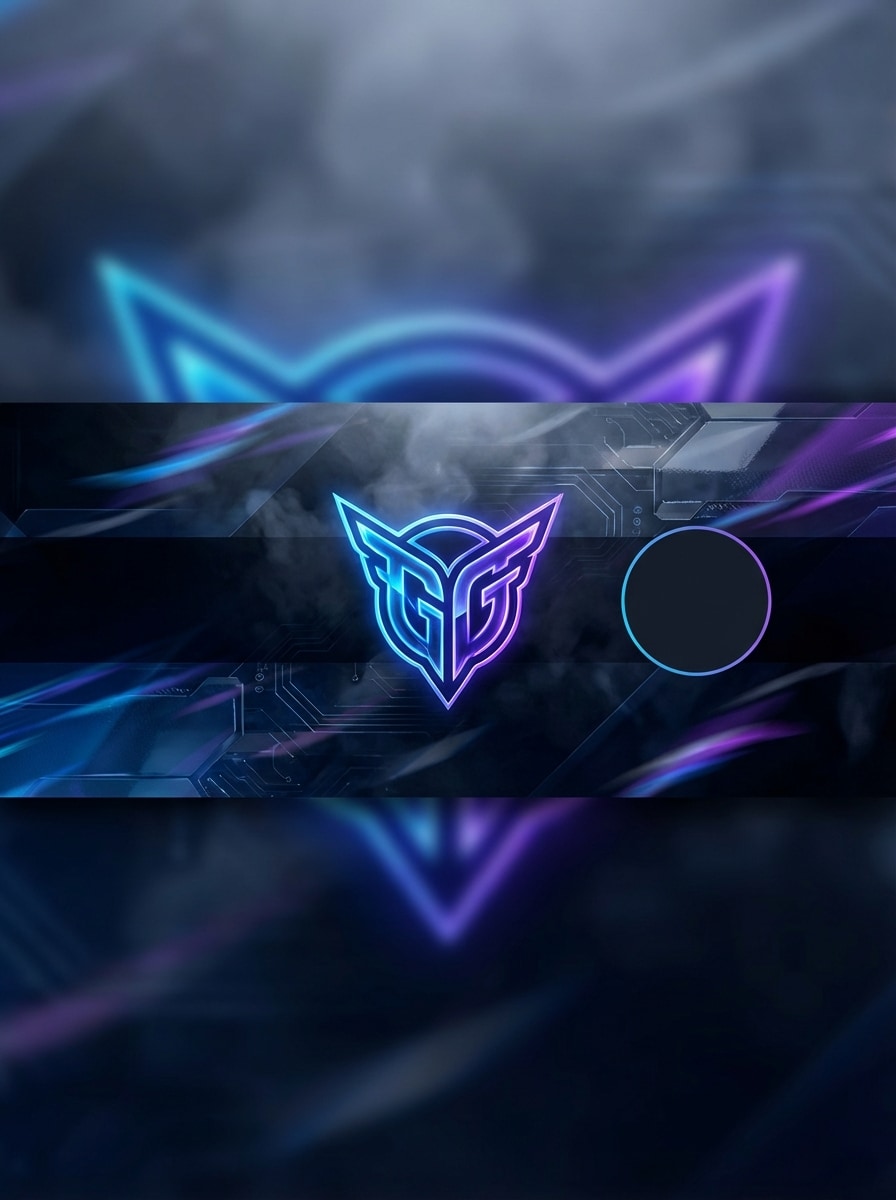
Neon-Esports-Banner
Erstellen Sie ein breites Creator-Banner für einen Gaming-Kanal mit einem Neon-Esports-Look, elektrisch violetter und blauer Beleuchtung, rauchigem, geschichtetem Hintergrund, subtilen Bewegungsstreifen, kräftiger zentraler Komposition, hohem Kontrast, glänzenden Tech-Texturen und sauberem Negativraum für einen Kanalnamen und eine Avatar-Überlagerung, ultrascharfe digitale Kunst.
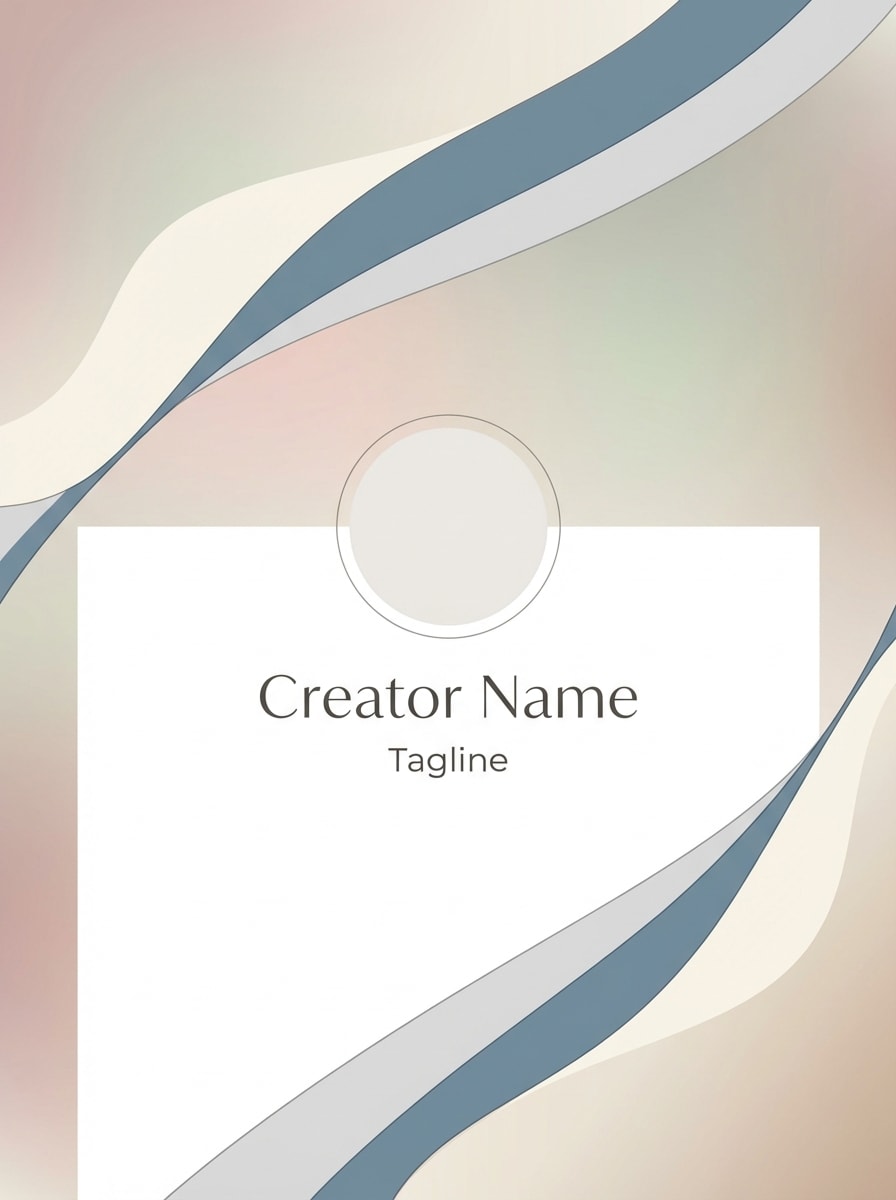
Markenbanner mit minimalem Verlauf
Entwerfen Sie ein minimalistisches personal brand creator banner mit weichen gedämpften Verläufen, eleganten abstrakten Formen, raffinierter moderner Komposition, scharfen Kanten, luftigen Leerzeichen, erstklassiger redaktioneller Stimmung, sanfter Beleuchtung, pastel-und neutraler Farbpalette und einem weiten textsicheren Bereich für den Namen des Creators, Slogan und Profilfoto Platzierung.
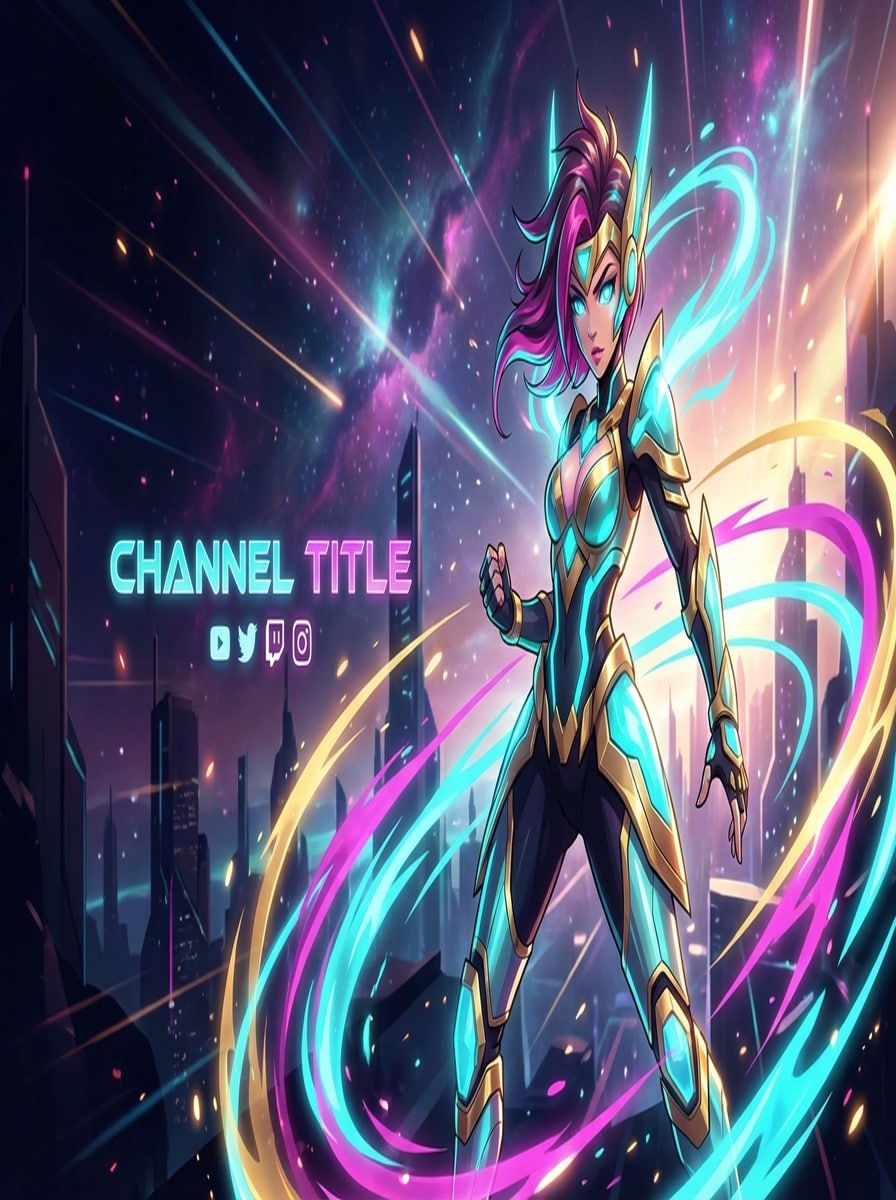
Banner für Anime-Ersteller
Erstellen Sie ein horizontales Creator-Banner im Anime-Stil mit lebendigen Cel-Shaded-Illustrationen, dramatischen Randbeleuchtungen, energischen Hintergrundeffekten, lebendigen cyan-, Magenta-und Gold-Akzenten, dynamischer Komposition, poliertem linework, filmischer Tiefe und klarem negativen Raum, damit der Kanal Titel und social branding natürlich sitzen können.
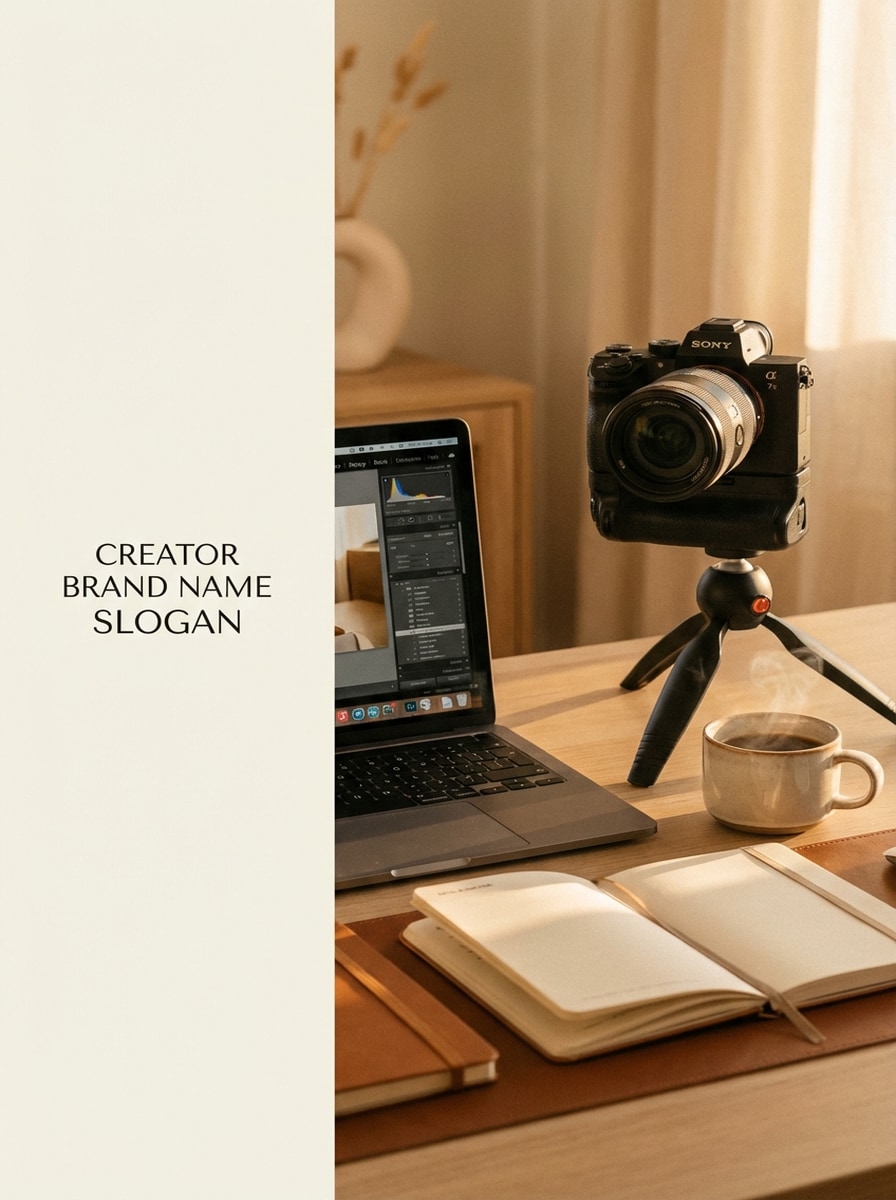
Lifestyle Workspace-Kopfzeile
Erstellen Sie ein modernes content Creator-Banner mit einem stilvollen Schreibtisch, warmer Ambientenbeleuchtung, laptop, Kamera, notebook, Kaffeetasse, weicher Schärfentiefe, gemütlicher Premium-Stimmung, ausgewogener Komposition, realistischen Texturen, Beige-und Bernsteintönen und offenem Raum für einen Creator-Markennamen und einen kurzen slogan.
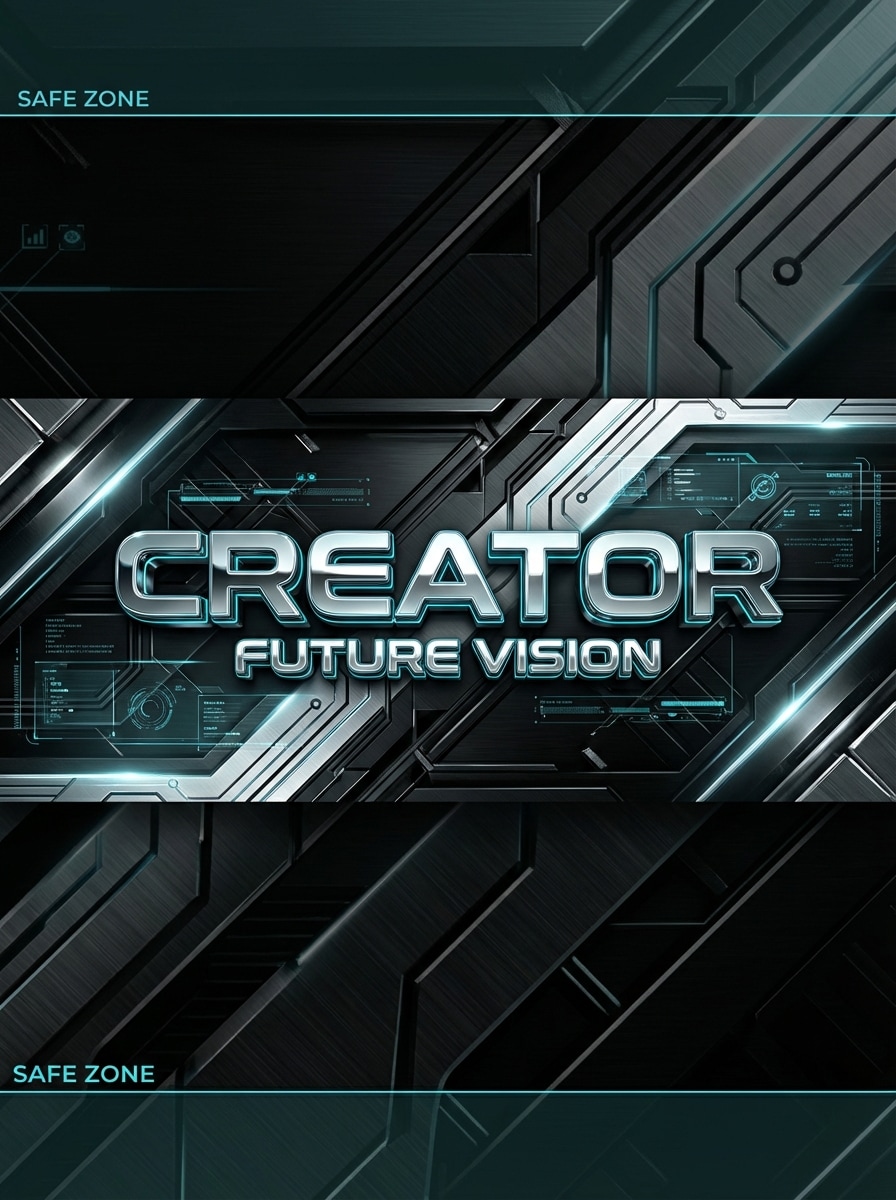
3D Chrome Text Banner
Erstellen Sie ein futuristisches Creator-Banner mit glänzenden Chromschriftstellungen, dunklem, technologisch inspiriertem Hintergrund, reflektierenden Metalloberflächen, subtilen HUD-Überlagerungen, dramatischer Kantenbeleuchtung, eleganter schwarz-silberner palette mit cyan highlights, starkem horizontalem layout, erstklassiger 3D-Tiefe und sicheren Abständen für Channel-Kunst über soziale Plattformen hinweg.
Warum Media.io für AI Creator Banner verwenden?
Hochauflösende Bannerausgabe
generierenCreator-Bannerin 1K-, 2K-oder 4K-Qualität für schärfere Channel-Art, Profilkopfzeilen und Social-Media-Branding-Grafiken.
Flexible Seitenverhältnisse
Wählen Sie aus beliebten Verhältnissen wie 16:9, 3:2, 4:3 und mehr, um Bannerkonzepte zu erstellen, die zu verschiedenen Creator-Plattformen und layouts passen.
Mehrere KI-Stile in einem Tool
Erstellen Sie alles von anime und cyberpunk bis hin zu realistischen, 3D-Rendering und künstlerischen Bannerkonzepten, ohne zwischen separaten Designtools zu wechseln.
Läuft auf jedem Gerät
Media.io funktioniert in Ihrem browser auf Windows, Mac, iPhone, iPad und Android, sodass Sie Creator-Banner überall erstellen können.
So erstellen Sie Creator-Banner mit Media.io
1
2
3
1
Media.io Text zu Bild öffnen
gehe zuKI Text-zu-Bild-GeneratorUnd öffnen Sie das Text-to-Image-Tool unter AI-> AI Image Generator. Dieses Online-Tool läuft in Ihrem browser, sodass Sie Creator-Banner auf dem desktop oder Mobilgerät erstellen können, ohne irgendetwas zu installieren.
2
Geben Sie eine Eingabeaufforderung ein
Geben Sie eine detaillierte Eingabeaufforderung ein, wie z. B. "Breites YouTube-Creator-Banner, neonviolettes und blaues Gaming-Thema, rauchiger Hintergrund, freier Raum für den Kanalnamen, kinematische Beleuchtung." Passen Sie Stil, Modell, Auflösung und Seitenverhältnis an Ihre Banneridee an.
3
Generieren, verfeinern & herunterladen
Klicken Sie auf Generieren. Überprüfen Sie die Banneroptionen, verfeinern Sie Ihre Eingabeaufforderung bei Bedarf und laden Sie ein hochauflösendes Bild für Channel-Art, Social-Header oder persönliche Markenmockups herunter.
Freischalten Sie das Potenzial von Creator Banners
Entdecken Sie, wie Schöpfer und Profis unsere KI-gestützten Creator-Banner nutzen, um ihre kreativen workflows zu verändern und einzigartige Ideen zum Leben zu erwecken.
Entwerfen Sie YouTube-und Twitch-Kanal-Kunst schneller
Erstellen Sie schnell Bannerkonzepte für Gaming-Kanäle, Livestream-Branding, Kommentarshows oder Creator-Rebrends. Anstatt von einer leeren Leinwand zu beginnen, verwenden Sie die Eingabeaufforderungen, um mehrere looks zu erkunden und die stärkste visuelle Richtung zu wählen.
Aufbau einer konsistenten persönlichen Marke über Plattformen hinweg
Erstellen Sie passende Creator-Banner für X, Discord, LinkedIn und andere Profilköpfe mit einer einheitlichen Farbpalette, Stimmung und Stil. Dies hilft den Schöpfern, eine verfeinerte Identität über jeden touchpoint des Publikums hinweg zu präsentieren.
Testen Sie kreative Stile, bevor Sie Ihre Marke fertigstellen
Vergleichen Sie minimal, cyberpunk, anime, workspace oder Musik-inspirierte Banner-Ideen in wenigen Minuten. Media.io ist nützlich für Schöpfer, die schnelle Konzeptentdeckung wollen, bevor sie sich auf einen endgültigen Channel-Kunststil verpflichten.
Was die Schöpfer sagen
Mason Reed
Gaming-Schöpfer
"Schneller Weg, Banner-Ideen zu erkunden"Ich habe es verwendet, um mehrere Creator-Banner im Gaming-Stil zu generieren, bevor ich meine YouTube-Kanal-Kunst aktualisierte. Der Prompt-basierte workflow war viel schneller als das manuelle Erstellen von Konzepten von Grund auf.
Alina Brooks
Lifestyle-Vlogger
"Großartig für persönliche branding visuals"Ich wollte einen sauberen, ästhetischen header für meine Creator-Profile, und Media.io hat mir geholfen, soft gradient und Workspace-Stile schnell zu testen. Die Ergebnisse wirkten poliert und gaben mir eine starke Richtung für meine Marke.
Derek Chen
Musikinhaltsersteller
"Nützlich für channel art mockups"Ich brauchte filmische Banner-Konzepte für den relaunch eines Musikkanals. Das tool erleichterte die Generierung breiter Bilder mit starker Stimmung und Platz für text, was gut für die Header-Planung funktionierte.
Priya Nair
Social Media Manager
"Hilfreich auf mehreren Plattformen"Wir nutzten Media.io, um Creator-Banner-Konzepte für mehrere Kundenprofile zu erstellen. Die Möglichkeit, im browser zu arbeiten und hochauflösende Bilder zu generieren, machte den Prozess viel effizienter.
Entdecken Sie die beliebtesten KI-Video- und Bildeffekte
1. Kann ich Creator-Banner kostenlos mit KI erstellen?
Ja. Media.io bietet kostenlose credits an, sodass Sie versuchen können,Creator-BannerMit KI vor dem Upgrade. Für weitere Nutzung können Sie diePreisseite. Kostenlose downloads können ein Wasserzeichen enthalten, während kostenpflichtige Pläne wasserzeichenfreie hochauflösende Exporte unterstützen. Kostenlose Nutzer können kostenlose credits nutzen. Für mehr Nutzung können Benutzer einen plan auf der Preisseite abonnieren.
2. Welche Bannergrößen funktionieren für YouTube, Twitch und andere Creator-Plattformen?
Verschiedene Plattformen verwenden unterschiedliche Header-Abmessungen, daher erstellen viele Schöpfer zunächst breite layouts und passen sie dann an die endgültige Plattform an. Media.io unterstützt mehrere Seitenverhältnisse wie 16:9, 4:3, 3:2 und mehr, was bei der Planung hilfreich istKanalkunstund social media header Konzepte. Media.io ist ein webbasiertes tool, das auf jedem Gerät mit einem browser (Windows, Mac, iOS, Android) funktioniert. Dies hilft Ihnen, Creator-Banner-Ergebnisse konsistenter zu erstellen.
3. Wie verwandle ich eine Textaufforderung in ein benutzerdefiniertes Creator-Banner?
Öffnen Sie Media.io Text to Image, geben Sie eine detaillierte Eingabeaufforderung ein, die den Bannerstil, die Stimmung, die Farben, die Zusammensetzung und den textsicheren Raum beschreibt, und wählen Sie dann Ihr bevorzugtes Modell und Ihre Einstellungen aus. Die KI wandelt diese Eingabeaufforderung in ein benutzerdefiniertes Bild um, was sie zu einem praktischen workflow für eineKI creator banner generatorAnnäherung. Dies hilft Ihnen, Creator-Banner-Ergebnisse konsistenter zu erstellen.
4. Kann ich hochauflösende Banner für channel art und Header generieren?
Ja. Media.io kann Bilder in 1K-, 2K-und 4K-Auflösungen generieren, was nützlich ist, wenn Sie scharfere Bilder für Creator-Headers, Channel-Branding und Banner-Mockups auf verschiedenen Plattformen wünschen. Kostenlose Benutzer können Wasserzeichen haben. Dies hilft Ihnen, Creator-Banner-Ergebnisse konsistenter zu erstellen.
5. Sind KI-generierte Creator-Banner sicher für meine Marke zu verwenden?
Sie können eine starke option für Markenkonzeption und visuelle Erforschung sein, insbesondere wenn Sie originelle Banner-Ideen auf der Grundlage Ihrer eigenen Aufforderungen wünschen. Um die besten Ergebnisse zu erzielen, verwenden Sie in Ihrer Eingabeaufforderung klare Markenanweisungen, überprüfen Sie die Ausgaben sorgfältig und wählen Sie das Bild aus, das am besten zu Ihrem Ton, Ihrem Publikum und Ihren Plattformbedürfnissen passt. Hochgeladene Bilder werden nach 7 Tagen automatisch von unseren Servern gelöscht, um die Privatsphäre der Benutzer zu gewährleisten.
6. Kann ich das banner bearbeiten, nachdem das Bild erstellt wurde?
Ja. Ein gängiger workflow besteht darin, mehrere Bannervarianten zu generieren, die Eingabeaufforderung zu verfeinern und aktualisierte Versionen zu erstellen, bis sich das layout und die Stimmung richtig anfühlen. Viele Schöpfer verwenden diesen Prozess, um Komposition, Stil und Header-bereites Abstand zu verbessern, bevor sie ein design fertigstellen. Verfügt über **Nano Banana Pro** (KI-Modell der nächsten generation) und **Nano Banana 2** (schnellere generation, verbesserte kreative Funktionen). Außerdem unterstützt Seedream 5.0 Lite, Soul Character (hyperrealistisch), Nano Banana, Seedream 4.0 und Imagen 4. Dies hilft Ihnen, Creator-Banner-Ergebnisse konsistenter zu erstellen.