Deine Werke werden nur 7 Tage lang gespeichert. Assets, die nach dem Upgrade auf einen Mitgliedschaftstarif erstellt werden, werden dauerhaft gespeichert.
Entfalten Sie Ihr kreatives Potenzial und erleben Sie jetzt die Magie der Media-KI!
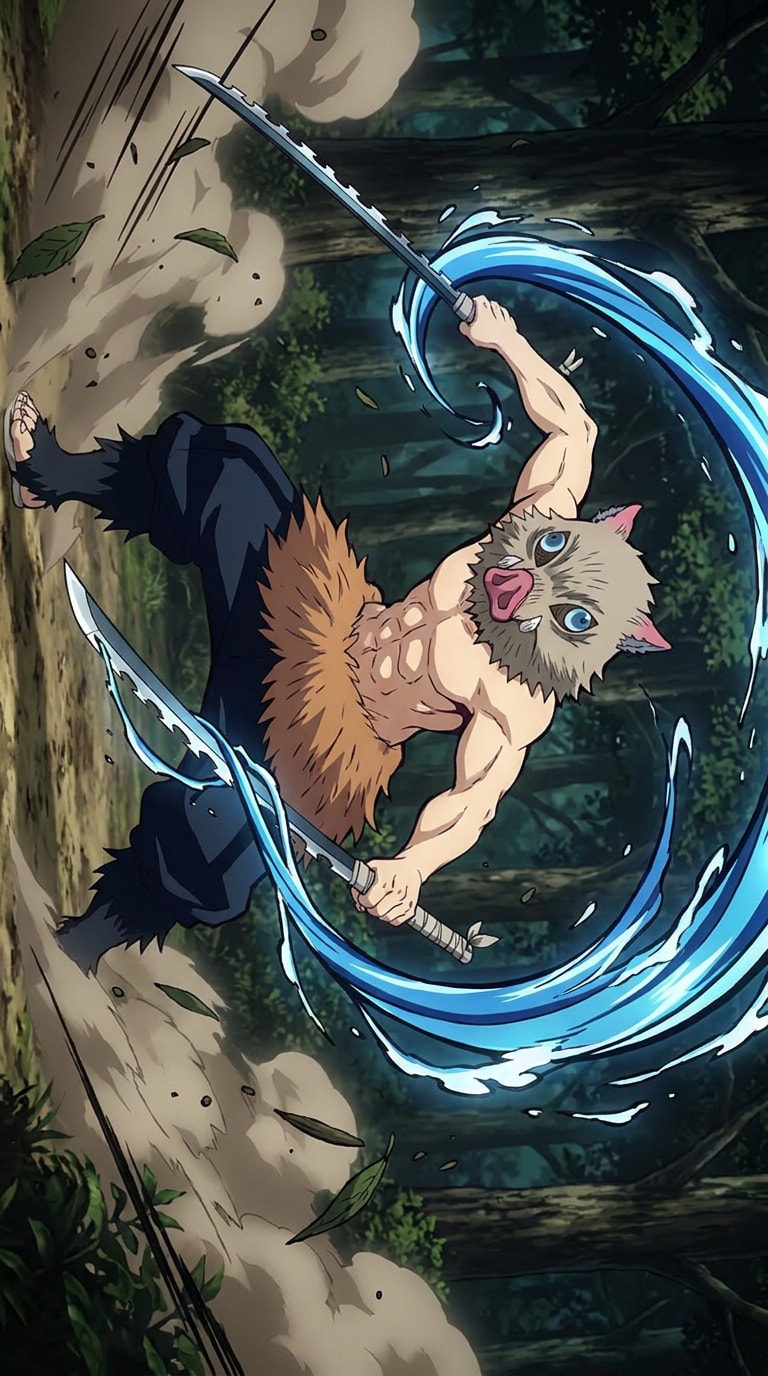
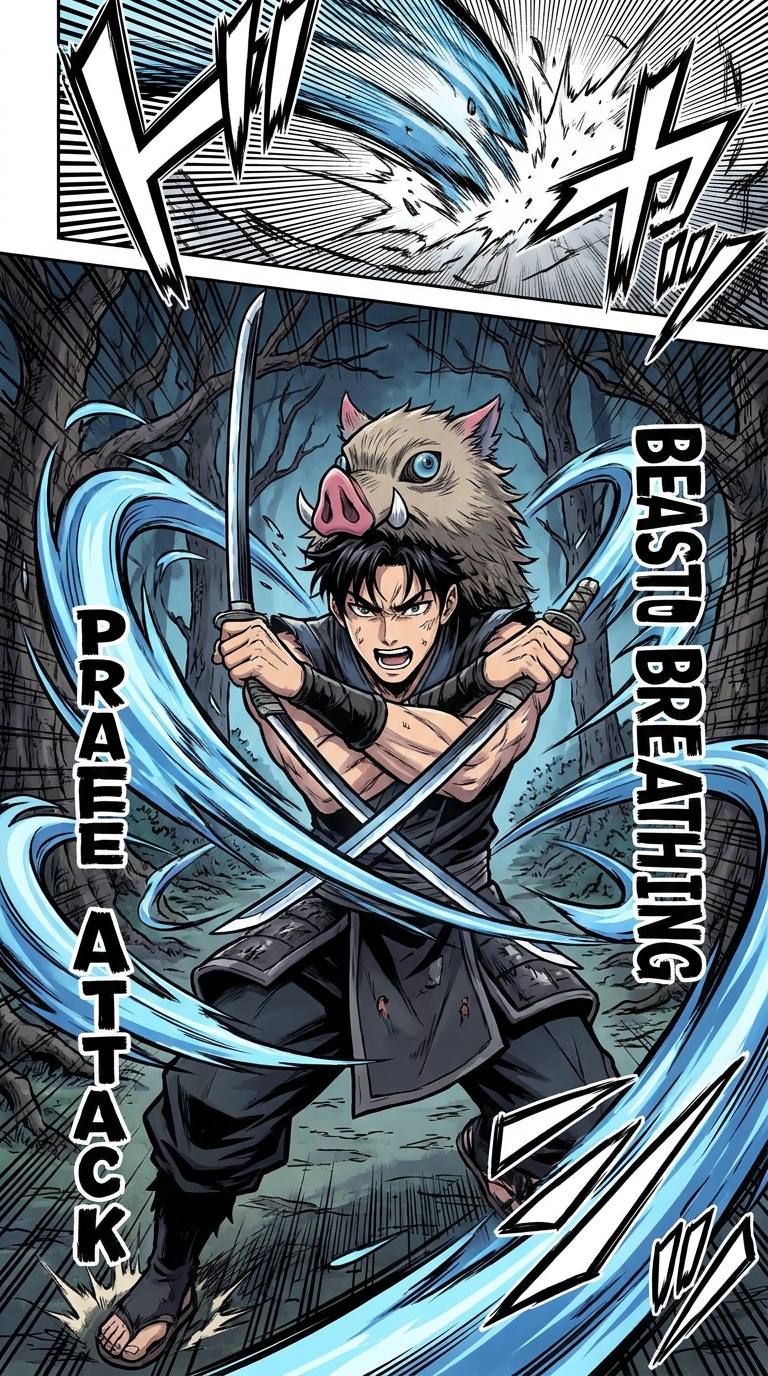
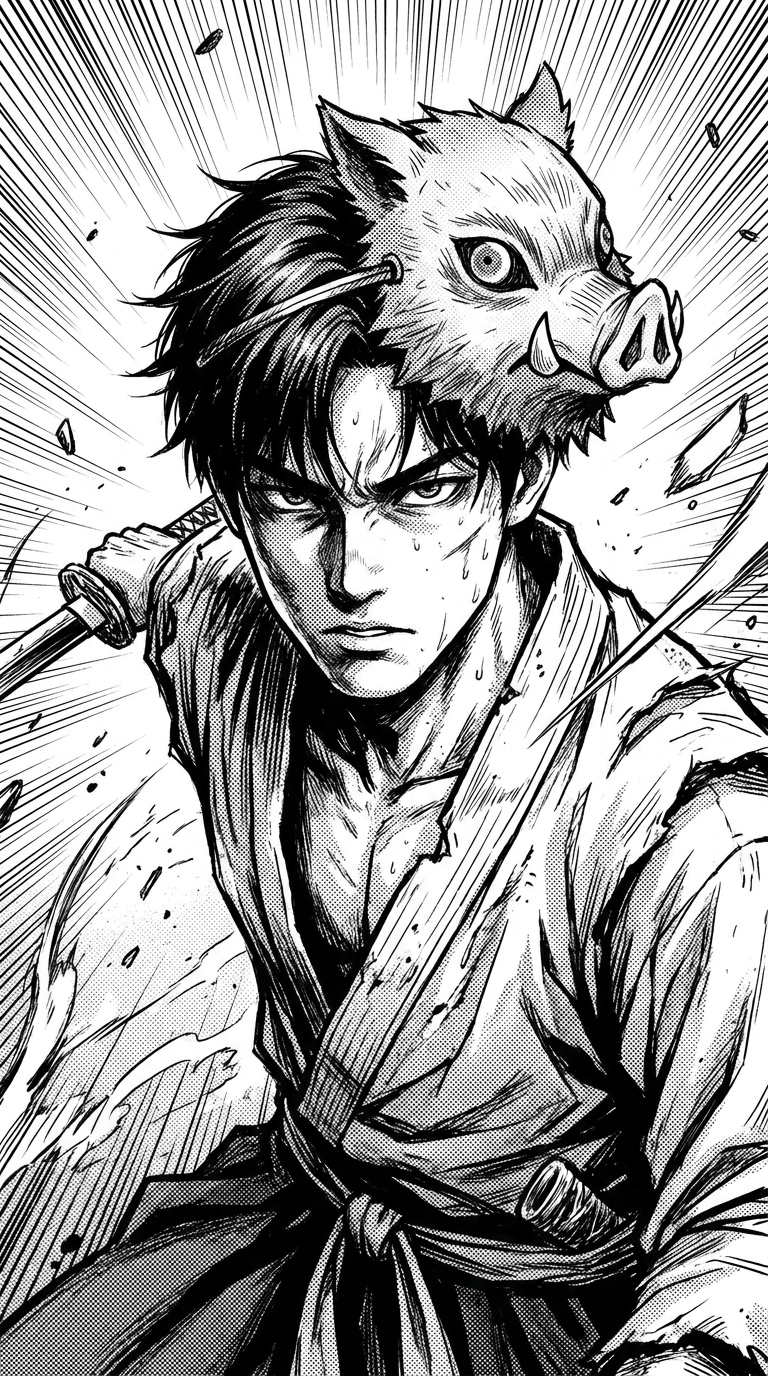
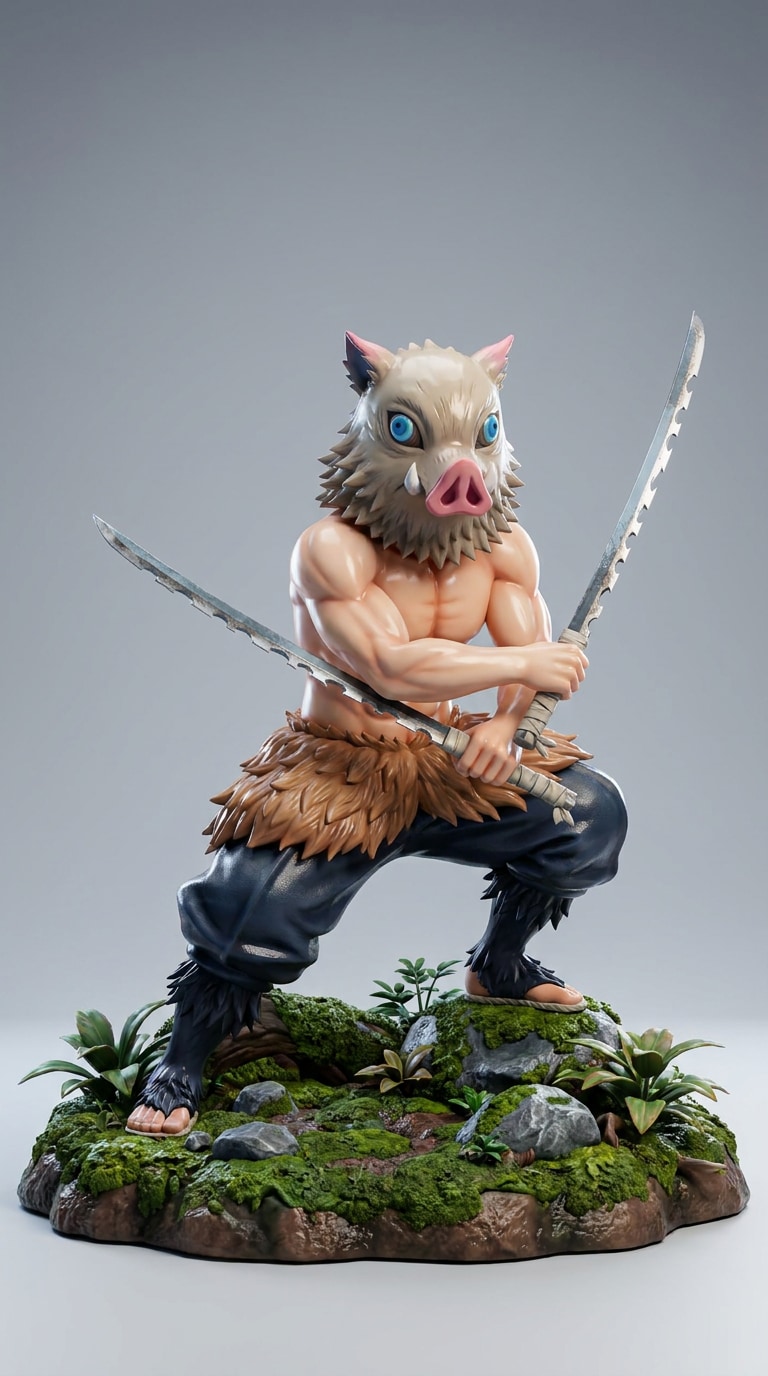
Suchen Sie nach einem AI Inosuke Filter, der Ihr Selfie in ein wildes Anime-Krieger-Porträt verwandeln kann? Media.io hilft Ihnen, einen Fan-Stil Inosuke KI Filter, Anime Eber Masken Filter, und Demon Slayer inspirierter KI Filter Look in Sekunden zu erstellen. Fügen Sie wildes Haar, kräftige Manga-Schattierungen, Waldkampf-Atmosphäre, Doppelschwert-Energie und eine dramatische Eber-Masken-Krieger-Stimmung hinzu – perfekt für TikTok-Bearbeitungen, Anime-Avatare, Cosplay-Fotos, Profilbilder und Fan-Stil Social-Media-Posts.
KI Inosuke Filter Prompt-Ideen für Anime-Krieger-Fotos
Erstellen Sie kraftvolle Anime-Bearbeitungen mit einem KI Inosuke Filter Prompt. Probieren Sie Eber-Masken-Krieger-Porträts, wilde Waldkampfszenen, Manga-Stil Cosplay-Looks, Anime-Profilbilder und Inosuke inspirierter KI Filter Ideen für TikTok, Instagram und Fan-Stil Avatar-Posts.
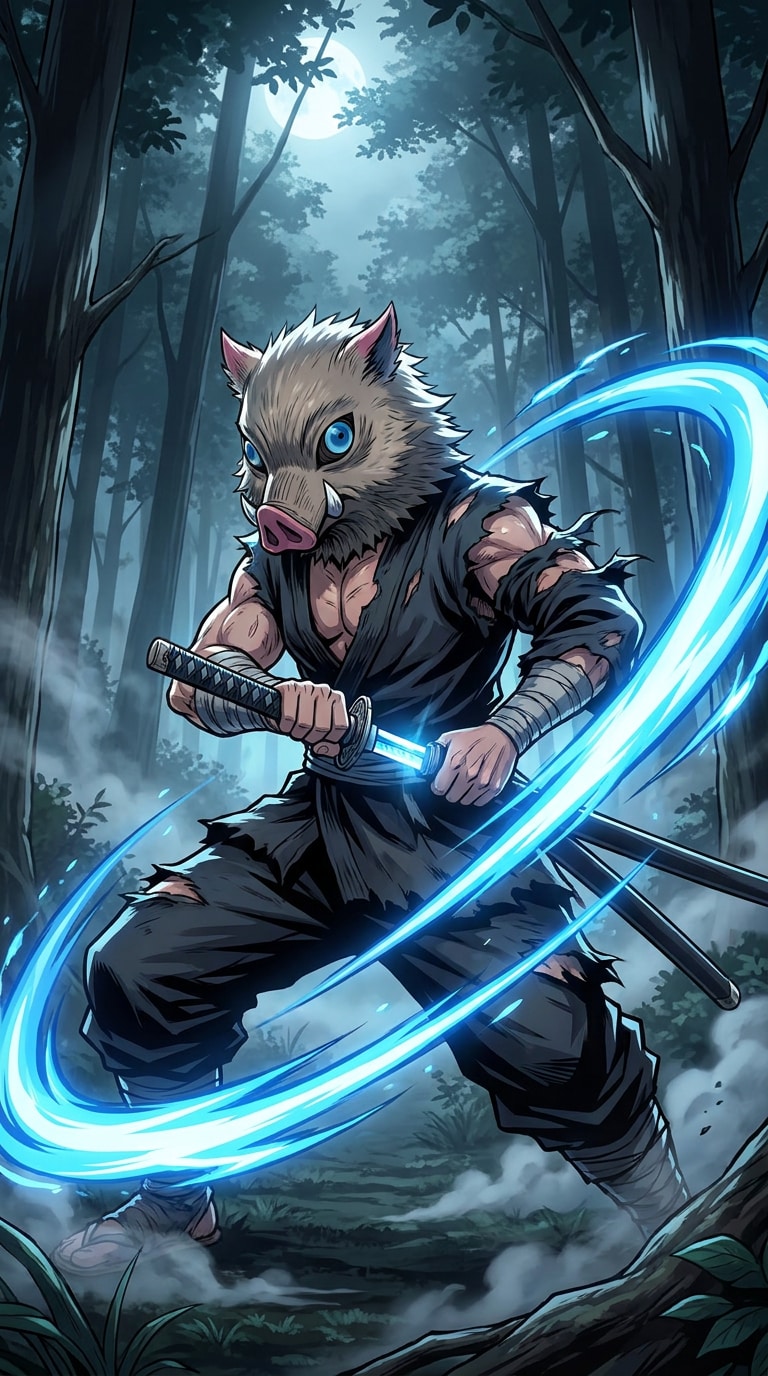
Eber Masken Anime Krieger
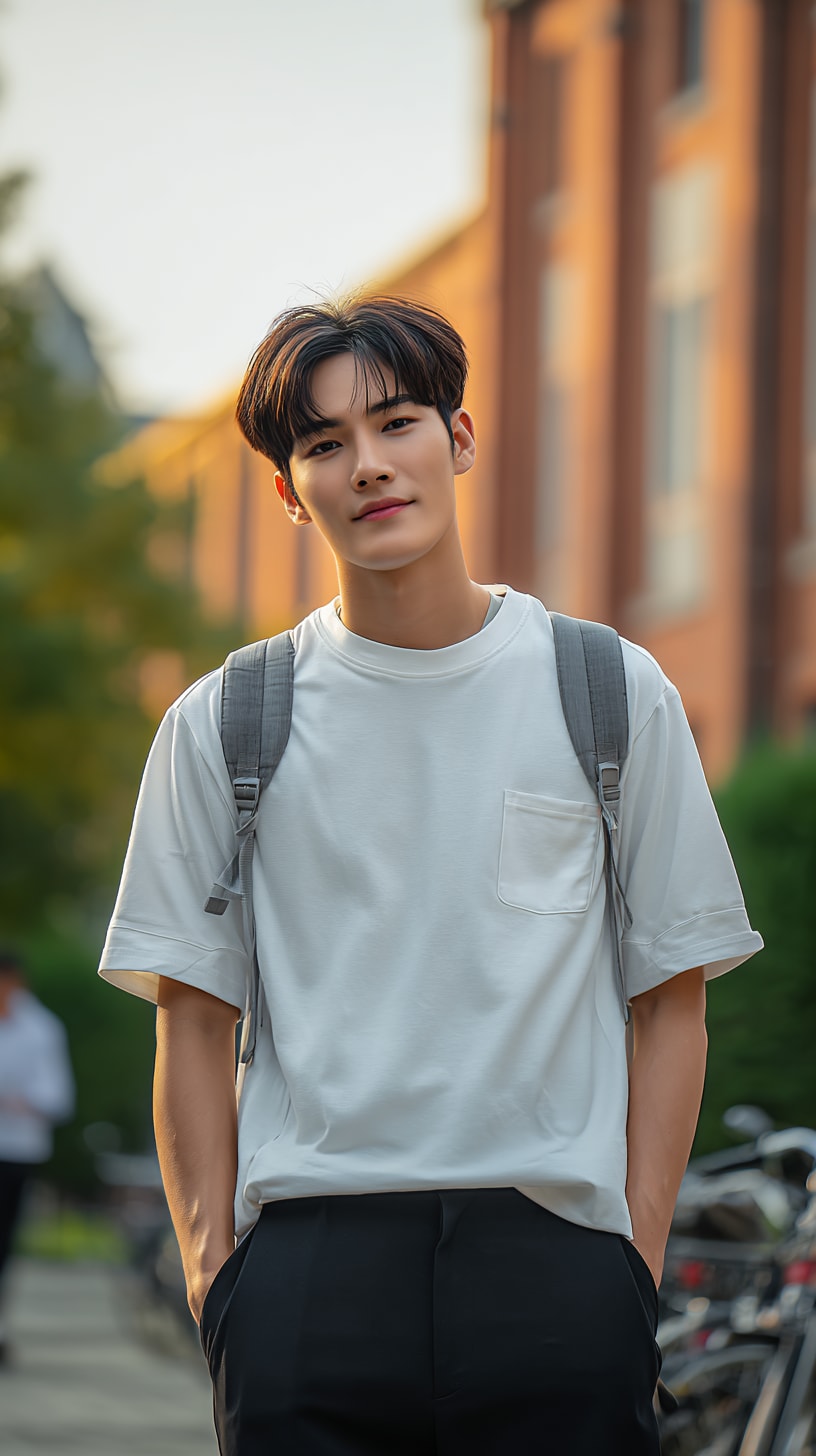
verwandle dieses Porträt in einen von Inosuke inspirierten Anime-Krieger, wilde Eber-Maske, wildes blau-schwarzes Haar, muskulöse Waldkämpfer-Energie, zwei gezackte Schwerter, dramatische Manga-Schattierung, intensive Augen, hohe Detailgenauigkeit
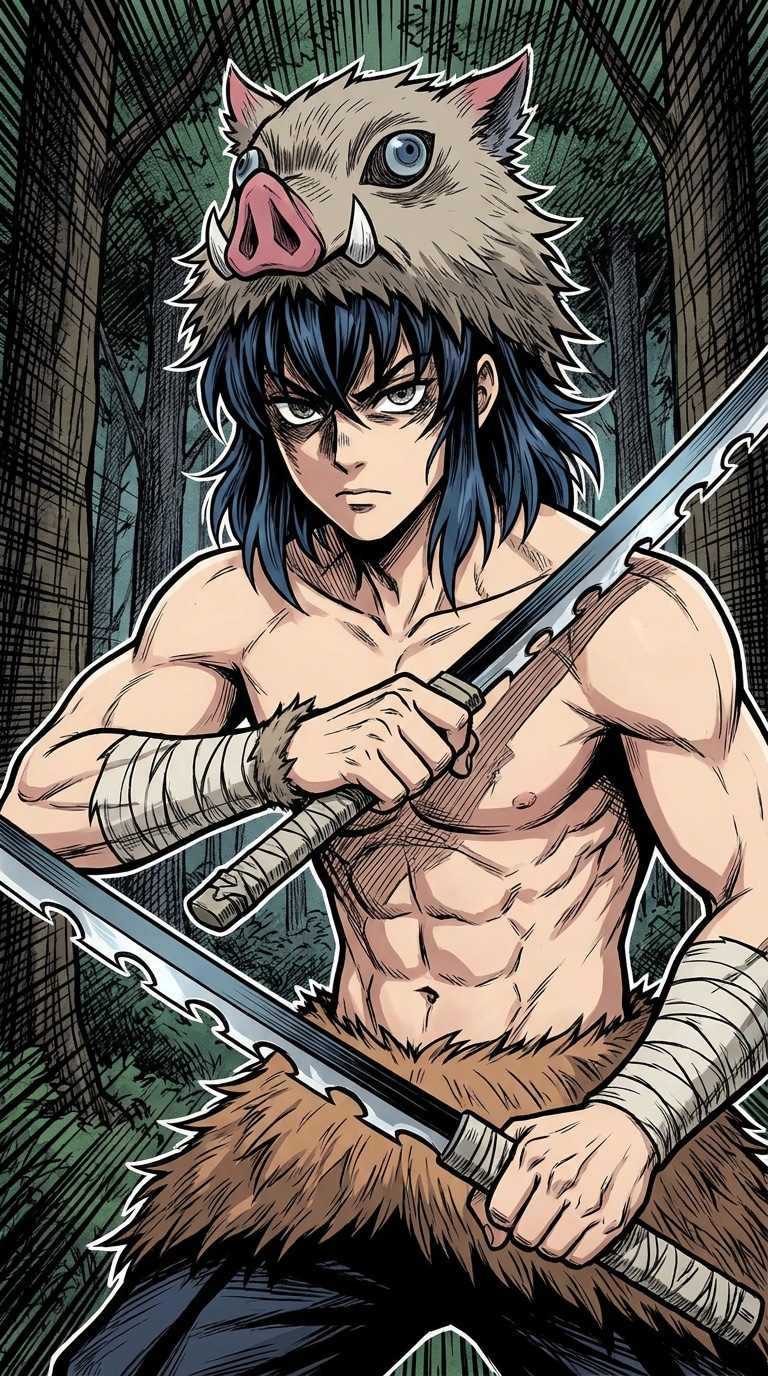
Waldkampf Krieger
Anime-Waldkampfszene, Eber-Masken-Krieger-Pose, zwei gezackte Schwerter, fliegende Staub- und Blätterpartikel, kräftige Aktionslinien, Tierkampf-Energie, filmische Schatten, KI Inosuke Filter Stil
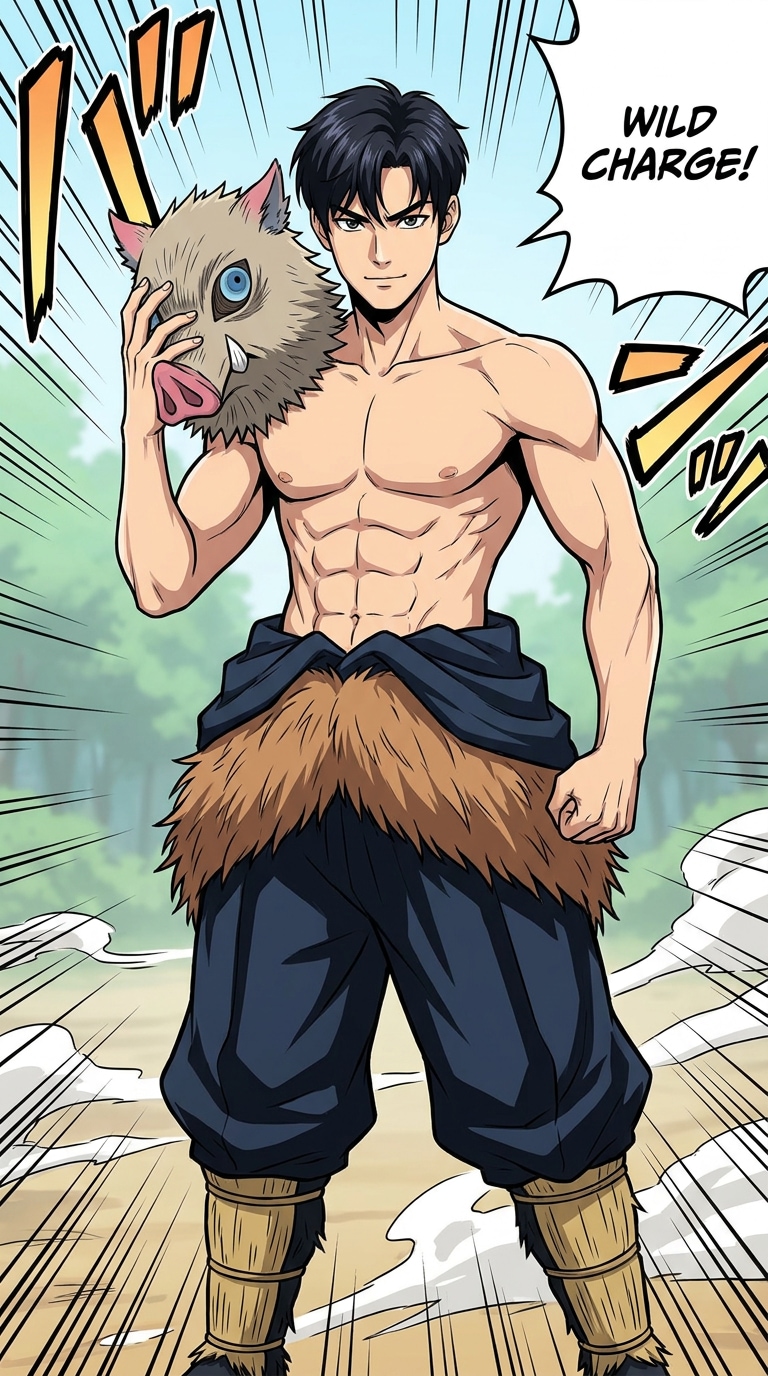
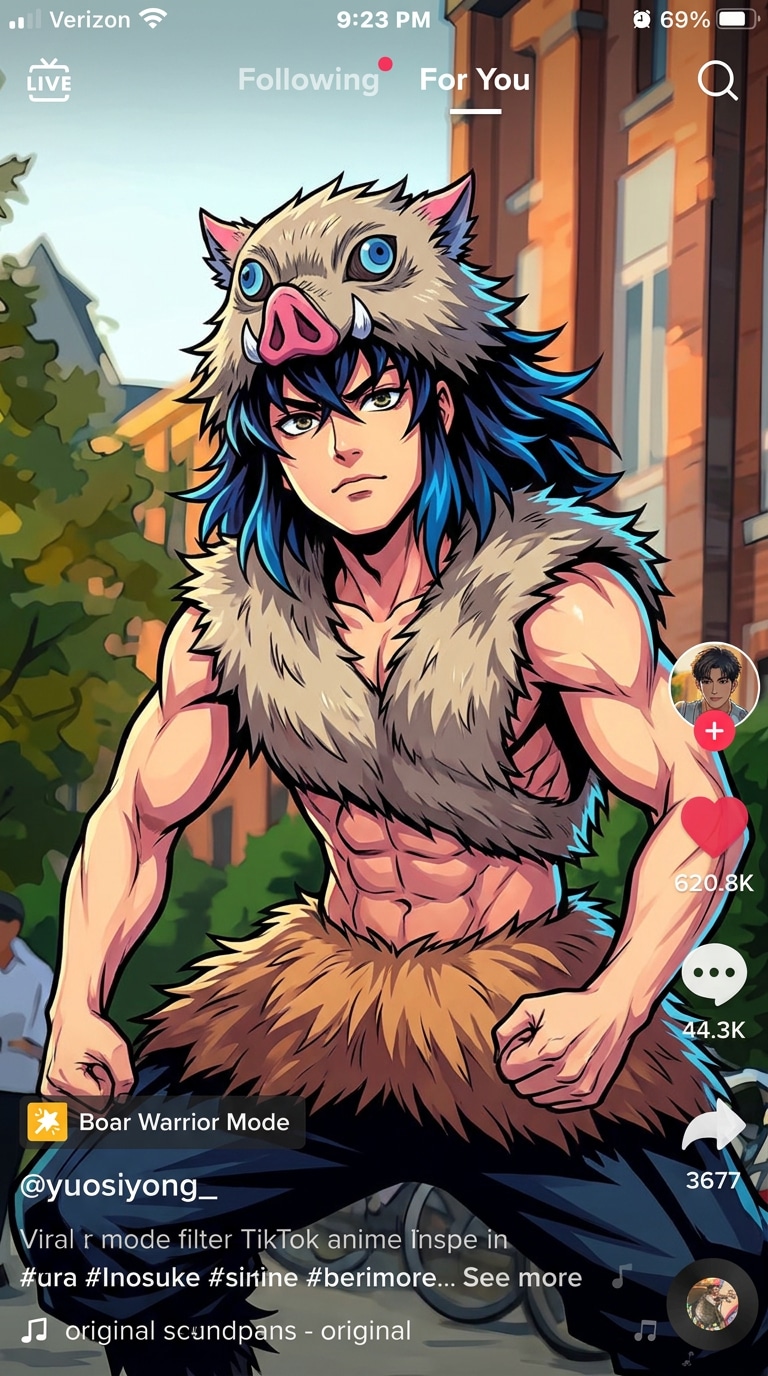
Anime Cosplay Porträt
wandle dieses Selfie in einen Inosuke Cosplay KI Filter Look um, Anime-Kriegerkostüm, Pelz-Taillendetail, selbstbewusste Kampfhaltung, Eber-Maske neben dem Gesicht gehalten, saubere Manga-Linienzeichnung, lebendige Farben
verwandle dieses Foto in einen viralen TikTok-Anime-Charakter-Filter, von Inosuke inspirierter Kriegerstil, Eber-Maske, wildes Haar, kräftiger Kontrast, energetische Pose, saubere Social-Media-Bearbeitung
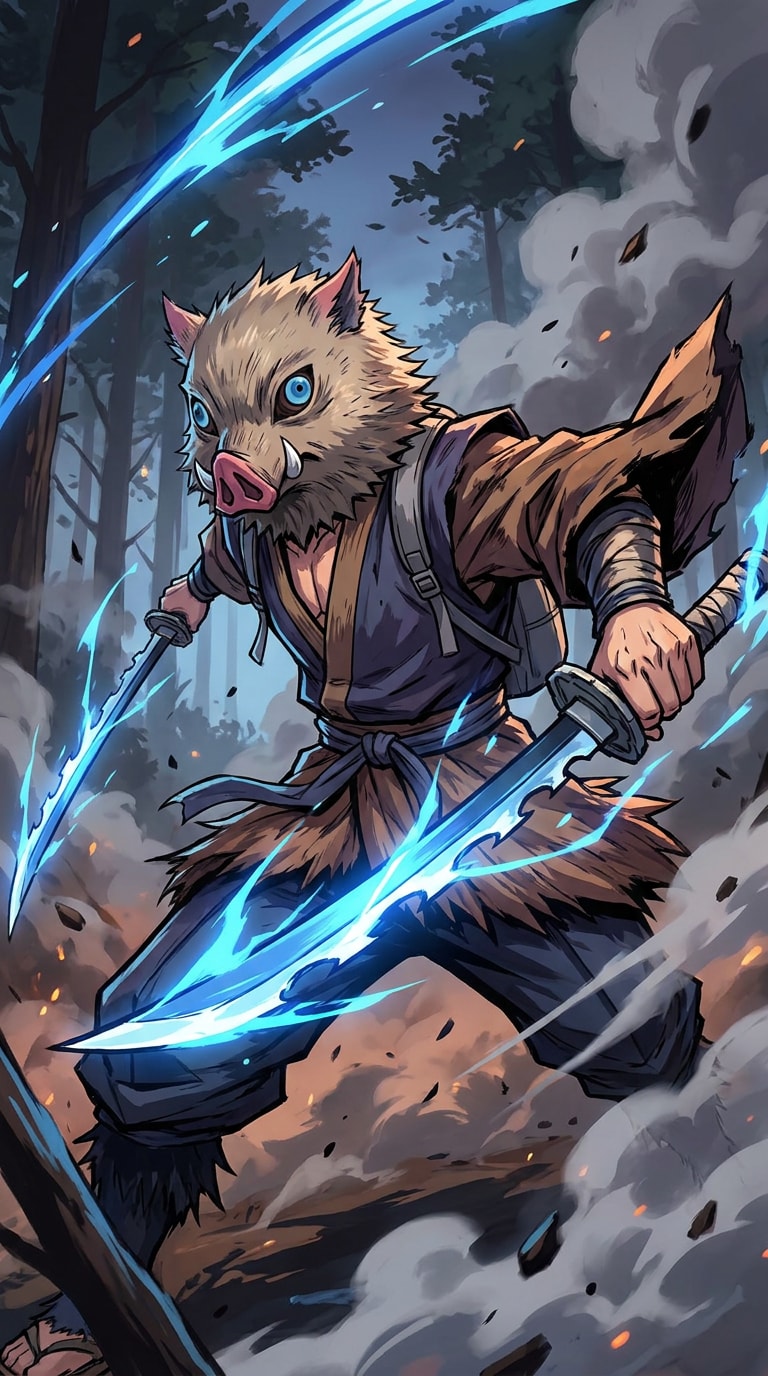
Fantasy Krieger Poster
Anime-Fantasy-Poster, wilder Eber-Masken-Krieger mit zwei gezackten Schwertern, Waldschlachtfeld, dramatischer Rauch, leuchtende blaue Schnitte, filmische Komposition, Fan-Stil KI Inosuke Filter Ästhetik
Warum Anime-Fans diesen KI Inosuke Filter Lieben
Sofortiger KI Inosuke Effekt für Virale Anime-Posts
Verwandeln Sie gewöhnliche Porträts mit einem Klick in kühne AI Inosuke Filter Bilder.
Perfekt für TikTok-Bearbeitungen, Anime-Profilbilder, Cosplay-Vorschauen, Fan-Stil-Porträts und Social-Media-Posts, die einen wilden Anime-Krieger-Look benötigen.
Anime Eber Masken Filter mit Starken Charakter-Details
Media.io fügt die visuellen Hinweise hinzu, nach denen Fans suchen: Eber-Maske, wildes Haar, Manga-Schattierung, Aktionsenergie und kampfbereites Styling.
Das Ergebnis wirkt wie ein Anime-Charakter-Filter anstatt eines einfachen Sticker-Overlays.
Cosplay, Avatar, Profilbild und Hintergrundbild Stile
Erstellen Sie mehrere Anime-Fan-Edit-Looks aus demselben Foto.
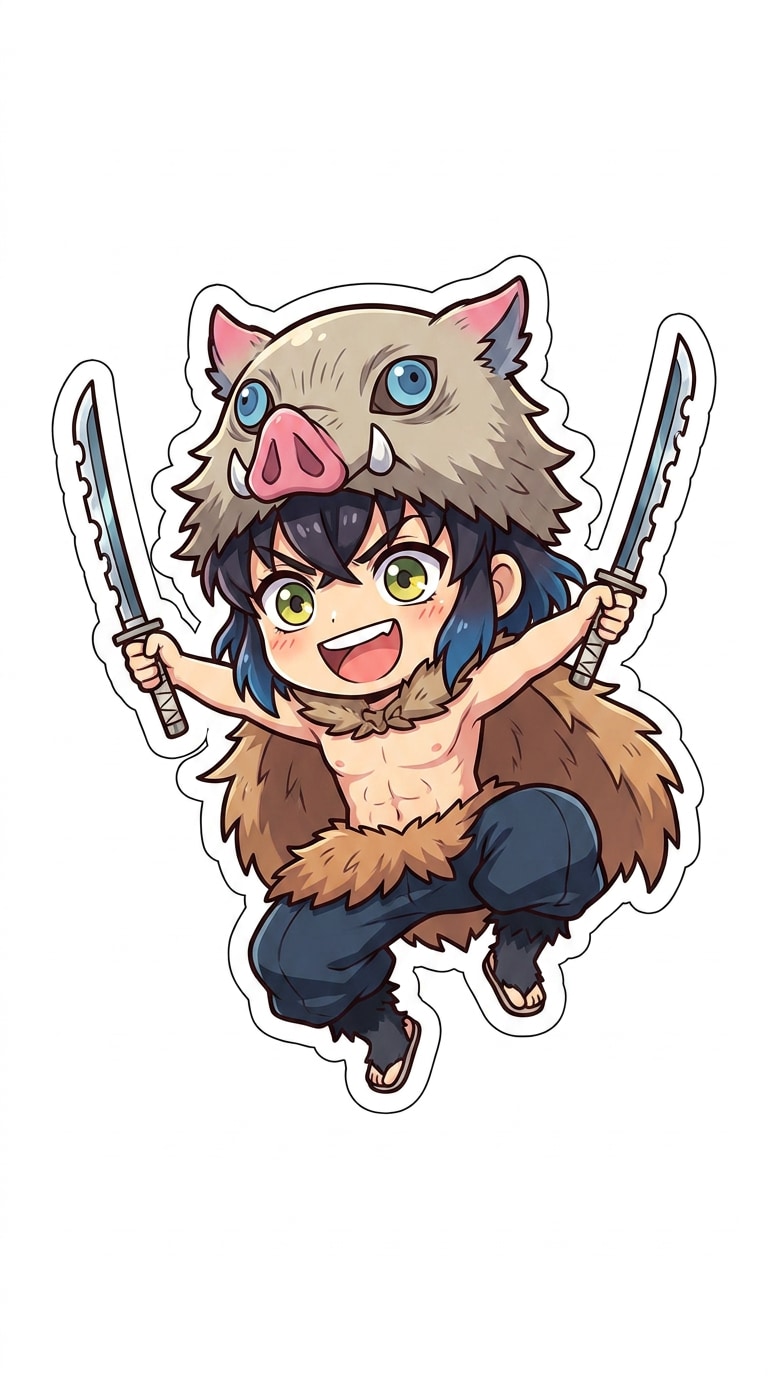
Generieren Sie einen Inosuke Cosplay KI Filter, Chibi-Profilbild, Manga-Panel, 3D-Figur oder vertikales Anime-Hintergrundbild für verschiedene Plattformen.
Inspiriert von Anime Charakter Filter Trends
Lieben Sie den Look von KI-Anime-Charakter-Filtern auf TikTok und Instagram?
Media.io ermöglicht es Ihnen, einen ähnlichen Inosuke inspirierter KI Filter Stil direkt in Ihrem Browser zu erstellen, ohne Bearbeitungskenntnisse.
So Verwenden Sie den KI Inosuke Filter Online
01
Schritt 1 - Öffnen Sie das KI Inosuke Filter Tool
Gehen Sie zum Media.io AI Inosuke Filter Tool direkt von Ihrem Browser aus.
Kein App-Download, kein manuelles Anime-Zeichnen und kein kompliziertes Bearbeitungs-Setup erforderlich.
02
Schritt 2 - Laden Sie ein Selfie oder Cosplay-Foto Hoch
Laden Sie Ihr Selfie, Porträt, Cosplay-Foto oder Referenzbild hoch, für das Sie die Bearbeitungsberechtigung haben.
Media.io unterstützt gängige Bildformate und funktioniert reibungslos auf Desktop und Mobilgeräten.
03
Schritt 3 - Generieren Sie den Anime Krieger Effekt
Klicken Sie auf Generieren, um den Inosuke KI Filter sofort anzuwenden.
Laden Sie Ihr Anime-Stil-Bild mit Eber-Masken-Detail, wilder Kämpfer-Energie, Manga-Kontrast und einem Social-Media-fertigen Finish herunter.
Was Benutzer über den Media.io KI Inosuke Filter Sagen
Emily
Anime Fan
"Perfekte Anime-Fan-Bearbeitung" Es hat mein Selfie in einen wilden Eber-Masken-Krieger-Stil verwandelt, ohne Zeichenkenntnisse zu benötigen.
Jake
Cosplay Ersteller
"Toll für Cosplay-Vorschauen" Die Maske, das Haar und die Manga-Schattierung gaben mir ein schnelles Konzept, bevor ich mein echtes Kostüm plante.
Sophia
Content Erstellerin
"Einfaches Anime-Avatar-Upgrade" Ich habe es für ein Profilbild und ein Hintergrundbild-Set verwendet. Der Stil sieht kräftig, sauber und bereit zum Posten aus.
Entdecken Sie die beliebtesten KI-Video- und Bildeffekte
An AI Inosuke Filter ist ein Fan-Stil-Anime-Fotoeffekt, der Porträts in einen wilden Eber-Masken-Krieger-Look verwandelt. Er fügt in der Regel Manga-Schattierung, wilden Gesichtsausdruck, Doppelschwert-Energie, Waldkampf-Atmosphäre und ein Anime-Charakter-Filter-Finish hinzu.
2. Wie erstelle ich den viralen Inosuke KI Filter Look?
Laden Sie Ihr Bild auf Media.io hoch, wenden Sie den Inosuke KI Filter an und lassen Sie die KI den Stil automatisch generieren. Das Tool kann Selfies, Cosplay-Fotos und Porträts in Anime-Eber-Masken-Krieger-Bearbeitungen für TikTok, Instagram, Profilbilder und Fan-Posts verwandeln.
3. Was ist ein guter KI Inosuke Filter Prompt?
Ein starker KI Inosuke Filter Prompt könnte sein: „Von Inosuke inspirierter Anime-Krieger, wilde Eber-Maske, wildes Haar, zwei gezackte Schwerter, Waldkampf-Hintergrund, Manga-Schattierung, dynamische Aktionspose." Sie können ihn für Chibi-Avatare, Cosplay-Porträts, Hintergrundbilder oder Manga-Panels anpassen.
4. Ist Media.io mit Demon Slayer oder Inosuke verbunden?
Nein. Media.io ist nicht mit Demon Slayer, Inosuke oder den offiziellen Rechteinhabern verbunden. Diese Seite ist für Fan-Stil, Anime-inspirierte Bearbeitungen und kreative Prompts konzipiert. Verwenden Sie Bilder und Referenzen verantwortungsvoll, insbesondere für öffentliche oder kommerzielle Projekte.
5. Kann ich diesen KI Inosuke Filter kostenlos verwenden?
Ja. Sie können den AI Inosuke Filter auf Media.io online mit kostenlosen Credits nach der Anmeldung. Es ist eine einfache Möglichkeit, Anime-Avatare, Cosplay-Vorschauen, Fan-Stil-Porträts und Social-Media-Bilder mit nur wenigen Klicks zu erstellen.