Deine Werke werden nur 7 Tage lang gespeichert. Assets, die nach dem Upgrade auf einen Mitgliedschaftstarif erstellt werden, werden dauerhaft gespeichert.
Entfalten Sie Ihr kreatives Potenzial und erleben Sie jetzt die Magie der Media-KI!
KI Cyborg Filter für realistische futuristische Fototransformationen
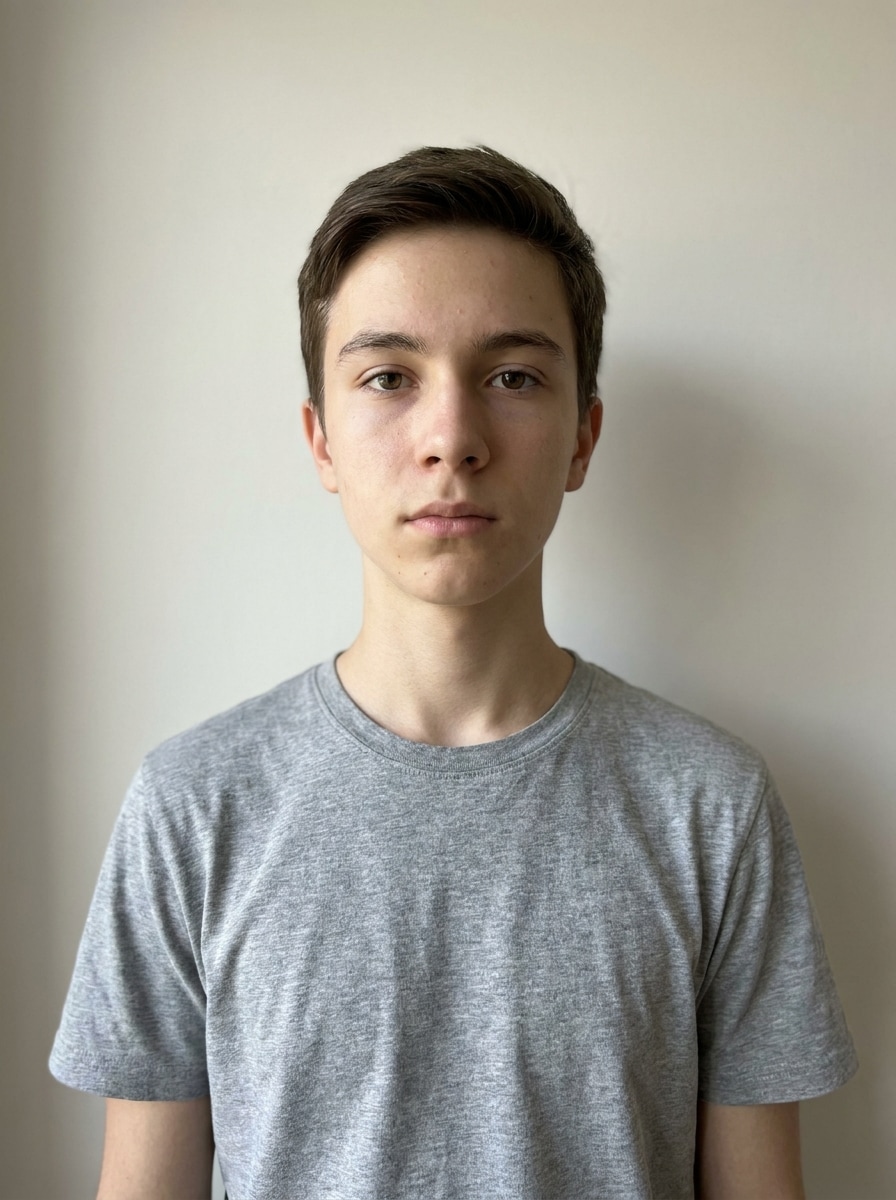
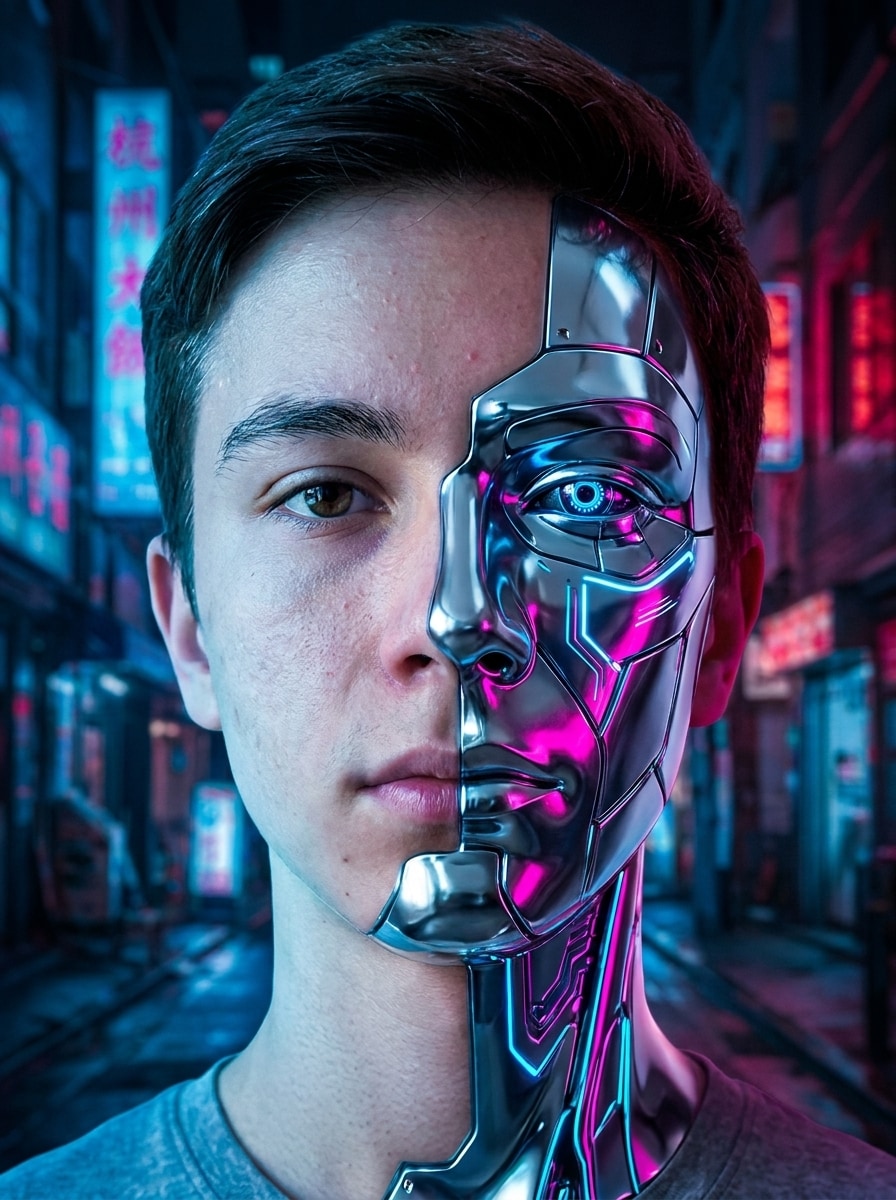
Erstellen Sie auffällige Cyborg-Porträts aus Ihrem eigenen Foto mit einem schnellenKI cyborg filter. Laden Sie ein selfie hoch, tragen Sie einKI cyborg Foto Effekt, und generieren Sie polierte cyberpunk-, Android-oder Chrome-Looks, die sich immer noch wie Sie anfühlen.
Geben Sie Ihre Idee ein-> KI entwirft sie. Kostenlos zu versuchen.
Überprüfen Sie diese Beispielanweisungen und passen Sie dann die Eingabedetails an, um damit bessere Ergebnisse zu erzielencyborg Gesicht filterin Media.io.
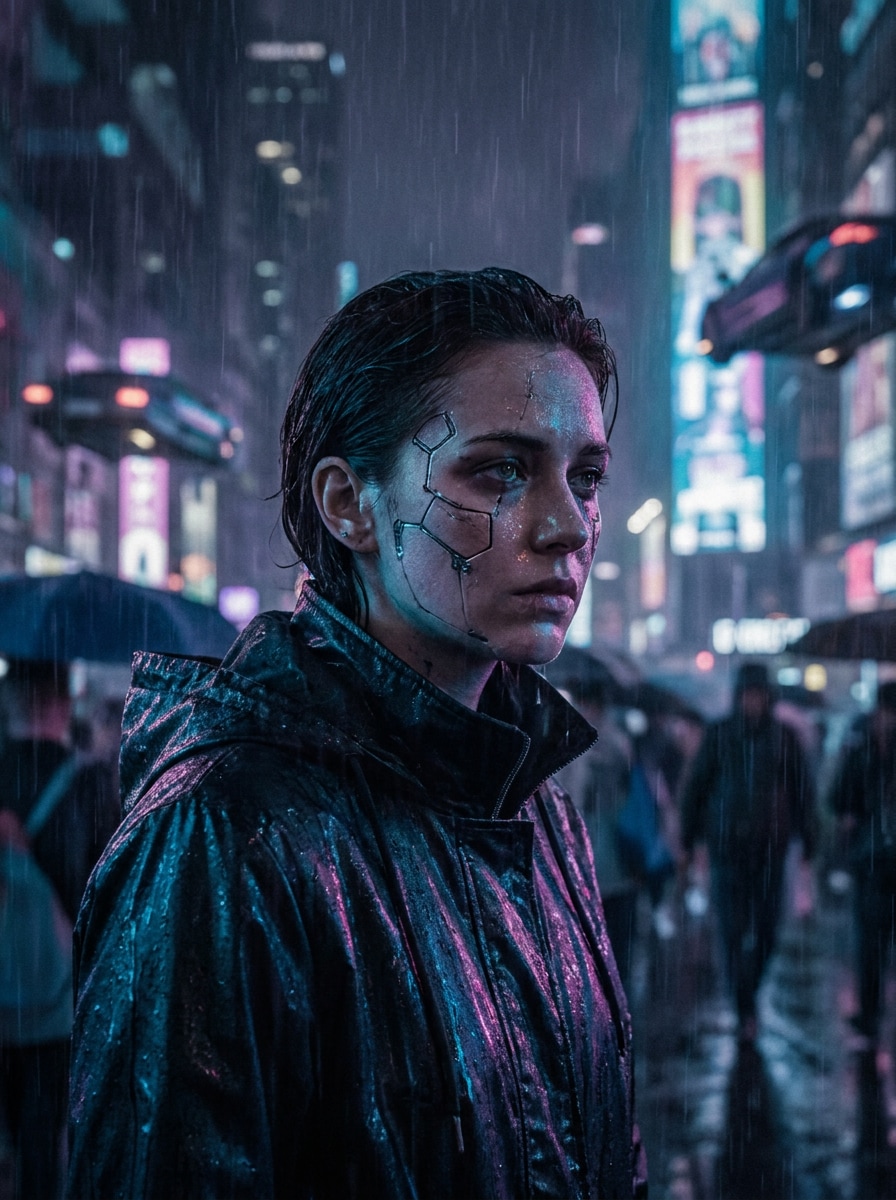
Neon-Halbcyborg
Verwenden Sie das hochgeladene Bild als Motiv und verwandeln Sie es in ein realistisches, halb-menschliches, halb-cyborg-Porträt. Behalten Sie die Gesichtsidentität, fügen Sie schlanke Metallplatten auf einer Seite des Gesichts hinzu, leuchtende blaue und magenta Schaltungen, stimmungsvolles Cyberpunk-Stadtlicht, filmischen Kontrast, ultra-detaillierte Haut-und Chromtexturen, scharfe Fokussierung.
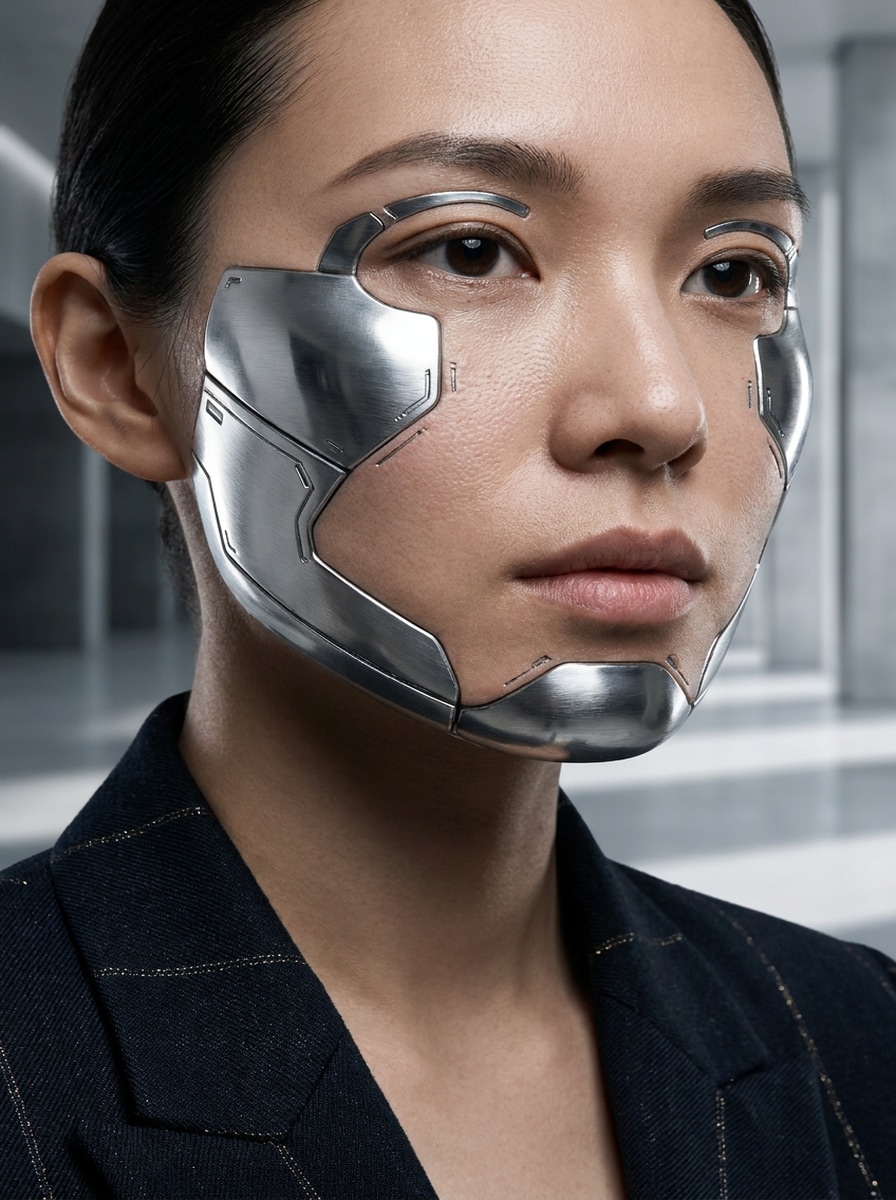
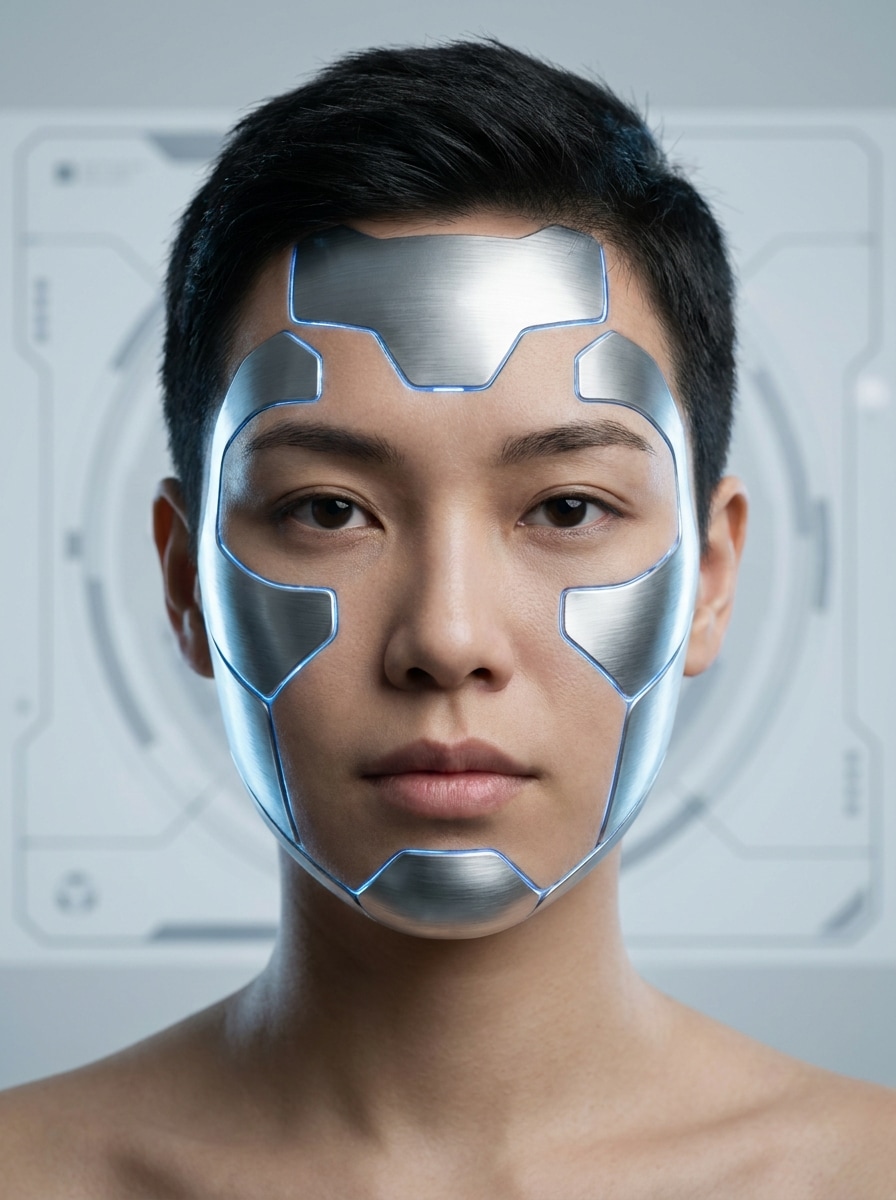
Chrom Gesichtsvergrößerung
Verwenden Sie das hochgeladene Porträt und tragen Sie einen erstklassigen Chrom-Verbesserungslook auf, während das Gesicht erkennbar bleibt. Fügen Sie raffinierte Roboter-Wangen-und Schläfenstrukturen, subtile mechanische Nähte, reflektierende silberne Oberflächen, weiche Studio-Beleuchtung, elegante Sci-Fi-Stimmung, klare Komposition, realistische Anatomie und glänzende High-End-Details hinzu.
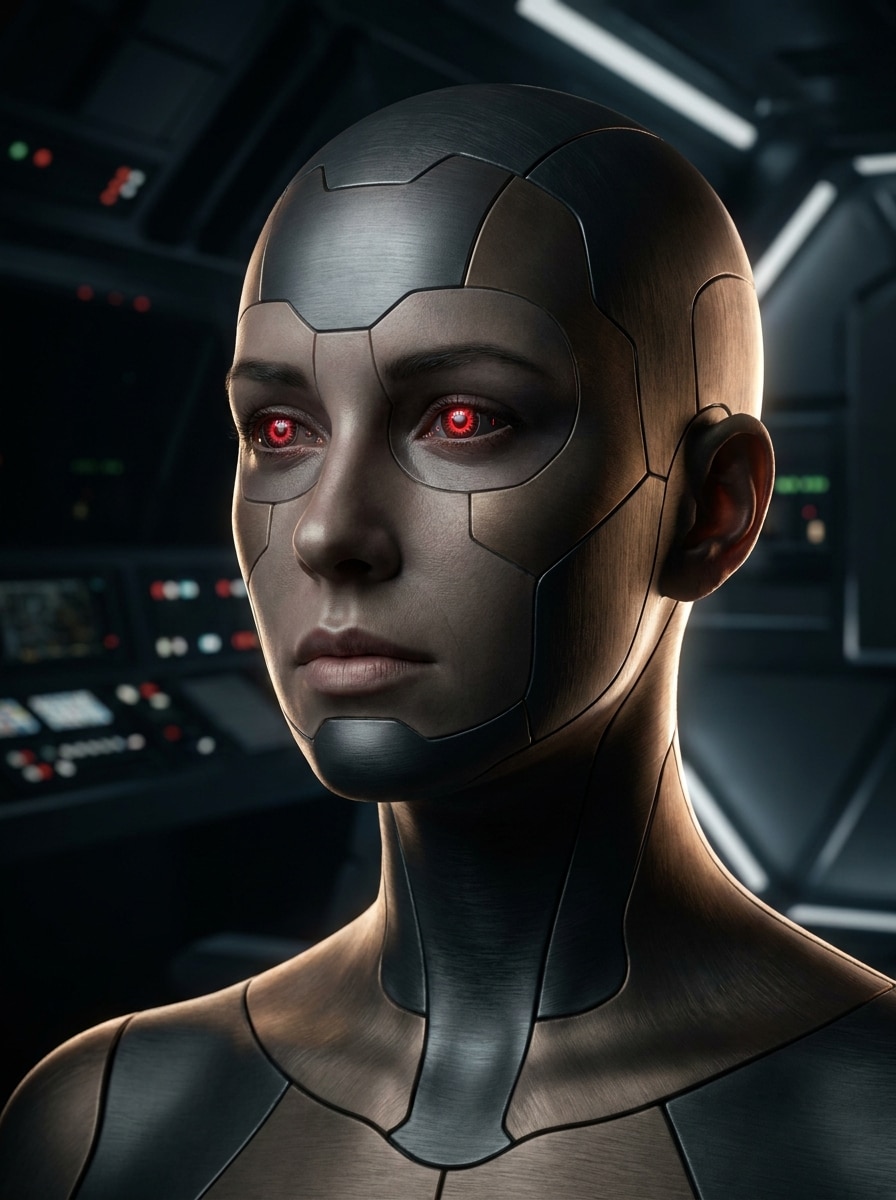
Rote Augen Android Blick
Verwenden Sie das hochgeladene Foto als Basis und verwandeln Sie es in ein futuristisches Android-Porträt. Beibehalten Sie die ursprüngliche Gesichtsform und-pose, fügen Sie leuchtende rote kybernetische Augen, glatte synthetische Hautpaneele, dunklen Sci-Fi-Hintergrund, dramatische Felgenbeleuchtung, klare Gesichtsdetails und ein realistisches filmisches finish mit kontrollierten Schatten hinzu.
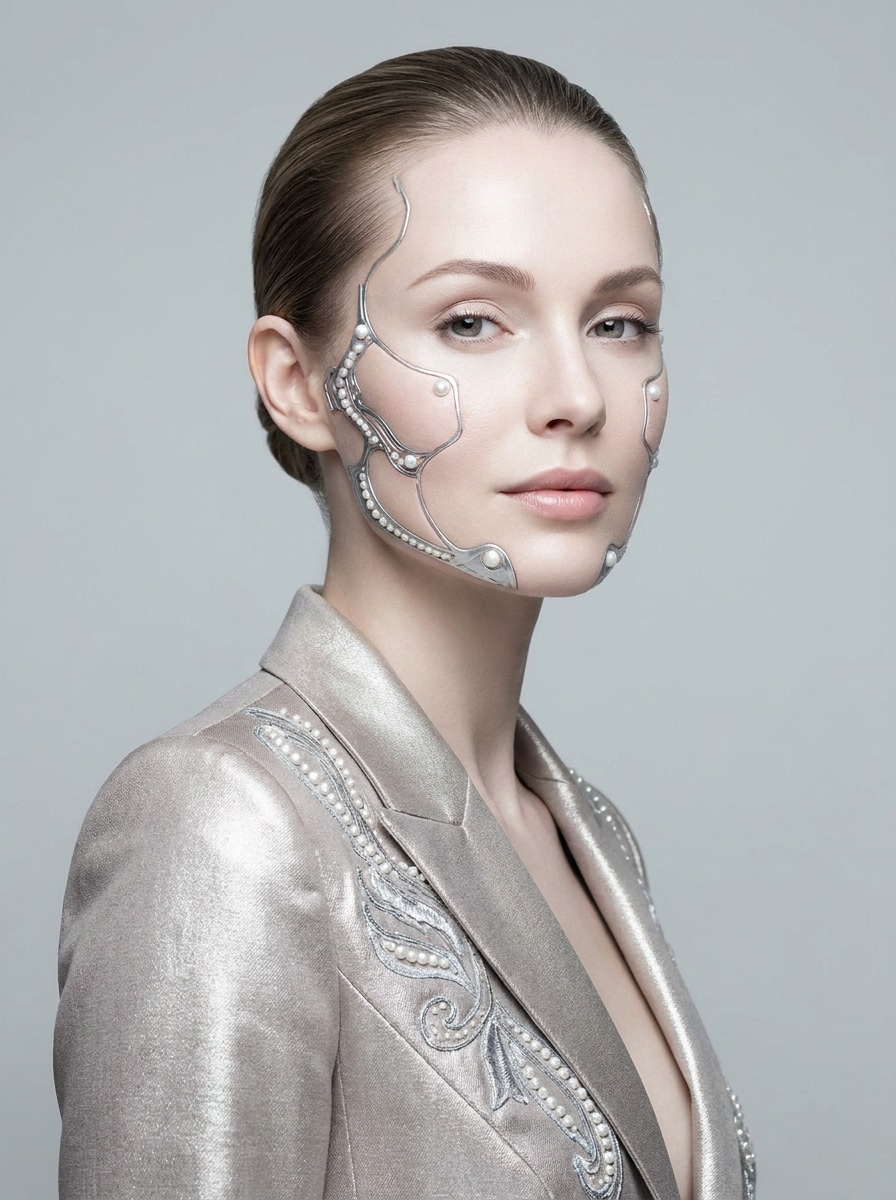
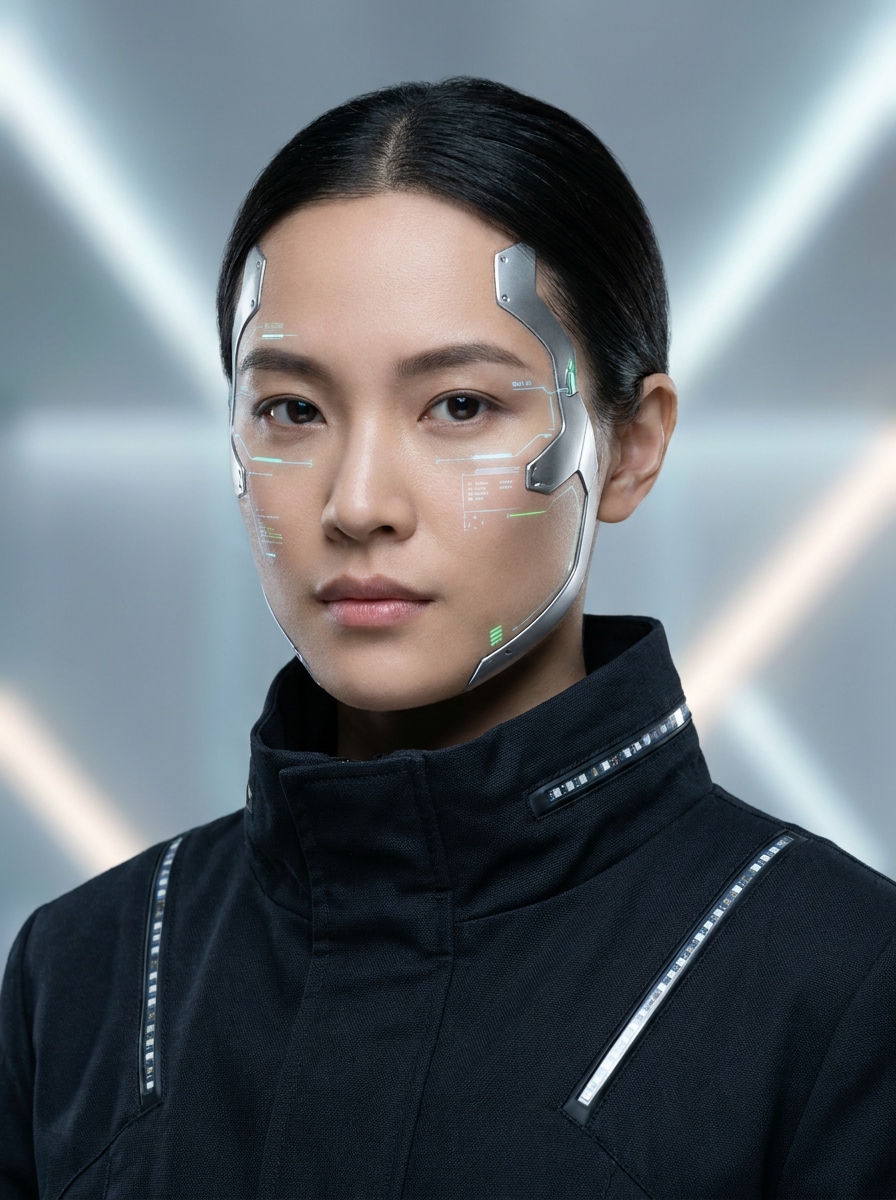
Elegante weibliche Cyborg
Verwenden Sie das hochgeladene Porträt als Motiv und stilisieren Sie es zu einem eleganten femininen cyborg. Beibehalten Sie erkennbare Merkmale, vermischen Sie raffinierte metallische Wangen-und Schläfendetails mit natürlicher Haut, fügen Sie perlsilberne Akzente, weiche leuchtende Schönheitsbeleuchtung, minimalen futuristischen Hintergrund, anmutige redaktionelle Stimmung und realistische Haut-zu-Metall-Übergänge hinzu.
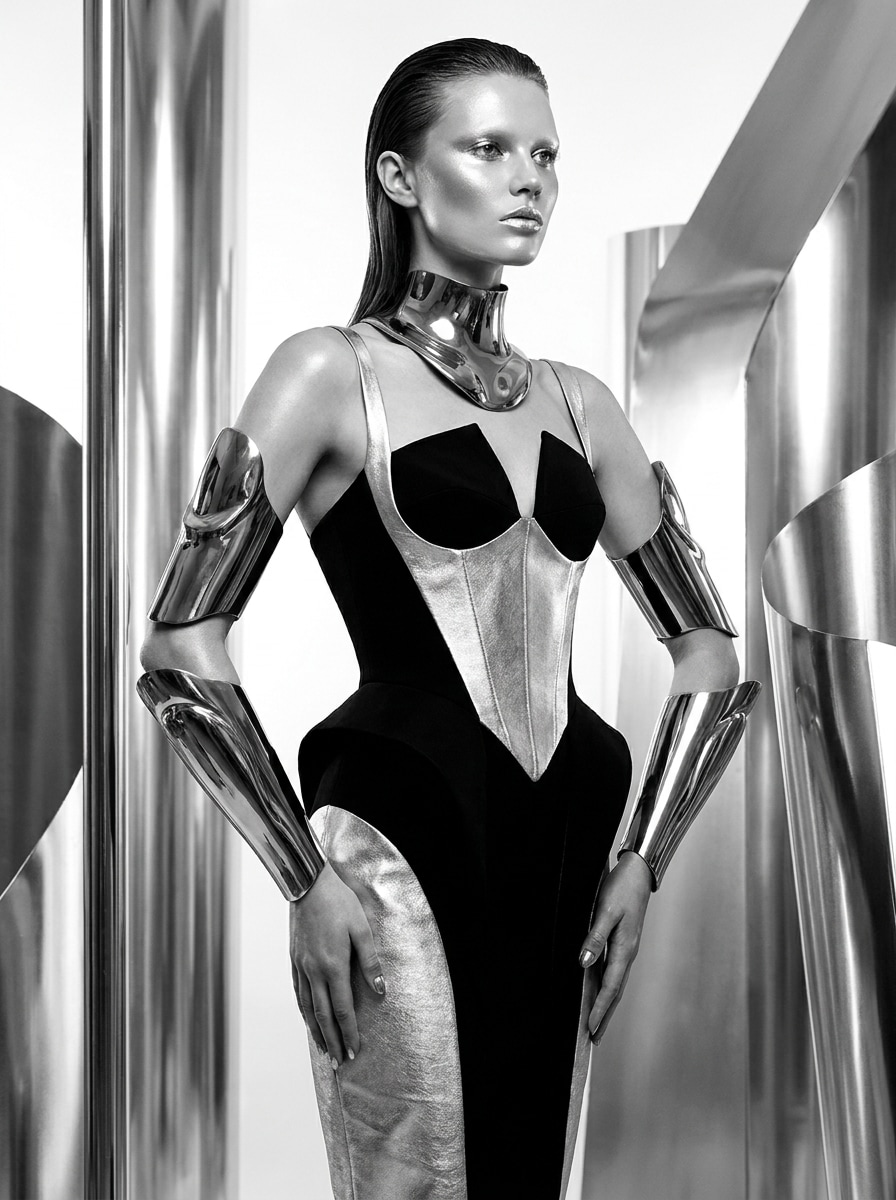
Luxus-Sci-Fi-Leitartikel
Verwenden Sie das hochgeladene Bild und verleihen Sie ihm ein hochmodisches futuristisches makeover. Beibehalten Sie Ihre Identität intakt, während Sie geformte metallische Accessoires, glänzende Roboterstrukturen, monochrome Silberstyling, Beleuchtung für Modemagazine, klare Rahmenwerke, erstklassige Texturen und eine polierte redaktionelle Atmosphäre mit raffiniertem Kontrast und Tiefe hinzufügen.
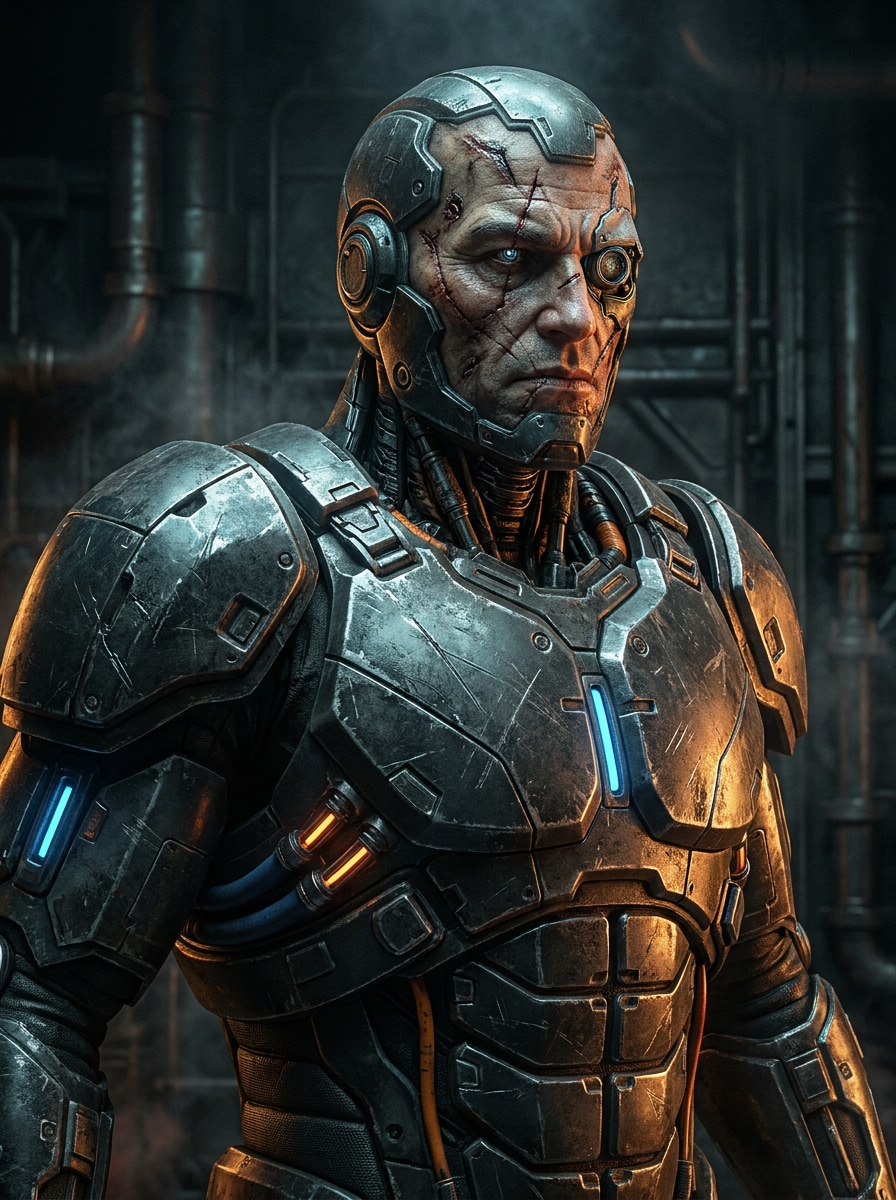
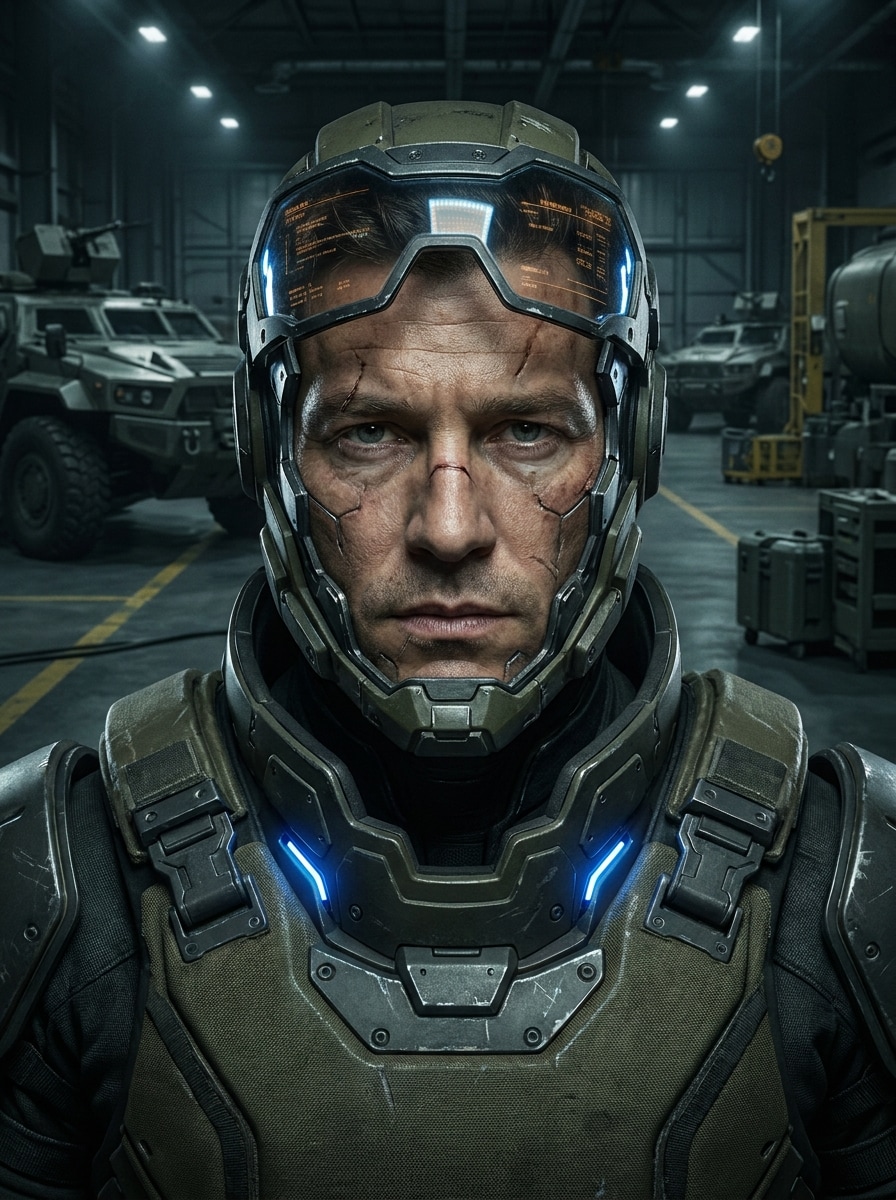
Schlacht Cyborg Rüstung
Verwenden Sie das hochgeladene Porträt und verwandeln Sie es in einen Kampfbereiter Cyborg-Krieger. Erhalten Sie das Gesicht, während Sie futuristische Rüstungsbeschichtungen, beleuchtete Stromleitungen, mechanische Halskomponenten, dunkle industrielle Science-Fiction-Umgebung, filmische Action-Beleuchtung, graue Textur und hyperreale Details mit einer kraftvollen dramatischen Stimmung hinzufügen.
Exosuit-Soldat
Verwenden Sie das hochgeladene Foto als Charakterreferenz und verwandeln Sie es in ein futuristisches Exosuit-Soldatenporträt. Halten Sie das Gesicht erkennbar, fügen Sie taktische Roboterpanzerungen, HUD-Reflexionen, subtile, vom Kampf getragene details, stimmungsvolle kinematische Beleuchtung, coole Metallic-Palette und Blockbuster-Science-Fiction-Realismus mit Tiefe und Präzision hinzu.
Minimaler Tech-Avatar
Verwenden Sie das hochgeladene selfie und erstellen Sie einen sauberen futuristischen avatar für die Profilnutzung. Erhalten Sie die Gesichtsidentität, fügen Sie minimale Metallic-Upgrades, subtile leuchtende Schnittstellendetails, glatten Verlaufshintergrund, zentrierte Komposition, weichen Kontrast, polierte Porträtretusche und einen eleganten modernen Sci-Fi-Look, der für soziale Profile optimiert ist.
Symmetrische Roboter-Kopfaufnahme
Verwenden Sie das hochgeladene Porträt und gestalten Sie es neu als symmetrisches, von Robotern inspiriertes headshot. Halten Sie die person erkennbar, während Sie präzise kybernetische Paneele, subtile blaue Leuchtlinien, polierte Metalloberflächen, eine ausgewogene Frontkomposition, scharfen Fokus, erstklassiges Sci-Fi-Porträtstyling und eine ruhige futuristische Stimmung vorstellen.
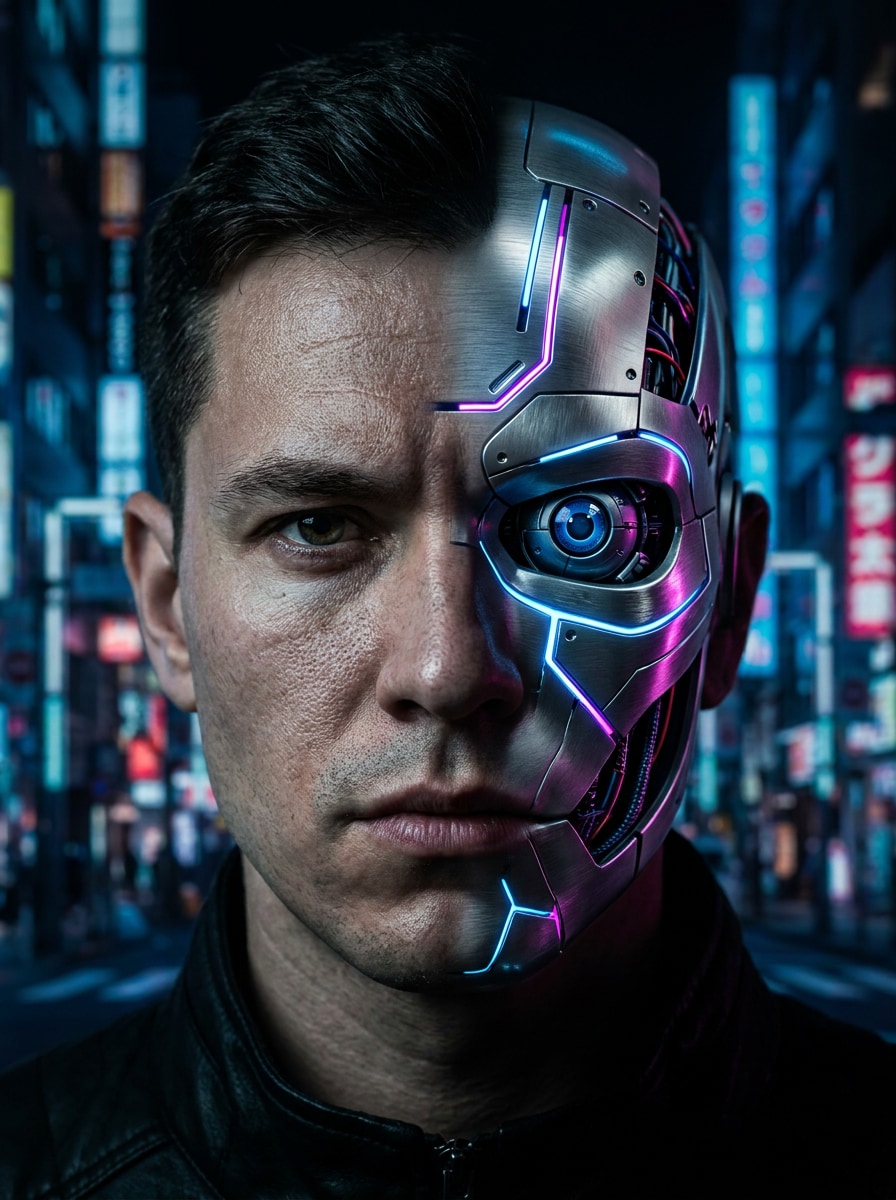
Blade-Runner-inspiriert Glow
Verwenden Sie das hochgeladene Bild als Motiv und verwandeln Sie es in ein stimmungsvolles Cyberpunk-Filmporträt. Erhalten Sie das Gesicht, fügen Sie realistische kybernetische Implantate, regengetränkte Neonreflektionen, blau-und rosa glow, atmosphärische Tiefe, dramatische filmische Graduation, detaillierte Texturen und eine futuristische urbane Nachtstimmung hinzu.
Warum Media.io für einen KI Cyborg Filter verwenden?
Bewahren Sie Ihre Identität und ändern Sie Ihren Look
Für selfie-basierte Bearbeitungen verwendet Media.io Ihr hochgeladenes Referenzbild, um die transformation zu leiten.Verwandeln Sie ein Foto in einen cyborgWährend die wichtigsten Gesichtsmerkmale intakt bleiben und das endgültige Porträt persönlich statt allgemein anfühlen lässt.
Wechseln zwischen Cyberpunk, Chrome und Android sieht schnell aus
Eine Idee braucht oft mehr als einen Blick. Media.io hilft bei der Neuinterpretation des gleichen Cyborg-Filter-Visuals über verschiedene Stile hinweg, so dass jede version besser mit dem Projektbrief übereinstimmt.
Erzeugen Sie sauberere Ausgaben bis zu 4K
Einige Ergebnisse müssen mehr tun, als in einer Vorschau gut auszusehen. Media.io hilft dabei, sauberere Cyborg-Filterbilder mit einer Ausgabe von bis zu 4K zu generieren, sodass das endgültige Bild in Hintergrundbildern, decks und mockups hält.
Erstellen Sie auf jedem Gerät, ohne zusätzliche Software zu installieren
Wenn eine visuelle Idee des Cyborg-Filters abseits Ihrer Haupteinstellung beginnt, ermöglicht Media.io es Ihnen, sie im browser zu erstellen und zu verfeinern, sodass sich der Wechsel zwischen mobile und desktop nahtlos anfühlt und nicht störend.
So verwenden Sie diesen AI Cyborg Foto Effekt
Verwandeln Sie Ihre Worte in drei einfachen Schritten in atemberaubende Bilder und verfeinern Sie dann das Ergebnis, wenn Sie es weiter gehen möchten.
Schritt 1
Laden Sie Ihr Referenzbild hoch
Beginnen Sie mit einem klaren selfie oder Porträt im JPG, PNG oder JPEG-Format. Frontalfotos mit sichtbaren Gesichtsdetails funktionieren am besten, wenn Sie eine realistische, roboterinspirierte transformation wünschen, die Ihre Identität bewahrt.
Schritt 2
Beschreiben Sie die Änderungs-und Setzoptionen
Geben Sie eine Eingabeaufforderung für den gewünschten Stil ein, wie z. B. Chrom-Gesichtspaneele, Neon-Cyberpunk-Beleuchtung oder gepanzerte Android-Details. Wählen Sie dann Ihr Modell aus und passen Sie das Seitenverhältnis, die Bildqualität oder die Stapelausgabe an Ihre endgültige Verwendung an.
Schritt 3
Generieren, herunterladen und weiter verbessern
Erstellen Sie Ihre Cyborg-Variationen, vergleichen Sie die Ergebnisse und laden Sie die, die Ihnen am besten gefällt. Sie können die Eingabeaufforderung verfeinern, neue Versionen regenerieren oder die Bearbeitung fortsetzen, bis das futuristische Porträt zu Ihrer kreativen vision passt.
Freischalten Sie das Potenzial des KI Cyborg Photo Effects
Erfahren Sie, wie Schöpfer dieses Cyborg-Porträt-Tool für Inhalte, marketing und persönliche Projekte verwenden, und passen Sie dann jede Idee an die Kurze an.
Scroll-stoppende Profil-Avatare erstellen
Verwandeln Sie ein gewöhnliches selfie in ein futuristisches Identitätsbild für TikTok, Instagram, Discord oder Gaming-Profile. Media.io hilft dabei, einen polierten, kybernetischen look zu schaffen, der auffällt und gleichzeitig das Porträt auf allen Plattformen erkennbar und optisch konsistent hält.
Entwerfen Sie filmische Charakterkonzepte schnell
Autoren, Indie-Filmemacher und Spielschöpfer können Mensch-Maschine-Charaktere schnell visualisieren, ohne von Grund auf anzufangen. Laden Sie ein Porträt auf Media.io hoch, testen Sie verschiedene Roboterverbesserungen und generieren Sie Konzeptreferenzen für pitch decks, Moodboards oder Story-Entwicklung.
Erstellen Sie teilbare Bearbeitungen vor und nach
Ein starker KI-Cyborg-Foto-Effekt funktioniert besonders gut für soziale Enthüllungen und Karussellbeiträge. Verwenden Sie ein klares Porträt in Media.io, um mehrere futuristische Versionen zu generieren und dann dramatische Transformationen zu teilen, die sich eher benutzerdefiniert als vorlagenbasiert anfühlen.
Was die Benutzer sagen
Maya Chen
Inhaltsersteller
"Perfekt für Cyberpunk-Profilfotos"Ich habe ein normales selfie hochgeladen und in wenigen Minuten ein poliertes Neon-Cyborg-Porträt bekommen. Das Gesicht sah immer noch aus wie ich, was die meisten Filter vermissen.
Jordan Ellis
Indie-Spiel-Designer
"Ideal für schnelle Charakterkonzepte"Ich verwende es, um Android-und gepanzerte looks für die Charakterentwicklung zu testen. Es ist viel schneller als das manuelle Erstellen von Moodboards, und die Variationen sind wirklich nützlich.
Sofia Ramirez
Social Media Manager
"Einfache Ergebnisse auf dem Handy"Ich habe einen futuristischen Kampagnen-Avatar direkt aus meinem Telefonbrowser erstellt. Der workflow war einfach und das endgültige Bild sah scharf genug für Social-Posting aus.
Ethan Brooks
Digitaler Künstler
"Nützliche Basis für weitere Bearbeitungen"Die Cyborg-Transformation gibt mir einen starken Ausgangspunkt für Poster und kreative Verbundwerkstoffe. Mir gefällt, dass ich die Porträtstruktur beibehalten und gleichzeitig den Stil ändern kann.
Entdecken Sie die beliebtesten KI-Video- und Bildeffekte
Ein KI-Cyborg-Filter ist ein Bild-zu-Bild-Effekt, der ein echtes Porträt in einen futuristischen Mensch-Maschine-Look verwandelt. Mit Media.io können Sie ein Referenzfoto hochladen und Roboterdetails wie Chromplatten, leuchtende Schaltungen, Android-Funktionen oder Cyberpunk-Beleuchtung anwenden, während das Ergebnis optisch an Ihr Originalbild gebunden bleibt.
2. Wie verwandle ich mein Foto mit KI in einen cyborg?
Laden Sie ein klares Porträt auf Media.io hoch und geben Sie dann eine Eingabeaufforderung ein, die den gewünschten Stil beschreibt, z. B. ein Cyberpunk-Porträt, eine Chrom-Gesichtsverbesserung oder einen gepanzerten Sci-Fi-Look. Wählen Sie anschließend Ihre bevorzugten Modell-und Bildeinstellungen aus, generieren Sie das Ergebnis und verfeinern Sie die Eingabeaufforderung, wenn Sie eine andere Robotertransformation wünschen.
3. Kann ich einen AI-Cyborg-Filter kostenlos verwenden?
Kostenlose Nutzer können Media.io mit kostenlosen Gutschriften ausprobieren. Wenn Sie mehr Generationen benötigen oder hochauflösende downloads ohne Wasserzeichen wünschen, können Sie die Preisseite für verfügbare Pläne überprüfen.
4. Wird der Cyborg-Effekt mein Gesicht erkennbar halten?
Das kann, insbesondere wenn Sie ein klares Referenzbild hochladen. Media.io unterstützt die referenzbasierte Bildtransformation, die dazu beiträgt, wichtige Gesichtsstrukturen und Identitätssignale zu erhalten und gleichzeitig mechanische Überlagerungen, synthetische Texturen oder andere futuristische details hinzuzufügen.
5. Welche Art von Fotos funktionieren am besten für einen Robotergesichtsfilter?
Klare Porträts mit guter Beleuchtung, sichtbaren Gesichtsmerkmalen und minimaler Unschärfe funktionieren normalerweise am besten. Ein zentriertes selfie oder Kopfaufnahme mit einfachem Hintergrund gibt Media.io eine stärkere Referenz für die Anwendung eines realistischen Robotergesichtsfilters oder eines cybernetischen Makeovers.
6. Kann ich ein Cyborg-Porträt auf iPhone, Android oder desktop erstellen?
Media.io ist webbasiert, sodass Sie Cyborg-Porträts auf iPhone, Android, Windows oder Mac erstellen und bearbeiten können, solange Sie einen browser haben. Das macht es einfach, von einem Telefon-Selfie zu beginnen oder das design später auf dem desktop abzuschließen.
Über den KI-gestützten Online-Cyborg-Filter hinaus