Deine Werke werden nur 7 Tage lang gespeichert. Assets, die nach dem Upgrade auf einen Mitgliedschaftstarif erstellt werden, werden dauerhaft gespeichert.
Entfalten Sie Ihr kreatives Potenzial und erleben Sie jetzt die Magie der Media-KI!
Erstellen Sie einen realistischen CCTV-Filter-Look aus jedem Foto online
Verwandeln Sie jedes hochgeladene Bild in überzeugende Überwachungsvideos mit einem CCTV-Filter. Media.io hilft Ihnen, Zeitstempel-Overlays, Scanlines, Körnung, Nachtsicht-Töne und retro Monitor-Styling schnell hinzuzufügen, sodass Sie Spaßbearbeitungen, Social-Media-Posts oder filmische Standbilder erstellen können – ganz ohne fortgeschrittene Bearbeitungskenntnisse.
Idee eingeben -> KI gestaltet sie. Kostenlos testen.
Schauen Sie sich diese Beispielanweisungen an und passen Sie dann die Details im Prompt an, um stärkere Ergebnisse mit diesem KI-CCTV-Filter in Media.io zu erhalten.
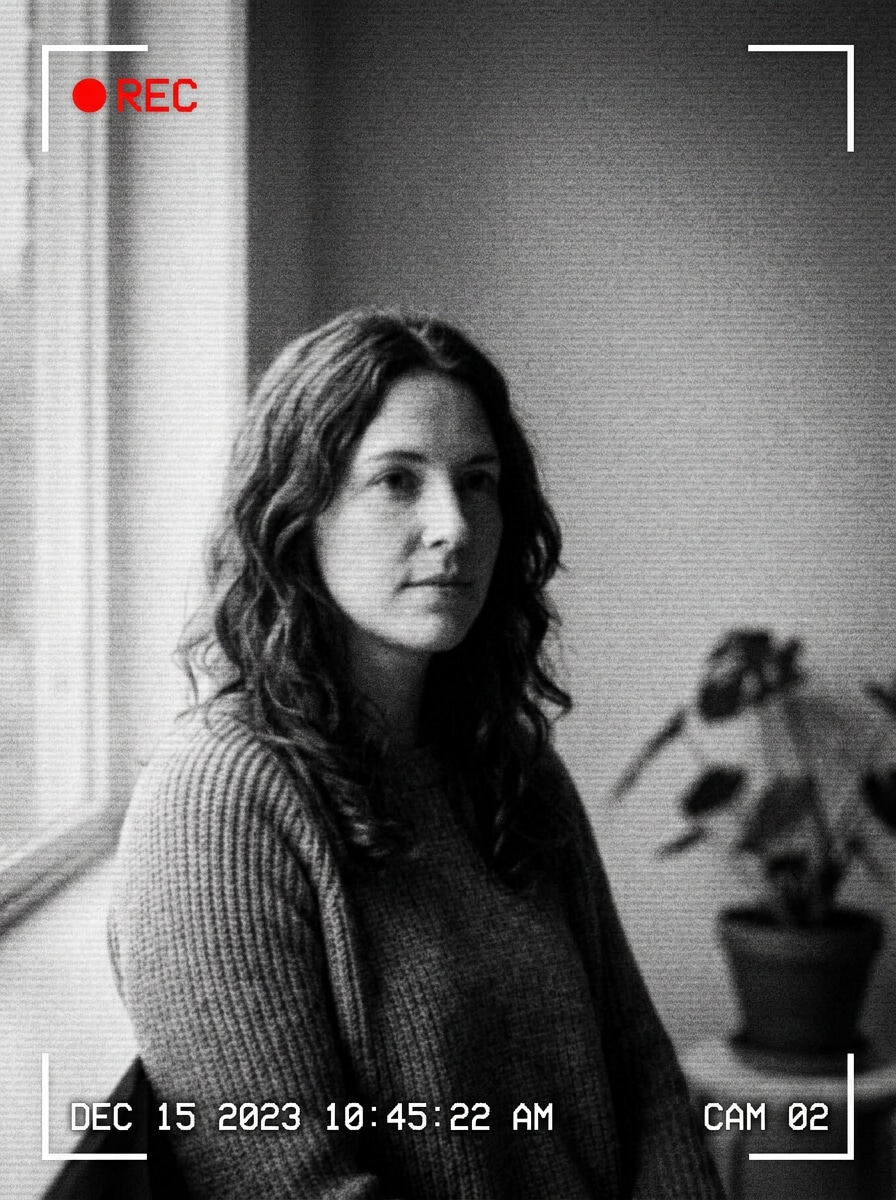
Schwarz-Weiß CCTV
Nutzen Sie das hochgeladene Bild als Motiv und verwandeln Sie es in realistische schwarz-weiße Überwachungsaufnahmen. Fügen Sie niedrigen Kontrast, leichte Unschärfe, digitale Geräusche, Zeitstempel-Overlays, REC-Icons, Eckrahmen und eine leicht erhöhte Sicherheitskameraperspektive hinzu für echtes Überwachungsraum-Gefühl.
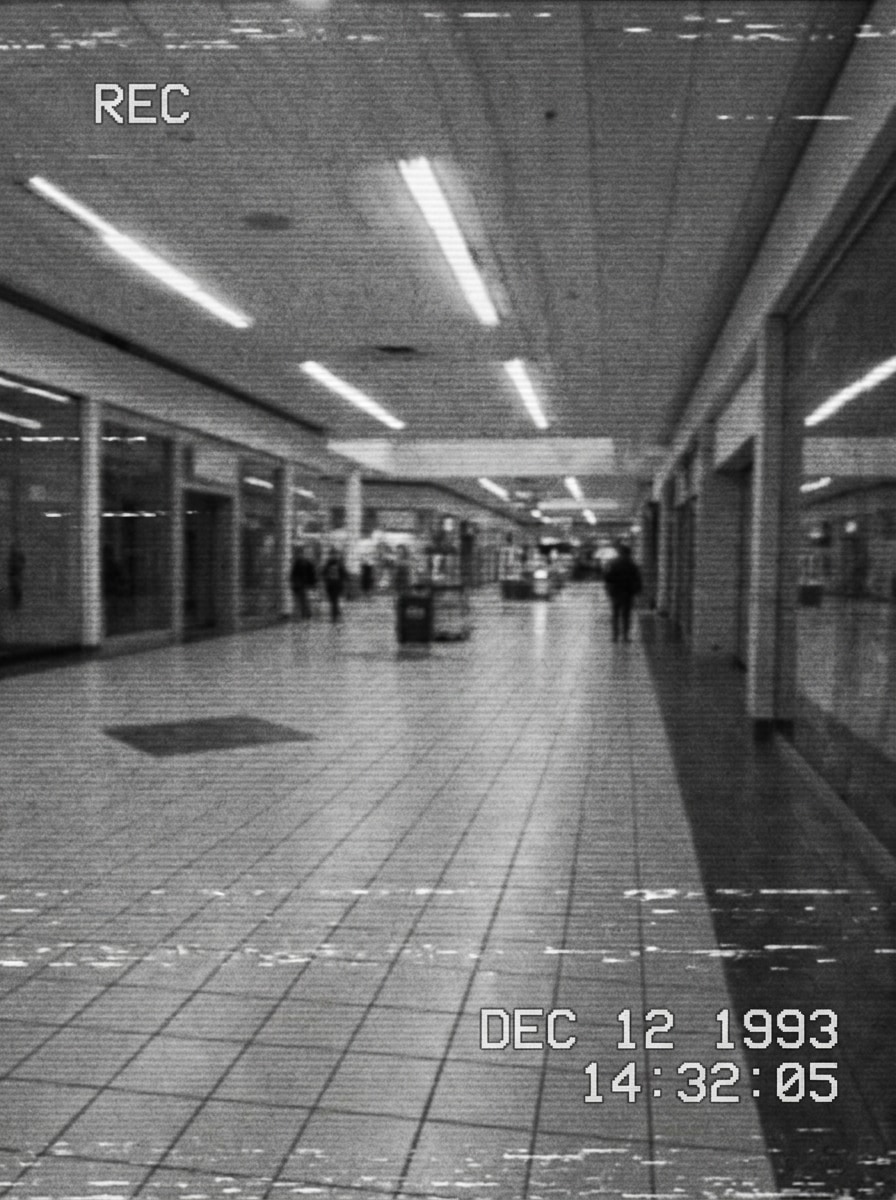
Alte Sicherheitsaufnahmen
Nutzen Sie das hochgeladene Bild als Motiv und stylen Sie es als alte, körnige Sicherheitsaufnahmen um. Fügen Sie kräftige analoge Körnung, ausgewaschenen Kontrast, Scanlines, leichte Störungen, verblassten Datumsstempel und niedrig aufgelöste Wiedergabetextur hinzu, um eine abgenutzte Archivkamera-Ästhetik zu erzeugen.
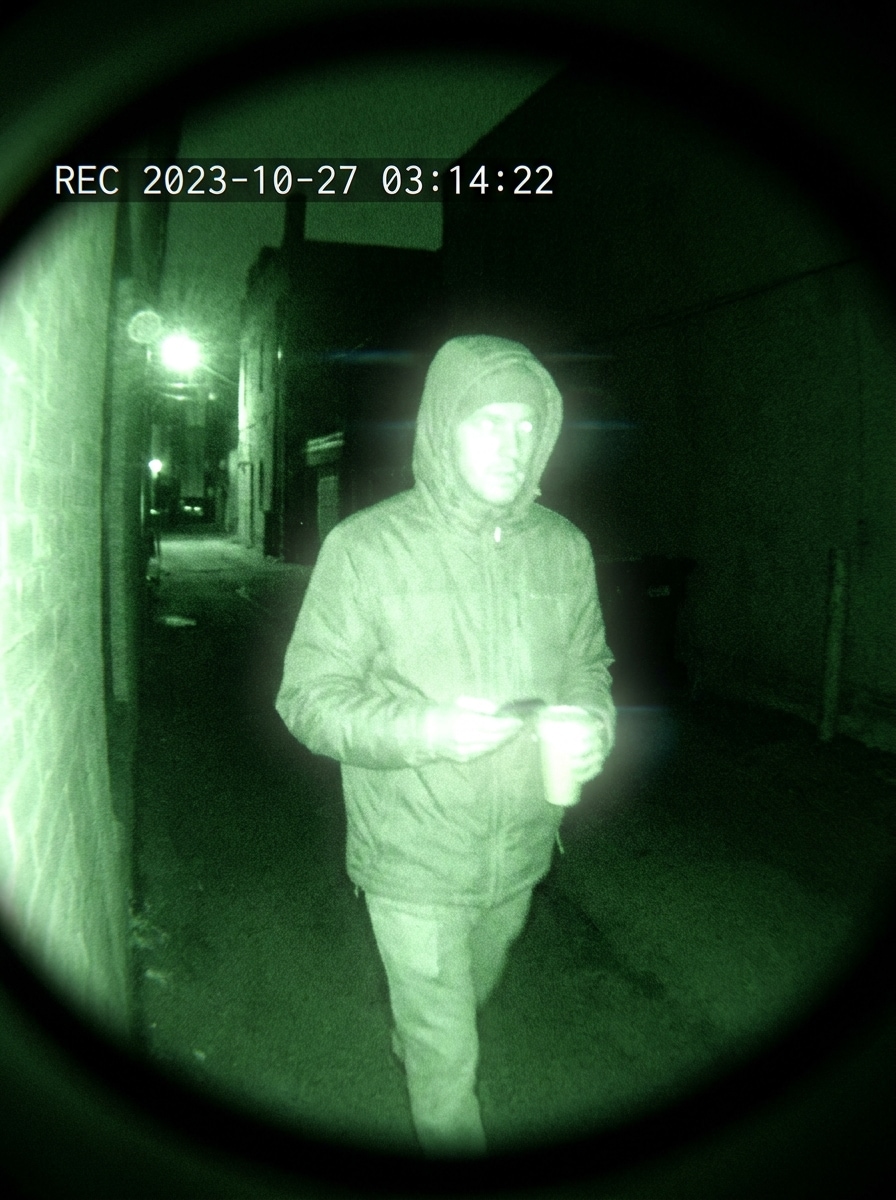
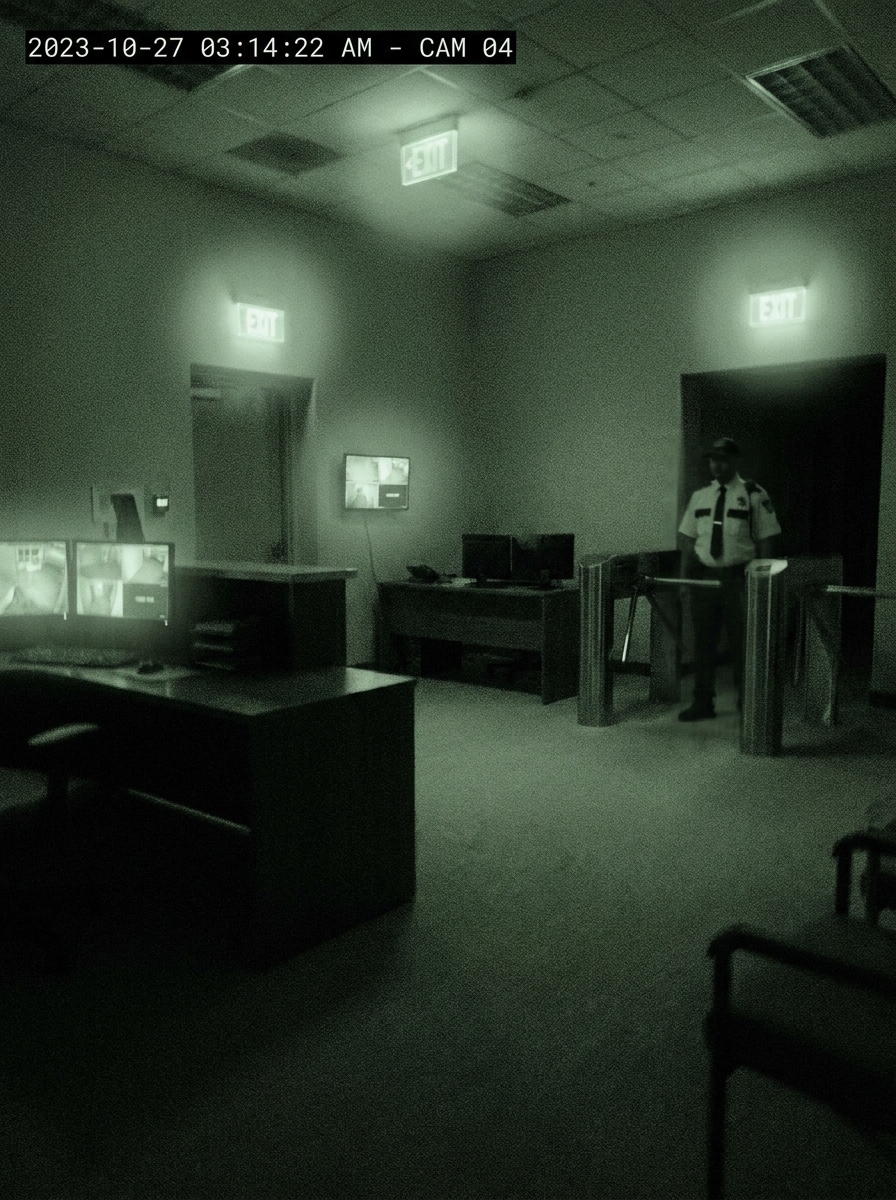
Grüne Nachtsicht
Nutzen Sie das hochgeladene Bild als Motiv und wenden Sie einen dramatischen grünen Nachtsicht- Sicherheitskamera-Filter an. Fügen Sie einen Infrarot-Schimmer, helle Highlights, tiefe Schatten, digitales Sensorrauschen, Zeitstempel-Overlays und dunkle Eck-Vignetten hinzu für einen glaubwürdigen nächtlichen Überwachungs-Look.
Infrarot bei wenig Licht
Nutzen Sie das hochgeladene Bild als Motiv und lassen Sie es wie gedämpfte Infrarot-Sicherheitsaufnahmen wirken. Kombinieren Sie gedämpfte Grün-Grau-Töne, weichen Dunst, rauschige Schatten, Kantenunschärfe, Zeitstempel-Grafiken und eine ruhige Nachtatmosphäre für eine subtile, realistische CCTV-Szene.
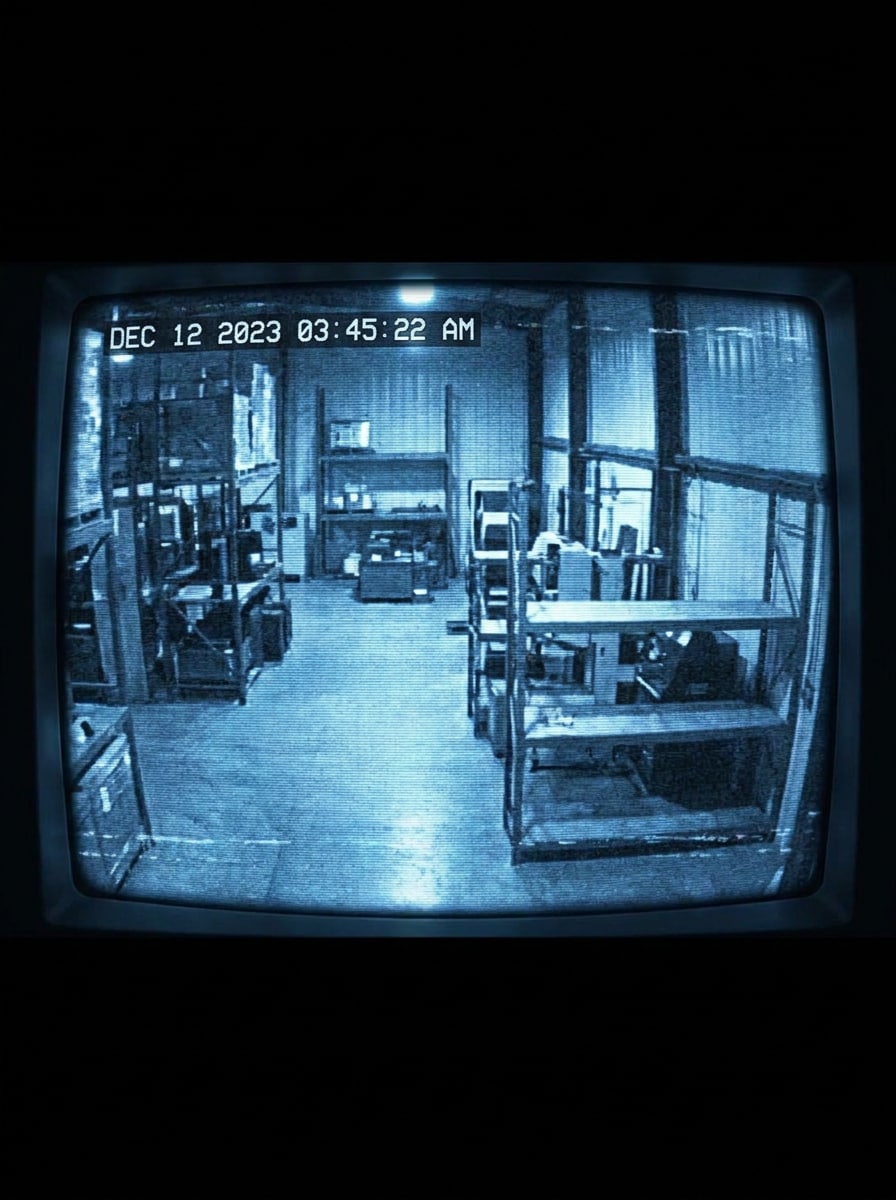
Blauer Monitor CRT
Nutzen Sie das hochgeladene Bild als Motiv und verwandeln Sie es in retro blaue CRT-Sicherheitsmonitor-Übertragung. Fügen Sie kühle blaue Tönung, Phosphor-Effekt, Bildschirmwölbung, Scanlines, Zeitstempel-Daten und analogen Lärm hinzu für eine Kontrollraum-Display-Ästhetik.
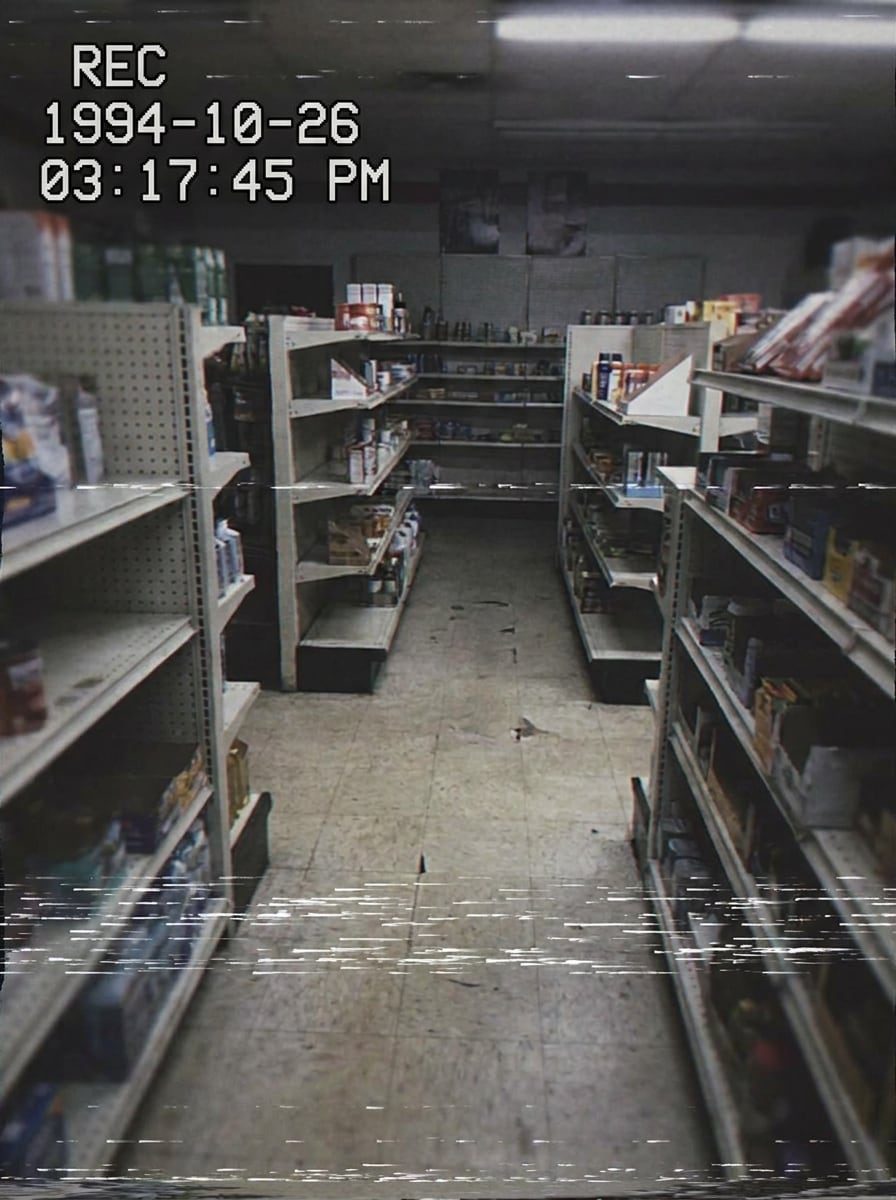
VHS Sicherheitsübertragung
Nutzen Sie das hochgeladene Bild als Motiv und verwandeln Sie es in VHS-Stil Überwachungsaufnahmen. Fügen Sie Bandkörnung, Tracking-Verzerrungen, Flackern, statische Ausbrüche, Zeitstempel-Overlays und verblasste Farben hinzu, um einen retro Wiedergabe-Effekt zu erzeugen, der sofort erkennbar wirkt.
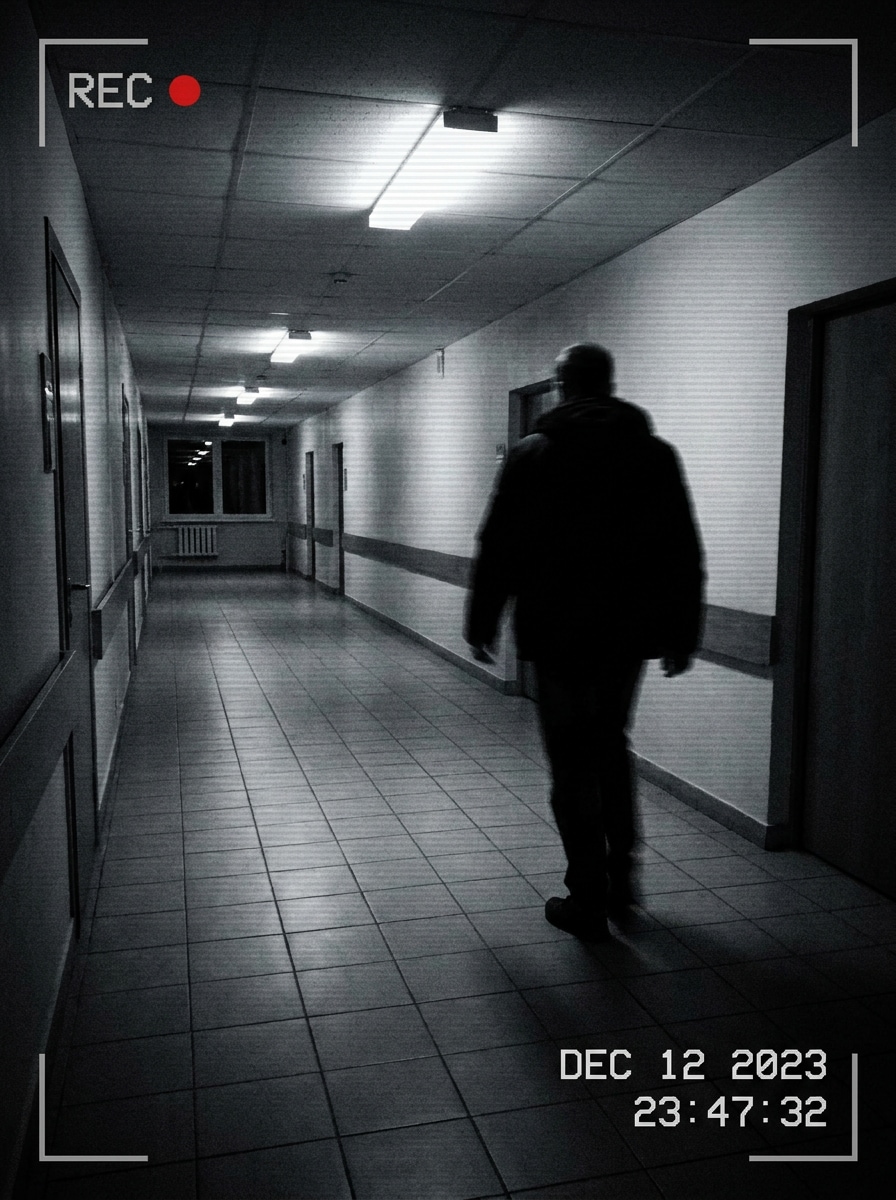
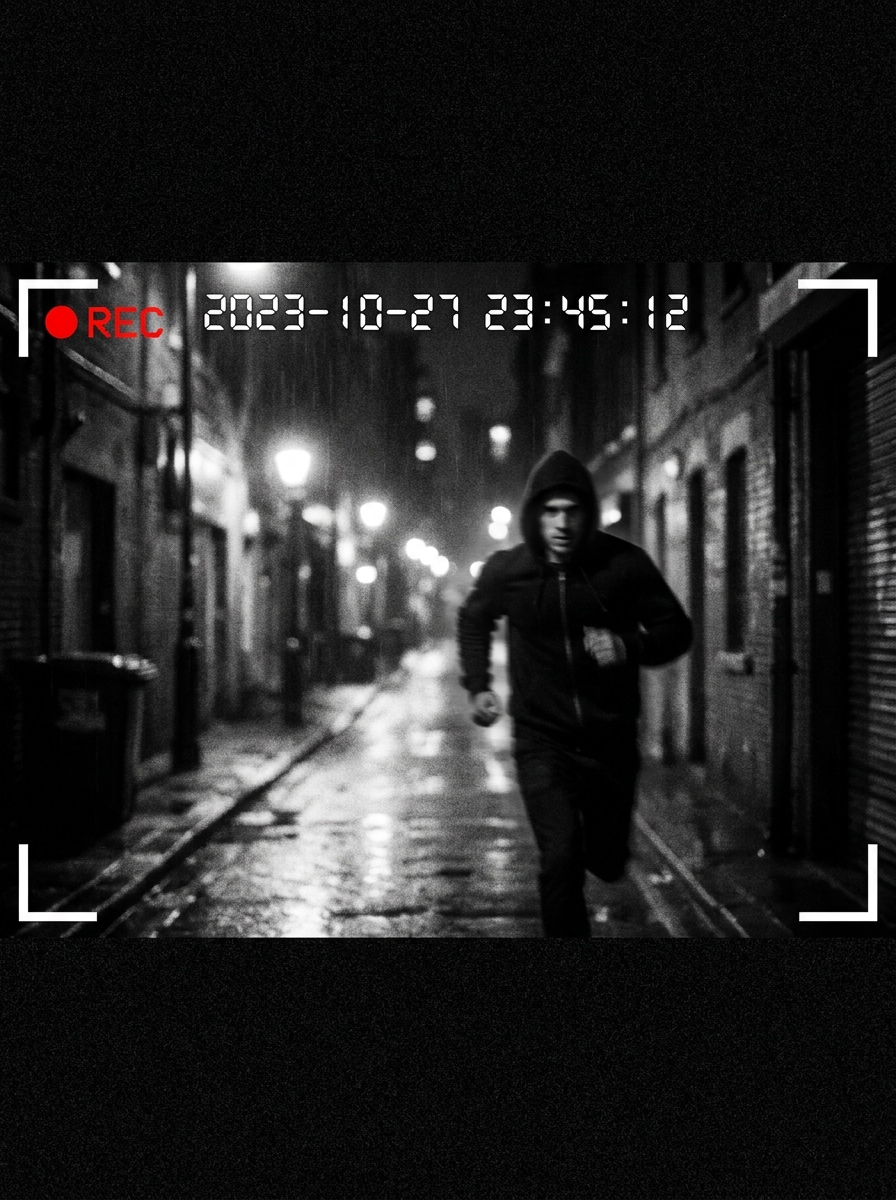
Erwischt auf Kamera
Nutzen Sie das hochgeladene Bild als Motiv und erstellen Sie ein dramatisches „erwischt auf Kamera“-Sicherheitsstandbild. Fügen Sie starken Kontrast, Zeitstempel, REC-Icon, Bewegungsunschärfe, breite Überwachungsrahmung und Eckklammern hinzu, damit die Szene wie ein spannender Moment aus einer überwachten Aufnahme wirkt.
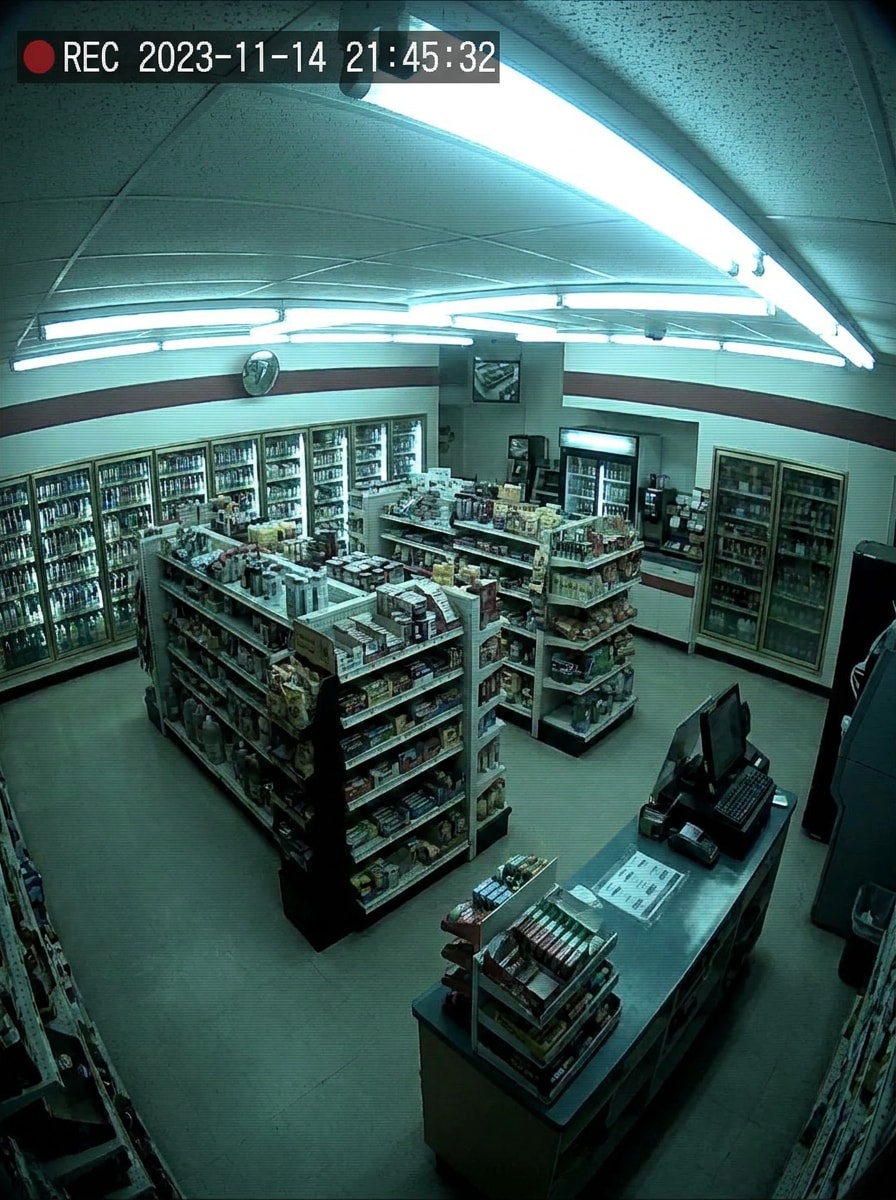
Überwachung im Kiosk
Nutzen Sie das hochgeladene Bild als Motiv und stylen Sie es wie Überwachungsaufnahmen aus einem Laden. Verwenden Sie eine hohe Kameraperspektive in der Ecke, fluoreszierende Farbstimmung, niedrig aufgelöste Textur, Zeitstempel und leichte Körnung für ein alltägliches Monitoring-Look im Einzelhandel.
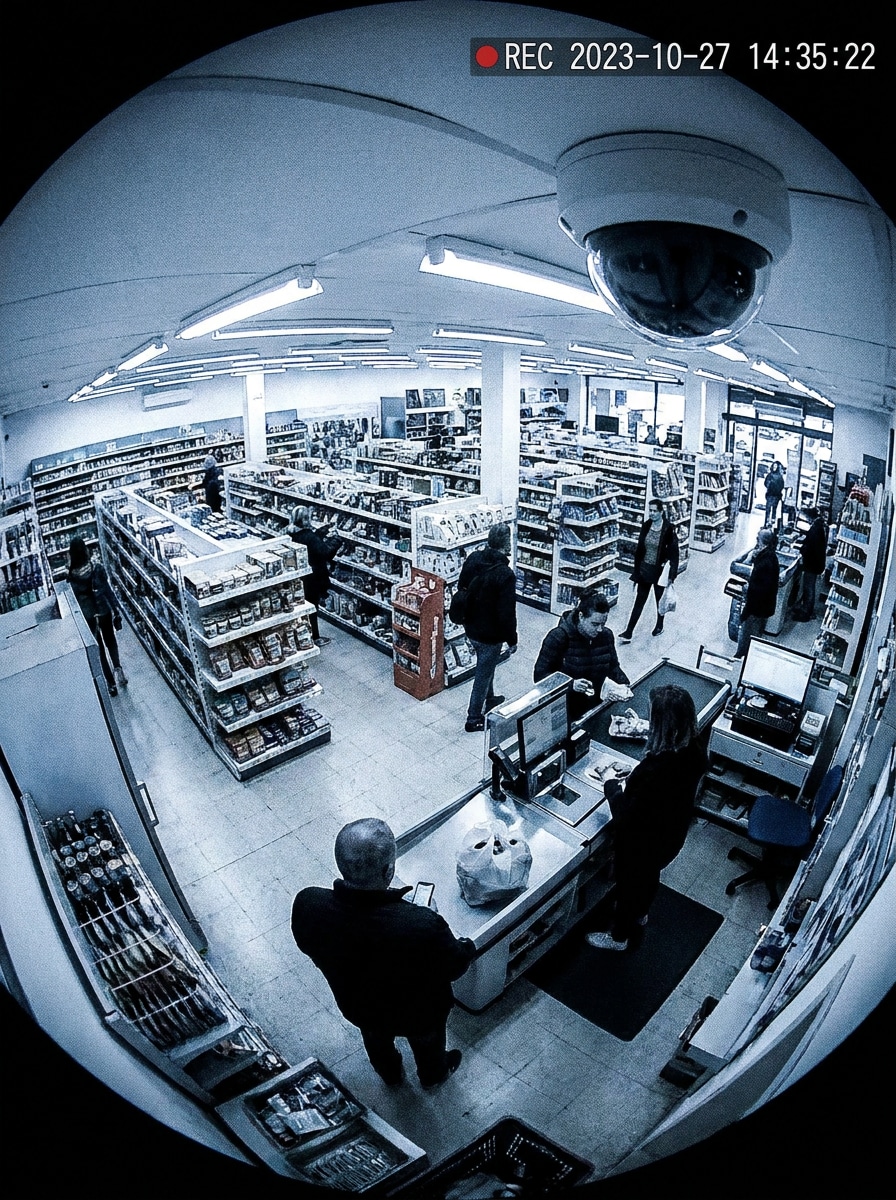
Fischaugen-CCTV
Nutzen Sie das hochgeladene Bild als Motiv und fügen Sie einen Fischaugen- CCTV-Kamera-Filter hinzu. Einbeziehen: Linsenverzerrung, Perspektive aus der Decken-Ecke, Zeitstempel-Overlays, digitales Rauschen und komprimierte Textur, um eine Weitwinkel-Dome-Sicherheitskamera nachzuahmen.
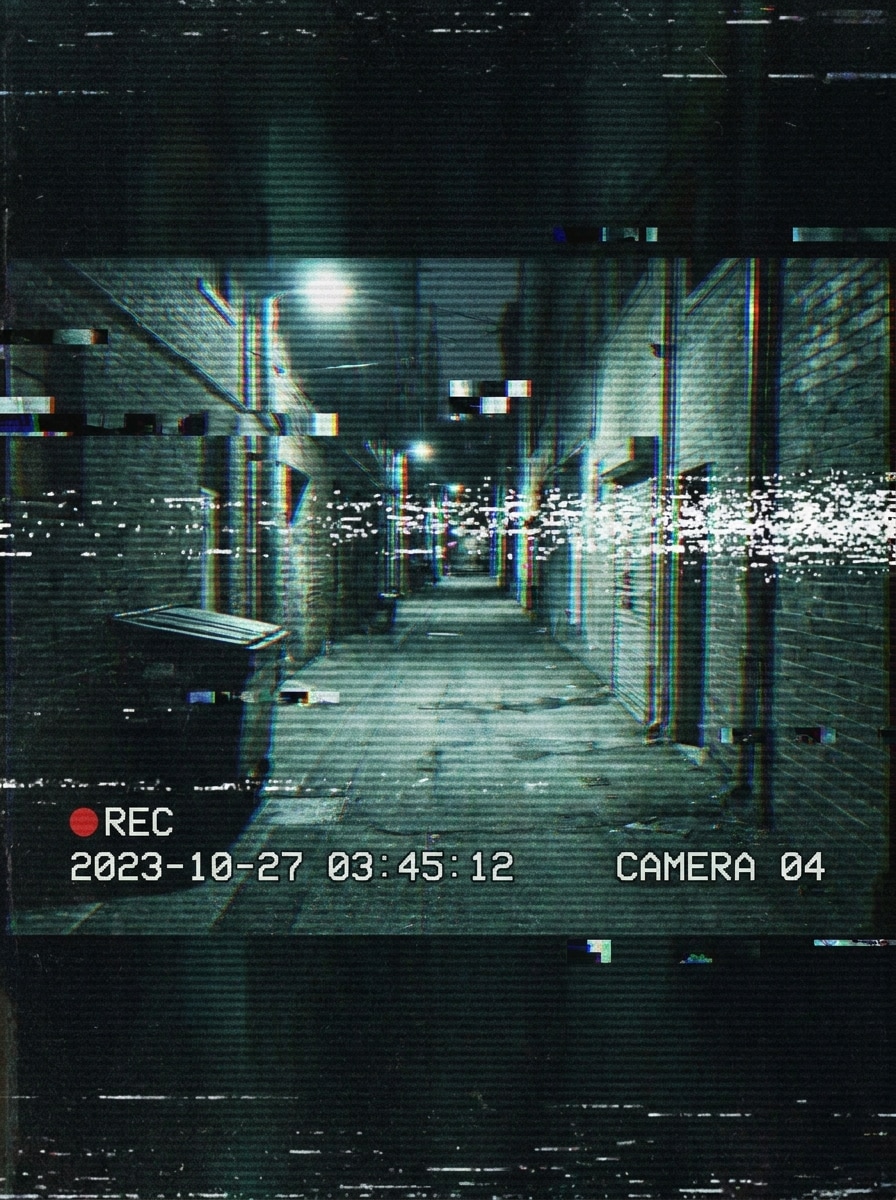
Glitch-Überwachung
Nutzen Sie das hochgeladene Bild als Motiv und lassen Sie es wie zerstörte Überwachungsaufnahmen wirken. Legen Sie Scanlines, Signal-Störungen, chromatische Risse, Zeitstempel-Grafiken, statisches Geräusch und dunklen, stimmungsvollen Kontrast übereinander für einen stilisierten, aber erkennbaren CCTV-Fehler-Effekt.
Warum Media.io für CCTV-Filterbearbeitungen verwenden
Ergebnis auf Basis von Referenz, das Ihr Motiv erkennbar hält
Selfies, Straßenaufnahmen und Spaßfotos bleiben erkennbar, weil Media.io Ihr hochgeladenes Bild als Referenz nutzt und es dann mit einem realistischen CCTV-Fotofilter Look durch Zeitstempel, Körnung oder Nachtsicht verändert.
Retro, Nachtsicht oder moderne Überwachungs-Looks schnell einstellen
Media.io spart Zeit für Kreative, die einen Überwachungsaufnahmen-Look wollen, indem Sie von schwarz-weißer Überwachung zu grüner Infrarot- oder VHS-Optik im Browser wechseln – für einen überzeugenden Überwachungskamera-Filter, der sich einfach erstellen lässt, ohne Overlays manuell bauen zu müssen.
Saubere Ausgabe bis zu 4K erzeugen
Für Präsentationen, Zuschnitte oder wiederverwendete Kampagnen hilft Media.io, CCTV-Filtervisuals mit bis zu 4K Ausgabe zu generieren, sodass das Bild sauberer und geeignet für mehr als einen bloßen Rohentwurf bleibt. So bleibt mehr Raum zum Zuschneiden, Präsentieren und Weiterverwenden.
Aus jedem Browser heraus ohne App-Beschränkung erstellen
Bearbeitung am Schreibtisch oder Korrekturen mobil sind einfacher mit Media.io, weil der Workflow im Browser bleibt und das Erstellen sowie Wiederholen eines Überwachungsaufnahmen-Looks auf mehreren Geräten mit dem gleichen CCTV-Filter-Prozess erleichtert wird.
Wie man einen CCTV-Filter online anwendet
Verwandeln Sie Ihre Worte in beeindruckende Visuals in drei einfachen Schritten und feilen Sie weiter, wenn Sie das Ergebnis optimieren wollen.
Schritt 1
Ihre Referenzbild hochladen
Beginnen Sie mit einem klaren Foto, Selfie, Haustierbild, Straßenaufnahme oder Indoor-Szene. Laden Sie ein JPG, PNG oder JPEG hoch, das Sie zu einem glaubwürdigen Überwachungsrahmen umwandeln möchten.
Schritt 2
Beschreiben Sie Ihre Änderung und wählen Sie Optionen
Geben Sie den CCTV-Look an, den Sie wünschen, zum Beispiel Schwarz-Weiß-Überwachung, grüne Nachtsicht, VHS-Wiedergabe oder glitchige Zeitstempel-Aufnahmen. Wählen Sie dann Modell, Seitenverhältnis, Auflösung und Anzahl der Bildvarianten.
Schritt 3
Erstellen, herunterladen und weiter verbessern
Erstellen Sie mehrere Ergebnisse, vergleichen Sie die stärkste Version und laden Sie jene herunter, die zu Ihrem Beitrag oder Projekt passt. Sie können den Prompt verfeinern, mit anderem Stil neu generieren oder das Bild später für kreative Bearbeitungen wiederverwenden.
Das Potenzial des Sicherheitskamera-Filters freischalten
Sehen Sie, wie Kreative diesen CCTV-Filter für Content, Marketing und persönliche Projekte verwenden und passen Sie jede Idee an Ihr Brief an.
Viral „erwischt auf Kamera“-Social Content erstellen
Machen Sie aus gewöhnlichen Porträts, Haustierfotos oder Fluraufnahmen dramatische Überwachungsstandbilder mit Datumsstempel, REC-Icon und körniger Rahmung. Media.io hilft Ihnen, einen sofort erkennbaren CCTV-Foto-Effekt für TikTok, Reels und Meme-Posts ohne langwierigen Workflow zu gestalten.
Horror-, Thriller- und Mystery-Visuals schneller bauen
Kreative können unheimliche Monitorbilder, Liminal-Space-Szenen und Dunkelheitsaufnahmen für Thumbnails, Poster oder Pitch Decks erstellen. Ein stilisierter Sicherheitskamera-Filter Look von Media.io kommuniziert Spannung sofort, besonders wenn Sie Retro-Tech- oder Nachtwach-Atmosphäre wünschen.
Video-Konzepte mit Foto-basierten Frames prototypen
Wenn Sie einen Kurzfilm, Musikvideo oder Spaß-Sequenz planen, starten Sie mit Überwachungsstill-Bildern. Einen CCTV-Kamera-Filter Look auf Fotos mit Media.io zu testen, hilft Ihnen, Winkel, Overlays und Stimmung vorzuschauen, bevor Sie in die vollständige Videobearbeitung gehen.
Was Nutzer über dieses CCTV-Filter-Tool sagen
Maya Chen
Kurzvideo-Creator
„Perfekt für schnelle Überwachungs-Posts“ Ich habe damit ein normales Flur-Selfie in ein überzeugendes Sicherheitskamerastandbild mit Zeitstempel und Körnung verwandelt. So musste ich Effekte nicht mehr manuell in einer anderen App schichten.
Jordan Alvarez
Indie-Filmemacher
„Tolles Konzept-Tool für Thriller-Szenen“ Ich habe mehrere Looks für eine Suspense-Sequenz getestet, darunter Nachtsicht und alte Monitoraufnahmen. Der Bild-zu-Bild-Workflow machte es einfach, den Schauspieler erkennbar zu halten und die Stimmung zu verändern.
Sophie Patel
Social Media Designerin
„Einfach mobil und am Desktop“ Was mir besonders gefiel, war, keine zusätzliche App herunterladen zu müssen. Ich konnte im Browser ein Referenzbild hochladen, ein paar Überwachungsstile probieren und schnell etwas Brauchbares für einen Kampagnenentwurf erhalten.
Ethan Brooks
Meme-Seiten-Redakteur
„Die Effekte werden sofort erkannt“ Die besten Ergebnisse hatten die klassischen Merkmale, die jeder sofort erkennt: Scanlines, Zeitstempel, REC-Symbol und leicht raue Bildqualität. Es funktioniert super für „erwischt auf Kamera“-Scherzbearbeitungen.
Entdecken Sie die beliebtesten KI-Video- und Bildeffekte
Ein CCTV-Filter ist ein Bearbeitungseffekt, mit dem ein Foto oder Frame wie aus einer Überwachungskamera wirkt. Oft werden Schwarz-Weiß- oder Nachtsichttöne, Zeitstempel-Overlays, REC-Icons, Körnung, Scanlines, Unschärfe oder niedrig aufgelöste Monitor-Textur hinzugefügt, um ein glaubwürdiges Überwachungsbild zu erzeugen.
2. Wie kann ich ein Foto online wie eine Sicherheitskamera-Aufnahme aussehen lassen?
Laden Sie Ihr Bild bei Media.io hoch, beschreiben Sie Ihren gewünschten Look und erzeugen Sie Varianten. Media.io kann ein normales Foto in eine CCTV-Filteraufnahme verwandeln – mit Schwarz-Weiß-Überwachungsstil, grünen Infrarottönen, VHS-Störung, Zeitstempel-Overlays und anderen erkennbaren Sicherheitskamera-Details direkt im Browser. Hochgeladene Bilder werden nach 7 Tagen automatisch gelöscht, um den Datenschutz zu schützen.
3. Kann ich einen CCTV-Effekt auch auf ein Video anwenden?
Diese Seite konzentriert sich auf foto-basierte Bild-zu-Bild-Erstellung, aber viele Nutzer starten mit Standbildern in Media.io, um Stimmung und Look zu testen, bevor sie einen ähnlichen CCTV-Stil in der Videobearbeitung anwenden.
4. Gibt es einen kostenlosen CCTV-Filter, den ich ohne App-Download nutzen kann?
Ja. Media.io ist webbasiert, Sie können den CCTV-Filter-Workflow online nutzen, ohne zusätzliche Apps zu installieren. Gratisnutzer können kostenlose Credits verwenden und bei Bedarf mehr Nutzung oder hochauflösende Downloads ohne Wasserzeichen in den Preistabellen finden.
5. Welcher CCTV-Stil wirkt am realistischsten: Schwarz-Weiß, Nachtsicht oder Vintage-Aufnahme?
Das kommt auf die Szene an. Schwarz-Weiß wirkt meist wie eine Standard-Innenüberwachung, Nachtsicht passt am besten zu dunklen oder Außenaufnahmen und Vintage-Footage erzeugt ältere Analog-Stimmung. Für einen glaubwürdigen CCTV-Fotofilter oder Effekt stimmen Sie den Stil auf Licht, Kamerawinkel und Kontext des Originalbildes ab.
6. Kann ich den CCTV-Filter auf iPhone, Android und Desktop verwenden?
Media.io läuft in einem unterstützten Webbrowser, sodass Sie einen Überwachungskamera- oder Sicherheitskamera-Filtern-Look auf iPhone, Android, Windows oder Mac erzeugen können. Diese Flexibilität erleichtert das Bearbeiten von Handy, Tablet oder Computer aus, ohne das Tool zu wechseln.