Klicken oder ziehen, um hochzuladen, oder wählen Sie aus Meine HistorieKlicken Sie zum HochladenMeine Historie
Keine Ideen? Erstellen Sie zuerst ein Bild. >
Laden Sie jpg-, jpeg- oder png-Bilder bis zu 50 MB hoch, mit einer Mindestbreite/-höhe von 300 px.
See Yourself with Straight Hair Before Styling
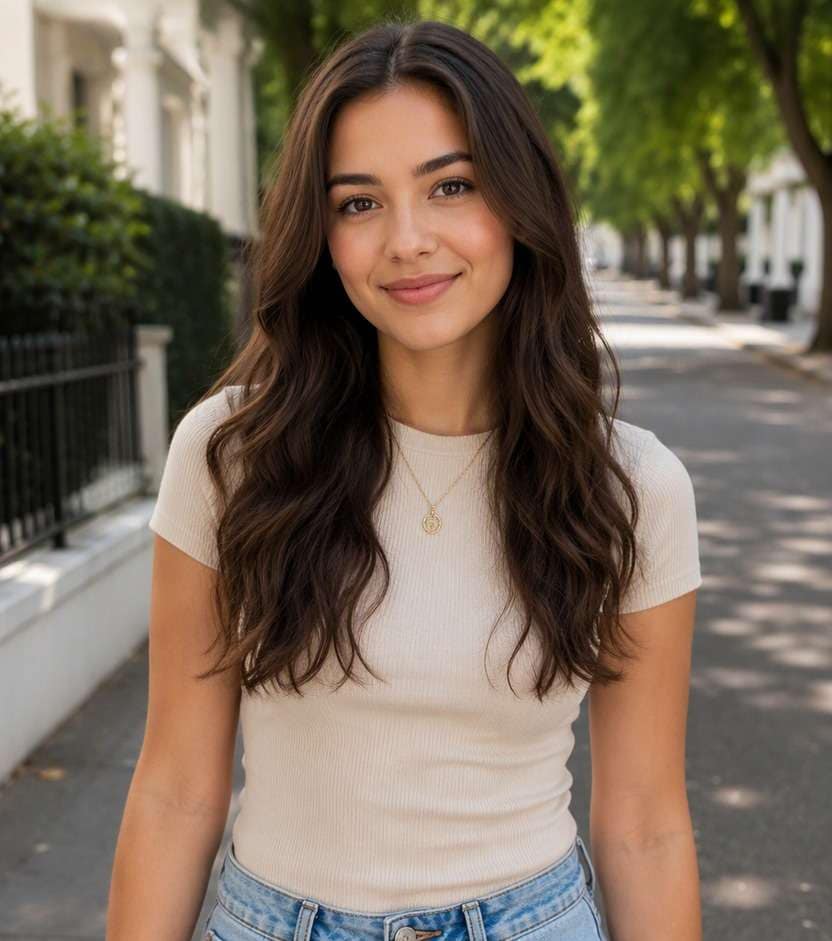
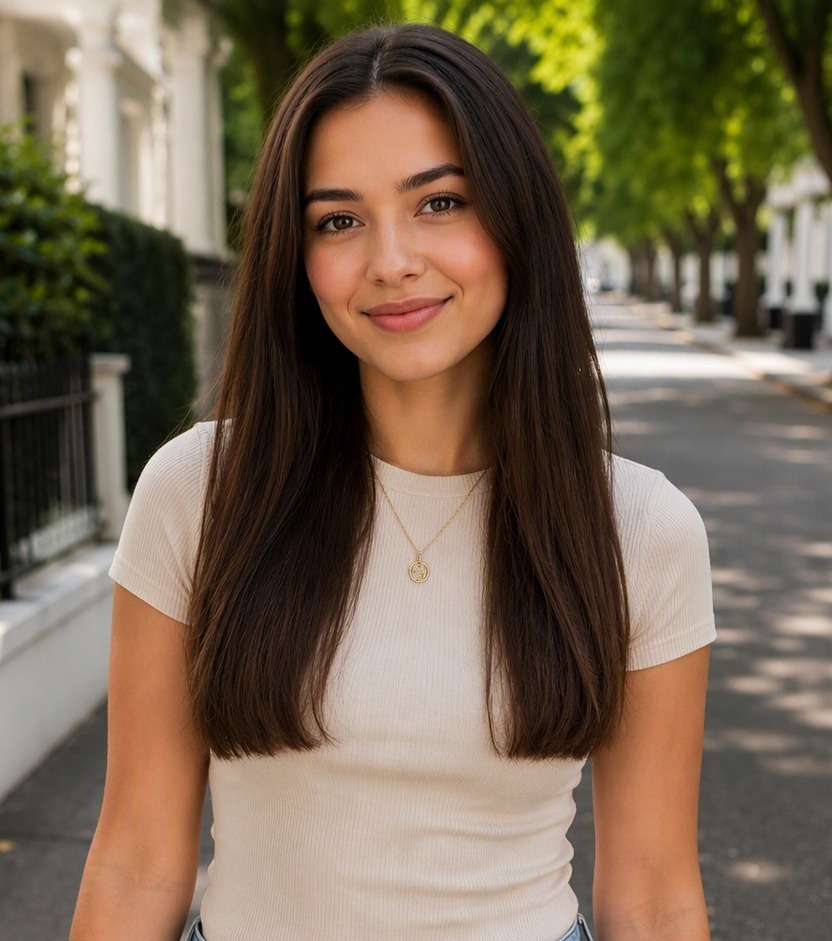
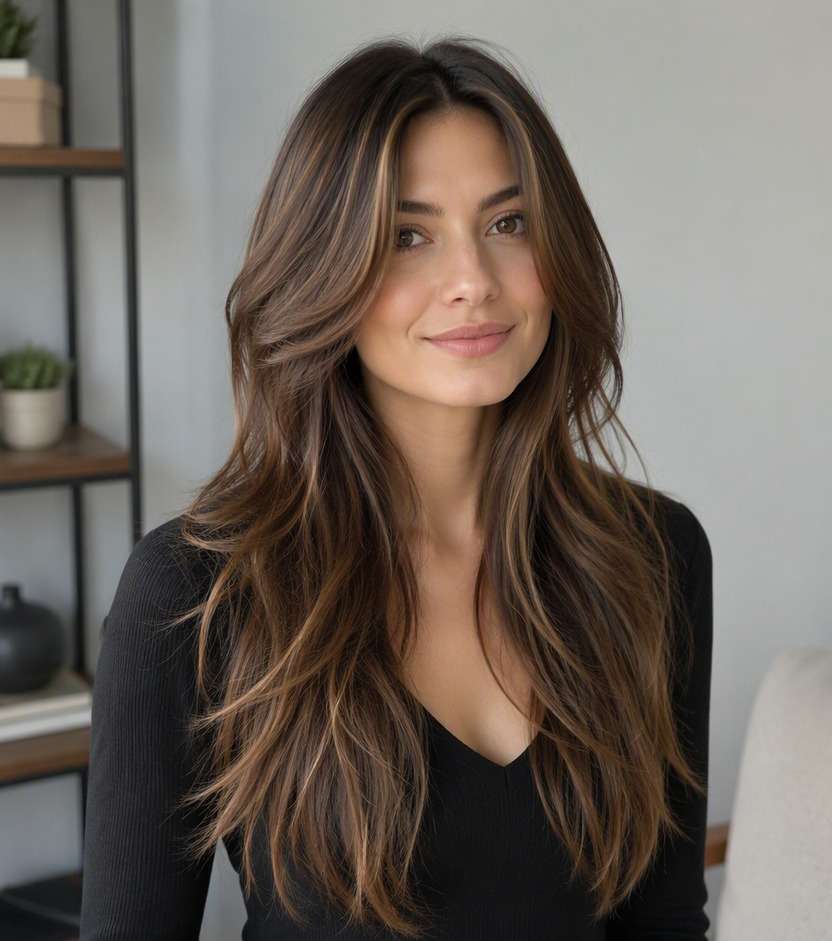
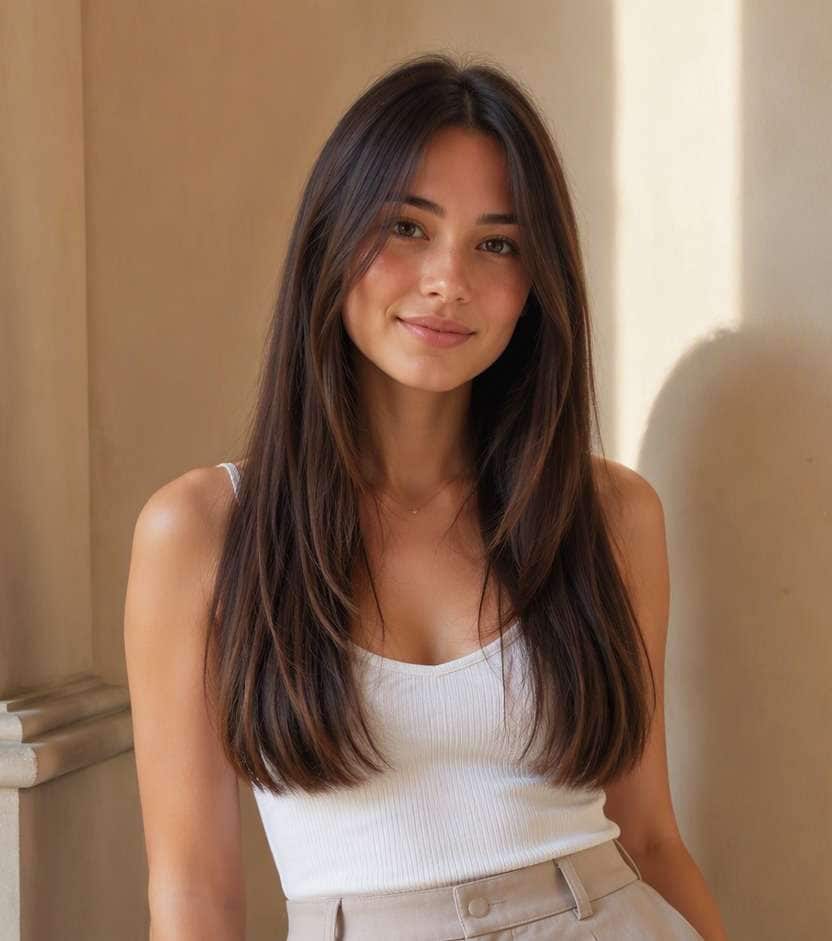
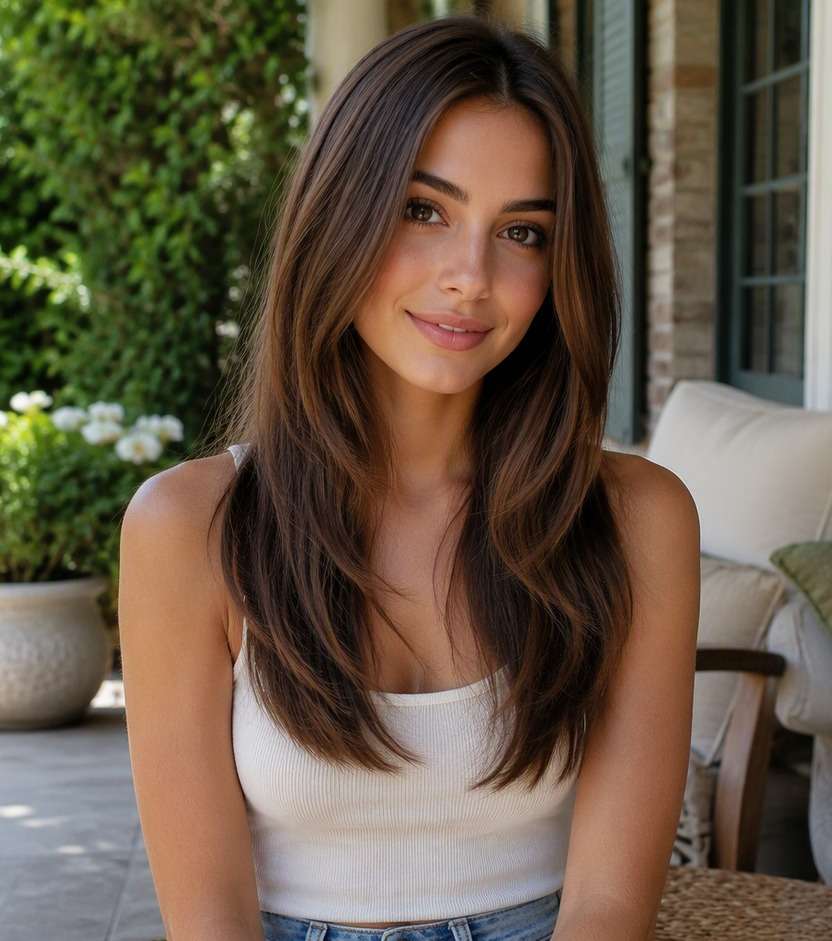
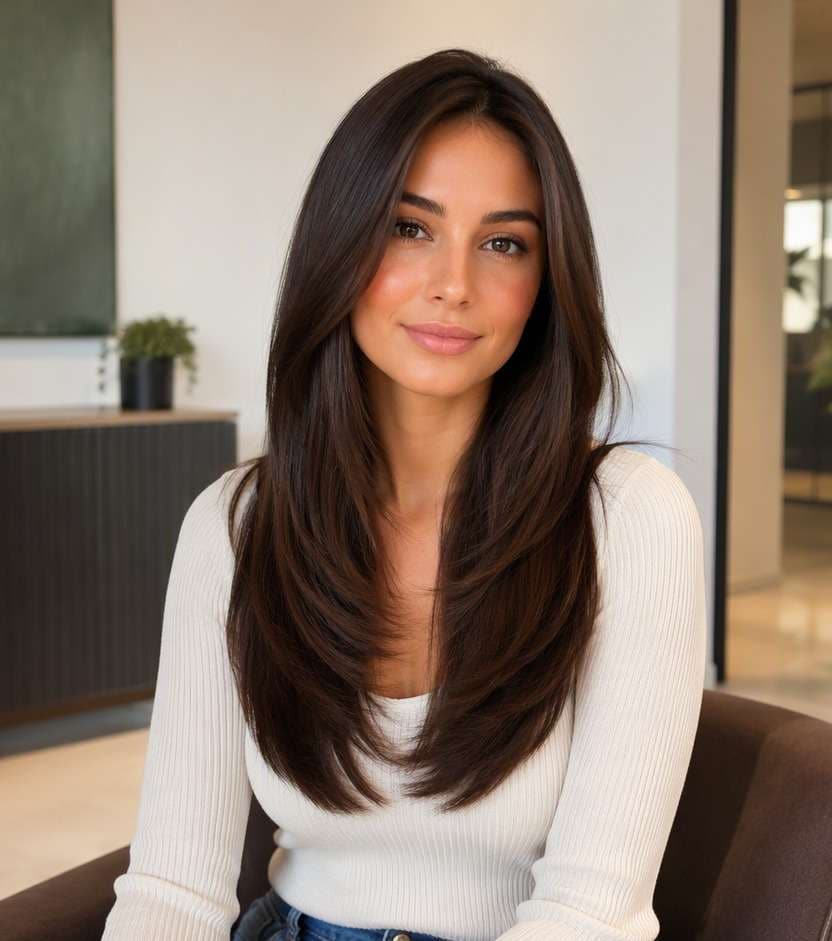
Wondering how your curls or waves would look with a straighter finish? A straight hair filter lets you compare smooth, relaxed or sharply sleek hair on your own portrait without heat styling first. Check how the apparent length, part and face-framing shape change so you can find a look that still feels like you.
Start with a clear photo, then describe the detail you want to test.
Straight Hair AI Photo Editing Prompts
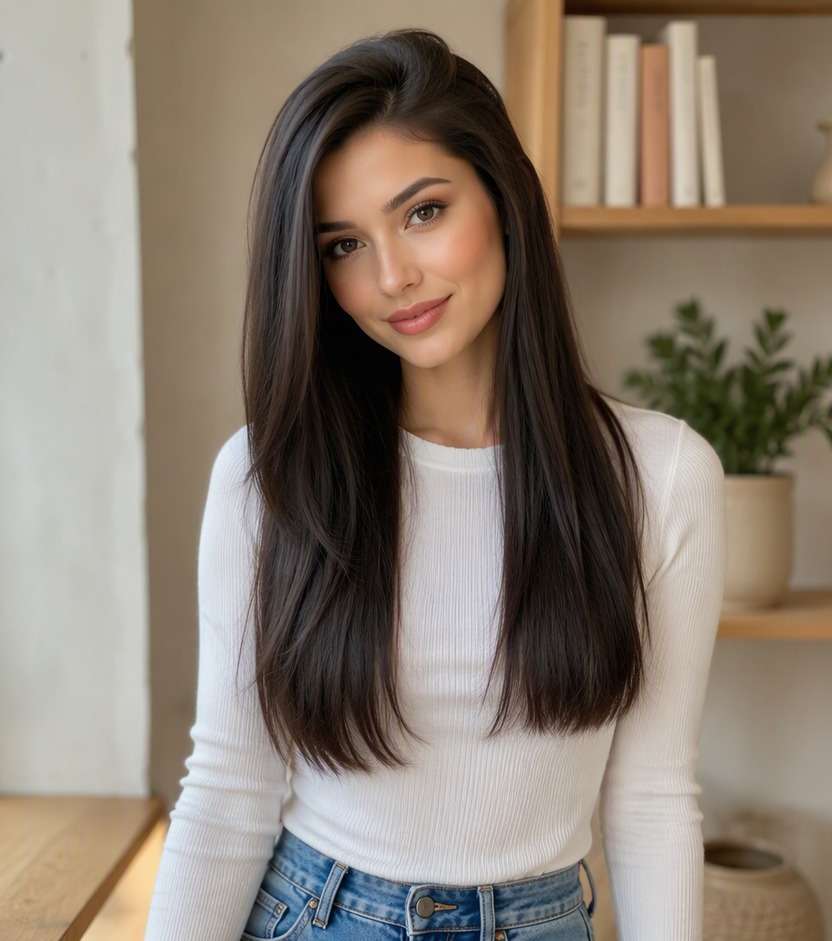
Straight hair is not one single finish. Preview naturally straight texture, a smooth blowout, or a sleek glass-hair look, keeping your original color and facial features consistent so texture remains the main change.
Natural Straight Hair
Use my uploaded portrait as the source image. Turn existing waves or curls into believable naturally straight hair with a slight soft bend at the ends. Preserve my recognizable facial features, skin tone, natural hair color unless the style specifies a color accent, outfit, overall haircut length except where the requested cut changes it, and original surroundings. Keep realistic hairline, strand density and light direction. Make only the hairstyle edit; avoid studio beauty retouching and unrelated face changes. Make the result a believable photo I could use to compare the look.
Sleek Middle Part
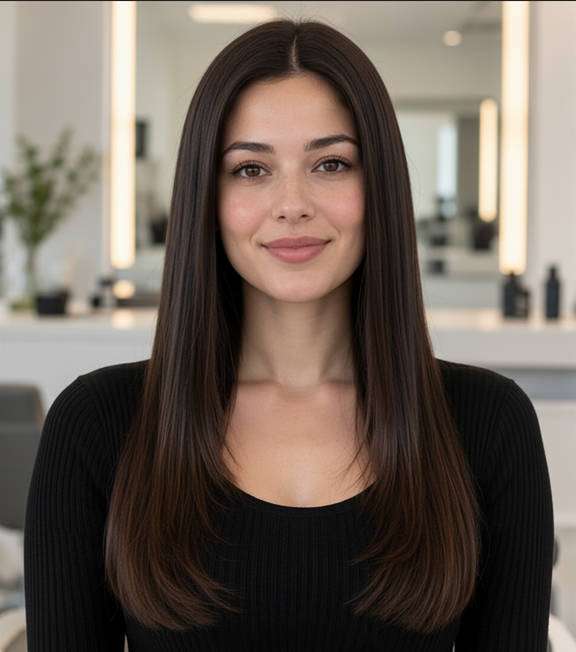
Use my uploaded portrait as the source image. Create smooth straight hair with a clean middle part and low flyaway volume. Preserve my recognizable facial features, skin tone, natural hair color unless the style specifies a color accent, outfit, overall haircut length except where the requested cut changes it, and original surroundings. Keep realistic hairline, strand density and light direction. Make only the hairstyle edit; avoid studio beauty retouching and unrelated face changes. Make the result a believable photo I could use to compare the look.
Straight Side Part
Use my uploaded portrait as the source image. Style straight lengths with a natural deep side part and understated root lift. Preserve my recognizable facial features, skin tone, natural hair color unless the style specifies a color accent, outfit, overall haircut length except where the requested cut changes it, and original surroundings. Keep realistic hairline, strand density and light direction. Make only the hairstyle edit; avoid studio beauty retouching and unrelated face changes. Make the result a believable photo I could use to compare the look.
Soft Straight Blowout
Use my uploaded portrait as the source image. Show lightly lifted roots and gently curved ends rather than extremely flat hair. Preserve my recognizable facial features, skin tone, natural hair color unless the style specifies a color accent, outfit, overall haircut length except where the requested cut changes it, and original surroundings. Keep realistic hairline, strand density and light direction. Make only the hairstyle edit; avoid studio beauty retouching and unrelated face changes. Make the result a believable photo I could use to compare the look.
Glass Hair Finish
Use my uploaded portrait as the source image. Give straight hair a polished reflective finish without plastic-looking strands. Preserve my recognizable facial features, skin tone, natural hair color unless the style specifies a color accent, outfit, overall haircut length except where the requested cut changes it, and original surroundings. Keep realistic hairline, strand density and light direction. Make only the hairstyle edit; avoid studio beauty retouching and unrelated face changes. Make the result a believable photo I could use to compare the look.
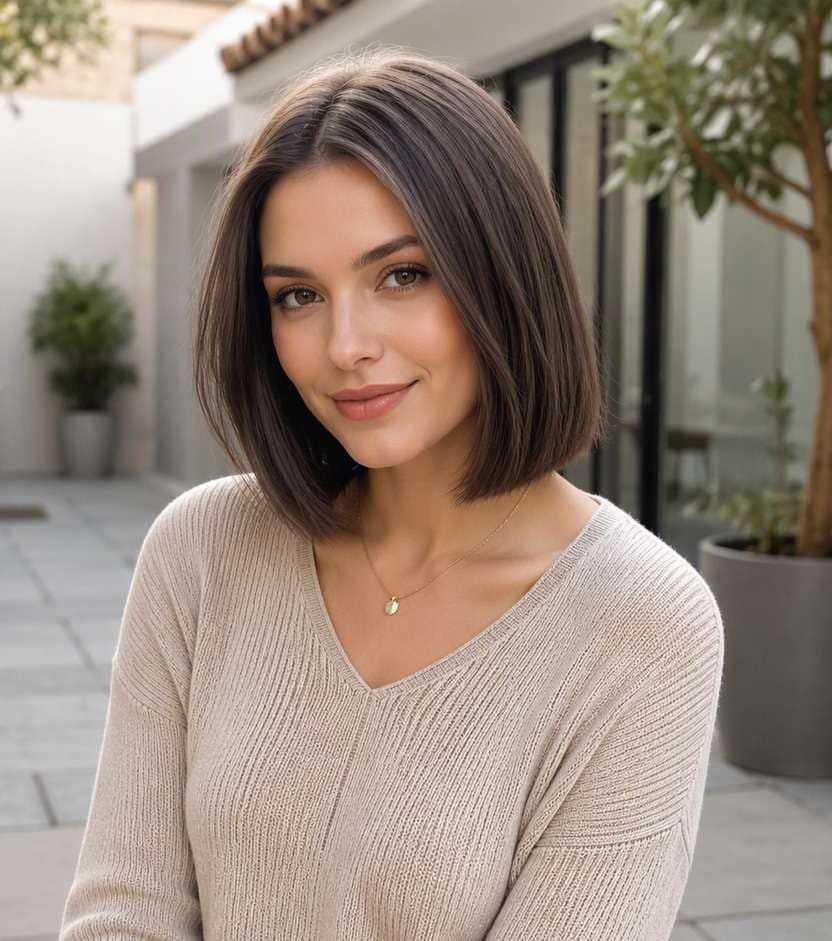
Straight Bob Preview
Use my uploaded portrait as the source image. Show a neat straight bob at the original haircut length, without changing identity. Preserve my recognizable facial features, skin tone, natural hair color unless the style specifies a color accent, outfit, overall haircut length except where the requested cut changes it, and original surroundings. Keep realistic hairline, strand density and light direction. Make only the hairstyle edit; avoid studio beauty retouching and unrelated face changes. Make the result a believable photo I could use to compare the look.
Long Straight Hair
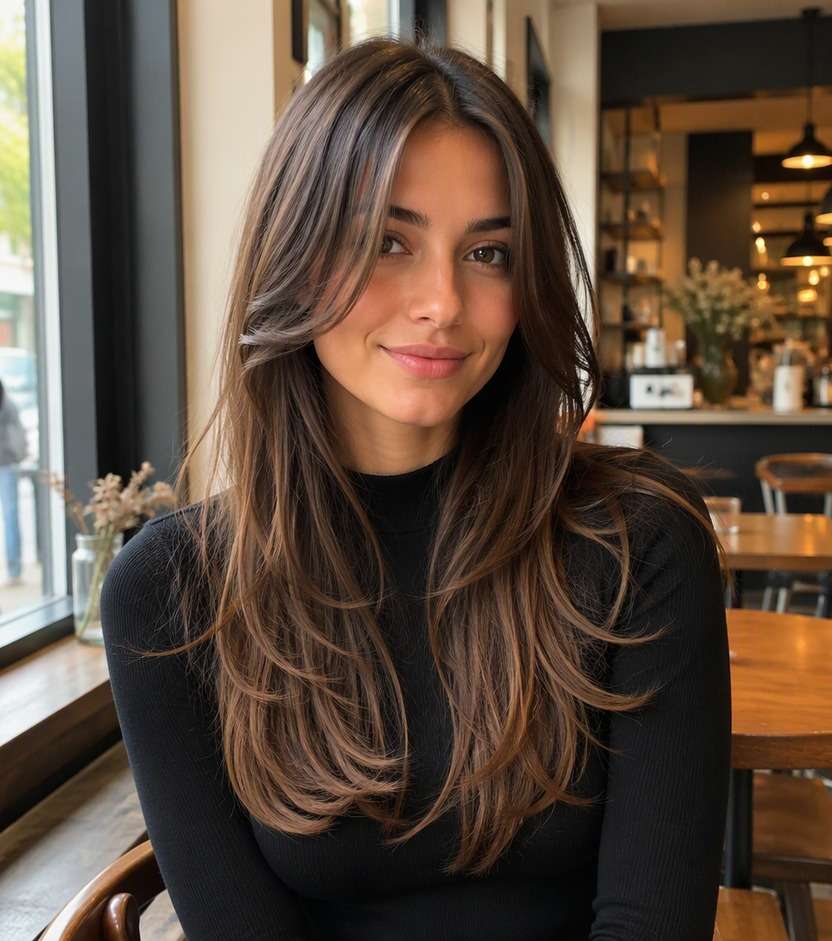
Use my uploaded portrait as the source image. Smooth long textured hair into straight falling strands while respecting the source length. Preserve my recognizable facial features, skin tone, natural hair color unless the style specifies a color accent, outfit, overall haircut length except where the requested cut changes it, and original surroundings. Keep realistic hairline, strand density and light direction. Make only the hairstyle edit; avoid studio beauty retouching and unrelated face changes. Make the result a believable photo I could use to compare the look.
Straight Hair with Curtain Pieces
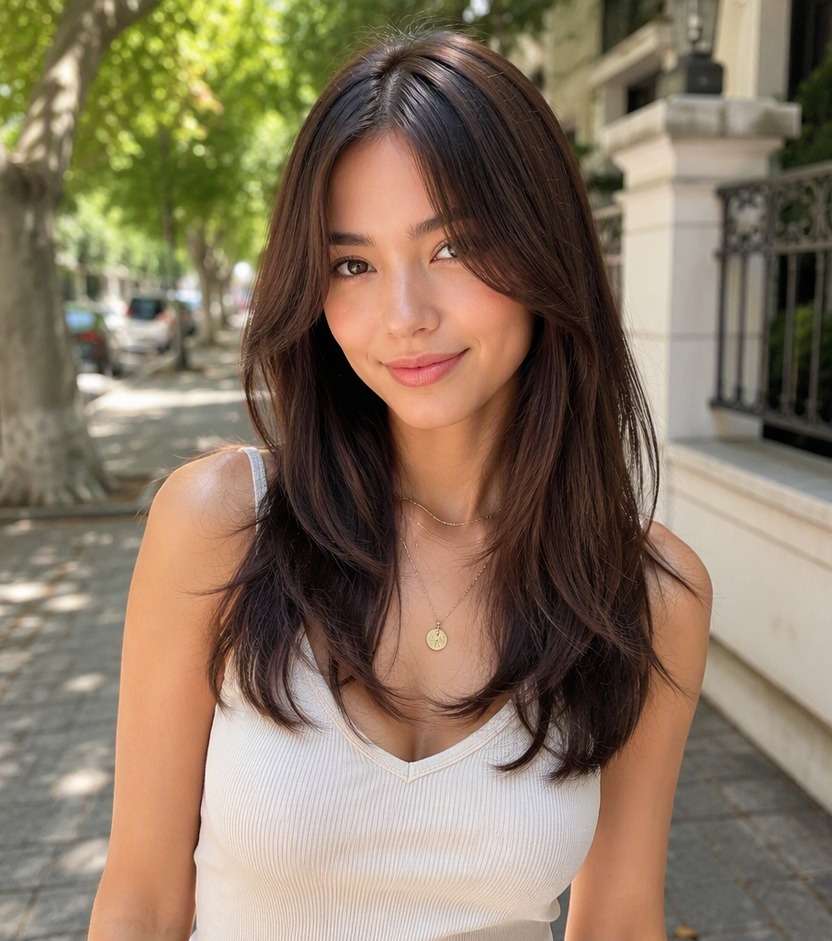
Use my uploaded portrait as the source image. Keep front framing strands visible and straighten their texture without adding new bangs. Preserve my recognizable facial features, skin tone, natural hair color unless the style specifies a color accent, outfit, overall haircut length except where the requested cut changes it, and original surroundings. Keep realistic hairline, strand density and light direction. Make only the hairstyle edit; avoid studio beauty retouching and unrelated face changes. Make the result a believable photo I could use to compare the look.
Casual Air-Dried Straight
Use my uploaded portrait as the source image. Use natural straight texture, individual strands and minor flyaways in daylight. Preserve my recognizable facial features, skin tone, natural hair color unless the style specifies a color accent, outfit, overall haircut length except where the requested cut changes it, and original surroundings. Keep realistic hairline, strand density and light direction. Make only the hairstyle edit; avoid studio beauty retouching and unrelated face changes. Make the result a believable photo I could use to compare the look.
Straight Hair Behind One Ear
Use my uploaded portrait as the source image. Tuck one side of naturally straight hair behind the ear while keeping everything else unchanged. Preserve my recognizable facial features, skin tone, natural hair color unless the style specifies a color accent, outfit, overall haircut length except where the requested cut changes it, and original surroundings. Keep realistic hairline, strand density and light direction. Make only the hairstyle edit; avoid studio beauty retouching and unrelated face changes. Make the result a believable photo I could use to compare the look.
See a New Texture on Your Own Photo
Preview Texture Without Heat
You might be tempted to reach for a straightener just to see the look. Test a smooth edit first and decide whether a straighter texture complements your favorite part and length.
See How Straight Hair Changes Apparent Length
Curls and waves occupy more space, so smoothing them can make the lengths look lower in a photo. Compare the original and edited frames rather than assuming you need extensions to get the effect.
Choose Sleek or Soft
Pin-straight hair can look striking but may feel formal, while natural straightness is more relaxed. Try both on a regular portrait to find a version that suits your daily wardrobe and routine.
Preserve Your Own Face and Color
Keep the edit focused on hair texture instead of a full makeover. A consistent portrait helps you notice whether you like the smooth finish, the new outline or simply the styling direction.
How to Try Straight Hair on Media.io
Upload a photo of your current hair and preview the new look online. Focus on the details that will help you make a real decision.
Step 1
Upload Your Photo
Upload a clear portrait with visible hairline, sides and length. Avoid harsh beauty filters and cropped hair, so the before-and-after comparison shows the parts of the hairstyle that matter.
Step 2
Choose a Haircut Filter or Enter a Prompt
Select an available haircut preset, or enter a custom prompt for straight hair styling. Mention the defining difference you want to see, and ask to keep your facial features and setting unchanged.
Step 3
Click Generate
Click Generate to view the edited hairstyle. Compare the new hairstyle with your original photo and change the style details if the edit looks too strong. Save a result you like to use as a visual reference, not a promise of the physical outcome.
Choose natural straightness versus heat-styled smoothness; the level of root lift and end curve changes how realistic the result feels. Straightened curls may also appear longer in a picture.
Before a Special-Occasion Blowout
If you rarely straighten your hair, see how a sleek part or gentle curved ends would look with your planned outfit. It can help you communicate the finish you prefer.
Comparing Curls and Straight Texture
Upload a clear photo with your natural texture and generate a straight version. Look at the apparent length and framing, while remembering that real heat styling produces different results.
Choosing a Professional Headshot Look
Test naturally straight hair in a normal daylight portrait, keeping the part and color stable. This is useful when you want a polished look without changing recognizable facial details.
What Media.io Users Say About Hairstyle Previews
Alyssa M.
Salon Client
"Much more useful than a social filter" I wanted to know if a bob would actually suit my face, not just get a funny effect. Media.io gave me previews that looked polished and realistic enough to show my stylist.
Jenna R.
Beauty Content Creator
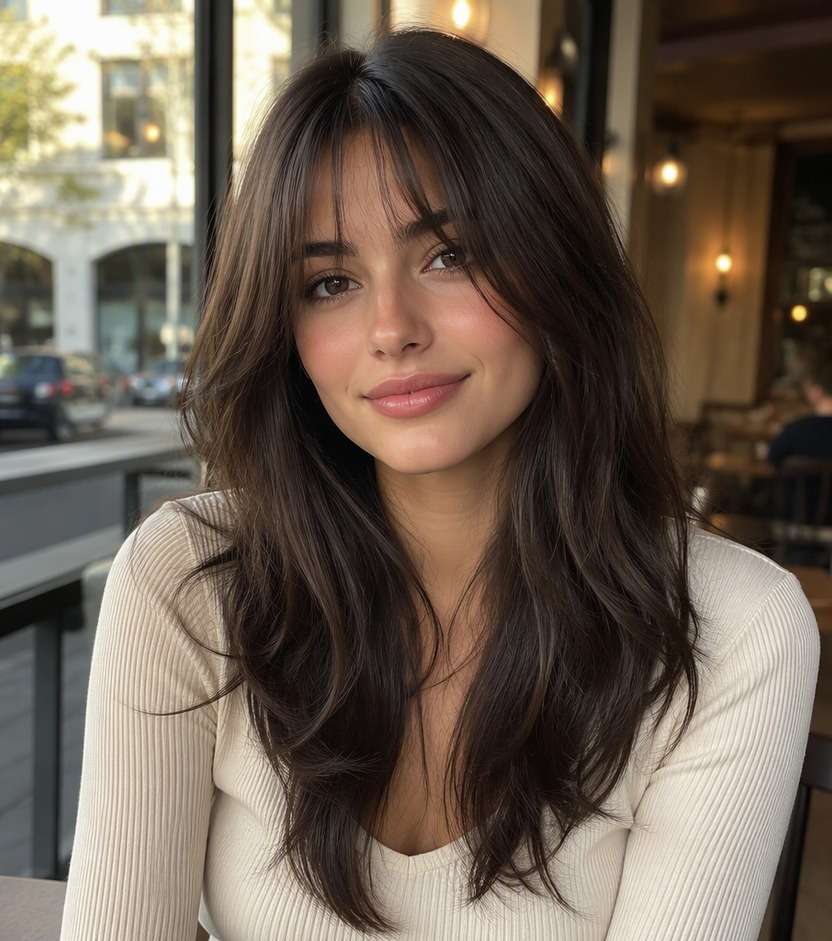
"Easy to compare several bob styles" I tested blunt, wavy, and curtain-bang versions from one selfie. The ability to generate multiple looks made this feel more like a real makeover tool than a random app filter.
Priya S.
Frequent Mobile User
"Worked well on my phone" I used it in my mobile browser without downloading anything. The results were quick, and the hairstyle blending looked surprisingly natural around my jawline and forehead.
Monica T.
Hair Stylist Assistant
"Helpful for consultation prep" Clients often ask to try a bob hairstyle before cutting. This made it easier to show different lengths and bangs visually, which helped narrow down the best direction faster.
Yes. Upload a clear portrait and ask to straighten the hair texture while preserving the face, original color and approximate length. The image shows an idea, not a permanent hair change.
2. Will straightened hair look longer in the image?
It can appear longer because curls and waves no longer visually shorten the strands. The actual physical hair length does not grow; the preview changes appearance.
3. Is a straight hair filter a haircut simulator?
Not necessarily. This page primarily changes texture. You can request a haircut in a separate prompt, but compare texture alone first if you want a fair before-and-after.
4. Can I ask for a natural straight finish?
Yes. Mention soft roots, subtle flyaways and lightly curved ends instead of extremely shiny or pin-straight strands.
5. Does a photo preview tell me whether straightening is safe?
No. It cannot evaluate heat damage or your hair condition. Ask a professional about appropriate styling methods and protection.
6. What photo gives a useful result?
Use even lighting, a visible hairline and enough space around the hair. Avoid heavy beauty filters and photos where most of the hair is cropped out.