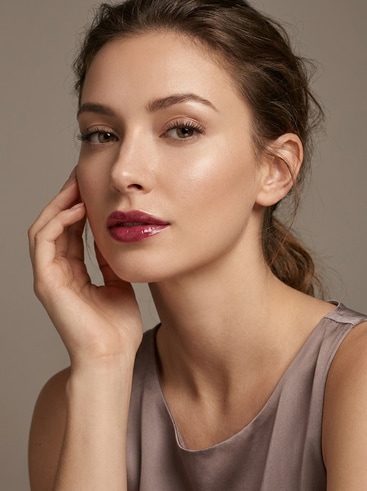
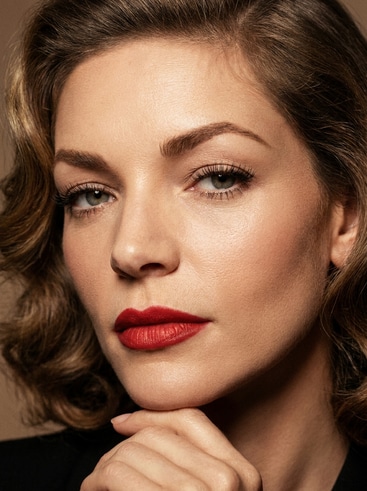
Create Stunning AI Makeup Models in Seconds

Turn your beauty vision into photo-realistic AI makeup models with Media.io's smart character generator. Choose style, lighting, and facial features inspired by studio photography to craft your perfect digital look. It's ideal for creators, stylists, and brands seeking fully customizable beauty characters.

Start Creating Makeup Models Now

Generate fashion-grade makeup visuals instantly with AI.

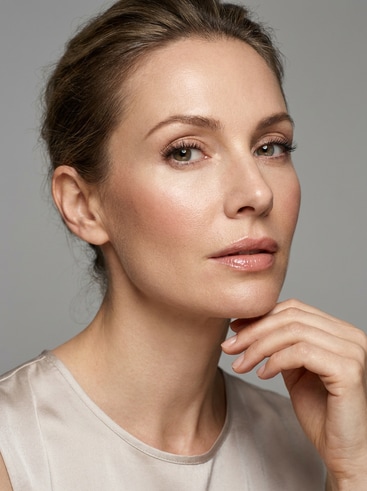
AI-generated glamour makeup model portrait

Glamour Studio Portrait

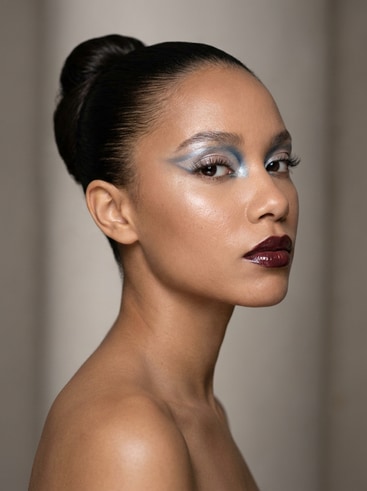
AI avant-garde fashion makeup model

Avant-Garde Runway Model

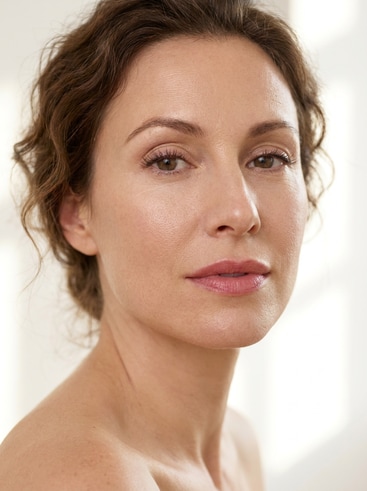
AI natural makeup model with soft tones

Everyday Natural Look

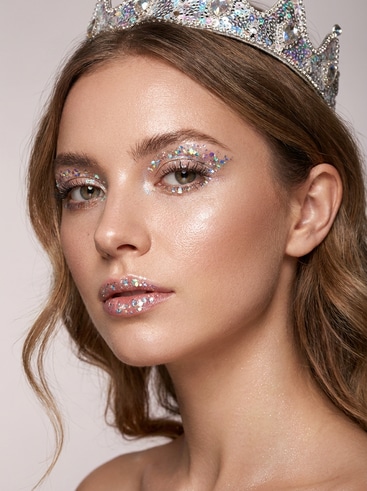
AI fantasy makeup model with glitter highlights

Fantasy Glitter Queen

AI editorial beauty makeup character

Editorial Beauty Shot

AI vintage makeup model with classic vibe

Retro Hollywood Style

Why Create Makeup Models with Media.io AI

Media.io's AI Character Generator delivers studio-level visual quality for anyone needing digital makeup model references or content-ready portraits. With full control over style, tone, and lighting, users can easily shape consistent beauty concepts for campaigns, art, or social posts. Each model stays editable, making it simple to refresh colors or details as trends evolve. Our AI ensures realistic finishes that reflect natural texture, perfect for professional-grade storytelling or design testing.

Realistic Makeup Textures

Media.io enhances skin detail, shade blending, and makeup precision to produce hyper-realistic digital characters. You can define lipstick shade, eyeliner intensity, and lighting mood for any fashion or cosmetic theme. Every generation maintains photorealistic texture quality while adapting to your creative direction. The tool ensures models look natural from portrait to close-up edits.

Customizable Beauty Concepts

Create a wide range of looks from editorial chic to fantasy glam with full control over each feature. Media.io's customization tools balance professional flexibility and creative freedom for stylists or content creators. Adjust filters, color palettes, or facial styles to design unique identities. It's easy to align model concepts with branding or personal storytelling goals.

Consistent Lighting and Mood

Achieve continuity across your makeup model shots with AI-generated lighting presets. Media.io allows precise control over shadow, reflection, and highlight shaping, ensuring aesthetic harmony in multi-image projects. Designers can maintain the same lighting tone for cohesive campaigns. This feature simplifies editing and boosts output consistency across platform visuals.

Faster Creative Workflow

Produce finished-quality results much faster than manual illustration or photography. Media.io reduces editing cycles and enables real-time previews, empowering makeup artists and designers to iterate quickly. You can experiment with new styles before a shoot or present visual pitches instantly. It's a creative engine that optimizes productivity without compromising artistic detail.

How to Generate AI Makeup Models with Media.io

01

Step 1: Define Style and Mood

Start by selecting the desired aesthetic such as natural, artistic, or editorial. Use Media.io's intuitive controls to choose character pose, lighting, and background tone. This sets the framework for a cohesive artificial makeup model. Define the emotion and expression for additional storytelling nuance.

02

Step 2: Customize Makeup Details

Refine your model's features by picking lipstick hues, eyeshadow palettes, and contour intensity. Adjust textures for matte or glossy finishes within Media.io's interactive preview. Experiment with creative looks or replicate brand-specific palettes effortlessly. It provides seamless creative control without needing manual photo editing.

03

Step 3: Export and Reuse Models

Download your AI-generated makeup models in high resolution ready for branding, presentation, or content posts. Maintain a consistent visual identity across social media and campaigns. Media.io allows cloud-saving templates for future style modifications. Reuse models across beauty references, marketing visuals, or concept boards with no extra setup.

What Designers Say About Media.io's AI Makeup Models

user
Lena M.

Beauty Concept Artist

starstarstarstarstar

"Best Tool for Makeup Style Drafts" Media.io completely changed how I visualize new cosmetic ideas. I used to sketch facial looks manually, but the AI model generator now gives me lifelike results in minutes. The adjustable tones and eye makeup precision feel incredibly professional. It saves hours for my creative team without lowering quality.

user
Jordan R.

Fashion Photographer

starstarstarstarstar

"Brings Concepts to Life Instantly" When preparing for editorial shoots, I often need quick visual references. Media.io's AI makeup models let me test lighting and palette concepts before stepping into the studio. Every generated face reflects realistic shadow and gloss balance. It accelerates planning and makes every concept session more productive.

user
Clara N.

Beauty Brand Content Lead

starstarstarstarstar

"Great for Campaign Storyboards" Our team uses Media.io to visualize different product looks before committing to full shoots. The tool helps map how each palette might interact with various lighting schemes. We create entire mood boards in a single afternoon now. It also has the consistency we need across multiple campaign visuals.

user
Aiden T.

Social Media Creator

starstarstarstarstar

"Perfect for Visual Testing" I love experimenting with new beauty directions for online tutorials. Media.io's generator gives me stylistic control from soft everyday looks to striking fantasy styles. The image fidelity and control are impressive, even when creating multiple concepts. It's ideal for quick content testing before production.

user
Rita Q.

Makeup Educator

starstarstarstarstar

"Ideal for Teaching and Demonstrations" I use Media.io during online makeup classes to demonstrate facial symmetry and tone matching. Its AI results look professional and photorealistic enough for students to analyze. Having diverse ethnic tones and textures helps deliver inclusive teaching materials. It's an engaging learning resource that's simple to manage.

Makeup and fashion creators highlight Media.io's blend of realism and speed.

Frequently Asked Questions About AI Makeup Models

1. How Does Media.io Generate Realistic AI Makeup Models?
faqfaq

Media.io uses advanced diffusion and facial mapping AI to build characters with detailed texture and shadow control. Every generation combines lighting simulation and facial proportion calibration for lifelike visuals. Users can define color palettes, lighting, and expression directly inside the interface. The result is a precise, photorealistic digital model ready for creative projects.

Yes, users can customize lips, eyes, contour, and lighting balance to reflect any aesthetic from editorial glam to soft natural. Media.io allows creators to experiment freely without technical barriers. Each parameter can be saved and reloaded for consistency. This ensures creative styling remains flexible yet repeatable.

Media.io-generated visuals can be used for portfolios, social posts, and commercial presentations. The downloaded files meet high-resolution standards and can adapt to multiple marketing needs. Always verify usage rights with your brand policies if used in campaigns. It's an efficient solution for mockups and promotional visuals.

No design background is required to produce professional-looking AI makeup models. Media.io's interface offers guided templates and intuitive controls that simplify every step. You can achieve premium outcomes with just a few selections. It's built to be inclusive for both beginners and seasoned designers.

Yes, Media.io includes a consistency engine that allows saving presets for repeated styling across models. This lets teams maintain unified makeup direction for branding or visual storytelling. Your saved theme automatically applies to new generations. It makes it easy to scale design pipelines efficiently.

Media.io supports various export formats including PNG, JPG, and transparent backgrounds for integration in design tools. Users can choose portrait or full-body framing depending on campaign needs. Files are provided in high resolution suitable for web and print. This ensures flexibility across creative workflows.

Most AI makeup models generate within 10 to 30 seconds depending on complexity settings. Media.io optimizes processing without sacrificing quality to deliver quick previews. This speed boosts creative iteration by removing waiting time. Users can review, refine, and finalize multiple looks in a single session.

Yes, Media.io includes lighting simulation presets built to mimic fashion studio setups. Adjusting intensity and direction allows you to fine-tune highlights and shadows. This helps test how each makeup tone appears under real-world conditions. It's especially useful for content mockups and pre-production visualization.

Media.io Online AI Tools Quality Rating:
vote 4.7 (162,357 Votes)



