As criações são armazenadas por apenas 7 dias. Os recursos criados após o upgrade para um plano de assinatura serão armazenados permanentemente.
Desbloqueie seu potencial criativo e experimente a magia da IA de mídia hoje!
Café Logo Maker para rápidos e elegantes conceitos de marca de café
Crie logotipos personalizados de cafés a partir de texto em segundos com o Media.io. IstoCafé logo makerAjuda a gerar ideias de marca minimalistas, retrô, artesanais e premium para menus, xícaras, sinalização e perfis sociais diretamente no seu navegador.
Digite sua ideia-> IA projeta-a. Livre para tentar.
Revise essas instruções de exemplo e, em seguida, adapte os detalhes do prompt para obter resultados mais fortes com este criador de logotipos de cafés.
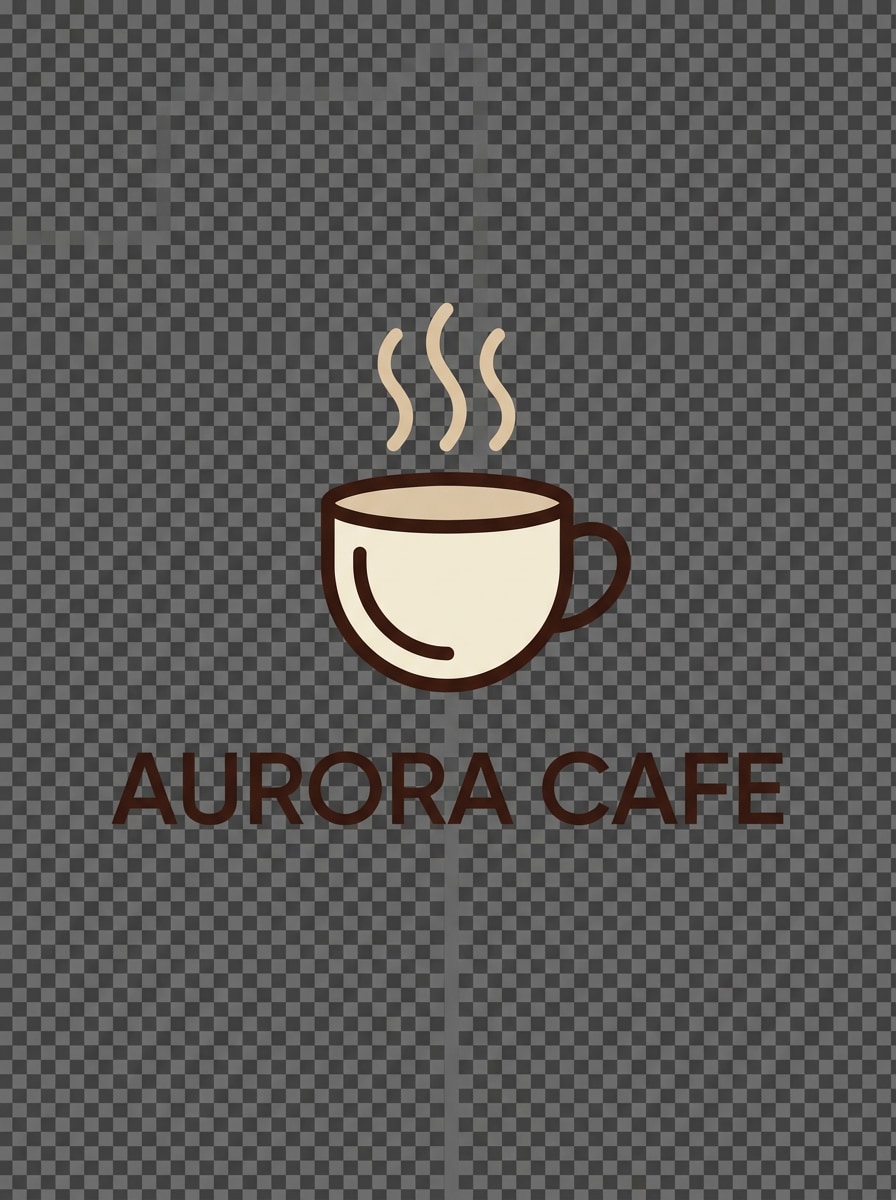
xícara de café Monoline
Crie um logotipo de café minimalista com um ícone de xícara de café monolina com linhas de vapor suaves, composição centrada, contornos suaves em estilo vetorial, espaço negativo equilibrado, tipografia sans-serif moderna, paleta bege, creme e marrom profundo, estética de marca limpa, bordas nítidas e uma sensação de logotipo de fundo transparente.
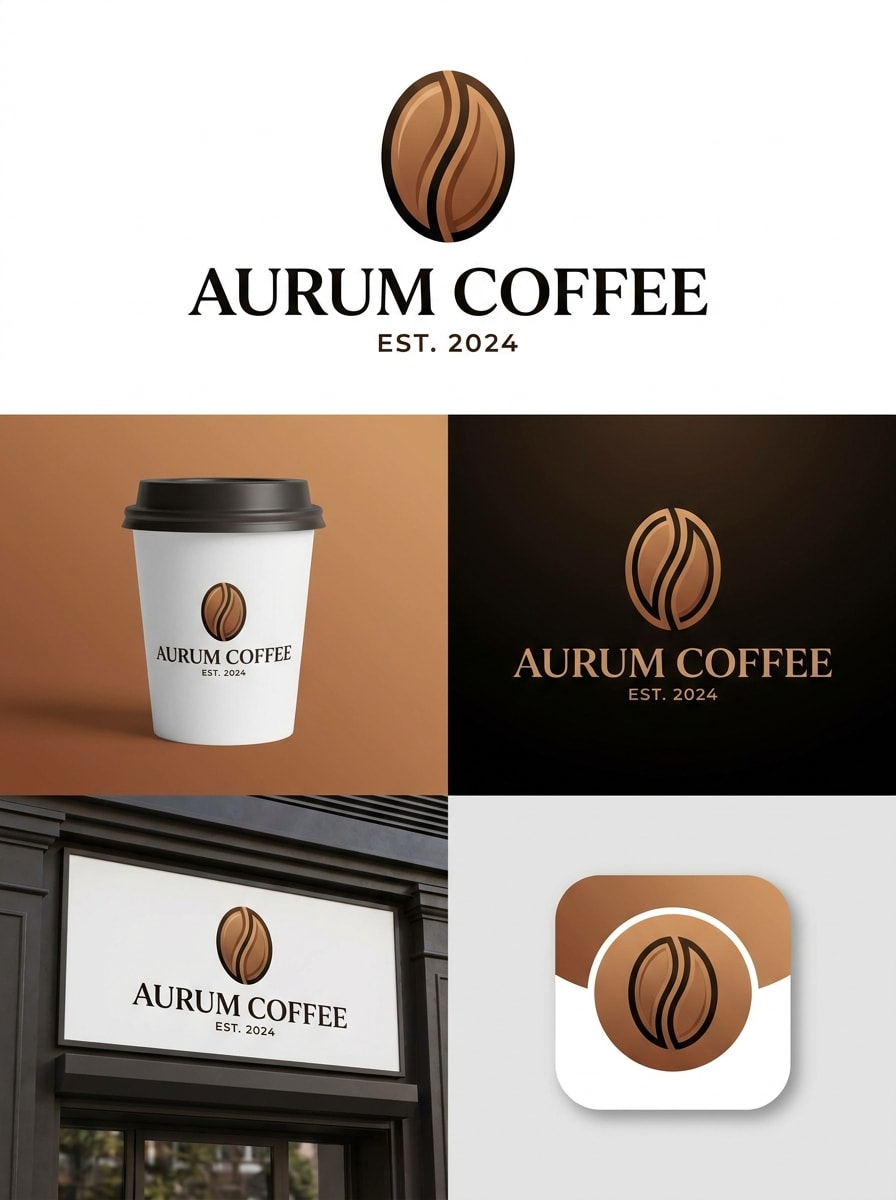
Ícone de feijão Wordmark
Projete um logotipo moderno de cafeteria com um ícone de grão de café simples acima de um marco de palavras elegante, layout simétrico, geometria refinada, paleta preto e marrom quente, contraste sutil, acabamento vetorial limpo, estilo de identidade de marca profissional e tipografia altamente legível adequada para imagens de perfil, xícaras e sinalização de loja.
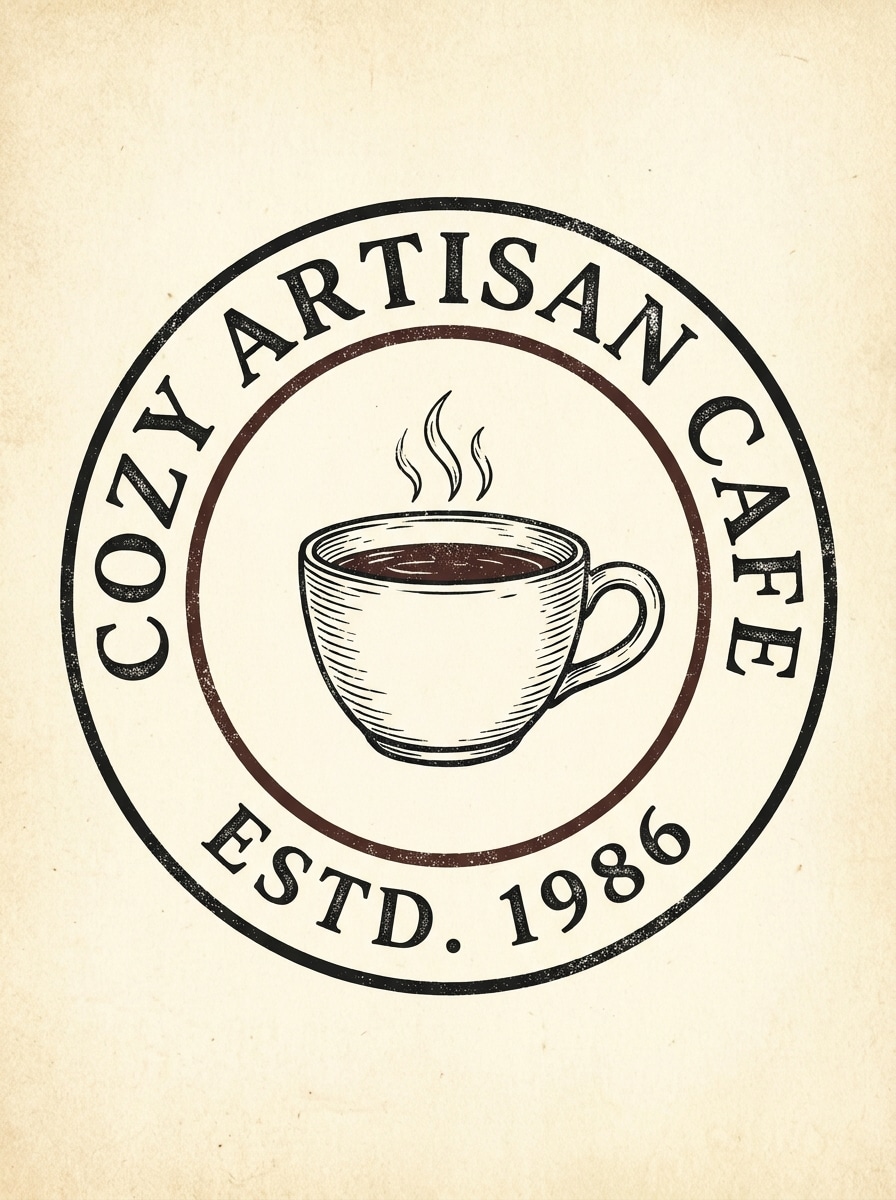
Vintage Badge Café
Gere um logotipo de emblema de café retrô com uma ilustração de xícara de café desenhada à mão, layout circular curvo, letras serif clássicas, creme, marrom expresso e cores pretas atenuadas, textura ligeiramente angustiada, clima artesanal aconchegante, emblema central forte e uma composição de logotipo que parece atemporal, autêntico e fácil de imprimir.
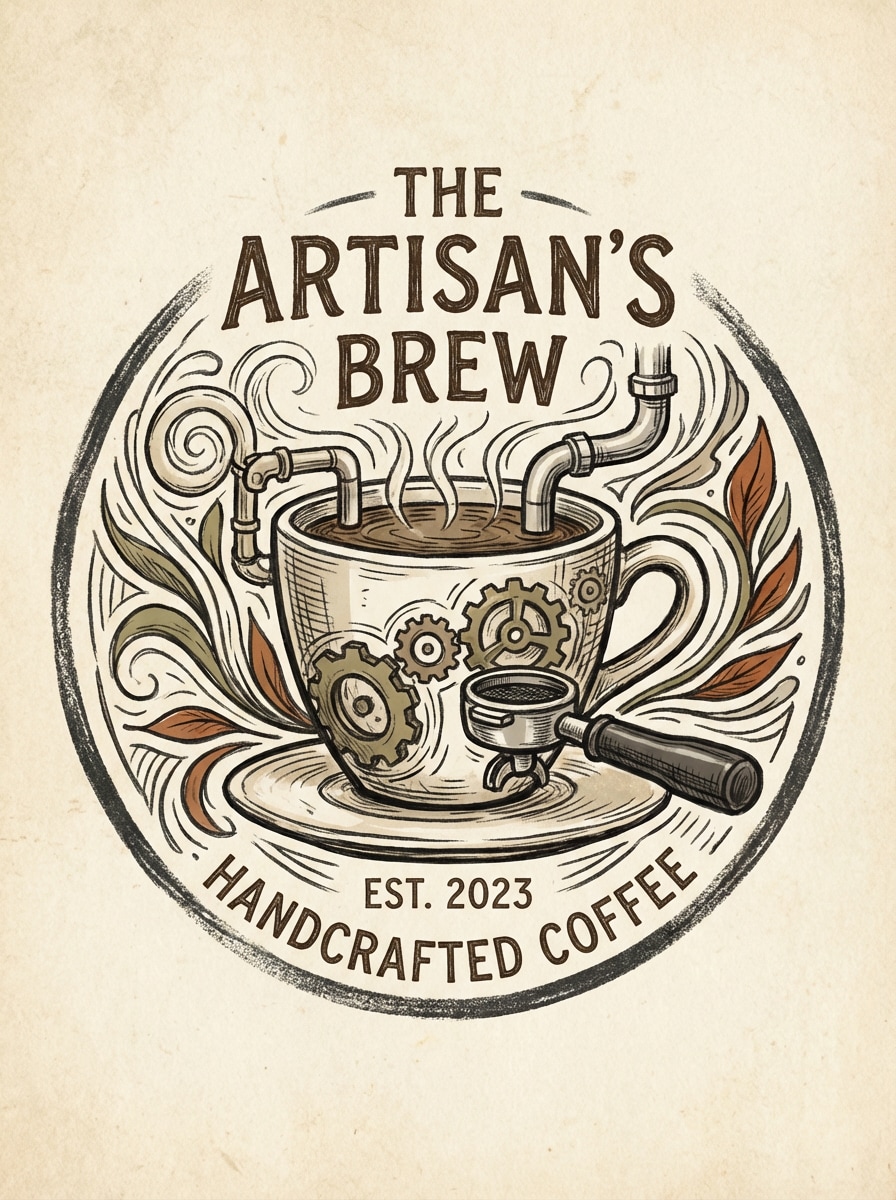
Marca artesanal desenhada à mão
Crie um logotipo de café artesanal usando um estilo de esboço desenhado à mão, com uma xícara de café expresso e detalhes sutis inspirados em máquinas, linhagem orgânica, composição centrada, paleta neutra terrosa, efeito de tinta texturizada, sensação de marca de pequena empresa artesanal e tipografia clara que funciona para embalagens, rótulos e cabeçalhos de menu.
Luxo Serif Café
Projete um logotipo de café premium com elegante tipografia serif, um ícone sutil de grão de café e vapor, paleta verde escuro, creme e marrom café, espaçamento equilibrado, clima de boutique de luxo, acabamento em estilo vetorial polido, ornamento mínimo e uma identidade refinada adequada para embalagens de café especiais, menus e marca de loja.
Marca Espresso Geométrica
Gere um logotipo de café geométrico com um símbolo simplificado de xícara de café expresso, forte simetria, linhas nítidas e limpas, letras sans serif modernas, sotaques pretos e cobre, layout centrado, estilo vetorial nítido, clima contemporâneo e uma marca escalável projetada para xícaras, sinalização, cartões de fidelidade e avatares digitais.
Copo acolhedor lúdico
Crie um logotipo de café lúdico com um personagem bonito de xícara de café, formas arredondadas, creme quente, caramelo e tons de mocha, clima amigável de marca de bairro, contornos suaves, composição alegre, texto legível em negrito e um estilo de logotipo limpo que se sente memorável para pequenos cafés, barras de sobremesa e embalagens para viagem.
Pastel Bakery Café
Projete um logotipo pastel de café e padaria com uma xícara de café emparelhada com um ícone de pastelaria, paleta de cor-de-rosa, creme e marrom suave, curvas suaves, espaçamento arejado, humor doce e acolhedor, visual vetorial polido e marca amigável para mídias sociais que se adequa a cafés de brunch, padarias e negócios de café com foco em sobremesas.
Emblema de feijão orgânico
Gere um logotipo de café orgânico com um emblema de grão de café e sotaques de folhas sutis, paleta verde terrosa e marrom torrado, composição vetorial simples, moldura circular equilibrada, clima de marca ecológico, texturas naturais e tipografia profissional que funciona bem para cafés sustentáveis, torradores, rótulos e xícaras para viagem.
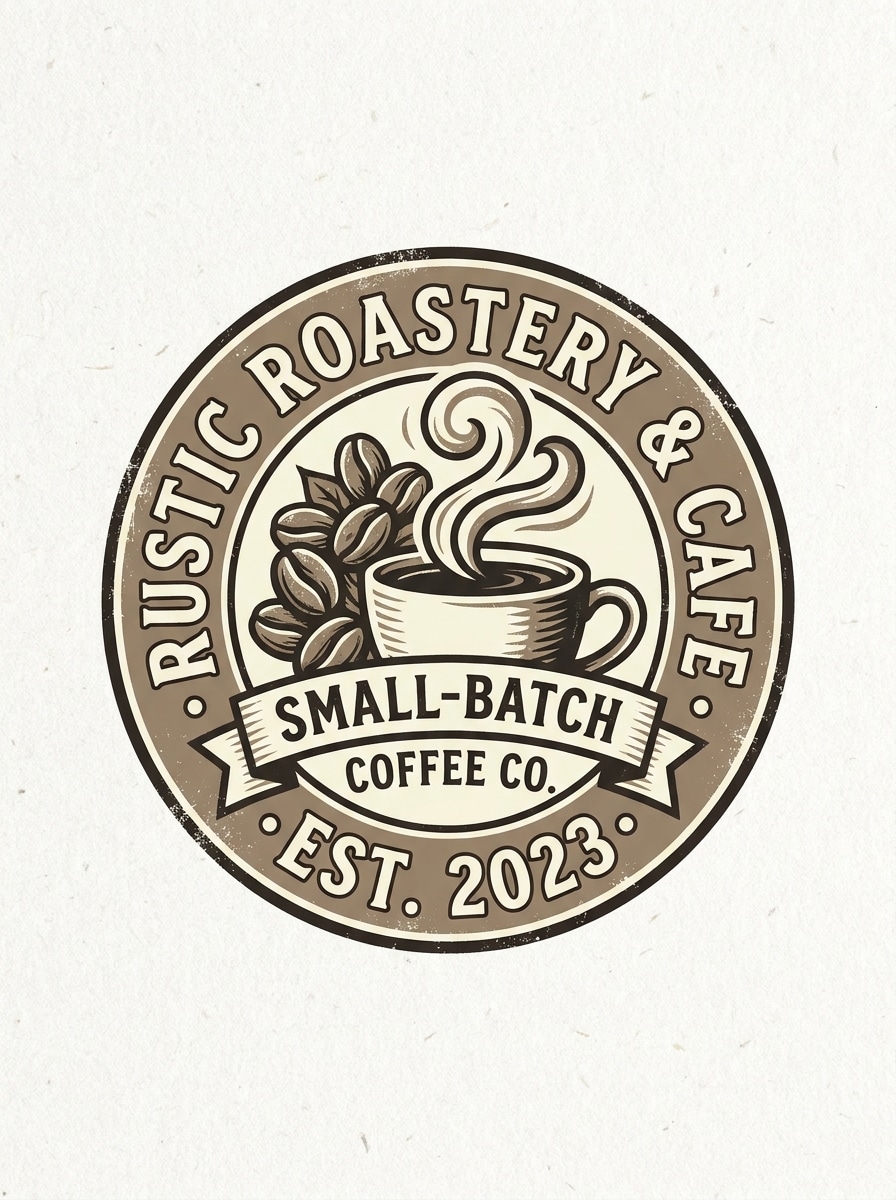
Farmhouse Roastery Selo
Crie um logotipo rústico de café e torradeira em um estilo de selo circular, com grãos de café, elementos de vapor, texto serif negrito, tons de sépia, creme e expresso escuro, humor artesanal de pequenos lotes, textura levemente desgastada, composição de selo central e um look de logotipo pronto para impressão para sacos, placas e menus.
Por que usar o Media.io para o Design do logotipo do café
Transforme texto em conceitos de logotipo rapidamente
Descreva sua ideia de marca e gere conceitos de logotipo de café em segundos. Media.io é ideal para testar direções minimalistas, retrô, artesanais ou premium sem partir de uma tela em branco.
Múltiplos estilos para Branding de café
Escolha entre diversas direções visuais para umcoffee shop logo makerFluxo de trabalho, incluindo moderno, realista, renderização 3D, pintura a óleo e muito mais. Os prompts em inglês são otimizados para melhores resultados ao moldar uma identidade de marca clara.
Opções de exportação de alta resolução
Gere imagens de logotipo em resolução 1K, 2K ou 4K com proporções flexíveis. Isso facilita a criação de visuais para painéis de menus, maquetes de embalagens, postagens sociais e apresentações impressas da marca.
Modelos avançados de IA em uma ferramenta de navegador
Use modelos poderosos de texto para imagem, como Nano Banana Pro, Nano Banana 2, Seedream 5.0 Lite e Imagen 4 em um só lugar. Isso torna o Media.io um gerador flexível de logotipos de cafés para uma rápida exploração de conceitos em qualquer dispositivo.
Como fazer um logotipo de café a partir de texto
1
2
3
1
Abrir Media.io Cafe Logo Maker
ir paraAI Texto para Imagem GeradorE abra o Cafe Logo Maker em AI-> Texto para Imagem. Esta ferramenta on-line é executada no seu navegador, para que você possa criar ideias de logotipo em desktop ou móvel sem instalar software de design.
2
Digite um Prompt
Digite um prompt detalhado, como "Logotipo de café minimalista com uma xícara de café monolina, paleta bege e marrom escuro, marca de palavras sem serif limpa, marca de estilo vetorial". Ajuste o estilo, a relação de aspecto e a resolução com base em onde você planeja usar o logotipo.
3
Gerar, Refinar e Baixar
Clique em Gerar para criar conceitos de logotipo. Ajuste seu prompt para explorar diferentes looks e, em seguida, baixe um resultado em alta resolução para rascunhos de marca, menus, maquetes de sinalização ou design de perfil social.
Veja como os criadores usam este criador de logotipos de cafés para conteúdo, marketing e projetos pessoais e, em seguida, adapte cada ideia para se ajustar ao resumo.
Lançar uma nova marca de café mais rápido
Use o Media.io como umCriador de logotipo de caféQuando você precisa de direções visuais rápidas para um novo café, bar de café expresso ou padaria. Gere vários estilos a partir de uma ideia, compare conceitos e siga em decisões de marca muito mais rapidamente.
Crie logotipos prontos para sociais para pequenos cafés
Crie conceitos amigáveis com imagens de perfil com ícones limpos, tipo legível e formas memoráveis. um modernoFabricante de logotipo de caféO workflow ajuda pequenas empresas a testar logotipos para o Instagram, aplicativos de entrega, cartões de fidelidade e embalagens para viagem antes de finalizar um sistema de marca.
Explore estilos de Branding de nicho para Menus e embalagens
De selos de torradeira rústicos a marcas de palavras de boutique premium, esta ferramenta funciona como umCriador de logotipo de caféPara os proprietários que querem identidades visuais distintas. Também suporta ideias baseadas em prompt para cafés de padaria, marcas de café orgânico e lojas de bebidas especiais.
O que os usuários dizem sobre Media.io
Maia R.
Proprietário do Café
"Útil para as primeiras ideias de branding"Eu usei o Media.io para explorar ideias de logotipo para o café do meu bairro. Ele me deu várias instruções limpas em minutos, o que foi muito mais rápido do que tentar esboçar tudo sozinho.
Jordan T.
Designer de marca Freelance
"Boa variedade de estilo para marcas de café"O fluxo de trabalho baseado em prompts é útil quando os clientes querem comparar rapidamente os estilos de marca de cafés minimalistas, retrô e premium. Gosto de como é fácil repetir ideias de cores e ícones.
Elena P.
Fundador de Padaria e Cafetaria
"Fácil de usar no navegador"Fiz vários conceitos de logotipo no meu telefone antes de me encontrar com uma impressora. A configuração baseada no navegador era simples e as imagens geradas eram suficientemente claras para modelos e visualizações sociais.
Chris L.
Consultor de Marketing
"Ótimo para exploração de conceitos"Para propostas rápidas de branding de cafés, o Media.io é prático. Ele ajuda as equipes a visualizar diferentes direções rapidamente, especialmente quando desejam ícones relacionados ao café, marcadores de palavras e estilos de emblemas a partir de prompts de texto.
Explore os efeitos de vídeo e imagem de IA mais quentes
1. Como posso fazer um logotipo de café a partir do texto?
Abra a ferramenta de texto para imagem do Media.io, insira um prompt de logotipo detalhado, escolha o estilo e as configurações preferidas e, em seguida, gere o seu design. Para obter melhores resultados, descreva o ícone, a sensação de tipografia, a paleta de cores e o humor que você deseja em sua marca de café.
2. Existe um grátis AI cafe logotipo maker que eu posso tentar?
Os usuários gratuitos podem experimentar o Media.io com créditos gratuitos. Se você precisar de mais gerações ou de um uso de maior volume, você pode verificar a página de preços. Os downloads gratuitos podem incluir marcas d'água, enquanto os planos pagos suportam exportações de alta resolução sem marcas d'água. Se você está procurando uma opção gratuita para testar ideias, este é um lugar prático para começar. Os usuários gratuitos podem usar créditos gratuitos. Para mais uso, os usuários podem assinar um plano na página de preços. Atualizar para um plano pago noPágina de preçosPara mais créditos e marcas d'água-downloads de alta resolução livres.
3. Que prompt devo usar para um logotipo de cafeteria profissional?
Um prompt forte é específico e visual. Por exemplo: "Crie um conceito profissional de gerador de logotipo de cafeteria com um ícone de grão de café minimalista, elegante marca de palavras sans-serif, paleta bege, preto e marrom quente, composição de estilo vetorial limpo, espaço negativo equilibrado e marca de café moderno premium." Em seguida, você pode ajustar os detalhes para visual retrô, artesanal ou lúdico.
4. Posso personalizar cores, fontes e ícones depois de gerar um logotipo de café?
Você pode personalizar o resultado refinando seu prompt e regenerando novas versões com cores diferentes, direções de ícones ou estilos de tipografia. O Media.io foi criado para criação rápida de conceitos, portanto, edições rápidas são a principal maneira de explorar e melhorar as variações do logotipo.
5. Meu logotipo de café será de alta qualidade o suficiente para impressão e sinalização?
O Media.io suporta saída 1K, 2K e 4K, o que é útil para criar visuais de logotipo de alta resolução para apresentações, maquetes de sinalização, menus, copos e ativos de mídia social. Para um fluxo de trabalho do criador de logotipos de cafeteria, as exportações de maior resolução tornam a revisão do conceito muito mais fácil. Os usuários gratuitos podem ter marcas d'água.
6. Posso criar um logotipo de cafeteria no meu telefone ou navegador?
Media.io é uma ferramenta baseada na web que funciona no seu navegador no Windows, Mac, iOS e Android. Você pode usá-lo em um laptop, tablet ou telefone para gerar conceitos de marca de cafés sem instalar software. Media.io é uma ferramenta baseada na web que funciona em qualquer dispositivo com um navegador (Windows, Mac, iOS, Android).
Além do criador de logotipos de cafés Online com tecnologia de IA