As criações são armazenadas por apenas 7 dias. Os recursos criados após o upgrade para um plano de assinatura serão armazenados permanentemente.
Desbloqueie seu potencial criativo e experimente a magia da IA de mídia hoje!
Gerador de logotipo de fonte para conceitos rápidos e elegantes de marcas de palavras de IA
Crie conceitos de logotipo baseados em texto personalizados a partir de um simples prompt com o Media.ioGerador de logotipo de fonte. Transforme o nome da sua marca em marcas de palavras de luxo serif, retrô, cromo, neon ou minimalista em minutos com um flexívelcool logo text makerFluxo de trabalho para modelos sociais, web e de marca.
Digite sua ideia-> IA projeta-a. Livre para tentar.
Revise essas instruções de exemplo e, em seguida, adapte os detalhes do prompt para obter resultados mais fortes com este gerador de logotipo de fonte.
Marca de palavras Serif de luxo
Crie um elegante logotipo wordmark para uma marca de cuidados com a pele chamada Veloura usando tipografia serif refinada de alto contraste, espaçamento generoso e uma composição centrada. Use uma paleta monocromática em um fundo marfim suave com sombras sutis, estilo editorial polido, clima de marca de beleza premium, bordas nítidas e apresentação limpa e sofisticada.
Marca de palavras Modern Sans
Gere um logotipo sans serif limpo e moderno para uma startup de tecnologia chamada Nexivo, usando letras geométricas, kerning equilibrado e um layout centrado minimalista. Mantenha a paleta preto, branco e cinza fresco, com contraste nítido, apresentação plana, clareza vetorial suave e uma sensação profissional de identidade de startup para sites e pitch decks.
Logotipo Retro Script
Faça um logotipo de fonte de script retrô para uma cafeteria chamada Sunny Roast com curvas escritas à mão, uma paleta de creme quente e laranja queimada e uma composição sutil inspirada em distintivo. Adicione textura de grão macio, energia nostálgica de café, profundidade de estilo impresso, clima de iluminação aconchegante e uma estética de placa vintage polida.
Texto do emblema Vintage
Crie um logotipo de fonte de emblema vintage para uma marca ao ar livre chamada Pine Trail Co. usando letras serif clássicas, um layout de emblema circular e tons de verde escuro e bege inspirados na floresta. Inclui textura angustiada, detalhes ornamentais equilibrados, clima de aventura patrimonial, qualidade de impressão robusta e uma composição de logotipo limpa adequada para embalagens e rótulos.
Logotipo de texto 3D Chrome
Gere um logotipo de texto 3D cromado em negrito para uma marca de jogos chamada ByteRush com letras metálicas reflexivas, perspectiva dramática e um fundo gradiente escuro. Use destaques prateados legais, iluminação futurista do aro, superfícies brilhantes, profundidade forte, clima energético de esports e estilo social de alto contraste com detalhes cinematográficos nítidos.
Marca de palavras brilho Neon
Faça um logotipo de texto brilhante de neon para uma marca de DJ chamada PulseNova usando tipografia futurista ousada, luz roxa e azul elétrica e uma composição de pôster de boate central. Adicione névoa sutil, bordas luminosas, fundo escuro brilhante, alta saturação, clima enérgico da vida noturna e impressionante qualidade de sinalização digital.
Blackletter Streetwear Logotipo
Crie um logotipo de fonte blackletter para uma marca de streetwear chamada Iron Saints com letras góticas nítidas, forte ritmo vertical e um layout monocromático de alto contraste. Use textura sutil, composição central ousada, clima editorial de moda, fundo limpo e energia de marca de roupas premium com uma apresentação de logotipo nítida e impactante.
Editorial Moda Serif
Gere um logotipo de texto serif editorial para uma marca de moda chamada Maison Elen usando tipografia serif fina e elegante, espaçamento arejado e um layout centrado limpo. Mantenha a paleta preta e marfim suave, com uma estética de revista de luxo, contraste discreto, clima de passarela refinado e acabamento premium suave para apresentações de marca.
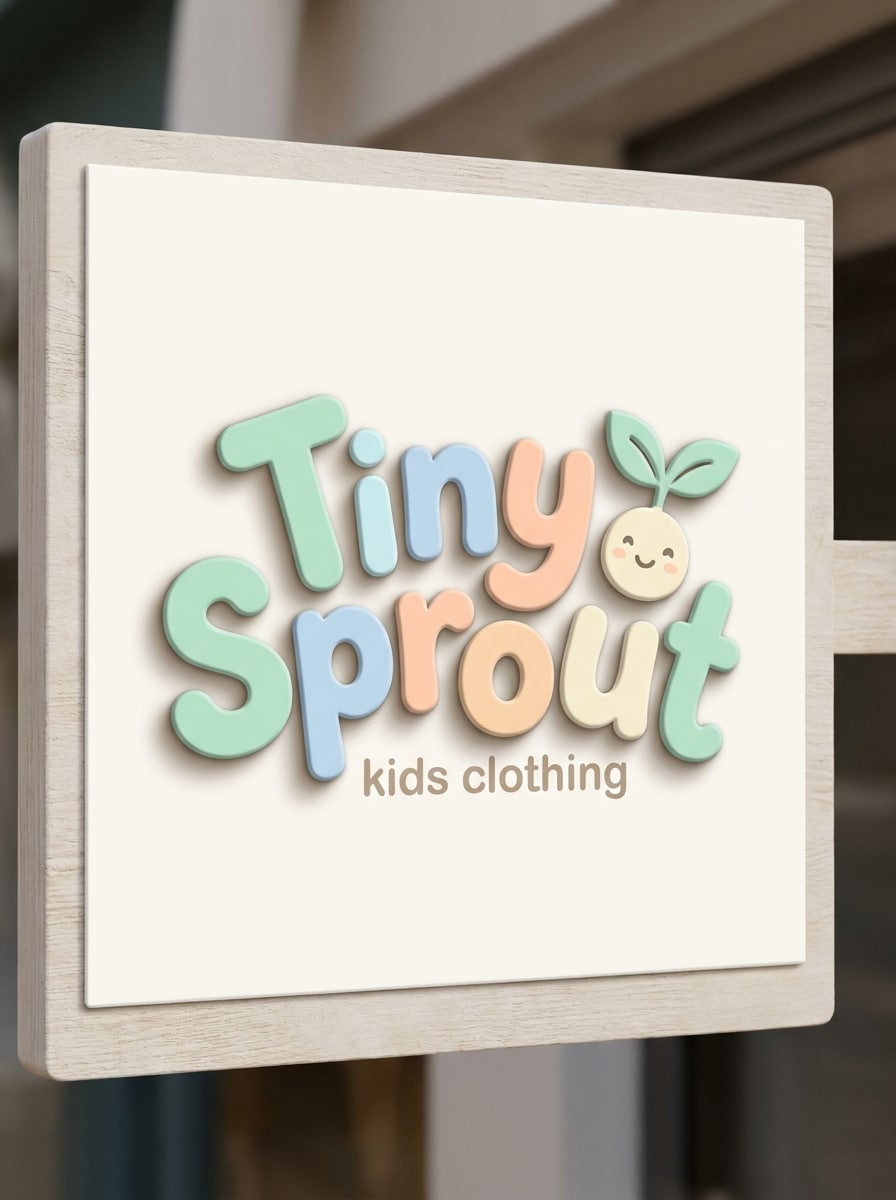
Logotipo de fonte amigável arredondado
Faça um logotipo de fonte arredondado lúdico para uma loja de roupas infantis chamada Tiny Sprout usando letras curvas suaves, cores pastel alegres e uma composição equilibrada brilhante. Adicione um fundo limpo, sombra suave, clima acolhedor de pequenas empresas, bordas suaves e personalidade charmosa da marca com qualidade de apresentação polida e familiar.
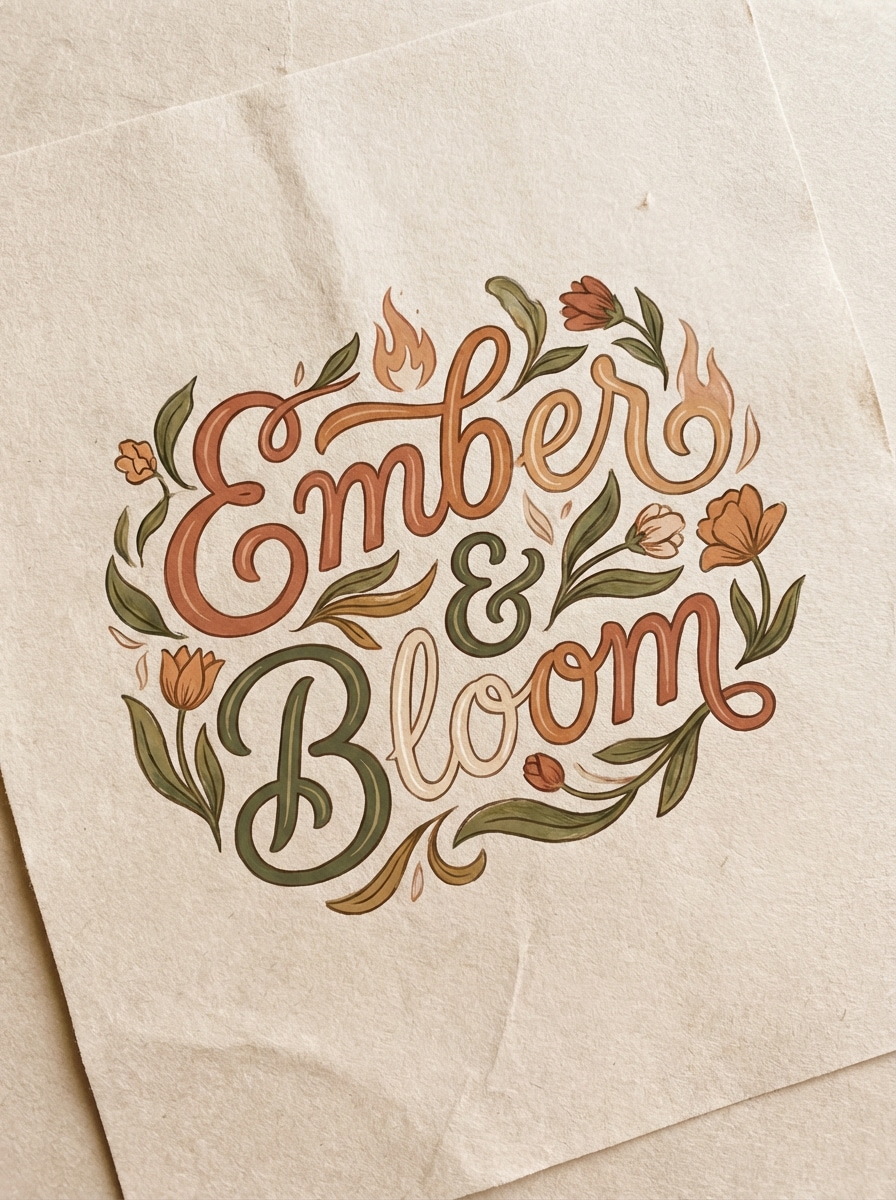
Logotipo de texto artesanal feito à mão
Crie um logotipo artesanal de texto artesanal para uma marca de velas chamada Ember & Bloom com letras artesanais, tons terrosos quentes e formas orgânicas fluentes. Use um fundo bege suave, textura de papel sutil, clima de estilo de vida boutique, composição equilibrada, sensação de iluminação calma e uma identidade artesanal premium adequada para etiquetas e embalagens de presentes.
Por que usar Media.io para ideias de logotipo de fonte AI
Transforme Prompts em conceitos de logotipo rapidamente
Digite o nome da sua marca, além de sinais de estilo e gere várias direções de logotipo baseadas em texto em minutos. É ideal para explorar ideias de marca wordmark, serif, sans serif, chrome, neon e retro sem começar do zero.
Estilos flexíveis para diferentes marcas
Media.io suporta diversas direções visuais, incluindo renderização realista, 3D, cyberpunk e muito mais. Isso facilita o teste de tudo, desde logotipos de beleza minimalistas a efeitos de texto de jogos ousados em um fluxo de trabalho baseado em navegador.
Opções de saída de alta resolução
Gere conceitos de logotipo em resolução 1K, 2K ou 4K com proporções úteis como 1:1, 3:4, 4:3, 16:9 e muito mais. Isso ajuda quando você precisa de visuais mais claros para perfis sociais, apresentações ou modelos de marca.
Modelos avançados para melhores resultados rápidos
Escolha entre modelos poderosos de texto para imagem, incluindo Nano Banana Pro, Nano Banana 2, Seedream 5.0 Lite, Seedream 4.0, Imagen 4 e muito mais. Os prompts em inglês são otimizados para gerações de estilo de logotipo mais fortes e controláveis.
Como gerar um logotipo de fonte Online
1
2
3
1
Abrir Media.io Font Logo Generator
ir paraAI Texto para Imagem GeradorE abra o gerador de logotipo de fonte em AI-> Texto para Imagem. Esta ferramenta online é executada no seu navegador, para que você possa criar conceitos de logotipo em desktop, tablet ou telefone sem instalar software de design.
2
Digite um Prompt
Digite um prompt detalhado, como "Crie um logotipo serif de luxo para uma marca de cuidados com a pele chamada Veloura com espaçamento elegante e um visual editorial monocromático." Ajuste o modelo, a proporção e o estilo visual para corresponder à direção da sua marca.
3
Gerar, Refinar e Baixar
Clique em Gerar para criar seus conceitos de logotipo. Se necessário, refinar a redação para cor, composição ou humor de tipografia e, em seguida, baixar a imagem em alta resolução para maquetas, apresentações ou exploração de marca.
Veja como os criadores usam este gerador de logotipos de fonte para conteúdo, marketing e projetos pessoais e, em seguida, adapte cada ideia para se ajustar ao resumo.
Explore ideias de Wordmark antes de contratar um Designer
Use o Media.io para transformar um nome de marca e algumas palavras-chave de estilo em direções visuais rápidas. É uma maneira prática de comparar looks serif, sans serif, retro ou cromado antes de mudar para um projeto de identidade completa.
Crie efeitos de texto prontos para sociais para marcas criadoras
Se você precisa de um banner negrito, gráfico de perfil ou visual de lançamento, este fluxo de trabalho funciona como um criador de texto de logotipo legal para canais de jogos, DJs, páginas de moda e lançamentos de startups que precisam de letras de destaque rapidamente.
Crie melhores maquetes para Pitches e vitrines
Um gerador de logotipos de fontes baseado em prompts ajuda fundadores, freelancers e pequenas empresas a criar visuais conceituais polidos para sites, rótulos de produtos, pitch decks e moodboards de marcas sem retardar a ideação em estágio inicial.
O que os usuários dizem
Ava Reynolds
Fundador da marca de cuidados com a pele
"Maneira rápida de testar marcas de palavras de luxo"Eu usei o Media.io para explorar as direções do logotipo serif para minha marca de beleza, e isso me economizou horas. As instruções me deram vários conceitos refinados que eu poderia realmente usar em moodboards antes de falar com um designer.
Marcus Lee
Criador de conteúdo
"Ótimo para branding social ousado"Os estilos de texto chrome e neon são especialmente fortes. Eu precisava de um marcador de palavras estilo jogo para cabeçalhos sociais, e os resultados pareciam nítidos o suficiente para miniaturas, banners e gráficos promocionais.
Sófia Martínez
Estrategista de marca Freelance
"Útil para a exploração inicial do logotipo"Esta é uma ferramenta útil quando os clientes querem ver várias direções rapidamente. Posso testar uma marca de palavras minimal sans, um emblema vintage e um visual serif editorial a partir de algumas variações rápidas.
Daniel Brooks
Proprietário de pequena empresa
"Simples e amigável para iniciantes"Não sou um designer, mas o fluxo de trabalho foi fácil de entender. Digitei o nome da minha empresa, adicionei uma ideia de estilo e obtive conceitos de logotipo que eu poderia usar para empacotar maquetes e postagens sociais.
Explore os efeitos de vídeo e imagem de IA mais quentes
Um gerador de logotipo de fonte é uma ferramenta que ajuda você a criar conceitos de logotipo baseados em texto a partir de prompts. Com o Media.io, você pode transformar um nome de marca e descrição de estilo em marcas de palavras geradas por IA, efeitos de texto retrô, tipografia minimalista ou letras 3D em negrito para exploração de marca.
2. Posso criar um logotipo de fonte de graça?
Os usuários gratuitos podem experimentar o Media.io com créditos gratuitos. Se você precisar de mais gerações ou downloads de alta resolução sem marca d'água, você pode verificar a página de preços para opções de assinatura. Os usuários gratuitos podem usar créditos gratuitos. Para mais uso, os usuários podem assinar um plano na página de preços. Atualizar para um plano pago noPágina de preçosPara mais créditos e marcas d'água-downloads de alta resolução livres.
3. Como faço para gerar um logotipo de texto a partir de um prompt?
Abra a ferramenta, digite o nome da sua marca e o estilo desejado e, em seguida, gere sua imagem. Para melhores resultados, descreva o humor da tipografia, paleta de cores, layout e fundo. Por exemplo: crie um logotipo sem serif limpo para uma marca de tecnologia com estilo preto e branco e espaçamento equilibrado.
4. Quais estilos de logotipo de fonte funcionam melhor para minha marca?
Depende da personalidade da sua marca e do público. Logotipos serif de luxo muitas vezes se encaixam em marcas de beleza e moda, estilos geométricos sem serif se encaixam em empresas de tecnologia moderna, scripts retrô funcionam bem para cafés e empresas artesanais, e efeitos de texto cromados ou neon são populares para jogos, música e branding de criadores.
5. Posso baixar meu logotipo em alta resolução ou PNG transparente?
O Media.io suporta a geração de imagens 1K, 2K e 4K, o que é útil para conceitos e maquetes de logotipos mais claros. A disponibilidade do PNG transparente não é especificada nos detalhes atuais do produto. Os usuários gratuitos podem ter marcas d'água.
6. É um gerador de logotipo de fonte AI bom para uso comercial?
Media.io oferece uma maneira simples de criar visuais do gerador de logotipo de fonte a partir de um prompt e refiná-los on-line.