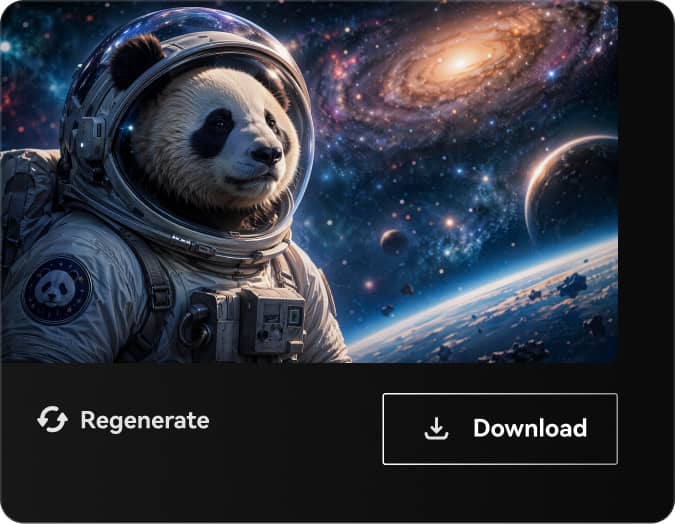
As criações são armazenadas por apenas 7 dias. Os recursos criados após o upgrade para um plano de assinatura serão armazenados permanentemente.
Desbloqueie seu potencial criativo e experimente a magia da IA de mídia hoje!
Gerador de Cenários de IA para Arte de Fundo Realista, Fantástica e Cênica
Transforme textos em cenários impressionantes em segundos com o Media.io. Crie paisagens realistas, mundos de fantasia, fundos em estilo anime e cenas naturais pintadas em múltiplos estilos, proporções e resoluções altas direto no navegador.
Digite sua ideia -> IA cria para você. Experimente grátis.
Explore nossa coleção selecionada de gerador de cenários de IA estilos.
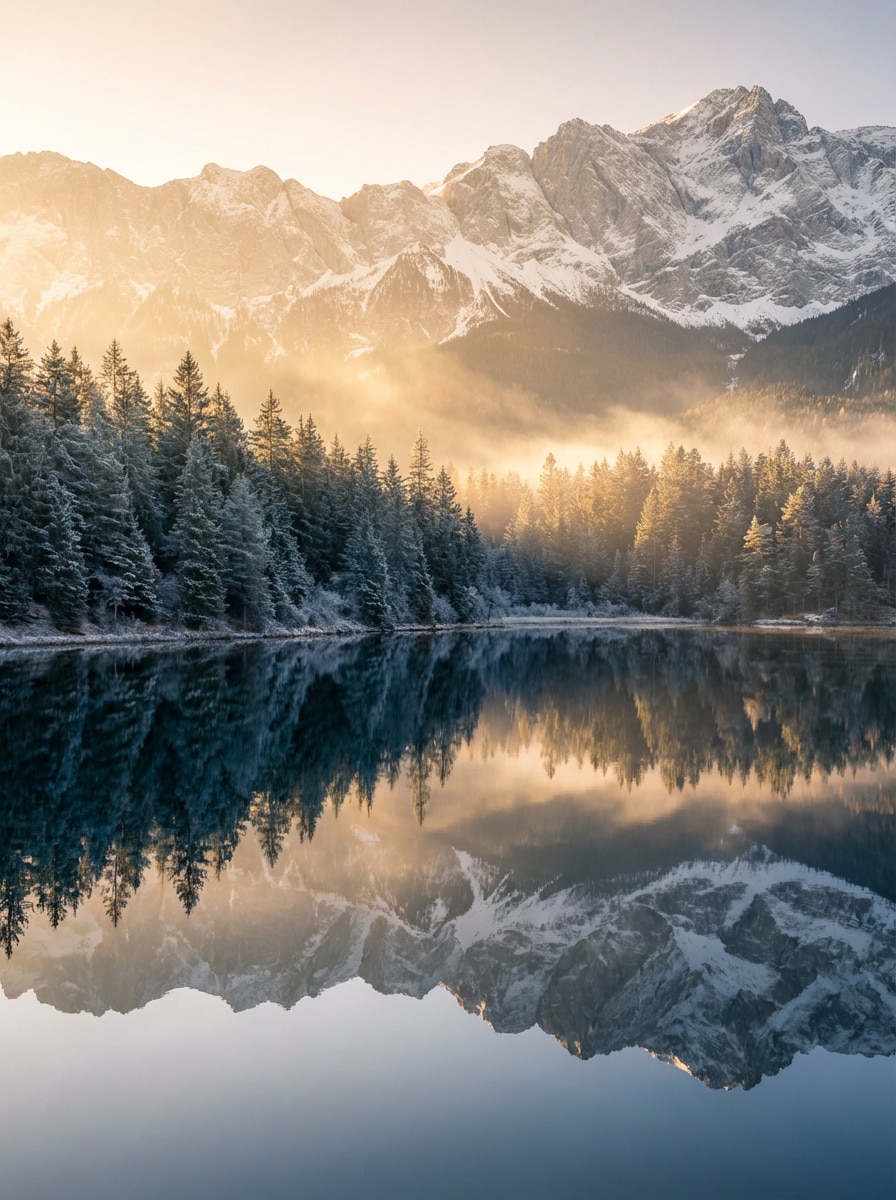
Vista Cinematográfica de Montanha
Uma paisagem de montanha fotorrealista ao nascer do sol, com picos cobertos de neve além de um lago cristalino e uma floresta de pinheiros densa ao fundo. Use luz dourada, raios volumétricos suaves, sombras azul frias, texturas naturais, composição ampla, atmosfera calma e realismo ultra-detalhado em 8K.
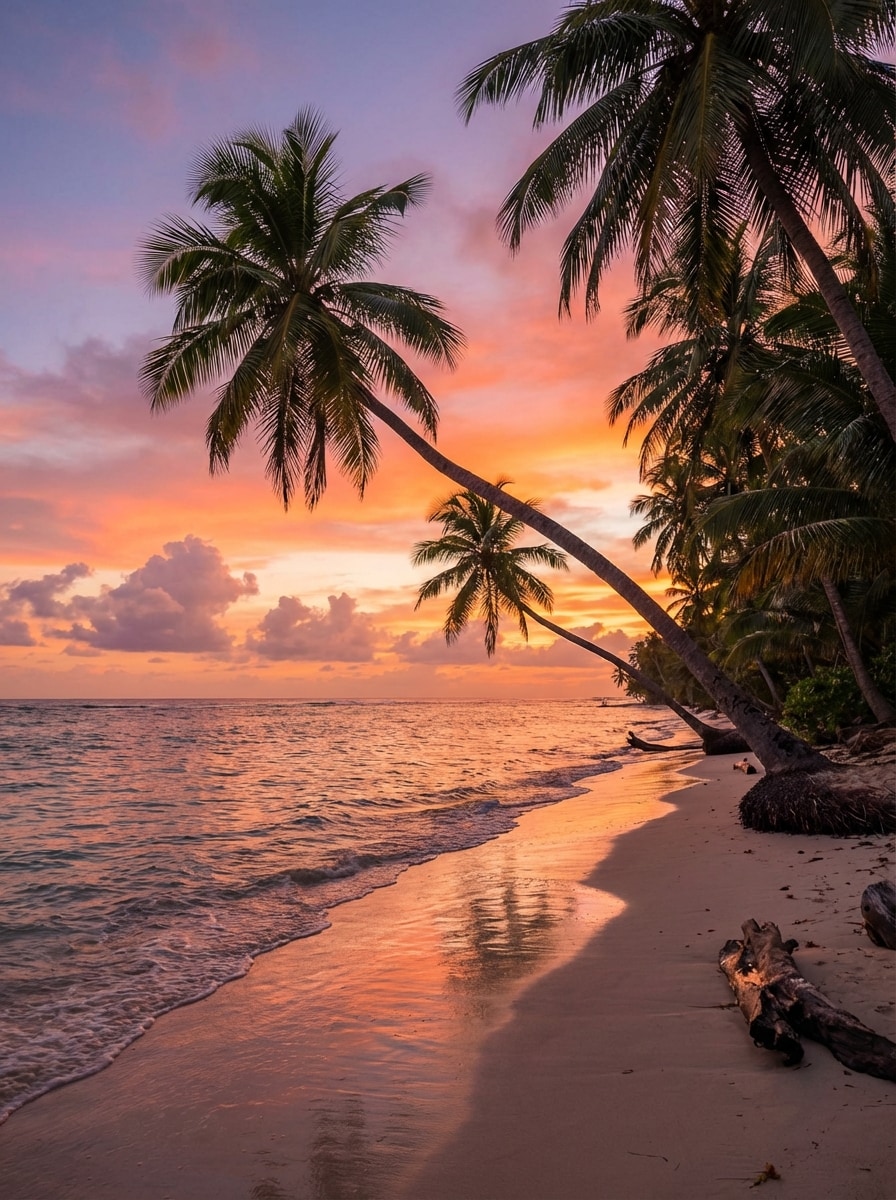
Praia Tropical ao Entardecer
Uma cena tropical deslumbrante, com palmeiras curvas, ondas suaves do mar e um céu de pôr do sol laranja-rosa vibrante. Adicione luz quente nas areias, reflexos realistas na água, nuvens delicadas, texturas tropicais ricas, clima de férias tranquilo, enquadramento equilibrado e acabamento fotorrealista de alta definição.
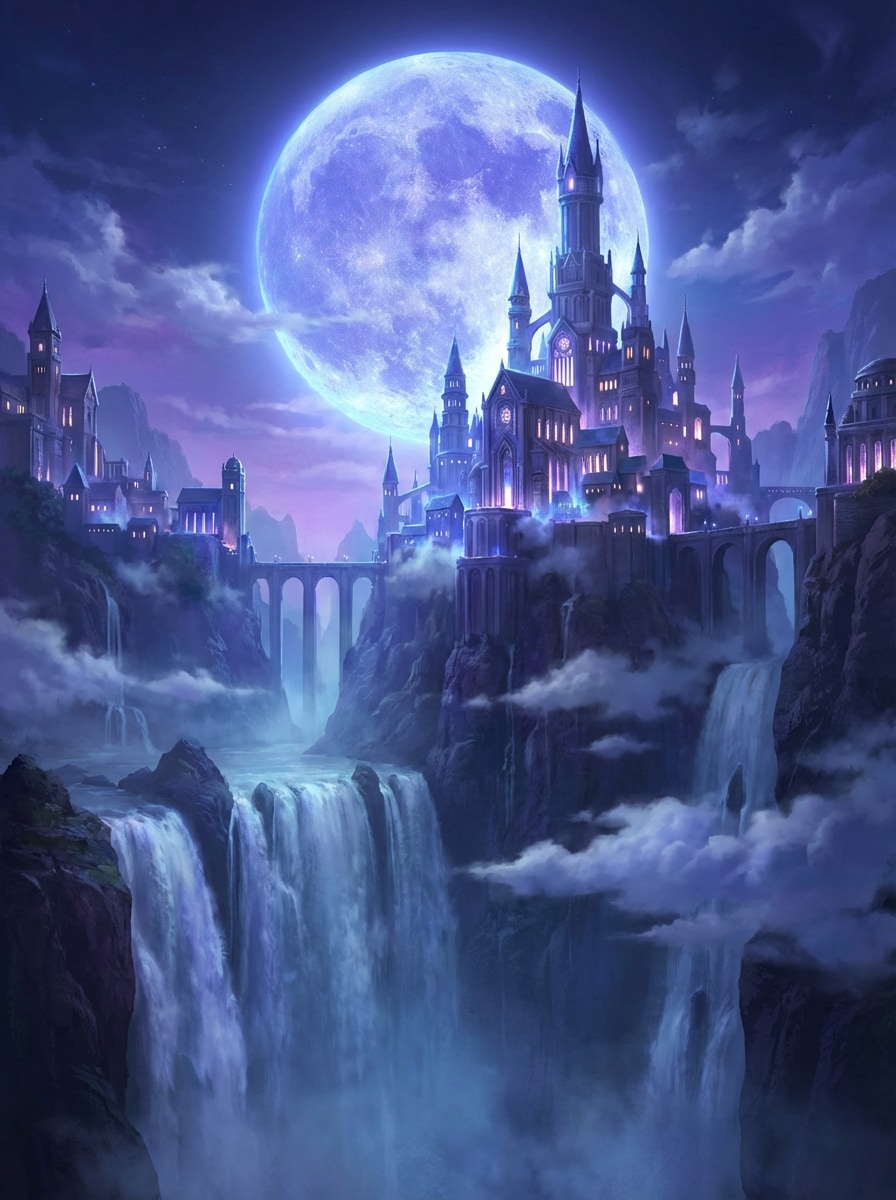
Reino Épico de Fantasia
Uma paisagem épica de fantasia com um reino majestoso construído sobre penhascos altos sob uma lua gigante brilhante. Inclua cachoeiras, névoa suave, camadas dramáticas de nuvens, janelas luminosas no castelo, composição cinematográfica grandiosa, paleta mágica azul-violeta e arte conceitual ultra-detalhada com escala heroica.
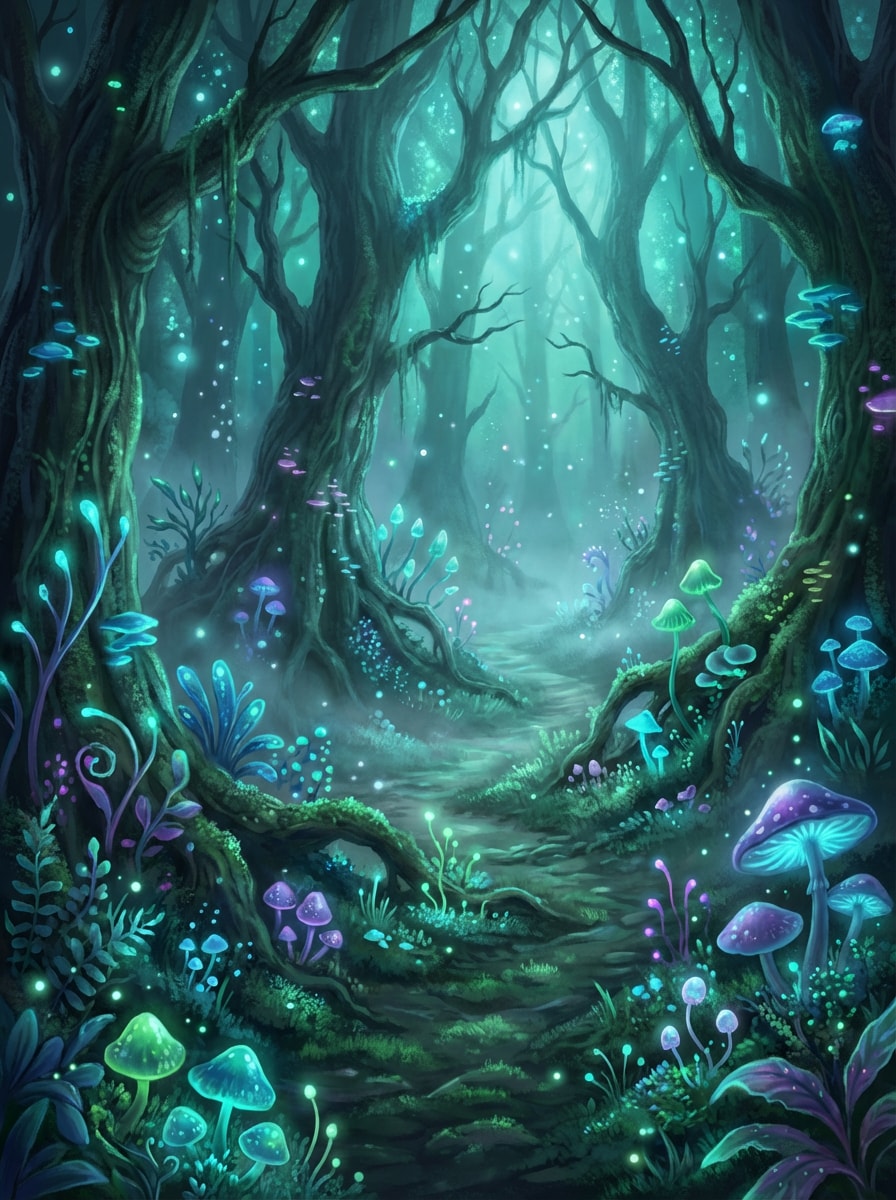
Brilho na Floresta Encantada
Uma cena mágica de floresta encantada, repleta de plantas bioluminescentes, cogumelos brilhantes, árvores antigas retorcidas e um caminho secreto. Use névoa suave, partículas mágicas flutuantes, iluminação teal e esmeralda onírica, profundidade em camadas, texturas delicadas e ilustração detalhada para um clima de maravilha.
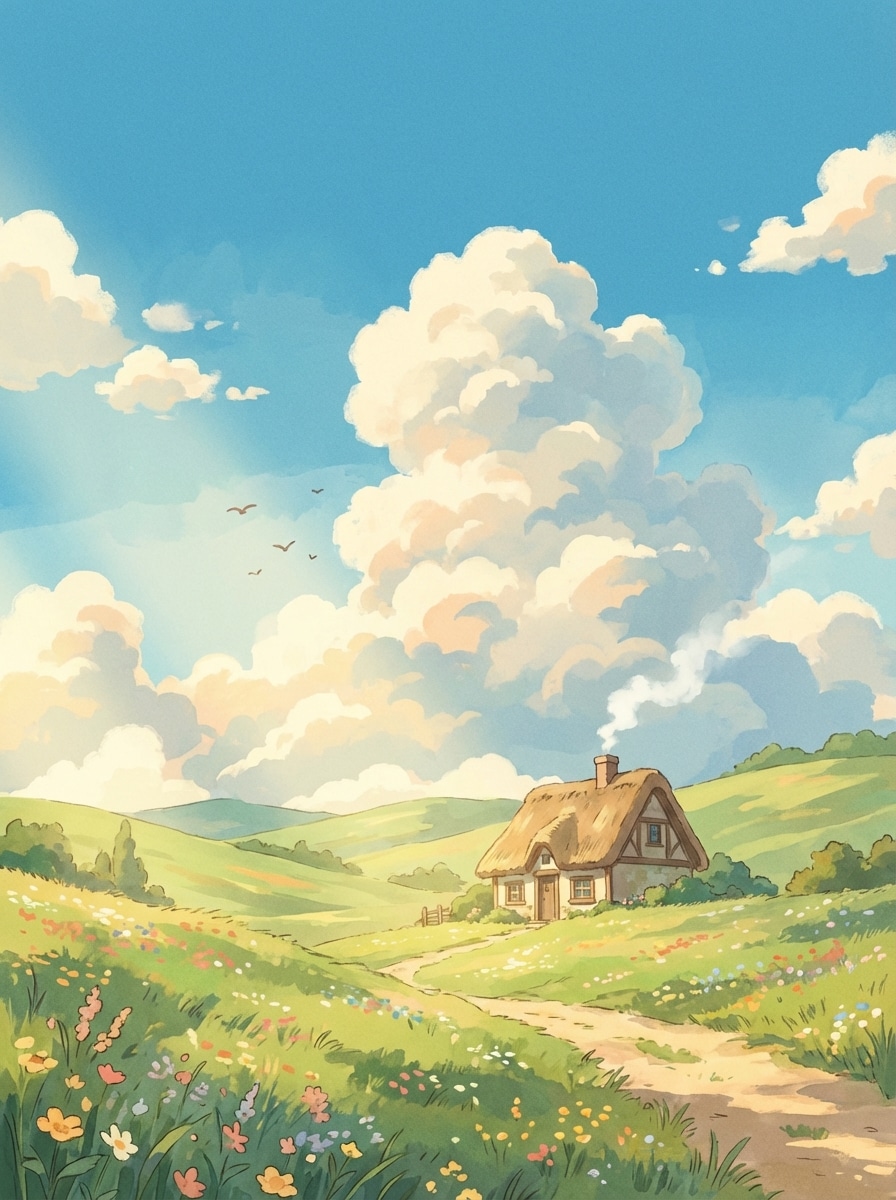
Campo Inspirado em Ghibli
Uma paisagem tranquila de anime no campo, com colinas verdes onduladas, flores silvestres, uma pequena cabana e céu brilhante com nuvens fofas. Use uma paleta de cor nostálgica e quente, texturas de fundo pintadas à mão, luz suave, composição leve, detalhes encantadores e atmosfera serena.
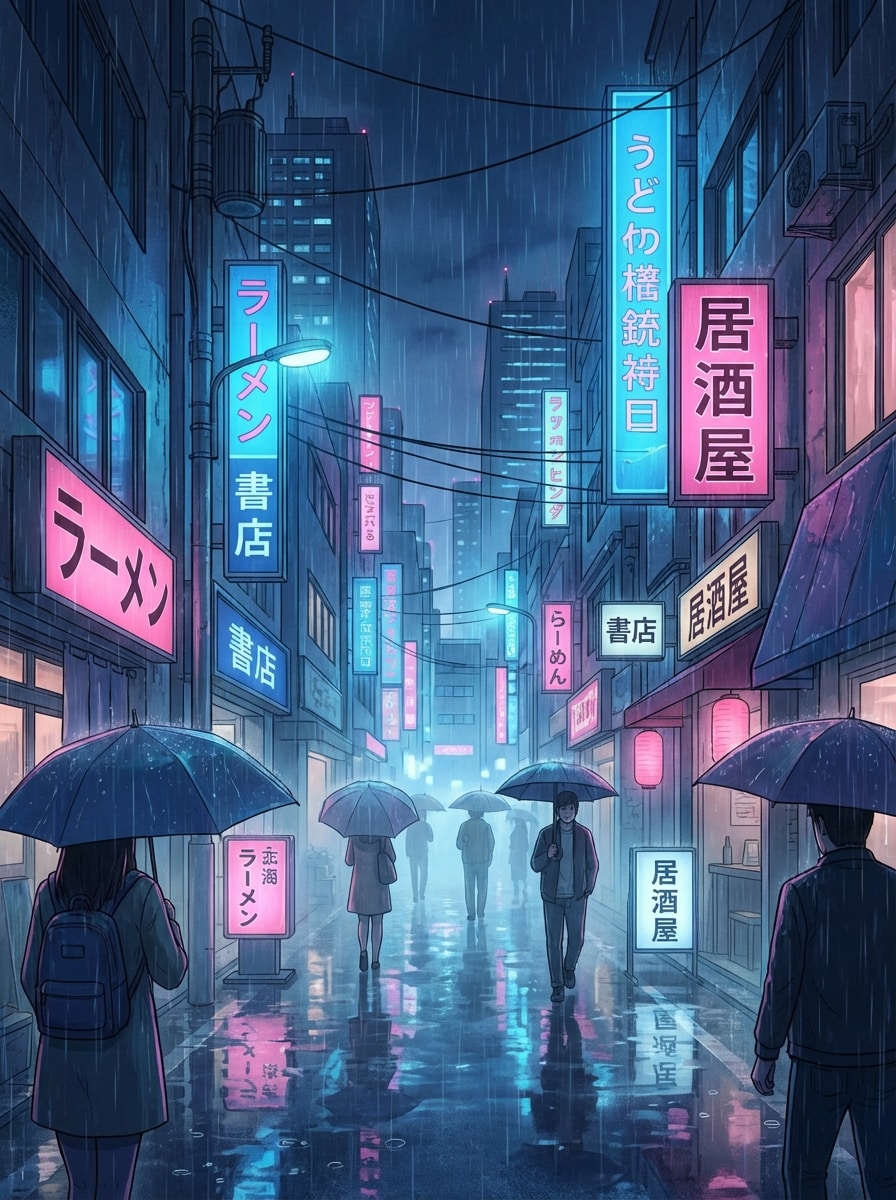
Cena de Chuva na Cidade Anime
Um cenário urbano em estilo anime à noite, com ruas molhadas pela chuva, reflexos de neon, guarda-chuvas e placas luminosas. Enquadre com perspectiva cinematográfica, destaques azuis e rosas vibrantes, texturas de calçada molhada, atmosfera nebulosa, composição vertical e fundo ilustrado rico em detalhes.
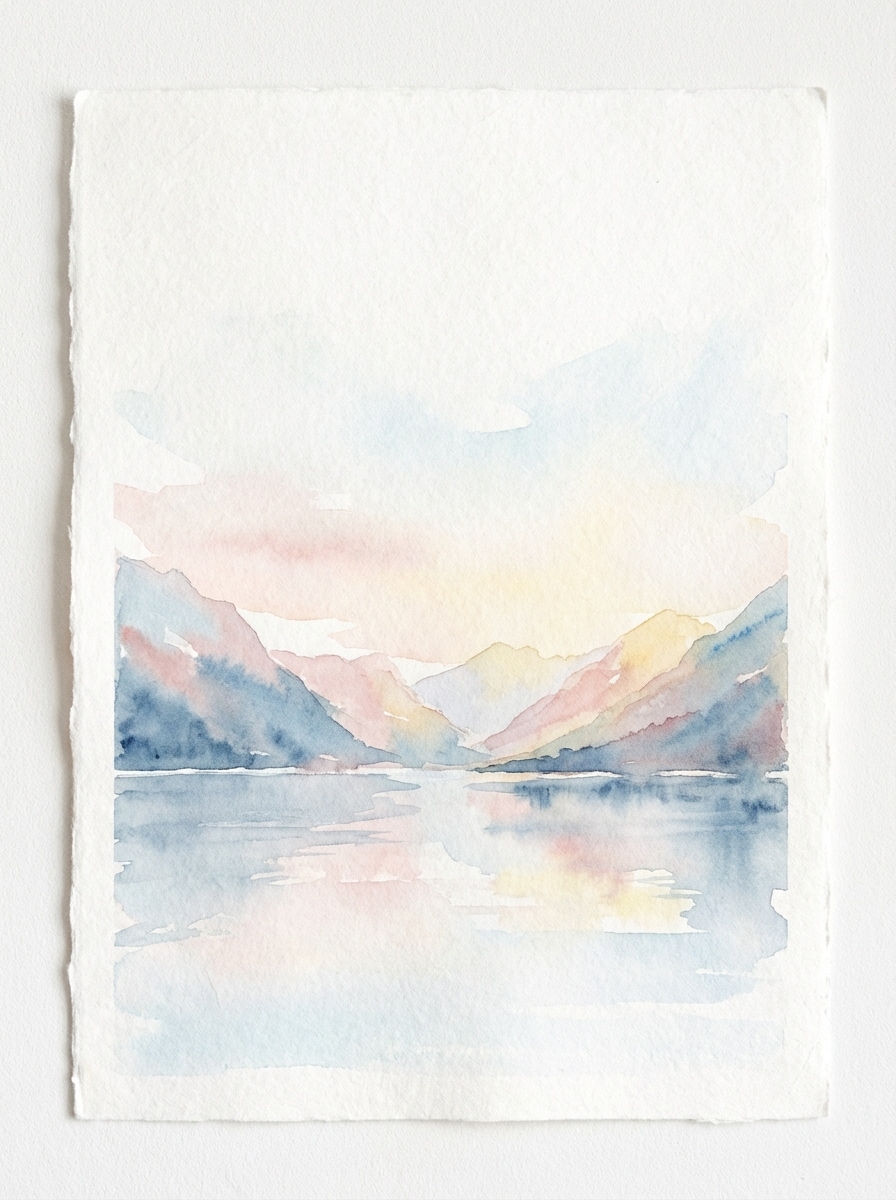
Paisagem de Lago em Aquarela
Uma delicada paisagem de aquarela com um lago calmo cercado de montanhas sob um céu pastel suave. Destaque texturas de pincel gentis, espaços negativos arejados, reflexos sutis, tons azul e rosa suaves, sensação de papel feito à mão, composição pacífica e estilo para decoração de parede refinada e detalhada.
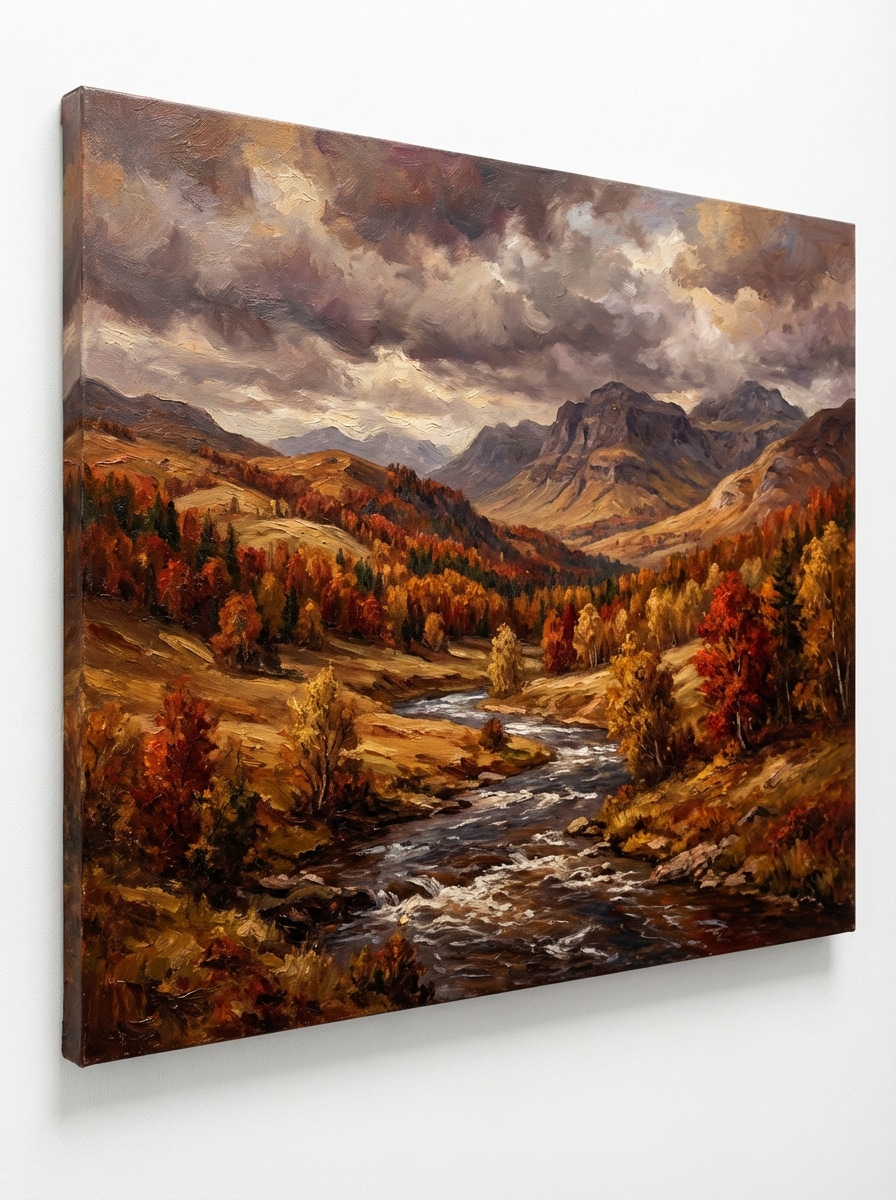
Vale Outonal em Pintura a Óleo
Um vale outonal rico em estilo pintura a óleo com árvores vermelhas e douradas, rio fluindo e nuvens dramáticas. Use pinceladas texturizadas, tons terrosos quentes, composição clássica, profundidade em camadas, iluminação expressiva e formas naturais detalhadas para uma arte cênica atemporal.
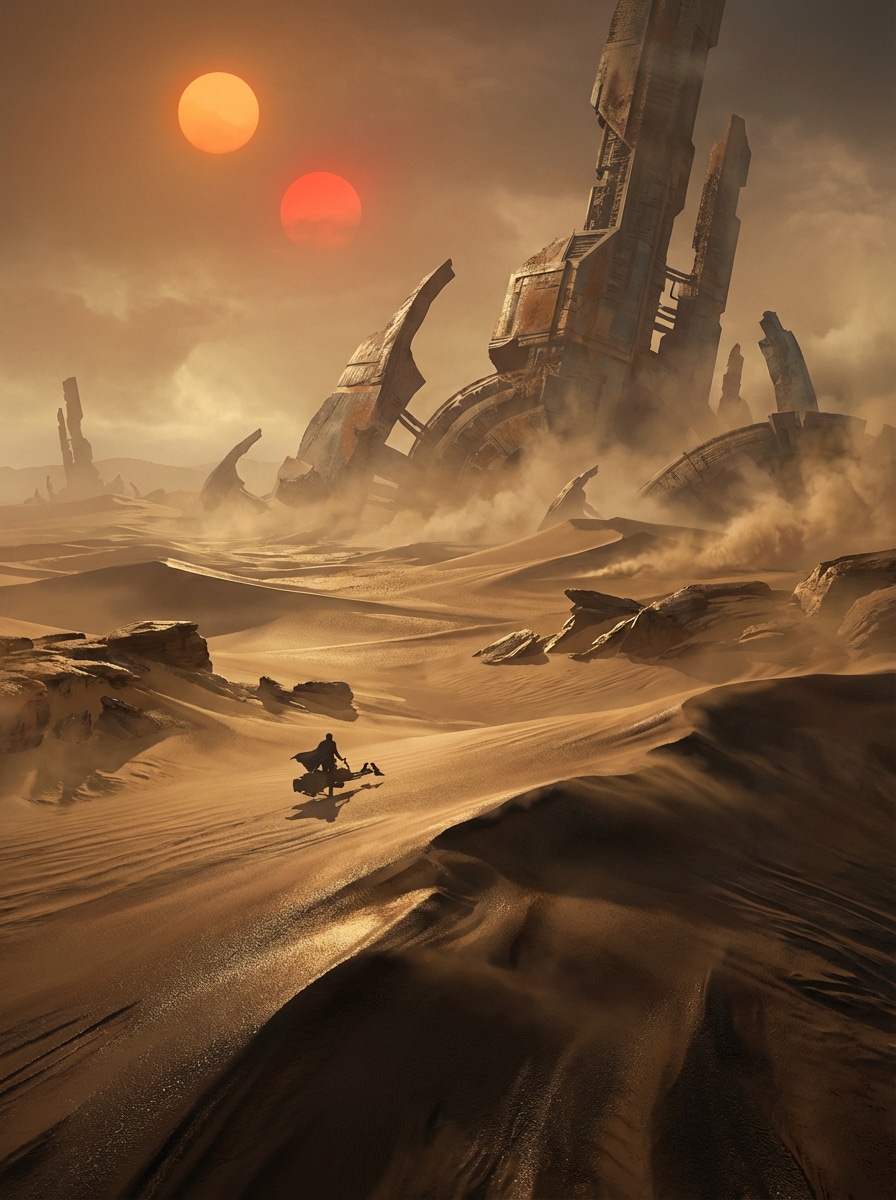
Planeta Desértico Sci-Fi
Uma paisagem cinematográfica de planeta desértico sci-fi com dois sóis, dunas vastas e ruínas futuristas antigas no horizonte. Adicione névoa atmosférica, sombras longas, texturas metálicas, composição expansiva, gradiente de cor âmbar e bronze e arte conceitual ultra-detalhada com clima de fronteira misteriosa.
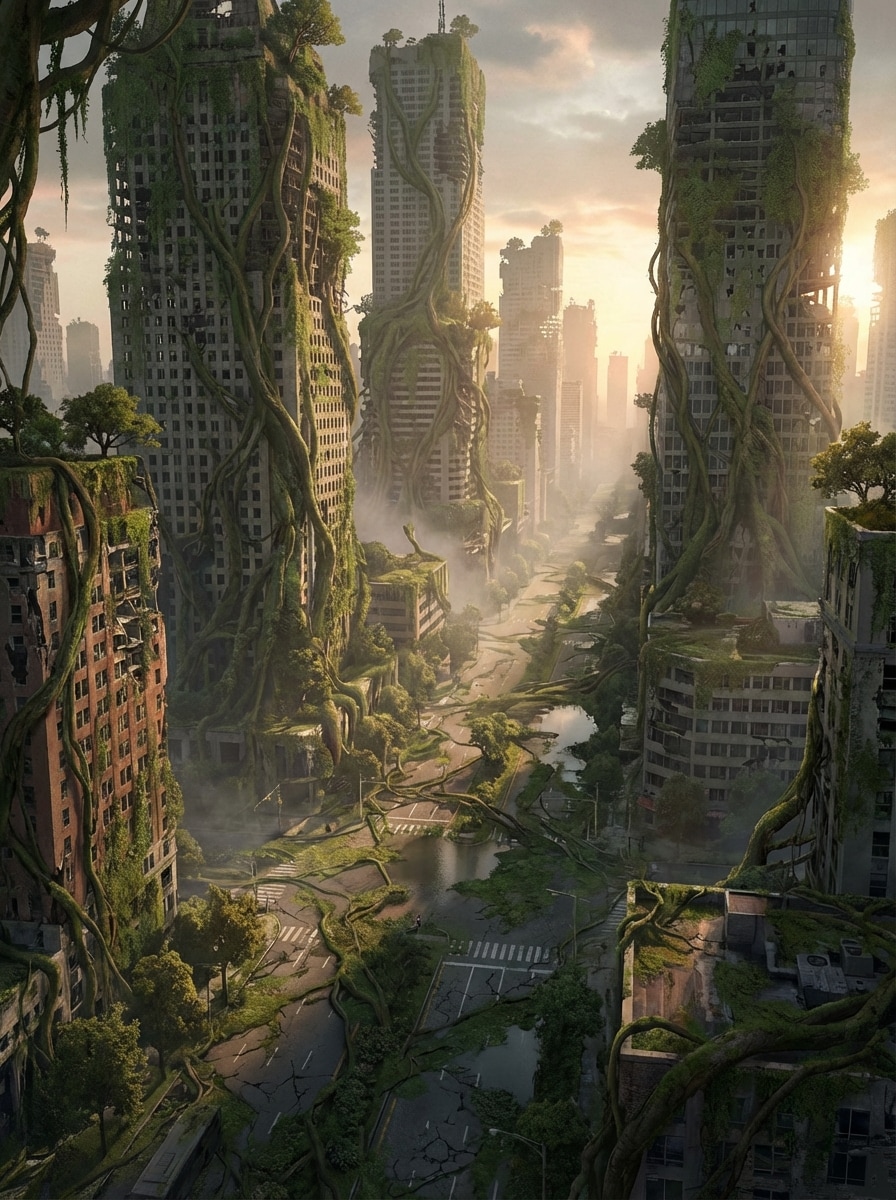
Horizonte Pós-Apocalíptico
Uma paisagem dramática pós-apocalíptica reintegrada pela natureza, com vinhas cobrindo arranha-céus, estradas rachadas e névoa suave nas ruas arruinadas. Use luz de pôr do sol dourada, texturas de vegetação, profundidade cinematográfica, paleta verde e ferrugem suave, arte conceitual detalhada com toque assombroso e belo.
Por que usar Media.io para gerar cenários de IA
Crie Imagens Cênicas em Diversos Estilos
Gere cenários de IA em estilos realista, anime, renderização 3D, pintura a óleo, cyberpunk e outros. Flexível para cenas de natureza, ambientes de fantasia, fundos inspirados em viagens e conceitos de worldbuilding.
Saída de Paisagens em Alta Resolução
Exporte seugerador de paisagens de IA em resolução 1K, 2K ou 4K. Alta resolução facilita criar fundos cênicos para apresentações, storyboards, posts, papéis de parede ou protótipos de design.
Proporções Flexíveis para Todas as Plataformas
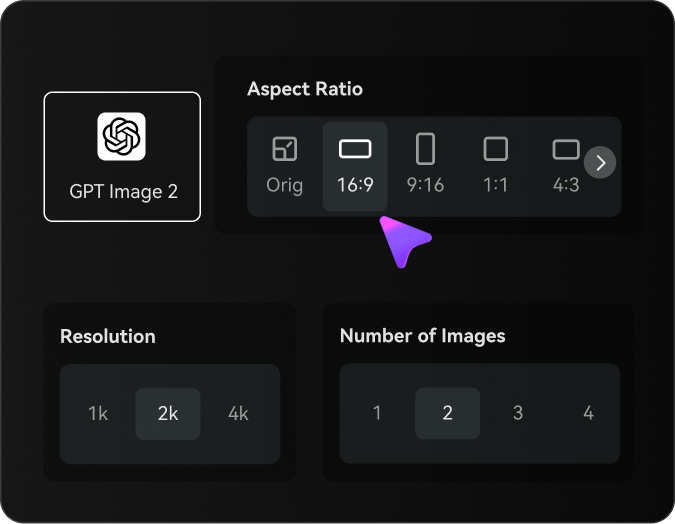
Escolha entre Auto, 1:1, 9:16, 16:9, 4:3, 3:4, 3:2 e 2:3. Fica fácil criar arte cênica vertical para reels, fundos widescreen para vídeo ou proporções balanceadas para posts e impressões.
Modelos Avançados para Melhores Resultados de Texto para Imagem
Media.io suporta Nano Banana Pro, Nano Banana 2, Seedream 5.0 Lite, Soul Character, Seedream 4.0, Nano Banana e Imagen 4. Estes modelos ajudam a transformar prompts detalhados em inglês em composições cênicas mais ricas e criativas.
Como Usar o Gerador de Cenários de IA
Crie cenários incríveis com IA a partir de uma descrição em texto. Basta escrever sua ideia, ajustar o estilo e gerar sua imagem em três passos simples.
Passo 1
Abra o Gerador de Imagens de IA Media.io
Acesse o Media.io e abra o Gerador de Imagens de IA em IA → Texto para Imagem. A ferramenta funciona diretamente no navegador para criar cenários no Windows, Mac, iPhone, Android ou qualquer dispositivo moderno.
Passo 2
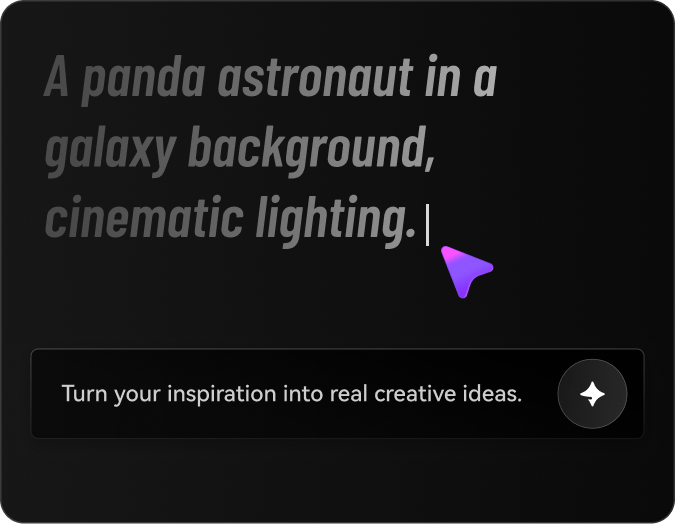
Insira Seu Prompt e Escolha o Estilo
Digite um prompt detalhado, como “um lago cinematográfico em uma montanha ao nascer do sol, floresta de pinheiros em primeiro plano, luz dourada, fotorrealista, composição ampla”. Depois, escolha o estilo, modelo, proporção e resolução desejados.
Passo 3
Gere, Refine e Baixe
Clique em Gerar para criar sua imagem de cenário com IA. Se quiser melhorar o resultado, refine o prompt, experimente outros estilos ou altere a proporção. Quando estiver satisfeito, baixe a imagem em alta resolução para usar em seu projeto.
O que usuários dizem sobre criação de cenários no Media.io
Lena Morris
Criadora de Conteúdo de Viagem
"Ótimo para conceitos realistas de paisagem"Uso o Media.io quando preciso de visuais cênicos rápidos para posts de viagem e thumbnails. Os prompts de montanha e praia ficam lindos, e as opções de proporção facilitam criar versões verticais e widescreen.
Darius Cole
Roteirista de Jogos Indie
"Útil para worldbuilding e cenas de fantasia"O gerador de cenários de IA é ótimo para ideação de ambientes. Criei reinos de fantasia, florestas brilhantes e cidades arruinadas em minutos, especialmente útil para moodboards e referências de fundo em desenvolvimento de histórias.
Mina Patel
Designer de Mídias Sociais
"Fácil de usar até com prompts simples"Gosto que o Media.io gera bons resultados de descrições curtas, depois posso aprimorar a imagem com mais detalhes. Os estilos anime e aquarela são ótimos para conteúdo de marca e campanhas sazonais.
Ethan Brooks
Ilustrador Freelancer
"Estilos variados e opções de resolução robustas"Poder gerar cenários em pintura a óleo, realista e arte conceitual em um só lugar me poupa tempo. Também valorizo opções de alta resolução para saídas mais limpas em mockups e apresentações a clientes.
Explore os efeitos de vídeo e imagem de IA mais quentes
Perguntas Frequentes sobre Gerador de Cenários de IA
1. O que é um gerador de cenários de IA?
Um gerador de cenários de IA é uma ferramenta de texto para imagem que converte prompts escritos em visuais cênicos como montanhas, florestas, praias, mundos de fantasia e fundos ilustrados. A ferramenta do Media.io suporta vários modelos e estilos, permitindo criar paisagens realistas ou ambientes artísticos online.
2. IA pode gerar cenários e paisagens a partir de texto?
Sim. O Media.io gera cenários a partir de texto usando modelos como Nano Banana Pro, Nano Banana 2, Seedream 5.0 Lite, Soul Character, Seedream 4.0, Nano Banana e Imagen 4. Você descreve a cena, escolhe um estilo e gera a imagem direto no navegador.
3. Como escrever um bom prompt para o gerador de paisagens de IA?
Para melhores resultados, descreva o cenário claramente em inglês, incluindo assunto, ambiente, iluminação, clima, composição e estilo. Por exemplo: “um lago de montanha fotorrealista ao nascer do sol, floresta de pinheiros em primeiro plano, luz dourada, ângulo amplo, reflexos calmos, ultra-detalhado”. O Media.io é otimizado para prompts em inglês, o que melhora a qualidade.
4. Media.io pode criar imagens realistas de paisagens?
Sim. O Media.io aceita geração realista e oferece outros estilos como anime, renderização 3D, pintura a óleo e cyberpunk. Para obter cenários mais vivos, use estilo realista, escreva prompts detalhados e escolha proporção e resolução adequadas.
5. Existe um gerador de cenários de IA grátis online?
Sim. Usuários gratuitos têm 3 créditos diários para testar o gerador de cenários de IA do Media.io online. Exports grátis podem ter marca d’água; assinantes pagos baixam imagens sem marca d’água em alta resolução. Para mais créditos ou downloads limpos, faça upgrade aqui: https://www.media.io/br/pricing.html
6. Posso usar esse gerador de paisagens de IA no celular ou computador?
Sim. O Media.io é uma ferramenta web que funciona em qualquer dispositivo com navegador, incluindo Windows, Mac, iOS e Android. Você gera imagens cênicas, ambientes de fantasia ou fundos naturais sem instalar software.