As criações são armazenadas por apenas 7 dias. Os recursos criados após o upgrade para um plano de assinatura serão armazenados permanentemente.
Desbloqueie seu potencial criativo e experimente a magia da IA de mídia hoje!
Pixar Pet Filter for Turning Pet Photos Into 3D Cartoon Stars
Create a pixar pet filter look from your own pet photo in just a few steps. Media.io helps you transform dogs, cats, and more into glossy animated portraits with expressive eyes, soft fur detail, and a fun 3D pet cartoon filter style for sharing or printing.
Review these example directions, then tailor the prompt details to get stronger results with this Pixar Pet Filter or a pet pixar style filter that better matches your pet’s personality.
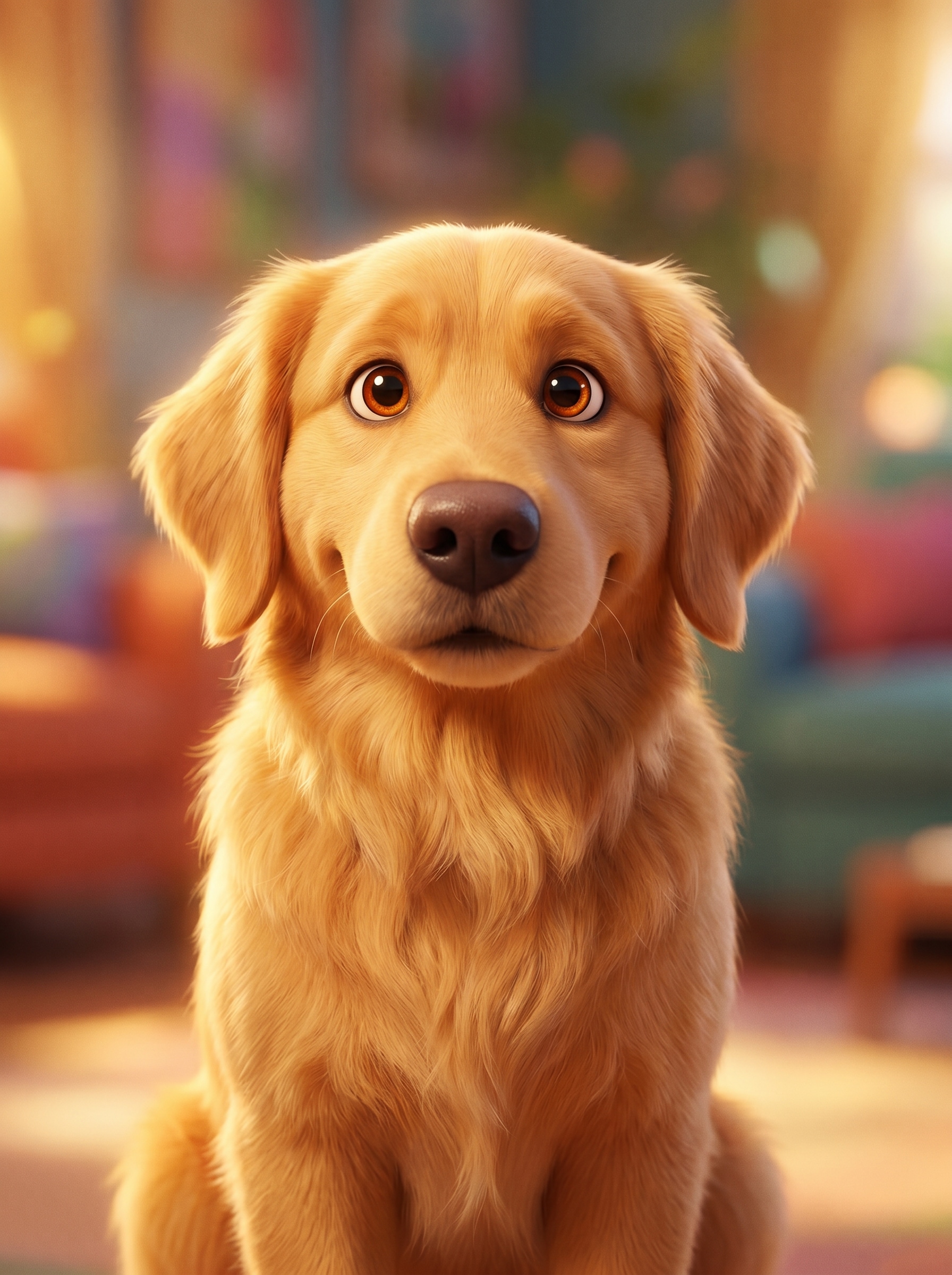
Pixar-Inspired 3D Pet Portrait
Use the uploaded image as the subject and transform the pet into a family-friendly 3D animated character portrait with large expressive eyes, soft detailed fur, rounded facial features, warm cinematic lighting, a colorful blurred background, shallow depth of field, and a polished movie-poster finish.
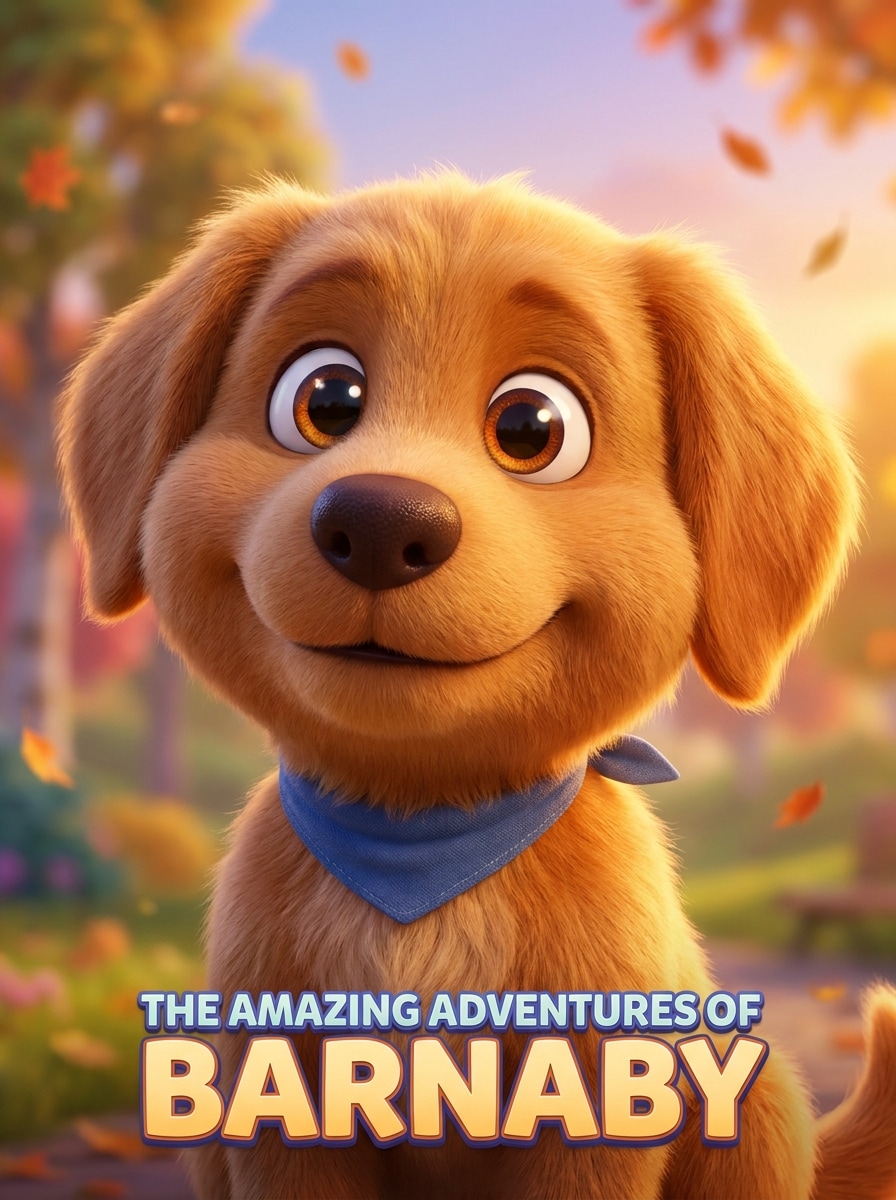
Hero Poster Animation
Use the uploaded pet photo as the subject and restyle it into the star of an animated adventure poster, featuring a confident pose, glossy expressive eyes, rich fur texture, dramatic yet warm key light, bold gradient backdrop, cinematic depth, and premium 3D character styling.
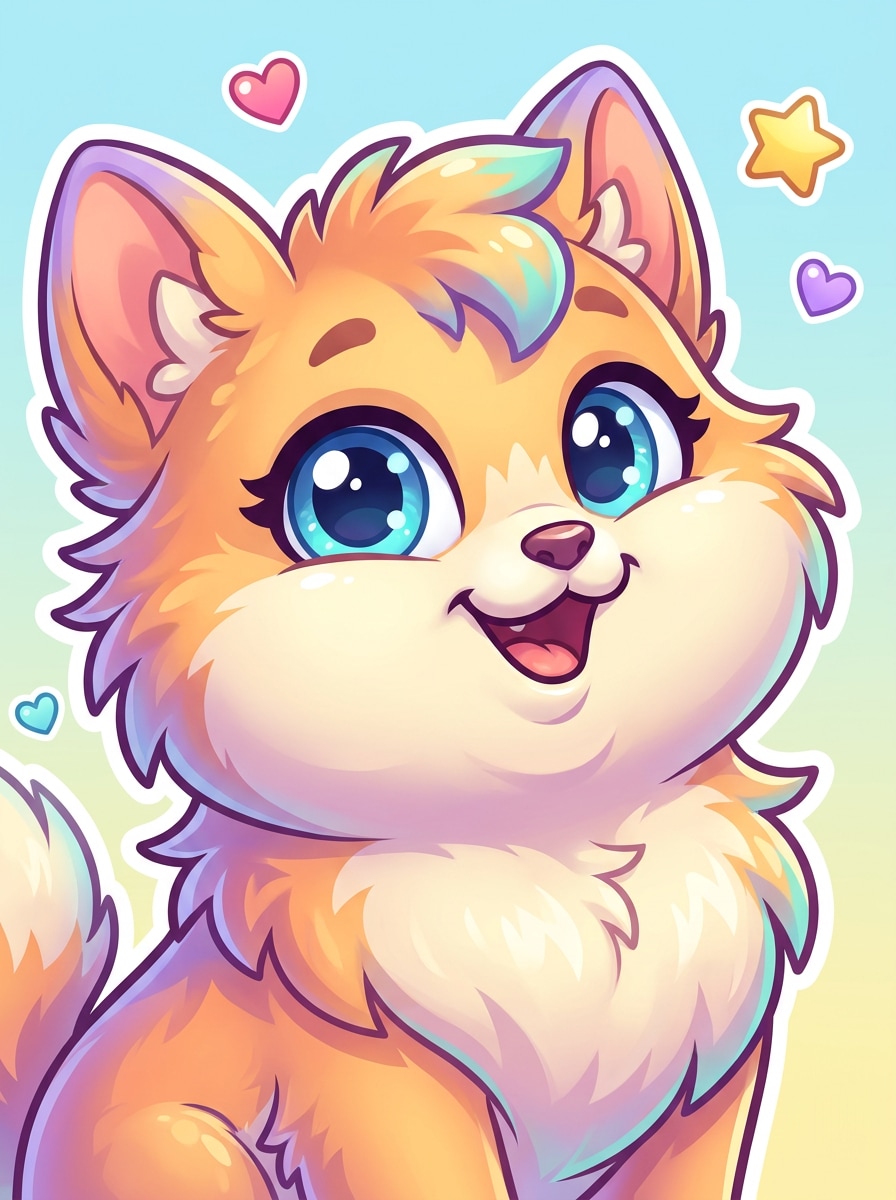
Big-Eyes Viral Cartoon
Use the uploaded image as the base and turn the pet into an adorable viral cartoon character with oversized sparkling eyes, fluffy stylized fur, rounded cheeks, cheerful expression, bright playful colors, soft highlights, clean background separation, and a glossy social-media-ready animated finish.
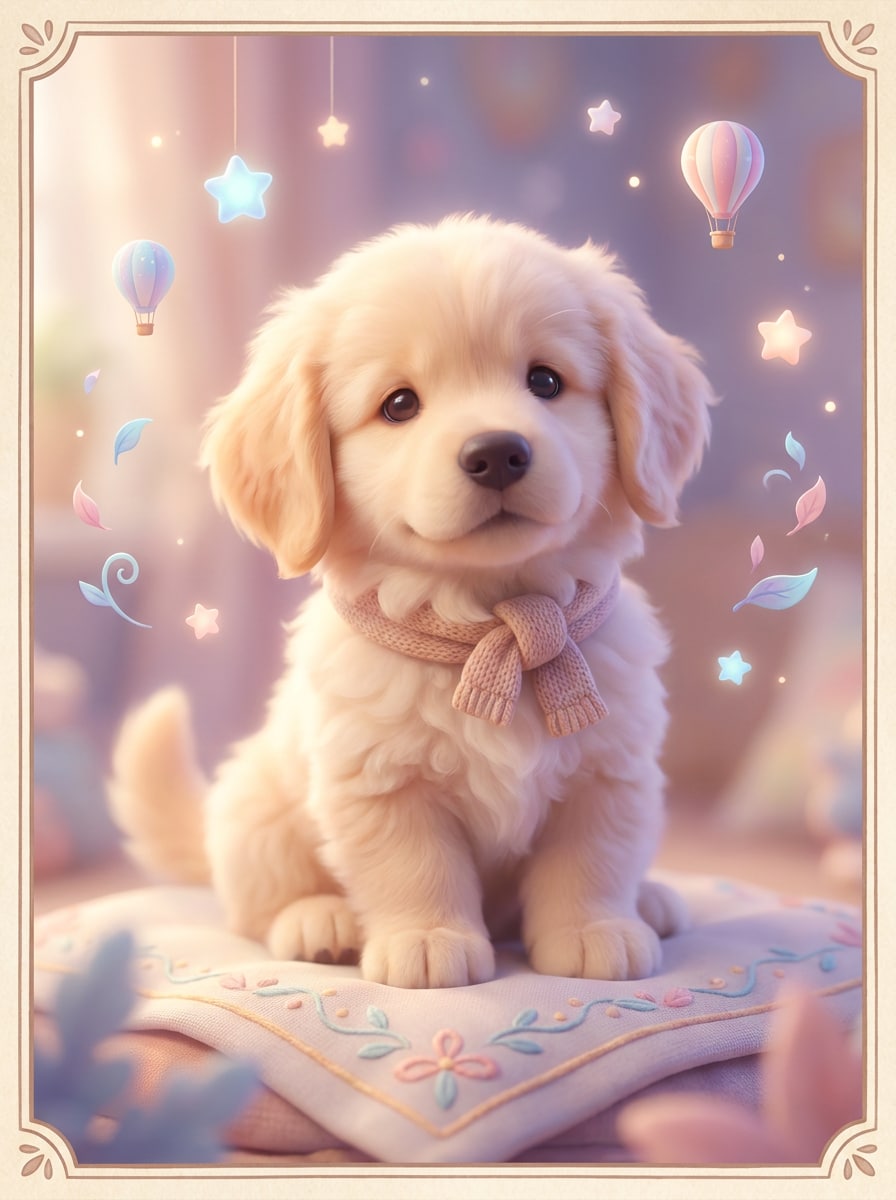
Soft Pastel Animated Pet
Use the uploaded pet photo and transform it into a dreamy animated portrait with pastel tones, soft bloom lighting, delicate shadows, fluffy texture, whimsical background accents, gentle depth, and a storybook-inspired 3D look that feels warm, sweet, and giftable.
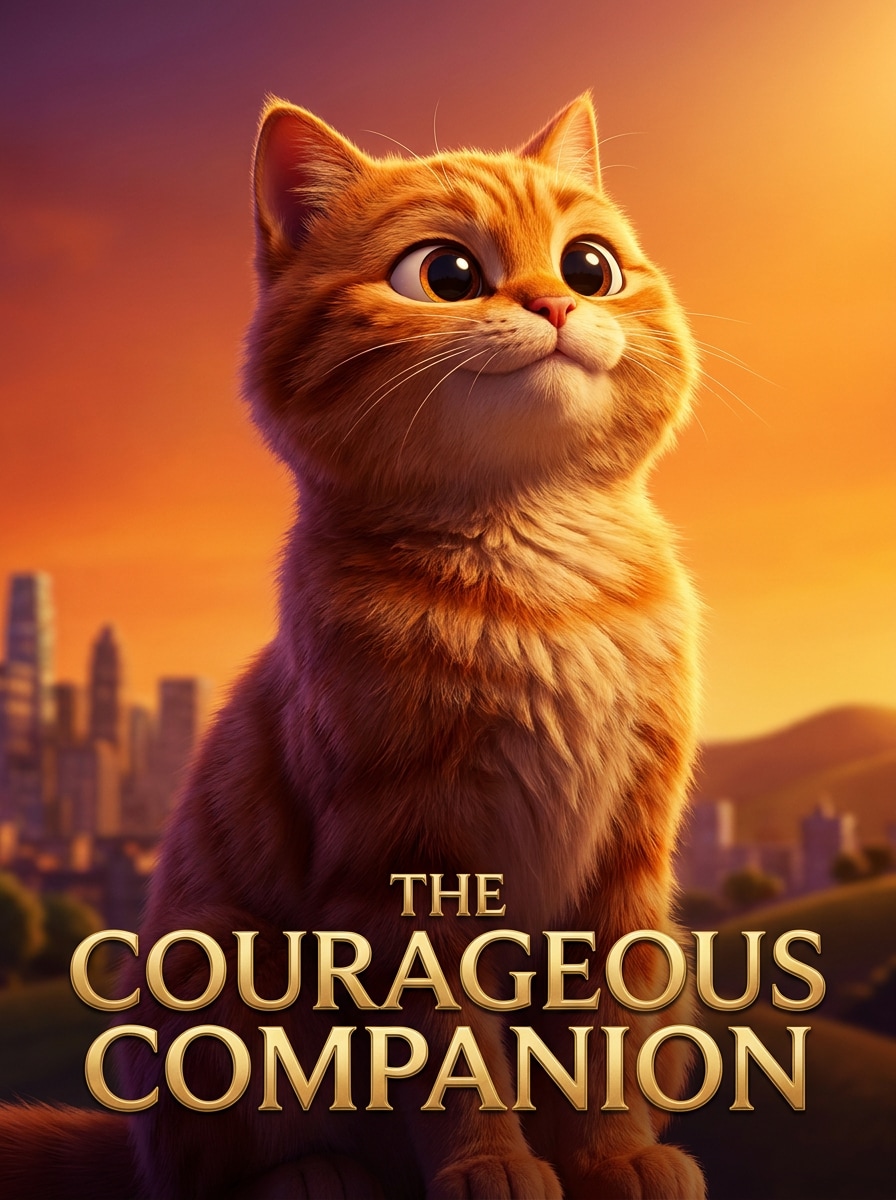
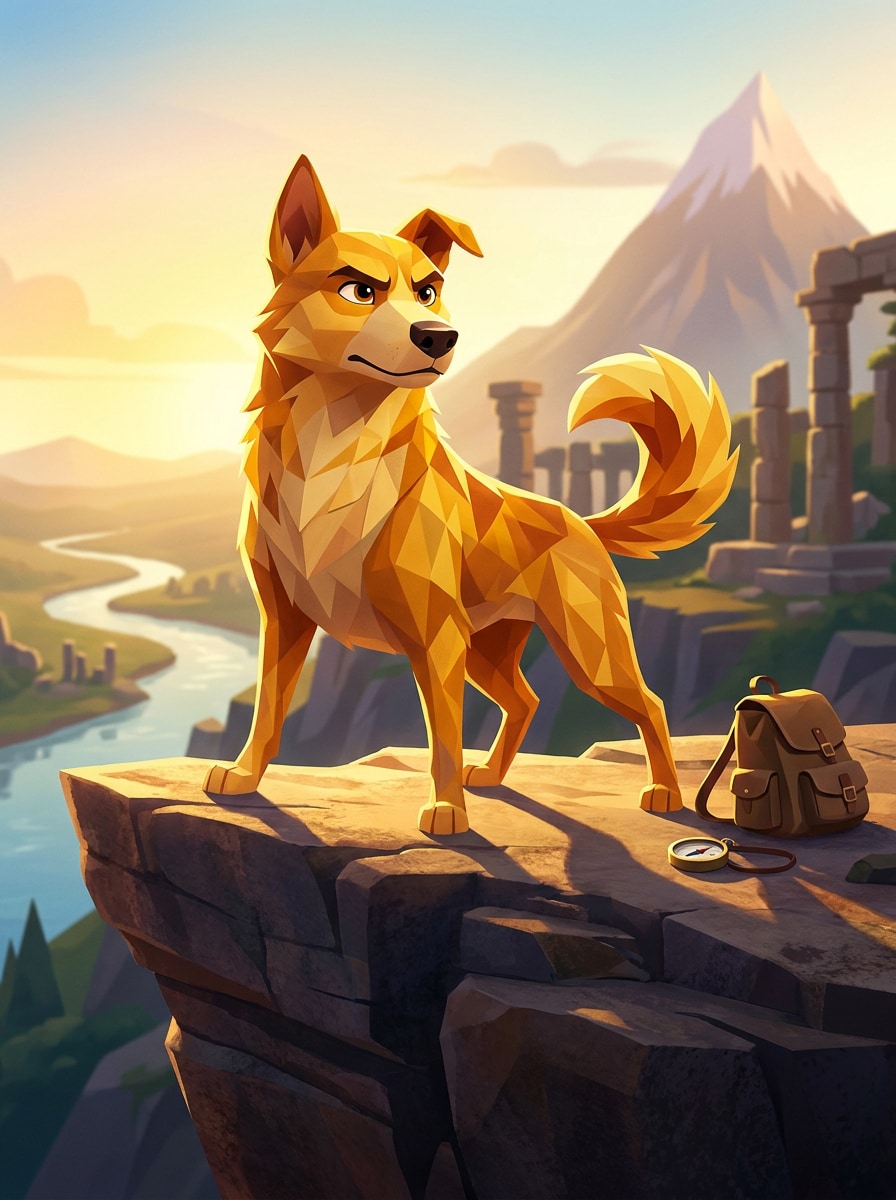
Adventure Sidekick
Use the uploaded image as the character reference and turn the pet into an adventurous animated sidekick with an expressive face, heroic stance, stylized fur shapes, golden cinematic light, subtle outdoor storytelling elements, rich contrast, and polished 3D family-film aesthetics.
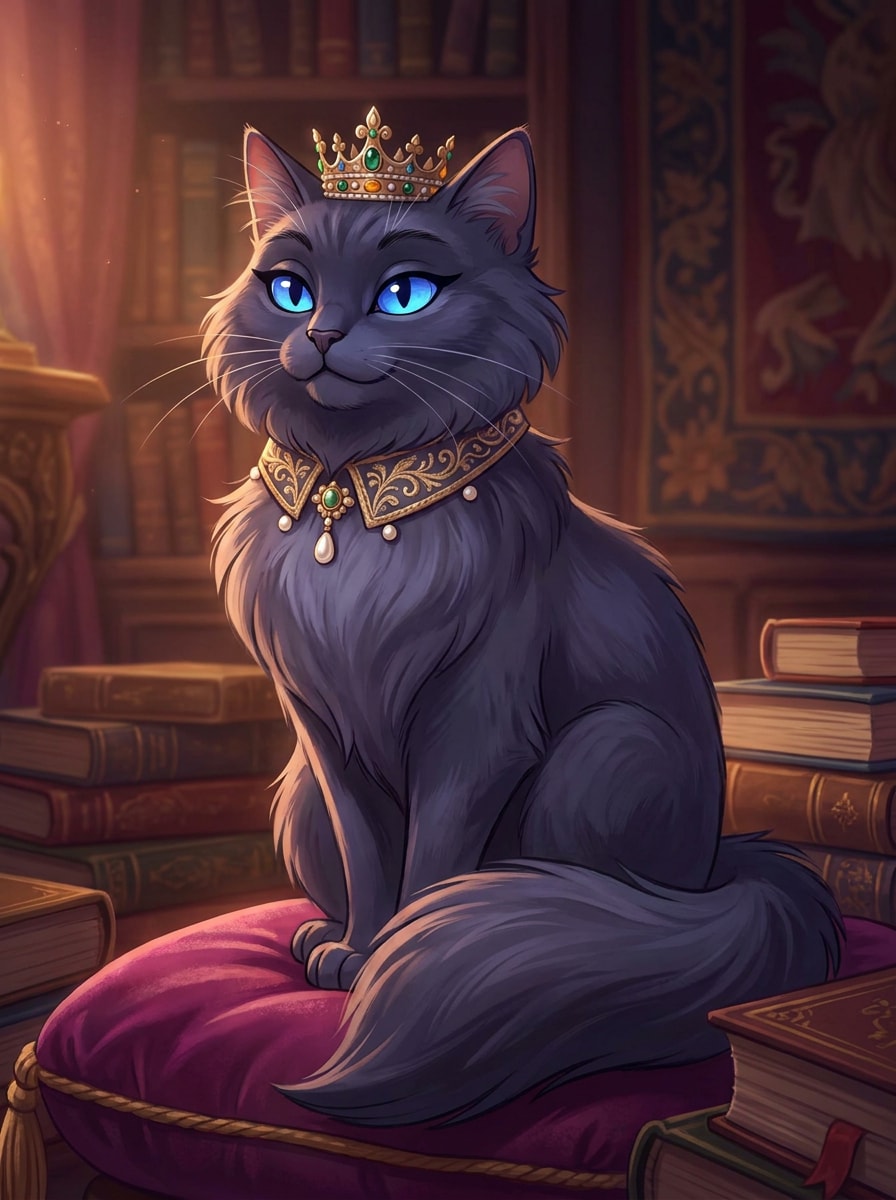
Royal Cartoon Pet
Use the uploaded pet photo as the subject and transform it into a regal animated character with elegant posture, luminous eyes, velvet-soft fur rendering, tasteful decorative accessories, rich jewel-tone palette, soft cinematic glow, and a refined premium cartoon portrait finish.
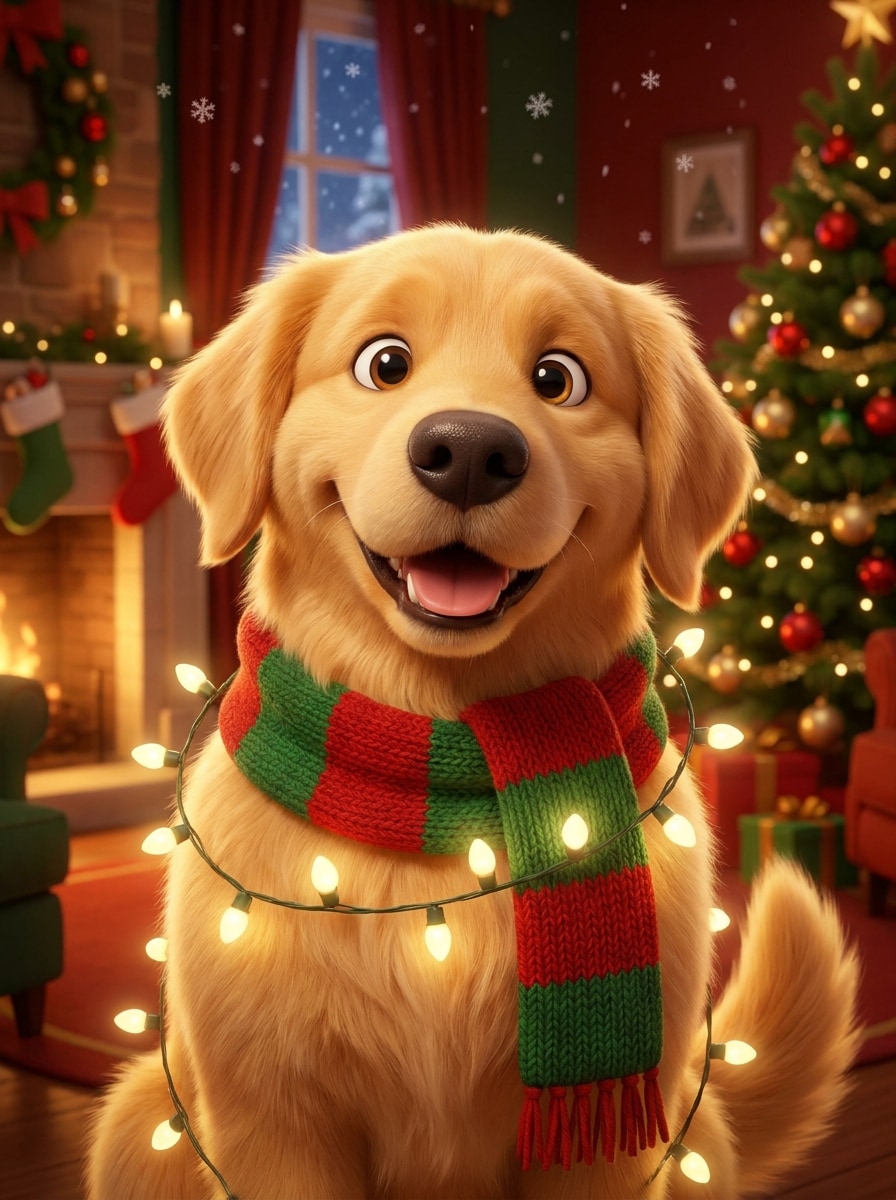
Holiday Animated Pet
Use the uploaded image and restyle the pet into a festive animated portrait with cozy seasonal colors, glowing string lights, expressive facial detail, fluffy polished fur, decorative holiday background elements, warm shadows, and a cheerful 3D cartoon finish perfect for cards and posts.
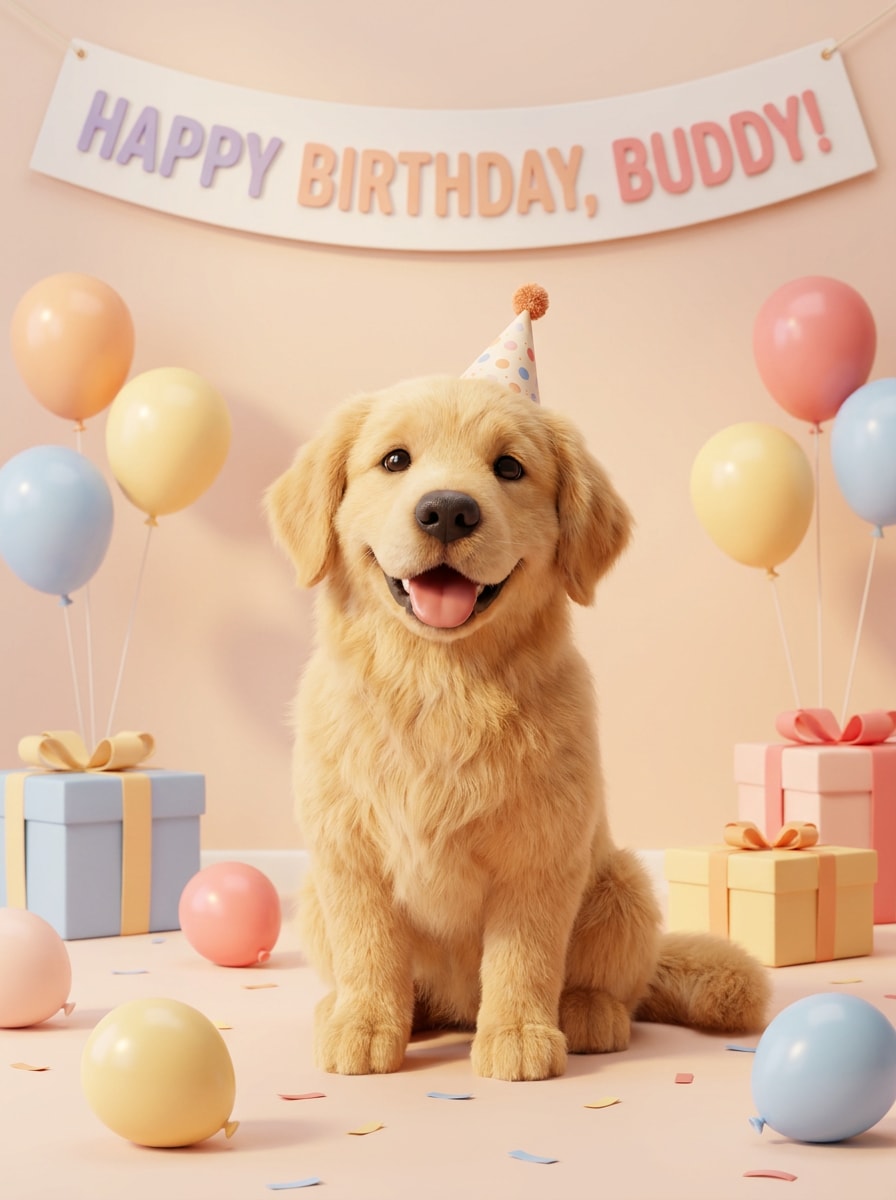
Birthday Character Portrait
Use the uploaded pet photo as the subject and create a joyful birthday-themed animated character portrait with bright celebratory colors, subtle party details, cute facial expression, enhanced fur texture, soft cinematic lighting, clean composition, and charming 3D rendering for gifts and social posts.
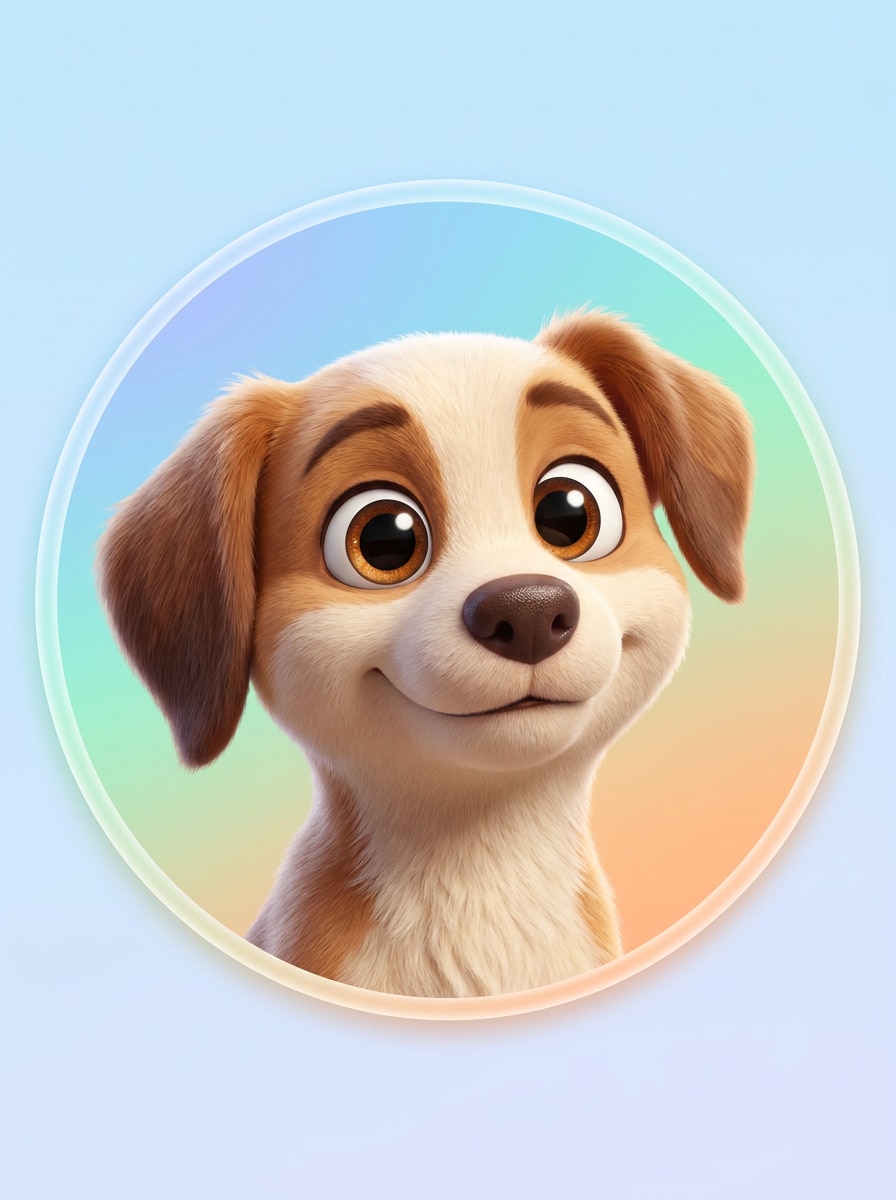
Profile Pic Cartoon Pet
Use the uploaded image as the base and generate a clean centered animated pet headshot with expressive eyes, smooth 3D shading, crisp fur detail, simple colorful backdrop, balanced lighting, polished edges, and a profile-picture-ready composition optimized for avatars and social accounts.
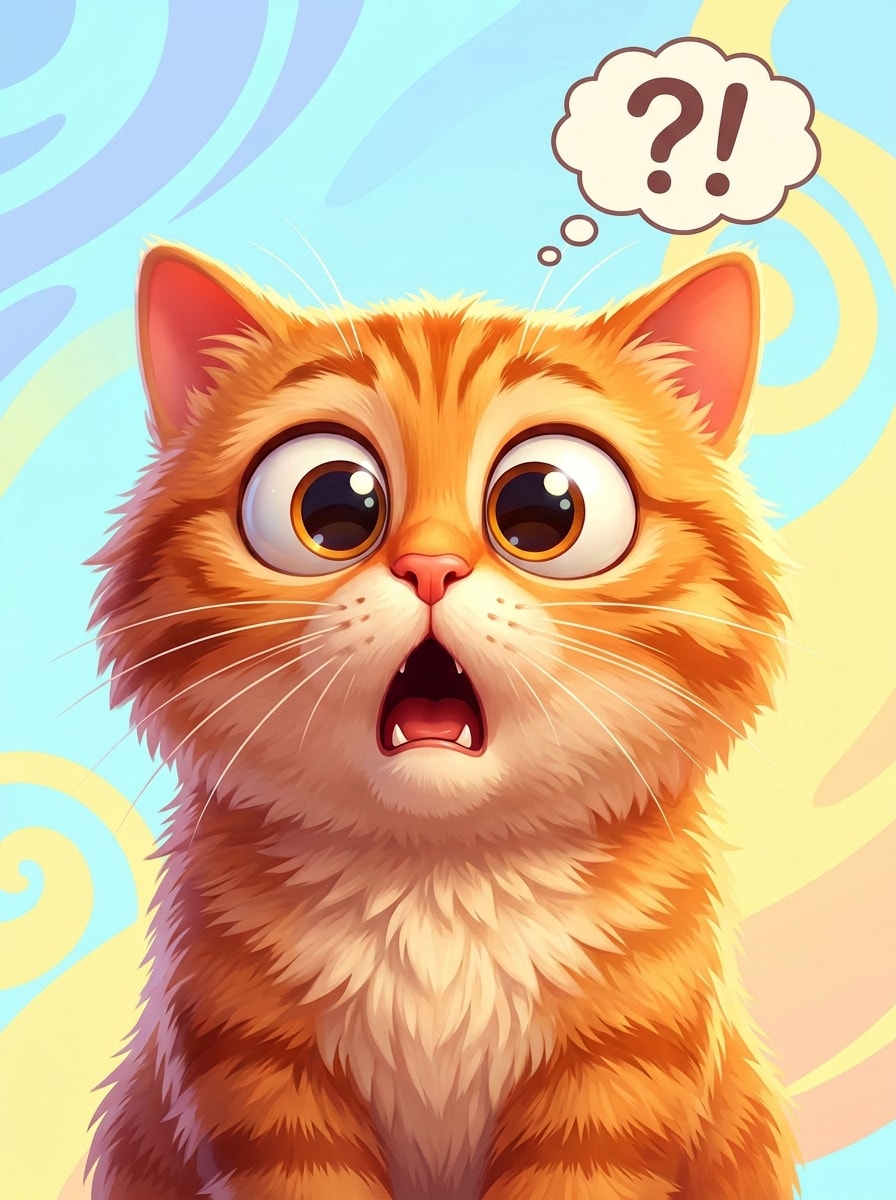
Funny Reaction Character
Use the uploaded pet photo and transform it into a humorous animated reaction character with an exaggerated expression, glossy wide eyes, rounded stylization, vibrant lighting, crisp fur detail, bright contrasting background, and a meme-friendly composition that still feels polished and family-friendly.
Why Use Media.io for Pixar-Style Pet Portraits
Fine-Tune Format for Avatars, Prints, and Social Posts
For social posts, branding, or mockups, Media.io helps keep your pet recognizable while adapting the overall pixar pet filter style, so the final image still feels true to the original subject.
Keep Your Pet Recognizable While Changing the Style
A single concept can need several creative directions. Media.io lets you reinterpret the same pixar pet filter visual across different looks, making it easier to match each version to a specific brief or audience.
Keep Final Visuals Sharp for Real Projects
If the artwork needs to go beyond a small preview, Media.io helps generate sharper pixar pet filter results up to 4K, so the image holds up better in presentations, design work, or printed pieces.
Create on Any Device Without Extra Apps
Ideas often start on one device and get finished on another. Media.io keeps the pixar pet filter workflow online, so you can begin on the go and return later without extra installs or setup.
How to Make a Pixar-Style Pet Portrait Online
Turn your words into stunning visuals in three simple steps, then continue refining the result if you want to take it further.
Step 1
Upload Your Reference Image
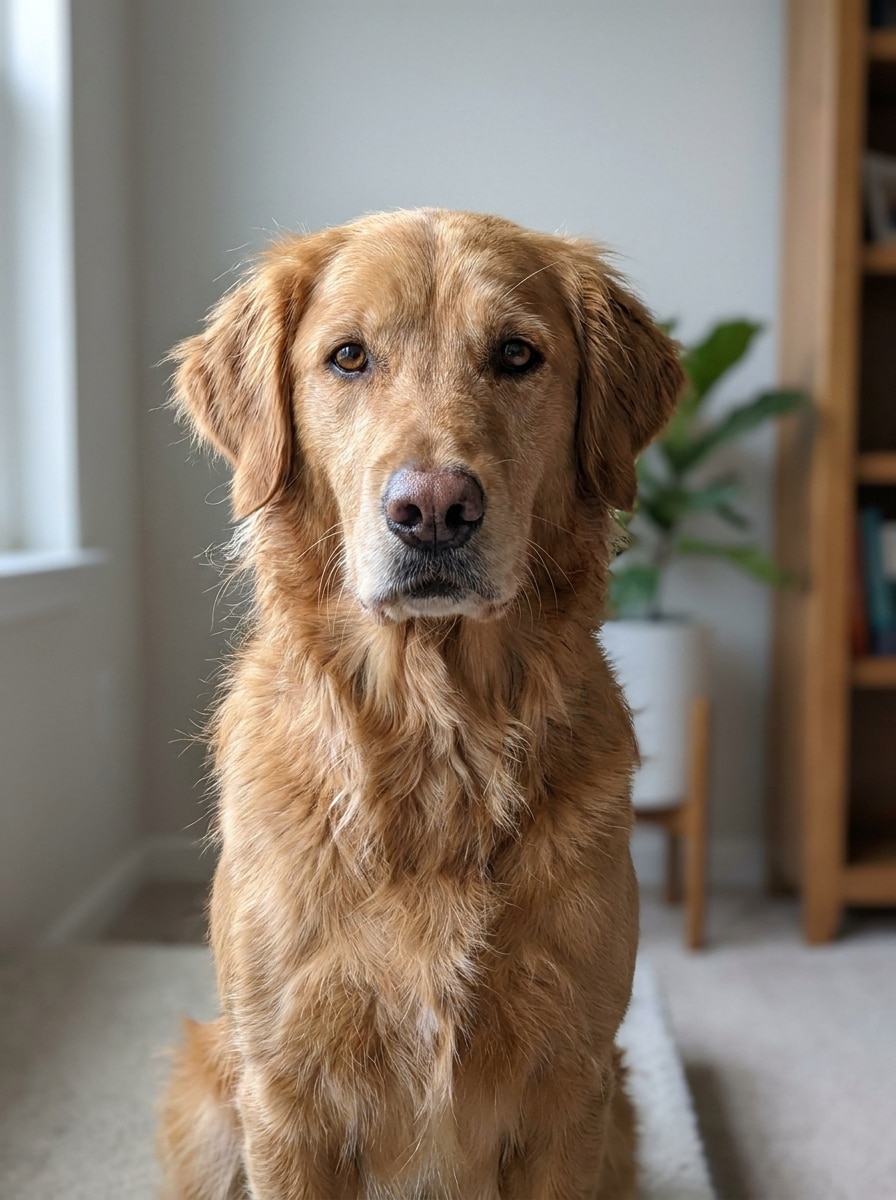
Start with a clear pet photo in JPG, PNG, or JPEG format. Front-facing or three-quarter portraits with good lighting, visible eyes, and a clean subject outline usually produce the most expressive cartoon transformation.
Step 2
Describe the Change and Set Options
Enter a prompt that explains the style you want, such as glossy 3D animation, soft pastel storybook, or heroic poster art. Then choose your model and adjust aspect ratio, resolution, and image count to match your final use.
Step 3
Generate, Download, and Keep Improving
Create your image, compare the variations, and download your favorite version. If needed, refine the prompt, try another style direction, or generate new results until the pet portrait feels right for sharing, gifting, or printing.
See how creators use this Pixar Pet Filter for content, marketing, and personal projects, then adapt each idea to fit the brief.
Make Scroll-Stopping Profile Pictures
Turn an everyday dog or cat photo into a polished animated avatar with big personality. Media.io makes this style ideal for social profiles, messaging apps, and creator branding when you want something more memorable than a standard pet snapshot.
Create Giftable Portraits for Pet Lovers
Design a charming cartoon artwork for birthdays, holidays, memorial keepsakes, or framed home decor. Media.io helps create a pet pixar style filter look that feels more special than a basic effect and works beautifully for cards, prints, and custom pet-themed gifts.
Build Before-and-After Content for Social Posts
Use a real photo alongside the transformed version to create highly shareable reels, carousels, and pins. Media.io gives this animated makeover strong visual contrast, which makes it especially effective for trend-driven content, reaction posts, or a playful disney pet filter comparison.
What Users Say About This Pet Cartoon Filter
Hannah P.
Dog Mom & Etsy Seller
"Great for printable pet gifts" I uploaded a simple photo of my corgi and got a polished animated portrait in minutes. The eyes and fur still looked like my real dog, which made the final image feel personal enough to print as a gift.
Marcus L.
Social Media Creator
"Easy before-and-after content" I used it to make a before-and-after reel of my cat photo turning into a 3D cartoon character. The result looked clean, colorful, and much more professional than the quick pet filters I tried elsewhere.
Priya S.
Pet Rescue Volunteer
"Works well on mobile" I made fun character portraits of adoptable pets directly from my phone browser. It was simple to upload, tweak the prompt, and generate a version that felt cute without losing the pets' recognizable faces.
Jason R.
Cat Owner
"Better quality than expected" The final image had strong detail and a real animated-movie feel. I liked being able to try different looks until I found one that matched the playful personality of my cat.
1. How can I turn my pet photo into a Pixar-style image?
Upload a clear pet photo to Media.io, then enter a style prompt describing the animated look you want, such as glossy 3D fur, expressive eyes, warm cinematic lighting, and a colorful background. After that, generate variations until your cartoon pet portrait matches your pet’s personality.
2. Is this Pixar pet filter free to use?
Yes, Media.io offers free credits so you can try the effect before subscribing. Free users may see watermarks, while paid plans unlock watermark-free high-resolution downloads and more usage. You can compare options on the pricing page.
3. What kind of pet photo works best for image-to-image results?
The best source image is sharp, well lit, and clearly shows your pet’s face, eyes, and fur pattern. Simple backgrounds help Media.io focus on the subject, and front-facing or three-quarter angles usually work especially well for a disney pet filter or animated portrait style. JPG, PNG, and JPEG files are supported.
4. How long does it take to generate a cartoon pet portrait?
It usually takes only a short time to upload your photo, add a prompt, and generate results in Media.io. Total time depends on the style complexity and how many variations you create, but the workflow is built for quick experimentation and easy retries.
5. Can I use this pet cartoon filter on iPhone and Android?
Media.io is a web-based tool, so you can use this pet cartoon filter on phones, tablets, Windows PCs, and Mac computers as long as you have a browser connection. That makes it easy to start with a pet photo on one device and continue anywhere.
6. Will my Pixar-style pet image be high resolution enough to print?
Yes, Media.io supports resolution options including 1K, 2K, and 4K, which helps when you want a cleaner result for prints, posters, or framed pet artwork. You can also choose an aspect ratio that better matches your print layout before generating the final image. Free users may have watermarks.