Selecione / @ personagem, descreva a cena que você deseja gerar.
0/2000
9:16
1K
1
Modo Ilimitado do Banana Pro
Criações
Hub de Ideias
Como funciona
Todos
Recursos populares
Ver tudo
Desafio Criativo de Halloween
Ver tudo
História de Frutas com IA
Ver tudo
Vídeo de História com IA
Ver tudo
Vídeos Virais Hoje
Ver tudo
Vídeos de Produto com IA
Ver tudo
Personagem AI
Ver tudo
Tendências de Dança
Ver tudo
GPT Image 2
Ver tudo
Seedance 2.0
Ver tudo
Correspondência de Celebridade por IA
Ver tudo
Dicas de Poses para Casais
Ver tudo
Prompts de Poses de Garota AI Estética
Ver tudo
Sugestões de Pose de Garoto Elegante com IA
Ver tudo
Lista de geração
As criações são armazenadas por apenas 7 dias. Os recursos criados após o upgrade para um plano de assinatura serão armazenados permanentemente.
Desbloqueie seu potencial criativo e experimente a magia da IA de mídia hoje!
Criador de Moldura de Aniversário para Edições de Festa Online Rápidas e Elegantes
Crie retratos com moldura de aniversário personalizados, edições de festa em estilo colagem e imagens de celebração prontas para compartilhar em minutos. Este criador de moldura de aniversário torna a edição de fotos para aniversário fácil online com sobreposições temáticas, estilos elegantes e ferramentas para navegador compatíveis com dispositivos móveis — sem necessidade de instalar aplicativo. Também suporta editor de moldura de foto de aniversário online.
Digite sua ideia -> A IA cria o design. Grátis para experimentar.
Revise estes exemplos de direções e ajuste os detalhes para obter resultados mais precisos com o criador de moldura de aniversário do Media.io para edição de moldura de foto de aniversário, edição de moldura de feliz aniversário ou uma elegante moldura de foto de feliz aniversário online.
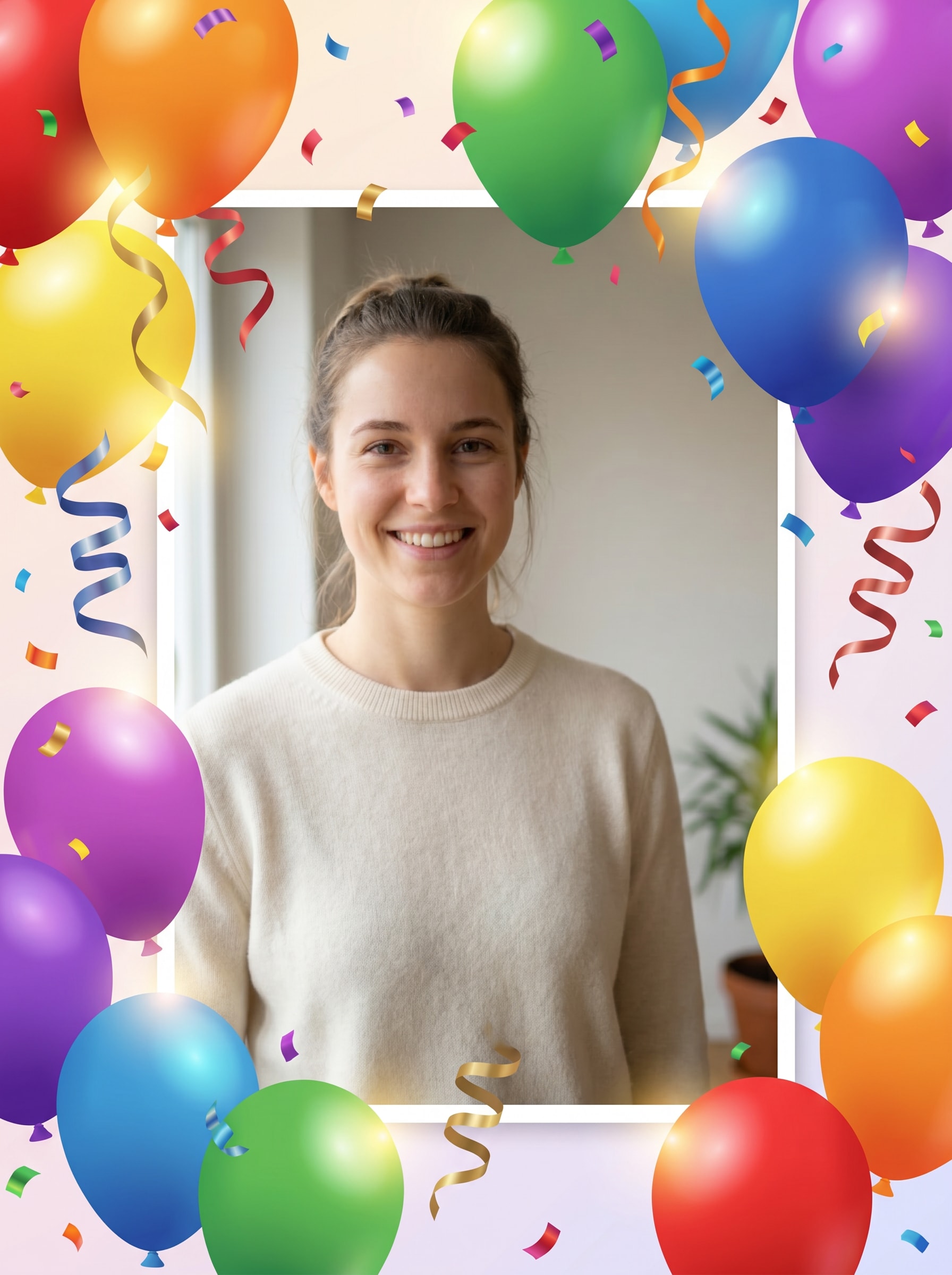
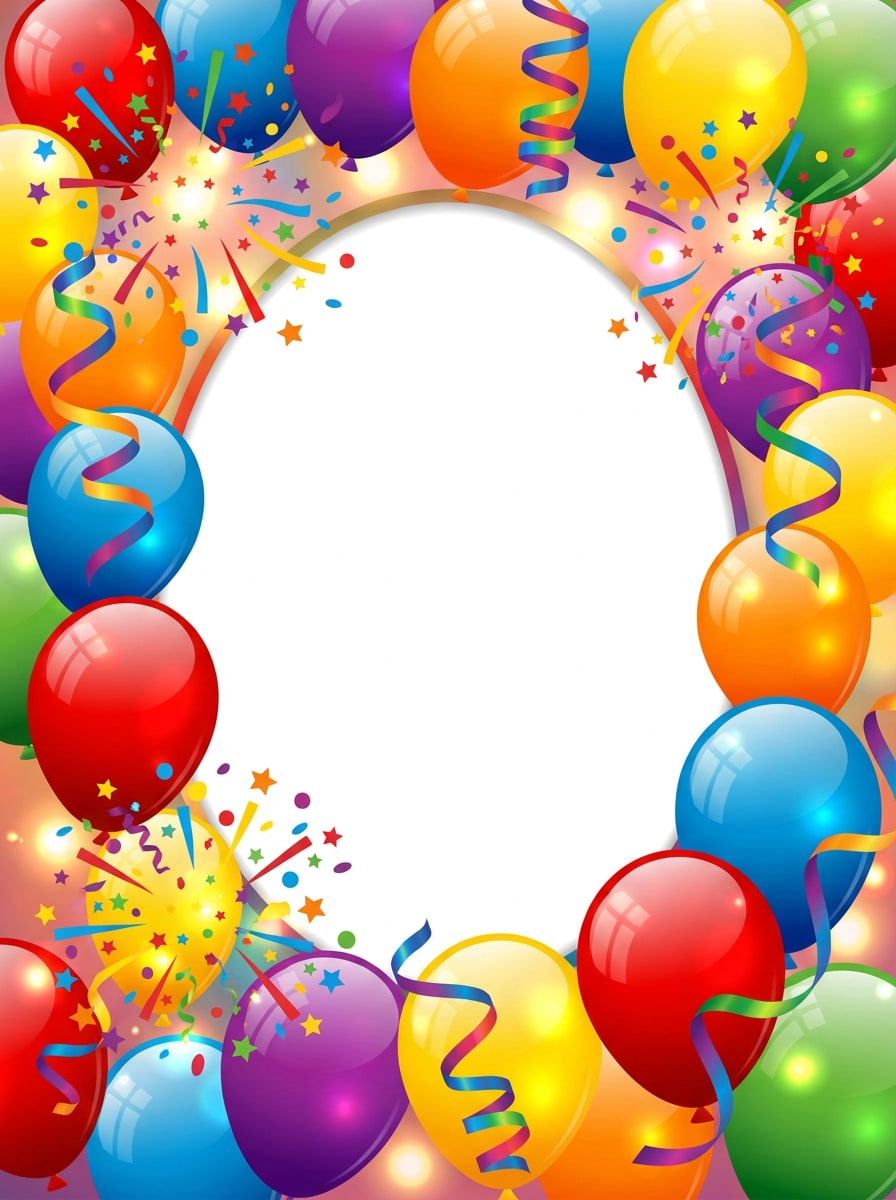
Balões e Confetes
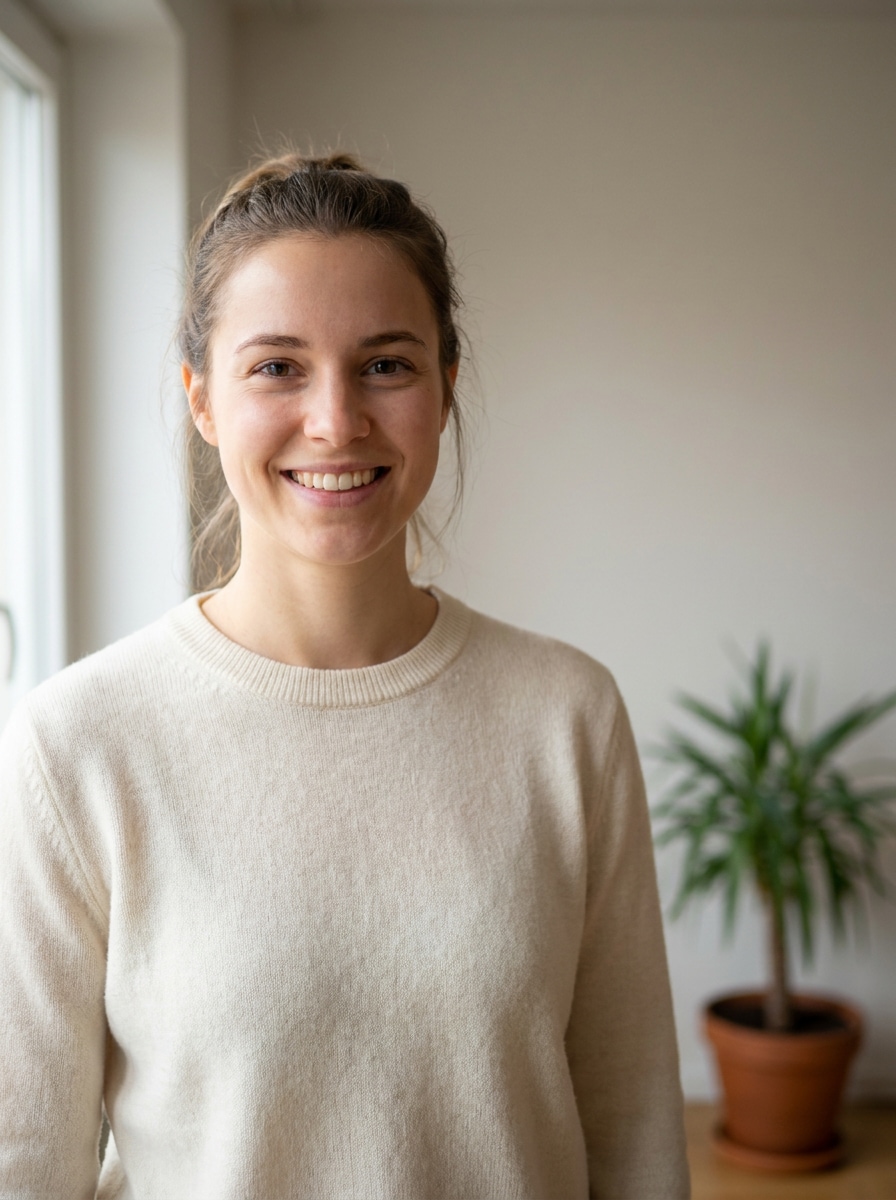
Use a imagem enviada como retrato principal e transforme-a em um design alegre de festa de aniversário com uma borda de balões coloridos, confetes flutuantes, fitas enroladas, destaques brilhantes suaves e uma janela de foto centralizada e limpa. Mantenha o sujeito reconhecível, use cores vivas do arco-íris, texturas digitais polidas e um clima festivo e alegre.
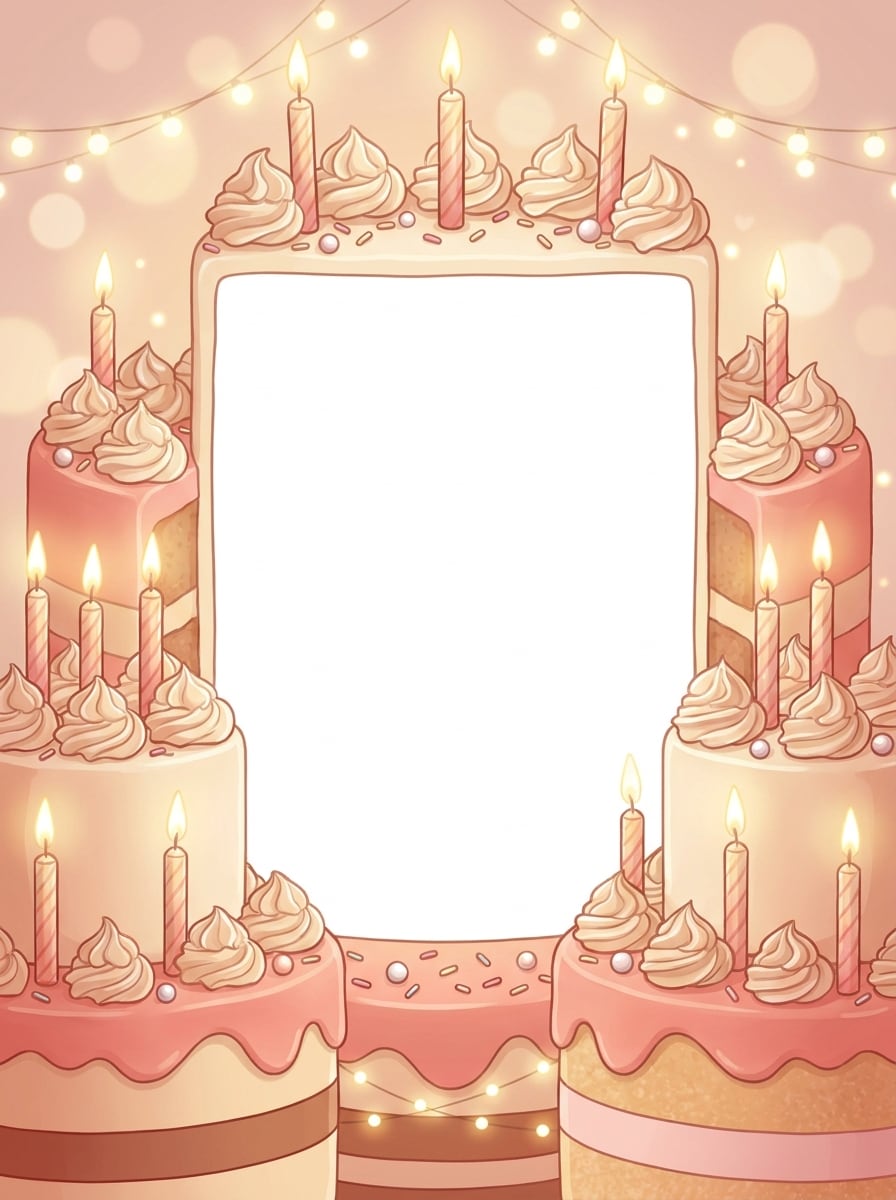
Moldura de Celebração com Bolo
Use a imagem enviada como sujeito e adicione uma moldura temática de bolo de aniversário com bordas geladas, ilustrações de velas, confeitos, destaques suaves de bokeh e uma paleta de celebração quente. Preserve o rosto claramente, mantenha o centro organizado e crie um visual de festa doce e polido com texturas cremosas e detalhes festivos convidativos.
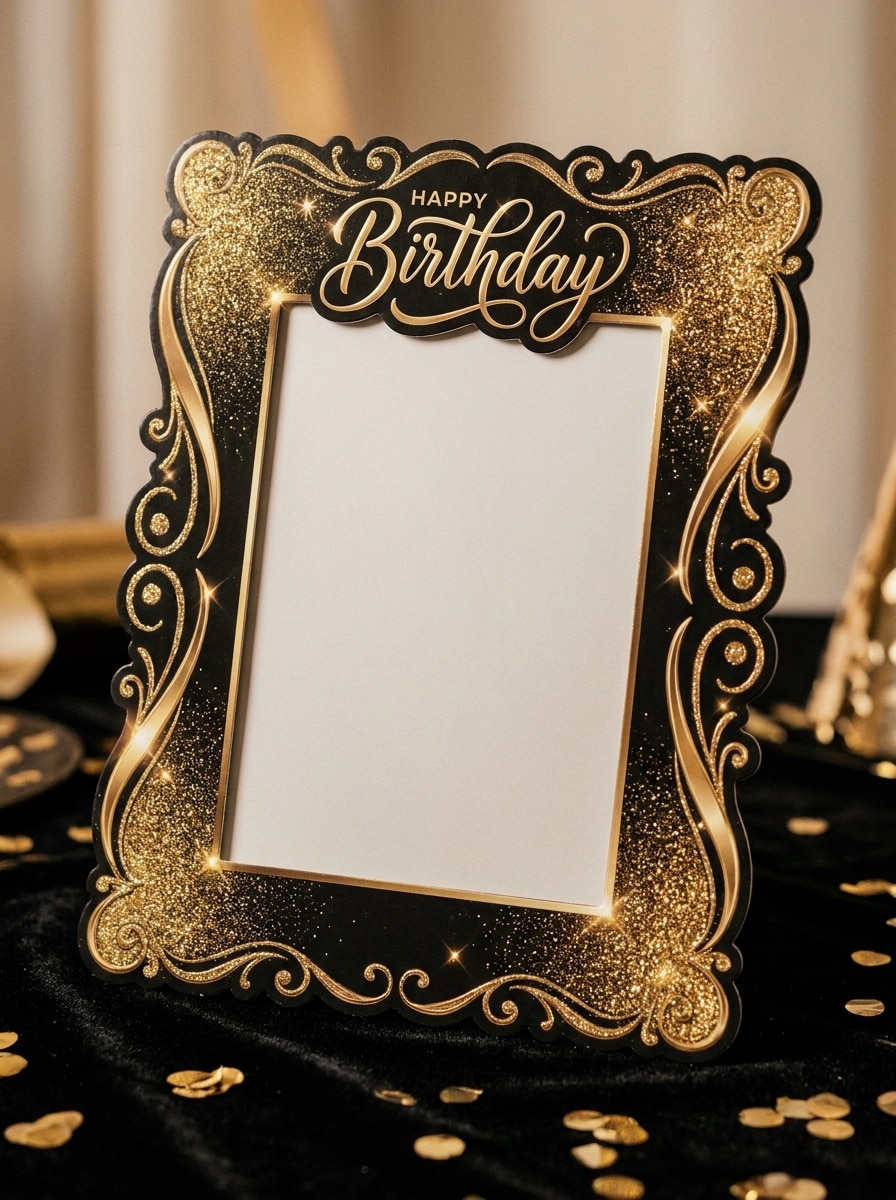
Luxo com Glitter Dourado
Use o retrato enviado e transforme-o em uma elegante moldura de aniversário com texturas de glitter dourado, faíscas delicadas, acentos pretos e champanhe, cantos decorativos refinados e iluminação dramática suave. Mantenha a pessoa reconhecível e centralizada, com um clima glamoroso premium, detalhes nítidos e uma composição limpa de celebração luxuosa.
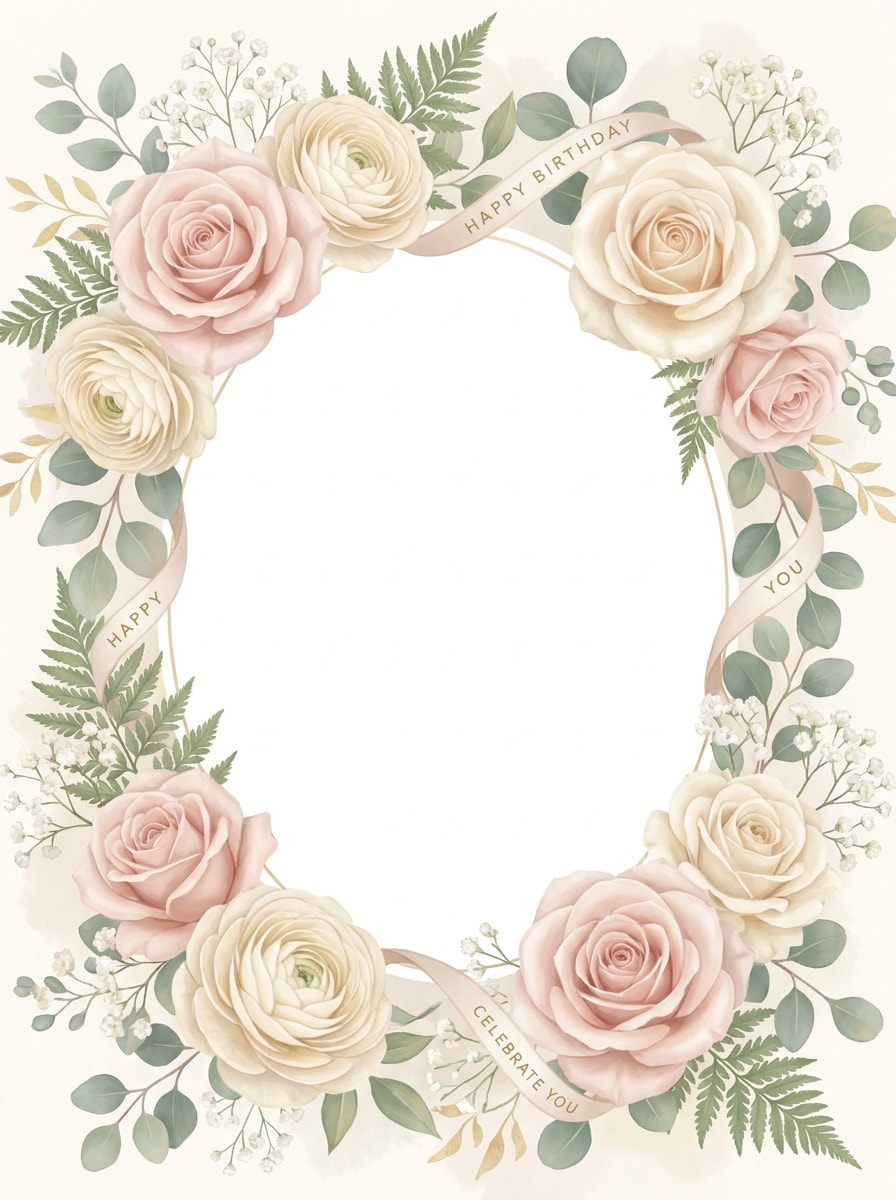
Aniversário Floral Pastel
Use a imagem enviada como foco e crie uma moldura de aniversário floral suave com flores rosa blush, pétalas creme, vegetação pastel, destaques aéreos e uma borda delicada e feminina. Mantenha o retrato claro e natural, com iluminação suave, texturas botânicas refinadas e um clima celebrativo calmo adequado para cumprimentos elegantes.
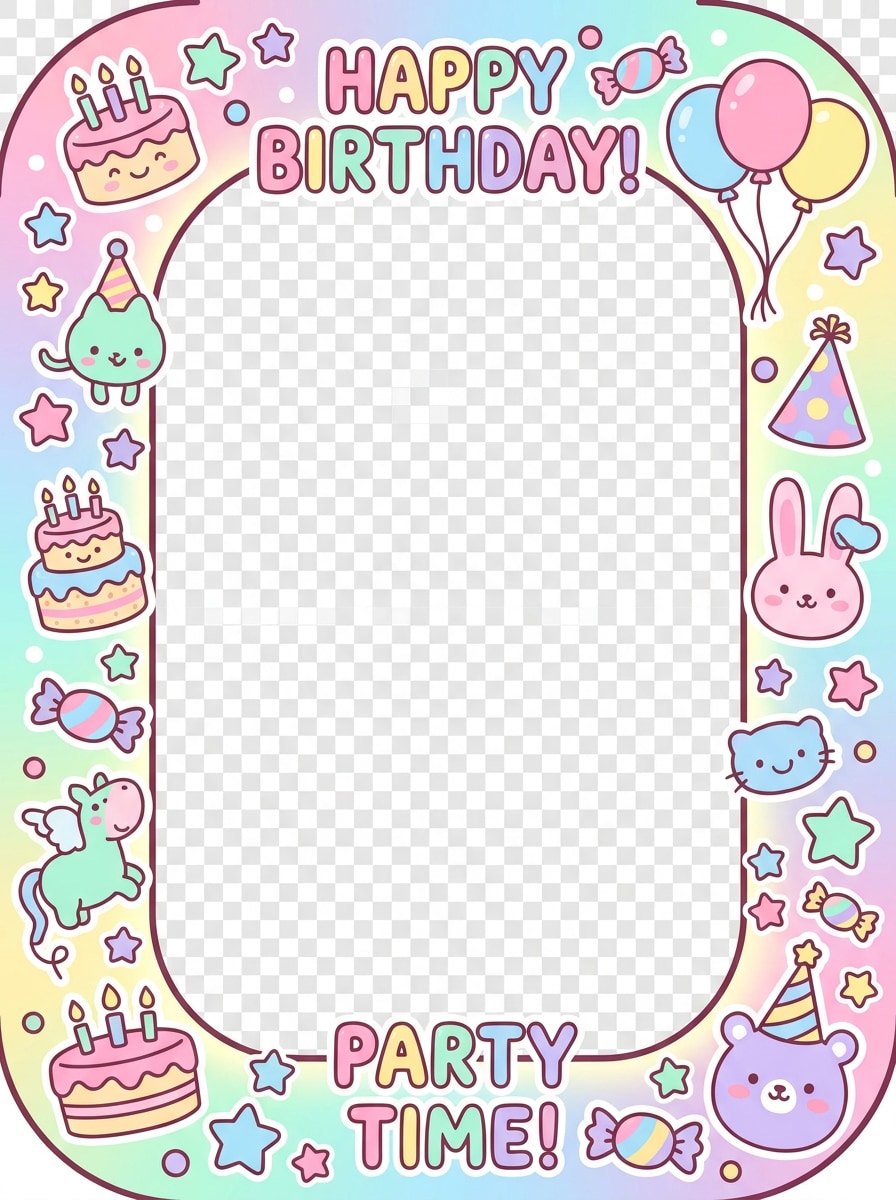
Festa Fofinha em Cartoon
Use a foto enviada como personagem central e transforme-a em uma moldura de aniversário fofinha com estrelas em cartoon, ícones de bolo, cores de doces, adesivos divertidos, formas arredondadas e energia celebrativa vibrante. Mantenha a identidade facial visível enquanto envolve o retrato com elementos infantis divertidos, texturas suaves e um clima de festa animado.
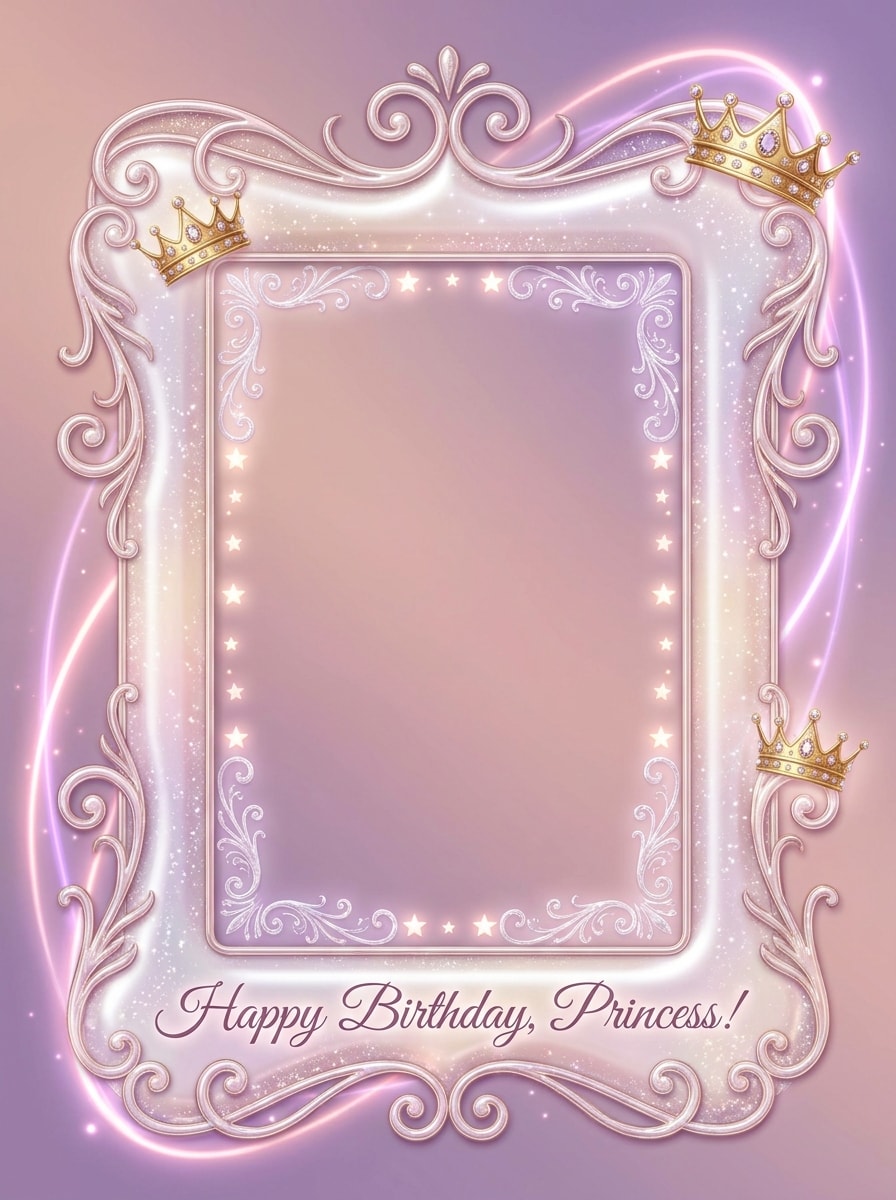
Tema de Aniversário de Princesa
Use a imagem enviada como sujeito e estilize-a com uma moldura de aniversário de princesa com brilhos rosas, coroinhas, brilho mágico, detalhes suaves como gemas e enfeites decorativos encantadores. Preserve o rosto claramente, use tons rosa pastel e lilás e crie um design celebrativo caprichoso com charme de fantasia polido.
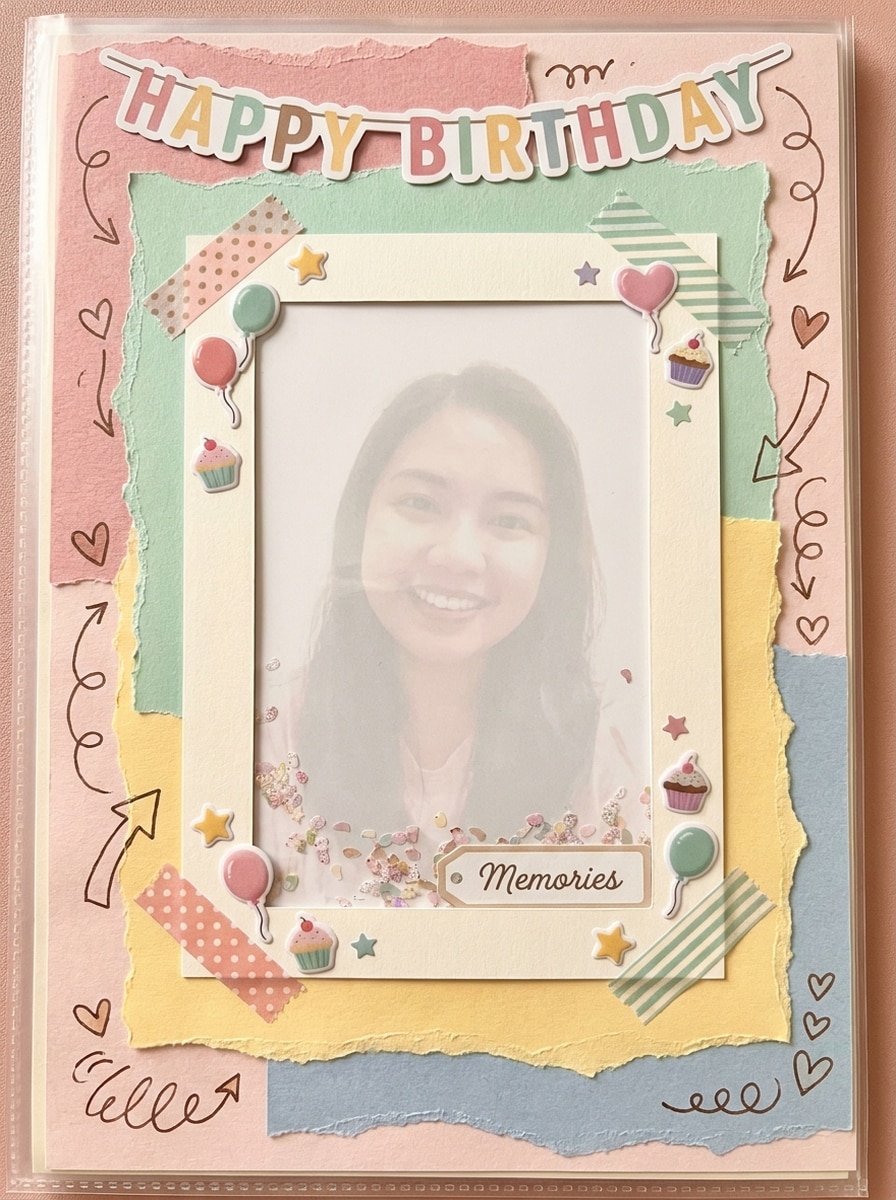
Colagem de Aniversário Estilo Scrapbook
Use a imagem enviada como a foto principal de memória e transforme-a em uma moldura de colagem de aniversário inspirada em scrapbook com texturas de papel, cantos com fita adesiva, adesivos de doodle, acentos estilo manuscrito e peças festivas em camadas. Mantenha o sujeito claro, adicione cores nostálgicas quentes e crie um layout de celebração artesanal cheio de personalidade.
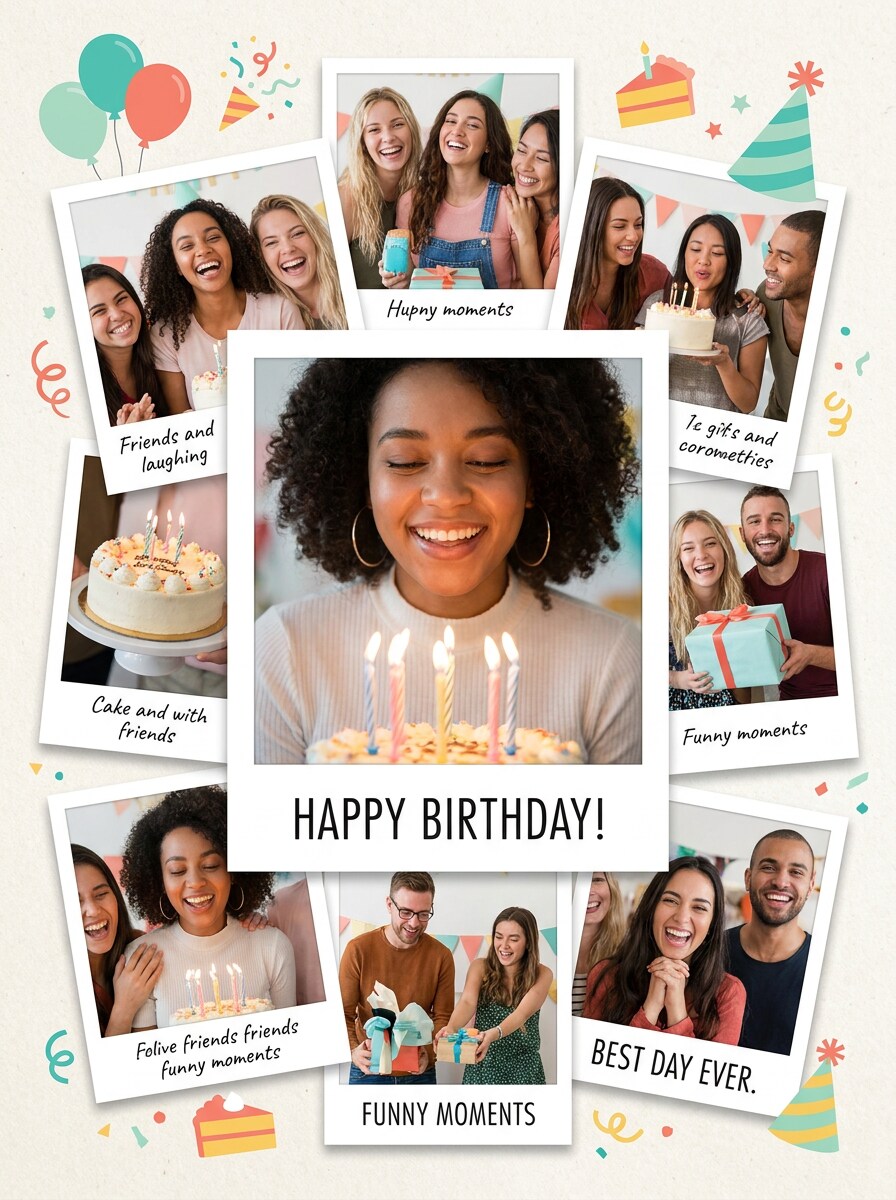
Aniversário Multi-Foto Estilo Polaroid
Use a imagem enviada como retrato em destaque e converta-a em uma moldura de colagem de aniversário com camadas estilo polaroid, espaçamento divertido, sombras suaves, ícones de festa e áreas de decoração prontas para legendas. Mantenha o sujeito reconhecível, use cores modernas e vibrantes e crie uma composição divertida de compartilhamento de memórias com equilíbrio limpo para postagem social.
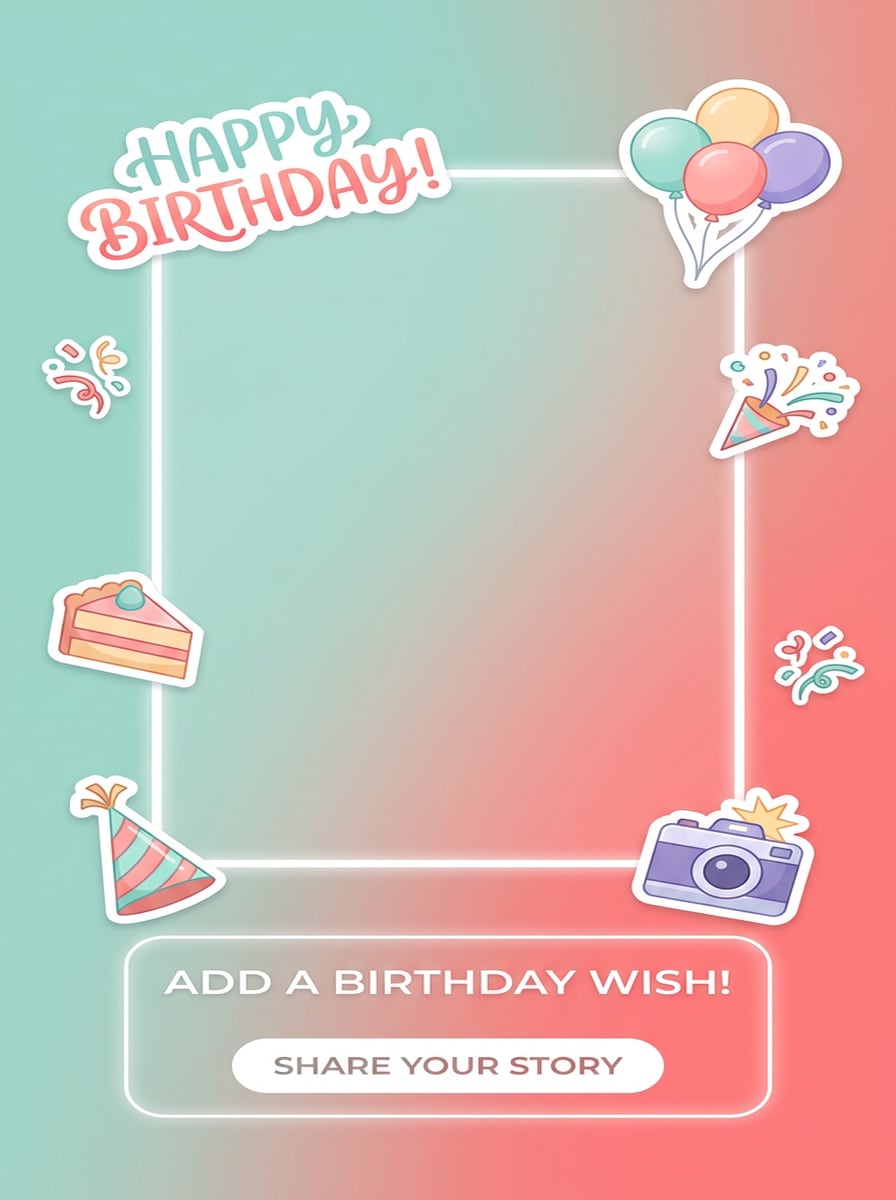
Moldura de Aniversário para Story do Instagram
Use o retrato enviado como imagem principal e crie uma moldura de story de aniversário vertical com adesivos modernos, gradientes sutis, ícones flutuantes, espaço claro para texto e uma composição elegante pronta para redes sociais. Preserve as proporções do rosto e do corpo, mantenha o centro aberto e use um clima de festa moderno e fresco para compartilhamento mobile.
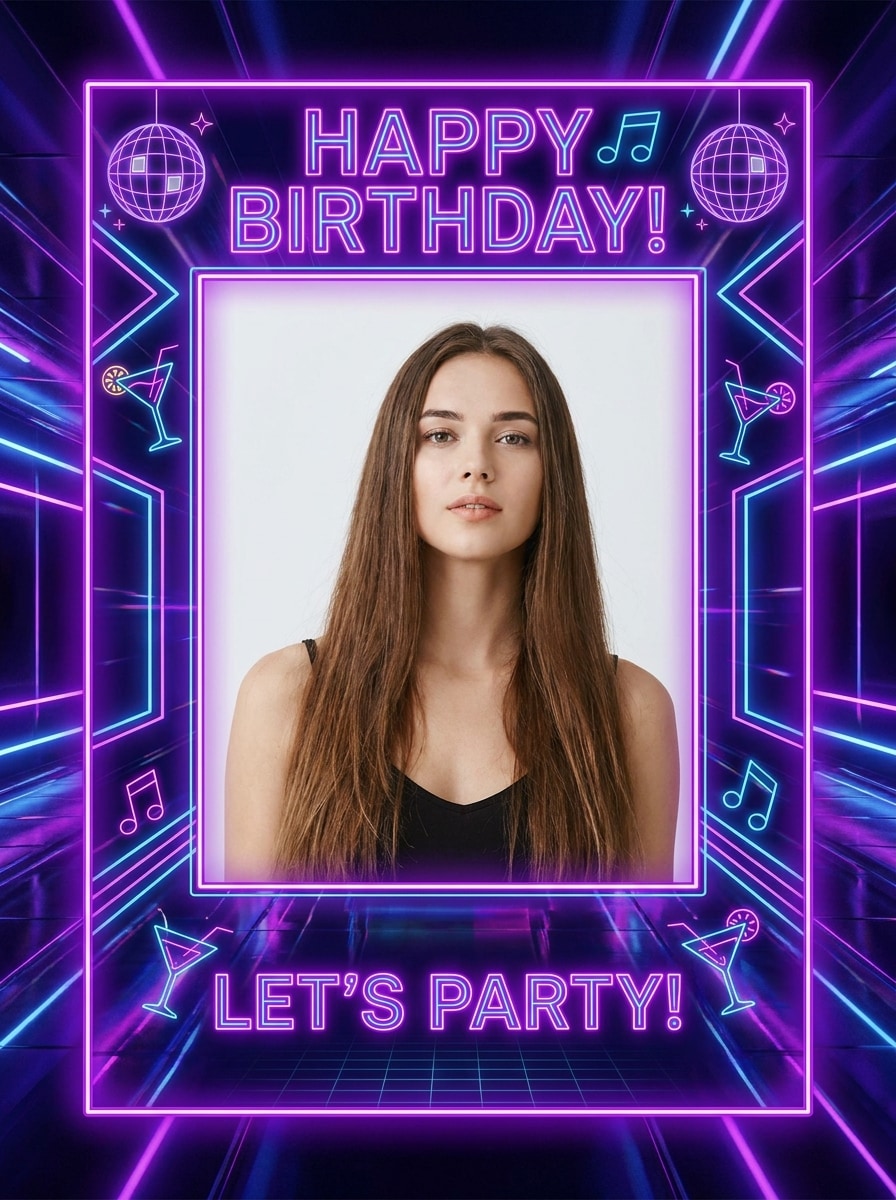
Festa Noturna Neon de Aniversário
Use a imagem enviada como retrato principal e transforme-a em uma moldura de festa de aniversário neon com luzes roxas e azuis brilhantes, gráficos modernos de vida noturna, bordas luminosas elegantes e uma atmosfera estilosa de celebração noturna. Mantenha o rosto claro, adicione destaques de alto contraste e mantenha uma composição de festa ousada e pronta para compartilhar.
Por Que Usar o Media.io para Edição de Moldura de Foto de Aniversário
Faça edições de aniversário temáticas a partir de uma foto enviada
Para retratos que ainda precisam parecer com a pessoa original, o Media.io ajuda a preservar características reconhecíveis enquanto adapta o estilo geral do criador de moldura de foto de aniversário, para que sua imagem final pareça pessoal e utilizável para postagens sociais, gráficos de marca ou mockup.
Explore Diferentes Estilos Sem Perder a Direção
Diferentes resultados pedem estéticas diferentes. O Media.io ajuda você a explorar tratamentos variados do mesmo conceito de criador de moldura de foto de aniversário para que o visual final atinja o tom certo com mais rapidez.
Mantenha sua imagem de celebração nítida para compartilhar ou imprimir
Quando um criador de moldura de foto de aniversário está destinado a uso editorial real, o Media.io oferece saída mais nítida de até 4K, o que ajuda a imagem a permanecer clara em apresentações, fundos e ativos reutilizados.
Edite no seu navegador sem trocar de dispositivo
O trabalho criativo pode continuar sem problemas em diferentes telas com o Media.io no navegador. Você pode iniciar uma edição de moldura de aniversário online, ajustar o design em outro dispositivo e baixar a imagem finalizada sem interromper seu fluxo de trabalho.
Como Fazer uma Edição de Moldura de Aniversário Online
Transforme suas palavras em visuais impressionantes em três etapas simples e continue refinando o resultado se quiser ir mais longe.
Etapa 1
Envie Sua Imagem de Referência
Comece com um retrato claro, selfie, foto de festa infantil ou foto de família no formato JPG, PNG ou JPEG. Uma imagem de origem limpa ajuda o Media.io a criar melhores molduras para edição de fotos de aniversário mantendo os rostos reconhecíveis e centralizados.
Etapa 2
Descreva a Mudança e Defina as Opções
Digite o estilo de moldura que deseja, como floral, glitter, temático de bolo, scrapbook ou pronto para story. Em seguida, escolha o modelo de IA e ajuste a proporção, resolução e quantidade de imagens para uma postagem quadrada, story vertical ou moldura de feliz aniversário online imprimível.
Etapa 3
Gere, Baixe e Continue Melhorando
Crie várias variações de aniversário, compare os resultados e baixe sua versão favorita. Se necessário, refine o prompt, experimente outro estilo ou gere novamente até que sua moldura esteja certa para compartilhar, presentear ou guardar como lembrança de aniversário.
Descubra o Potencial da Edição de Fotos para Aniversário
Veja como criadores usam o Media.io para designs de imagens com tema de aniversário em conteúdo, marketing e projetos pessoais, e adapte cada ideia ao seu briefing.
Faça cumprimentos prontos para compartilhar com amigos e família
Transforme um retrato simples em uma postagem festiva, cartão de mensagem ou cartão digital em minutos. O Media.io funciona bem como editor de moldura de aniversário online para adicionar balões, glitter, flores ou uma borda de bolo antes de compartilhar a imagem final em aplicativos de chat ou redes sociais, incluindo um estilo de moldura de feliz aniversário online grátis.
Crie edições especiais de marcos para crianças e primeiros aniversários
Crie layouts divertidos para álbuns de bebê, postagens familiares e exibições de festa com estilos pastel, cartoon ou inspirados em princesa. Isso é especialmente útil para o 1º molduras para edição de fotos de aniversário e outros conceitos de molduras de aniversário grátis, onde os pais querem uma lembrança polida sem aprender softwares de design complexos.
Personalize retratos elegantes para mães e mulheres
Crie designs florais, pastéis ou de ouro luxuoso para homenagens de aniversário sinceras, incluindo edições estilosas para mães, irmãs e amigas próximas. O Media.io pode suportar molduras de aniversário femininas para edição de fotos, um visual de editor de foto de feliz aniversário para mamãe, ou uma edição de moldura de feliz aniversário com nome e foto quando você quiser um resultado mais personalizado.
O Que os Usuários Dizem Sobre Este Criador de Moldura de Aniversário
Ariana M.
Usuária de Redes Sociais
"Rápido e fácil para stories de aniversário" Precisei de um design de story de aniversário de última hora e o Media.io simplificou tudo. Enviei um retrato, descrevi o visual que queria e obtive várias versões fofas com moldura em apenas alguns minutos.
Daniel K.
Pai
"Ótimo para lembranças do primeiro aniversário" Usamos para as fotos do primeiro aniversário da nossa filha e os resultados ficaram muito melhores do que os aplicativos básicos de adesivos. Os estilos de moldura pastel e scrapbook pareciam polidos o suficiente tanto para compartilhamento social quanto para impressão.
Nisha R.
Criadora de Presentes
"Opções florais e elegantes encantadoras" Queria um retrato de aniversário clássico para minha mãe, e a moldura floral ficou linda. Foi muito mais fácil do que pesquisar dezenas de templates, e gostei de poder refinar o prompt.
Ethan J.
Designer Casual
"Funciona bem no celular e no computador" Comecei a edição no meu celular e baixei a versão final no meu laptop mais tarde. Esse fluxo de trabalho baseado em navegador é exatamente o que eu queria de um editor de moldura de foto de aniversário online.
Explore os efeitos de vídeo e imagem de IA mais quentes
Perguntas Frequentes sobre o Criador de Moldura de Foto de Aniversário
1. Como posso criar uma moldura de foto de aniversário online gratuitamente?
Você pode enviar uma foto para o Media.io, inserir um prompt de moldura de aniversário, escolher o estilo e tamanho preferidos e gerar o design diretamente no seu navegador. Usuários gratuitos podem experimentar com créditos, enquanto planos pagos oferecem mais uso e downloads em alta resolução sem marca d'água. Isso torna o Media.io uma escolha prática para quem procura molduras de aniversário para edição de fotos online grátis, editor de moldura de foto de aniversário online grátis, molduras de feliz aniversário grátis ou molduras de aniversário para edição de fotos online.
2. Posso adicionar uma moldura de aniversário à minha foto sem baixar um aplicativo?
O Media.io pode gerar visuais de alta qualidade do criador de moldura de foto de aniversário com detalhes suficientes para compartilhamento, apresentações ou edição adicional. Também funciona bem se você quiser um resultado de edição de moldura de aniversário que pareça polido sem usar software de desktop complexo. Usuários gratuitos podem ver marcas d'água.
3. Que tipos de molduras de foto de aniversário posso criar?
Sim. O Media.io pode ser usado para edição de moldura de foto de aniversário em diferentes estilos, desde bordas simples de festa até designs mais personalizados de moldura de feliz aniversário online. Você pode guiar o resultado com prompts baseados no clima, paleta de cores e elementos de moldura que deseja.
4. Minha moldura de foto de aniversário manterá a qualidade da imagem original?
O Media.io suporta opções de saída em 1K, 2K e 4K, para que você possa escolher um resultado de maior resolução quando quiser uma imagem final mais nítida para compartilhar ou imprimir.
5. Posso usar um criador de moldura de aniversário no meu celular e no computador?
Sim. O Media.io pode ajudar a criar designs temáticos como molduras de aniversário femininas para edição de fotos, homenagens familiares e layouts de celebração personalizados. Você também pode descrever detalhes para fluxos de trabalho de edição de moldura de aniversário online, incluindo flores, balões, bordas elegantes ou conceitos de aniversário baseados em nome.
6. Quanto tempo leva para criar uma foto de aniversário com moldura?
Na maioria dos casos, leva apenas alguns minutos para enviar sua imagem, descrever o estilo, gerar os resultados e baixar um design finalizado. É uma opção rápida para edição de fotos de aniversário online, seja você queira uma moldura simples de feliz aniversário online ou uma moldura de aniversário mais detalhada em estilo colagem.
Além do Criador de Moldura de Foto de Aniversário Online com IA