As criações são armazenadas por apenas 7 dias. Os recursos criados após o upgrade para um plano de assinatura serão armazenados permanentemente.
Desbloqueie seu potencial criativo e experimente a magia da IA de mídia hoje!
Convert Photo to Sticker with Clean AI Cutouts Fast
Upload any selfie, pet photo, or product shot to create polished sticker images in minutes. Media.io helps you convert photo to sticker with transparent cutouts, cartoon looks, and chat-ready designs that work for social posts, printable sheets, and messaging apps.
Review these example directions, then tailor the prompt details to get stronger results with this photo sticker effect tool in Media.io.
White Outline Cutout
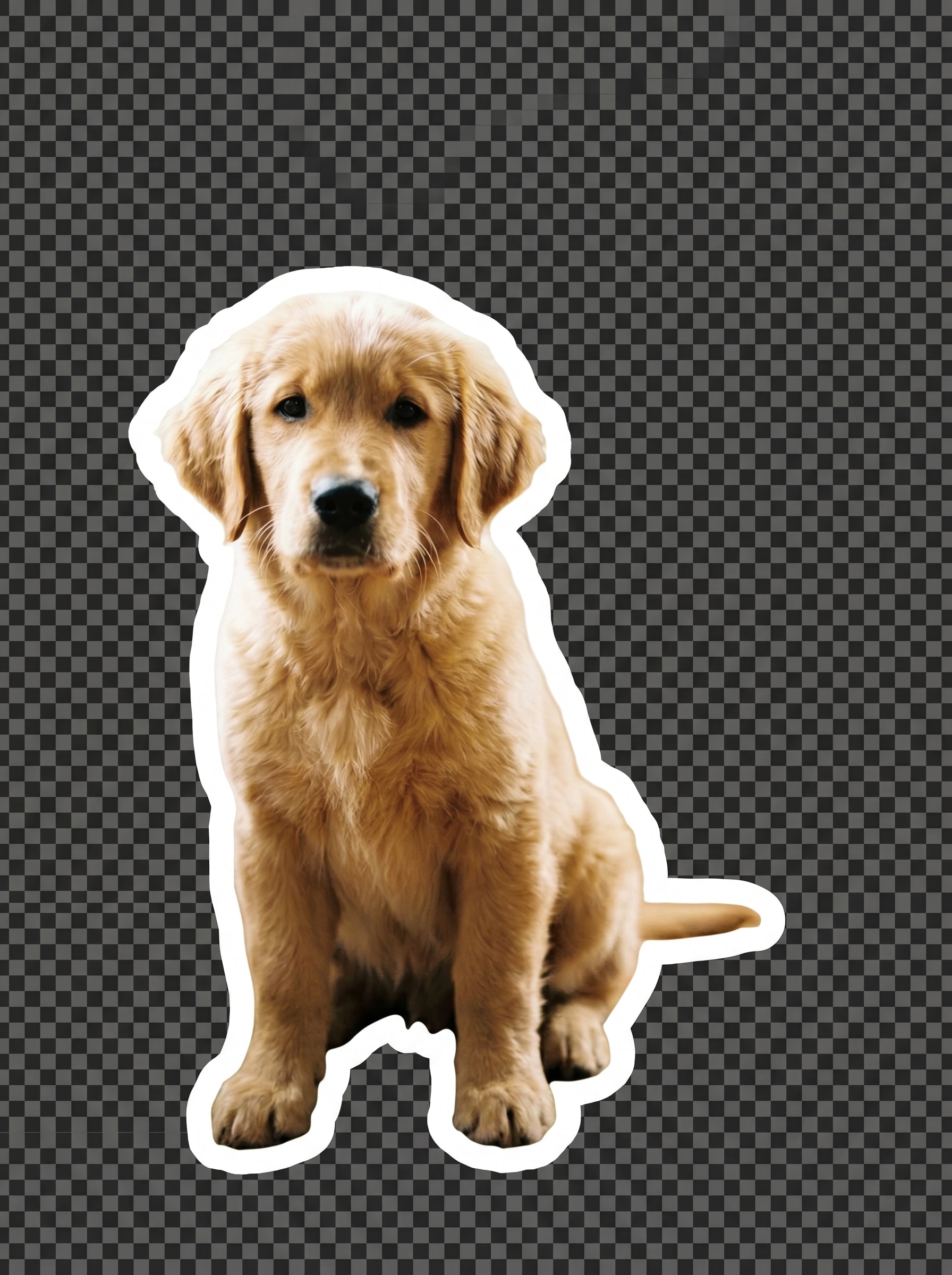
Use the uploaded image as the subject and transform it into a crisp sticker with the background fully removed. Preserve the main details, create smooth cutout edges, add a bold white outline, keep the palette bright and high-contrast, and export a clean transparent PNG look for chat apps.
Drop Shadow Sticker
Use the uploaded photo as the subject and turn it into a modern sticker with a transparent background, thick white border, and subtle gray drop shadow. Keep edges neat, lighting clean, colors fresh, and the overall look polished so the sticker stands out clearly on social posts and story covers.
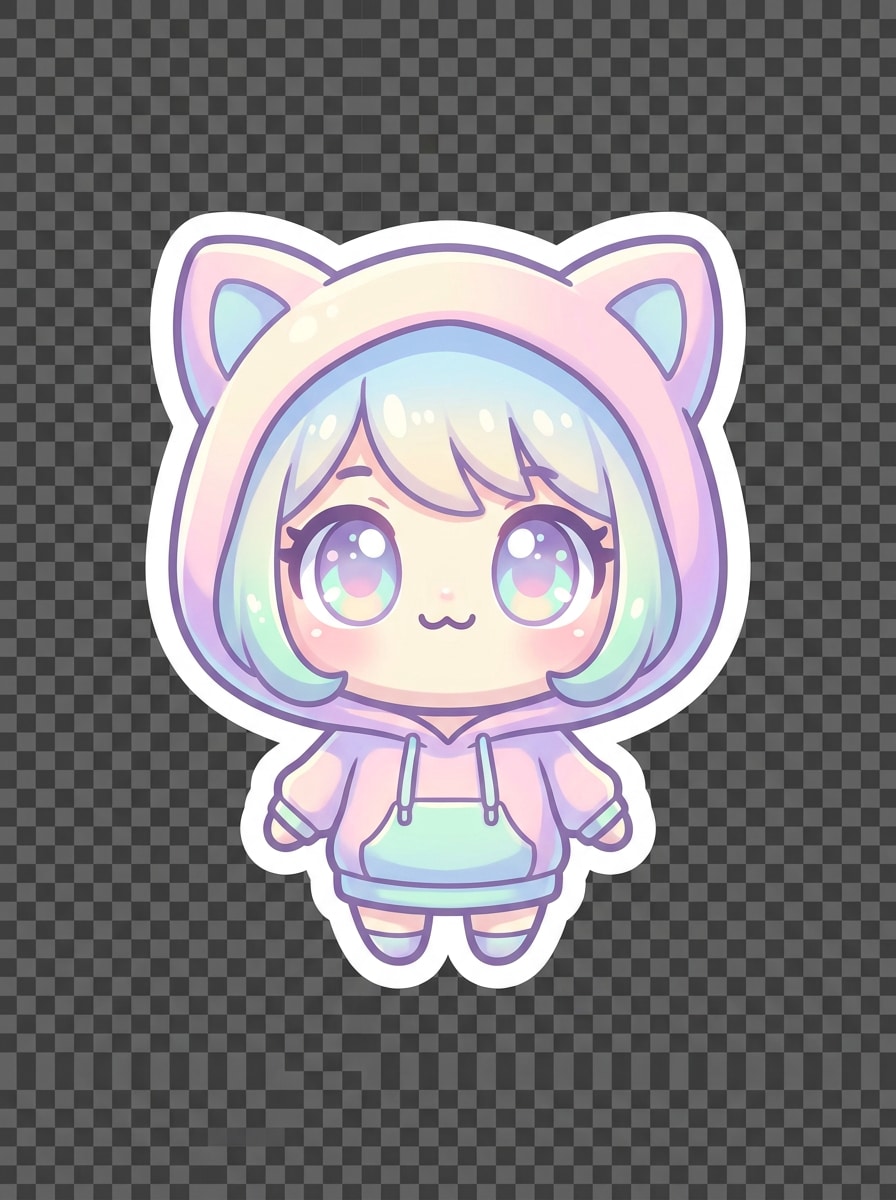
Kawaii Cartoon
Use the uploaded image as the reference and turn photo into sticker art with a cute kawaii makeover. Simplify features, add rounded shapes, pastel pink, mint, and cream tones, a bold white cutout border, cheerful mood, and a transparent background that looks clear even at small sticker sizes.
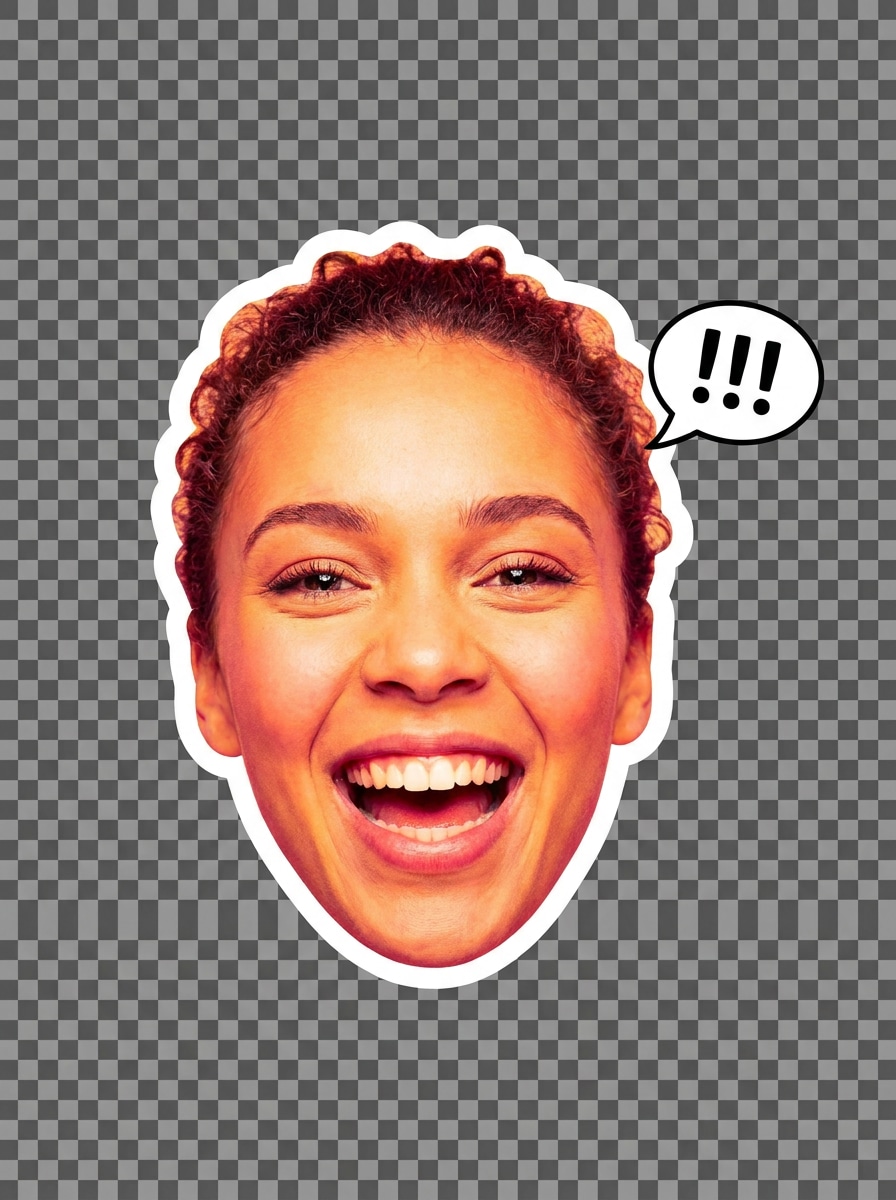
Emoji Reaction Sticker
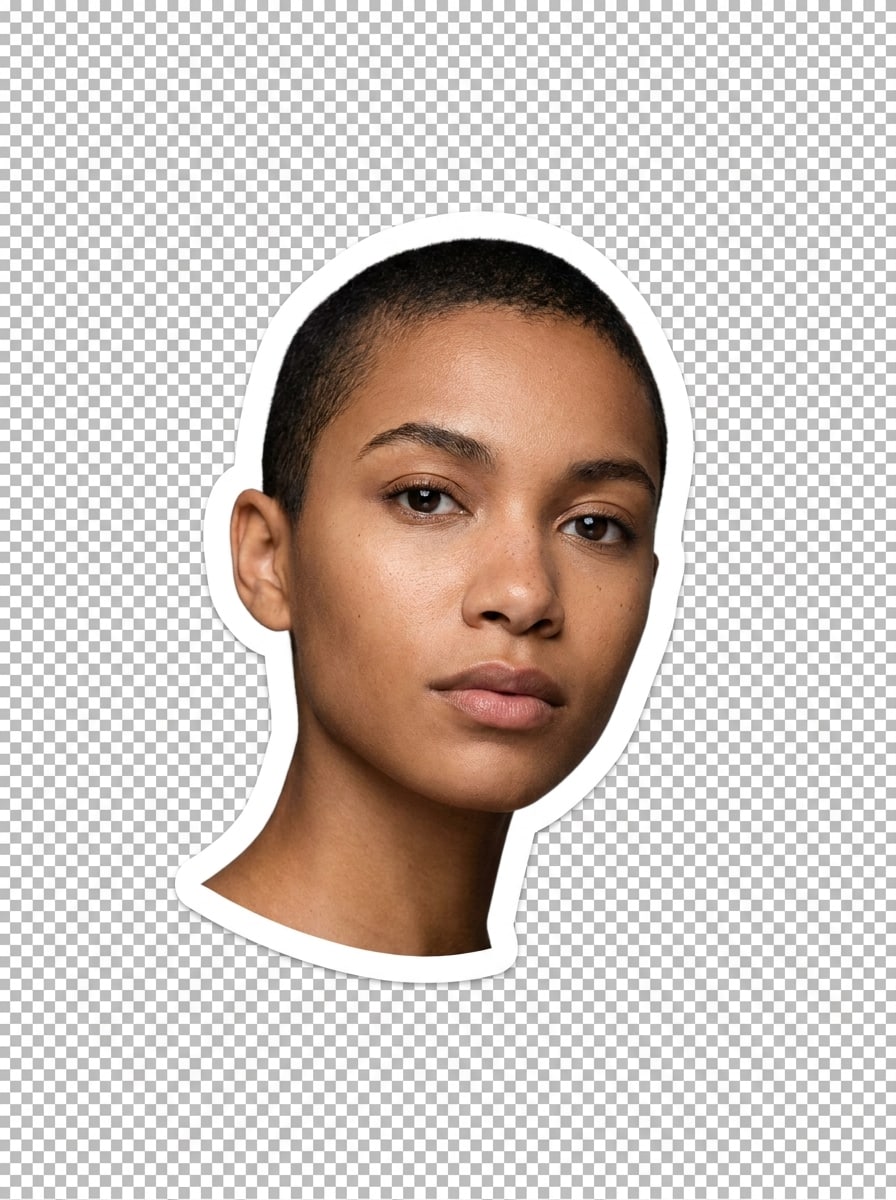
Use the uploaded selfie as the subject and make it into an expressive reaction sticker for messaging apps. Emphasize the facial expression, remove the background, add a thick white outline, bright saturated colors, sharp contrast, and a transparent finish that reads well in WhatsApp or Telegram chats.
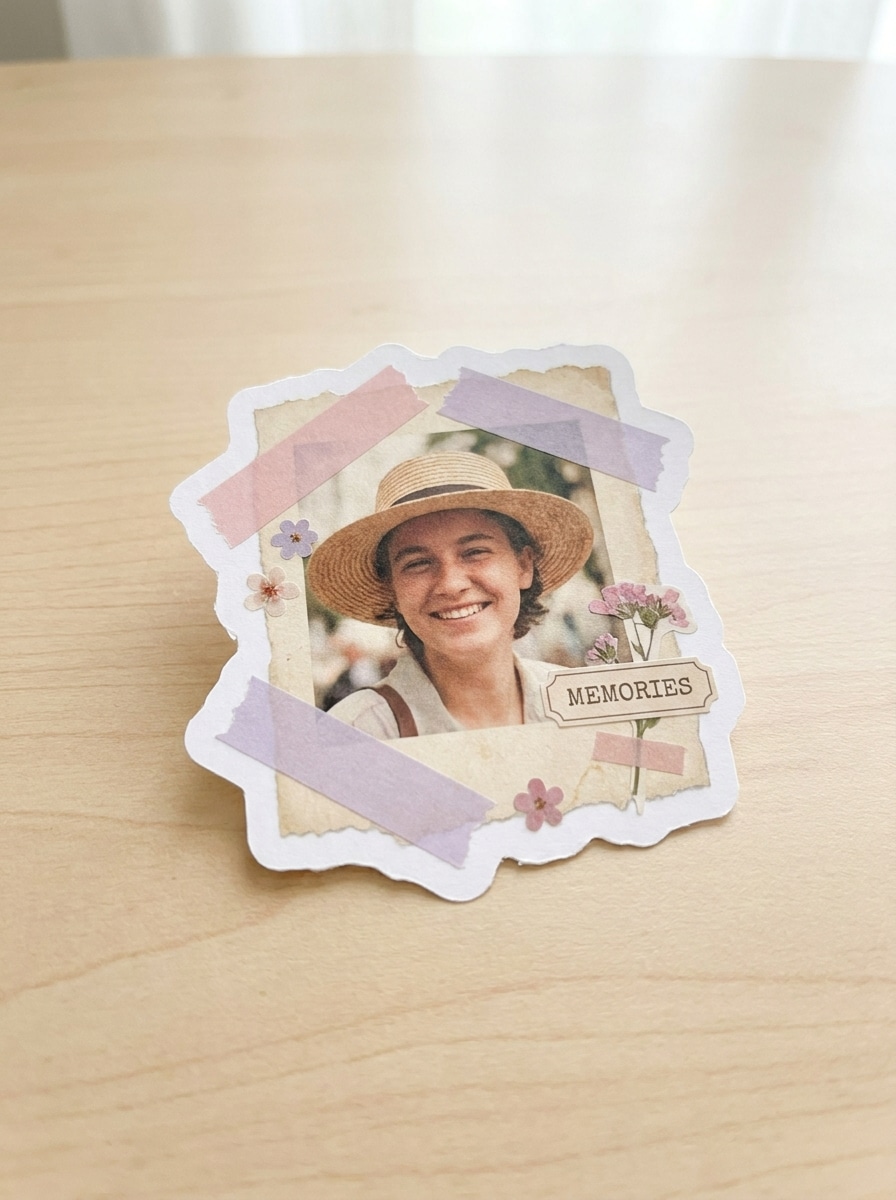
Scrapbook Cutout
Use the uploaded image as the subject and create a scrapbook-style sticker with a handmade cutout feel. Remove the background, add an organic white border, soft pastel accents, subtle paper-inspired texture, warm cheerful mood, and a transparent sticker look ideal for story collages and memory boards.
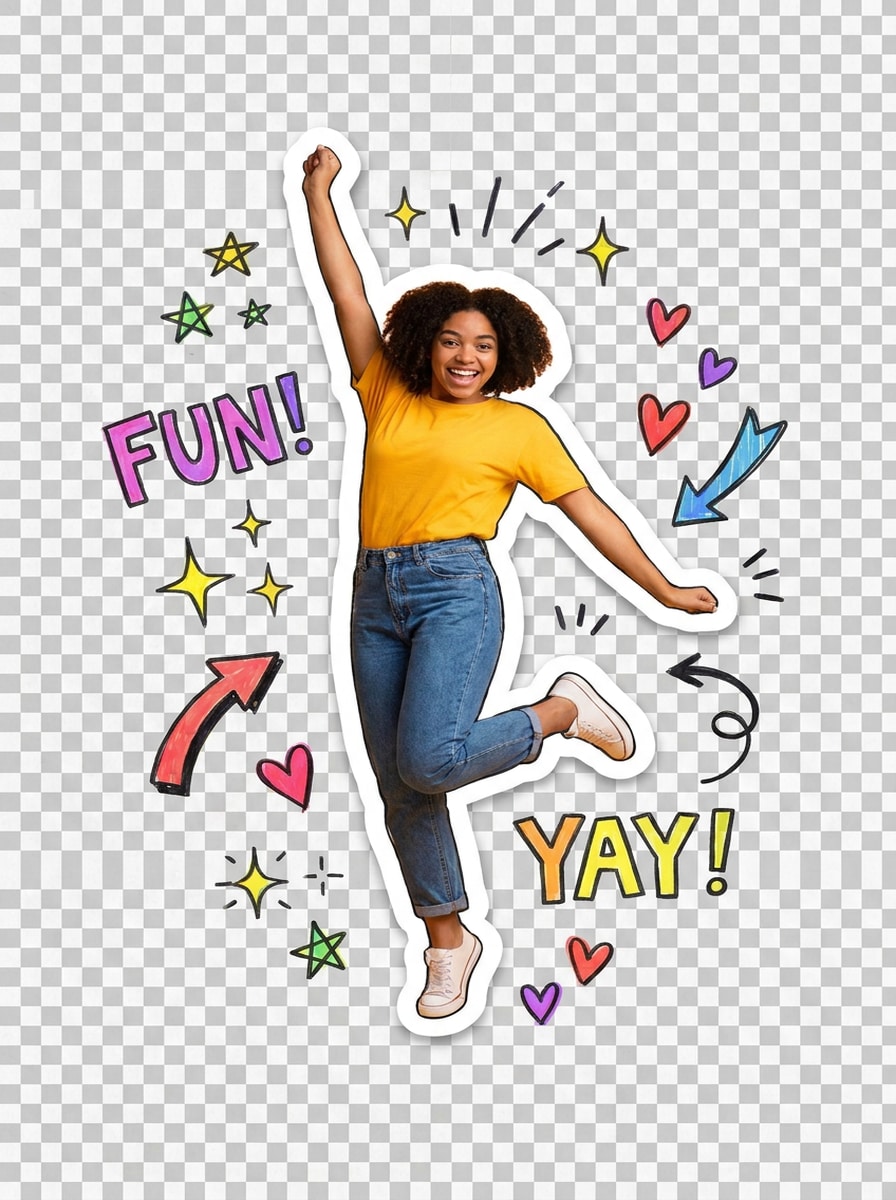
Doodle Accent Sticker
Use the uploaded photo as the main subject and apply a playful sticker filter look with doodle accents. Remove the background, add a bright white outline, surround the subject with tiny stars, hearts, and sparkles, keep colors lively, and maintain a transparent sticker-style finish.
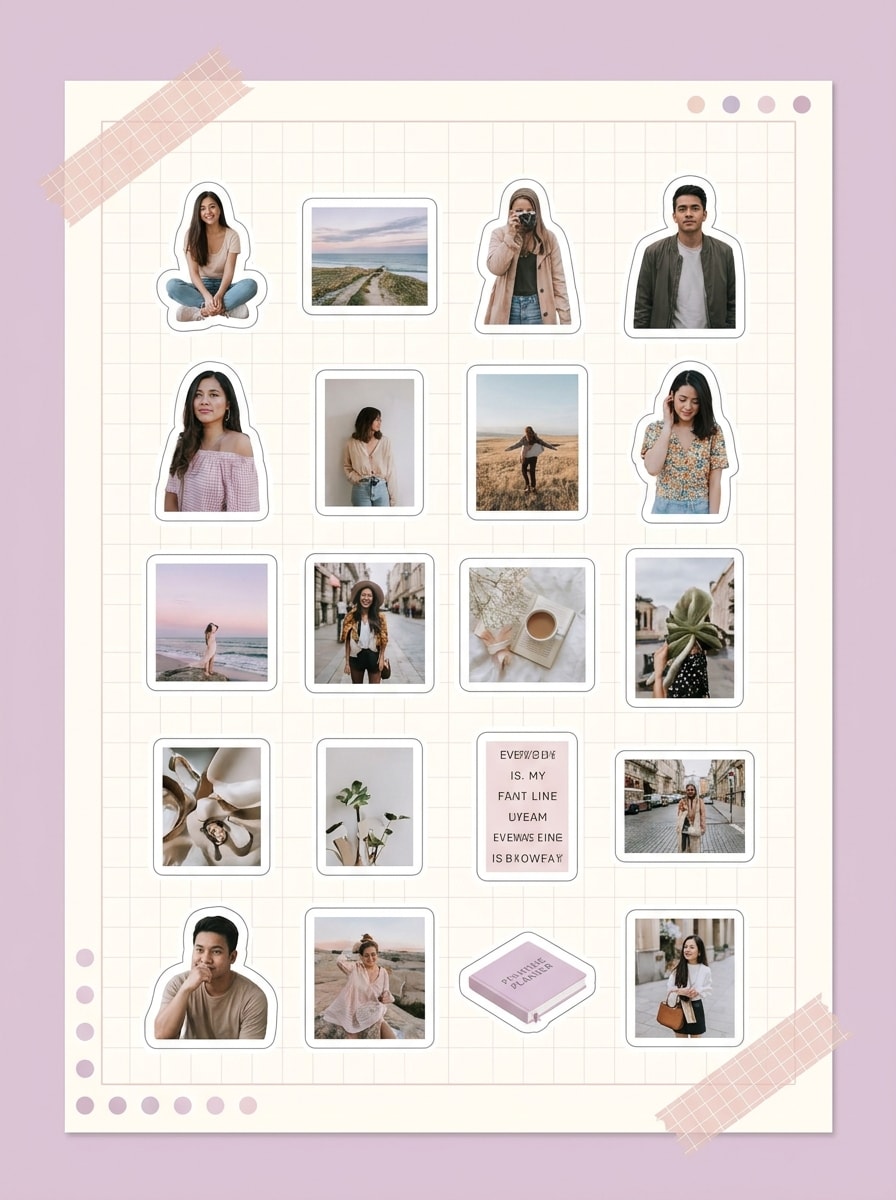
Planner Sticker Sheet
Use the uploaded images as references and convert them into a neat printable sticker sheet. Create multiple small cutout stickers with white borders, consistent spacing, soft pastel styling, clear separation between elements, and a tidy layout that feels organized for planners, journals, and craft printing.
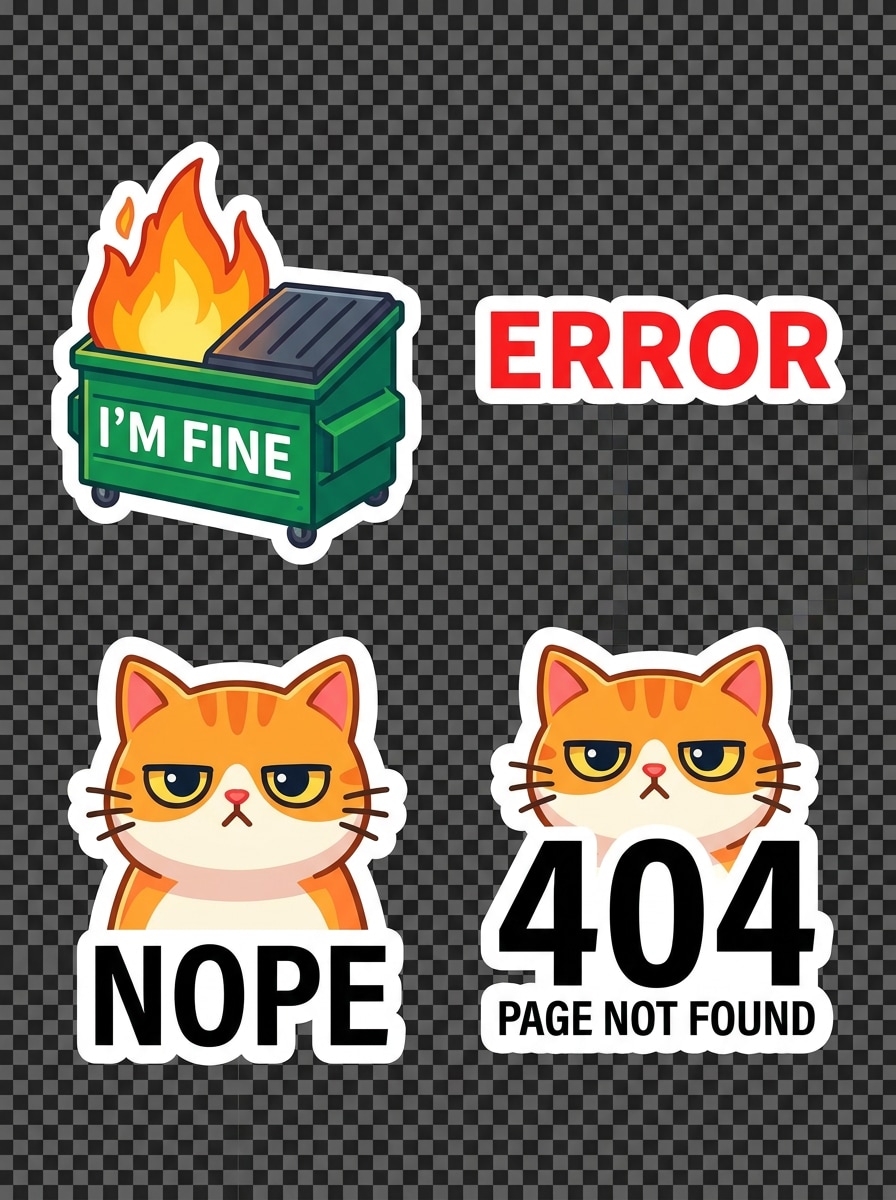
Mini Icon Sticker Pack
Use the uploaded images as source material and convert photo into sticker assets as a compact mini pack. Remove backgrounds, keep a consistent white outline across all items, unify color treatment, and create a clean high-contrast set that looks great in messaging, notes, and digital planners.
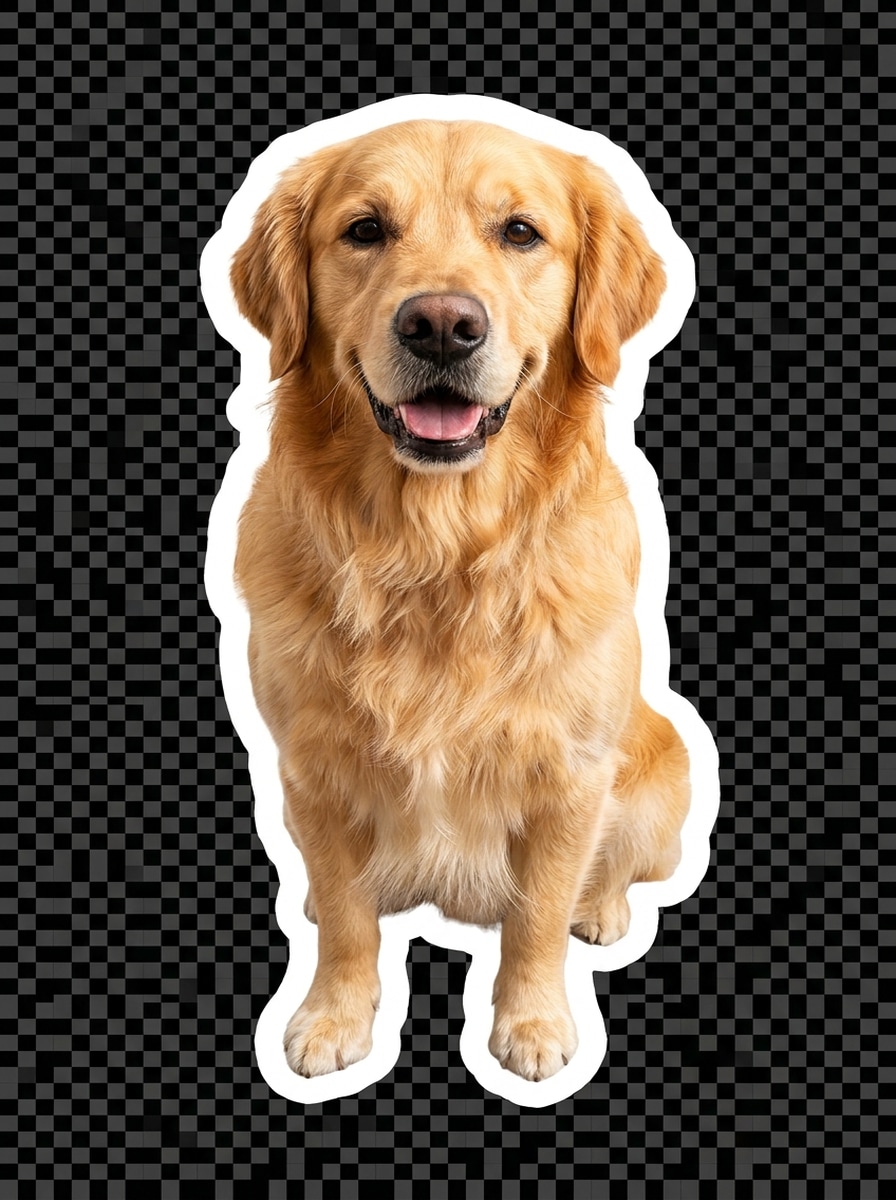
Pet Photo Sticker
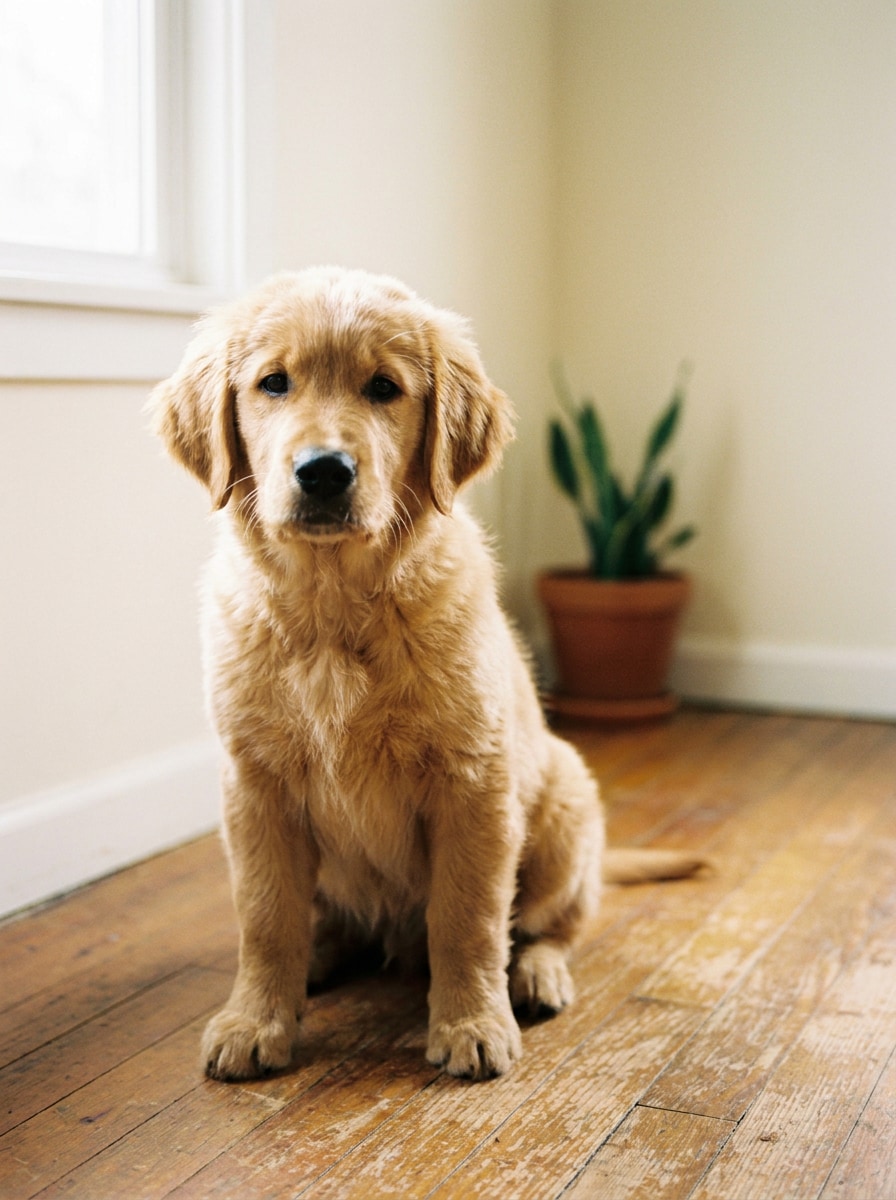
Use the uploaded pet photo as the subject and transform it into a cute sticker with a transparent background. Preserve fur detail, brighten the tones, add a bold white cutout border, keep the mood friendly and playful, and make the result clear enough for chats, gifts, or printable sticker packs.
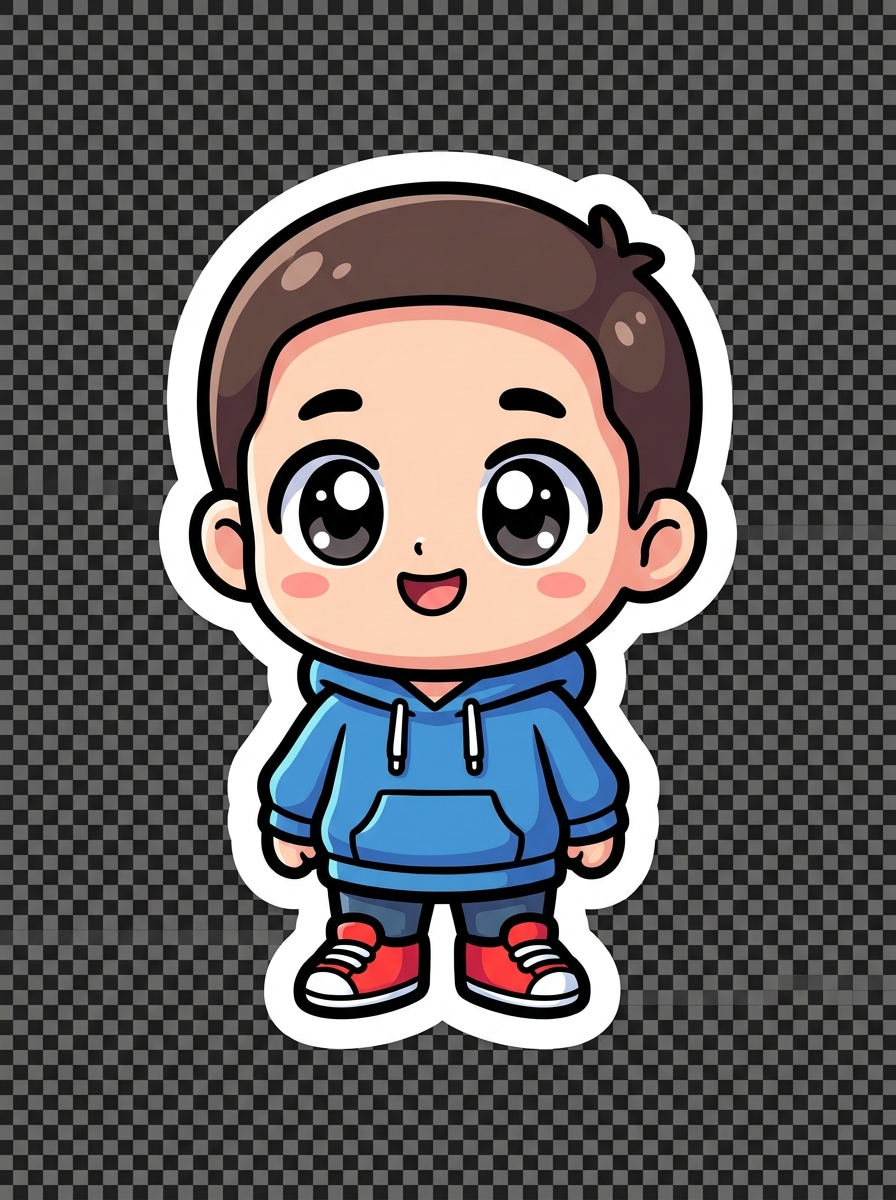
Chibi Portrait Sticker
Use the uploaded portrait as the reference and apply an AI sticker photo filter that turns the subject into a chibi character. Create an oversized head, simplified features, bright cheerful palette, smooth linework, thick white outline, and a transparent sticker finish with a fun collectible feel.
Why Use Media.io to Create Photo Stickers
Make sticker-ready PNGs from one upload
For selfies, pets, or product images that still need to feel recognizable after editing, Media.io helps preserve key identity details while refining the final sticker look, so your convert photo to sticker result feels clean, expressive, and true to the.
Rework One Subject Into Multiple Styles
If the subject still needs to look like itself after the transformation, Media.io helps hold onto core identity cues while updating the final convert photo to sticker style for a cleaner finished result.
Adapt Visuals for More Publishing Needs
If one concept has to cover more than one publishing need, Media.io helps adjust the output for different layouts so the final assets feel more format-aware and ready to use.
Generate Cleaner Output Up to 4K
When a convert photo to sticker is headed for real publishing use, Media.io gives you sharper output up to 4K, which helps the image stay clear across presentations, backgrounds, and reused assets.
How to Convert a Photo into a Sticker Online
Turn your words into stunning visuals in three simple steps, then continue refining the result if you want to take it further.
Step 1
Upload Your Reference Image
Start with a clear JPG, PNG, or JPEG of a face, pet, product, or object. Choose an image with visible edges and simple spacing around the subject so the cutout looks cleaner for transparent sticker results.
Step 2
Describe the Change and Set Options
Tell Media.io the sticker style you want, such as white-outline cutout, cartoon, scrapbook, or reaction. Then choose your preferred model and adjust aspect ratio, quality, and image count to match chat use, social posts, or printable layouts.
Step 3
Generate, Download, and Keep Improving
Create the sticker, compare variations, and download the version you like best. If needed, refine the prompt, try another style, or generate more versions until the outline, transparency, and overall look fit your project.
See how creators use Media.io to create sticker-style images for content, marketing, and personal projects, then adapt each idea to fit the brief.
Make chat stickers from selfies and reactions
Create expressive face cutouts for WhatsApp, Telegram, or private group chats. A clean border and transparent background help your reaction stickers stay readable at small sizes while still feeling personal and fun.
Build cute pet and family sticker packs
Turn favorite snapshots into shareable packs for birthdays, scrapbooks, or everyday messages. Media.io offers a simple way to turn casual photos into custom sticker-style cutouts without learning complex editing tools.
Design printable sheets for planners and crafts
Use one or several images to produce organized sticker layouts for journals, planners, packaging extras, or handmade gifts. Consistent outlines and stylized looks help the set feel more polished for digital or print use.
What Users Say About Media.io Sticker Creation
Ava M.
Social Content Creator
"Fast sticker cutouts for Stories" I needed quick sticker-style portraits for Instagram Stories, and Media.io made it easy. The white outline styles looked polished, and I could get several variations without opening a design app.
Jordan T.
Online Shop Owner
"Great for product and packaging extras" I used it to turn product photos into branded sticker graphics for packaging inserts. The cutout quality was clean, and the results were much better than trying to do everything manually.
Mia R.
Pet Parent
"Cute pet stickers in minutes" I uploaded a photo of my dog and got adorable sticker versions right away. The pet style kept the face recognizable, and the transparent look worked well for chat stickers and printing.
Ethan L.
Student Designer
"Easy to use on phone and laptop" I switched between my iPhone and laptop without any setup. It was convenient for testing cutout, cartoon, and scrapbook looks from the same image while working on a class mood board.
Upload your image to Media.io, enter the sticker style you want, and generate your result in the browser. This workflow is designed for anyone who wants to convert photo to sticker quickly, including cutout, cartoon, and chat-style looks from a single reference photo.
2. Can I make a sticker from a picture for free?
Free users can try Media.io with free credits. If you need more generations or higher-volume usage, you can compare plans on the pricing page. Free outputs may include watermarks, while paid subscribers can download watermark-free high-resolution images.
3. Will my sticker have a transparent background?
Media.io supports sticker-style results with clean background removal, which is useful when you want to turn photo into sticker designs for chats, social graphics, or printable cutouts. Transparent-looking outputs with a white outline are especially effective for classic sticker visuals.
4. What file format is best for exporting photo stickers?
PNG is usually the best choice for photo stickers because it supports clean edges and flexible backgrounds. If your goal is to convert photo into sticker assets for messaging apps or layered designs, PNG is typically the most practical export format.
5. Can I turn a selfie or pet photo into a cartoon sticker?
Media.io supports reference-image transformations, so you can upload a selfie or pet picture and apply styles such as kawaii, chibi, reaction, or illustrated sticker looks. It is a practical way to use a sticker filter while keeping the subject recognizable.
6. Does the photo to sticker tool work on iPhone and Android?
Media.io runs in the browser, so you can use it on iPhone, Android, Mac, Windows, and other devices without installing extra software. That makes it simple to create sticker images, try an AI sticker photo filter, and download the result from almost anywhere.