Selecione / @ personagem, descreva a cena que você deseja gerar.
0/2000
9:16
1K
1
Modo Ilimitado do Banana Pro
Criações
Hub de Ideias
Como funciona
Todos
Recursos populares
Ver tudo
História de Frutas com IA
Ver tudo
Vídeo de História com IA
Ver tudo
Vídeos Virais Hoje
Ver tudo
Vídeos de Produto com IA
Ver tudo
Personagem AI
Ver tudo
Tendências de Dança
Ver tudo
GPT Image 2
Ver tudo
Seedance 2.0
Ver tudo
Correspondência de Celebridade por IA
Ver tudo
Dicas de Poses para Casais
Ver tudo
Prompts de Poses de Garota AI Estética
Ver tudo
Sugestões de Pose de Garoto Elegante com IA
Ver tudo
Lista de geração
As criações são armazenadas por apenas 7 dias. Os recursos criados após o upgrade para um plano de assinatura serão armazenados permanentemente.
Desbloqueie seu potencial criativo e experimente a magia da IA de mídia hoje!
Transforme sua foto em um Retrato Art Déco com Glamour de IA
Crie um retrato art déco marcante a partir da sua própria foto em poucos minutos. Use o Media.io para aplicar um filtro art déco, experimente um visual filtro art déco dos anos 1920 e transforme uma selfie em uma foto em estilo art déco refinada, com detalhes elegantes de pôster.
Digite sua ideia -> A IA cria para você. Gratuito para testar.
Veja estas orientações de exemplo e depois personalize os detalhes do comando para obter resultados melhores com este Retrato Art Déco.
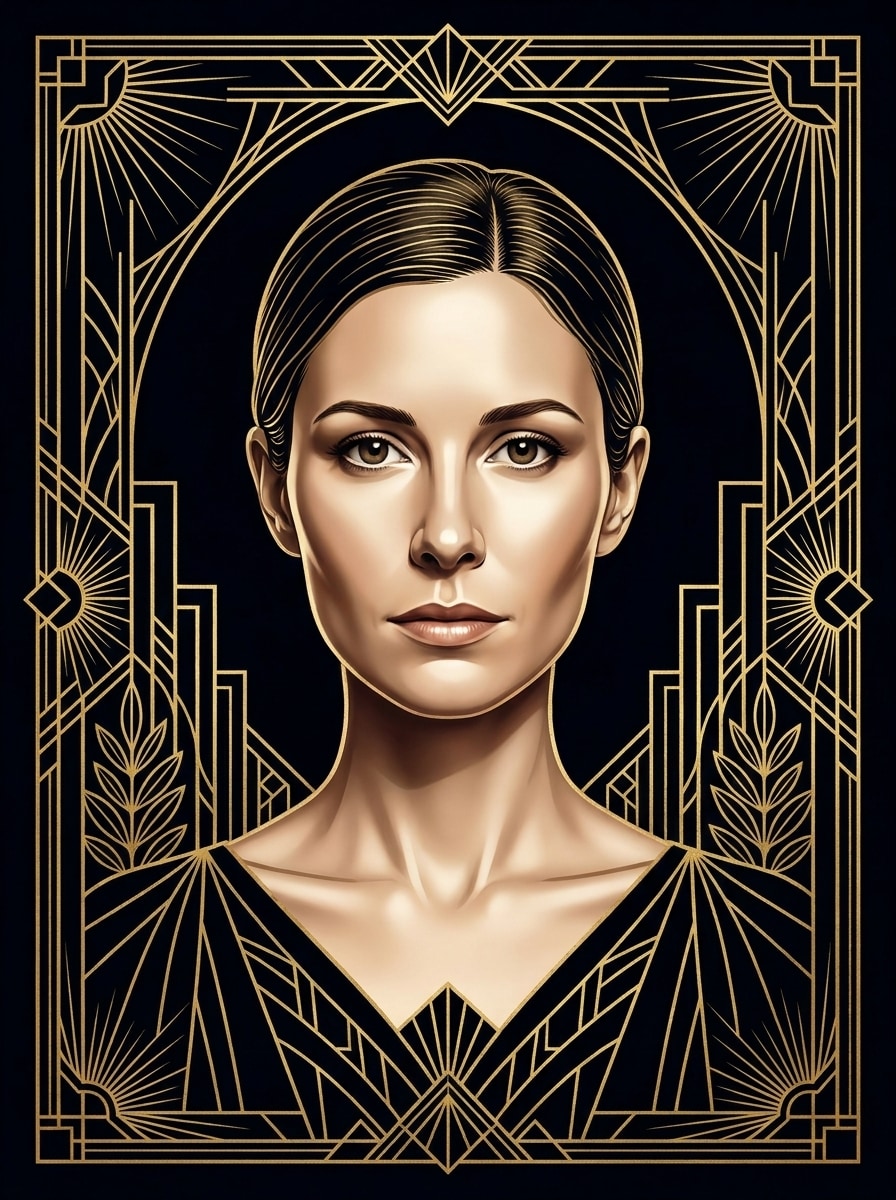
Glamour Dourado e Preto
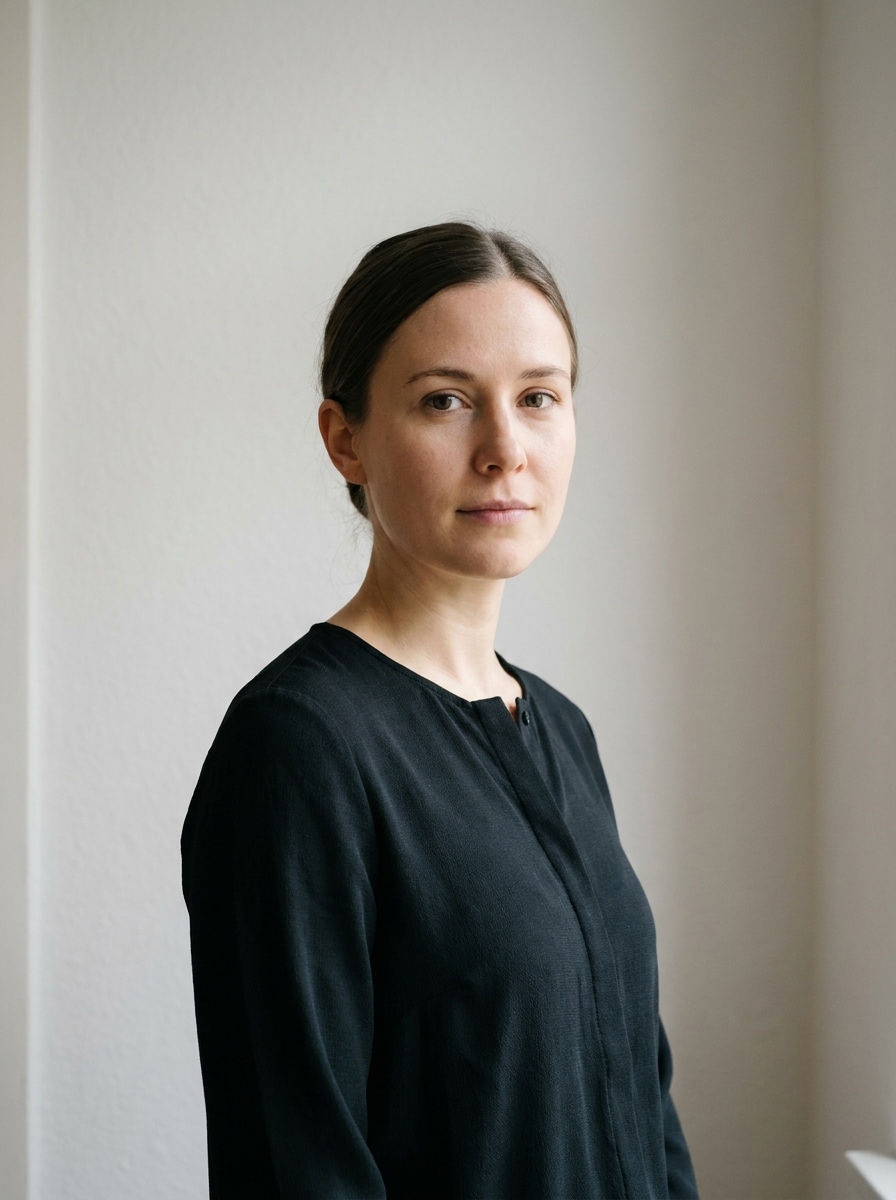
Use a imagem enviada como sujeito e transforme-a em um luxuoso retrato art déco de pôster com composição simétrica de frente, fundo de veludo preto, finas bordas geométricas douradas, detalhes metálicos, elegância facial alongada, tons de pele polidos, iluminação de estúdio dramática e uma atmosfera sofisticada da alta sociedade dos anos 1920.
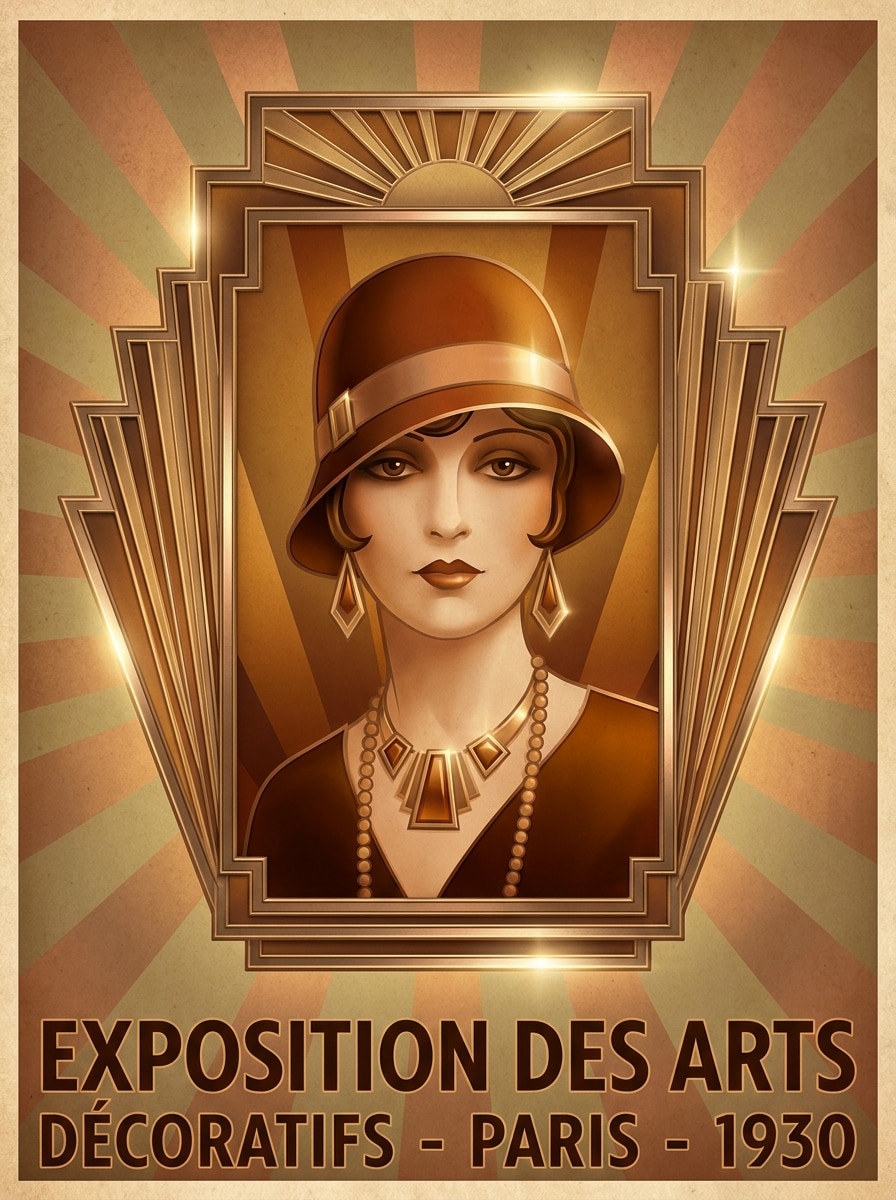
Moldura Déco de Raio de Sol
Use a imagem enviada como sujeito e reestilize-a em um radiante retrato art déco com um ousado halo de raios de sol atrás da cabeça, molduras geométricas escalonadas, detalhes em bronze e dourado, simetria marcada, sombras cinematográficas suaves, acabamento brilhante de pôster e uma atmosfera sofisticada de teatro vintage.
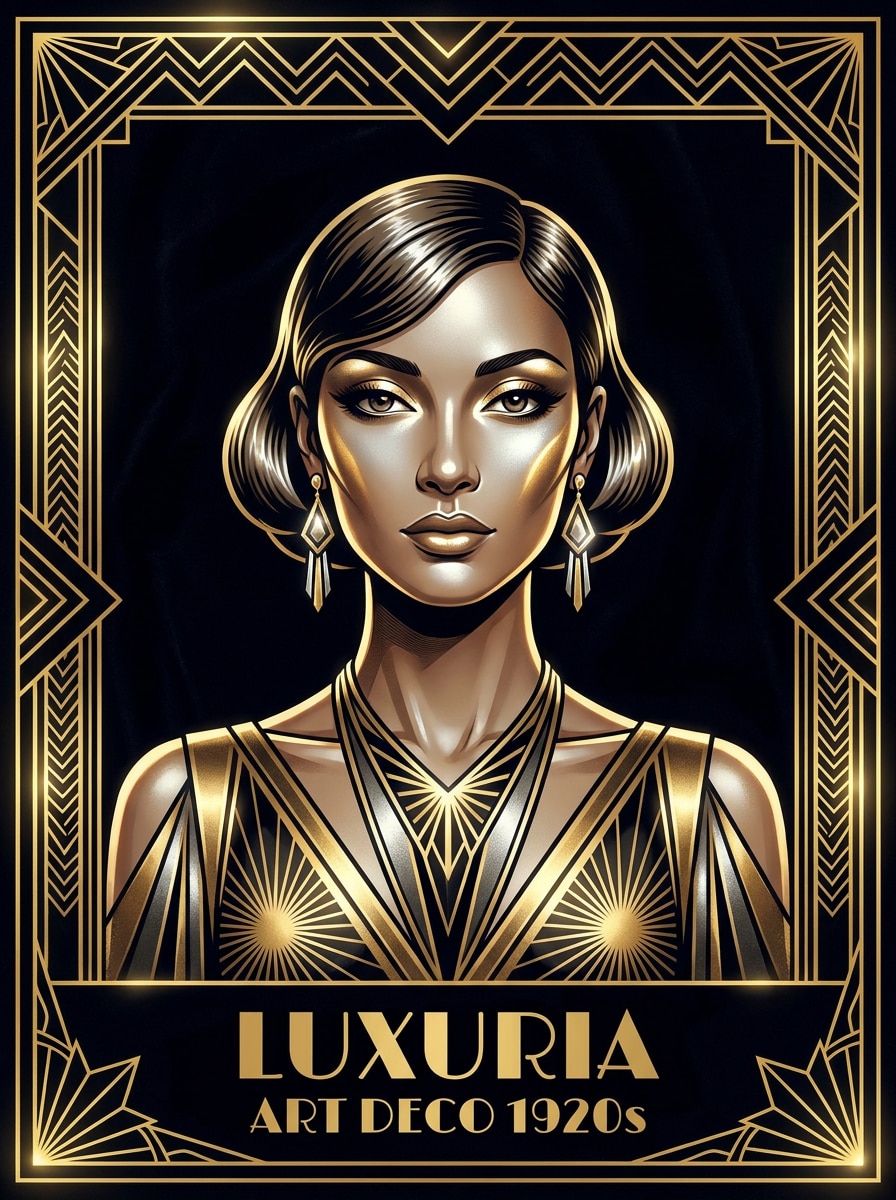
Luxo dos Loucos Anos Vinte
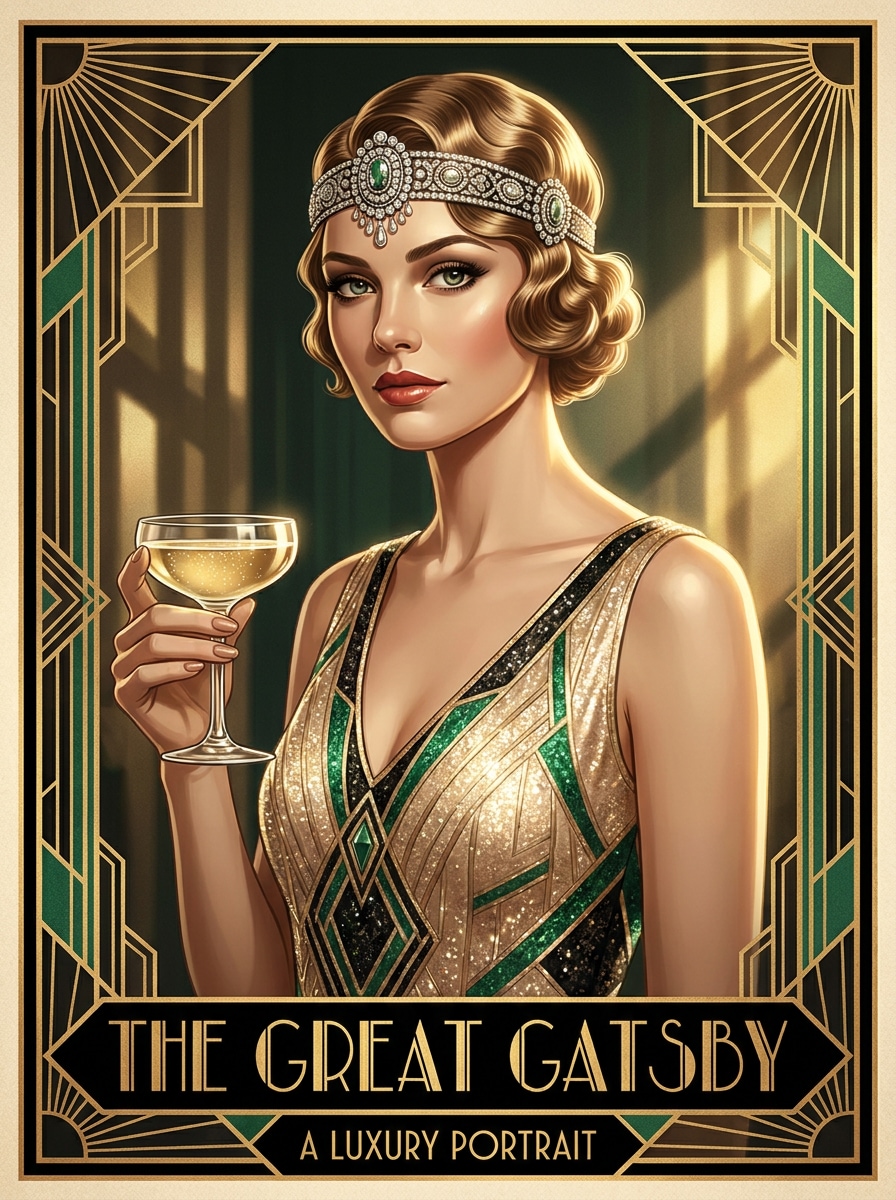
Use a imagem enviada como sujeito e transforme-a em um glamouroso retrato art déco inspirado em Gatsby, com detalhes de joias, penteado elegante, tons esmeralda e dourado champanhe, definição facial refinada, moldura simétrica, realces cinematográficos e um clima luxuoso de pôster dos anos 1920.
Déco de Traje de Festa Vintage
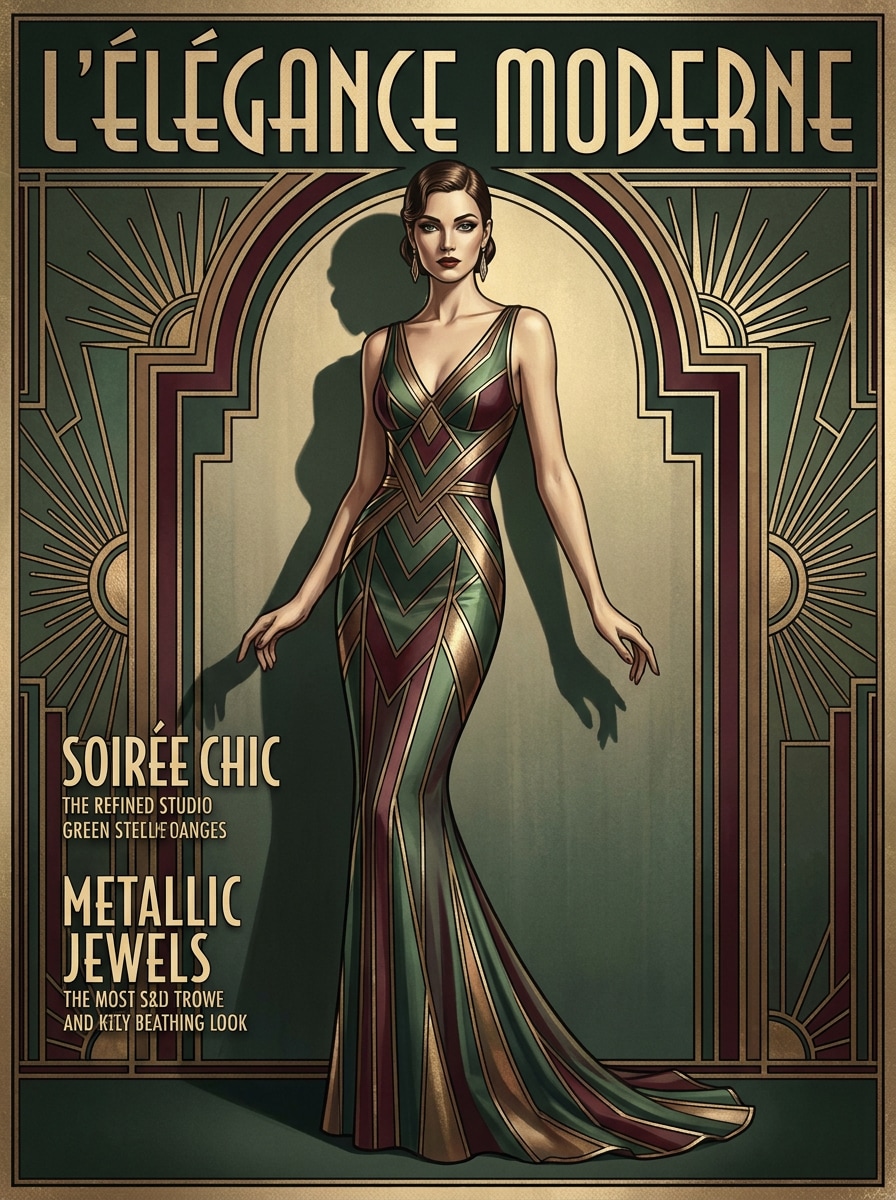
Use a imagem enviada como sujeito e crie um retrato editorial art déco de alta moda, com elegância de traje de festa, detalhes metálicos, proporções alongadas, moldura simétrica de capa de revista, tons jóia suaves, textura acetinada, luz suave em destaque e um acabamento polido de luxo vintage.
Arte Linear Geométrica
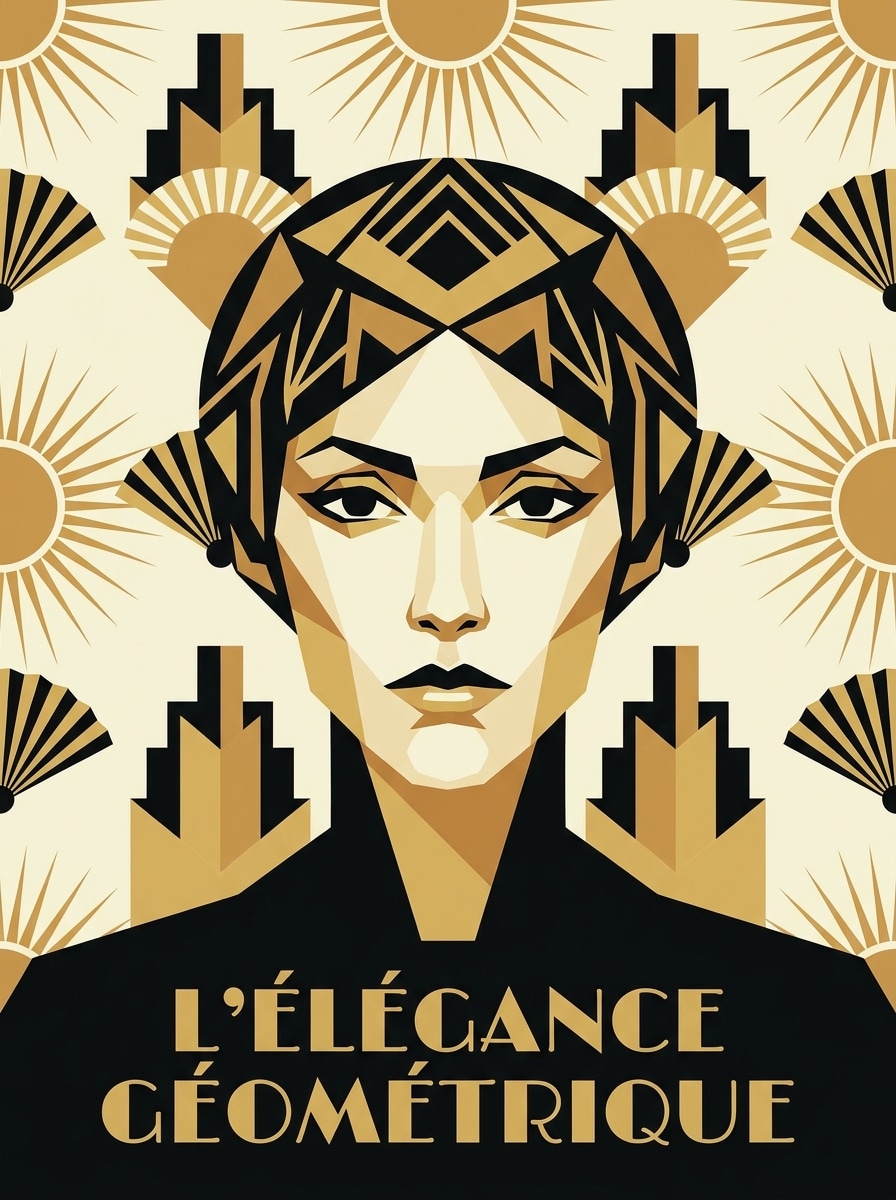
Use a imagem enviada como sujeito e converta-a em uma ilustração art déco gráfica, com planos faciais geométricos simplificados, linhas de contorno ousadas, paleta limitada de preto-dourado-marfil, simetria marcada, texturas de pôster suaves, uso eficiente do espaço negativo e um visual colecionável nítido.
Silhueta Déco Minimalista
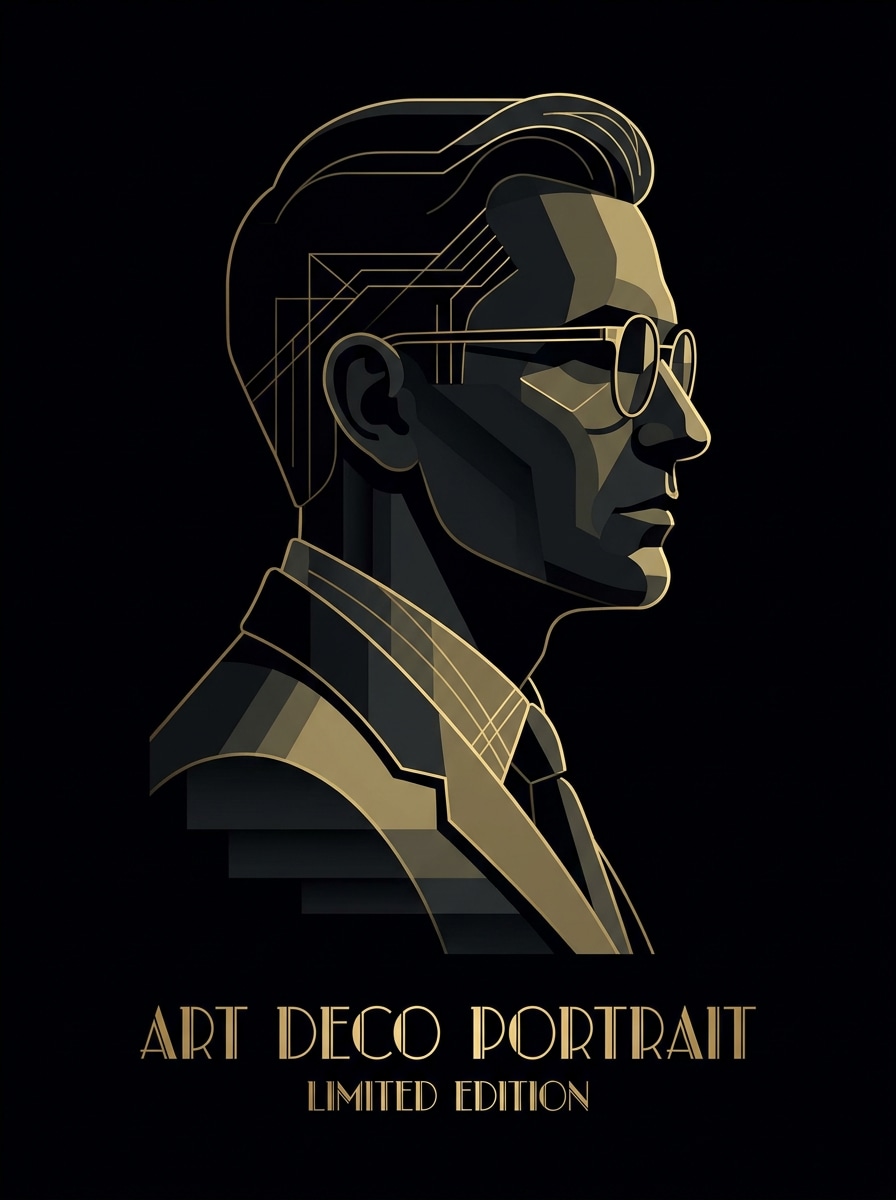
Use a imagem enviada como sujeito e redesenhe-a como um retrato art déco minimalista, com tratamento elegante de silhueta, formas escalonadas, detalhes dourados sutis, espaço negativo rico, fundo preto fosco, iluminação elegante nas bordas e clima sofisticado de pôster de luxo.
Déco em Esmeralda e Ouro
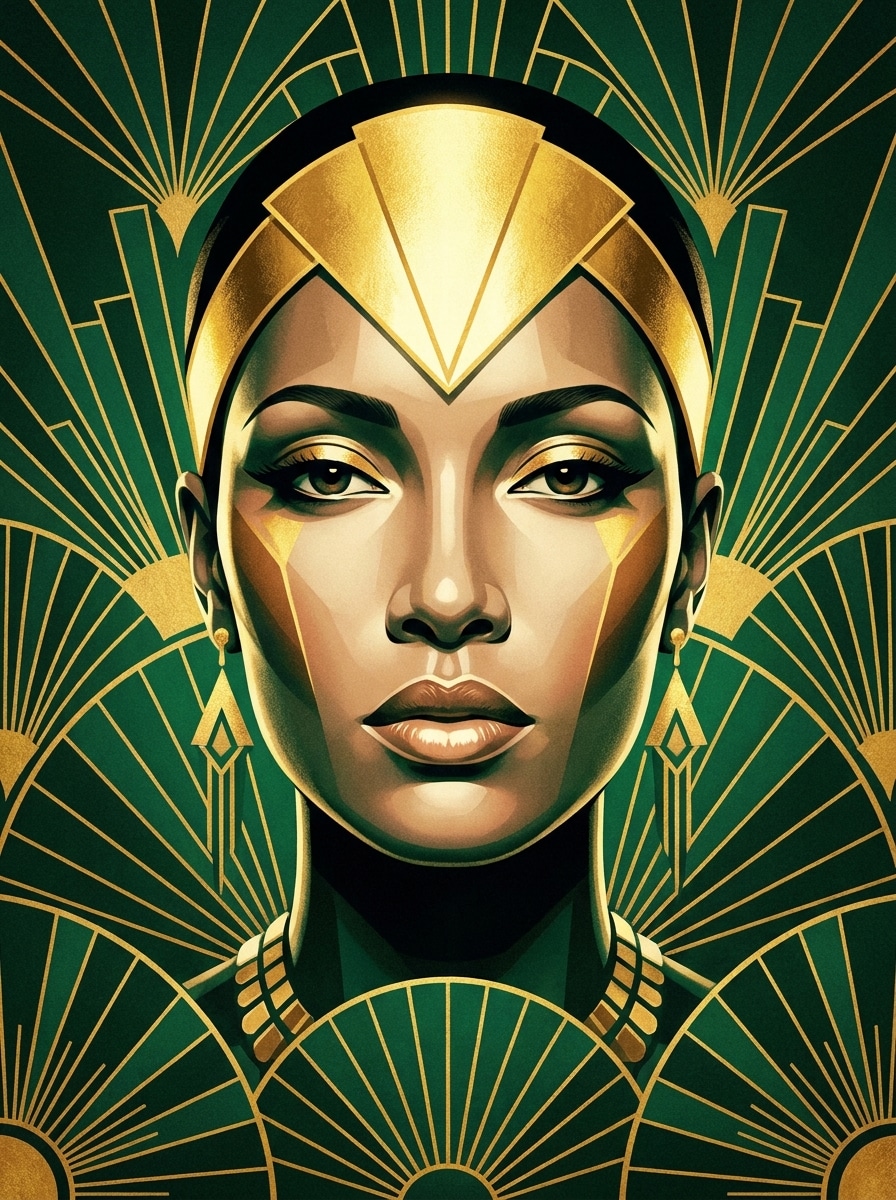
Use a imagem enviada como sujeito e transforme-a em um retrato art déco rico em esmeralda e dourado, com ornamentos luminosos, motivos de leque geométrico, refinamento facial elegante, texturas brilhantes, moldura simétrica, contraste dramático e atmosfera de pôster vintage real.
Déco em Azul Marinho e Champanhe
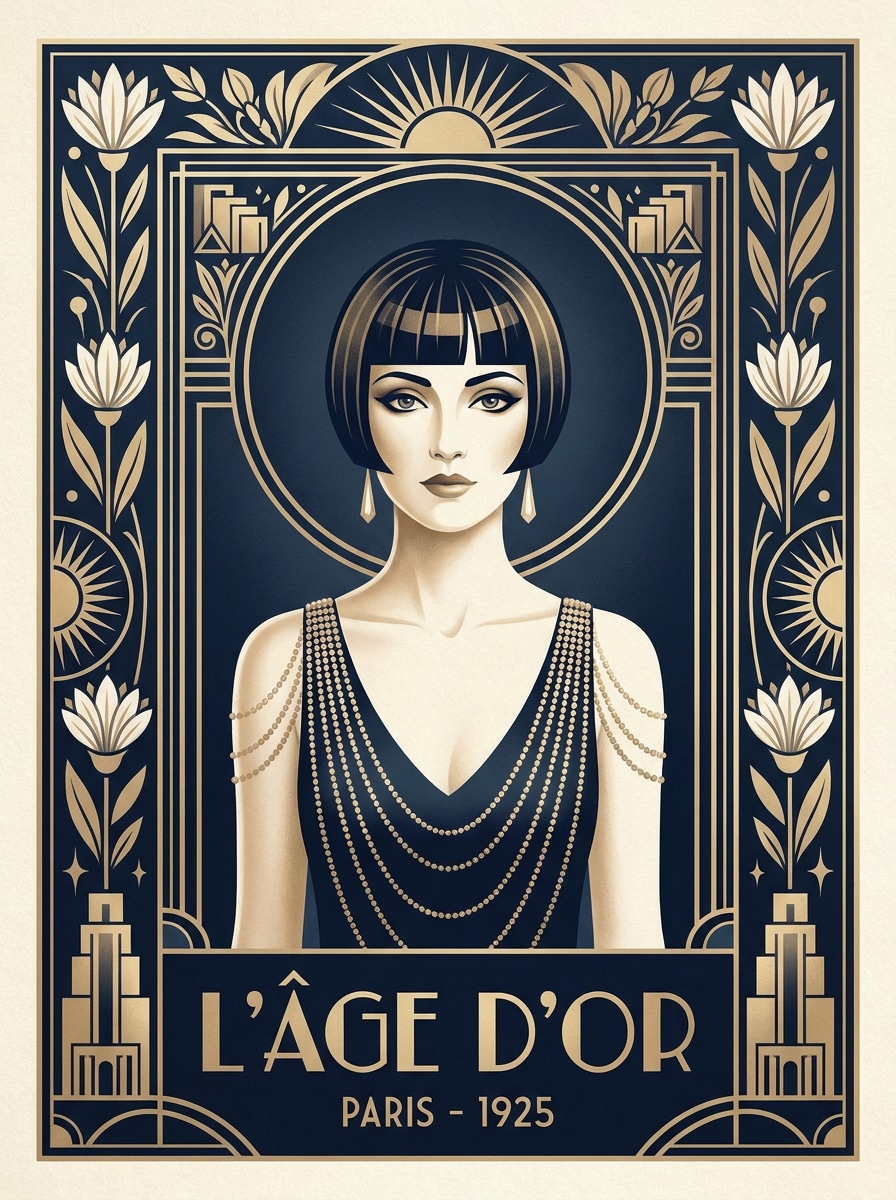
Use a imagem enviada como sujeito e crie um retrato art déco refinado em azul marinho, marfim e dourado champanhe, com bordas déco simétricas, realces brilhantes, sombras cinematográficas suaves, texturas suaves e sensação elegante de pôster antigo para uma exibição sofisticada.
Déco Antes e Depois da Transformação
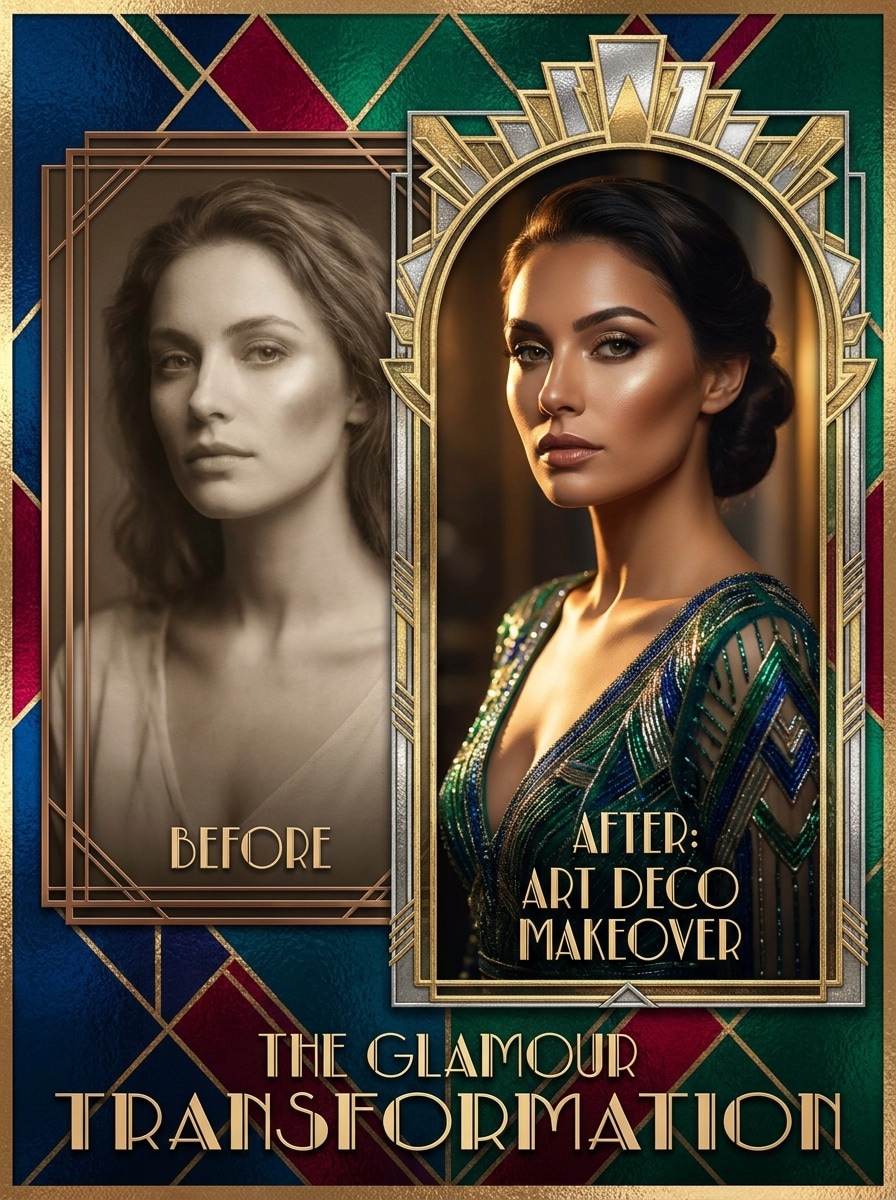
Use a imagem enviada como sujeito e dê a ela uma transformação dramática art déco, com iluminação glamourosa, visual facial refinado, moldura geométrica, texturas metálicas, sombras em tons jóia, composição nítida de pôster e uma mudança cinematográfica perfeita para mostrar antes e depois marcantes.
Pôster de Filme Déco
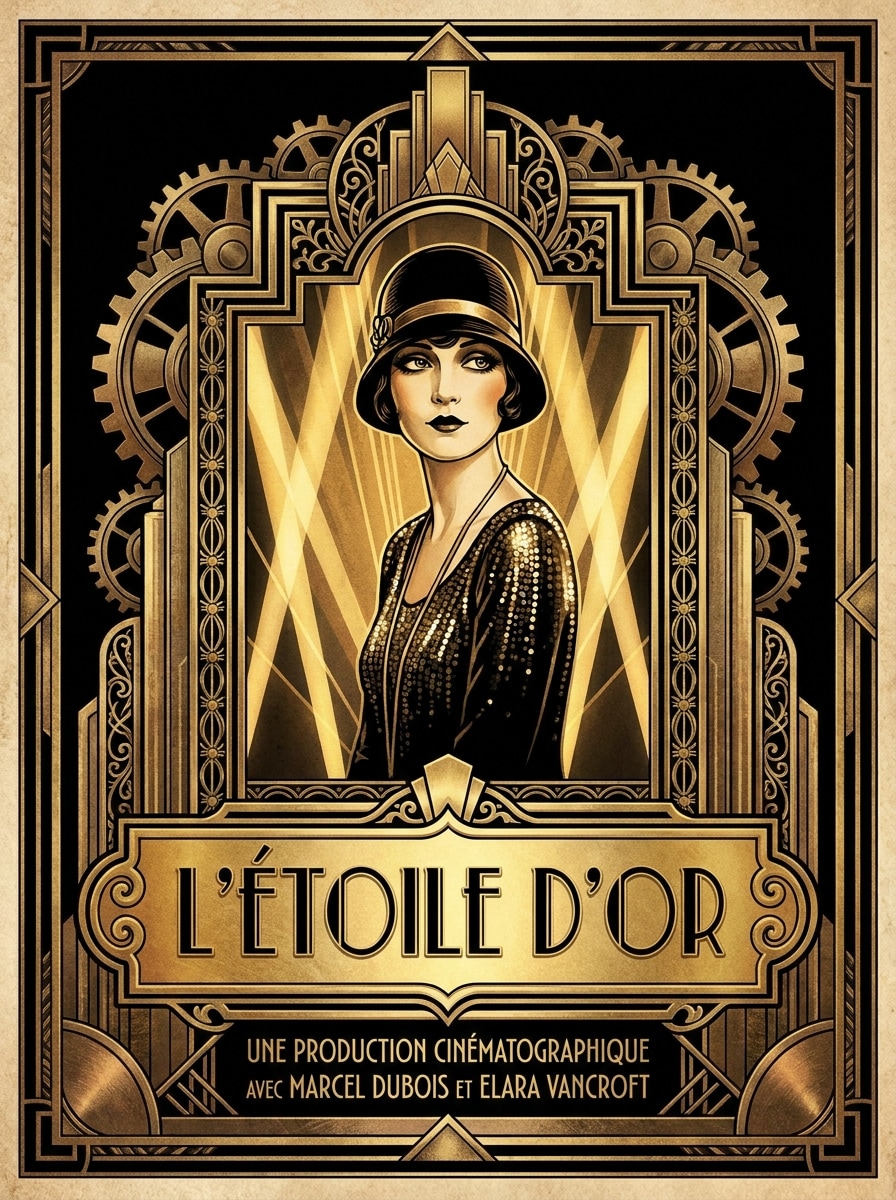
Use a imagem enviada como sujeito e transforme-o em um retrato art déco ousado de pôster de cinema, com iluminação teatral, moldura monumental, linhas arquitetônicas decorativas, design de espaço de título dourado, composição simétrica, contraste marcante preto e dourado e glamour cinematográfico vintage.
Por que usar o Media.io para Transformação de Retrato Art Déco
Preserve a Identidade ao Mudar o Visual
Com uma foto clara enviada, o Media.io usa transformação de imagem por referência para preservar sua identidade enquanto aplica um visual déco glamouroso, para que o retrato final ainda pareça pessoal, e não apenas um personagem vintage qualquer.
Recrie um Assunto em Diversos Estilos
Quando o resultado precisa manter vínculo com o sujeito original, o Media.io ajuda a preservar traços reconhecíveis enquanto adapta o estilo art déco para uso pessoal, branding ou simulações.
Escolha o Luxo nos Detalhes com Resoluções Flexíveis
Para projetos que exigem mais do que um rascunho, o Media.io produz retratos art déco em até 4K, para os detalhes ficarem nítidos ao apresentar, recortar ou reutilizar o arquivo final.
Crie e Refine em Qualquer Navegador em Minutos
Quando tiver uma ideia de retrato art déco longe do seu computador principal, o Media.io permite criá-la e refiná-la no navegador, tornando a mudança entre celular e desktop fluida e sem interrupções.
Como Criar um Retrato Art Déco a partir de uma Foto
Transforme suas palavras em visuais de impacto em três passos simples – depois continue ajustando o resultado se desejar avançar ainda mais.
Passo 1
Envie Sua Imagem de Referência
Comece com um retrato, selfie ou foto de moda bem definida, em JPG, PNG ou JPEG. Rostos centralizados, boa iluminação e traços visíveis funcionam melhor para uma transformação déco refinada que ainda se parece com você.
Passo 2
Descreva a Transformação e Ajuste as Opções
Digite um comando descrevendo o visual desejado, como bordas douradas geométricas, moldura de raios de sol, glamour Gatsby ou acabamento de pôster. Depois, escolha o modelo e ajuste proporção, qualidade e número de variações.
Passo 3
Gere, Baixe e Aprimore
Crie seus retratos estilizados, compare os resultados e baixe a versão preferida. Refine o comando, tente outro layout ou gere mais variações até encontrar o clima, paleta de cores e detalhes vintage perfeitos.
Veja como criadores usam este Retrato Art Déco para conteúdo, marketing e projetos pessoais, depois adapte cada ideia ao seu objetivo.
Crie um Perfil Glamouroso ou Retrato de Criador
Valorize uma selfie em uma imagem editorial refinada com moldura déco, detalhes metálicos e luxo vintage. Ótimo para criadores que desejam um filtro art déco de IA marcante, perfeito para perfis sociais, sites pessoais ou capas de canal.
Transforme em Arte de Parede Presenteável com Toque Pessoal
Torne a foto de alguém especial em uma peça única no estilo pôster para aniversários, datas comemorativas ou decoração. Um toque vintage refinado pode tornar um retrato simples em uma obra de arte colecionável, não apenas uma foto comum.
Crie Visuais para Festa ou Evento Estilo Gatsby
Produza uma foto art déco de impacto para convites, placas de boas-vindas, cenários temáticos ou divulgações de eventos. Layouts simétricos, tons de jóias e detalhes dourados unem os retratos em uma identidade visual dos Loucos Anos Vinte.
O que Dizem os Usuários
Amelia R.
Criadora de Lifestyle
"Minha selfie realmente ficou igual a um pôster vintage." Enviei um retrato simples e recebi um resultado lindo em estilo déco, com moldura dourada e luz elegante. Ficou estiloso sem perder meu rosto, que era exatamente o que queria.
Jordan T.
Designer de Eventos
"Perfeito para artes de eventos Gatsby." Usamos para criar retratos de personagens para uma festa dos Loucos Anos Vinte. Os layouts ficaram dramáticos e refinados, e o resultado serviu perfeitamente para sinalização e convites digitais.
Priya S.
Vendedora no Etsy
"Ótimo para produtos de impressão personalizados." Testei alguns estilos de retrato e adorei como foi fácil ajustar o comando. Os detalhes geométricos e paletas em tons jóia ficaram belíssimos, principalmente para pôsteres personalizados.
Marcus L.
Fotógrafo
"Fluxo rápido e resultados elegantes." O uso direto pelo navegador tornou fácil subir fotos de clientes, experimentar variações e exportar tudo em alta resolução. Economizei tempo nos visuais de conceito e prévias em redes sociais.
Explore os efeitos de vídeo e imagem de IA mais quentes
1. Como posso transformar uma foto em retrato art déco online?
Envie um retrato nítido (JPG, PNG ou JPEG) para o Media.io, depois descreva o visual desejado, como bordas geométricas douradas, moldura de raios de sol, tons de joias ou acabamento vintage de pôster. O fluxo usa sua foto original de referência para guiar a transformação, ajudando a criar um resultado elegante no estilo Art Déco direto no navegador.
2. Existe um gerador de retrato art déco gratuito online?
O Media.io oferece créditos gratuitos para testar o fluxo de retrato art déco antes de fazer upgrade. Usuários gratuitos podem ver marcas d’água, enquanto assinantes pagam para baixar em alta resolução e sem marca d’água. Para mais detalhes, consulte a página de planos. Usuários gratuitos podem usar créditos gratuitos. Para uso extra, basta assinar na página de preços e liberar mais créditos e downloads em alta resolução sem marca d’água.
3. Que tipo de foto funciona melhor para efeito art déco?
Uma foto nítida e bem iluminada, com o rosto em destaque, funciona melhor. Retratos centralizados, fundo limpo e características visíveis dão ao Media.io uma excelente referência para uma transformação refinada. Se busca um resultado mais editorial ou dramático, escolha uma imagem com pose confiante, estilo caprichado e contraste equilibrado.
4. Posso criar um retrato art déco em alta resolução para impressão?
O Media.io suporta resoluções de 1K, 2K e 4K, ótimo para impressões, presentes emoldurados, pôsteres e outros formatos. Você também pode ajustar a proporção da sua composição para adaptar melhor ao layout de impressão. Usuários gratuitos podem ter marca d’água nos resultados.
5. Quanto tempo leva para gerar um retrato art déco a partir de uma foto?
Normalmente, leva pouco tempo para enviar sua imagem, adicionar o comando e gerar variações. A velocidade exata depende das configurações e modelo escolhido, mas o fluxo foi criado para transformar da foto ao retrato estilizado rapidamente.
6. Posso criar um retrato art déco no celular ou tablet?
O Media.io é baseado na web, então você pode criar e editar retratos em qualquer dispositivo com navegador, incluindo celulares e tablets. Assim fica fácil subir uma selfie, experimentar um visual de pôster luxuoso e baixar a arte final sem instalar programas extras.