Selecione / @ personagem, descreva a cena que você deseja gerar.
0/2000
9:16
1K
1
Modo Ilimitado do Banana Pro
Criações
Hub de Ideias
Como funciona
Todos
Recursos populares
Ver tudo
História de Frutas com IA
Ver tudo
Vídeo de História com IA
Ver tudo
Vídeos Virais Hoje
Ver tudo
Vídeos de Produto com IA
Ver tudo
Personagem AI
Ver tudo
Tendências de Dança
Ver tudo
GPT Image 2
Ver tudo
Seedance 2.0
Ver tudo
Correspondência de Celebridade por IA
Ver tudo
Dicas de Poses para Casais
Ver tudo
Prompts de Poses de Garota AI Estética
Ver tudo
Sugestões de Pose de Garoto Elegante com IA
Ver tudo
Lista de geração
As criações são armazenadas por apenas 7 dias. Os recursos criados após o upgrade para um plano de assinatura serão armazenados permanentemente.
Desbloqueie seu potencial criativo e experimente a magia da IA de mídia hoje!
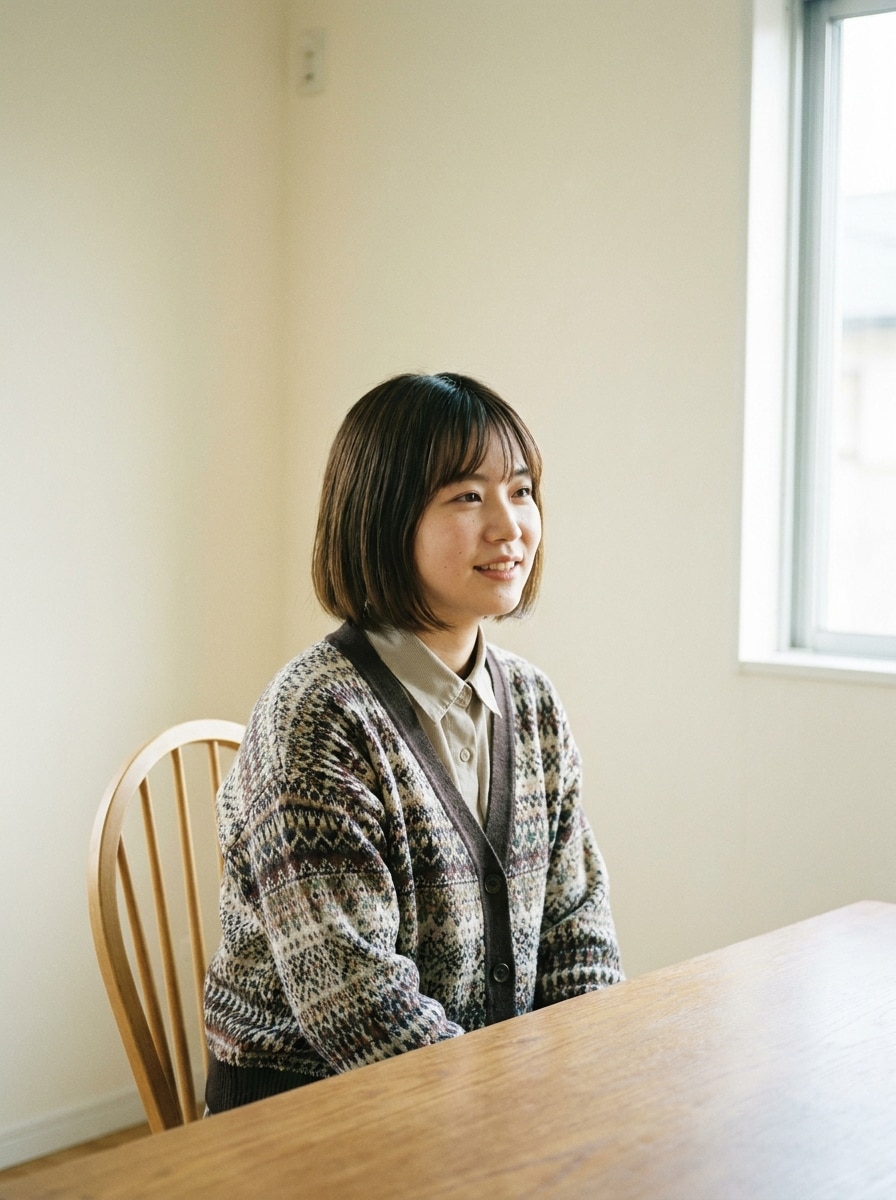
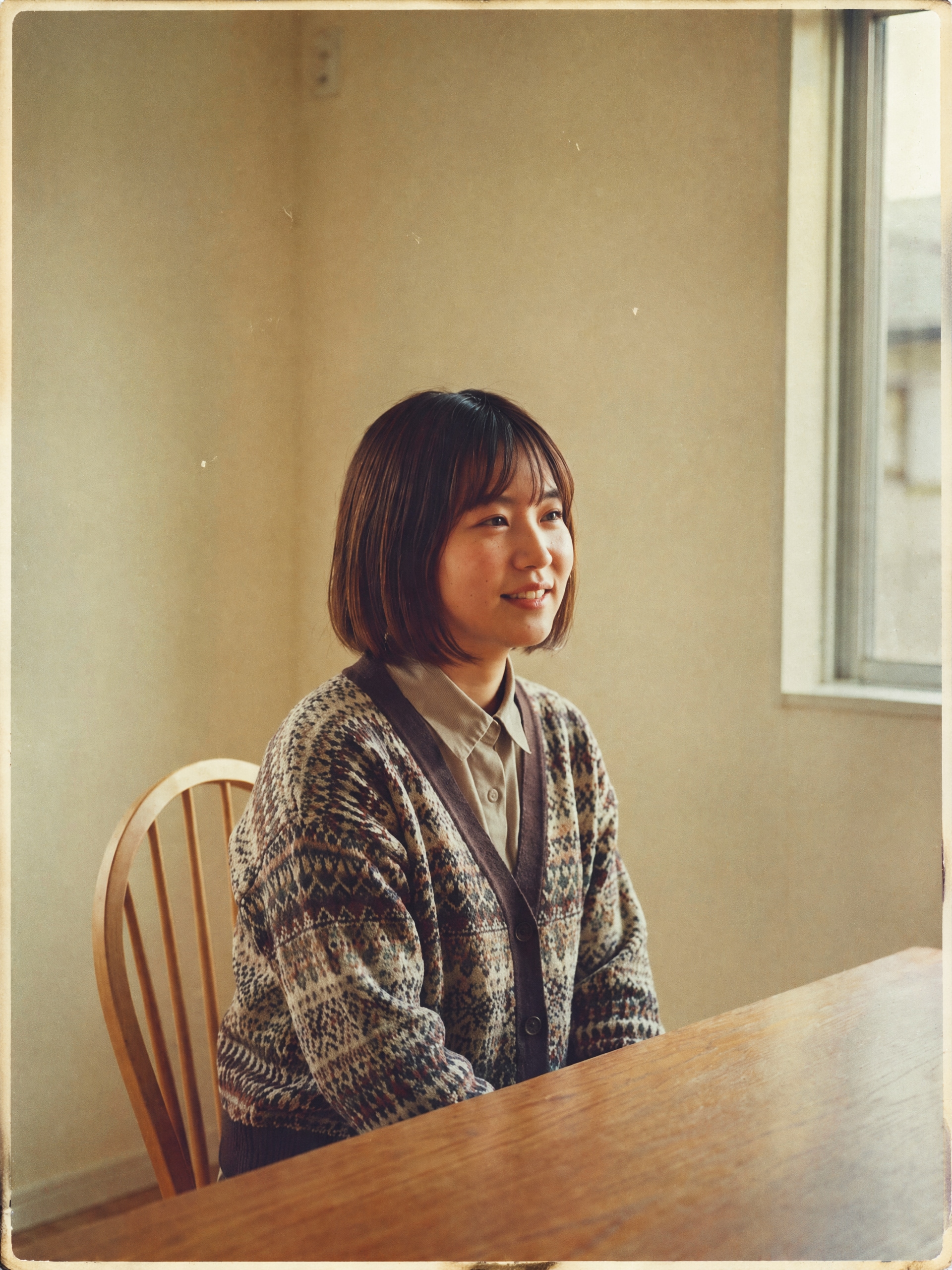
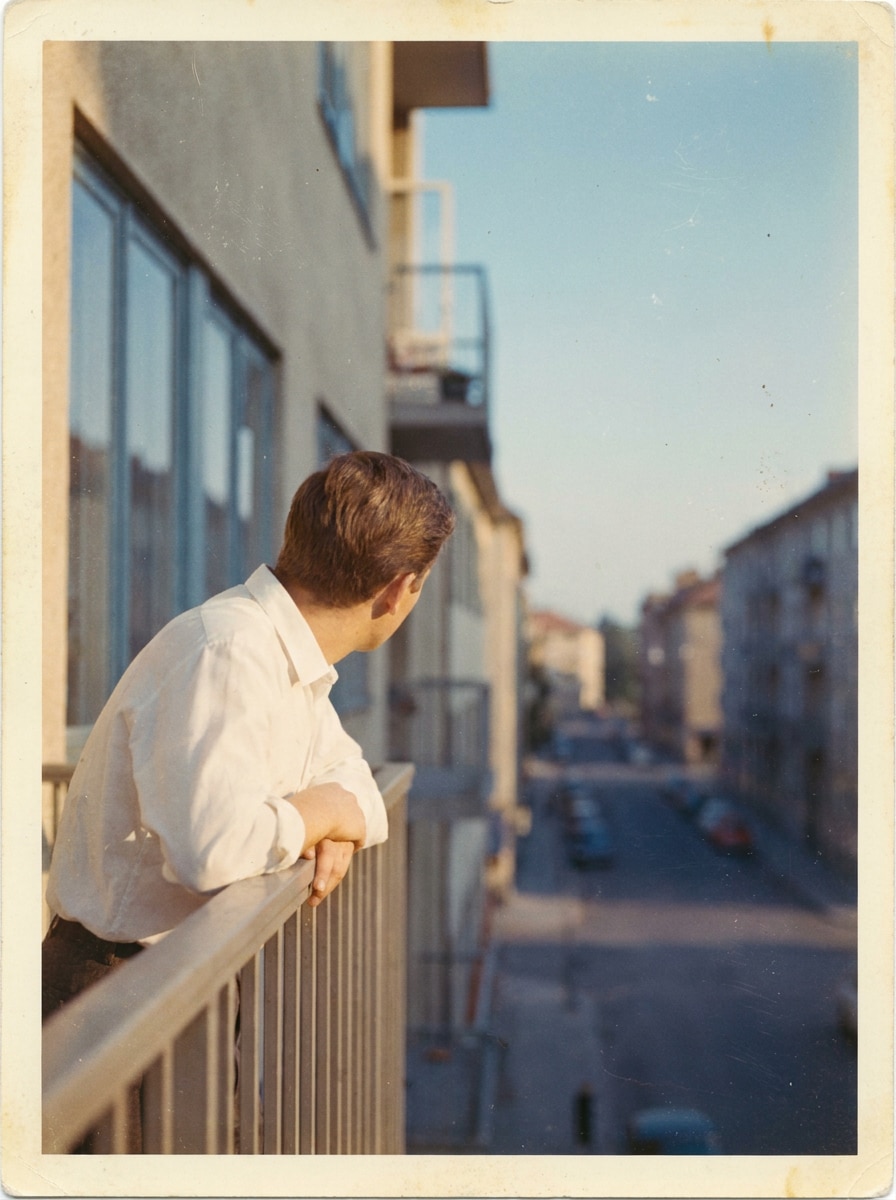
Filtro dos anos 1960 para transformar fotos modernas em visuais retrô autênticos
Crie imagens realistas no estilo dos anos 60 a partir de suas próprias fotos em segundos. Estefiltro dos anos 1960adiciona cor de filme desbotada, granulação, vazamentos de luz e textura de impressão envelhecida para retratos, instantâneos e edições nostálgicas com um verdadeirofiltro retrô dos anos 60de fato.
Digite sua ideia -> A IA cria. Grátis para testar.
Confira estes exemplos de diretrizes e depois personalize o prompt para obter resultados mais impressionantes com este filtro dos anos 60 ou um visual de filtro ainda mais específico.
Kodachrome Desbotado dos Anos 60
Use a imagem enviada como o assunto principal e transforme-a em uma autêntica foto em filme colorido dos anos 60. Adicione tons desbotados de Kodachrome, realces quentes, azuis suaves, contraste sutil, granulação discreta, leve envelhecimento da impressão, poeira delicada e textura analógica realista com um clima nostálgico natural.
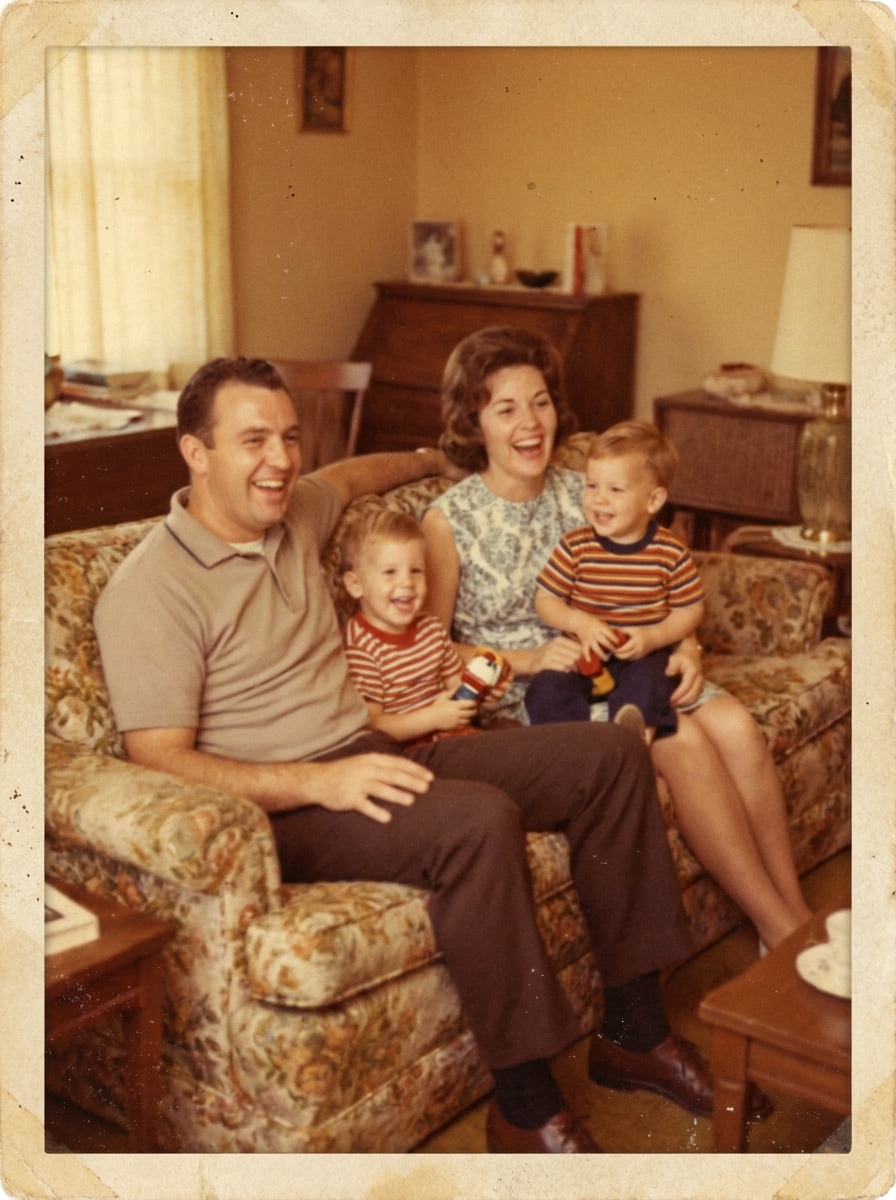
Instantâneo Familiar Aconchegante
Use a imagem enviada como assunto e estilize-a como uma foto de família calorosa dos anos 60. Aplique um tom de filme amarelo-alaranjado, foco suave, baixo contraste, granulação delicada, leve desbotamento nos cantos, textura de papel fotográfico envelhecido e um clima de foto caseira naturalista.
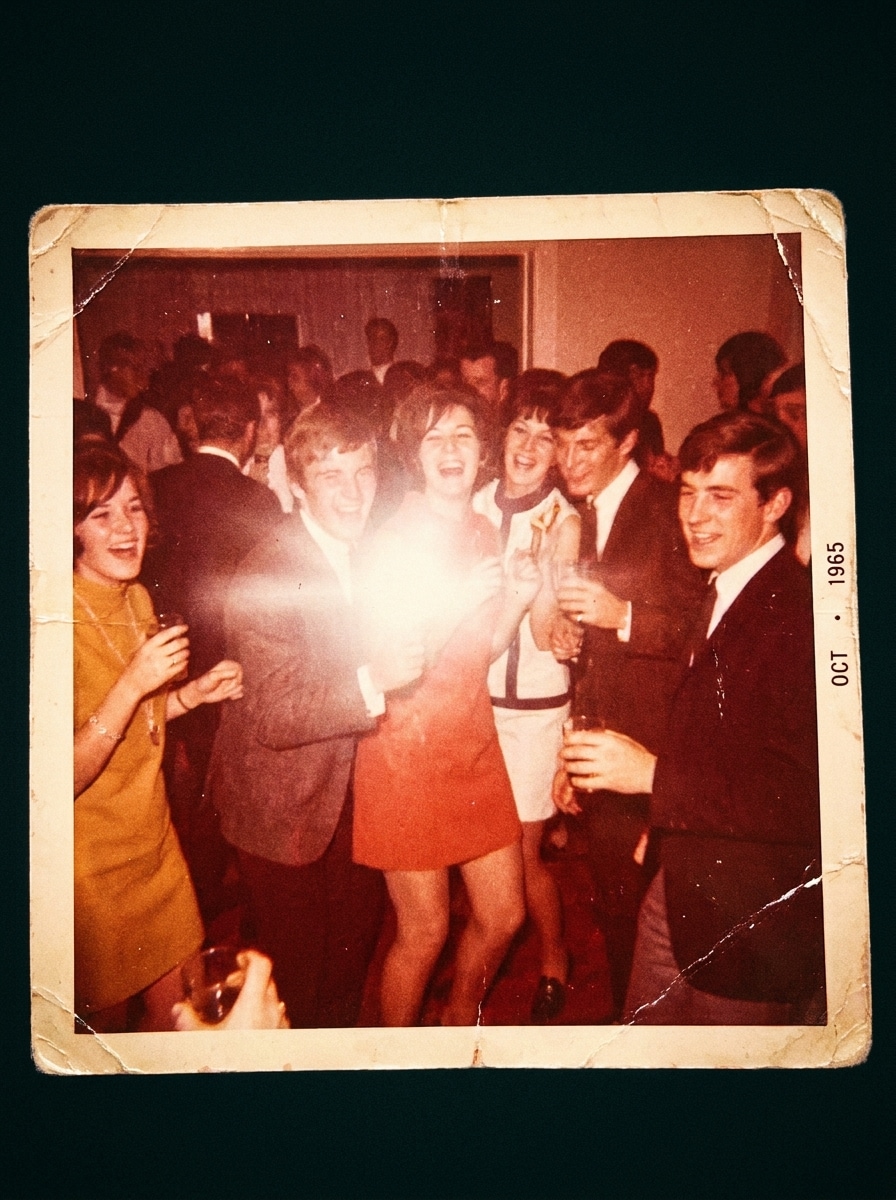
Foto de Festa com Flash
Use a imagem enviada como assunto e dê a ela um visual animado de câmera com flash dos anos 60. Adicione brilho de flash direto, leve calor avermelhado, granulação mais forte, leve suavidade de movimento, ambiente interno escuro e textura de impressão antiga, fazendo a imagem parecer um instantâneo espontâneo de festa.
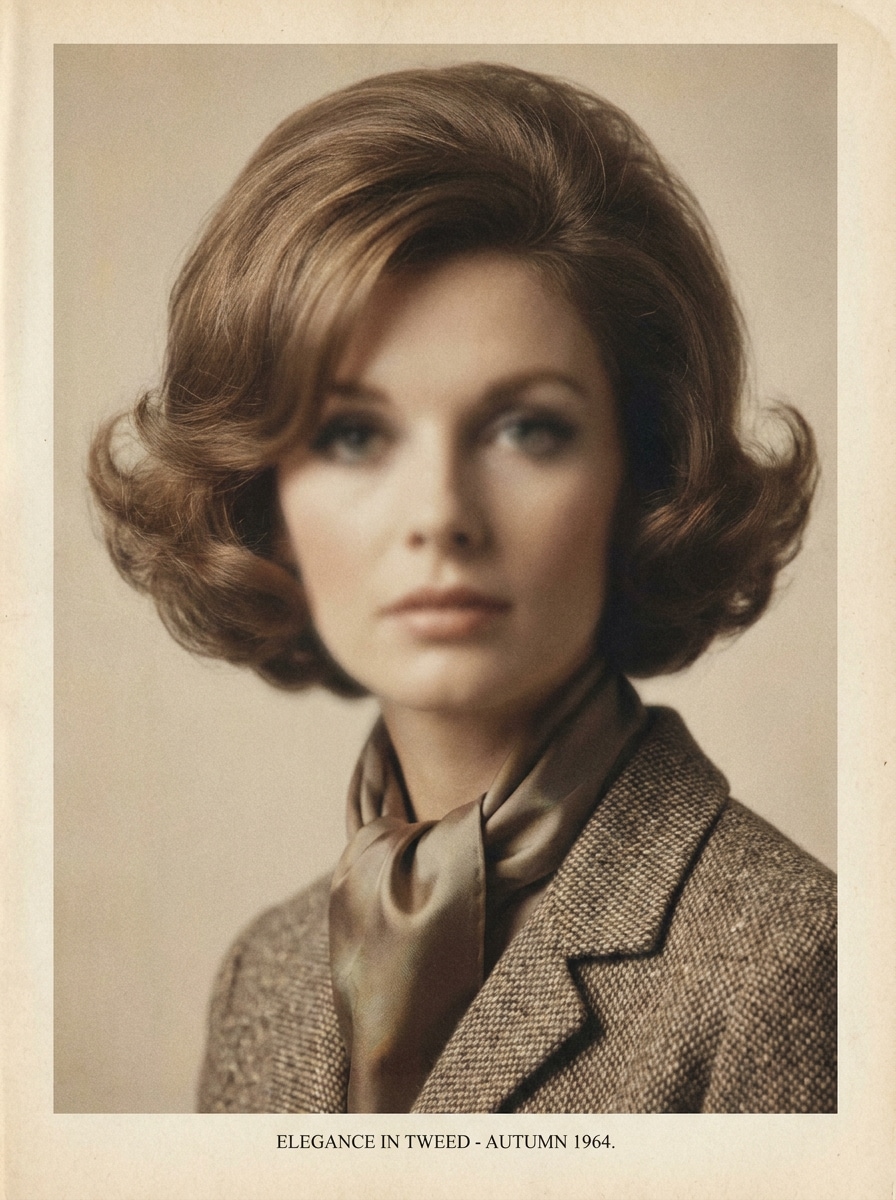
Retrato Glam Anos 60
Use a imagem enviada como assunto e transforme-a em um retrato editorial glamouroso dos anos 1960. Crie iluminação elegante, tons quentes e foscos, pele macia, baixa saturação, granulação fina e acabamento de revista vintage com composição refinada e clima clássico de fotografia de beleza.
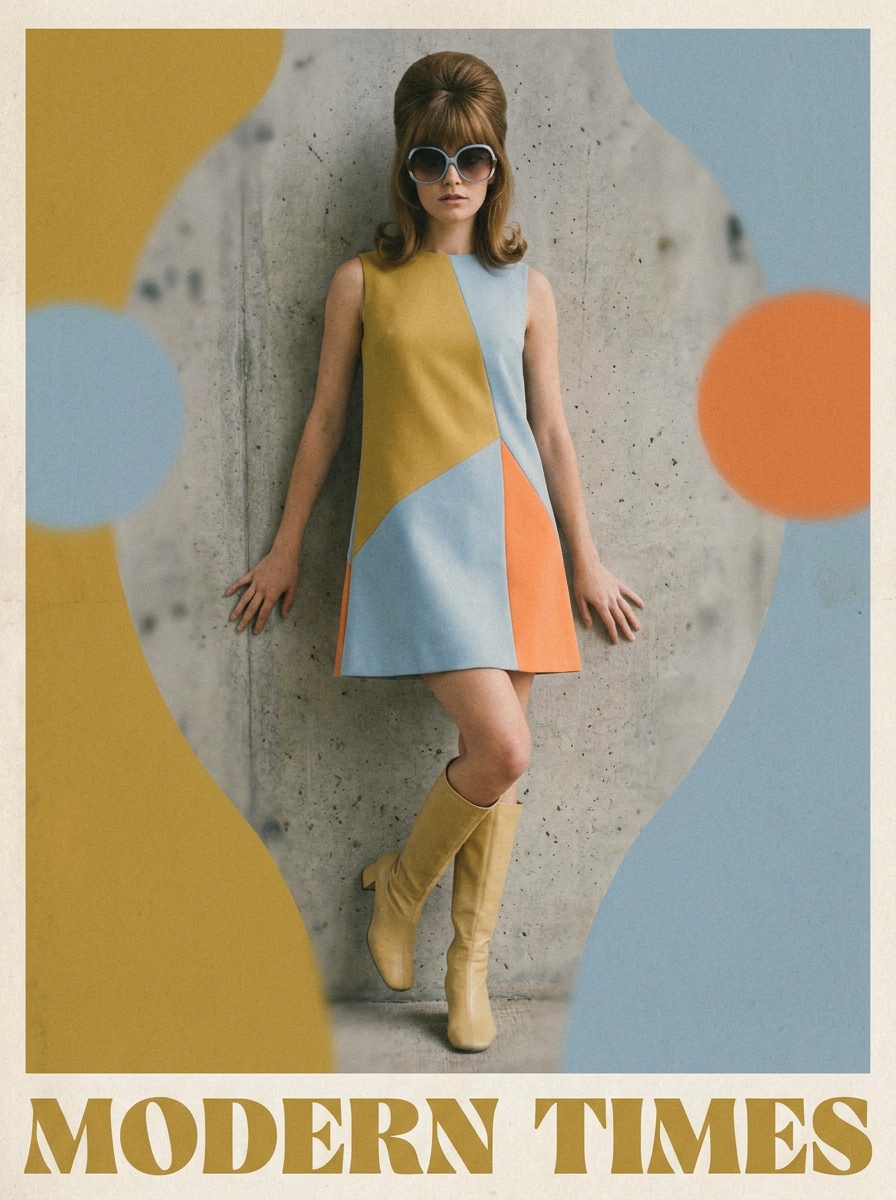
Editorial de Moda Mod
Use a imagem enviada como assunto e transforme-a em um editorial de moda mod dos anos 60. Adicione uma paleta pastel ou marcante, composição limpa, granulação analógica suave, desfoque delicado, ênfase nítida nos trajes e sensação de revista impressa com estilo retrô confiante.
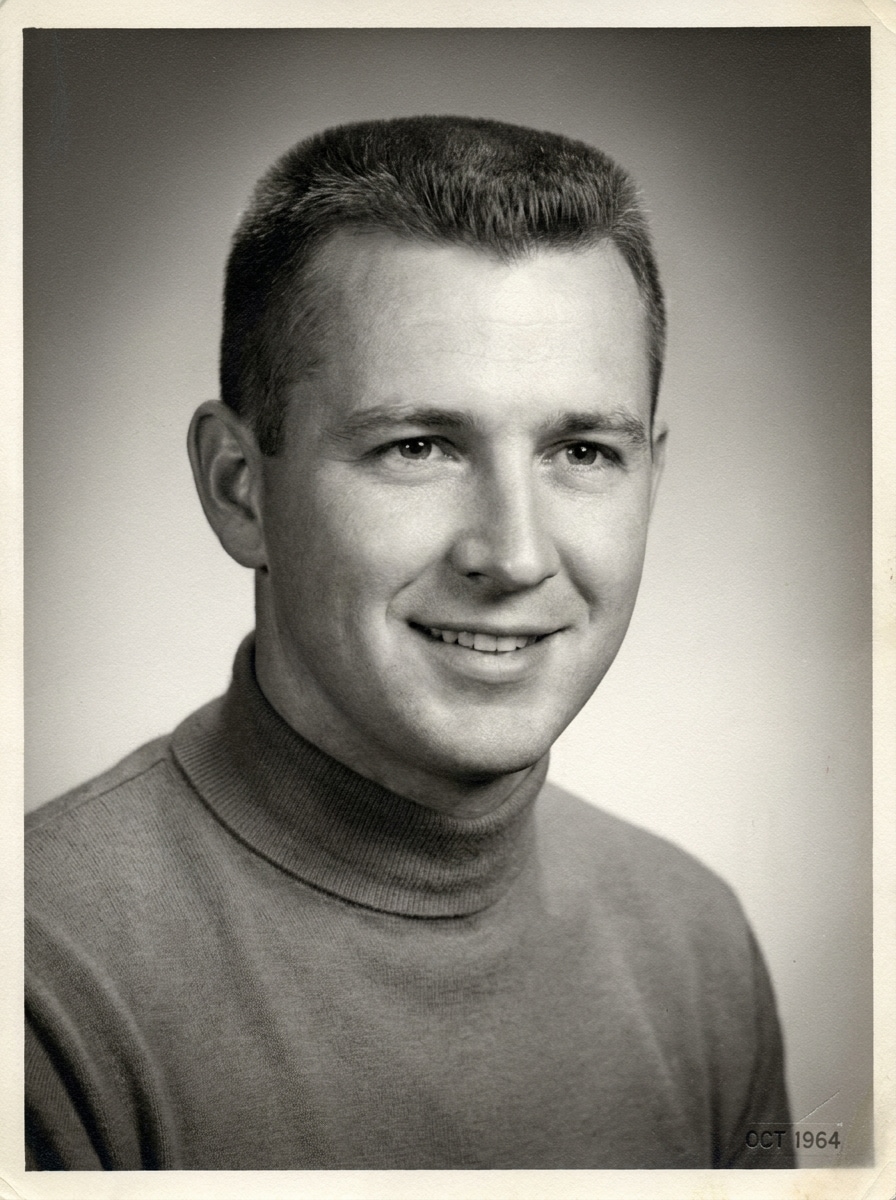
Retrato Preto e Branco dos Anos 60
Use a imagem enviada como assunto e converta-a em um retrato realista em preto e branco dos anos 1960. Aplique contraste suave em tons de cinza, iluminação de estúdio clássica, granulação fina, leve vinheta e textura de arquivamento para um acabamento elegante de foto antiga.
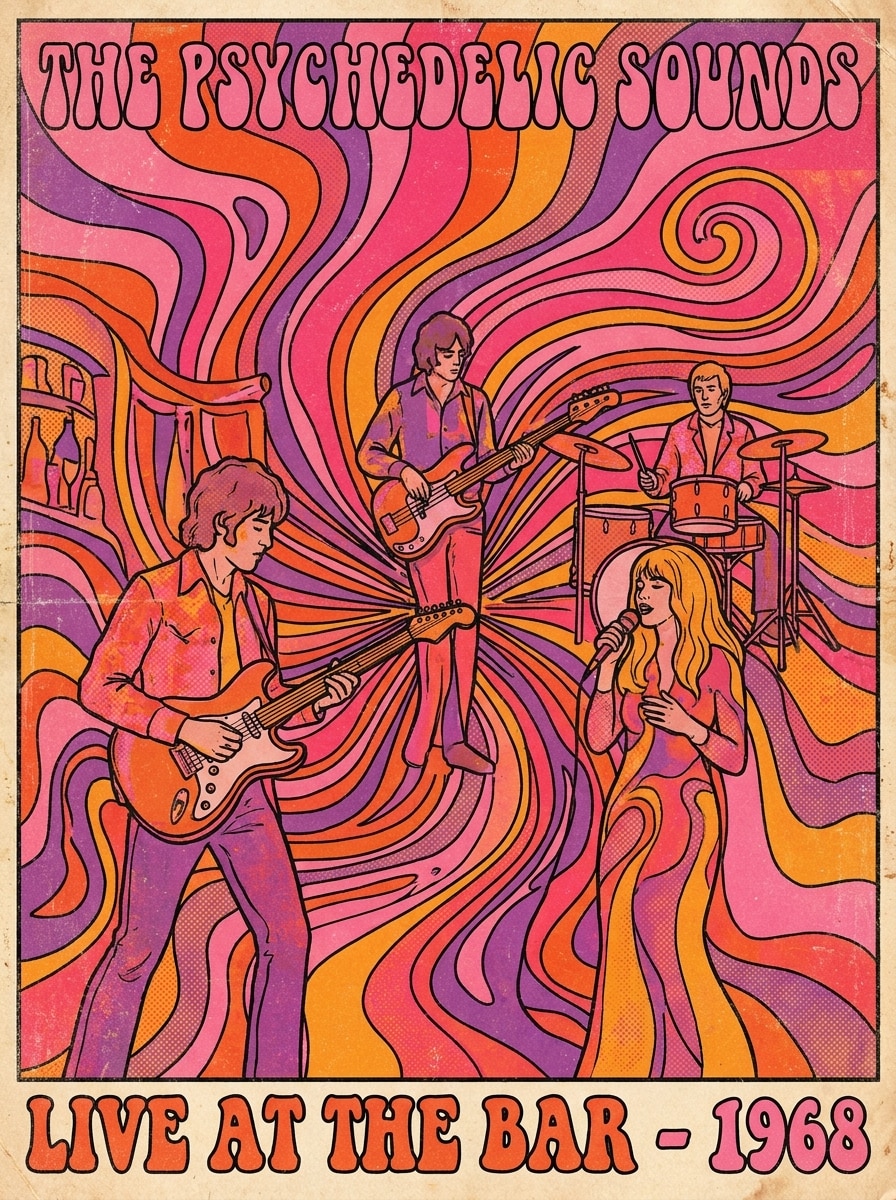
Pôster Psicodélico dos Anos 60
Use a imagem enviada como assunto e a reimagine como um pôster psicodélico dos anos 1960. Adicione campos de cores giratórias, contraste forte, contornos estilizados, tons intensos de rosa e laranja, textura de impressão vintage e energia gráfica dramática, mantendo o assunto reconhecível.
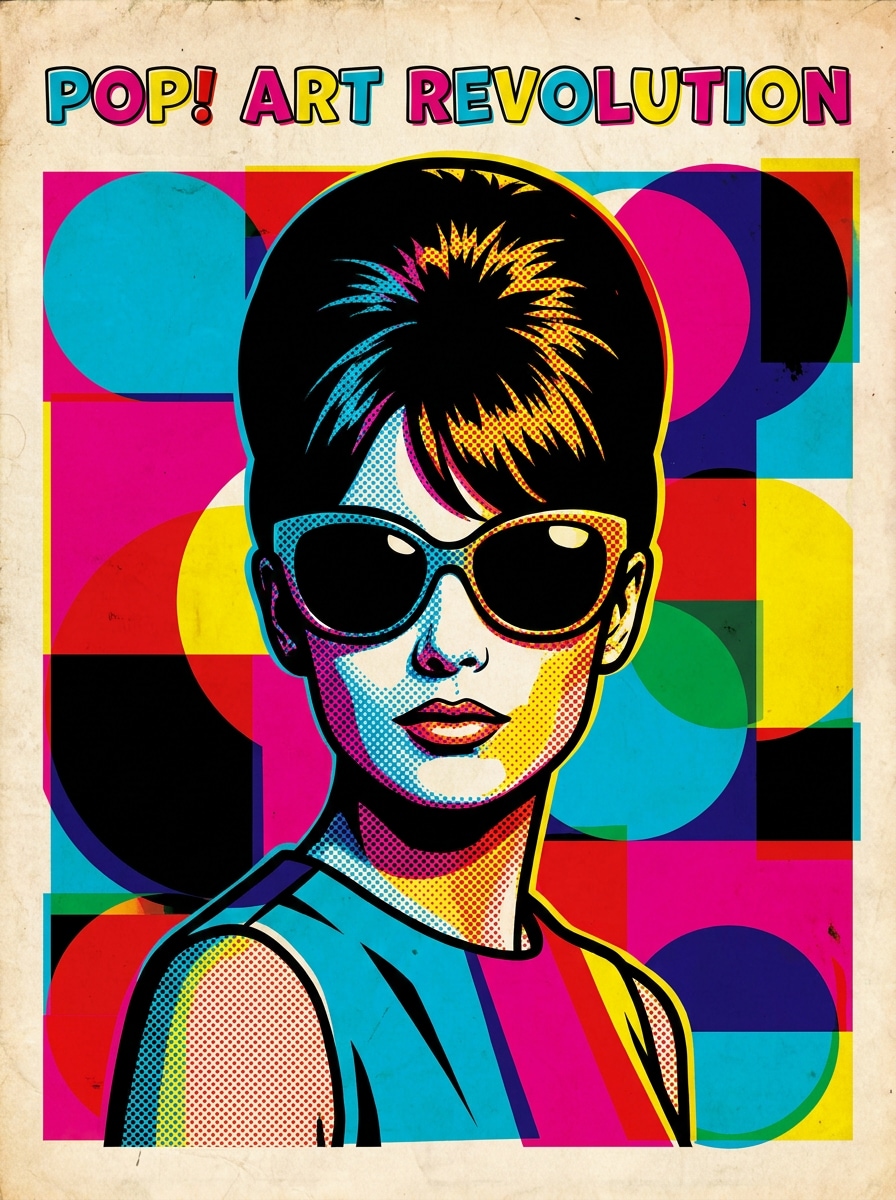
Efeito Pop Art Anos 60
Use a imagem enviada como assunto e transforme-a em uma imagem pop art colorida dos anos 60. Aplique blocos de cor vibrante, textura pontilhada, sombreamento tipo pôster, contornos marcados e imperfeições retrô de impressão para um visual gráfico divertido e alto contraste visual.
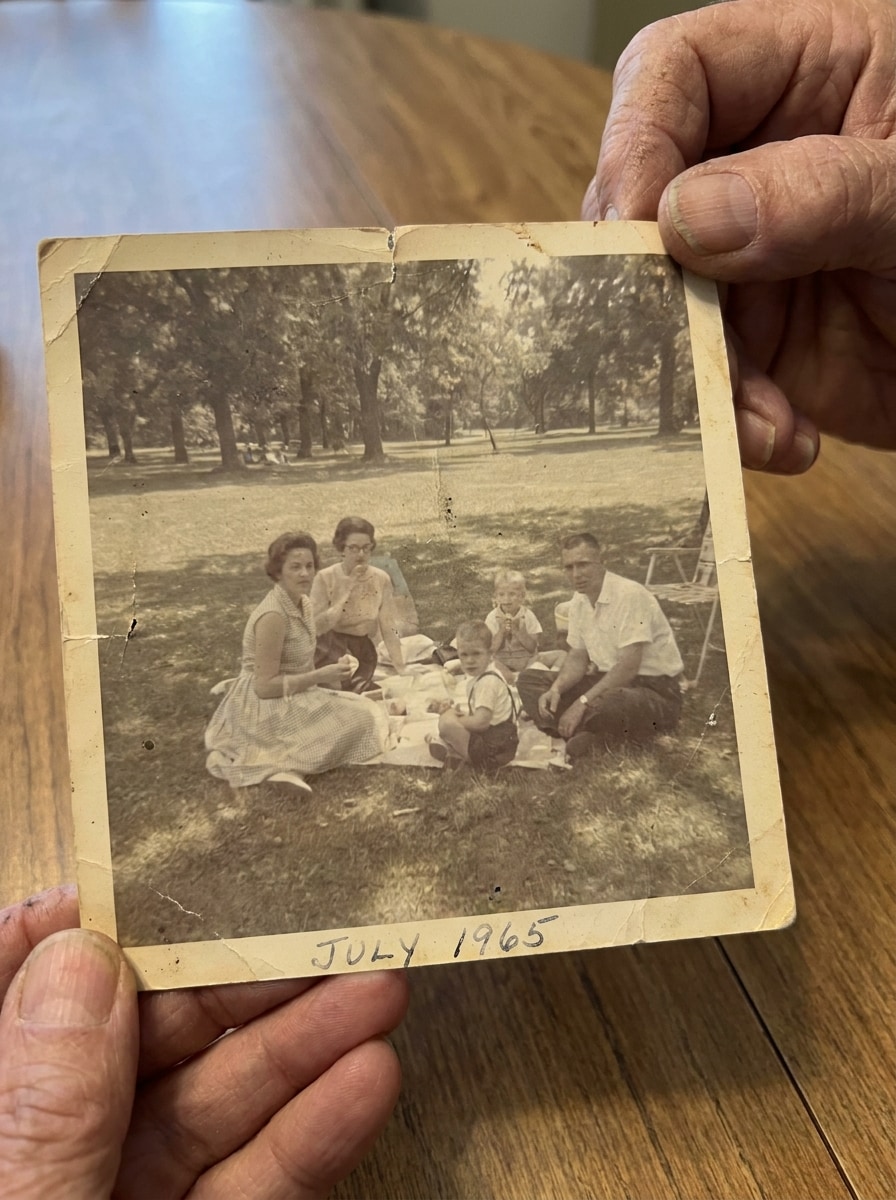
Impressão de Arquivo empoeirada
Use a imagem enviada como assunto e faça-a parecer uma impressão antiga arquivada dos anos 60. Adicione cores desbotadas, pontos de poeira, textura de papel suave, descoloração leve, pequenos vincos e bordas gastas para uma aparência autêntica de foto guardada.
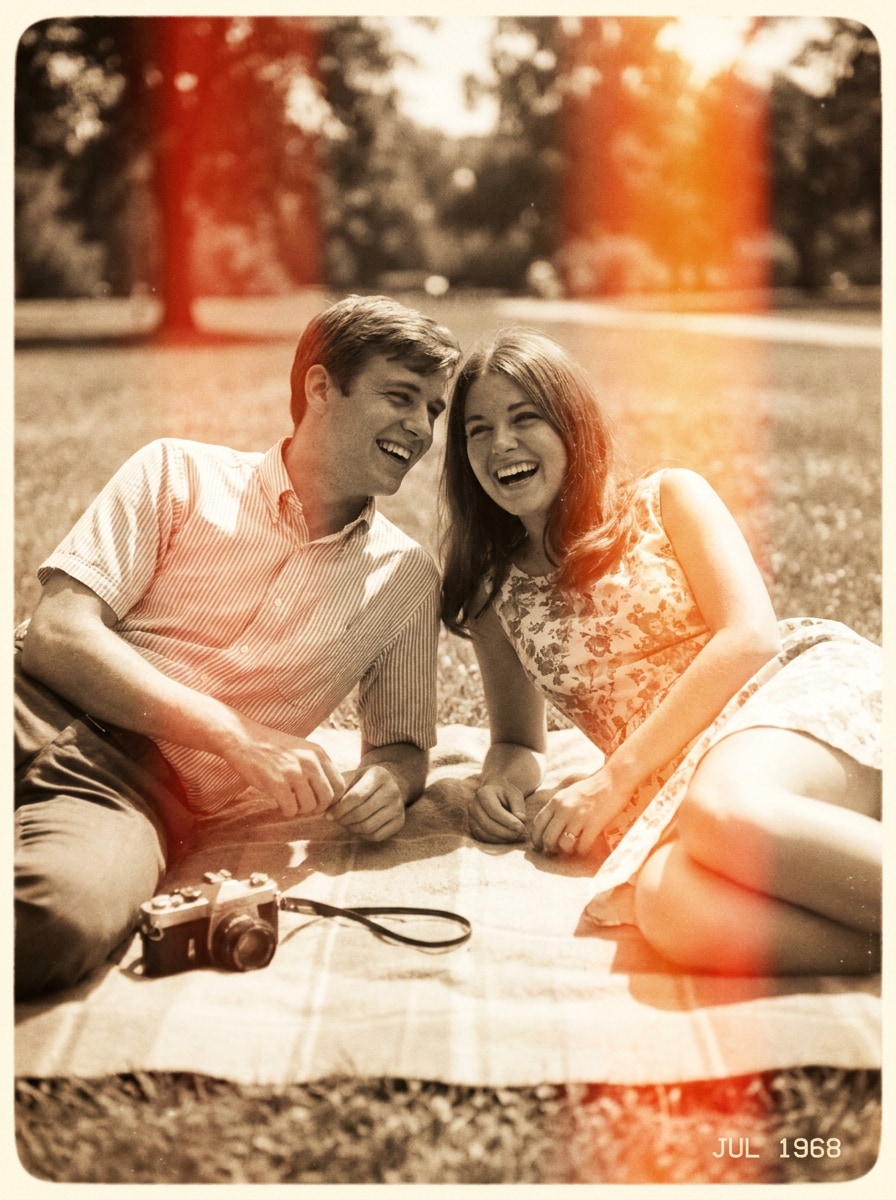
Instantâneo Retrô com Vazamento de Luz
Use a imagem enviada como assunto e crie um instantâneo nostálgico dos anos 60 com vazamentos de luz. Adicione bordas quentes superexpostas, foco suave, granulação de filme natural, moldura desbotada e lavagem de cor sutil para um clima relaxado de lembrança de verão.
Por que usar o Media.io para efeito fotográfico dos anos 1960
Estilo autêntico dos anos 60 a partir da sua própria foto
Para edições baseadas em upload, o Media.io ajuda a manter o sujeito de referência visualmente consistente ao transformar a imagem para o novo estilo de filtro dos anos 60, tornando os resultados personalizados mais confiáveis e fáceis de usar.
Múltiplos visuais dos anos 60 em um só fluxo
Se explorar estilos é importante, o Media.io permite comparar vários visuais com o mesmo ponto de partida do filtro dos anos 1960, ajudando a escolher o caminho certo mais rápido para revisões criativas ou escolhas de clientes.
Resultados em alta resolução para postagens e impressões
Para projetos que precisam de mais do que qualidade de rascunho, o Media.io pode gerar visuais com filtro dos anos 60 em até 4K, mantendo os detalhes mais nítidos ao apresentar, cortar ou reaproveitar a imagem final.
Edição fácil no navegador pelo computador ou celular
Alternar entre celular e computador é mais simples com o Media.io porque o fluxo de filtro dos anos 60 roda direto no navegador, tornando a criação mais prática onde quer que esteja trabalhando.
Como aplicar um filtro dos anos 60 com IA online
Transforme suas palavras em visuais incríveis em três passos simples e continue melhorando o resultado se quiser ir além.
Etapa 1
Envie sua imagem de referência
Comece com uma foto JPG, PNG ou JPEG nítida. Retratos, selfies, fotos de moda e imagens familiares funcionam especialmente bem se você quiser uma transformação autêntica no estilo analógico.
Etapa 2
Descreva a mudança e defina opções
Digite o visual dos anos 60 desejado, como cor de filme desbotada, granulação suave, vazamentos de luz, moda mod ou estilo de retrato preto e branco. Então escolha seu modelo, proporção, resolução e o número de variações.
Etapa 3
Gere, baixe e continue aprimorando
Crie várias versões, compare os resultados e baixe sua edição retrô preferida. Se necessário, refine o prompt, regenere com outro visual ou siga editando para um acabamento ainda mais personalizado.
Liberte o Potencial do Filtro de Fotos dos anos 60
Veja como criadores usam este filtro dos anos 60 para conteúdo, marketing e projetos pessoais e adapte cada ideia ao seu objetivo.
Reimagine retratos com autenticidade de época
Transforme uma foto moderna e limpa em uma quente imagem de estúdio desbotada com granulação, tons matte e suavidade de impressão antiga. Isso funciona bem para fotos de perfil, portfólios criativos ou para quem deseja umfiltro de IA dos anos 60com resultado mais autêntico do que um preset vintage genérico.
Deixe posts sociais com cara de fotos de filme encontradas
Dê a seus instantâneos cotidianos um clima analógico crível para TikTok, Instagram ou moodboards. Um sutilfiltro de foto dos anos 60com poeira, vazamentos de luz e cor lavada de verão, faz suas imagens se destacarem, mantendo a edição natural e não exagerada.
Crie arte retrô a partir de uploads simples
Use uma só foto como base para editoriais mod, pôsteres psicodélicos ou lembranças de arquivo. Um tratamento fortemente retrô oufiltro de retrato dos anos 60pode ajudar criadores a montar convites temáticos, capas de álbuns ou visuais de campanhas nostálgicas com muito mais agilidade.
O que dizem os usuários deste filtro dos anos 1960
Ava Martinez
Criadora de Conteúdo
"Parece filme de verdade"Testei vários apps vintage, mas este foi o que chegou mais perto de um resultado igual a uma impressão real dos anos 60. A cor desbotada, a granulação e o contraste suave ficaram críveis em vez de artificiais.
Jordan Lee
Fotógrafo
"Ótimo para experimentar retratos"Usei como filtro de retrato dos anos 60 em moodboards para clientes. Subir um retrato limpo e testar diferentes estilos retrô foi rápido, e o assunto permaneceu reconhecível.
Priya Shah
Gerente de Mídias Sociais
"Fácil no celular"O fluxo no navegador é simples o suficiente para usar no celular. Montei um carrossel retrô inteiro com edições de fotos de família quentinhas e baixei a melhor versão em poucos minutos.
Ethan Brooks
Designer Gráfico
"Útil para pôsteres e capas"O que eu mais gostei foi a variedade. Pude ir de um efeito de foto antiga discreto até um estilo psicodélico mais vibrante usando a mesma imagem base, o que economizou tempo na criação de conceitos.
Explore os efeitos de vídeo e imagem de IA mais quentes
Um filtro dos anos 1960 é um efeito fotográfico criado para recriar o visual característico de imagens daquela época, incluindo cor desbotada, tom quente de filme, baixo contraste, granulação visível, poeira e textura de impressão envelhecida. No Media.io, você pode aplicar esse visual na sua imagem enviada e criar desde um instantâneo sutil até um retrato estilizado.
2. Como transformar uma foto em imagem estilo anos 60 online?
Envie uma imagem JPG, PNG ou JPEG para o Media.io, descreva o visual que deseja e gere a transformação direto no navegador. Você pode orientar o resultado com prompts como Kodachrome desbotado, foto de família, editorial mod ou retrato de estúdio em preto e branco, e depois baixar o que mais gostar.
3. Esse filtro de foto dos anos 60 é gratuito?
Sim, usuários gratuitos podem testar a ferramenta com créditos grátis. Se quiser mais uso ou downloads de alta resolução sem marca d'água, confira a página de preços do Media.io para opções de planos.
4. O que diferencia um filtro dos anos 1960 de um filtro de foto vintage?
Filtro vintage pode se referir a várias décadas e estilos, então o visual pode ser genérico ou pouco específico. Já um filtro dos anos 1960 foca mais nos elementos da época: cor de filme quente e desbotado, contraste suave, desgaste da impressão antiga, brilho de flash, tons editoriais mod e textura de arquivo, resultando em uma imagem que realmente remete aos anos 60.
5. Posso aplicar o filtro dos anos 1960 no celular?
O Media.io é baseado na web, então você pode usar no celular, tablet ou computador pelo navegador. Assim fica fácil fazer uma edição rápida no estilo anos 60 sem instalar nenhum software.
6. Minha imagem editada mantém alta resolução após o efeito anos 60?
O Media.io suporta vários ajustes de saída, incluindo opções de 1K, 2K e 4K para edições de imagem para imagem. Você também pode escolher diferentes proporções, sendo útil para resultados prontos para redes sociais, fotos de perfil, cartões ou layouts para impressão. Usuários gratuitos podem ter marca d'água.