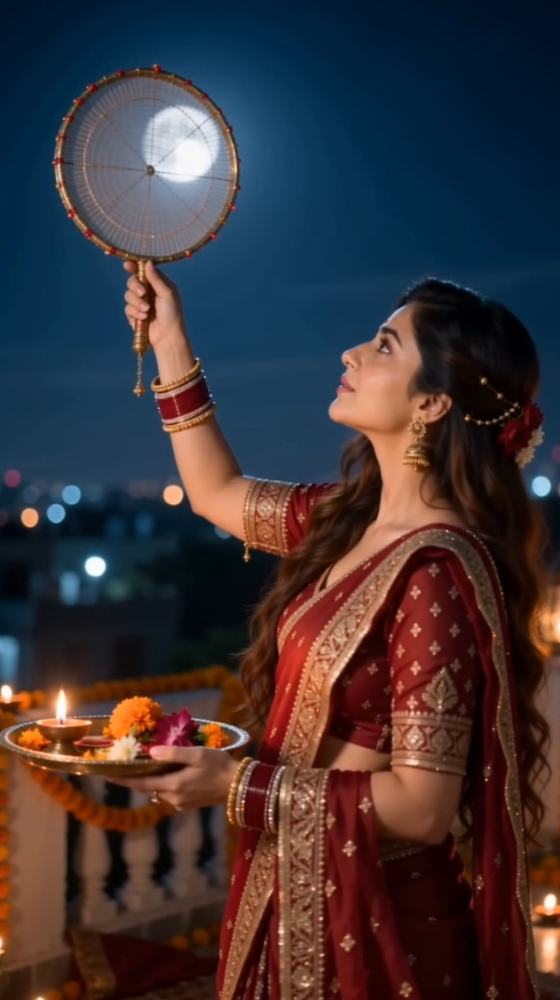
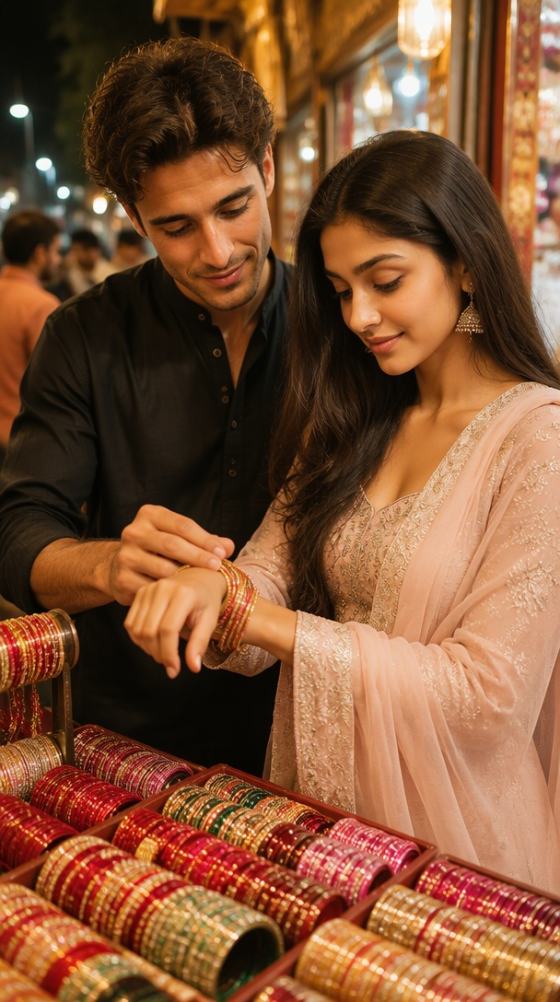
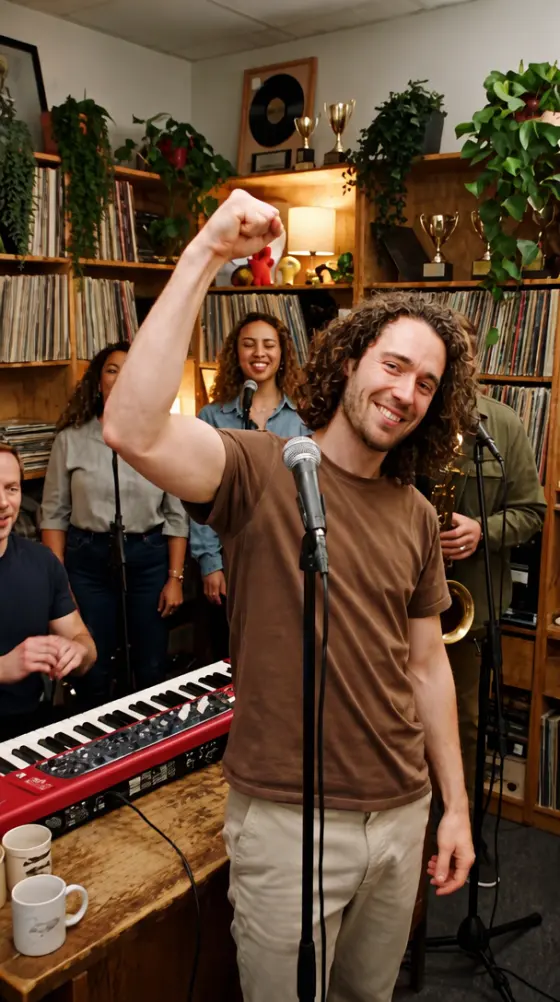
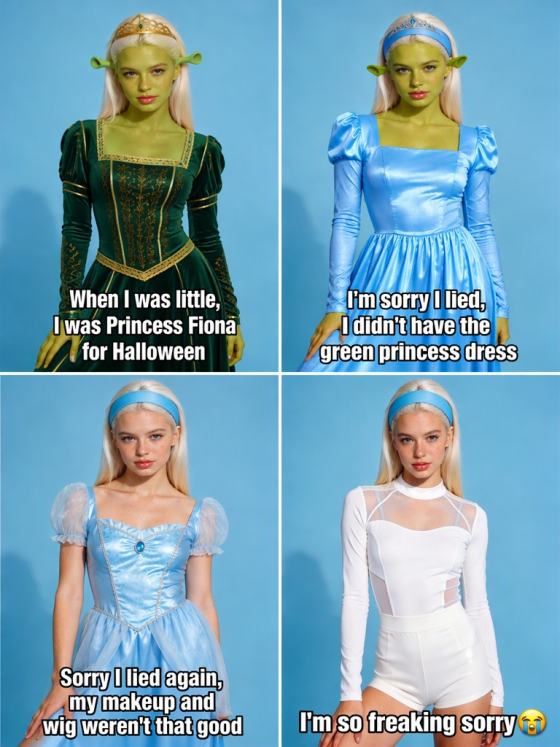
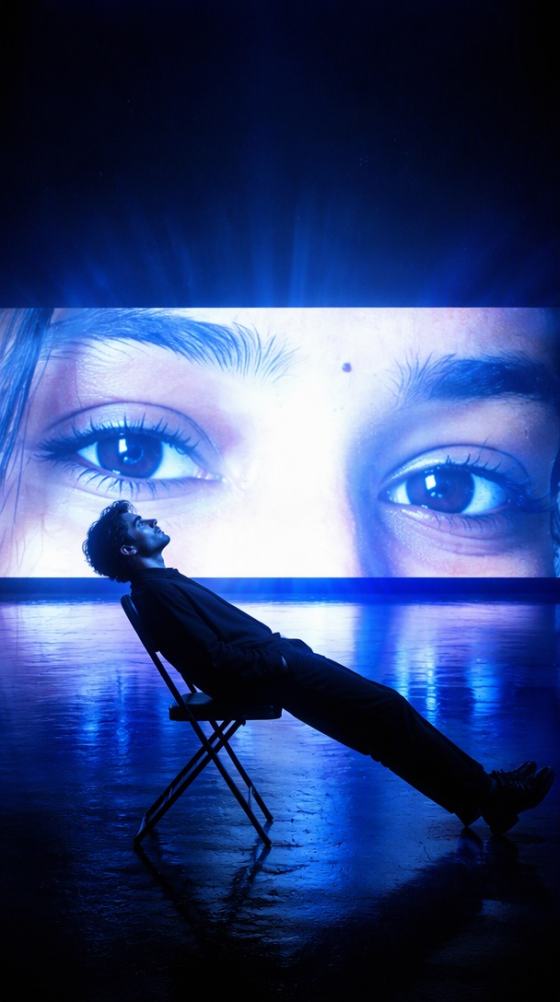

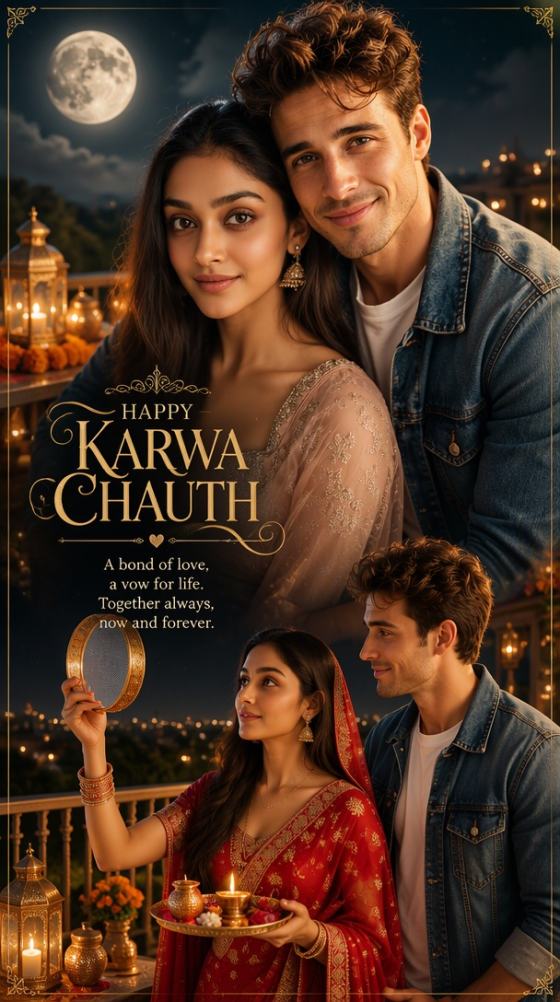
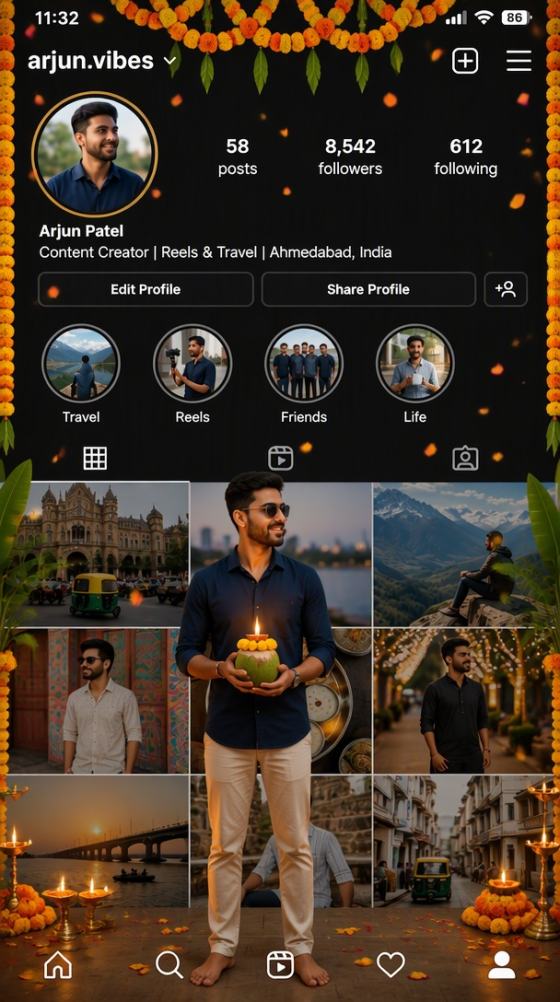
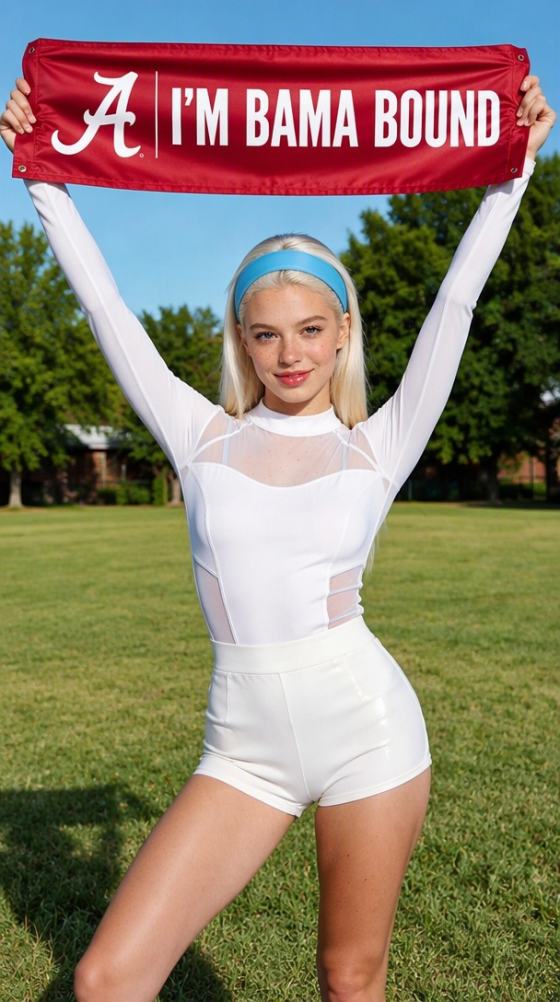




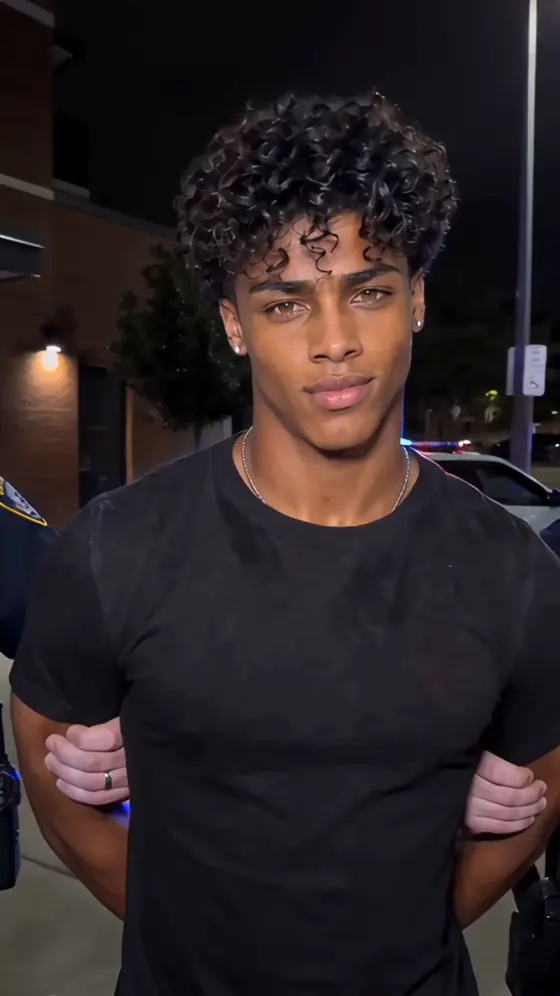

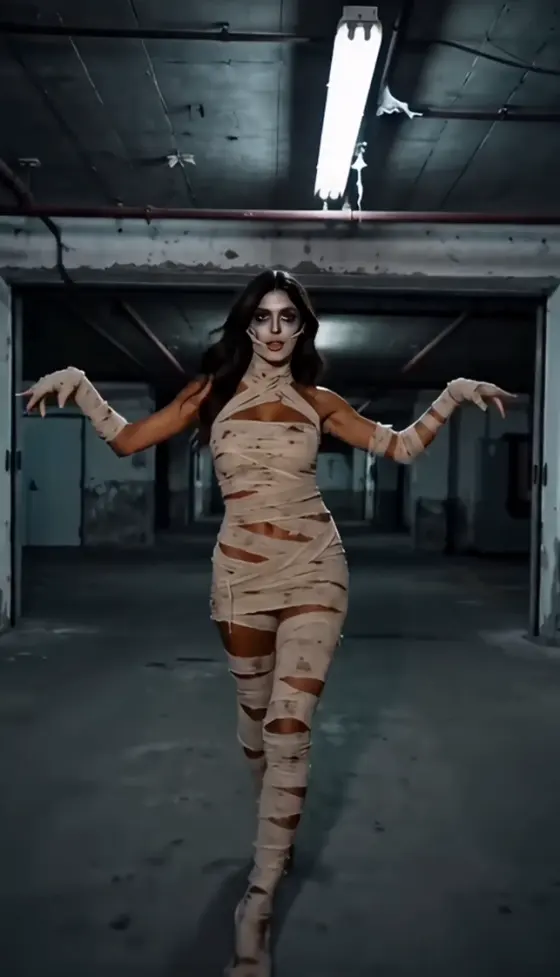

























Hub de Prompts de Fotos com IA | Mais de 100 prompts de imagem de IA em alta e ideias virais de fotos

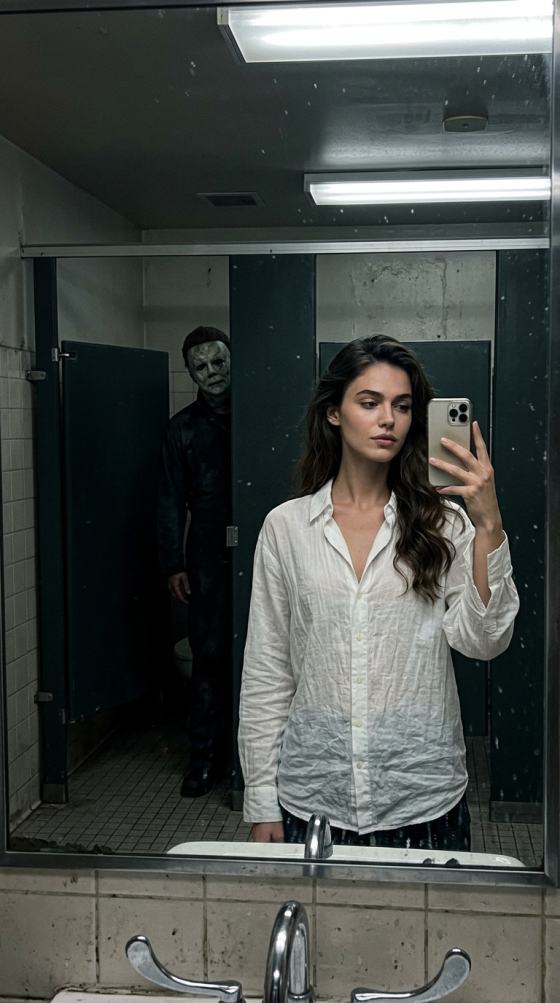
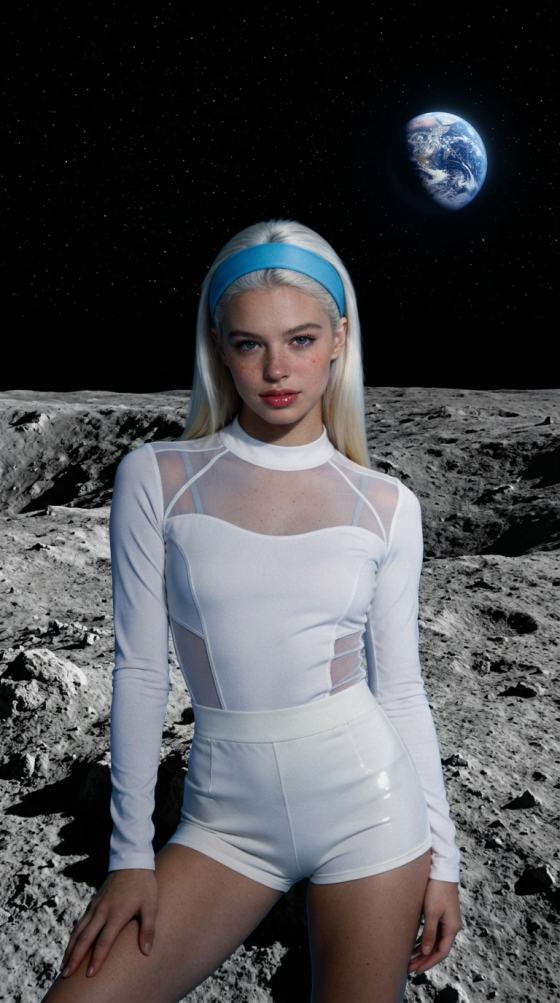
Descubra os mais recentes prompts de fotos com IA para ChatGPT, Gemini, Midjourney, Flux e muito mais. Explore mais de 100 prompts de imagens de IA em tendência, ideias de fotos virais para Instagram e TikTok, retratos cinematográficos, edições para casais, estilos de fantasia, anime, efeitos sazonais e templates de prompts prontos para uso - tudo em um só lugar.

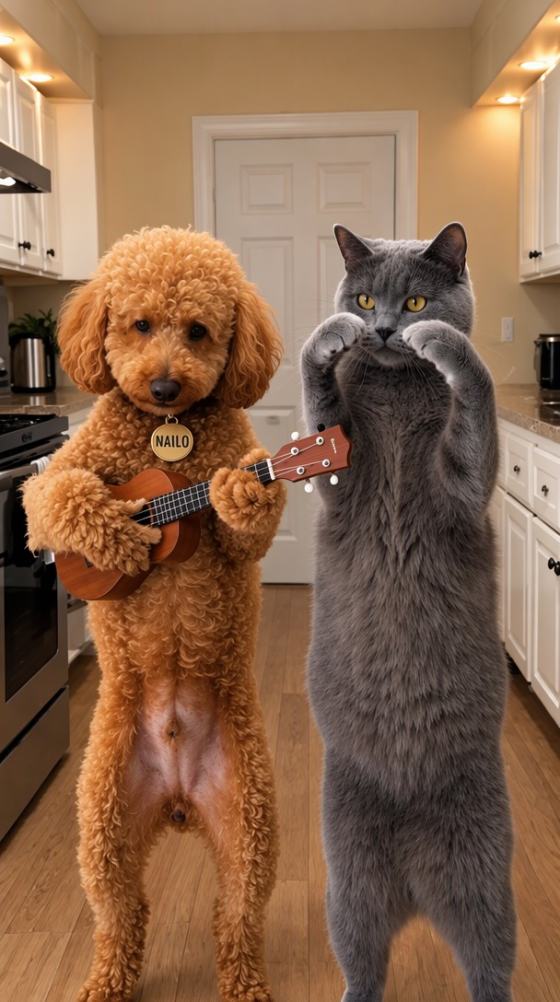
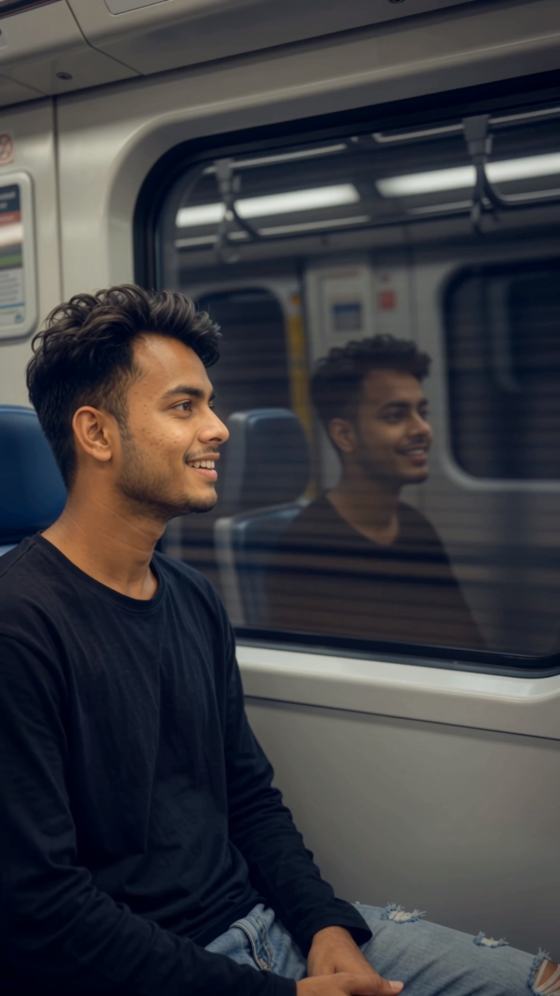
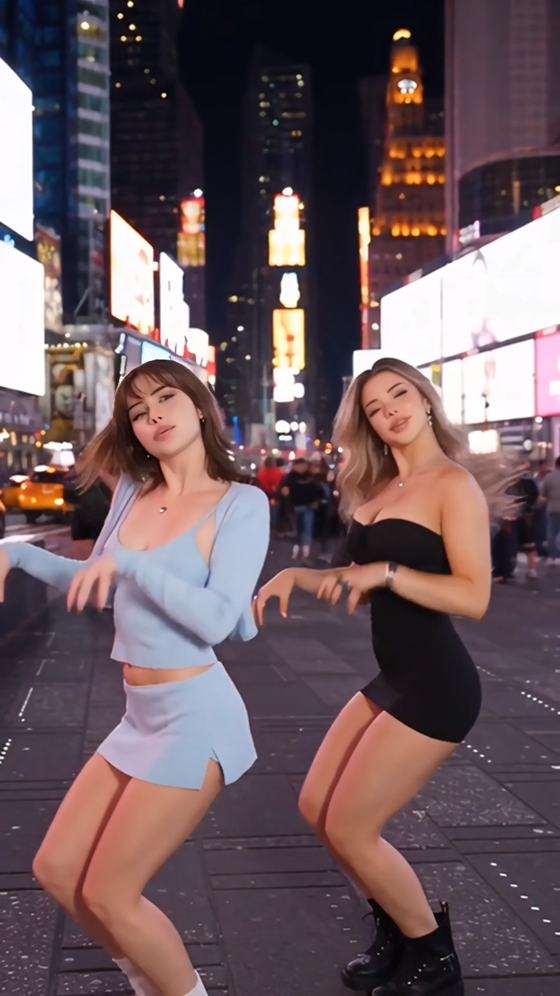
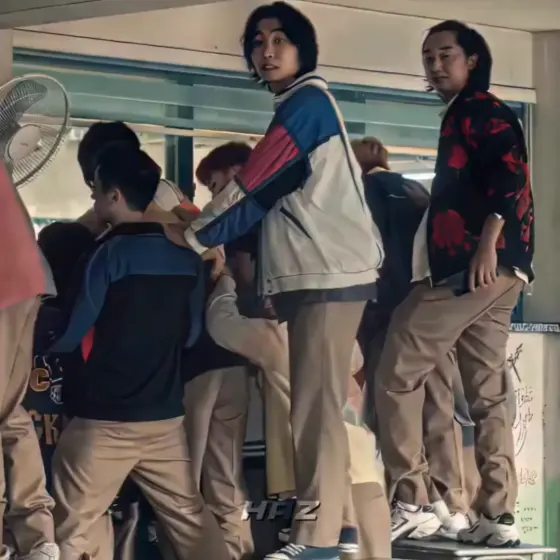
VN Code Ghaus Editz Trending – Create Viral VN & CapCut Style Videos with AI

Recreate trending Ghaus Editz-style videos without importing VN codes or CapCut project files. Upload photos or clips, choose a cinematic style, and generate beat-sync, Fanaa, Two Side, and Sahiba-inspired edits online with Media.io.

Create Ghaus Editz Video Free

No VN code import required. Free credits on signup.

Why Create Ghaus Editz-Style Videos with Media.io

Create Trending Edits Without VN Codes

Users searching for VN Code Ghaus Editz Trending free download usually want a fast way to reproduce viral edits. Media.io lets you create a similar result directly with AI, without importing project files, QR codes, or preset packages.

Recreate Fanaa, Two Side, and Sahiba Styles

Generate videos inspired by VN Code Ghaus Editz Fanaa, Two Side, and Sahiba trends using split-screen layouts, cinematic motion, dramatic lighting, beat-synced cuts, slow zooms, and social-ready transitions.

AI Handles Complex Editing Automatically

Skip manual keyframes, velocity curves, speed ramps, masking, filters, and color grading. Upload your photos or clips and let AI build a polished video for Reels, Shorts, TikTok, or WhatsApp Status.

No VN or CapCut Template Download Required

Create in a browser on desktop or mobile. Media.io removes the need to search for VN Code Editz files or CapCut Code Ghaus Editz templates, while still giving you a fast, beginner-friendly editing workflow.

How to Create a VN Code Ghaus Editz Trending Video

01

Step 1: Upload Photos or Video Clips

Add selfies, couple photos, travel clips, portraits, or short videos. Clear subjects and high-resolution media help AI preserve facial details and generate smoother transitions.

02

Step 2: Choose a Ghaus Editz-Style Look

Select a cinematic, Fanaa, Two Side, Sahiba, beat-sync, slow-motion, or velocity-inspired style. AI applies motion, zoom, color grading, timing, and transitions automatically.

03

Step 3: Generate and Download

Preview the result, regenerate if needed, and export a high-quality vertical or landscape video for TikTok, Instagram Reels, YouTube Shorts, Facebook, or WhatsApp Status.

Popular VN Code Ghaus Editz Trending Styles

Use these creative directions to reproduce the visual language of popular Ghaus Editz templates without manually importing a VN or CapCut code.

Fanaa Cinematic Edit

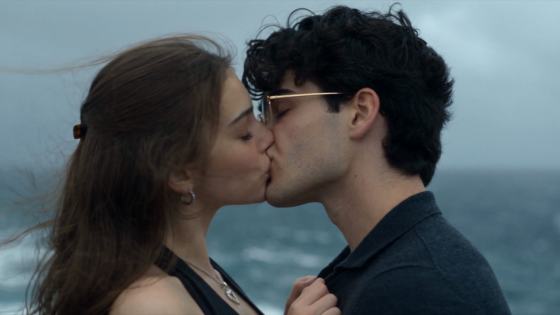
Create a dramatic romantic video with soft slow motion, emotional close-ups, glowing highlights, cinematic color grading, subtle camera movement, and music-synced scene changes inspired by VN Code Ghaus Editz Fanaa.

Two Side Split-Screen Edit

Combine two portraits or clips in a balanced split-screen composition with mirrored movement, synchronized zooms, matching transitions, and a polished Two Side layout for couple or friendship videos.

Sahiba Romantic Edit

Generate a warm, emotional Sahiba-inspired edit with soft lighting, elegant transitions, romantic pacing, gentle zoom-ins, lyrical timing, and cinematic treatment for couple photos or memory videos.

Beat-Sync Velocity Edit

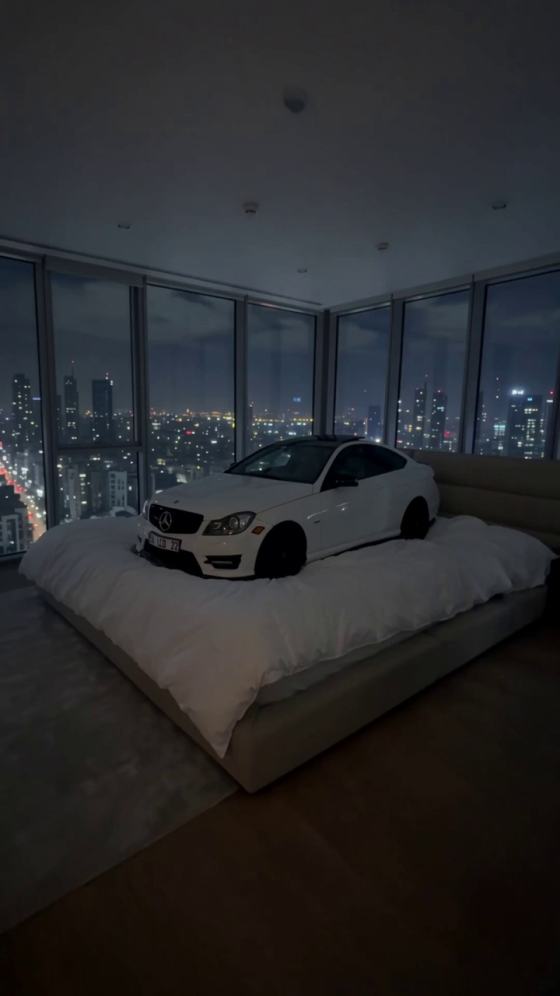
Match cuts, zooms, flashes, and speed ramps to the music beat. This style works well for attitude videos, fashion edits, car clips, dance content, and high-energy social posts.

Cinematic Travel Edit

Turn travel photos and clips into a polished montage with smooth transitions, atmospheric color grading, slow zooms, motion blur, scenic pacing, and an emotional soundtrack.

CapCut-Style Ghaus Edit

Recreate a CapCut Code Ghaus Editz look using AI-generated transitions, overlays, camera movement, and social-ready pacing—without downloading a template or project file.

Popular VN Code Ghaus Editz Use Cases

Use Media.io to recreate trending VN Code Editz visuals for social media, couple memories, travel stories, and short status videos.

Viral Reels and Shorts

Create beat-synced, cinematic social videos with zoom effects, speed ramps, smooth transitions, and bold color grading for TikTok, Instagram Reels, and YouTube Shorts.

Couple and Travel Videos

Transform romantic photos, vacation clips, friendship moments, and everyday memories into emotional Ghaus Editz-style montages.

WhatsApp Status Videos

Generate short vertical status videos with music, dramatic transitions, split-screen effects, and cinematic pacing that fit quick mobile sharing.

Creators Love Ghaus Editz-Style AI Videos

user
Arjun Sharma

Reels Creator

starstarstarstarstar

“Looks Just Like Ghaus.” I wanted the cinematic Ghaus Editz look without searching for project codes. Media.io created a polished version in minutes and the beat sync worked perfectly.

user
Neha Kapoor

Lifestyle Creator

starstarstarstarstar

“Great for Instagram.” The transitions and timing feel like premium VN templates. I now use Media.io for quick romantic and travel Reels when I do not have time for manual editing.

user
Daniel Lee

Content Creator

starstarstarstarstar

“Much Faster Workflow.” I used to import codes and adjust keyframes by hand. The AI workflow is much faster and still gives me smooth, social-ready edits.

FAQs About VN Code Ghaus Editz Trending

1. What is VN Code Ghaus Editz Trending?

VN Code Ghaus Editz Trending usually refers to popular VN Editor project codes or templates associated with Ghaus Editz. These edits often use cinematic transitions, beat synchronization, split-screen layouts, slow motion, zoom effects, and dramatic color grading. Media.io provides an AI-based alternative that recreates similar visual results without importing a VN project code.

Many users search for VN Code Ghaus Editz Trending free download to find ready-made project files. Media.io does not distribute third-party VN templates. Instead, you can upload your own photos or clips and generate a similar edit online, which avoids broken links, incompatible project files, and repeated manual setup.

Yes. You can create Fanaa-inspired romantic edits, Two Side split-screen videos, and Sahiba-style emotional montages using AI-generated motion, transitions, music timing, cinematic lighting, and color grading. The result is style-inspired rather than an imported official Ghaus Editz project.

Media.io does not directly import VN or CapCut project codes. Its advantage is a simpler workflow: upload media, select or describe the desired style, and let AI generate the edit. This works well for users who want a CapCut Code Ghaus Editz-style result without downloading or troubleshooting template files.

Use clear portraits, couple photos, travel footage, or short clips with visible subjects and limited motion blur. For Two Side edits, choose two images with similar framing. For Fanaa or Sahiba edits, emotional expressions and warm lighting work well. For beat-sync videos, select short clips with clean movement and a strong music track.

Media.io Online AI Tools Quality Rating:
vote 4.7 (162,357 Votes)



