Editz AI Cinematográfico em Um Só Prompt
Use um prompt MB Editz AI detalhado para controlar roupa, pose, fundo, iluminação, tom de cor, desfoque e humor cinematográfico dramático sem precisar aprender fluxos de edição complexos.
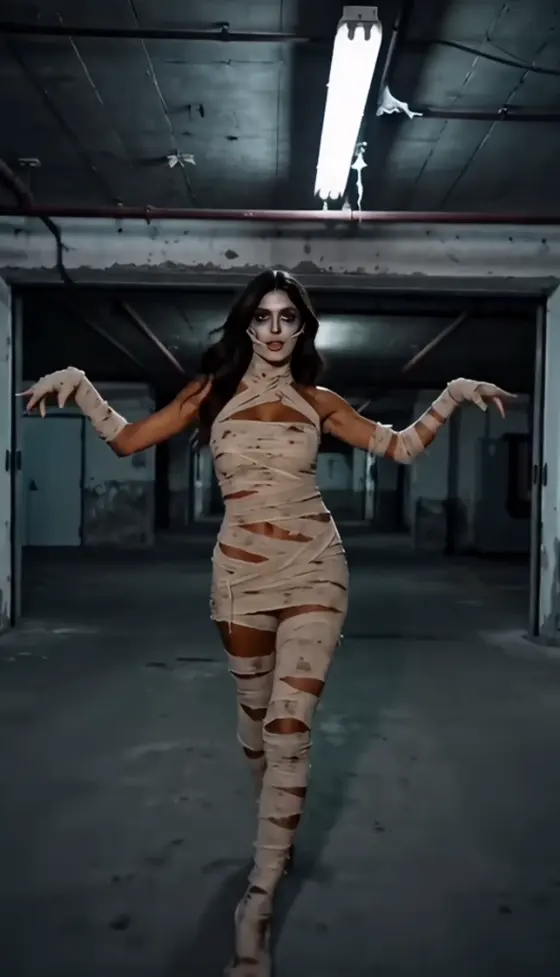







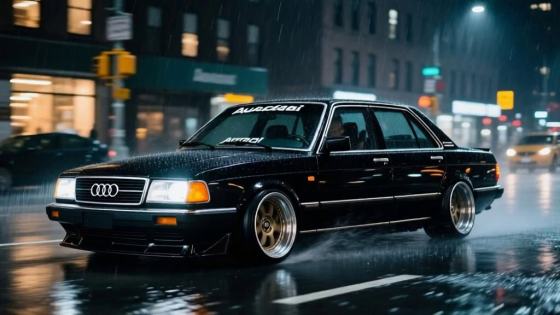






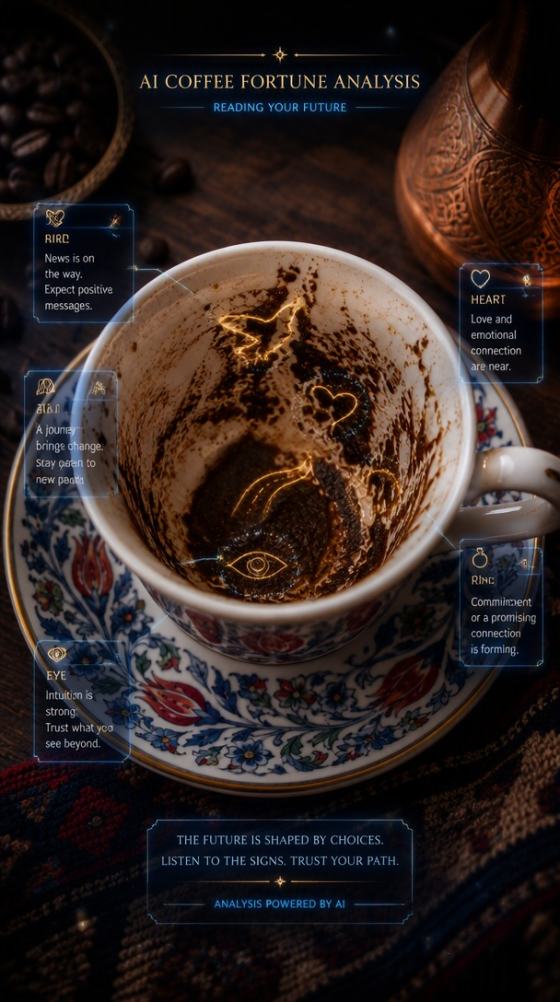













Crie fotos cinematográficas com MB Editz AI usando prompts prontos inspirados nos estilos populares do Editz AI, incluindo Rajan Editz, Rajesh Editz, MK Editz, Anup Editz e looks românticos de fotos de casal MB editing. Faça upload de um retrato, cole um prompt e gere edições prontas para o Instagram em segundos.
Créditos gratuitos no cadastro.
Use um prompt MB Editz AI detalhado para controlar roupa, pose, fundo, iluminação, tom de cor, desfoque e humor cinematográfico dramático sem precisar aprender fluxos de edição complexos.
Recrie o estilo quente, nítido e de alto contraste que as pessoas buscam em mb photo editing com cinematic, editing editz, e tendências virais de edição de retratos.
Crie edits de fotos de casal MB editing, retratos de perfil solo, poses de atitude, fotos de festas e imagens românticas com IA, com enquadramento limpo e composição pronta para as redes sociais.
Não é necessário Photoshop, Lightroom ou preset de aplicativo de edição. Faça upload da sua imagem, cole um prompt do Editz AI, gere, visualize e baixe online.
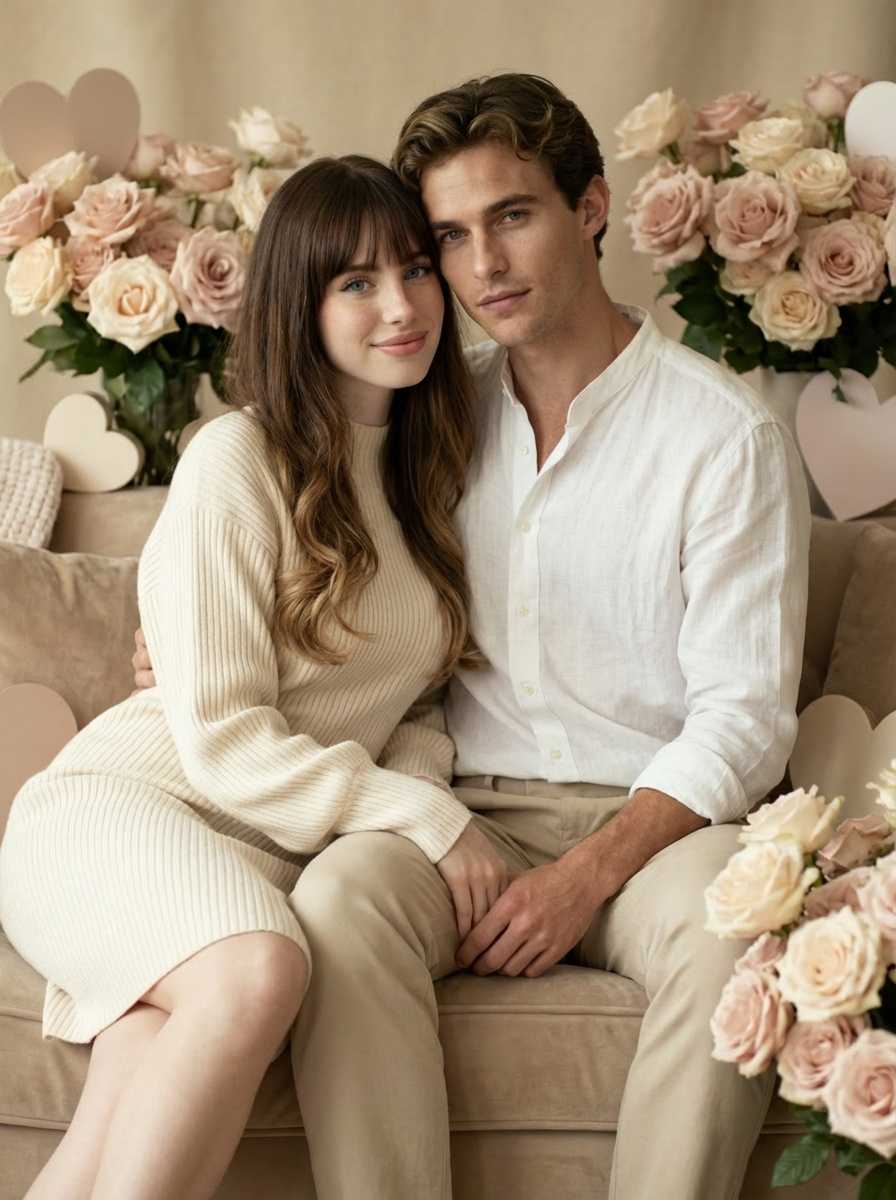
Prompt Seen Trending Boy 2026
Experimente prompts de retratos cinematográficos para edições de atitude, fotos de DP no Instagram, transformações de look estiloso e visuais virais com IA.
Ver Prompts em Alta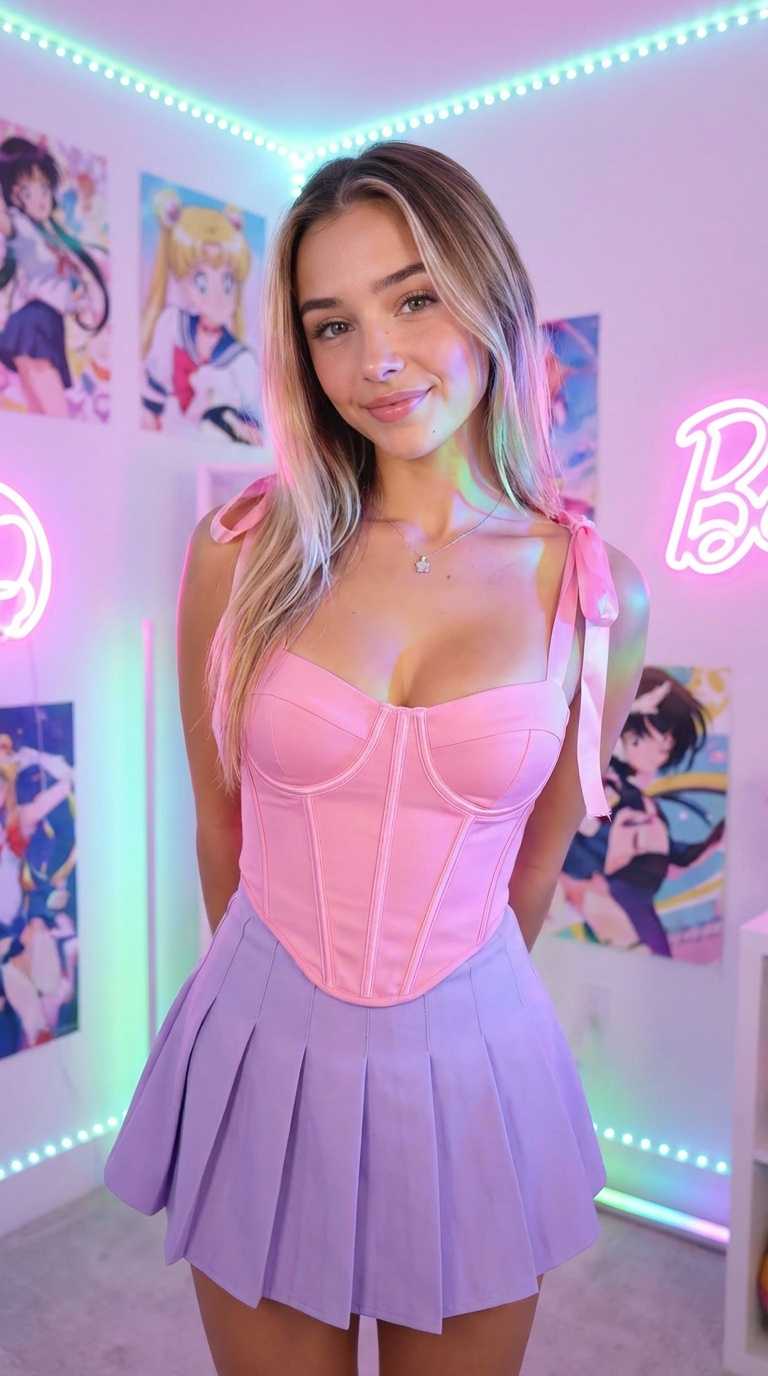
Anup Sagar AI Photo Estilo Retrô
Crie retratos estilo retrô, edições românticas, fotos de IA estilosas e visuais cinematográficos prontos para o Instagram.
Ver Prompts RetrôEscolha uma selfie, foto meio-corpo, pose corpo inteiro ou imagem de casal. Rostos nítidos e fundos simples ajudam o Media.io a criar melhores Editz AI resultados.
Descreva a cena, roupa, ângulo da câmera, fundo, iluminação cinematográfica, detalhe da pele e gradação de cor. Adicione termos como Rajan Editz, Rajesh Editz, ou MK Editz quando quiser aquele humor inspirado em criadores virais.
Gere sua imagem mb photo editing com cinematic, visualize o resultado e baixe para posts no Instagram, DP do WhatsApp, capas de reels, fotos de perfil ou portfólios criativos.
Use estas cenas principais para criar retratos de IA realistas, nítidos e compartilháveis. Funcionam bem para Rajan Editz, Rajesh Editz, MK Editz, Anup Editz, retratos solo e estilos edits de fotos de casal MB editing.
Transforme uma selfie simples em um retrato cinematográfico marcante com sombras dramáticas, roupa estilosa, detalhes nítidos do rosto, fundo de rua, destaques quentes e humor viral editing editz.
Crie edições românticas de casal com iluminação de hora dourada, roupas combinando, desfoque suave do fundo, expressões naturais e composição refinada para compartilhar no Instagram e WhatsApp.
Use prompts Editz AI para fotos de estilo de vida ao ar livre, retratos festivos, poses de moto, cenas de viagem, fotos de moda desi e gradação de cor cinematográfica com textura de pele natural.
Cole um prompt no Media.io e ajuste a roupa, localização, expressão ou humor de cor para combinar com sua foto.
Crie um retrato cinematográfico realista usando o rosto enviado, pose de atitude inspirada no Rajan Editz, roupa estilosa preta, luz de rua quente, profundidade de campo rasa, detalhes nítidos do rosto, sombras suaves, alto contraste, composição de DP para Instagram.
Transforme a foto de casal enviada em uma edição cinematográfica romântica inspirada no Rajesh Editz, luz de hora dourada, roupas modernas combinando, desfoque suave do fundo, sorrisos naturais, gradação de cor quente, textura de pele realista, enquadramento para redes sociais.
Aplique um visual cinematográfico estilo MK Editz ao retrato enviado, fundo de céu dramático, roupa casual estilosa, realce limpo do rosto, tom de cor bege-marrom, detalhes realistas, desfoque suave de lente, visual premium de fotografia mobile.

Editor Mobile

Cinematográfico em Segundos. Usei um prompt MB Editz AI e obtive um retrato nítido e quente sem gastar tempo em gradação de cor manual.
Criadora do Instagram
Edição de Casal Perfeita. O prompt de foto de casal MB editing deu à nossa foto um clima cinematográfico romântico que parecia pronto para reels.
Criador Estudante
Editz AI Fácil. Experimentei prompts no estilo Rajan Editz e MK Editz. Os resultados pareciam realistas e foram fáceis de baixar.
An prompt MB Editz AI é uma instrução de texto usada para transformar uma foto comum em uma imagem no estilo Editz cinematográfico. Geralmente descreve a pose, roupa, fundo, ângulo da câmera, iluminação, contraste, gradação de cor e enquadramento para redes sociais. O Media.io torna isso mais fácil porque você pode fazer upload da sua imagem, colar o prompt e gerar o visual final online.
Sim. Você pode usar palavras-chave no prompt como Rajan Editz, Rajesh Editz, MK Editz, e Anup Editz para guiar o humor. Para melhores resultados, combine esses nomes com detalhes visuais específicos como fundo de rua cinematográfico, luz dourada quente, roupa estilosa, pele realista e fotografia mobile de alto contraste.
Faça upload de uma foto de casal nítida e use um prompt edits de fotos de casal MB editing que descreva iluminação romântica, roupas combinando, expressões naturais, cor de hora dourada, desfoque suave do fundo e detalhes realistas do rosto. Evite instruções excessivamente complexas em um único prompt; uma descrição de cena limpa geralmente gera resultados mais naturais.
mb photo editing com cinematic é comumente pesquisado por usuários que querem ideias de edição de fotos cinematográficas, presets ou prompts de IA. No Media.io, você pode recriar um visual semelhante com edição baseada em prompt: luz quente, sombras dramáticas, foco nítido no rosto, fundo desfocado e contraste rico.
Sim. Editz AI é amigável para iniciantes porque você não precisa recortar fundos manualmente, ajustar curvas, instalar presets ou retocar rostos. Comece com uma foto nítida, use um prompt detalhado, gere uma visualização e refine o prompt se quiser uma roupa, pose ou fundo diferente.
 4.7 (162.357 Votos)


