Click or drag to upload, or choose from My HistoryClick To UploadMy History
No ideas? Generate an image first >
Upload jpg, jpeg, png images up to 50 MB, with a minimum width/height of 300 px.
Tidy Flyaway Hair Without Losing Your Texture
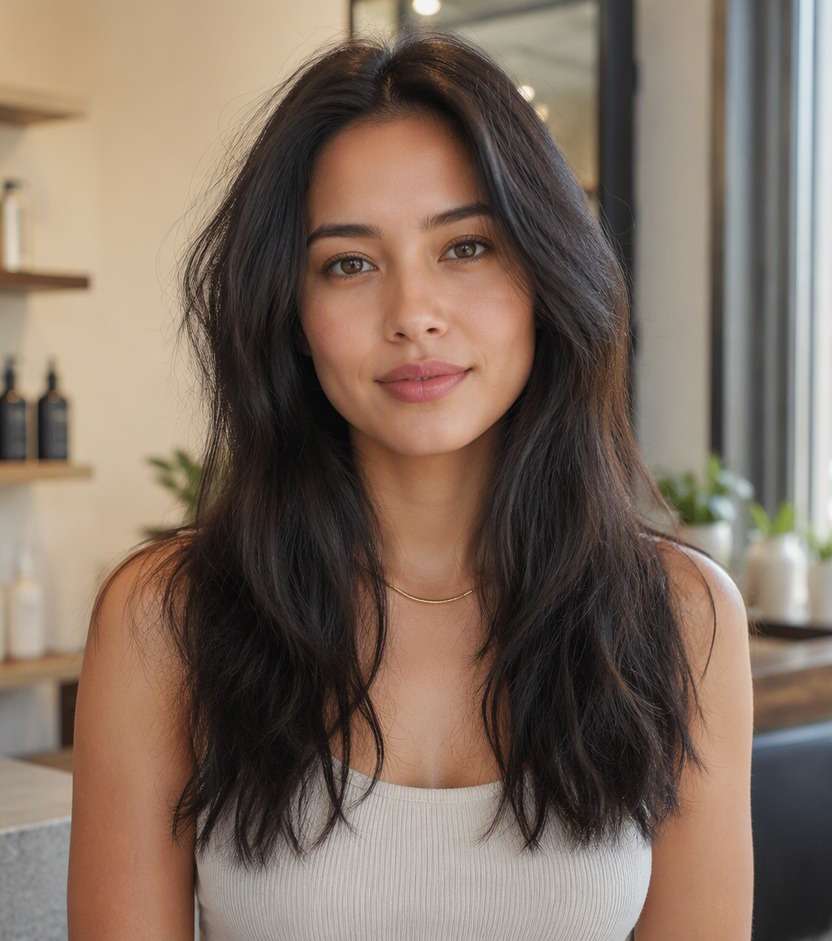
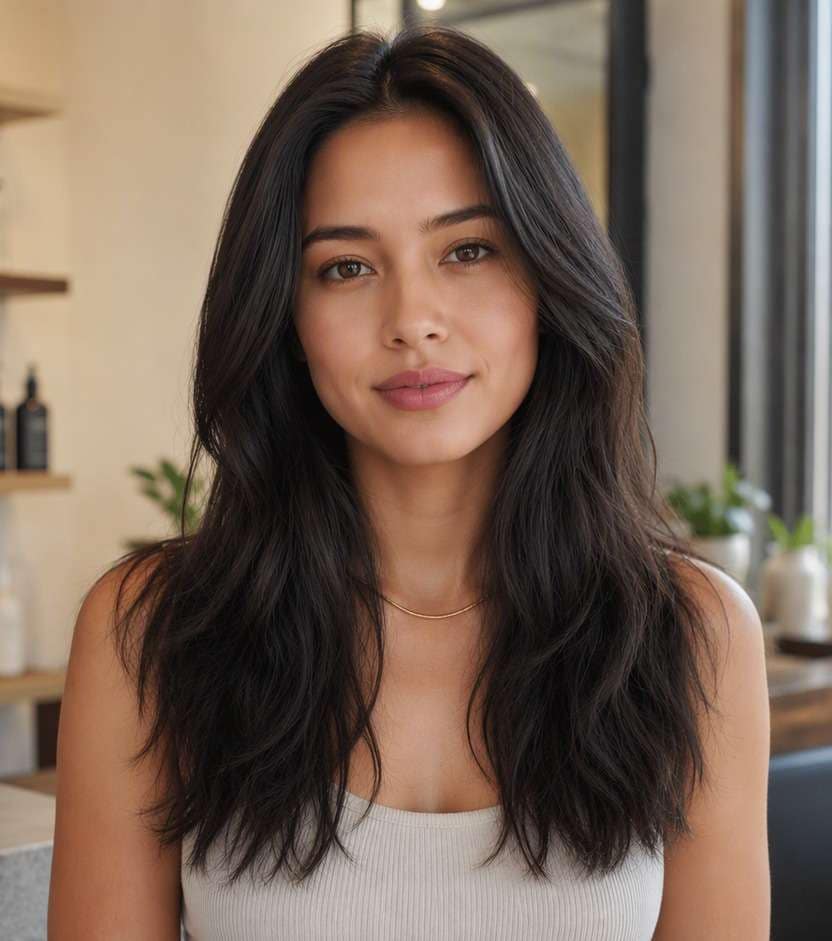
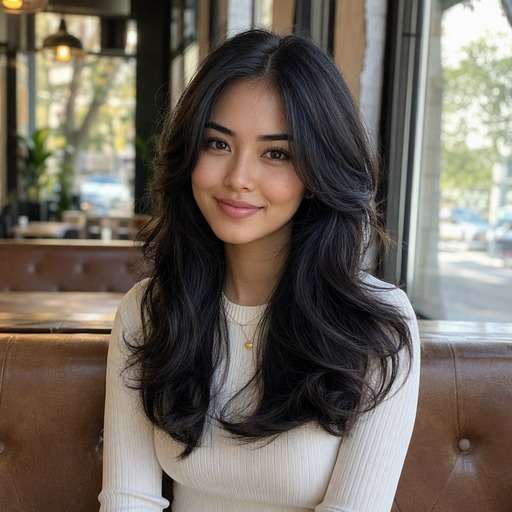
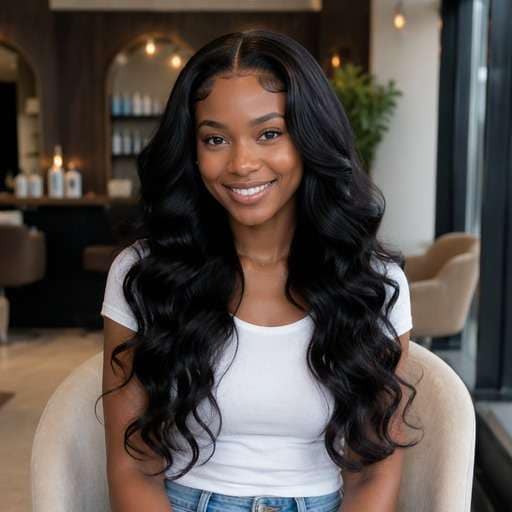
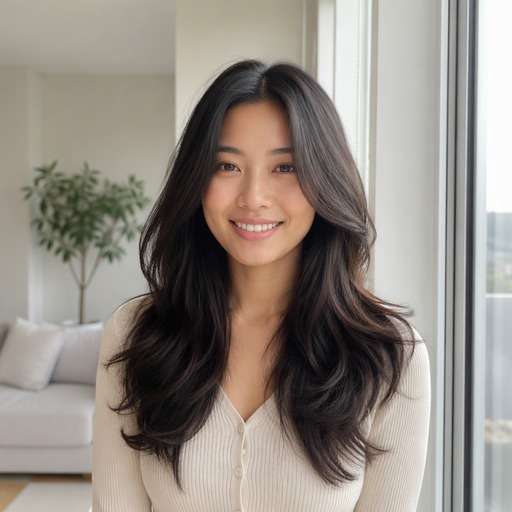
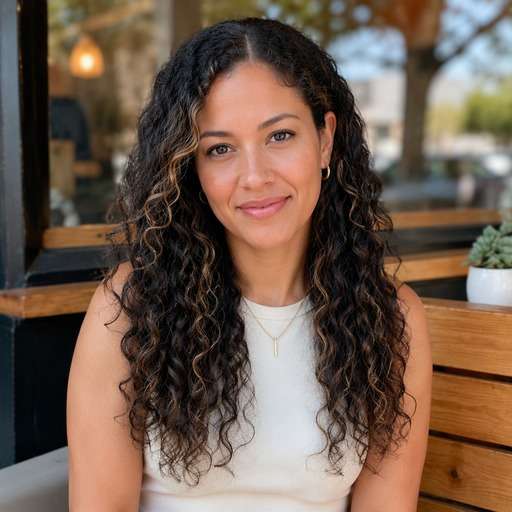
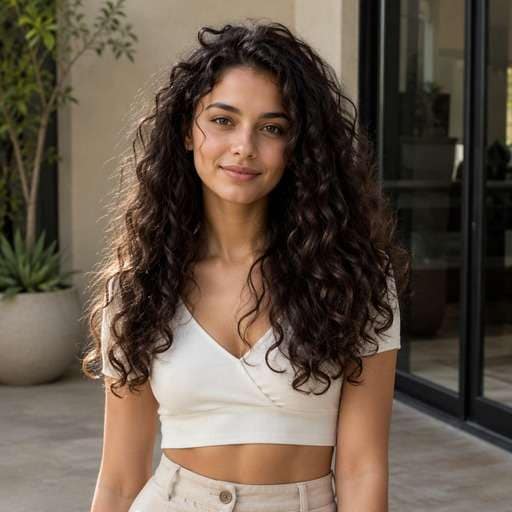
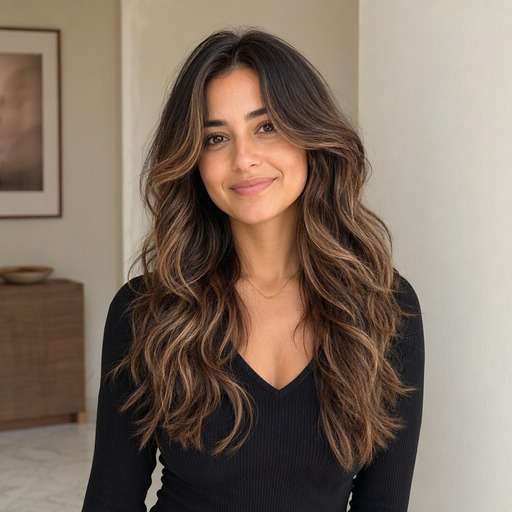
Got a favorite photo spoiled by stray flyaways and a fuzzy halo? Use Media.io to fix frizzy hair in photo while keeping the curls, waves or layers you actually like. Clean up distracting strands around the crown and face instead of turning your hairstyle into an unnaturally smooth helmet.
Start with the detail you want to compare: Photo retouching targets stray hairs along the outer silhouette and part, not the entire natural curl or wave pattern. Choose a look below, copy its prompt, and adjust only one visible feature at a time so you can judge the change on your own face.
Smooth Crown Flyaways
Use my uploaded portrait as the reference. Create a frizzy hair photo fix look: remove only high visible flyaways above the crown. Photo retouching targets stray hairs along the outer silhouette and part, not the entire natural curl or wave pattern. Keep the visual result clear enough to compare to my original hair. Keep the original person, facial features, skin tone, expression, outfit and background recognizable. Keep hairline transitions and individual strands physically plausible. Show the named hair detail and full relevant outline clearly; this is a premium but natural hairstyle preview, not an illustration. No mirror selfie, handheld phone, branding, text or altered facial identity.
Clean Hairline Edges
Use my uploaded portrait as the reference. Create a frizzy hair photo fix look: tidy stray hairs near forehead preserving baby hairs. Photo retouching targets stray hairs along the outer silhouette and part, not the entire natural curl or wave pattern. Keep the visual result clear enough to compare to my original hair. Keep the original person, facial features, skin tone, expression, outfit and background recognizable. Keep hairline transitions and individual strands physically plausible. Show the named hair detail and full relevant outline clearly; this is a premium but natural hairstyle preview, not an illustration. No mirror selfie, handheld phone, branding, text or altered facial identity.
Tame Windblown Strands
Use my uploaded portrait as the reference. Create a frizzy hair photo fix look: remove hairs crossing the eyes and cheeks. Photo retouching targets stray hairs along the outer silhouette and part, not the entire natural curl or wave pattern. Keep the visual result clear enough to compare to my original hair. Keep the original person, facial features, skin tone, expression, outfit and background recognizable. Keep hairline transitions and individual strands physically plausible. Show the named hair detail and full relevant outline clearly; this is a premium but natural hairstyle preview, not an illustration. No mirror selfie, handheld phone, branding, text or altered facial identity.
Curly Hair Frizz Cleanup
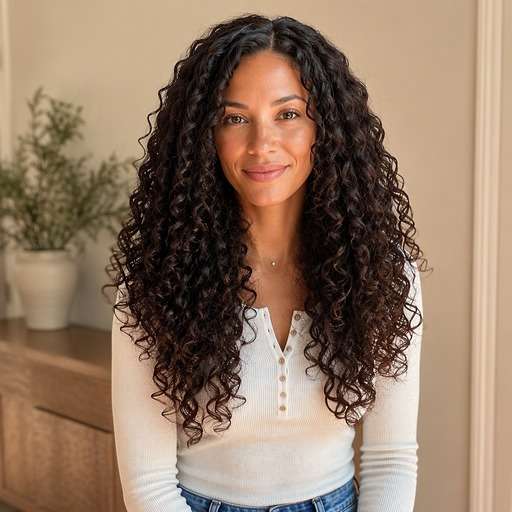
Use my uploaded portrait as the reference. Create a frizzy hair photo fix look: reduce halo fuzz while keeping distinct ringlets. Photo retouching targets stray hairs along the outer silhouette and part, not the entire natural curl or wave pattern. Keep the visual result clear enough to compare to my original hair. Keep the original person, facial features, skin tone, expression, outfit and background recognizable. Keep hairline transitions and individual strands physically plausible. Show the named hair detail and full relevant outline clearly; this is a premium but natural hairstyle preview, not an illustration. No mirror selfie, handheld phone, branding, text or altered facial identity.
Wavy Hair Edge Retouch
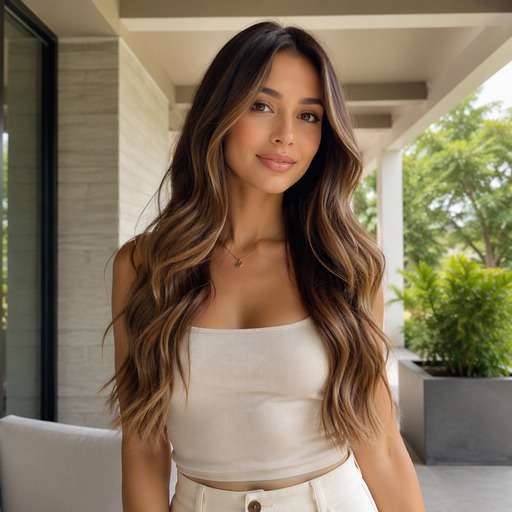
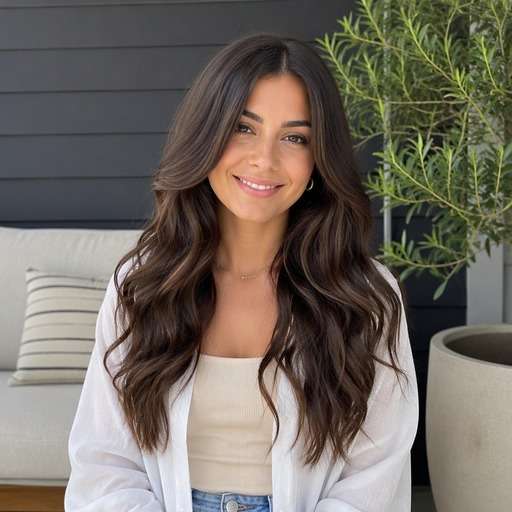
Use my uploaded portrait as the reference. Create a frizzy hair photo fix look: soften stray outer strands while preserving waves. Photo retouching targets stray hairs along the outer silhouette and part, not the entire natural curl or wave pattern. Keep the visual result clear enough to compare to my original hair. Keep the original person, facial features, skin tone, expression, outfit and background recognizable. Keep hairline transitions and individual strands physically plausible. Show the named hair detail and full relevant outline clearly; this is a premium but natural hairstyle preview, not an illustration. No mirror selfie, handheld phone, branding, text or altered facial identity.
Portrait Hair Polish
Use my uploaded portrait as the reference. Create a frizzy hair photo fix look: slight hair contour cleanup without altering shape. Photo retouching targets stray hairs along the outer silhouette and part, not the entire natural curl or wave pattern. Keep the visual result clear enough to compare to my original hair. Keep the original person, facial features, skin tone, expression, outfit and background recognizable. Keep hairline transitions and individual strands physically plausible. Show the named hair detail and full relevant outline clearly; this is a premium but natural hairstyle preview, not an illustration. No mirror selfie, handheld phone, branding, text or altered facial identity.
Part-Line Detail Fix
Use my uploaded portrait as the reference. Create a frizzy hair photo fix look: tidy isolated flyaways along original part. Photo retouching targets stray hairs along the outer silhouette and part, not the entire natural curl or wave pattern. Keep the visual result clear enough to compare to my original hair. Keep the original person, facial features, skin tone, expression, outfit and background recognizable. Keep hairline transitions and individual strands physically plausible. Show the named hair detail and full relevant outline clearly; this is a premium but natural hairstyle preview, not an illustration. No mirror selfie, handheld phone, branding, text or altered facial identity.
Frizz Against Dark Background
Use my uploaded portrait as the reference. Create a frizzy hair photo fix look: refine bright stray strands along dark backdrop. Photo retouching targets stray hairs along the outer silhouette and part, not the entire natural curl or wave pattern. Keep the visual result clear enough to compare to my original hair. Keep the original person, facial features, skin tone, expression, outfit and background recognizable. Keep hairline transitions and individual strands physically plausible. Show the named hair detail and full relevant outline clearly; this is a premium but natural hairstyle preview, not an illustration. No mirror selfie, handheld phone, branding, text or altered facial identity.
Loose Updo Flyaway Fix
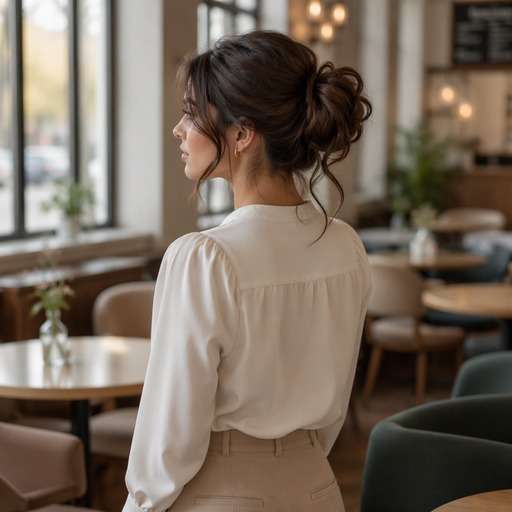
Use my uploaded portrait as the reference. Create a frizzy hair photo fix look: clean distracting wisps while keeping intentional tendrils. Photo retouching targets stray hairs along the outer silhouette and part, not the entire natural curl or wave pattern. Keep the visual result clear enough to compare to my original hair. Keep the original person, facial features, skin tone, expression, outfit and background recognizable. Keep hairline transitions and individual strands physically plausible. Show the named hair detail and full relevant outline clearly; this is a premium but natural hairstyle preview, not an illustration. No mirror selfie, handheld phone, branding, text or altered facial identity.
Subtle Natural Retouch
Use my uploaded portrait as the reference. Create a frizzy hair photo fix look: barely noticeable reduction of fine flyaways. Photo retouching targets stray hairs along the outer silhouette and part, not the entire natural curl or wave pattern. Keep the visual result clear enough to compare to my original hair. Keep the original person, facial features, skin tone, expression, outfit and background recognizable. Keep hairline transitions and individual strands physically plausible. Show the named hair detail and full relevant outline clearly; this is a premium but natural hairstyle preview, not an illustration. No mirror selfie, handheld phone, branding, text or altered facial identity.
See What Changes With Frizzy Hair Photo Fix
Keep Natural Curls
Removing every short strand can erase texture. Ask for flyaway cleanup on the outer edge while keeping deliberate curls and baby hairs. Place the two versions beside each other and focus on this specific contour rather than comparing different source portraits.
Retouch the Hairline
Small wisps around the forehead matter, but too much smoothing can create a fake hairline. Keep the natural part and face boundary. Use a familiar outfit and identical lighting in both previews so the change is easier to spot at first glance.
Avoid Plastic Shine
Good cleanup reduces distracting fuzz without adding glossy bands, flattening layers or changing the hair color. If the edited hair hides an ear or creates an odd scalp edge, simplify the prompt and keep the same reference image.
Zoom Before Saving
Inspect the forehead, temples and dark-background edges. Hair retouching can accidentally smear the ears or blend strands into clothing. Save a restrained version alongside a stronger option to help decide which styling direction is actually useful.
How to Try Frizzy Hair Photo Fix on Your Photo
Use a portrait as the starting point, describe the exact hair change and compare the output with the original before choosing a favorite.
Step 1
Upload Your Photo
Upload a clear photo showing your face and the hairstyle area you want to change. Upload the image with the flyaways clearly visible against the background; keep the original hairstyle readable.
Step 2
Choose a Haircut Filter or Enter a Prompt
Choose a suitable preset if available, or enter a custom hairstyle prompt. Photo retouching targets stray hairs along the outer silhouette and part, not the entire natural curl or wave pattern.
Step 3
Click Generate
Click Generate to create a hairstyle preview on your portrait. Compare the relevant edges and shapes against your starting image; refine one hair detail at a time.
A useful hairstyle preview is one that helps you choose a concrete shape, placement or finish. Photo retouching targets stray hairs along the outer silhouette and part, not the entire natural curl or wave pattern.
Rescue a Portrait
Keep the original expression, outfit and lighting while removing a few visible stray strands around the crown. The result should still look like the same day and same hairstyle. Keep the same reference photo for each version, then compare the hair outline and visible proportions before deciding which idea to use as your reference.
Tidy a Wedding Photo
Wind can push flyaways across the face. Request selective cleanup only where the hairs distract from facial features; leave deliberate loose tendrils untouched. Keep the same reference photo for each version, then compare the hair outline and visible proportions before deciding which idea to use as your reference.
Polish a Professional Headshot
Reduce a frizzy outer halo against a plain background without changing the cut, length or natural texture. Compare at full size before uploading the edited headshot. Keep the same reference photo for each version, then compare the hair outline and visible proportions before deciding which idea to use as your reference.
Check Your Hairstyle Preview Before Saving
Hair Structure
Review check
"Is the requested detail visible?" Photo retouching targets stray hairs along the outer silhouette and part, not the entire natural curl or wave pattern. Check this defining feature before deciding the result represents the style.
Before vs After
Review check
"Does the hair actually change?" Side-by-side previews should show the new hair feature clearly while preserving the person, outfit and camera framing.
Natural Edges
Review check
"Look closely at the hairline" Inspect scalp transitions, ears and strands against the background. If anything is distorted, simplify the prompt and try again.
Real-World Use
Review check
"Treat this as a visual reference" The edit changes an image rather than treating real frizz; hairline, texture and facial boundaries still need a close review. A stylist or barber can help adapt the idea to actual hair.
Frizzy Hair Photo Fix - Questions Before You Try It
1. Can I remove frizzy hair without making it straight?
Yes, describe exactly which stray hairs to remove and state that the original curls or waves must stay. A general smoothing instruction can accidentally erase legitimate texture.
2. Will this change the actual hairstyle?
It is intended as a targeted photo retouch. Keep the haircut, length, color and part line unchanged unless you explicitly want a new style.
3. Can I keep baby hairs near the hairline?
Ask to preserve intentional baby hairs and remove only the strands that cross the face or break the outline. Check the temple boundary afterward.
4. What photo makes flyaways easy to identify?
Clear contrast between the hair and background helps. A large enough image also makes it easier to inspect individual hairs around the crown.
5. Will AI remove every strand correctly?
Not necessarily. Strands overlapping skin and clothing can be difficult. Zoom in to inspect ears, forehead and shoulder edges before saving. Keep the original color and background stable so the change remains about the hairstyle.
6. Can I tidy hair in a group photo?
You can describe the person and region you want edited, but check that other faces and hairstyles remain untouched. For more precise results, edit a cropped individual portrait first.