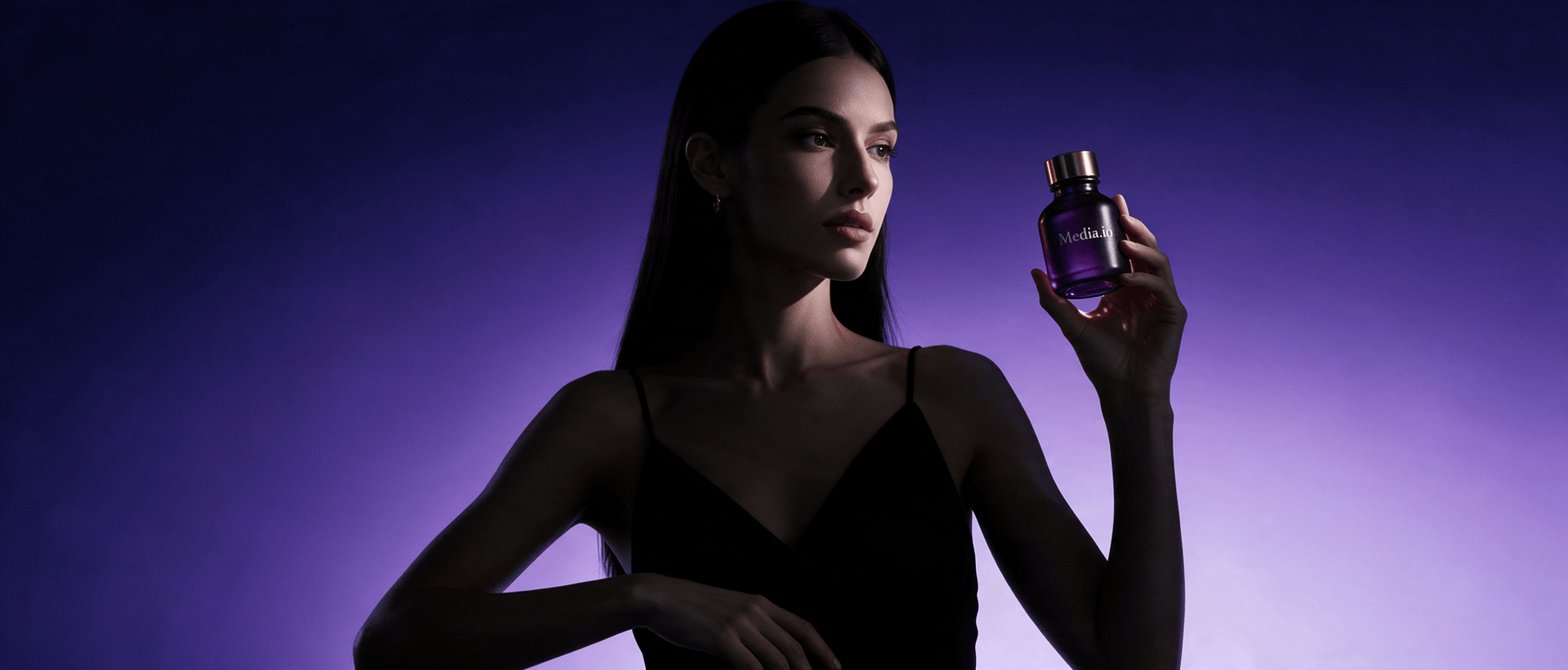
AI Ad Generator -
Create Image & Video Ads from Product URLs
Create ecommerce-ready AI image ads and AI video ads from product images, a product URL, or both. Choose a preset ad scene, add a character when needed, customize the creative direction with prompts, and generate product ads without starting from a blank canvas.















What Is Media.io AI Ad Generator?
Media.io AI Ad Generator is an online ecommerce creative tool for turning product assets into finished advertising visuals. Start with product images, a product URL, or both, then create either still image ads or short video ads. The workflow can use product details, references, characters, preset ad scenes, and your own prompts to shape the final creative.
Create product ad images up to 4K
Use product images and product-page information to create ad-ready ecommerce visuals.
- Upload product images, add a product URL, or use both.
- Choose a preset ad scene or describe another look with a prompt.
- Add a preset character, a saved character, a device upload, or an AI-generated character when the concept needs a model.
- Generate up to 4 images at once, with resolution up to 4K.
Create short video ads in Auto or Guided Mode
Turn product images or a product URL into short ecommerce ad videos with two generation workflows.
- Auto Mode: add the product input, choose the video settings, and generate the video directly.
- Guided Mode: use the same workflow, but review the generated script before the final video is created.
- Choose a video duration up to 30 seconds and resolution up to 1080p.
- Supports 12 mainstream languages, including English, Korean, German, Spanish, Portuguese, Japanese, and Chinese.
| Capability | Image Ads | Video Ads |
|---|---|---|
| Product input | Product images, product URL, or both | Product images, product URL, or both |
| Character options | Preset, Character Library, device upload, AI generation | Preset, Character Library, device upload, AI generation when needed |
| Creative control | Preset scenes + custom prompt | Video settings + Auto or Guided workflow |
| Maximum output | Up to 4K | Up to 1080p |
| Batch / duration | Up to 4 images per generation | Up to 30 seconds |
| Languages | Not a required image-output setting | 12 mainstream languages |
| Script review | Not applicable | Available in Guided Mode |
See What One Product Can Become with AI Ads
Start with a product URL or product images and explore different video-ad directions, including UGC, unboxing, tutorials, product reviews, lifestyle ads, hyper motion, and more.

Portable Blender
shopify.com/products/blender

Red Shoulder Bag
shopify.com/products/red-shoulder-bag

Legend Premium Beer
temu.com/products/legend-energy-drink
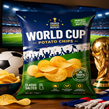
World Cup Potato Chips
tiktokshop.com/products/world-cup-potato-chips

Glow Serum
tiktokshop.com/products/serum

Matcha Latte App
appstore.com/app/matcha-latte

Luxury Chronograph Watch
ebay.com/itm/luxury-chronograph-watch
Start with Product Pages from the Platforms
You Already Sell On







Create Product Ads with More Control over the Final Creative
Media.io combines product understanding with selectable scenes, character options, prompts, and two video-generation modes so you can move from ecommerce assets to a usable ad creative without building the project from scratch.
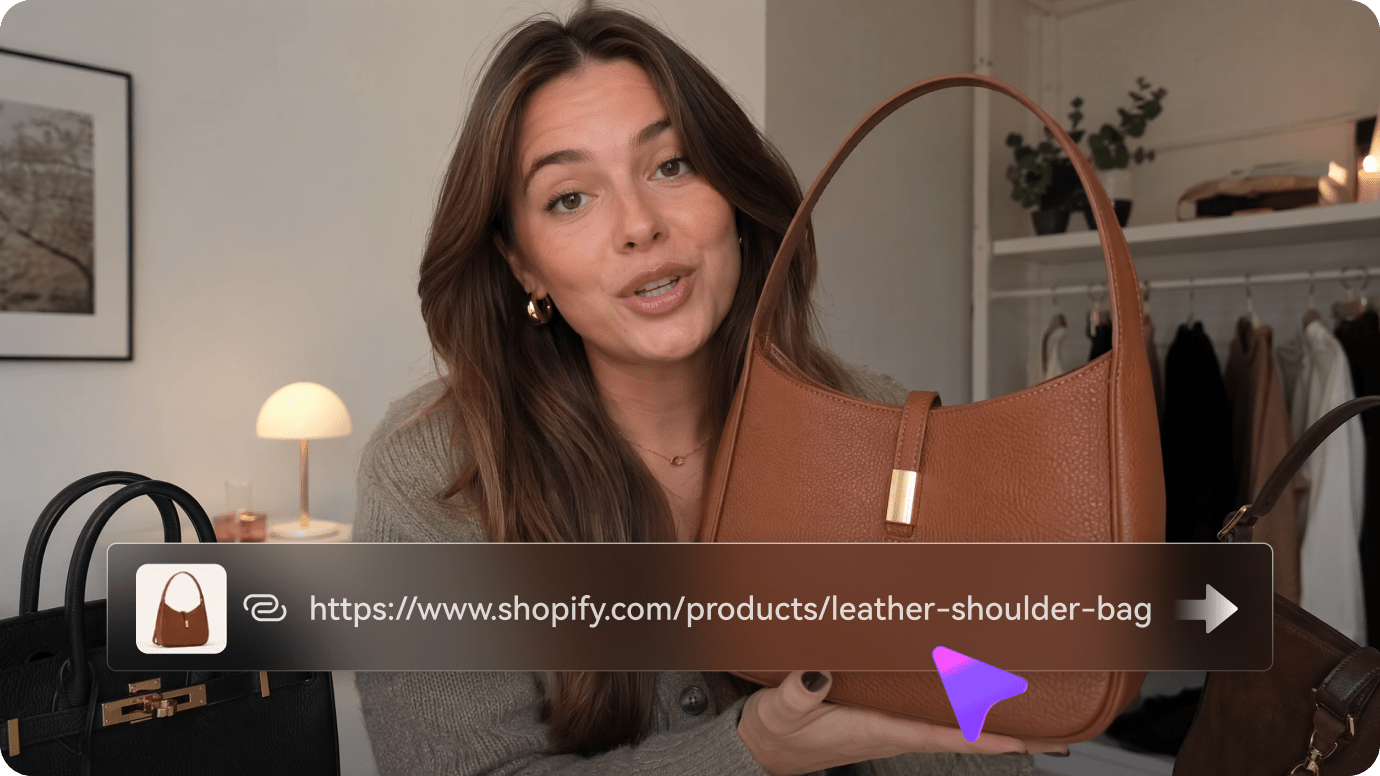
Use Product Images, a Product URL, or Both
Bring in the product information you already have. Media.io can use uploaded product images together with a product URL to give the ad workflow more context about the item, its visuals, and its selling points.
✓ Upload product images from your device
✓ Add a product URL from supported ecommerce or app pages
✓ Combine product assets and page context in one workflow
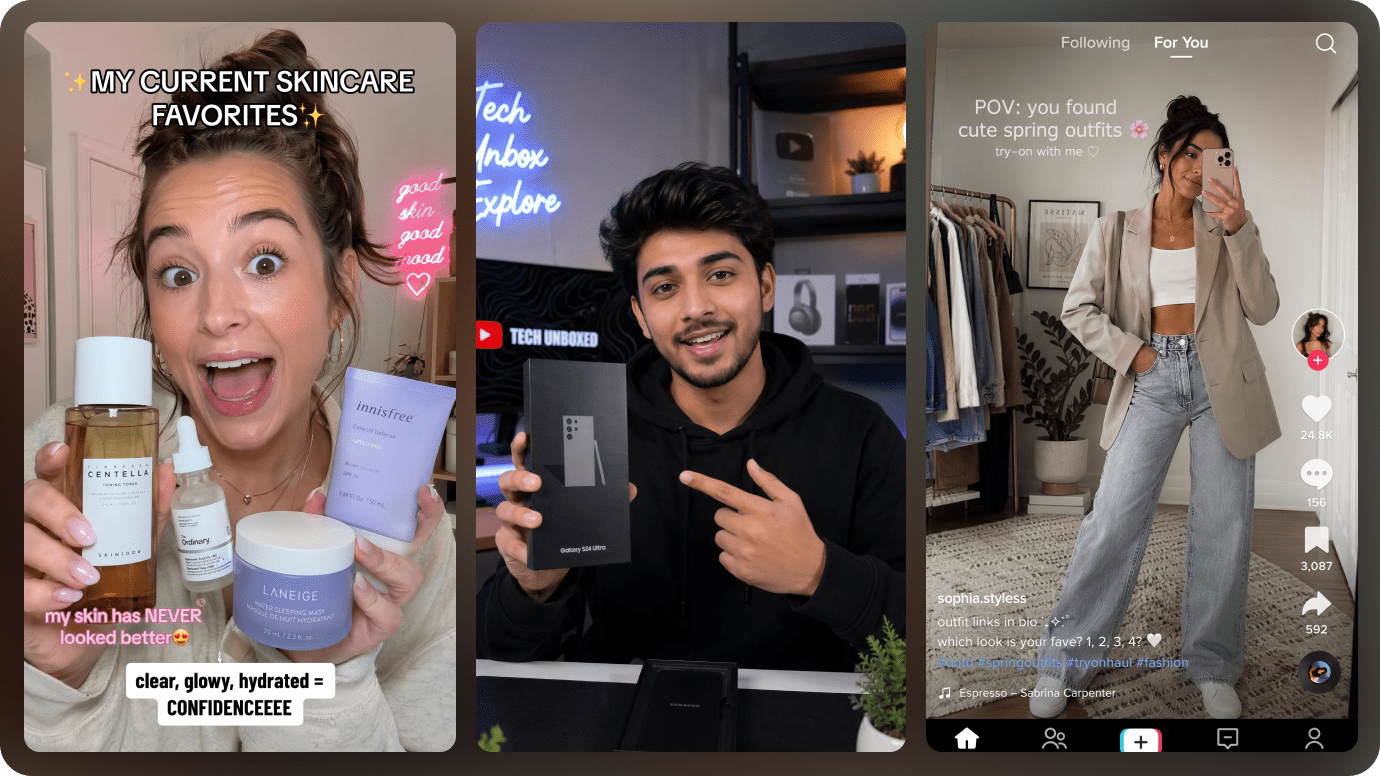
Choose the Right Character for Model-Led Ads
When your ad concept needs a person, choose the source that fits the campaign instead of recreating the character setup every time.
✓ Choose from preset Characters
✓ Reuse a Character from your personal library
✓ Upload a reference image from your device
✓ Generate a new Character with AI
Start with Ad Presets, Then Customize with Prompts
Image Ads include quick scene presets for common ecommerce creative needs. Pick a preset for speed, or describe a different visual direction in your prompt when the campaign needs something more specific.
✓ Ecommerce Model Shot, Try-On Photo, Product Shot
✓ Product Beautifier, Lifestyle Scene, Flat Lay
✓ AD Reference for recreating the visual direction of a reference
✓ Custom prompts for scenes outside the preset list
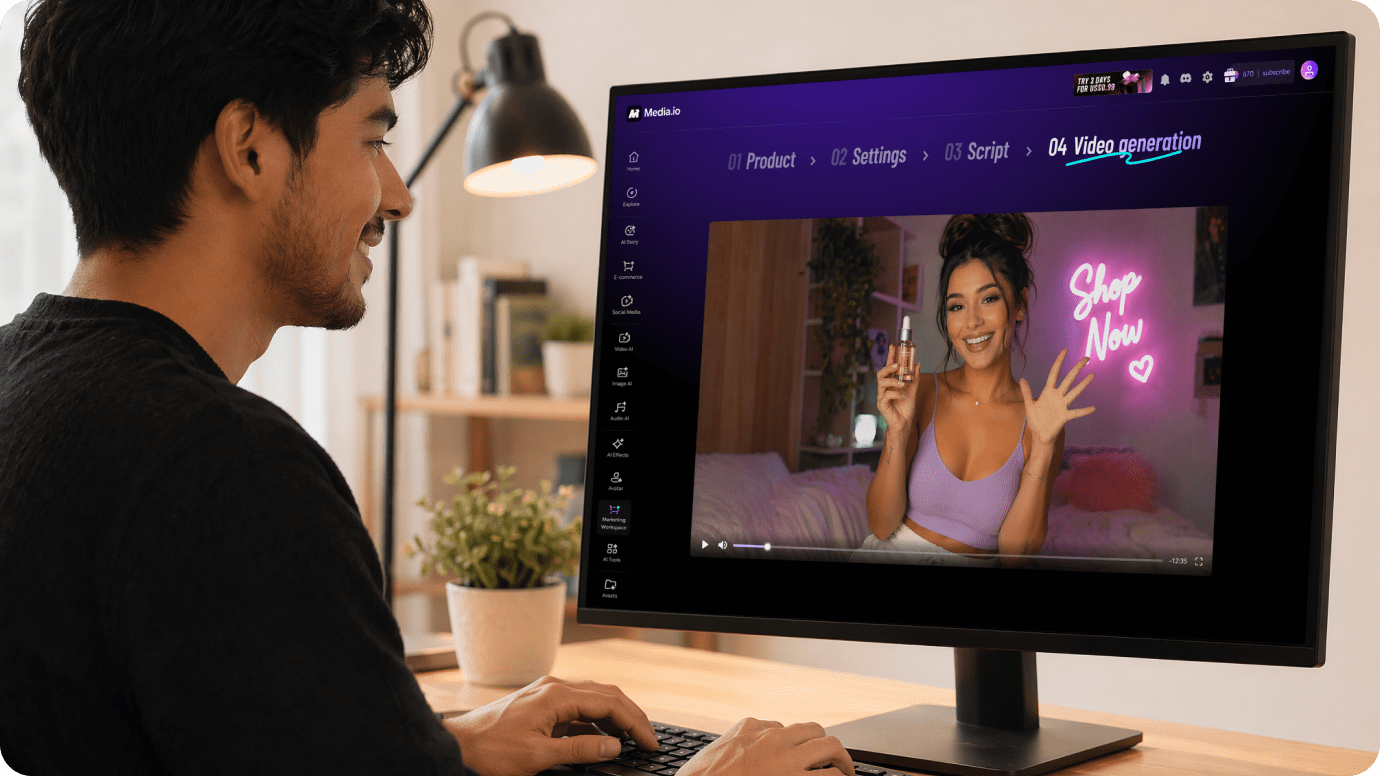
Choose Auto Mode or Review the Script in Guided Mode
Video Ads offer two workflows with the same core output settings. Auto Mode is built for speed; Guided Mode adds a script checkpoint before the final video is generated.
✓ Auto Mode — add the product input, choose settings, and generate directly
✓ Guided Mode — review the generated script before final generation
✓ Up to 30 seconds and 1080p
✓ 12 mainstream languages for multilingual ad creation
How to Make AI Ads in 3 steps?
No video editing skills needed. Media.io turns a complex production process into a guided URL to Video workflow — from product page to script to finished ad.
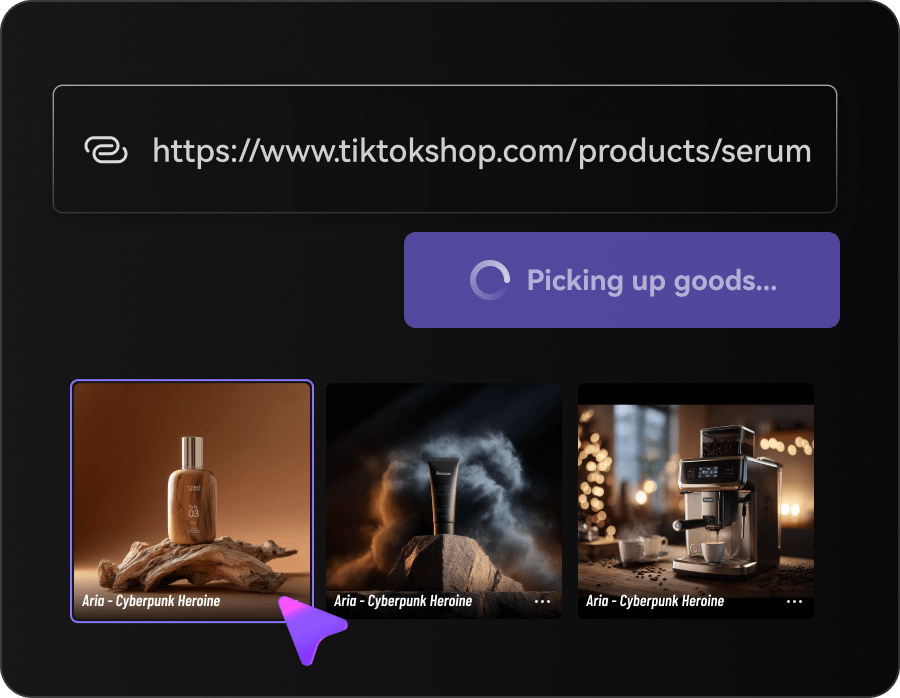
Add your product
Upload product images, paste a product URL, or use both so Media.io has the product context and visuals needed for the ad.
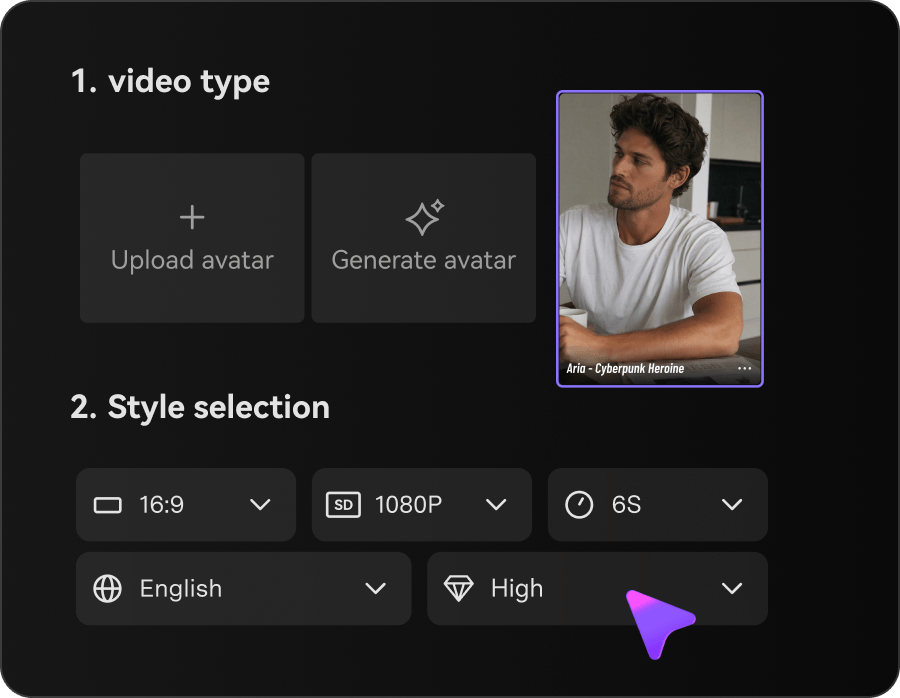
Choose Image Ads or Video Ads
For Image Ads, choose a preset scene or custom prompt. For Video Ads, choose Auto Mode or Guided Mode. Add a Character when needed, refine the prompt or scene, and choose the available output settings such as image count, video language, duration, and resolution.
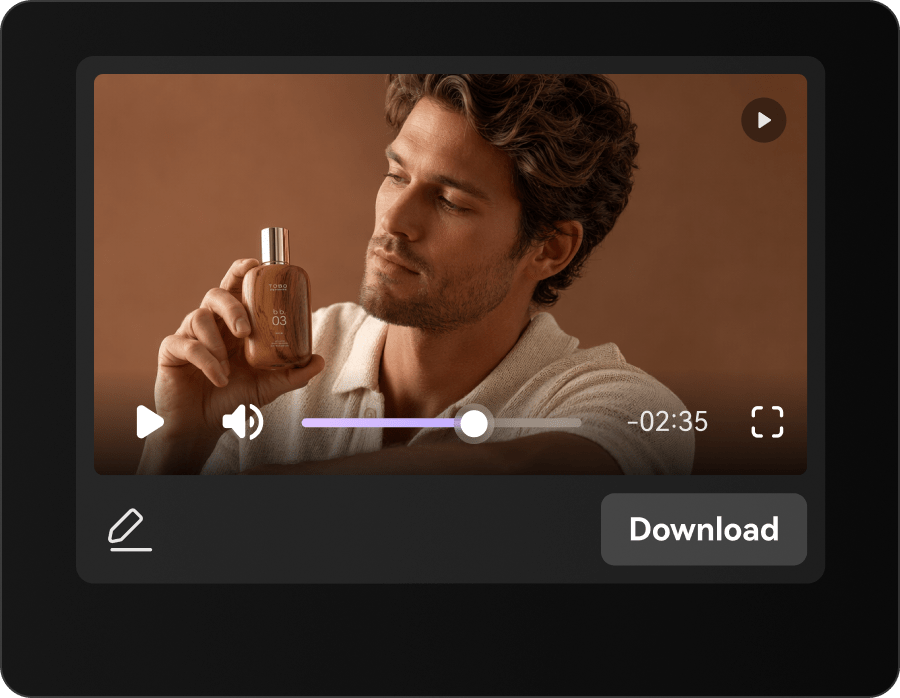
Generate and review
Generate up to four 4K image ads, or create a video up to 30 seconds in 1080p. In Guided Mode, review the script before the final video generation step.
AI Ad Workflows for Ecommerce Sellers, Marketers & Creators
Use product images and product-page context to create ad visuals for stores, marketplaces, affiliate campaigns, UGC-style content, launches, and creative testing.
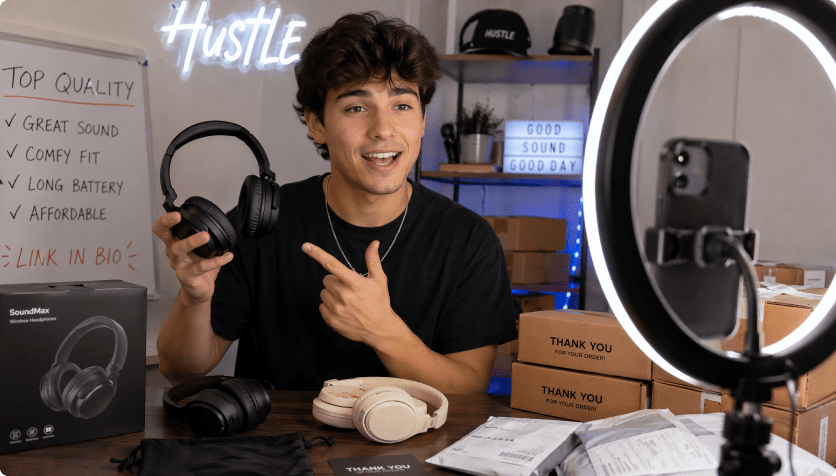
TikTok Shop Sellers
Turn product links into short-form video ads for fast testing, daily selling, and social commerce campaigns.
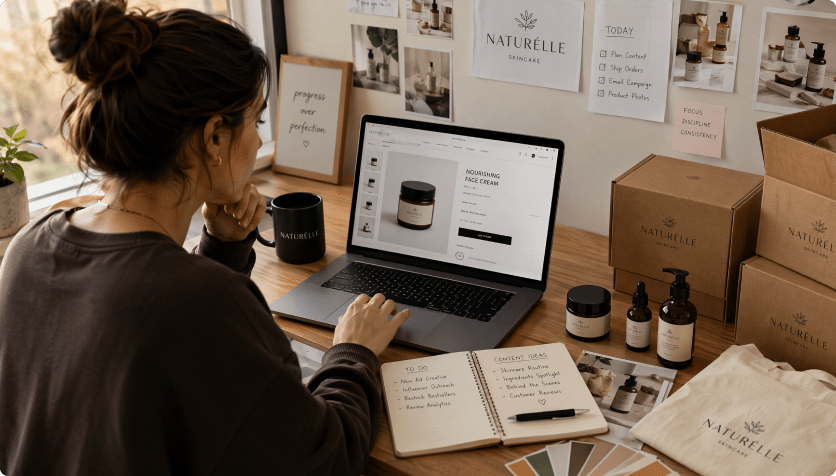
Shopify / DTC Sellers
Convert product pages into launch-ready ads for new drops, seasonal offers, and retargeting campaigns.
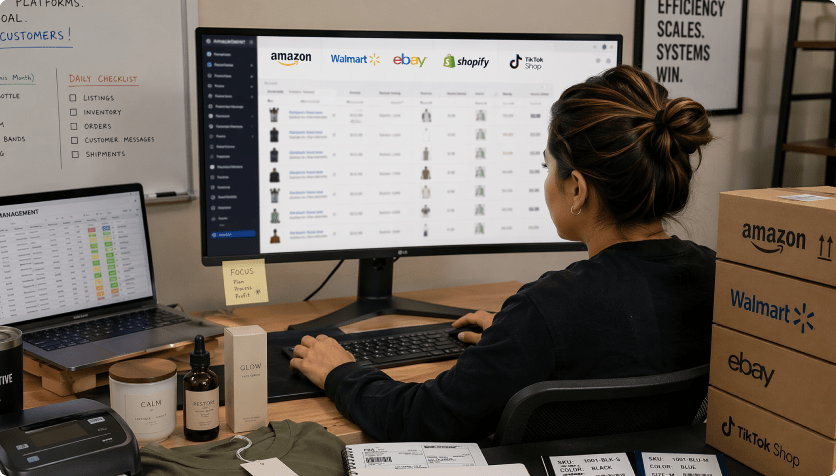
Marketplace Sellers
Create product videos for Amazon, Etsy, Temu, AliExpress, and other marketplace listings — ready for social promotion.
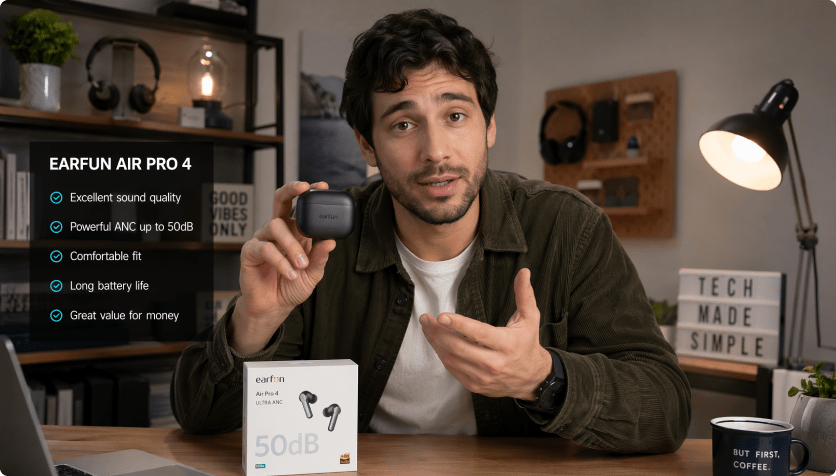
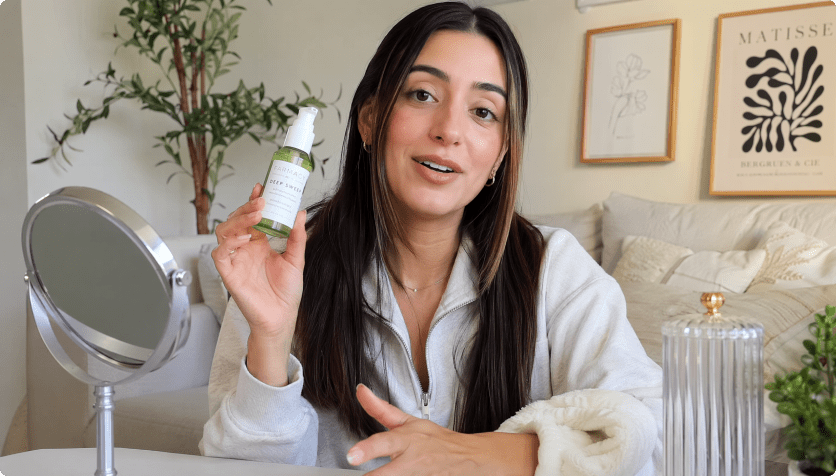
Image Ads vs Video Ads: Which Media.io Workflow Should You Use?
Both workflows can start from ecommerce product assets. Choose the output based on where and how you want to test the creative. For other video-focused marketing use cases, our AI game trailer guide covers gameplay-led trailers, cinematic shots, and platform-specific video strategies.
| Need | Image Ads | Video Ads |
|---|---|---|
| Best for | Product visuals, model shots, lifestyle scenes, flat lays, static ad creatives | UGC-style ads, demos, reviews, unboxing, tutorials, lifestyle and motion-led creatives |
| Input | Product images, product URL, or both | Product images, product URL, or both |
| Creative starting point | Preset scene or custom prompt | Auto Mode or Guided Mode |
| Character | Preset / library / upload / AI-generated | Available when the ad concept needs a person |
| Maximum output | Up to 4K, up to 4 images per generation | Up to 30 seconds, up to 1080p |
| Script checkpoint | Not applicable | Available in Guided Mode |
| Language settings | Prompt-based creative direction | 12 mainstream languages |
When Does AI Product Ad Generation Work Best?
Clear product inputs give the AI more useful context. Use this guide to decide when a product URL is enough and when adding your own images, Character, or prompt can improve the creative direction.
| Product input | What to expect | Recommended action |
|---|---|---|
| Clear title, product images and detailed product page | Strong starting context | Start with the URL and refine the creative direction |
| Good URL but limited product photography | Product context is available, visual variety may be limited | Upload additional product images |
| Model-led fashion, beauty or lifestyle concept | The product alone may not define the person or look you want | Add a preset, saved, uploaded, or AI-generated Character |
| Creative direction outside the preset scenes | Preset choices may not match the campaign concept | Describe the scene, composition and style in your prompt |
| Video ad where wording matters | You may want to check the script before rendering | Choose Guided Mode and review the script first |
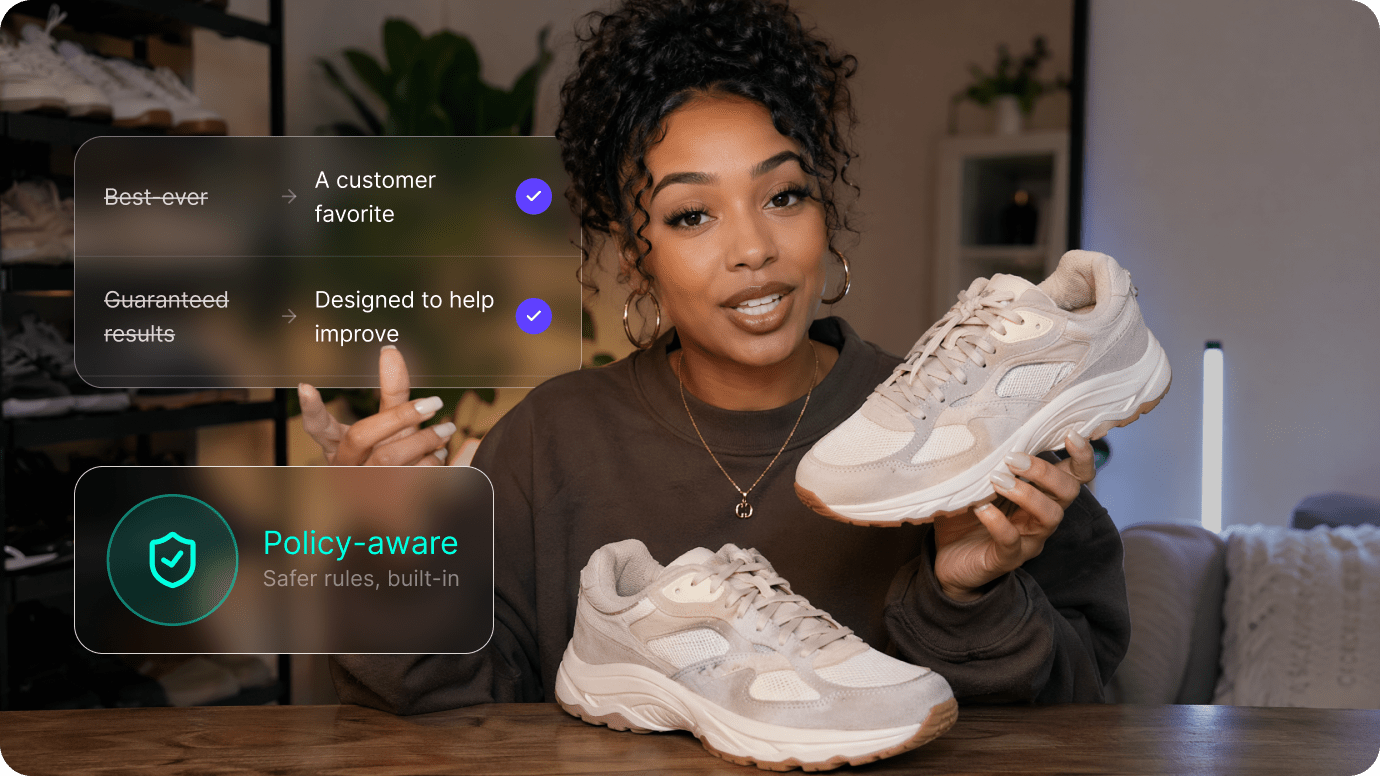
Review AI-generated ad content before publishing
AI can help turn product information into ad creative, but marketers should still verify product facts, pricing, claims, comparisons, testimonials, before/after statements, and platform requirements before publishing. Ad approval and campaign performance depend on the final creative, product category, landing page, account, targeting, and each platform's review process. For a broader look at the strategy, creative, and approval steps behind AI-assisted advertising, see our Claude Ads workflow guide.
FAQs About Media.io AI Ad Generator
What is an AI ad generator?
An AI ad generator uses product information and creative inputs to help create advertising visuals. Media.io can start from product images, a product URL, or both, then generate either image ads or short video ads for ecommerce and product marketing workflows.
Can I create both image ads and video ads with Media.io?
Yes. Image Ads and Video Ads are available in the same AI Ad Generator. Image Ads can reach up to 4K and generate up to four images at once. Video Ads can be generated up to 30 seconds and up to 1080p.
Can I use a product URL and product images together?
Yes. You can provide product images, a product URL, or use both so the workflow has product visuals plus page context when creating the ad.
Which image ad scenes can I choose?
Preset Image Ad scenes include Ecommerce Model Shot, Try-On Photo, Product Shot, Product Beautifier, Lifestyle Scene, Flat Lay, and AD Reference. If your concept is outside the preset list, describe the visual direction in your prompt.
Can I add my own model or Character to an ad?
Yes. When the concept needs a person, you can choose a preset Character, reuse one from your Character Library, upload an image from your device, or generate a new Character with AI.
What is the difference between Auto Mode and Guided Mode for video ads?
Both modes use the same core video-ad workflow and output settings. Auto Mode is designed for direct generation after you add the product input and choose the settings. Guided Mode adds a script-review step before the final video is generated.
How long can an AI video ad be?
Media.io Video Ads support durations up to 30 seconds, with output resolution up to 1080p.
What languages are available for AI video ads?
Video Ads support 12 mainstream languages. Available options include English, Korean, German, Spanish, Portuguese, Japanese, Chinese, and other supported languages shown in the product.
How many AI image ads can I generate at once?
You can generate up to four image results in one generation, with image resolution available up to 4K.
Do I need video editing or design experience?
No advanced editing workflow is required to get started. Preset scenes, Characters, prompts, Auto Mode, and Guided Mode are designed to provide structured starting points for ecommerce ad creation.
Can Media.io guarantee that an AI-generated ad will be approved by Meta, TikTok, or Google?
No. AI-generated creatives should be reviewed before publishing. Platform approval can depend on the final video or image, product category, wording, destination page, account status, and the current advertising policies of each platform.
What should I review before publishing an AI-generated product ad?
Check product facts, pricing, claims, comparisons, testimonials, before/after wording, the selected Character or reference assets, and any platform-specific requirements. Guided Mode is useful when you want to review a video script before generation.
Explore More AI Ad Generators for Ecommerce

 4.7 (162,357 Votes)