
Create an AI Wedding Story Video from Script with Cinematic Wedding Moments
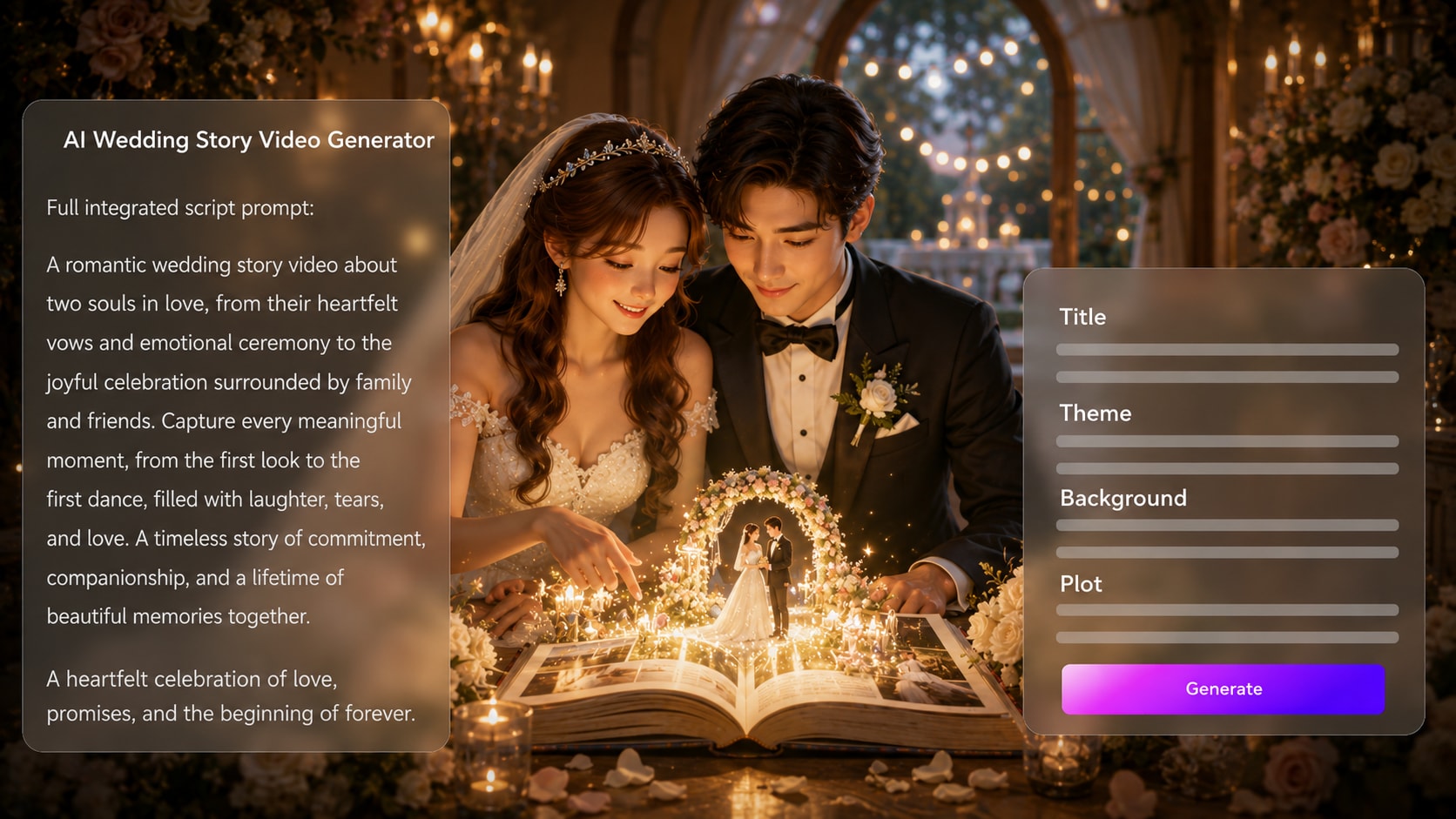
Shape vows, proposal memories, reception speeches, or a couple timeline into a romantic video narrative. Media.io helps creators make an AI Wedding Story Video from Script by extracting a clear outline, guiding characters from photos or text, and generating story scenes with voiceover and music based on the script.
Shape a Wedding Script into a Story People Want to Rewatch
Use your real words, people, places, and pacing to create a wedding video that feels personal instead of templated.
Turn Vows and Proposal Notes into a Romantic Scene Arc
Start with the words that matter: vows, first-meeting details, proposal memories, or a reception script. It also fits AI script to video generator workflows when the audience expects topic-specific scenes.
- Script First - Paste detailed vows, narration, or a couple timeline
- Editable Outline - Review title, theme, background, plot, and characters
- Wedding Context - Guide ceremony, proposal, reception, or anniversary scenes
- Story Flow - Keep the emotional order clear before generation
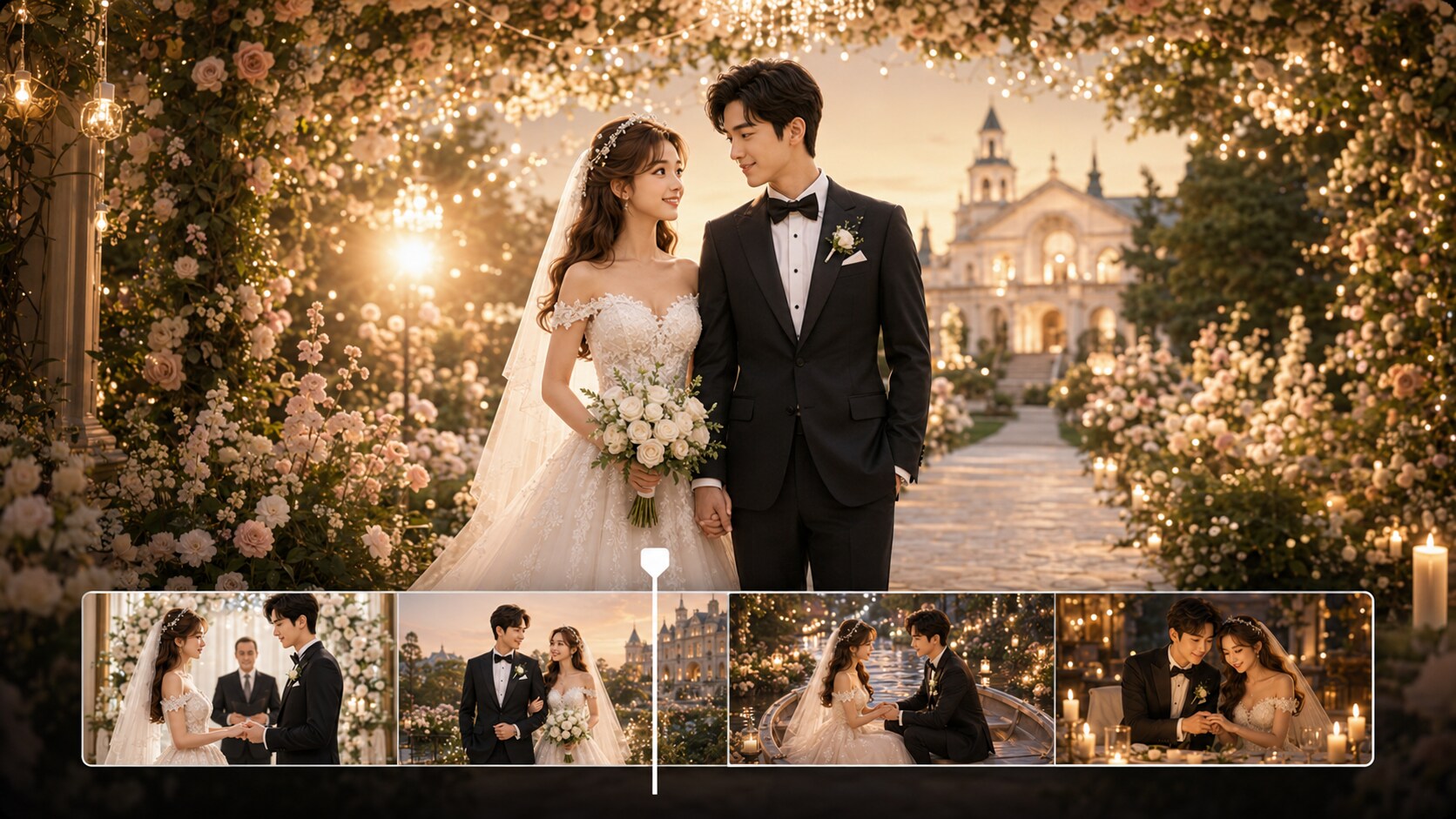
Guide the Couple, Guests, and Setting with Personal Detail
Describe the bride, groom, venue, outfits, season, and mood, or use reference photos or sketches to guide character generation. Use it for storyboard video maker ideas without adding another editing step.
- Couple Guidance - Use photos, sketches, or text descriptions
- Venue Mood - Suggest garden, chapel, beach, ballroom, or city settings
- Visual Style - Choose a look that fits romantic, modern, or documentary pacing
- Character Clarity - Help the cast feel intentional across the story
Direct Review Wedding Moments Before the Final Video Is Made
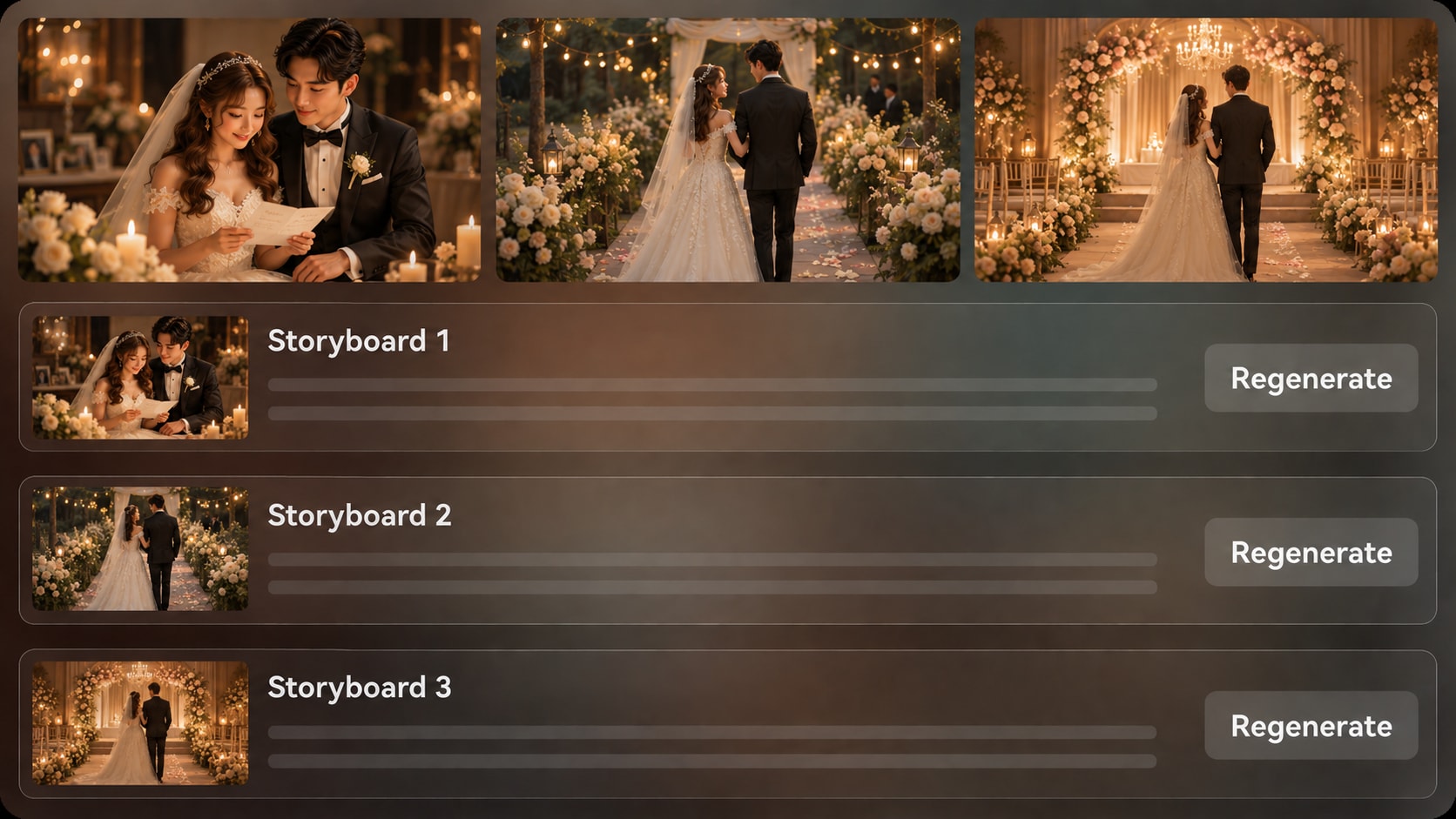
Check the generated storyboard images after the outline to see whether the proposal beat, aisle walk, toast, or first-dance scene feels right.
- Storyboard Preview - View scene images before final generation
- Shot Regeneration - Regenerate a specific image that feels off
- Pacing Check - Catch scenes that move too fast or miss the emotion
- Continuity Review - Confirm outfits, locations, and moods feel aligned
Publish a Wedding Story with Narration, Music, and Polish
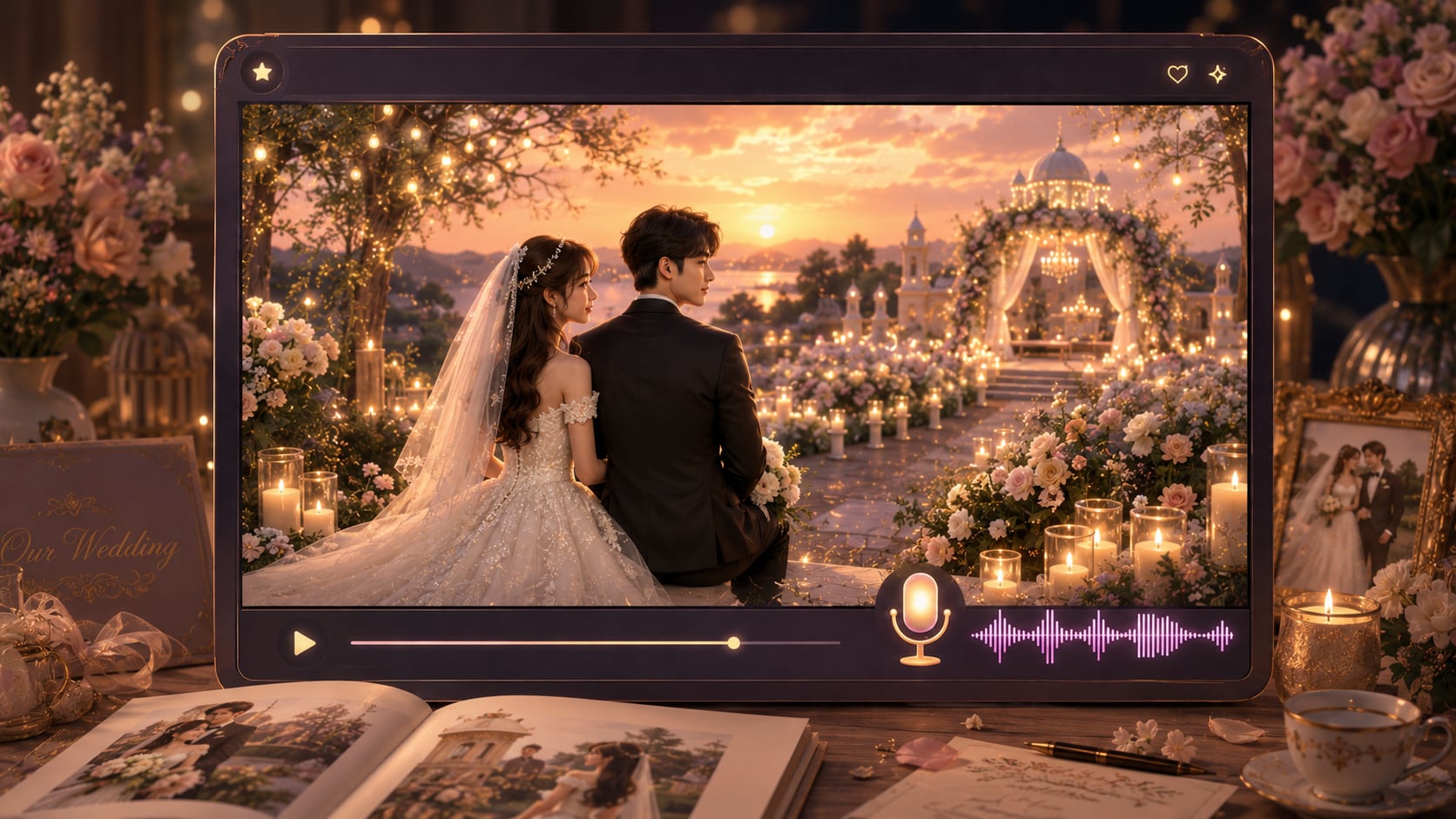
Generate a final video where voiceover and music can follow the rhythm of your script.
- Script-Based Audio - Voiceover and music can reflect the written narration
- Social Ready - Prepare vertical, square, or widescreen direction during setup
- Creator Workflow - Move from script to review without advanced editing skills
- Final Polish - Enhance or adjust the result with Media.io tools when needed
Create a Wedding Story Video from a Script in Three Steps
Plan the story, guide the visuals, then generate and polish the final wedding video.

Paste the Script
Provide a detailed wedding script, vow narration, proposal timeline, or structured story input. Review and edit the extracted outline fields, including title, theme, setting / background, story plot, and characters, then choose setup options such as 9:16, 1:1, or 16:9 to match your platform or display.

Guide the Scenes
Add character details for the couple and important guests using text, real photos, or sketches when available. Choose the video direction, visual style, and wedding mood, then review the generated storyboard images to check whether each scene matches the script.

Generate and Polish
Generate the final wedding story video with voiceover and music based on the script. If one storyboard image feels wrong, regenerate that specific shot before final creation, then review the video and use Media.io tools such as Enhance Video Quality when extra polish is needed.
Compare Why Choose an AI Wedding Story Video from Script Workflow
A script-led workflow gives wedding creators more story control than a template slideshow or a generic text-to-video prompt.
Create Wedding Story Videos for Every Kind of Creator

Wedding Filmmakers
Create concept previews, social cuts, and emotional story drafts from client notes, vows, or reception scripts.

Couples and Families
Turn proposal memories, vows, and anniversary notes into a romantic keepsake video for sharing or display.

YouTube Creators
Build narrated wedding stories, proposal recaps, or relationship timeline videos with clearer scene planning.

TikTok and Reels Creators
Create short romantic story edits from hook-driven scripts, proposal beats, or wedding-day highlights.
See How Scripts Become
Ship Shareable Story Videos
Explore different script-led story formats, then apply the same workflow to wedding vows, proposals, and love-story timelines.
Loved by Wedding Story Creators
Creators like using a script-first workflow because it keeps emotional wedding details easier to plan and review.


"I used a couple's vow draft to plan a short preview. The outline made it much easier to keep the emotional beats in order."

"My proposal recap script finally felt like a real sequence instead of separate romantic clips. The storyboard review helped a lot."

"For client presentations, I can show the tone of a ceremony introduction before the event team starts building assets."

"I write hook-based wedding stories for short videos, and the format setup helps me think about vertical scenes from the start."

"The tool gave structure to a messy timeline of memories. I could shape it into a sweet anniversary video draft."

"I liked being able to test a scripted wedding scene visually before committing time to a full edit."
FAQs on AI Wedding Story Video from Script
What Is an AI Wedding Story Video from Script?
An AI wedding story video from script is a video created from written wedding narration, vows, proposal notes, or a structured couple timeline. Media.io uses the script to build an outline, guide scenes, and generate a romantic story video with voiceover and music based on the script.
What Should I Paste into the Wedding Script Input?
Use a detailed script rather than a one-line prompt. Include the couple's names or descriptions, relationship timeline, proposal moment, venue, ceremony mood, key scenes, and any narration you want the video to follow.
Can the Wedding Script Guide the Voiceover and Music?
Yes. The generated voiceover and music can be based on the script, which helps the video follow the emotional rhythm of vows, proposal narration, or a reception-style story.
How Do I Write a Better Script for a Wedding Story Video?
Write in clear scenes: first meeting, turning point, proposal, ceremony, celebration, and closing message. Add setting, mood, visual details, and narration cues so the generated outline has enough information to guide the video.
What Mistakes Should I Avoid in an AI Wedding Video Script?
Avoid vague prompts like romantic wedding video with no names, settings, or story order. Also avoid cramming too many unrelated memories into one script; a focused timeline usually creates a clearer emotional result.
Can I Make the Bride, Groom, or Guests Recognizable?
You can guide character generation with real photos, sketches, or text descriptions. Media.io can create recognizable characters and clearer character guidance, but you should review the result rather than expect perfect clear character guidance.
Can I Make Wedding Videos for TikTok, YouTube Shorts, or a Reception Screen?
Yes. During setup, you can choose a format direction such as vertical, square, or widescreen to fit social platforms, wedding websites, client previews, or event displays.
Can I review the storyboard If a Wedding Scene Looks Wrong?
The extracted outline is editable, but the generated storyboard images are not manually edited as cards. If a specific storyboard image is unsatisfying, you can click Regenerate to create that shot again before generating the final video.
Why Use Media.io Instead of a Generic AI Video Generator for Wedding Stories?
Media.io is useful for wedding stories because it starts from detailed scripts, extracts an editable story outline, supports character guidance, generates storyboard images for review, and can create voiceover and music based on the script.
Explore More Script-to-Video Ideas for Story Creators
Wedding stories often connect with proposal recaps, romantic shorts, educational explainers, and creator-led narration. Explore adjacent AI Script to Video generators when you want to adapt the same script-first workflow to another format.















Create a Wedding Story
From the Script You Already Wrote
Paste your vows, proposal timeline, or wedding narration and start building a cinematic story video with Media.io.
 4.8 (281 Votes)