
AI Historical Story Video Generator for Timelines, Biographies, and History Lessons
Have a history script, timeline note, biography draft, classroom lesson, documentary recap, or faceless narration ready to turn into video? Media.io's AI Historical Story Video Generator helps transform detailed scripts into historical story videos with period-style scenes, clear event flow, voiceover, music, and formats for YouTube history channels, Shorts, TikTok, classrooms, or documentary-style explainers.
Shape Historical Scripts into Scenes Viewers Can Follow
Use a workflow built for eras, narration, visual continuity, and the way history audiences actually watch.
Turn Timelines into Watchable Historical Scenes
Start with a detailed script, narration draft, or lesson outline and let Media.io extract the story structure before video generation. It also fits historical video generator workflows when the audience expects topic-specific scenes.
- Script Input - Paste a detailed timeline, biography, or narration draft
- Outline Review - Edit title, theme, background, plot, and character fields
- Lesson Flow - Keep cause, conflict, and consequence in the right order
- Creator Fit - Shape material for explainers, Shorts, or documentary recaps
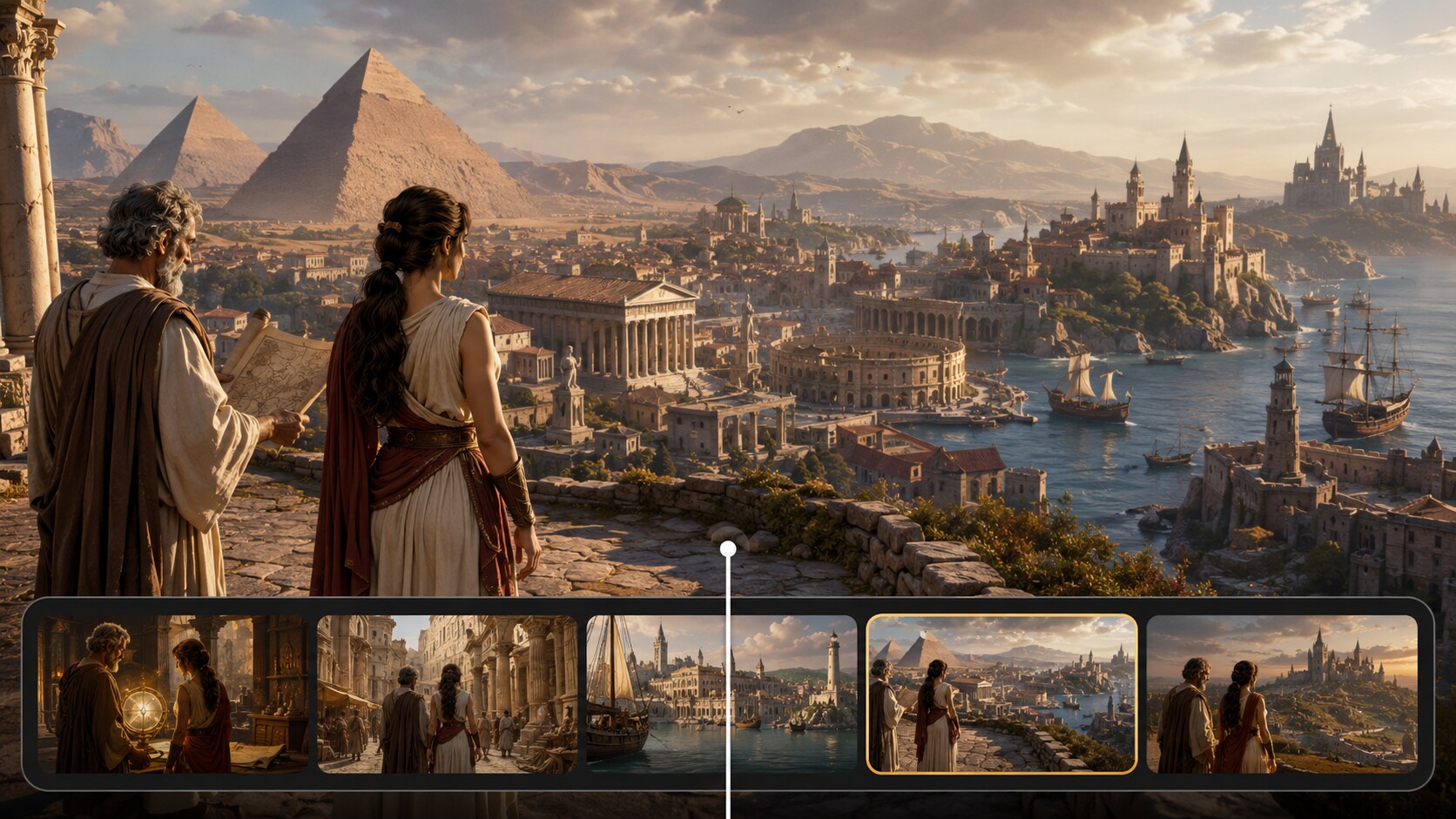
Create Period Worlds That Feel Believable on Screen
Direct the visual mood before generation with format, style, and background choices that fit your era. Use it for history story video maker ideas without adding another editing step.
- Era Cues - Describe clothing, architecture, landscapes, and tools
- Scene Mood - Aim for documentary, cinematic, illustrated, or classroom-friendly looks
- Setting Focus - Guide castles, temples, ports, factories, villages, or monuments
- Audience Match - Keep the tone serious, dramatic, educational, or social-first
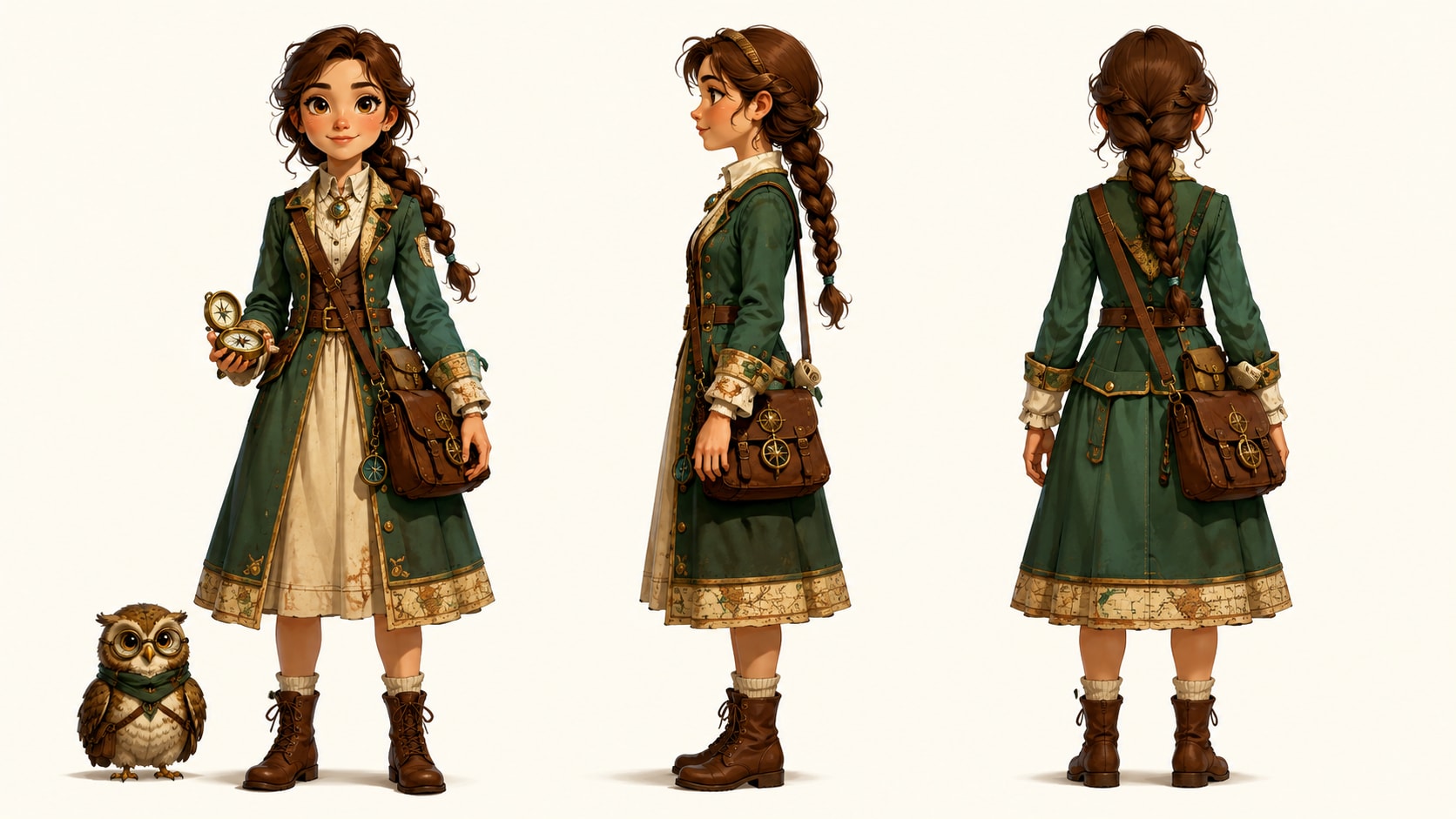
Guide Characters So the Story Has a Human Thread
History becomes easier to remember when viewers can follow people through the event.
- Text Characters - Describe age, clothing, role, expression, and era
- Photo Guidance - Use reference images when you need a clearer visual starting point
- Sketch Input - Turn rough character concepts into generated visual direction
- Story Roles - Separate leaders, witnesses, crowds, rivals, and narrators
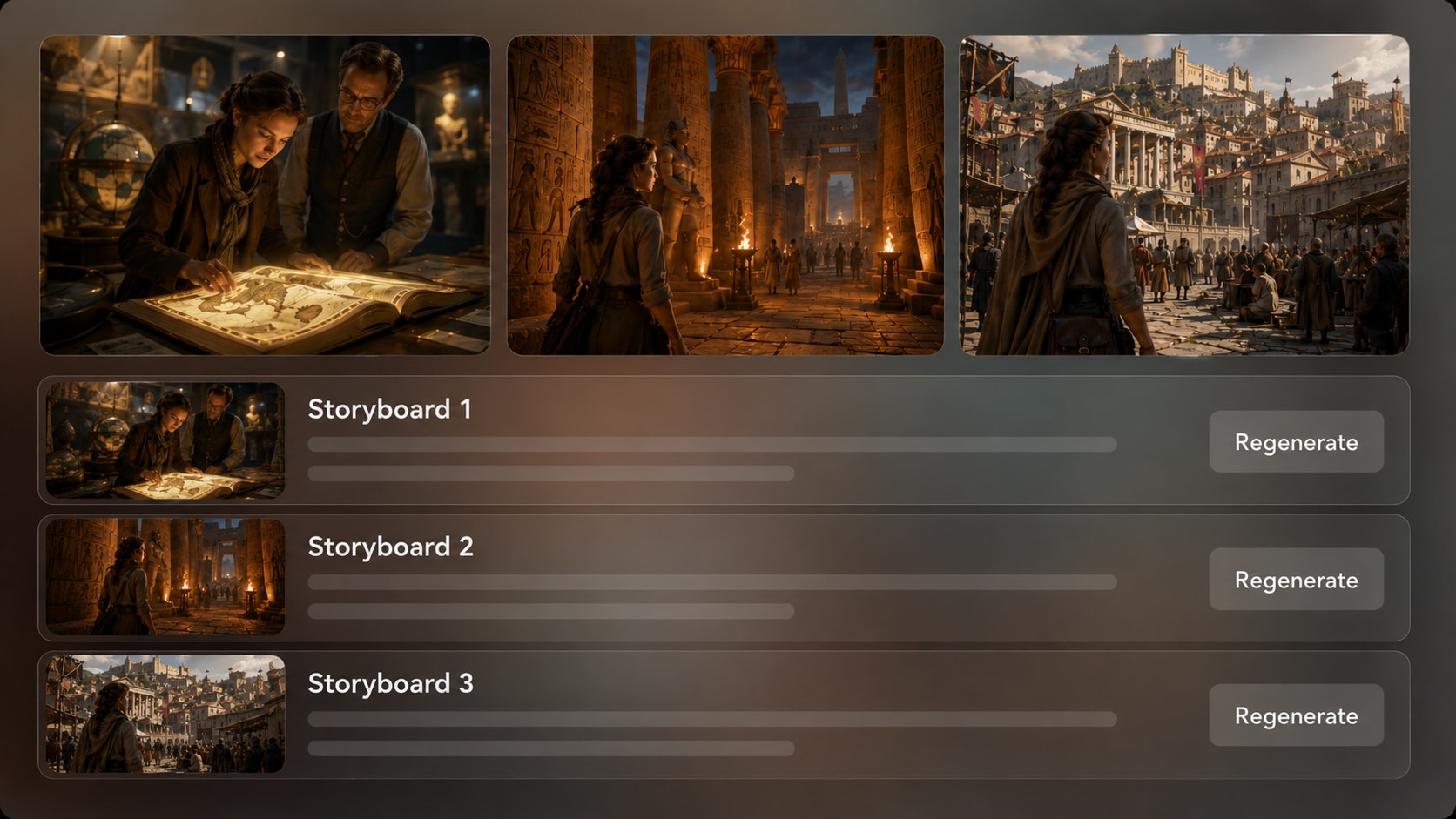
Polish Review Storyboard Images Before You Commit
Check the generated storyboard images after the outline to see whether each scene supports the script.
- Storyboard Preview - See visual beats before final generation
- Shot Regeneration - Refresh an unsatisfying scene image when needed
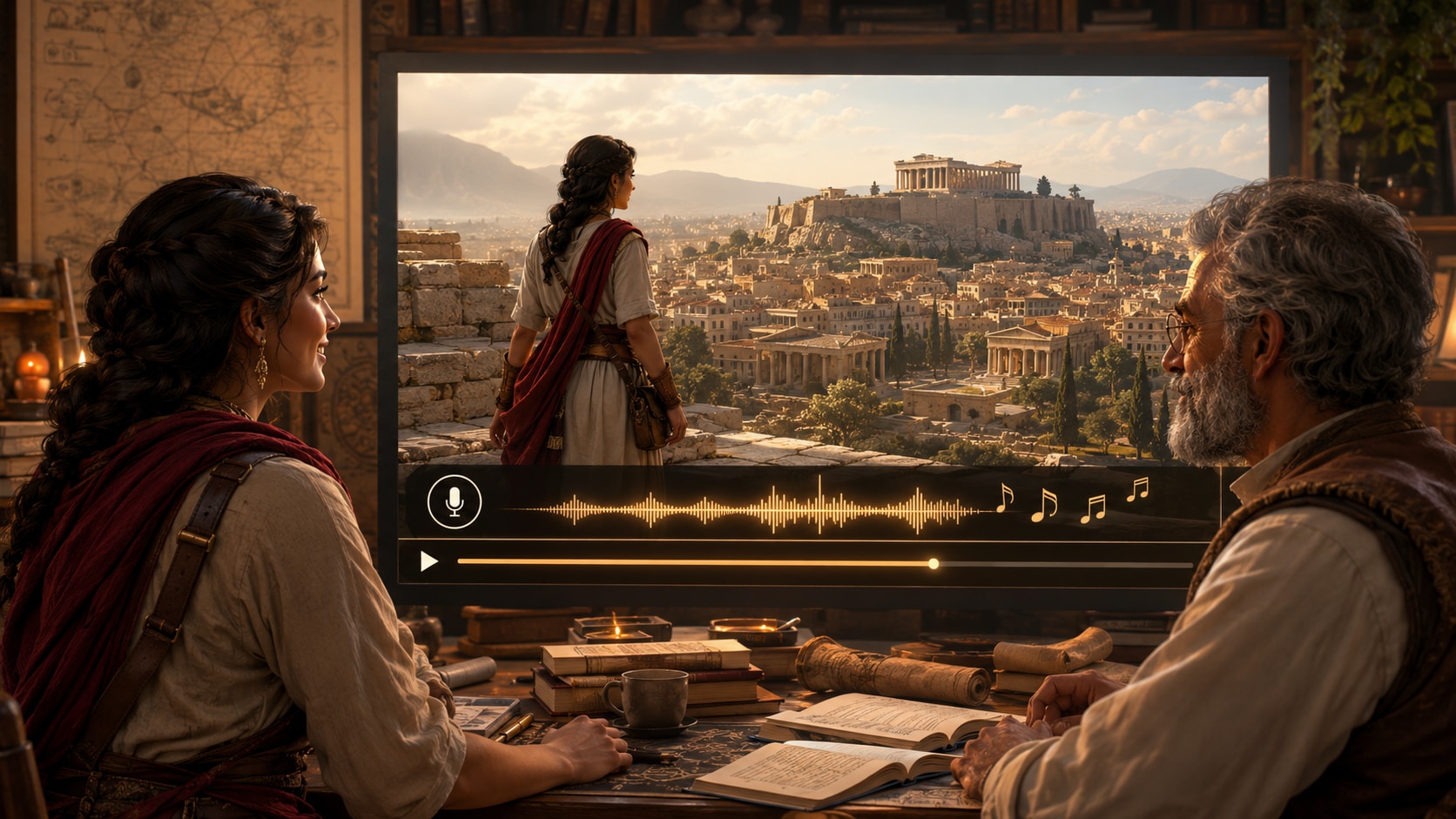
- Script-Based Audio - Generate voiceover and music guided by the written story
- Final Polish - Review the video and refine it with Media.io tools
Create a Historical Story Video from Script to Final Cut
Use a practical three-step workflow for lessons, recaps, Shorts, and cinematic historical storytelling.

Prepare the Script
Provide a detailed script or structured story input, such as a timeline, lesson outline, biography, or narration draft. Review and edit the extracted outline fields, including title, theme, setting, story plot, and characters, then choose a setup format such as 9:16, 1:1, or 16:9.

Guide the Scenes
Set the visual direction for the era, tone, and background. Add character guidance from text, real photos, or sketches when helpful, then review the generated storyboard images to check whether the settings, people, and major beats match the historical script.

Generate and Polish
Generate the final video with voiceover and music based on your script. If a storyboard image does not fit the period or action, regenerate that shot before final creation, then review the video and use Media.io tools such as Enhance Video Quality when extra polish is needed.
Compare Media.io AI Historical Story Video Maker over a Generic Video Tool
Historical content needs more than fast clips; it needs sequence, context, narration, and era-aware visual direction.
Create Historical Story Videos for Learning, Recaps, and Documentary Channels

Turn History Scripts into YouTube Story Videos
Have a biography script, ancient civilization recap, war timeline, invention story, or lost-city narration ready for a history channel? Media.io's AI Historical Story Video Generator helps turn detailed scripts into narrated historical story videos with period-style scenes, clear event flow, voiceover, music, and formats for YouTube episodes or history Shorts.

Make Short Historical Story Videos for TikTok and Reels
Create quick historical story videos around one strong hook: a surprising decision, a forgotten ruler, a turning-point battle, a mysterious artifact, or an invention that changed daily life. Keep the script focused on one event, one timeline, and one takeaway so the final video feels easy to follow on Shorts, TikTok, Reels, or YouTube.

Turn Lesson Notes into Classroom History Videos
Convert timeline notes, lesson scripts, textbook summaries, museum-style explanations, and classroom reading passages into visual history explainers. Add clear dates, places, causes, key people, and consequences in your script so Media.io can generate a historical video that supports learning instead of overwhelming students.

Draft Biography and Documentary-Style Recaps
Build visual drafts for biographies, cultural movements, ancient empires, social changes, discoveries, and major historical events before committing to a larger documentary edit. Let your script guide the narration, period atmosphere, scene order, and music mood so the generated video feels like a coherent historical story.
Explore More AI Script to Story Video Examples
Loved by History Creators and Educators
Creators like the workflow because it starts with the script, keeps the outline visible, and gives historical scenes room to make sense.


"The outline step helped me catch a weak transition before generating the video. My ancient trade route episode finally felt like a story, not a slideshow."

"I used my lesson notes as the base and got a narrated explainer my students could follow. The storyboard preview was the most useful checkpoint."

"For vertical history clips, I need strong visual beats fast. Media.io made it easier to turn one event into a clean sequence for social posts."

"I tested a period drama pitch with character prompts and scene notes. It gave me a visual direction I could discuss with collaborators."

"Our local history script needed a warmer, more visual format. The generated scenes gave us a useful first version to review and polish."

"I liked that the voiceover and music followed the script tone. It made a dense biography feel more approachable for an online lesson."
FAQs on AI Historical Story Video Maker
What Is an AI Historical Story Video Maker?
An AI historical story video maker helps convert detailed history scripts, timelines, lessons, or biographies into narrated videos with period-inspired scenes. Media.io adds outline extraction, visual setup choices, character guidance, storyboard image review, and final video generation.
What Should I Paste into a Historical Story Video Generator?
Use a detailed script or structured input rather than a one-line idea. Good source material includes event timelines, narration drafts, lesson plans, biography notes, chapter summaries, or documentary scene outlines.
Can the Voiceover and Music Match My Historical Script?
Yes. The final generated video can include voiceover and music based on the script, helping the narration style and emotional tone fit a classroom explainer, documentary recap, or dramatic historical story.
How Do I Write a Better Script for a Historical Story Video?
Write in scene beats: context, key people, conflict, turning point, consequence, and takeaway. Add era details such as location, clothing, architecture, weather, and public mood so the visual generation has clearer direction.
How Can I Avoid Generic or Wrong-Looking Historical Scenes?
Give concrete period cues instead of broad labels. Mention the century, region, setting, objects, clothing, social role, and mood, then review the outline and storyboard images before generating the final video.
Can I Create Recognizable Historical Characters?
Media.io can use text descriptions, real photos, or sketches to guide character generation. This helps create recognizable character direction for historical figures or fictional witnesses, but you should review the output rather than expect perfect clear character guidance.
Can I Make Historical Videos for YouTube Shorts, TikTok, or Classrooms?
Yes. During setup, you can choose formats such as 9:16, 1:1, or 16:9 to match vertical social clips, square posts, or classroom and YouTube-style viewing. Review the final video before publishing.
Can I review the storyboard for a Historical Scene?
You can review and edit the extracted story outline before storyboard generation. The generated storyboard images themselves are not manually editable, but if a specific shot does not fit the era, action, or mood, you can regenerate that image.
Why Use Media.io for Historical Story Videos Instead of a Generic AI Video Generator?
Historical storytelling depends on sequence, context, and visual cues. Media.io is useful because it works from detailed scripts, extracts an editable outline, supports character and era guidance, shows storyboard images for review, and generates voiceover and music from the script.
Explore More AI Story Video Generators for Different Story Types
Finished a historical story video and want to try another narrative style? Explore more Media.io AI Story Video Generators for realistic scenes, faceless narration, kids' stories, fairy tales, dark fantasy, cartoon videos, manga stories, and other script-to-video workflows built for different audiences, tones, and publishing channels.















Create a Historical Story Video
That Viewers Can Actually Follow
Paste your script, shape the era, review the storyboard images, and generate a narrated history video with Media.io.
 4.8 (286 Votes)