
AI Fable Story Video Generator for Moral Tales That Feel Cinematic
Shape classic animal tales, original allegories, and classroom morals into videos that keep the lesson clear. Media.io's AI Fable Story Video Generator works best with a detailed script, then helps extract the outline, guide characters, preview storyboard images, and generate a narrated fable ready for YouTube, TikTok, lessons, or pitch decks.
Create Fable Videos with a Clear Moral from First Scene to Final Lesson
Build short moral tales with script structure, character guidance, storyboard review, and narration that supports the lesson.
Turn a Moral Script into a Scene-Ready Fable
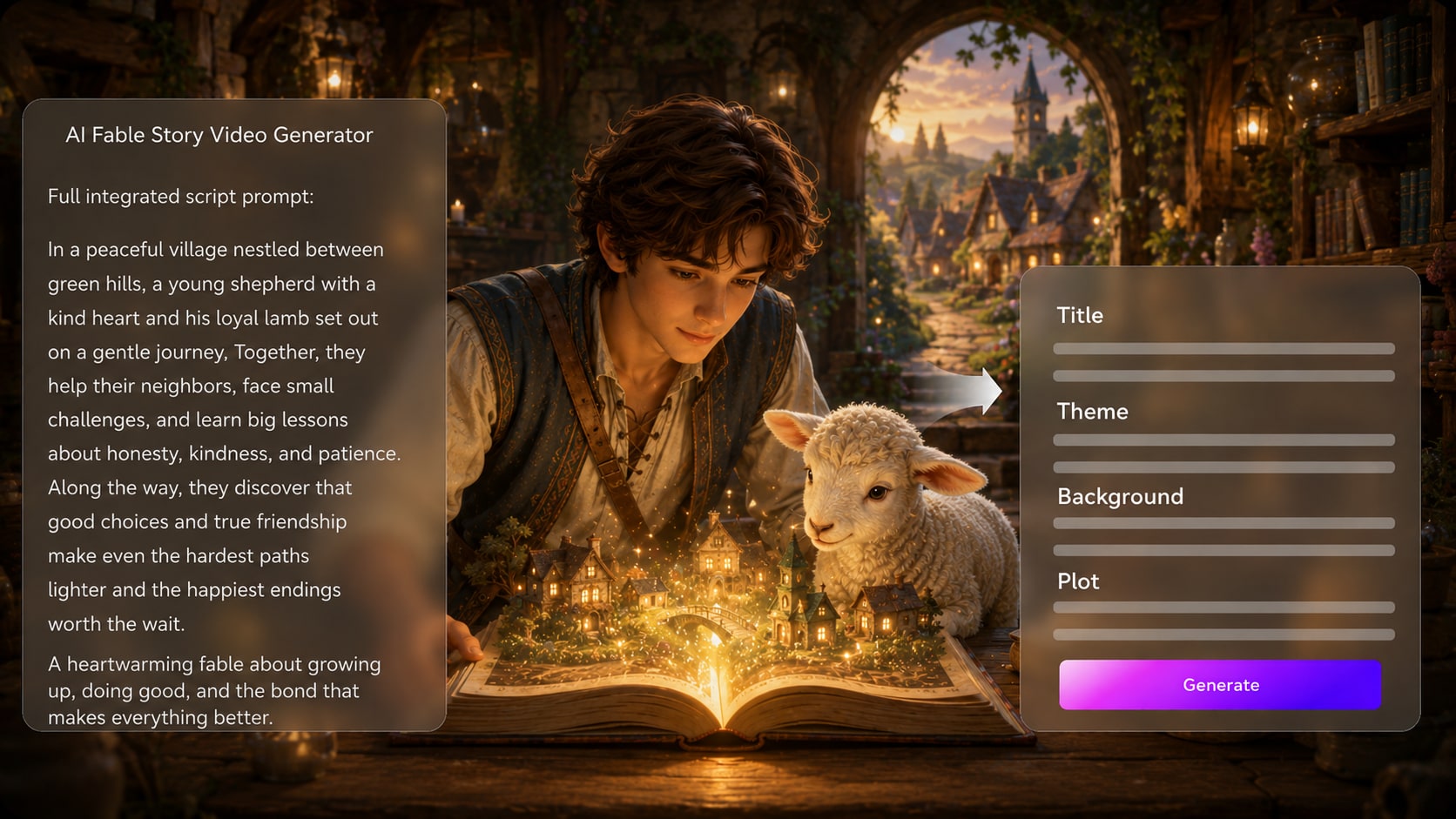
Start with a detailed fable script, narration draft, or lesson outline, then let Media.io extract the title, theme, setting / background, plot, and characters. This gives your fable story video maker workflow a clear moral path before visuals are generated.
- Moral Arc - Keep the lesson visible from conflict to resolution
- Editable Outline - Review title, theme, setting, plot, and characters
- Structured Input - Use scripts, scene notes, or narration drafts
- Story Logic - Preserve cause, consequence, and final takeaway
Shape Animal Heroes Viewers Can Follow
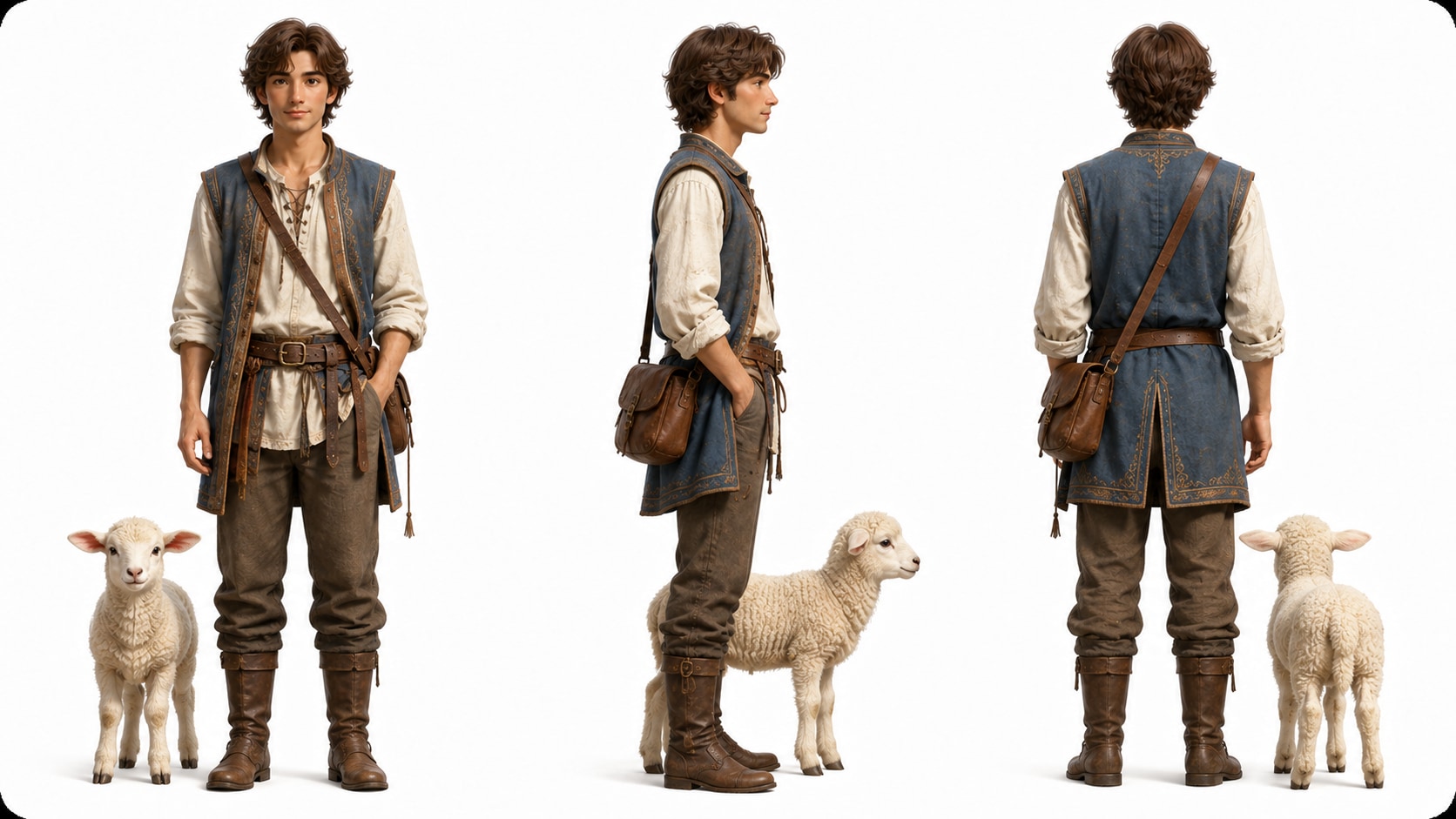
Guide foxes, lions, rabbits, villagers, or symbolic characters with text descriptions, sketches, or real reference photos. Media.io can extract character features and generate clear character guidance so the cast feels recognizable throughout the moral tale.
- Animal Cast - Describe species, traits, costumes, and expressions
- Reference Input - Start from photos, sketches, or pure text
- Visual Guidance - Help each character match its story role
- Allegory Fit - Make pride, honesty, greed, or courage visible
Direct Preview the Lesson Before You Generate
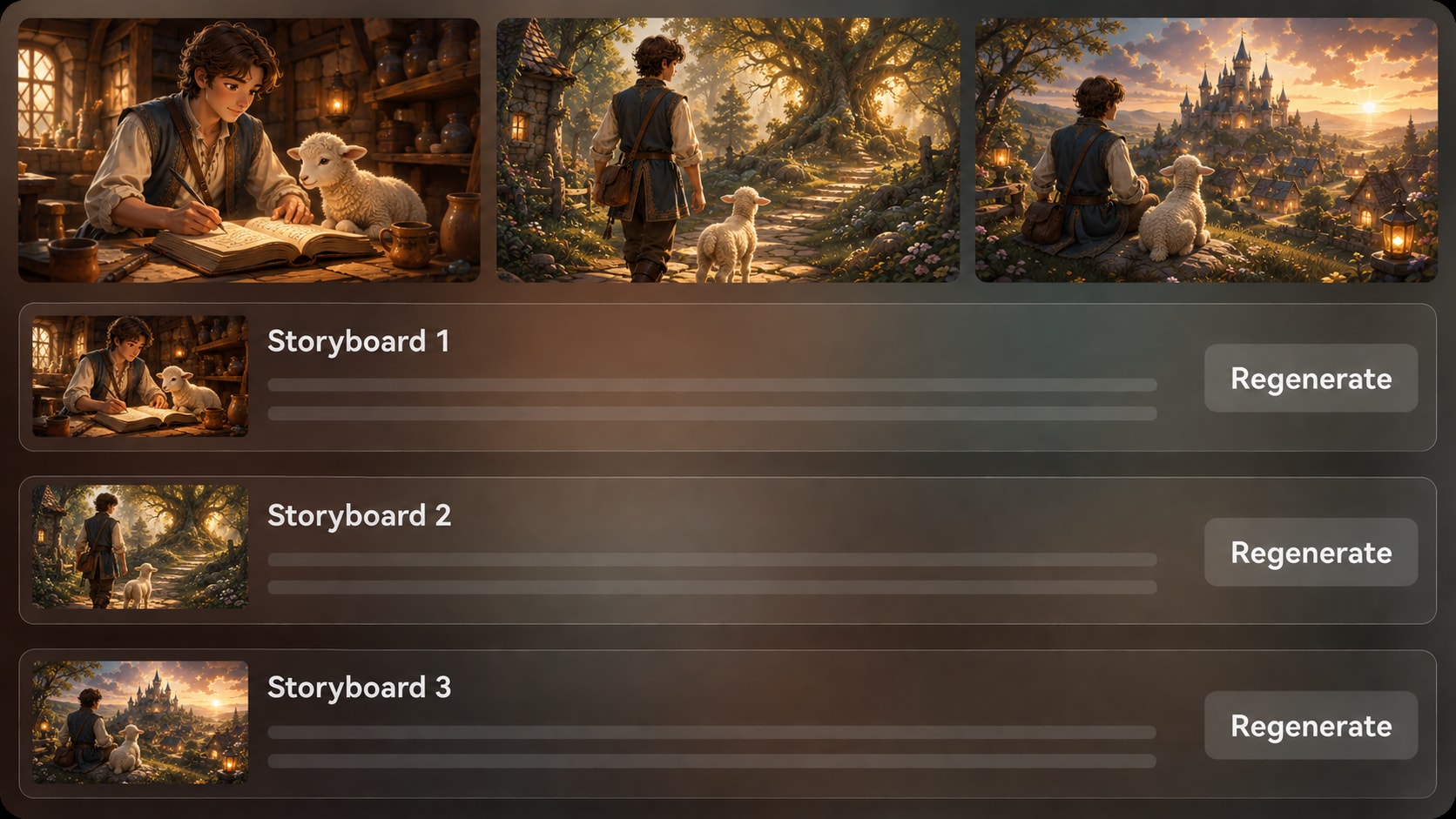
Review generated storyboard images after the outline so you can spot weak moments before the final video. If a specific storyboard image misses the tone, setting, or action, regenerate that shot and keep the fable's lesson on track.
- Storyboard Images - Check how each scene communicates the plot
- Shot Regeneration - Refresh an unsatisfying image when needed
- Tone Check - Keep visuals gentle, witty, dramatic, or educational
- Continuity Review - Make sure the conflict and lesson connect
Create Narrated Moral Shorts for Real Audiences
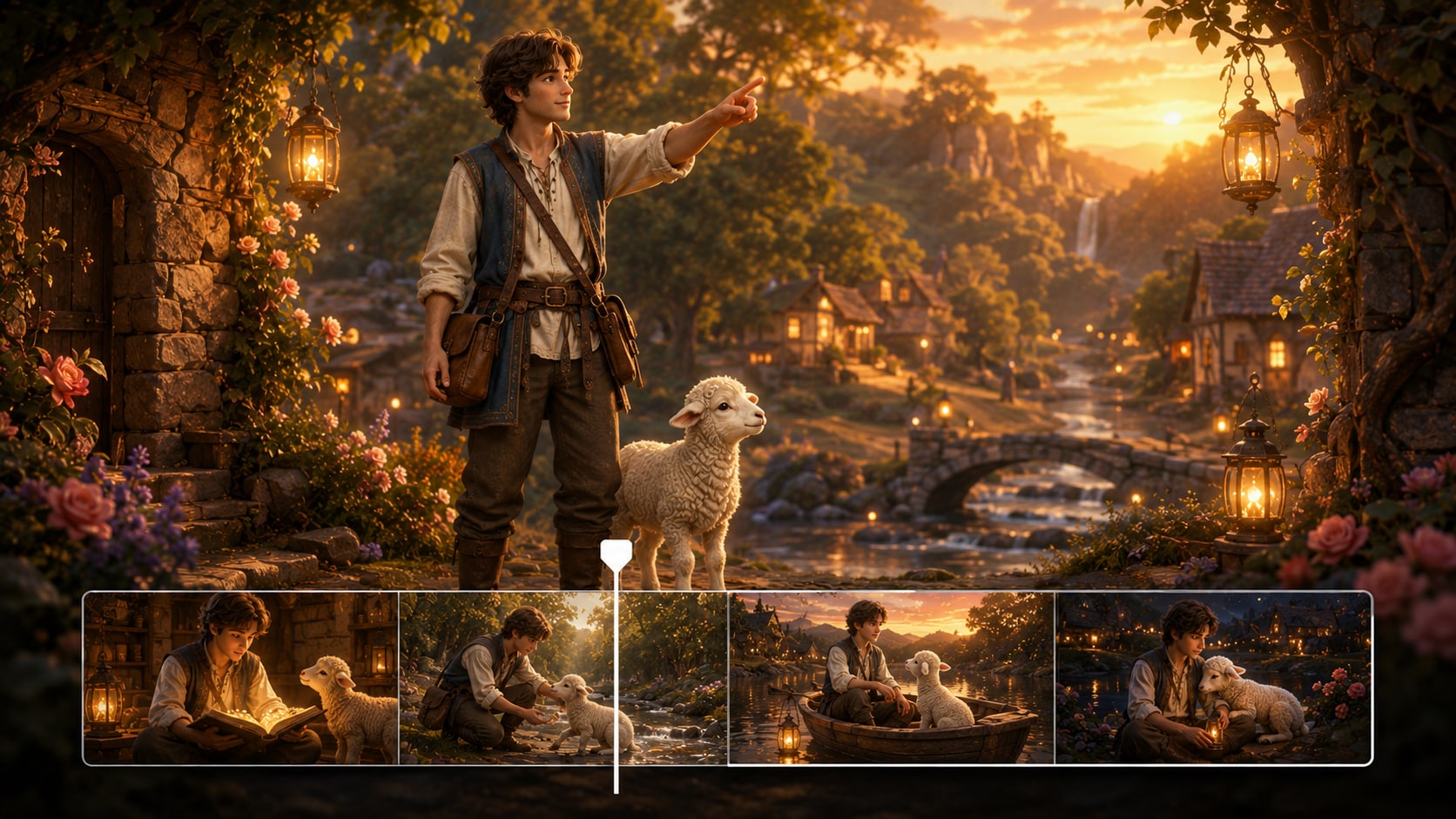
Generate a final video with voiceover and music based on the script, then review and polish it with Media.io tools when needed. Use the result as a moral story video generator workflow for Shorts, lessons, reels, or creator channels.
- Script-Based Audio - Let narration and music follow the fable
- Platform Direction - Prepare vertical, square, or widescreen formats
- Creator Polish - Enhance and refine after generation when needed
- Shareable Ending - Close with a lesson viewers can remember
How to Create a Fable Story Video in Three Practical Steps
Use a script-first workflow so the moral, setting, and characters guide the finished video.

Add Your Script
Provide a detailed script or structured story input, then review and edit the extracted outline fields: title, theme, setting / background, story plot, and characters. During setup, choose a fitting aspect ratio such as 9:16, 1:1, or 16:9 for your publishing channel.

Guide the Cast
Prepare the fable's characters with text descriptions, sketches, or reference photos. After the outline is set, review the generated storyboard images to confirm the animal heroes, setting, conflict, and closing lesson feel right.

Generate and Polish
Generate the final video with script-based voiceover and music, then review the result. If a specific storyboard image is unsatisfying before generation, regenerate that shot; after generation, use Media.io polish tools such as Enhance Video Quality when needed.
Compare Media.io's AI Fable Story Video Generator with Generic Video Makers
A fable needs moral structure, recognizable characters, and a clear final lesson, not just fast visual clips.
Create Fable Videos for the Audiences That Need the Lesson Most

Educators
Turn lesson plans and moral tales into visual stories that help students understand choices, consequences, and empathy.

YouTube Creators
Build repeatable moral-story episodes with clear narration, animal characters, and endings that invite comments.

TikTok Creators
Create short fable videos with quick conflict, expressive characters, and a punchy moral for vertical feeds.

Storytellers
Adapt original allegories, folk-style tales, and character sketches into videos without drawing every scene by hand.
View More AI Texts into Story Video Examples
Explore fixed sample categories that show how script-led storytelling can fit different creator formats.
Loved by Fable Story Creators
Creators like having a script-first workflow that protects the lesson while speeding up visual production.


"The outline step helped me catch a weak ending before generating the video. My fable felt much clearer on screen."

"I used a short honesty fable for class discussion, and the storyboard preview made it easier to keep the lesson age-appropriate."

"My animal characters looked easier to follow than the random clips I used to get from general video tools."

"Being able to start with a complete narration draft made the pacing feel more like a real moral story."

"I tested a symbolic fox-and-crow short as a concept reel. The storyboard images were useful for checking tone early."

"For simple brand allegories, the workflow helped us move from message to visual draft without losing the point."
FAQs on AI Fable Story Video Generator
What Is an AI Fable Story Video Generator?
An AI fable story video generator helps turn a written moral tale into a video with structured scenes, characters, visuals, narration, and music. Media.io works best when you provide a detailed script or structured fable input.
What Should I Paste into Media.io for a Better Fable Video?
Paste a detailed script, narration draft, or scene-by-scene outline that includes the moral, setting, main characters, conflict, and ending lesson. The more specific your fable is, the easier it is to guide the generated outline and visuals.
Can the Voiceover and Music Follow My Fable Script?
Yes. The final generated video can include voiceover and music based on your script, so the narration, mood, and pacing can support the fable's lesson.
How Do I Write a Better Script for an AI Fable Video?
Write with a clear moral, two or three memorable characters, a simple conflict, and a visible consequence. Add visual details such as forest paths, village squares, rainy fields, or classroom-friendly settings so each scene has something concrete to show.
How Can I Avoid a Generic Moral Story Video?
Avoid vague prompts like 'make a fable about kindness. ' Use named characters, a specific setting, a turning point, and a final lesson. Review the extracted outline before generating so the moral does not become too broad or disconnected.
Can I Create Animal Characters for Fable Videos?
Yes. You can guide animal or symbolic characters with text descriptions, sketches, or real reference photos. Media.io can help generate recognizable characters or clear character guidance, but you should still review the result for visual fit.
Can I Make Fable Videos for YouTube Shorts or TikTok?
Yes. During setup, choose a format direction that matches your channel, such as vertical for Shorts, Reels, or TikTok, square for social posts, or widescreen for YouTube and classroom playback.
Can I review the storyboard for a Fable Video?
You can review and edit the extracted story outline before storyboard generation. The storyboard images themselves are generated for review; if a specific storyboard image is unsatisfying, you can regenerate that shot.
Why Use Media.io Instead of a Generic AI Video Generator for Fables?
Media.io is useful for fables because it begins with structured story input, extracts an editable outline, supports character guidance, generates storyboard images, and creates a final video with script-based voiceover and music.
Explore More Script-to-Video Workflows for Story Creators
If your fable is part of a wider content plan, try adjacent AI Script to Video generators for educational lessons, bedtime stories, brand narratives, and other story-led formats.















Create a Fable Video
That Makes the Lesson Stick
Paste your detailed moral story, guide the cast, review the storyboard, and generate a narrated fable ready to share.
 4.8 (286 Votes)