Natural Couple Running Poses
Describe hand-holding, full-body running, facial expressions, flowing hair and clothing, and camera direction to create a candid action shot instead of a stiff couple portrait.
Turn ordinary portraits into a cinematic running-couple scene with natural motion, recognizable faces, flowing clothes, and realistic outdoor backgrounds. Try railway, village, rainy-night, reunion, and golden-hour girlfriend photo editing prompts with Media.io AI.
Upload your photos, choose a running scene, and create a cinematic couple edit.
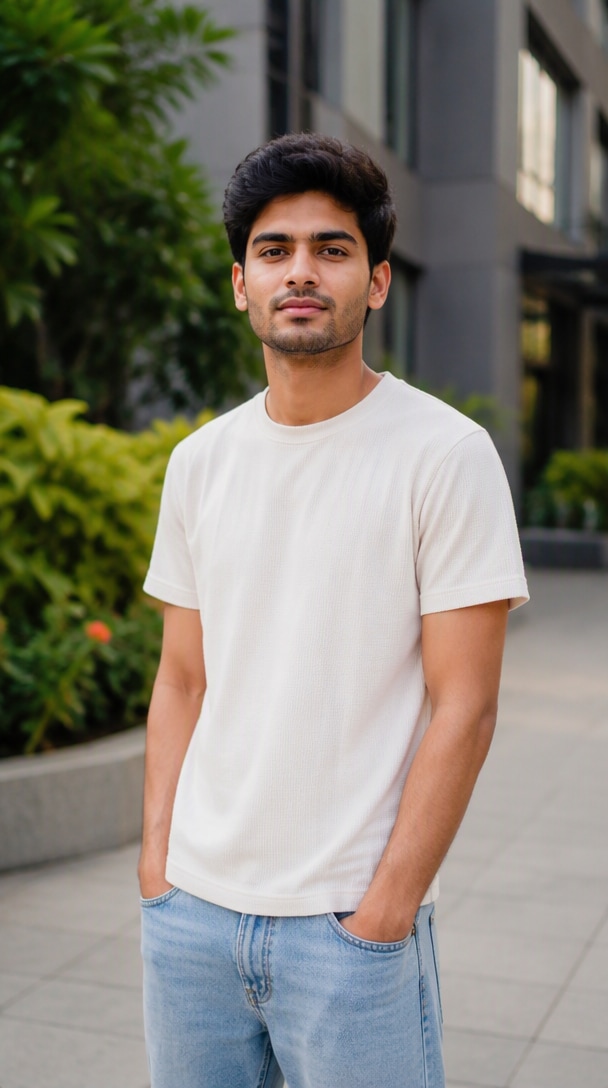
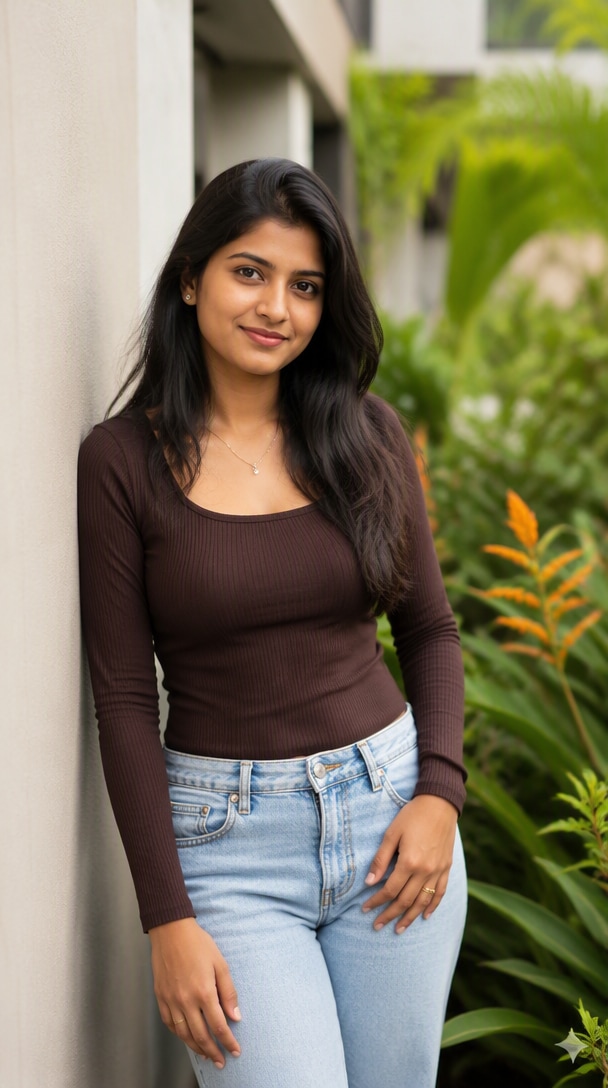
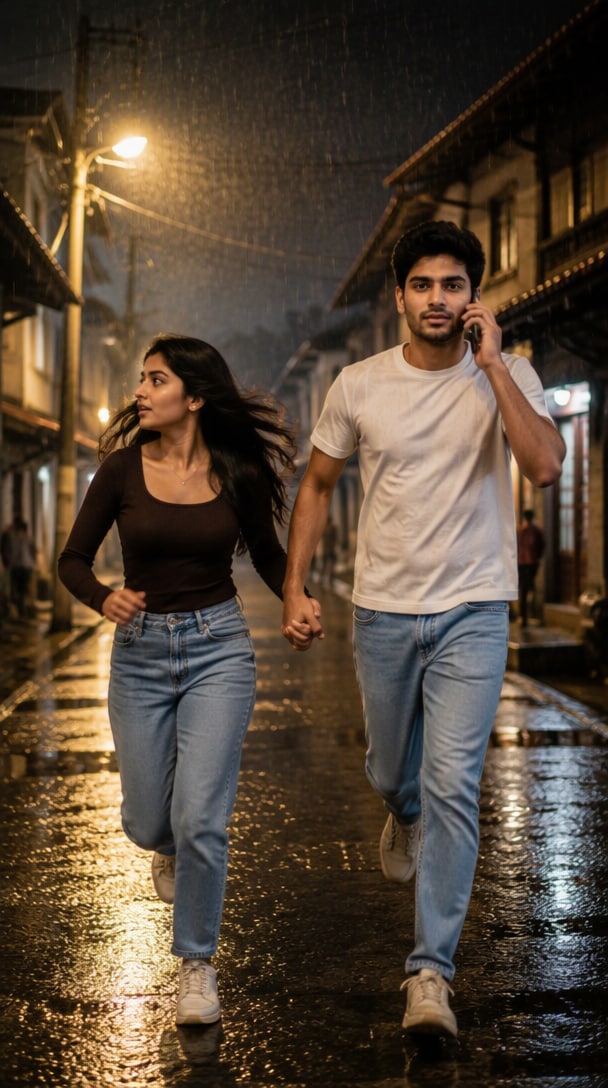
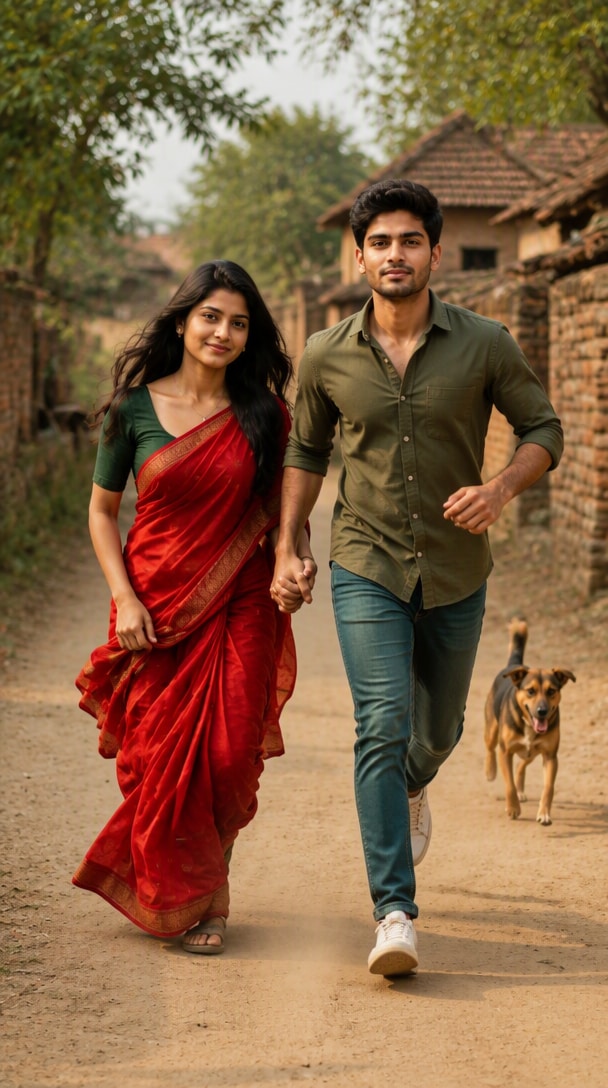
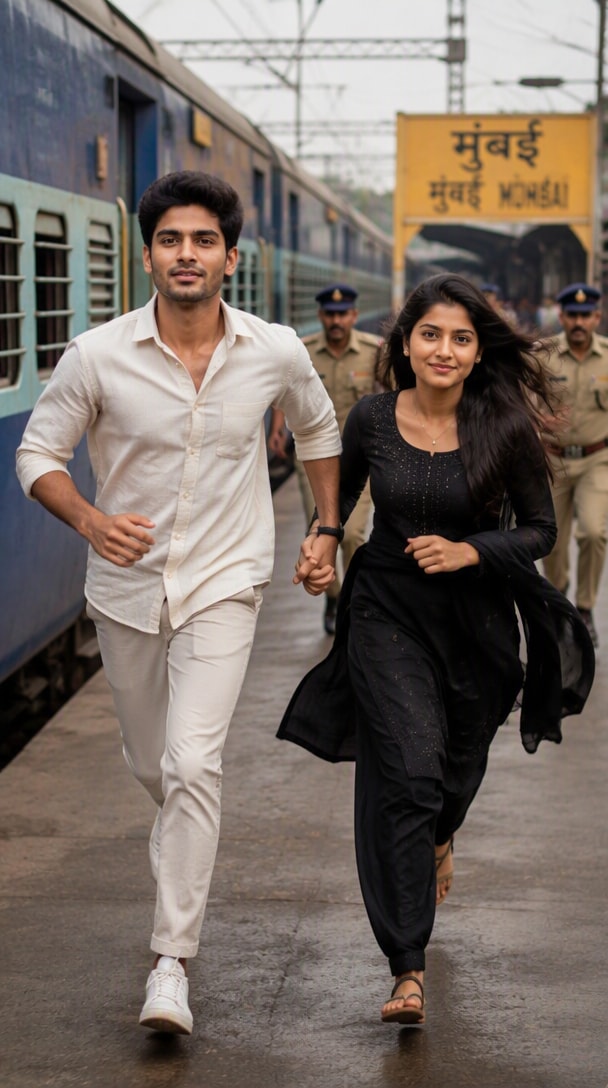
Two reference photos → multiple cinematic running-couple results
The running-couple look combines romance with action: two people holding hands, moving naturally through a recognizable outdoor setting. Media.io helps you turn reference photos into a cinematic scene while keeping faces, anatomy, lighting, and motion visually coherent.
Describe hand-holding, full-body running, facial expressions, flowing hair and clothing, and camera direction to create a candid action shot instead of a stiff couple portrait.
Move the scene to a railway platform, rural road, village lane, rainy street, reunion setting, or park while controlling daylight, reflections, dust, and background depth.
Use clear identity instructions and request natural hands, fingers, body proportions, skin texture, fabric movement, and believable running motion for a more convincing edit.
Build a Gemini cinematic photo editing prompt with lens feel, depth of field, lighting, motion, composition, and negative constraints for a polished DSLR-style result.
Upload sharp portraits or full-body photos. If you want both real identities preserved and your model supports multiple references, provide a clear photo of each person.
Choose a railway, village, rainy-night, reunion, or outdoor-running prompt. Specify the pose, outfits, environment, lighting, camera perspective, and identity rules.
Generate the image, check faces, hands, running posture, clothing movement, and background details, then refine the prompt until the scene looks naturally photographed.
Create a full-body couple running hand-in-hand toward the camera beside a passenger train, station sign, and busy platform for a dramatic cinematic movie-still look.
Use a rural dirt road or wet village street with flowing clothes, dust or rain, warm streetlights, realistic reflections, and subtle motion for an outdoor photo editing prompt with stronger atmosphere.
Create an emotional reunion with one person running toward the other, or switch to a relaxed park, riverside, or sunset path for a warmer romantic couple-running photo.

Content Creator
“Feels Like a Movie Still.” The running pose and station background gave my ordinary portrait much more energy. Adding camera angle and motion details helped the result feel less staged.

Social Creator
“Better Outdoor Couple Edits.” I could switch between a village road, rainy street, and golden-hour scene without changing the basic couple-running concept.

AI Editing Fan
“Prompt Details Really Matter.” Specifying full-body framing, natural hands, clothing movement, and realistic lighting made the running scene much more believable.
It is a text instruction that turns reference photos into a cinematic image of a couple running together. Popular versions use hand-holding, full-body motion, railway stations, village roads, rainy streets, flowing clothes, and realistic DSLR-style lighting.
If your model accepts multiple references, upload clear images of both people and explicitly preserve each person's facial identity, hairstyle, skin tone, and natural features. Also request realistic hands, fingers, anatomy, and body proportions.
Yes. The same prompt structure can be adapted for compatible AI image generators: define the two subjects, running action, hand placement, outfits, environment, camera framing, lighting, and realism constraints. Identity preservation depends on the model's reference-image support.
Use a specific location and physical details—for example, a railway platform with a train and station sign, a dusty village lane, a rainy street with reflections, or a golden-hour park. Add full-body framing, realistic running motion, natural shadows, depth of field, and clothing movement.
Describe how rain affects the whole scene: wet pavement, reflected streetlights, damp clothing, atmospheric haze, realistic shadows, and controlled motion blur. For a cinematic look, specify framing, lens feel, depth of field, lighting direction, natural skin texture, and restrained color grading.
 4.7 (162,357 Votes)