One Portrait to Start
Use one clear, authorized adult portrait as your starting image. Keep the person facing the camera in the final composition.
Create a cinematic Jatayu-inspired AI video from your own portrait. Stand against a golden sunset as a giant red-brown mythological eagle rises behind you, spreads its wings and fills the sky with swirling birds. Copy the prompt and try the photo-to-video workflow on Media.io.
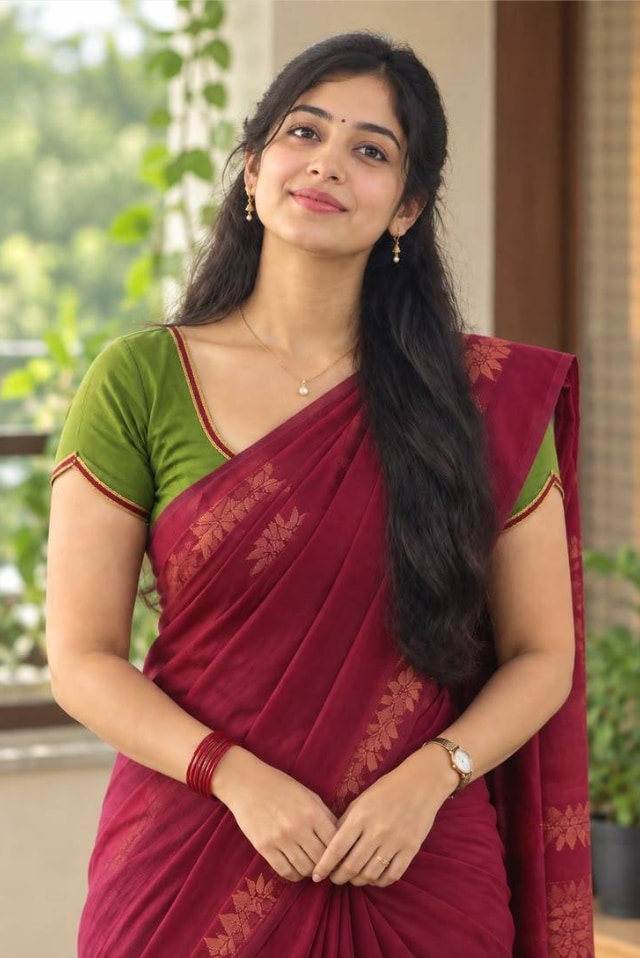
Use one clear, authorized adult portrait as your starting image. Keep the person facing the camera in the final composition.
Introduce an original red-brown eagle inspired by Jatayu, with layered feathers and an immense wingspan behind the person.
Build a dramatic, steady shot with warm sunset backlight, gentle wind and a flock of birds moving across the sky.
Follow an adaptable Jatayu AI video editing prompt for image-to-video creation, then adjust motion and identity consistency.
Choose one clear adult portrait you own or have permission to use. A forward-facing pose works well for the sunset composition.
Describe the giant red-brown eagle rising slowly behind you, opening both wings while feathers and distant birds move naturally.
Use an image-to-video model, inspect face stability and wing movement, and refine the prompt. Add only original or licensed audio.
See what creators are making on TikTok, Reels & Shorts — watch the effects and try your next viral idea.
Explore All AI Trends
It is a mythological eagle reveal concept in which a person faces the camera while a giant Jatayu-inspired bird rises behind them at sunset and spreads its wings. The scene can be recreated as an original AI video rather than copied frame for frame.
Upload a clear photo you have permission to use to an image-to-video tool such as Media.io. Paste the scene prompt, generate a short clip, then check facial consistency, wing shape and smooth motion. Exact results depend on the model.
Use the uploaded authorized adult portrait as the identity reference. A person stands facing the camera on a rocky open landscape at golden sunset. The camera stays steady at a medium-wide distance. Behind the person, an enormous original mythological eagle with rich red-brown feathers slowly rises into view, then opens its vast wings from left to right. Soft wind moves individual feathers and the person’s clothing; a small flock of distant birds circles in the glowing sky. Warm cinematic backlight, natural scale and depth, consistent face, smooth majestic motion, vertical 9:16, no logos, no text, no copyrighted soundtrack.
Some third-party tutorials demonstrate Google Flow or a reference-video workflow. This Media.io guide provides a text prompt for an original photo-to-video attempt; available reference-video inputs vary by tool and should be checked in the product interface.
Yes, you can describe the same scene in Hindi, Telugu or English, depending on the model’s language support. Useful searches include जटायु एआई वीडियो and జటాయువు AI వీడియో. English scene prompts may be easier to troubleshoot across tools.
Jatayu is a figure from the Ramayana tradition. You can create an original mythological eagle interpretation, but avoid reproducing a particular film’s character design, footage, music or actor likeness without permission.