Animate a Ganpati Photo Naturally
Create vertical festival clips for Instagram Reels, YouTube Shorts, and WhatsApp Status from one photo—without manually building a video timeline.
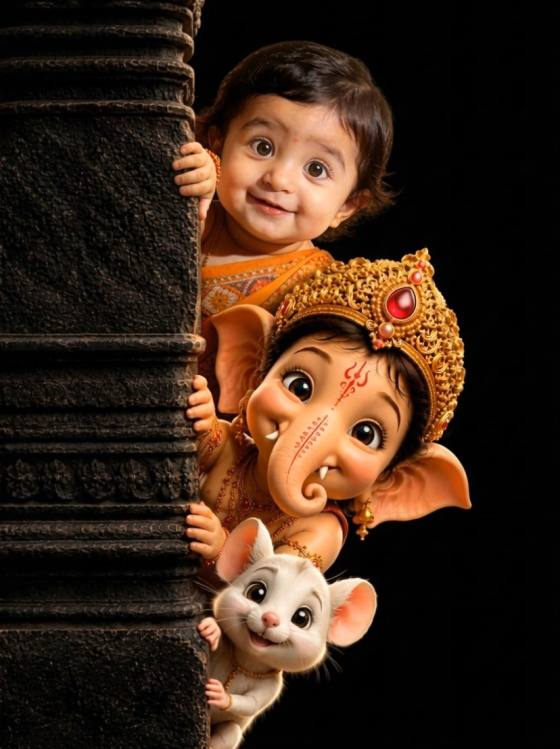
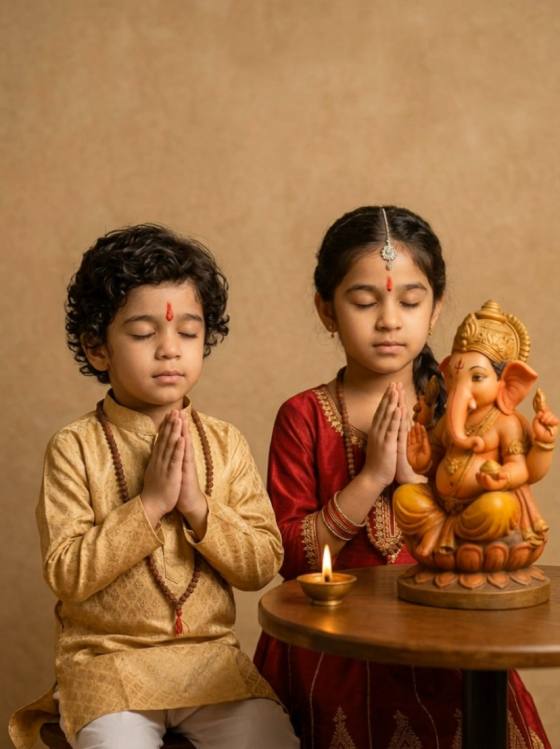
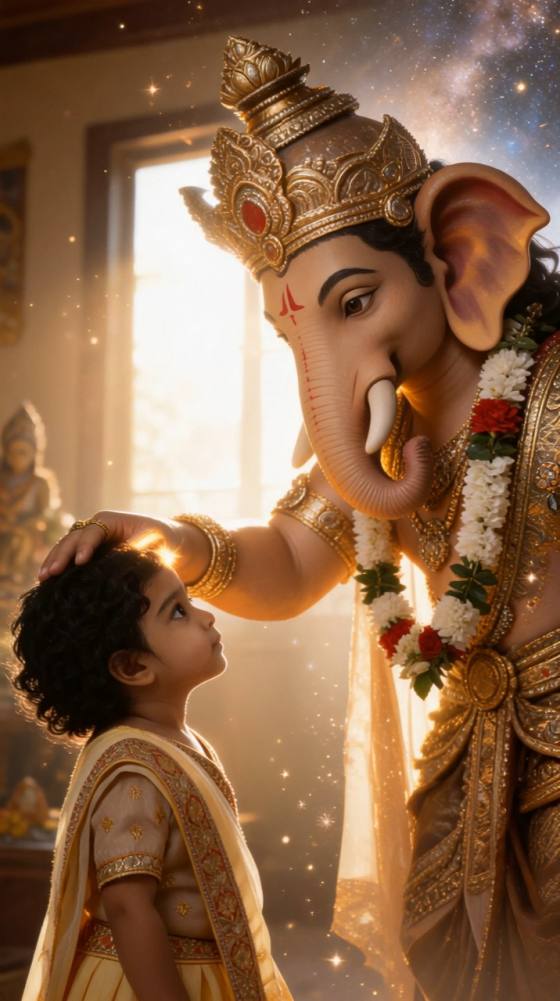
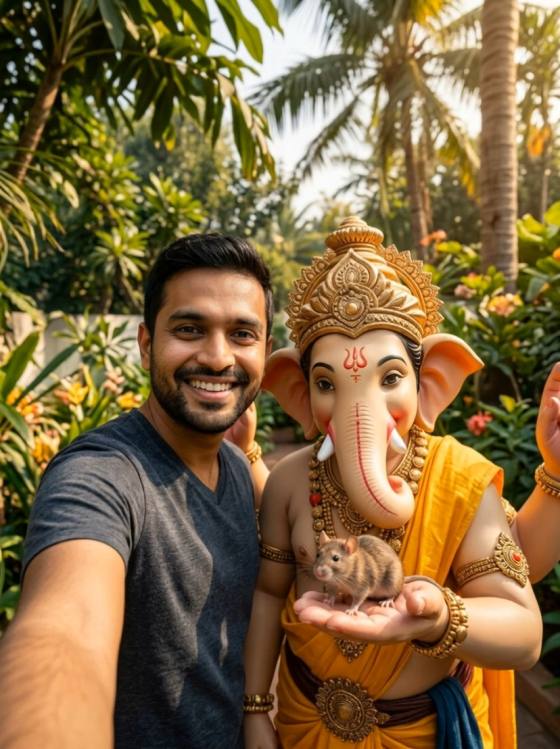
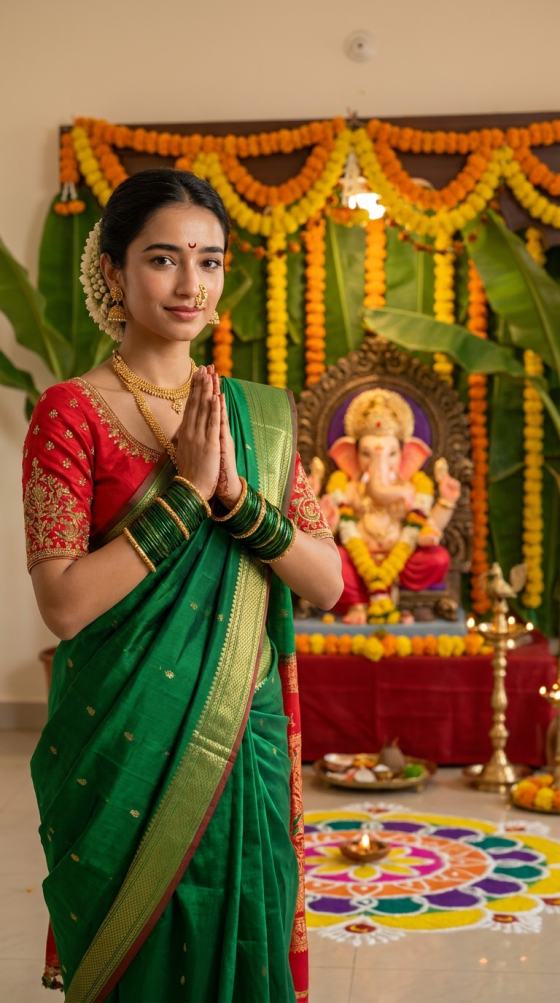
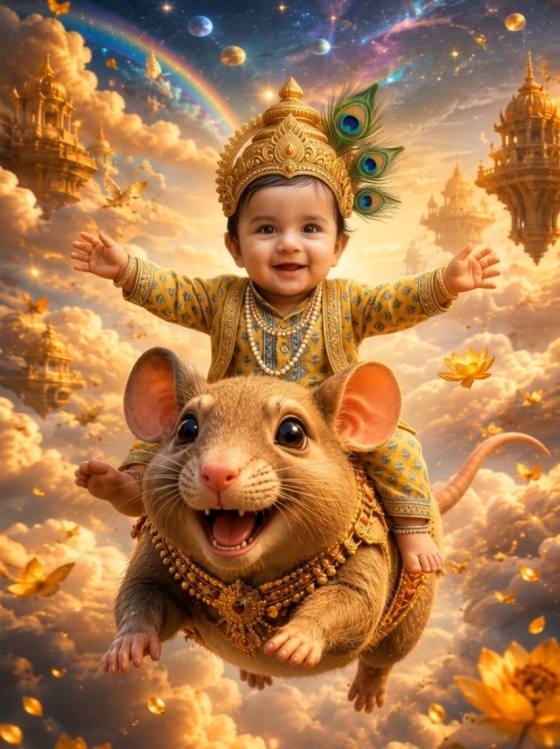
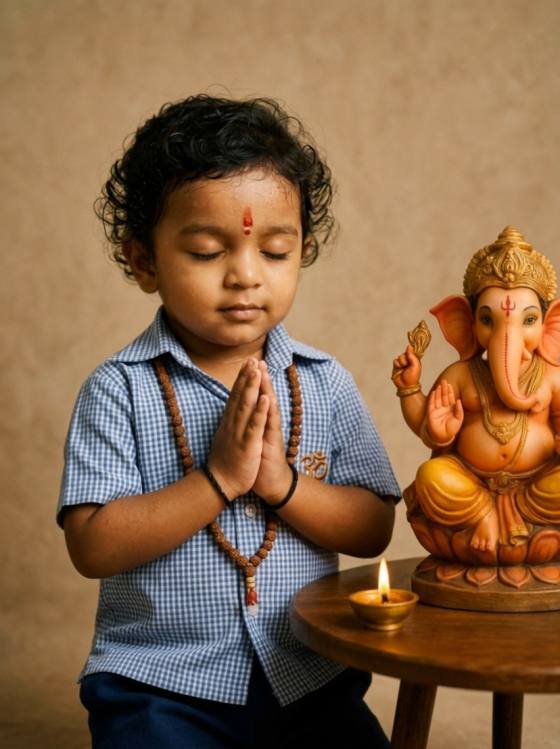
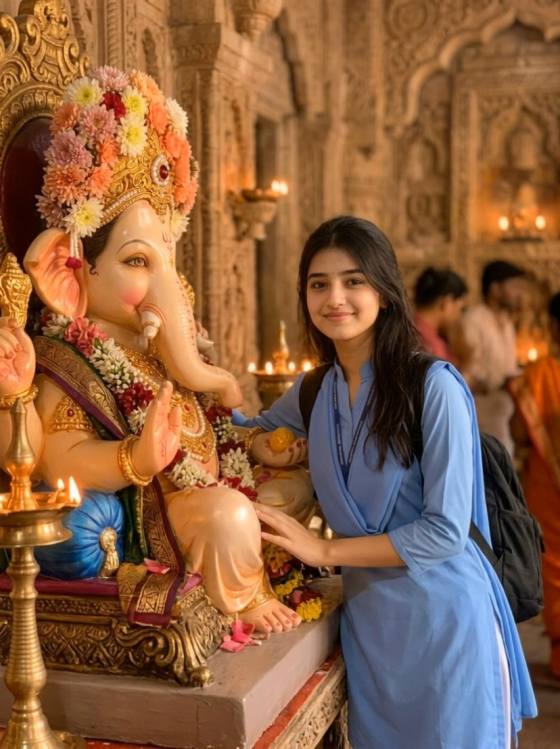
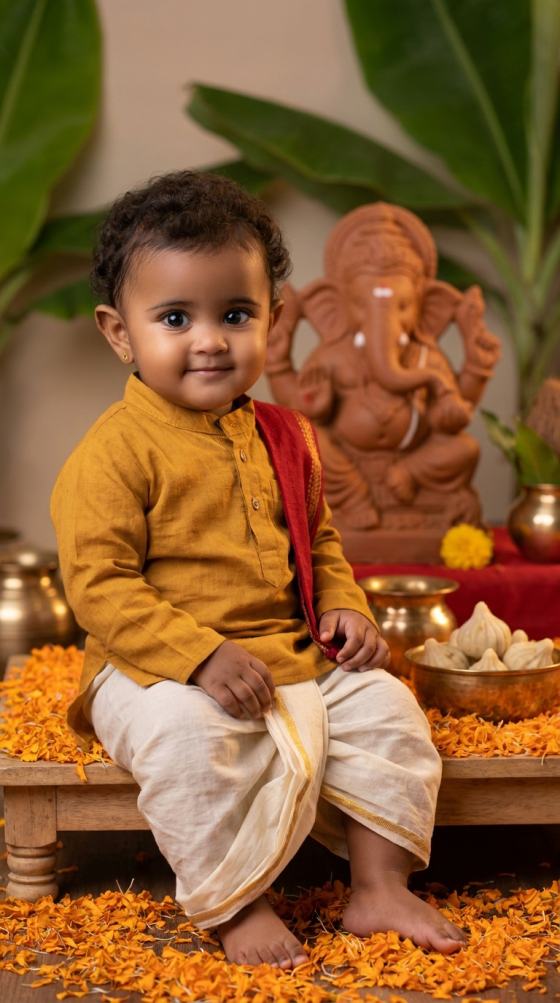
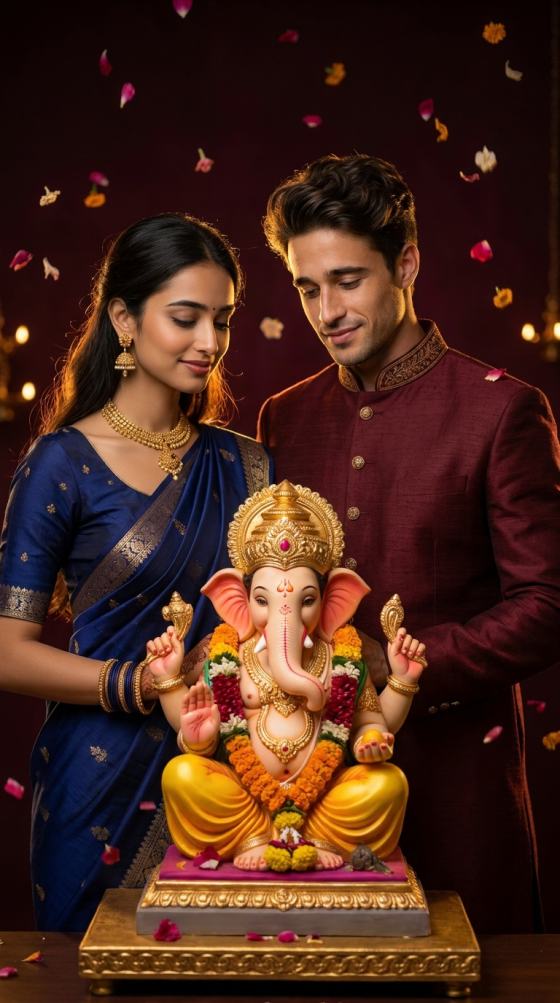
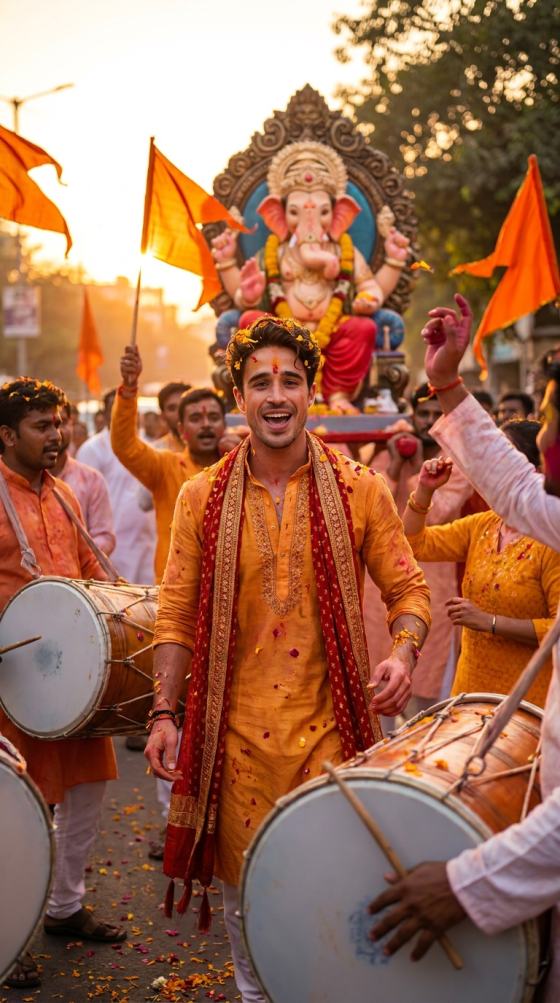
Turn a Ganpati photo into a moving Ganesh Visarjan AI video. Animate flower petals, dhol-tasha processions, devotional aarti, sunset waterfront scenes, and emotional farewell moments for Reels, Shorts, WhatsApp Status, and festival posts.
Upload your Ganpati photo and bring the Visarjan moment to life.
Create vertical festival clips for Instagram Reels, YouTube Shorts, and WhatsApp Status from one photo—without manually building a video timeline.
Use a clear source image and identity-preservation instructions to help retain facial features, natural skin tone, age, and overall likeness while changing the scene, clothing, lighting, and visual style.
Try popular Azim FX photo editing prompt directions such as aesthetic girl portraits, expressive eyes, cinematic boy and girl photos, collage edits, traditional Indian styling, festival portraits, and viral social media looks.
Move from prompt inspiration to generation in one browser workflow. Upload your image, customize the scene, generate variations, refine details, and create polished photos for Instagram, TikTok, Reels, or profile posts.
Generate your Ganesh Visarjan AI video, review the idol, faces, hands, crowd and water motion, refine if needed, then download for Reels, Shorts, WhatsApp, or festival sharing.
Pick an aesthetic eyes, cinematic portrait, collage, traditional outfit, festival, couple, or social-media concept. Customize the outfit, pose, background, facial expression, lighting, camera angle, and framing.
Generate the photo, review facial consistency, hands, clothing, and scene details, then refine only what needs adjustment and download your favorite result.
Turn a family festival photo into a devotional short video with subtle aarti flame movement, folded hands, natural smiles, falling petals, and warm ambient light.
Turn a simple portrait into a cinematic social image with realistic facial identity, dramatic light, premium styling, depth of field, film-like color, and high-end photography detail.
Create timely festival and trending edits such as Independence Day portraits, traditional looks, patriotic poster images, scrapbook collages, and seasonal social media photos while keeping your face recognizable.

Social Media Creator
“Easy festival video workflow.” I used one family aarti photo and added flame, petals, and gentle camera motion for a shareable Visarjan Status.

Festival Content Creator
“Face stayed recognizable.” Adding a clear identity-preservation line made it easier to change the whole scene without making the portrait feel like a different person.

Reels Creator
“Great for trend testing.” I could test cinematic, collage, and festival variations quickly before deciding which version worked best for my social post.
Yes. Keep the devotional subject central, use culturally appropriate details such as marigold flowers, diyas, dhol-tasha, traditional clothing, and folded hands, and avoid exaggerated or comic movement of the Ganpati idol.
Yes. You can use an Azim FX AI prompt idea as inspiration on Media.io. Upload your own photo and customize clothing, pose, expression, jewelry, background, lighting, camera framing, and visual style so the transformation fits your source image.
Popular Azim FX AI photo prompt directions include aesthetic girl and eyes portraits, cinematic boy and girl edits, scrapbook-style collage photos, traditional Indian looks, festival portraits, patriotic edits, and viral social-media images. Choose one clear visual direction, then customize it around your own portrait.
Start with a sharp, well-lit image and explicitly ask the AI to preserve facial identity, natural skin tone, age, eye shape, and key facial features. Let pose and expression adapt naturally to the scene. If the face changes too much, simplify conflicting style instructions and refine one element at a time.
No. Media.io is not affiliated with AzimFX. This page helps users searching for Azim FX AI prompt ideas understand common visual concepts and create similar AI photo transformations using Media.io tools.
 4.7 (162,357 Votes)