Animate Your Own Car Photo
Use a clear image of your car as the visual starting point. Ask for a gentle push-in, a rolling shot, or a dramatic reveal without arranging a new shoot.
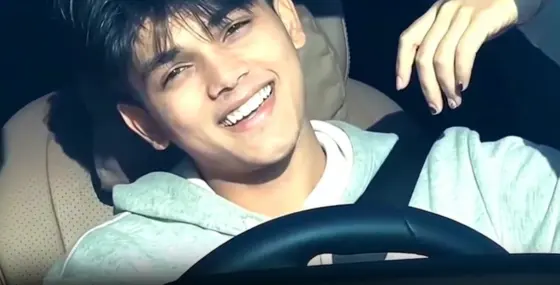
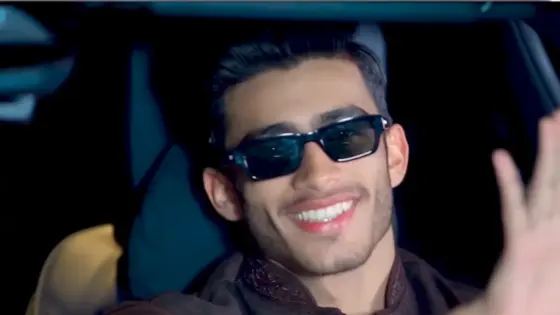
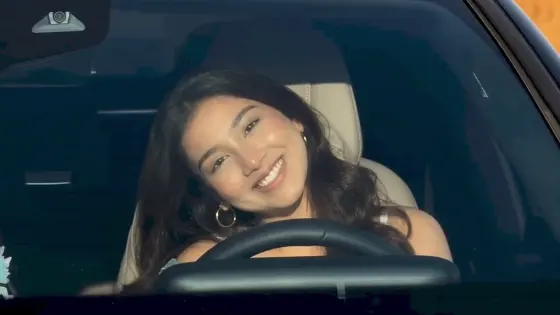
Turn a favorite car photo into a moving reel with a viral car AI video edit. Add a camera sweep, road motion, and cinematic light in a few steps, then share the clip or use it in a longer car montage.
Upload a car image, describe the motion, and generate a video.

A still shot can become the opening scene of your next car reel. Start with the car you already photographed and choose the movement, setting, and camera angle that fit your idea.
Use a clear image of your car as the visual starting point. Ask for a gentle push-in, a rolling shot, or a dramatic reveal without arranging a new shoot.
Specify a low-angle tracking shot, night-city lights, wet-road reflections, or a clean showroom reveal. A focused prompt helps shape a more cohesive result.
Swap camera angles or settings in your AI car video prompts to explore several looks from one photo. Keep the vehicle description consistent while testing motion.
Generate a standalone clip for Reels or Shorts, or add it to your editing workflow. You can combine the exported clip with music and transitions in another editor.
Open Media.io Image to Video and choose a sharp car photo. A clear view of the vehicle and enough space around it give the model room to show motion.
Write the car action, camera move, background, and lighting. Example: “The car rolls forward through a neon street; low side-tracking camera, realistic wheels, smooth reflections.”
Preview the clip and check the car shape and movement. Refine the prompt if needed, then download your clip for a social post or a longer edit.
Illustrative creator scenarios, not verified customer reviews.

Car Enthusiast · Example
“One photo, new motion.” I would start with a garage photo and test a low tracking shot before posting my next car reel.

Short Video Editor · Example
“A faster reel opener.” I could make a quick reveal clip, then bring it into my timeline for music, text, and final cuts.

Auto Marketer · Example
“Explore several visual directions.” I would try a showroom move and a night-drive look from the same vehicle photo before choosing a campaign concept.
It is a short car video made or enhanced with AI-driven motion and a visual style suited to social sharing. On Media.io, you can upload a car photo, describe how the car and camera should move, and generate a clip. A trending look may inspire the edit, but no tool can guarantee that a video will go viral.
Choose a clear car image, open Media.io Image to Video, and write one focused prompt covering the car movement, camera angle, road or setting, and light. Generate a preview, check details such as wheels and vehicle shape, and revise one instruction at a time if the result needs work.
Include the vehicle, action, camera movement, scene, lighting, and pace. For example: “A silver coupe drives slowly along a coastal road at sunset; low side-tracking camera, natural wheel rotation, warm reflections, smooth cinematic motion.” Avoid asking for several conflicting camera moves in one short clip.
No. Media.io generates video footage from an image and prompt; a car template in CapCut is a separate preset for arranging or styling clips. You can generate your car clip here, download it, and import it into CapCut if you want to use one of its templates.
Yes. A short car reveal, rolling shot, or night-drive scene can be used in a social video. Select an available aspect ratio that suits your destination, check the preview for consistency, and add audio or cuts in your editing workflow. Output settings and usage limits depend on the selected model and plan.