Curated Era-Specific Prompts
Get precise prompts tailored for classic eras. Effortlessly capture the signature aesthetics of a 70s retro style, 80s high school yearbook, or 90s analog film.

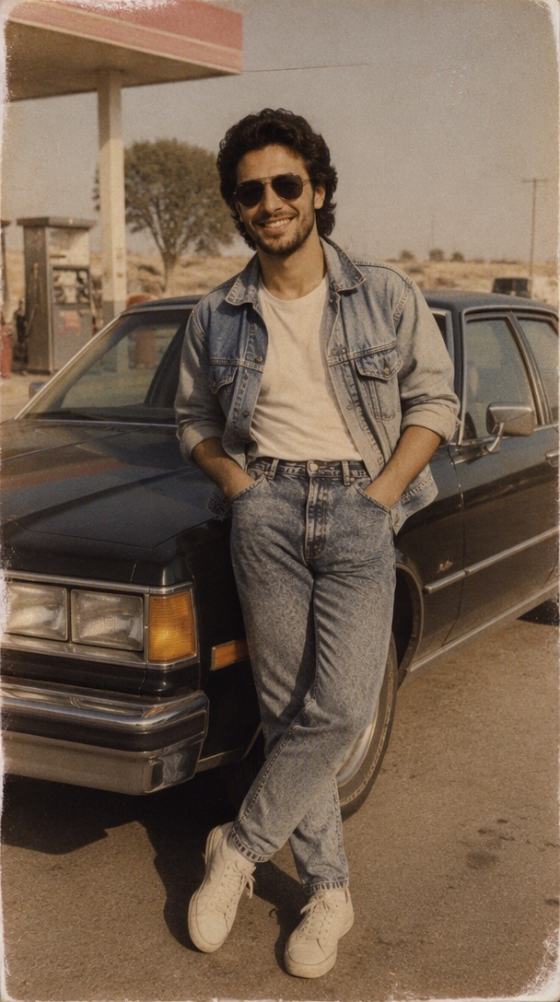
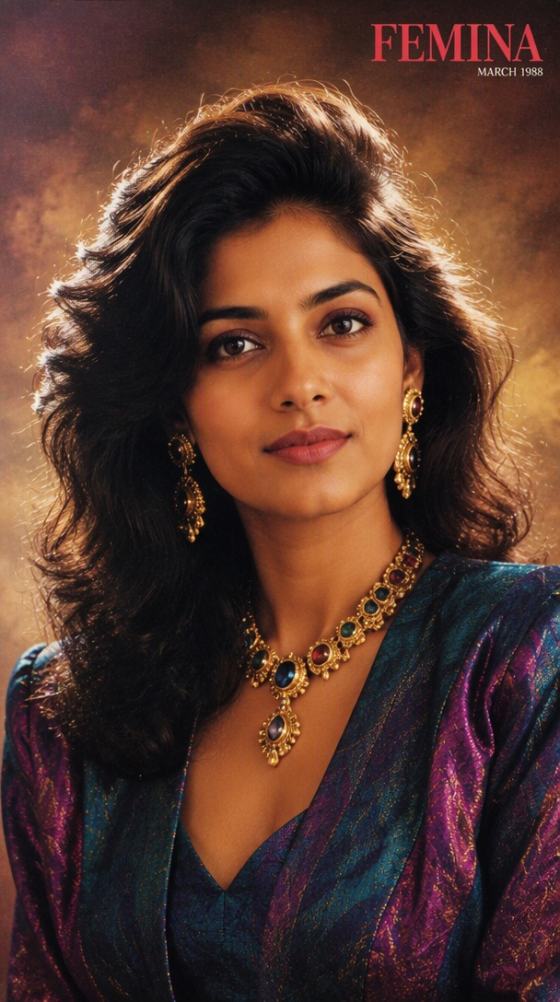

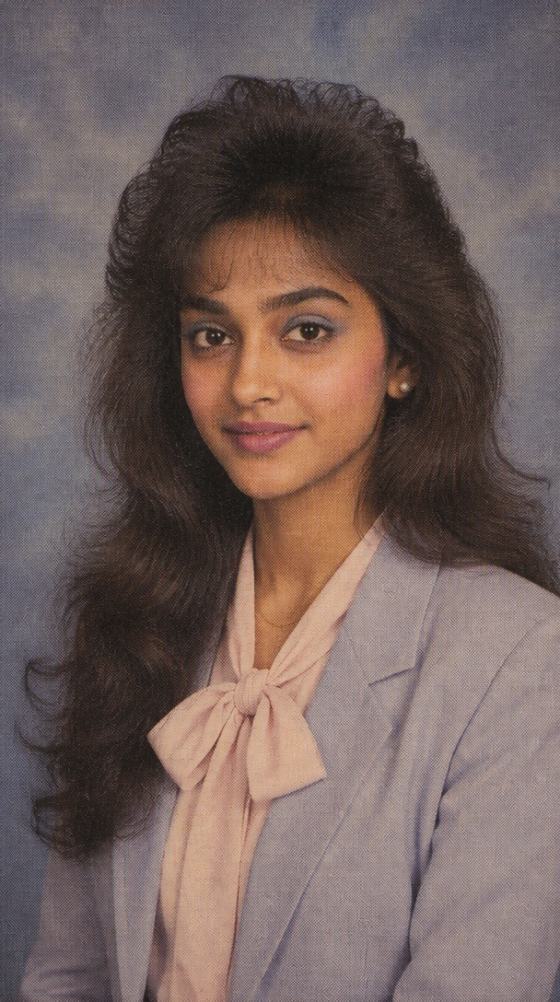
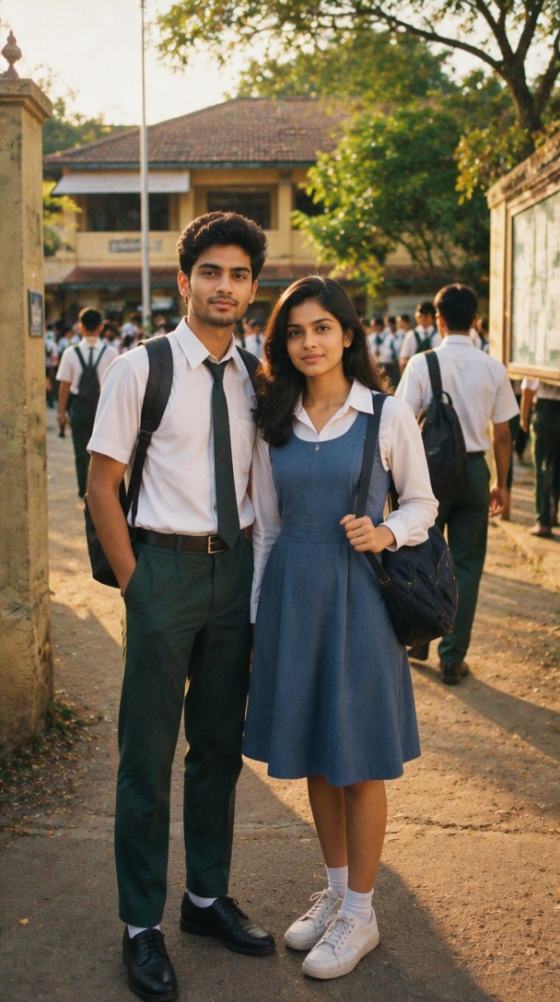
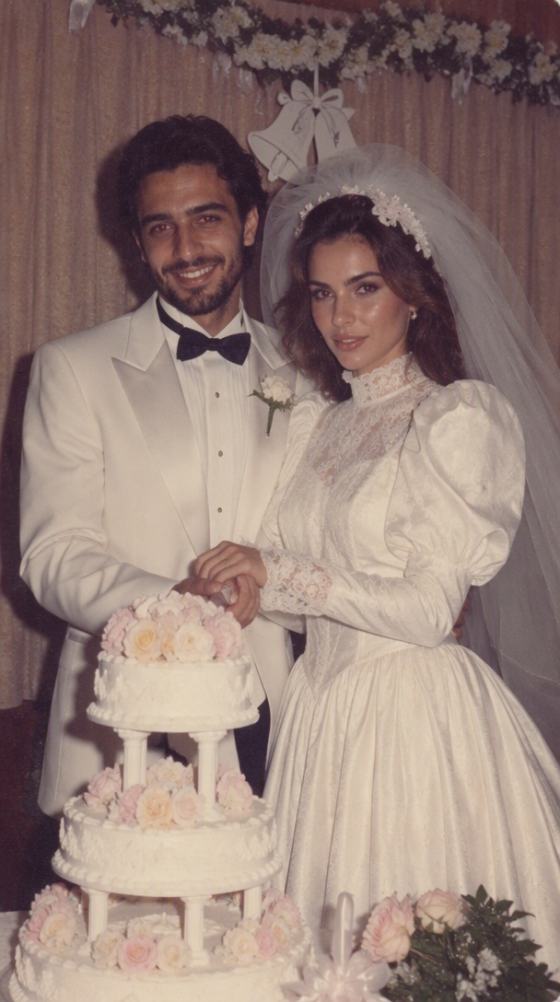
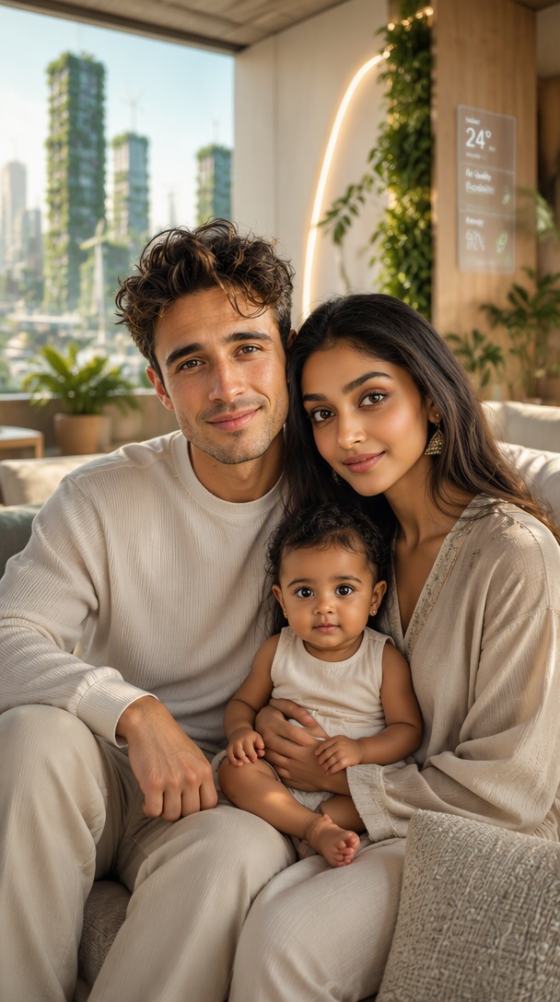
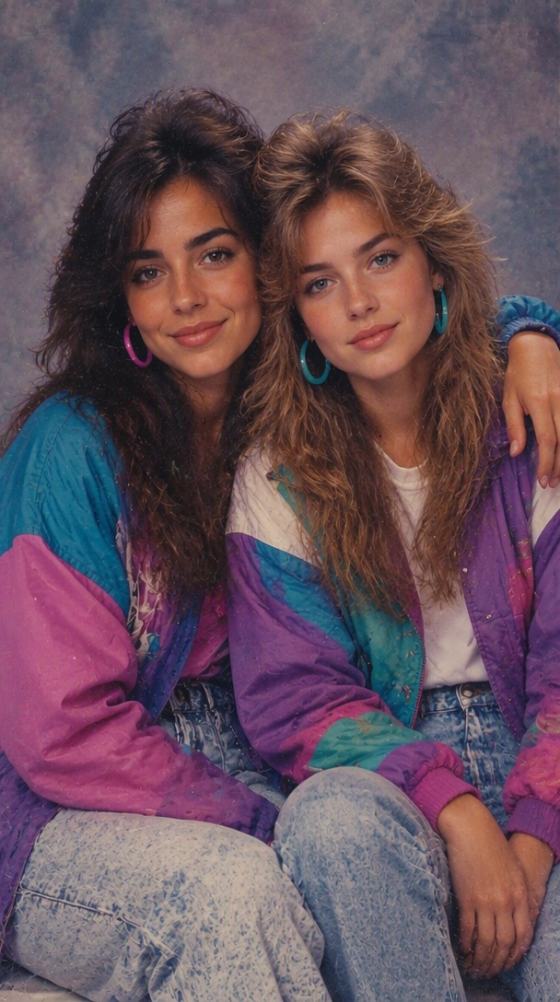
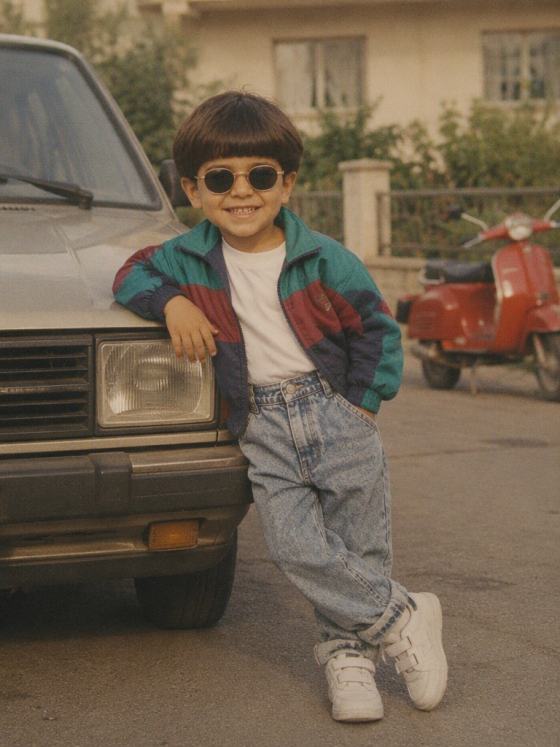
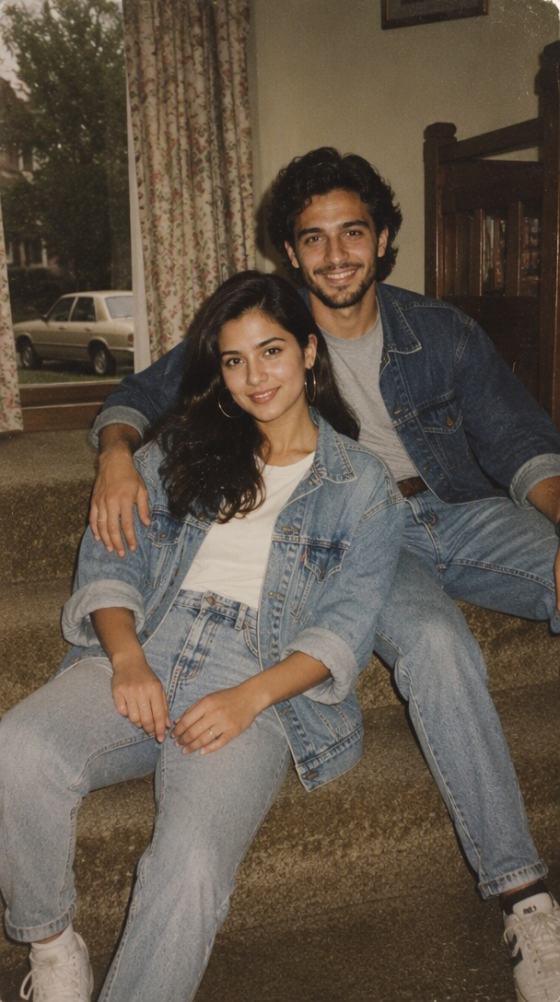
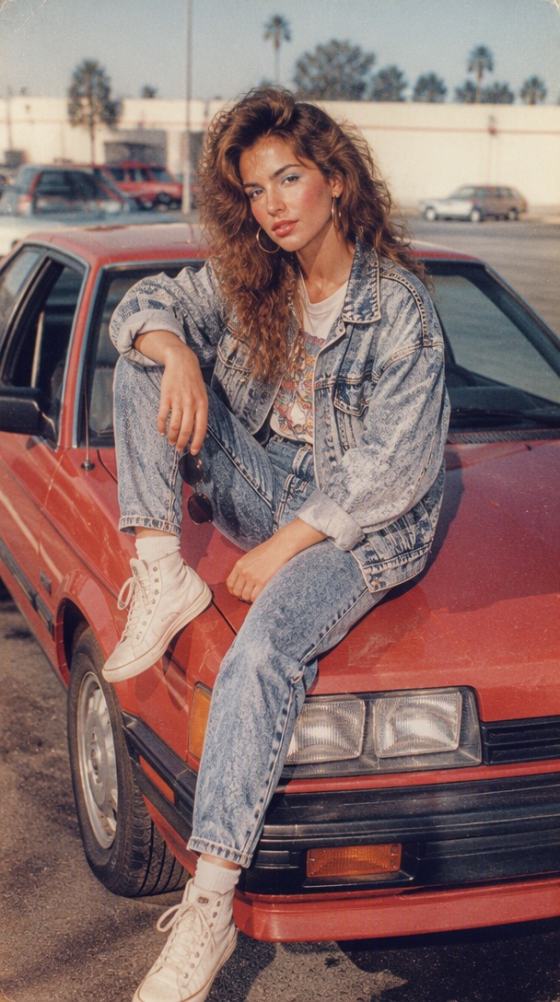
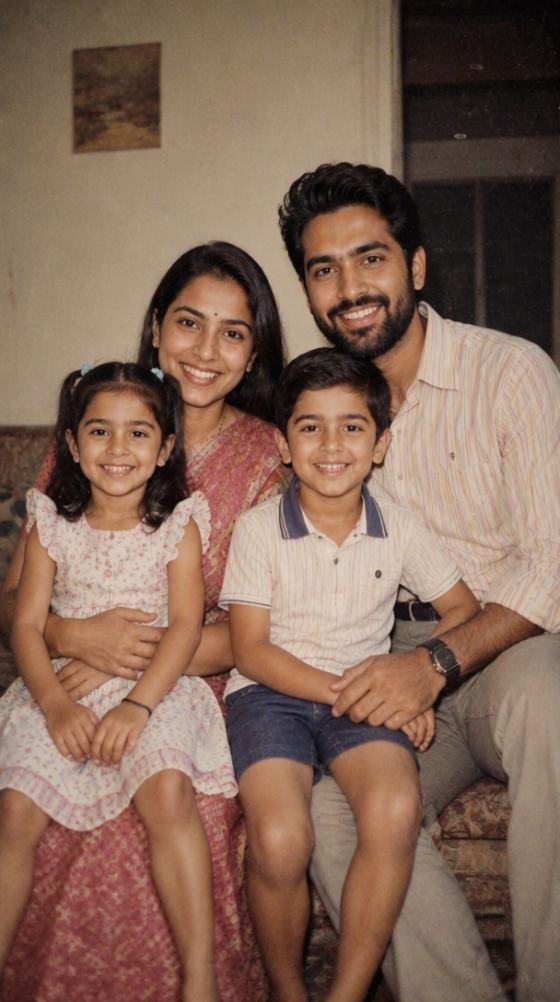
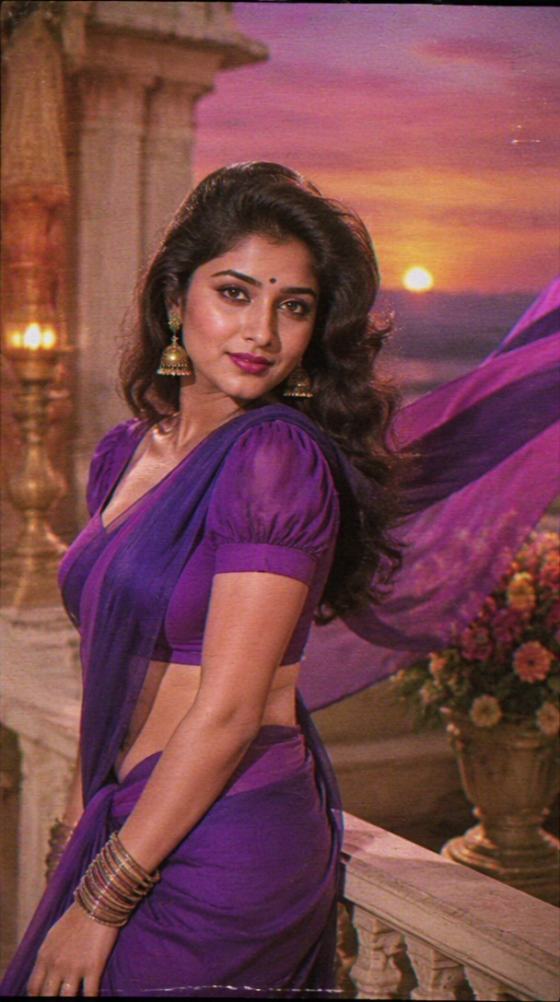

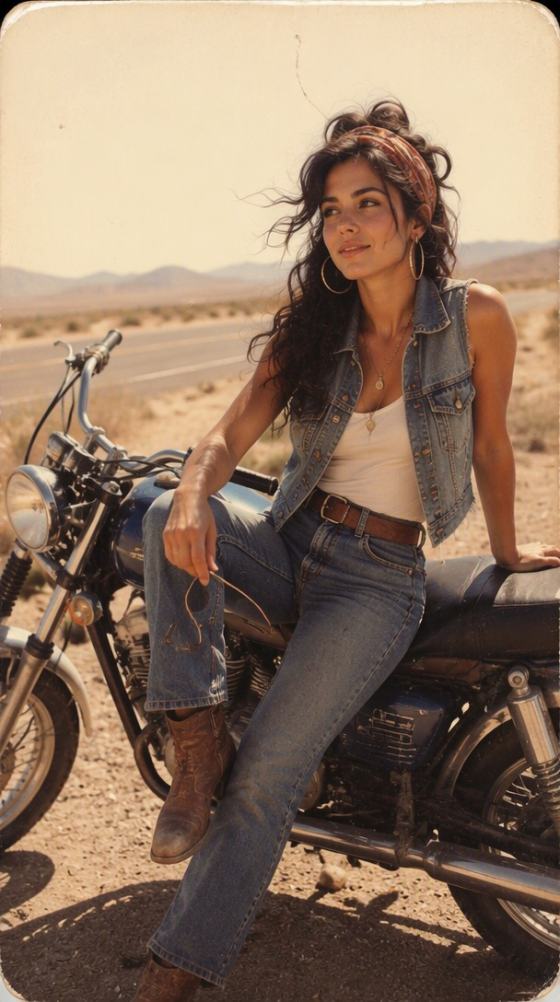
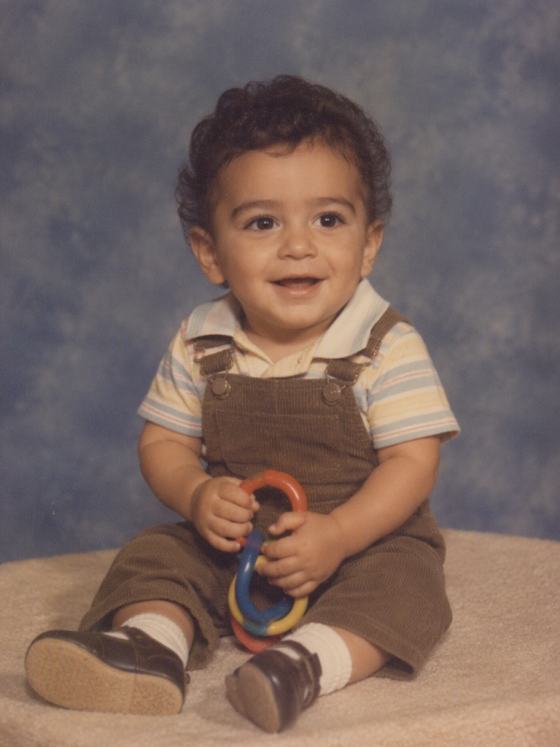
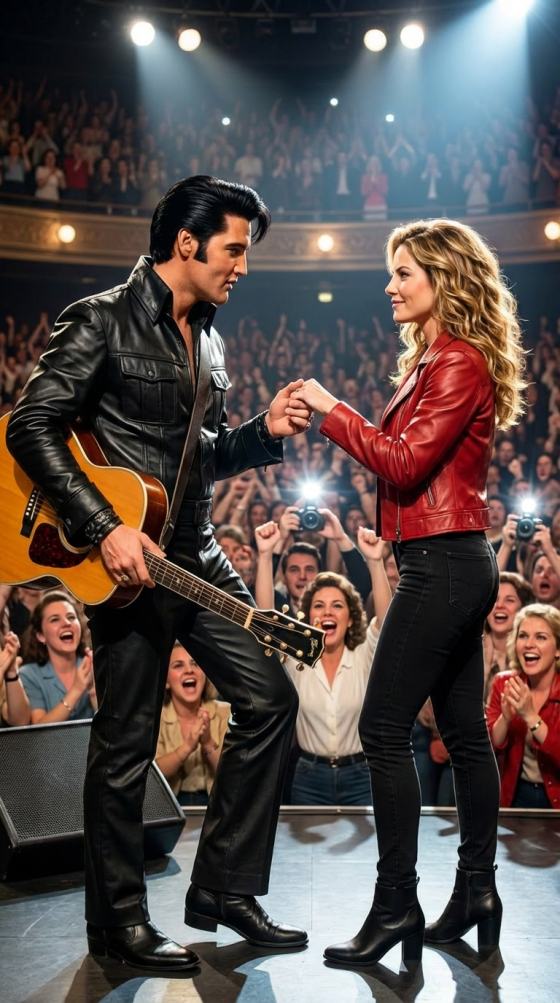
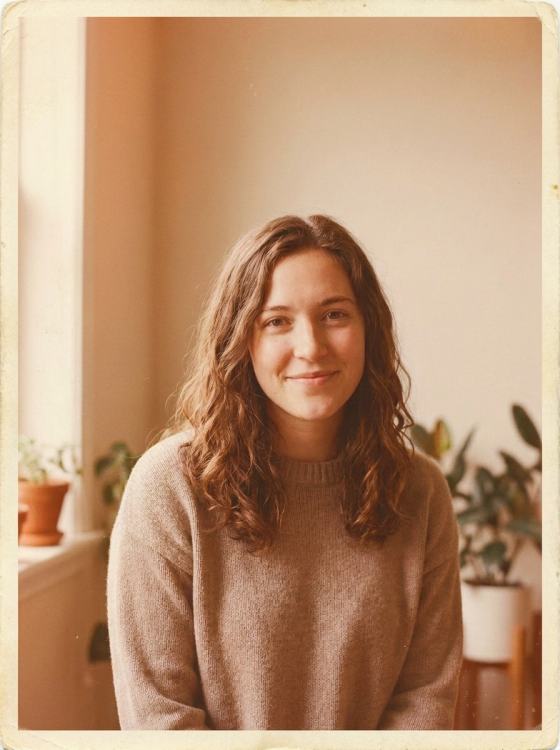
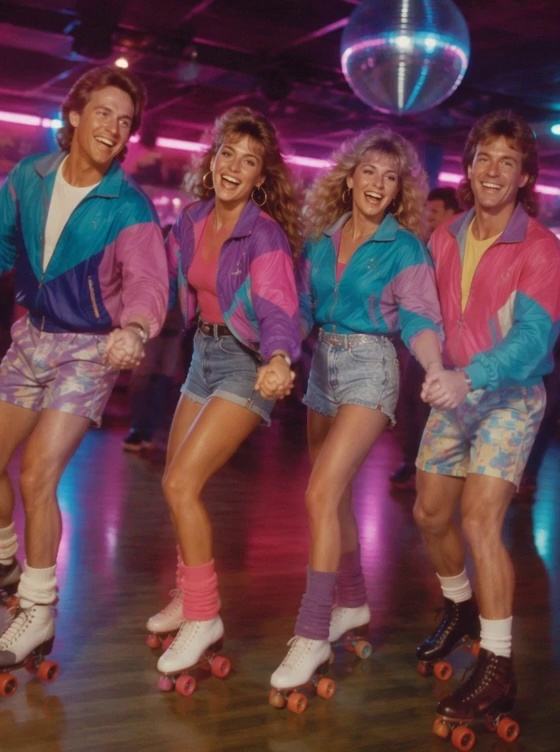
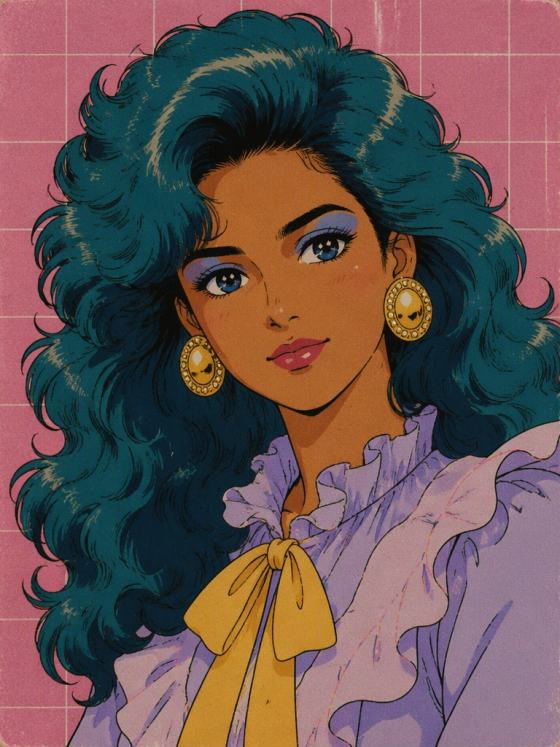
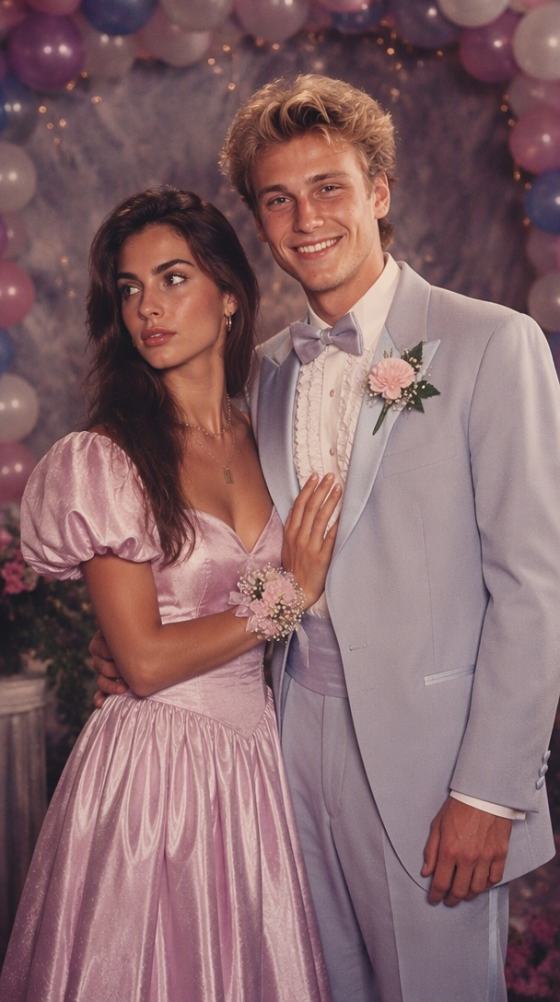
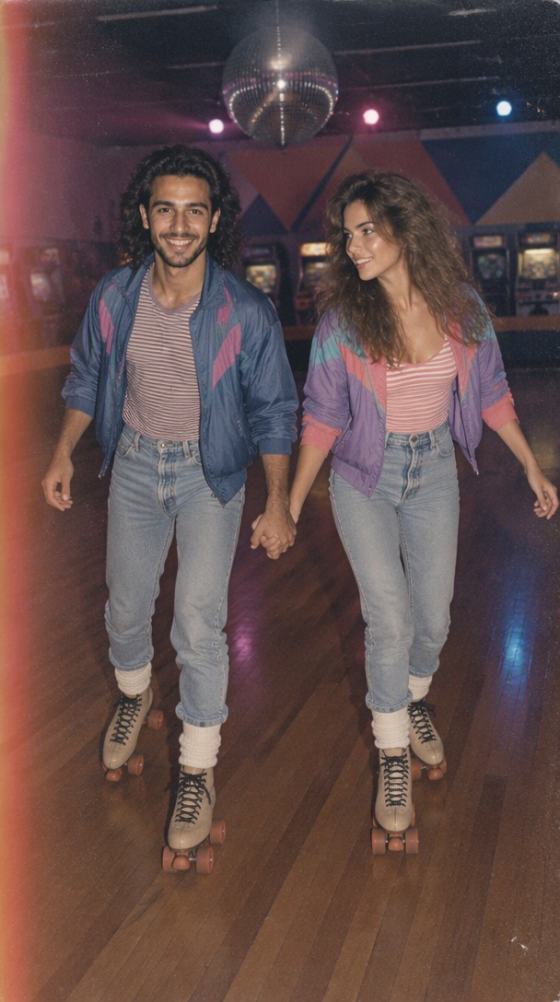
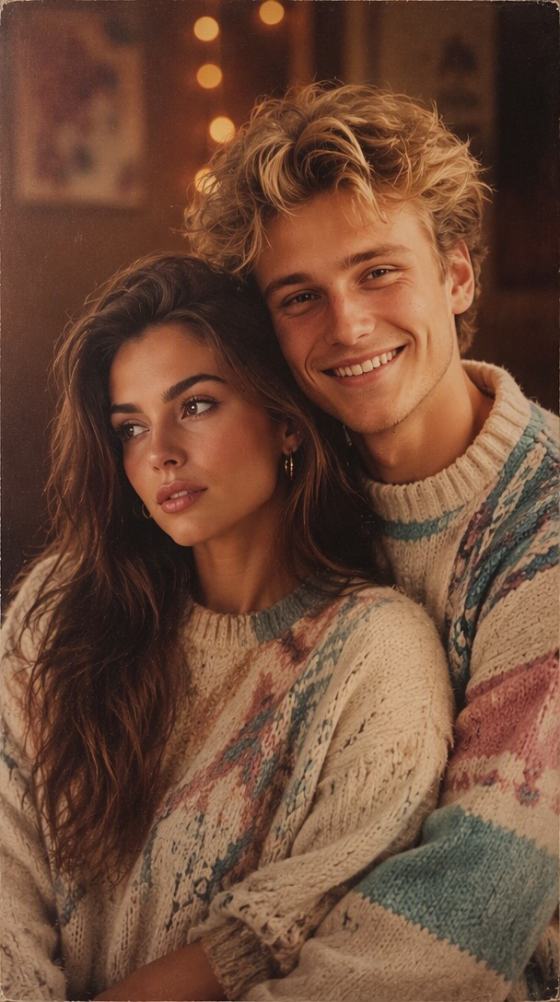
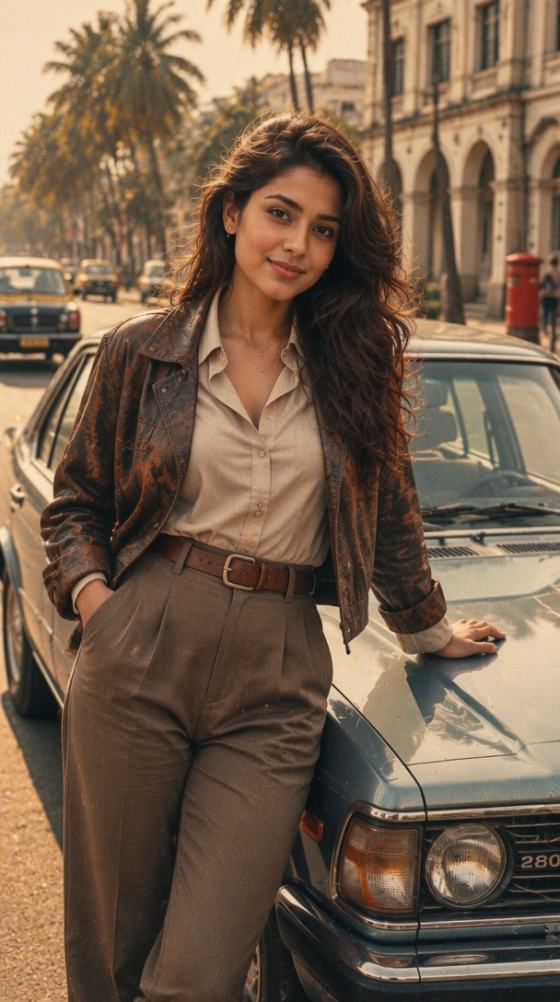
Recreate nostalgic 70s, 80s, and 90s film photography in seconds. Copy-paste our highly optimized ChatGPT vintage photo prompts designed with analog grain, direct flash, faded tones, and precise identity preservation—or recreate the look instantly with the Media.io AI engine.
Free credits on signup.
Get precise prompts tailored for classic eras. Effortlessly capture the signature aesthetics of a 70s retro style, 80s high school yearbook, or 90s analog film.
Replicate physical photo details with ease. Our prompts embed authentic cues like direct flash shadows, soft focus, analog grain, and Kodak or Polaroid textures.
Keep your face completely recognizable. Media.io’s underlying AI model maps your key features seamlessly onto decade-specific clothing and backgrounds without distorting your identity.
Skip complex prompt engineering altogether. Simply upload your photo directly to Media.io, pick a vintage era filter, and download a flawless retro print in seconds.
Explore our hub of decade prompts (70s, 80s, 90s, polaroid, wedding). Copy your target prompt or select a direct AI template on Media.io.
Upload your modern selfie, couple portrait, or family photo. Our smart face preservation keeps your features realistic while the AI styles the image.
Click generate and watch your image transform with rich film grain, direct flash shadows, and faded colors. Save your vintage print watermark-free.

Retro Enthusiast

“My selfie actually looks like a real 1980s print!” I used the 80s vintage photo prompt. It generated unbelievable direct flash and analog grain details. Crucially, my face didn't look warped at all—it preserved my identity perfectly.
Content Creator
“Faded colors and soft focus done right.” Normal filters look so fake. But with Media.io's retro studio portrait prompt generator, the light leak, Polaroid border, and Kodak grain feel 100% authentic. It's like finding a physical album from the 70s.
Wedding Planner
“Beautiful vintage couple portraits instantly.” Recreated a gorgeous 1970s film photo style for our anniversary cards. It preserved our faces beautifully and modified our clothes and background into era-accurate styles.
Graphic Designer
“The best vintage prompt hub online.” Instead of spending hours adjusting prompt syntax on Midjourney or ChatGPT, I just copy-pasted the 90s faded film photo prompt here. Extremely high fidelity results with beautiful print textures.
A ChatGPT vintage photo prompt is a descriptive text guide designed to instruct AI engines to generate or transform modern images into aged, retro photographs. These prompts specify crucial decade indicators like 70s faded film color, 80s direct flash, 90s yearbook aesthetics, analog grain, and Polaroid or Kodak textures while ensuring identity preservation.
To achieve a believable 80s photo look, you need a prompt highlighting retro studio portrait elements, direct flash on a solid backdrop, slightly soft focus, faded primary colors, and period-correct clothing. You can upload your selfie directly to Media.io, apply our 80s vintage photo prompt style, and let the AI generate the authentic analog look automatically.
Yes, absolutely. Unlike simple vintage filters that just shift colors, Media.io's AI model utilizes advanced identity preservation technology. It keeps your facial geometry, expressions, and features identical to your original selfie, while perfectly blending your outfit, hair, and the surrounding environment into the chosen vintage era.
Authentic retro images rely on details like physical analog grain, direct flash shadows, paper print textures, light leaks, desaturated color spectrums, and specific vintage cameras such as Kodak and Polaroid. Our ChatGPT vintage photo prompt hub is pre-optimized to embed these specific visual variables automatically.
While ChatGPT provides great text prompts, rendering physical photos requires complex setups, third-party image generators, and expert prompt-engineering. Media.io offers an easy all-in-one hub page where you can upload your photo, select your decade style (70s, 80s, 90s, couple, wedding, family), and receive a watermark-free, high-definition result instantly.
 4.7 (162,357 Votes)