Первая подписка доСкидка 50%
Купить сейчас

Трендовые подсказки Chandramukhi

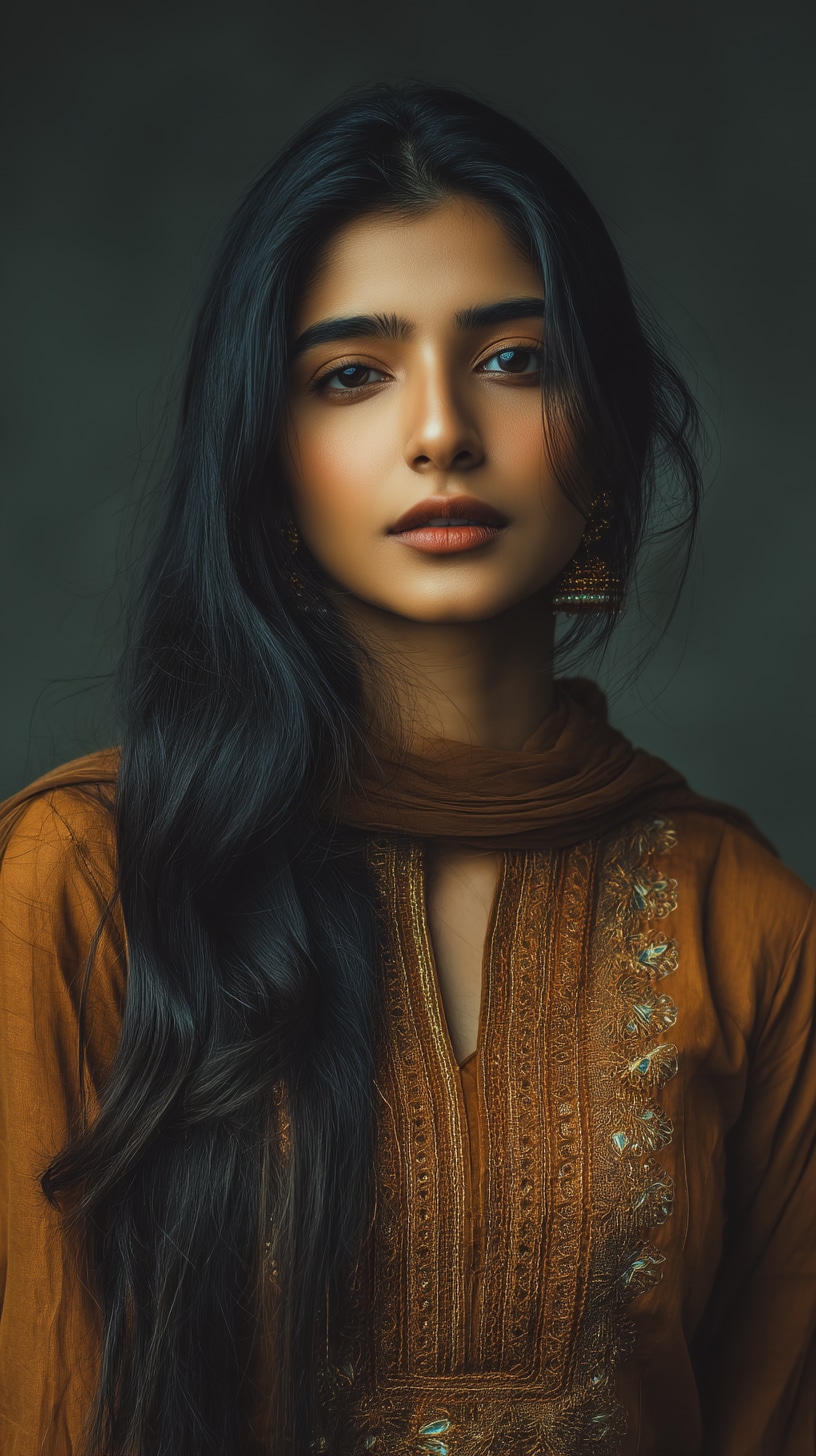
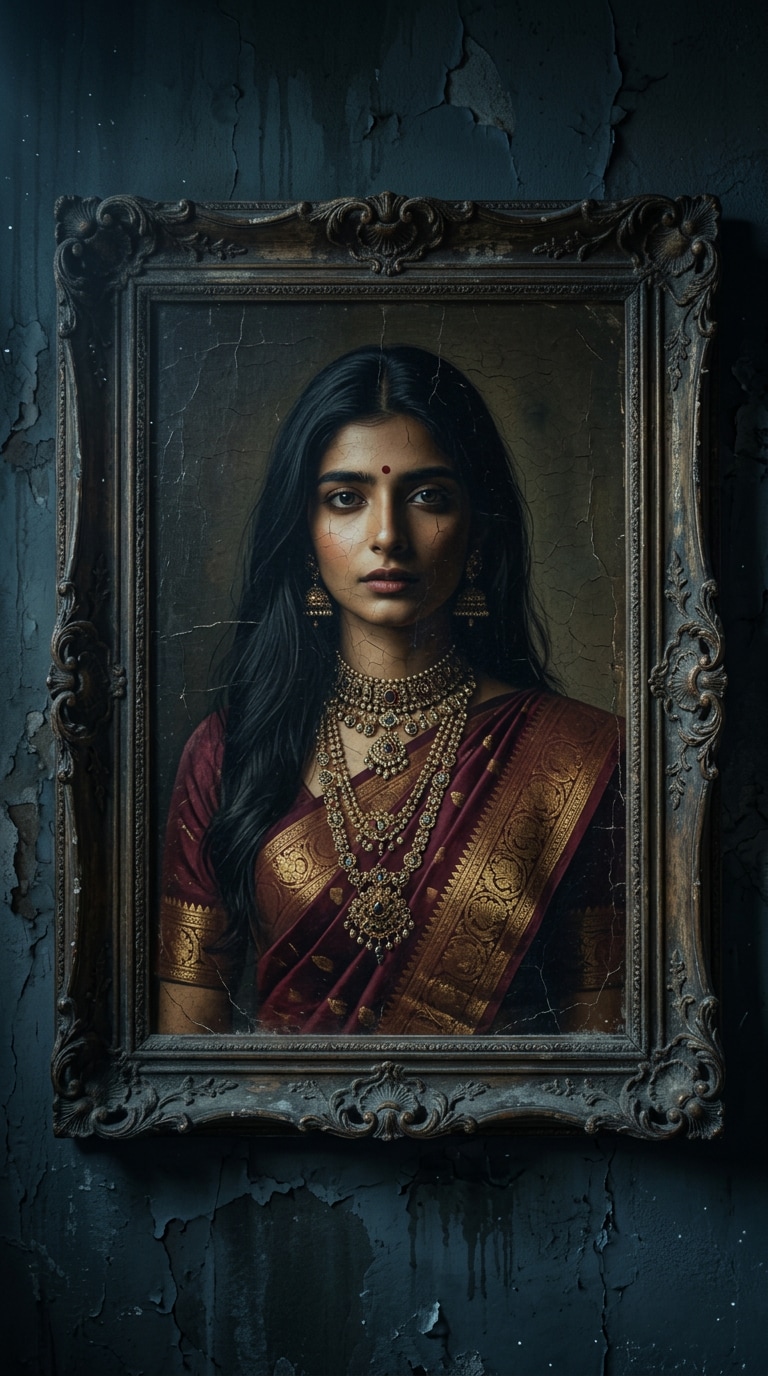
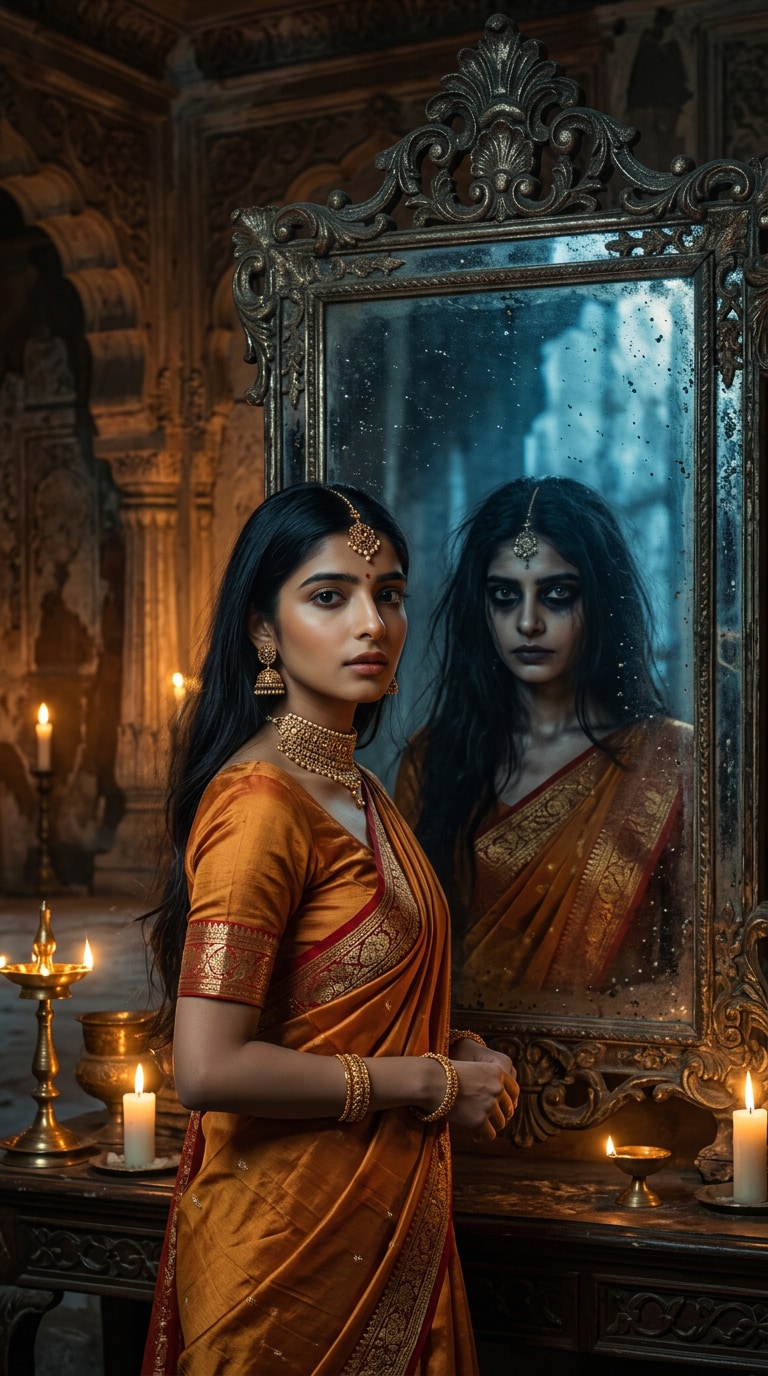
Попробуйте промпты из тренда Chandramukhi, чтобы превратить ваше фото в кинематографический хоррор-портрет. Создавайте драматичные образы с сари, жуткий пронзительный взгляд и AI-преображения.
All Submissions

Chandramukhi Trend Prompts

Turn your photo into a haunting Chandramukhi-inspired portrait with Media.io. Explore silk sarees, dramatic expressions, antique palace interiors, and supernatural lighting. Use AI photo editing prompts to create cinematic horror looks, then bring your favorite image to life with AI video.

Create My Chandramukhi AI Photo

Upload a clear photo you have permission to edit. Facial consistency and image results vary by model.

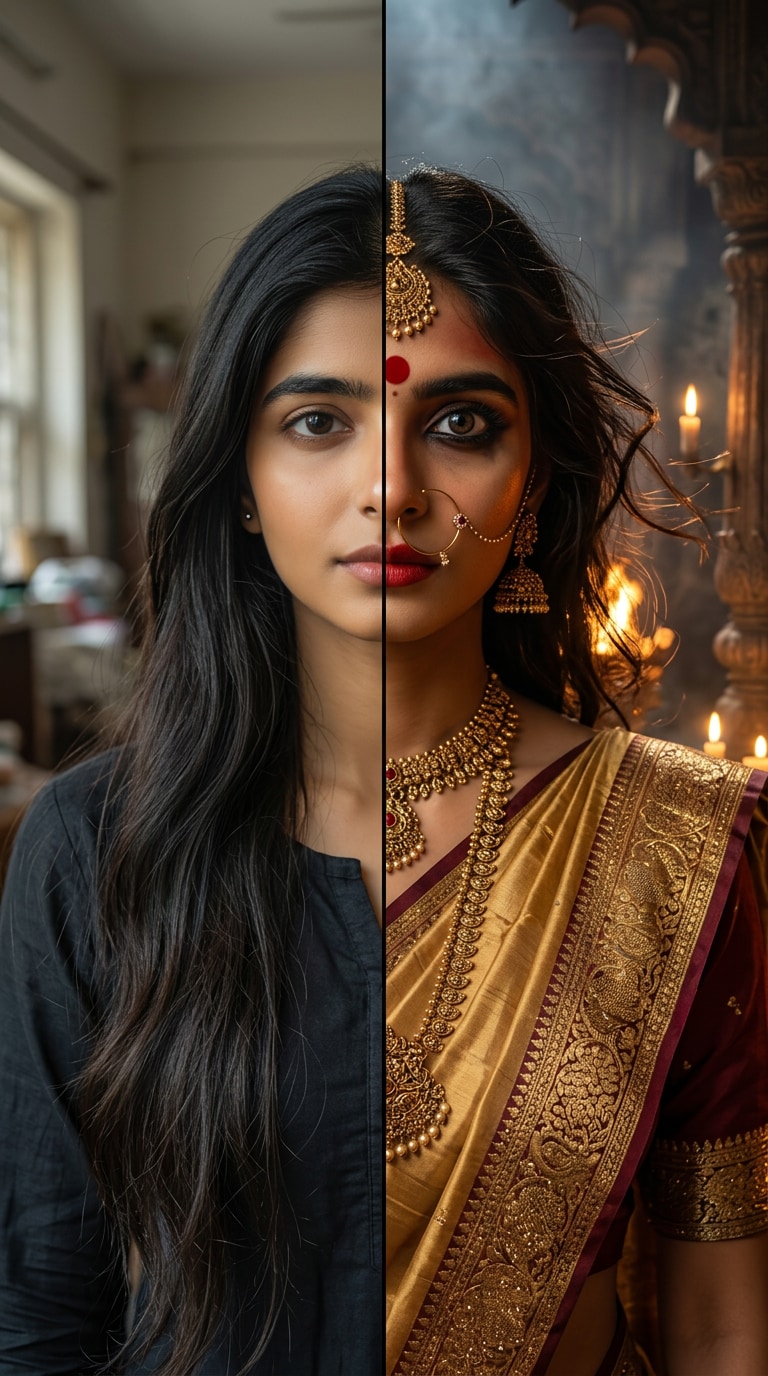
Before

Original portrait before Chandramukhi AI photo transformation

After · 3 Chandramukhi AI Looks

Chandramukhi AI photo transformation result 1
Chandramukhi AI photo transformation result 2
Chandramukhi AI photo transformation result 3

Why Create Chandramukhi AI Photos with Media.io?

Cinematic Chandramukhi Horror Looks

Create eerie expressions, shadowy palace interiors, flickering lamps, and dramatic Indian horror-film aesthetics. Choose subtle mystery or an intense supernatural appearance, with cinematic contrast that keeps the subject visible.

Traditional Saree & Royal Jewelry

Describe silk sarees, gold temple jewelry, bindis, jasmine flowers, and heritage architecture. Specify the fabric colors, jewelry shapes, and draping style to give the AI a coherent traditional look.

Keep Your Face Recognizable

Start with a clear reference image and ask the AI to retain facial structure, skin tone, and natural proportions while changing the outfit, lighting, and background. Review each generated portrait for identity drift.

Animate Your Horror Portrait

Take your generated Chandramukhi-inspired image into Media.io Image to Video. Add slow head turns, flowing hair, flickering firelight, and a piercing gaze for a dramatic vertical Reel. Motion depends on the selected model.

How to Make Chandramukhi AI Photos in 3 Steps

01

Step 1: Upload Your Portrait

Open Media.io Image to Image and upload a sharp, front-facing photo. Choose a picture you own or have permission to edit. Even lighting and a clearly visible face make a stronger starting point.

02

Step 2: Add a Chandramukhi Prompt

Describe a silk saree, gold jewelry, an intense expression, and a candlelit palace. Specify warm golden or dramatic red lighting and ask the AI to preserve your original facial features and skin tone.

03

Step 3: Generate & Refine

Generate the image and inspect facial consistency, hands, saree draping, and jewelry. Adjust details if needed. For a cinematic Reel, use the finished image as a reference in Media.io Image to Video.

Chandramukhi Trend Prompts FAQs

What is the Chandramukhi AI trend?

The Chandramukhi AI trend is a photo and video transformation style inspired by the supernatural atmosphere and traditional Indian costumes associated with the Chandramukhi films. Creators use AI prompts for dramatic saree looks, intense expressions, flowing hair, and cinematic lighting. These are creative interpretations, not official movie scenes.

How can I make a Chandramukhi AI photo using my own face?

Upload a clear photo to Media.io Image to Image. Enter a prompt describing a silk saree, traditional gold jewelry, dramatic eye makeup, and a haunted palace background. Ask the AI to preserve your original face and skin tone. Generate, review, and refine if the result changes your identity.

Can I use Chandramukhi trend prompts with Gemini?

Yes. You can adapt Chandramukhi trend prompts for Gemini workflows that support reference images and text-guided editing. Features and results depend on the model. Media.io Image to Image is another option for creating the portrait before optionally animating it.

What makes a Chandramukhi horror portrait look realistic?

Use a sharp reference photo and describe authentic saree draping, natural skin texture, consistent jewelry, directional candlelight, and expressive eyes. Avoid too many transformations in one prompt. Inspect facial proportions, hands, and accessories before sharing.

Can I turn a Chandramukhi AI photo into an Instagram Reel?

Yes. Upload your generated portrait to Media.io Image to Video, then request a slow head turn, moving hair, flickering lamps, or a subtle expression change. Select vertical output when supported, use audio you have permission to share, and review the animation for visual artifacts.