

AI PPT to Video Generator - Convert PowerPoint to Video Online
Turn your PowerPoint presentation into a 5-30 second AI video for a product launch, social post, or sales introduction. Start with one PPT, add relevant photos, video clips, and audio, then choose the resolution and aspect ratio for your audience. Give one useful idea a new format without rebuilding the entire presentation.
5-30 second videos. Choose your resolution and aspect ratio.
What Is Media.io PPT to Video?
Media.io is an AI PPT to video generator for creating 5-30 second clips from presentation material. Upload one PPT and bring relevant supporting media: up to 10 photos, 5 video clips, and 5 audio files. Use your deck as the starting point for a product introduction, social video, or pitch preview. Keep the full presentation for detailed explanations and let the short video introduce the one idea you want viewers to remember.
Turn Presentations into Promos, Social Posts, and Pitch Previews
Choose the idea you want viewers to take away, then build a short introduction around it. Your full deck can remain the place for supporting detail.
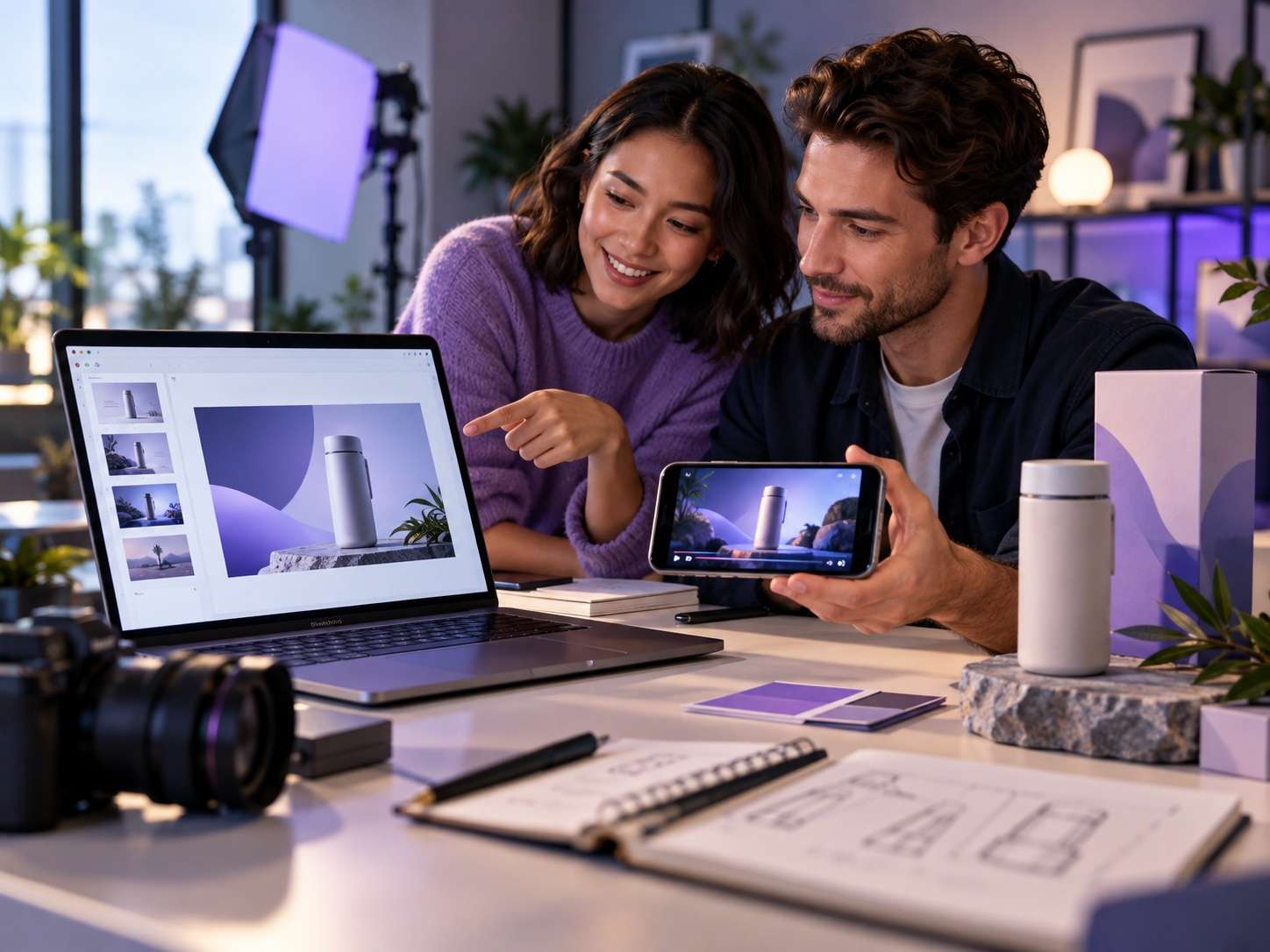
Product Launch Videos
Create a product presentation video that introduces one benefit or use case. Start with a launch deck and relevant product materials, then give viewers a reason to explore the full offering. Keep detailed specifications in the presentation.
Product launches · Feature teasers
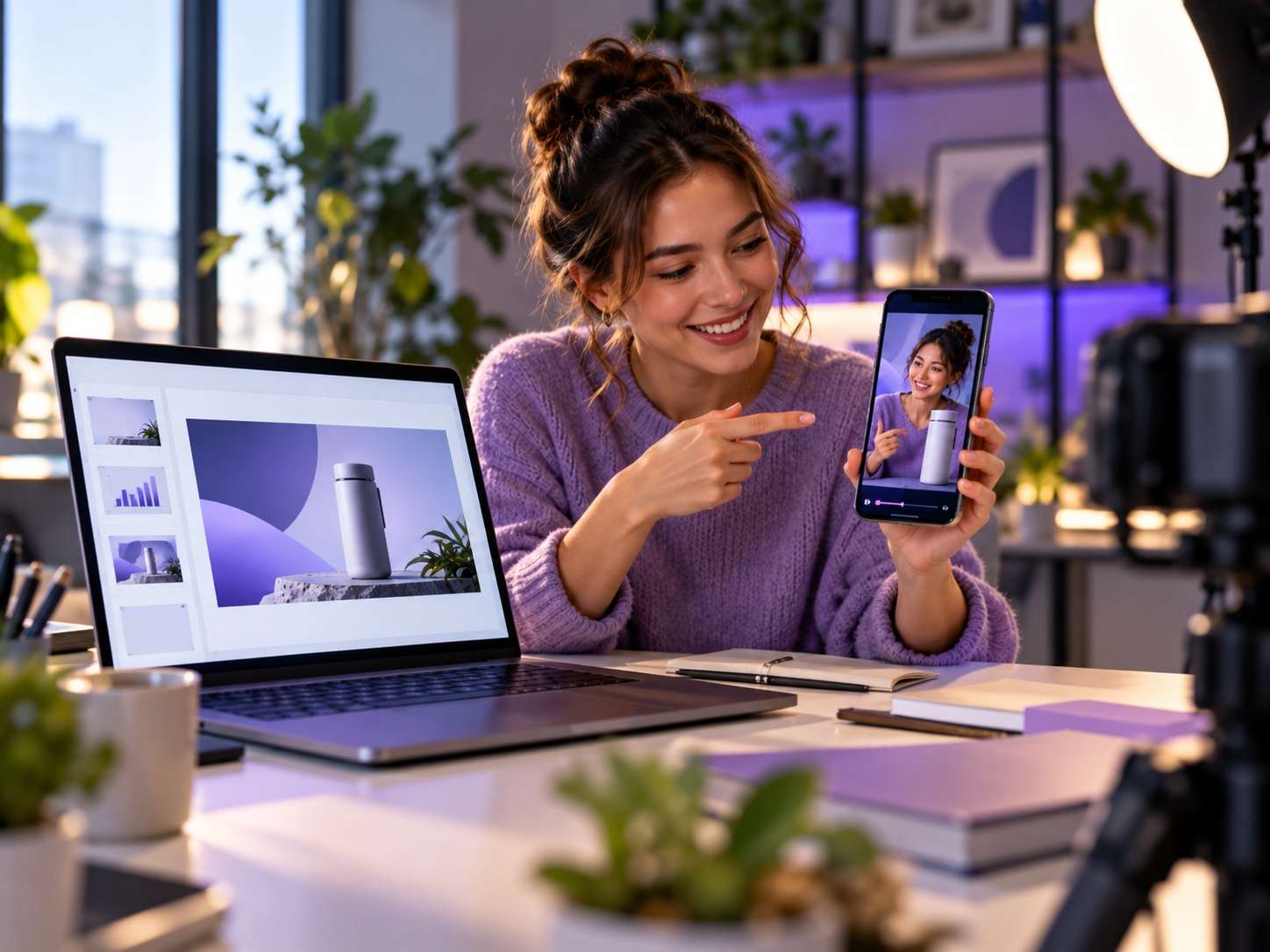
Social Media Clips
Turn a PowerPoint into a short video around a single useful takeaway. For a webinar or research deck, focus on one question and the point that answers it. Use the clip to invite viewers to the complete presentation.
Webinar highlights · Presentation insights
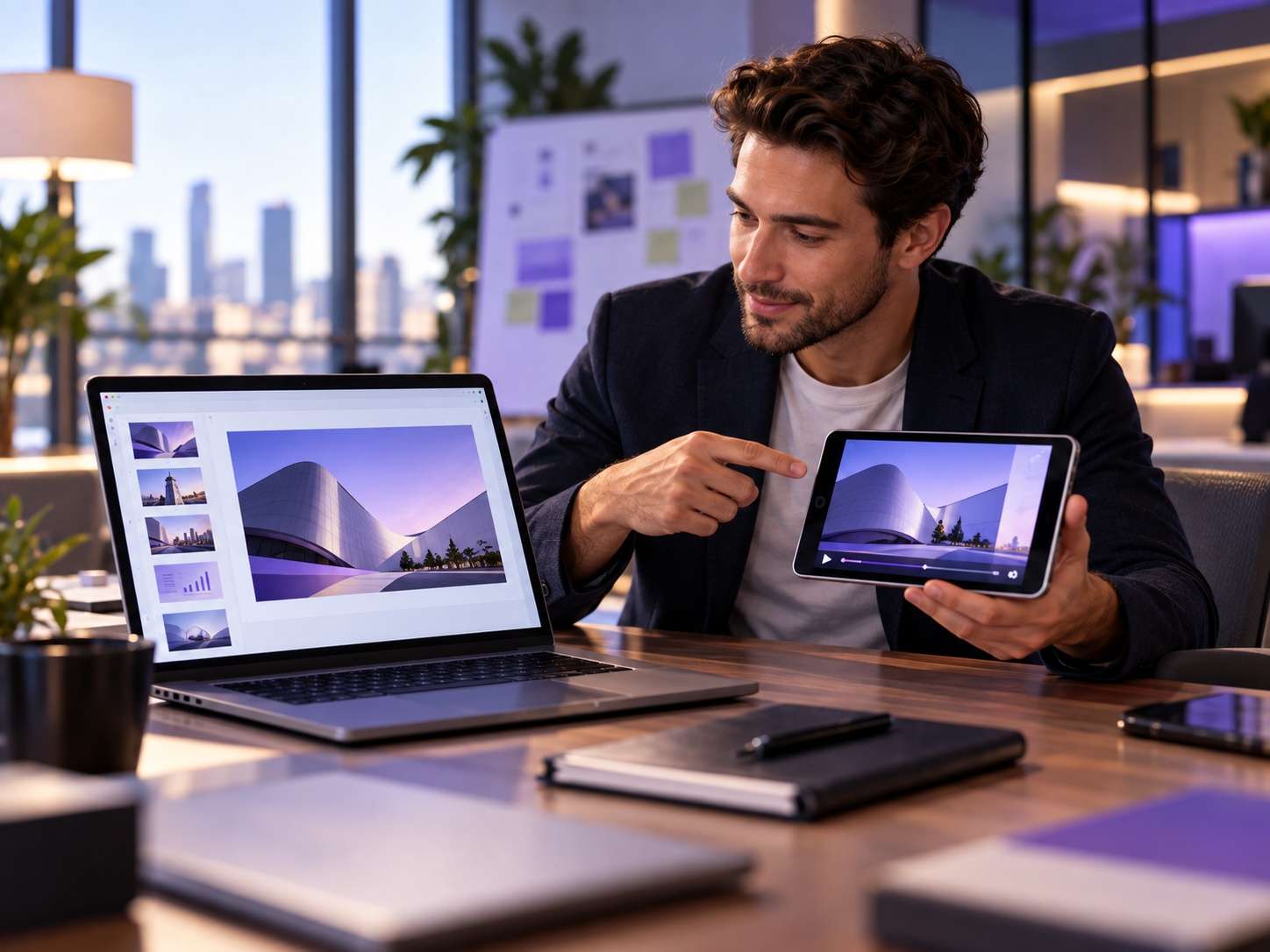
Pitch Deck Previews
Use a pitch deck video to introduce who your product helps and what it addresses. Share a brief preview alongside your sales material, while keeping supporting evidence, financials, and detailed proposals in the complete deck.
Sales introductions · Business pitches
Course Teasers
Introduce a lesson topic and who the course is for. Plan a short preview that helps prospective learners understand what they will explore, rather than trying to fit an entire lesson into a 30-second clip.
Course introductions · Lesson previews
How to Convert PPT to Video Online in 3 Steps
Begin with your presentation, choose the output settings, and review the video before sharing it.
Upload Your Presentation
Start with one PPT file and decide which single idea the video should communicate. Add relevant supporting materials within the upload limits: up to 10 photos, 5 video clips, and 5 audio files. You do not need to fill every upload slot.
Choose Your Video Settings
Choose a duration from 5 to 30 seconds and select 480p, 720p, or 1080p. Aspect ratios include Auto, 16:9, 9:16, 4:3, 3:4, and 1:1. Decide whether your video needs a horizontal, vertical, or square composition before generating.
Generate and Review Your Video
Generate your video, then review it against the message you planned. Check names, figures, product appearance, visible text, and audio. Share the complete deck alongside the clip whenever viewers need exact wording, supporting evidence, or a more detailed explanation.
AI Short-Video Creation or
Full Presentation Export?
Not every PPT to video converter solves the same problem. Choose between a short clip that introduces one idea and a video that plays your prepared presentation.
FAQs on AI PPT to Video
Can I convert a full presentation into a video longer than 30 seconds?
This workflow creates videos from 5 to 30 seconds long. Plan a short introduction, a single-topic clip, or a teaser rather than a complete lesson or extended sales presentation. For full-deck playback, use a presentation-export workflow instead.
Can I add my own photos, video clips, and audio files?
Yes. The upload limits are one PPT file, up to 10 photos, up to 5 video clips, and up to 5 audio files. Choose material relevant to the short video you are planning. These allowances describe the input categories; you do not need to fill every slot.
Which video resolutions and aspect ratios can I choose?
The available resolutions are 480p, 720p, and 1080p. Aspect-ratio options are Auto, 16:9, 9:16, 4:3, 3:4, and 1:1. Choose a fixed ratio when you need a specific horizontal, vertical, or square shape, then review the result at the size your audience will see it.
Will my original layouts, animations, and speaker notes be preserved?
Do not assume that short AI video generation reproduces a deck slide for slide. Review important text, figures, product details, and audio in the result. When the original slide sequence and recorded timings or narration are essential, consider PowerPoint's video-export options.
Is Media.io a free online PPT to video converter?
Check Media.io's current plans and confirm whether any trial or credit allowance covers this PPT workflow before generating. Do not assume that every resolution or download option is free. Verify the conditions for the video you plan to make, including any watermark or credit requirements.
Explore Related Video Workflows
Starting with a written script rather than a PPT? Explore Script to Video. For broader presentation ideas or a business introduction, take a look at Video Presentation Maker and Pitch Maker.

Your Presentation Has a Purpose.
Give It a Short-Video Format.
Choose one message from your deck, gather relevant materials, and create a 5-30 second video for a product launch, social post, or sales introduction.
 5-30 seconds · Up to 1080p