
AI Novel to Video Generator for Scripts, Threads, and Chapters
Authors, fiction channels, and educators can use Media.io's AI Novel to Video Generator to adapt detailed chapters, scene drafts, or manuscript excerpts into cinematic story videos. Start with structured prose, review the extracted outline, guide characters and visual style, then generate a narrated video with storyboard images you can inspect before publishing.
Shape Your Manuscript into Watchable Story Scenes
Use a workflow built for chapters, characters, plot beats, and creator-ready video adaptation.
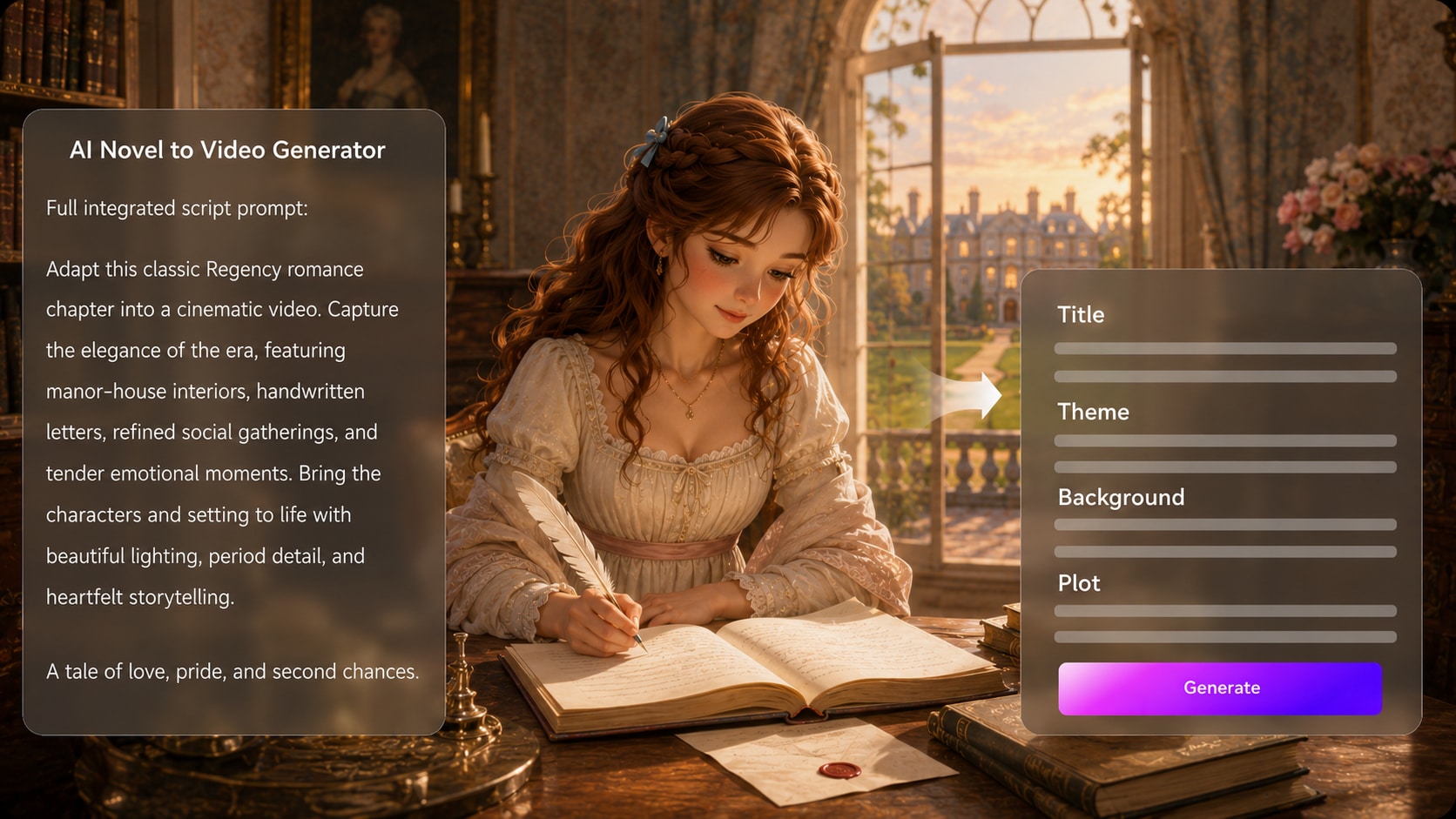
Turn Chapters into Scene-Ready Story Outlines
Start with a detailed chapter excerpt, narration draft, or structured fiction script. It also fits AI script to video generator workflows when the audience expects topic-specific scenes.
- Chapter Input - Paste detailed prose, scene notes, or adapted dialogue
- Outline Review - Refine title, theme, background, plot, and cast
- Format Direction - Choose available video format, style, and visual setup
- Story Focus - Keep key beats visible before generating scenes
Keep Your Cast Recognizable from Page to Screen
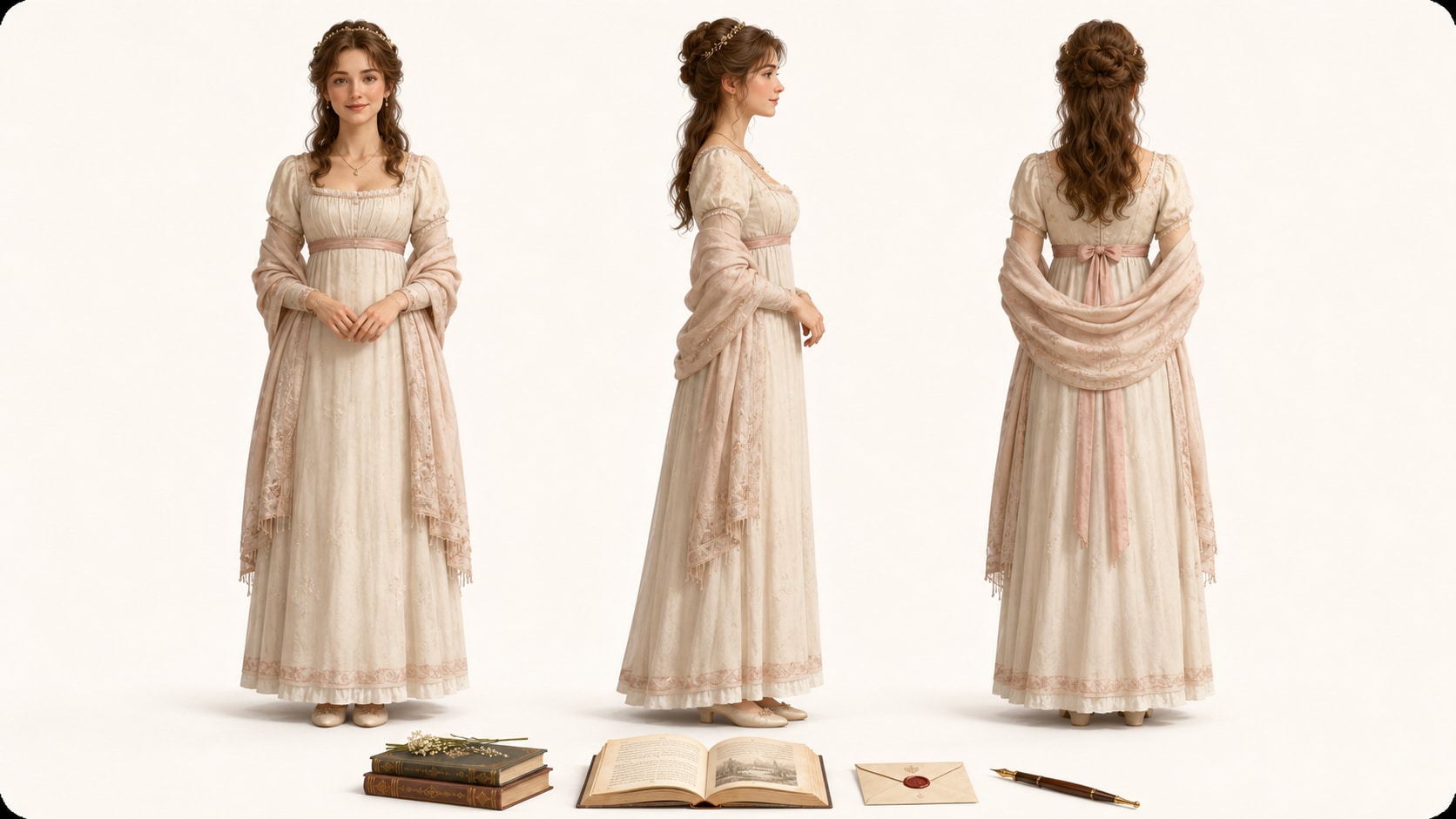
Guide protagonists, side characters, narrators, or symbolic figures with text descriptions, real photos, or sketches. Use it for storyboard video maker ideas without adding another editing step.
- Text Characters - Describe appearance, role, mood, and personality
- Photo References - Use real images when a grounded look matters
- Sketch Guidance - Turn concept art into character direction
- Recurring Cast Feel - Support recognizable characters across the story
Direct Preview the Visual Flow Before the Final Video
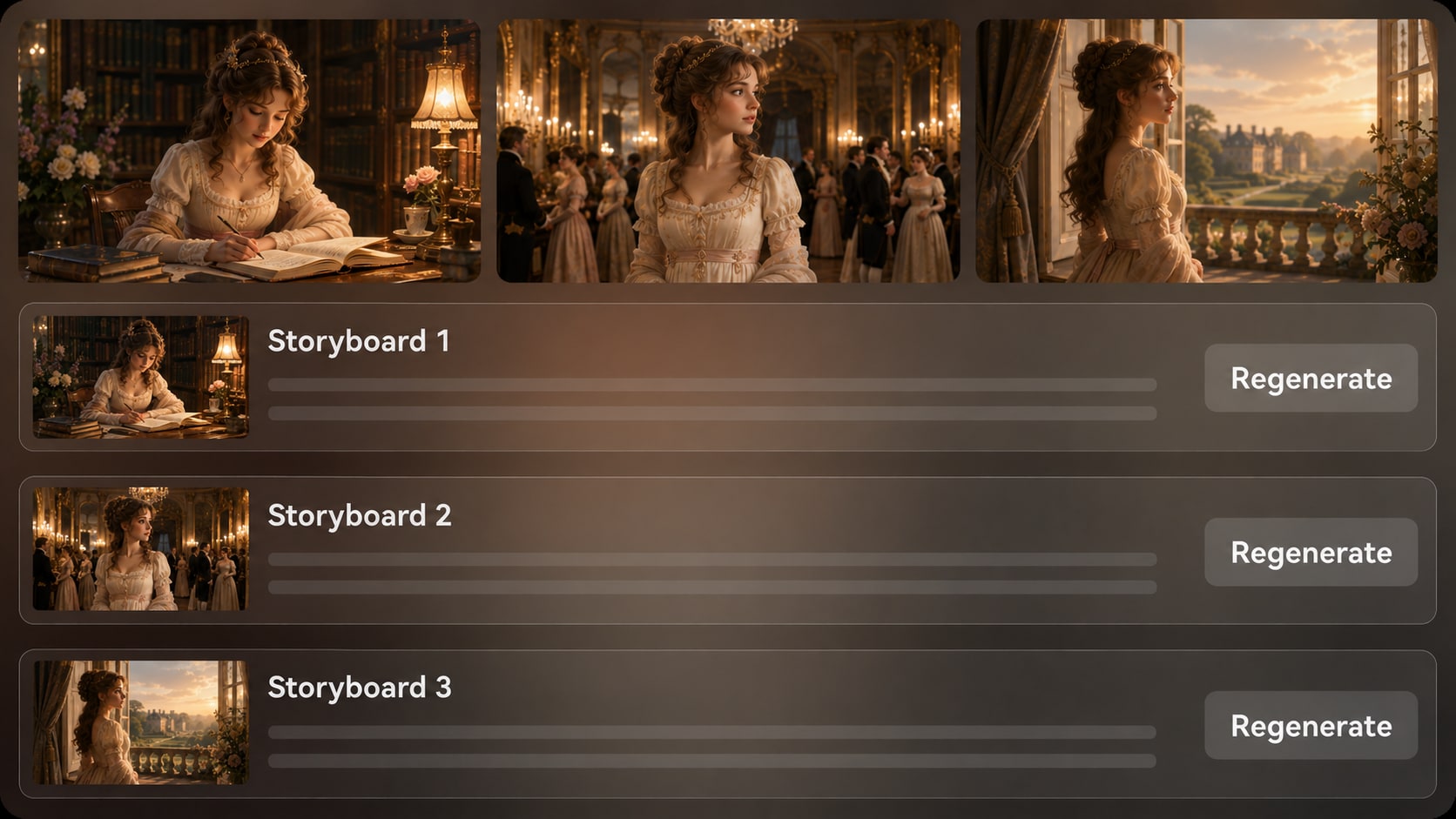
Review generated storyboard images after the outline stage and check whether the setting, mood, and plot beats match your scene.
- Storyboard Images - See scene direction before final generation
- Shot Check - Catch mismatched mood, setting, or character framing
- Regenerate Option - Refresh an unsatisfying storyboard image
- Continuity Review - Judge the chapter flow before producing video
Match Narration, Music, and Pacing to the Story
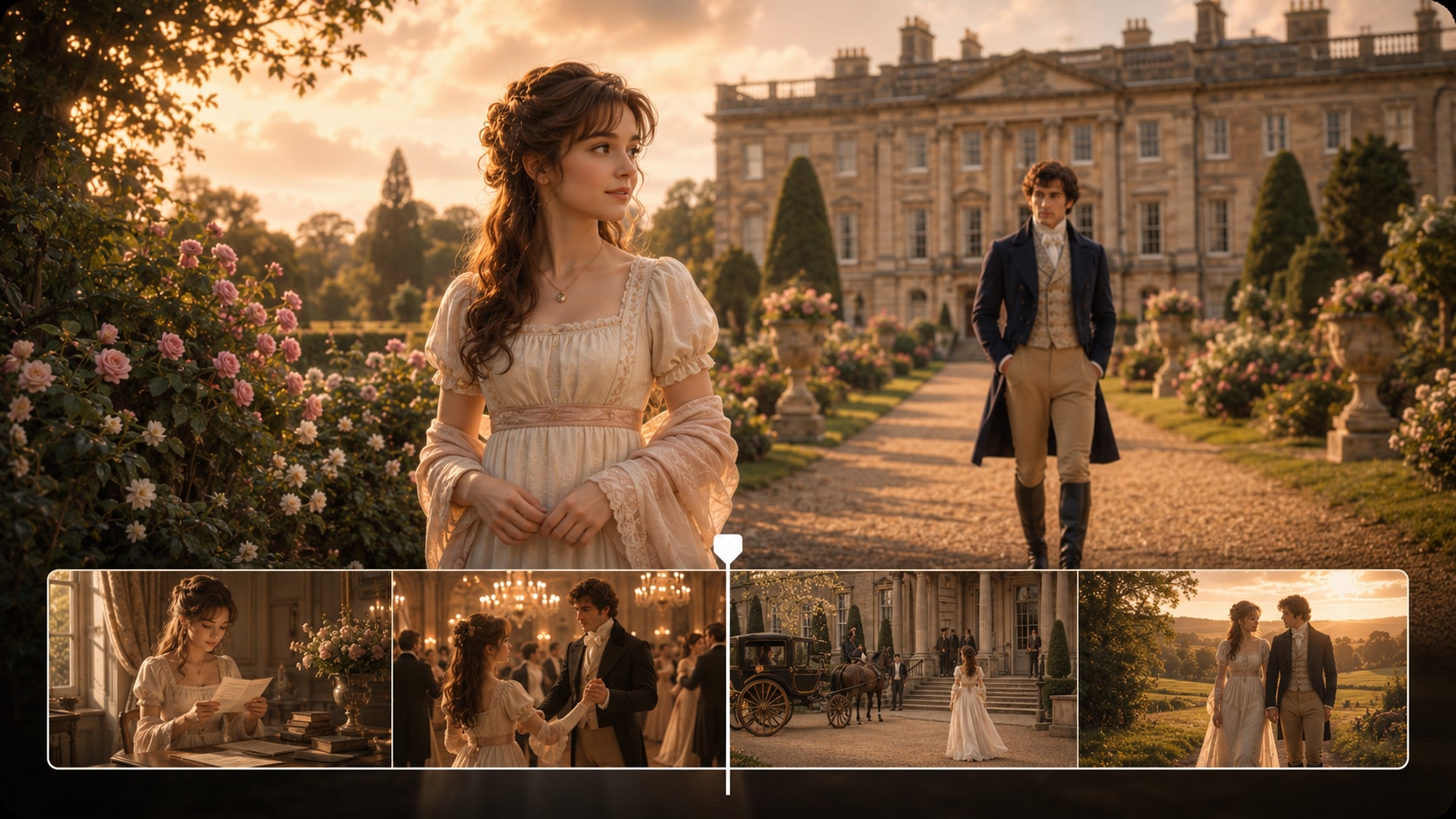
Create a final video where voiceover and music can be based on the script, helping dialogue, narration, reveals, and emotional turns land with the right rhythm.
- Script-Based Voiceover - Support narration that follows the written scene
- Music Direction - Reinforce suspense, wonder, romance, or reflection
- Creator Pacing - Shape videos for teasers, episodes, lessons, or pitches
- Post-Generation Polish - Refine the finished result with Media.io tools
How to Turn a Novel into a Story Video?
Move from written chapter to visual story without skipping the planning stage.

Paste the Story
Provide a detailed script, chapter excerpt, or structured story input. Review and edit the extracted outline fields, including title, theme, setting / background, story plot, and characters, then choose an aspect ratio such as 9:16, 1:1, or 16:9 during setup.

Guide the Scenes
Set the available style and visual direction, then prepare characters from text, photos, or sketches when needed. Review the generated storyboard images to see how the chapter is being translated into visual moments.

Generate and Polish
Generate the final story video with voiceover and music based on the script. If a specific storyboard image is unsatisfying before generation, regenerate that image; after the video is ready, review it and polish with Media.io tools such as Enhance Video Quality when needed.
Why This AI Novel to Video Generator Fits Long-Form Storytelling
Novel adaptation needs outline control, character guidance, and scene review, not only a fast prompt-to-video box.
Create Novel Videos for Every Storytelling Goal

Novelists and Authors
Create book teasers, chapter previews, and visual pitch materials from manuscript excerpts without learning a full editing suite.

YouTube Story Creators
Turn serialized fiction, narration scripts, and chapter summaries into story episodes with visual scenes and script-based audio.

TikTok and Reels Creators
Adapt dramatic moments, cliffhangers, and character reveals into short vertical story clips that can introduce a larger novel world.

Educators and Literature Teachers
Visualize passages, settings, and character relationships to make fiction analysis clearer for classroom discussion.
See More Story Video Examples
Explore how different story genres can move from script, narration, or chapter notes into shareable video formats.
Loved by Novel and Story Creators
Writers and video makers use the workflow to plan scenes before committing to a full story video.


"The outline step helped me see which parts of my chapter would actually work on screen before I generated the video."

"I paste my narration draft, review the plot beats, and get a visual flow that fits my story channel much better than random clips."

"For launch teasers, the character guidance and storyboard preview make it easier to keep the author's world recognizable."

"It gives my students a visual way to discuss setting, character motivation, and mood without replacing the reading."

"I like that it works from a detailed scene, not just a prompt. The result feels closer to my script."

"The storyboard images are useful for checking tone and composition before I share a concept with collaborators."
FAQs on AI Novel to Video Generator
What Is an AI Novel to Video Generator?
An AI novel to video generator helps convert detailed novel excerpts, chapter scripts, or structured fiction input into a scene-based video. Media.io supports outline extraction, character guidance, storyboard image review, and final video generation with script-based voiceover and music.
Can I Turn a Full Novel Chapter into a Video?
You can start with a detailed chapter excerpt, adapted script, or structured summary. For best results, focus on a clear scene or sequence with setting, character actions, dialogue, and the main plot beats you want the video to show.
Can the Video Include Voiceover and Music from My Script?
Yes. The final generated video can include voiceover and music based on the script, which helps narration, dialogue, emotional turns, and scene pacing follow your written material.
How Should I Write a Novel Script for Better Video Results?
Write in clear scenes. Include the setting, time of day, character descriptions, key actions, dialogue, tone, and camera-like moments such as entrances, reveals, or transitions. A structured script usually works better than a vague one-line idea.
What Mistakes Should I Avoid When Adapting a Novel to Video?
Avoid pasting loose plot summaries with no scene detail, too many characters at once, unclear setting changes, or long internal thoughts with no visible action. Convert inner narration into visual beats, dialogue, or concise voiceover cues.
Can I Keep Novel Characters Recognizable in the Video?
Media.io can generate character guidance from text descriptions, real photos, or sketches to help characters feel recognizable. It is best to provide clear appearance, role, personality, and costume details rather than expecting perfect clear character guidance.
Can I Make Novel Videos for YouTube, TikTok, or Book Promotion?
Yes. During setup, you can choose an aspect ratio such as 9:16, 1:1, or 16:9 depending on your publishing plan. Novel videos can support YouTube story episodes, TikTok excerpts, Reels, author pages, and book launch campaigns.
Can I review the storyboard for a Novel Video?
The extracted story outline is editable before storyboard generation. The storyboard images themselves are not manually editable, but if a specific storyboard image is unsatisfying, you can regenerate that image and review the visual direction again.
Why Use Media.io Instead of a Generic Text-to-Video Tool for Novels?
Novel adaptation needs structure. Media.io helps writers move from detailed story input to an editable outline, guided characters, storyboard images, and a narrated final video, which gives long-form fiction a clearer path to watchable scenes.
Explore More Ways to Adapt Scripts into Videos
Try adjacent AI Script to Video workflows for stories, lessons, brand narratives, and creator formats when your novel project needs a different angle or audience.















Adapt Your Novel
Into a Cinematic Story Video
Paste a detailed scene, guide the outline and characters, then generate a video version your readers can watch.
 4.8 (281 Votes)